


I spent months testing every Airtable alternative I could get my hands on. Here are 8 that provide a simpler setup, specialized use cases, or stronger client-facing features.
Update in August 2026: Airtable is being acquired by Bending Spoons in a $1.285 billion all-cash deal. Bending Spoons is a private equity firm that buys established software and runs it for profit, which often means higher prices and slower product updates. If you've been on the fence about Airtable, now's a good time to know your options.
8 best Airtable alternatives: At a glance
If you need a quick answer, here is the rundown of the top contenders and what they’re great for:
1. Zite: Best overall for building business apps
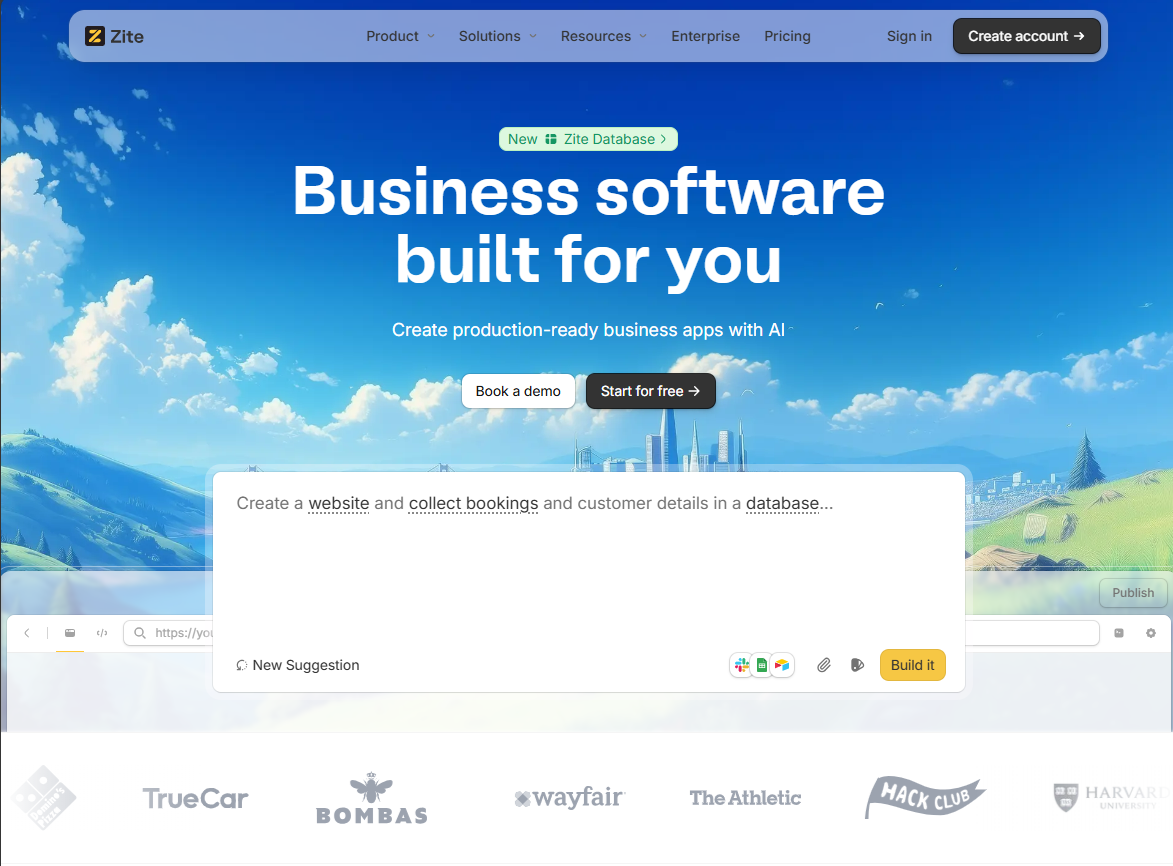
Zite is an AI-powered no-code platform for teams that need standalone internal tools and client portals that aren’t locked into Airtable’s ecosystem.
Airtable already has an interface designer for creating lightweight apps and dashboards on top of your bases. But those interfaces only pull from Airtable bases. You can sync external data in, but it has to live in Airtable first. They also don't support native user authentication, and you’ll have to use the Blocks SDK (JavaScript) to customize beyond default layouts.
Zite doesn’t have these limitations.
You describe the app you want in plain English, and it instantly generates the data schema, builds the pages and workflow logic, and handles authentication. Customizing the generated UI is easy with prompts, code, or the visual editor.
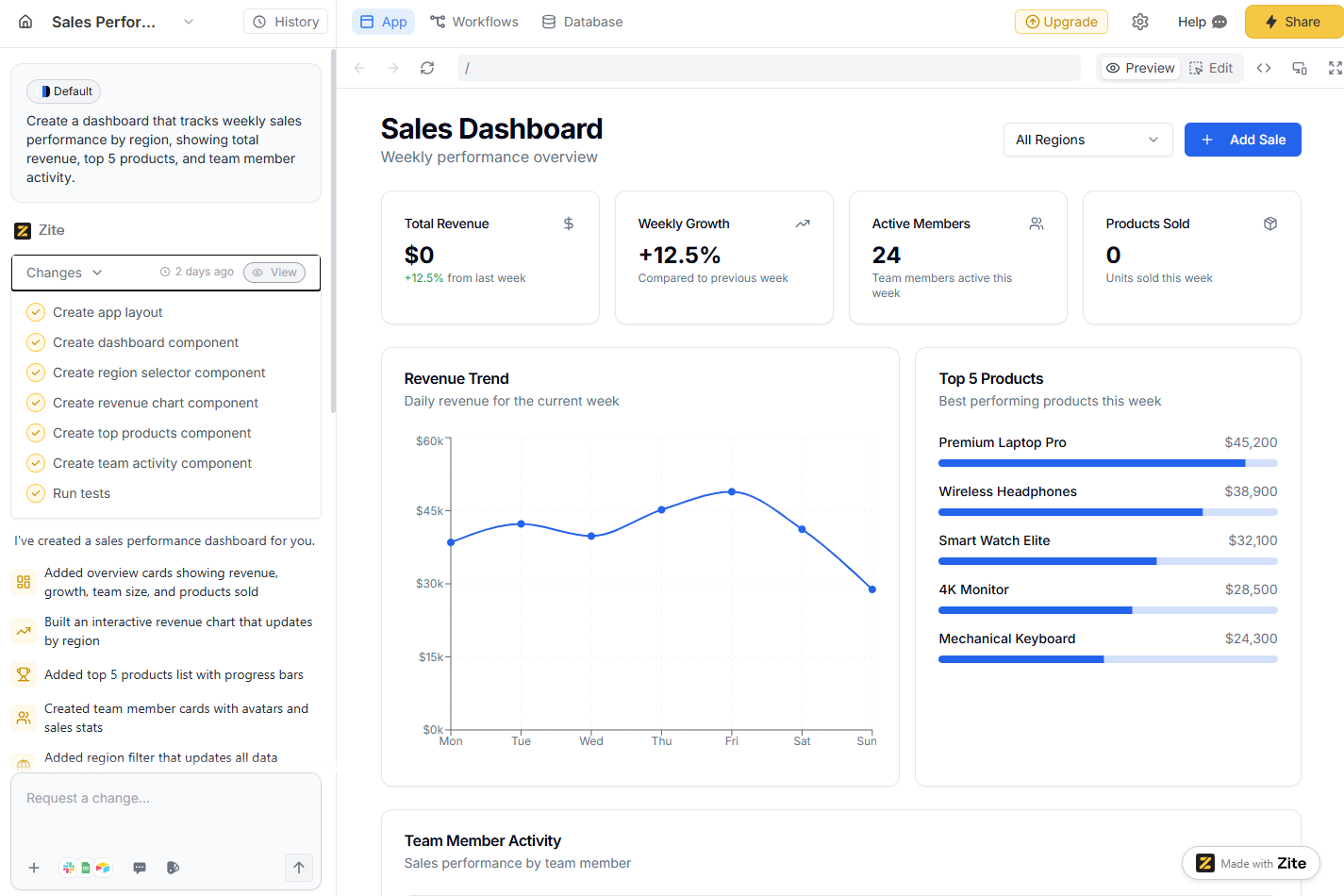
It also has a built-in database, so you don’t have to manage a backend. However, if your data already lives in Airtable, connect to it directly and use Zite as the app layer.
Where it beats Airtable
- UI customization options: Airtable's Interface Designer is functional but basic. For sophisticated customization, you'd need to build extensions using Airtable's Blocks SDK, which requires JavaScript and React. With Zite, once AI generates the code, you can edit elements directly on the page, use more prompts, or tweak the source code.
- Production-ready apps: Airtable apps are great for internal views, but lack the infrastructure for client-facing apps. Zite includes built-in user authentication, granular permissions, secure hosting, SOC 2 Type 2 compliance, SSO, and audit logs.
- Built-in database with zero setup: Zite handles schema creation and data storage automatically. You don’t need to manage a separate backend or build every data relationship manually.
Pros
- Generates apps quickly from natural language prompts.
- Edit AI-generated apps visually, with follow-up prompts, or directly in the source code.
- Integrates with your existing tools, including Airtable, Google Sheets, and Slack.
- Built-in database that auto-generates your schema, no external DB needed.
- It’s SOC 2 Type 2 compliant with support for SSO and audit logs.
- No per-seat pricing and unlimited apps on all plans, including free.
Cons
- Smaller community compared to Airtable.
- No code export. You have to host on Zite.
Pricing
The free plan includes unlimited apps and users but caps AI credits at 50/month. The app’s plan starts at $19/month for 100 credits, adds a custom domain, and lets you remove Zite branding. Zite consumes credits when you send AI messages to build or modify apps. Usage varies by request complexity. For context, a single prompt for a sales dashboard consumed 2 credits.
Bottom line
Choose Zite if you're building business applications (customer portals, employee tools, client dashboards) and want faster setup with AI.
2. Zapier: Best for automation-first workflows
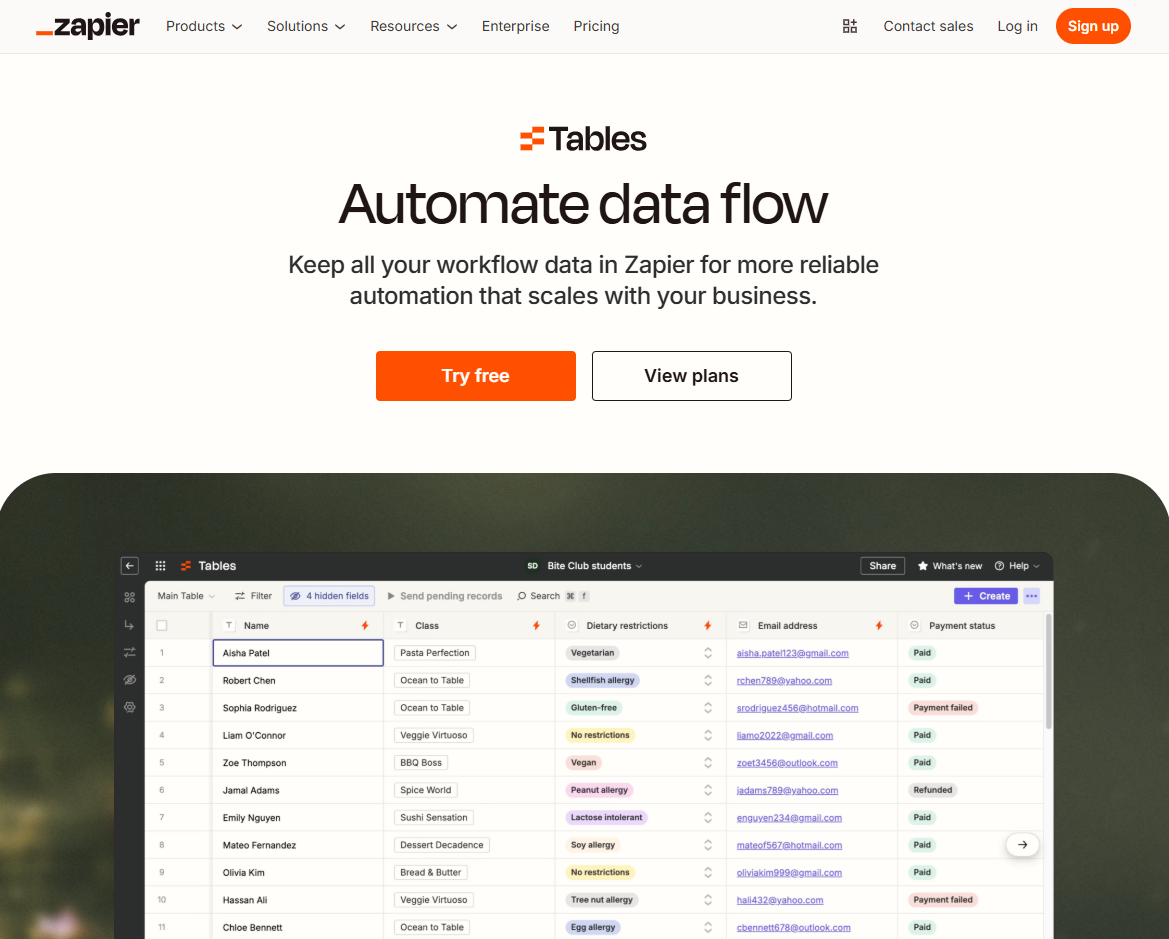
You probably know Zapier as an automation platform, but it recently rolled out Zapier Tables, which is a built-in database designed specifically for workflow automation.
I tried it by spinning up a small database to collect form inputs, then used Zaps to push that data into Google Sheets, send updates to Slack, and build a simple interface to review or edit records. All of it happened inside Zapier’s ecosystem.
Where it beats Airtable
- Native automation without third-party tools: Your database is already inside your automation platform. That’s one less tool to manage.
- 8,000+ app connections built in: Every Zapier integration works directly with Tables. You don’t need to set up APIs or webhooks.
- Actions don't count toward task limits: Creating or updating records in Tables doesn't count toward Zapier's task usage limit. With Airtable, every automation action counts as a task.
Pros
- It integrates with existing Zapier workflows.
- Its interface is focused on automation use cases.
- The setup is fast for data collection workflows.
Cons
- It lacks the rich views, like Kanban and calendar, that Airtable offers.
- It has no true real-time multi-user collaboration or commenting like Airtable.
Pricing
Zapier has a free plan for 100 tasks/month. Paid plans start at $19.99/month for 750 tasks with tables included across all tiers.
Bottom line
If your workflow lives in Zapier already, Tables makes sense. Your data sits right where your automations run.
3. NocoDB: Best open source alternative
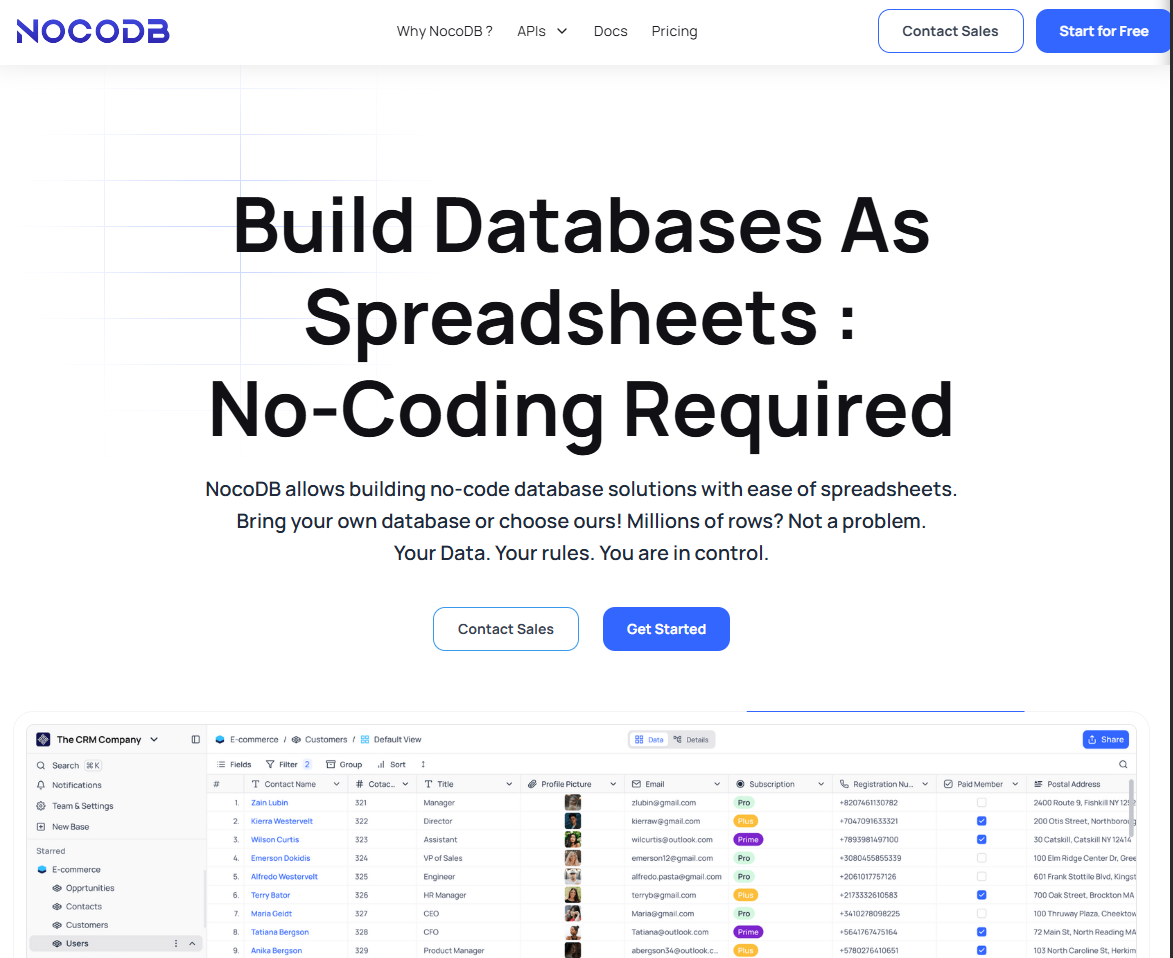
NocoDB turns any MySQL, PostgreSQL, or SQL Server database into a smart spreadsheet interface. I set it up on a DigitalOcean droplet and connected it to a MySQL database.
I instantly got an Airtable-style UI where I could create tables, link records, and create different views like grid, gallery, and Kanban. The experience felt very similar to Airtable’s base editor.
Where it beats Airtable
- Complete data ownership: Your database lives on your infrastructure, not Airtable's servers. It’s ideal for compliance-heavy industries or teams with strict data policies.
- No per-seat pricing: Self-host for free with unlimited users. The cost is server hosting, not per-user fees that scale with your team.
- SQL database underneath: Unlike Airtable's proprietary structure, you can access your data with standard SQL queries.
Pros
- Free and open source with thousands of contributors on GitHub.
- Your information stays in your database. NocoDB is just a layer on top.
- You’re only limited by that database’s capacity since data is stored in your own SQL DB.
Cons
- It requires technical setup.
- It has no AI features like Airtable's Omni or Field Agents.
Pricing
NocoDB is freely available for self-hosting. Cloud hosting starts at $12/seat/month or $108/month for unlimited seats billed annually.
Bottom line
NocoDB is a good alternative if you want to keep your data in-network for compliance reasons.
4. Retool: Best for technical teams building internal tools
Retool is a low-code development platform built for engineers who want to spin up internal tools fast. I’ve used it in the past to build admin panels and dashboards, and it’s always impressed me with how quickly you can get something production-grade.
You can store data in its built-in database, or connect directly to your existing data sources from Postgres, MySQL, MongoDB, REST APIs, GraphQL, and SaaS tools.
Retool also added AI features recently to help generate full app layouts, similar to Airtable’s Omni.
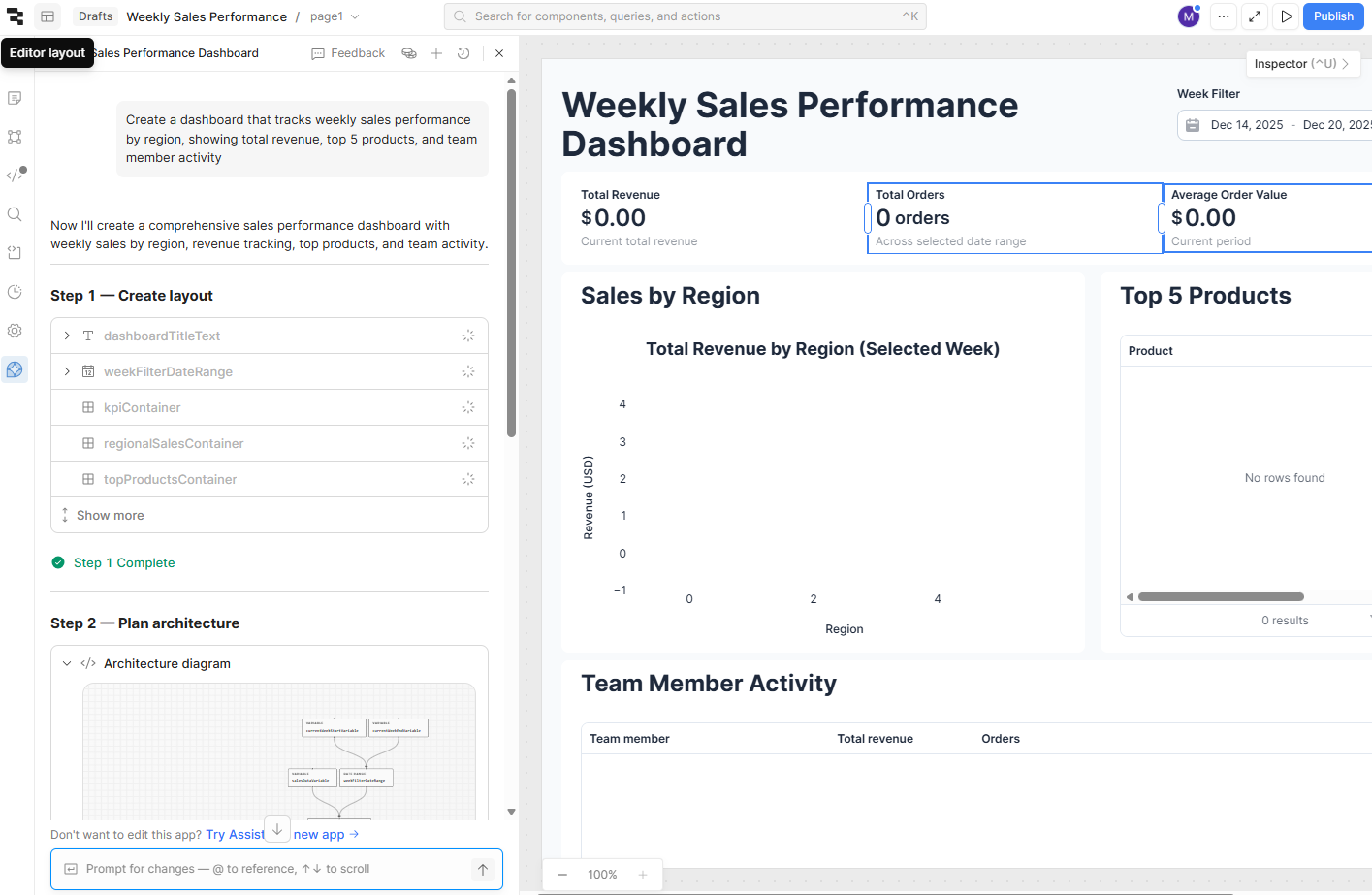
Where it beats Airtable
- Developer-centric features: Write JavaScript inside your app. Airtable's formula language feels limited once workflows get complex.
- A large component and component library: Charts, tables, forms, and custom components that look and behave like production software.
- Direct database connections: Query your PostgreSQL, MySQL, or MongoDB directly without importing data into a separate tool.
Pros
- Retool supports building web apps, mobile apps, and agents.
- It has dozens of built-in connectors for databases, APIs, and cloud services.
- It has a self-hosting option.
Cons
- Steep learning curve for non-developers.
- Overkill if you just need CRUD apps on top of your data.
- Pricing scales quickly since it charges for both builders and end-users.
Pricing
Retool has a free tier for up to 5 users. The Team plan is $10/user/month for builders and $5 per end user.
Bottom line
Retool is the best Airtable alternative for engineering and developer teams who need to build custom internal tools that integrate with multiple APIs or data sources.
5. Google Sheets: Best free alternative
Google Sheets handles basic data tracking without any cost. I’ve managed plenty of simple databases in Sheets, including project lists and content calendars. For straightforward, single-table data tracking, Google Sheets works great. It’s fast, familiar, and virtually anyone can use it without training.
Where it beats Airtable
- Zero cost: Google Sheets is free for personal use or as part of Google Workspace.
- No learning curve: Most people know how to use spreadsheets.
- Apps Script for automations: You can extend Sheets with custom functions. I built a script that auto-emails when sheet values change.
Pros
- It’s affordable and free for personal use.
- It has a familiar interface for all users.
- Multiple team members can edit simultaneously and you see their cursors live.
Cons
- No custom interface means anyone can accidentally break your formulas, structure, or data.
- No relational data or proper data types.
- Limited automation compared to Airtable, which has built-in triggers, integrations, and extensions.
Pricing
Google Sheets is free for individuals. If you’re using it under a business Google Workspace account, you’re paying $7/user/month for the whole suite (Sheets, Gmail, Drive, Docs, etc.).
Bottom line
Use Sheets for simple lists and collaboration. Upgrade to a proper database tool once you need relationships between tables.
6. Notion: Best for knowledge management
Notion is a widely popular all-in-one workspace known for note-taking and wikis, but it also includes database tables as one of its core features. I’ve used it extensively to manage knowledge bases, and along the way, I’ve built some lightweight databases in it.
A Notion database is essentially a collection of pages with structured fields called properties. Notion’s databases support relations (linking to other databases), roll-ups (calculations based on those relations), and multiple views, much like Airtable.
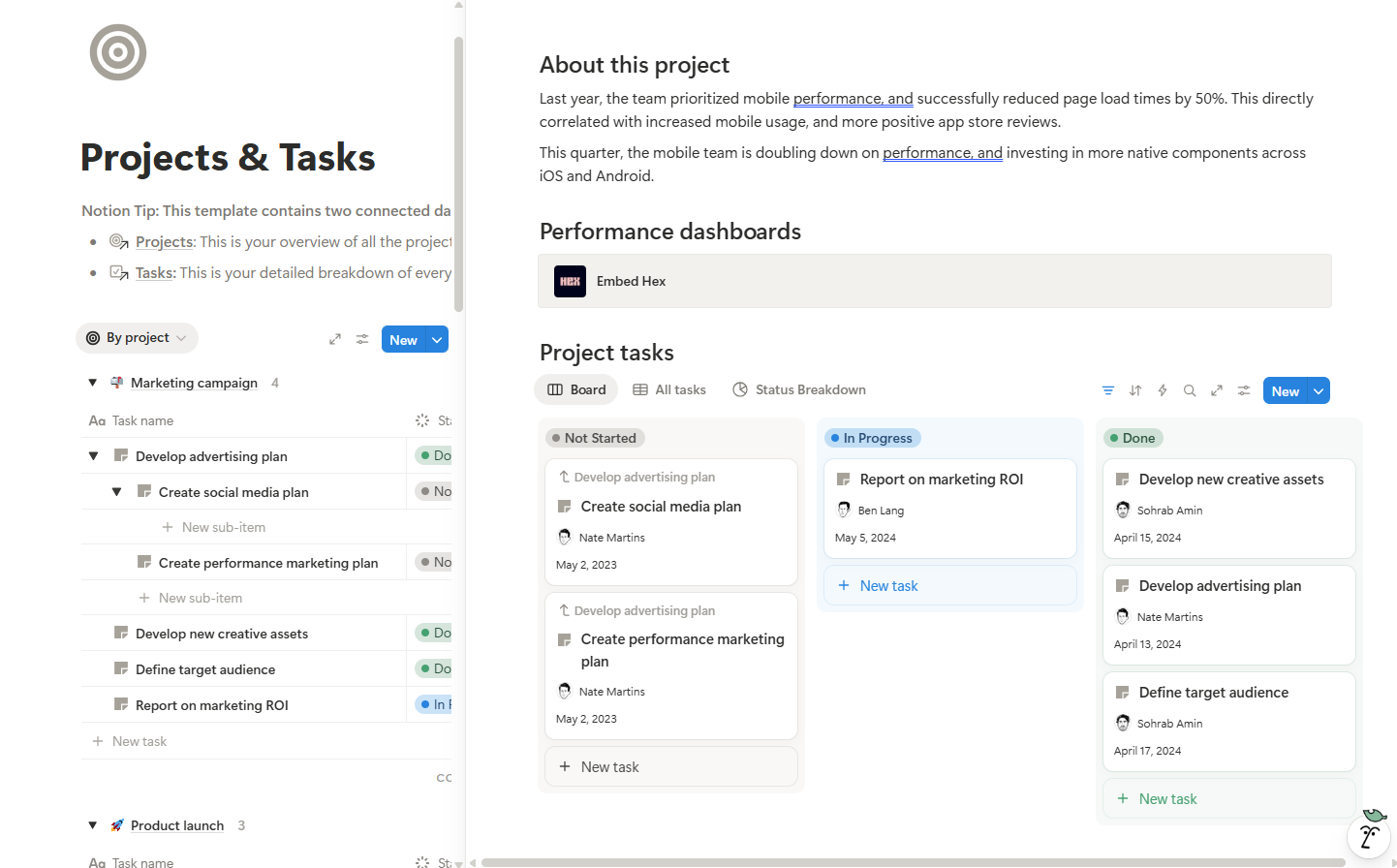
However, the UX is more oriented to writing and reading documents than purely interacting with rows of data.
Where it beats Airtable
- Great documentation experience: It offers rich text editing, nested pages, and knowledge organization features. In Airtable, documentation beyond field descriptions typically lives outside the base.
- Simple database views for non-technical teams: Gallery, calendar, and timeline views work great for light project tracking.
- All-in-one workspace: You get documents, databases, and wikis in one tool instead of jumping between Airtable and Google Docs.
Pros
- It is excellent for creating shared documents, meeting notes, and SOPs with rich text and embeds.
- It has an easier learning curve for non-technical users.
- It is highly customizable with templates and relationship features.
Cons
- Notion is a blank canvas, which means that without templates, it takes effort to design a good workspace.
- It lacks built-in project management features such as native time tracking, charts, and reporting.
- It mostly has page-level permissions. Airtable offers field-level restrictions.
Pricing
Notion has a free personal plan for unlimited databases and pages. The Team plan costs $10/member/month and supports custom forms, sites, and unlimited file uploads.
Bottom line
I recommend Notion to business and ops teams that are already keeping a lot of info in Word, Google Docs, and Excel. Notion can unify those into a single, searchable hub.
7. Monday.com: Best for project management
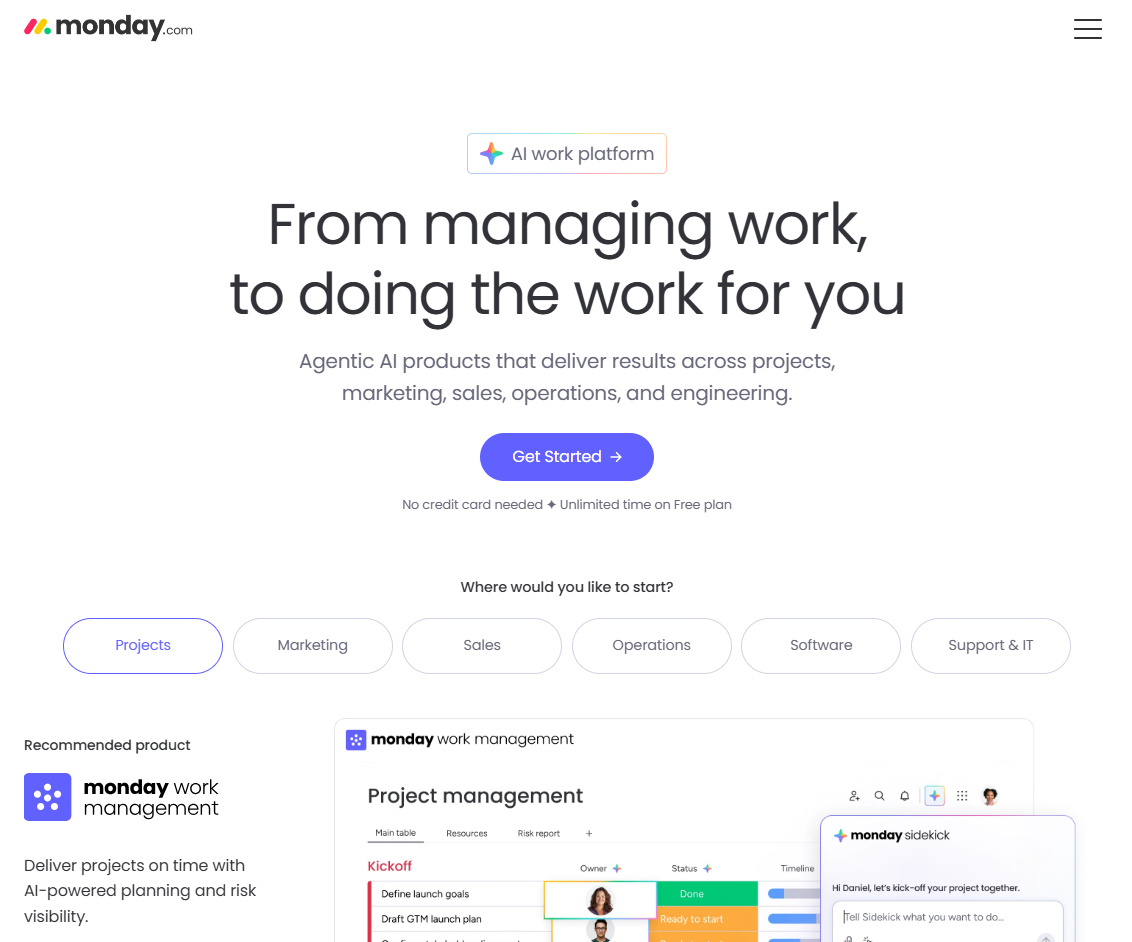
Monday.com focuses on visual project tracking. It provides flexible boards (tables) that you can use to track projects, tasks, and workflows. It also has tons of templates like content calendars, sales pipelines, and hiring pipelines.
Where it beats Airtable
- Visual project workflows: Timeline, Gantt, workload, and status boards are purpose-built for project and portfolio management. You get an out-of-the-box project operating system instead of designing your own from tables.
- Built for team collaboration: Comments, mentions, notifications, and dashboards are tuned for cross-functional updates.
- Pre-built templates for common workflows: Marketing campaigns, sales pipelines, and project plans work out of the box.
Pros
- Monday’s UI is friendly, with a lot of drag-and-drop reordering.
- Easy status tracking with color-coded updates.
- One-click automation recipes (if-this-then-that style) cover common project needs.
Cons
- It’s not suited for relational data modeling.
- It is specifically opinionated toward work and project management use cases.
Pricing
It’s free for up to 5 seats. Most teams land on Standard, which is $12/seat/month to unlock timelines, calendar/Gantt views, integrations, and higher automation limits.
Bottom line
Pick Monday if you are managing projects and want better visualization options than Airtable offers. It works great for task management, but less great as a pure database.
8. ClickUp: Best for a centralized workspace
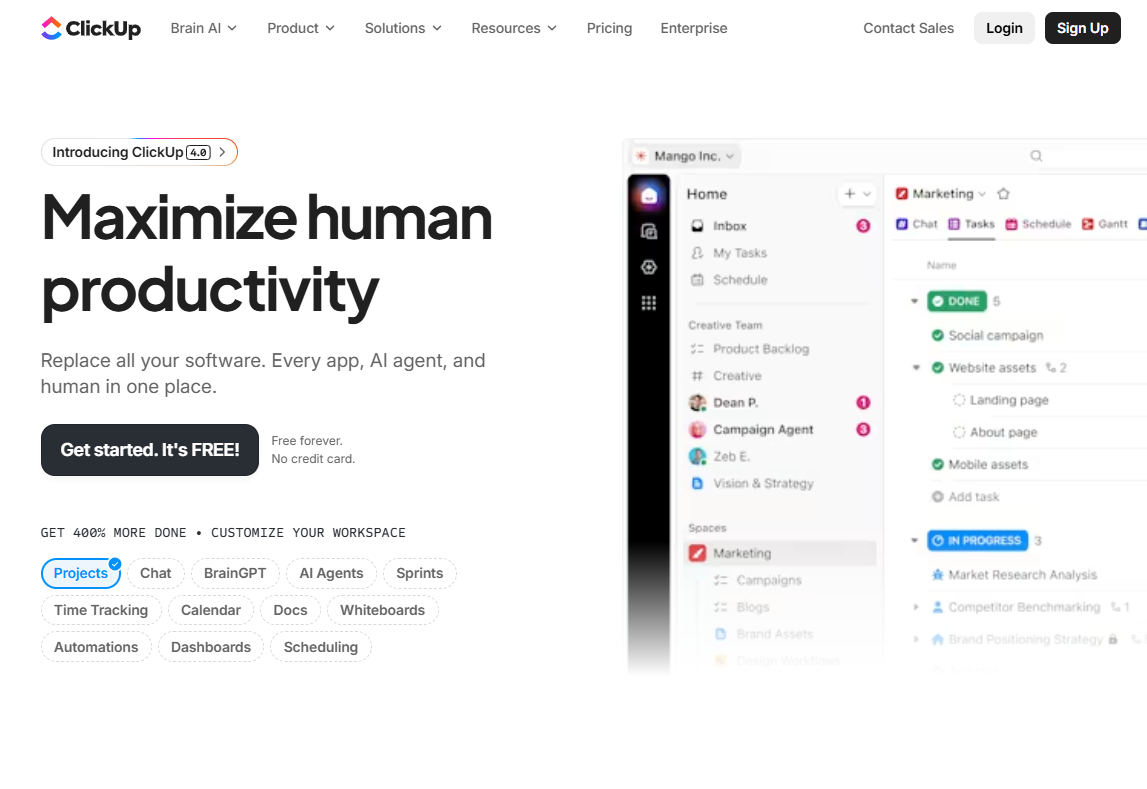
ClickUp combines tasks, docs, chat, goals, and yes, even a database via custom fields and list views. I have used ClickUp as a task management tool primarily, but in recent versions, they’ve added ClickUp Docs (like Notion-style docs) and Whiteboards.
Where it beats Airtable
- All‑in‑one workspace: It bundles tasks, docs, whiteboards, chat, goals, and dashboards so teams can manage work, documentation, and communication in one tool.
- Collaboration and automations: ClickUp has built‑in chat, assigned comments, and automations geared toward keeping fast‑moving teams in sync
- End‑to‑end project execution: It offers task hierarchies, dependencies, sprints, goals, workload management, and many different views, including list, board, Gantt, calendar, workload, and dashboards.
Pros
- All-in-one workspace reduces tool sprawl.
- It integrates with many tools, including Slack, Google Drive, and calendar apps.
- It is highly customizable with custom fields, statuses, templates, and automations.
Cons
- Too many features create UI clutter.
- It’s not ideal as a true relational database.
- It has a steep learning curve due to the sheer number of features.
Pricing
ClickUp is free for unlimited tasks, 1 form, and 60MB of storage. The unlimited plan is $7/user/month billed annually, which gives you unlimited storage, integrations, chat messages, and forms.
Bottom line
Choose ClickUp if your primary need is managing tasks, projects, and goals in one collaborative and automation-heavy workspace.
Why I looked for Airtable alternatives
Airtable pioneered the visual database category, but these problems kept pushing me toward alternatives:
- Price scaling kills budgets: Airtable’s Pro plan is $20/user/month, and even that caps you at 50,000 records per base. An alternative like Zite has no per-seat pricing, so costs don't balloon as your team grows.
- No custom interface flexibility: Airtable is a generalist tool. I wanted to build a custom app that clients could access, instead of exposing our entire database. However, the interface builder was limiting. I couldn’t create a branded user-friendly portal without purchasing an add-on and migrating our data.
- Data privacy or control: Airtable is cloud-only unless you’re on its Enterprise plan with private cloud options. I needed a tool I could self-host when working with clients that require on-prem data storage.
How I tested these alternatives
I spent weeks building the same projects across all 8 platforms to compare real-world performance.
What I looked for:
- Database fundamentals: Can it handle relational data, multiple views, and basic field types without breaking?
- Ease of use: How long does setup take? Can non-technical users figure it out?
- Automation capabilities: Can I automate data entry, notifications, and workflows without coding?
- Pricing structure: Does the cost scale reasonably as my team or data grows?
My process: I built an employee directory with departments and managers, a simple inventory tracker, and a client portal. I tested data import, form creation, and basic automations to see what worked out of the box versus what required workarounds.
Which alternative should you choose?
Choose the alternative that addresses the reason you're ditching Airtable.
Here are my recommendations:
- Choose Zite if you want to build actual business applications (customer portals, internal tools, dashboards) and prefer describing what you need over manually configuring databases. Best for operations teams that need production-ready apps fast.
- Choose Zapier Tables if your workflow already lives in Zapier and you need a database that integrates natively with your automations. Not worth it if you don't use Zapier extensively.
- Choose NocoDB if you need complete data ownership and are comfortable with self-hosting.
- Choose ClickUp or Monday if you want to manage projects and prefer a purpose-built tool for that.
- Choose Notion if you’re building knowledge bases or wikis.
- Stick with Airtable if you want a no-code database that can power your different workflows across other apps.
My final verdict
Airtable is a great no-code database, but it’s not the default best choice for every use case.
Zite makes sense when you’re building frontends with multi-page layouts, user authentication, and role-based access across one or more data sources. It comes with all the features you’d need for custom business apps, including built-in auth, a managed database, custom domains, SSO, and flexible UI customization options.
Monday.com works well for project management, while Zapier is a natural choice if your workflows already live there. If you just need a simple free option, Google Sheets still does the job.
Ready to try Zite?
If you’re curious how Zite works, the simplest way is to try it yourself. The free plan includes unlimited apps and users, no credit card required.
Frequently asked questions
Are there open source alternatives to Airtable?
Yes, NocoDB is an open-source Airtable alternative. It turns any MySQL, PostgreSQL, or SQL Server database into a visual spreadsheet interface.
Which is the best Airtable alternative?
Zite is the best overall alternative for most teams. It offers fast setup through AI-generated apps and includes a built-in database that supports production-ready applications at scale.
Can I migrate my data from Airtable to these alternatives?
Yes. You can migrate your Airtable bases as CSV files and import them into alternatives like Zite, NocoDB, Softr, Google Sheets, and others.
Do these alternatives integrate with Airtable?
Yes, several alternatives connect to Airtable as a data source. Zite, for example, integrates with Airtable, letting you build apps on top of your existing bases.

