


After spending weeks testing client portal software for customer onboarding, project collaboration, support ticketing, and document sharing, here are the 8 platforms that stood out for teams in 2026.
8 best client portal software tools at a glance
1. Zite: Best client portal software option overall
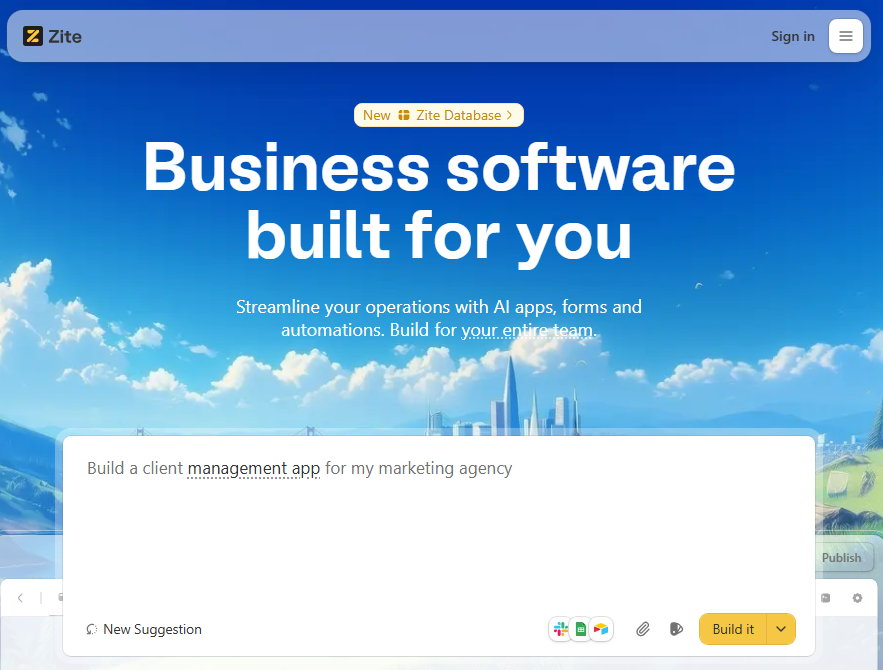
What it does: Zite is an AI-powered no-code platform that lets you build custom production-grade client portals by describing what you want in plain language.
Who it's for: Ops teams, support departments, and SMB owners whose workflow doesn’t fit cookie-cutter software and want full control over features and design.
I tested Zite by building a client portal for an agency with project tracking, document sharing, a task tracker, and a branded login page. I described the structure in plain English, and Zite generated a functional portal in under two minutes.
For data storage, I used the built-in database, which auto-generates your schema based on your portal structure. You don’t need an external data source. If you do, Zite supports pre-built integrations.
Key features
- Built-in database: Zite includes a database that creates your data structure automatically. No external database needed.
- Templates and integrations: Zite’s marketplace offers ready-made portal templates that you can clone and tweak. It also connects to external data sources so your portal can integrate with existing systems.
- Production-ready infrastructure: Zite apps include built-in authentication, user permissions, secure hosting, SOC 2 Type II compliance, single sign-on, role-based access, and audit logs. Clients log in securely, and you control exactly what they can see and edit.
- No per-user pricing: Zite charges a flat fee with unlimited users and apps on all plans, including free. Add 10 clients or 100 clients with no pricing surprises.
Pros
- SOC 2 Type 2 compliant with SSO and audit logs for enterprise-grade security.
- Full branding capabilities (custom domains, logos, and colors) for client-facing portals.
- Fast build time with AI app generation.
- All-in-one platform including forms, databases, and automations.
Cons
- Zite hosts your apps for you, and you can’t export them.
- It’s not designed for consumer products or mobile apps.
Pricing
All plans support unlimited apps and unlimited users, even the free tier. The free plan includes 50 AI credits, which is enough to build a complete client portal and iterate on it a few times. The Pro plan costs $15/month total, not per user, and adds 100 AI credits, a custom domain, and the option to remove Zite branding.
Bottom line
Zite is built for ops and support teams that need production-ready custom client portals. It handles authentication, permissions, and data storage out of the box. Use it when you need a portal that fits your workflow without compromising on security.
2. Airtable: Best for data-driven portals
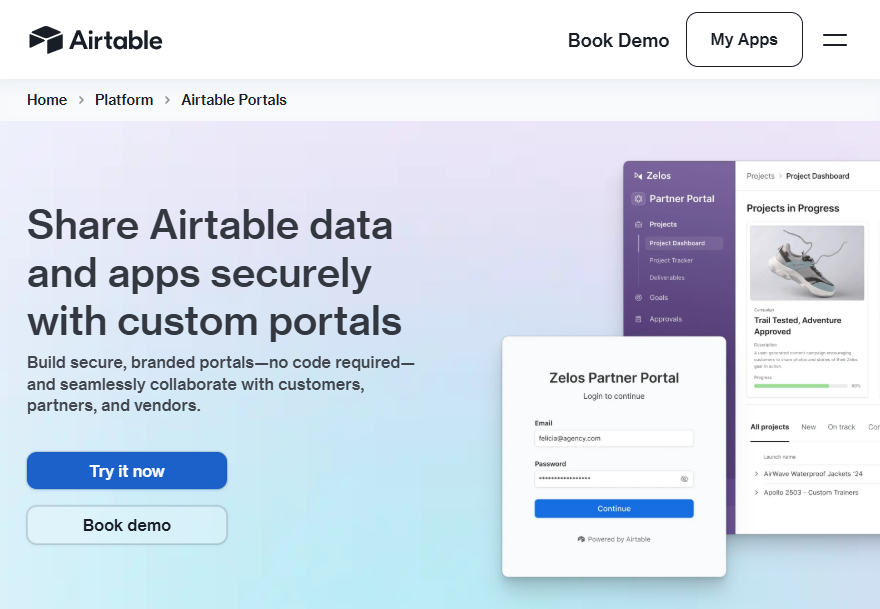
What it does: Airtable is a hybrid between a spreadsheet and a database that now also doubles as a client portal builder. With the new Airtable Portals add-on, you can use AI to build custom interfaces for external clients.
Who it’s for: Teams who love Excel or Google Sheets but need to occasionally share specific views with clients like project status, content calendars, or trackers.
Airtable lets you organize any kind of data (projects, content, assets) in a relational database, and then create read-only or interactive views for clients to collaborate or view progress. It’s popular with marketing ops, product teams, and agencies.
Key features
- Airtable portals: Clients can log in to view only the interface you share, without seeing the rest of your Airtable workspace. You can even add your logo and background to the portal login.
- Collaboration & comments: Internal team members can collaborate in real-time, with edit permissions, commenting on records, tagging, and even basic automations to notify people of changes.
- Integrations and extensions: Airtable connects with many apps like Slack, Google Drive, and Jira. It also has a marketplace of extensions (apps) for charts and maps. This lets you extend your portal with features like visualization or even accept form inputs that feed your base.
Pros
- You can generate interfaces from prompts.
- Granular permissions to control client access.
- Custom branding for sign-in screen.
Cons
- There’s a learning curve to structuring bases and permissions correctly for client access.
- Lacks built-in communication functionality for clients.
Pricing
Airtable has a free plan for up to 5 editors and 1,000 records/base. The Portals feature is an add-on that starts at $120 for 15 guests/month and requires the Team plan, which costs $20 per user/month.
Bottom line
Use Airtable when you need a customizable database for internal work and a way to share parts of it externally. Skip Airtable if you only need simple client communication.
3. Basecamp: Best for simple project-based client portals
What it does: Basecamp is a project management tool that lets you invite clients into specific projects for collaboration, file sharing, and communication.
Who it's for: Service businesses and agencies that want to give clients visibility into active projects without complex setup.
I tested Basecamp by creating a project workspace and inviting a test client. The setup took about five minutes. Clients see only what you share with them, and the messaging system keeps conversations organized by project.
Key features
- Client-specific access: Invite clients to individual projects. They see message boards, files, and schedules for their project only.
- Office hours and focus mode: Control when you receive notifications. Set office hours so client messages don't ping you at midnight.
- Message boards and chat: Basecamp offers both announcement-style message boards and real-time chat, so you can choose the right communication style for each situation.
Pros
- Simple interface that clients can figure out without training.
- Built-in scheduling and milestone tracking.
- Clients can reply to Basecamp messages via email without logging in.
Cons
- Task management lacks advanced features like dependencies, custom fields, and timeline views.
- No built-in contracts, invoicing, or CRM features.
Pricing
The free plan supports one project at a time and comes with 1GB storage space. The $15/user/month plan gets you 500GB storage space and optional timesheet upgrades. The $299/month plan supports unlimited users.
Bottom line
Basecamp works well if you already use it for project management and want to loop clients into specific projects. It's simple and affordable, but lacks the dedicated portal features like authentication, branding, and databases that purpose-built tools offer.
4. ClickUp: Best for teams needing portal + project management combined
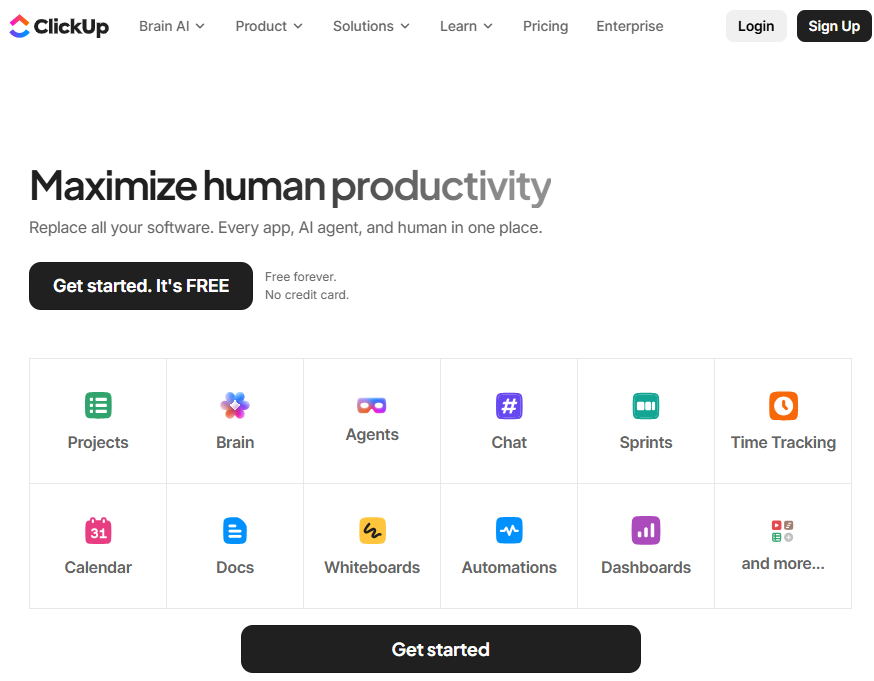
What it does: ClickUp is a project management platform with customizable workspaces, databases, and permission controls that can be configured as client portals.
Who it's for: Teams who want one platform for internal project management and external client collaboration.
I tested ClickUp by creating a dedicated workspace for a test client with shared documents, task visibility, and a custom dashboard. The flexibility is impressive, but setup took significantly longer than turn-key portal tools.
Key features
- Tasks and project management: Create tasks with assignees, subtasks, dependencies, and multiple views. You can organize work in a hierarchy of Spaces > Folders > Lists > Tasks.
- Custom dashboards: Build client-facing dashboards showing project progress, upcoming milestones, and key metrics.
- Guests and permissions: You can invite clients as Guests (free on paid plans) and control what they can see or do. For example, you can give a client comment-only access to a specific folder of tasks.
Pros
- Combines project management and client access in one tool.
- ClickUp’s pricing is competitive, given the features included at a starting price of $10/user.
Cons
- Steep learning curve for both you and your clients.
- ClickUp’s user interface is jam-packed with options and can overwhelm users.
Pricing
The free forever plan supports unlimited users and tasks, but has only 60MB of storage and supports 1 form. Paid plans start at $7/user/month for unlimited storage, integrations, native time tracking, and chat messages. It also supports guests with permissions.
Bottom line
ClickUp can work as a client portal if you're already using it for project management and want to avoid adding another tool. Just be ready to spend some time setting it up.
5. Notion: Best for content-rich portals
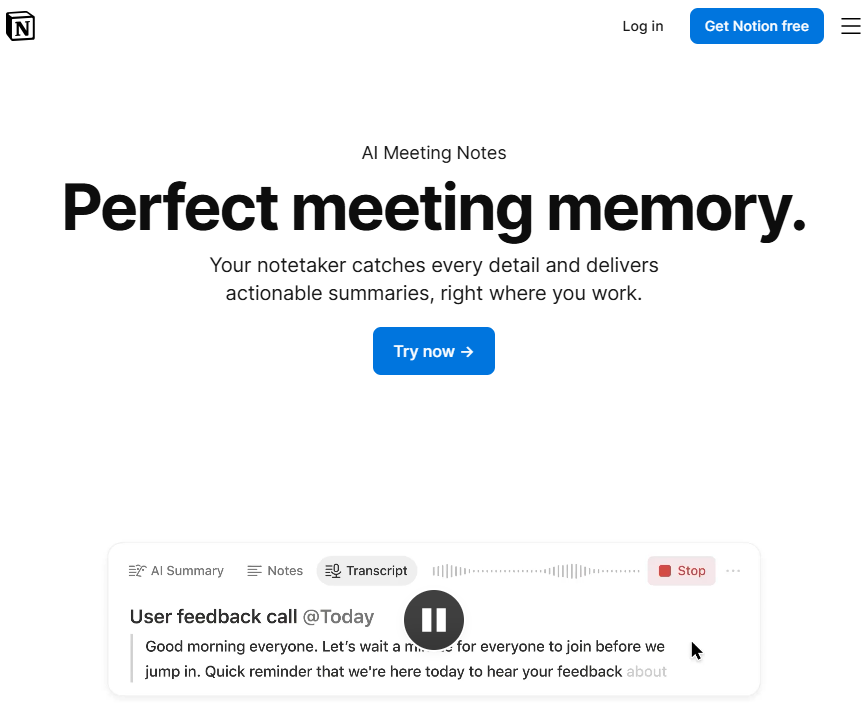
What it does: Notion is an all-in-one workspace for notes, documents, databases, and wikis. For client-facing teams, Notion serves as a client portal tool by allowing you to share pages or even whole workspaces with clients.
Who it's for: Account managers, consultants, and agencies use Notion to create client hubs containing meeting notes, project status, and plans.
I've used Notion as a client portal for years. You can create professional-looking workspaces with project trackers, document libraries, meeting notes, and embedded content. Clients access everything through a single shared link or page.
Key features
- Pages and sub-pages: In Notion, everything is a page. You can have a top-level page for a client, then sub-pages for project timelines, reports, files, and deliverables. The nested page structure lets you build a hierarchy of info that’s easy to navigate for the client.
- Easy content embedding: Embed Loom videos, Google Docs, Figma files, calendars, and forms directly in your portal pages.
- Comments and mentions: Clients (as guests) can comment on any block or page, so you can have discussions in context.
Pros
- Unified knowledge base.
- You can create any layout or content structure.
- Real-time collaboration with clients.
Cons
- No built-in authentication unless you pay for Teams.
- Requires manual setup for each client unless you use a template.
Pricing
Notion’s free plan supports basic forms, sites, and databases with guest access for 10 accounts. The paid plans start at $10/member/month and support up to 100 guest users.
Bottom line
Use Notion when you want to create a bespoke client portal that feels like a tailored microsite or living document. It’s underpowered for traditional ticket tracking or task-heavy workflows.
6. Bonsai: Best for freelancers and agencies managing clients
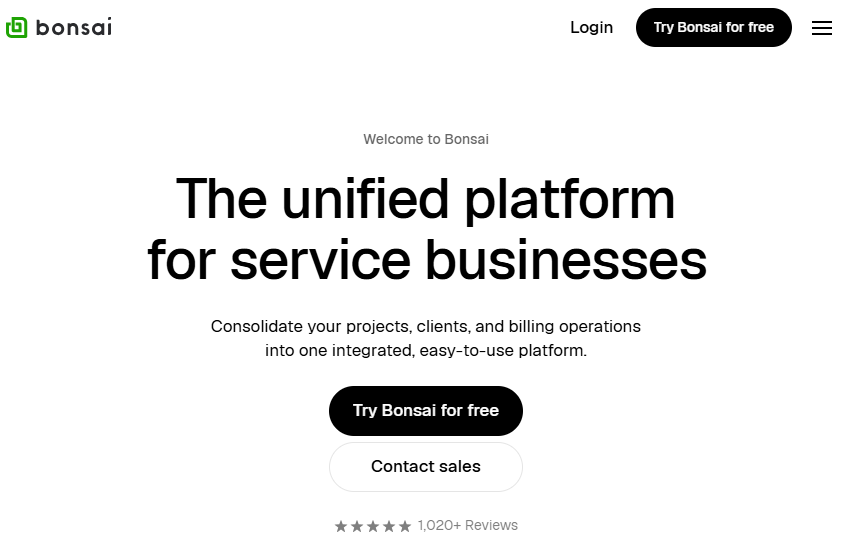
What it does: Bonsai (Hello Bonsai) is an all-in-one business management tool specifically designed for freelancers, consultants, and small agencies. It’s like a CRM + project management + invoicing suite rolled together.
Who it's for: Freelancers and solopreneurs who want proposals, contracts, invoices, and client collaboration in a single tool.
I tested Bonsai by setting up a complete client workflow from proposal to project completion. The portal lets clients log in via magic link, view project tasks, upload files, and communicate through the platform.
Key features
- Proposals & contracts: You can create professional proposals and contract templates in Bonsai, send them to clients for e-signature, and track their status. Clients can accept and sign online, and it’s all stored in the portal.
- Time tracking & expenses: Bonsai includes a time tracker and expense log. You can track billable hours by project, which then can flow into invoices. Clients can view timesheets if you enable that, adding transparency to billing.
- Task management with subtasks: Unlike many CRM-portal hybrids, Bonsai's task management is actually solid, with nested subtasks and assignee details.
Pros
- Replaces multiple tools like DocuSign, FreshBooks, and Trello with one subscription.
- Automatic invoice reminders or recurring invoices save you from chasing clients.
Cons
- Feature overlap with existing CRMs creates redundancy if you already use Dubsado, HoneyBook, etc.
- Limited customization compared to dedicated portal builders.
Pricing
Bonsai has a 7-day free trial that gives you unlimited access. The basic plan costs $9/user/month and includes time tracking, task management, and supports unlimited clients. The professional plan at $19/month adds proposals, contracts, and a client portal.
Bottom line
Bonsai is worth it if you need a single tool that handles proposals, contracts, payments plus project tracking.
7. Zendesk: Best for customer support portals
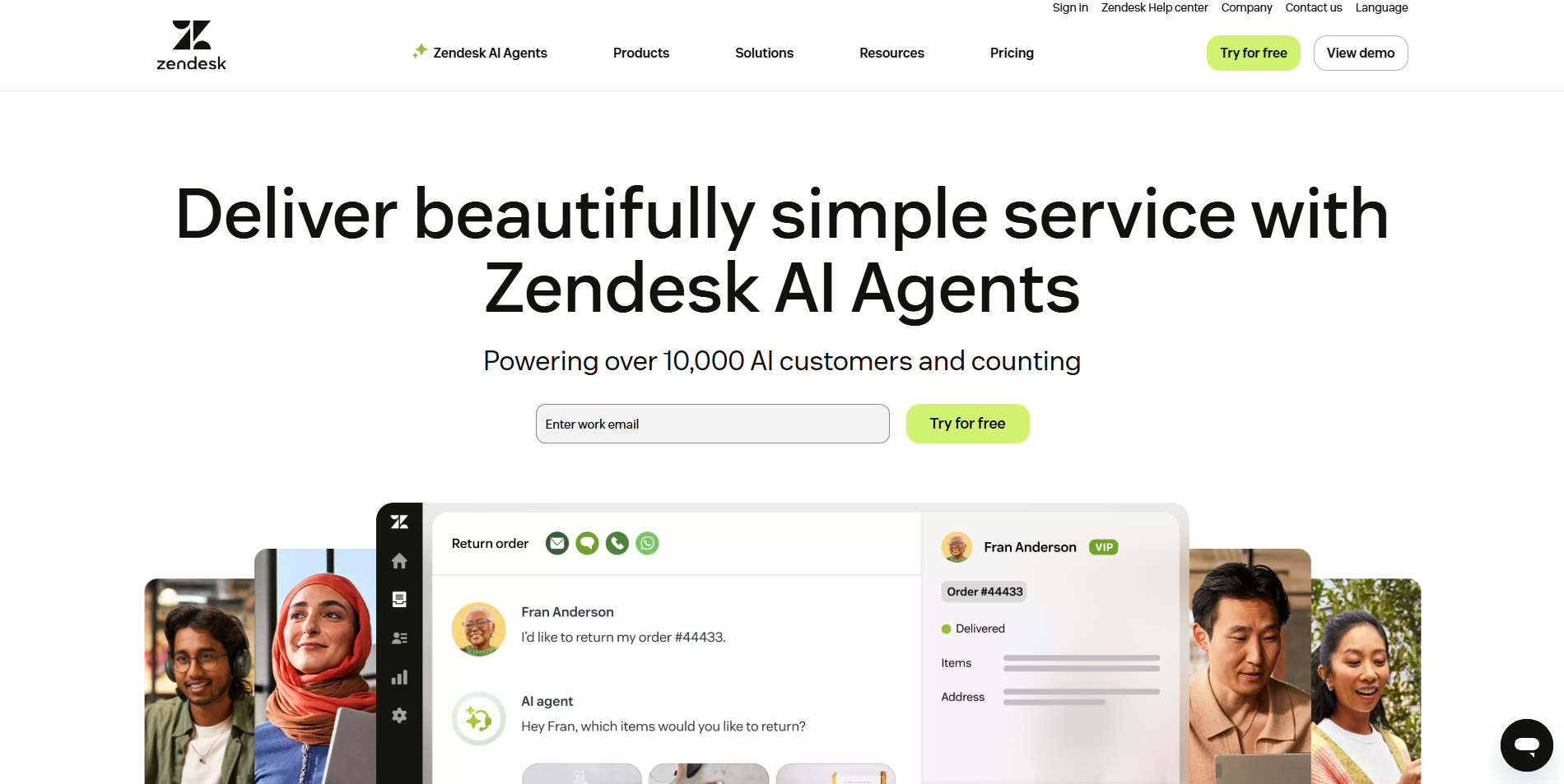
What it does: Zendesk provides a branded help center where your clients or customers can log in, view the status of their support tickets, request help, and search a knowledge base of FAQs.
Who it's for: Businesses that need client portals primarily for support tickets, help documentation, and customer service workflows.
I tested Zendesk's portal features by setting up a help center with a knowledge base and ticket submission system. The platform excels at support workflows but isn't designed for general client collaboration or project management.
Key features
- AI-powered support agents: Zendesk's AI bots handle common questions, suggest help articles, and route tickets based on customer intent.
- Help center: Zendesk Guide lets you create a knowledge base of articles. This is the content clients can search on the portal to get answers instantly. It’s fully customizable and can be themed to match your brand.
- Live chat and messaging: With Zendesk Suite, you get integrated live chat and messaging channels. Clients can initiate a chat from your site or portal to get real-time help.
Pros
- Manage email, web tickets, phone calls, social media messages, and chat all in one place.
- Customize the portal design, add widgets, and integrate with CRMs or other apps.
- Extensive integration ecosystem with over 1,600+ apps.
Cons
- Not designed for project collaboration, file sharing, or general client portals.
- Initial setup and ongoing administration require dedicated time or ownership.
Pricing
The Zendesk customer service plans start at $19/agent/month. It supports email and ticketing support, plus Facebook and X. For phone support and other socials, you’ll need the $55/agent/month plan.
Bottom line
Zendesk is the right choice if your client portal is primarily about support tickets and help documentation. For project collaboration, document sharing, or general client workspaces, look at other options such as Zite.
- Clinked: Best for white-label client collaboration
What it does: Clinked is a client portal platform focused on branded collaboration spaces with file sharing, task management, and communication tools.
Who it's for: Agencies and professional services firms that want fully white-labeled portals with strong document collaboration features.
You can create secure portals to share files, manage projects, chat, and even provide an intranet-like experience for clients. Its hallmark is white-labeling. You can use your own domain, logos, and even get a custom mobile app on higher plans.
Key features
- Groups (client workspaces): You create a group for each client or project. Each group has its own folder structure for files, its own discussions, tasks, calendar, etc., isolated from other groups.
- Document markup and approvals: Clients can annotate files directly and approve documents with a clear audit trail.
- Built-in communication: Within a group, you can start discussion threads (useful for asynchronous communication). There’s also a real-time chat for quick conversations with clients, and @mentions to notify people.
Pros
- Extensive white-label customization.
- Mobile apps for iOS and Android.
- Unlimited external users (clients) on all plans.
Cons
- Interface feels dated compared to newer tools.
- Limited customization of features beyond branding.
Pricing
The Lite plan starts at $95/month, which includes 100 internal members but lacks essential features like tasks, calendar, and discussions. The Standard plan at $239/month is expensive, especially given storage limits.
Bottom line
Clinked is useful if you manage many client projects and want each to have a clean, separate space under your own domain and brand. However, there are tools like Zite that give you the white-label experience without the high price tag.
How I tested these client portal tools
I created test portals on each platform and evaluated them from both the admin and client perspectives.
What I looked for:
- Setup speed and complexity: How long does it take to create a functional client portal? Can non-technical users do it without help?
- Client experience: Is the portal intuitive for clients? Do they need training or documentation to use it?
- Security and permissions: Does the platform offer proper authentication, role-based access, and compliance certifications?
- Pricing at scale: What happens when you grow from 10 clients to 100? Are there per-user costs that make scaling expensive?
- Integration flexibility: Can the portal connect to your existing tools (CRM, file storage, communication apps)?
Which client portal software should you choose?
You should choose the client portal software that matches your primary use case. Here are some common scenarios and which solution might fit best:
- Choose Zite if you want a fully custom portal that's production-ready and need to deploy it to many clients without per-seat costs.
- Choose Basecamp or ClickUp if you're mainly managing projects and tasks with clients and want portal access as a secondary feature.
- Choose Bonsai if you want to simplify how you handle client contracts, invoicing, and payments alongside a basic portal.
- Choose Zendesk if you need a support hub for customer queries and have the budget for enterprise tooling.
If your needs are limited to occasional file sharing, sticking with Google Drive or Dropbox makes sense. When you need secure client logins, workflow automation, and full data control, though, Zite is the smarter upgrade.
My final verdict
Zite works best when teams need custom workflows, secure client access, and predictable pricing at scale.
If you run a customer support department and want an out-of-the-box solution, Zendesk delivers support-centric capabilities. Bonsai handles contracts and billing well for freelancers or agencies who want everything in one place. For enterprises dealing with highly sensitive client data, accessing these portals through a secure Zero Trust browser environment provides an additional layer of data leak protection.
Ready to try Zite?
If you’re curious how Zite works for client portals, the simplest way is to try it yourself. The free plan includes unlimited apps and users, no credit card required.
Frequently asked questions
What is the best client portal software for teams?
The best client portal software for teams is Zite because it generates production-ready portals with built-in authentication, user permissions, and SOC 2 compliance without requiring developers.
What's the difference between a client portal and a customer portal?
A client portal specifically serves B2B relationships where clients access projects, documents, and collaborate on work. A customer portal usually serves B2C relationships focused on support tickets, order tracking, and self-service.
How much does client portal software cost?
Client portal software ranges from free (Zite’s free tier) to $470+/month (Clinked Premium). Most small businesses find good options in the $15-50/month range.
What security features should client portal software have?
At minimum, client portal software should offer user authentication and role-based permissions. For handling sensitive data, look for SOC 2 compliance, SSO support, and audit logs. Regulated industries may need FedRAMP or HIPAA compliance.

