


After spending weeks testing the best vibe coding tools for building custom apps, internal tools, client portals, and web apps, these are the 8 platforms that really stood out for teams in 2026.
8 best vibe coding tools at a glance
1. Zite: Best for seeing and controlling what your AI-built app actually does
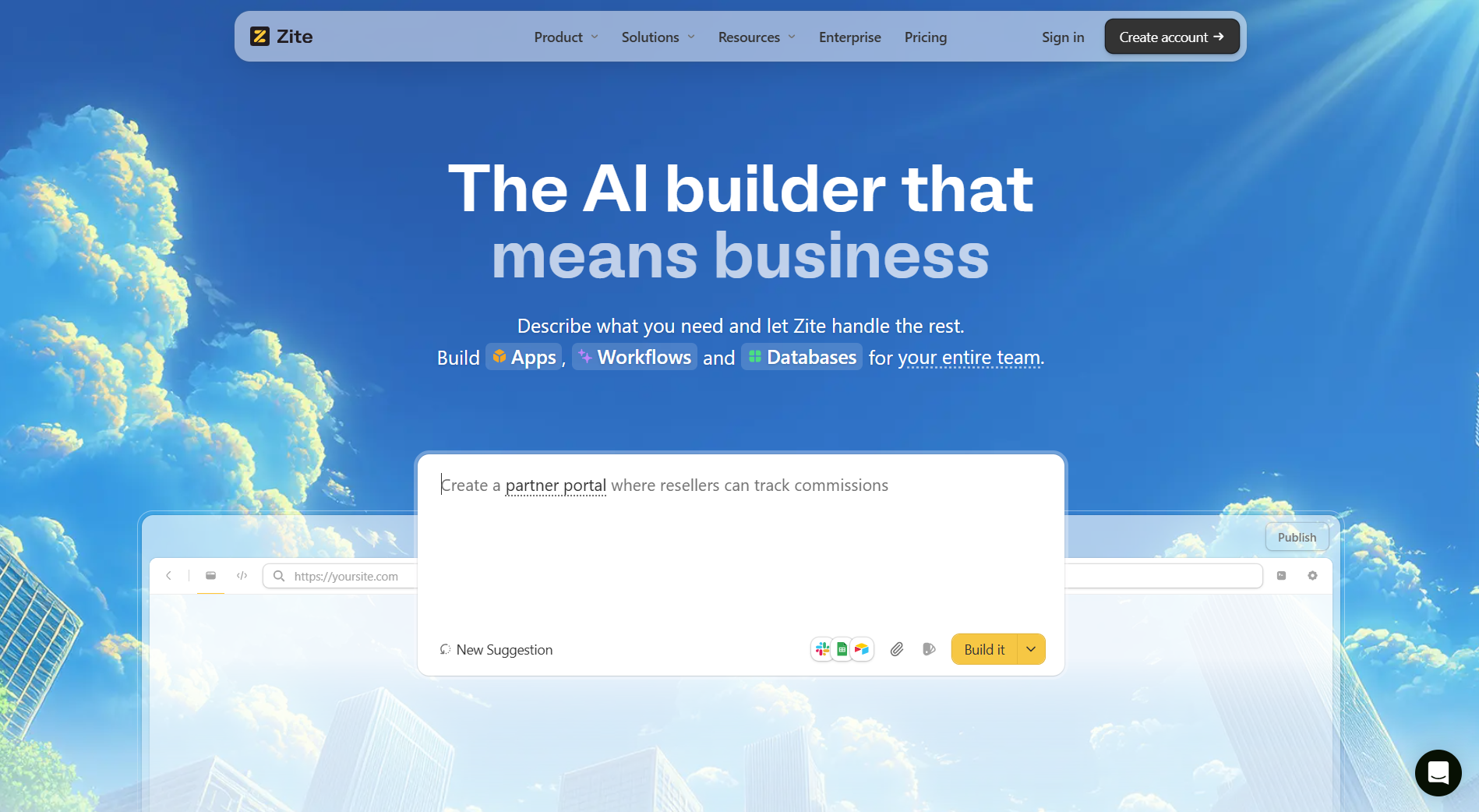
- What it does: Zite turns a plain English description into a working app with a database, logic, and hosting included. Unlike most AI builders, everything it creates is visible and editable, so you can follow the logic, inspect the data, and adjust what was built without guessing.
- Who it's for: Operations, client-facing, and internal teams building dashboards, CRMs, and portals who need to understand and control what they build, not just generate it and hope it holds.
I tested Zite over three days by building a client portal and an internal request tracker. The portal took about 10 minutes from description to working app. But the speed wasn't what stood out most.
What caught me off guard was what happened after the app was generated. The workflows, logic, and database were all visible and laid out in a way I could actually follow. I could see how data moved through the app, trace what each workflow did, and make changes without guessing or starting over.
Most AI app builders hand you a black box you either accept or spend hours trying to fix. Zite works differently: everything it generates is transparent and editable, which matters most when you're building on real business data or connecting to tools your team already uses. You can verify the logic, catch issues early, and keep moving with confidence.
Key features
- Full visibility by default: Every page, workflow, and permission is visible and editable from day one. No black boxes, no locked logic, no waiting on a developer to explain what the app does.
- Prompt-to-app generation: Describe what you need and Zite builds the pages, forms, tables, and fields your app requires.
- Built-in database: Tables and fields are generated automatically. You can inspect exactly what is stored and how it connects to the rest of your app. AI Fields let you enrich records and pull in live data from the web directly inside the database.
- No-code workflows: Describe the logic you need and Zite generates the workflow for you. Each step shows up as a flowchart you can follow, adjust, and troubleshoot without reading code.
- Auth and hosting included: Apps are internal by default. When you need external access, magic link and Google login are built in. SSO is available on Enterprise plans.
- Integrations with existing tools and data: Connect to Google Maps, email providers, and the tools your team already uses, with full visibility into how that data moves through your app. For client-facing apps, Zite extracts your branding and domain automatically so published apps look like yours from day one.
- Unlimited users and apps on all plans: All plans, including free, support unlimited users and unlimited apps with no per-seat fees.
Pros
- No per-user fees on any plan
- Workflow editor, your whole team can read and fix, not just developers
- Database auto-generates your schema and supports AI Fields to enrich records and pull live data from the web
- Auth and hosting are built in with nothing extra to set up
- Connects to existing tools and data, with full visibility into how that data moves through your app
Cons
- No code export. Apps must stay hosted on Zite's platform
- Not designed for consumer apps (social platforms, games) or native mobile apps
Pricing
All plans support unlimited apps and unlimited users, even the free tier. The free plan includes 50 AI credits, enough to build a complete app and iterate several times. Pro is $19/month with 100 AI credits, a custom domain, and a white-label option.
Bottom Line
Pick Zite if you want to build custom apps and actually understand what was built. The visual workflows and built-in database mean you can inspect the logic, adjust how things work, and build with confidence on top of real data and existing tools. For teams with stricter security requirements, Zite is SOC 2 Type II certified and offers SSO on Enterprise plans.
2. Lovable: Best for non-technical founders building full-stack MVPs
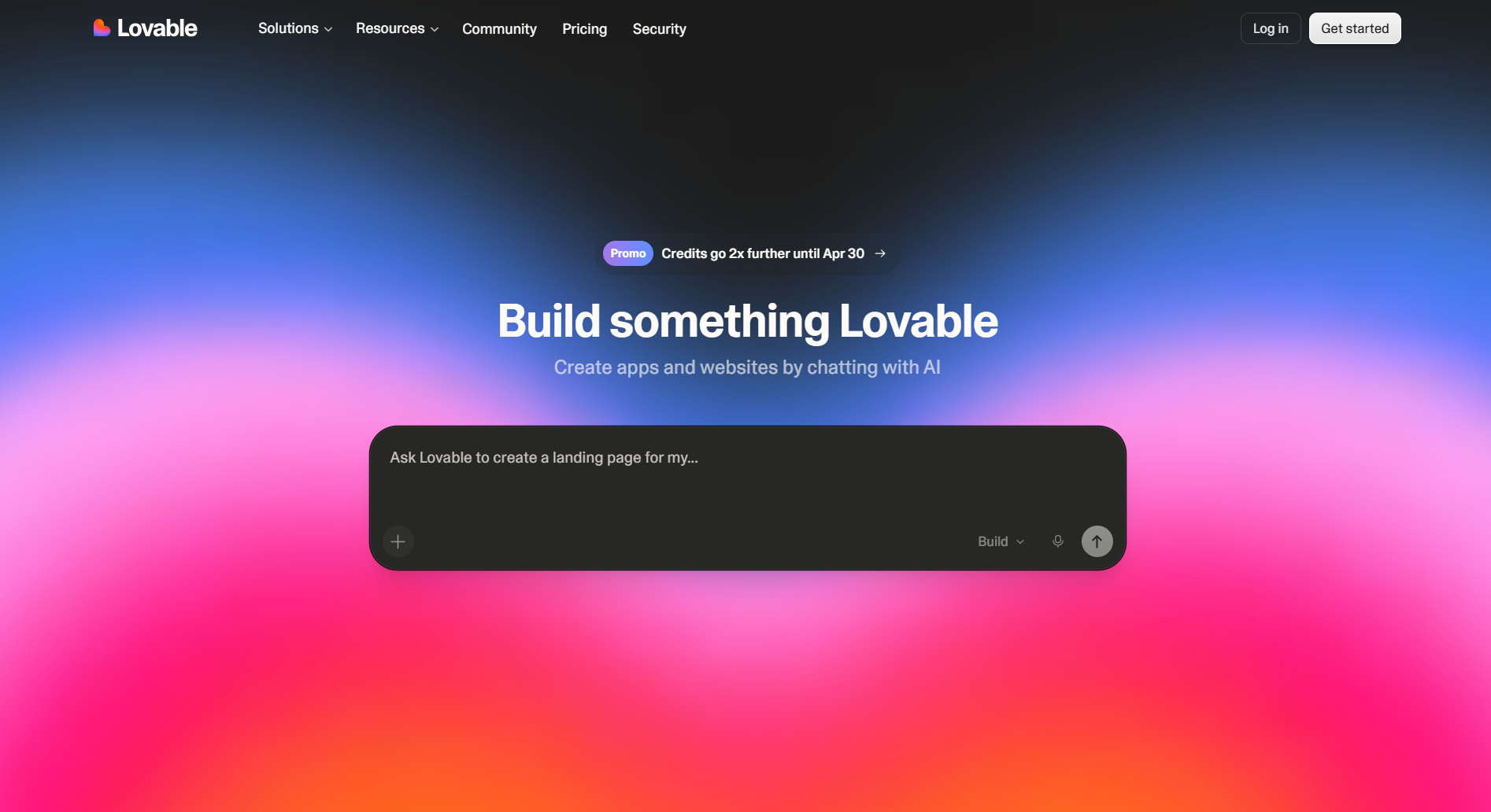
- What it does: Lovable is an AI-powered app builder for full-stack web applications. It creates frontend, backend, database, and authentication from conversational prompts.
- Who it's for: Founders and product people who need to test ideas fast without hiring developers or learning to code.
I spent two days testing Lovable by building a task manager and a basic SaaS dashboard. The chat-based approach works as advertised: you describe what you want, and Lovable generates pages, logic, and database structure in real time.
What got me was the speed. I had a working MVP in about 3 hours, a build that would've taken me days with other no-code tools.
Key features
- Chat-to-full-stack: Most tools only handle the frontend. Lovable builds your UI, backend logic, database, and user authentication from plain English prompts
- Click-and-edit interface: Point at any element, describe your change, and it modifies just that component
- GitHub sync plus one-click deploy: Export code to GitHub so developers can take over later, or push your app live with one click
Pros
- It works for people who can't code, which most tools can't pull off
- Generates polished designs by default
- True full-stack capability, not just frontend
Cons
- Built for speed, not deployment. The output isn't production-ready for business use
- Credits burn fast on large projects and debugging sessions
Pricing
Lovable runs on credits. You pay as you build. Free tier gets you exploring and building small apps. Paid plans start around $25/month for solo builders and scale up for teams.
Bottom Line
If you're a non-technical founder trying to validate an idea this week instead of next quarter, Lovable is for you. The concept-to-MVP speed is unmatched. And the GitHub export keeps you from getting trapped when you need to scale.
3. Bolt.new: Best for developers who want AI-assisted coding
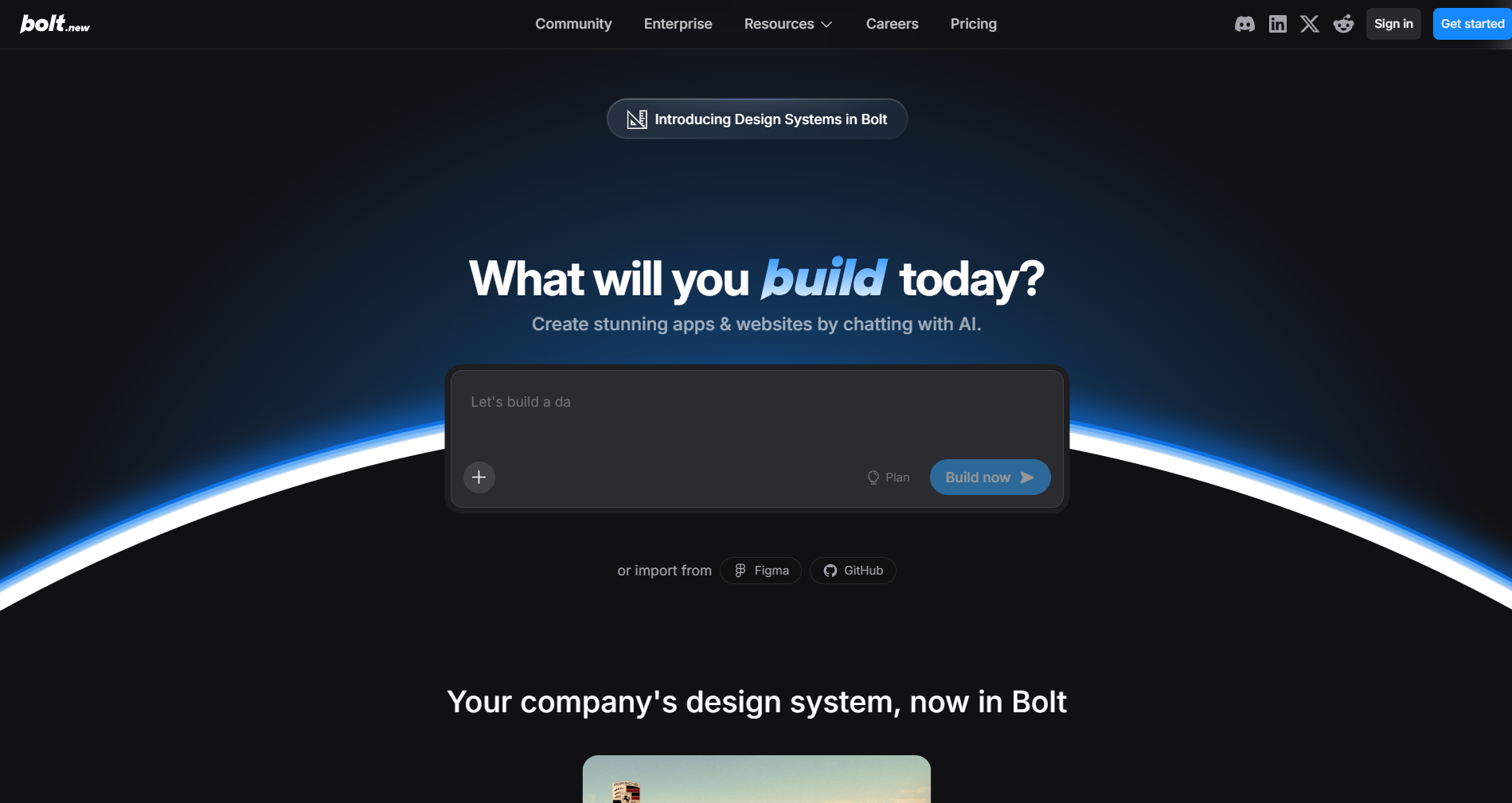
- What it does: Bolt.new is an AI-assisted coding platform for web applications. It generates, edits, and deploys apps directly in your browser from natural language prompts.
- Who it's for: Developers and technical teams who want to speed up prototyping while keeping full control over the code.
I started testing Bolt.new by building a directory site and a booking app prototype. The prompt, run, edit, and deploy flow is genuinely built for people who are comfortable reading and adjusting code.
You describe what you want, and it generates a complete app with navigation and logic. You watch the app run in real time as it builds. The standout feature is seeing your app work immediately while you're still building it, so you catch problems as they happen instead of after a long setup process.
Key features
- One-click deployment: Deploy straightforward projects to Netlify with a single click.
- Live editing and error catching: Watch your app run in real time, spot issues as they occur, and refine through iterative prompts.
- Collaboration for teams: Real-time collaboration, version history, and role-based access across all plan tiers.
Pros
- Handles the repetitive setup work automatically so you can focus on building
- Good fit for developers who want to read and adjust the code directly
- Supports team collaboration with admin controls and centralized billing
Cons
- Design customization gets complicated fast, especially layouts and colors
- App logic can become inconsistent as projects grow in complexity
Pricing
Bolt.new offers a free tier for basic use. Paid plans start at $25/month for individuals, scaling up to Team and Enterprise plans with collaboration features and higher credit limits.
Bottom Line
If you're a developer testing ideas quickly, like in hackathons or early prototypes, the GitHub sync and Supabase integrations make it easy to plug into your existing stack. For non-technical users, the developer-first approach might feel too code-heavy compared to more visual builders.
4. Replit: Best for beginners who want full-stack apps fast
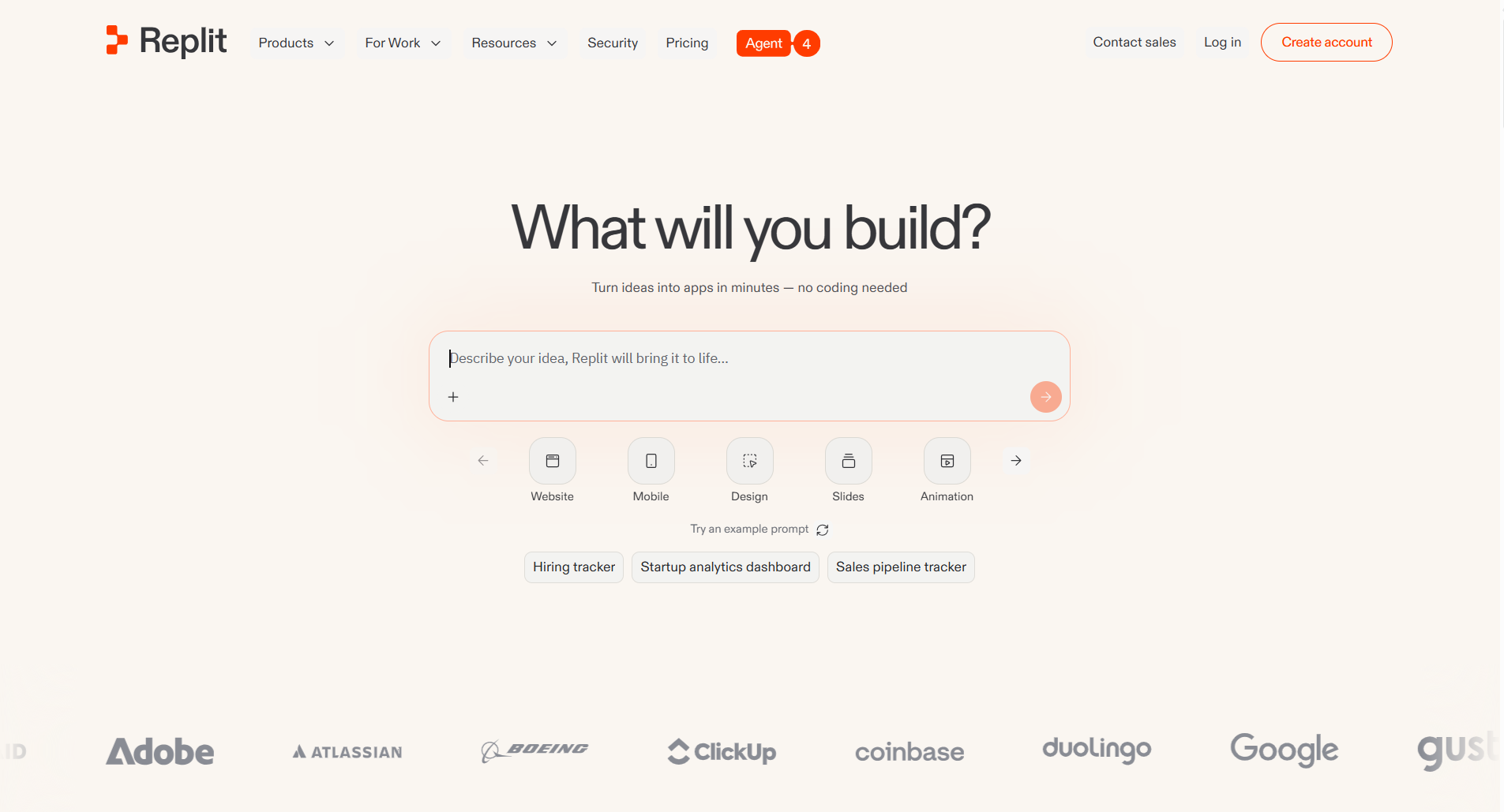
- What it does: Replit is a cloud-based AI platform for building complete web applications. It generates apps from natural language with hosting, a database, and user login included.
- Who it's for: Beginners, business teams, and non-technical founders who want to go from idea to working app without touching code or setting up separate services.
I spent several hours building a task tracker and a simple CRM to test how fast the platform could deliver results. The AI Agent stands out for how quickly it turns ideas into a working application. You describe your app, it plans the build, then generates everything while you watch.
What stands out most is that hosting, database, user login, and monitoring all come included, with no separate services to configure or connect.
Key features
- Everything included: Online workspace with user login, database, hosting, and monitoring built in. No servers or external services to configure
- Automation and operational agents: Create agents and automations to handle repetitive work by connecting to your existing tools and data
- Visual editor and design controls: Import design systems, edit in a live visual editor, and ensure that what you design matches what users see
Pros
- Truly accessible for non-coders with a friendly UI
- Real-time collaboration makes pair programming easy
- Dev team actually responds and helps with problems
Cons
- Agent gets stuck in loops or marks tasks complete without fixing them
- Can break working code when modifying complex projects
Pricing
The first paid plan costs $20/month. Credits get consumed per AI generation request, and failed attempts still burn credits.
Bottom Line
Replit is perfect if you're a beginner or business team member who needs to test an idea today without learning to code or hiring developers. The integrated infrastructure means you're not juggling separate services for hosting, auth, and databases.
5. Base44: Best for internal tools and business apps
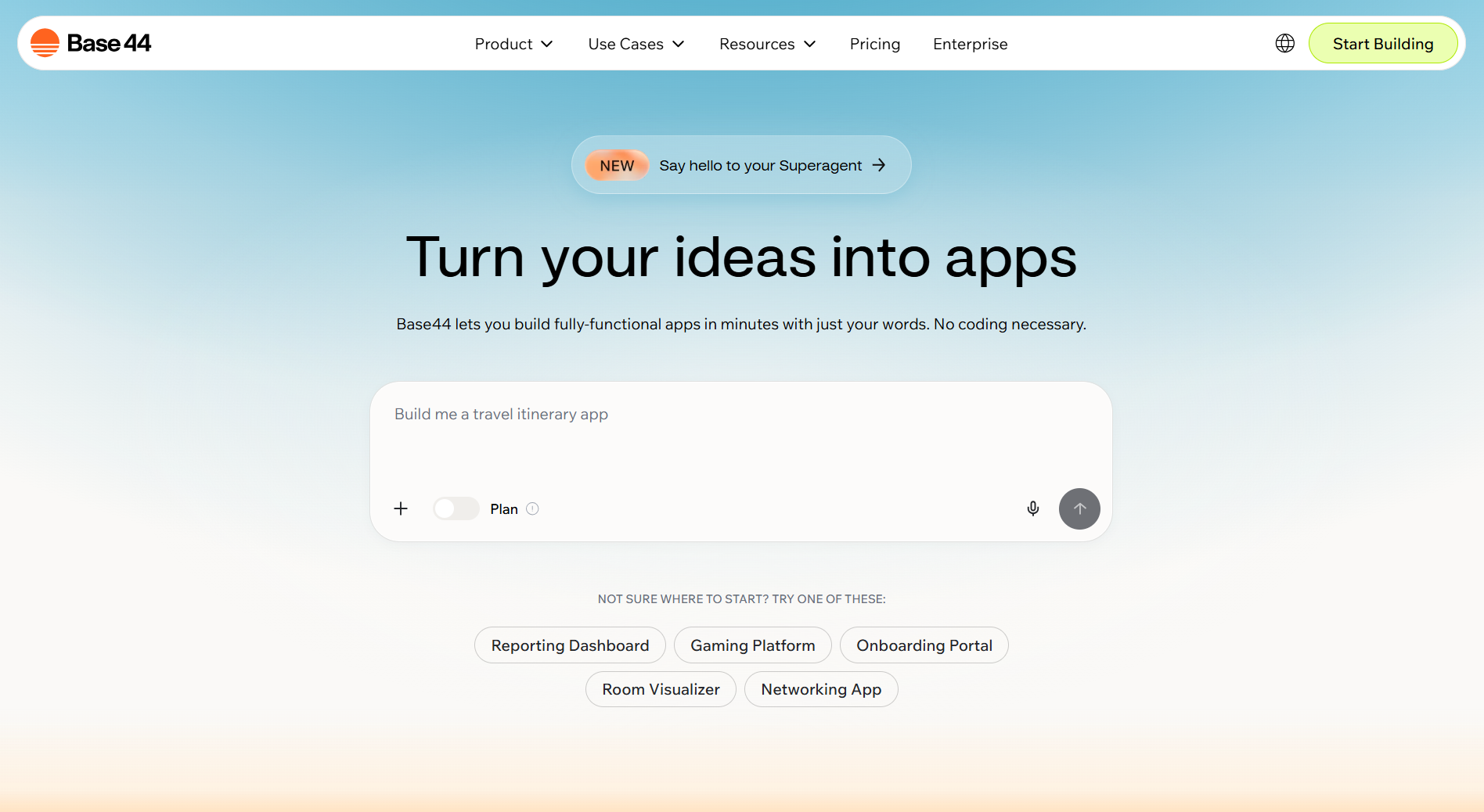
- What it does: Base44 is an AI-powered no-code platform for custom business applications. It generates apps with logic, user login, a database, and hosting from plain language descriptions.
- Who it's for: Non-technical founders, small business teams, and startups who need internal tools, CRMs, or dashboards without hiring developers.
Base44 was my selection for building a simple CRM and an inventory tracker. The AI builder is genuinely fast for business apps. You describe what you need and it generates a working application in minutes. I built a functional CRM in under 10 minutes. The interface feels familiar if you've used Airtable or Notion, but it's actually a full web app with custom logic.
Key features
- Login, database, and hosting included: Built-in user authentication, role-based permissions, data management, and hosting. Apps are live when you publish
- Visual editor plus optional code: Drag-and-drop editor for interface tweaks, plus advanced logic editing for those who need it
- Integrations and actions: Send emails, SMS, connect to external services, and query your data. Some services may require API keys or setup.
Pros
- Everything in one platform, no separate services to connect
- Built specifically for non-technical founders and small teams
- Advanced features are included in all tiers, not locked behind upgrades
Cons
- Advanced logic customization requires some technical knowledge
- No native mobile apps or complex automation workflows
Pricing
Base44 offers a free plan with unlimited apps. Paid plans include Starter, Builder, Pro, and Elite tiers, with the first paid plan starting at $25/month.
Bottom Line
The all-in-one approach means you're not connecting separate services for hosting, login, email, and data storage. The unlimited apps on the free tier make it easy to experiment without hitting artificial growth walls.
6. Cursor: Best AI coding tool for developers who want to ship faster
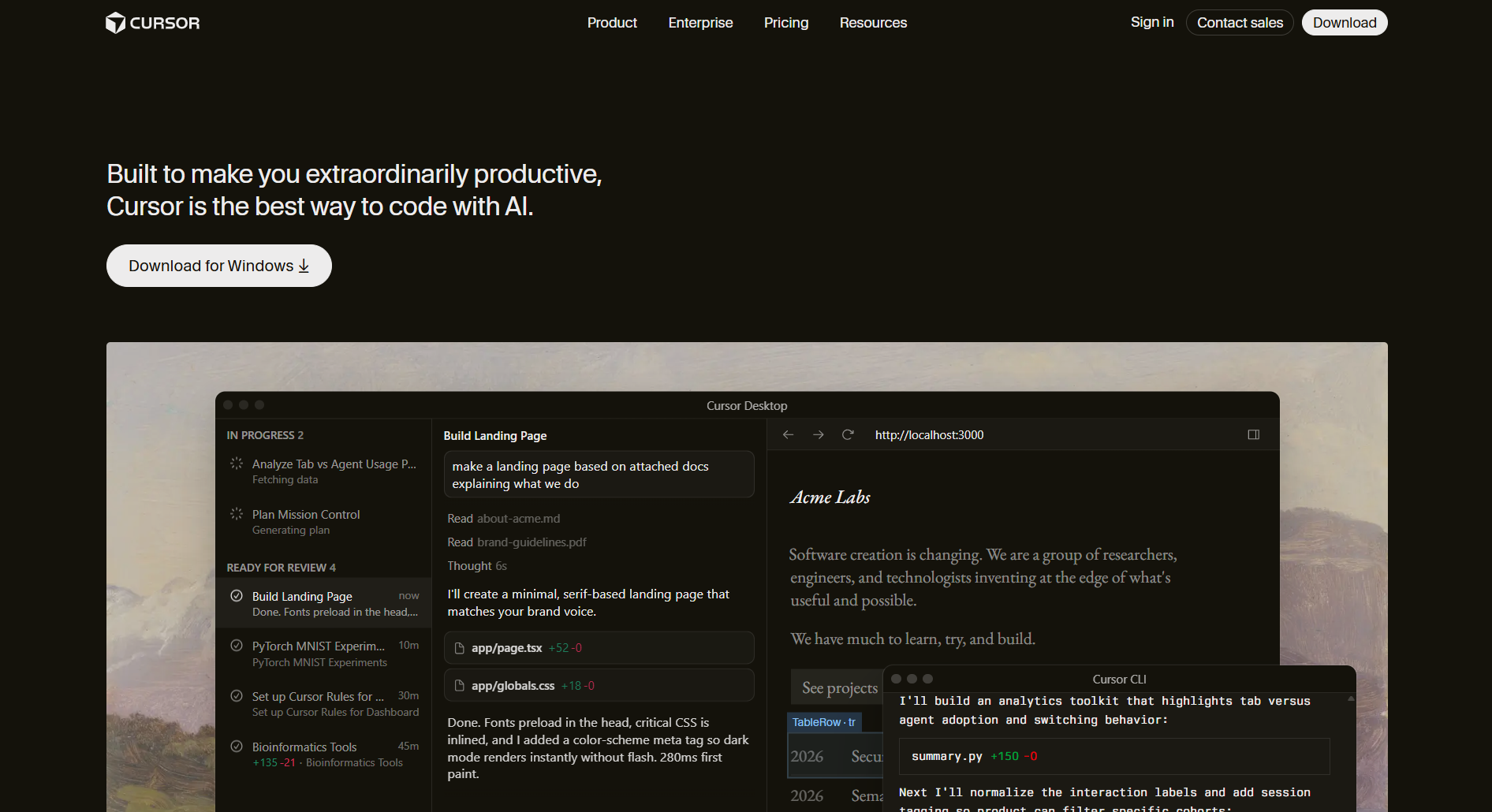
- What it does: Cursor is an AI-powered coding environment that turns plain language into working code. It handles autocomplete, full project context, and autonomous task execution so developers spend less time on the mechanical parts of building.
- Who it's for: Software engineers and technical teams who want AI deeply integrated into how they already work, not as a separate tool they switch to.
I tested Cursor on an existing mid-size project. The autocomplete predicts the next action, not just the next word, and the agent builds, tests, and iterates on its own once you describe a feature. Salesforce reported shipping code more than 30% faster after adopting it, which tracks with what I saw across a full session.
GitHub and Slack integrations keep it inside the workflow rather than pulling you out of it, which matters for teams where context switching is the real productivity killer.
Key features
- Agentic development: Describe what you need and the agent builds, tests, and iterates end-to-end without hand-holding at each step.
- Predictive autocomplete: A specialized model predicts your next action with enough accuracy that it stops feeling like a suggestion and starts feeling like a collaborator.
- Full project context: Cursor reads the entire codebase, not just the file you have open, so suggestions stay relevant as complexity grows.
- Model flexibility: Switch between OpenAI, Anthropic, Gemini, and Cursor-specific models depending on the task.
- Workflow integrations: Embedded in GitHub for code reviews and Slack for team collaboration, fitting into existing processes rather than replacing them.
Pros
- Autocomplete accuracy is noticeably higher than many alternatives
- The agent handles parallel tasks without constant input
- Works with the tools and workflows many engineering teams already use
- Trusted at enterprise scale, including over half of the Fortune 500
Cons
- Performance degrades on very large or complex codebases
- Debugging suggestions tend to be shallow on harder problems
- Some integrations require manual reconnection after updates
- Less effective for less common programming languages
Pricing
Cursor offers a free Hobby plan with limited usage. Pro is $20/month with access to frontier models and extended limits. Enterprise pricing is custom.
Bottom Line
Pick Cursor if you're a developer who wants AI that works inside your existing environment rather than asking you to start fresh. The GitHub and Slack integrations mean it fits into team workflows without added friction.
7. FlutterFlow: Best for mobile and multi-platform apps
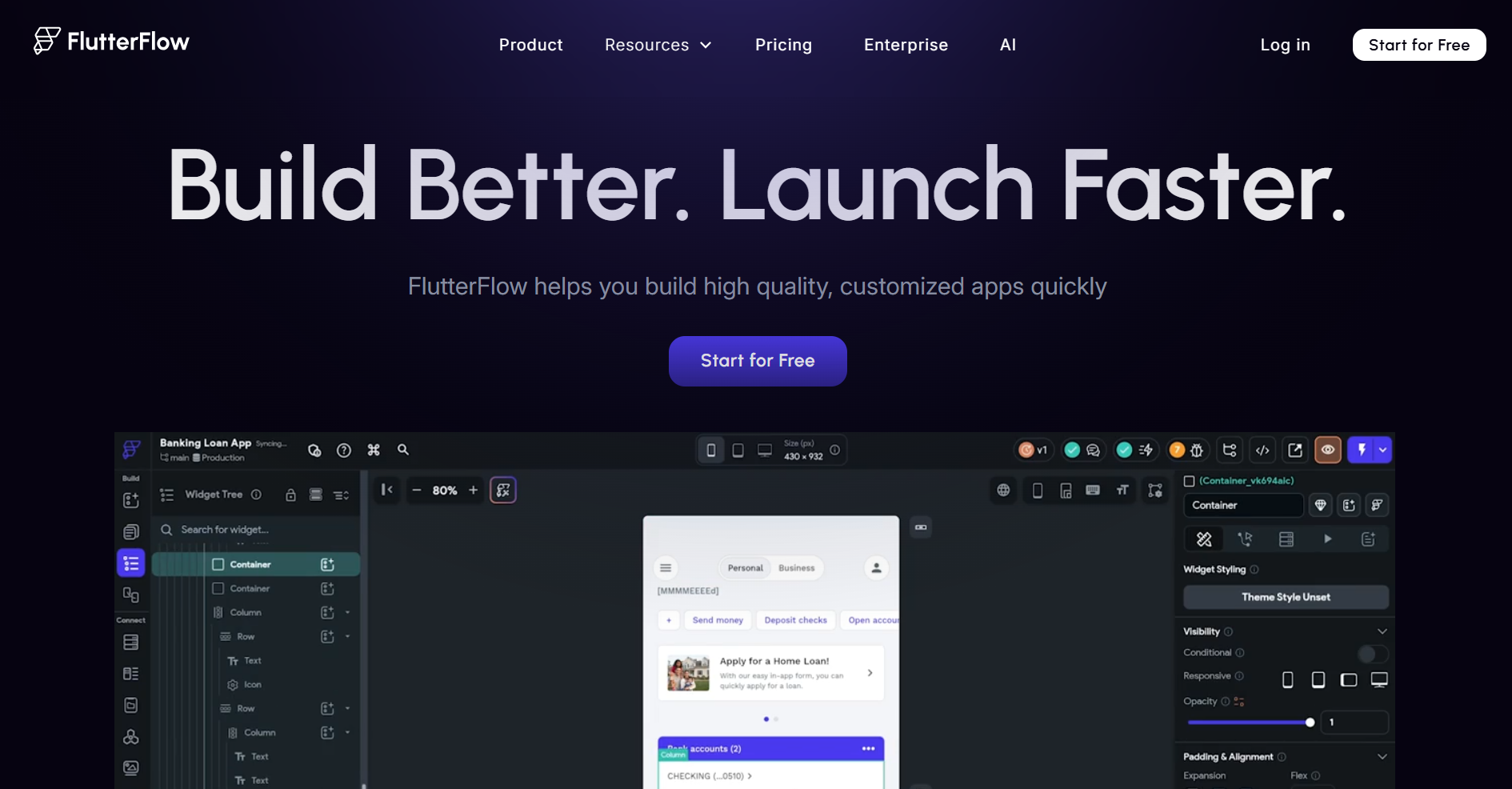
- What it does: FlutterFlow is a low-code platform for native mobile and web applications. It creates apps for iOS, Android, and web from a single codebase using a drag-and-drop interface.
- Who it's for: Developers, startups, and product teams who need native mobile apps fast while keeping the option to export and own the code.
I used FlutterFlow to build a fitness tracker and a restaurant ordering app. The visual builder works well for mobile-first design: you drag UI elements, build logic with the Action Flow Editor, and test everything without leaving the platform.
What stands out is the multi-platform deployment: build once and deploy to the App Store, Play Store, and web, with UI controls granular enough to create pixel-perfect interfaces that look good on real devices.
Key features
- Visual UI and logic builder: Over 200 pre-designed UI elements, a visual Action Flow Editor for logic, and a built-in test mode to debug apps without leaving the environment
- Granular design control and systems: Fine control over widget properties, create your own design system, and import themes from Figma to match your brand
- Collaboration and branching: Multi-user collaboration with branching, comments, task assignment, and easy team invites without complex setup
Pros
- Balances no-code with custom code extensions when needed
- Professional pixel-perfect responsive UIs that work on real devices
- Team collaboration with branching and GitHub integration
Cons
- Concurrency paywall frustrates teams collaborating intensively
- Very large apps with hundreds of screens hit performance limits
Pricing
FlutterFlow offers a free tier for basic projects. Paid plans start around $39/month for individuals and scale up for teams.
Bottom Line
FlutterFlow is great if you need a real mobile app on iOS and Android, not just a web wrapper. The multi-platform deployment and Flutter code export mean you're building something production-ready that you fully own.
8. Claude Code: Best agentic coding tool for developers working across codebases
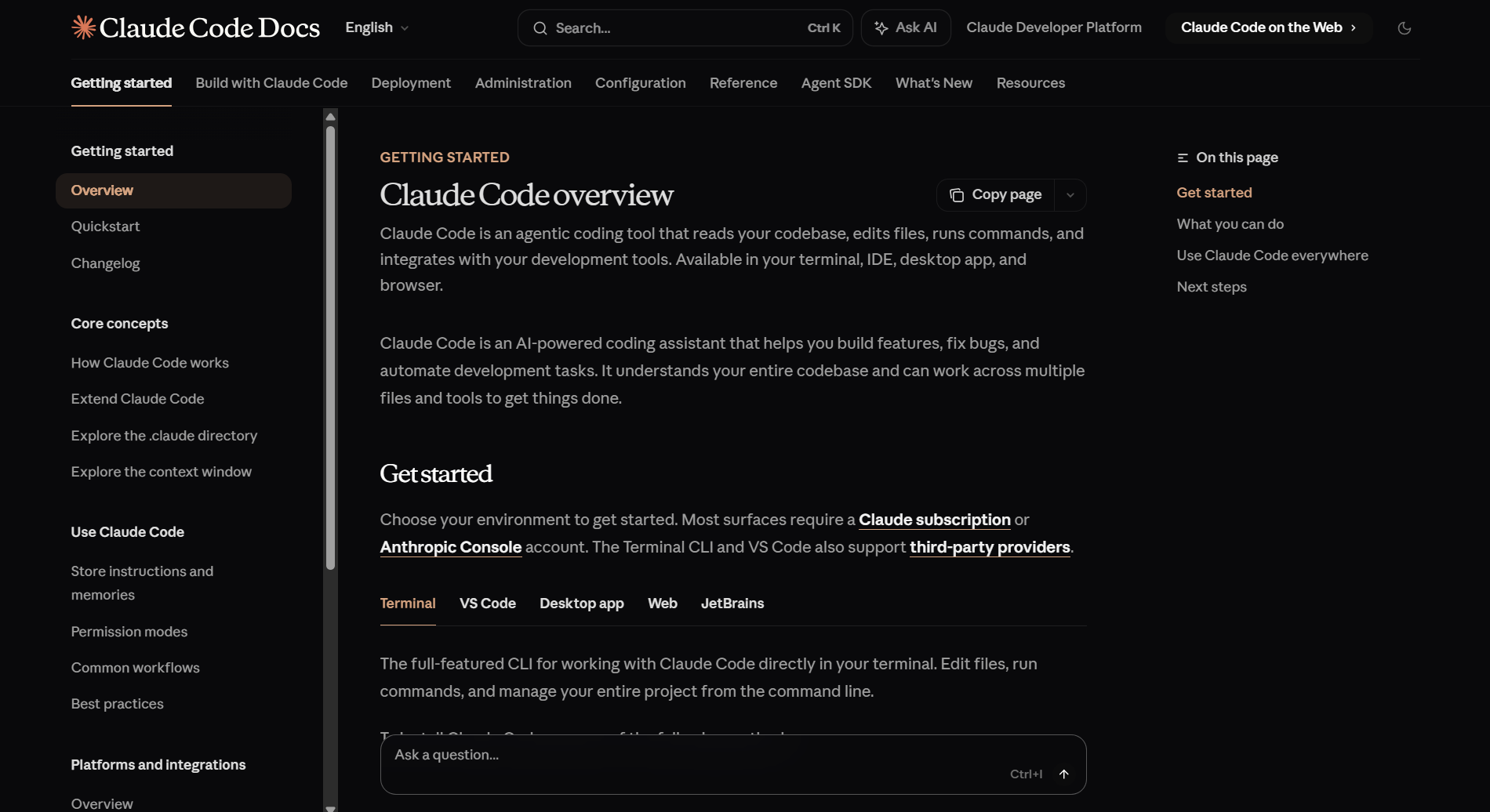
- What it does: Claude Code reads your codebase, edits files, runs commands, and connects to your development tools across terminal, IDE, desktop, and browser.
- Who it's for: Developers who need an agent that understands the full project, not just the file currently open, and can handle feature work, bug fixes, and repetitive tasks across codebases of any size.
I tested Claude Code on a project with multiple interconnected files. The autonomous loop plans the approach, writes across files, and verifies the output before handing back control.
Plan mode shows exactly what it intends to do before touching anything, which cuts the rework that comes from agents that act first and ask later. MCP integrations connect it to Jira, Slack, and Google Drive without extra setup.
Key features
- Autonomous agent loop: Plans the approach, writes across multiple files, and verifies functionality before completing a task.
- Full codebase understanding: Reads the entire project structure and edits files directly, so context stays intact as complexity grows.
- MCP integrations: Connects to Jira, Slack, and Google Drive for data access inside the same workflow.
- Git integration: Stages changes, writes commits, creates PRs, and supports CI/CD automation without leaving the agent.
- Cross-environment continuity: Sessions persist across terminal, desktop, web, and mobile without resetting between environments.
Pros
- Plan mode shows intent before acting, cutting rework on complex tasks
- Handles tedious work like writing tests, fixing lints, and resolving merge conflicts
- Runs across terminal, IDE, desktop, and browser without losing session context
- CLI supports piping, CI automation, and bulk operations for team workflows
Cons
- Token costs scale quickly, agent teams run roughly 7x more per session
- Complex tasks can consume thousands of tokens per request
- Context buildup requires manual clearing to avoid wasteful token use
- Team usage needs rate limit management as scale increases
Pricing
Pro is $20/month. Max 5x is $100/month. Max 20x is $200/month. Average costs run around $100 to $200 per developer per month. Team and Enterprise plans available.
Bottom Line
Pick Claude Code if you need an agent that works across your entire codebase rather than file by file. Plan mode and cross-environment continuity make it practical for teams, not just solo developers experimenting with AI-assisted coding.
How I tested these vibe coding tools
I built real apps on each platform and iterated on them, testing the experience for both non-technical users and developers.
What I looked for:
- Speed and friction from prompt to app: How long it takes to go from a simple description to a working app, and how many intermediate steps, errors, or prompt clarifications each tool requires
- Quality of the initial build: How well the first version captures your intent for flow, UX, and data structure without needing to micromanage every detail or rewrite your entire request
- AI-powered maintenance and debugging: How each platform behaves when something breaks, whether the agent understands context, fixes issues without breaking other parts, and avoids error loops
- Project and cost scaling: What happens when you move from a simple MVP to an app with more screens, users, and data, whether credit or token consumption, makes heavy iteration impractical
- Integrations and stack control: How far you can connect external services like auth, payments, databases, and APIs, and how much real control you have over code, architecture, and portability
Which vibe coding tool should you choose?
Pick the platform that matches your main use case and technical level. Here are common scenarios:
- Choose Zite if you need custom apps, portals, dashboards, CRMs, or internal tools, where you want to see and control the logic rather than just accept what the AI generated, with no per-user costs as your team grows.
- Choose Lovable or Bolt.new if your priority is speed to prototype and you're comfortable touching code when the AI doesn't get it right on the first try.
- Choose Base44 or Replit if you want code control. Base44 is best for business users scaling later, and Replit for developers wanting a strong IDE.
- Choose Cursor if you're a developer who wants AI inside your existing coding environment, with full codebase context and agent mode for parallel tasks.
- Choose Claude Code if you need an agent that works across your entire codebase, handles multi-file tasks autonomously, and connects to the tools your team already uses.
- Choose FlutterFlow if you need a real mobile app on iOS and Android, not just a web wrapper.
If you're testing early-stage ideas, most of these tools will work. The difference shows up when you need security, reliability, or scale, and that's where Zite and platforms with strong enterprise features are the smarter choice.
My final verdict
Zite works best when it's not enough to generate an app and hope it holds. The ability to see the logic, inspect workflows, and trace how data moves through your app is what separates it from every other tool in this list. That confidence matters most when you're building on real business data or handing something off to a team that needs to maintain it.
If your priority is launching a working prototype fast and validating an idea in hours, Lovable or Bolt.new fit better, though you'll need to revisit the infrastructure before putting it in front of real users.
For developers who want AI inside their existing workflow rather than a separate tool, Cursor and Claude Code are the strongest options in this category. Cursor wins on autocomplete and agent speed. Claude Code wins on multi-file autonomy and cross-environment continuity.
When you need a more flexible approach with logic control and everything included, Replit and Base44 cover that ground well, though both add more complexity for non-technical teams.
Ready to try the best vibe coding tools?
If you're curious how Zite works for building apps with AI, the simplest way is to try it yourself. The free plan includes unlimited apps and users, no credit card required.
Frequently asked questions
What is the best vibe coding tool for building business apps?
The best vibe coding tool for building business apps is Zite because it generates apps with visible workflows, a built-in database, and built-in authentication and permissions, so your team can understand, adjust, and build on what the AI creates without needing a developer.
Can non-technical people actually build apps with vibe coding tools?
Yes, non-technical people can build real apps using vibe coding tools. Platforms like Zite, Lovable, and Replit let you create apps by describing your needs in plain English.
Do vibe coding tools work for production apps or just prototypes?
Some vibe coding tools, such as Zite, Base44, and FlutterFlow, are built for production apps with strong security and infrastructure. Others, like Lovable and Bolt focus on prototypes and may require additional work before they are ready for real business use.
How much do vibe coding tools cost compared to hiring developers?
Vibe coding tools cost much less than hiring developers, with plans starting from $19 to $50 per month, while hiring a skilled developer often costs $75–$150 per hour or more, depending on expertise and location.

