


I tested leading client onboarding software to find which ones actually consolidate scattered information and reduce the back-and-forth that bogs down new client setups. Here are the 7 best tools for 2025, including their strengths, pricing, and ideal use cases.
7 best client onboarding software: TL;DR
In case you’re pressed for time and just want a quick overview, here’s a side-by-side comparison of all the tools this guide covers:
1. Zite: Best for custom client onboarding workflows
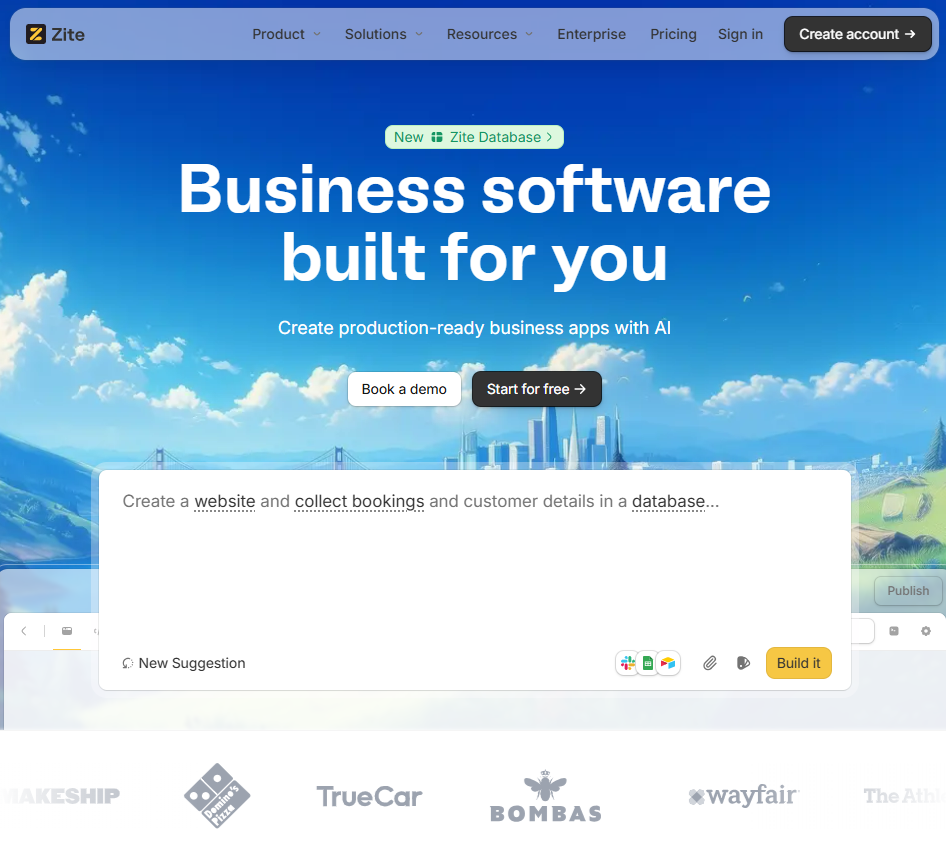
What it does: Zite is an AI-powered no-code platform that lets you build a completely custom client onboarding portal tailored to your exact workflow.
Who it's for: Teams with unique onboarding requirements that off-the-shelf software can't meet, or companies that want full control over the client experience without hiring developers.
I tested Zite by describing the client onboarding portal I wanted. The AI generated a full-featured portal in under five minutes, including functionality I hadn’t thought of, like a drag-and-drop document uploader. It instantly created a client intake form, a task list with progress tracking, a document upload area, and a resource library of FAQs.
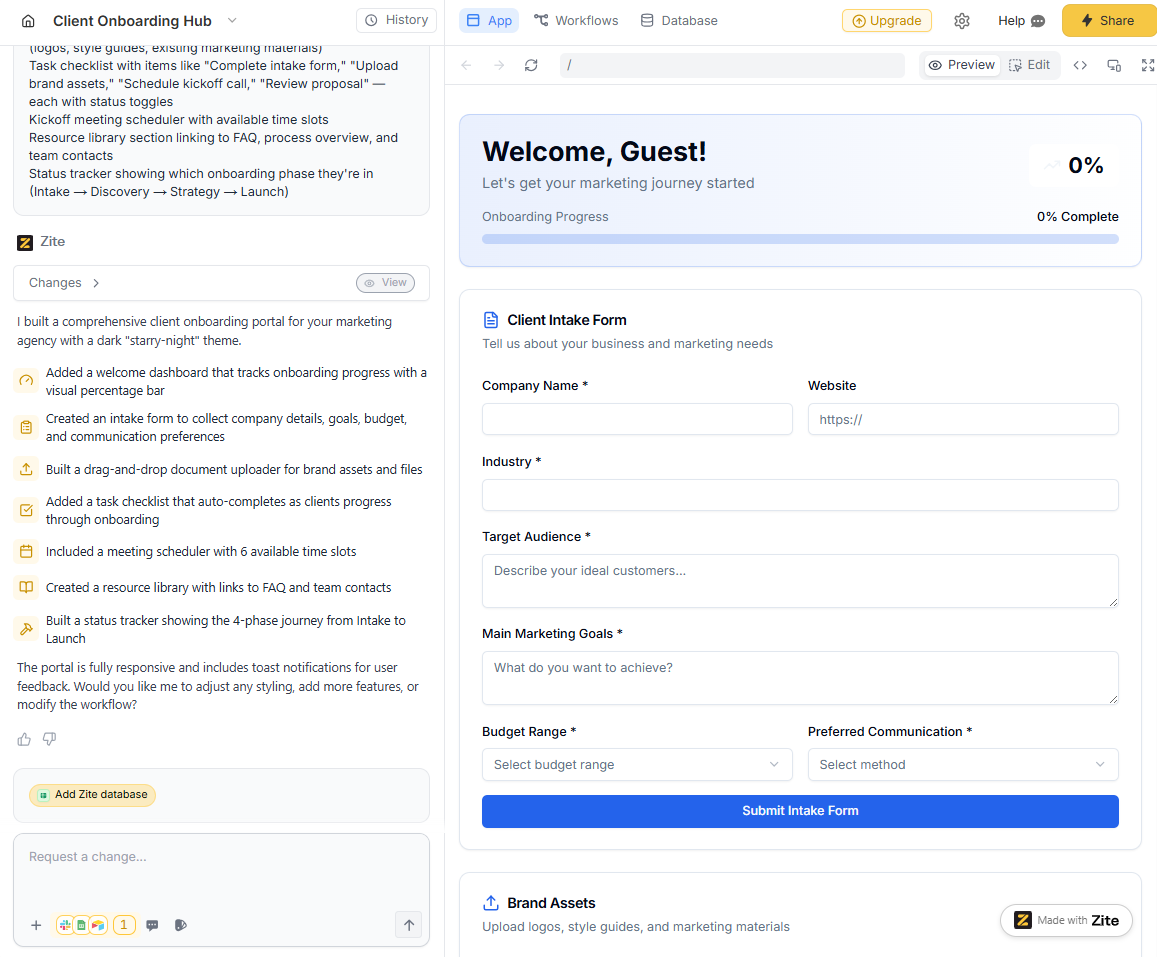
To store client details, I used the built-in database. Zite analyzed the app, suggested the full schema, and created it along with workflows to store data submitted through forms. Built-in authentication also made it easy to control client access.
Customizing the onboarding portal is also straightforward. You can use follow-up prompts, edit elements directly on the page, or tweak the underlying code.
Key features
- Production-ready portals: Zite supports built-in user authentication, secure hosting, SOC 2 Type 2 compliance, SSO, and audit logs. You can deploy portals on a custom domain with full white-label branding.
- Custom forms and workflow: Design onboarding intake forms, collect documents, and trigger workflows like sending Slack messages when clients submit information or complete tasks.
- Built-in database and authentication: Every Zite app comes with a backend database and user authentication system out of the box. You can securely manage client accounts and store structured data without setting up an external database.
Pros
- Build the exact onboarding flow your business needs without compromise.
- White-labeled branding and custom domains create a unified client experience.
- AI-powered app generation gets you from idea to working portal in minutes.
- Built-in database auto-generates schemas and tables, no external DB needed.
- No per-seat pricing and unlimited apps even on free plans.
Cons
- You need to describe the features you want via prompts.
- You’ll host your portal on Zite’s infrastructure.
Pricing
The free plan supports unlimited apps and users, with a monthly limit of 50 AI credits. Paid plans start at $19 per month and include 100 credits, a custom domain, and the option to remove Zite branding. Credits are used when you ask the AI to build or update parts of an app.
Bottom line
If you need a custom production-ready onboarding portal, Zite provides the flexibility to create your own quickly. You don’t have to configure infrastructure or even design workflows; just describe what you need, and Zite generates it. It doesn’t have per-seat pricing, so you can deploy the portal org-wide without worrying about costs.
2. HubSpot: Best for CRM-integrated onboarding
What it does: HubSpot is a customer relationship management (CRM) platform that can double as a client onboarding tracker by using deal pipelines to manage onboarding stages and tasks.
Who it's for: Mid-sized B2B companies already committed to HubSpot's ecosystem. If you're not using HubSpot CRM, don't buy it just for onboarding. The learning curve and cost don't justify using it as a standalone onboarding tool.
After a deal is closed, you can move the client into an onboarding pipeline with defined stages (e.g., Kickoff Scheduled, Setup in Progress, Onboarding Complete). This approach gives your team a clear view of each client’s onboarding status and keeps all customer info in one system.
You can also set up automations to trigger welcome emails and create onboarding tasks automatically.
Key features
- Pipeline and task management: Track each client's onboarding stage using HubSpot's visual pipeline. Add required fields and tasks at each stage to standardize the process across all clients.
- Workflow automation: Automate task creation, email sequences, and team notifications when clients hit specific milestones. For example, automatically assign an implementation manager and schedule a kickoff call when a deal closes.
- Unified platform: All client data lives in one place, including sales history, contact info, onboarding progress, and support tickets. No duplicate data entry across systems.
Pros
- Direct handoff from sales to onboarding.
- Automation reduces manual work and ensures consistent process execution.
- Extensive integration ecosystem connects with calendars, contract tools, and project management apps.
- User-friendly interface with onboarding resources from HubSpot itself.
Cons
- Pricing escalates quickly as you scale usage across teams.
- Onboarding workflows may feel forced into a CRM structure designed primarily for sales tracking.
Pricing
HubSpot has a free plan for up to 2 users. Starter plans cost $9/month/seat, billed annually. This plan supports the repeating tasks and task queues you’d use to track client onboarding.
Bottom line
HubSpot is a good fit if you value unified visibility across sales, onboarding, and customer success teams more than specialized onboarding features. The automation capabilities eliminate many manual handoffs that cause onboarding delays.
3. Dock: Best for transparent client collaboration
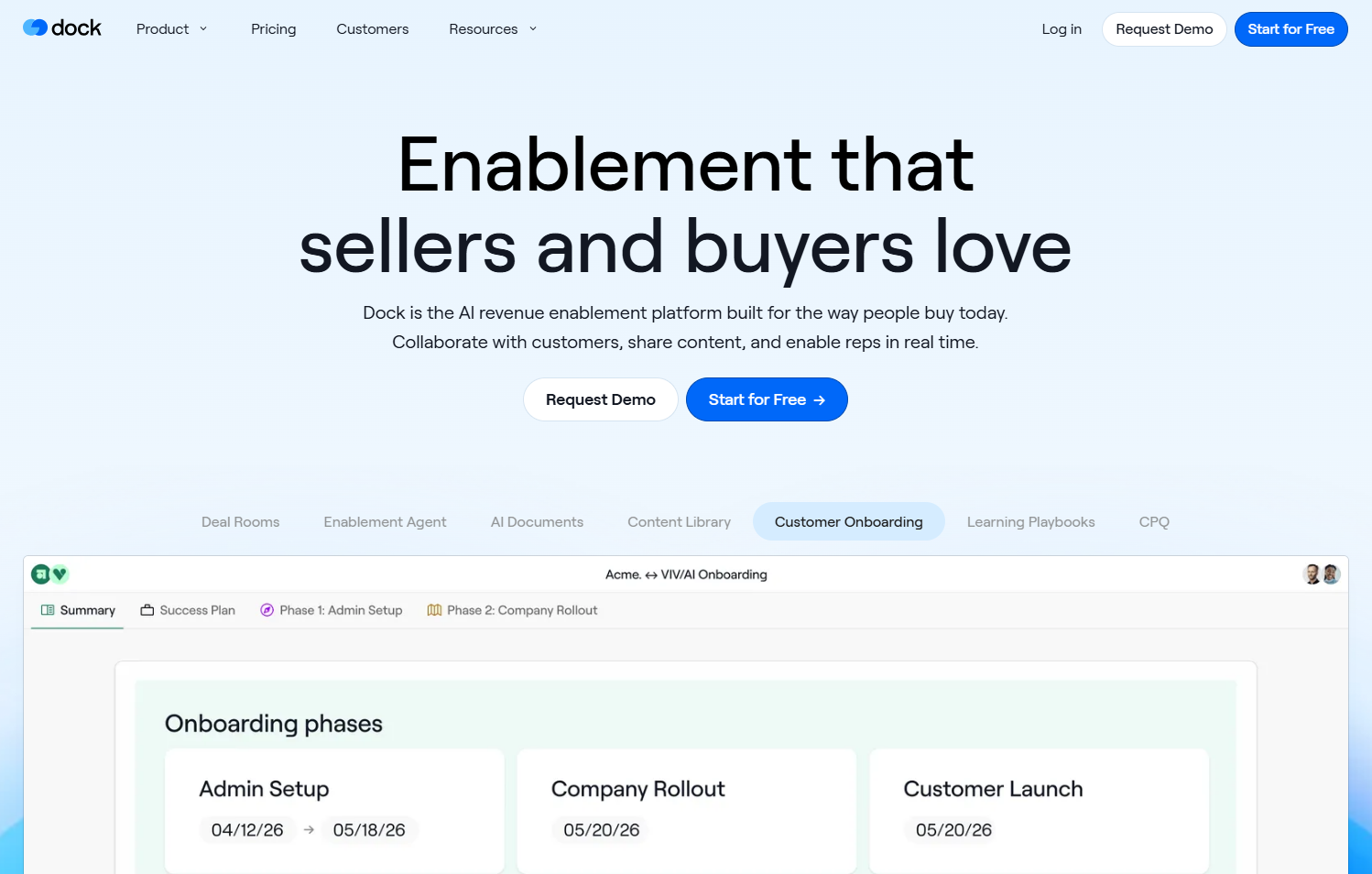
What it does: Dock provides shared workspace portals where both your team and clients collaborate on onboarding tasks, documents, and updates in one place.
Who it's for: Customer Success teams managing high-touch B2B onboarding where transparency and client engagement drive success.
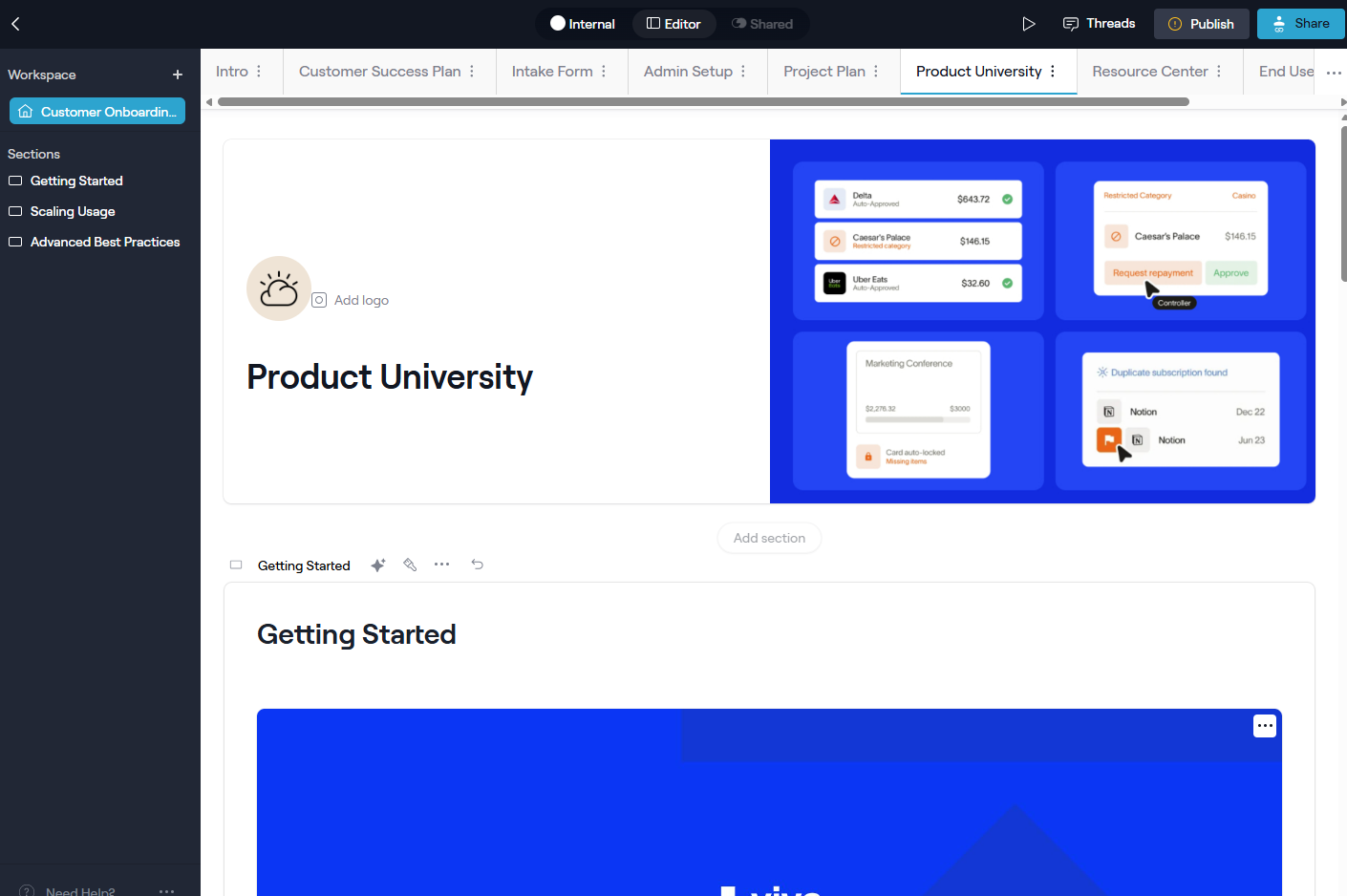
I set up a Dock workspace for a fictional agency onboarding. Within minutes, I had a templated plan with tasks, an intake form, a project plan, and embedded welcome videos.
Key features
- Templated success plans: Use the onboarding templates to get started quickly. Project plans contain tasks with due dates, descriptions, and attachments. You can mark the task as internal or not.
- Collaboration and communication: Within a Dock workspace, you can interact through comments or an update feed. For instance, if a client completes a task, they could leave a note or question on it, and your team can reply within the workspace, so context isn’t lost.
- Two-way transparency: Clients see which tasks they own versus what your team handles.
Pros
- All relevant documents, links, communications, and steps are in one place.
- Reporting across all these workspaces gives managers visibility into the entire onboarding pipeline.
- Provides a way to track internal tasks that might not be visible to the client on the portal.
- Easy implementation with minimal training needed for both the team and clients.
Cons
- May overlap with existing project management tools, adding another subscription to your stack.
- Limited layout customization. You control content, but the portal format is standardized.
Pricing
Dock’s free plan supports 50 workspaces and basic integrations like Slack and Look. Paid plans start at $350 per month for up to 5 users, plus support for Salesforce and HubSpot.
Bottom line
Best for teams who want to deliver a concierge-like onboarding experience without building custom software.
4. Userpilot: Best for in-app user onboarding
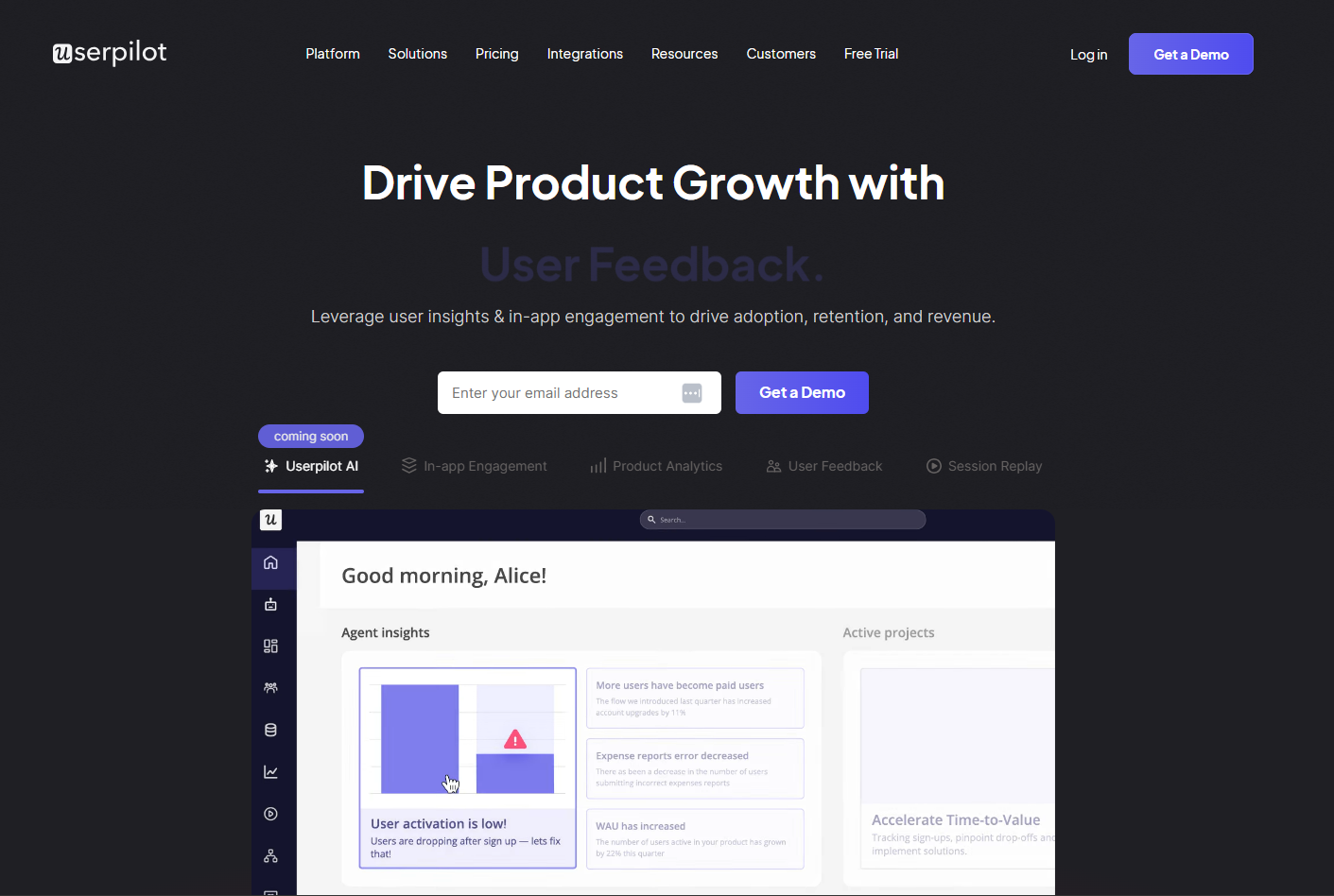
What it does: Userpilot provides interactive in-app guidance through walkthroughs, tooltips, checklists, and modals to onboard users directly inside your web or mobile app.
Who it's for: SaaS product teams onboarding users within the app itself, especially for self-serve or low-touch models.
To use Userpilot, you add a JavaScript snippet to your web app and install their Chrome extension. From there, the visual builder lets you point and click on UI elements to add tooltips, modals, and slide-outs that guide users through key actions in your app.
Key features
- Interactive walkthroughs: Create product tours that require users to complete actions like clicking buttons or filling forms before advancing. Users learn by doing, which drives higher feature adoption than passive tutorials.
- Onboarding checklists: Display a progress widget in your app showing recommended setup tasks. As users complete items like "Upload profile photo" or "Invite team member," the checklist updates and can trigger the next guide.
- Advanced segmentation: Target different onboarding flows to specific user types. New admins see one experience, end-users see another. Personalize based on user attributes, behavior, or responses to in-app surveys.
Pros
- Non-technical teams can create and update onboarding flows without developers.
- Rich UI elements (tooltips, modals, and slide-outs) let you craft in-app experiences.
- Segmentation ensures users only see relevant guidance based on their role and needs.
- Improves activation rates and reduces support tickets by guiding users to value faster.
Cons
- Pricing scales with Monthly Active Users, so costs climb quickly as your user base grows.
- Requires ongoing maintenance when your app UI changes.
Pricing
Userpilot offers a 14-day free trial. Paid plans start at $299/month, billed annually for up to 2000 MAUs. If you have more users, you’ll need to contact their sales team for a custom quote.
Bottom line
Best for SaaS products with complex interfaces or multiple features where users need step-by-step guidance. Not suitable for service businesses doing client onboarding. This is specifically for software product adoption.
5. Asana: Best for task-driven onboarding
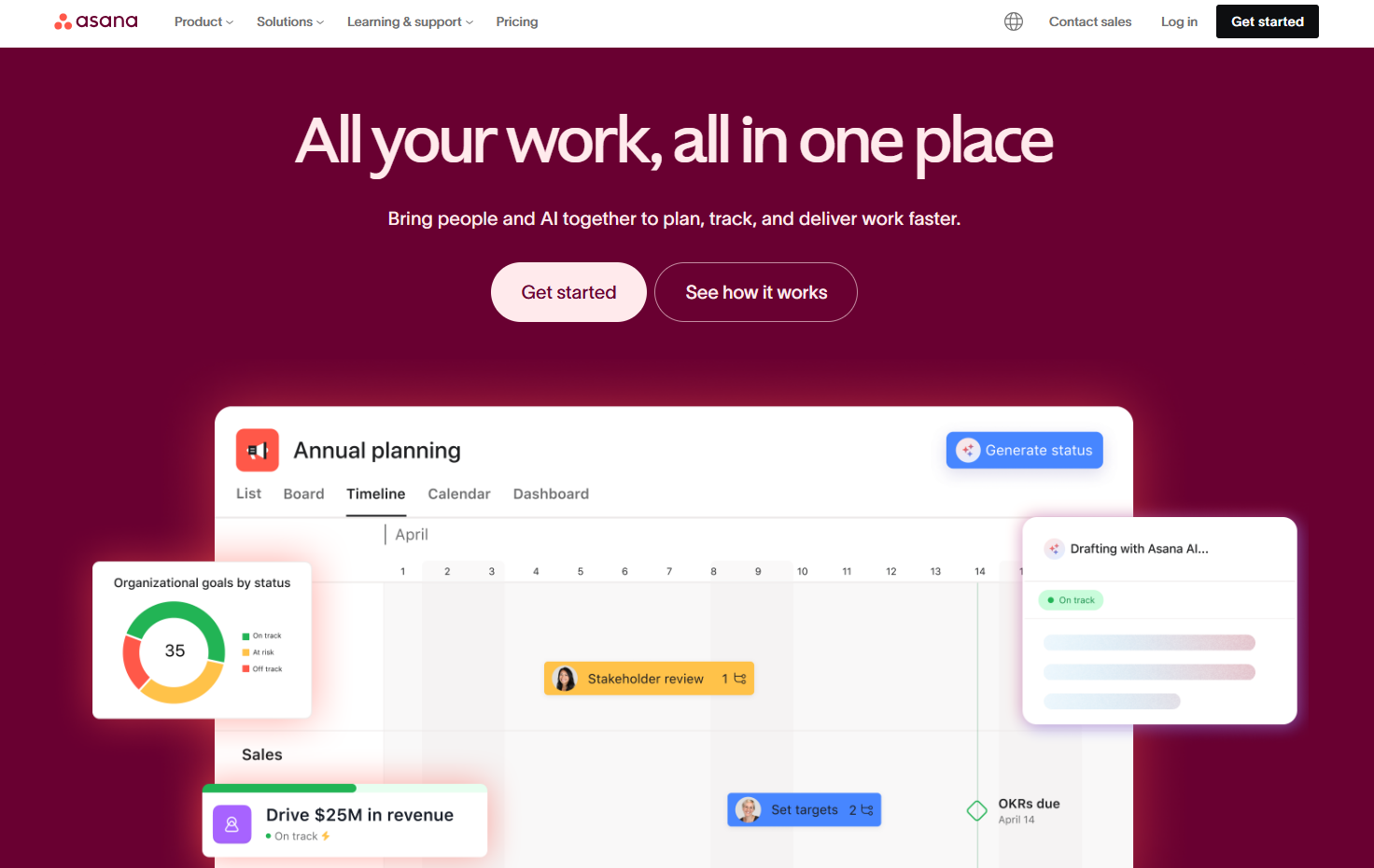
What it does: Asana handles client onboarding through project templates containing tasks, subtasks, and deadlines that teams check off as they complete each step.
Who it's for: Teams needing straightforward, checklist-driven onboarding coordination primarily among internal team members.
I created an onboarding template with 25 tasks organized into discovery, implementation, training, and launch. For each new client, I spin up a project from the template and assign owners and due dates.
Key features
- Task management with templates: Build reusable onboarding project templates with all standard tasks and subtasks. Duplicate the template for each new client and adjust specifics to save hours of manual setup.
- Multiple views: Switch between List view for detailed tasks, Board view for Kanban-style progress tracking, and Timeline view for Gantt chart visualization of the onboarding schedule.
- Collaboration features: Team members discuss requirements and problems directly on tasks via comments and @mentions, keeping context centralized instead of buried in email threads.
Pros
- User-friendly with a minimal learning curve.
- Flexible views and custom fields let you model simple or complex onboarding processes.
- Automation rules can trigger status changes, assignments, or notifications based on task completion.
- Collaboration tools ensure transparency across team members working on the same client.
Cons
- Lacks onboarding-specific features like client portals, intake forms, or training content hosting.
- Managing dozens of concurrent onboarding projects manually becomes tedious at scale.
Pricing
Asana is free for 2 users, unlimited tasks, projects, and messages. The starter plan costs $10.99/user/month, billed annually.
Bottom line
Asana works great when your onboarding is project-like with many tasks spanning several weeks and multiple internal team members. If you need a client-facing portal or built-in training resources, supplement Asana with other tools or consider a purpose-built solution.
6. ClickUp: Best for all-in-one team management
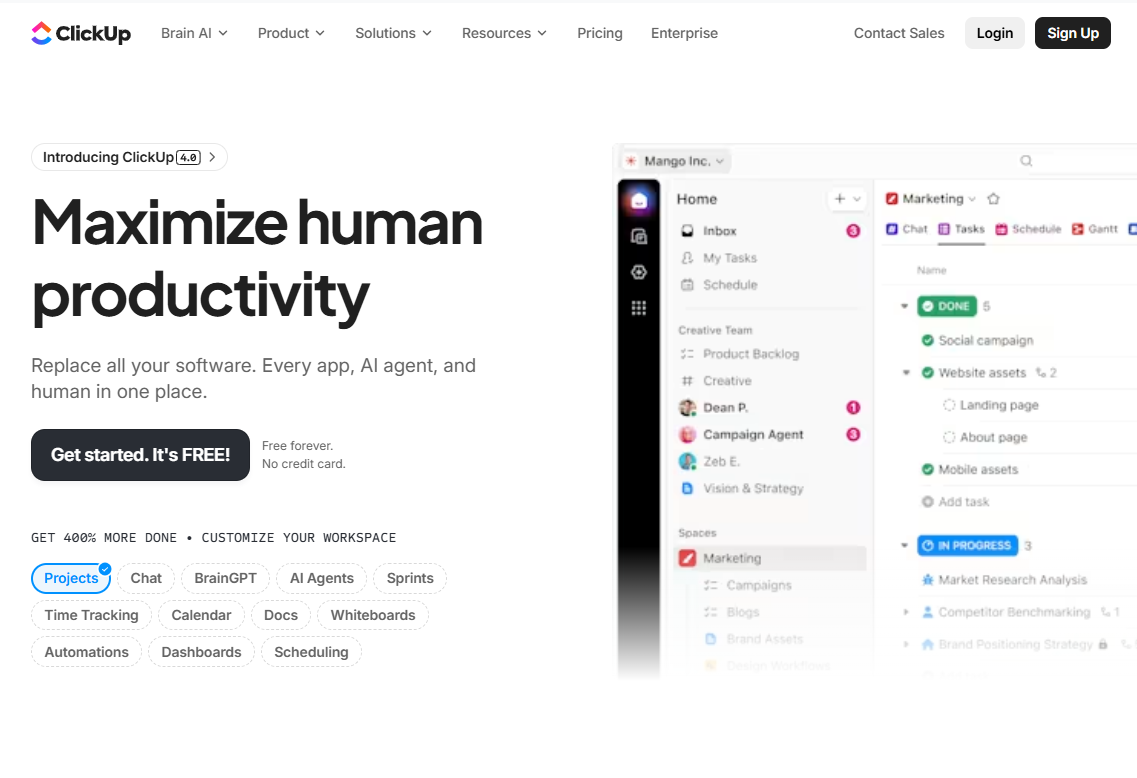
What it does: ClickUp combines project management, docs, wikis, chat, and dashboards in one platform. You can manage entire client onboarding workflows without switching tools.
Who it's for: Teams wanting to consolidate onboarding tasks, documentation, and communication in a single, highly customizable workspace.
You can design a client onboarding space or workflow entirely within ClickUp. For example, you might have a folder or list for onboarding, with tasks representing onboarding steps, Docs for welcome guides or forms, and even a dashboard to monitor progress.
Key features
- Task management: Organize onboarding hierarchically with custom statuses like "Not Started," "Awaiting Client," and "Complete." Custom fields track client tier, onboarding type, or any relevant metadata.
- Built-in docs and templates: Create onboarding guides, welcome packets, or client-specific pages directly in ClickUp. These docs live alongside tasks, eliminating the need for separate documentation tools.
- Multiple views and customization: Visualize onboarding as a List, Board, Gantt timeline, Calendar, or Mind Map. Save custom views with filters to see exactly what you need, like all the tasks due this week across all clients.
Pros
- Tasks, documents, files, chat, and goal tracking in a single hub.
- High customizability with custom fields, statuses, and dashboards.
- Create folders with preset tasks automatically assigned when you start working with a new client.
- Real-time visibility across all projects helps managers spot bottlenecks and balance team workloads.
Cons
- Feature-rich interfaces can overwhelm new users.
- Sharing with clients requires guest access.
Pricing
ClickUp’s Free Forever plan allows unlimited members with storage limited to 100MB and restricted access to features. The paid plans start at $7/user/month (billed annually) and include unlimited storage, unlimited integrations, forms, and 3 user groups.
Bottom line
ClickUp is best for teams doing cross-functional onboarding involving multiple departments. If you're willing to invest time in setup and customization, it will eliminate tool-switching and keep everything centralized. Skip it if you want a simple plug-and-play tool.
7. Docusign: Best for digital contract signing
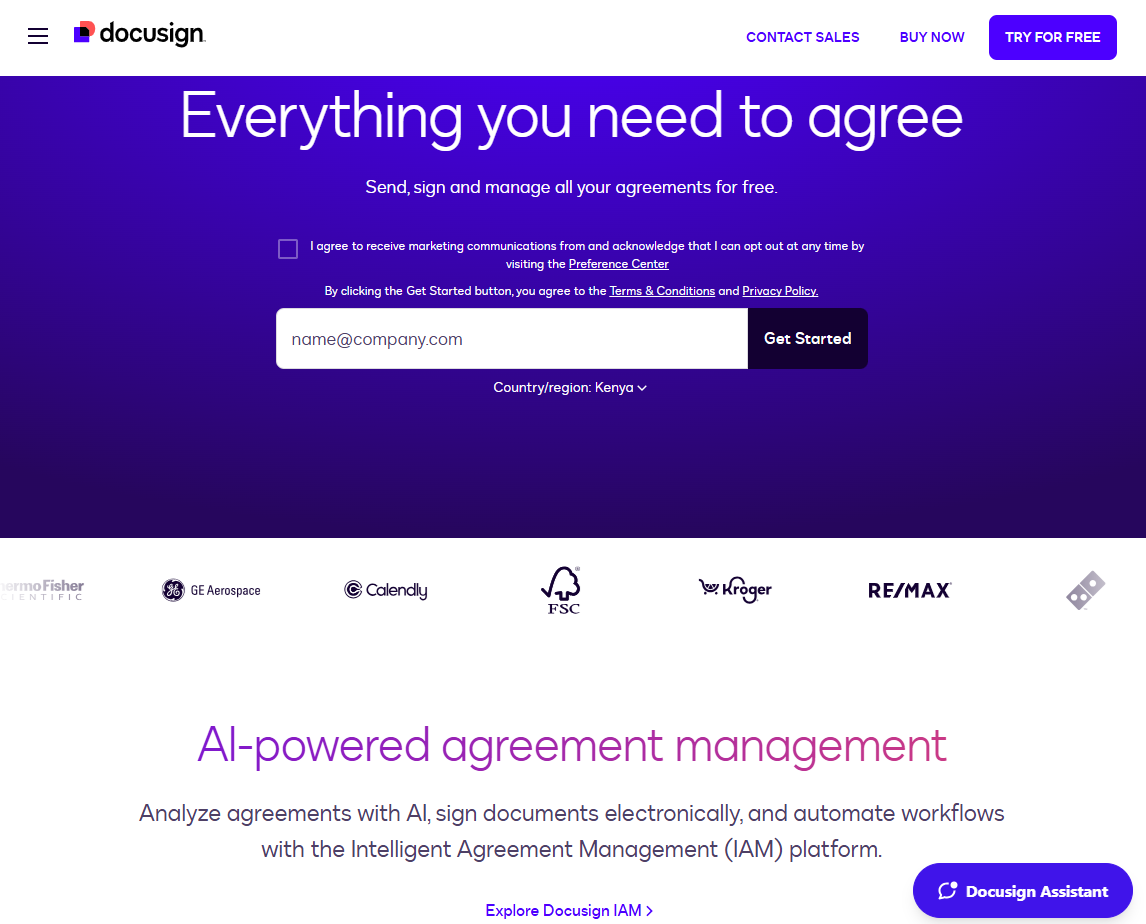
What it does: Docusign provides legally binding electronic signatures for contracts, agreements, and forms.
Who it's for: Any business needing signed documents as part of onboarding, especially B2B services, agencies, and enterprise sales.
I prepared an onboarding contract in Docusign by uploading the document and adding signature, initial, and date fields. The client signed from the link, and I received an instant notification once the document was complete.
Key features
- E-signature and guided signing: Recipients follow a guided experience where their cursor jumps to each required field (signatures, initials, dates). They can sign from any device with a few clicks.
- Templates and reusable forms: Create templates for standard onboarding documents with preset signature fields. Each new client just requires populating their information and sending it.
- Workflow routing: Send documents to multiple parties in a specific order (client signs first, then your CEO countersigns). Docusign manages all notifications and only completes when everyone has signed.
Pros
- Speeds up contract execution.
- Complete audit trail with timestamps and authentication options for legal compliance.
- Integration with CRM and project tools automates the onboarding kickoff when contracts are signed.
Cons
- A point solution that only handles signatures.
- Learning curve for senders setting up complex documents with conditional fields.
Pricing
A personal plan starts at $10/month for 5 envelopes (up to 99 signatures each) per month. Standard plan at $25/user/month for businesses and supports 100 envelopes/user/year.
Bottom line
Docusign eliminates the paperwork bottleneck that often delays onboarding. It’s essential for any B2B onboarding involving proposals, service agreements, NDAs, or forms requiring signatures.
How I tested these client onboarding portals
I created onboarding scenarios for each tool. I built templates, processed mock clients through workflows, and evaluated how each platform handled common pain points like delayed client responses or multi-phase implementations.
What I looked for:
- Ease of setup and deployment: How quickly could I create an onboarding workflow and get it running?
- Client experience: I evaluated each portal from the client's perspective. Is it confusing or intuitive? Do they need extensive instructions, or is it self-explanatory?
- Team collaboration features: Does the platform enable coordination among internal team members? I looked for commenting, task assignments, and notifications.
- Automation capabilities: I examined which repetitive tasks each tool could automate, from triggering workflows when deals close to sending reminders when tasks are overdue.
- Integration ecosystem: How well does it connect with CRM, project management, communication, and documentation tools that teams already use?
- Reporting and analytics: What visibility do managers get into onboarding performance?
Which client onboarding portal should you choose?
Most teams experience onboarding chaos in one of three ways: scattered communication (endless email threads), lack of client engagement (they go silent), or internal confusion (no one knows who's doing what). The right tool addresses your specific pain point.
Choose Zite if you:
- Have unique onboarding requirements that standard software can't accommodate.
- Want complete control over workflow, branding, and user experience.
- Need the portal to serve as an ongoing client hub beyond onboarding.
- Have multiple clients or projects and want unlimited portals without per-seat pricing.
Choose Dock if you:
- Want client onboarding templates you can customize.
- Value transparency so clients and team both see progress in real-time.
Choose Userpilot if you:
- Run a SaaS product where users need in-app guidance.
- Want to reduce time-to-value through interactive walkthroughs and checklists.
Avoid these tools if you:
- Can't commit to process standardization. Inconsistent onboarding doesn't benefit from automation.
My final verdict
Zite is a strong choice if you want to build a fully custom, client-facing onboarding portal that matches how your onboarding actually works, instead of forcing your process into a fixed template.
If you prefer dedicated client onboarding software, consider Dock. It comes with easy-to-customize onboarding templates, but for $350/month for just 5 users, it's very expensive for SMBs.
Ready to try Zite?
If you’re curious how Zite works, the simplest way is to try it yourself. You can build a working client portal in minutes. The free plan supports unlimited apps and users, no credit card required.
Start building with Zite for free.
Frequently asked questions
What is the best client onboarding portal?
The best client onboarding portal is Zite because it makes it incredibly easy to build and deploy production-ready onboarding portals. It has built-in authentication, SSO, and a managed database. It’s ideal for operations teams and SMBs that need custom solutions but don’t have engineering resources.
Can I build a custom client onboarding portal without coding?
Yes, platforms like Zite let you build custom client onboarding portals using a no-code builder and AI assistance. Zite uses conversational AI. You describe what you want, and it generates the portal, which you can then customize with follow-up prompts, visual edits, or code.
What's the difference between client onboarding portals and project management tools?
Client onboarding portals are purpose-built for the onboarding journey with features like client-facing interfaces, progress tracking, and guided experiences. Project management tools focus on internal task coordination and require configuration to serve onboarding needs.
How do client onboarding portals improve customer retention?
Client onboarding portals improve customer retention by providing clients with a clear onboarding process, quick access to resources, and real-time progress tracking. This clarity helps clients achieve value faster and prevents confusion that could lead to early churn.
Should I use a dedicated onboarding portal or add features to my CRM?
Use a dedicated onboarding portal if client-facing transparency and guided experiences matter for your business. CRMs like HubSpot excel at internal tracking and automation but lack polished client interfaces. Use CRM-based onboarding if you prioritize unified visibility across sales, onboarding, and customer success teams, and clients don't need portal access.

