


Jotform enforces multiple limits at once, including caps on forms, submissions, and storage. After hitting those constraints, I tested dozens of form builders to find the Jotform alternatives that support more forms and higher submission volumes. Here are the top 8.
9 Best Jotform alternatives: At a glance
Before we go into details, here is a quick overview of the 9 best Jotform alternatives:
1. Fillout: Best for turning forms into apps and workflows
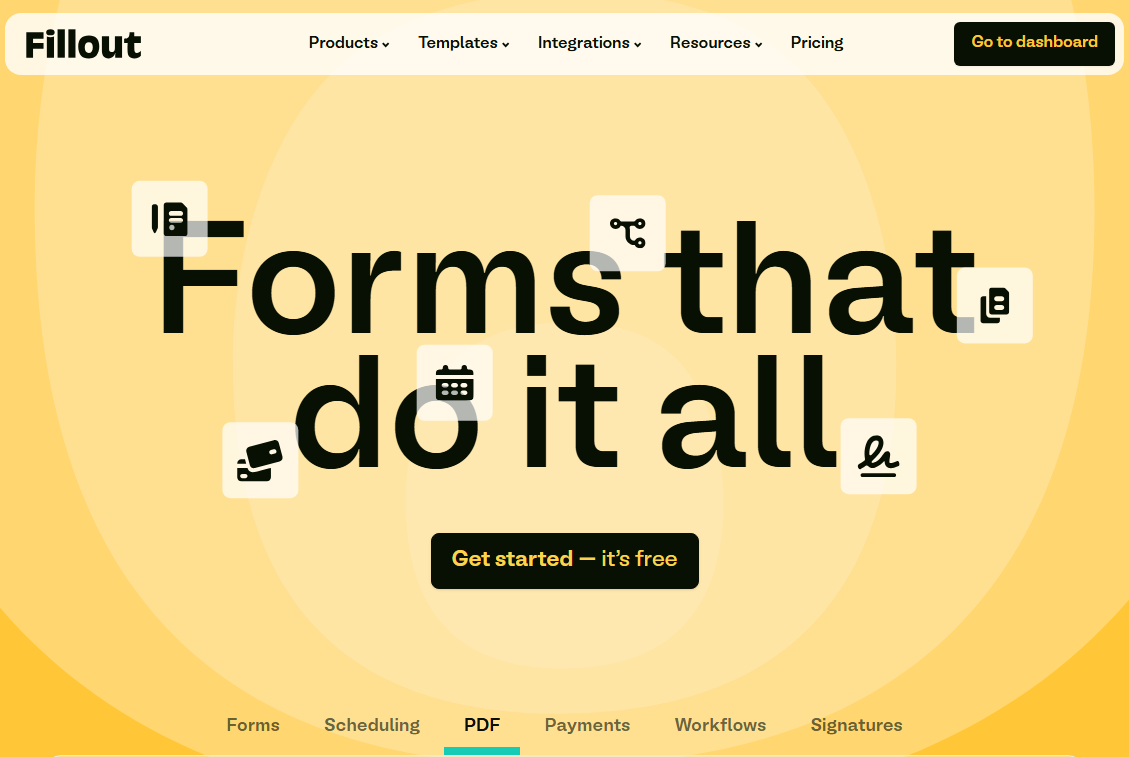
Fillout takes form building further than any traditional option. On top of building forms, you can also convert form submissions into portals or workflows, not just entries in a table.
You can start from the 100s of form templates or build from scratch with the drag and drop builder. Once a form is live, submissions can trigger task routing, status changes, approvals, notifications, and follow-ups inside the same system.
The platform connects directly to Zite’s built-in database (built by the same team), a user-friendly but powerful no-code database. Set your form to store submissions here, then use Zite to build apps that visualize that data.
Where it beats Jotform
- Forms can turn into apps and workflows: Fillout handles intake, and the data can flow straight into a Zite app via the connected database. Jotform usually hands data off to email, spreadsheets, or third-party tools.
- No per-seat pricing: Unlike Jotform, Fillout doesn’t charge per seat. All plans, including free, support unlimited users and forms. For comparison, Jotform’s free plan allows 5 forms and 100 submissions per month, while Fillout’s free plan supports unlimited forms and 1,000 responses monthly.
- Database included: Zite automatically structures your data into a database based on your prompt. You can then create a form that stores responses in the database. Jotform tables require manual setup and are not relational.
Pros
- No per-seat pricing, so you can give access to all employees or clients without cost creep.
- 100s of pre-built templates to choose from.
- Different types of forms for scheduling, payment, PDF, and workflows.
- Third-party integrations for tools such as Slack, Google Calendar, Outlook, and Stripe.
- It’s SOC Type 2 compliant and supports SSO providers like Okta and Active Directory.
Cons
- Limited design customization compared to design-first form tools like Typeform.
- No question‑by‑question drop‑off analysis.
Pricing
The free forever plan supports unlimited users and forms, but caps the responses to 1000/month, which is enough for internal forms at SMBs. The paid plans start at $15/month for 2000 responses/month.
Bottom line
Choose Fillout when you need more than just form responses. Its ability to save data directly to the Zite database makes it easy to turn forms into portals, dashboards, and workflows later, without migrating data.
2. Google Forms: Best free option
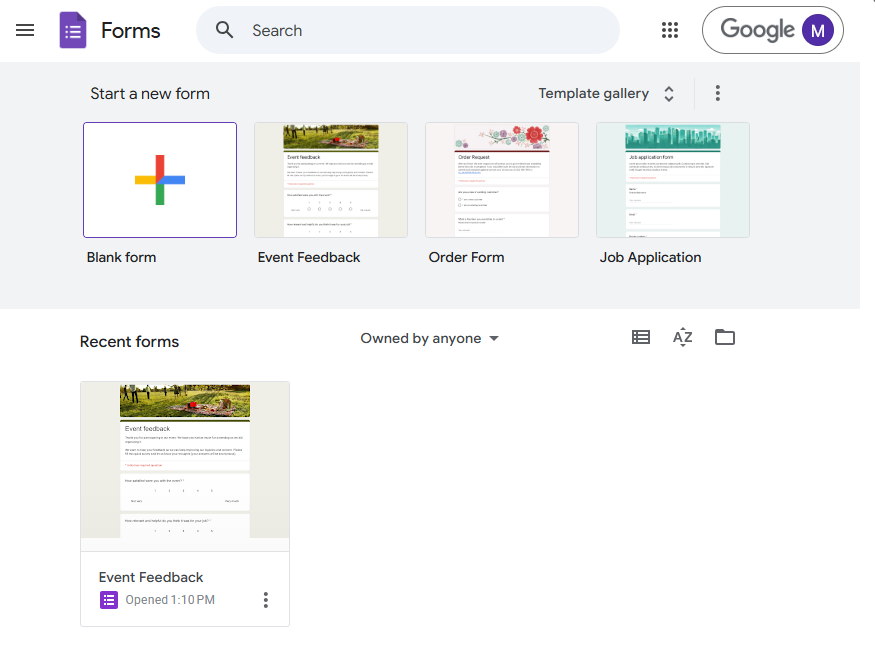
Google Forms is one of the most accessible form builders available. No account upgrades, no submission limits, no payment required. You can spin up a form in minutes, share a link, and responses land neatly in Google Sheets.
However, it has limited features compared to other alternatives in this list. For example, styling customization is limited to text styles and colors.
Where it beats Jotform
- Truly unlimited and free: Jotform's free tier caps you at 100 submissions per month. Google Forms has no submission limits. You can collect thousands of responses without hitting a paywall.
- Native Google Sheets integration: Responses flow directly into Google Sheets for analysis.
Pros
- Completely free with no submission caps
- Direct integration with Google Sheets
- Familiar interface for Google Workspace users
- Collaborative editing with your team
Cons
- Very limited design customization
- No payment collection without third-party add-ons
- Basic conditional logic compared to alternatives
- File uploads require respondents to have Google accounts
Pricing
It’s free with a Google account.
Bottom line
Google Forms wins when budget is the priority. It's not going to win design awards, but for internal surveys, quick feedback forms, or educational quizzes, it gets the job done at zero cost.
3. forms.app: Best for online order forms
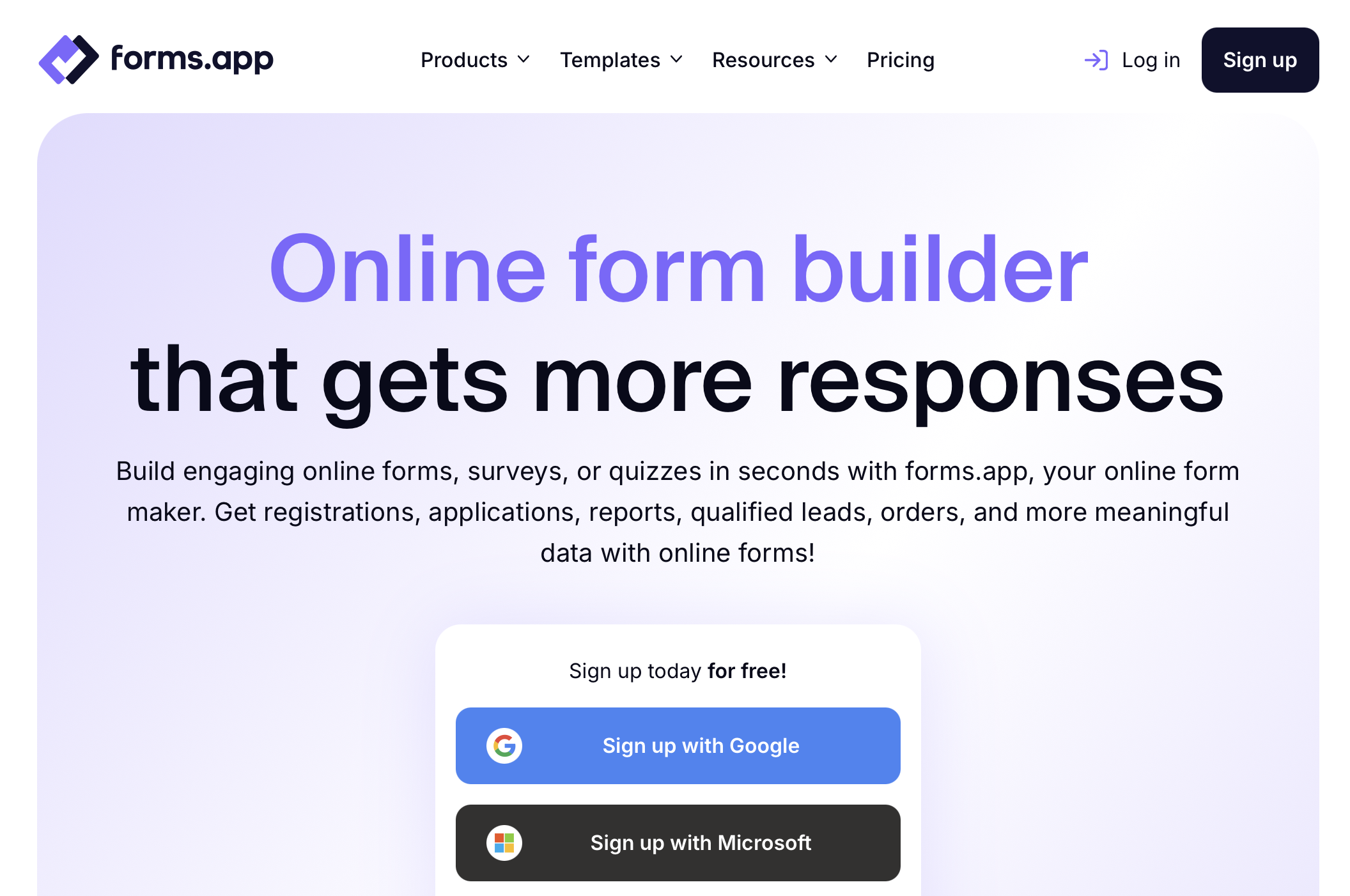
forms.app is a well-rounded form builder; however, its main advantages lie in selling online and collecting payments. forms.app’s dedicated “products” field works great for displaying products with variations, stock details, images, and so on.
Similar to Jotform, forms.app has a drag-and-drop editor, an AI form generator, and a library of form templates, so it’s easy to get started.
Where it beats Jotform
- Form-filling experience: forms.app offers a modern and intuitive experience, especially in order forms, while Jotform’s UI feels a bit dated.
- Drop-off analysis: forms.app has a comprehensive result analysis section that includes dynamic filters, drop-off analysis, and partial submissions.
- Team members: forms.app’s higher plans include additional team members, while Jotform requires teams to purchase the enterprise plan to use the platform as a team.
Pros
- 30+ field types, including fields for product listing, payments, and e-signatures
- Classic list view and conversational step view layouts
- Payment collection via Stripe and PayPal is built in
- Automatic PDF generation from form responses
Cons
- No offline form submission
- No built-in HIPAA compliance for healthcare use cases
Pricing
forms.app offers a free plan that includes up to 5 forms and 100 responses per month. Paid plans start at $29/month (Basic, 1,000 responses), $39/month (Pro, 10,000 responses, unlimited forms), and $79/month (Premium, 100,000 responses, custom domain, priority support).
Bottom line
forms.app is the right choice when you need a polished form builder for selling online.
4. Typeform: Best for design and user experience
Typeform built its reputation on making forms feel like conversations. The one-question-at-a-time approach creates an engaging experience and tends to get higher completion rates.
It has also added automations that run after submissions, such as notifying teams, creating tasks, or triggering email sequences. These automations are paid add-ons, starting at $75 per month on most plans and $25 per month on plans above Free and Basic.
Where it beats Jotform
- Design and UX: The one-question-at-a-time layout reduces visual clutter and makes longer forms feel less intimidating.
- Analytics and drop-off insights: Typeform gives clearer visibility into where people abandon a form. You can see completion rates and drop-off points at the question level, which helps when you’re optimizing surveys or lead capture.
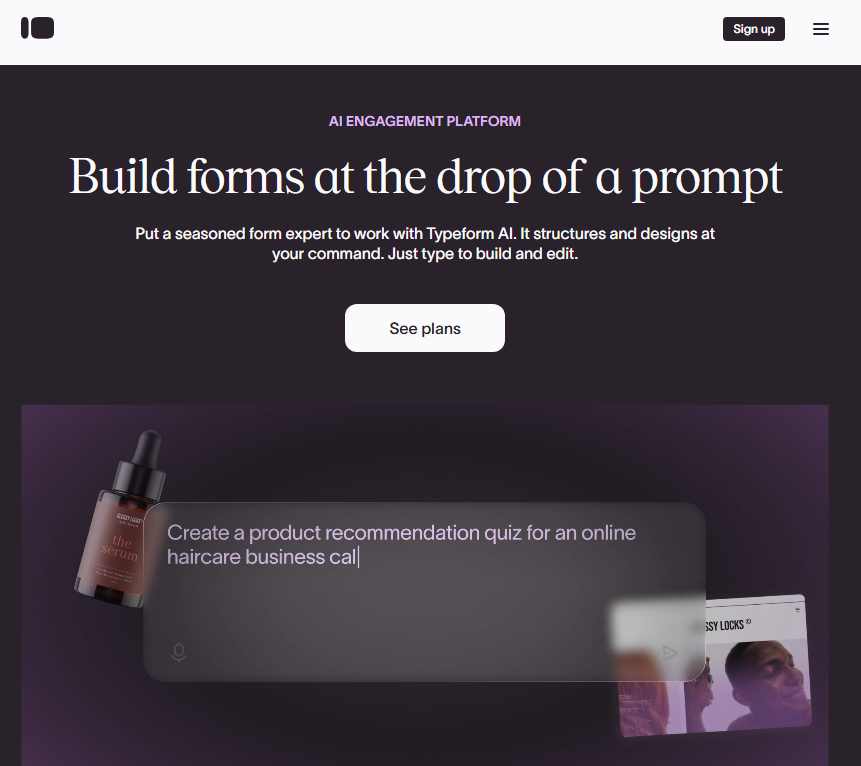
- AI form generation: Typeform’s AI is useful for speeding up form creation. You can describe what you want, and it generates questions, copy, and basic logic.
Pros
- Higher completion rates due to conversational format.
- Extensive integration ecosystem for tools such as HubSpot, Slack, and Salesforce.
- Video questions and personalized responses.
Cons
- Free plan limited to 10 responses per month
- Per-response pricing can get expensive at scale
- Limited customization on lower-tier plans
Pricing
The free plan allows up to 10 responses per month and up to 50,000 forms, which makes it one of the most restrictive free tiers on this list. Paid plans for individuals start at $25 per month and include unlimited forms with a limit of 100 responses. The Team plan starts at $53 per month for 3 seats and increases the response limit to 1,000 per month.
Bottom line
Typeform is worth the premium if user experience directly impacts your results. For lead generation forms, customer feedback, or any situation where completion rates matter, the design investment pays off. Just watch your response volume, as costs can climb quickly.
5. Formstack: Best for enterprise workflows
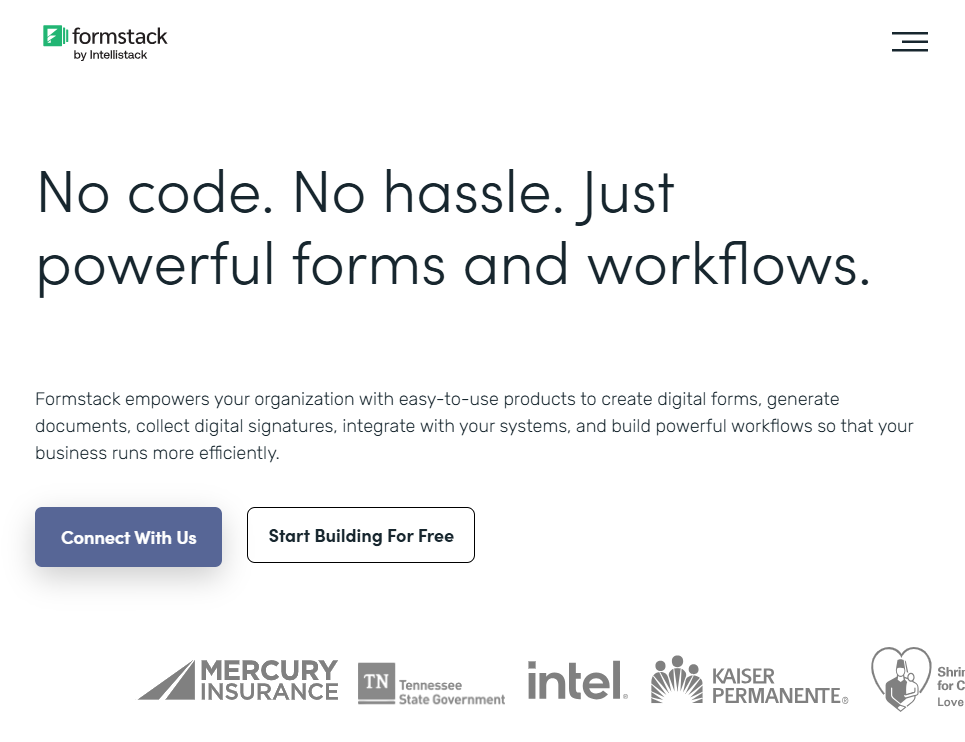
Formstack positions itself as a form builder that also focuses on workflow automation. It’s designed less for marketing forms and more for operational use cases like internal requests, regulated data collection, and document-heavy processes.
Where it beats Jotform
- Approval workflows. Formstack lets you build multi-step approval chains directly into your forms. Submissions can route through managers, compliance teams, or any stakeholder before final processing.
- Document generation and signatures: With higher-tier plans, Formstack can generate documents from form submissions and route them for e-signature. This goes beyond simple data capture and supports more complex business processes.
- Specialized plans: Formstack has specialized solutions for Salesforce, education, and healthcare.
Pros
- Built-in approval workflows and document routing
- Deep Salesforce and enterprise system integrations.
- Supports document generation and e-signatures on higher plans.
Cons
- Expensive starting point at $83/month billed annually for just 1 user and 25 forms.
- Interface feels dated compared to newer tools.
- No free forever plan.
Pricing
Formstack does not offer a free plan, but it offers a 14-day free trial. Paid plans for forms only start at $83/month for 1 user, 25 forms, and 1000 form submissions. To access forms and documents, and e-sign capabilities, you’ll need the $250/month Suite plan.
Bottom line
Formstack makes sense for mid-sized organizations that need forms tied to internal workflows or enterprise systems and have the budget for it.
6. Zoho Forms: Best for Zoho ecosystem users
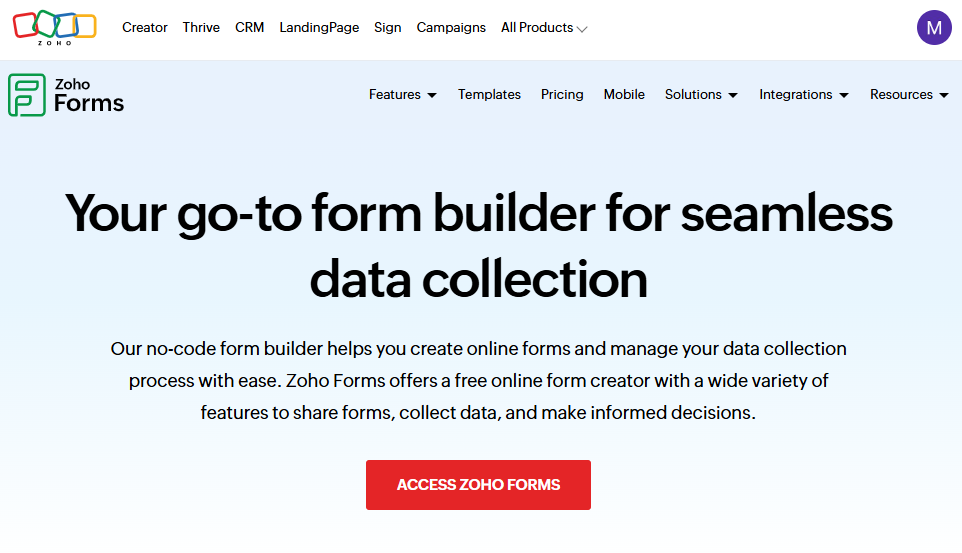
Zoho Forms is designed to feed form data directly into Zoho CRM, Zoho Desk, Zoho Projects, and other Zoho apps.
You get conditional logic, approvals, notifications, and basic workflow automation. Forms can trigger actions like creating CRM records, assigning tasks, or sending follow-up emails without relying heavily on third-party tools.
Where it beats Jotform
- Native Zoho CRM integration: Form submissions can create or update CRM records automatically. No Zapier or middleware required.
- Better value for Zoho One users: If you’re already paying for Zoho One, Zoho Forms is included. Even as a standalone product, pricing starts at $10 per month, which is less than a third of Jotform’s $34/month entry plan.
- Good fit for internal teams: It works well for internal requests like IT tickets, HR forms, expense submissions, or simple intake processes where design polish isn’t the priority.
Pros
- Native integration with Zoho CRM, Desk, Projects, and other Zoho apps.
- Offline data collection via mobile app
- More affordable than most competitors
- Support for over 50+ languages
Cons
- Limited branding and customization for customer-facing forms.
- Less flexible outside the Zoho ecosystem.
- Limited value if you're not using other Zoho products
Pricing
Zoho Forms offers a free plan that supports up to three forms and 500 submissions per month. Paid plans start at $10 per month and include unlimited forms with higher submission limits. User counts are capped by plan, with the highest tier supporting up to 100 users.
Bottom line
Zoho Forms makes the most sense if you're invested in the Zoho ecosystem. For everyone else, it's a solid mid-tier option with competitive pricing, but not exceptional at any one thing.
7. Tally: Best for creators and startups
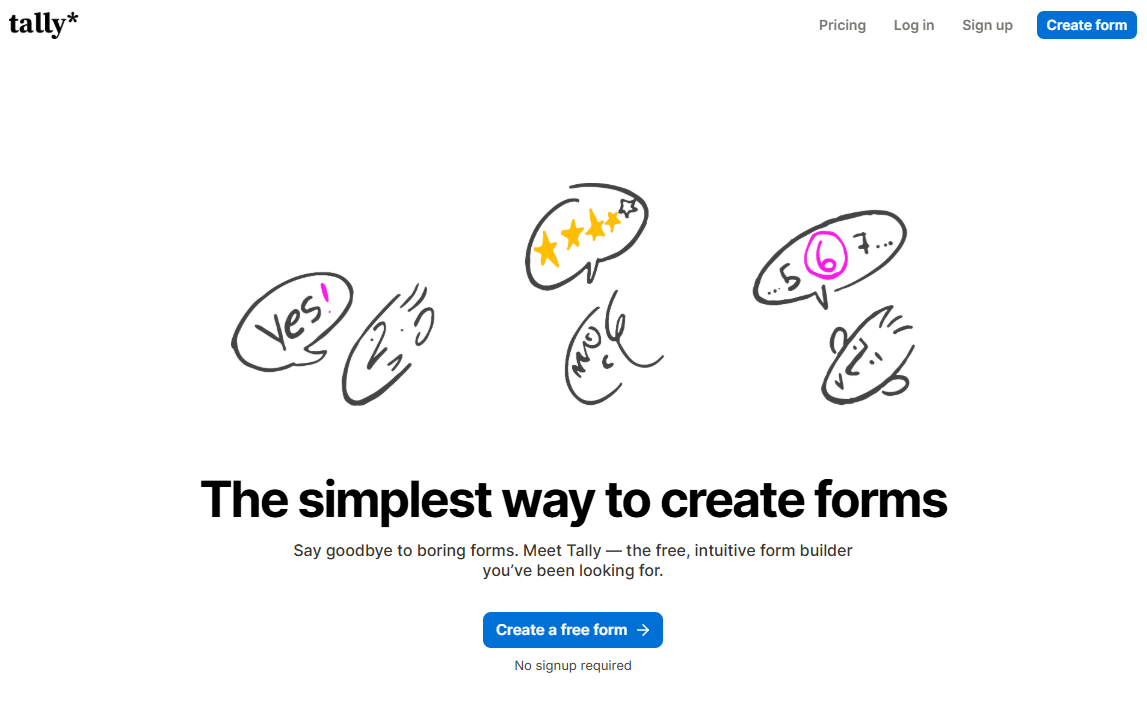
Tally is a lightweight form builder that feels more like writing a document than configuring software. Forms are created in a Notion-style editor, where you type questions as text blocks and add logic inline.
Despite the minimal interface, Tally supports conditional logic, calculations, hidden fields, file uploads, and Stripe payments. Submissions can sync to tools like Google Sheets, Notion, Slack, and webhooks.
Where it beats Jotform
- Generous free tier: Tally offers unlimited forms and unlimited submissions on the free plan. You only need to upgrade for features like custom branding, advanced integrations, or team collaboration. Jotform limits you to 5 forms and 100 submissions.
- Notion-like editing experience: Tally's interface feels like writing in a document. Type "/" to add blocks. The learning curve is nearly zero.
- Faster form creation: The text-first editor makes it quick to draft forms without navigating menus or layout controls. For simple intake or surveys, it’s often faster than Jotform’s drag-and-drop builder.
Pros
- Unlimited forms and submissions on the free plan.
- Easy-to-use document-style editor.
- GDPR compliant with EU hosting.
- Competitive Pro pricing at $24/month.
Cons
- Tally branding on the free plan.
- Email notifications behind a paywall.
Pricing
Tally offers a free plan with unlimited forms and responses. The Pro plan starts at $24 per month and adds custom branding, team features, and drop-off analytics. Pricing is flat and not based on per-response usage.
Bottom line
Tally is for the budget-conscious teams that need professional forms. Creators, startups, and small businesses can accomplish 90% of what Jotform offers without paying anything.
8. Microsoft Forms: Best for Microsoft 365 Organizations
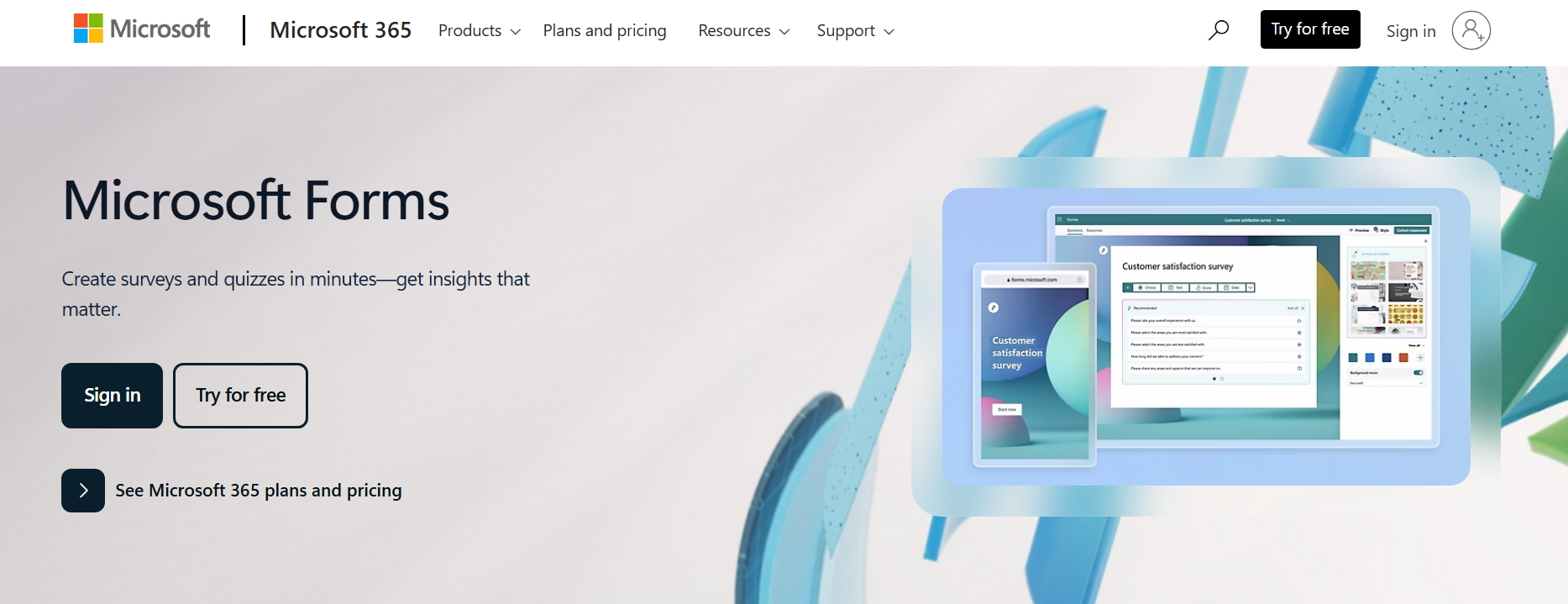
Microsoft Forms is a basic form and survey tool included with Microsoft 365. It’s designed for simple data collection inside organizations that already use Outlook, Teams, Excel, and SharePoint.
It supports logic rules and branching, but customization is limited.
Where it beats Jotform
- Included with Microsoft 365: Microsoft Forms comes bundled with most Microsoft 365 plans, so there’s no additional cost if your organization already uses Microsoft tools. That alone makes it more economical than Jotform for internal use.
- Native Microsoft integration. Results flow directly to Excel. You can also share forms directly in Teams.
- Internal access control: You can restrict forms to people within your organization, which works well for internal feedback, HR forms, or training quizzes without extra configuration.
Pros
- Included with Microsoft 365 subscriptions.
- Native integration with Excel, Teams, and SharePoint.
- Easy setup for internal surveys and quizzes.
- Supports branching logic and basic analytics.
Cons
- Very limited design customization.
- No payment collection.
- Limited reporting and analytics.
Pricing
Microsoft Forms comes bundled with Microsoft 365 plans. There's no standalone paid version. Pricing depends on your subscription, which starts at $18.79/user/month, billed annually.
Bottom line
Microsoft Forms is adequate for internal surveys, quick polls, and basic data collection within Microsoft 365 organizations. If you're already paying for M365, there's no reason not to use it for simple form needs.
9. SurveyMonkey: Best for research and analytics
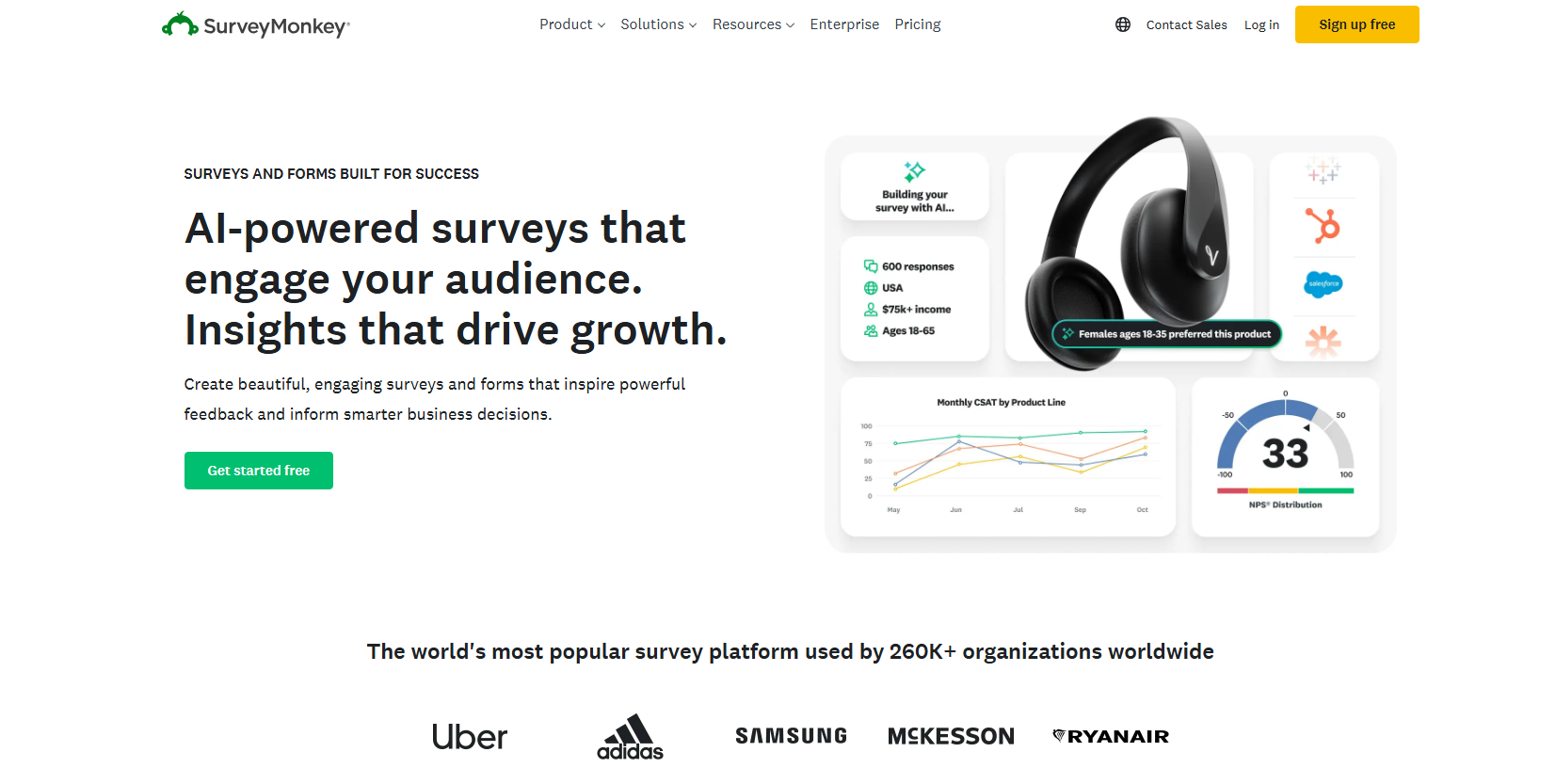
SurveyMonkey is a survey-first platform built for research, feedback, and data analysis rather than operational workflows. It’s widely used for customer surveys, NPS, employee feedback, and market research, with strong reporting and benchmarking features.
Where it beats Jotform
- Advanced survey logic: You can analyze responses by question, filter results, compare segments, and export data in multiple formats.
- Built-in analytics: SurveyMonkey includes text analysis, sentiment detection, and statistical significance testing. Jotform requires exporting data for this level of analysis.
- Templates and benchmarks: SurveyMonkey includes professionally designed templates and access to industry benchmarks, especially useful for NPS, employee engagement, and customer satisfaction surveys.
- Panel and audience options: You can distribute surveys to SurveyMonkey’s respondent panels if you need external data collection, which is outside Jotform’s scope entirely.
Pros
- Large library of research-focused templates.
- Useful for NPS, CSAT, and employee feedback.
- AI-powered survey creation
- Access to SurveyMonkey Audience for panel research
Cons
- The free plan is severely limited to 10 questions and 40 responses.
- Submissions don’t naturally trigger tasks, approvals, or follow-ups.
- Overkill for simple data collection
Pricing
SurveyMonkey offers a free tier with limited features and branding. Paid individual plans start at $34 per month and include unlimited surveys, forms, and quizzes, but cap responses at 1,000 per month. Team plans start at $25 per user per month with a three-user minimum and increase the annual response limit to 50,000.
Bottom line
SurveyMonkey is a strong choice when your primary goal is collecting and analyzing feedback.
Why I looked for Jotform alternatives
I looked for Jotform alternatives because the limits on forms and storage are restrictive, most plans allow only one user, and forms are hard to scale into workflows.
Here are more details about each limitation:
- Multiple usage limits: Jotform doesn’t just cap one metric. Plans limit the number of forms, monthly submissions, and users. You can hit any one of those limits and be forced to upgrade, even if everything else is underused.
- Most plans are single-user: All plans except the enterprise plan are single-user. One person owns and manages the account. You need to upgrade to the most expensive plan to have multiple users and teams.
- Forms turn into workflows: Jotform works well for collecting data. However, once a form needs to trigger approvals, task routing, or ongoing processes, it relies heavily on integrations. Tools with built-in workflow builders reduce the need to connect multiple tools.
How I tested these Jotform alternatives
I built a lead capture form with conditional logic or a client-facing feedback survey on each tool.
What I looked for:
- Clear limits that don’t compound: I checked how many forms, submissions, and file uploads each tool allowed.
- Built-in data handling: I checked where responses live and how easy they are to manage. Tools with built-in databases or structured tables were easier to work with than flat lists.
- Learning curve: I looked for tools that simplify the build process using visual builders or AI assistance.
- Integration flexibility: I looked for built-in integrations to tools like Google Sheets, Slack, CRMs, or payment services like Stripe.
Which alternative should you choose?
What separates these alternatives is what happens after submission, the amount of control you have over the experience, and how fast pricing scales with usage.
Here are my recommendations:
- Choose Fillout if you expect responses to turn into internal tools or client portals later. You won’t have to migrate data or rethink your setup as requirements grow.
- Choose Google Forms if you want a completely free tool and don’t have any customization needs.
- Choose forms.app if you’re selling online via online forms.
- Choose Typeform if you want a design-first form builder for lead generation and customer-facing forms.
- Choose SurveyMonkey if you're doing market research.
- Stick with Jotform if you need the most extensive template library and don't mind the submission limits.
My final verdict
If your forms are becoming part of real workflows instead of one-off data collection, Fillout is the better long-term choice. It gives you a clean path from form responses to portals, dashboards, and internal tools via the Zite database and AI app builder.
For teams that only need lightweight form collection on a budget, Google Forms is free. And if the primary goal is conversational form experiences, Typeform remains a good fit.
Ready to build with Fillout?
Build your forms in Fillout and turn them into custom apps when you’re ready.
Frequently asked questions
What's the best Jotform alternative for business use?
Fillout is the best Jotform alternative for business use because it doesn’t stop at form submissions. You can save responses directly to Zite’s database, which means the same data can power internal tools, client portals, and workflows without exporting, syncing, or rebuilding.
Is there a form builder with no submission limits?
Tally and Google Forms both offer unlimited submissions on their free plans. Most other form builders, including Jotform, cap submissions and charge extra when you exceed limits.
Is Microsoft Forms a good Jotform alternative?
Microsoft Forms is a good Jotform alternative for organizations already using Microsoft 365 since it's included at no extra cost.

