> ## Documentation Index
> Fetch the complete documentation index at: https://zite.com/llms.txt
> Use this file to discover all available pages before exploring further.
# Create Zite via API
> Programmatically create Zites from a prompt using the REST API.
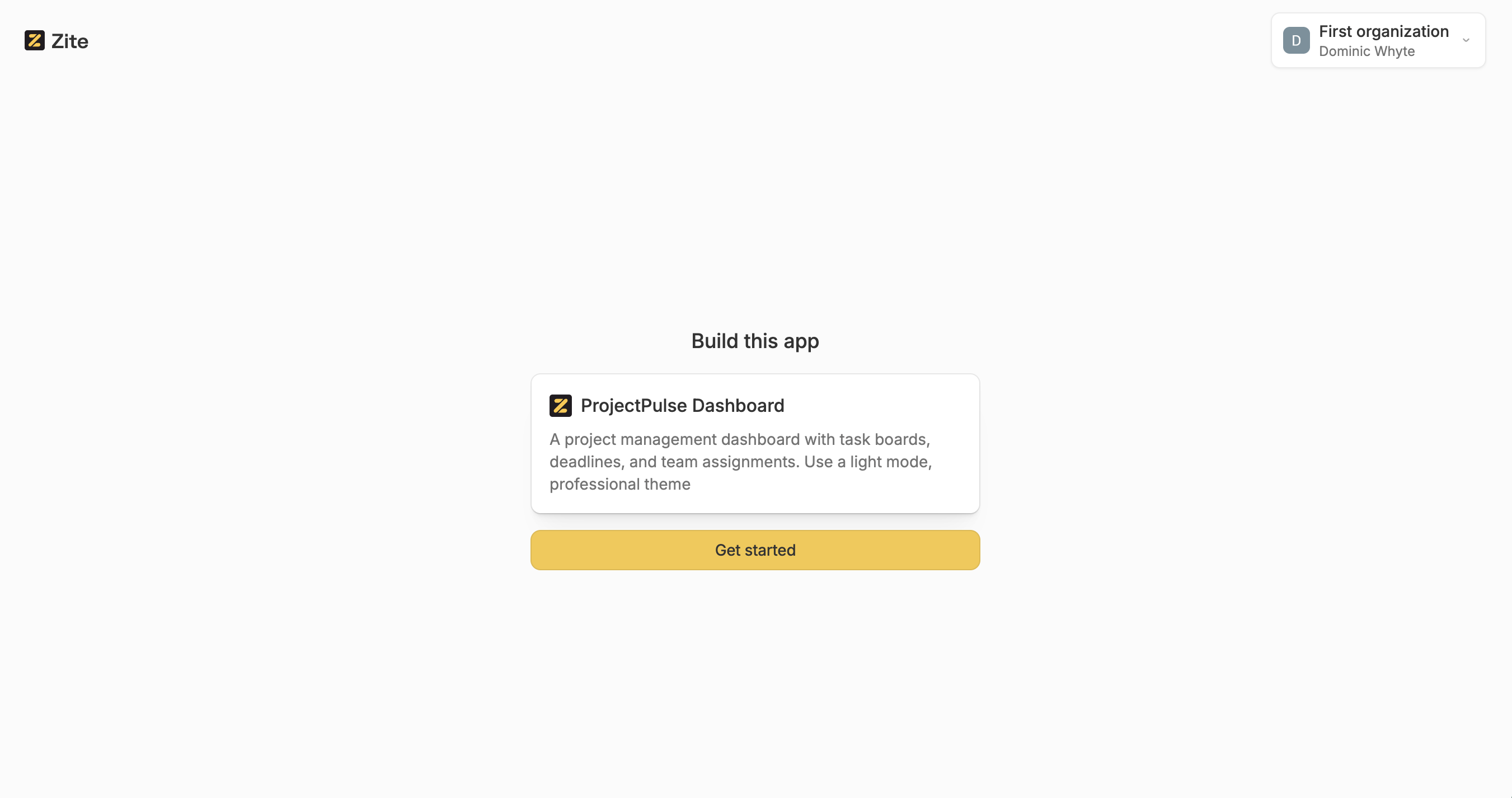
The Create Zite API lets you programmatically generate a Zite from a text prompt, optionally including files, a theme, and a name. The Zite is created instantly and a **claim URL** is returned so a user can take ownership of it.
No authentication is required to call this endpoint.
## Use cases
* **Embed app creation in your product** — add a "Create an app" button to your website or tool that generates a Zite behind the scenes
* **Share prompts that generate apps** — create shareable links or workflows that produce a Zite from a predefined prompt
* **Automate app generation** — integrate Zite creation into scripts, pipelines, or automation workflows
* **Rapid prototyping** — quickly spin up Zites from the command line or CI/CD
## How it works
1. Send a `POST` request with a prompt (and optional files, theme, or name)
2. A new Zite is generated instantly
3. The response includes a `claimUrl` — share it with a user so they can claim the Zite into their own account
 The base URL is `https://api.zite.com/v1/api`.
## API reference
### Endpoint
```text theme={null}
POST /zite/create
```
### Request body
| Field | Type | Required | Description |
| ------------------ | ------ | -------------------- | --------------------------------------------------------------------------------------------- |
| `prompt` | string | Yes | The prompt to generate the Zite from. 1–10,000 characters, trimmed. |
| `files` | array | No | Files to include. Max 10 items. |
| `files[].url` | string | Yes (within `files`) | A valid URL pointing to the file. |
| `files[].fileName` | string | No | A display name for the file. |
| `theme` | string | No | A theme for the Zite. If omitted, auto-selected from the prompt (when no files are attached). |
| `name` | string | No | A name for the Zite. Max 250 characters. If omitted, auto-generated from the prompt. |
### Response body
| Field | Type | Description |
| ---------------------- | ------ | --------------------------------------------------- |
| `flowPublicIdentifier` | string | Unique identifier for the created Zite. |
| `claimUrl` | string | URL the user can visit to claim and own the Zite. |
| `appName` | string | The resolved app name (provided or auto-generated). |
If no `theme` is provided and no files are attached, a theme is automatically selected using AI based on the prompt.
## Example
### Request
```bash theme={null}
curl -X POST https://api.zite.com/v1/api/zite/create \
-H "Content-Type: application/json" \
-d '{
"prompt": "A project management dashboard with task boards, deadlines, and team assignments"
}'
```
### Response
```json theme={null}
{
"claimUrl": "https://www.zite.com/claim/abc123def456",
"appName": "Project Management Dashboard"
}
```
The base URL is `https://api.zite.com/v1/api`.
## API reference
### Endpoint
```text theme={null}
POST /zite/create
```
### Request body
| Field | Type | Required | Description |
| ------------------ | ------ | -------------------- | --------------------------------------------------------------------------------------------- |
| `prompt` | string | Yes | The prompt to generate the Zite from. 1–10,000 characters, trimmed. |
| `files` | array | No | Files to include. Max 10 items. |
| `files[].url` | string | Yes (within `files`) | A valid URL pointing to the file. |
| `files[].fileName` | string | No | A display name for the file. |
| `theme` | string | No | A theme for the Zite. If omitted, auto-selected from the prompt (when no files are attached). |
| `name` | string | No | A name for the Zite. Max 250 characters. If omitted, auto-generated from the prompt. |
### Response body
| Field | Type | Description |
| ---------------------- | ------ | --------------------------------------------------- |
| `flowPublicIdentifier` | string | Unique identifier for the created Zite. |
| `claimUrl` | string | URL the user can visit to claim and own the Zite. |
| `appName` | string | The resolved app name (provided or auto-generated). |
If no `theme` is provided and no files are attached, a theme is automatically selected using AI based on the prompt.
## Example
### Request
```bash theme={null}
curl -X POST https://api.zite.com/v1/api/zite/create \
-H "Content-Type: application/json" \
-d '{
"prompt": "A project management dashboard with task boards, deadlines, and team assignments"
}'
```
### Response
```json theme={null}
{
"claimUrl": "https://www.zite.com/claim/abc123def456",
"appName": "Project Management Dashboard"
}
```