


An agency client dashboard pulls campaign data, KPIs, and branded reports into one space your clients can check anytime. I tested 7 options across paid media, SEO, social, and content reporting to see which ones hold up in daily agency use.
7 best agency client dashboards: quick comparison
The full breakdown is below, but here's the at-a-glance view so you can skip to what matters for your agency:
How I researched and tested these agency client dashboards
I spent time inside each tool’s free trial or free tier, connecting real ad accounts where possible and building a sample client dashboard from scratch. Where direct testing wasn’t available, I cross-referenced user reviews on G2, Capterra, and Reddit against the official feature pages.
The criteria I weighed for every tool:
- Reporting depth: How well each tool handles the channels agencies actually report on, including paid ads, SEO, and social.
- White-labeling: Whether the dashboard looks like your agency’s, not the vendor’s.
- Usability: How quickly a non-technical account manager can build and edit a client view.
- Integrations: How many marketing data sources connect natively without extra tools.
- Pricing: What the real cost is once you account for per-client fees, add-ons, and required tier upgrades.
This hands-on approach helped me see which agency client dashboards actually save reporting time and which create a different kind of headache once you scale past a few clients.
1. AgencyAnalytics: best for full-service marketing agencies
What it does: Pulls marketing data from 85+ sources into white-labeled client reports and dashboards.
Best for: Agencies managing 5+ clients across SEO, PPC, social, and email who want one tool for all reporting.
AgencyAnalytics was built specifically for agencies, and it shows in the details. The white-labeling goes deep, with custom domains, your branding everywhere, and full removal of their logo. When I tested it, clients saw my agency on every dashboard, not the tool behind it.
Key features
- 85+ native integrations: Connect Google Analytics, Google Ads, Meta, LinkedIn Ads, Search Console, and most major SEO and social tools without manual exports.
- Full white-label client portal: Clients get their own branded login with a custom domain that matches your agency’s name.
- AI summaries and insights: Auto-generated narratives that highlight what changed in a client’s data and why it matters.
- Built-in SEO tools: Track keyword rankings, run site audits, and monitor backlinks alongside ad data in the same client view.
- Unlimited staff and client users: Add team members or invite clients without seat-based fees.
Pros
- Per-client pricing scales predictably. You know exactly what each new client costs to add.
- White-labeling is fully featured on the standard plan, not gated behind enterprise tiers.
- AI insights actually surface useful changes instead of generic “your traffic went up” summaries.
- Setup is fast. I had a working dashboard in under 30 minutes using a pre-built template.
Cons
- Per-client pricing adds up quickly past 20 clients. A 25-client agency pays $625+/month on the Core tier.
- Rank Tracker is a paid add-on priced at $50 per client per month for 500 keywords, which can be pricey for SEO-heavy agencies.
- The interface, while functional, looks slightly dated compared to newer competitors like Whatagraph.
What users say
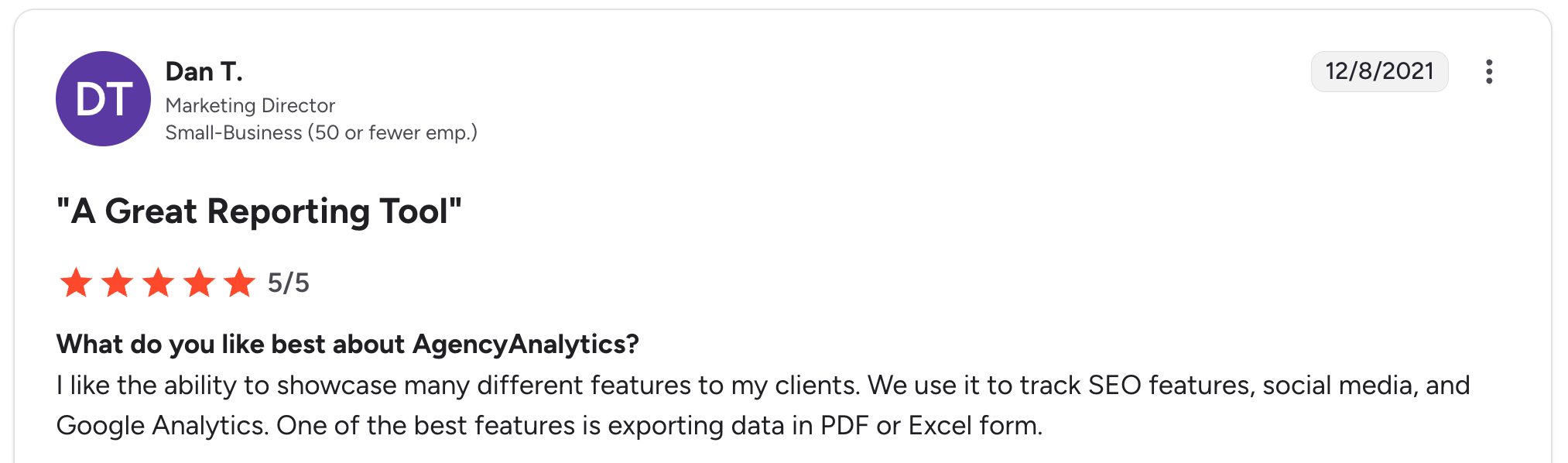
“I like the ability to showcase many different features to my clients. We use it to track SEO features, social media, and Google Analytics.” Dan T, G2

“I can't see the exact same numbers in the native platform analytics, making it hard to explain to customers why the numbers sometimes differ from their own platforms.” Aiki A, G2
Pricing
- Core: Around $25 per client per month with monthly billing ($20 per client with an annual commitment). Includes unlimited users, white-label, and AI insights.
- Enterprise: Custom pricing starting at 25 clients, with database connectors and priority support.
- Add-ons: Rank Tracker at $50/month per 500 keywords (or $41.67/month billed annually).
See AgencyAnalytics' pricing page for details.
Bottom line
I’d recommend AgencyAnalytics to any agency with 5 to 20 marketing clients that needs a one-tool reporting solution. If you’re managing 25+ clients or you do mostly SEO work that requires heavy rank tracking, look at the per-client total before committing.
2. Whatagraph: best for visual-first client reporting
What it does: Creates polished, visual marketing reports from 45+ data sources with AI-assisted layout suggestions.
Best for: Agencies whose clients value report design as much as the underlying data.
Whatagraph’s reports are the most visually polished of any tool I tested. The pre-built templates use real data visualization principles rather than generic charts, and the AI assistant suggests layouts based on your data sources.
When I built a sample SEO report, the AI organized it into a coherent narrative rather than dumping widgets on a page.
Key features
- AI report builder: Whatagraph IQ analyzes your connected sources and suggests a coherent report structure.
- Source credit pricing: Pay for the data sources you actually use, not per client or per user.
- Unlimited dashboards and users: No caps on team size or client logins, even on the entry-paid tier.
- 45+ marketing integrations: Covers the major paid media, SEO, social, and email tools.
- Cross-channel blending: Combine data from different sources in a single chart without manual exports.
Pros
- Reports look client-ready out of the box. Less manual styling required than competitors.
- Unlimited dashboards mean you can build multiple views per client without running into caps.
- The 30-minute data refresh rate is consistent across all plans.
Cons
- Source-credit pricing can be hard to estimate upfront. You don’t always know how many credits a campaign will use.
- Paid plans start at around $286/month with monthly billing, which is a higher entry point than DashThis or Data Studio.
- Limited customization for charts compared to a true BI tool like Klipfolio.
What users say
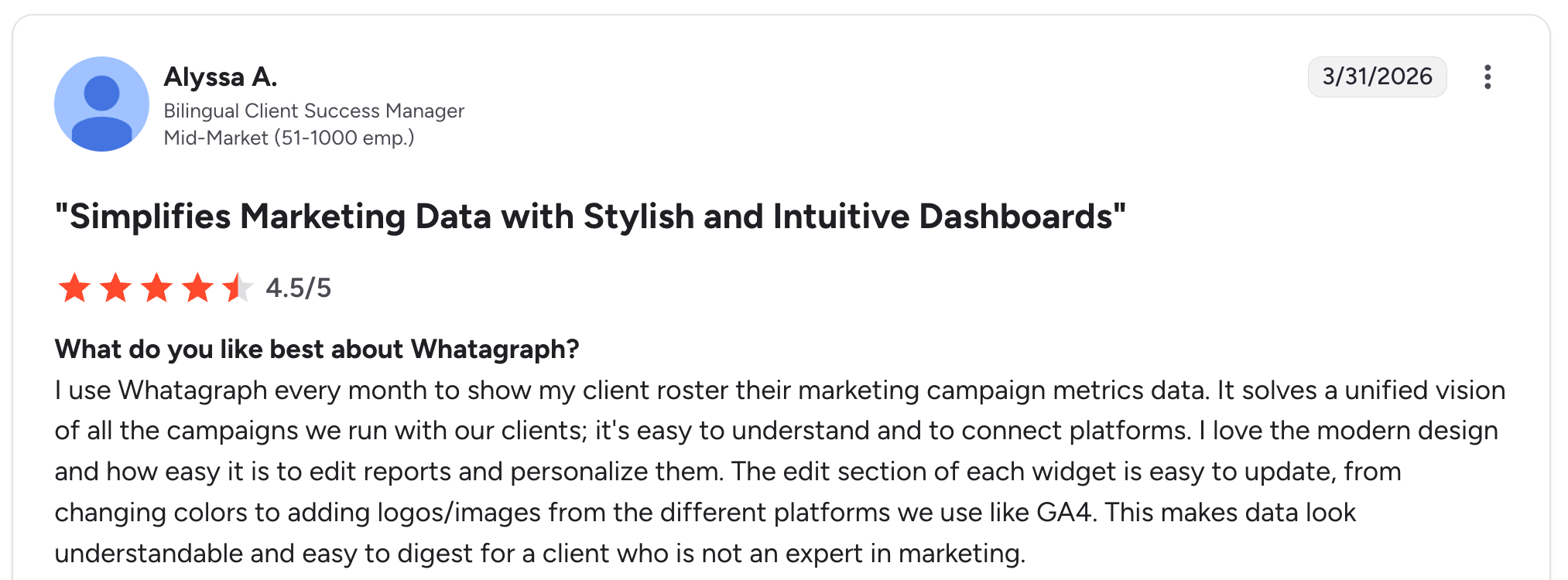
“I love the modern design and how easy it is to edit reports and personalize them.” Alyssa A, G2

“Once in a while, the data does not match what the source is reporting.” Verified User, G2
Pricing
- Start: Around $286/month with monthly billing ($229/month with annual commitment) for 20 source credits.
- Boost: Around $579/month with monthly billing for 50-60 source credits and white-labeling.
See Whatagraph's pricing page for details.
Bottom line
Pick Whatagraph if your clients judge reports on how they look, not on what they say alone. Skip it if you’re cost-sensitive, and your reports are mostly for internal teams.
3. Databox: best for real-time KPI tracking
What it does: Tracks live marketing KPIs across 120+ data sources with a mobile-first dashboard experience.
Best for: Performance-focused agencies that monitor campaigns daily and need to react to changes fast.
Databox treats mobile as a first-class experience. The phone app is one of the few I tested that I’d actually open during the day rather than for emergencies. The “Daily Habit” feature pings team members each morning with their key metrics, which is practically useful for agencies running active campaigns.
Key features
- 120+ integrations: One of the widest data source libraries in the category.
- Daily Habit notifications: Auto-delivered KPI digests to team members’ phones every morning.
- Goal tracking and alerts: Set targets per metric and get notified when a client’s campaign hits or misses.
- Data Calculations: Build custom metrics by combining numbers from different sources.
- Mobile-first design: Native iOS and Android apps that show the same data as the web view.
Pros
- Daily Habit changes how teams interact with client data. Less “let me pull this up” and more “I already saw it.”
- The widest integration library of any tool I tested, including some niche e-commerce tools competitors miss.
- Free tier is actually usable for very small agencies with 1-2 clients.
Cons
- Per-data-source pricing on top of the base plan can push real costs well above sticker price.
- Reports lean toward dashboard-style numbers rather than narrative documents, some clients prefer.
- Data export is gated behind the $499/month Growth plan, which is frustrating if you want a backup outside the tool.
What users say
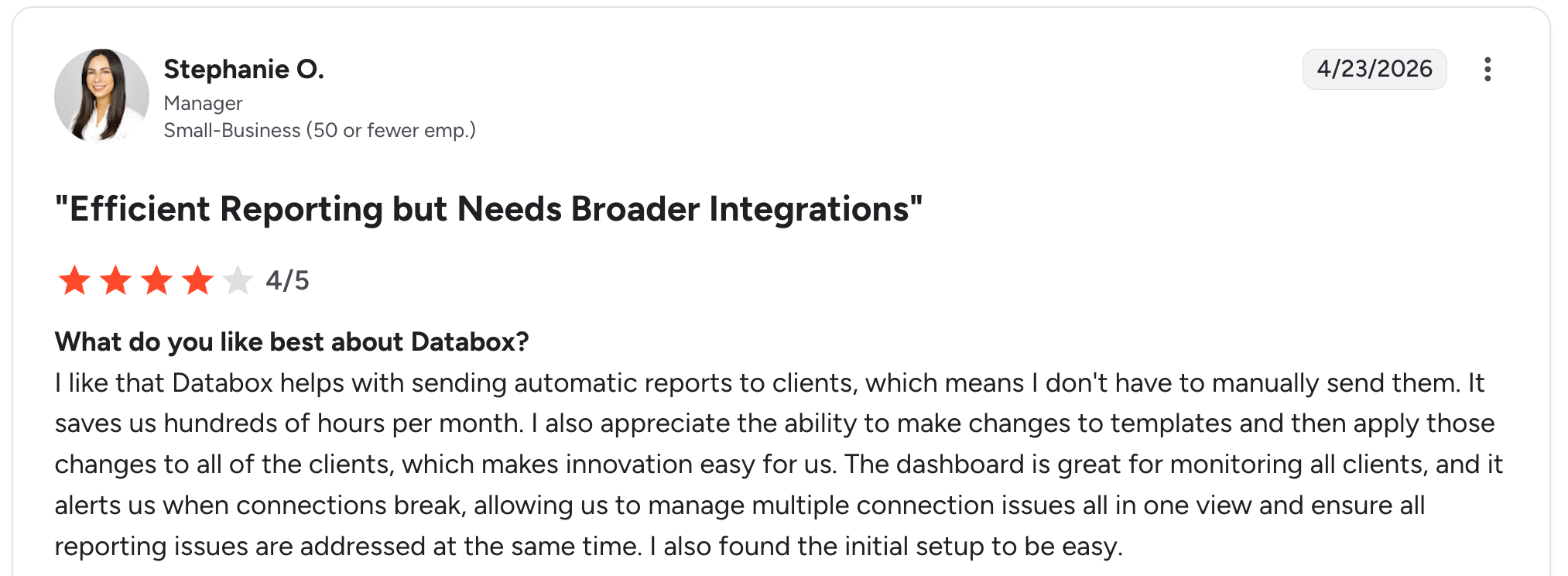
“I like that Databox helps with sending automatic reports to clients, which means I don't have to manually send them. It saves us hundreds of hours per month.” Stephanie O, G2

“Occasionally bugs and throughput issues/lag when editing custom metrics, but more than offset by their R&D into resolutions and new features.” Verified User, G2
Pricing
- Free: 3 data sources, 1 dashboard, 3 users.
- Pro: $199/month (billed monthly) for unlimited dashboards and the full feature set.
- Growth: $499/month for AI summaries, data export, and anomaly detection.
- Premium: $999/month for white-labeling and advanced security.
See Databox's pricing page for details.
Bottom line
Databox earns its place for agencies that live in marketing data every day. If your reporting is mostly monthly recaps, the daily-active features won’t justify the premium over a simpler tool like DashThis.
4. Zite: best for agencies building custom client dashboards
What it does: AI-powered no-code app builder that lets non-technical teams build custom client dashboards and portals by describing what they want.
Best for: Agencies that find templated reporting tools too rigid and want a dashboard that fits their exact workflow.
Zite sits in a different category than the other tools on this list. The others are pre-built marketing reporting tools you configure. Zite is a no-code builder that lets you construct your own client dashboard from scratch.
That’s a real tradeoff. You give up the 85+ pre-built ad-platform integrations of AgencyAnalytics, but you gain full control over what the dashboard looks like and what data lives inside it.
I built a sample client dashboard in Zite in about an hour by describing what I wanted. The AI generated a working app with a client login, a project status table, and a file upload area. The workflow logic was presented as a visual flowchart I could inspect and understand, so I could trace how it ran and refine it with prompts. That visibility is the main reason Zite stood out for the custom-built use case.
Key features
- AI-generated apps from a prompt: Describe the dashboard you want, and Zite builds a working version you can edit visually.
- Visual workflow editor: The app’s logic is shown as a flowchart you can inspect, understand, and troubleshoot when something breaks.
- Built-in database: Tables and fields look like a clean spreadsheet, but the data underneath behaves like a real database.
- Scheduled and automatic delivery: Set workflows to run on a schedule, so Zite can email each client their updated report every Monday, not just when someone clicks.
- Role-based permissions: Internal team gets full access by default; each client gets a separate login with controlled visibility.
- Native integrations: Airtable, Google Sheets, Slack, and OpenAI. Pull data in from existing sources or use Zite’s own tables.
- Custom branding and domains: Match the dashboard to your agency's visual identity, including matching your fonts, colors, and overall look from a reference like a screenshot or your existing site, so it comes out on-brand without styling it piece by piece.
Pros
- Full control over the client experience. The dashboard looks exactly how you designed it.
- No per-seat pricing. You pay the same flat rate whether you share with 5 clients or 50.
- Visual workflows let you see and understand app logic without writing code, so you can troubleshoot what the AI built and adjust it by prompting.
- The built-in database means you don’t need a separate data source for storing client records or project notes.
Cons
- No one-click, pre-built ad-reporting connectors like the dedicated tools ship. Pulling in live ad data from Google Ads, Meta Ads, or LinkedIn Ads takes more setup than picking a source from a menu.
- Newer product, so the template library and community ecosystem are still growing.
What users say
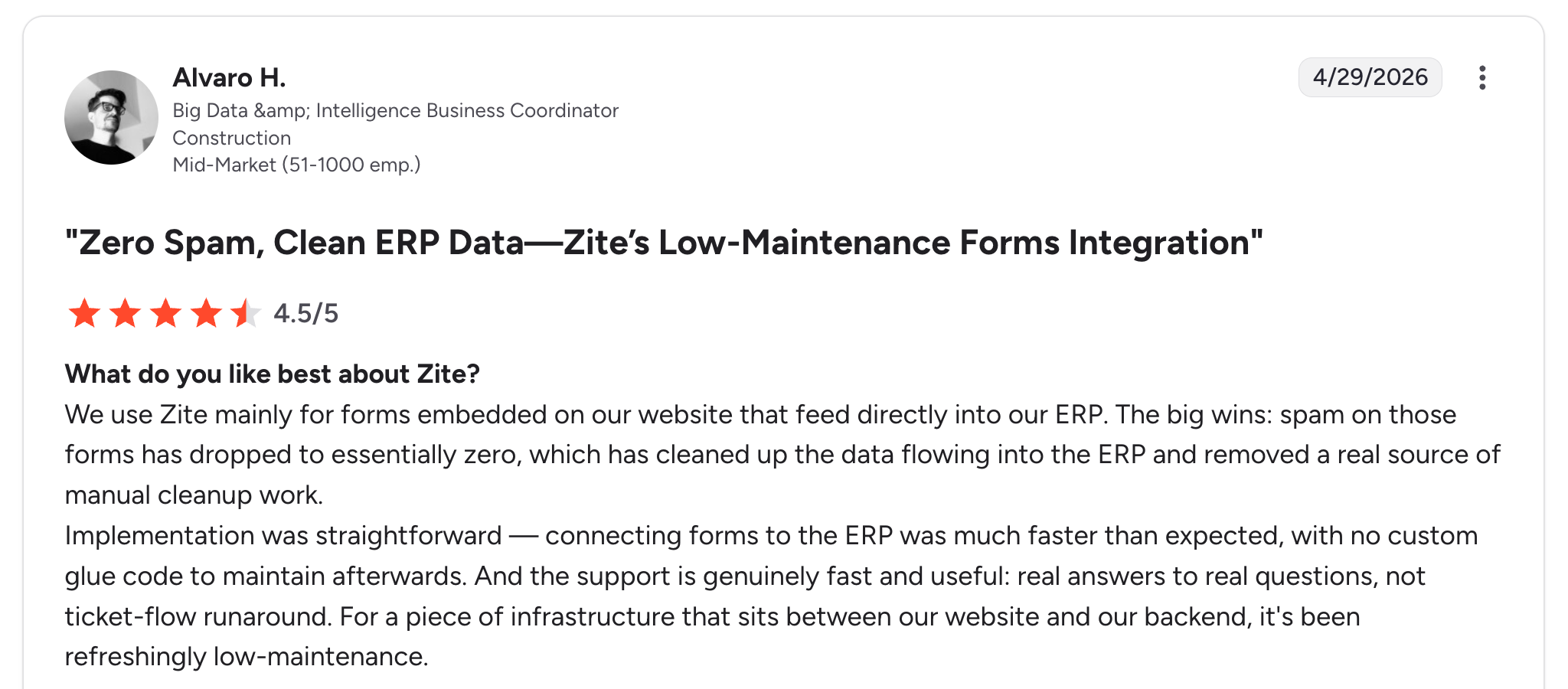
“Implementation was straightforward — connecting forms to the ERP was much faster than expected, with no custom glue code to maintain afterward.” Alvaro H, G2

“It does not sync with GitHub like V0 or Lovable.” Verified Reddit User
Pricing
- Free: Unlimited users, unlimited apps, and 50 monthly credits.
- Pro: $19/month (or $15/month billed annually) adds 100 credits, a custom domain, and removes Zite branding.
- Business: $69/month for higher limits and advanced workflow and permission features.
- Enterprise: Custom pricing.
See Zite's pricing page for details.
You can also compare Zite against direct AI builder alternatives at Zite vs. Lovable, Zite vs. Base44, and Zite vs. Replit.
Bottom line
I'd pick Zite over templated tools if I were running an agency whose clients want something truly custom, like a portal that combines reports, project status, document sharing, and approvals into a single branded space.
The pricing gap makes the case on its own: while the reporting tools charge per client (AgencyAnalytics runs about $25 per client per month, so a 25-client agency pays $625 and up), Zite stays at $19/month for Pro or $69/month for Business, no matter how many clients you add. If your reporting needs are standard marketing metrics with native ad-platform pulls, AgencyAnalytics or Whatagraph will get you there faster.
5. DashThis: best for simple monthly client reporting

What it does: Template-based reporting tool that generates client dashboards from 35+ marketing data sources.
Best for: Small agencies and freelancers who want fast, clean monthly reports without learning a complex tool.
DashThis removes the learning curve that comes with most reporting software. The pre-built templates cover the common scenarios (Google Ads, social media metrics, SEO tracking), and you can launch a useful dashboard in minutes. I had a sample Google Ads report up in under 10 minutes.
Key features
- 40+ preset templates: Organized by marketing channel so you skip the blank-canvas problem.
- Unlimited users on every plan: Rare in this space, where most tools cap seats.
- 35+ data integrations: Covers the main paid, organic, and email channels.
- Drag-and-drop editor: Simple to rearrange widgets and add new sections.
- Scheduled report delivery: Automatically email reports to clients on the schedule you choose.
Pros
- The simplest dashboard tool of the seven I tested. New team members can use it without training.
- Unlimited users on every paid tier removes seat-based pricing math.
- Templates jumpstart most common agency reports in minutes.
Cons
- Dashboard-count caps mean larger agencies upgrade tiers fast. The Individual plan only includes 3 dashboards.
- Customization is limited compared to Whatagraph or Klipfolio. You’re working within the template structure.
What users say
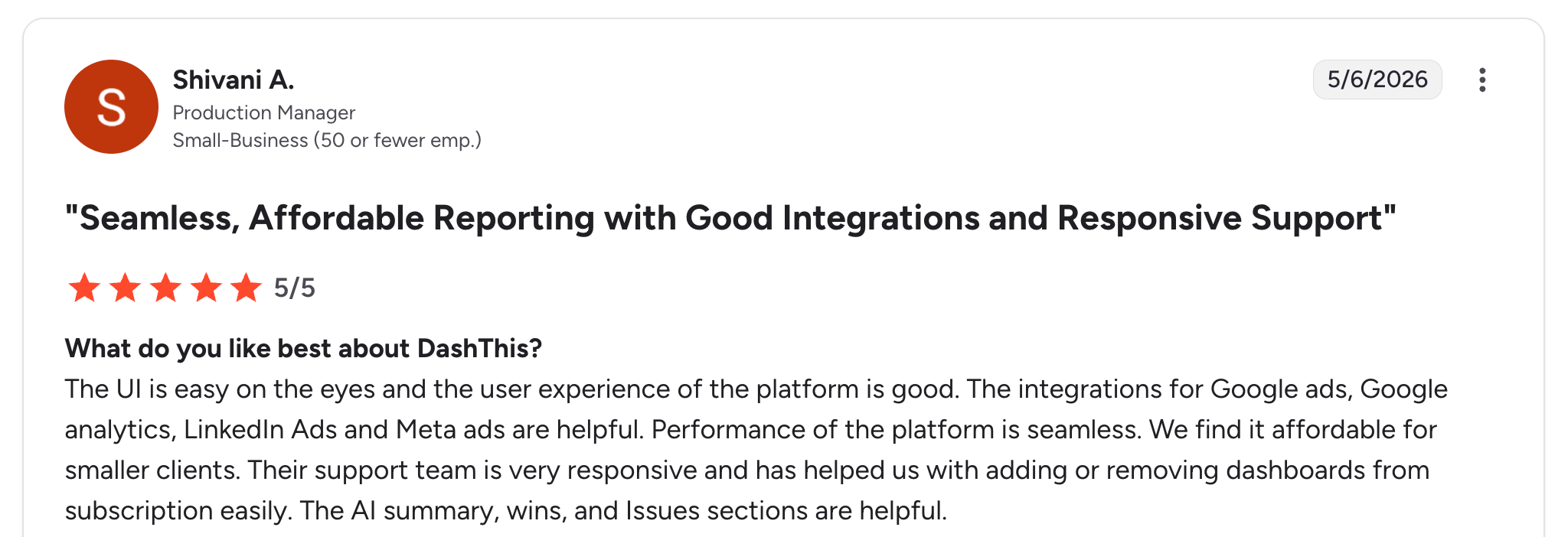
“The UI is easy on the eyes, and the user experience of the platform is good. The integrations for Google Ads, Google Analytics, LinkedIn Ads, and Meta Ads are helpful.” Shivani A, G2

“The weakness of DashThis is that it requires knowledge of the other programs it's pulling information from.” Ethan M, G2
Pricing
- Individual: Around $54/month with monthly billing ($44/month with annual commitment) for 3 dashboards.
- Professional: Around $164/month with monthly billing ($139/month annual) for 10 dashboards.
- Business: Around $324/month with monthly billing ($279/month annual) for 25 dashboards.
See the DashThis pricing page for details.
Bottom line
DashThis is the right pick if simplicity matters more than customization. If you’re managing 10+ clients and need more than basic monthly reports, the dashboard caps will push you into higher tiers fast.
6. Data Studio: best for budget-conscious teams with Google data
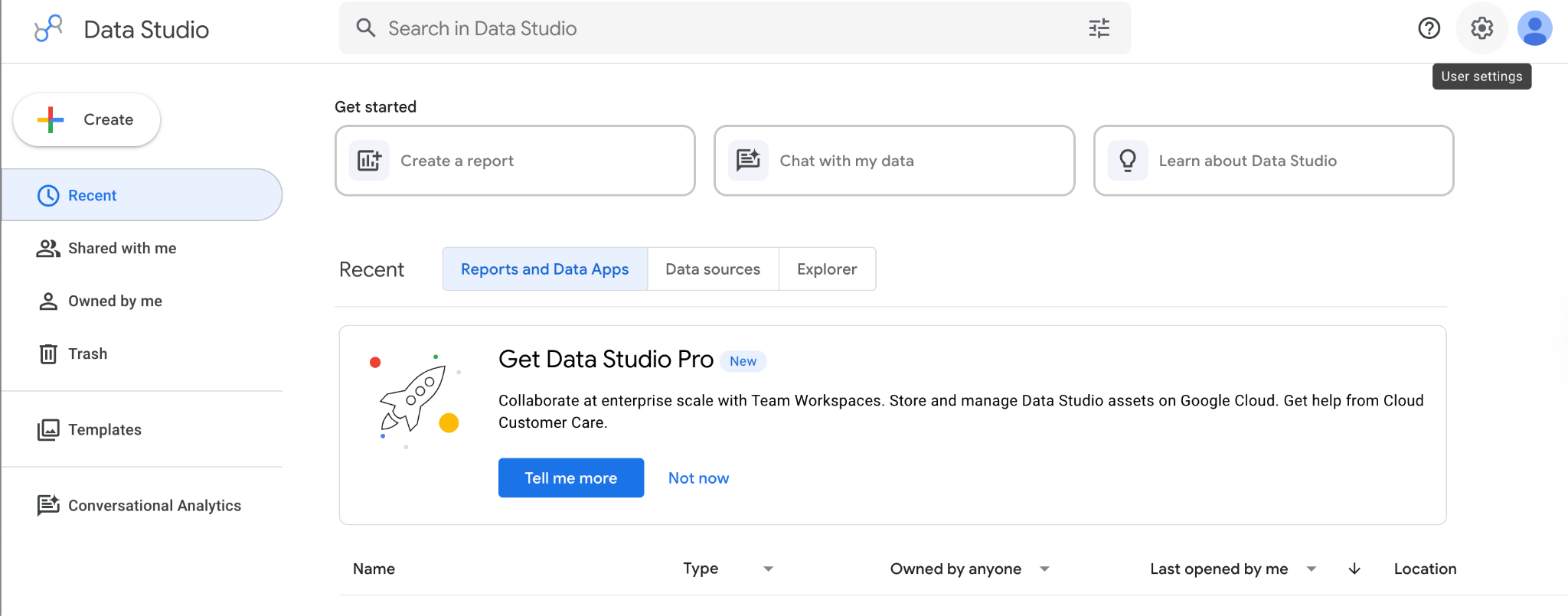
[Screenshot: Data Studio report with Google Analytics data]
What it does: Free data visualization and reporting tool from Google with deep ties to Google Analytics, Ads, and Sheets.
Best for: Agencies with Google-heavy data stacks and the technical comfort to build dashboards from scratch.
Data Studio is the free option that almost every agency tries at some point. The data visualization itself is strong, especially for Google data sources.
The catch: You’re doing more setup work than you would in a purpose-built agency tool, and connecting non-Google data often requires paid third-party connectors.
Key features
- Free to use: No subscription required for the core tool.
- Native Google data integration: Direct, free connectors for Google Analytics, Google Ads, Search Console, and BigQuery.
- Custom report design: Full control over layouts, charts, and styling.
- Data Studio Pro: Paid tier with team management, scheduled deliveries, and SLA support.
- Community templates: Hundreds of free templates from the Google ecosystem.
Pros
- Free tier is functional for small agencies. No artificial limits on dashboards.
- Deep Google integration is unmatched for agencies running Google Ads campaigns.
- Data Studio Pro offers team features at a lower per-user cost than dedicated agency tools.
Cons
- Connecting non-Google data sources usually requires a paid connector like Supermetrics or Funnel.io, which can cost more than the agency tools above.
- Building a useful dashboard takes longer than a templated tool. There’s no agency-specific quick start.
- White-labeling is limited. You can apply branding, but it’s not as polished as AgencyAnalytics or Whatagraph.
What users say
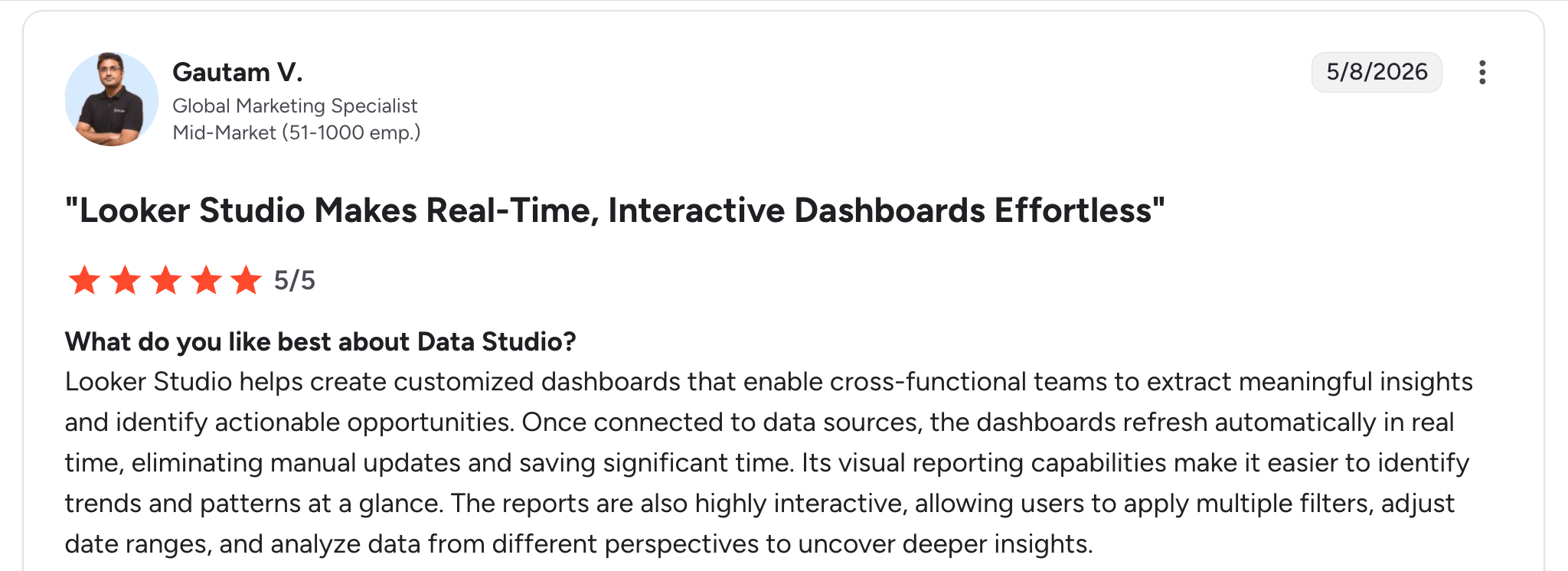
“Its visual reporting capabilities make it easier to identify trends and patterns at a glance. The reports are also highly interactive, allowing users to apply multiple filters, adjust date ranges, and analyze data from different perspectives to uncover deeper insights.” Gautam V, G2

“I think some data [is] not labeled that well. There's a lot of data available, and I want to see some of it in depth. For that, I have to maybe, probably, modify data with help from our data release team or data science team. Some basic call sort analysis is missing.” Shailesh J, G2
Pricing
- Free: Full core feature set with Google data sources.
- Data Studio Pro: $9 per user per project for team management and scheduled reports.
See Data Studio's product page for details.
Bottom line
Data Studio is the right call if your agency primarily reports on Google data and you have someone willing to handle the setup. For multi-channel reporting across paid social and email, the connector fees often add up to more than a dedicated agency tool would cost.
7. Klipfolio: best for agencies needing tailored data views
What it does: Customizable dashboard tool with 130+ marketing connectors and a focus on flexible, agency-built reports.
Best for: Agencies that need more dashboard control than DashThis offers, but want it pre-built for marketing rather than building from scratch in Data Studio.
Klipfolio sits between the templated tools and the build-it-yourself options. The dashboard builder is fast once you learn it, and the white-labeling is solid. The 130+ connectors cover most marketing data sources I tested, including some niche tools.
Key features
- 130+ data connectors: One of the wider integration libraries in the category.
- Custom widgets: Build specific data displays beyond what templated tools allow.
- White-label dashboards: Apply your agency’s branding to client-facing reports.
- Scheduled email delivery: Send dashboards or PDF snapshots on a schedule.
- PowerMetrics and Klips: Two products covering metric-focused KPI dashboards and full custom dashboards, respectively.
Pros
- Customizable enough that you’re not stuck inside a template structure.
- Wide connector library covers most marketing data sources.
- Solid documentation for the more advanced features.
Cons
- Steeper learning curve than DashThis or AgencyAnalytics. Expect to spend a few hours getting comfortable.
- Two-product structure (PowerMetrics and Klips) makes pricing comparisons confusing.
- Pricing tiers limit data refresh rates on lower plans, which matters for performance-focused agencies.
What users say
“What I really like about Klipfolio is that it’s super easy to pick up, connects smoothly with lots of data sources, the dashboards get used all the time (daily or a few times a week), and if something breaks or you need help, the support, docs, and community jump in fast, basically, you almost never feel stuck.” Sumeet Y, G2

“It doesn't have as many chart options as Power BI or Data Studio.” Verified User, G2
Pricing
- Base: $120/month (billed annually) for small teams with unlimited users.
- Grow: $190/month (billed annually) for unlimited users and unlimited metrics.
- Team: $310/month (billed annually) for unlimited users and unlimited metrics.
See Klipfolio's pricing page for details.
Bottom line
Pick Klipfolio if your agency needs more customization than DashThis allows, but you don’t want the build-from-scratch effort of Data Studio. Skip it if simplicity or out-of-the-box agency templates are more important than flexibility.
Which agency client dashboard should you choose?
The right tool depends on your client mix, your reporting volume, and how much customization actually matters.
Choose AgencyAnalytics if you:
- Manage 5 to 20 clients across multiple marketing channels.
- Want a one-tool solution with deep white-labeling and per-client pricing that scales predictably.
- Value AI-generated insights that highlight what changed in client data.
Choose Whatagraph if you:
- Care about how your reports look as much as what they say.
- Want unlimited dashboards and users at a fixed price.
- Prefer source-credit pricing over per-client billing.
Choose Databox if you:
- Live in marketing data daily and need mobile-first KPI tracking.
- Want goal-tracking and alerts built into your reporting workflow.
- Have at least 6 data sources and can absorb per-source pricing.
Choose Zite if you:
- Want a fully custom client portal, not a standard marketing report.
- Need to combine reporting with project status, document sharing, and approvals in one branded space.
- Value visible app logic, you can troubleshoot yourself, and no per-seat pricing as you add clients.
Choose DashThis if you:
- Run a small agency with 1 to 10 clients and want fast monthly reports.
- Need unlimited users on every plan without seat-based pricing.
- Prefer template-driven simplicity over heavy customization.
Choose Data Studio if you:
- Report mostly on Google Analytics and Google Ads data.
- Have budget constraints, and someone on the team is comfortable with setup work.
- Can accept paid third-party connectors for non-Google data sources.
Choose Klipfolio if you:
- Need more customization than DashThis offers, but less effort than Data Studio.
- Value a wide connector library and custom widget building.
- Have time to invest in the initial learning curve.
Skip this category entirely if:
- You only have 1 or 2 clients, and a shared Google Sheet works fine for your reporting.
- Your clients don’t actually look at dashboards. In that case, focus on a monthly PDF report or a video walkthrough instead.
Final verdict on agency client dashboards
For most marketing agencies, AgencyAnalytics is the strongest default choice because of its depth of native integrations, white-labeling, and predictable per-client pricing.
Whatagraph is the better pick if visual design matters more than feature breadth, and DashThis wins for the smallest agencies that want clean monthly reports.
If you’re building something more involved than a marketing report (a true client portal with reporting, file sharing, approvals, and custom views), a no-code builder like Zite gives you control that the templated tools can’t match.
You can also compare it against the leading database option at Zite vs. Airtable to see which fits the dashboard you have in mind.
The honest truth is that the best agency client dashboard is the one your team will actually use and your clients will actually open. Pick the tool that gets you reporting consistently, then refine from there.
Ready to build a custom agency client dashboard?
Templated reporting tools work for standard marketing metrics. When your clients want something more, a portal that combines reports with project updates, file delivery, and approvals, a no-code builder gives you the flexibility templates can’t.
With Zite, you can:
- Describe the dashboard you want and have a working version live the same day.
- Use a built-in database to store client records and report data in one place.
- Inspect the app’s workflow logic visually so you can troubleshoot when something breaks.
- Give each client a branded login with role-based access.
- Add unlimited clients without per-seat fees.
Start building with Zite for free and have your first agency client dashboard live this week.
Frequently Asked Questions
What is the best agency client dashboard for marketing agencies?
The best agency client dashboard for most marketing agencies is AgencyAnalytics, thanks to its 85+ native integrations, full white-labeling, and predictable per-client pricing. For agencies that want a fully custom client portal, Zite is the strongest no-code option.
How much does an agency client dashboard cost?
An agency client dashboard costs anywhere from free (Data Studio) to $500+/month (AgencyAnalytics for 20+ clients). Mid-range tools like DashThis and Whatagraph land between $54 and $286/month. No-code builders like Zite start at $19/month with unlimited users.
Can clients access the dashboard directly?
Yes, most agency client dashboard tools include a client login feature that gives each client their own branded view. AgencyAnalytics, Whatagraph, Databox, DashThis, Zite, and Klipfolio all support client-facing portals with role-based access.
What’s the difference between an agency client dashboard and a client portal?
An agency client dashboard focuses on data visualization and marketing metrics. A client portal is broader and may include file sharing, project status, approvals, and messaging alongside reports. Builders like Zite let you create a full client portal that includes a dashboard plus everything else clients need.
Do I need a developer to set up an agency client dashboard?
No, you don’t need a developer for any of the tools on this list. AgencyAnalytics, Whatagraph, Databox, DashThis, and Klipfolio are designed for non-technical agency users. Zite uses AI to generate apps from a prompt, so non-technical teams can build custom dashboards without writing code.

