


I tested 15+ AI app builders to find ones that can handle real data and users. This article breaks down the key features of the 9 that worked best, when to use each, and what they cost in 2026.
What is the best AI app builder? Quick answer
Zite is the best overall choice if you are building production business apps and workflows.
Choose DronaHQ if you want to self-host your internal tool builder and have the budget.
Webflow is the best pick if you are building websites or marketing sites for clients.
Lovable and Replit are strong options if you want developers to extend the AI-generated code.
TL;DR: Best AI app builders at a glance
You can use the following AI app builders to build client-facing apps, internal apps, or SaaS MVPs.
Here’s a quick overview of what each does best:
1. Zite: Best for production business software
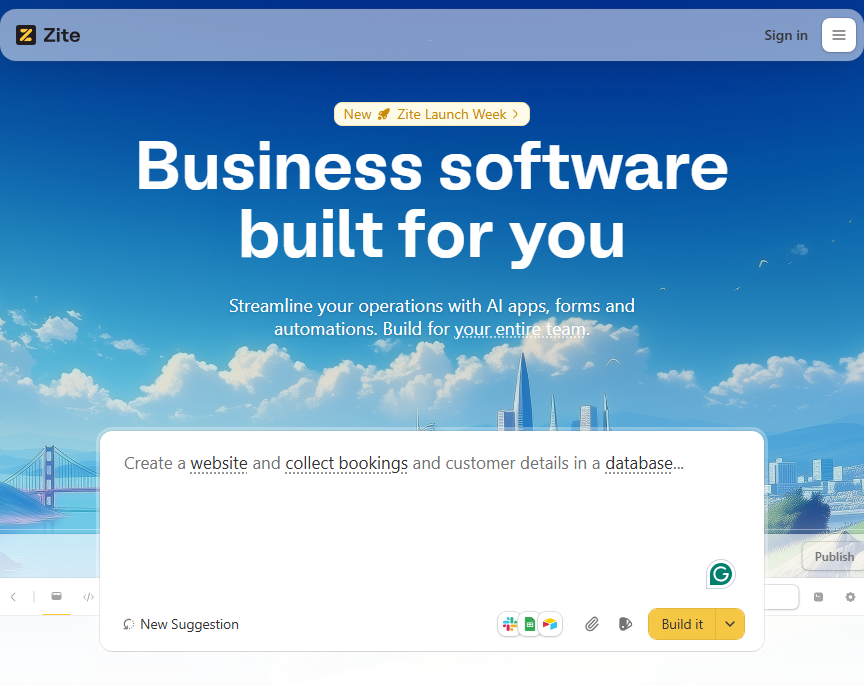
Zite is an AI-powered, no-code platform for building custom business software like employee portals, admin panels, and inventory trackers by simply describing what you want.
Unlike other AI app builders, Zite is laser-focused on business apps that you can ship directly to production. You get authentication, permissions, secure hosting, and an actual database out of the box. No need for an engineering team.
During testing, I didn’t have to keep re-prompting the AI or editing generated code to fix issues. I could adjust layouts and components directly in the visual editor. The backend workflows were also easy to understand through a flowchart-style view that showed how data and actions connected.
This feature makes it easy for non-technical users to update apps over time, without having to re-prompt or dig through AI-generated code and hope for the best.
Key features
- Production-ready by default: Comes with built-in authentication, user permissions, role-based access control, secure hosting, and SSO. It’s also SOC 2 Type II compliant.
- Visual workflows for backend logic: Zite exposes backend logic as visual, flowchart-style workflows (similar to Zapier or n8n). You can see how data moves between steps, understand execution order, and spot failures easily.
- Visual app editing: Edit layouts, components, and styling directly, like Figma or Webflow. You can resize elements, adjust layouts, and restyle the UI directly.
- Built-in database with schema auto-generation: You get tables and relationships without setting up an external database or writing SQL.
- Natural-language app creation: Describe the app you want in plain language, and Zite generates the UI, data model, and workflows.
- Integrations with existing tools: Connect to tools like Airtable, Google Sheets, and CRMs with the pre-built connectors.
- Branding: Use the custom domains and apply custom styling to ship apps that match the style of your existing products.
- Unlimited users and apps, even on free: There are no per-seat fees, which is a key advantage compared to tools that charge per user or per app.
Pros
- Production-ready out of the box with auth, permissions, and secure hosting.
- No per-user pricing means predictable costs as you scale.
- Visual editor and flowchart workflows make updates easy for non-technical users.
Cons
- Not designed for consumer apps, SaaS MVPs, or mobile apps.
- No code exports, you must host apps on Zite.
Pricing
All of Zite’s plans support unlimited users and apps. The free plan includes 50 AI credits, which are enough to generate an app and make several rounds of changes. Paid plans start at $15/month, billed annually. You get 100 credits plus the option to purchase more.
Bottom line
Zite is best for non-technical but software-savvy ops, support, and business teams who need production-ready apps without hiring engineers.
2. DronaHQ: Best for internal tools you can self-host
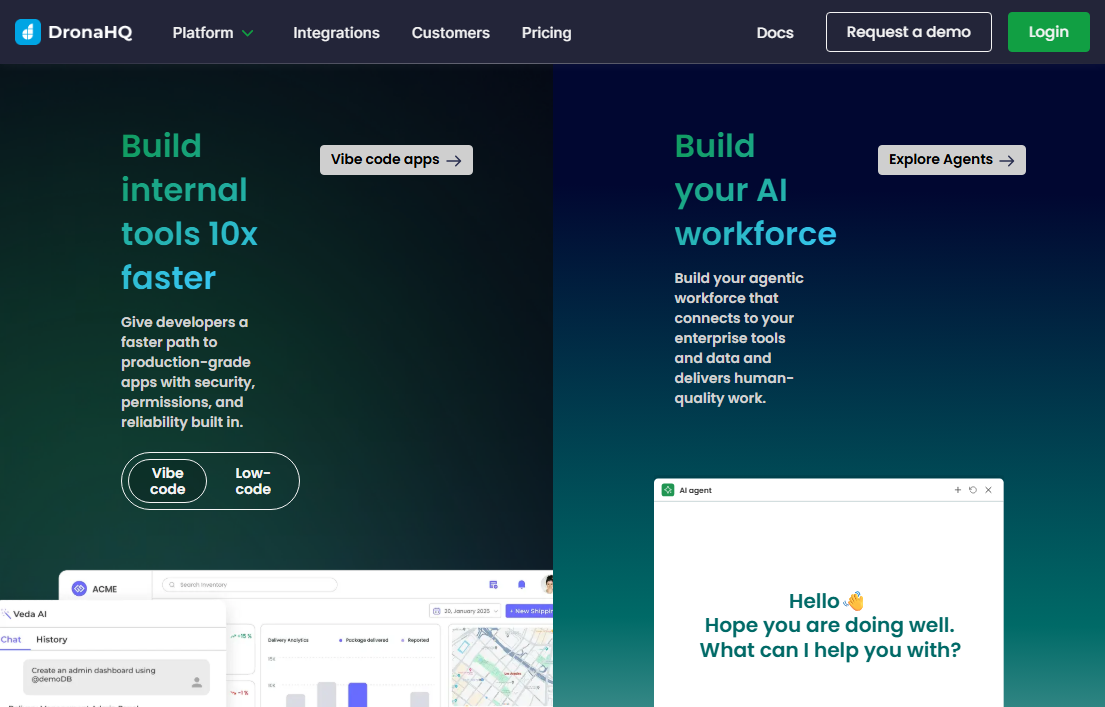
DronaHQ is a low-code, AI platform for building internal tools and business workflows, especially in larger or more regulated organizations.
You can use the visual builder or the AI builder to create your apps.
In the AI builder, I could paste a prompt or upload a UI screenshot and get a scaffolded app. The app uses DronaHQ’s standard components, data bindings, and actions. This means that if I needed to, I could easily make changes to the app using the visual builder.
DronaHQ emphasizes governance by supporting fine-grained permissions, audit logs, SSO, and offering deployment flexibility. The AI builder also gives you direct code access.
Key features
- AI and low-code builder: Generate internal apps from natural-language prompts or use a drag-and-drop UI builder.
- Enterprise-grade security and governance: Supports role-based access control, SSO, audit logs, environment management, and a secure way to manage secrets.
- Web and mobile internal apps: Ship responsive web apps and mobile-friendly experiences so field and operations teams can use the same internal tools from desktops, tablets, and phones.
- Flexible deployment options: Run DronaHQ in the vendor cloud or self-host it in your own infrastructure
Pros
- Self-hosting option gives you full control over data and infrastructure.
- Strong governance features like audit logs, SSO, and environment management.
- Works for both web and mobile internal tools.
Cons
- Steep learning curve.
- Expensive. Cloud starts at $100/month.
Pricing
DronaHQ cloud plans start at $100/month for 300 AI credits, unlimited apps, and sign-in with Google authentication. Self-hosted plans cost more and start at $1500/month for 300 AI credits. Contact the sales team for user-based and developer-only plans.
Bottom line
DronaHQ works best for mid-size and enterprise teams that want AI to speed up internal tool development without giving up security or control. It’s a strong fit for organizations that expect SSO, RBAC, audit trails, and the option to self-host.
3. Lovable: Best for SaaS MVPs
Lovable is an AI app generator that turns plain-English instructions into web applications. It natively integrates with Supabase, a popular hosted backend service for user logins, databases, and permissions, though you can use other backends if you need.
One of Lovable’s biggest advantages is that it doesn’t lock you into the platform. It generates a real codebase that you can sync to GitHub. I could use AI to produce a working MVP, then hand the project off to developers to harden it, refactor the code, and add proper safeguards.
That flexibility matters because Lovable doesn’t always generate maintainable or secure code.
Key features
- Complete app generation: Lovable generates a full web app, including pages, navigation, user login, and data storage, based on a few prompts.
- GitHub integration: Every change can sync to GitHub, so your app lives as real code, not a locked project inside a builder.
- Hosted preview environment: Lovable runs your app in the cloud so you can click through it and share it without setting up hosting.
Pros
- No lock-in since code syncs to GitHub.
- It handles authentication and database setup out of the box.
- Easy to share previews without setting up hosting
Cons
- Generated code isn’t always maintainable or secure.
- Not designed for mobile apps.
Pricing
Lovable’s free plan gives you 30 credits/month, capped at 5 daily. The paid plans start at $21/month, billed annually for 100 credits.
Bottom line
Lovable works best for founders, indie hackers, and product teams who want to validate SaaS ideas quickly while still owning the underlying code. It’s also a good fit for personal projects or utility tools like meal planners or portfolios.
4. Replit: Best for AI-powered prototyping with infrastructure control
Replit uses an AI Agent that builds apps from your instructions. It generates code, runs tests, and connects your app to built-in services like databases and authentication.
Replit gives you control over how your app runs. After the Agent generates code, I could inspect it, edit it, and decide how the app should run. You can choose how to host your app, adjust CPU and RAM resources, and decide whether to use its managed database or connect to an external one.
Key features
- AI-assisted app building: Replit Agent scaffolds, debugs, and updates apps based on plain-English instructions.
- Built-in production database: Offers managed SQL databases with separate development and production environments, plus tools for migrations and rollbacks.
- Bridge to traditional development: Supports Git-based workflows and syncs with local development environments. You’re not locked into the platform.
- Security and access controls: Supports SSO, SOC 2 Type II compliance, private deployments, and role-based access control.
- Easy imports: Import projects from GitHub, Figma designs, or other AI builders like Lovable, and continue building inside Replit.
Pros
- Full control over hosting, compute, and database configuration.
- No lock-in as it supports Git workflows and local dev environments.
- Can import projects from GitHub, Figma, or other AI builders.
Cons
- Costs increase as apps stay live longer or the Agent runs repeatedly.
- The Agent can be slow or inconsistent, sometimes ignoring instructions or breaking working code.
Pricing
Replit combines a monthly subscription with usage-based charges. Paid plans start at $20/month and include $25 worth of monthly credits. Replit consumes credits for AI Agent usage, deployments, database hosting, compute, and bandwidth. Once credits run out, usage switches to pay-as-you-go billing.
Bottom line
Replit is best for technical and non-technical users prototyping web and mobile apps. It’s commonly used for hackathons, internal demos, proofs-of-concept, and early pilots.
5. Dyad: Best for local, open-source AI apps
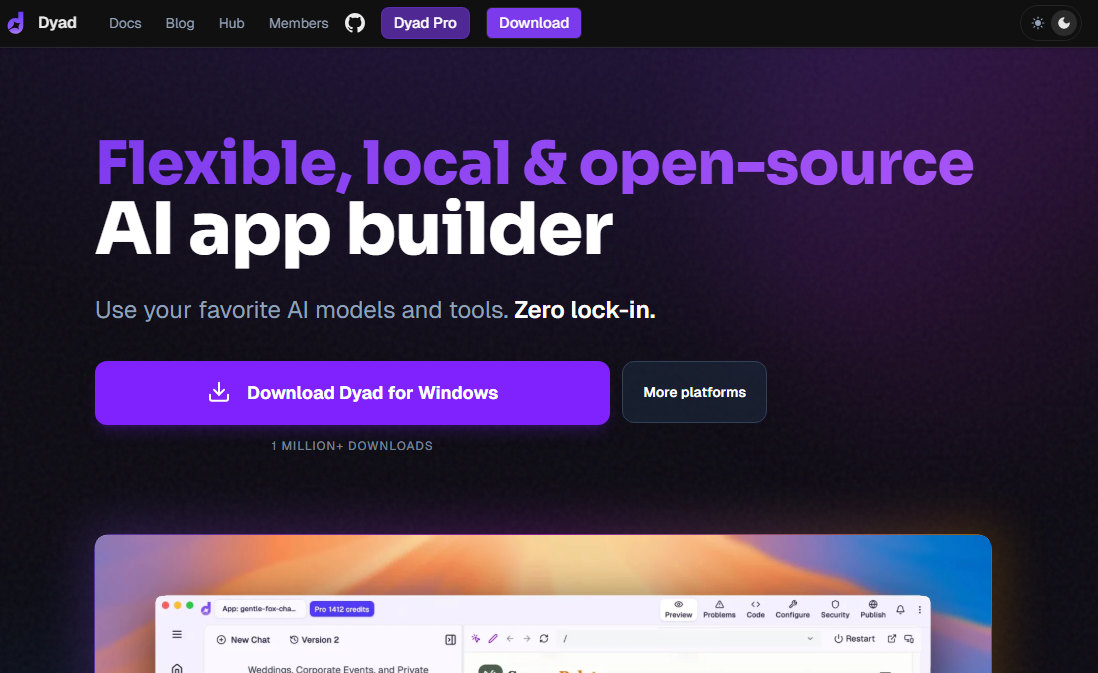
Dyad is an open-source, AI app builder that runs on your own computer instead of in the cloud. You chat with Dyad to generate full-stack React apps, APIs, and database schemas, and then deploy the code wherever you want.
When I set it up on my computer, I could either use a local model like Ollama or connect to a cloud model by adding an API key. There’s no subscription for these options. You just have to pay for your own AI models.
If you’d rather not manage multiple API keys, Dyad’s paid plans provide AI credits.
Key features
- Local-first app generation: Runs entirely on your machine. Your prompts and data never have to leave your laptop unless you connect to cloud services.
- Complete app generation: Turns natural-language prompts into React frontends, server functions, and database schemas.
- Flexible AI model support: You can use local open-source models for free or plug in paid models like OpenAI, Gemini, or Claude, depending on your needs.
- No lock-in, open-source: Projects are normal code you can export, open in VS Code or Cursor, and deploy anywhere.
Pros
- Completely free if you use local models or your own API keys.
- Full privacy since prompts and data stay on your development environment.
- Code exports to any editor or hosting provider.
Cons
- Requires technical setup.
- No hosted option if you want a hands-off experience.
Pricing
Dyad is free and open source if you use local AI models or your own API keys. There are no usage limits when running everything locally. The paid plans start at $20/month for 200 AI credits.
Bottom line
Dyad is best for developers, technical founders, and privacy-conscious teams who want AI help but insist on local development, model choice, and full code ownership.
6. Webflow: Best for AI-assisted marketing sites and landing pages
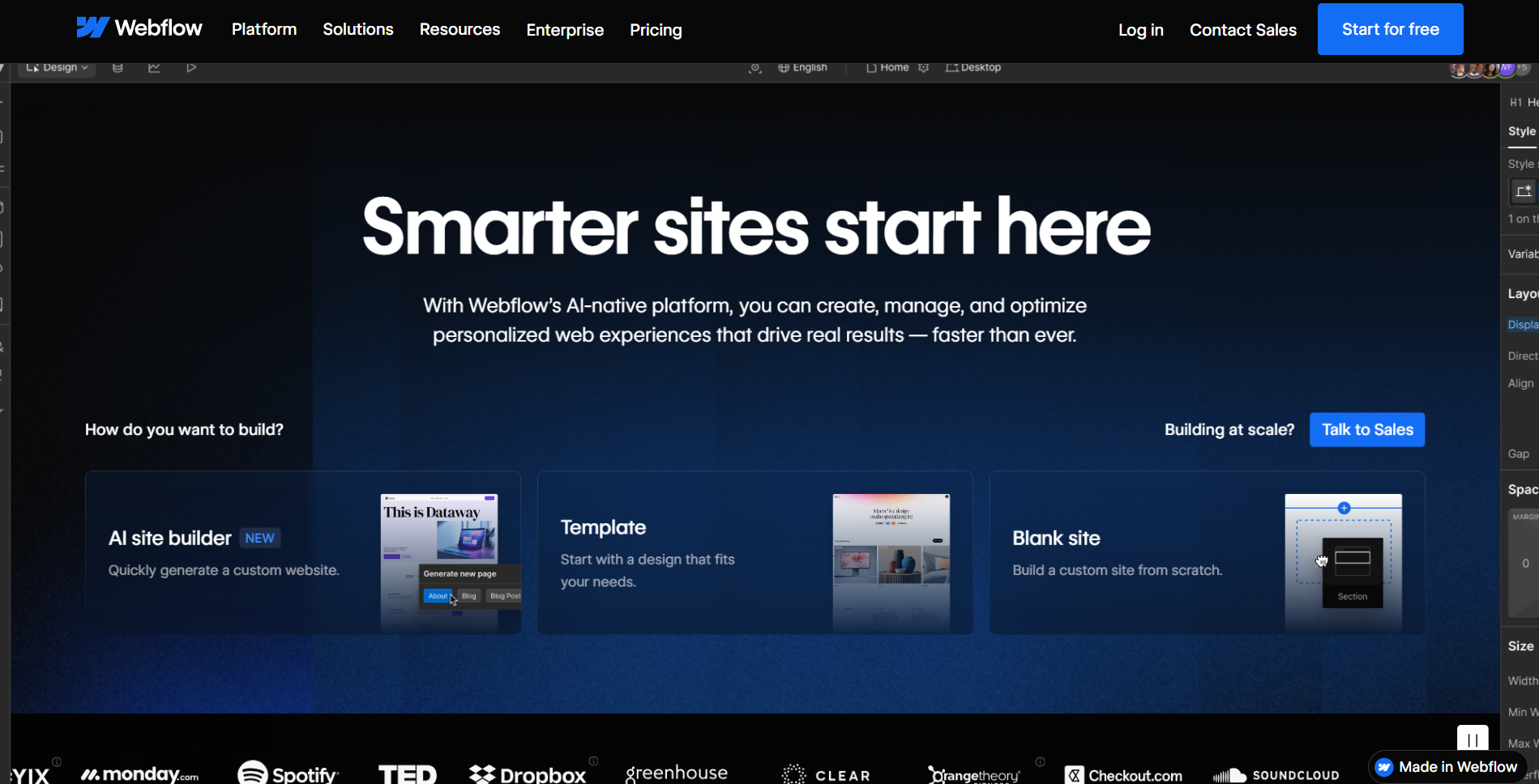
Webflow’s AI builder helps you generate a complete website from a short description. You answer a few questions about your business, goals, and style, and Webflow creates a multi-page site.
I’ve tried using Webflow in the past and struggled to get a usable site that didn’t look like a mash-up of different design ideas. When I tested Webflow’s AI builder, that experience changed.
Instead of starting from a blank canvas, I answered a few questions about the business, goals, and style, and Webflow generated a multi-page site that actually felt consistent.
It doesn’t remove the need for design sense, but the AI builder makes Webflow far more approachable.
Key features
- AI-generated site structure: Webflow creates page layouts, sections, and placeholder content based on your inputs, giving you a usable starting point instead of a blank canvas.
- Editable visual design: Once generated, everything lives inside Webflow’s designer. You can change layouts, spacing, colors, and typography visually.
- Responsive by default: Generated sites work across desktop, tablet, and mobile without manual breakpoints.
- CMS support: You can connect AI-generated pages to Webflow’s CMS for blogs, case studies, or other structured content.
Pros
- Full visual control over design after generation.
- Responsive out of the box for desktop, tablet, and mobile.
- Built-in CMS for blogs and structured content.
Cons
- Still requires learning Webflow's designer for deeper customization.
- Pricing can add up with multiple sites or team workspaces.
Pricing
Basic site plans start at $14 per month when billed annually. Team workspace plans start at $19 per month, while freelancer and agency workspaces start at $16 per month. Webflow also offers free tiers for both sites and workspaces, which are useful for testing.
Bottom line
Webflow works best for designers, marketers, and teams that want to launch polished marketing sites, landing pages, or content-driven websites quickly, without relying on Webflow developers.
7. Bubble: Best for complex web apps
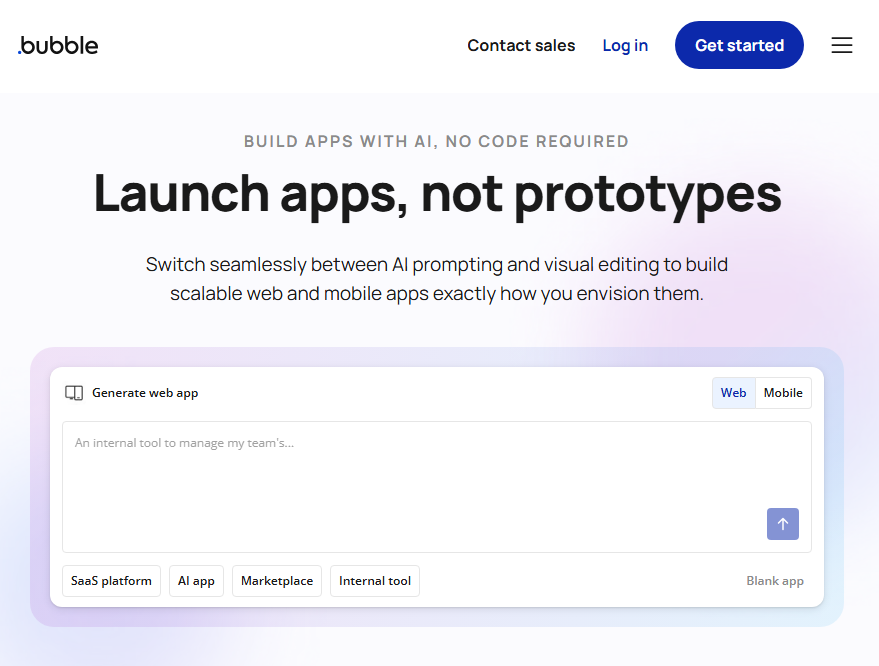
Bubble is a no-code platform that lets you build fully functional web apps without writing code. It combines a visual drag-and-drop interface with powerful backend capabilities for databases, workflows, and API connections.
The AI builder is mostly for getting you started. When I described the app I was building, it generated it, but I couldn’t do more with AI. I had to manually modify and tweak the app using the visual builder.
Key features
- Full-stack visual development: Build your frontend, database, and workflows all in one place. No separate tools needed.
- Massive plugin ecosystem: It has one of the most extensive ecosystems in the no-code space with plugins for payments, APIs, authentication, and design elements.
- Responsive design: Apps adapt to desktop, tablet, and mobile screens without separate codebases.
- Native mobile apps: Bubble now supports building native iOS and Android apps, though this requires additional pricing.
Pros
- It supports multiple types of web apps, including marketplaces and SaaS.
- Mature platform with extensive documentation and community support.
- Can handle complex logic and database relationships.
Cons
- Steep learning curve.
- Platform dependence with no code export.
Pricing
Bubble's free plan lets you learn and prototype, but doesn't allow live deployment. Paid plans start at $59/month for web and mobile apps.
Bottom line
Bubble is best for founders and developers who want maximum control over their web apps and are willing to invest time learning the platform.
8. Softr: Best for client-facing portals
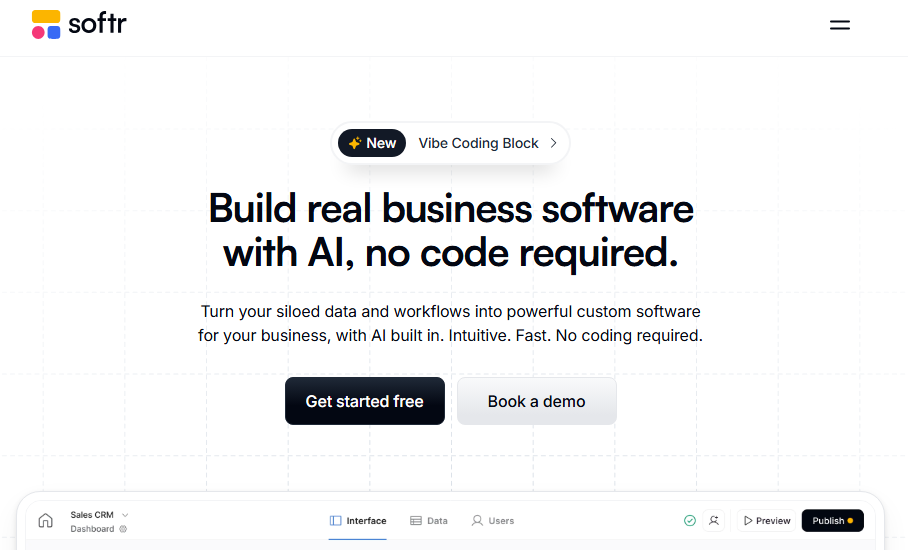
Softr is a no-code app builder designed for building simple client portals, internal tools, and dashboards on top of your existing data. It started as an Airtable frontend builder and has expanded to support more data sources, including Google Sheets, Notion, HubSpot, and SQL databases.
When testing Softr’s AI, the first thing that stood out was that it’s not a conversational builder. You give Softr a prompt, it generates a first pass at a layout or section, and then you’re dropped back into the regular visual builder to keep editing blocks, data, and permissions by hand. There’s also a Vibe Coding Block that works well for generating new sections of your app.
Key features
- Pre-built building blocks: Drag-and-drop blocks for lists, grids, tables, kanban boards, charts, and forms. No design skills required.
- Data source integrations: Connect to Airtable, Google Sheets, Notion, HubSpot, Supabase, BigQuery, PostgreSQL, MySQL, and REST APIs.
- User authentication and permissions: Built-in login, user groups, and granular access control. Clients see only their data.
- PWA support: Turn your web app into a downloadable mobile app with one click.
- Built-in database: Softr now offers internal tables if you don't want to use an external data source.
Pros
- One of the easiest no-code platforms to learn.
- Pre-built Airtable integration with bi-directional sync.
- Strong permission system for client portals.
Cons
- Limited customization compared to platforms like Bubble.
- Next tier up from free is $49, making it one of the more expensive options.
Pricing
Softr's free plan includes 1 published app, 10 users, and 5,000 database records. The Basic plan starts at $49/month (billed annually) for 3 apps and 20 users. Professional plans at $139/month add unlimited apps, charts, calendar blocks, and API access.
Bottom line
Softr works best for teams already using Airtable or Google Sheets who want to build client portals or lightweight interfaces on top of them.
9. ToolJet: Best if you want to self-host
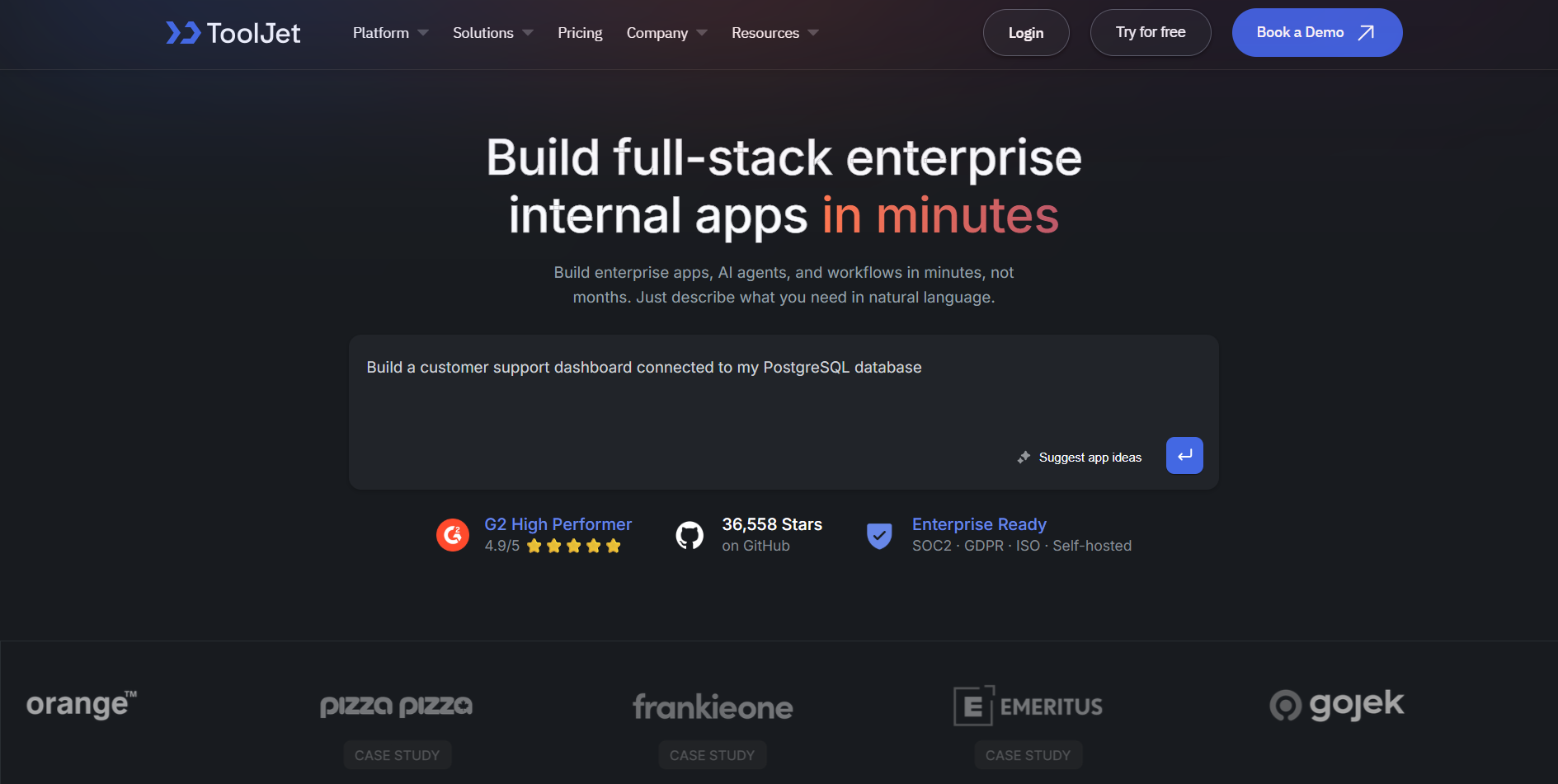
ToolJet is an open-source, AI-native platform for building internal dashboards and applications. You can create full-featured applications simply by describing their requirements in plain English.
Instead of jumping straight into generating the app, ToolJet first produced an outline of what the app would do and asked me to review it. I could edit the plan or approve it. It then generated a proposed layout and again waited for confirmation. Only after I approved both did ToolJet set up the database and build the application.
Key features
- AI app generation: Generate internal apps from natural-language prompts. ToolJet's AI builds the UI and connects data sources automatically.
- Data source integrations: Connect to PostgreSQL, MongoDB, REST APIs, GraphQL, Google Sheets, Stripe, AWS S3, and more.
- Built-in database: ToolJet DB (PostgreSQL-based) handles data storage without external setup.
- Self-hosted deployment: Run on Docker, Kubernetes, AWS, or any cloud provider.
- Enterprise security: Comes with SSO, role-based access control, and audit logs.
Pros
- Asking for approval on design and proposed functionality during the build process makes it easier to catch bad assumptions before AI generates the app.
- Self-hosting option with full data control.
- Open source with no vendor lock-in.
Cons
- Performance issues with larger datasets.
- Limited customization since AI generates apps from pre-built blocks.
Pricing
ToolJet offers a free tier for both cloud and self-hosted environments. Cloud Pro plans start at $19/builder/month, while self-hosting starts at $79/builder/month.
Bottom line
ToolJet is ideal for technical teams that want open-source flexibility and the option to self-host.
Which AI app builder should you choose?
You should choose the builder that supports the type of app you’re building and your technical know-how.
Before you choose a tool, answer three questions:
- Are you building internal tools, customer-facing SaaS, or mobile apps?
- Do you prefer completely no-code tools or code-optional tools?
- Do you need enterprise features for security and hosting?
Your answers narrow the field quickly. Here are my recommendations:
- Choose Zite if you’re building business apps for production use.
- Choose Webflow or Bubble if you build websites for clients.
- Choose Dyad if you care about local AI models and want complete hosting control.
- Choose Lovable if you want fast SaaS prototypes with easy code handoff to devs.
- Choose Replit if you want AI generation plus infrastructure control.
- Choose Softr if you’re building simple client portals on top of your data.
- Choose ToolJet or DronaHQ if you need a low-code builder option or want to self-host.
Build production-ready business software with Zite
Most AI app builders stop at generating screens and basic logic. You then have to add and validate authentication, user roles, a database, and security controls later.
Zite comes with these features from the start. You don’t have to redesign or rebuild the app to make it usable in the real world.

