


I tested multiple AI workflow builders to see which ones hold up beyond simple automations. This guide highlights the top platforms I used and what each one is best suited for.
5 best AI workflow builders: At a glance
Most workflow builders now use AI to either generate the entire flow or guide you through setup. These 5 made the list because they each have specific use cases, from building workflows directly inside apps to connecting SaaS tools and AI agents.
Here’s a quick side-by-side comparison of their key features:
1. Zite: Best AI workflow builder for businesses
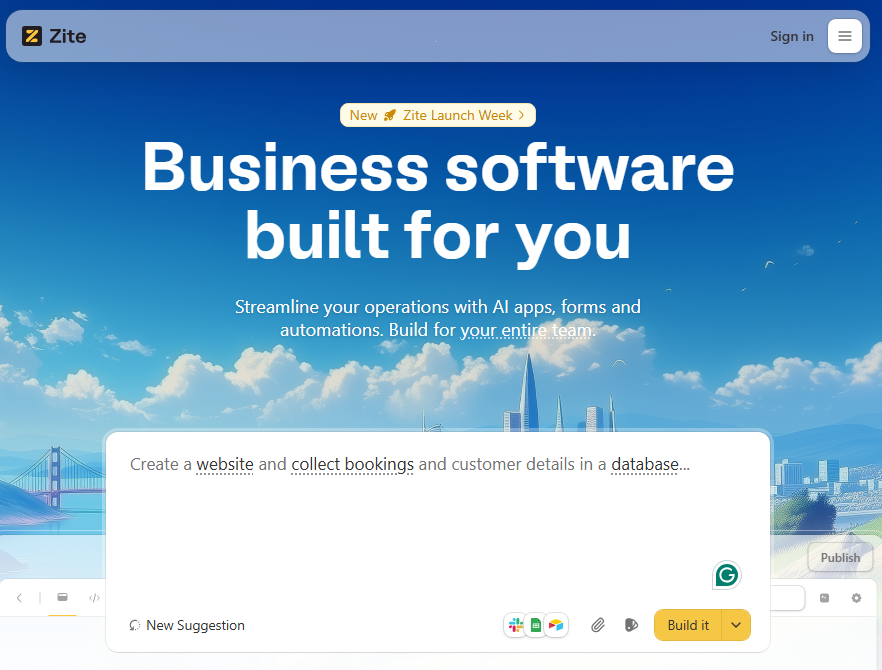
What it does: Zite is an AI-powered no-code platform for production-ready business applications. It generates apps, workflows, databases, forms, and dashboards from plain English instructions.
Who it's for: Operations teams, support staff, and SMB owners who need to build internal tools fast without engineering support.
Zite workflows live directly inside apps and forms. Unlike automation-first tools like Zapier or Make, which connect separate tools, Zite generates both the app and the automation logic together. Your workflow, database, and user interface are all built as part of one system.
When I built a client intake hub, I asked Zite to send a Slack notification whenever a new client submitted a form. I only had to give the app permission to access Slack and configure the Slack channel. Zite handled the rest of the submission workflow automatically.
Zite then showed the entire workflow as a flowchart. I could see exactly what was happening and tweak the logic if the AI output went off track. No need to continuously reprompt or dig through the code.
Key features
- AI-generated workflows: Describe what you want to automate, and Zite will build your workflows. You can visually adjust the workflows or use more AI prompts. You also get edit access to the underlying code.
- Built-in database with auto-generated schema: Zite automatically creates your database tables and relationships. No SQL knowledge or separate database setup needed.
- Production-ready from day one: It comes with built-in authentication, user permissions, secure hosting, and SSO support. It’s also SOC 2 Type II compliant. Zite apps aren't prototypes that need additional work before deployment.
- Integrations: Connect to tools like Airtable, Google Sheets, and Zapier with pre-built connectors.
Pros
- No per-user pricing.
- Production-ready outputs.
- AI-generated workflows remove the need to design automation logic from scratch.
Cons
- Apps must stay hosted on Zite's infrastructure.
- Not designed for consumer apps (social platforms, games) or native mobile apps.
Pricing
Zite supports unlimited users and apps on all plans, even free. The free plan includes 50 AI credits, which are enough to build a workflow and make several rounds of changes. Paid team plans start at $15 per month for 100 credits.
Bottom line
Zite is ideal if you need your workflows to power full business apps, complete with user access and database management, not just simple automations between other tools
2. n8n: Best for technical teams wanting full control
What it does: n8n is an open-source workflow automation platform with a visual node-based editor.
Who it's for: Developers and technical teams who want code-level control.
I built a lead enrichment workflow in n8n that pulled new signups from a webhook, ran them through an API to fetch company data, and pushed the enriched records to a Google Sheet. The visual canvas made it easy to see the data flow, and I appreciated being able to drop into JavaScript when the built-in nodes couldn't handle a specific transformation.
The tradeoff is complexity. If you’re not comfortable reading error logs and tweaking code, n8n can be difficult to use.
Key features
- Visual + code hybrid: Build workflows visually, then drop into JavaScript or Python for custom logic.
- Self-hosting option: Run n8n on your own infrastructure for complete data control. Popular with security-conscious teams and those with specific compliance requirements.
- Large integration ecosystem: Has 1300+ integrations for major business apps. It also supports custom integrations.
- AI-native capabilities and agents: Native support for LLM providers like OpenAI and Hugging Face. AI can call tools, branch logic, and take actions inside the same canvas.
Pros
- Per-execution pricing instead of per-task. A complex 15-step workflow counts as one execution, not 15 tasks.
- You keep control over data, deployments, and customization when you self-host.
- Custom nodes and code blocks handle complex integrations.
Cons
- Steeper learning curve than no-code tools like Zapier
- Self-hosted requires maintenance for backups, security patches, and infrastructure.
Pricing
n8n offers both self-hosted and cloud pricing. The Community Edition is free and can be self-hosted with unlimited workflows and executions. The cloud plans start at $20/month for 2,500 executions per month.
Bottom line
n8n's biggest advantages (custom code, self-hosting, and AI pipelines) pay off when there is at least one technical person comfortable with APIs and scripting.
3. Zapier: Best for broad app coverage
What it does: Zapier connects thousands of SaaS tools and lets you automate simple workflows between them.
Who it's for: Small businesses, marketing teams, and solo operators who need reliable automation across a wide variety of tools.
I tested Zapier by building a form that adds new form submissions from Google Forms into Google Sheets. You have the option to start from scratch, use a template, or the AI Copilot. I chose AI. It set up the Zap and guided me through connecting Forms and Sheets.
The visual editor makes it easy to adjust each trigger and step, though the interface gets cluttered and harder to manage as you add more steps.
Key features
- 8,000+ integrations: The largest connector library in the automation space. If an app exists, Zapier probably connects to it.
- AI Copilot: Describe what you want to automate in plain language, and Zapier drafts the workflow. Helpful for getting started quickly.
- Tables and forms included: Recent updates bundle data storage and form building with automation.
Pros
- Non-technical users can build working automations in minutes using templates.
- Everything runs in Zapier’s cloud. There’s nothing to host, deploy, or maintain.
- Extensive template library for common use cases across marketing, sales, and operations.
Cons
- Task-based pricing gets expensive at scale. Every step in a workflow counts as a task.
- Not suited for complex logic or long-running workflows.
Pricing
Zapier uses a tiered subscription model based on tasks per month and feature access. The free plan is limited to single-step automations and 100 tasks, which works for light personal use. Paid plans start at $19.99 per month, which unlocks multi-step Zaps and supports 750 tasks. You pay more for additional tasks.
Bottom line
Zapier remains the go-to choice for users prioritizing ease and breadth over depth. The massive integration library means you're rarely stuck without a connection.
4. Make: Best for visual workflow design
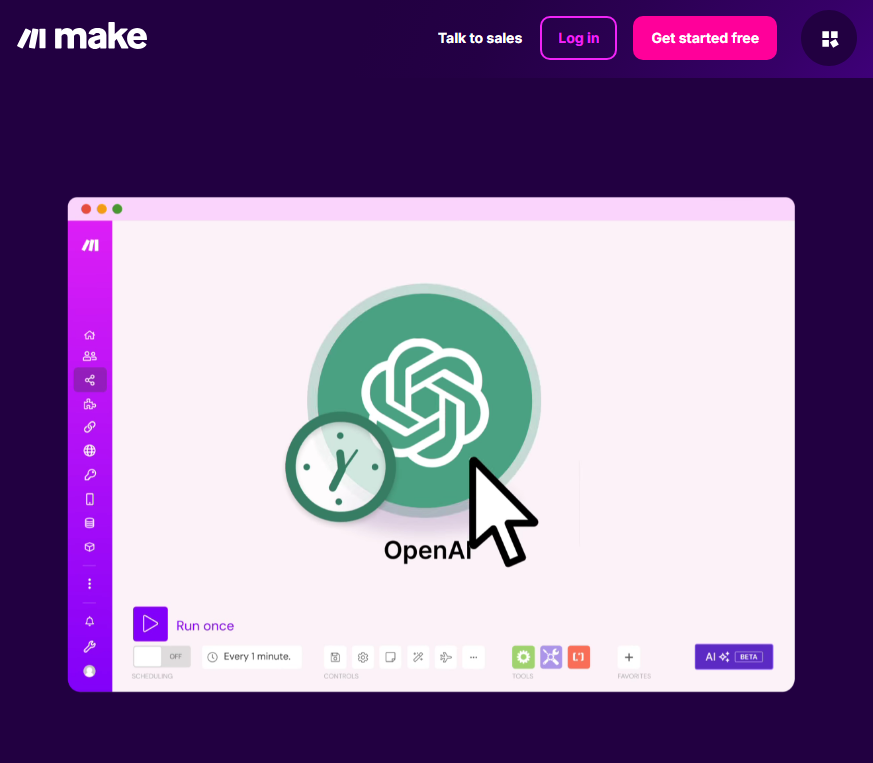
What it does: Make is a visual workflow automation platform that lets you design complex, multi-step workflows on a canvas. It handles branching logic, data transformations, error handling, and now AI-driven steps, all without writing code.
Who it's for: Ops teams, RevOps, and power users who need more control than Zapier offers but don’t want to write or maintain code.
I used Make to build a content repurposing workflow. When a new blog post is added to WordPress, the workflow extracts content and uses AI to generate social media snippets. The building process is visual. You drag app icons on a canvas and connect them in a scenario (a chain of steps that runs from a trigger).
Compared to Zapier, it has a learning curve with more technical concepts like iterators, aggregators, and more detailed data mapping. I had to spend some time reading the docs before I felt confident using it.
Key features
- Visual scenario builder: You build workflows as scenarios on a canvas. You can see every step, branch, and condition. This makes it easier to reason about complex logic and debug issues when functionality breaks.
- AI-powered modules and assistance: Includes AI modules for tasks such as summarizing text, extracting data, and classifying inputs. It also has an AI assistant that generates and edits workflows.
- Workflow monitoring and replay: Every execution is logged. You can inspect runs step by step and replay failed scenarios to spot exactly where the workflow went wrong.
Pros
- Native AI modules and agents can enrich data, classify messages, and drive decisions inside the workflow.
- Broad app support and lots of templates reduce time to first automation.
- Execution logs and run visualizations help you see where automations fail and how data changed at each step.
Cons
- Still no built-in database or user management for app-style use cases.
- The interface becomes cluttered as you add more scenarios.
Pricing
Make uses a credit-based model. Each module action in your scenario, like adding a Google Sheet row, counts as one credit. The free plan includes 1000 credits/month. Paid plans start at $9 per month and come with 10k credits/month.
Bottom line
Make is a strong fit for ops, marketing, sales, and support teams that need to visually connect tools like HubSpot, Notion, and Google Sheets into AI-enabled workflows.
5. Stack AI: Best for enterprise AI agents
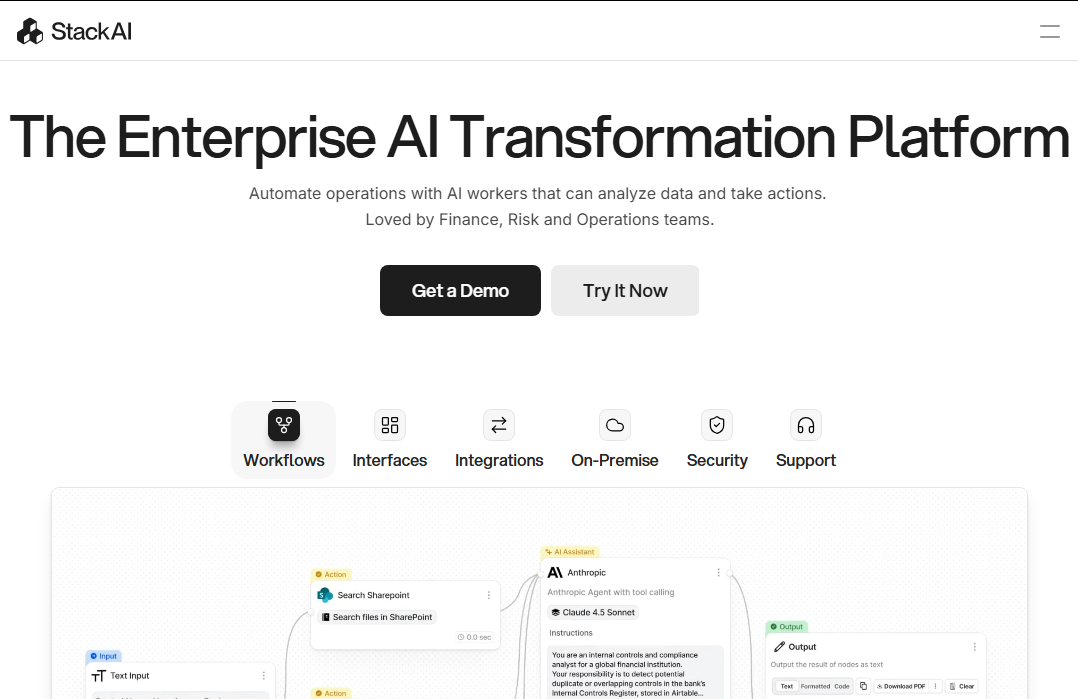
What it does: Stack AI is a no-code AI workflow and agent builder. You design workflows as node-based graphs that chain LLM calls, tools, and data sources, then deploy them as internal apps or APIs.
Who it's for: Teams that want enterprise-grade AI agents running over internal data (Snowflake, S3, SharePoint, etc.) with strong compliance guarantees like SOC 2 and HIPAA.
I built a document Q&A agent in Stack AI that pulls files from a shared drive, indexes them for retrieval, and answers questions using an LLM.
In my testing, I realized that the platform is strongest when you treat it as an AI agent platform rather than a generic SaaS connector. If you don't have meaningful internal data sources to hook into (warehouses, knowledge bases, and document stores), you won't get as much value from it.
Key features
- Node-based AI workflows: Visual canvas for chaining LLM prompts, tools, vector search, and external APIs into reusable workflows and agents.
- Enterprise data connectors: Integrations with warehouses and file stores like Snowflake, BigQuery, S3, and SharePoint for retrieval-augmented generation.
- Security and compliance: Positioned for regulated use cases, with SOC 2, HIPAA, and GDPR compliance certificates.
Pros
- Purpose-built for AI agents over internal data rather than simple SaaS automations.
- Visual builder makes complex AI chains easier to reason about than writing custom code.
- Enterprise-focused security and compliance features makes it suitable for regulated or higher-stakes workflows.
Cons
- The enterprise focus means features and pricing don't always match the needs of SMBs.
- More specialized around AI agents than general automation, so it may not replace tools like Zapier or Make for routine ops flows.
Pricing
Stack AI offers a free tier for 2 projects and 1 team member. Paid plans are fully custom.
Bottom line
Stack AI is the right pick if you're building AI agents that need to reason over internal documents and data.
How I tested these AI workflow builders
To test these tools, I built similar workflows across each platform. I also checked user reviews on sites like G2 and Reddit.
What I looked for:
- Workflow creation with AI: I checked whether the platform could generate usable workflows from plain-language prompts, or if AI only helped with small pieces of the setup.
- Integration depth: I looked at how easily each builder connected to common business tools and whether I could transform the data mid workflow.
- Pricing transparency: I compared how pricing models behave as workflows grow in steps, executions, and users, since this is where many automation tools become expensive.
Which AI workflow builder should you choose?
You should choose an AI workflow builder based on the type of system you’re automating.
Here are my recommendations:
Choose Zite if you:
- Need workflows that live inside internal tools, portals, or dashboards
- Want AI to generate workflows, data models, and access control together
Choose n8n if you:
- Need custom code, self-hosting, or full control over execution
- Have developers managing integrations and infrastructure
Choose Zapier if you:
- Are automating simple, event-based actions between SaaS tools
- Need the widest possible app coverage
Choose Make if you:
- Want visual control over how data moves through workflows
- Are coordinating processes across ops, marketing, or sales tools
Choose Stack AI if you:
- Are an enterprise building AI agents that reason over data
- Have a dedicated IT or integration team
My final verdict
If your workflows live inside internal tools, Zite is the better choice. It generates the app and the workflows that power it together. This reduces setup especially because you also get a built-in database, authentication, and hosting. And with the unlimited apps plus users on all plans, you don’t have to worry about user limits.
Zapier is still a good choice for non-technical users who prioritize breadth of integrations over depth of features.
Get started with Zite
The best way to understand how workflows work in Zite is to build one yourself.
Frequently asked questions
What is an AI workflow builder?
An AI workflow builder is a tool that uses artificial intelligence to create and automate workflows from plain-language instructions instead of manual configuration. It typically handles logic, triggers, and data flow for you, so you can focus on defining outcomes rather than wiring steps together.
Which is the best AI workflow builder?
The best AI workflow builder for most business teams is Zite. It combines AI-generated workflows with built-in databases, user permissions, and production-ready deployment. Zite workflows live inside business apps.
How do you choose an AI workflow builder?
You choose an AI workflow builder based on the type of workflows you need to automate and where those workflows will run. If you’re building internal tools and business apps, look for platforms like Zite. Integration-heavy workflows may require tools like Zapier or n8n.

