


Base44 is great for fast prototypes, but it struggles as app logic grows more complex. After hitting that limit, I looked for Base44 alternatives that are better for production use. These 7 options support growth through built-in production features or easier extensibility.
7 best Base44 alternatives: At a glance
If you are pressed for time, here’s a quick side-by-side of the alternatives:
1. Zite: Best for production-ready business software
Zite is an AI-powered, no-code platform for building production-ready business software from plain-language prompts. And unlike most AI builders, where every change means re-prompting or editing generated code, Zite lets you refine apps, data models, and workflows visually.
This makes it much easier for non-technical users to fix issues directly. You don’t have to repeatedly re-prompt and hope for the right outcome, or try to understand auto-generated code.
I tested it by building an employee onboarding portal. Zite generated the UI, authentication flows, and data schemas using its built-in database. It also added components I hadn’t planned upfront, like document downloads and a built-in FAQ section.
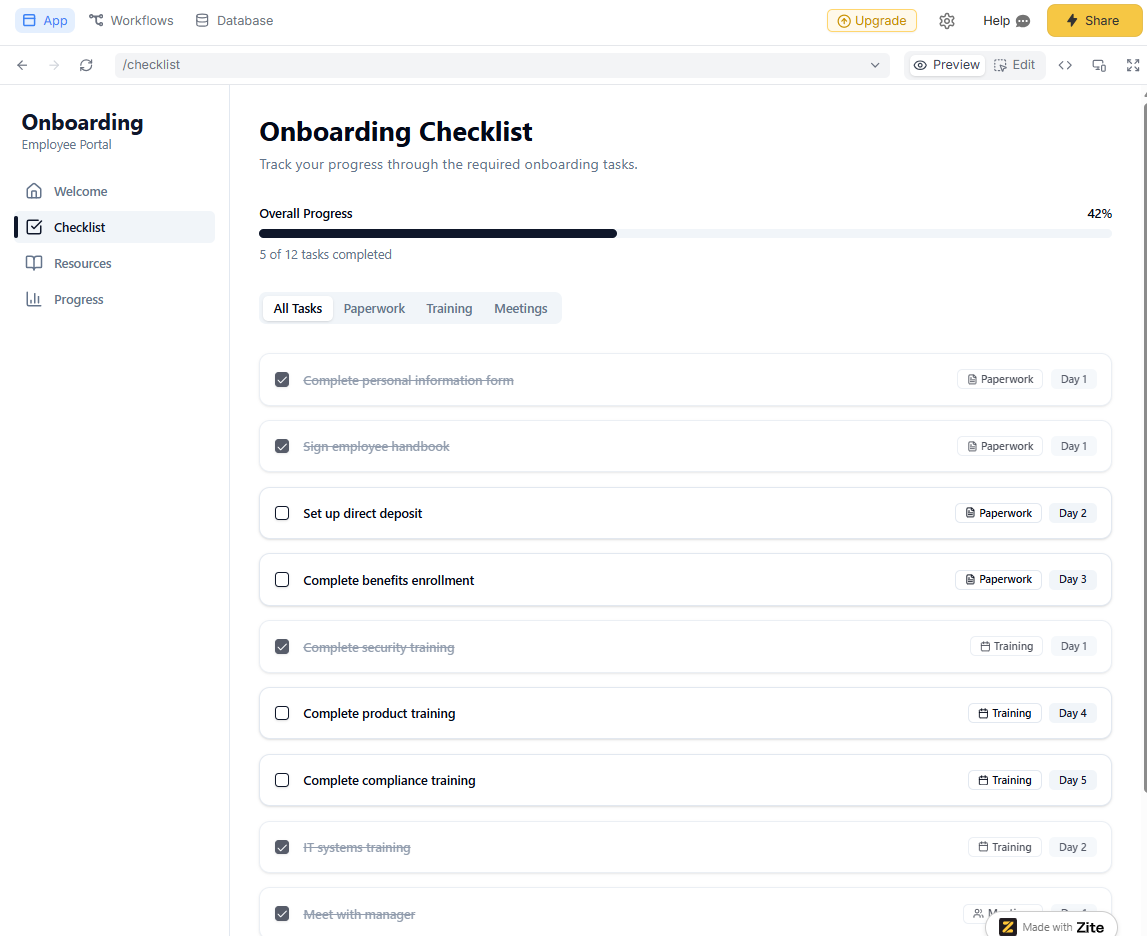
Where it beats Base44
- Visual workflows: Backend logic is shown as visual flowcharts. When functionality breaks, a non‑developer can open the workflow, see where the flow stops or goes wrong, and fix it visually instead of asking an engineer to dig through backend logic.
- Visual app editing: Edit your app directly like Figma. You can click on UI components (buttons, cards, tables) and change layout, styling, or text directly.
- Production-ready apps from day one: Zite handles authentication, secure hosting, permissions, audit logs, and SSO out of the box. It’s also SOC 2 Type 2 compliant.
- Handles multi-source data cleanly: Zite can act as an app layer on top of your existing tools. You can connect Airtable, Google Sheets, a CRM, or use Zite’s built-in database in the same app. Base44 assumes a single starting data source. Integrations exist, but every time your app uses them, it consumes credits.
- No per-seat pricing: Zite includes unlimited users and unlimited apps on all plans, including free. Base44 only includes 1 user, although it supports unlimited apps on its paid plans.
- A usable built-in database: Zite's database feels like a spreadsheet that you can browse and edit data directly, but it has SQL-level power underneath.
Pros
- Built-in production features include authentication, permissions, audit logs, and SOC 2 compliance.
- Multi-source data connections in a single app.
- Custom domains and branding at a lower price point.
- Unlimited users and apps with no per-seat pricing.
Cons
- Zite hosts your apps for you. You can’t export code outside the platform.
- It’s not designed for consumer apps (such as social platforms and games) or native mobile apps.
Pricing
All plans support unlimited apps and users. The free plan includes 50 AI credits, which are enough to build a complete tool and make several changes. Paid plans start at $15/month for 100 credits and add custom domains and branding. Credits are consumed when you send AI messages to build or modify apps.
Bottom line
Choose Zite when you're building internal tools, customer portals, or dashboards that are secure enough to run in production.
2. Lovable: Best for full-stack web apps
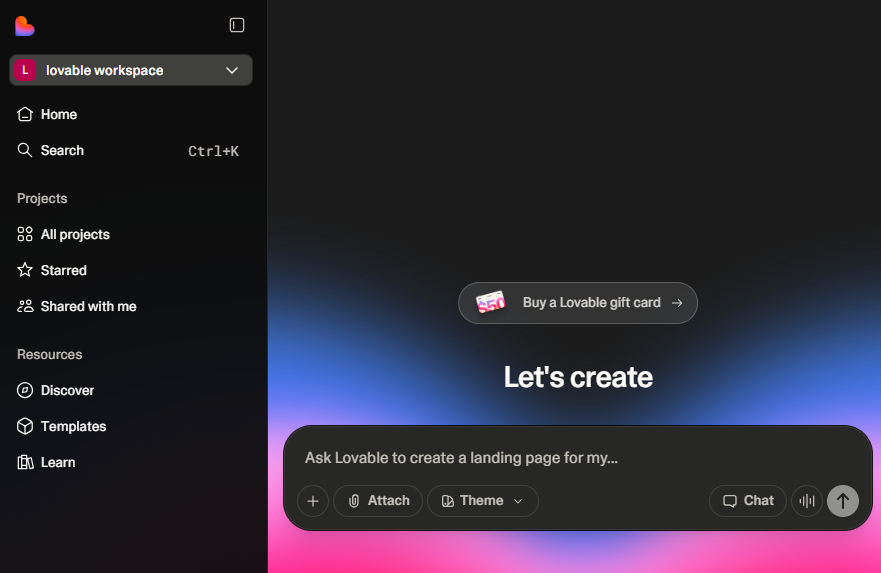
Lovable is an AI-powered full-stack app builder. It generates editable React code and natively connects to Supabase for data storage and authentication.
I built a customer dashboard on the platform and had the entire codebase in my GitHub repo within 30 minutes.
Base44 keeps your app locked in their ecosystem. You can export frontend code on the Builder plan and above, but the backend remains on Base44's infrastructure. If you ever want to move off the platform, you're rebuilding your backend APIs from scratch.
Lovable takes the opposite approach. Every project creates a GitHub repository you can fork, edit in your preferred IDE, and deploy anywhere.
Where it beats Base44
- Not locked in: You can make changes in VS Code or Cursor, push to GitHub, and Lovable will sync those changes back into its interface.
- Supabase integration for backend portability: Lovable generates React code that connects to Supabase for your database and authentication. This gives you control over your data infrastructure. Base44's backend is convenient but proprietary.
- Active community: The community shares templates, solves problems, and pushes the platform forward. Base44, while backed by Wix, has a much smaller community ecosystem.
Pros
- GitHub sync and full code export.
- Supabase integration makes it easy to migrate off the platform.
- Real-time collaboration features for team development.
Cons
- The credit system burns fast with iterations.
- There is no private project support on the free tier.
- Can get messy with enterprise-scale complexity without careful planning
Pricing
Lovable has a free plan that includes 30 credits per month (up to 5 per day). The Pro plan costs $21 per month with additional credits available for purchase. Lovable consumes credits based on the task complexity and scope.
Bottom line
Choose Lovable if you want to eventually hand the project to developers, deploy on your own infrastructure, or ensure you can migrate off the platform.
3. v0 by Vercel: Best for frontend design
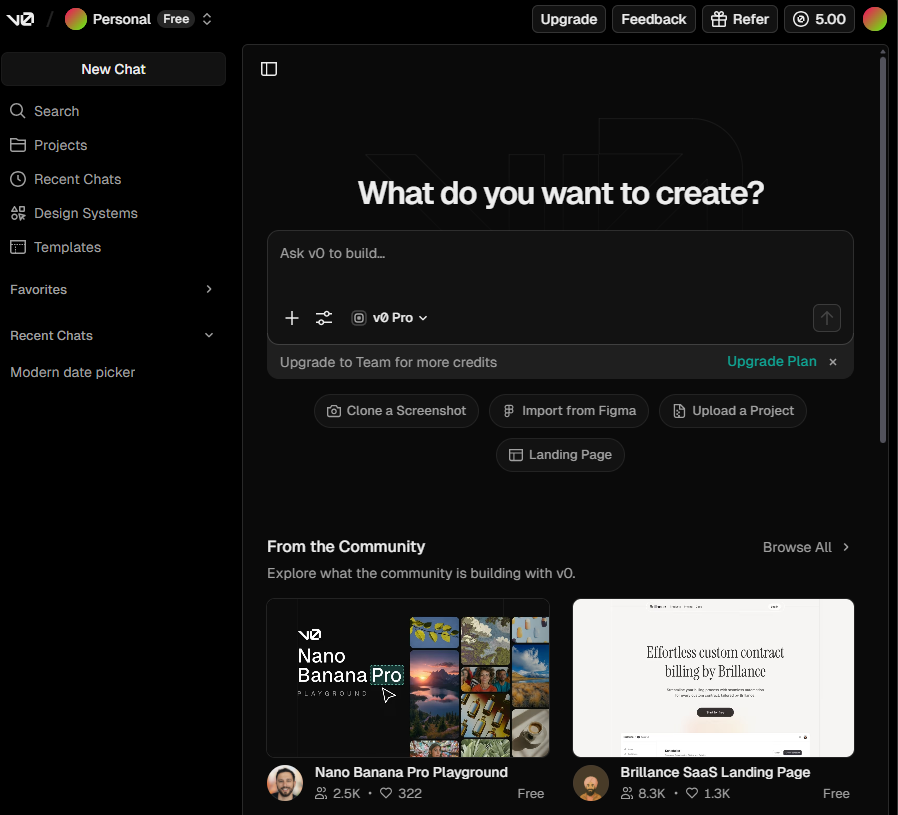
v0 is Vercel's AI-powered UI generator that creates production-ready React UIs from text prompts. I generated a SaaS landing page with a hero section, features grid, pricing table, and testimonials. These components use Tailwind CSS and the popular shadcn/UI library for pre-built components.
Where it beats Base44
- Specialized for UI generation: v0 is fine-tuned on Next.js and Vercel best practices. Every component it generates follows modern conventions like using Next.js App Router or server components where appropriate.
- Better for existing projects: v0 excels at generating individual components you can add to existing apps. Base44 wants to build the entire app for you. If you have an existing codebase and just need to add a new section or component, v0 fits that workflow. Base44 doesn't support this.
- Design-first workflow with Figma import: Upload Figma designs or screenshots, and v0 will match them. I tested this by uploading a Figma file. v0 generated React code that matched the design exactly, including colors, spacing, and component structure.
Pros
- Figma import for matching existing designs.
- One-click deployment to Vercel.
- Works alongside existing codebases.
Cons
- Frontend-focused with minimal backend support.
- Requires some React knowledge to use components effectively.
- Plans don’t tell you how many credits you’re getting, so it's difficult to budget.
Pricing
v0 is free to start. Every account gets $5 worth of credits each month. After that, the Premium plan at $20/month gives $20 worth of monthly credits and $2 free daily credits. If you exhaust that, you can purchase extra AI credits and pay as you go.
Bottom line
Use v0 when design quality matters and you're comfortable handling backend logic yourself.
4. Cursor: Best for maximum development control
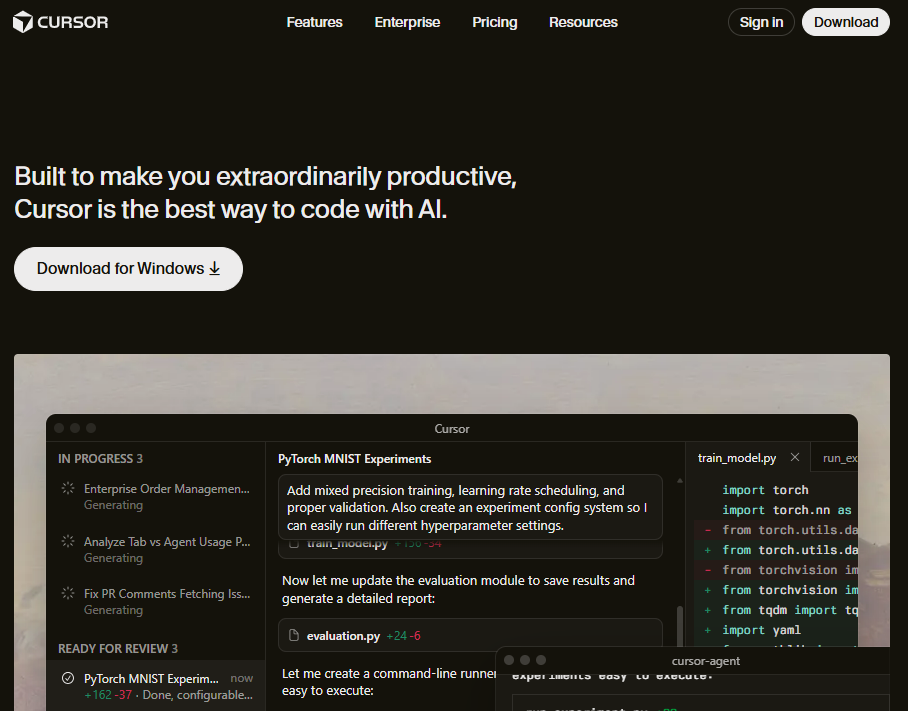
Cursor is an AI-powered code editor that speeds up your existing development workflow. You write code with intelligent assistance that understands your entire codebase, suggests completions, refactors complex logic, and debugs errors.
Base44 is an AI app generator. You describe what you want, and it builds everything for you. This works great for simple prototypes, but you give up granular control over implementation details.
Where it beats Base44
- Works with your existing codebase: Cursor learns your project structure, coding patterns, and dependencies. When I asked it to add a new API endpoint to an existing Express app, it matched my existing patterns, reused helper functions, and maintained consistency with the rest of the codebase.
- IDE-level power with full development tools: Cursor includes everything you'd expect from a professional IDE, like debugging, git integration, testing frameworks, terminal access, and extensions. Base44's editor is simplified for non-technical users, which severely limits what experienced developers can do.
- Model flexibility and performance: Choose between GPT-5, Claude Opus 4, Gemini 2.5 Pro, and xAI's models. Switch models mid-project based on the task.
Pros
- Works with existing codebases and projects.
- Multiple AI model options for different tasks.
- Professional debugging, testing, and deployment tools that come with your IDE.
Cons
- Requires coding knowledge, and it's not for non-technical users.
- You have to handle the underlying infrastructure and hosting yourself.
Pricing
Cursor offers a free tier with limited agent requests and tab completions. The Pro plan costs $16/month and includes unlimited Tab completions, background agents, and maximum context windows. When you exhaust credits, you can purchase more at cost.
Bottom line
Cursor is for developers who want AI assistance without sacrificing control. Base44 is for non-technical users who want AI to build everything. These serve completely different audiences. Pick based on your technical comfort level and whether you want to code or avoid coding entirely.
5. Replit: Best for a variety of app types
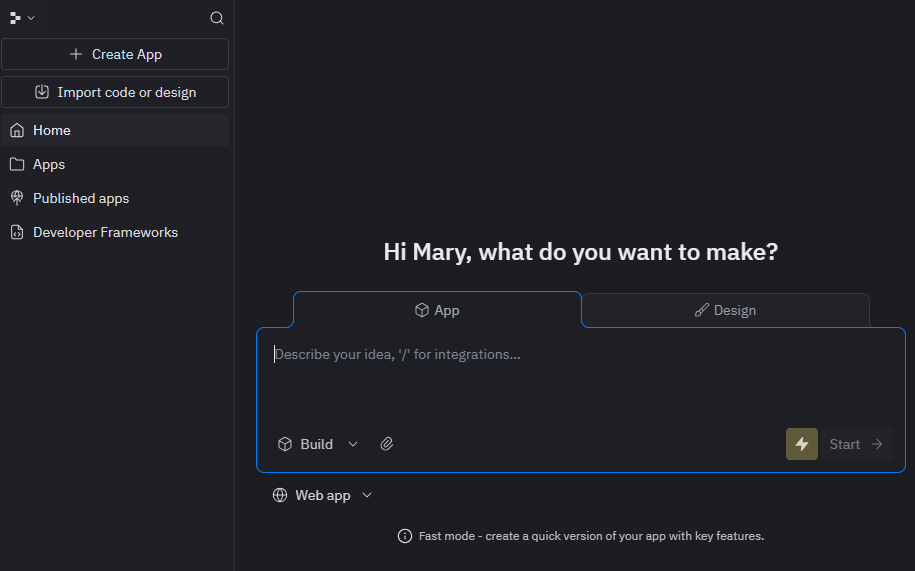
Replit is a cloud-based development platform that lets you build everything from native mobile apps to web dashboards, data visualizations, games, and automation agents, all in the same environment. I tested Replit Agent by building a mobile app, a web dashboard, and a data processing tool. Base44 focuses exclusively on web applications.
Replit handles the full spectrum of software development, powered by AI agents that can build and test applications with minimal supervision.
Where it beats Base44
- Multiple apps and language support: Replit agent builds mobile, web, agents, visualizations, and games on one platform. You can also build in Python, JavaScript, TypeScript, Java, C++, Go, Rust, and more. Base44 generates JavaScript apps only.
- Built-in database with better flexibility: Both Replit and Base44 handle database infrastructure automatically. But Replit gives you PostgreSQL hosting with direct SQL access.
- Extended autonomous builds with Agent 3: Replit Agent 3 can work for extended periods with minimal supervision.
- App Testing for automatic bug fixing: Replit Agent periodically tests your app using a browser, generates a report, and fixes issues it finds.
Pros
- Supports native mobile app development (iOS and Android).
- Self-testing and automatic bug fixing with Agent 3.
- PostgreSQL database with direct SQL access.
- Cloud IDE with full terminal access.
Cons
- Effort-based pricing can be unpredictable.
- Interface is less polished than specialized tools like v0.
- Requires more manual intervention than Base44 for simple web apps.
Pricing
Replit’s free plan gets you free daily agent credits and supports 1 published app. Paid plans start at $20/month with $25 in AI and deployment credits, unlimited public and private apps, and full Agent access.
Bottom line
Choose Replit when you need versatility across app types.
6. Bubble: Best for complex web apps at scale
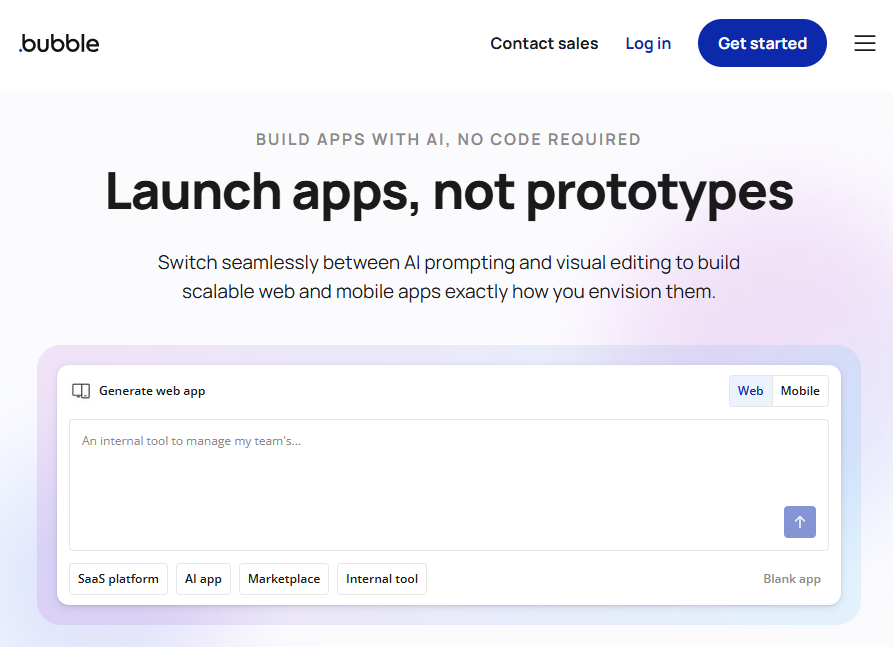
Bubble is one of the most mature no-code builders, with the features to build complex customer-facing applications. I’ve used Bubble before to build a multi-tenant SaaS platform with subscription billing, role-based dashboards, and marketplace features.
Where it beats Base44
- Massive plugin ecosystem: Bubble's marketplace has over 1,000 plugins for payments (Stripe, PayPal), email (SendGrid, Mailgun), SMS (Twilio), analytics (Google Analytics, Mixpanel), CRM integrations, and specialized tools.
- Native mobile app builder: Bubble launched native iOS and Android app building using React Native. You design your mobile app in Bubble's mobile canvas, and it generates native apps you can submit to the App Store and Google Play.
- Visual programming with workflow logic: Bubble's workflow engine lets you build complex conditional logic, multi-step processes, scheduled tasks, and recursive workflows.
Pros
- Native mobile apps for iOS and Android.
- Massive community with forums, courses, agencies, and templates.
- Scales as your user base grows.
Cons
- Steep learning curve.
- Significantly slower development than AI-first tools.
- Usage-based pricing based on workload is difficult to budget for.
Pricing
Bubble offers a free plan for learning and prototyping. It includes 50k workload units monthly. A Workload unit (WU) represents the server resources needed to host, run, and scale apps built on Bubble. The Starter plan costs $59/month for 3 live app versions and 175k workload units/month. You can purchase additional WUs once you exceed your plan’s capacity.
Bottom line
Use Bubble when you're building a complex app that needs to scale, for example, multi-tenant SaaS platforms and marketplaces.
7. Claude Code: Best for autonomous terminal-based development
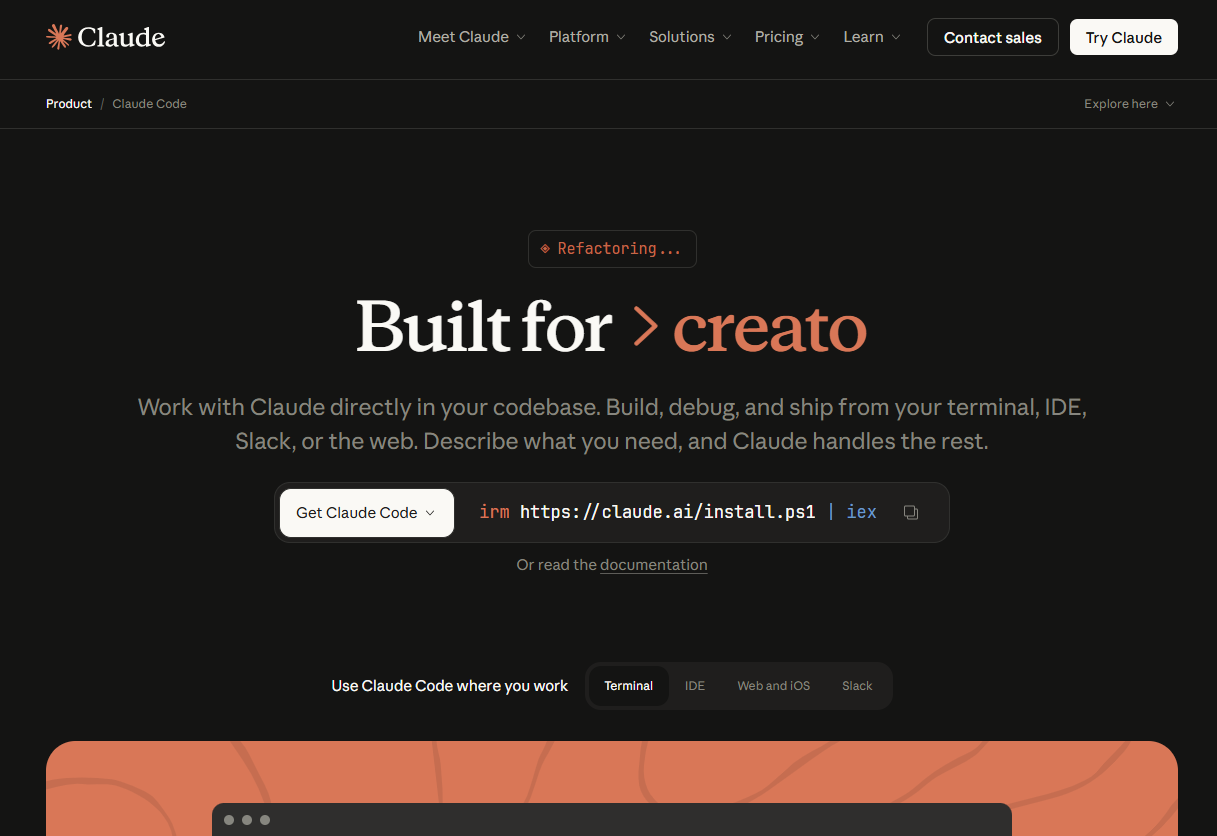
Claude Code is Anthropic's terminal-native AI coding assistant that runs directly in your command line and works alongside any IDE without replacing your development environment.
This terminal-first philosophy respects existing developer workflows instead of forcing you into a new environment.
Where it beats Base44
- Autonomous multi-step execution: Claude Code plans implementations, creates necessary files, modifies existing code, runs tests, fixes errors it discovers, and even creates git commits.
- Works with your existing codebase and tools: Claude Code uses agentic search to understand project structure and dependencies without manual file selection. It integrates with GitHub, GitLab, your command line tools, and can even use MCP (Model Context Protocol) servers to extend its capabilities with your own tools.
- Superior model performance for coding: Claude Code runs on Claude Sonnet 4.5 and Claude Opus 4.5, which consistently rank as the best coding models available.
Pros
- Autonomous execution of complex multi-step coding tasks.
- Works in terminal alongside your existing IDE and workflow.
- Native IDE extensions for VS Code, Cursor, Windsurf, and JetBrains.
- Understands entire codebases through agentic search.
Cons
- Designed for developers and not for non-technical users.
- Can be expensive with heavy Opus 4.5 usage on Max plans.
Pricing
Claude Code requires a Claude Pro subscription minimum. Pro costs $17/month and includes access to Claude Sonnet 4.5 with Claude Code functionality. For heavy usage or access to Claude Opus 4.5, Max plans cost $100/month (5x usage) or $200/month (20x usage).
Bottom line
Claude Code is for developers who want an AI collaborator that understands their entire codebase and integrates directly with their existing development workflow.
Why I looked for Base44 alternatives
Base44 impressed me initially. I built a working prototype in 10 minutes using nothing but a text prompt. But these limitations pushed me to test alternatives:
- Prototyping tool, not production platform: Base44 lacks authentication infrastructure, granular permissions, compliance features, and audit logs.
- Mobile app limitations: Base44 requires the Builder plan ($40+/month) to download code. Even then, the exported code isn't compatible with Android or iOS without replacing all backend APIs. The database calls, authentication, and data handling are tied to Base44's proprietary backend.
- Lacks a visual workflow builder: It doesn’t give you a canvas or flowchart view of your backend workflows, so you can’t see each step or manually tweak it. To change how a workflow behaves, you ask the AI via chat and hope it interprets your request correctly. There’s also the option to edit the code, but that’s only on paid plans.
How I tested these alternatives
I spent time with each platform building the same core features. I tracked setup time, development speed, bug frequency, and how many follow-up changes each required.
What I looked for:
- Production-readiness: Does it include auth, permissions, and security out of the box?
- Code ownership: Can I export and host elsewhere if needed?
- Pricing transparency: Are there hidden costs or credit systems that burn fast?
- Development speed: How quickly can I go from idea to working prototype?
- Scalability: Will this handle growth, or do I outgrow it fast?
Which alternative should you choose?
After testing each tool, here are my recommendations:
- Choose Zite if you're building custom internal tools, customer portals, or business apps and want the freedom to make changes visually. You don’t have to rely on prompts or direct code edits.
- Choose Lovable if code ownership matters and vendor lock-in is a dealbreaker. GitHub export makes it easier to hand projects to developers or move hosting later.
- Choose Cursor or Claude Code if you’re a developer who wants AI help without giving up control. These tools plug into your existing development workflow.
- Choose Replit if you need mobile apps or plan to build multiple app types, like web tools, data workflows, or games, on one platform.
- Stick with Base44 if you’re validating ideas quickly and only need simple web prototypes with no long-term production requirements.
My final verdict
Base44 is great at getting from idea to working prototype fast. For production apps, Zite is the stronger option. It brings built-in security, compliance, and multi-source data support without pushing essential features like custom domains into higher tiers.
You also don’t have to edit the generated code or continuously re-prompt to make changes. Make direct changes to your apps and workflows directly.
If code ownership matters and vendor lock-in is a dealbreaker, Claude Code or Cursor make more sense.
Ready to build production apps with Zite?
If you’re curious how Zite works, the simplest way is to try it yourself. The free plan includes unlimited apps and users, no credit card required.
Frequently asked questions
Is Base44 actually free to use?
Yes, Base44 is free to use for up to 5 messages per day (25 per month) and 500 integration credits monthly. This is enough for learning and small experiments, but serious projects require paid plans starting at $16-$20/month.
Can I export my Base44 app to host elsewhere?
No. Base44 has limited code export, and the backend remains proprietary. If you need code ownership, choose Lovable or Cursor instead, which offer full GitHub integration and exportable code.
Can I migrate my Base44 app to these alternatives?
Not directly. You'll need to rebuild your app on the new platform. Base44's limited code export makes migration difficult. This is another reason to consider code-ownership platforms like Lovable or Cursor from the start if portability matters to you.

