


Base44 vs Bolt comes down to one question. Do you want the platform to handle everything, or do you want a portable workflow you control? Base44 is a managed, all-in-one builder you can use without ever opening an editor, while Bolt is a code-first browser IDE built around editing and exporting what it generates.
I tested both across the same builds. Here is what each does well, where each frustrates, and which one fits your project.
Base44 vs Bolt: what are the key differences?
The core difference is how much the platform manages for you. Base44 hands you a finished full-stack app (frontend, backend, database, hosting, and auth all handled), so a non-technical builder never has to open an editor, though a Code tab, GitHub sync, and local development are there when you want them.
Bolt is built around the code from the start, so you read, edit, and export what it generates, as long as you can work with it.
Everything else follows from that split. Base44 optimizes for getting a working app without technical skill; Bolt optimizes for control over what the AI generates.
Choose Base44 if: you are non-technical and want a working full-stack app without having to touch code.
Choose Bolt if: you can read a little code and want a portable workflow you control.
Meet Base44: features and highlights
Base44 launched in early 2025 and was acquired by Wix for $80 million within six months, which tells you how fast it caught on. It is built for non-technical users: describe your app, and Base44 generates the entire stack (frontend, backend, database, and user management) with no configuration required.
Onboarding is the most hands-off of the tools here. Most users go from idea to working app in under an hour. Base44 makes opinionated decisions about architecture so you do not have to, reducing complexity for beginners.
Technical users are not shut out. A Code tab exposes the generated source for direct editing, and GitHub sync keeps a real repository aligned with your app in both directions.
Meet Bolt: features and highlights
Bolt (Bolt.new) is built by StackBlitz on WebContainers, a technology that runs a full development environment in your browser. It reportedly hit $40 million in annual recurring revenue within five months of launch.
Bolt generates full-stack web apps from prompts while keeping you closer to the code. You can edit what it generates, use Git workflows, and own and export the code (even on the free plan). It is faster and more flexible for people who can read code, and rougher for people who cannot.
Base44 vs Bolt: feature-by-feature comparison
Ease of use for non-technical builders
This is the clearest dividing line between the two.
Base44 is built for people who do not code. The interface hides the technical details; the backend is handled automatically, and you build through prompts and a visual editor. A non-technical founder can ship a working app the same day.
Bolt is faster for people who can read code, but the moment something breaks, you are looking at React and TypeScript. For a non-technical user, that is where the experience stalls. Bolt is less opinionated about UI, which helps builders who can steer it.
Winner: Base44 for non-technical users; Bolt for those comfortable with code.
Code ownership and flexibility
Here, the roles reverse.
Bolt gives you full code access and ownership. You can edit the generated code, push to Git, and export your project without a paid subscription. If you outgrow Bolt, you take your code with you.
Base44 gives you real code access too, through the Code tab, GitHub sync, and its eject command, which copies the frontend, entity schemas, backend functions, and configuration into a local project.
The catch is what stays behind. Eject creates a new backend that still runs on Base44 with an empty database, so your records do not come along. Leaving entirely means migrating your data and replacing the managed backend services.
Winner: Bolt, on portability. Base44 gives you the code, but the running app stays tied to its platform.
Backend and database
Both include a backend, but they handle it differently.
Base44 bundles the database, authentication, and hosting into one managed experience. You do not set anything up; it is wired automatically when your app is generated. For a beginner, this removes the hardest part of full-stack building.
Bolt uses its own backend or connects to Supabase. That is more flexible, but it means more setup for a non-technical user. Bolt’s strength is its flexibility; its cost is the configuration.
Winner: Tie. Base44 for hands-off simplicity, Bolt for flexible control.
Pricing predictability
Both use usage-based metering, and both can surprise you.
Base44 runs two credit pools: message credits (used when you prompt the AI to build) and integration credits (used when your live app calls a service, such as an LLM or email). Both reset monthly and do not roll over. Heavy AI apps burn integration credits fast.
Bolt uses token-based pricing, where each prompt costs tokens proportional to its complexity. Bolt rolls unused tokens over to the next month, which Base44 does not. Both make it hard to predict a monthly bill during heavy building.
Winner: Bolt, slightly, for rolling over unused tokens.
Design and output quality
Both generate working apps, but the polish differs.
Bolt is less opinionated about design, so output can look generic unless you steer it. Builders who can guide the AI get more control; those who cannot get a plainer result.
Base44 makes more design decisions for you, resulting in a more finished look out of the box for beginners, at the cost of some control. Neither matches a design-first tool like v0 for pure UI quality.
Winner: Base44 for out-of-the-box polish; Bolt for steerable control.
Mobile app publishing
Both reach the app stores, and the difference is how much setup you do yourself.
Base44 has a built-in path to the app stores. It scans your app against Apple and Google guidelines, uses AI to fix compliance issues, and generates store-ready files from the editor (Builder plan and up, using your own developer accounts).
Bolt supports iOS and Android through Expo, and its docs cover publishing to TestFlight, the App Store, and Google Play. Because Bolt runs in the browser, the build step happens outside it. You download the code and finish the Expo and app-store setup yourself.
Winner: Base44, for the more guided path from editor to store.
What real users are saying
I pulled feedback from Trustpilot and G2. The pattern is consistent for both tools: great for simple builds, strained as complexity grows.
Base44
Pros: Users praise how fast a non-technical person can ship a working app. Simpler builds (personal tools, internal apps) get the warmest reviews.
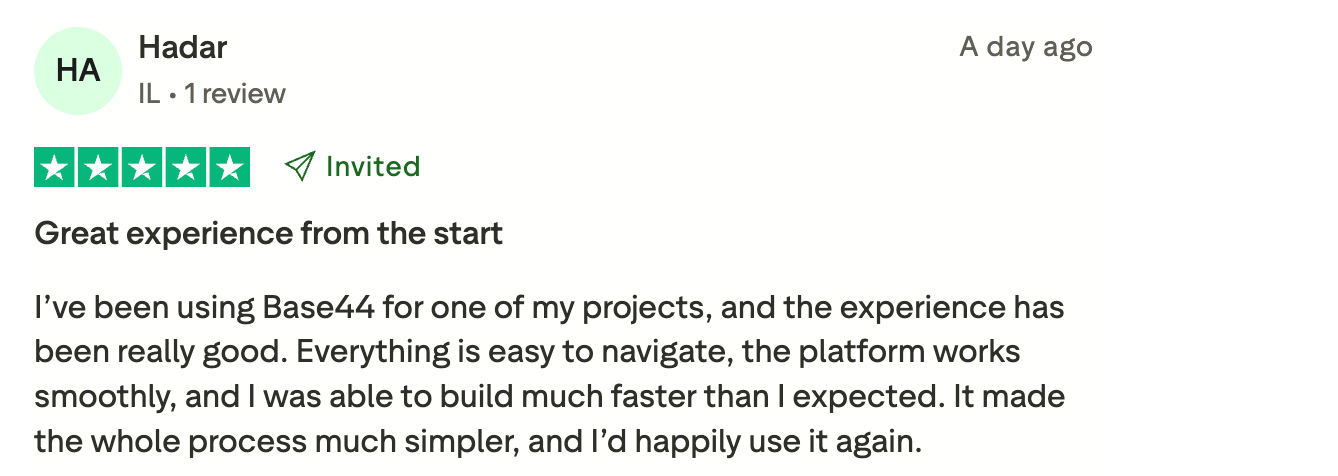
“Everything is easy to navigate, the platform works smoothly, and I was able to build much faster than I expected.” Verified User, Trustpilot
Cons: Trustpilot reviews skew negative on complex projects, with complaints about credit burn, apps breaking as they grow, and slow support. The managed backend frustrates users who want to migrate off the platform.
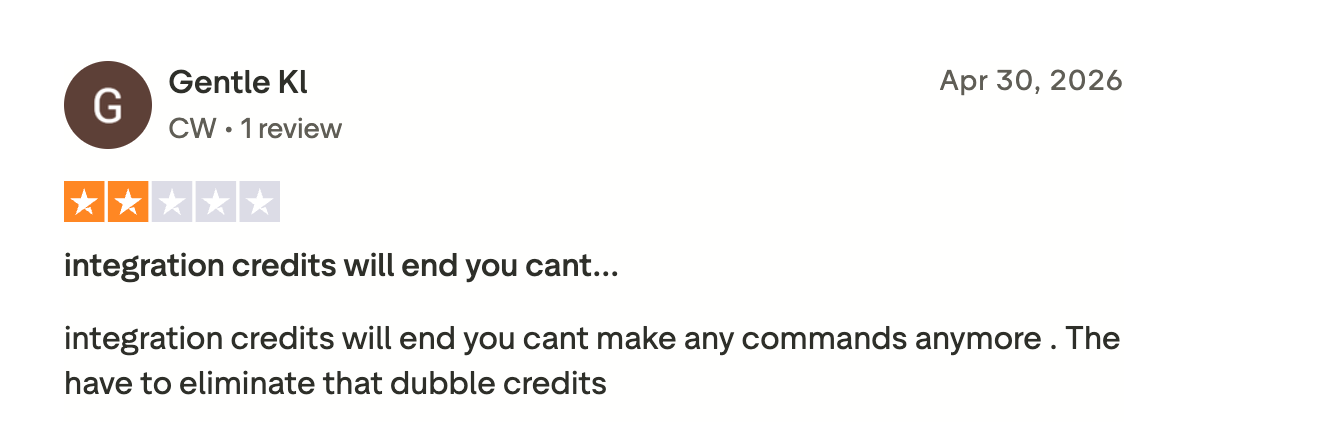
“Integration credits will end; you can't make any commands anymore. They have to eliminate those double credits.” Verified User, Trustpilot
Bolt
Pros: Developers love the speed from prompt to running app and the clean code ownership. Also, the no-setup environment is a recurring highlight.
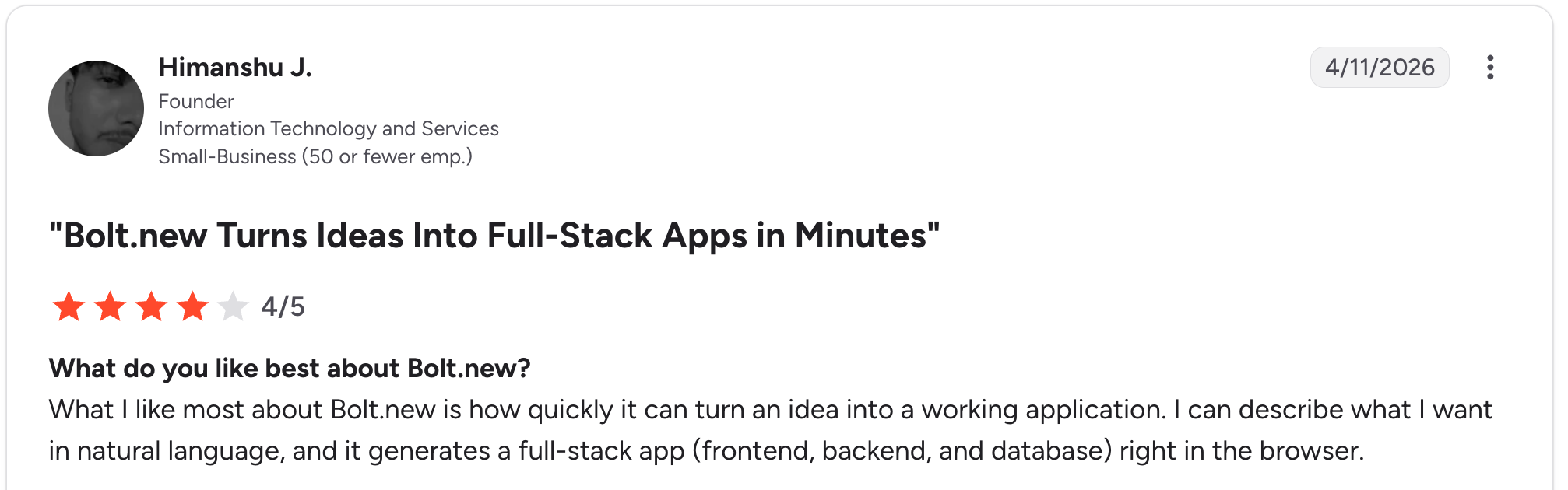
“What I like most about Bolt.new is how quickly it can turn an idea into a working application.” Himanshu J, G2
Cons: Token costs spike during debugging, and the AI breaks unrelated things in complex prompts.
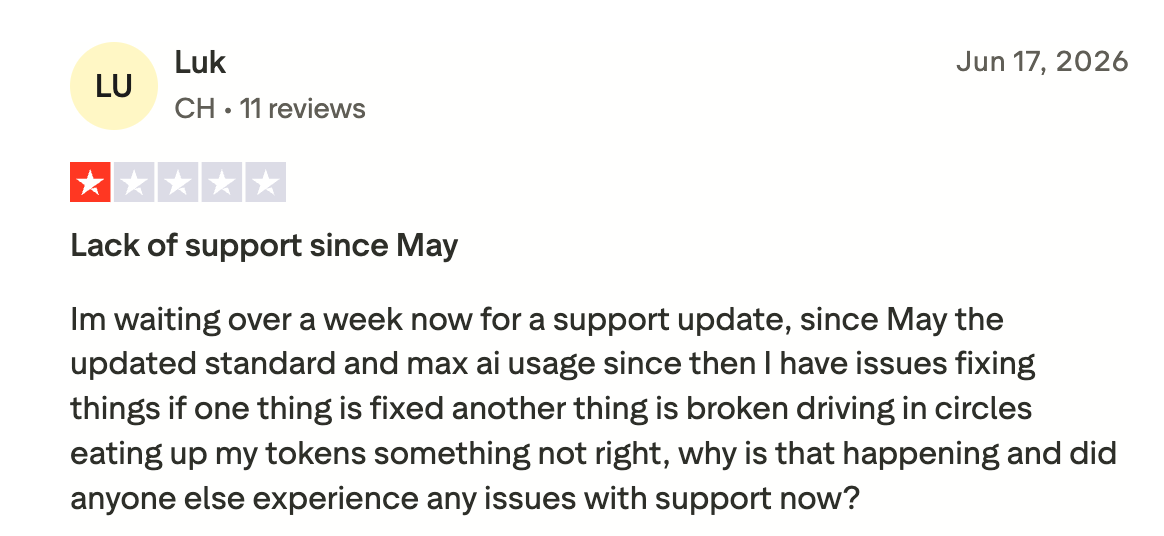
“I'm waiting over a week now for a support update. Since May, with the updated standard and max AI usage, I have issues fixing things: if one thing is fixed, another thing is broken, driving in circles eating up my tokens.” Verified User, Trustpilot
How to make your choice
The decision is mostly about your technical comfort and what happens after the prototype. Base44 wins for non-technical builders who want a working app without code. Bolt wins for people who can read code and want ownership and control. Neither is built specifically for non-technical teams maintaining a real business app over time.
Base44 is better for:
- Non-technical founders building an MVP fast.
- Beginners who want the backend handled automatically.
- Quick prototypes and personal or internal tools.
Bolt is better for:
- Developers and technical founders who want code ownership.
- Builders who want to edit what the AI generates.
- Projects that will move into a real code workflow later.
My verdict
For pure prototyping speed, each one delivers in its own way. Base44 suits you if you want the platform to handle everything; Bolt suits you if you want to carry the code out. Both share the limitation every vibe-coding tool has.
They produce a working app in an afternoon and grow shaky once that app has real users, complex data, and a non-technical person who needs to maintain it.
If you are a non-technical team building a business app you will run day-to-day (a portal, a CRM, an internal tool, a dashboard), the maintain-it-yourself problem matters more than prototype speed. That is the gap Zite fills.
Non-technical users should try Zite, an easy-to-maintain AI app builder
If you are a non-technical person, Zite is the tool built for you. It generates the app, the database, and the workflows from a prompt, then keeps all three open to you without coding. The database is a spreadsheet of tables and fields you browse and edit directly.
The rules are shown as workflows you trace step by step. When something breaks, you follow the flowchart to the step that failed and see why, then tell the AI exactly what to change instead of guessing.
That is exactly the problem Base44 and Bolt leave unsolved. When their apps break, Base44 sends you back to re-prompting, and Bolt can leave non-technical users facing code they do not know how to edit. Zite is the one you can keep running after launch.
To be clear about the trade: on portability, both Base44 and Bolt are more open than Zite, Bolt most of all, since you can take the whole project and run it elsewhere. Zite does not export runnable code, and your app stays hosted on Zite.
What Zite offers is maintainability without code: the ability to see, understand, and fix your own app while you are on the platform.
Here is what that means in practice:
- Visible database with tables and fields: Browse and edit your data structure directly, like a spreadsheet, without writing SQL.
- Visual workflows: Trace why a step ran or failed by reading a flowchart, with every step in plain sight.
- Role-based access: Clients, staff, and admins each see the right view from day one.
- Unlimited users at $19/month: Zite Pro includes unlimited users with no per-seat fees, so your bill does not grow as your team scales.
For a closer look at pricing, see this Base44 pricing breakdown or compare Zite vs. Base44 directly.
Start building with Zite and get an app you can actually use, not code to debug.
Frequently asked questions
Is Base44 better than Bolt?
Base44 is better than Bolt for non-technical users who want a full-stack app without having to touch code, since it handles the backend, database, and hosting automatically. Bolt is better for developers who want to edit and own the generated code.
What is the difference between Base44 and Bolt?
The difference between Base44 and Bolt is how much the platform manages. Base44 is a managed, all-in-one builder you can use without code, while Bolt is code-first and built around editing and exporting what it generates.
How much do Base44 and Bolt cost?
Base44 and Bolt both start for free. Base44’s paid tiers run $20, $50, $100, and $200/month (Starter, Builder, Pro, Elite); Bolt’s Pro is $25/month with Teams at $30/member/month. Both meter usage with credits or tokens.
Is Base44 or Bolt better for beginners?
Base44 is better for beginners because it requires no coding knowledge and handles the backend automatically, so a non-technical person can ship an app the same day. Bolt expects you to read code when something breaks.
Can you export your code from Base44 and Bolt?
Bolt lets you export and own your full code, even on the free plan. Base44 gives you the frontend and backend function code through GitHub sync, and its eject command adds schemas and configuration. Your data and managed services stay on Base44, so leaving means migrating those separately.
What’s the best Base44 and Bolt alternative for non-technical teams?
The best Base44 and Bolt alternative for non-technical teams building business apps is Zite, because it keeps the database and logic visible and editable without code. You trace and fix app logic visually, which fits ops and support teams maintaining their own tools.

