


I spent weeks testing over 15 AI app builders to find the ones that work well after the initial generation. Here are the top 10, their pros and cons, and which is best for your business in 2026.
10 best AI app builders: At a glance
AI app builders generate apps from natural language prompts. Each of the builders we'll cover has a different use case. For example, Zite builds production-grade business software, Lovable generates web app prototypes, and FlutterFlow handles mobile apps.
Go through this side-by-side comparison to see the best tool for your needs:
1. Zite: Best for production-grade business software
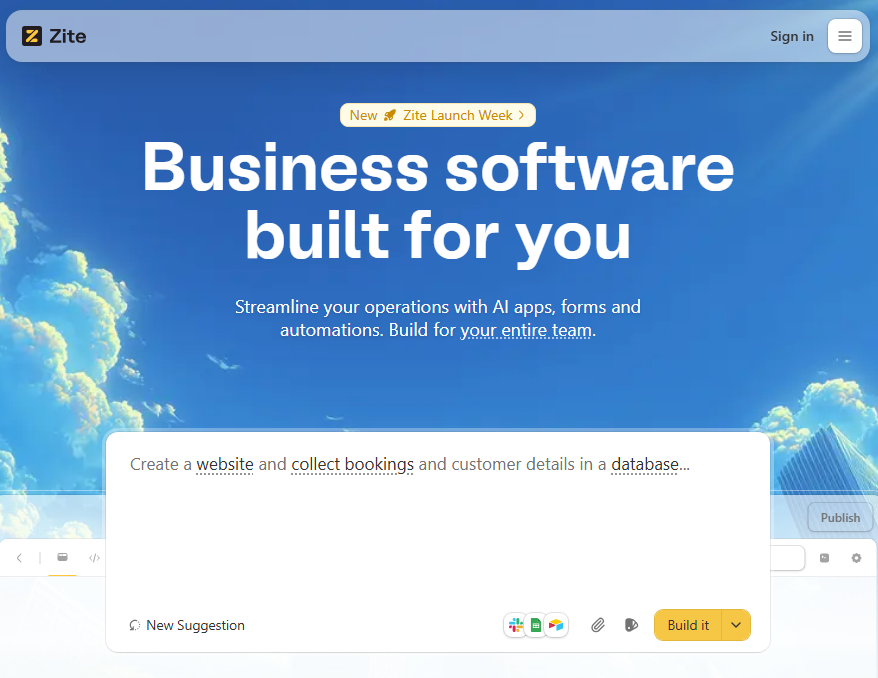
What it does: Zite generates production-ready business software, such as client portals, dashboards, and team tools, from prompts.
Who it's for: Operations teams, support teams, and any business that needs custom software but doesn't want to write or maintain code.
I tested Zite by building a client intake portal. I described it, and Zite generated a multi-page app with a submission form, a database, and an admin dashboard within a few minutes. It even added a client activity timeline I hadn't asked for, which was a nice touch.
Troubleshooting Zite apps is easy because it displays your app's logic as visual flowcharts similar to how Zapier shows workflows. When I added a Slack notification step, and it didn't trigger correctly, I could trace the flow, find the failed step, and ask Zite to fix just that piece. I didn't have to re-prompt the entire app or read generated code.
That visibility is what makes it practical for non-technical teams. How your app works isn't hidden in code you have to read.
Key features
- Built-in database: Zite includes no-code data storage and auto-generates your tables and fields. You don't have to write queries or set up an external database.
- Visual workflows and editing: Your app's workflows display as flowcharts, the database has a spreadsheet-like interface, and you can click on elements and edit styling, text, and layout directly. This makes troubleshooting easier for non-technical users.
- Production-ready apps: Zite offers secure hosting, access controls, and authentication. Enterprise plans add SSO and audit logs.
Pros
- No per-user fees on any plan, including free
- Visual workflows simplify troubleshooting
- Upload brand assets and deploy on custom domains so apps match your brand
- Connects to existing tools like Google Sheets, Airtable, and Slack
Cons
- No code export. If you build on Zite, your apps stay on Zite
- Newer platform with a smaller template library
Pricing
Zite offers a free plan with unlimited apps, unlimited users, and a limited monthly allowance of AI credits. Paid plans start at $20/month (billed monthly) for 100 AI credits.
Bottom line
Zite is the strongest option for non-technical users building business software. The visual workflows mean you can verify what the AI built and troubleshoot without touching code.
2. Lovable: Best AI app builder for MVPs and demos
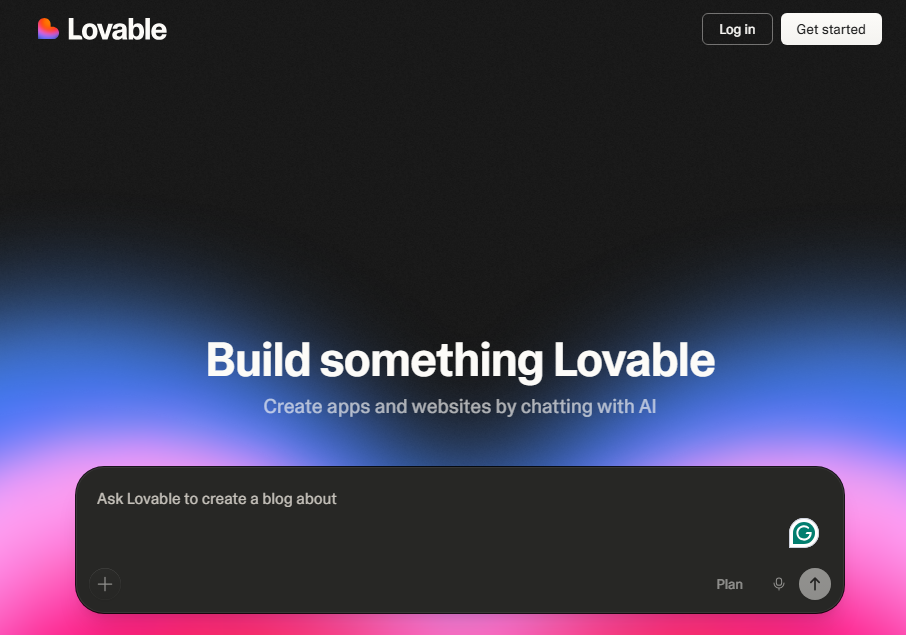
What it does: Lovable builds full-stack web apps through conversational prompts. It handles data storage and authentication via Lovable Cloud.
Who it's for: Indie founders, early-stage product teams, and technical builders who want to launch MVPs or SaaS prototypes quickly while keeping control of the underlying code.
I used Lovable to build a dashboard for tracking finances, and Lovable generated a clean-looking app with a polished UI. The frontend was immediately usable, and connecting to Lovable Cloud for data storage was straightforward through additional prompts.
Lovable's iteration model works well for early stages. You refine the app through follow-up prompts.
Where editing got complicated was around the 10th prompt. As I layered on permissions logic and notification triggers, the AI occasionally overcorrected. It fixed one issue while unintentionally modifying other parts of the app. This is a common problem that Lovable users report in community forums.
The fix was editing the generated code directly, which worked but required coding knowledge.
Key features
- Lovable Cloud: It comes with a built-in database, authentication, and hosting.
- Two-way GitHub sync: Push code from Lovable, make manual edits in your IDE, and changes sync back to the platform.
- Built-in hosting: One-click deployment with live previews, staging, and production-style environments.
Pros
- Native integrations with services like Stripe, OpenAI, Anthropic, Resend, and Clerk
- You can click UI elements and make minor changes to the layout or styling without writing prompts
- Code export so you can extend the app off the platform
Cons
- Needs code to debug apps
- Only builds web apps, not mobile
Pricing
Lovable's free plan offers 5 daily credits (up to 30/month). Paid plans start at $25/month, billed monthly, for 100 credits plus 5 daily bonus credits.
Bottom line
Use Lovable if you're validating a product concept and want a demo to show investors or test with users. Just know that once your app gets complex, you'll need coding skills to debug what the AI generates.
3. Replit: Best for building multiple types of apps
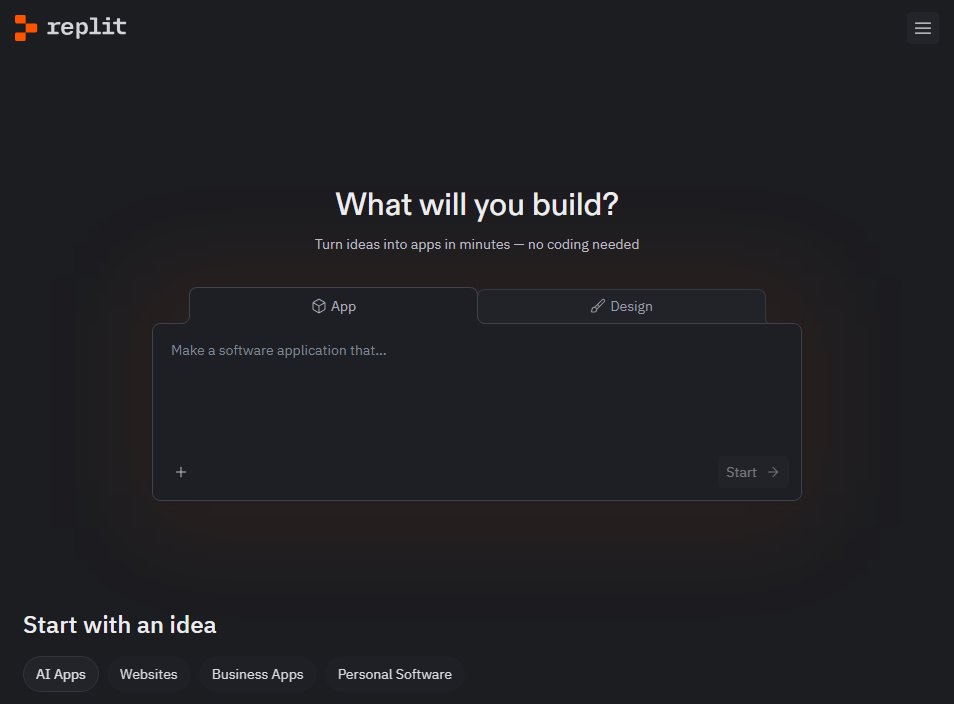
What it does: Replit builds, runs, tests, fixes, and deploys apps inside a browser-based IDE with minimal hand-holding.
Who it's for: Solo founders, marketers, and small teams who want to turn a rough idea into web or mobile apps, data visualizations, animations, or 3D games.
I built a team expense tracker with Replit to test this. This is the kind of app where employees submit receipts, managers approve or reject them, and finance gets a monthly summary dashboard. It's a good stress test because it needs authentication, role-based views, file uploads, and some basic calculations.
The first draft was more complete than I expected. When receipt uploads failed to attach to the right expense entry, the Agent caught the broken reference, rewired the database relationship, and retested the flow without me stepping in.
Credit consumption is the biggest downside of using Replit. It can get very expensive. Just browse the Replit subreddit and see all the users complaining about the high agent costs.
Key features
- Browser-based cloud IDE with zero setup: Replit provides a full integrated development environment (IDE) that runs directly in your browser. You can write, run, and debug code in dozens of languages straight away.
- AI-powered app creation: Replit understands natural-language prompts and generates or modifies code based on your instructions.
- Deployment and hosting built in: Once your app is ready, you can deploy it directly from the platform with instant hosting and a public URL.
Pros
- Replit builds, tests, and self-corrects without constant input
- It comes with a native database, authentication, and a one-click deployment option
- New Pro plan at $100/month covers up to 15 builders
Cons
- Consumes credits when you run your apps, not just during building
- Debugging complex apps requires writing code
Pricing
It's free to get started with limited daily Agent credits. Paid plans start at $20/month, billed monthly.
Bottom line
Replit is great if you want to build more than web apps. Just keep an eye on credit consumption. The included amount covers light to moderate usage, but complex projects push you into pay-as-you-go territory quickly.
4. Superblocks: Best for enterprise teams that need IT guardrails
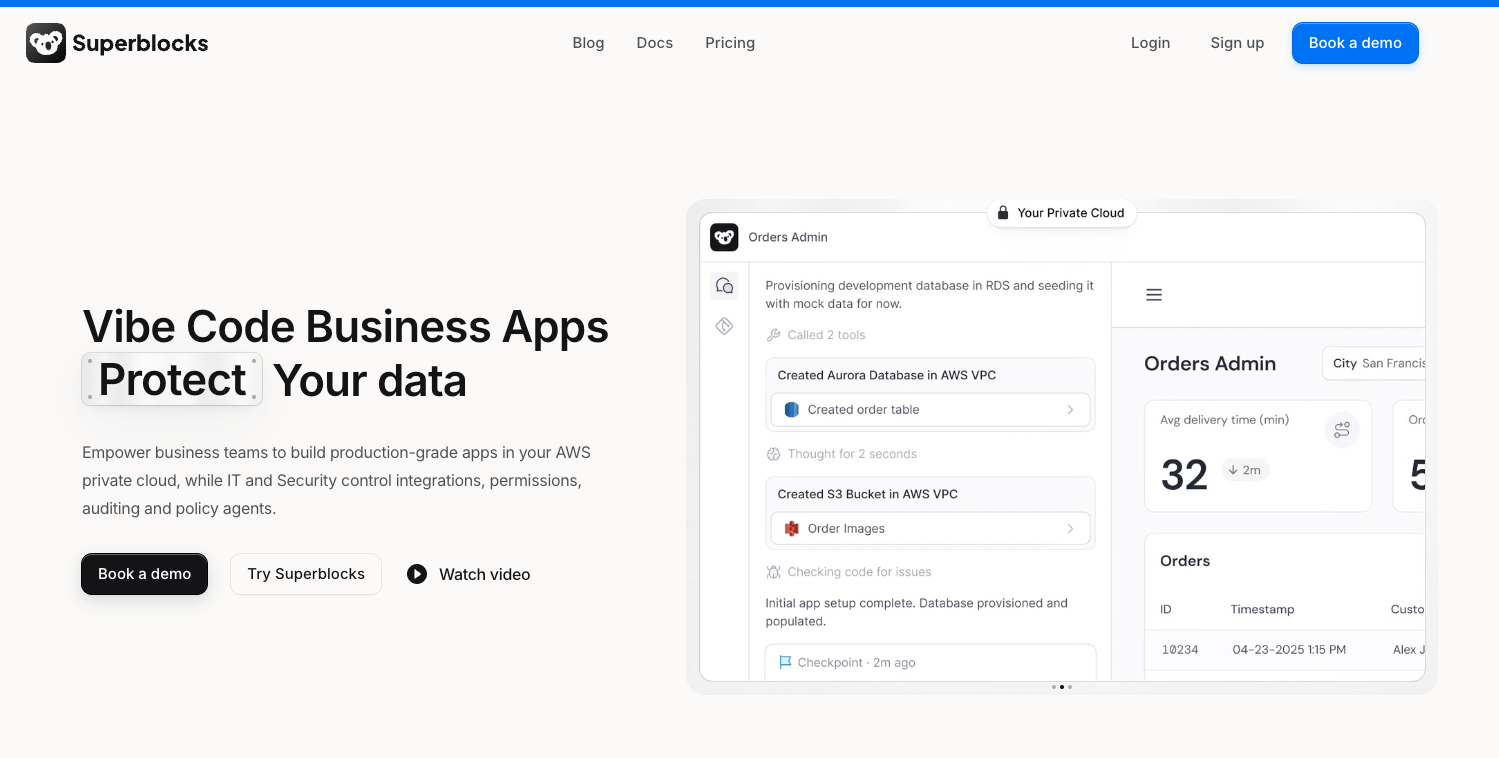
What it does: Superblocks generates internal apps from a prompt through its Clark agent, then runs them inside a governance layer that IT configures once and applies to everything the business builds.
Who it's for: Enterprise IT, security, and platform teams who want business users building their own apps while keeping control of integrations, permissions, and audit trails.
Superblocks aims at the IT department first, and the product reflects that. You can build the same app three ways: Clark generates it from a description, a visual editor handles drag-and-drop assembly, and anything you outgrow exports as React and TypeScript you can open in your own IDE.
The governance layer is what sets it apart. Every build, query, and integration access gets logged, apps inherit the permissions IT sets centrally, and the whole platform can run inside your own AWS VPC so data never leaves your environment.
The published results back the enterprise pitch. Flex, a New York fintech, built 170 apps in 90 days across 18 departments inside its own AWS environment. Virgin Voyages shipped 8 production apps in 30 days with 10 semi-technical builders and no traditional developers.
The catch is that most of what enterprises come for sits behind the Enterprise plan. SSO, audit logs, VPC deployment, source control, and secrets management are all Enterprise-only, so a regulated team will end up on a custom quote.
Key features
- Clark AI generation: Describe the app you want and Clark builds it, with the generated app visible and editable at every step.
- Three build modes on one platform: Prompt-based generation, a visual drag-and-drop editor, and React and TypeScript export, so developers and business builders work on the same app.
- Governance built in: RBAC, audit logs covering every build and query, and deployment inside your own cloud, on a SOC 2 Type II and HIPAA foundation.
Pros
- 50+ pre-built integrations, so most of the data plumbing is handled before you start
- Code export to React and TypeScript, so apps are not trapped on the platform
- Runs inside your own AWS VPC, which clears most enterprise security reviews
- Unlimited end users on every plan
Cons
- SSO, audit logs, VPC deployment, and source control are Enterprise-only
- Built for IT-led rollouts, so a single non-technical builder will find it heavier than they need
Pricing
Superblocks Teams starts at $100/month billed annually, or $125 monthly, covering up to 15 builders, 100 governed agent units, and 1 hosted app, with extra apps at $10 each. Enterprise is custom, and there is a 14-day trial.
Bottom line
Superblocks is the strongest choice when IT owns the buying decision. If governance, audit trails, and running in your own cloud are non-negotiable, it clears those bars comfortably. If you want one app built this afternoon, the setup overhead will outweigh the benefit.
5. v0 (by Vercel): Best for design-first UIs
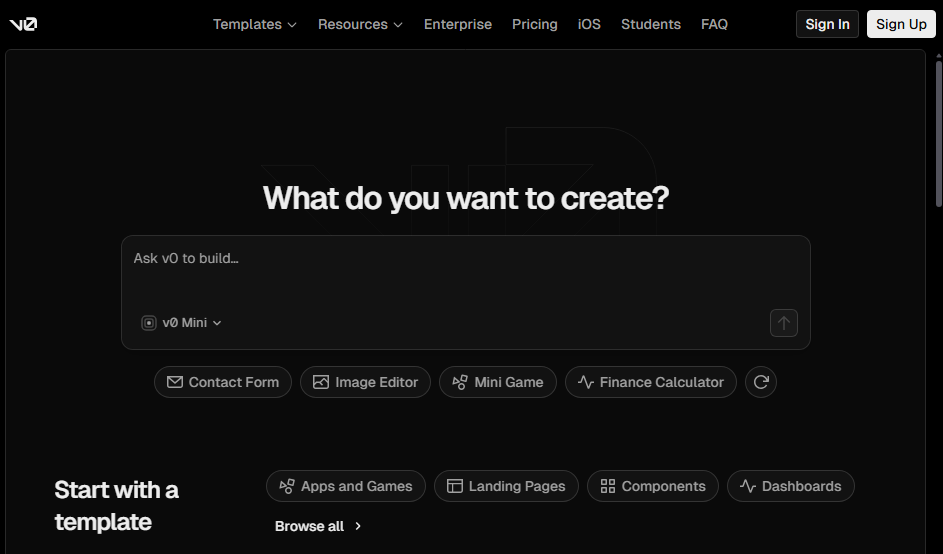
What it does: v0 turns natural language prompts and Figma designs into production-ready React and Next.js code, then deploys it on Vercel with one click.
Who it's for: Frontend developers, design engineers, and product teams who care about shipping polished UI fast.
I used v0 to build a SaaS landing page with a main headline area, a list of key benefits, client quotes, and a signup form. This is where v0's strengths are impossible to ignore.
The initial generation was visually appealing, similar to a landing page you’d see browsing Dribbble. The layout was balanced, and the pricing table had working toggle logic out of the box. Every component was responsive on mobile, tablet, and desktop from the start.
The Figma import feature (on paid plans) is helpful if you have an existing design you need to match. I tried this with a rough mockup, and it produced components that matched my original design.
Since v0 primarily focuses on the visual side of the apps, databases and user logins require a separate tool like Supabase, which adds setup complexity.
Key features
- Code output for advanced users: v0 produces well‑structured page sections you can plug into an existing project or expand later. You or a developer can open code files and adjust them by hand if needed.
- Built-in editor: You can tweak spacing, alignment, and styles directly in v0 without touching code.
- Version control and hosting: You can connect v0 to GitHub so your team keeps full control of the project, and you can publish to Vercel’s hosting environment in one click.
Pros
- Very fast publishing to Vercel, with security and global performance handled for you
- Can import Figma designs on paid plans, so your build matches an existing layout
- Design Mode lets you tweak spacing, colors, and text styles without code
- GitHub sync gives your team long‑term control over the project and its history
Cons
- No built-in database
- It’s focused on one web stack (React), so it’s not suitable if you need other kinds of apps or tech
Pricing
The free plan comes with $5 in monthly credits, and paid plans start at $20/month, billed monthly.
Bottom line
If you care most about a polished, modern interface and are okay using another tool for data storage and user logins, v0 is a strong option. If you need a single platform that handles both the interface and the database, look at other tools.
6. FlutterFlow: Best for building mobile apps
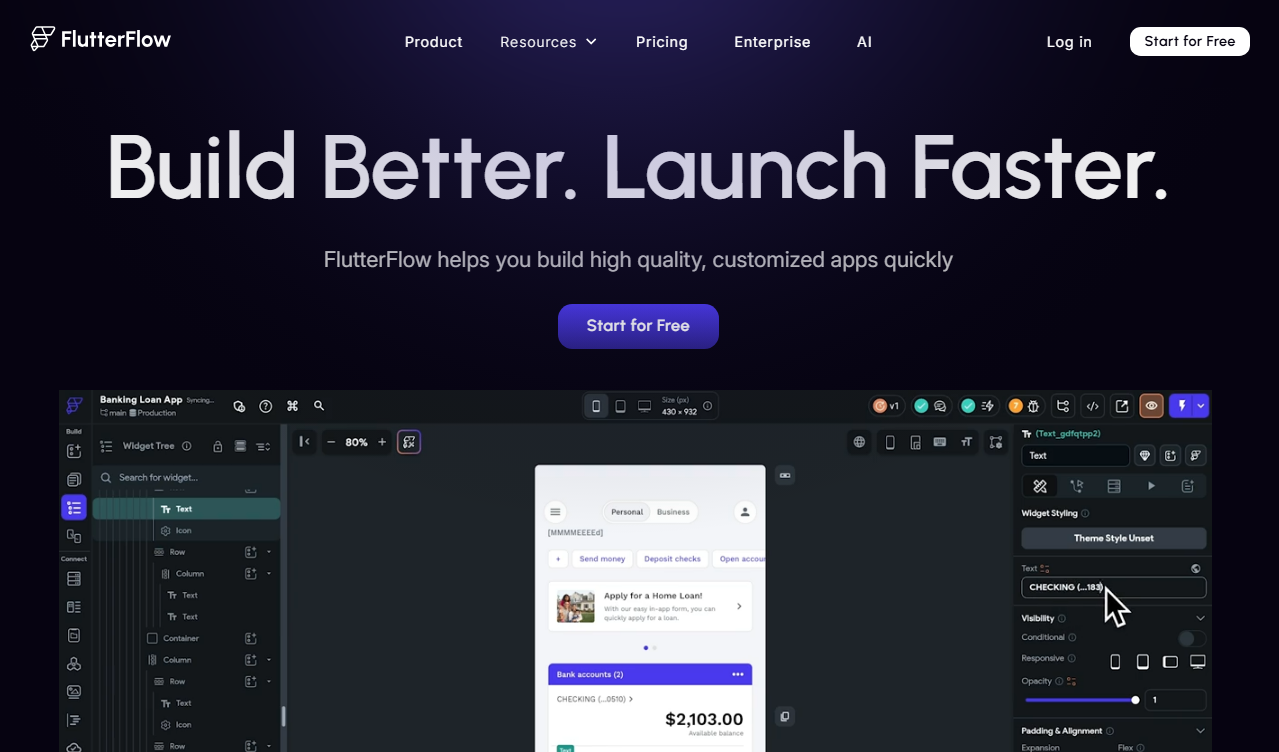
What it does: FlutterFlow is a development platform for building native mobile apps using AI and drag-and-drop components.
Who it's for: Developers and technically-savvy builders who want to ship native iOS and Android apps faster than traditional coding.
FlutterFlow occupies a different space than most tools on this list. It generates native mobile applications that deploy directly to the App Store and Google Play.
I liked that I could drag and drop components and edit the app visually. I did not have to rely on just prompts. The learning curve jumps once you need custom logic or state management, though. When I tried to get permissions working correctly, I ended up needing to understand the Flutter basics.
Key features
- Cross-platform output: FlutterFlow generates real Flutter code, which means your app runs natively on iOS, Android, and Web.
- Firebase integration: Built-in support for Firebase for data storage, authentication, and real-time updates.
- UI templates and widget library: FlutterFlow includes a growing library of pre-built UI components and template screens (e.g., onboarding flows, dashboards). You can start from a template and customize it to accelerate development.
Pros
- Native iOS and Android deployment directly to app stores
- 100% code export support
- 1000+ pre-built templates for fast visual development
- AI page generation for faster prototyping
Cons
- Learning curve steepens with custom logic and state management
- Higher starting price than web-focused builders ($39/month)
Pricing
FlutterFlow has a free plan for up to 2 projects. Paid plans start at $39/month, billed monthly.
Bottom line
FlutterFlow is a good choice if you need native mobile apps and not just web apps that look mobile-friendly. Note that you’ll probably need to learn some Flutter coding fundamentals if you’re building complex apps.
7. Dyad: Best for local, private development
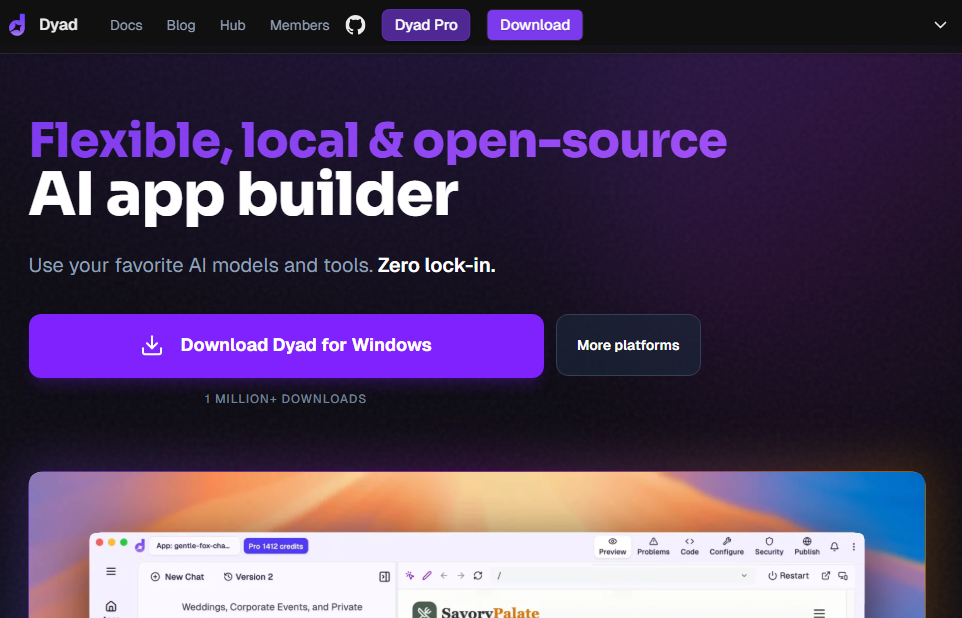
What it does: Dyad is an open-source AI app builder that runs entirely on your computer. It generates full-stack apps through chat prompts using any AI model you choose.
Who it's for: Privacy-conscious builders who want full code ownership, zero vendor lock-in, and the option to work completely offline.
Every other tool on this list runs in the cloud. Dyad doesn't. You download it, launch it, and start building. Your code, data, and prompts never leave your machine unless you choose to deploy in the cloud.
I downloaded it, connected to Claude's API, and built the intake portal locally. The experience was very similar to cloud tools like Lovable. I could see changes update instantly as I used more prompts, and it supports a Supabase for data storage and logins.
Where it falls short of cloud tools is in setup. You have to be comfortable configuring a local development environment. Deployment is also on you. Dyad builds the app, but you handle hosting and infrastructure yourself. For non-technical users, the initial setup alone is a dealbreaker.
Key features
- Local-first and open-source: Dyad runs entirely on your own computer (Mac, Windows, Linux) and is open-source, meaning the code is transparent and modifiable.
- Flexible AI model support: Dyad lets you plug in your preferred AI model using your own API keys (OpenAI, Claude, Gemini, etc.) or even run local models like Ollama.
- Supabase integration: Dyad includes support for databases (like Supabase) so generated apps can use persistent storage and authentication.
Pros
- Code and data never leave your machine
- You fully own and can export all generated code
- The free tier is fully functional if you use your own API key
Cons
- Requires local development setup
- You handle your own deployment and hosting
Pricing
Dyad is free if you use your own AI model APIs; otherwise, plans start at $20/month (billed monthly) for 200 AI credits.
Bottom line
Dyad is the best option for developers who care about privacy, code ownership, and freedom from platform lock-in. You trade convenience for control. If you're comfortable with local development tools, the trade-off is worth it. If you want the entire development cycle managed for you, Zite or Replit are better fits.
8. Figma Make: Best builder for designers and product teams
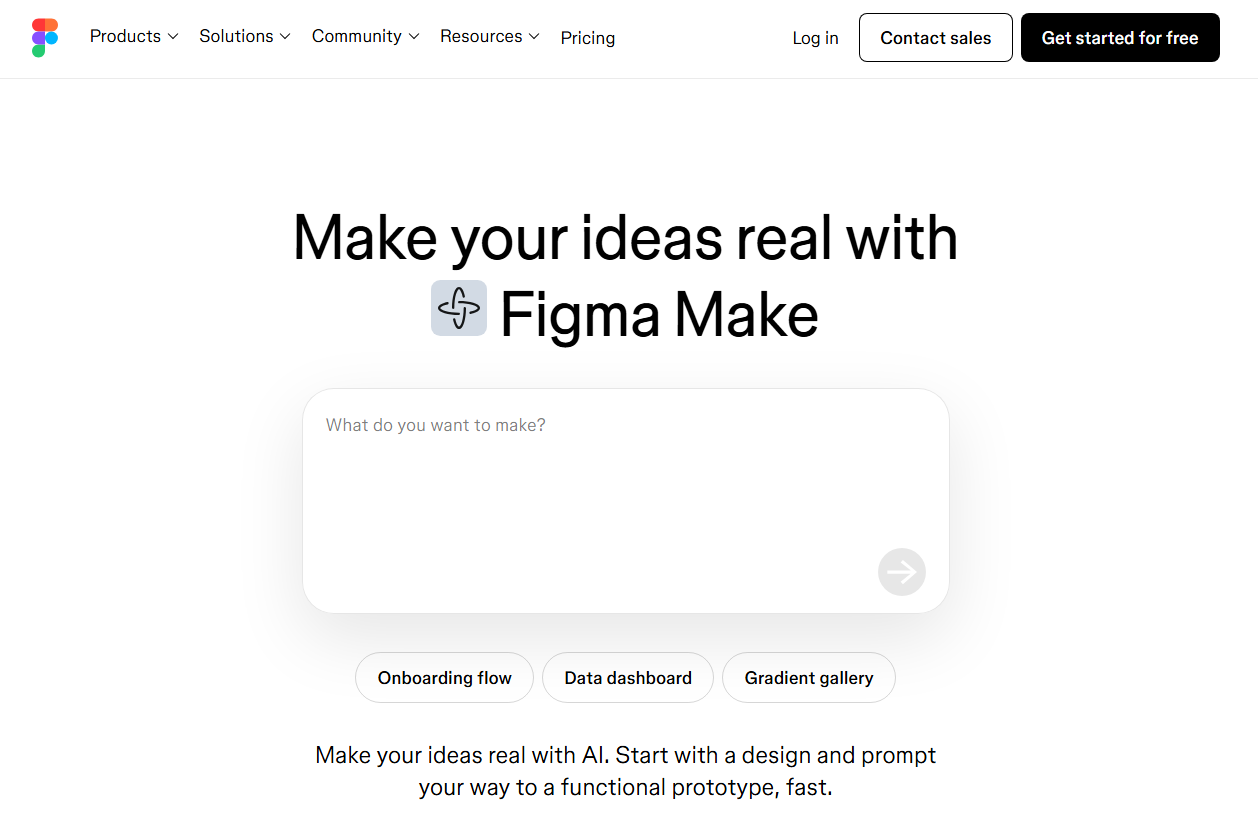
What it does: Figma Make turns natural language prompts into interactive apps and prototypes inside Figma's design ecosystem. It connects to Supabase for backend functionality and integrates with your existing design system.
Who it's for: Designers, product managers, and cross-functional teams who already live in Figma and want to go from design concept to interactive prototype (or working web app) without switching tools.
I tested Figma Make by importing an existing landing page design from Figma's template collection and asking it to turn it into an interactive prototype. It respected the component library, colors, and typography from my existing design automatically.
It's very easy to use. Product managers can build prototypes to test assumptions with stakeholders. Designers can create working mockups that go beyond static screens.
When you’re ready to involve engineers, you can hand off the project by exporting the code to GitHub. You can also connect Figma Make to their coding tools so they can keep building from the same design.
The limitation is scope. Make is strongest for prototypes and design validation, not for full-stack apps.
Key features
- Web app generation: Figma Make lets you describe what you want in plain language (or attach an existing design) and turns that into a functional prototype or web app.
- Attach Figma designs: You can bring in your existing Figma designs, components, and assets and reference them directly in prompts.
- Shareable and publishable prototypes: Once you have a working prototype or app, you can share previews with others or publish it as a live web app with a dedicated URL.
Pros
- Lives inside Figma, so no context-switching for design teams
- Respects your brand's components, colors, and typography
- Code export to GitHub and MCP server support for design-to-dev handoff
Cons
- Generated code is not production-ready
- Backend capabilities are basic compared to full-stack builders
Pricing
Figma Make is included with Figma's full seat plans. A full seat starts at $20/month, billed monthly.
Bottom line
Make is the fastest way to turn designs into prototypes if your team already uses Figma. You can’t, however, build production-grade apps with it.
9. Bubble: Best for consumer-facing web apps
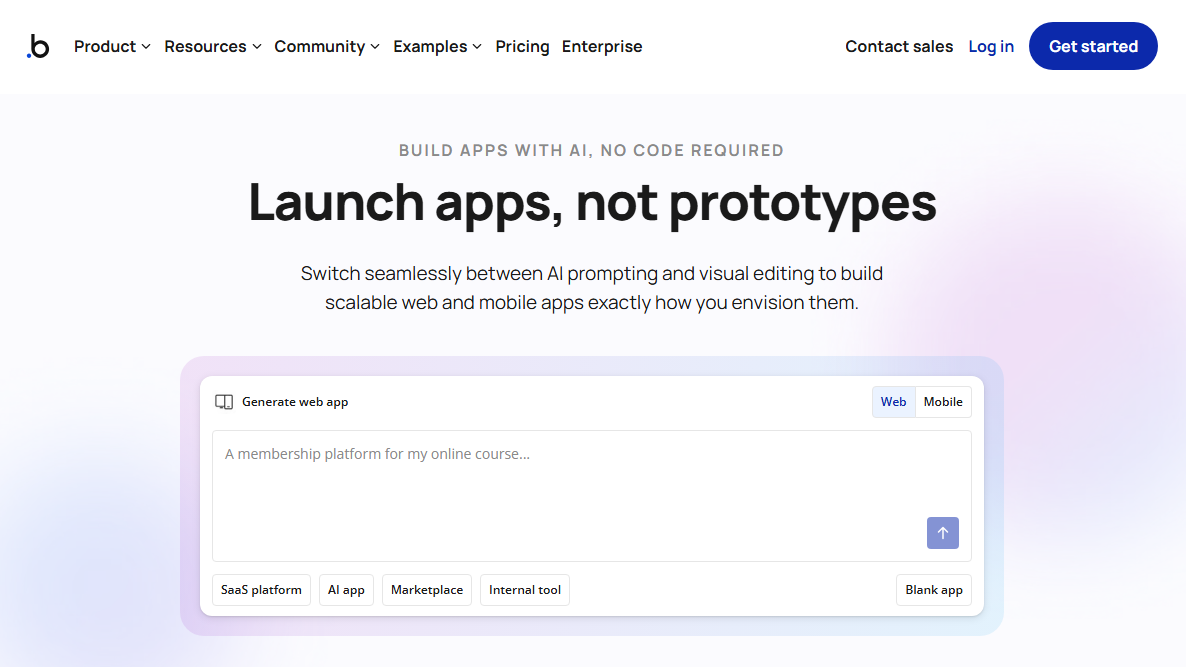
What it does: Bubble is a visual programming platform that lets you build fully functional web applications with AI and a visual editor.
Who it's for: Founders, product teams, and businesses building consumer web apps like SaaS and marketplaces.
I used Bubble's AI prompt feature to generate a restaurant review app where users sign up, browse nearby restaurants, leave photo reviews, and save favorites.
Bubble's app generation is not iterative. You get one AI-generated pass, then you switch to the visual editor. That's great if you know Bubble's editor, because you get direct control over how your app works instead of hoping the AI interprets your next prompt correctly.
The flip side is the learning curve. Despite being no-code, Bubble's workflow editor, database design, and privacy rules take real time to learn. It's no wonder there's an entire ecosystem of Bubble developers and agencies on sites like Upwork.
Key features
- Visual workflow editor: Build complex business logic, conditional branching, and multi-step automations without code. Every workflow is visible and editable.
- Built-in database: Relational database with privacy rules, search, and filtering. No external database setup required.
- Plugin marketplace: 6,000+ plugins for payments, email, maps, charts, auth, and third-party APIs.
Pros
- Full control over UI, logic, database, and API connections
- Native mobile app support for iOS and Android
- Large community and extensive documentation for troubleshooting
Cons
- Steeper learning curve than any tool on this list, despite being no-code
- No conversational iteration after the first build
Pricing
Bubble has a free plan for building and testing. Combined web and mobile plans start at $69/month, billed monthly.
Bottom line
Bubble is the right choice if you're building a consumer-facing web or mobile app and don't mind building visually.
10. Glide: Best for turning spreadsheets into apps
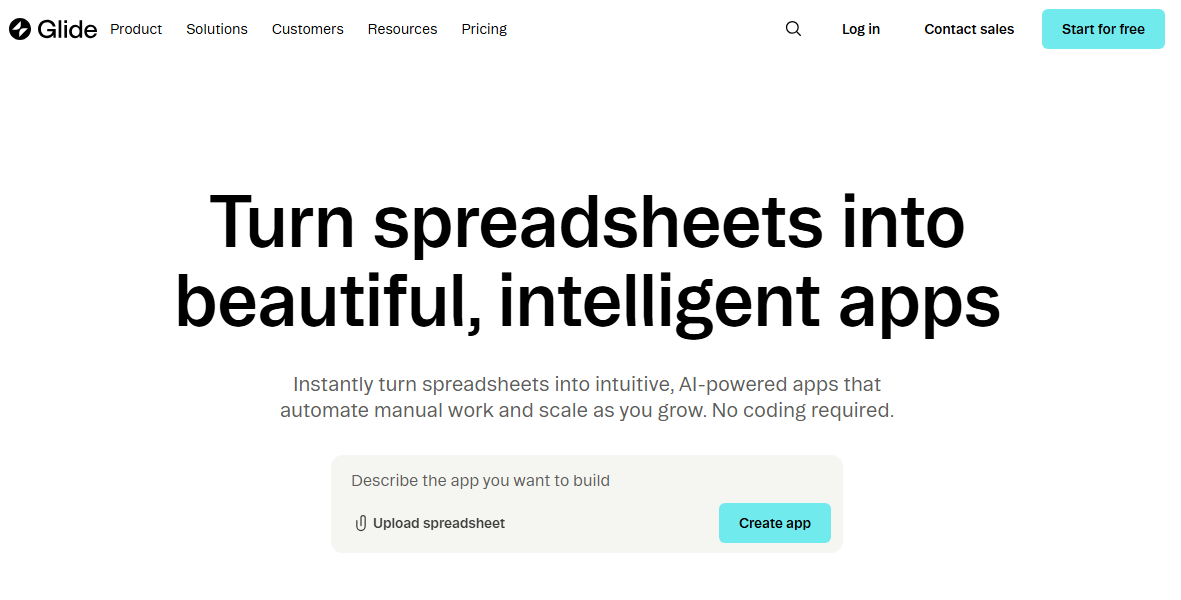
What it does: Glide turns spreadsheet data (Google Sheets, Excel, Airtable, or its own tables) into business apps.
Who it's for: Non-technical teams who want to build lightweight interfaces on top of their spreadsheet data.
I tested Glide by building an inventory tracker. I connected a Google Sheet with product names, quantities, categories, and reorder thresholds. Glide auto-generated a working app with list views, detail screens, and a form for updating stock levels in under five minutes.
That spreadsheet-to-app conversion is Glide's signature strength. If your business data already lives in a spreadsheet, you can upload it, and Glide reads your columns and builds a logical app structure automatically.
The bigger concern I have with building in Glide is how it charges for data updates. Every time data syncs from an external source, such as Google Sheets, it counts as an update against your monthly limit.
If you exceed that limit, you have to upgrade or enable unlimited updates and pay $0.02 for each. Switching to Glide’s built-in tables avoids those update charges, but it also locks your data more tightly into Glide’s ecosystem.
Key features
- Spreadsheet-to-app conversion: Connect Google Sheets, Excel, or Airtable, and Glide auto-generates a working app based on your data structure.
- AI-powered columns: Classify data, extract information, or generate text within your app's data layer without leaving the platform.
- Workflow automation: Trigger multi-step automations when data changes. Send emails, update records, post to Slack, and chain actions together visually.
Pros
- Fast path from existing spreadsheet data to a working app
- Pre-built components with drag-and-drop layout builder
- AI features built into the data layer for classification, extraction, and text generation
- Accessible to non-technical users with a minimal learning curve
Cons
- Builds PWAs, not native mobile apps. You can't publish to app stores
- Limited customization compared to tools like Bubble
Pricing
Glide is free for unlimited drafts and 1 editor. Paid plans start at $25/month, billed monthly, for individuals and $249/month, billed monthly, for businesses.
Bottom line
Use Glide if your team already runs on spreadsheets and you want light interfaces on top of that data. If you're building apps with complex logic or consumer-facing tools, consider other app builders.
How I tested these AI app builders
I tested most of these tools by building apps with each, and assessed the enterprise platforms from vendor documentation and published customer deployments. I also spent time in Reddit threads, YouTube reviews, and community forums to understand what people actually love and hate about each platform.
What I looked for:
- Speed from idea to working app: How fast could I go from describing what I needed to something functional and testable?
- Production readiness: Could I securely share the app with real users? I checked for logins, user management features, and secure hosting.
- Editing and iteration: When the AI got something wrong, could I fix specific pieces without regenerating the entire project?
- Integration depth: How well does it connect to existing tools (databases, CRMs, payment systems) without manual configuration?
- Failure points: Where did each tool quietly stop being helpful? For example, when did it start losing track of my project and burning through credits for small tweaks?
Which AI app builder should you choose?
Choose:
- Zite if you need to build production-grade software and don't want to code at all.
- Lovable if you want the fastest path from idea to working MVP and are ready to code during debugging.
- Replit if you need support for both web and mobile apps, and have the budget for the agent.
- Superblocks if IT needs to govern what business teams build and you want apps running in your own cloud.
- v0 if you prioritize beautiful, polished frontend code above all else and need design-to-code workflows with Figma import.
- FlutterFlow if you need native iOS and Android apps (not just web).
- Dyad if you want complete privacy for your code and you're comfortable with local setup and deployment.
- Figma Make if you already use Figma and want to prototype apps inside your design workflow.
- Glide if you want to convert spreadsheet data to lightweight interfaces.
- Bubble if you're building complex consumer web and mobile apps and prefer editing your app visually.
My final verdict
Zite is the best pick for non-technical teams that want production-ready apps without learning a complex builder. It works well for portals, dashboards, CRMs, team tools, and other custom apps. The built-in database, visual workflows, and UI editor make it perfect for business users who want to build and maintain apps without reading a single line of code.
Lovable, Replit, and v0 are all good picks for prototyping, while Dyad is great if you want to keep your code local.
Build custom apps without code using Zite
Ready to start building apps with Zite? Sign up for the free plan to get started. You get unlimited apps and users, plus enough credits to build and make several rounds of changes. No credit card required!
Frequently asked questions
What is the best AI app builder for non-technical users?
One of the best AI app builders for non-technical users is Zite. It generates production-ready apps and shows the logic behind them as visual workflows, so you can verify what was built. Users don't have to read code to understand how the app works or troubleshoot it.
Do I still need developers with AI app builders?
You may not need developers if you use no-code AI app builders like Zite, but you will need them for more complex apps built with prototyping tools like Lovable.
What's the difference between no-code and AI app builders?
In traditional no-code builders, you use drag-and-drop editors to put your app together, while in AI app builders, you describe the app you want in plain language, and the tool generates it for you.
How much do AI app builders cost?
AI app builder costs start around $20/month, but most tools use credit-based or usage-based pricing, so actual costs depend on how much you build. Some tools, like Figma Make, use user-based pricing that scales as your team grows. In contrast, tools like Zite offer flat-rate pricing regardless of the number of users.

