


I spent three months testing AI database platforms by building real apps, connecting live data, and running them under production load. These are the 9 best in 2026.
9 best AI database software for businesses: At a glance
I tested each one on speed, scale, and whether someone non-technical can actually use it. In case you’re pressed for time, here’s a quick side-by-side comparison:
This article covers two different categories. Business database tools are designed for teams building apps and managing business data without code. AI/vector infrastructure tools are built for developers handling embeddings, semantic search, and large-scale AI workloads. They serve different buyers and solve different problems.
The right choice depends on which one applies to you.
1. Zite: Best AI database builder for non-technical teams
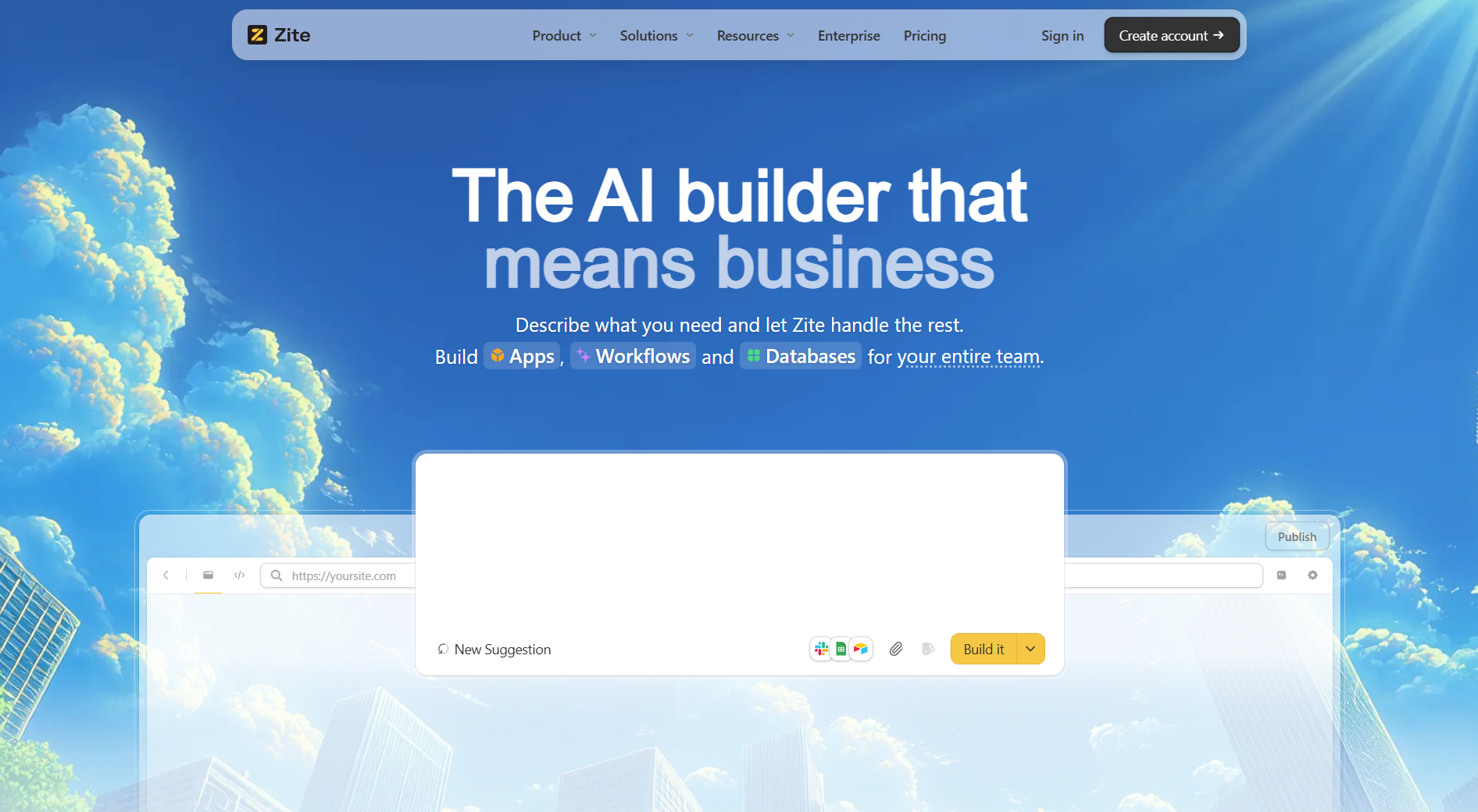
- What it does: Zite is an AI-powered database and app builder that generates tables, fields, and logic from a natural language description. Teams get a spreadsheet-like database they can see and edit, plus a working app, without stitching separate tools together.
- Who it's for: Non-technical teams that need to move business data out of spreadsheets and into something structured, scalable, and actually usable. No per-seat pricing means the whole team can be in from day one.
I tested Zite by building a vendor approval workflow. I described what I needed, and Zite generated the database structure with tables, fields, and linked records automatically. The app logic appeared as a visual workflow I could inspect and trace. No external database, no separate automation tool, no stitching.
What surprised me wasn't the speed but how little setup the security required. Authentication and access controls were already configured, which eliminated the days of wiring up permissions that I've done with other no-code tools.
Key features
- Spreadsheet-like database with real structure underneath: Zite gives teams a familiar grid interface to view and edit data, but with real tables, fields, linked records, and formulas underneath. No learning curve, no steep setup.
- AI-generated tables and fields: Describe what you need to track, and Zite builds the database structure for you, including the right fields, data types, and relationships. No manual configuration required.
- AI fields and formulas: Fields in the database can think, enrich records, and pull in context automatically. The database is not just a place to store data; it is a place to work with it.
- App and database built together: Instead of building a database in one tool and an app in another, Zite generates both from the same prompt. The logic, the data, and the interface stay connected from the start.
- Access controls: Built-in permissions come standard, with SSO and audit logs available on higher-tier plans for teams that need additional security.
Pros
- Build the database and app together from a single prompt, no separate tools needed.
- No per-seat pricing, so the whole team can use it without costs scaling unexpectedly.
- Visual workflows let you inspect and trace the app logic after it is generated.
- Zite is SOC 2 Type II compliant, with SSO and audit logs available on higher-tier plans for teams that need stricter governance.
Cons
- Newer platform, so the ecosystem and template library are still growing.
- AI credits are limited on free and lower-tier plans.
Pricing
Zite's free plan supports unlimited apps and users with 50 AI credits. Pro costs $19/month with 100 AI credits, custom domains, and white-label branding.
Bottom line
Zite works best for teams that want to describe what they need and get a working database and app without a steep setup process. Because the logic lives in visual workflows and the data stays visible and editable, the whole team can understand, maintain, and build without per-seat costs adding up.
2. Airtable: Best for teams already using spreadsheets
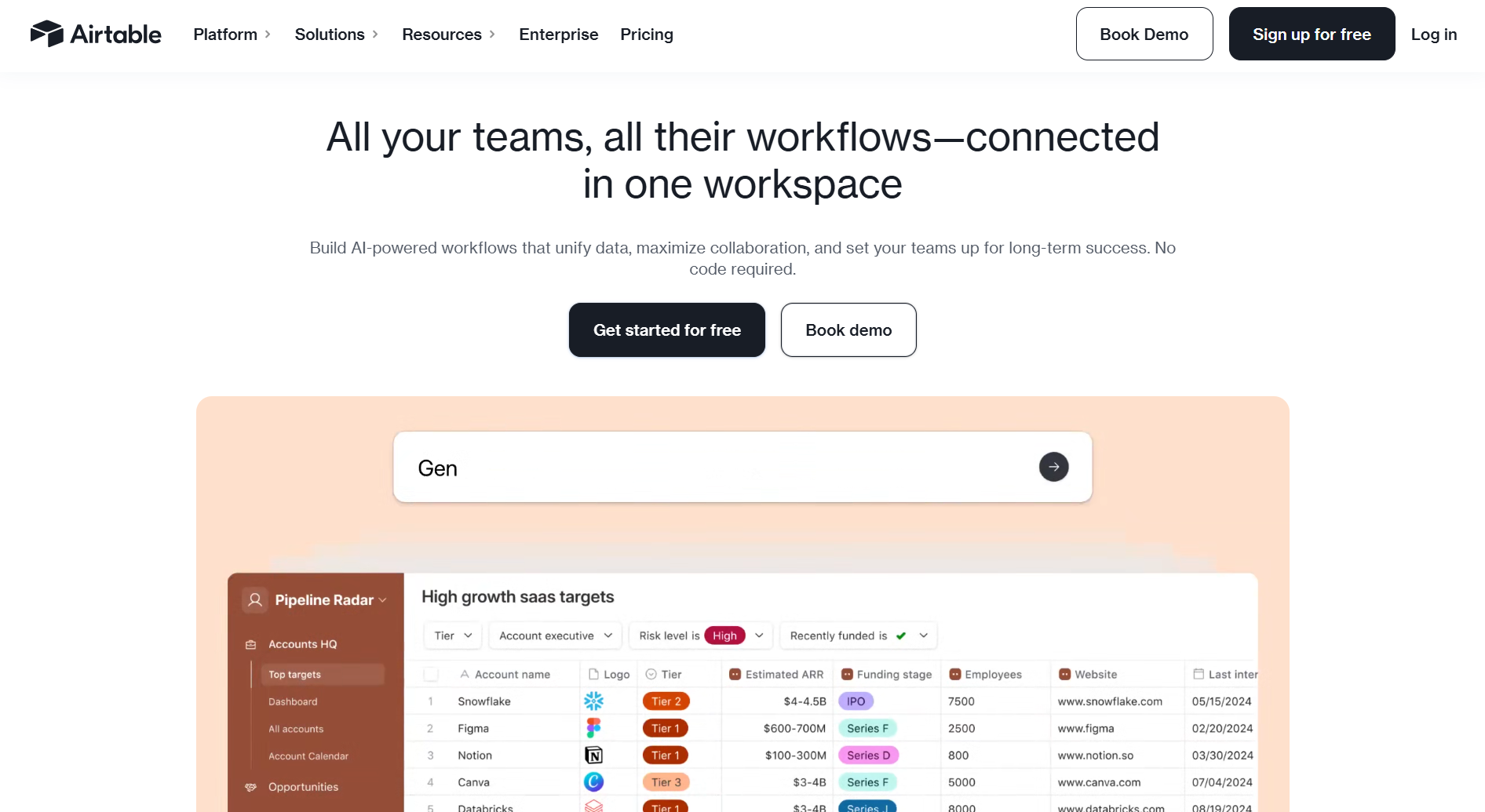
- What it does: Airtable combines spreadsheet interfaces with a built-in database and AI agents for automating tasks, all without code, using conversational prompts.
- Who it's for: Mid-size to enterprise teams managing complex workflows across project management, content operations, CRM, or inventory who need spreadsheet familiarity with database power.
I ran Airtable for several weeks with a content operations team managing 40+ freelancers. The spreadsheet interface made onboarding easy. Everyone knew how to add rows and filter views, but underneath, we had relational links between briefs, writer profiles, and editorial calendars that normal spreadsheets can't handle.
The AI agent I set up scanned brief requests and auto-assigned writers based on expertise tags. It processed 200+ records overnight, which is the gap between Airtable and Google Sheets.
Key features
- AI Cobuilder generates a database structure: Describe your workflow, and Airtable creates tables, columns, and relationships automatically. No manual setup needed for approval trackers and project pipelines.
- Field Agents automate bulk record processing: AI agents analyze and update hundreds of records simultaneously, so your team spends less time on manual data entry for document review and research tasks.
- Enterprise infrastructure: Scales to millions of records and thousands of concurrent users without performance degradation.
Pros
- The spreadsheet interface makes onboarding non-technical teams easy.
- AI agents handle bulk tasks without manual work.
- Massive template library and consultant ecosystem.
Cons
- Reporting capabilities lack advanced visualization options.
- Performance can slow with large bases and complex automations.
- Per-seat pricing means costs scale with every editor, and external portal access adds to the bill on top.
Pricing
Free plan supports unlimited bases with 1,000 records per base. Team plan starts at $24/month with 50,000 records and expanded automation.
Bottom line
Airtable works best for teams that think in spreadsheets but need database relationships and AI automation at scale. Just factor in that costs grow with every editor and every external user you add.
3. Pinecone: Best vector database for production AI workloads
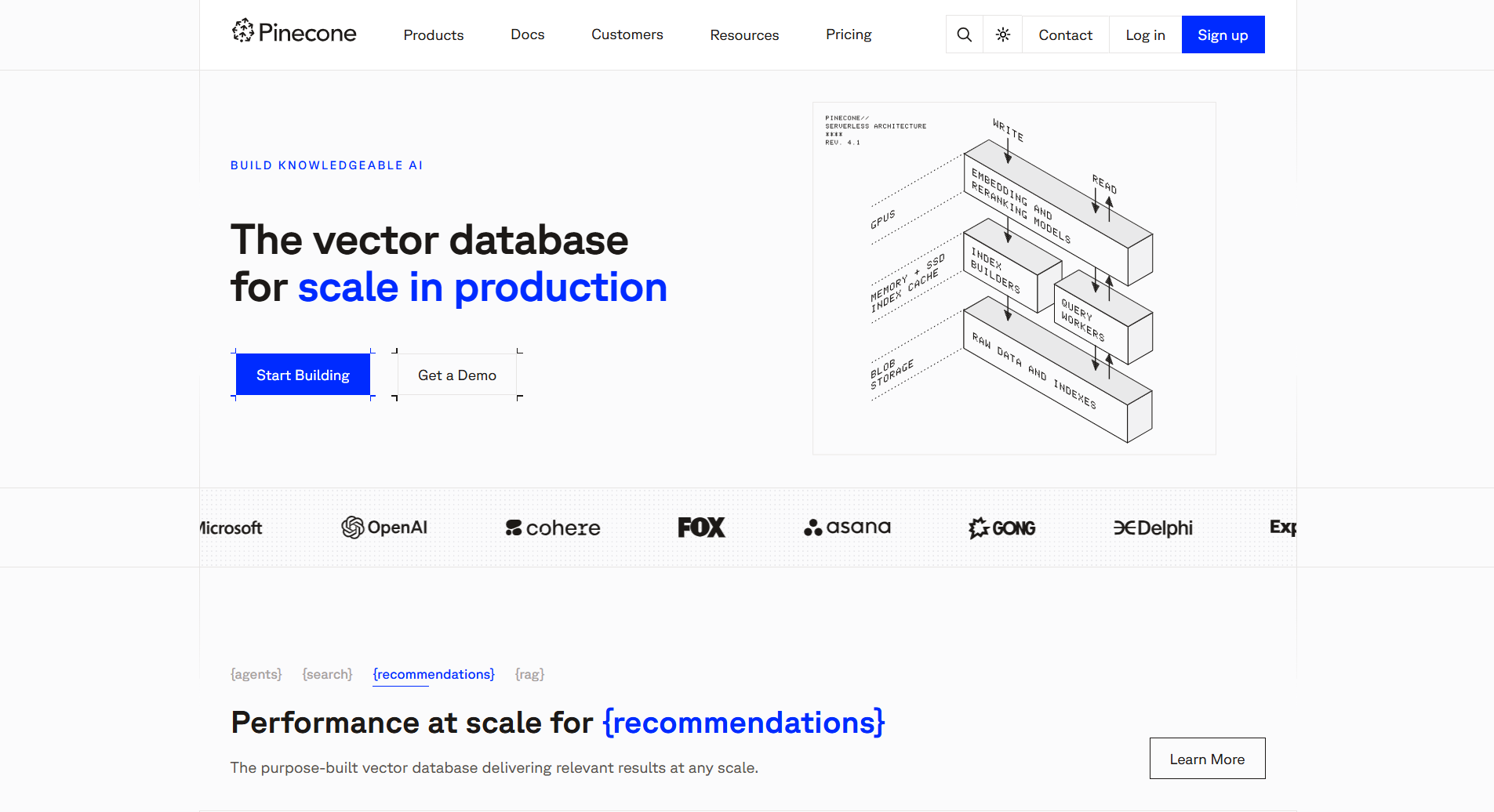
- What it does: Pinecone is a managed vector database. It handles semantic search, RAG systems (retrieval-augmented generation), and recommendation engines. It scales on demand and meets enterprise compliance standards.
- Who it's for: Engineering teams building production AI applications that need low-latency vector search at scale without managing infrastructure.
I built a RAG system for legal document search using Pinecone. I started with 2 million document embeddings and scaled to 15 million without touching infrastructure, while serverless architecture handled query spikes automatically.
Complex filtering worked without performance trade-offs. We needed to scope results by document type, date ranges, and client permissions. Pinecone combined vector similarity with attribute filtering in single queries, maintaining speed at scale, where other vector databases required separate steps that slowed performance.
Key features
- Serverless architecture: Launch vector databases without managing infrastructure. Pinecone automatically scales to handle query load and data volume.
- Hybrid search: Combines AI semantic matching with keyword search in a single query for the most relevant results.
- Enterprise compliance: SOC 2, ISO 27001, HIPAA certifications with encryption and private networking for regulated industries.
Pros
- High query throughput with consistent low latency.
- Strong metadata filtering for multi-tenant applications.
- No infrastructure management with serverless architecture.
Cons
- Designed for vector search, not general-purpose database operations.
- Cost increases significantly compared to self-hosted alternatives at scale.
Pricing
The free plan includes 1 serverless index with 2GB storage. Paid tier starts at $50/month for compute plus storage.
Bottom line
Choose Pinecone over self-hosted solutions when query performance and serverless scaling matter more than infrastructure control.
4. Milvus: Best open-source vector database for scale
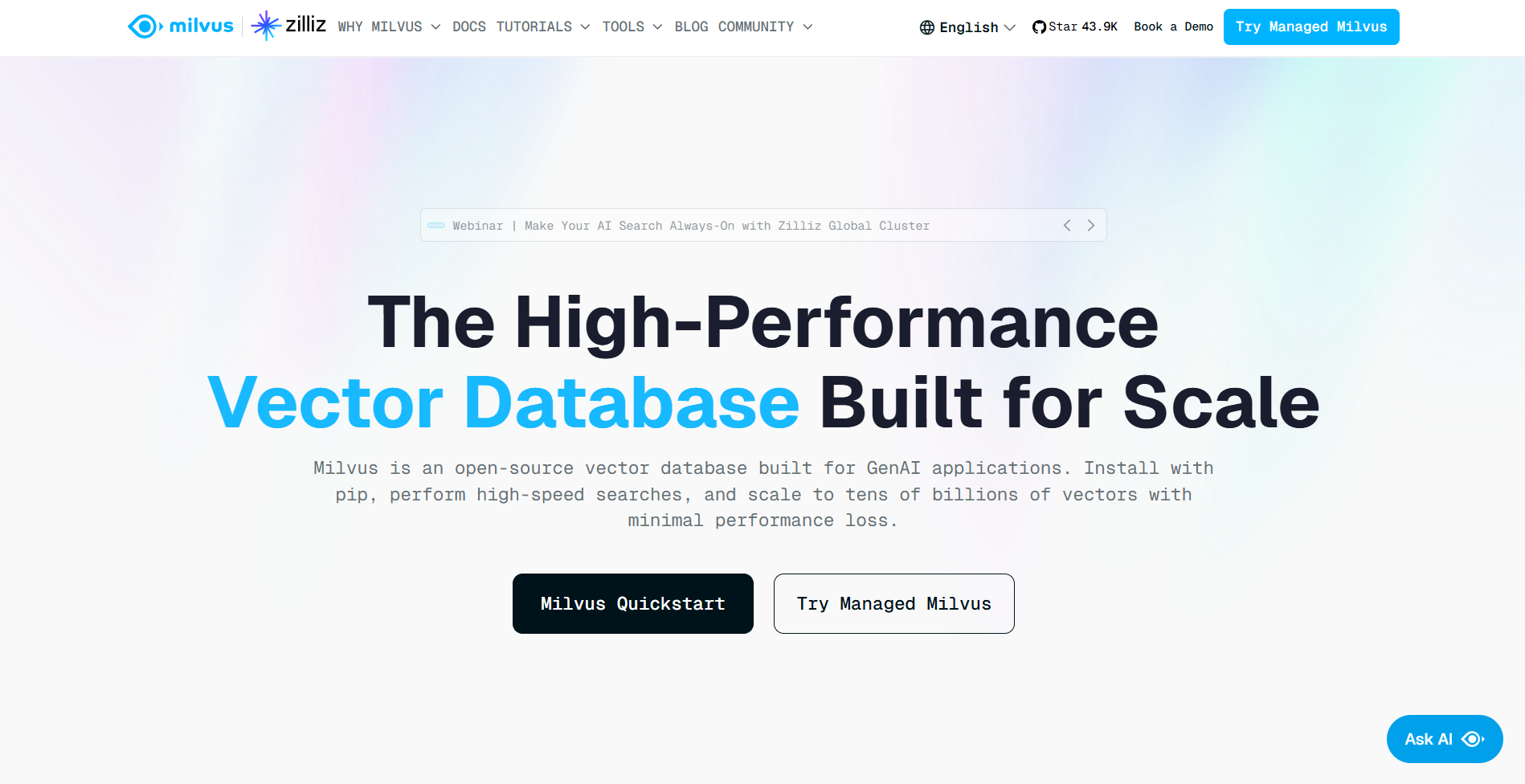
- What it does: Milvus is an open-source vector database. It searches billions of vectors fast using distributed systems and GPU power.
- Who it's for: Engineering teams building large-scale AI applications who need performance control, self-hosting options, and want to avoid vendor lock-in.
I ran Milvus on an image similarity system with millions of vectors. Bulk operations processing thousands of queries per second showed a clear performance advantage over other databases.
Deploying in distributed mode across three nodes took more setup time than managed options like Pinecone, but we got full control over indexing, memory, and query optimization. We cut search latency in half by adjusting configurations for our computer vision workload.
Key features
- Flexible deployment options: Run locally for testing, on a single server for production, or across multiple servers for large-scale applications.
- Advanced indexing with GPU support: Multiple indexing algorithms optimized for speed, accuracy, or memory efficiency with GPU acceleration for compute-intensive searches.
- Built for billion-vector scale: Handles tens of billions of vectors with independent scaling of storage and compute.
Pros
- Highest benchmark performance for bulk operations and concurrent queries.
- Full control over indexing, memory, and deployment configuration.
- Active open-source community with extensive documentation.
Cons
- Deployment requires configuring and monitoring multiple services.
- The learning curve is steeper for teams new to vector databases.
Pricing
Milvus is free and open-source. Self-hosting costs depend on your infrastructure. Zilliz Cloud (managed by Milvus) offers usage‑based billing for serverless deployments.
Bottom line
Choose Milvus over managed solutions when you need benchmark-leading performance and can dedicate engineering resources to infrastructure management.
5. Weaviate: Best for hybrid search in a single query
- What it does: Weaviate is an open-source AI database that combines vector search, keyword search, and metadata filtering for RAG systems and semantic applications.
- Who it's for: Development teams building search engines, knowledge bases, or RAG applications that need to blend semantic similarity with structured data filters.
Testing Weaviate across four different search projects over four weeks showed me where hybrid search really matters. I built a product catalog that combined vector similarity with attribute filters like price ranges, categories, and availability. The hybrid search API weighted both approaches in a single query instead of running separate searches and merging results.
The built-in embedding integrations eliminated pipeline management. We connected Weaviate directly to OpenAI and Cohere models, and data went in as text and came back as searchable vectors automatically.
Key features
- Hybrid search combining semantic and keyword: Search by meaning and exact keywords in the same query. Adjust the balance based on whether you need conceptual matches or precise terms.
- Built-in embeddings from major AI providers: Connect models from OpenAI, Cohere, or Hugging Face directly without building separate systems.
- Works with common programming languages: Build applications using Python, TypeScript, Go, or Java with straightforward integration libraries.
Pros
- Strong developer experience with clear documentation and an active community.
- Multi-modal support for text, images, and structured data.
- Open-source with managed cloud option (Weaviate Cloud).
Cons
- Performance tuning requires more manual work than fully managed options.
- Latency can vary with large datasets under heavy query load.
Pricing
Weaviate is free and open-source for self-hosting. Weaviate Cloud starts at $45/month for sandbox environments, with production tiers based on data volume and query throughput.
Bottom line
For semantic search projects requiring both vector similarity and keyword matching, Weaviate provides developer-friendly APIs with multi-modal support.
6. Knack: Best database builder for replacing spreadsheets
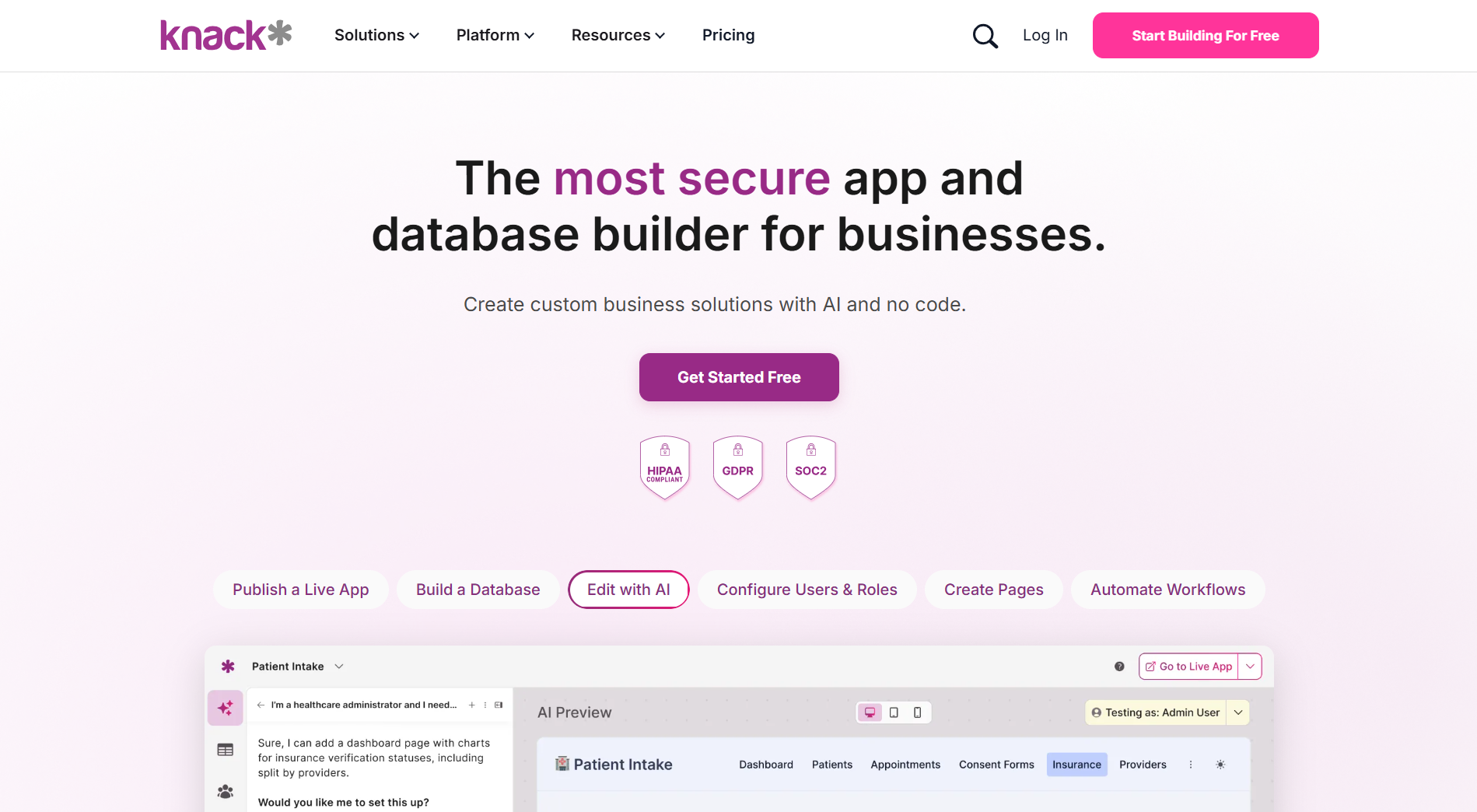
- What it does: Knack is a no-code database and app builder that creates relational database applications with custom interfaces, workflows, and user portals from conversational prompts.
- Who it's for: Operations teams and business leaders replacing spreadsheets, Access databases, or legacy systems with production apps that need enterprise security without developer resources.
Building my first database in Knack took 20 minutes. I described what we tracked (products, suppliers, purchase orders, stock levels), and Knack generated the relational structure with proper foreign keys and lookup fields. No two-day setup.
The speed didn't compromise quality. The database understood relationships that spreadsheets can't handle. When we deleted a supplier, Knack warned about connected purchase orders, while Google Sheets would just delete the data and break everything downstream.
Key features
- AI builds your app from descriptions: Describe what you need, and Knack creates the forms, data storage, and interface for things like client portals and vendor management systems.
- Stores and connects your data automatically: Keeps track of related information across different records with calculations and rules. Handles up to 1.5M records for inventory and customer management.
- Enterprise security built in: Knack includes user access controls, encrypted data, and SOC 2 and HIPAA compliance, all configured through visual settings with no technical work needed.
Pros
- Unlimited users on all plans with pricing based on records, not seats.
- Strong automation with 500+ integrations via Zapier, Make, and Albato.
- Replaces spreadsheets while maintaining a familiar grid interface for data entry.
Cons
- UI customization options are more basic than modern app builders.
- Testing changes requires production deployment without staging environments.
Pricing
Knack's Starter plan costs $59/month with 20,000 database records and unlimited users.
Bottom line
Replace spreadsheets that break under relational data with Knack's real database power. Setup takes minutes, and you get proper foreign keys and data integrity that spreadsheets can't provide.
7. Chroma: Best for prototyping RAG systems
- What it does: Chroma is an open-source vector database with support for vector, full-text, and metadata search built on object storage with serverless scaling.
- Who it's for: ML engineers and AI developers prototyping RAG applications who need quick setup and experimentation flexibility without infrastructure management.
I set up Chroma for three RAG experiments in two weeks. Installation took one pip command with no configuration files, server setup, or database provisioning. I pointed it at a local directory and started storing embeddings within minutes.
Resetting experiments meant deleting a folder, which let me test different chunking strategies or embedding models in minutes instead of hours. This works for rapid prototyping, where you can throw away experiments, not for production databases that require migration scripts.
Key features
- Unified search API: Combines vector similarity, keyword search, and metadata filtering in one query without switching between systems.
- Serverless architecture: Scales compute and storage automatically without manual configuration or server provisioning.
- Embedding management: Update search models without rebuilding your entire vector database from scratch.
Pros
- Easy integration with simple code libraries like Python and TypeScript APIs.
- Storage costs stay low compared to memory-intensive alternatives.
- Large open-source community with active development and support.
Cons
- Single-node architecture limits performance with high concurrency.
- Fewer performance tuning options than production-focused databases.
Pricing
Chroma is free and open-source for self-hosting. Chroma Cloud offers managed hosting with usage-based pricing for development environments.
Bottom line
Choose Chroma when building document search systems (RAG) that require frequent testing and quick iteration.
8. Notion: Best all-in-one workspace with integrated AI-powered tables
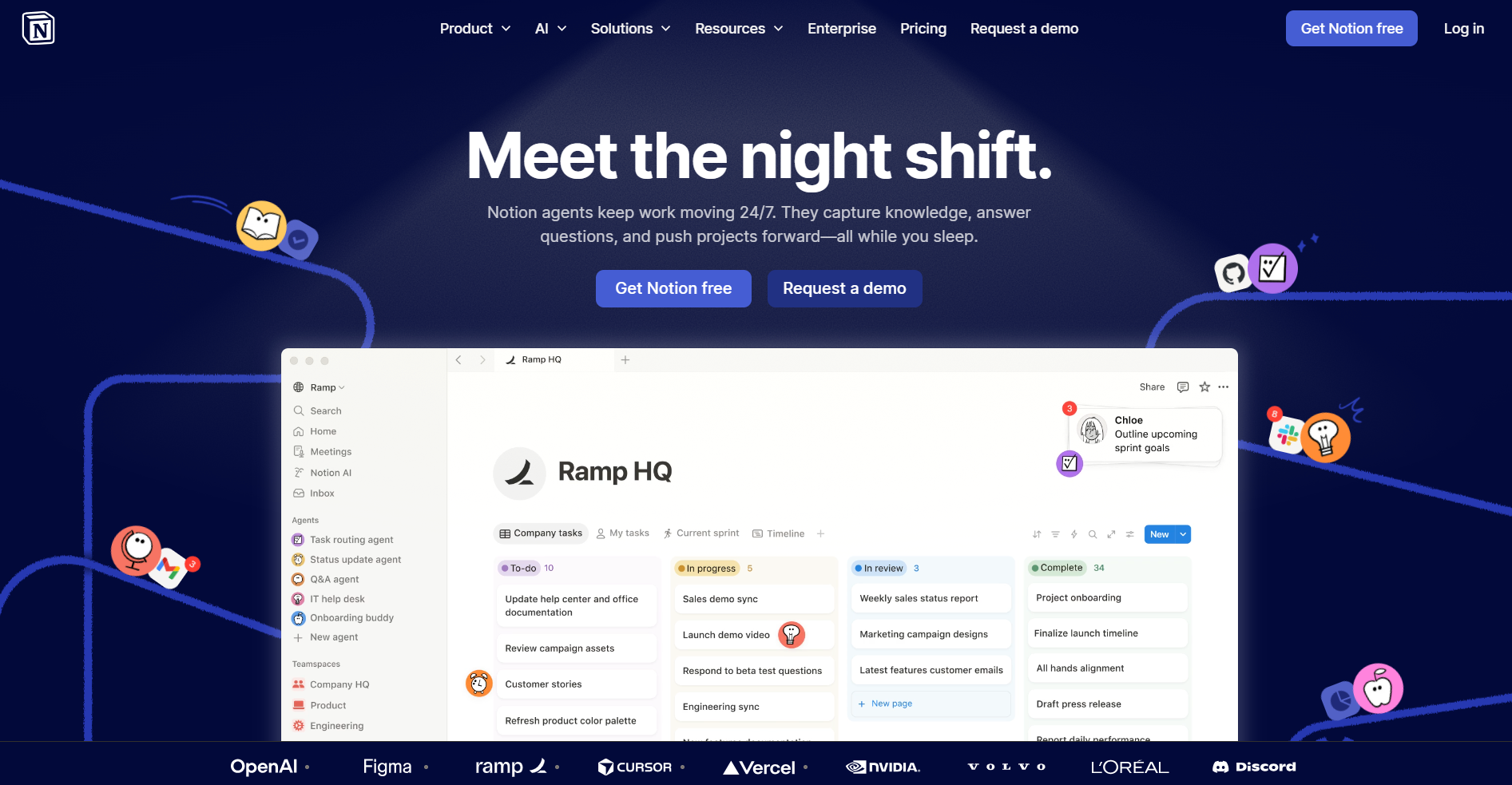
- What it does: Notion combines documents, wikis, databases, and task management in one workspace with flexible views, templates, and AI agents for writing and automation.
- Who it's for: Teams consolidating multiple tools into one platform that need document management, project tracking, and knowledge bases with AI assistance.
I migrated our team wiki, project tracker, and meeting notes into Notion over three months. The database views replaced three separate tools by showing the same data in multiple formats. Projects appeared as kanban boards, calendars, or tables without syncing.
The AI layer made that consolidation practical. Notion AI processed meeting transcripts and generated action items with owners and due dates. For recurring reports, it pulled data and formatted summaries automatically, which eliminated hours of copy-paste work.
Key features
- Multiple view types for the same data: Display tables as Kanban boards, calendars, or galleries depending on what your team needs to see. Sales views pipelines, ops views timelines, both using the same records.
- Notion AI for content generation: Generate meeting summaries, transform notes into action items, or draft documents using information from your existing pages without leaving the editor.
- Calendar and email integrations: Notion connects to your Google Calendar and external tools so you can view events alongside project pages. Meeting scheduling and emailing still happen outside the platform.
Pros
- Replaces multiple tools in one platform for wikis, docs, and databases.
- AI writing and summarization are integrated at the document level.
- Extensive template library for quick setup of common workflows.
Cons
- Database setup requires time investment to learn properly.
- Mobile interface works better for reading than for complex editing.
Pricing
Notion's free plan supports unlimited pages and blocks for individuals. Plus plan costs $12/member/month with unlimited file uploads and 30-day page history.
Bottom line
Use Notion when consolidating multiple tools into one workspace outweighs the need for specialized features.
9. Databricks: Best data intelligence platform for enterprise AI
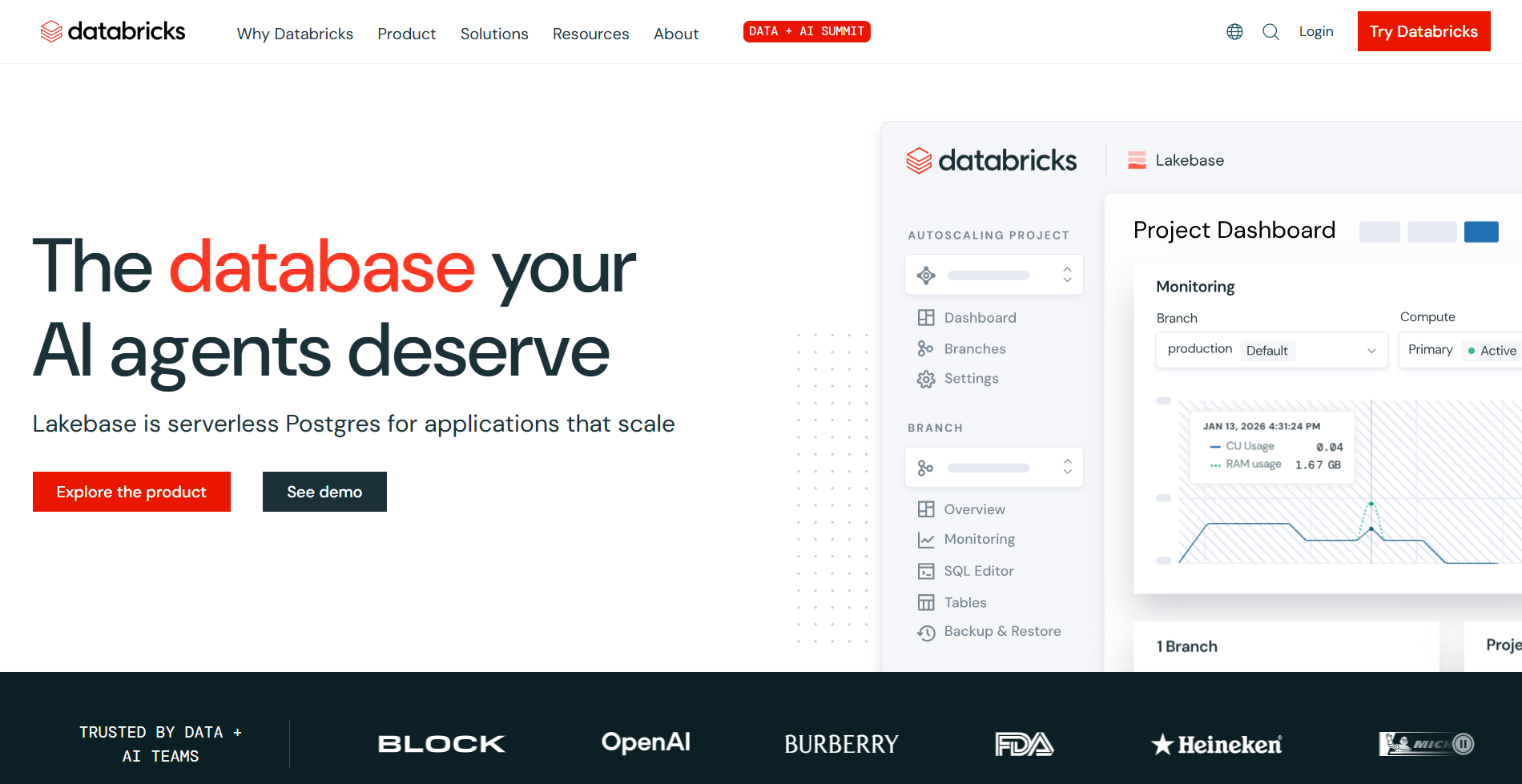
- What it does: Databricks combines data lakehouse, data warehousing, ETL pipelines, and generative AI development in one platform built on Apache Spark and Delta Lake.
- Who it's for: Mid-size to enterprise data teams building ML models, RAG systems, or BI dashboards at scale who need unified governance across data and AI workloads.
Databricks combines data storage, analytics, and AI development in one platform. After running queries on large healthcare datasets, the performance stood out compared to separate warehouse and AI tools we'd used before.
The unified permission system made governance simpler. When I built a search system over clinical documents, access rules applied to both the data queries and the AI models automatically. No need to configure security twice across different systems.
Key features
- Combined storage and analytics: Store data once and run queries, data processing, and AI training on it without moving data between systems.
- AI development on your data: Train models and build AI agents within your infrastructure instead of sending data to external services.
- Unified permission system: Set access rules once, and they apply automatically to all data queries and AI models.
Pros
- Handles massive datasets with autoscaling Spark clusters and serverless compute.
- Deploy ML models with one-click scaling and monitoring built in.
- Strong security and compliance for regulated industries like healthcare and finance.
Cons
- Initial setup requires data engineering expertise to configure properly.
- Costs increase rapidly without careful cluster optimization and termination policies.
Pricing
Databricks pricing varies by cloud provider and workload type. Compute starts around usage‑based rates, with storage charged separately.
Bottom line
For enterprise teams processing massive datasets and deploying AI models at scale, Databricks unifies what normally requires multiple platforms and permission systems.
How I tested these AI database platforms
I tested each platform in live projects with real teams. That combination showed which tools handle real workloads and which fall apart under pressure.
Here's what I aimed to measure:
- Setup speed: Tracked time from signup to working app with live data. Some platforms delivered functional apps in minutes, while others required days of documentation before basic features worked.
- Search performance: Ran searches across small, medium, and large datasets. Measured speed under heavy use. Several platforms claiming massive scale slowed down significantly without configuration adjustments.
- Data sync reliability: Monitored API failures and reconnection for weeks. Some tools silently dropped data during errors instead of recovering automatically.
- Cost accuracy: Calculated real monthly costs against advertised estimates. Several platforms cost three to five times more than projected at production traffic levels.
Which AI database platform should you choose?
You should choose the platform that supports your data type and your team's technical capabilities.
Before you choose a tool, answer three questions:
- Are you building vector search, business apps, or data analytics?
- Do you prefer managed services or self-hosted infrastructure?
- Do you need enterprise compliance and governance features?
Your answers narrow the field quickly. Here are my recommendations:
- Choose Zite if you're building business apps for production use without developer bottlenecks.
- Choose Airtable if your team thinks in spreadsheets but needs database relationships and AI automation.
- Choose Pinecone if you need a billion-vector search without managing infrastructure.
- Choose Milvus if you want maximum vector performance and have engineering resources available.
- Choose Weaviate when combining semantic search with structured data filters in one platform.
- Choose Knack to replace spreadsheets with real databases for non-technical teams.
- Choose Chroma for fast RAG prototyping where setup speed beats production scale.
- Choose Notion to consolidate wikis, projects, and docs with AI assistance.
- Choose Databricks for enterprise data processing, ML, and GenAI with unified governance.
My final verdict
Zite is the go-to for teams that want to describe what they need and get a working database and app without a steep setup process. The AI generates the tables, fields, and logic, plus the visual workflows make everything inspectable. Finally, the flat pricing means the whole team can use it without costs adding up.
If you're building AI search instead of business apps, the choice depends on infrastructure control. Pinecone handles vector search at a massive scale with fully managed infrastructure. Milvus gives you maximum performance control when you have engineering resources to tune distributed systems.
For teams replacing spreadsheets rather than building apps, Airtable bridges the gap. It keeps the familiar spreadsheet interface while adding database relationships and AI automation that scales beyond what Google Sheets can handle.
Ready to try Zite?
If you're curious how Zite works for database-powered apps, the simplest way is to try it yourself. The free plan includes unlimited apps and users, no credit card required.
Frequently asked questions
What is the best AI database software for businesses?
The best AI database software for businesses is Zite because it generates the database and app together from a natural language description, the logic stays visible and inspectable, and flat pricing means the whole team can use it without costs adding up.
What's the difference between vector databases and no-code database builders?
Vector databases specialize in semantic search and handling large volumes of embedding data, while no-code database builders are designed for creating business apps without coding. Pinecone focuses on billion-vector search performance, while Airtable prioritizes visual interfaces for business workflows.
Can AI database software handle enterprise-scale workloads?
Yes, AI database software can handle enterprise workloads when you choose platforms built for scale. Databricks and other enterprise platforms process petabytes with automatic scaling, while Pinecone and Milvus manage billions of vectors with distributed architectures.
Do I need technical skills to use AI database platforms?
No, you don't need technical skills to use many AI database platforms. No-code tools like Zite and Airtable work through visual interfaces without coding, while platforms like Databricks require SQL or Python for complex analytics.

