


The best employee portal depends on whether your team needs HR self-service, internal communication, or a custom-built solution. Here are 9 platforms that actually fit teams of 250 people or fewer, organized by the problem they solve.
9 Best Employee Portals: Quick Comparison
How These Employee Portals Were Evaluated
Each platform was evaluated across five criteria relevant to teams choosing an employee portal in 2026. Most small teams don't have a dedicated IT or HR ops person vetting tools, so usability and pricing were weighted heavily. Here's what I looked at:
- HR self-service scope: Whether employees can handle common tasks (time-off requests, pay stubs, benefits enrollment, personal info updates) without contacting HR directly.
- Usability: How quickly a non-technical admin can set up and manage the portal. Tools that require dedicated IT support scored lower for smaller teams.
- Integrations: How well the portal connects to tools teams already use, including Google Workspace, Microsoft 365, Slack, and payroll systems.
- Pricing structure: Whether the pricing model works for smaller teams. Per-seat pricing that scales linearly matters more when every dollar counts.
- Flexibility: Whether the portal adapts to different use cases (HR, IT, onboarding, knowledge base) or locks teams into a single workflow.
1. BambooHR: Best for Small to Mid-Size HR Self-Service
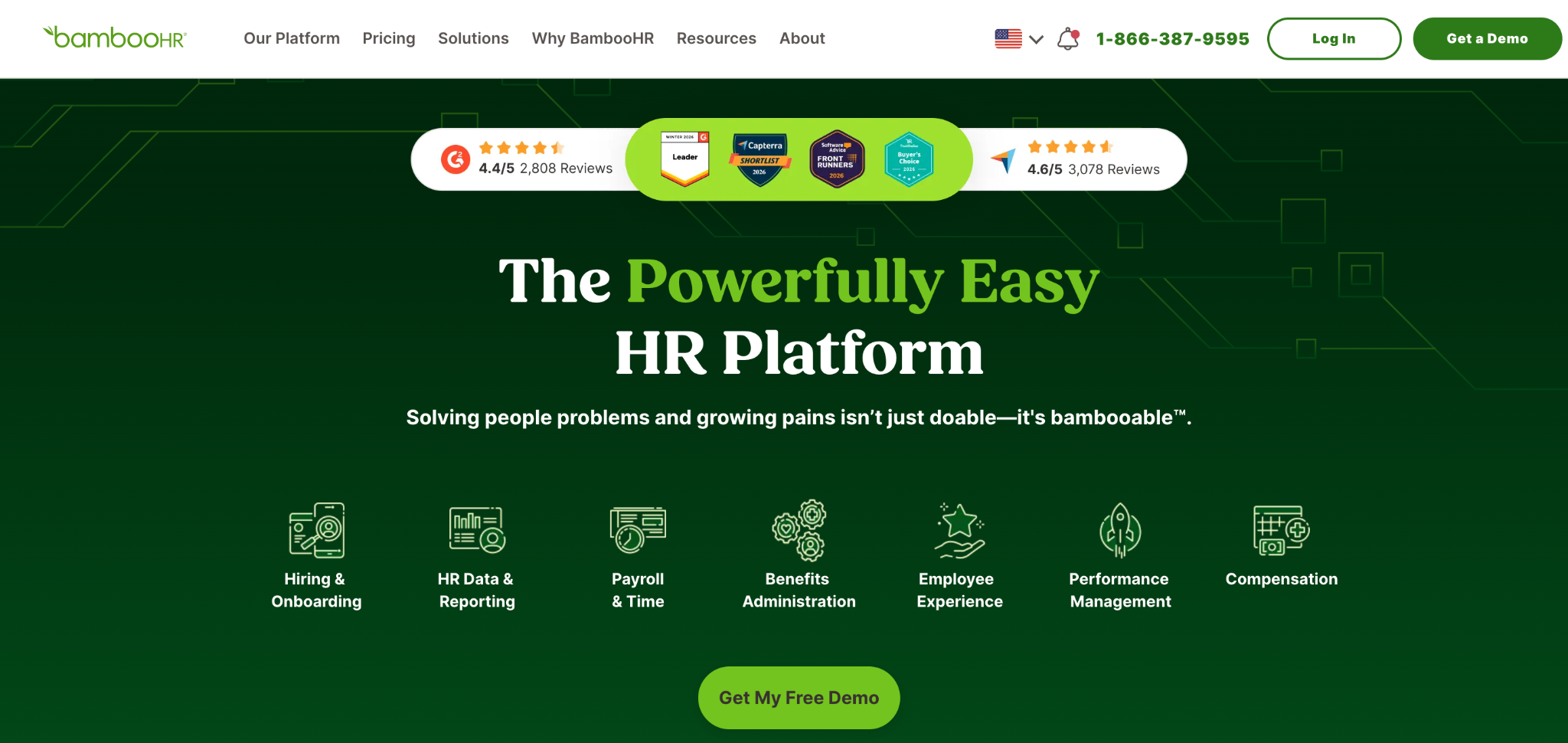
What it does: BambooHR is a cloud-based HR platform with a built-in employee self-service portal for managing personal info, time-off requests, benefits, and company documents.
Best for: Small to mid-size businesses (under 250 employees) that want a polished HR portal without enterprise complexity.
BambooHR consistently ranks at the top of employee portal lists for a reason. The interface is clean, onboarding workflows are well-designed, and employees can handle most HR tasks without submitting a ticket.
The mobile app works well for teams with field or remote workers who need quick access to pay stubs and PTO balances.
Key Features
- Employee self-service: Staff can update personal details, request time off, view pay stubs, and access benefits information without HR involvement.
- Onboarding workflows: Customizable checklists, e-signatures, and new-hire packets that reduce the manual work of bringing someone on board.
- Performance management: Goal tracking, peer feedback, and review cycles built into the same platform employees already use daily.
Pros
- A clean, intuitive interface that requires almost no employee training.
- Strong onboarding tools that reduce first-week chaos.
- Good reporting for HR teams tracking headcount, turnover, and time-off trends.
Cons
- Per-employee pricing scales linearly, so a team of 100 on the Pro plan runs around $1,700/month before add-ons.
- Payroll is an add-on, not included in the base plan.
- Limited customization for companies with non-standard HR workflows.
What Users Say
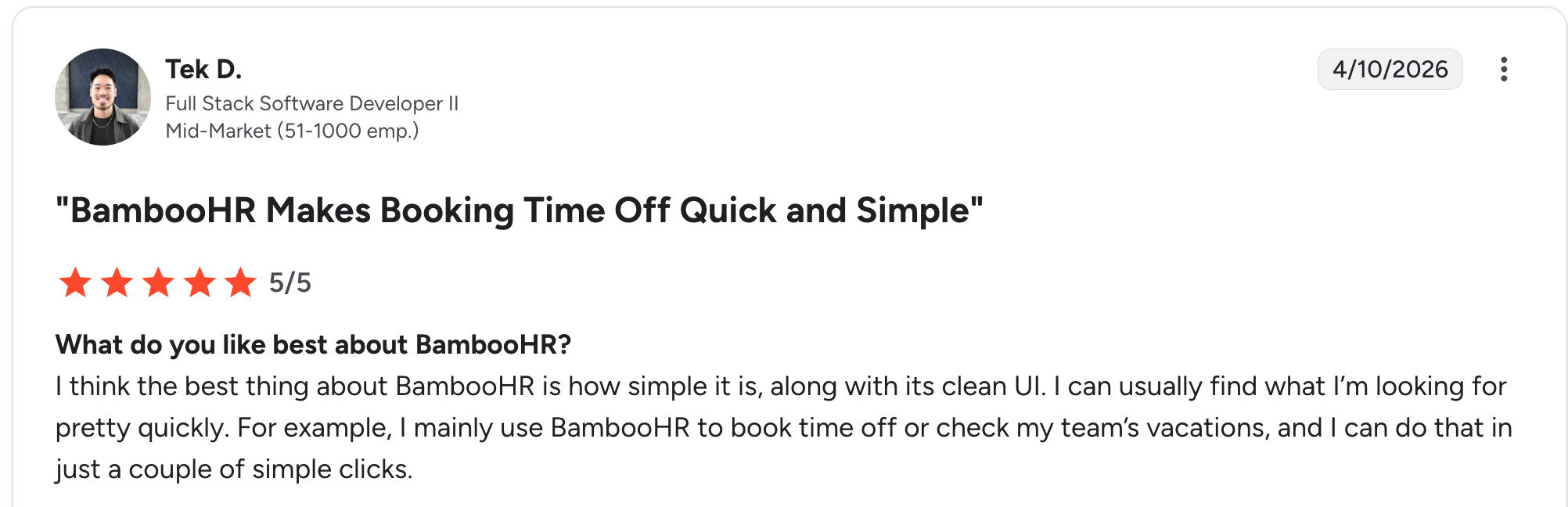
“I think the best thing about BambooHR is how simple it is, along with its clean UI. I can usually find what I’m looking for pretty quickly.” Tek D, G2

“UI / UX: limited customization, navigation can break down with complex data, and some features are hard to find (AI could help here).” Claudia D.
Pricing
BambooHR offers three plans: Core at $10/employee/month, Pro at $17/employee/month, and Elite at $25/employee/month. Payroll, benefits administration, and other modules are available as add-ons. See the BambooHR pricing page for full plan details.
Bottom Line
BambooHR is the strongest option for teams that want a traditional HR self-service portal that works out of the box. If your primary need is handling PTO, pay stubs, onboarding, and benefits in one place, this is a safe pick. Skip it if you need heavy customization or a portal that extends beyond HR.
2. Workvivo (by Zoom): Best for Employee Engagement and Communication
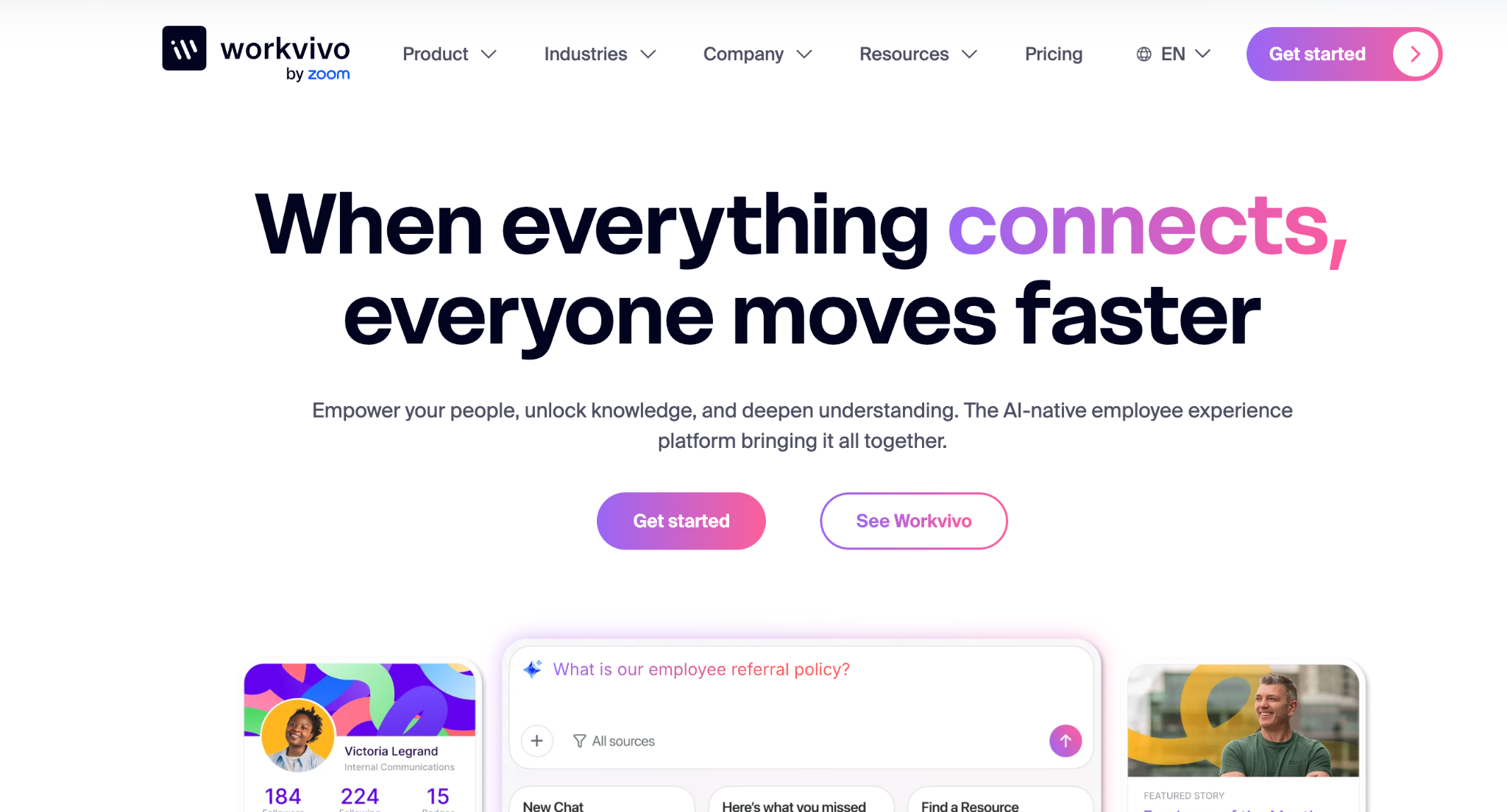
What it does: Workvivo is a social intranet and employee engagement platform that Zoom acquired. It combines news feeds, announcements, recognition tools, and document sharing in a social-media-style interface.
Best for: Organizations that want an employee portal focused on culture, engagement, and internal communication rather than HR transactions.
Workvivo feels more like a company’s social network than a traditional portal. Employees post updates, give each other recognition, join community groups, and access company news in a feed that’s familiar to anyone who uses social media.
This makes adoption easier, especially for frontline or deskless workers who may resist logging into a traditional intranet.
Key Features
- Social feed: Company-wide news, team updates, and employee posts in a scrollable timeline format.
- Recognition and awards: Peer-to-peer recognition tools that let employees celebrate wins publicly.
- Document and policy library: Centralized access to company policies, handbooks, and training materials.
Pros
- High adoption rates because the interface feels familiar and low-friction.
- Strong tools for reaching frontline and deskless workers who don’t have email.
- Zoom integration adds video communication natively.
Cons
- Not a full HR portal. Doesn’t handle payroll, benefits, or time-off requests.
- Pricing is enterprise-focused and not transparent.
- Can feel noisy if content moderation isn’t managed well.
What Users Say
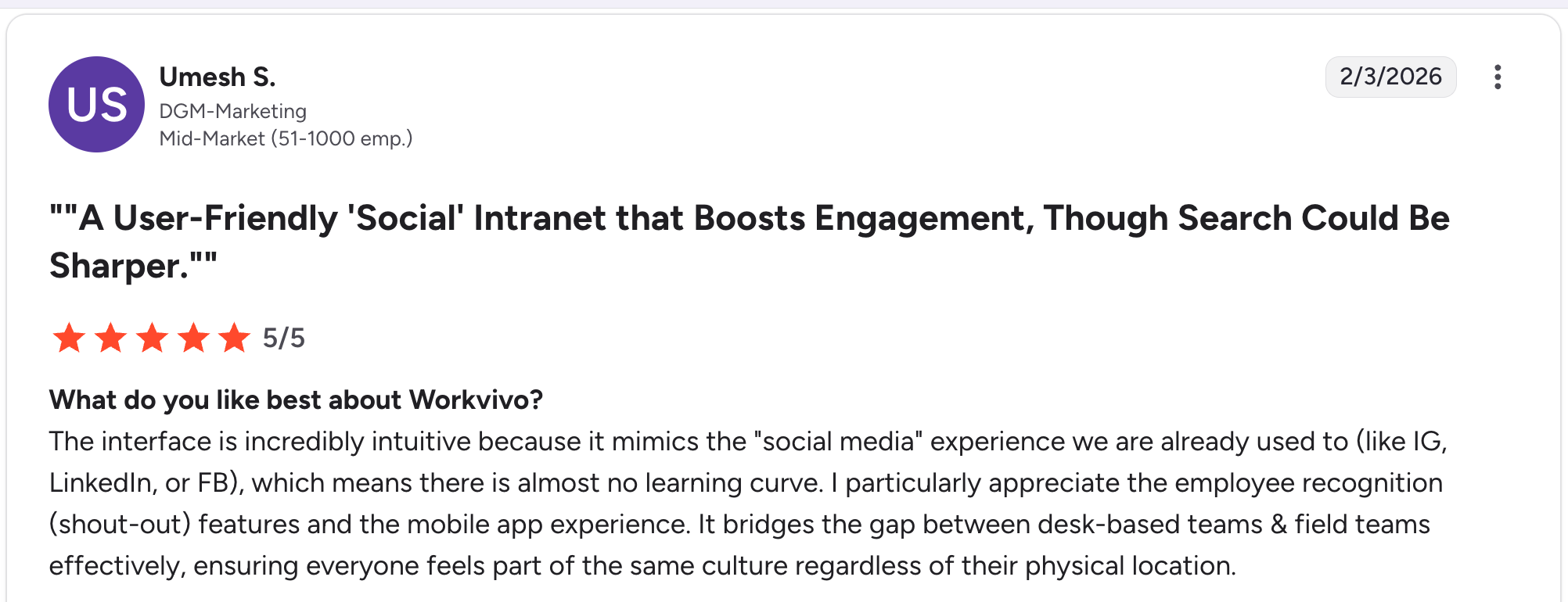
“The interface is incredibly intuitive because it mimics the "social media" experience we are already used to (like IG, LinkedIn, or FB), which means there is almost no learning curve.” Umesh S, G2.

“The social-style feed is great for engagement, [but] important updates can sometimes get buried if not pinned or highlighted properly.” Ayesha K.
Pricing
Workvivo doesn't publish pricing publicly, but third-party reviews put the Business plan at around $20,000/year minimum, aimed at organizations with 200+ employees. A 30-person team would likely fall below the minimum, which means a smaller alternative is the better fit. Visit Workvivo for details.
Bottom Line
Workvivo is the pick if your biggest employee portal problem is engagement and communication, not HR self-service. Pair it with a dedicated HR tool if you also need payroll and benefits management.
3. Rippling: Best for Unified HR and IT Management
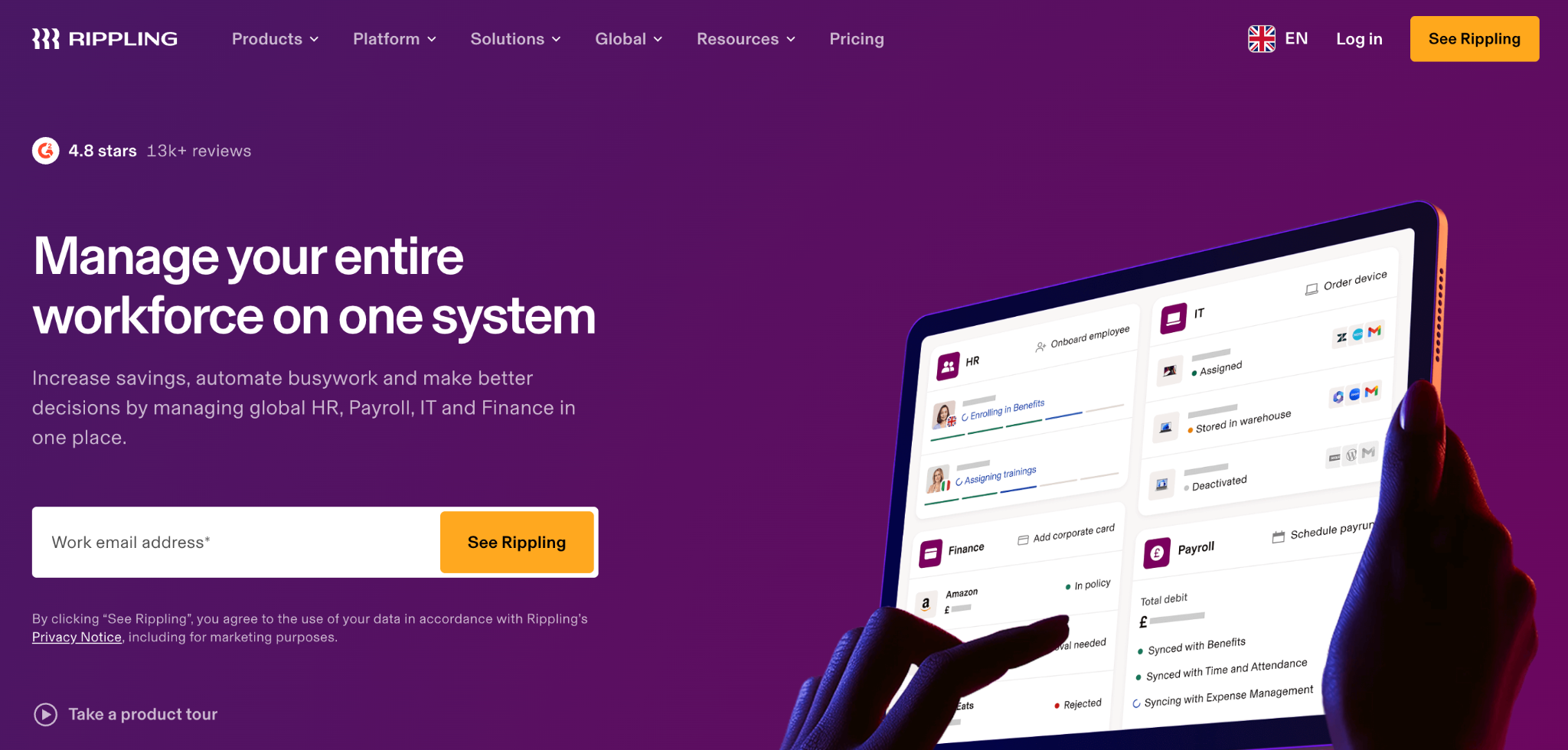
What it does: Rippling unifies HR, payroll, benefits, IT, and device management into one platform. The employee portal provides staff with access to pay, benefits, and IT requests, while giving admins a single system to manage both people and technology.
Best for: Companies that want HR and IT management in one platform, especially those with remote teams using company-issued devices.
Rippling’s differentiator is treating HR and IT as connected systems. When you onboard a new employee, the platform can provision their laptop, set up their accounts, enroll them in benefits, and add them to the org chart in one workflow. The employee portal reflects this by giving staff access to both HR and IT self-service.
Key Features
- Unified HR and IT: Onboarding, offboarding, and device management flow through a single system.
- Global payroll: Supports payroll in 50+ countries with local compliance handling.
- App management: Admins can automatically provision and de-provision SaaS accounts (Google Workspace, Slack, Zoom).
Pros
- Eliminates the gap between HR and IT that creates friction during onboarding and offboarding.
- Modular pricing lets teams start with HR and add IT management later.
- Strong automation for repetitive admin tasks.
Cons
- Can get expensive as you add modules. The base price is low, but the costs scale.
- Customer support quality is inconsistent, according to user reviews.
- The interface has a learning curve for admins managing complex workflows.
What Users Say
“Rippling eliminates the need to manage multiple disconnected systems by consolidating HR, payroll, IT/device management, benefits, and finance into a single, integrated platform.” Agatha S, G2

“Its wide range of tools can feel overwhelming, especially for new users.” Suyash S.
Pricing
Rippling advertises $8 per employee per month for core HR, though user reports put the real cost at $21-29 per employee per month, plus another $5-20 per employee if you add IT management. For a 30-person team, expect roughly $750-900/month for an HR-only setup, more once IT modules are included. Check the Rippling pricing page for current details.
Bottom Line
Rippling is the best choice for teams that want HR and IT in a single system. The automation saves real time during onboarding and offboarding. Skip it if you only need a simple HR portal and don’t want to manage IT through the same platform.
4. Zendesk: Best for Employee Self-Service and Ticketing
What it does: Zendesk provides an AI-powered employee help center with a knowledge base, ticketing system, and self-service portal. Employees can search for answers, submit requests, and track ticket status.
Best for: Teams with a high volume of internal support requests (IT help desk, HR questions, facilities requests) that want to reduce ticket volume through self-service.
Zendesk is better known for customer support, but its internal help desk product works well as an employee portal for teams drowning in internal requests. The AI-powered search and knowledge base help employees find answers before filing a ticket, which reduces the load on HR and IT teams.
Key Features
- AI-powered search: Employees get relevant answers from the knowledge base before submitting a ticket.
- Ticketing and routing: Internal requests are automatically routed to the right team (HR, IT, facilities).
- Knowledge base: Centralized articles for policies, FAQs, troubleshooting guides, and onboarding materials.
Pros
- Strong self-service that reduces internal ticket volume.
- AI features that improve over time as the knowledge base grows.
- Scales well from small teams to enterprise.
Cons
- Not an HR platform. Doesn’t handle payroll, benefits, or time-off.
- Pricing is built for support teams, which can feel expensive if you only want a knowledge base.
- Setup requires dedicated time to build out the knowledge base content.
What Users Say
“The interface is intuitive, so teams can adopt it quickly without a steep learning curve, and the automation features help reduce manual work and speed up response times.” Riley M, G2

“The pricing structure can be a bit opaque when adding various add-ons, which can make it a costly solution for smaller organizations.” Claus S.
Pricing
Zendesk employee service plans start at $25 per agent per month. Self-service features are included in all plans. See the Zendesk pricing page for current details.
Bottom Line
Zendesk is the pick if your employee portal problem is really a ticket volume issue. The self-service knowledge base and AI search are strong. Skip it if you need HR features like payroll or benefits management.
5. Zite: Best for Custom-Fit Employee Portals Without Per-Seat Pricing
What it does: Zite is an AI-powered no-code platform that generates a custom employee portal from natural language prompts. Instead of fitting your team into a pre-built HR template, you describe the workflows you actually need, and Zite builds the portal to match, with unlimited users on every plan.
Best for: Teams whose workflows don't fit a pre-built HR template, and who want flat pricing instead of paying per employee as the team grows.
Zite takes a different approach than every other tool on this list. Instead of buying a pre-built HR template with fixed features, you describe what your team actually needs (an onboarding checklist, PTO request form, policy library, IT ticket submission, whatever applies) and Zite generates the app to match.
Combined with no per-seat pricing, this means a 30-person team and a 100-person team pay the same flat rate.
Key Features
- Custom portal generated from your prompts. Describe what your team needs (onboarding flow, PTO request form, policy library, IT tickets), and Zite generates the app, database tables, and workflows to match. There's no fixed HR template to bend your processes into.
- Built-in database with AI Fields. Auto-generates tables and fields from your prompt with a spreadsheet-like interface. Employee records, policy documents, and request logs live in one place with linked records connecting them.
- Permissions and publishing. The portal is internal by default with role-based access. HR editors see different pages than employees. When contractors or external partners need access, you can publish specific views to the web.
- Visual workflows you can inspect. AI-generated from prompts, then displayed as a flowchart your team can trace and troubleshoot. If a PTO approval chain breaks, you can see exactly where and why without reading code.
Pros
- Fully custom portal that matches your workflows instead of forcing you into a pre-built HR template.
- Unlimited users and apps on all plans, including free. No per-seat pricing, so a 30-person team and a 100-person team pay the same.
- The app and database are built together from a single prompt, so there's no stitching together separate tools.
- Branding tools that read your website URL and apply your colors and fonts automatically.
Cons
- No code export. The portal stays hosted on Zite.
- AI credits are limited on free and lower-tier plans. Small edits and fixes don't consume credits, but generating larger changes does.
- Not a dedicated payroll or benefits tool. If you need HR transaction processing, such as pay runs or benefits enrollment, you'll still want a specialized platform alongside it.
What Users Say

“Unbelievably impressed by Zite. I made a whole website last night in about an hour, and the result is as good as anything I’ve ever had a web designer build for any of my companies that cost thousands of dollars.” Verified User, Reddit

“It does not sync with GitHub like V0 or Lovable.” Verified User, Reddit
Pricing
Free: Unlimited users and apps.
Paid: Starts at $19/month. No per-seat pricing.
Bottom Line
Zite is the pick if your team's workflows don't fit a pre-built HR template, or if per-employee pricing on tools like BambooHR or Rippling is eating your budget at 30, 50, or 100 employees. Skip it if you need a traditional HR self-service portal with built-in payroll and benefits. For that, BambooHR or Gusto is the better fit.
6. UKG Pro: Best for Enterprise Workforce Management
What it does: UKG Pro is an enterprise HCM platform with workforce management, payroll, HR, and compliance tools. The employee portal gives staff access to schedules, pay, benefits, and time-off requests.
Best for: Mid-size to large organizations with complex scheduling, compliance requirements, or union workforces.
UKG Pro is built for scale and complexity. If your organization has shift workers, multiple locations, or strict labor compliance requirements, UKG handles the edge cases that simpler tools can’t.
The employee portal is functional but secondary to the underlying workforce management engine.
Key Features
- Workforce scheduling: Shift management, schedule optimization, and labor forecasting for complex operations.
- Compliance tools: Automated compliance tracking for labor laws, overtime rules, and union requirements.
- Employee self-service: Access to pay stubs, schedules, time-off requests, and benefits enrollment.
Pros
- Deep workforce management capabilities that handle complex scheduling and compliance.
- Strong reporting and analytics for HR leadership.
- Good mobile app for frontline workers checking schedules and pay.
Cons
- Expensive and typically requires a long sales cycle with custom pricing.
- Overkill for small teams with straightforward HR needs.
- The interface feels dated compared to newer platforms.
What Users Say
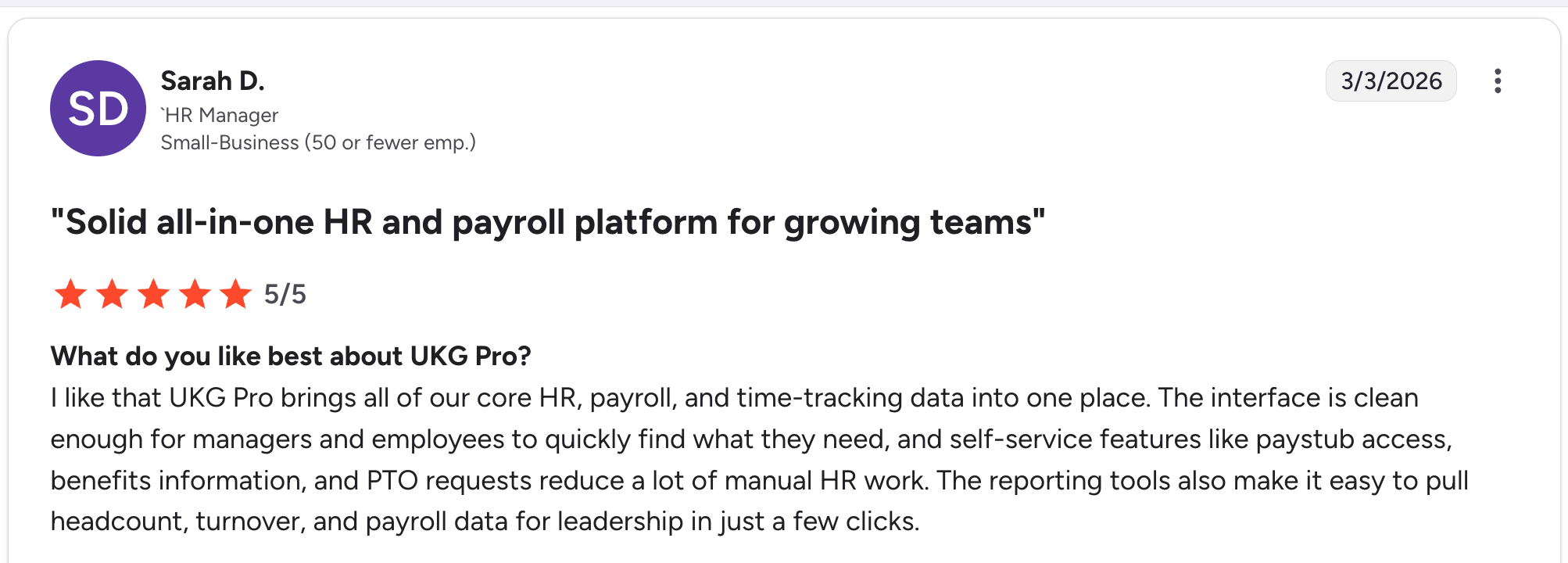
“For workforce management, nothing else comes close. Scheduling 2,000+ employees across the interface is clean enough for managers and employees to quickly find what they need, and self‑service features like paystub access, benefits information, and PTO requests reduce a lot of manual HR work.” Sarah D, G2

“The application is limited to mobile devices and cannot be accessed through web browsers, such as Chrome or Safari.” Matthew H.
Pricing
UKG Pro is quote-based, with third-party sources (Outsail, TechRepublic, ITQlick) putting costs at $27-$37 per employee monthly, and some pointing to $41 PEPM for the full suite. A 30-person team would run roughly $810-1,110/month, plus a one-time implementation fee of 40-70% of annual software cost. Visit UKG for a custom quote.
Bottom Line
UKG Pro is the right choice for mid-size to large organizations that need heavy workforce management and compliance tools alongside their employee portal. Small teams should look elsewhere.
7. Paylocity: Best for Mobile-First Employee Access
What it does: Paylocity is an HCM platform with payroll, HR, and talent management tools. The employee self-service portal and mobile app give staff access to pay, benefits, time tracking, and learning content.
Best for: Teams that prioritize mobile access, especially those with field workers or remote employees who rely on their phones for HR tasks.
Paylocity’s mobile-first design stands out. The app gives employees access to pay stubs, PTO balances, clock-in/out, and peer recognition from their phone. The community feature adds a social element similar to Workvivo, though with less depth.
Key Features
- Mobile-first design: The app handles pay, time tracking, PTO, and benefits from any device.
- Community feature: A social feed for company updates, peer recognition, and team communication.
- Learning management: Built-in LMS for training and compliance courses.
Pros
- Strong mobile experience that’s usable for daily tasks.
- Payroll and HR combined in one platform.
- Community features drive engagement without requiring a separate tool.
Cons
- Custom pricing makes it hard to evaluate cost upfront.
- The platform can feel bloated if you only need basic HR and payroll.
- Reporting has a learning curve compared to simpler tools like BambooHR.
What Users Say
“Anytime I run into roadblocks, they are a phone call away with quick response times of under 60 seconds. If you leave a voicemail, it will be returned within 5 minutes. They have a top-notch platform that makes my job seamless and stress-free.” Jennifer M, G2

“The only bump in the road I have hit is when making updates to employment; sometimes, I cannot save because there is an issue with the effective date/chronology.” Tony C.
Pricing
Paylocity is quote-based and typically suited for companies with 50+ employees. Industry-reported costs land in the $22-$32 PEPM range, though some user reports show as low as $17 PEPM for larger setups. A 30-person team would run roughly $660-960/month, plus a 10-20% implementation fee. Visit Paylocity for details.
Bottom Line
Paylocity is a solid pick for teams that need strong mobile access to payroll and HR. The community feature is a nice addition, though it won’t replace a dedicated engagement tool like Workvivo.
8. Gusto: Best for Small Businesses Under 50 Employees
What it does: Gusto is an HR and payroll platform designed for small businesses. The employee portal gives staff access to pay stubs, tax documents, benefits enrollment, and time-off requests.
Best for: Small businesses under 50 employees that need payroll, benefits, and basic HR self-service in one affordable platform.
Gusto is the easiest platform on this list to set up. Payroll runs in minutes, benefits enrollment is guided, and the employee portal requires zero training. For a small team that needs the fundamentals handled cleanly without enterprise complexity, Gusto does the job well.
Key Features
- Full-service payroll: Automatic tax calculations, filings, and direct deposit across all 50 states.
- Benefits administration: Health insurance, 401(k), and workers’ comp enrollment built into the platform.
- Employee self-service: Staff can view pay stubs, download tax forms, request time off, and update personal info.
Pros
- Easiest payroll setup on this list. Running payroll takes minutes.
- Transparent pricing with no hidden fees.
- Benefits brokerage is built in, so small teams can offer competitive packages.
Cons
- Limited beyond payroll and basic HR. No workforce management or advanced reporting.
- Not suited for companies with over 100 employees.
- Customer support wait times can be long during peak payroll periods.
What Users Say
“I like that you are able to see how much you've made to date, when your next check is coming, and oftentimes how much the check will be.” Milky K, G2

“I found the process of setting up some of the additional benefits options to be more confusing than they needed to be. It seemed like I had to search around to find things that were much more obvious.” David S.
Pricing
Gusto offers three plans: Simple at $49/month base plus $6/person, Plus at $80/month base plus $12/person, and Premium at $180/month base plus $22/person. See the Gusto pricing page for full plan details.
Bottom Line
Gusto is the best employee portal for small businesses that want payroll, benefits, and HR self-service without complexity. If you have over 50 employees or need advanced workforce management, look at BambooHR or Paylocity.
9. Axero: Best for Intranet-Focused Employee Portals
What it does: Axero is an intranet platform with knowledge management, document sharing, and community tools. The employee portal serves as a centralized hub for company news, policies, and team collaboration.
Best for: Organizations that want an employee portal focused on communication and knowledge sharing rather than HR self-service.
Axero is the most intranet-focused tool on this list. It’s built for teams that need a digital home base where employees find company news, access policies, collaborate in forums, and search for internal knowledge.
It doesn’t handle HR transactions, but it excels at the communication layer that many HR platforms skip.
Key Features
- Knowledge base: Searchable articles, FAQs, and policy documents organized by department or topic.
- Community forums: Discussion spaces for teams, interest groups, and company-wide conversations.
- Content management: Admins can publish news, announcements, and blog-style posts, targeting them by team or location.
Pros
- Strong search and knowledge management that helps employees find answers fast.
- Community features that drive internal collaboration.
- Customizable branding and layout options.
Cons
- No HR self-service. Doesn’t handle payroll, benefits, or time-off.
- Can overlap with tools like SharePoint or Confluence that teams may already use.
- Requires content investment to be useful. An empty intranet gets ignored.
What Users Say
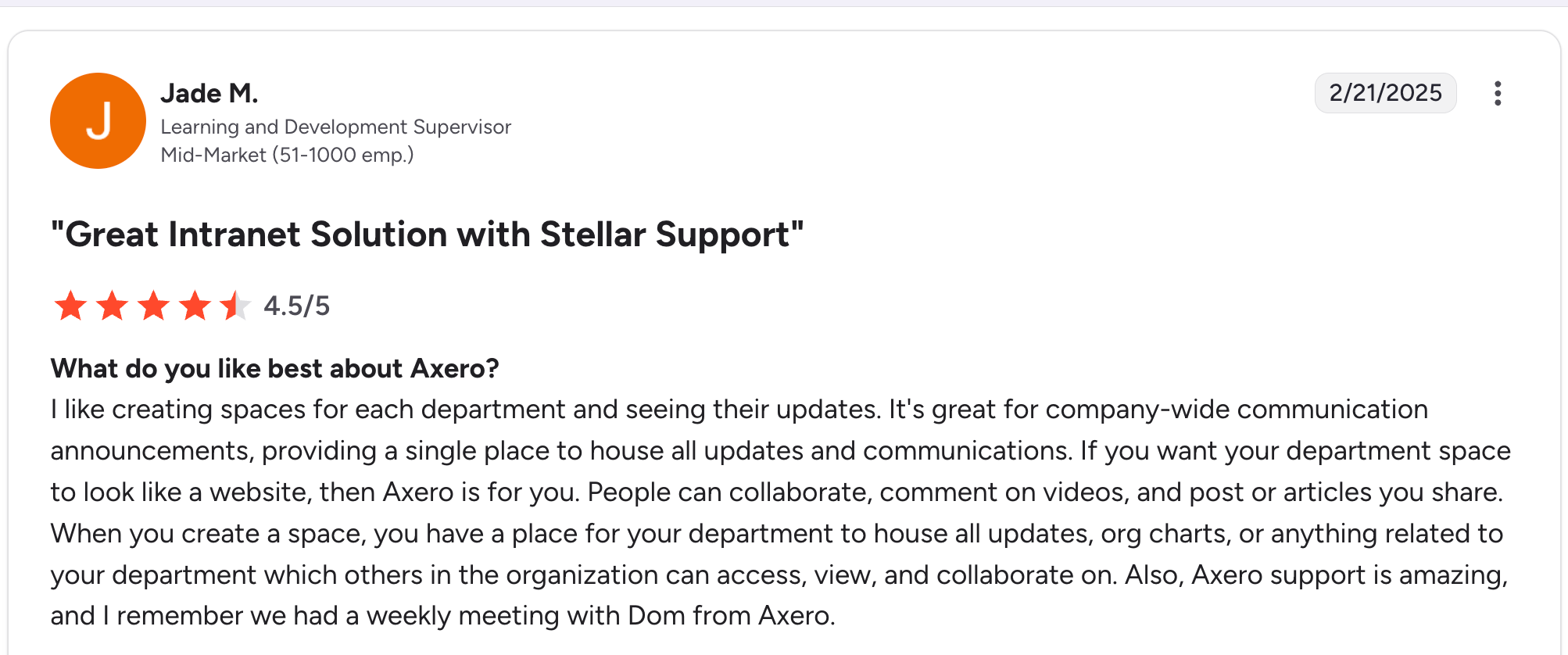
“It's great for company-wide communication announcements, providing a single place to house all updates and communications. If you want your department space to look like a website, then Axero is for you.” Jade M, G2

“The search functionality is very limited. If we want to build something more complex, like indicating the target persona or using other customized filters or variables, we would need to get a developer involved, which defeats the whole purpose of having a user-friendly platform.” Jhoana D.
Pricing
Axero doesn't publish pricing, but third-party sources point to two models: a $2,000/month base Business plan, or roughly $10/user/month elsewhere. For 30 people, that works out to about $300/month under the per-user model, or $67/person/month under the base plan. See the Axero pricing page for current details.
Bottom Line
Axero is the right choice if your employee portal problem is about communication and knowledge management, not HR transactions. Pair it with a payroll tool like Gusto or BambooHR for a complete setup.
Which Employee Portal Should You Choose?
Choose BambooHR if you want a traditional HR self-service portal that works immediately for onboarding, PTO, pay stubs, and benefits.
Choose Workvivo if your biggest gap is employee engagement and internal communication, not HR transactions.
Choose Rippling if you need HR and IT management in a single platform with robust onboarding automation.
Choose Zendesk if you’re drowning in internal support tickets and need AI-powered self-service to reduce volume.
Choose Zite if your team needs a custom employee portal with specific workflows and data models that off-the-shelf platforms don’t cover.
Choose UKG Pro if you have complex scheduling, compliance needs, or a workforce spread across multiple locations.
Choose Paylocity if mobile access to payroll and HR is a top priority for your team.
Choose Gusto if you’re a small business with under 50 employees that needs payroll, benefits, and basic HR in one affordable tool.
Choose Axero if you need a communication and knowledge-sharing hub rather than an HR self-service portal.
Final Verdict
There is no single best employee portal because the term covers three different problems: HR self-service, employee communication, and custom internal tooling.
BambooHR is the safest pick for traditional HR self-service. Workvivo wins for engagement and culture. Zite is the strongest option for teams that need a custom solution for their specific workflows. The right choice depends on which problem you’re solving first.
Ready to Try Zite?
If your team needs an employee portal built around your specific workflows instead of a fixed HR template, Zite is worth trying. The free plan includes unlimited apps and users, no credit card required.
Frequently Asked Questions
What is the best employee portal for small businesses?
The best employee portal for small businesses is Gusto for teams under 50 employees and BambooHR for teams between 50 and 250. Both handle payroll, benefits, and HR self-service without the complexity of an enterprise.
What features should an employee portal have?
An employee portal should include secure login with role-based access, self-service tools for common HR tasks (time off, pay stubs, personal info updates), a searchable knowledge base for policies and FAQs, and integrations with existing tools such as Slack or Google Workspace.
Can I build a custom employee portal without code?
Yes, you can build a custom employee portal without code using AI-powered platforms like Zite. Describe what you want, and the platform generates the portal, database, and workflows from prompts. This approach fits teams whose needs don’t match pre-built HR software.
How much does employee portal software cost?
Employee portal software costs range from free to $6-$55+ per user per month, depending on the platform and features. Enterprise platforms like UKG Pro and Workday use custom pricing that typically starts in the thousands per year.
What is the difference between an employee portal and an intranet?
The difference between an employee portal and an intranet is focus. An employee portal typically handles HR self-service tasks (payroll, benefits, time off). An intranet focuses on communication, knowledge sharing, and collaboration. Some platforms like Workvivo and Axero combine both.

