


I spent months testing dozens of internal tool builders to see which ones hold up once real users and production data are involved. These are the 9 that worked best for ops teams and SMBs in 2026.
9 best internal tool builders at a glance
In case you’re pressed for time, here’s a quick side-by-side comparison of the 9 best internal tool builders:
1. Zite: Best internal tool builder overall
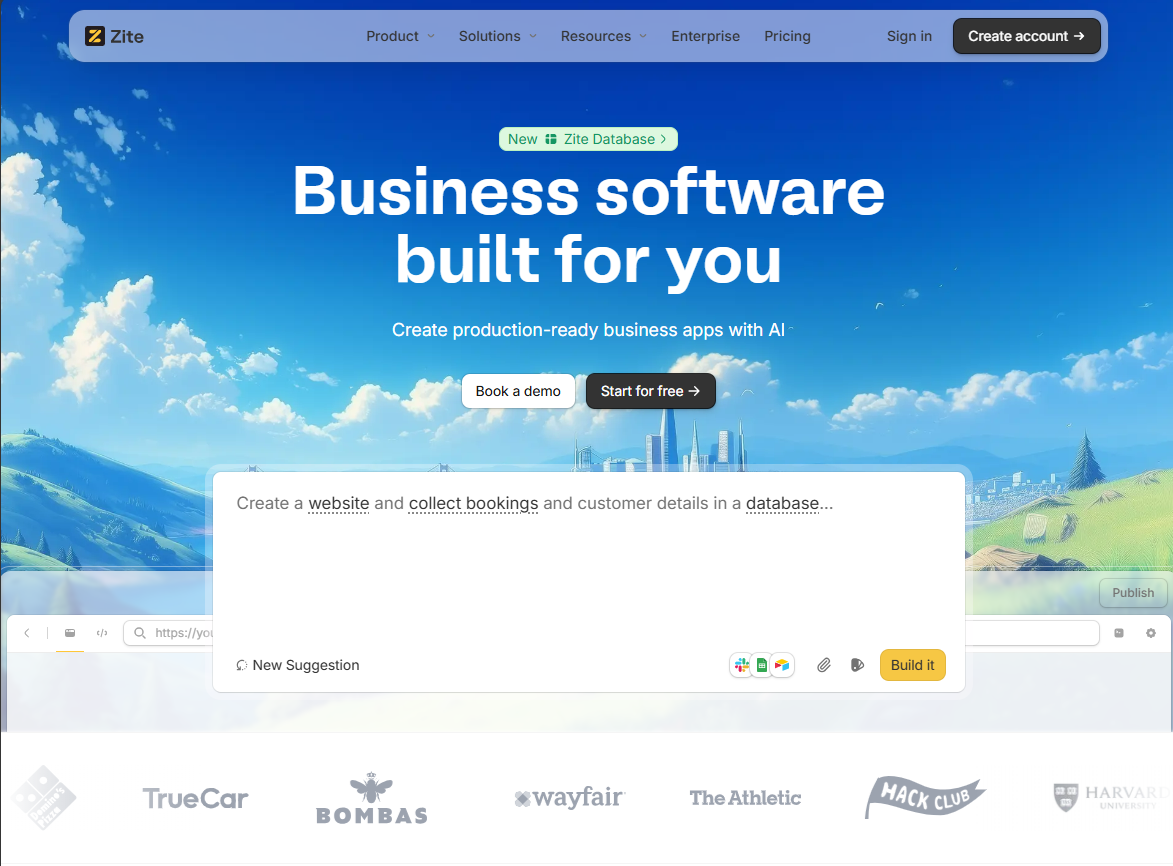
What it does: Zite is an AI-powered no-code platform that lets you build custom business software by describing what you want in plain language.
Who it's for: Ops teams, support departments, and SMB owners who need production-ready internal tools without developer involvement.
I tested Zite by building an employee onboarding portal. I described the workflow in plain English, and within about a minute, Zite generated a functional app structure with forms, pages, and suggested data fields.
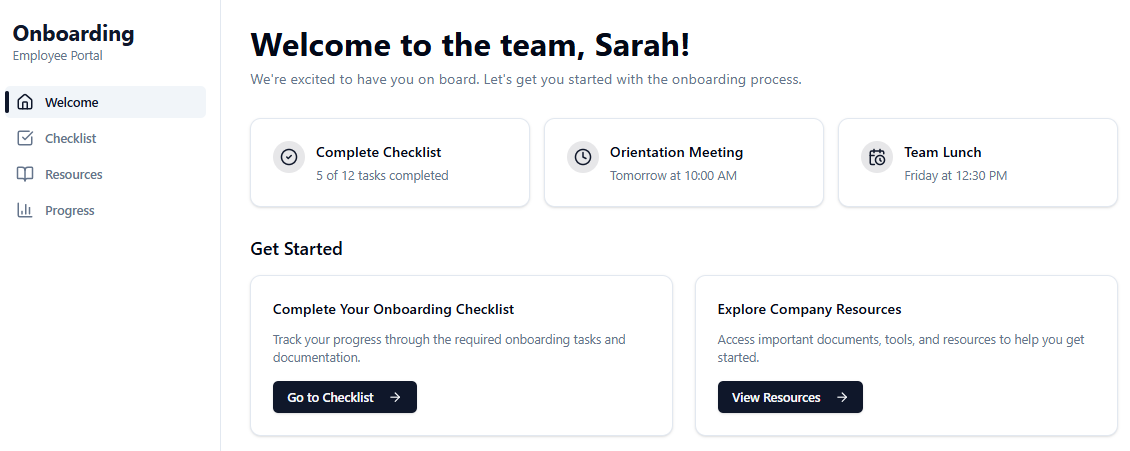
You can use follow-up prompts and the edit tool to refine the app or make direct code changes. For storage, I used Zite's built-in database, which automatically generated the schema based on my app. No need to design your own data structure or connect to an external database.
Key features
- AI app generation: You describe the tool in plain English, and Zite automatically scaffolds a functional app. This drastically cuts down development time for common tools like CRMs, inventory trackers, or onboarding portals.
- Built-in no-code database: Zite includes a database that auto-generates your schema based on your app. You can use it as your primary data store or connect external sources like Airtable or Google Sheets if you already have data there.
- Production-ready out-of-the-box: Zite apps include built-in authentication, user permissions, secure hosting, SOC 2 Type II compliance, single sign-on, role-based access, and audit logs.
- No per-user pricing: Zite charges a flat fee with unlimited users and unlimited apps on all plans, including free. For larger teams, this avoids the cost spikes common with per-seat tools like Airtable.
Pros
- SOC 2 Type 2 compliant with SSO and audit logs for enterprise-grade security.
- Full branding capabilities for customer-facing portals.
- Connects to existing tools, including Airtable, Google Sheets, and Slack.
Cons
- Smaller template library than competitors like Retool.
- Not designed for consumer-facing mobile apps or SaaS apps.
Pricing
All of Zite’s plans support unlimited apps and unlimited users. The free plan includes a limited monthly allowance of AI credits. The Pro plan costs $20/month and includes 100 credits, a custom domain, and the option to remove branding. Zite consumes credits when you build or make changes to the app.
Bottom line
Use Zite if you need production-ready internal tools with built-in authentication, auto-generated database schemas, and enterprise security without per-seat pricing or developer bottlenecks.
2. Zoho Creator: Best for teams in the Zoho ecosystem
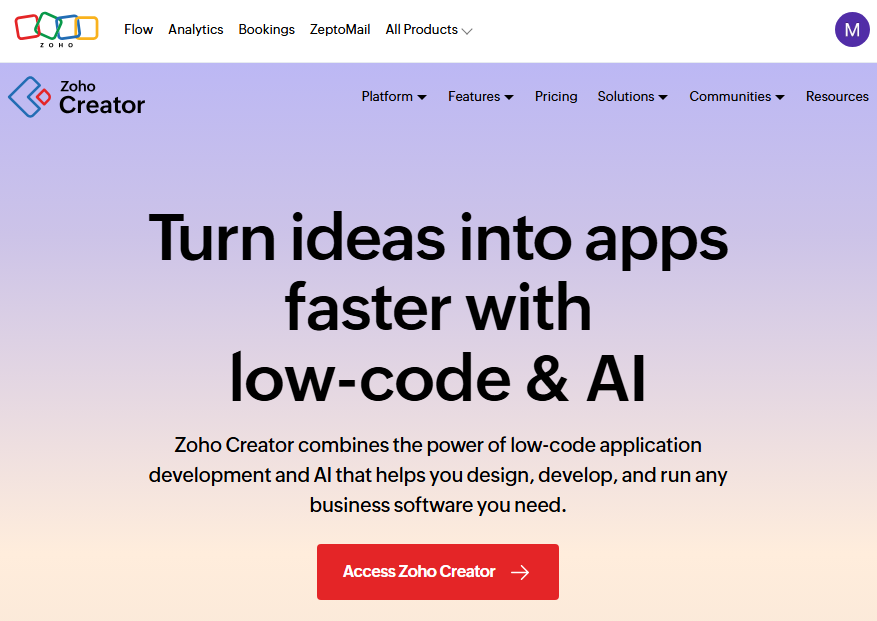
What it does: Zoho Creator is designed for building form-driven business applications like custom CRMs and order management systems. It’s part of the Zoho ecosystem, but Creator stands on its own as a platform to create totally custom apps.
Who it's for: Organizations already using Zoho CRM, Zoho Books, or other Zoho products who want seamless data flow between tools.
I tested Zoho Creator by building a customer support ticketing app. You can build it from scratch, edit a pre-built app, or use Zia, Zoho’s GenAI assistant.
I chose Zia. And the first thing it did was build a data model, define the use cases, and then start building the app.
It created forms for new support tickets, graphs for viewing tickets, and statuses for each ticket. Unlike other tools, where you can use follow-up prompts to edit your app, you’ll need to do it visually in the page builder, which has a bit of a learning curve.
Key features
- Drag-and-drop form & report builder: Zoho Creator provides a visual builder for forms and reports. You can design multi-section forms, embed lookup fields, and present data in tables, calendars, charts, or Kanban boards.
- Integration with Zoho suite: Naturally, Zoho Creator connects directly to other Zoho apps (CRM, Books, Desk, etc.). However, it also integrates with third-party services like Google Sheets and Slack.
- Multi-platform deployment: Any app you build on Creator works on web and mobile (iOS/Android) automatically.
Pros
- Affordable compared to enterprise alternatives.
- Strong automation capabilities with triggers and scheduled actions.
- Real-time analytics with reporting tools for data-driven decisions.
Cons
- Interface can feel cluttered with all the features available.
- Learning curve for Deluge (Zoho's proprietary scripting language) is steep for non-coders.
Pricing
Zoho Creator has a free plan for 1 app. The paid tiers start at $8/user/month, billed annually. This plan only supports 1 app, but has more storage than the free plan and supports AI calls.
Bottom line
Zoho Creator makes sense if you're already invested in Zoho. The ecosystem integration is straightforward.
3. Microsoft Power Apps: Best for Microsoft-centric organizations
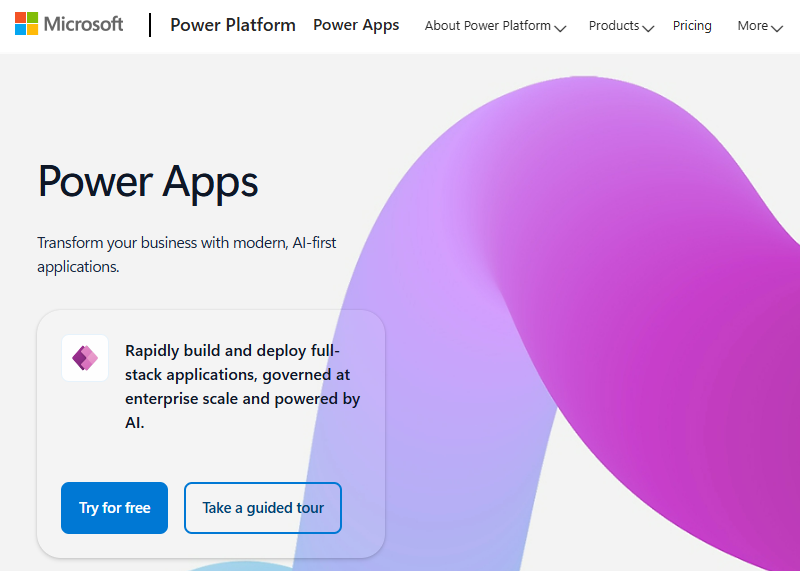
What it does: Microsoft Power Apps is a component of the Microsoft Power Platform, which allows you to build custom apps that run on web or mobile, primarily for internal use.
Who it's for: Organizations with significant Microsoft infrastructure who want to extend their existing tools without third-party dependencies.
Power Apps offers two building approaches. Canvas apps, which are a free-form drag-and-drop design, like PowerPoint for apps, and model-driven apps, which are more like building on a predefined data model.
Key features
- Native Microsoft connectivity: It connects directly to SharePoint lists, Teams channels, Dynamics 365 data, and Azure services without custom integrations.
- Dataverse: Microsoft's built-in database solution handles enterprise-scale data with security features baked in.
- Environment features: Power Apps lets you create different environments (Dev, Test, and Prod) and manage the app lifecycle. Admins can monitor usage and govern who can build or publish apps.
Pros
- Native Microsoft integration.
- Enterprise-grade security and compliance certifications.
- Copilot integration for AI-assisted app building.
Cons
- Licensing complexity can make the total cost of ownership difficult to predict.
- Limited flexibility outside the Microsoft ecosystem.
Pricing
The Power Apps developer plan is free to build and test unlimited apps. Paid plans start at $20 per user/month for unlimited apps.
Bottom line
Choose Microsoft Power Apps if your organization is already all-in on Microsoft and you want to leverage that infrastructure.
4. Retool: Best for technical teams who want to self-host
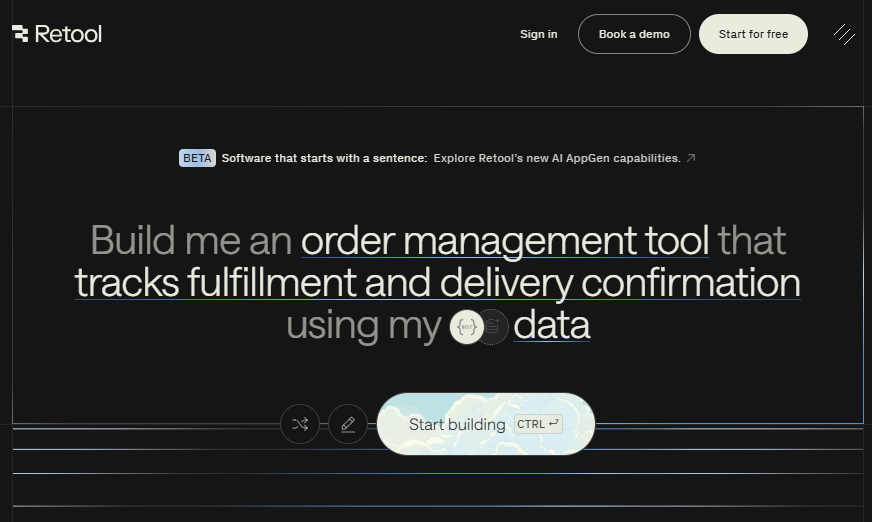
What it does: Retool is a developer-first platform for building internal web and mobile apps. It combines a visual UI builder, code customization, and an AI app builder.
Who it's for: Engineering teams and developers who want to accelerate internal tool development without sacrificing customization.
I’ve used Retool in the past to build a sales performance dashboard. You can start using a prompt, and Retool will generate the app for you. You can edit the app with prompts, visually, or add custom JavaScript code.
Key features
- Direct database and API access: Retool connects directly to databases like PostgreSQL, MySQL, and MongoDB, as well as REST and GraphQL APIs.
- Self-hosting and deployment control: Retool supports self-hosted deployments, which matters for teams with strict security or compliance requirements.
- Mobile app support: You can build both web and mobile apps.
Pros
- Over 100 pre-built components with extensive data visualization options.
- Direct connections to databases and APIs, with support for raw SQL and REST/GraphQL.
- AI app builder speeds up initial scaffolding without locking you into generated logic.
Cons
- The AI app builder helps with setup, but still requires hands-on development to finish and maintain apps.
- Pricing scales quickly because both builders and end users are billed.
Pricing
Retool’s free plan allows up to 5 users with unlimited apps. The team plan costs $10/month per standard user and $5/month per end-user on annual billing.
Bottom line
Retool is the best choice when you have technical resources and need full control to build custom internal tools.
5. Superblocks: Best for governing what business teams build
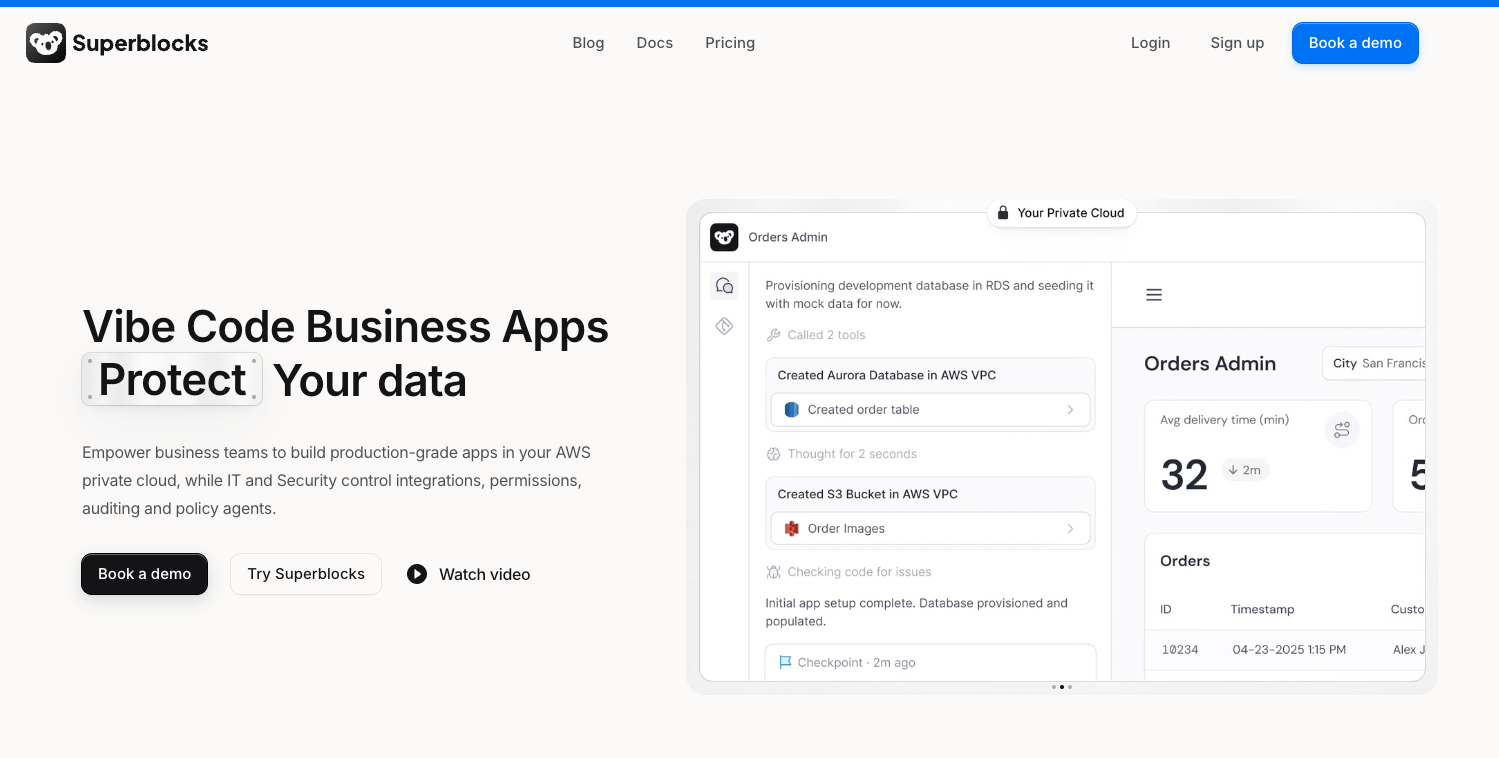
What it does: Superblocks lets business teams build internal apps from a prompt while IT sets the guardrails once, centrally, and every app inherits them.
Who it's for: Enterprise IT and platform teams who want to open app building up to non-engineers without losing track of who built what, what it connects to, and who can see the data.
The interesting question here is what happens when fifty people build apps at once. Superblocks logs every build, query, and integration access, so what your business teams create stays visible instead of turning into shadow IT.
Deployment is the other differentiator. The whole platform can run inside your own AWS VPC, with inference on models your admins approve, which means data and prompts stay in your environment, and most security reviews get shorter.
The public deployments skew large. NHS built an HR platform serving 25,000 staff, wired to more than 156 APIs, designed by one person on the design team. Matthews, a commercial real estate firm with 800+ agents, cut an offering-memorandum build from three to five days down to twelve hours.
The trade-off is that the governance features doing the heavy lifting sit on the Enterprise plan. SSO, audit logs, VPC deployment, source control, and secrets management all live there, so a team with real compliance needs is quoting Enterprise from day one.
Key features
- Guardrails configured once: IT sets permissions, approved integrations, and policy centrally, and every app a business team builds inherits them.
- Deploy in your own cloud: The platform can run inside your AWS VPC so app data and prompts stay inside your network.
- Full audit trail: Every build, query, package install, and integration access is logged, with Git-backed source control and environment promotion.
Pros
- Opens app building to non-engineers without handing over the security perimeter
- 50+ integrations plus React and TypeScript export, so nothing is locked in
- Unlimited end users on every plan
- Deployment options span vendor cloud, hybrid, and fully self-contained in your own cloud
Cons
- The governance features that justify it are Enterprise-only, and Enterprise is a custom quote
- Overkill for a small team that needs two or three internal tools
Pricing
The Teams plan starts at $100/month billed annually ($125 if you pay monthly) and covers 15 builders, 100 governed agent units, and one hosted app, with extra apps at $10 each per month. Everything governance-related sits on Enterprise, which is quoted per organization.
Bottom line
Superblocks earns its place when governance is the real problem. If business teams need to build their own tools and IT needs a defensible answer about what they built and what it touches, this is built for exactly that. Smaller teams will find it more machinery than they need.
6. Glide: Best for spreadsheet-based apps
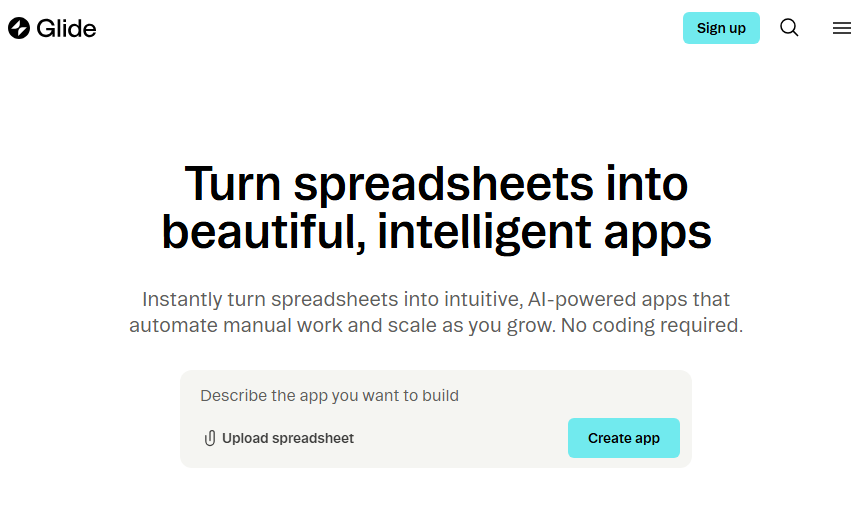
What it does: Glide transforms Google Sheets, Excel, and Airtable data into mobile-first applications without coding.
Who it's for: Teams with existing spreadsheet workflows who want a frontend on top of it without writing code.
I had a Google Sheet of about 200 rows that listed our company’s support FAQs (with columns for Category, Question, Answer, Last Updated, etc.). Using Glide, I connected this Google Sheet to create an app. Glide generated an app where each row became an item in a list.
Key features
- Spreadsheet as database: Glide primarily uses Google Sheets, Excel, or Airtable as data sources. It also has its own tables, which function like an internal database if you want to use Glide’s storage.
- Mobile-first design: Glide's apps work on any device as a progressive web app with features like video messages, live video viewing, and video chat.
- Glide AI: It has built-in AI capabilities for image recognition, document summarization, and data organization.
Pros
- Intuitive enough that non-technical users become proficient quickly.
- Extensive template library for common use cases.
- Real-time data sync with spreadsheets.
Cons
- Limited customization as it’s mostly limited to color, text, and layout tweaks.
- Not ideal for apps requiring complex logic or large-scale databases.
Pricing
Glide offers a Free plan that supports 1 editor and up to 25K rows of data. You’ll need to upgrade to start publishing apps. Paid plans start at $19/month for individuals and $199/month for businesses.
Bottom line
Glide excels when you already have data in spreadsheets and want an app on top of the data without migration headaches. The per-user pricing, however, makes it expensive at scale for external users.
7. ToolJet: Best open-source option with AI capabilities
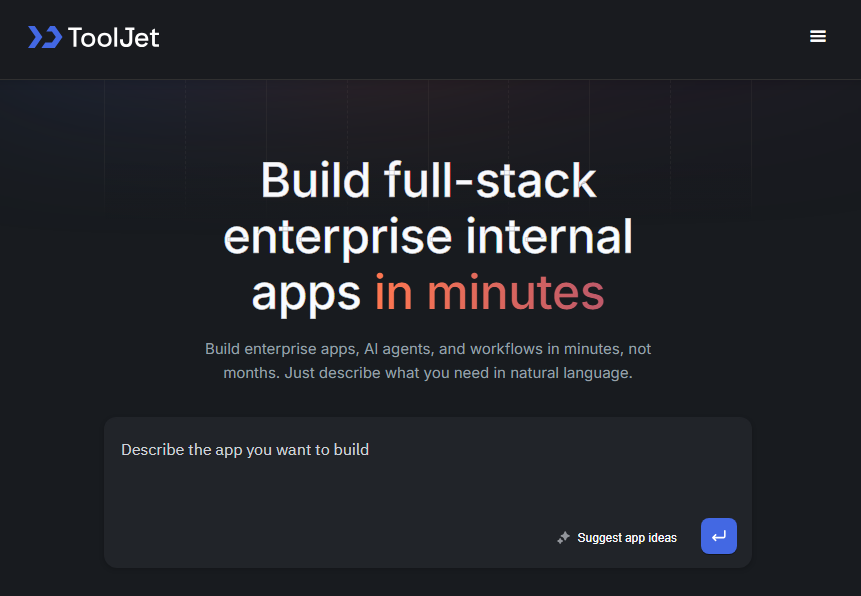
What it does: ToolJet is an open-source, low-code platform for building internal tools with full code access and self-hosting options.
Who it's for: Technical teams who want complete control over their code, data, and deployment, especially those with compliance requirements.
ToolJet provides a similar drag-and-drop interface for building apps and connecting to databases or APIs. The big draw is that it’s open-source. You can deploy it on your own server and have unlimited users and apps (community edition only).
Key features
- Connect to databases & APIs: ToolJet supports a range of data sources, including SQL databases, NoSQL, APIs (REST, GraphQL), and cloud services.
- Self-hosting: Deploy on your own infrastructure for complete data control.
- Multi-language support: Write custom logic in JavaScript or Python, depending on your team's preference.
Pros
- Enterprise security features like SSO, RBAC, and audit logs are built in.
- No vendor lock-in with full code transparency.
- It supports both Python and JavaScript.
Cons
- Self-hosting requires infrastructure management expertise.
- Smaller pre-built template library than other alternatives.
Pricing
The free tier includes 2 builders, 2 apps, and 50 end users with 100 AI credits/month. However, you can’t add more credits. You’ll need the starter plan, which costs $19/builder/month with 100 end users and 5 apps.
Bottom line
ToolJet is ideal for teams that prioritize control and transparency. If your organization has developers comfortable managing infrastructure and you have compliance requirements that demand self-hosting, ToolJet delivers enterprise features.
8. Zapier interfaces: Best for automation-first teams
What it does: Zapier Interfaces is a newer offering from Zapier that allows you to create forms, dashboards, and portals that tie directly into Zapier’s automation backend.
Who it's for: Teams already using Zapier who need internal tools that trigger automated workflows.
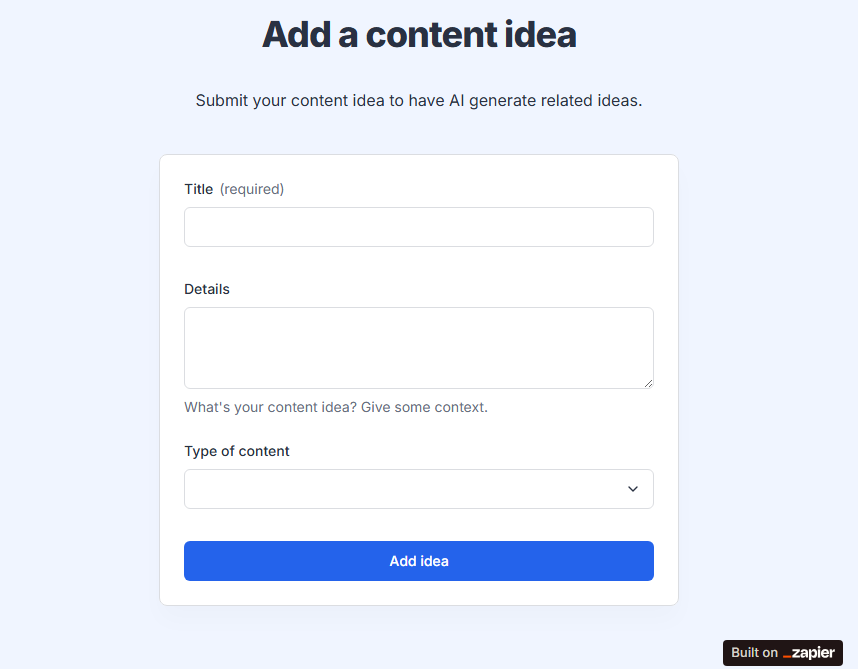
Zapier offers a range of Interface templates to get started quickly. I used the AI content idea generator template, which includes a form for submitting content ideas and automatically generates additional suggestions using OpenAI, all within the Interface.
Key features
- Drag-and-drop interface builder: Zapier Interfaces provides a set of blocks you can add to a page, such as form fields, text blocks, headings, images, buttons, and tables.
- Automation-native: When you make changes to a form, those updates are automatically reflected in your linked Zaps, Tables, and other Zapier products.
- Zapier Tables integration: Store and manage data right inside Zapier, eliminating the need for external databases for simple use cases.
Pros
- You can create unlimited Interfaces even on the free plan.
- Fastest way to stand up a form or app connected to automations.
- No new platform to learn if you're already on Zapier.
Cons
- Not designed for complex app development.
- Limited UI customization compared to dedicated app builders.
Pricing
Zapier includes unlimited Interfaces as part of all plans. The free plan, however, only supports 10 pages per account and a maximum of 3 file uploads, capped at 5MB. Paid plans start at $19.99/month and support more pages and higher file sizes.
Bottom line
Zapier Interfaces makes sense when automation is your primary goal and the internal tool is secondary. It works for building simple forms and apps, but you’ll need a dedicated builder for more complex internal tools.
9. DronaHQ: Best for regulated industries
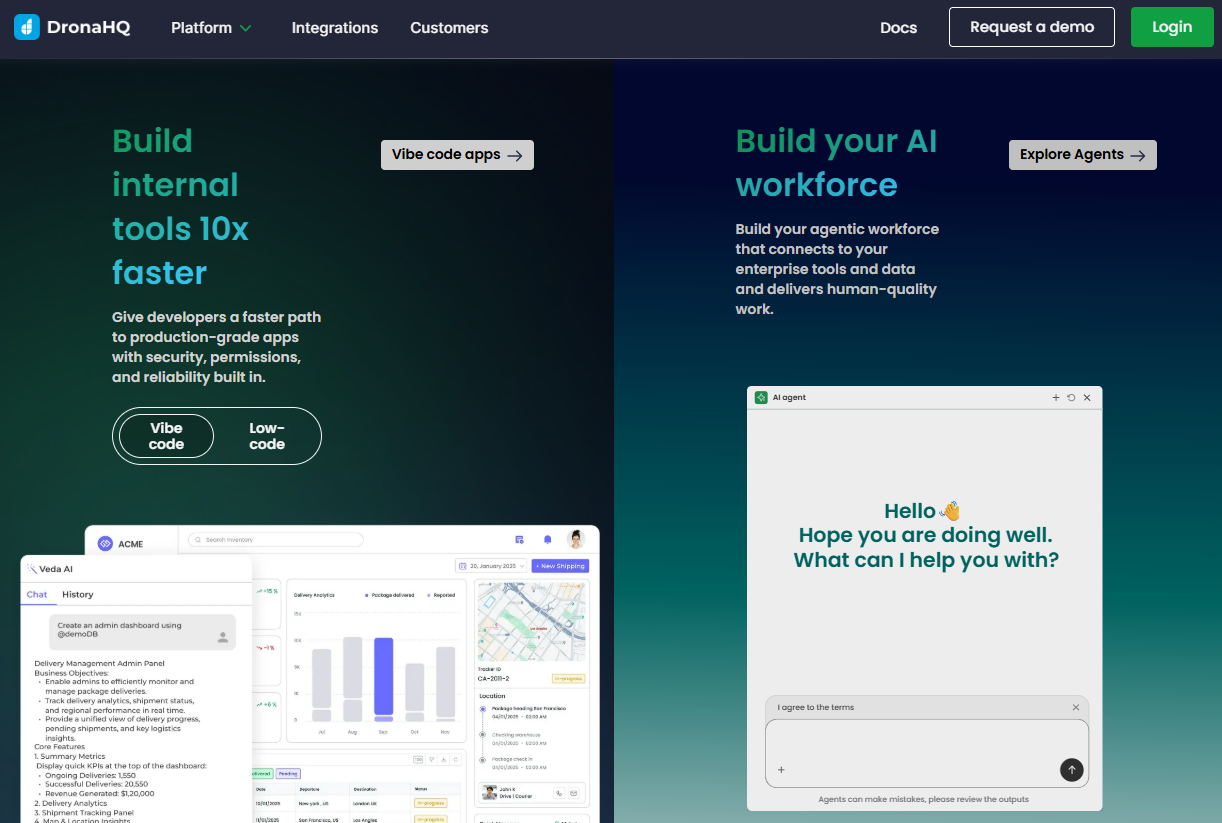
What it does: DronaHQ is a low-code platform tailored for building internal tools with an emphasis on enterprise needs like compliance, security, and governance.
Who it's for: Organizations in healthcare, finance, and other regulated industries requiring HIPAA compliance, audit trails, and deployment flexibility.
I tested DronaHQ by building an internal request and approval app that pulled data from a PostgreSQL database and triggered downstream actions via APIs. The platform makes it easy to assemble forms, tables, and workflow steps using prebuilt components.
Key features
- AI + low-code app generation: DronaHQ includes an AI app builder that can generate screens, data bindings, and workflows from a prompt. You can then refine everything with visual tools or custom logic.
- Enterprise security: DronaHQ supports SSO, role-based access controls, SOC-2/ISO 27001/GDPR compliance, and audit logs. It can run in cloud or self-hosted environments behind your firewall.
- Cross-platform support: Apps built with DronaHQ run on web browsers, iOS, and Android without separate builds.
Pros
- AI app builder speeds up scaffolding and reduces setup time.
- Offers cloud, on-prem, and hybrid deployment flexibility.
- Apps work across web and mobile with built-in previews.
Cons
- Higher learning curve with lots of functionality that can overwhelm new users.
- The add-on pricing model makes the total cost unpredictable.
Pricing
DronaHQ has a 14-day free trial but no free tier. Paid plans start at $100/user/month for unlimited apps, 25K tasks/month, and 300 AI credits. The self-hosting plans start at $1500/month, billed annually.
Bottom line
DronaHQ is a good option if you want cross-platform support and security controls for your internal tools without building from scratch.
How I tested these internal tool builders
I built a simple internal tool on most of these platforms and noted setup time, friction points, and limitations. For the enterprise platforms I worked from vendor documentation and published customer deployments.
What I looked for:
- Ease of use: Can a non-technical person build a functional tool without developer help?
- Integration depth: How well does it connect to common business tools like Google Sheets, Airtable, Slack, and Salesforce?
- Pricing scalability: What happens when you go from 10 users to 100? I calculated costs at different team sizes.
- Security features: Does it meet enterprise requirements? I evaluated SSO, RBAC, audit logs, and compliance certifications.
Which internal tool builder should you choose?
Choose the internal tool builder that fits your tech stack and needs. Here's how to decide:
- Choose Zite if you want the fastest path from idea to production-ready app and need to deploy tools to many users without per-seat costs.
- Choose Zoho Creator or Microsoft Power Apps if you are deeply invested in either ecosystem.
- Choose Superblocks if IT needs central control over what business teams build and you want apps running in your own cloud.
- Choose ToolJet if you prefer open-source builders.
- Avoid internal tool builders entirely if you need consumer-facing apps.
My final verdict
Zite makes sense when you’re building internal tools and need them to be production-ready. It comes with built-in auth, a managed database, custom domains, SSO, and flexible UI customization options. Consider ToolJet if you need transparency that comes with open source builders.
Build production-ready internal tools with Zite
Want the fastest path from idea to a production-ready internal tool? Zite lets you describe what you need in plain English and get a working app in minutes, without per-user pricing.
Frequently asked questions
What is the best internal tool builder for non-technical teams?
The best internal tool builder for non-technical teams is Zite because it produces production-ready internal apps without requiring database design or coding. You can build secure tools with authentication and access controls.
Can I build mobile apps with internal tool builders?
Yes, you can build mobile apps with some internal tool builders. Platforms like Retool and DronaHQ support mobile app development, while tools like Glide generate progressive web apps (PWAs) that can be installed on mobile devices.
What's the difference between no-code and low-code internal tool builders?
The difference between no-code and low-code internal tool builders is how much programming they require. No-code platforms require no coding and rely on visual interfaces or natural language, while low-code platforms like Retool and ToolJet allow optional code.
Are internal tool builders secure enough for enterprise use?
Yes, internal tool builders are secure enough for enterprise use when they support enterprise-grade controls. Platforms like Zite offer SOC 2 compliance, SSO, role-based access control, and audit logs, and some tools like DronaHQ and ToolJet also support self-hosted deployments for stricter compliance needs.

