


The best Budibase alternatives in 2026 are Retool for engineering teams, Appsmith for open-source flexibility, and Zite for non-technical teams who want flat pricing. After testing several low-code platforms, here's what each does well and where each falls short.
7 best Budibase alternatives: at a glance
Why look for Budibase alternatives?
Budibase is a capable low-code platform with open-source roots, a self-hostable deployment model, and an active community. It works well for technical teams who want to ship internal tools with action-based pricing they can predict month over month.
The pain points show up once you try to scale a team on it, hand the tool off to a less technical colleague, or grow past the included action limits.
The action-based pricing model rewards predictable automation volume but punishes growth. An "action" is a single workflow step (sending an email, processing a form submission, calling an external API), so one user filling out a form that triggers two follow-up automations can count as multiple actions.
Pro caps at 5,000 actions per month, Premium at 20,000, and Business at 250,000. For a busy ops team running a few active workflows, 5,000 actions can disappear in a couple of days. Hit the cap, and your automations stop firing until you upgrade or the next month resets.
Per-creator and per-end-user add-ons inflate the bill faster than the headline price suggests. Pro and Premium include exactly one creator (you can’t add more on Pro), and Business includes three.
Beyond that, every additional builder costs $60/month, and every end user past your included count costs $6/month. A modest team can clear $700/month before any overage charges.
The platform skews developer-heavy. Budibase’s interface and component model are friendly to people who already think in code. For ops teams and SMB owners who don’t want to wire up bindings and queries, the learning curve gets in the way.
Log retention is tight on lower tiers. Pro keeps 1 day of logs, Premium keeps 7 days, and Business keeps 30 days. Audit logs are reserved for Enterprise, meaning anyone with compliance requirements is routed to a custom sales conversation.
TL;DR: Which Budibase alternative should you choose?
- Choose Retool if you have engineers and you're building admin tools or internal dashboards that need deep SQL and API control.
- Choose Appsmith if you want open-source flexibility and you're comfortable managing your own deployment.
- Choose ToolJet if you want an open-source option with AI app generation baked in, and you're comfortable with per-builder pricing.
- Choose Zite if your team is non-technical and you want flat monthly pricing with visible workflows and a built-in database.
- Choose Softr if your data already lives in Airtable and you mainly need client-facing portals.
- Choose UI Bakery if you want a visual drag-and-drop builder with strong design flexibility.
- Choose Glide if mobile-first apps for field teams are your main use case.
- Stick with Budibase if you have a small technical team running predictable action volumes and you specifically want self-hosting included on the open-source plan.
1. Retool
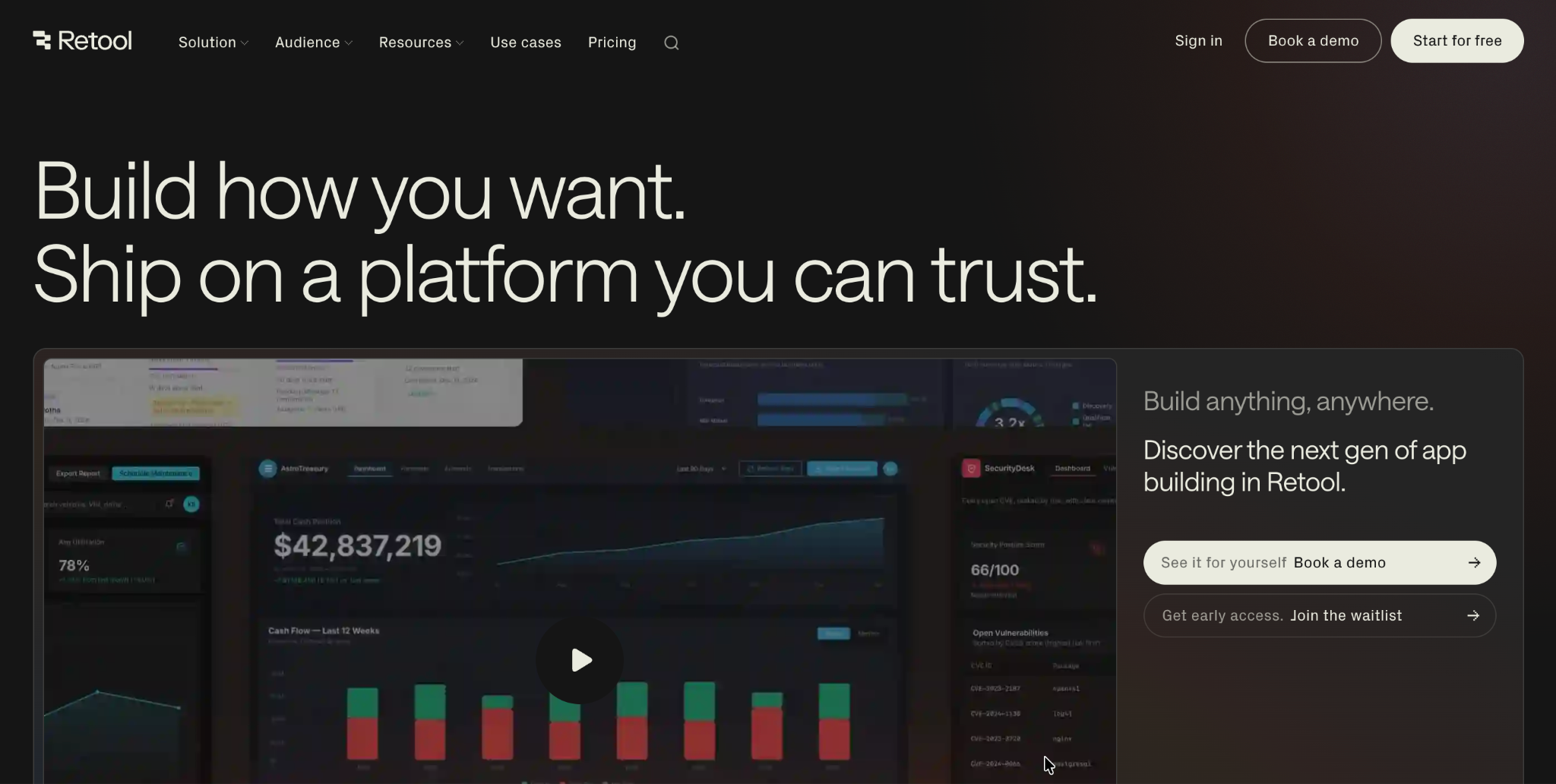
Retool is the most established choice for engineering teams building internal admin tools. It’s a developer-first low-code platform with deep API and database connectivity, used by teams at Amazon, DoorDash, and Coinbase.
Retool’s component library and query system feel familiar to anyone who’s worked with JavaScript and SQL.
The tradeoff: Retool expects you to think like a developer, and the pricing model rewards small builder teams over wide adoption.
Key features:
- Visual app builder: Drag components onto a grid, wire them to queries, and ship admin dashboards in hours.
- Deep data connections: Native integrations with Postgres, MongoDB, Snowflake, REST APIs, and dozens more.
- Retool Workflows: Cron-style automation for back-office processes.
- Self-hosted option: Available on Business and Enterprise plans for teams with data residency requirements.
Pros:
- Most mature platform in the category.
- Strong developer experience and component library.
- Used at scale by well-known engineering teams.
Cons:
- Steep learning curve for non-technical users.
- Pricing scales by user type (standard, end user, builder), which can get confusing.
- Self-hosting is gated behind paid tiers.
Best for:
- Engineering teams building internal admin tools.
- Companies with existing SQL and API infrastructure.
- Teams that want a battle-tested platform with strong community support.
Pricing:
Free plan available with up to 5 users. Team is $12/builder/month plus $7/internal user/month on monthly billing. Business is $65/builder/month plus $18/internal user/month, with audit logging, rich permission controls, and portal access. Enterprise plans require sales conversations. See Retool's pricing page for the full breakdown.
2. Appsmith
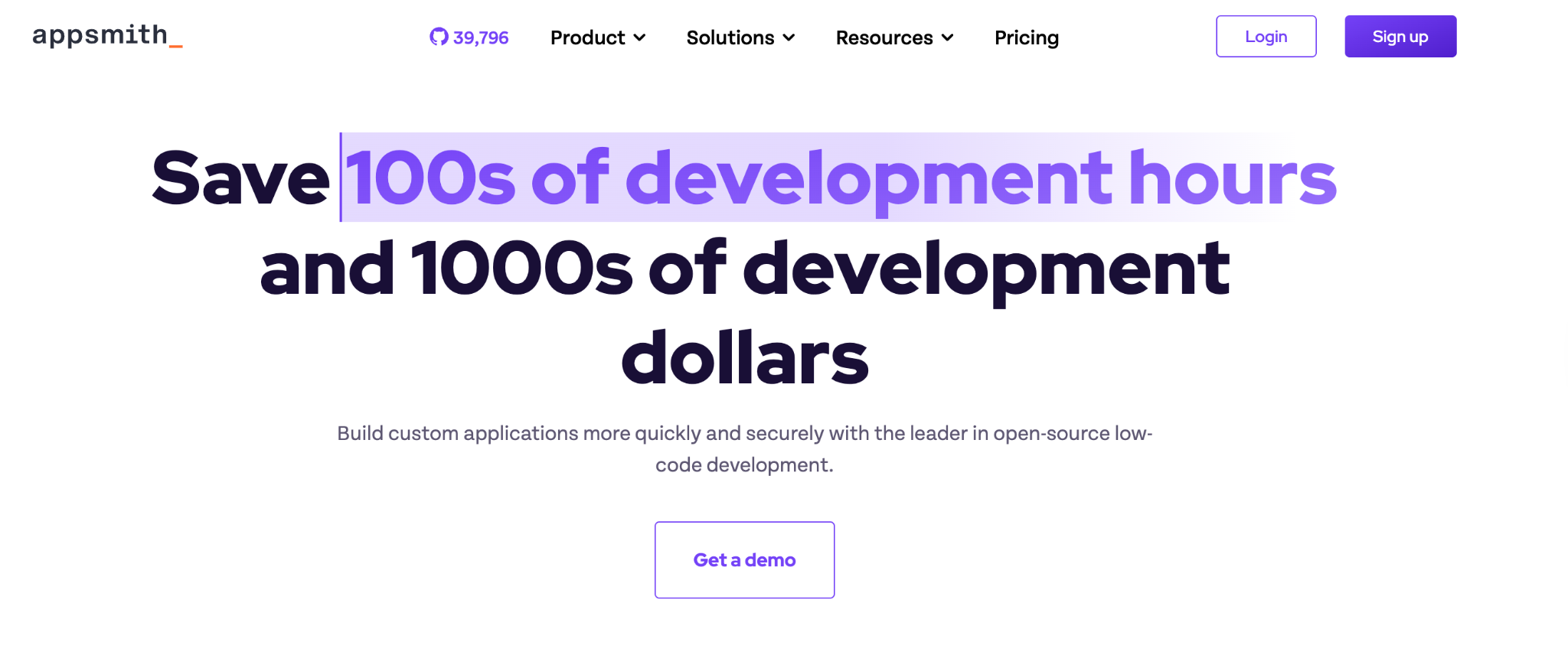
Appsmith is the closest open-source match to Budibase. It's an open-source low-code platform with a strong community, transparent per-user pricing, and a self-hostable Community Edition that runs forever for free.
The interface, component model, and JavaScript-based logic system will feel familiar to anyone coming from Budibase.
Key features:
- Open-source core: Community Edition is free to self-host on your own infrastructure.
- JavaScript-based logic: Use familiar syntax to connect components and queries.
- Git-based version control: Built-in support for branching and deploying through Git workflows.
- Custom widgets: Build and share reusable widgets across your apps.
Pros:
- Open-source with active community contributions.
- Predictable per-user pricing on cloud plans.
- Self-host option is free with no paywall.
Cons:
- Per-user pricing gets expensive past 30-40 users.
- Less polished UI than Retool or UI Bakery.
- Audit logs and SSO are gated behind the business plan.
Best for:
- Open-source-first teams that want full code visibility.
- Companies that need self-hosting without paying extra for it.
- Developers who want Git-based workflows for internal tools.
Pricing:
Free for up to 5 cloud users. Business plan is $15/user/month (billed annually; monthly billing runs higher). Enterprise starts at $2,500/month for 100 users. See Appsmith's pricing page for the full breakdown.
3. ToolJet
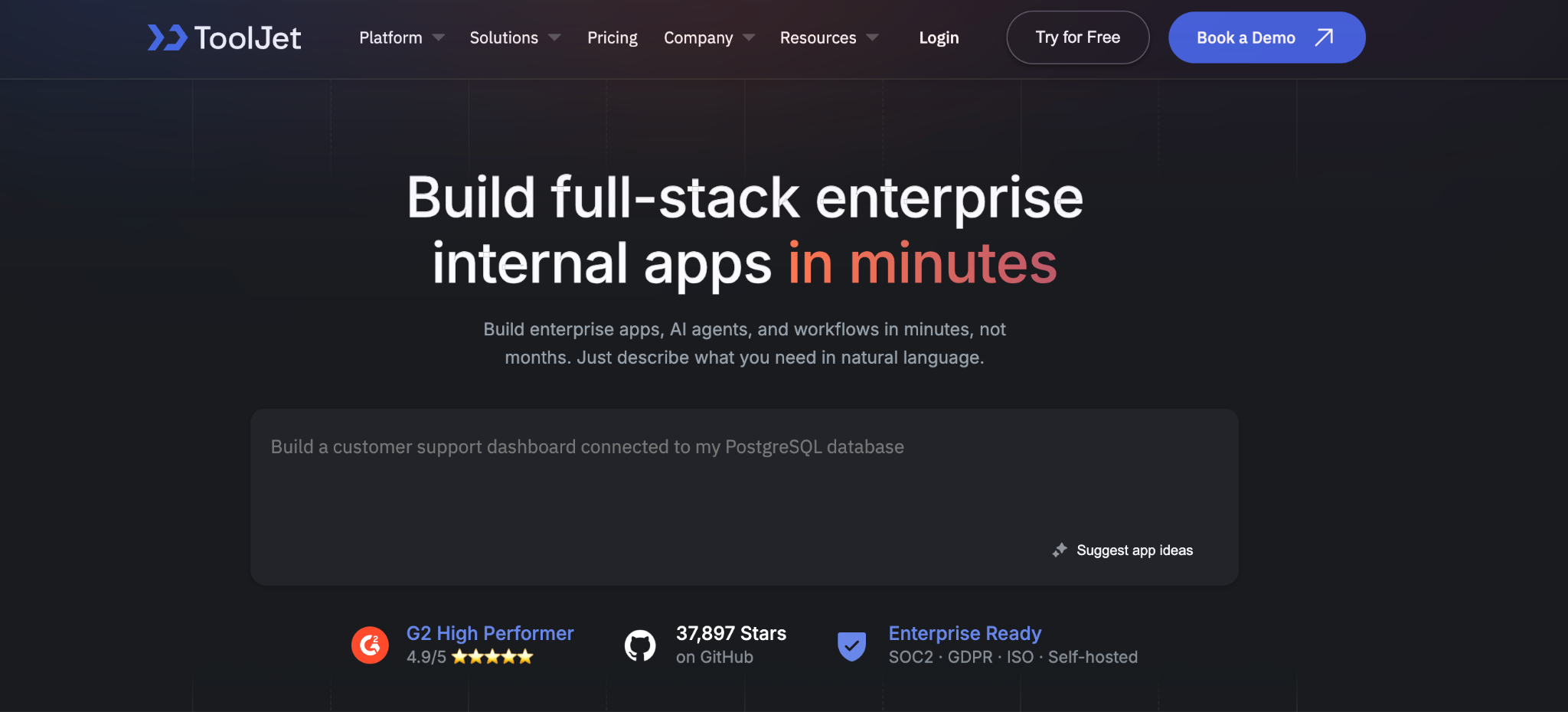
ToolJet positions itself as an AI-native low-code platform. It’s a younger competitor to Retool and Appsmith with a self-hosted open-source edition, AI-assisted app generation, and per-builder pricing that scales by who’s building rather than who’s using.
The platform handles standard internal tool use cases (dashboards, admin panels, CRUD apps) and integrates AI credits for prompt-driven app development. The per-builder model is friendly when you have a small builder team with many end users, but the prices climb fast once you add more builders.
Key features:
- AI app generation: Generate apps and workflows from natural language prompts.
- ToolJet Database: Built-in no-code database on top of Postgres.
- Self-hosted edition: Open-source license with self-hosting included.
- 40+ data sources: Native connectors for databases, APIs, and SaaS tools.
Pros:
- AI credits are included on every paid plan.
- Per-builder model can be cost-effective for high-end user apps.
- Self-hosting is a genuine option with open-source licensing.
Cons:
- Per-builder pricing scales steeply: $24, $99, $249 per builder/month.
- Newer platform with a smaller community than Retool or Appsmith.
- SSO and audit logs locked behind the $249 Team tier.
Best for:
- Teams that want AI-assisted app generation.
- Smaller builder teams supporting many end users.
- Companies that want self-hosting on an open-source license.
Pricing:
Free for up to 2 builders. On a monthly billing plan, Starter is $24/builder/month, Pro is $99/builder/month, and Team is $249/builder/month. Enterprise pricing is custom. See ToolJet’s pricing page for the full breakdown.
4. Zite
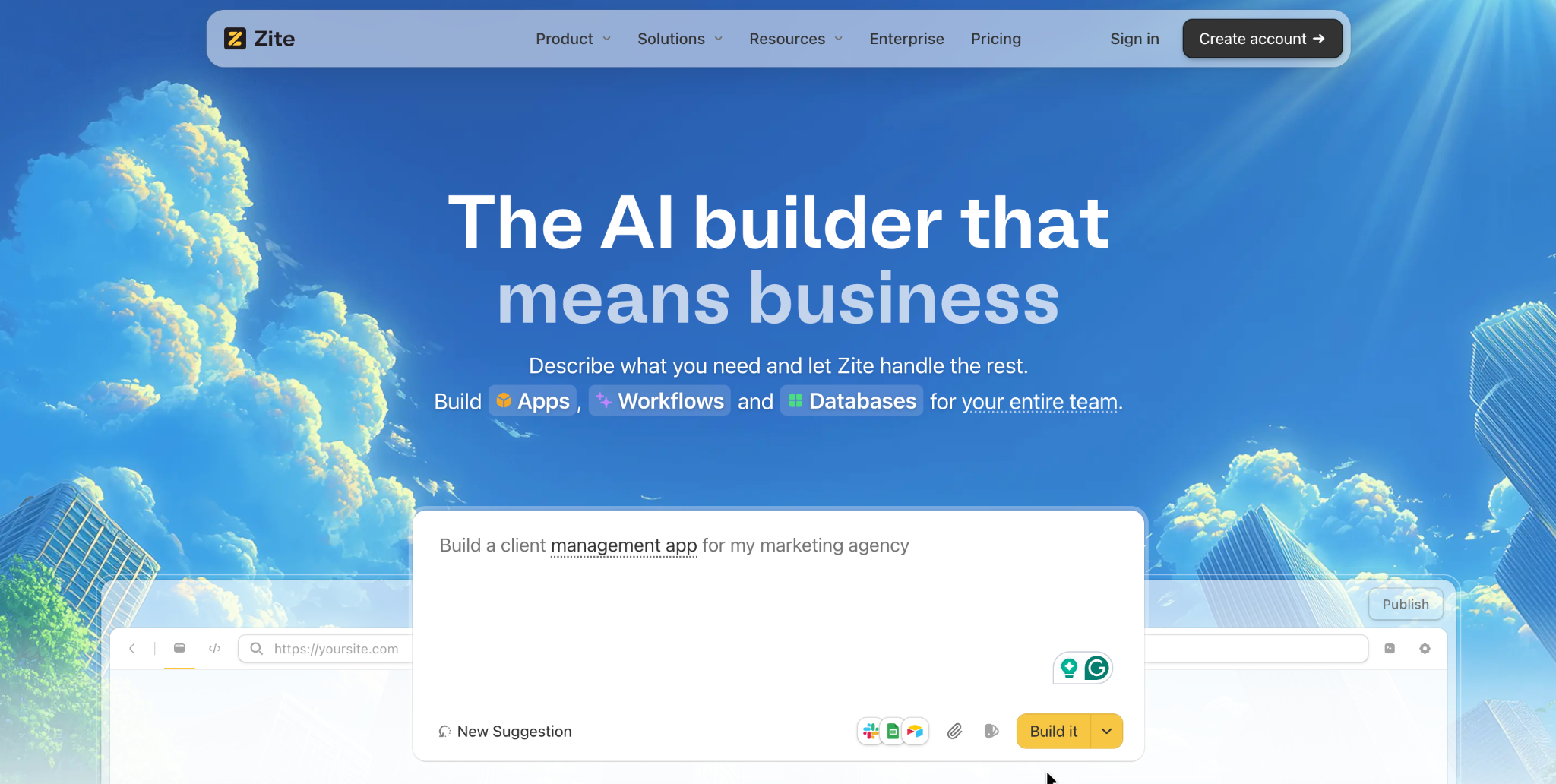
Zite is the strongest pick for non-technical teams who want flat pricing and visible app logic. It’s an AI-powered no-code platform from the team behind Fillout that generates apps, workflows, and databases from natural language prompts. The underlying logic shows up visually, so you can read and adjust what was built.
Where Budibase asks you to wire up bindings and queries by hand, Zite generates a working app from a prompt and shows the workflow logic as a visual flowchart you can inspect, trace, and fix. The database is visible and editable, with tables and fields that you can change directly.
That visibility is what makes Zite practical for ops teams, support managers, and SMB owners who don't want to learn a developer-flavored platform.
The pricing model is the other major contrast with Budibase. Zite charges flat monthly rates with unlimited users on every plan, including the free tier. Pro is $19/month, Business is $69/month, and Enterprise is custom.
There's no per-builder fee and no per-end-user add-on. Usage is measured by whole workflow runs (1,000/month on Free, 5,000/month on Pro, 50,000/month on Business) rather than per-step actions.
Since one Zite run covers every step inside a workflow, the same allowance covers more real automation than Budibase's action count.
Key features:
- AI-generated apps and workflows: Describe what you want, and Zite builds the app, database, and workflow logic.
- Visible workflow editor: Inspect, trace, and fix the AI-generated app logic as a visual flowchart.
- Built-in user-friendly database: Spreadsheet-like familiarity with real tables and fields underneath.
- Built-in permissions and roles: Apps are internal-only by default with role-based access; web publishing is available for client-facing use cases.
- Native integrations: Airtable, Google Sheets, Slack, and OpenAI work out of the box.
Pros:
- Flat monthly pricing with unlimited users on every plan.
- Visible workflows and a database make the app understandable after generation.
- Customer references include The Athletic, Bombas, and Domino’s.
Cons:
- Newer platform, so the template library and integration count are still growing.
- AI credits are limited on free and lower-tier plans.
- No code export, so apps stay hosted on Zite.
Best for:
- Non-technical ops teams building portals, dashboards, or internal CRMs.
- Teams that want predictable flat pricing as adoption grows.
- Companies sharing apps internally and externally who don't want per-end-user costs scaling with adoption.
Pricing:
Free plan available. Pro is $19/month, Business is $69/month, and Enterprise is custom. See Zite’s pricing page for the full breakdown.
5. Softr
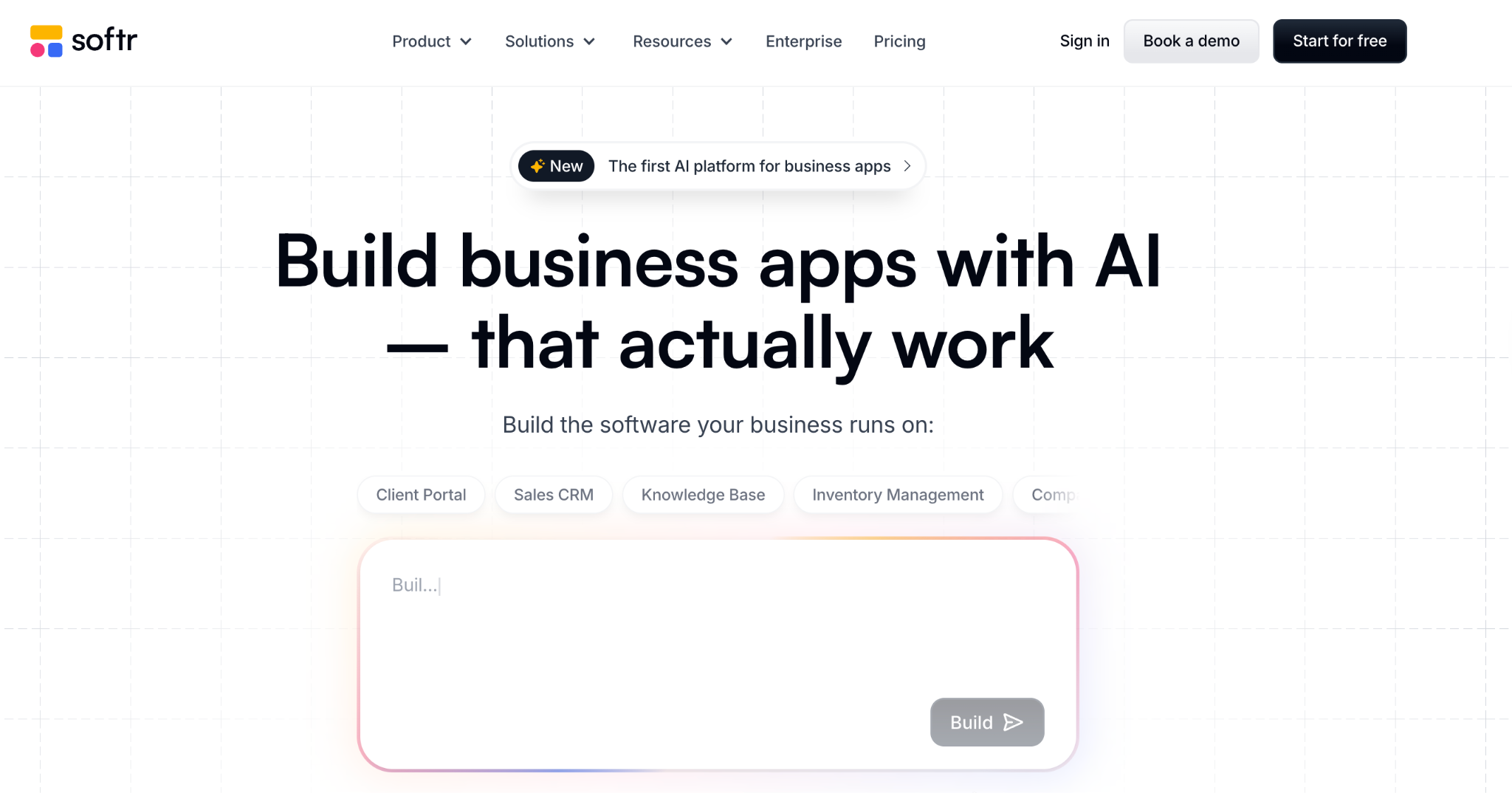
Softr is the simplest way to turn an Airtable base into a client portal. It’s a no-code platform focused on portal use cases, with a polished template library and a tight integration with Airtable as the back-end database.
The platform is friendly for non-technical builders and works well for client-facing apps that require login-gated access to data. The catch: Softr is narrower than Budibase or Retool. It’s built around portals and member-gated sites rather than full internal tools.
Key features:
- Airtable-native: First-class integration with Airtable as the data layer.
- Template library: Pre-built portals for client work, internal tools, and community sites.
- Built-in user authentication: Login, signup, and permissions configured without code.
- Stripe integration: Native support for subscriptions and one-time payments.
Pros:
- Fastest way to build a client portal on top of Airtable.
- Friendly for non-technical builders.
- Strong template library for common use cases.
Cons:
- Narrower than Budibase, with portals as the sweet spot rather than full internal tools.
- Airtable’s 1,000-record-at-a-time limit can cause friction on large datasets.
- App user counts are capped per plan and cost extra to expand.
Best for:
- Teams that already use Airtable as their database.
- Client portals and member-gated sites.
- Non-technical builders who want a polished template-driven experience.
Pricing:
Free plan available. Basic is $59/month, Professional is $167/month, and Business is $323/month. See Softr’s pricing page for the full breakdown.
6. UI Bakery
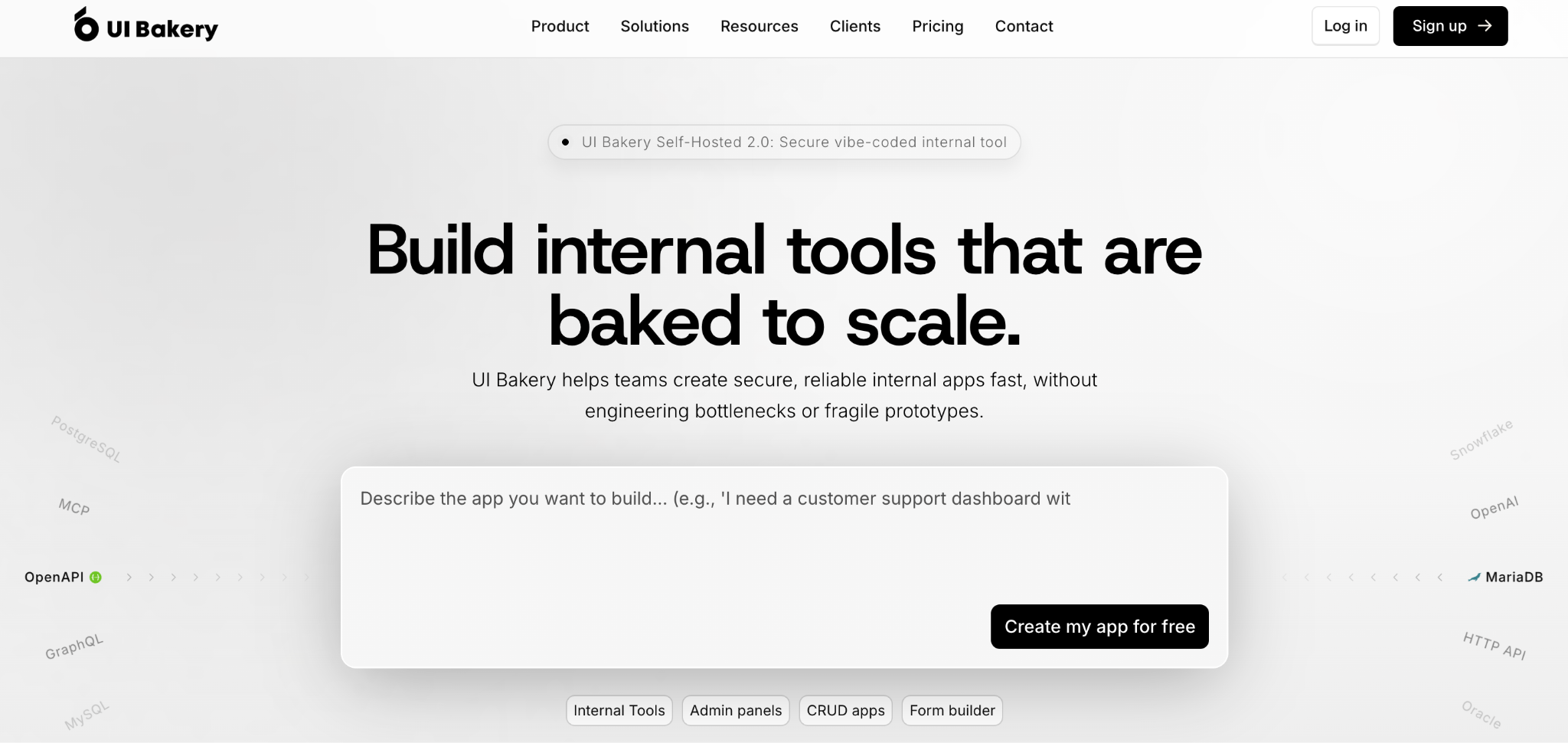
UI Bakery is a visual drag-and-drop builder with strong design flexibility. It targets the same internal tool space as Retool and Budibase, with a focus on UI polish and a per-developer pricing model that includes a generous free tier.
The platform supports the standard internal tool data sources and adds AI-assisted app generation for teams that want to start from a prompt. The pricing scales by developer seat rather than by action volume, making the math more predictable as your automations grow.
Key features:
- Visual app builder: Drag-and-drop UI editor with a polished component library.
- Role-based access control: Built-in permissions across apps and data sources.
- Audit logs: Available on the Team plan and above.
- AI App Agent: Generate apps from natural language prompts with included AI credits.
Pros:
- Strong design flexibility compared to Budibase.
- Free plan includes unlimited apps and data source connections.
- Per-developer pricing is cheaper than Retool at small team sizes.
Cons:
- Smaller community than Retool or Appsmith.
- Self-hosted setup requires more configuration than cloud.
- AI credits on the Team plan run out fast if you lean on prompt-based building.
Best for:
- Design-conscious internal tool builders.
- Small developer teams who want a polished cloud experience.
- Companies that want audit logs without jumping to Enterprise pricing.
Pricing:
Free plan available. Builder is $25/month per developer, Team is $40/month per developer, and Enterprise is custom. See UI Bakery’s pricing page for the full breakdown.
7. Glide

Glide is built for mobile-first business apps and field teams. It’s a no-code platform that turns spreadsheets and databases into responsive apps with a strong focus on field teams, frontline workers, and mobile-heavy use cases.
The platform offers a friendly visual editor and a deep template library, but its pricing model is based on per-user and per-update charges. For high-volume internal apps, the per-update model can add up faster than the headline price suggests.
Key features:
- Mobile-first design: Apps render natively on mobile with offline support.
- Spreadsheet connections: Pull data from Google Sheets, Airtable, Excel, or Glide Tables.
- 40+ components: Forms, lists, calendars, maps, and other mobile-ready widgets.
- Workflows: Trigger actions based on user interactions or scheduled events.
Pros:
- Best in class for mobile-first business apps.
- Polished visual editor with extensive template library.
- Friendly for non-technical builders.
Cons:
- Per-update pricing kicks in after the included quota (5,000 on the Business tier), at 2¢ per update, which can balloon on active apps.
- Less suited for complex internal tools that need deep database logic.
Best for:
- Field teams and frontline workers.
- Mobile-first internal apps.
- Spreadsheet-driven workflows that need a mobile UI layer.
Pricing:
Free plan available for individuals. The Explorer plan is $25/maker/month, and the Maker plan is $60/maker/month. Business and Enterprise pricing is custom and adds per-update overages on top of the per-maker fee. See Glide's pricing page for the full breakdown.
How to evaluate Budibase alternatives
- Match the platform to the audience. A tool built for engineering teams will frustrate ops people, and vice versa. Decide whether your builders will be developers, non-technical operators, or a mix, then narrow to platforms that fit that profile.
- Model the total cost beyond the entry price. Pay close attention to per-user, per-builder, per-action, and per-update charges. The cheapest headline tier rarely stays cheapest at scale, and per-seat pricing can outpace flat-priced options as your app gets adopted.
- Test how the app handles after generation. Most platforms can generate something that looks like an app. The question is whether you can read, trace, and fix the logic afterward. Build a small workflow on each finalist and try to debug it without help.
- Check the data story end-to-end. Look at how each platform handles existing data sources (Airtable, Google Sheets, Postgres) and whether the built-in database is a real product or a thin layer over external storage. Database limits surface after launch, well past the demo.
- Confirm publishing and access control fit your use case. Internal apps need role-based permissions. Client-facing apps need external login flows. Make sure your shortlist handles both if you’ll need to publish in either direction.
- Verify the compliance and security features you’ll need. SSO, audit logs, and SOC 2 Type II are distributed across different tiers on these platforms. If you have real compliance requirements, confirm the pricing for your tier before committing.
The Budibase alternative you pick depends on who's building
The deeper pattern across these alternatives is that the low-code category has split into two lanes. One side keeps optimizing for developers who want code-level control. The other side is building for ops people, support managers, and SMB owners who want to ship a working app without learning a new technical stack.
Budibase, Retool, Appsmith, and ToolJet sit firmly in the developer-friendly lane. They're powerful tools if your team already speaks SQL, JavaScript, and API. They become expensive to staff and keep running if your team doesn't.
For non-technical teams who want to build and run custom business apps without the developer tax, a flat-priced platform with visible workflows tends to be the better answer. If you're also evaluating no-code AI options, see how Zite compares to Lovable.
If you've been wrestling with Budibase's action limits, per-seat add-ons, or technical learning curve, it's worth running a small build on a non-technical-friendly alternative before you renew. The right tool for your team is the one that fits how you actually work.
Frequently Asked Questions
What is the best Budibase alternative?
The best Budibase alternative depends on your team. Retool wins for engineering teams, Appsmith for open-source flexibility, and Zite for non-technical teams who want flat pricing and visible app logic.
Is there a free Budibase alternative?
Yes, there are free alternatives to Budibase. Appsmith and ToolJet offer free self-hostable open-source editions, while Retool, UI Bakery, Softr, Zite, and Glide each offer free cloud-hosted plans with usage limits.
Which Budibase alternative is best for non-technical teams?
The best Budibase alternative for non-technical teams is Zite, as it generates apps from natural language prompts and visually exposes the underlying logic. Softr is also non-technical-friendly but narrower, focused on Airtable-backed portals.
Are Budibase alternatives cheaper than Budibase?
Some Budibase alternatives are cheaper, and some are more expensive depending on team size. Zite at $19/month with unlimited users undercuts Budibase Pro at $23/month, while per-seat tools like Retool and Appsmith get pricier past 30-40 users.
Can I self-host a Budibase alternative?
Yes, you can self-host several Budibase alternatives. Appsmith and ToolJet offer open-source self-hosting for free, and Retool offers it on Business and Enterprise plans. Zite, Softr, UI Bakery, and Glide are cloud-only.

