


I spent six weeks testing and comparing business process automation software across approval workflows, multi-system data syncs, and document routing tasks. Here are the 13 BPA tools worth considering in 2026.
13 Best Business Process Automation Tools: Quick Comparison
Pricing reflects the best public information as of May 2026. Verify with each vendor before purchase.
How I Researched & Tested These BPA Tools
I tested each tool across realistic operations scenarios over six weeks, focusing on five criteria:
- Features: Whether the tool handled approvals, branching logic, error handling, and human-in-the-loop steps cleanly.
- Usability: How quickly a non-developer could build a working automation.
- Integrations: Native connector depth with common business apps like Salesforce, Slack, and Google Workspace.
- Pricing: Real cost at small, mid-market, and enterprise scale, with no marketing-page tricks.
- Use Cases: Performance across operations, finance, HR, and IT scenarios.
This hands-on approach showed how each tool performs in real production scenarios.
1. Workato: Best for Enterprise Cross-System Orchestration

What it does: Connects enterprise systems like SAP, Salesforce, and Workday through “recipes” that handle long-running workflows with approvals and error handling.
Best for: Enterprises automating processes across SAP, Salesforce, Workday, and other large business systems.
Workato is the most capable iPaaS in this list, with deep enterprise connectors and mature governance. In testing, the recipe builder handled multi-step approval chains and error recovery without much custom work. The trade-off is price and complexity, both of which sit firmly in the enterprise tier.
Key Features
- 1,200+ enterprise connectors: Deep, real-time integrations with most enterprise systems out of the box.
- Recipe IQ: AI-assisted workflow building that suggests next steps based on what you’ve built so far.
- API gateway and event bus: Built-in features for exposing automations as APIs and reacting to events.
- Governance and audit logging: SSO, role-based access, and detailed activity logs for regulated industries.
Pros
- Strongest enterprise connector library on the market, especially for SAP and Workday.
- Combines iPaaS, workflow, and API management in one tool.
- Mature governance and security for regulated industries.
Cons
- Pricing is opaque and unfriendly to small teams.
- Heavy implementation effort to reach full value.
What Users Say
“I love being able to create custom connectors; I used it on an older project to cover specific needs.” Lokesh K, G2

“I find the CSV parsing tool to be a huge blocker since it only parses 50k records. The Lookup Table has a limit of 100k, which blocks us from integrating with more asset records.” Ayan S, G2
Pricing
Custom enterprise pricing, typically starting in the high four figures monthly. See Workato’s pricing page for details.
Bottom Line
Pick Workato when your business runs on SAP, Salesforce, or Workday and you need real-time orchestration across them. Skip it if you're a small team; the price tag won't justify the value.
2. Microsoft Power Automate: Best for Microsoft 365 Ecosystems
What it does: Microsoft’s workflow automation tool that connects Microsoft 365, Dynamics, Azure, and 1,000+ third-party apps with no-code flows and AI-powered logic.
Best for: Teams already standardized on Microsoft 365 who want native automation without buying another tool.
Power Automate is the default choice if your business already lives in Microsoft 365. In testing, building approval flows in Teams and SharePoint took minutes. Outside the Microsoft ecosystem, value drops noticeably because connector reliability and feature depth lean toward Microsoft’s own products.
Key Features
- 1,000+ prebuilt connectors: Deep ties to the Microsoft stack with growing third-party support.
- AI Builder: Document recognition, prediction, and form processing built into flows.
- Teams and Outlook approvals: Native approval workflows inside the apps employees already use.
- Desktop flows: RPA-style screen automation for legacy apps on the same license tier.
Pros
- Strong fit for organizations already invested in Microsoft 365.
- Free tier available for basic flows tied to a Microsoft account.
- AI Builder is included on higher tiers; no separate license needed.
Cons
- Licensing and connector limits get confusing on enterprise plans.
- Desktop flows for RPA require a separate license tier.
What Users Say
“It is easy to build useful workflows with a drag-and-drop interface with no deep coding needed. That means business users can automate things like approvals, notifications, or data movement without waiting on IT.” Tanzim S, G2

“I have also had problems with the permanence of certain configurations that, after a while, I have to readjust because they stop working unexpectedly.” Anderson F, G2
Pricing
$15/user/month (billed annually) for the Premium tier; free tier available for basic flows. See Power Automate pricing for details.
Bottom Line
Power Automate is the obvious pick if your business already runs Microsoft 365. Outside that ecosystem, you'll get more value from a dedicated iPaaS tool.
3. Pega: Best for Large Enterprise BPM and Case Management

What it does: A unified business process management and case management product used by Fortune 500 companies for complex, long-running processes across customer service, claims, and back-office work.
Best for: Large enterprises with complex case management and long-running processes that need full lifecycle BPM.
Pega is one of the heaviest tools in this comparison and one of the most capable for serious enterprise BPM. Implementations typically run for 6 to 12 months and require certified developers. For the right buyer, the depth and case management features justify the investment.
Key Features
- Pega Process Fabric: Unified workflow orchestration across multiple Pega and non-Pega apps.
- AI-driven decisioning: Real-time decisioning for next-best-action and case routing.
- Case management: Claims, customer service, and back-office work with full lifecycle tracking.
- Industry accelerators: Prebuilt apps for financial services, healthcare, and government.
Pros
- Best-in-class case management for complex industries.
- AI-driven decisioning sits at the core of the product.
- Strong governance and audit features for regulated work.
Cons
- Steep learning curve and long implementation timeline.
- Enterprise pricing makes it unrealistic for mid-market and smaller companies.
What Users Say
“Pegasystems Customer Engagement Suite provides a set of features. The customization options are improved.” Max L, G2

“The size of the application is quite significant. Therefore, it lags and shuts down quite often.” Mrinal G, G2
Pricing
Custom enterprise pricing only. See Pega's pricing page for details.
Bottom Line
For Fortune 500 case management with a multi-quarter rollout budget, Pega delivers. Mid-market and below should look elsewhere.
4. Appian: Best for Enterprise Low-Code Apps with BPM

What it does: A low-code automation tool that combines BPM, app building, RPA, and AI into one product, used by large enterprises for case management and process applications.
Best for: Enterprise teams building complex case management apps with workflow automation tied to records.
Appian sits in a similar space to Pega but with more low-code-friendly tooling. Building a process app with records and workflows took noticeably less time than equivalents in Pega or IBM. Real deployments still require Appian-certified developers.
Key Features
- Low-code app builder: Drag-and-drop interface for building records, forms, and workflows.
- Native RPA and AI: Robotic process automation and AI document understanding bundled in.
- Records and case management: Built-in records that connect workflows to underlying data.
- Enterprise governance: SSO, role-based access, audit logging for regulated industries.
Pros
- Combines BPM, app building, and case management in one product.
- Strong enterprise security, governance, and compliance features.
- Used widely in financial services and government for regulated work.
Cons
- Real pricing is enterprise-scale and unfriendly to mid-market teams.
- Implementation requires Appian-certified developers.
What Users Say

“I appreciate the availability of multiple AI models, which shortens the go-to-market time and makes the implementation easy to understand through visual design.” Verified User, G2

“It gets expensive as your team grows; there is no defined cost bracket. And integration of a few applications is complicated.” Aayush Ansuman P, G2
Pricing
Custom enterprise pricing, contact Appian’s pricing page for details.
Bottom Line
Appian is a strong pick for enterprises building complex process apps and case management. For teams looking only for workflow automation, the cost and implementation effort are overkill.
5. UiPath: Best for Automating Legacy Screen-Based Work
What it does: The market leader in robotic process automation (RPA), with growing BPA capabilities. Automates tasks in legacy systems that don't expose APIs by mimicking human clicks and typing.
Best for: Teams automating screen-based work across legacy systems without APIs.
UiPath is the right tool when your processes interact with legacy systems without API access. In testing, building a bot to extract data from a legacy ERP and post it into a modern CRM took about an hour with the studio's recorder. The downside is bot fragility: every UI change in the source app can break the automation.
Key Features
- RPA studio and recorder: Visual builder and recorder for automating clicks and keystrokes.
- AI document understanding: Extract structured data from PDFs and forms automatically.
- Orchestrator: Centralized management for fleets of bots running in parallel.
- Low-code app builder: Recent expansion lets you build apps around your automations.
Pros
- Best-in-class RPA capabilities for legacy system automation.
- Strong AI document understanding for paper-heavy processes.
- Active developer community and large template library.
Cons
- RPA bots are fragile when underlying UIs change.
- Costs grow quickly as the bot count increases.
What Users Say
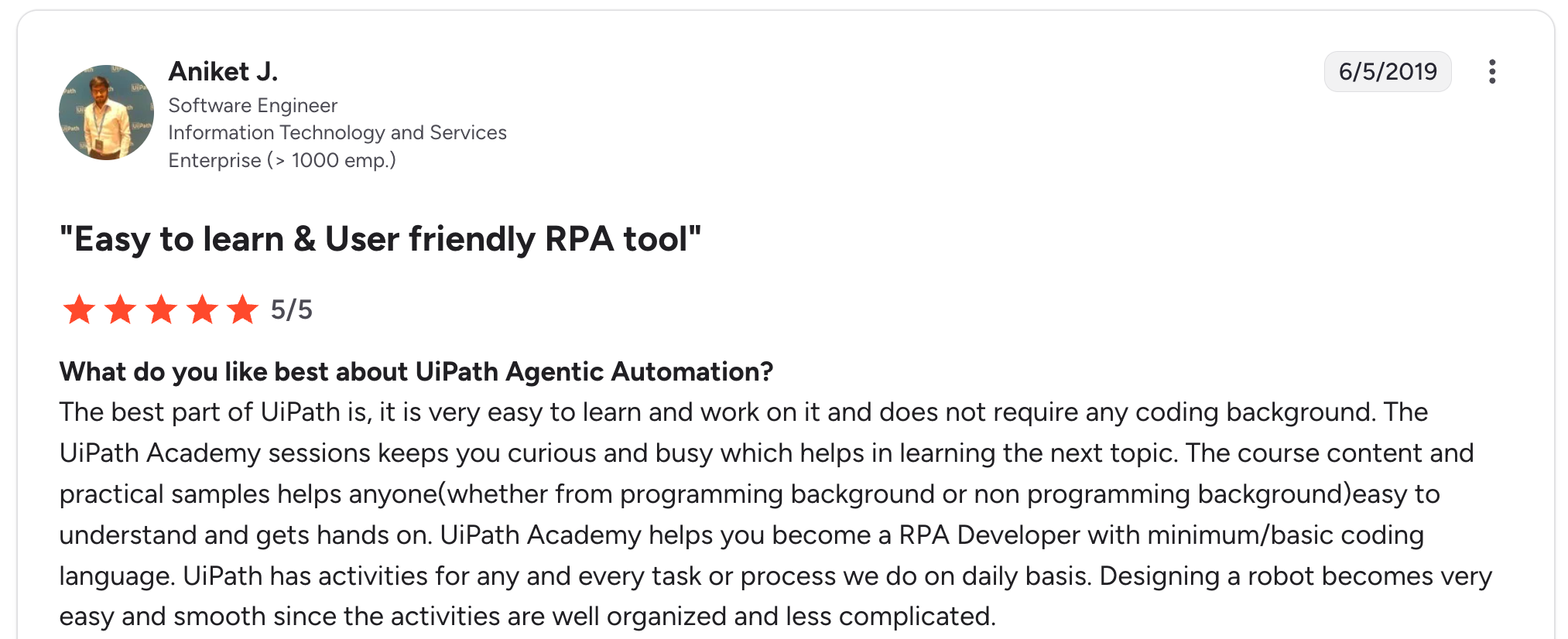
“The best part of UiPath is that it is very easy to learn and work on it, and it does not require any coding background. The UiPath Academy sessions keep you curious and busy, which helps in learning the next topic.” Aniket J, G2

“One thing I dislike about UiPath Agentic Automation is that the initial setup and configuration can feel complex, especially for teams that are new to advanced automation or AI-driven workflows.” Nitesh R, G2
Pricing
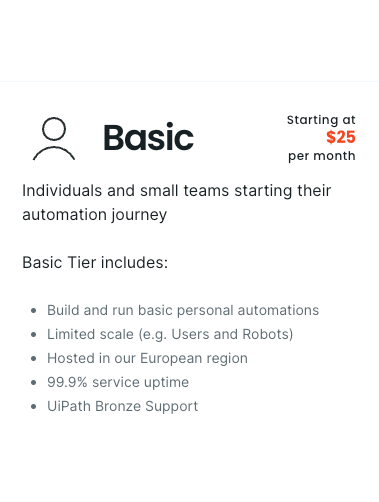
Free Community edition available; Basic starts at $25/month (entry bundle, limited seats). See UiPath's pricing page for details.
Bottom Line
UiPath earns its place anywhere you're stuck pulling data out of a legacy ERP. For modern SaaS workflows, an iPaaS tool like Zapier or Workato is a better fit.
6. Zite: Best for Building Custom Apps with Workflows
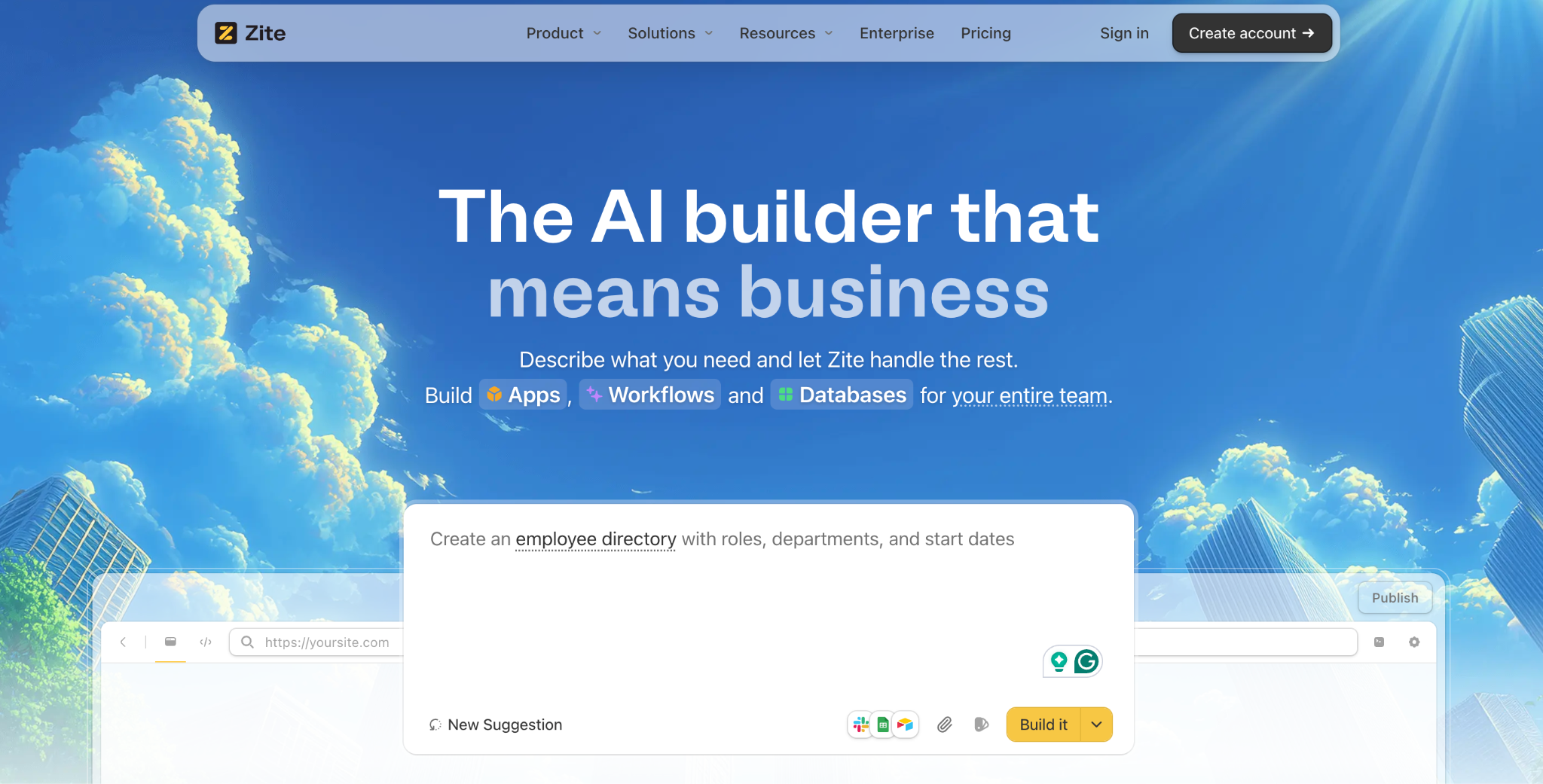
What it does: Zite is an AI no-code app builder for teams that need to build a custom business app with built-in workflows.
Best for: Non-technical operations teams who need to build a custom business app with the workflows running inside it.
I tested Zite by generating a working request tracker with notification rules from a single prompt. It went from blank slate to working app in 20 minutes. Most BPA tools orchestrate across systems you already have.
Zite builds the app where the workflows live, with logic firing on form submissions, button clicks, and record updates, as well as on a recurring schedule or from external events via webhooks.
Key Features
- AI app generation: Describe the app and the workflows in plain language, and get a working version in minutes.
- Built-in database: Linked tables, AI fields, and visual app logic live inside Zite, no separate database setup.
- Role-based permissions: Control access by role before launch, with optional external user logins.
- Native connections: Pull data from Airtable, Google Sheets, and Slack directly into your app.
- Scheduled and triggered automation: Run workflows on a recurring schedule for summaries, reminders, and cleanup jobs (Business tier and up), or fire them from external events such as incoming SMS, Slack activity, calendar changes, and payment events via webhooks on every plan.
Pros
- Fastest path to a working custom app for non-technical teams.
- Workflows are AI-generated and visually inspectable, so you can verify what the AI built.
- Unlimited users on every plan, no per-seat pricing surprises.
Cons
- Not a standalone connector hub like Workato or Zapier. Zite connects to and moves data across external systems, but wiring together systems you already run isn't its main purpose. Its angle is building the app with the workflows inside it.
- Newer tool, so marketplace templates and the broader ecosystem are still growing.
What Users Say
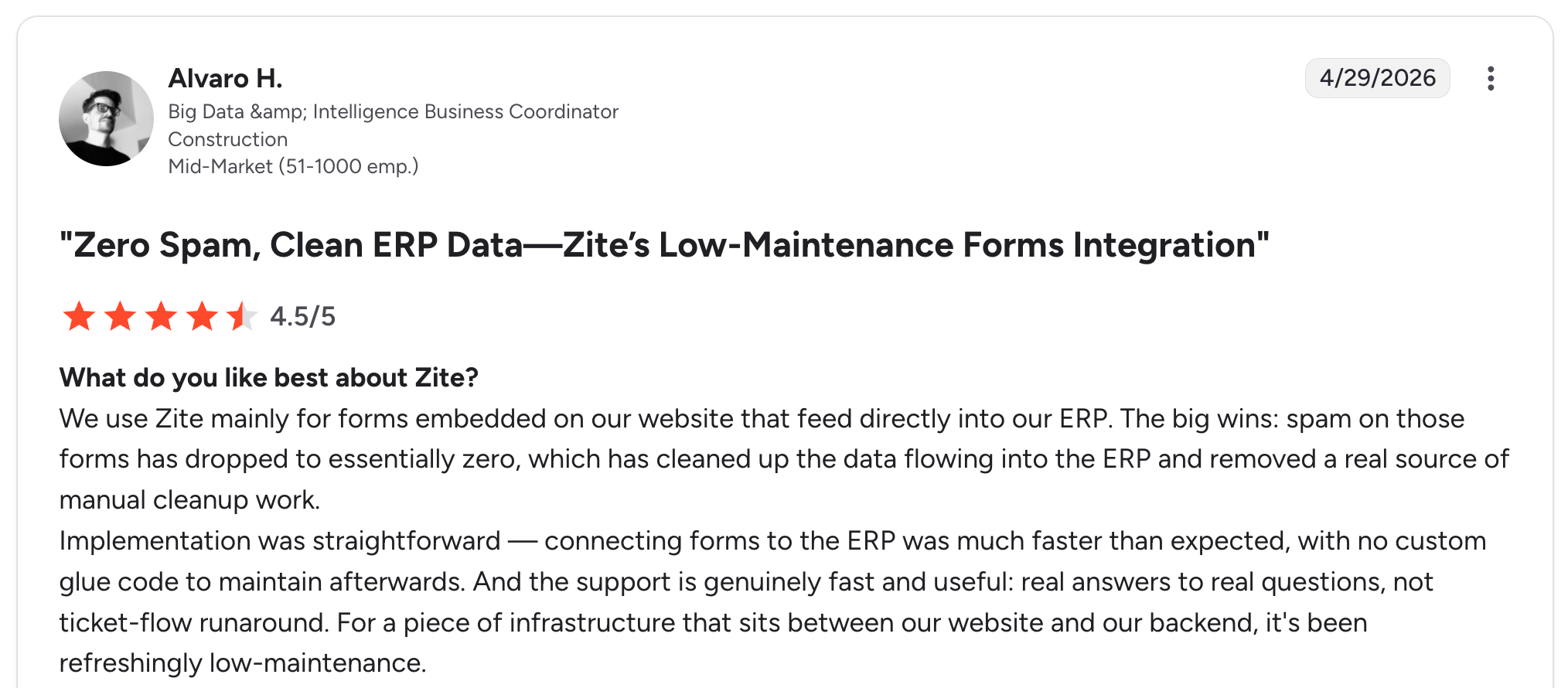
“Implementation was straightforward, connecting forms to the ERP was much faster than expected, with no custom glue code to maintain afterward. And the support is genuinely fast and useful: real answers to real questions, not ticket-flow runaround.” Alvaro H, G2

“It does not sync with GitHub like V0 or lovable.” Reddit User
Pricing
Free plan, Pro at $19/month, Business at $69/month, both billed monthly. See Zite’s pricing page for details.
Bottom Line
Zite's strength is building the app where the workflows live. If your processes orchestrate across SAP, Salesforce, or NetSuite, the iPaaS or BPM tools above are the call to make. If your team needs a new internal app for request tracking, approvals, or onboarding, Zite is the fastest path to it.
7. Zapier: Best for Small Teams Connecting Cloud Apps
What it does: The most popular cloud automation tool for connecting SaaS apps. Lets small teams set up “when X happens in App A, do Y in App B” automations with no engineering help.
Best for: Small teams connecting cloud apps with no IT involvement.
Zapier is the easiest entry point for teams new to automation. With 9,000+ integrations and a visual editor that non-technical users can navigate, the first useful automation can be set up in about 10 minutes. The catch is task-based pricing, which adds up fast once your automations run thousands of times per month.
Key Features
- 9,000+ integrations: The broadest connector library on the market across SaaS tools.
- Multi-step Zaps: Workflows with branching logic, filters, and data formatting.
- Webhooks and scheduling: Custom triggers for apps without native connectors.
- Built-in error handling: Automatic retries and notifications when a Zap fails.
Pros
- Broadest connector library on the market.
- Non-technical users can build their own automations in minutes.
- Strong community library of templates and recipes.
Cons
- Task-based pricing gets expensive at scale.
- Some connectors are polling-based, which adds latency.
What Users Say
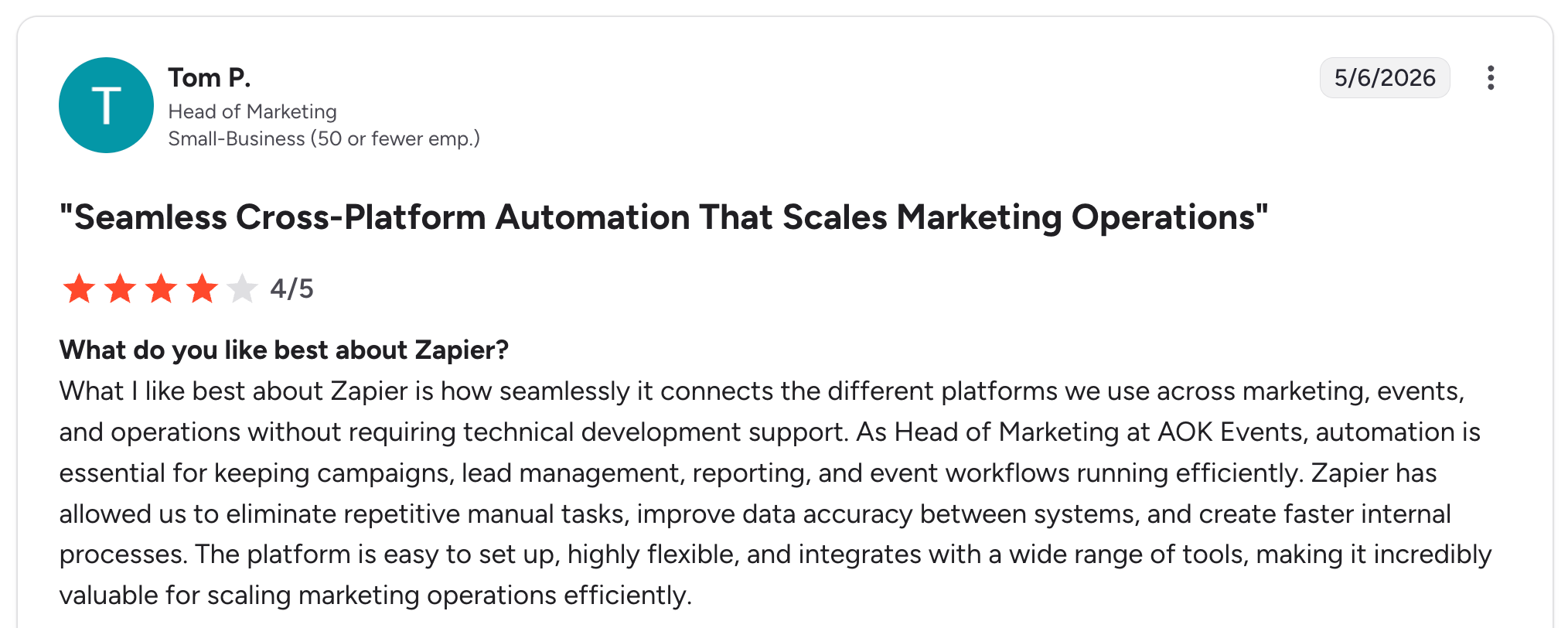
“What I like best about Zapier is how seamlessly it connects the different platforms we use across marketing, events, and operations without requiring technical development support.” Tom P, G2

“I can’t build complex systems or advanced AI agents using Zapier. I can add small JavaScript snippets, but I can’t include libraries, which limits what I’m able to do.” Kunal H, G2
Pricing
Professional at $29.99/month, Team from $103.50/month. See Zapier's pricing page for details.
Bottom Line
Zapier is the easiest entry point for teams new to automation. Look elsewhere if you’re running thousands of tasks each month; the per-task pricing model will hurt.
8. Make: Best for Visual Debugging of Complex Flows
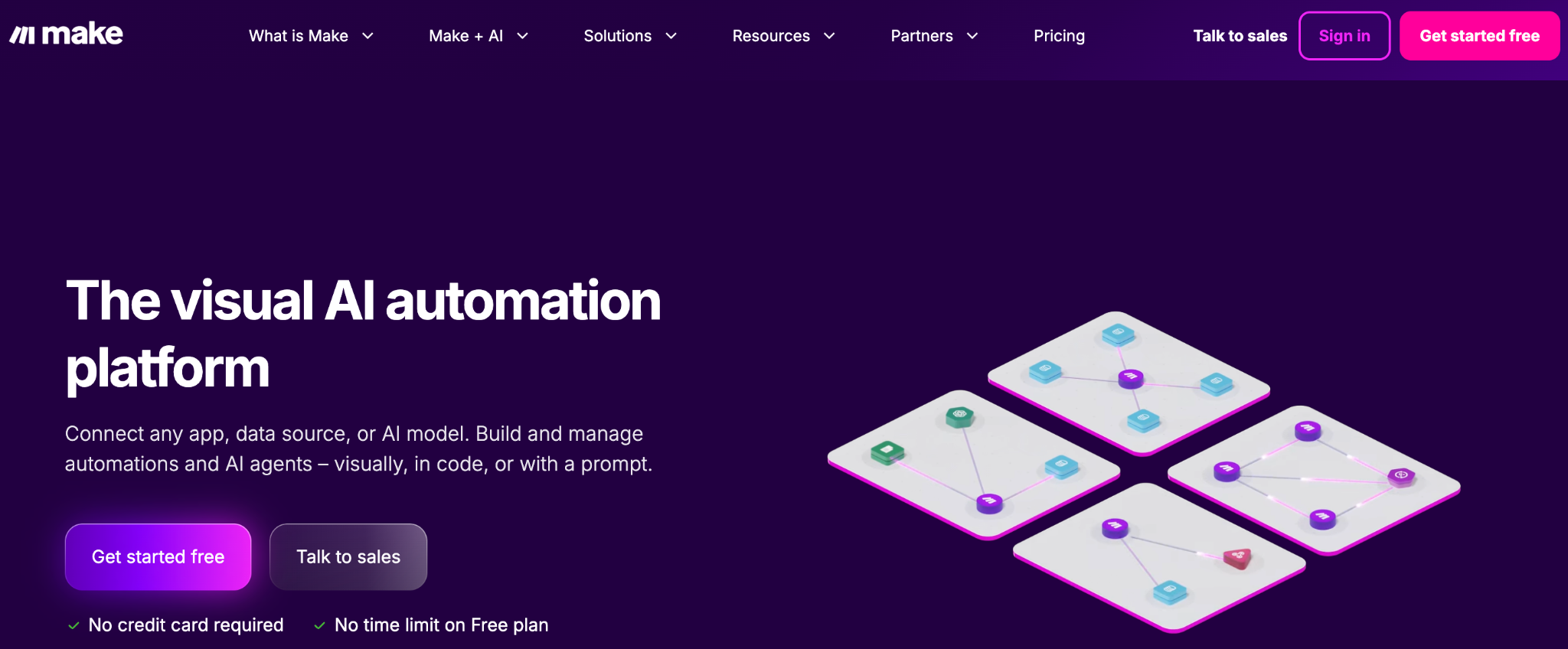
What it does: A visual automation tool that shows workflows as connected modules on a canvas, with full visibility into how data moves between steps.
Best for: Teams who need to visually debug complex multi-step automations.
Make is stronger than Zapier for complex flows because the canvas shows every step and every data transformation. When something breaks, you can see exactly which module failed and what data it received. The learning curve is steeper than that of Zapier. It’s worth the time for any automation beyond two steps.
Key Features
- Visual canvas: Every step and data transformation is visible at a glance.
- 3,000+ integrations: Broad connector library, growing fast.
- Built-in data tools: Iterators, aggregators, parsers for complex transformations.
- Real-time execution monitoring: Watch a scenario run in real time as it executes.
Pros
- Visual canvas makes complex workflows easier to understand and debug.
- Operations-based pricing can be cheaper than task-based pricing for multi-step flows.
- Strong data manipulation features are built in.
Cons
- Steeper learning curve than Zapier.
- Smaller community and template library than Zapier.
What Users Say

“Works quickly and is able to see runs animated through the process. Pricing is reasonable, although it appears to be increasing.” Guy R, G2

“The error reporting is a bit technical. You have to either look up the issues or learn how to read the technical output. Some credit usage is a little ambiguous (particularly for AI modules).” Logan B, G2
Pricing
Core at $16/month, Pro from around $24/month. See Make’s pricing page for details.
Bottom Line
When your automations get complex enough to need visual debugging, Make's canvas pays off. For two-step "when X, do Y" flows, Zapier is simpler.
9. Nintex: Best for Document-Heavy SharePoint Workflows
What it does: A workflow automation tool specializing in document-heavy processes inside SharePoint, Office 365, and Salesforce, with native document generation and e-signature features.
Best for: Document-heavy workflows in SharePoint or Office 365.
Nintex is built around document workflows: contract routing, employee onboarding paperwork, and approval-heavy compliance processes. In testing, building a contract approval workflow inside SharePoint took less than 30 minutes. Outside SharePoint and Office 365 environments, value drops sharply.
Key Features
- Native SharePoint and Salesforce connectors: Built directly into the document workflow features.
- Document generation and e-signature: Generate documents from templates and route for signature inside the workflow.
- Process mapping (Promapp): Process documentation tied to execution, included on most tiers.
- Nintex RPA: Optional add-on for screen-based automation.
Pros
- Strong document workflow features built in.
- Good fit for compliance and approval-heavy industries.
- Process mapping is integrated with execution.
Cons
- Limited value outside SharePoint and Office 365 environments.
- UI feels older than newer cloud-first tools.
What Users Say

“I like that Nintex is a no-code solution, which means I don't need to be a developer to use it. I can easily drag elements and tell the AI assistant what needs to be done, and it will make suggestions for me.” Valerie D, G2

“Sometimes the query a list and update items action fails in Nintex while performing or executing the workflows.” Verified User, G2
Pricing
Custom enterprise pricing only. Contact Nintex sales for quotes.
Bottom Line
Nintex is the right pick for document-heavy work in SharePoint or Office 365. For cloud-first companies running on Google Workspace or modern SaaS, look elsewhere.
10. Kissflow: Best for Mid-Market HR, Finance, and Procurement
What it does: A cloud BPM tool aimed at mid-market companies running structured workflows in HR, finance, procurement, and IT. Bundles forms, processes, projects, and case management into one product.
Best for: Mid-market companies running structured HR, finance, and procurement workflows.
Kissflow occupies a useful middle ground for mid-market companies. It’s a step up from Zapier or Make for structured human workflows, while Fortune 500 BPM needs require something heavier like Pega or Appian. In testing, building a purchase requisition approval workflow took an afternoon.
Key Features
- Visual workflow builder: No-code logic with conditional branching and parallel paths.
- Forms, processes, projects, cases: Bundled in one product, covers most ops use cases.
- Custom apps: For non-standard processes that don’t fit a prebuilt template.
- Mobile experience: Native mobile app for approvals on the go.
Pros
- Bundled forms, processes, and cases cover a wide range of ops needs.
- Good fit for HR and finance departments at mid-market companies.
- Faster to deploy than enterprise BPM tools.
Cons
- Per-user pricing can get expensive at larger headcounts.
- Less depth than enterprise tools for complex case management.
What Users Say
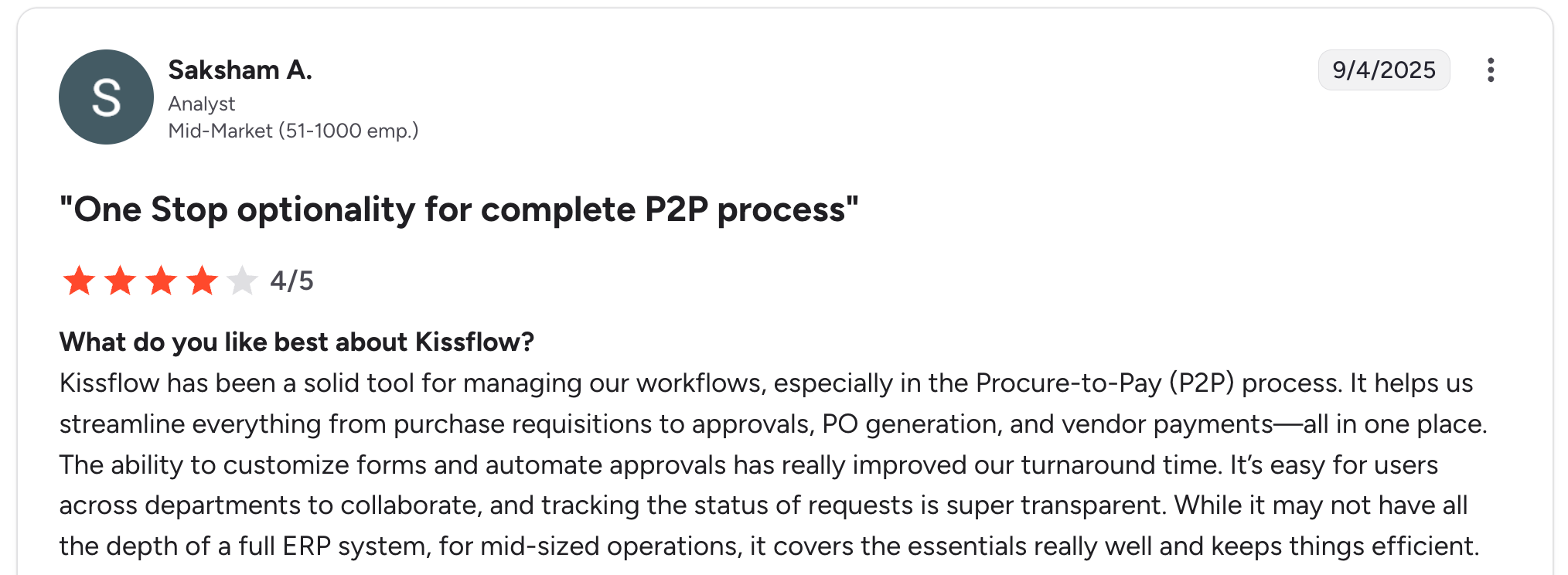
“Kissflow has been a solid tool for managing our workflows, especially in the Procure-to-Pay (P2P) process. It helps us streamline everything from purchase requisitions to approvals, PO generation, and vendor payments—all in one place.” Saksham A, G2

“Can feel limiting once processes become complex and highly customized, especially when they have advanced integrations.” Carlos C, G2
Pricing
Basic plan $2,500/month. See Kissflow's pricing page for details.
Bottom Line
Kissflow is the right choice for mid-market HR, finance, or procurement teams running structured workflows. Small teams should start with Zapier or Make; large enterprises need Pega or Appian.
11. Camunda: Best for Engineering Teams Using BPMN
What it does: An open-source BPM engine widely used by engineering teams. Workflows are modeled in BPMN (Business Process Model and Notation) and executed by the engine, which provides strong Java and REST APIs.
Best for: Engineering teams building BPMN-based workflows in their own code.
Camunda is developer-first. The free open-source core is the foundation of many enterprises’ mission-critical workflows. Building a workflow in BPMN takes more setup than no-code tools. The payoff is workflows that are precise and portable, with full version control. Non-technical users will struggle without engineering support.
Key Features
- BPMN 2.0 and DMN support: Full standards compliance for modeling processes and decisions.
- Open-source core: Free Community edition with paid Enterprise tier for support and additional features.
- Strong REST APIs: Java SDK and HTTP APIs for embedding the engine in custom apps.
- Process monitoring and analytics: Enterprise tier includes runtime monitoring and historical analytics.
Pros
- Developer-first approach with industry-standard BPMN.
- Open-source core can run for free.
- Used by major enterprises for mission-critical workflows.
Cons
- Engineering involvement required for setup and operation.
- The end-user UI is minimal compared to that of no-code tools.
What Users Say

“Camunda has significantly contributed to improving our business operations, largely due to its robust workflow orchestration capabilities.” Shilpa S, G2

“The interface feels a bit old and not very user-friendly sometimes.” Piyush T, G2
Pricing
The open-source community edition is free. Camunda 8 SaaS and Enterprise pricing custom. See Camunda’s pricing page for details.
Bottom Line
Camunda is the right pick if your team has engineering capacity and wants BPMN-standard workflows. Non-technical teams should pick a no-code tool.
12. n8n: Best for Open-Source Workflow Automation
What it does: An open-source workflow automation tool that combines the visual canvas approach of Make with the option to self-host. Strong fit for technical teams who want control over their automation infrastructure.
Best for: Technical teams who want open-source workflow automation with self-hosting options.
n8n has grown quickly as an alternative to Zapier and Make, especially among teams that want to self-host or run automations on their own servers. The visual canvas is familiar to Make users. The hosted cloud version offers a faster start, while the self-hosted option gives full data control.
Key Features
- Open-source core: Free to self-host with the same canvas-based UI as the cloud version.
- 350+ native integrations: Growing connector library across SaaS and developer tools.
- JavaScript and Python nodes: Run custom code inline for transformations that the UI doesn’t cover.
- AI agent nodes: Built-in nodes for connecting to OpenAI and other LLMs.
Pros
- The self-hosting option gives full data control.
- Active open-source community with a growing connector library.
- Visual canvas familiar to Make users.
Cons
- Newer tool, so the connector ecosystem is smaller than Zapier or Make.
- Self-hosting requires technical setup and maintenance.
What Users Say
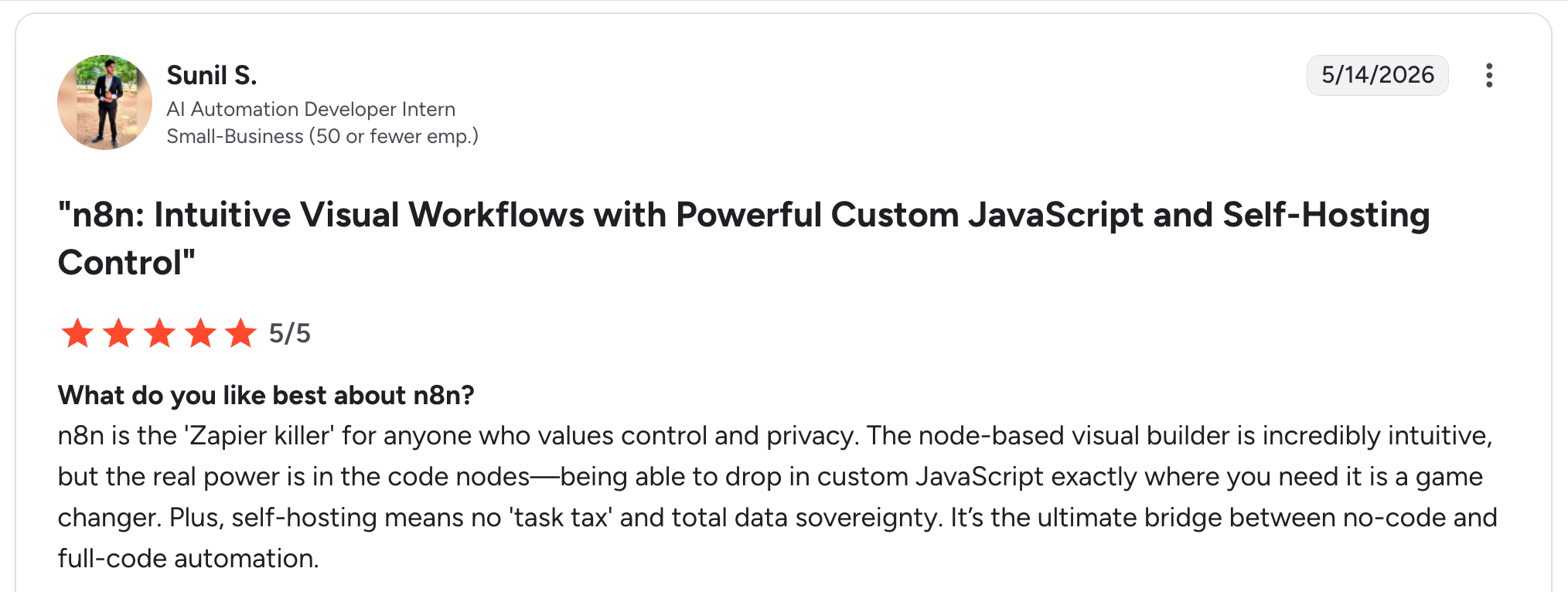
“n8n is the 'Zapier killer' for anyone who values control and privacy. The node-based visual builder is incredibly intuitive, but the real power is in the code nodes—being able to drop in custom JavaScript exactly where you need it is a game changer.” Sunil S, G2

“What I find most challenging is the steep learning curve for non-developers. While the power is there, the UI can feel overwhelming when trying to map complex JSON data without a background in JavaScript.” Renee C, G2
Pricing
Free self-hosted Community edition; Cloud Starter from around $24/month. See n8n’s pricing page for details.
Bottom Line
n8n is the right choice for technical teams who want open-source flexibility and self-hosting. For non-technical users, hosted tools like Zapier or Make are easier to start with.
13. IBM Business Automation Workflow: Best for Legacy Enterprise Process Automation
What it does: IBM’s enterprise BPA suite, part of the Cloud Pak for Business Automation, focuses on process automation, content management, and decision automation for large enterprises.
Best for: Large enterprises already running on IBM infrastructure that need full lifecycle process automation.
IBM Business Automation Workflow is one of the heaviest tools in this list, with a steep learning curve and a long implementation timeline. In return, it offers deep integration with IBM’s broader stack and enterprise-scale governance. Most adoptions happen because the buyer already runs IBM products elsewhere.
Key Features
- Process designer: BPMN-based process design with full lifecycle management.
- Content services: Built-in content management for document-heavy workflows.
- Decision automation: Business rules engine for automated decision-making.
- Cloud Pak integration: Ties into IBM’s broader AI and data services.
Pros
- Deep integration with IBM’s broader enterprise stack.
- Strong governance and compliance features for regulated industries.
- Mature product with decades of enterprise track record.
Cons
- Heavy implementation effort, often six to twelve months.
- UI feels dated compared to newer cloud-first tools.
What Users Say

“IBM BAW offers a powerful platform for modeling, automating, and monitoring business processes at scale. It supports both BPMN workflows and case management in a unified environment, which is ideal for complex enterprise scenarios.” Mohamed Ghazali M, G2

“The very high cost in the implementation of solutions using BAW.” Verified User, G2
Pricing
Custom enterprise pricing only. Create an IBM account to request a quote.
Bottom Line
IBM Business Automation Workflow is the right choice if your enterprise already runs on IBM's stack and you need lifecycle process automation. Otherwise, a more modern tool will get you to value faster.
Which Business Process Automation Tool Should You Choose?
The right pick depends on what kind of workflow you’re automating, who’s going to build it, and what tools your business already runs.
Choose Workato or IBM Business Automation Workflow if you:
- Run enterprise systems like SAP, Salesforce, or Workday.
- Need real-time orchestration across multiple large business systems.
- Have a budget for enterprise pricing and a multi-quarter implementation.
Choose Microsoft Power Automate if you:
- Already standardized on Microsoft 365.
- Want approval workflows native to Teams, Outlook, and SharePoint.
- Need a free starter tier for basic automations.
Choose Pega or Appian if you:
- Run complex case management in financial services, healthcare, or government.
- Have the budget and engineering resources for enterprise BPM.
- Need long-running processes with sophisticated decisioning.
Choose Zapier or Make if you:
- Run a small or mid-size business with cloud SaaS apps.
- Need non-technical users to build their own automations.
- Want fast setup with no engineering involvement.
Choose Nintex or Kissflow if you:
- Run document-heavy or mid-market HR, finance, and procurement workflows.
- Need structured processes inside SharePoint (Nintex) or as a standalone product (Kissflow).
Choose UiPath if you:
- Need to automate work inside legacy systems without APIs.
- Are running RPA at scale across the business.
Choose Camunda or n8n if you:
- Have engineering capacity and want open-source control.
- Need BPMN-standard workflows (Camunda) or a visual workflow canvas with self-hosting (n8n).
Choose Zite if you:
- Need to build a custom business app and want the workflows inside it.
- Want a non-technical, AI-generated path to a working app in hours.
- Want the app itself, not a standalone connector hub like Workato or Zapier for wiring together systems you already run.
Final Verdict
For most operations teams, Workato is the strongest enterprise iPaaS, Zapier is the easiest SMB starter, and Pega or Appian is the right call for serious case management. When your workflow lives inside an app you need to build, Zite is the fastest path to that app.
Frequently Asked Questions
What is business process automation software?
Business process automation software automates structured workflows that move data across systems and route work to the right people. Common examples include invoice approval, employee onboarding, and contract routing for signatures.
What’s the difference between BPA and RPA?
The difference between BPA and RPA is what they automate. BPA automates structured workflows across systems and people, such as invoice routing and employee onboarding. RPA mimics human clicks in apps without APIs, like extracting data from a legacy ERP.
What’s the best free business process automation tool?
The best free business process automation tool depends on your use case. Zapier and Make have free tiers for cross-system automations. Camunda and n8n are free as open-source software. Zite’s free plan covers custom apps with workflows.
How much does business process automation software cost?
Business process automation software pricing varies dramatically by category. Cloud tools (Zapier, Make) start at $16-$29.99 per month, mid-market tools (Kissflow) at $2,500 per month, and enterprise tools (Workato, Pega, Appian) use custom pricing in the thousands per month.
Can I build a BPA workflow without code?
Yes, you can build BPA workflows without code using tools like Zapier, Make, Power Automate, Kissflow, and Zite. They use visual builders or plain-language prompts, no programming required.

