


A client management portal turns scattered email threads and shared drives into one branded space your clients can actually use. I tested client management portals across price ranges from free to $300+/month and narrowed the field to the nine that earn their place in a service business.
9 best client management portals: quick comparison
The full breakdown is below, but here’s the at-a-glance view so you can skip to what fits your business.
How I tested these client management portals
I built the same sample setup in each tool: a service business onboarding a new client with a welcome page, a proposal, a signed contract, an invoice, and a place to share project files. Where the free trial allowed it, I invited a test client to see what the experience looks like from the other side.
The criteria I weighed for every tool:
- Onboarding flow: How fast a new client can sign in, accept terms, and find what they need without help.
- Branding: How much the portal looks like your business versus the vendor’s product.
- Document and file sharing: How easy it is to send, receive, and organize files with each client.
- Billing and payments: Whether the tool handles invoicing and collection or expects you to use a separate tool.
- Pricing structure: Whether per-user, per-client, or flat pricing makes sense for your client volume.
This approach helped me see which client management portals save service businesses time and which ones look better in a feature comparison but fall short in daily use.
1. SuiteDash: best for all-in-one SMB client management
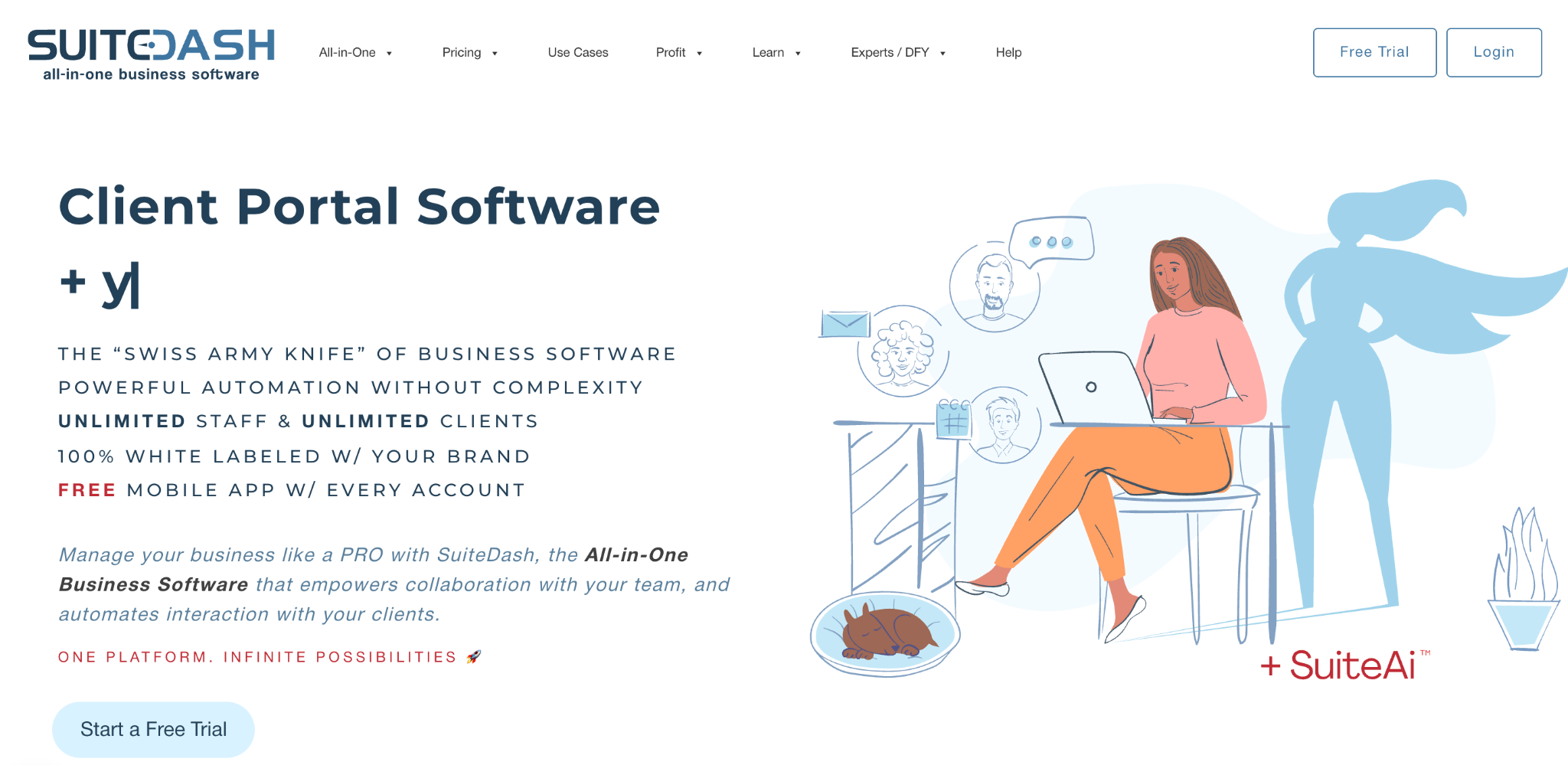
What it does: Combines CRM, project management, file sharing, billing, contracts, and a client portal into one tool.
Best for: Small- and mid-sized service businesses that want to consolidate multiple tools into a single system.
SuiteDash is the most comprehensive all-in-one tool on this list. When I tested it, I had access to features that would normally require four or five separate apps.
The tradeoff is the learning curve. SuiteDash has so much going on that the first week feels overwhelming, even with the guided setup.
Key features
- Full client portal with white-labeling: Custom domain, custom branding, custom email sending.
- Built-in CRM: Track leads, deals, and clients through one pipeline.
- Project management: Tasks, milestones, time tracking, and Kanban boards inside the same tool.
- Invoicing and billing: Send estimates, invoices, and accept payments through Stripe or PayPal.
- Document e-signing: Native contract creation and signing without a separate DocuSign account.
Pros
- The widest feature set of any tool I tested for the price. SuiteDash replaces three or four other tools.
- White-labeling extends to the custom domain and outbound emails.
- Pricing scales by feature tier, not by client count, so you can grow client volume without upgrading.
Cons
- The learning curve is real. Plan to spend 2 to 4 weeks getting comfortable.
- Interface looks dated compared to Assembly or HoneyBook.
- Setup time eats into the savings you’d expect from consolidating tools.
What users say
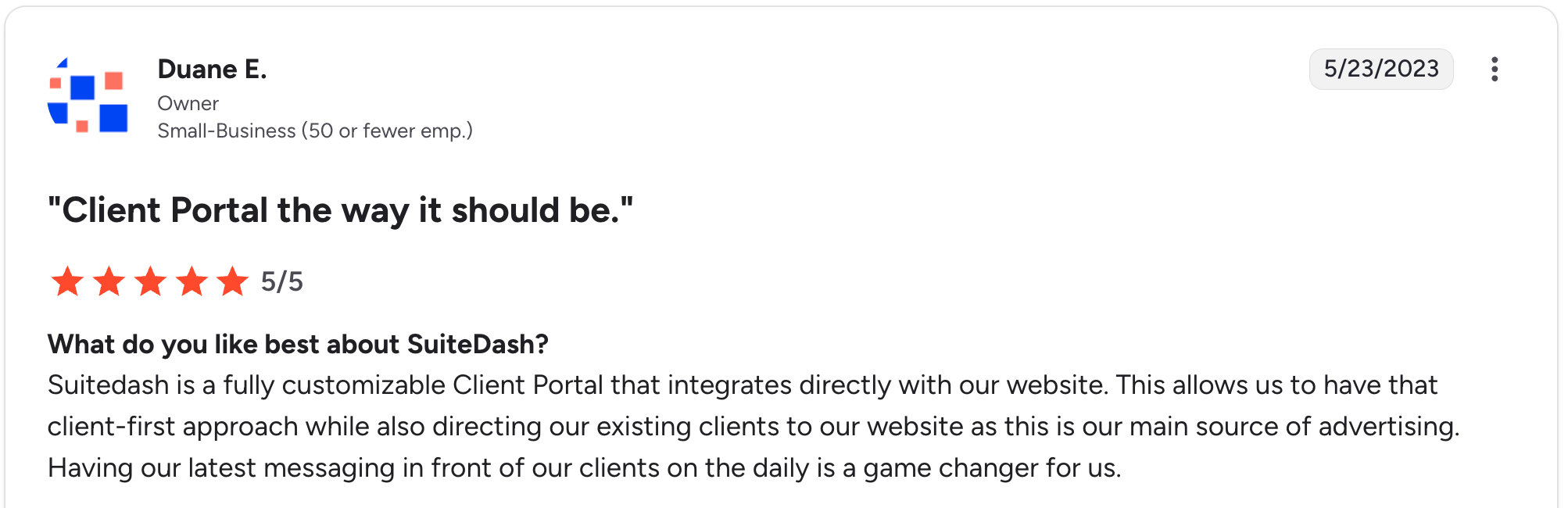
“SuiteDash is a fully customizable Client Portal that integrates directly with our website. This allows us to have that client-first approach while also directing our existing clients to our website, as this is our main source of advertising.” Duane E, G2

“My only real drawback with the platform is the lack of support for multiple currencies, especially the South African Rand. That unfortunately rules out features like invoicing and quotations for my use case.” Roberto P, G2
Pricing
- Start: $19/month for basic portal and CRM features.
- Thrive: $49/month for full client portal, project management, and invoicing.
- Pinnacle: $99/month with full white-labeling and additional automation.
See SuiteDash’s pricing page for details.
Bottom line
SuiteDash is the right pick if you’re consolidating multiple tools and you can absorb the learning curve. If client-facing polish matters more than backend depth, Assembly or HoneyBook are easier paths.
2. Assembly: best for modern branded service experiences
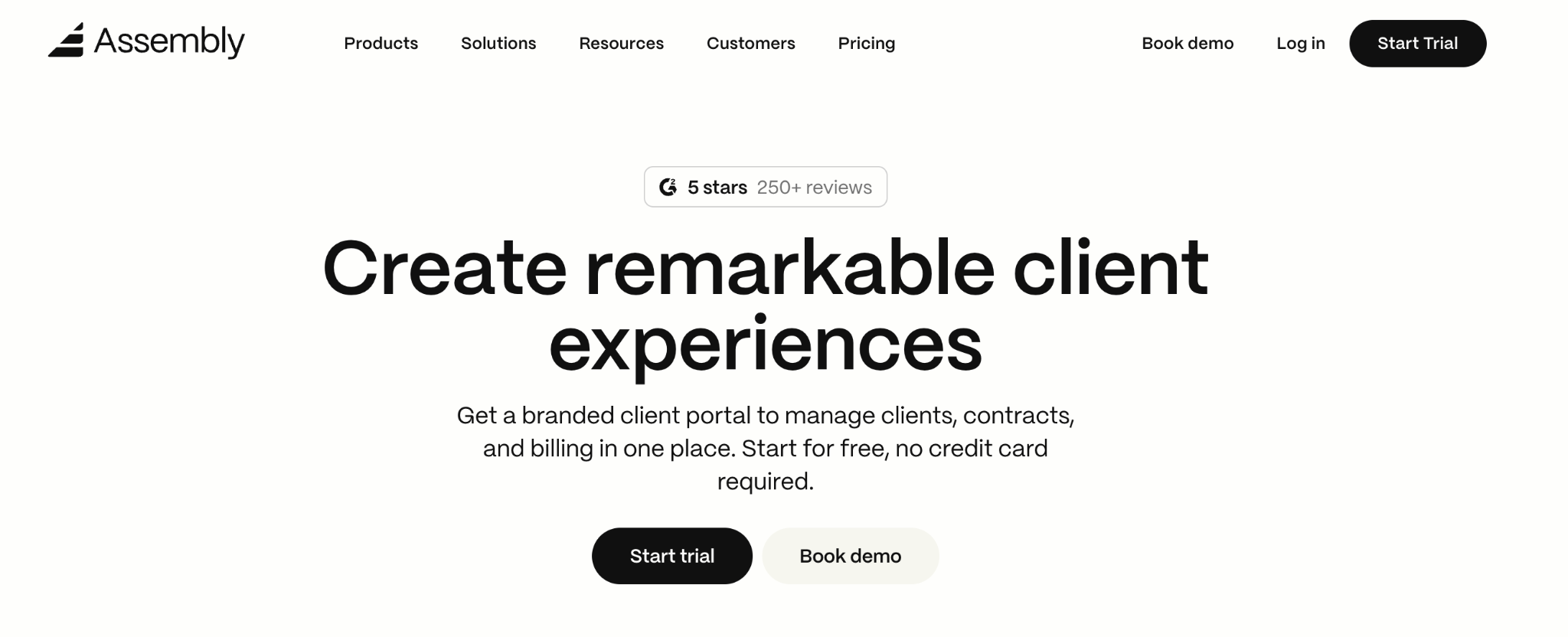
What it does: Modern, design-forward client portal with built-in messaging, billing, file sharing, and contracts.
Best for: Service businesses where the client-side experience matters as much as the backend functionality.
Assembly is the most polished client portal I tested from the client's perspective. The portal looks like a modern software product, which makes the service business that uses it look more professional, too.
The tradeoff is depth. Assembly is intentionally narrower than SuiteDash.
Key features
- Modern branded portal: Custom domain, custom branding, polished interface that clients will actually enjoy using.
- Built-in messaging: Threaded conversations with each client inside the portal.
- Billing and subscriptions: Stripe integration for one-time invoices and recurring subscription billing.
- Files and e-signatures: Document sharing and signing built in.
- CRM features: Track client lifecycle through one view.
Pros
- The client-side experience is the cleanest I have tested. New clients find their way around without instructions.
- Custom domain works well for agencies that want to present a fully branded experience.
- Recurring billing through Stripe is built in, with no extra setup.
Cons
- Pricing scales by client count on some tiers, which gets expensive past 50 active clients.
- Project management features are lighter than SuiteDash or HoneyBook.
- Customization beyond branding is more limited than with a build-your-own tool.
What users say

“I love the 'feels like I’m inside the business's system feel” for clients. I love that I can bill them from the software, and I especially love the custom workflows, I love the forms, I love the ability to add multiple people, a company, etc.” John M, G2

“Customizability options are lacking, and some clients get confused as to where things are. Instructions should be provided to the client when they first use a magic link to log in, guiding them on how to continue accessing their dashboard going forward.” Rayhan R, G2
Pricing
- Starter: $59/month for 1 internal user with core portal features.
- Professional: $189/month for 3 internal users, custom domain, and full feature access (+$49/user for additional internal users).
- Advanced: $499/month with full white-labeling and enterprise features.
See Assembly's pricing page for details.
Bottom line
Assembly is the right pick if your clients judge you partly on the tools you use. Skip it if you need deep customization or the pricing math breaks past 50 active clients.
3. HoneyBook: best for creative freelancers and small service teams

What it does: End-to-end client management tool for service businesses, covering lead capture, proposals, contracts, payments, and a client portal.
Best for: Creative freelancers (photographers, designers, event planners) and small service teams managing the full client lifecycle.
HoneyBook is the most popular tool for creative service businesses, and the workflow is built around how creative work actually flows from inquiry through delivery. The proposal-to-contract-to-payment pipeline is the strongest among the tools I tested.
Key features
- Lead capture forms: Branded inquiry forms that feed directly into the project pipeline.
- Proposals and contracts: Templated proposals with e-signing and payment in one document.
- Client portal per project: Each client gets a workspace with files, messages, and payment status.
- Automated workflows: Trigger emails, reminders, and document sends based on project stage.
- Mobile app: Native iOS and Android apps that match the web experience.
Pros
- The proposal-to-payment workflow is the best in the creative services category.
- The mobile app actually works well, which matters for service businesses that run their day from their phones.
- Strong community of users and templates tailored to the creative industries.
Cons
- Workflows are opinionated toward creative service businesses. Other service types feel forced into the templates.
- File organization within client workspaces is more limited than in dedicated document portals.
- Pricing locks you in. There’s no usage-based tier, so light users pay the same as heavy users.
What users say
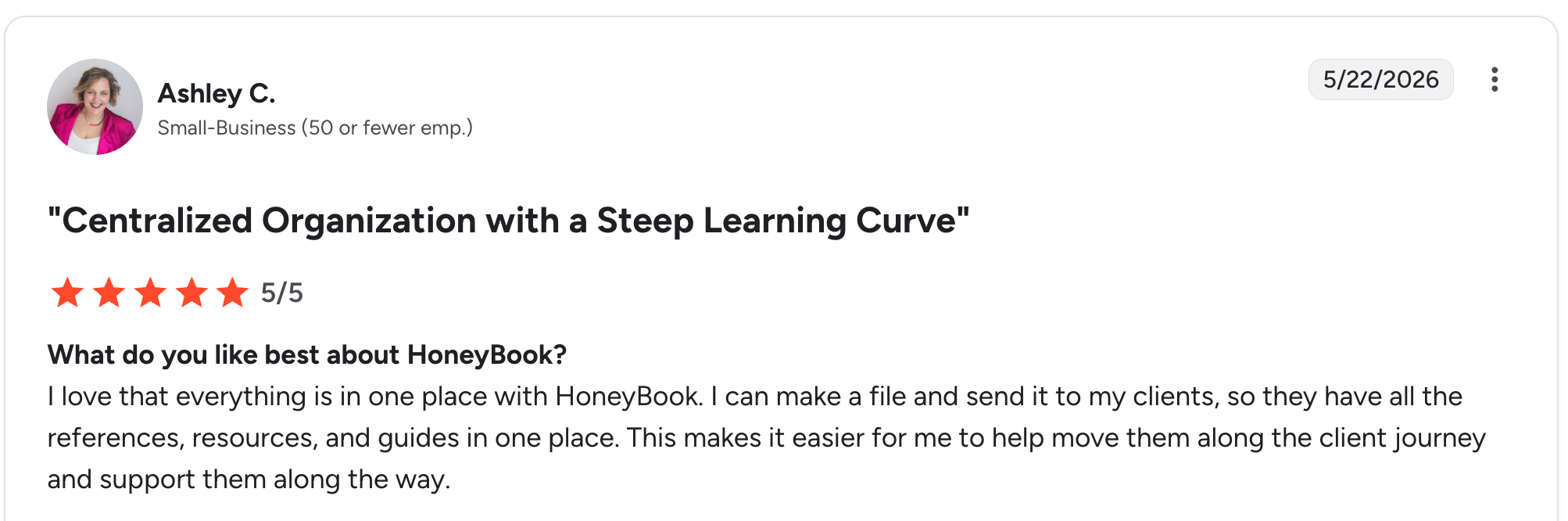
“I love that everything is in one place with HoneyBook. I can make a file and send it to my clients, so they have all the references, resources, and guides in one place.” Ashley C, G2

“One thing I think should be updated pretty quickly is the option to generate a quote without payment terms.” Royal L, G2
Pricing
- Starter: $36/month with core features and HoneyBook branding.
- Essentials: $50.15/month with custom branding and automations.
- Premium: $109.65/month with multiple users and advanced features.
See HoneyBook’s pricing page for details.
Bottom line
HoneyBook is the right pick if you run a creative service business and you want a tool built specifically for your workflow. Other service types will get more value from Assembly or SuiteDash.
4. Zite: best for teams building a fully custom client portal
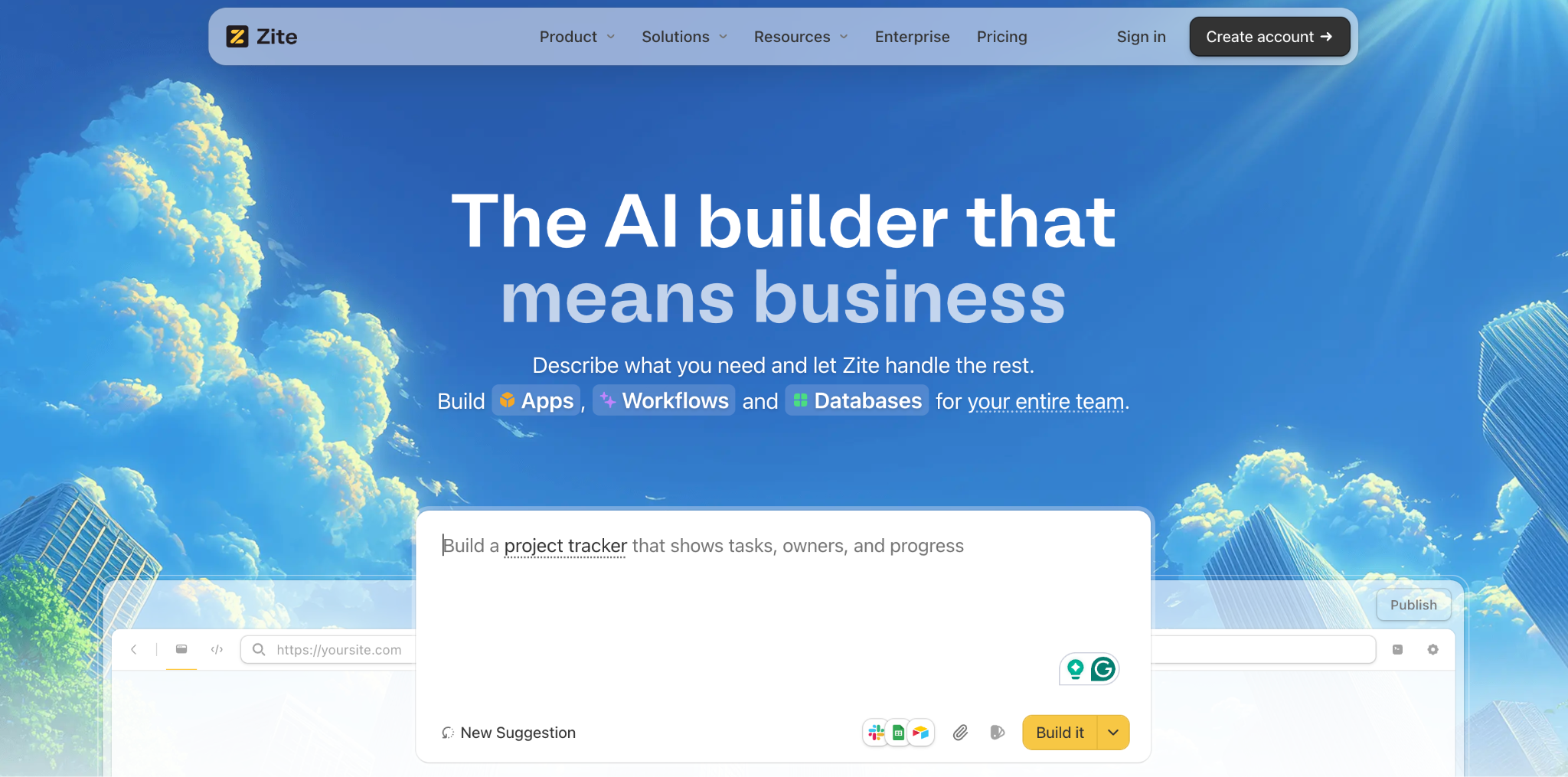
What it does: AI-powered no-code builder that lets non-technical teams create custom client portals from a prompt, with a visible database and visual workflow logic.
Best for: Service businesses, agencies, and ops teams who find templated portals too rigid and want to build exactly what their clients need.
Zite takes a different approach from the templated tools above. Instead of dropping you into a fixed structure, Zite generates a custom client portal from a description, then lays out the database, workflows, and access rules visually so you can see how it all fits together. You make changes by prompting the AI.
When I tested it, the AI built a working portal with client logins, document sections, and a project status table in under an hour. The visual workflow editor showed me what happens when a client uploads a file, so I could trace the logic at a glance.
Key features
- AI-generated portals from prompts: Describe what you want, and Zite builds a working portal with a database and workflows.
- Visual workflow editor: AI-generated app logic shown as a flowchart you can inspect and understand, so you can see what was built and trace how it runs.
- Built-in database: Tables and fields with a spreadsheet feel and real database behavior, including linked records and AI Fields.
- Role-based permissions: Publish internally for your team by default; give each external client their own login with controlled access.
- Branding kit: Pull in your website URL and Zite extracts branding to generate portals that already match your visual identity.
- Unlimited users and apps on every plan: No per-seat or per-client pricing as you scale.
Pros
- Fully custom build means the portal fits your exact workflow instead of a fixed template's structure.
- The branding kit cuts the time to a polished portal that matches your existing brand.
- No per-seat pricing. Agencies sharing portals with 100+ clients pay the same as those sharing with 5.
- Built-in database means client records, documents, and project data live in one place you control.
- Visible app logic. When a client says they didn’t get a notification, you can trace what happened.
Cons
- 50 AI credits on the free plan are enough to build one solid portal, but limit ongoing iteration.
- Newer product, so the template library and community are still growing.
- No native invoicing module. Payment workflows route through Stripe rather than being native to the tool.
What users say

“Implementation was straightforward — connecting forms to the ERP was much faster than expected, with no custom glue code to maintain afterward. And the support is genuinely fast and useful: real answers to real questions, not ticket-flow runaround.” Alvaro H, G2

“It does not sync with GitHub like v0 or Lovable.” Reddit user
Pricing
- Free: Limited AI credits, unlimited users, unlimited apps, basic features.
- Pro: $19/month with custom branding, custom domain, and additional AI credits.
- Business: $69/month with advanced workflows and permission features.
- Enterprise: Custom pricing.
See Zite’s pricing page for details.
You can also compare Zite directly against Airtable, Lovable, and Base44.
Bottom line
I’d pick Zite if I were running a service business that needs a portal templated tools can't match: one that combines client reports, project status, document sharing, and approvals in one branded space I shape by prompting. If you need invoicing and proposals out of the box, HoneyBook or SuiteDash will get you there faster.
5. Bonsai: best for solo consultants and freelancers

What it does: Business management tool for solo professionals, covering contracts, invoicing, time tracking, and a client portal.
Best for: Solo consultants, freelancers, and independent professionals who want a single tool for their entire business.
Bonsai is built for one-person service businesses. The features feel right-sized for someone working alone: contracts are templated for common freelance scenarios, invoicing is straightforward, and the client portal is functional without being overbuilt.
Key features
- Contract templates: Pre-built contracts for common freelance scenarios (design, development, consulting).
- Invoicing and payments: Send invoices, accept payments through Stripe, and track outstanding amounts.
- Time tracking: Built-in time tracker that connects to invoicing.
- Client portal: Branded space where clients access proposals, contracts, and invoices.
- Tax tools: Some plans include tax estimates and expense tracking for the U.S. market.
Pros
- The contract library is useful. The templates have been reviewed by lawyers and cover most freelance scenarios.
- The time-tracking-to-invoicing flow is the smoothest I have tested for hourly work.
- Pricing makes sense for solo professionals without forcing you into team-tier costs.
Cons
- Built for one user. Adding team members requires upgrading, and the multi-user features are weaker.
- The client portal is functional but minimal compared to Assembly or HoneyBook.
- Project management features are basic. Pair Bonsai with another tool if you need real project tracking.
What users say
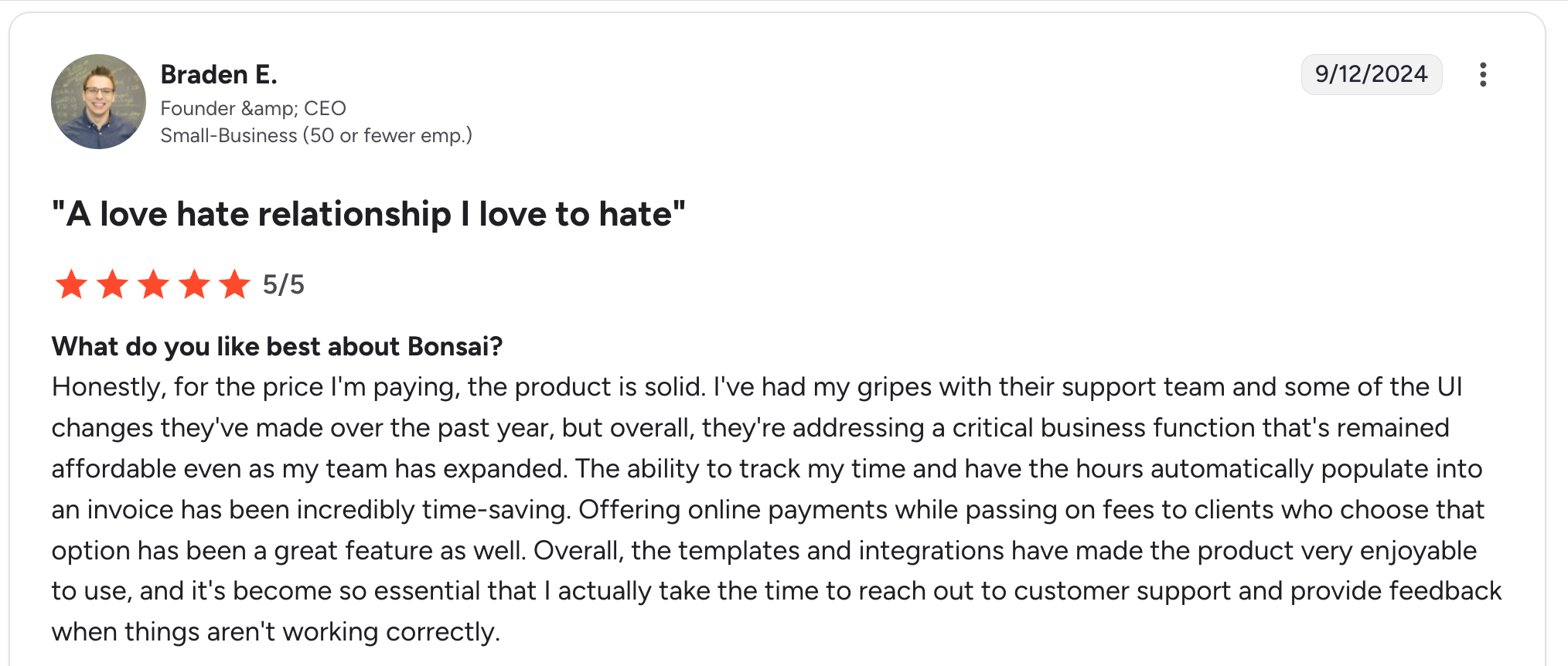
“Honestly, for the price I'm paying, the product is solid. I've had my gripes with their support team and some of the UI changes they've made over the past year, but overall, they're addressing a critical business function that's remained affordable even as my team has expanded.” Braden E, G2

“Some features seem messily put together and poorly thought out for the end user. I hope Bonsai will continue to improve these.” Chelise B, G2
Pricing
- Basic: $15/user/month for contracts, invoicing, and basic features.
- Essentials: $25/user/month with the client portal and project management.
- Premium: $39/user/month for team features and accounting.
See Bonsai’s pricing page for details.
Bottom line
Bonsai is the right pick if you’re a solo professional and you want one tool for the whole business. For team-service businesses, HoneyBook or SuiteDash is a better fit.
6. Clinked: best for compliance-heavy industries

What it does: White-label client portal tool with deep compliance certifications and strong security features.
Best for: Accounting firms, law firms, financial advisors, and other regulated industries where compliance matters as much as features.
Clinked is one of the few portals I tested with serious compliance credentials built in (ISO 27001, GDPR, HIPAA-ready setups). For regulated industries, this is the differentiator.
Key features
- Full white-label setup: Custom domain, custom-branded mobile app, custom email sending.
- Compliance certifications: ISO 27001, SOC 2 Type II, GDPR, and HIPAA-ready configurations.
- Document collaboration: Real-time co-editing, version history, and granular permission controls.
- Group messaging: Threaded conversations with file attachments inside the portal.
- Mobile apps: Native iOS and Android apps with full client portal access.
Pros
- Compliance posture is the strongest I tested. For regulated work, this matters more than feature breadth.
- White-labeling extends to the mobile app, which most competitors don’t offer.
- Document collaboration features hold up well for legal and accounting workflows.
Cons
- Pricing is among the highest on this list, ranging from $299/month to $719/month.
- Setup and onboarding are heavier than the modern tools. Plan for an implementation period.
- The interface feels enterprise-y. Not the right choice if client experience polish is the priority.
What users say
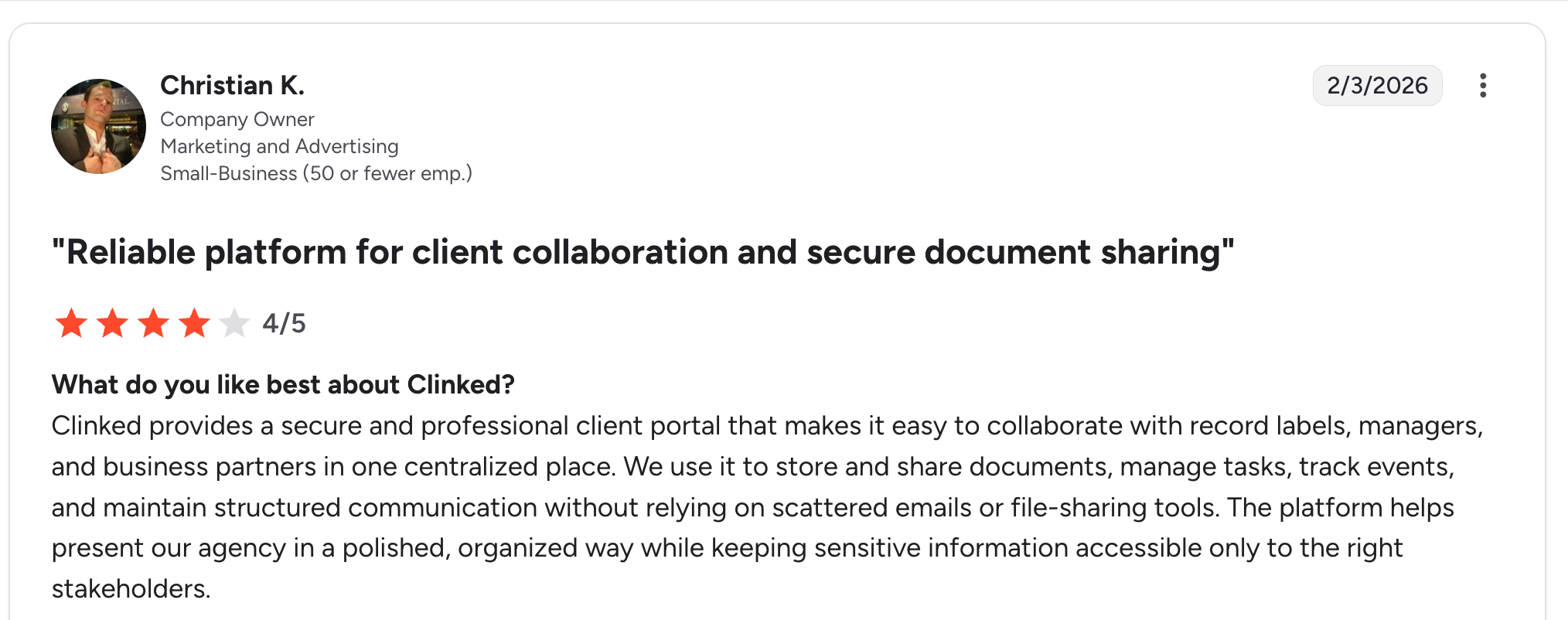
“Clinked provides a secure and professional client portal that makes it easy to collaborate with record labels, managers, and business partners in one centralized place.” Christian K, G2

“I find the scalability and licensing restrictions challenging with Clinked. The cost opacity for scaling is a problem since pricing isn’t publicly available.” Terry W, G2
Pricing
- Standard: $299/month for small teams with basic features.
- Premium: $599/month with full white-label.
- VDR: $719/month with advanced compliance and enterprise features.
See Clinked’s pricing page for details.
Bottom line
Clinked is the right pick if you’re in a regulated industry and compliance is non-negotiable. For general service businesses, the price premium is hard to justify by features alone.
7. Moxo: best for enterprise client onboarding
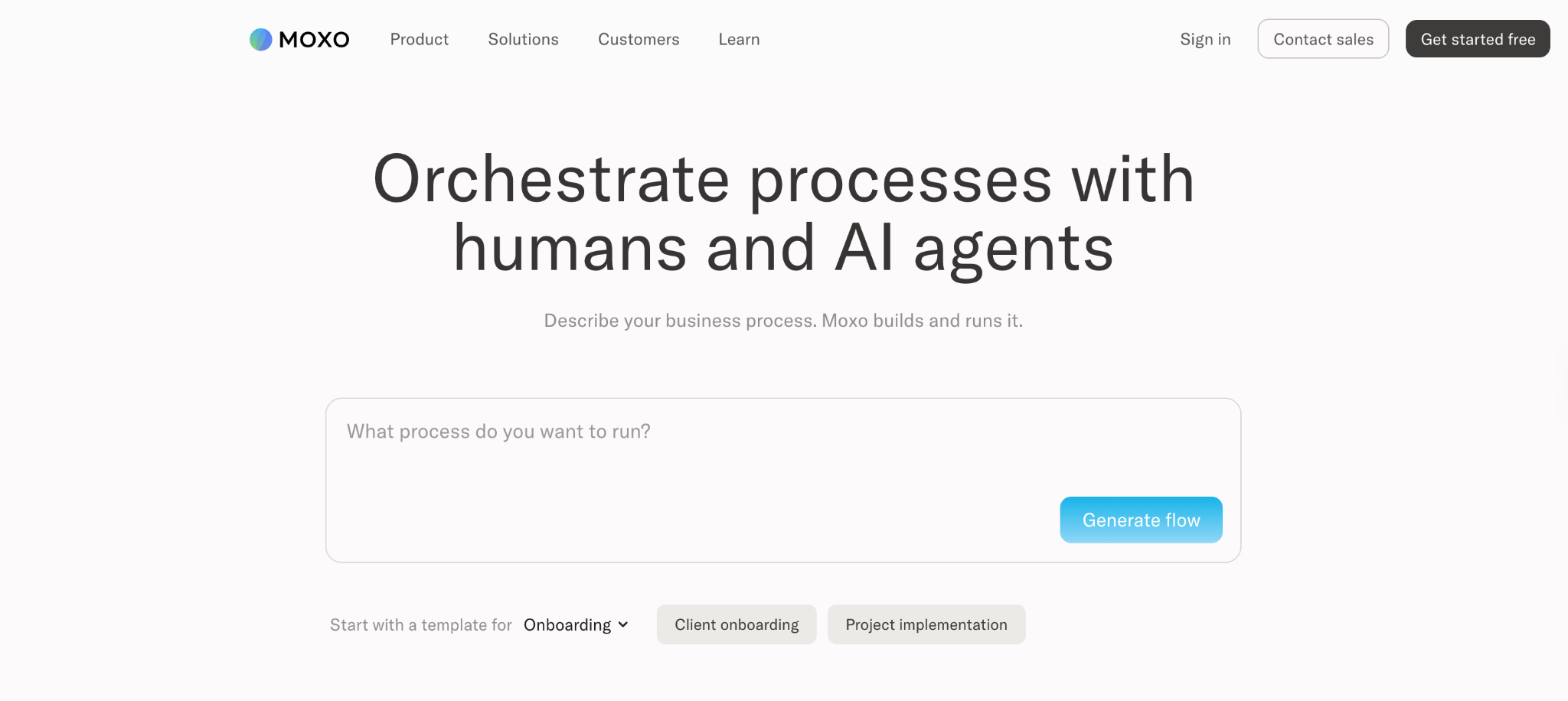
What it does: Enterprise client portal with deep workflow automation, focused on onboarding and document collection sequences.
Best for: Larger organizations and regulated industries managing complex client onboarding with multiple steps and approvals.
Moxo is built for enterprise client onboarding scenarios in which a client must complete a sequence of steps (document submission, e-signing, identity verification, approval). The workflow engine is the deepest of any tool I tested for these multi-step scenarios.
Key features
- Workflow automation: Build multi-step client onboarding flows with branching logic and approval gates.
- Document collection: Request, collect, and verify documents inside structured workflows.
- Identity verification: Built-in KYC and identity verification capabilities for financial services.
- Secure messaging: Client communication that meets compliance requirements.
- Audit trails: Full activity logs for regulated industry requirements.
Pros
- The workflow engine is the strongest on the list for structured onboarding sequences.
- Compliance and audit features are designed to meet enterprise procurement requirements.
- Strong mobile app for client-side completion of onboarding steps.
Cons
- Pricing is custom and only published after a sales conversation, which slows the evaluation process.
- Setup complexity is significant. Plan for weeks of implementation.
- Overkill for service businesses with simpler client management needs.
What users say
“I appreciate the enhanced client experience and the user-friendly design. Being able to customize forms and notifications for our clients has been extremely valuable for our team.” Verified User, G2

“Moxo is designed to handle problems for large enterprises, making it cost-inefficient for small companies. We struggle to integrate the tool with multiple third-party tools.” Mikes L, G2 reviewer
Pricing
- Free: $0/month with 2 flows and 500 AI credits.
- Business: $99/month with 10 flows and 2,000 AI credits. Extra flows at $10/flow/month.
- Pro: $499/month with 45 flows and 10,000 AI credits.
- Enterprise: Custom pricing with unlimited flows and unlimited AI credits.
See Moxo's pricing page for details.
Bottom line
Moxo is the right pick if you have a structured, multi-step onboarding workflow and you’re already at enterprise scale. For everyone else, the complexity is hard to justify.
8. SuperOkay: best for agencies presenting deliverables

What it does: Client portal focused on presenting deliverables, capturing approvals, and documenting decisions.
Best for: Design agencies, software studios, and freelancers who want to formalize the deliverable-to-approval flow with clients.
SuperOkay is narrower than the all-in-one tools above. It’s built around the moment when an agency hands a client a deliverable and needs feedback or approval. The decision log feature is useful for agencies that have been burned by “we agreed to this in an email three months ago” situations.
Key features
- Deliverable presentation: Send work to clients in a branded, structured workspace.
- Approval requests: Capture explicit client approvals with timestamps and decision logs.
- Action items: Track open questions and required client actions in one view.
- Client portal per project: Each engagement gets its own branded space.
- Embedded content: Pull in designs from Figma, prototypes from other tools, and documents inline.
Pros
- Decision log is the clearest “paper trail” feature of any client portal I tested.
- Branded delivery feels significantly more professional than emailing PDFs or Figma links.
- Setup time is short. You can have a portal ready in under an hour.
Cons
- Narrower than SuiteDash or HoneyBook. No invoicing or proposals built in.
- Best for project-based work. Ongoing service relationships fit less naturally.
- Smaller user base, which means fewer community resources and templates.
What users say

“SuperOkay is an excellent tool for organizing and presenting work to clients in a clear and professional manner. The interface is intuitive, the design is sleek, and the features offered allow you to structure projects well, centralize documents, and facilitate communication.” Philippe P, G2

“There needs to be a proper survey function; I've gotten around it with documents, but given this is a client portal, I'm surprised surveys aren't built in. Development is also slow, took months to add a simple color picker to the platform.” Mark D, G2
Pricing
- Free: 1 Client Contact with SuperOkay branding.
- Solo: $12/month per editor for custom branding and unlimited portals.
- Solo+: $38/month, 10 Client Contacts, Unlimited Projects
- Business: $146/month, Unlimited Client Contacts, Unlimited Projects, 1TB of Storage
See SuperOkay’s pricing page for details.
Bottom line
SuperOkay is the right pick if you’re an agency that lives and dies by client approvals on deliverables. For end-to-end client management, HoneyBook or SuiteDash covers more ground.
9. Plutio: best for tiny service teams

What it does: Lightweight all-in-one tool for small service teams, covering projects, invoices, proposals, and a client portal.
Best for: Tiny service teams of 1 to 3 people who want SuiteDash-style breadth on a smaller scale and at a lower price.
Plutio is the budget alternative to SuiteDash. The feature breadth is similar, but the depth is shallower. For very small teams, this is fine. For growing teams, you’ll hit the limits faster than you’d expect.
Key features
- Client portal: Branded space where clients access projects, invoices, and files.
- Projects and tasks: Light project management built in.
- Invoicing and proposals: Send branded invoices and proposals with e-signing.
- Time tracking: Track time against projects for hourly billing.
- CRM lite: Basic lead and client tracking.
Pros
- Pricing is the lowest of all the all-in-one tools in this list.
- Customization options for branding and workflows are surprisingly deep for the price.
- The feature set is broad for a single tool.
Cons
- Depth is shallow. Each feature is “good enough” rather than best-in-class.
- Performance and interface feel less polished than newer competitors.
- Smaller community and fewer third-party integrations.
What users say
“From project management and client communication to invoicing, proposals, scheduling, and time tracking — it really simplifies the chaos of juggling multiple apps.” Mark D, G2

“Support is so slow it's virtually inexistent, and the guys there - when you do manage to hunt them down and talk to them - give the impression that you are seriously disturbing their administrative slumber.” Boštjan K, G2
Pricing
- Core: $19/month for 1 user and core features.
- Pro: $49/month for up to 30 contributors.
- Max: $199/month for unlimited contributors.
See Plutio’s pricing page for details.
Bottom line
Plutio is the right pick if you’re a tiny team on a tight budget and you want one tool for everything. For teams of over five people, SuiteDash or HoneyBook offer more headroom.
Which client management portal should you choose?
The right tool depends on your business model, your client volume, and how much you value client-side polish over backend depth.
Choose SuiteDash if you:
- Want one tool to replace three or four subscriptions.
- Can absorb a 2- to 4-week learning curve to get the full benefit.
- Prefer feature breadth over interface polish.
Choose Assembly if you:
- Run a modern service business where client experience matters.
- Need recurring subscription billing built in.
- Have a manageable client volume that fits per-user pricing.
Choose HoneyBook if you:
- Run a creative service business (photography, design, events).
- Want a tool built around proposals, contracts, and payments.
- Work from your phone as much as your laptop.
Choose Zite if you:
- Find templated portals too rigid for your workflow.
- Want to build a portal that combines reports, project status, document sharing, and approvals in one custom space.
- Need unlimited clients without per-seat pricing.
Choose Bonsai if you:
- Are a solo freelancer or consultant.
- Want contracts and invoicing built in with templated legal language.
- Don’t plan to scale to a team.
Choose Clinked if you:
- Work in a regulated industry where compliance is non-negotiable.
- Need full white-labeling, including the mobile app.
- Can absorb premium pricing for the compliance posture.
Choose Moxo if you:
- Run multi-step client onboarding workflows at enterprise scale.
- Need built-in identity verification and audit trails.
- Have an implementation team to handle setup.
Choose SuperOkay if you:
- Are an agency where client approvals on deliverables matter.
- Want a clear paper trail for every decision.
- Have separate tools for invoicing and proposals.
Choose Plutio if you:
- Run a 1 to 3-person service team.
- Need basic functionality across many areas without going deep.
- Want the lowest-priced all-in-one option.
Skip client management portals entirely if:
- You have only one or two clients, and email works fine.
- You don’t actually need a paper trail of client communication.
Final verdict on client management portals
For most service businesses, SuiteDash is the strongest default choice because of its breadth of features for the price. Assembly is the better pick if client polish matters more than backend depth, and HoneyBook wins for creative freelancers.
If none of the templated tools fit your exact workflow, a build-your-own approach with Zite gives you control that the templated tools can't.
Ready to build your own client management portal?
A templated portal is well-suited to standard service business workflows. When your clients need something more, an AI-powered no-code builder gives you the flexibility templates can’t.
With Zite, you can:
- Describe the client portal you want and have a working version live the same day.
- Use a built-in database to store client records and project data in one place.
- Inspect the portal's workflow logic visually to understand how it runs, and re-prompt it as needs change.
- Give each client a branded login with role-based access.
- Add unlimited clients without per-seat fees.
Start building with Zite for free and have your first client management portal live today.
Frequently asked questions
What is the best client management portal for small businesses?
The best client management portal for small businesses is SuiteDash, thanks to its all-in-one feature set that covers CRM, projects, invoicing, and the portal in a single tool. HoneyBook is the stronger fit for creative freelancers.
How much does a client management portal cost?
A client management portal costs anywhere from free to $300+/month, depending on features and team size. Most service businesses fall into the $19-$89/month range with tools like SuiteDash, Assembly, HoneyBook, or Zite.
Can I build my own client management portal without code?
Yes, you can build your own client management portal without code using AI-powered tools like Zite. Describe what you want, and Zite generates a working version you can edit visually in an afternoon.
What’s the difference between a client portal and a client management portal?
The difference between a client portal and a client management portal is scope. A client portal is usually a space where clients can access files or messages. A client management portal also includes CRM features, project tracking, invoicing, and contracts.
Are client management portals secure?
Yes, client management portals are secure when you pick one with the right certifications. Look for SOC 2 Type II compliance, role-based permissions, encrypted file storage, and audit logs. Clinked, Moxo, and Zite all have SOC 2 Type II compliance.

