


I tested dozens of Coda alternatives to find tools that are easier to learn and don’t get expensive as more people start building docs. These are the top 8 platforms worth switching to in 2026.
8 best Coda alternatives: Quick comparison
Coda tries to cover a lot of ground by combining docs, databases, automation, and lightweight apps in one tool. The platforms below take different approaches, focusing on specific parts of that stack instead of trying to do everything.
Here’s the side-by-side comparison of the best Coda alternatives:
1. Zite: Best for building custom standalone apps with AI
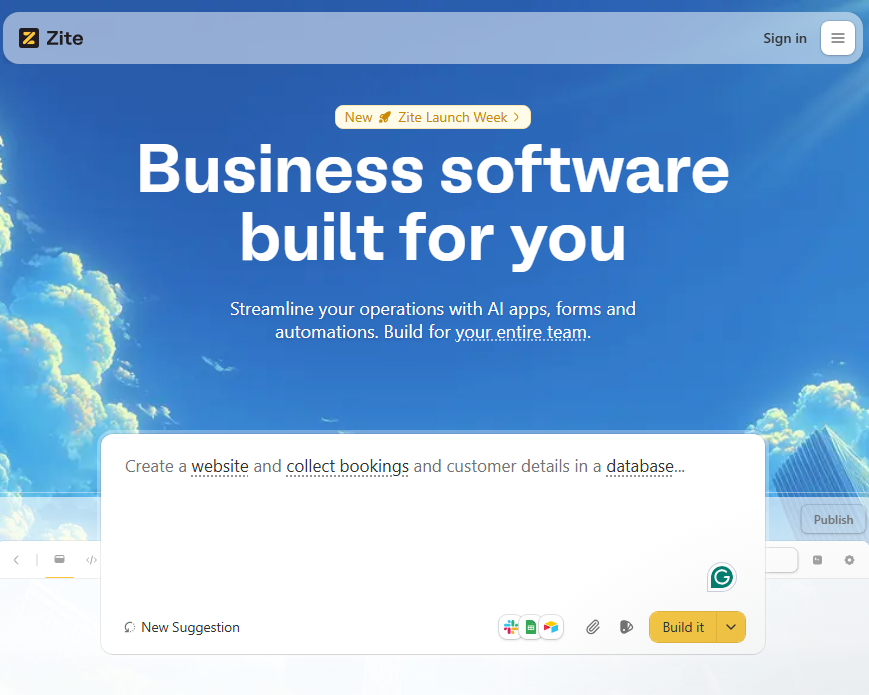
What it does: Zite is an AI-powered no-code platform that generates production-ready apps (portals, dashboards, CRMs, community tools, and more) from plain English descriptions.
Best for: Teams that need the output Coda delivers (working business tools) but don't want to invest weeks learning its proprietary formula system to get there.
Coda can build surprisingly powerful tools inside documents, but getting there often requires mastering formulas, linked tables, and complex layouts. Zite takes a different approach. I only had to describe what the app should do, and it generated a working tool with a database, pages, and workflows already in place.
Where it beats Coda
- Standalone apps: Coda's tools live inside documents. Zite's tools are standalone applications with custom domains, user authentication, and branded UIs that you can share with clients or your team.
- Flat pricing with unlimited users: Coda charges for every person making docs, so costs scale with team size. Zite charges a flat fee, and every plan includes unlimited users, even the free tier.
- Transparency: App logic appears as a visual workflow you can inspect step‑by‑step, and the database feels like a spreadsheet, so non‑technical users can understand and troubleshoot issues without formulas or code.
Pros
- Recreates the most common Coda use cases (trackers, portals, CRMs, dashboards) through AI prompts
- No formula learning curve. You use prompts
- Invite users to your app at no extra cost
Cons
- Apps are hosted on Zite's infrastructure, and you can't export the code to run elsewhere yet
- AI credits can run out if you're iterating heavily on complex apps
Pricing
Zite’s free plan supports unlimited users and apps with enough credits to build an app and make several rounds of changes. Paid plans start at $19/month, billed monthly.
Bottom line
If you're a Coda user who's been trying to make docs feel like apps, Zite lets you skip that workaround entirely and build real applications.
2. Notion: Best for personal knowledge bases and team wikis
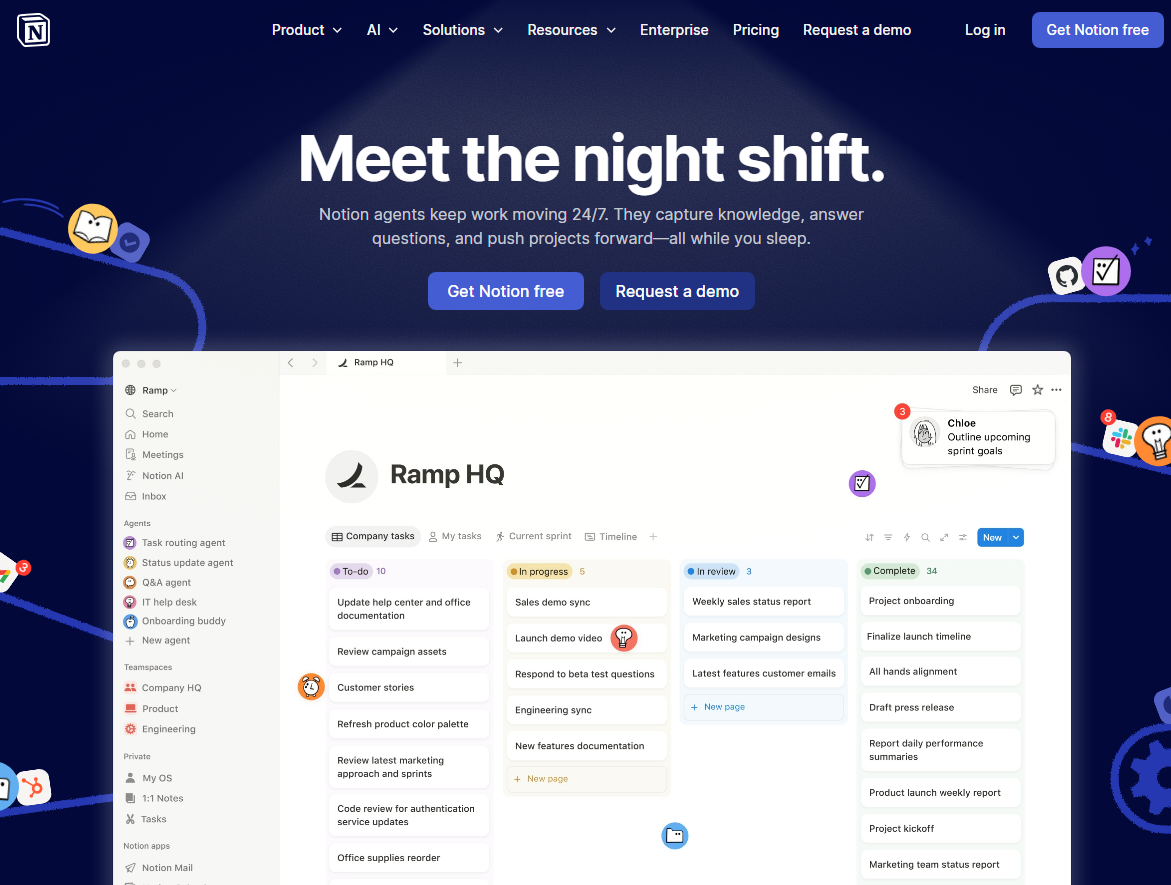
What it does: Notion combines documents, databases, wikis, and project management into one workspace. It's the closest direct competitor to Coda's core doc-plus-database model.
Best for: Individuals organizing ideas, small teams building wikis, and anyone who wants a clean, flexible workspace without a steep learning curve.
Notion's popularity comes in large part from its extremely generous free tier. This has fueled a huge ecosystem of templates, YouTube tutorials, and communities. I found the interface cleaner and more intuitive than Coda's.
That said, Notion lacks the formula depth that makes Coda powerful for building complex systems. If you're planning to create interconnected automations and calculated workflows, Notion will feel limited.
Where it beats Coda
- Lower barrier to entry: Non-technical users can be productive in Notion within minutes. Coda requires understanding its building blocks and formula system.
- Better free plan: Notion's free tier gives individuals unlimited pages and blocks. Coda's free plan caps doc size and table rows quickly.
- Stronger ecosystem: More templates, integrations, and community resources than any other tool in this space.
Pros
- Beautiful, minimal interface that's easy to navigate from day one
- The free plan is useful for personal productivity
- Excellent for team wikis and knowledge bases
Cons
- Database capabilities are surface-level compared to Coda or Airtable
- Can't build truly app-like experiences unless you use third-party tools
Pricing
Notion has a free plan for individuals. Paid plans start at $12 per member per month, billed monthly.
Bottom line
If you like the flexibility of Coda but mainly use it for notes, documentation, and lightweight project tracking, Notion offers a simpler and more approachable workspace.
3. Airtable: Best for structured data and relational databases
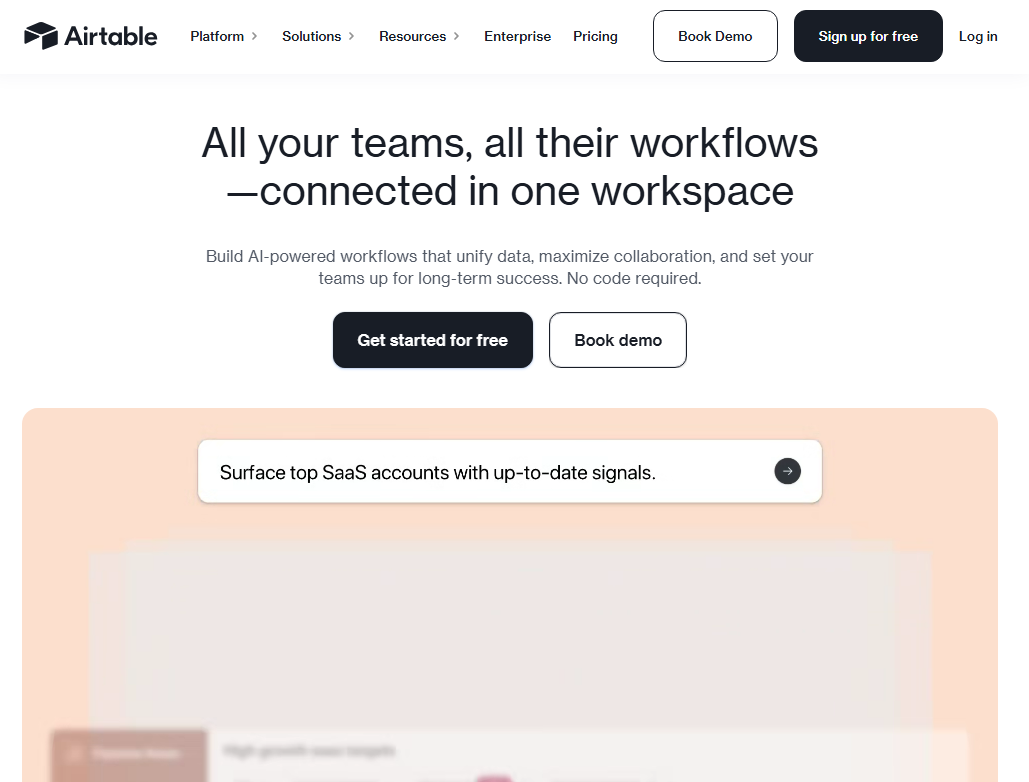
What it does: Airtable is a spreadsheet-database hybrid that lets you organize, link, and visualize data with rich field types, custom views, and automation.
Best for: Teams managing structured data like content calendars, product catalogs, inventory tracking, and CRM pipelines who need a predefined view on top of it.
What stood out to me right away is that Airtable feels more like a database platform than a document tool. Coda starts with pages and layers tables into them. Airtable starts with structured data, then lets you build views, interfaces, and automations on top. That makes it a better fit when your workflow revolves around records, not docs.
The catch? Airtable's interface layer is limited. You can build basic interfaces for data entry, but they’re limited customization-wise compared to dedicated app builders like Zite.
Where it beats Coda
- Better views and interfaces for operations work: Airtable gives you grid views, interfaces, reporting, and workflow-specific layouts for different teams.
- Natural fit for cross-functional collaboration: Airtable works better when multiple teams need to update the same underlying records through different views and workflows.
- AI agents: Airtable's AI features can automate data classification, content generation, and form responses directly in your base.
Pros
- Rich ecosystem of integrations and pre-built automations
- Multiple views per table work out of the box. No formulas needed
- AI-powered agents that can automate workflows within your data
Cons
- Not suitable for long-form docs, meeting notes, and knowledge management
- Pricing can climb as more teammates need edit access
Pricing
Airtable has a free plan that supports 5 editors. Paid plans start at $24 per seat per month, billed monthly.
Bottom line
Airtable is the best Coda alternative if your primary need is structured data management. It handles databases better than Coda. But it's a weaker choice for documentation, wiki-style content, or building interactive workflows within a document.
4. ClickUp: Best for full-scale project management
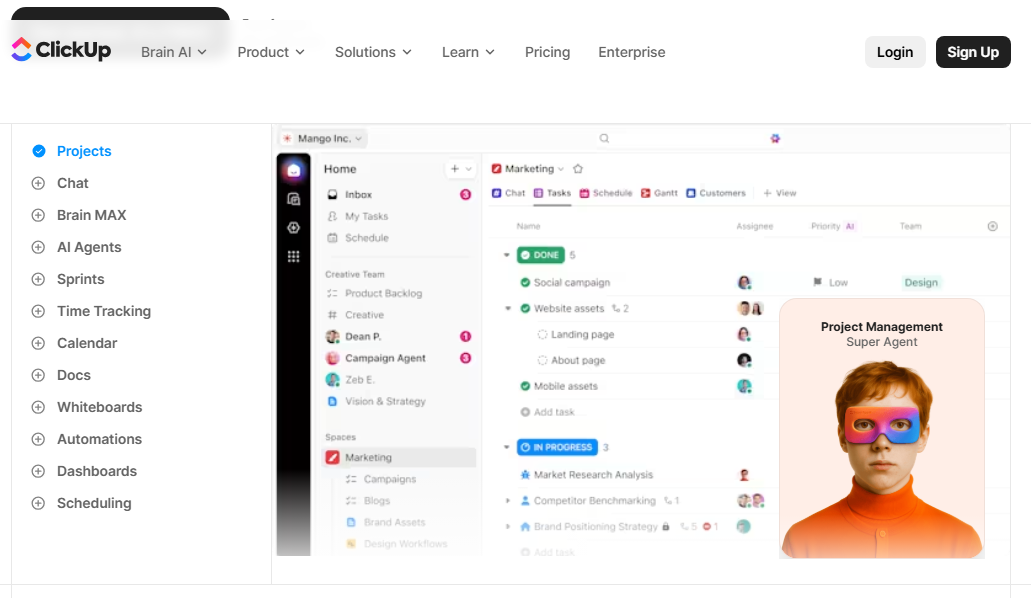
What it does: ClickUp is an all-in-one productivity platform that combines tasks, docs, goals, time tracking, dashboards, and whiteboards.
Best for: Teams that need project management with task dependencies, sprints, time tracking, and goal setting.
ClickUp does project management out of the box. Tasks have statuses, assignees, due dates, priorities, dependencies, and time estimates without you building any of it. Coda can technically do all of this, but you'd need to build it yourself using formulas and automations. ClickUp gives it to you ready-made. It took me a short amount of time to set it up once I figured out the interface.
Where it beats Coda
- Built specifically for project management: Features like dependencies, sprint planning, workload views, and time tracking are built in.
- More built-in workflow tools: ClickUp includes automation, task templates, notifications, and reporting dashboards designed for team operations. Coda can replicate many of these workflows, but they usually require building the system first.
- Better for larger operational teams: ClickUp provides permission controls, team dashboards, and project reporting that scale well across departments.
Pros
- Includes docs, goals, dashboards, and collaboration tools in one platform
- Automation and reporting features for operational teams
- Built-in task management with multiple views (list, board, calendar, Gantt)
Cons
- The sheer number of features can overwhelm new users
- The docs feature is functional, but not as flexible as Coda's documents
Pricing
ClickUp offers a free plan for personal use. Paid plans start at $10 per user per month, billed monthly.
Bottom line
ClickUp replaces Coda if project management is your main need. It's cheaper, more feature-rich for PM, and easier to set up for standard workflows. But it can't match Coda's document flexibility.
5. monday.com: Best for visual project tracking
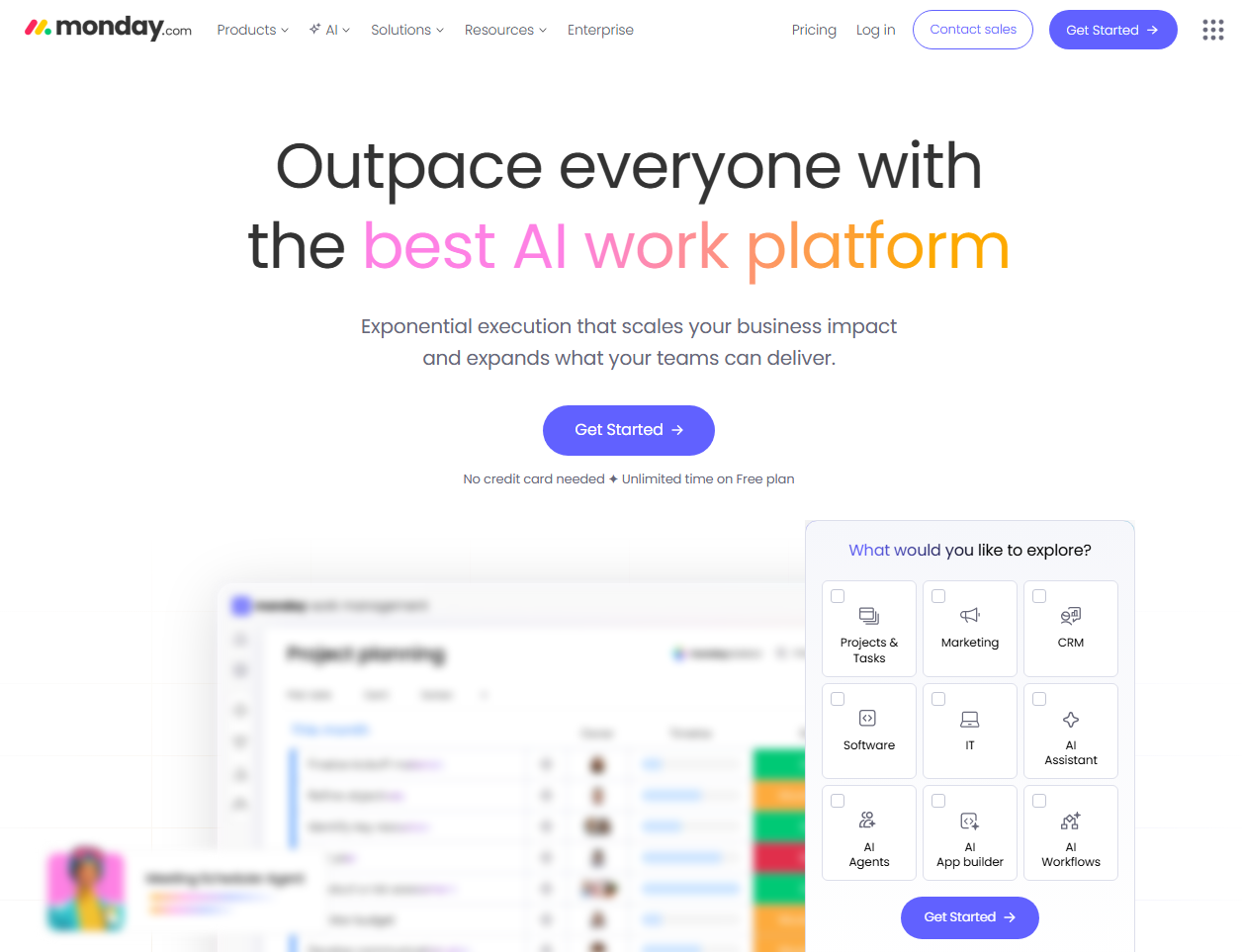
What it does: monday.com is a work management platform with colorful, intuitive boards for tracking projects, automations, and team collaboration.
Best for: Teams that want visual, easy-to-understand project tracking without the complexity of tools like ClickUp or the learning curve of Coda.
monday.com’s board-based interface makes sense immediately, even for team members who avoid tech tools. I started from a ready-made workflow board, which makes it much faster to launch project pipelines, marketing calendars, and request systems.
The tradeoff is flexibility. Once your workflow moves beyond the structure of boards and columns, customization is very limited.
Where it beats Coda
- Onboarding speed: monday.com provides prebuilt board templates for common workflows like project management, campaign tracking, and ticket systems.
- Visual clarity: Color-coded boards and statuses make project status obvious at a glance.
- Automation builder: Simple if-then rules for automation without writing formulas.
Pros
- Easy-to-use automation builder for non-technical users
- Large integration ecosystem with tools like Slack, Google, Microsoft, and Salesforce
- Visual boards make it easy to track work and project progress
Cons
- Minimum 3-seat requirement on paid plans
- Limited customization compared to Coda since you're working within monday.com's framework
- Not suited for building custom internal tools or business apps
Pricing
monday.com offers a limited free plan for up to 2 seats. Paid plans start at $14 per user per month (3 seats minimum), billed monthly.
Bottom line
monday.com replaces Coda if your team needs project tracking and you're tired of building everything from scratch. It's not as flexible, but it's far easier to adopt.
6. Basecamp: Best for simple team collaboration and project communication
What it does: Basecamp is a project collaboration platform that combines task lists, team messaging, file sharing, schedules, and project discussions in one workspace.
Best for: Teams that use Coda for project coordination but want a simpler, communication-focused environment without complex setup.
What stood out immediately is how minimal Basecamp feels compared to Coda. Coda lets you design custom workflows with tables and formulas. Basecamp removes most of that flexibility and focuses on straightforward project collaboration. Each project comes with the same set of tools, which makes it easy for teams to jump in without configuring anything.
Where it beats Coda
- Simpler team communication: Basecamp organizes project discussions, announcements, and updates in one place. For teams that rely heavily on async communication, this structure often feels more natural than building collaboration systems inside a Coda doc.
- Consistent project structure: Every Basecamp project includes message boards, to-do lists, schedules, docs, and file storage. That consistency makes onboarding easier for teams that don’t want to design custom workflows.
- Predictable flat pricing: Basecamp offers a flat pricing plan that allows unlimited users and projects. Coda charges per Doc Maker on all plans, which can increase costs as teams grow.
Pros
- Easy to set up and use
- Strong focus on team communication and collaboration
- Has a flat pricing option with unlimited projects and no per-user pricing
Cons
- Much less flexible than Coda for building custom workflows
- Limited automation and database capabilities
Pricing
Basecamp offers a limited free plan. Paid plans start at $15 per user per month, billed monthly.
Bottom line
If you use Coda mainly for coordinating projects and team communication, Basecamp provides a simpler and more structured collaboration environment.
7. Supernotes: Best for lightweight collaborative note-taking
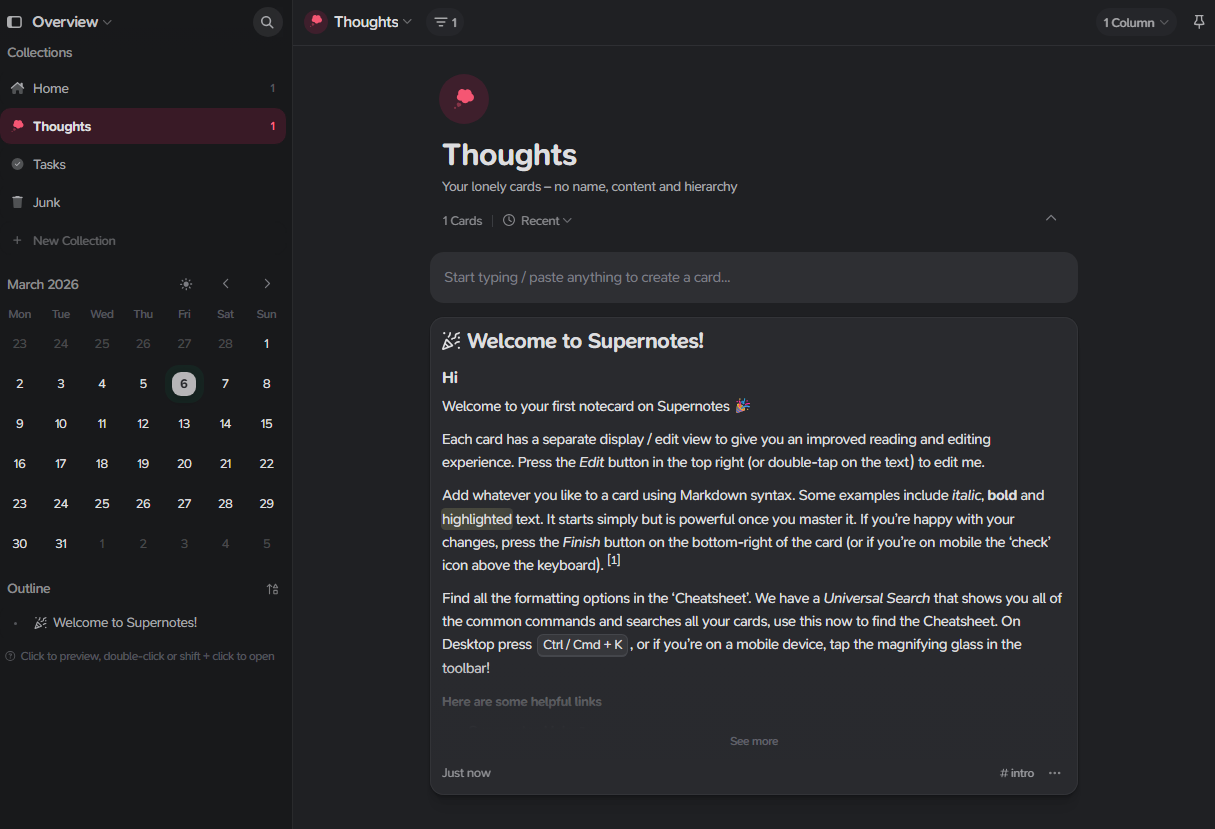
What it does: Supernotes is a note-taking app built around small, structured note cards that help users capture ideas quickly and organize them through linking and tags.
Best for: Individuals and small teams who want a fast, focused note-taking tool with real-time collaboration and not a full-blown workspace.
Supernotes card-based approach forces you to break down ideas into digestible pieces. This structure makes them easier to organize, link, and find later.
What I noticed immediately is that this isn’t a true Coda replacement for anyone who needs databases, project management, or automation. It's for the subset of Coda users who primarily used it for notes and knowledge, and who felt the full platform was overkill.
Where it beats Coda
- Faster note capture: Supernotes is optimized for quick writing and organizing thoughts. The card-based format encourages smaller, more focused notes rather than long documents.
- Better linking between ideas: Supernotes makes it easy to connect notes through backlinks and tags, which helps build a network of related ideas over time.
- Focused writing experience: The card-based format keeps notes organized without the temptation to over-engineer with formulas and tables.
Pros
- Real-time collaboration with shared cards and permission controls
- Bi-directional linking and hierarchical organization for building knowledge networks
- Works offline
Cons
- Not designed for databases, workflows, or operational systems
- Limited collaboration and automation features compared to Coda
Pricing
Supernotes offers a free plan with 100 cards to start. Paid plans start at $11 per month, billed monthly.
Bottom line
Choose Supernotes over Coda if you primarily use Coda for notes and knowledge management. For anything beyond note-taking, look at other options on this list.
8. Fibery: Best for building deeply customized work management systems
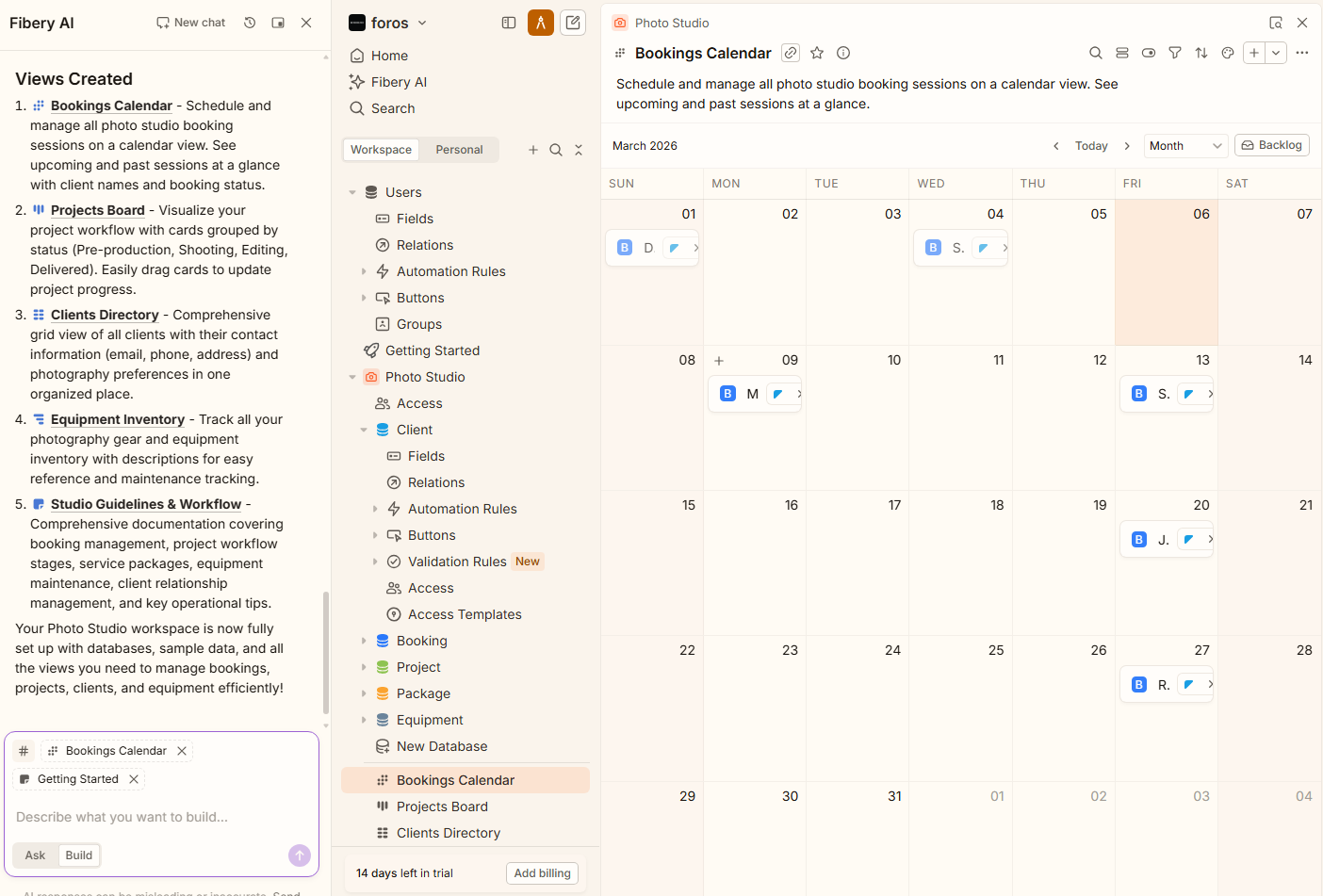
What it does: Fibery is a work management platform that combines relational databases, documentation, workflows, and automations into one connected workspace.
Best for: Product teams, agencies, and startups that want data relationships with built-in project management views.
One helpful feature of Fibery is its AI setup assistant. I described my workspace, and it generated an entire workspace with databases, relationships, views, and sample data in a few minutes. That makes the initial setup much faster, though the platform still takes some time to fully understand.
Where it beats Coda
- Better for complex systems: Fibery is designed for teams running detailed workflows like product development, customer success, or roadmap planning. It handles connected records and multi-step processes more naturally than building everything inside a doc.
- Clear connections between data: Fibery makes it easy to link related information across your workspace, so projects, tasks, and records stay connected automatically.
- AI workspace setup: Instead of building your system manually, Fibery’s AI can generate a starting workspace based on a simple description.
- Docs that create work items: Highlight text in a doc and convert it into a task, feature, or entity on the spot. Coda can do this with buttons and formulas, but Fibery makes it native.
Pros
- Fast initial setup with AI
- Strong data organization with connected records
- Combines documentation, collaboration, and tracking tools
Cons
- Takes longer to learn than simpler tools like Notion
- Smaller template library and community than more popular platforms
Pricing
Fibery offers a free plan for up to 10 users and 10 databases. Paid plans start at $15 per user per month, billed monthly. Observers and guests are free.
Bottom line
I'd recommend Fibery to product teams and agencies juggling features, customer feedback, and sprint planning across separate tools. It replaces that stack with one workspace where everything links together. Just block out some time to set it up properly.
How I researched and tested these alternatives
I signed up for each tool and spent time building apps and workflows in each.
Here’s what I evaluated:
- Features: How well each tool handles docs, databases, and automation
- Usability: Whether a non-technical person can get value in the first 30 minutes without watching tutorials.
- Integrations: How smoothly each connects with tools like Google Sheets, Slack, and Airtable.
- Pricing: The real cost for a 10-person team, not just the advertised starting price.
- Use cases: How each tool performs for project management, internal tools, knowledge bases, and client-facing apps.
This hands-on approach helped me see which alternatives can actually replace some, if not all, of Coda’s use capabilities.
Which Coda alternative should you choose?
Choose:
- Zite if you want to build the exact tools you need from a prompt instead of forcing Coda docs and tables to behave like apps.
- Notion if your main need is a clean workspace for notes, wikis, and team knowledge
- Airtable if you want ready-made ways to view and manage your data, like grids, Kanban boards, calendars, and timelines.
- ClickUp or monday.com if you need visual project tracking with boards and dashboards.
- Basecamp if your team needs a simple hub for project discussions, to-do lists, files, and updates without building custom workflows.
- Supernotes if you mainly used Coda for writing and knowledge capture, and want a faster, card-based way to organize ideas.
- Fibery if you want data management with better built-in views and less dependence on formulas
Stick with Coda if you like building flexible tools inside documents, and your team is already comfortable with its formula system.
Final verdict
When you search for Coda alternatives, you're really choosing between two paths. You can go specialized with tools like ClickUp, monday.com, or Basecamp for project management, Notion for wikis, and Airtable for databases, and accept that you're trading flexibility for tools that do one thing better than Coda does.
Or you can take a different approach and build the tools you need directly. Zite generates standalone apps like project trackers, dashboards, client portals, and CRMs from AI prompts. Instead of assembling tables, formulas, and views inside a document, you describe the tool you want, and Zite builds it for you.
Zite’s free plan supports unlimited apps and users with enough credits to build and test your tools before committing.
Frequently asked questions
What is the best Coda alternative in 2026?
Zite is the strongest option for teams that need custom apps without code. Notion wins for knowledge management and wikis, and ClickUp is a good choice for project management.
Is Coda free to use?
Coda is free to use on the free plan, but it comes with significant limitations. Doc size caps, table row limits, and restricted automation runs push most teams to paid plans quickly.
Why are people switching from Coda?
The most common reasons people switch from Coda are its steep formula learning curve and pricing that increases as more teammates start creating docs.
Can Zite replace Coda for building internal tools?
Yes, Zite can replace Coda for building internal tools and more. Zite generates production-ready business apps from plain English descriptions, including databases, forms, workflows, and user logins. Unlike Coda, where you build app-like features inside documents using formulas, Zite creates standalone applications that you can publish with custom domains.

