


A CRM client portal lets you manage your sales pipeline and give clients a branded space to access invoices, files, and project updates without juggling multiple tools. I tested 7 options across service-based workflows to find the best balance of CRM depth and portal usability.
7 best CRM client portal tools: quick comparison
Some tools include the portal on their starting plan; others gate it to a higher tier. The prices below show the lowest plan that includes the client portal feature.
Pricing correct as of June 2026. Most rates are billed monthly; Insightly is billed annually. Verify with vendor
How I researched and tested these CRM client portal tools
I signed up for free trials where available, walked through portal setup workflows, and tested how each tool handles real CRM scenarios across agency, consulting, and service business use cases.
The five criteria I focused on:
- Features: How well each tool handles CRM functions alongside portal-specific needs like branded login, role-based access, and file sharing.
- Usability: Whether the builder feels approachable to non-technical users or expects developer-level configuration.
- Pricing predictability: Flat-rate, per-user, or tier-based, and whether costs grow predictably as your client list expands.
- Integrations: How smoothly each tool connects with payment processors, email tools, and existing data sources.
- Branding: White-label and custom domain support, since most teams want clients to see their brand.
1. SuiteDash: best for an all-in-one CRM with white-labeled client portal

What it does: SuiteDash combines CRM, client portals, project management, invoicing, scheduling, and file sharing into a single white-labelled tool.
Best for: Agencies, consultants, and service-based businesses that want clients to log into a fully branded portal covering their entire engagement.
SuiteDash is the most direct purpose-built option for a CRM with a client portal. The starting plan at $19/month flat with unlimited users is rare in this category. White-labeling with custom domains is available from the Start plan.
Key features
- CRM Circles for client segmentation: Group contacts and personalize what each segment sees inside the portal.
- White-label everything: Custom domain, logo, and branded login from the lowest-paid tier.
- Integrated billing and proposals: Invoices, estimates, and contracts inside the same tool clients log into.
Pros
- Flat pricing with unlimited users removes the per-seat cost anxiety that punishes growth.
- All-in-one approach replaces 6+ separate tools (CRM, portal, billing, scheduling, files).
- White-labeling and custom domain available from the $19/month entry plan.
Cons
- Setup takes real time; the all-in-one approach means more to configure upfront.
- Power-Up add-ons (VIP support, advanced features) can double your monthly bill beyond the headline price.
What users say
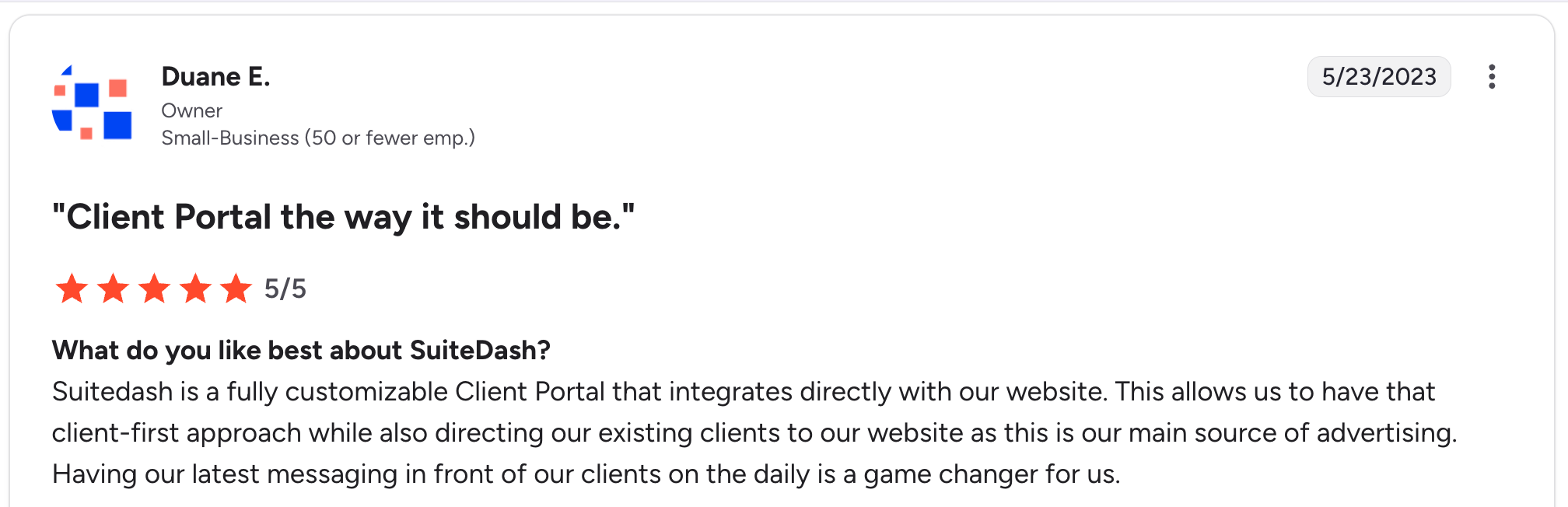
“SuiteDash is a fully customizable Client Portal that integrates directly with our website. This allows us to have that client-first approach while also directing our existing clients to our website, as this is our main source of advertising.” Duane E, G2

“My only real drawback with the platform is the lack of support for multiple currencies, especially the South African Rand.” Roberto P, G2
Pricing
Start at $19/month, Thrive at $49/month, Pinnacle at $99/month. All tiers include unlimited users. Power-Ups range from $15 to $60 per month. See SuiteDash’s pricing page for details.
Bottom line
I’d recommend SuiteDash to agencies and service businesses that want one tool instead of six and don’t mind investing time upfront in setup. If you want something pre-built that works in a few hours, look elsewhere.
2. HubSpot Service Hub: best for teams already in the HubSpot ecosystem
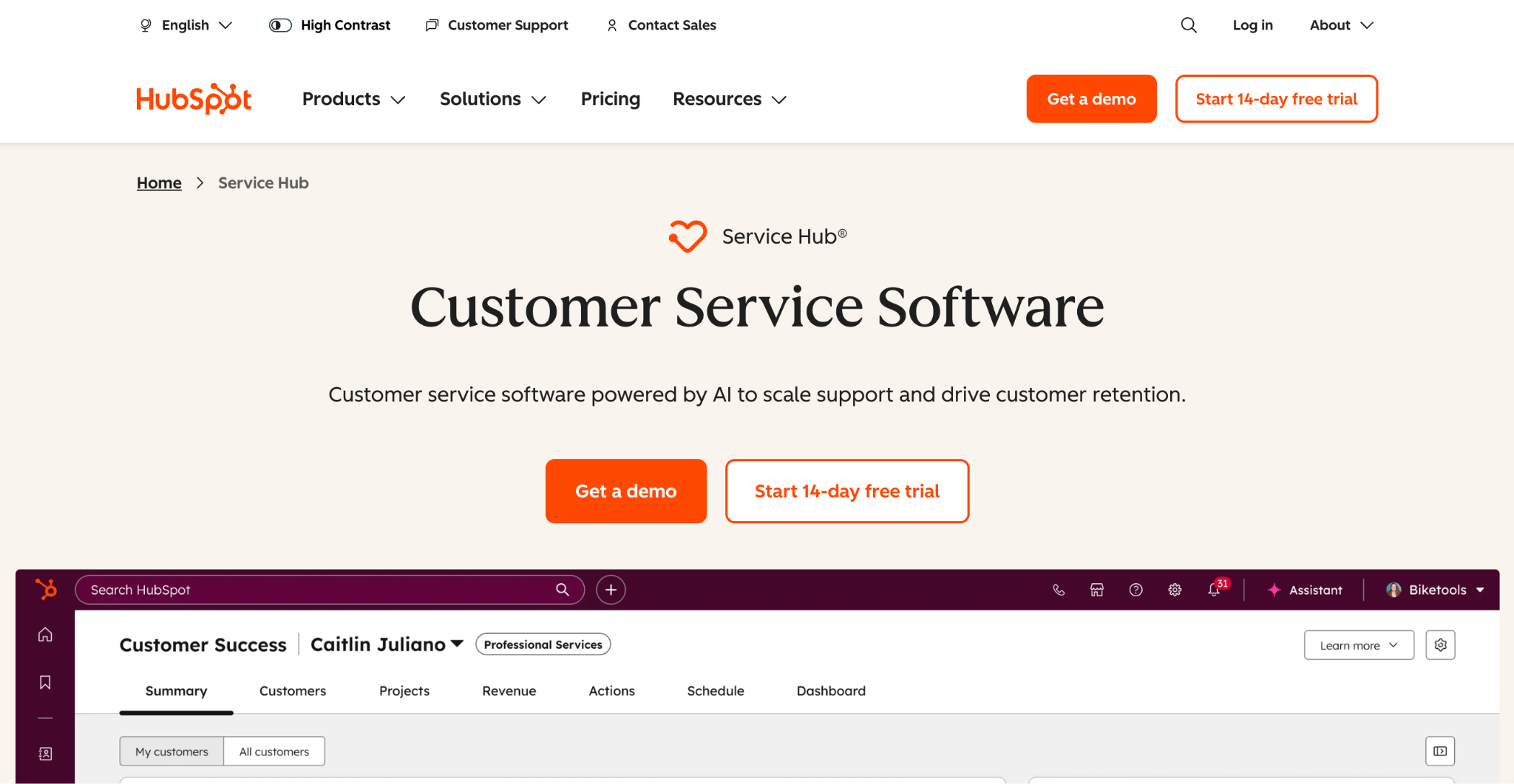
What it does: HubSpot Service Hub adds a customer portal, ticketing, knowledge base, and SLA management to HubSpot’s CRM.
Best for: Teams already using HubSpot CRM for sales who want a native customer portal without having to integrate a separate tool.
The customer portal is the headline feature, but it’s locked behind the Service Hub Professional tier at $100/seat/month on monthly billing. The cheaper Starter tier ($20/seat/month) doesn’t include the portal.
Key features
- Native customer portal: Customers log in to view ticket history, status updates, and SLA progress.
- Knowledge base: Self-service articles that reduce ticket volume.
- Ticket SLAs and routing: Set service-level agreements and automatically route tickets to the right rep.
Pros
- Native integration with HubSpot’s CRM data means no separate sync to configure.
- Strong ticketing and knowledge-base features built into the portal.
- The Free Service Hub tier (without a portal) exists to test the rest of the system first.
Cons
- The customer portal requires the Professional tier at $100/seat/month, making it expensive for small teams.
- Portal is more support-focused (tickets, knowledge) than full client engagement (projects, files, invoicing).
What users say
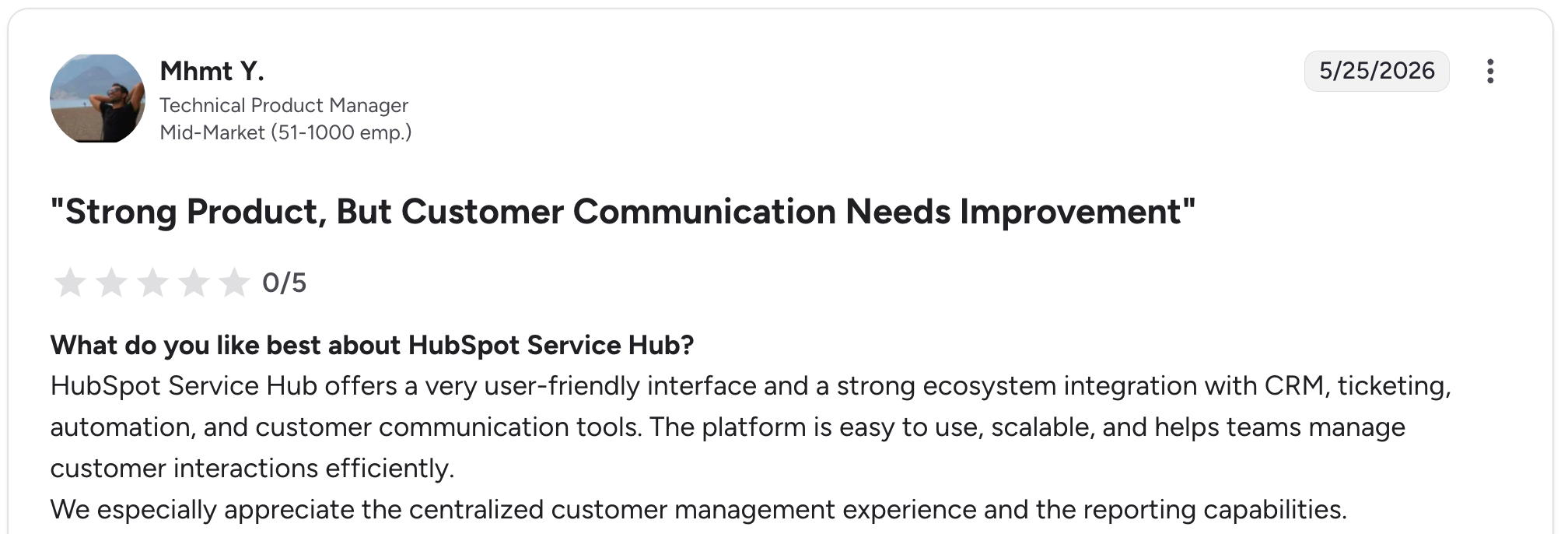
“HubSpot Service Hub offers a very user-friendly interface and a strong ecosystem integration with CRM, ticketing, automation, and customer communication tools.” Mhmt Y, G2

“Further integration is always an area to be improved.” Jacob B, G2
Pricing
Service Hub Free for 2 users. Starter at $20/seat/month (no portal). Professional at $100/seat/month (includes portal). Enterprise at $150/seat/month. All rates monthly billing. See HubSpot's pricing page for details.
Bottom line
I’d recommend HubSpot Service Hub to teams already using HubSpot CRM who can absorb the Professional tier price. If you’re not already in HubSpot, the math rarely works as well as with dedicated portal tools.
3. Zoho CRM: best for budget-conscious SMBs with established CRM needs
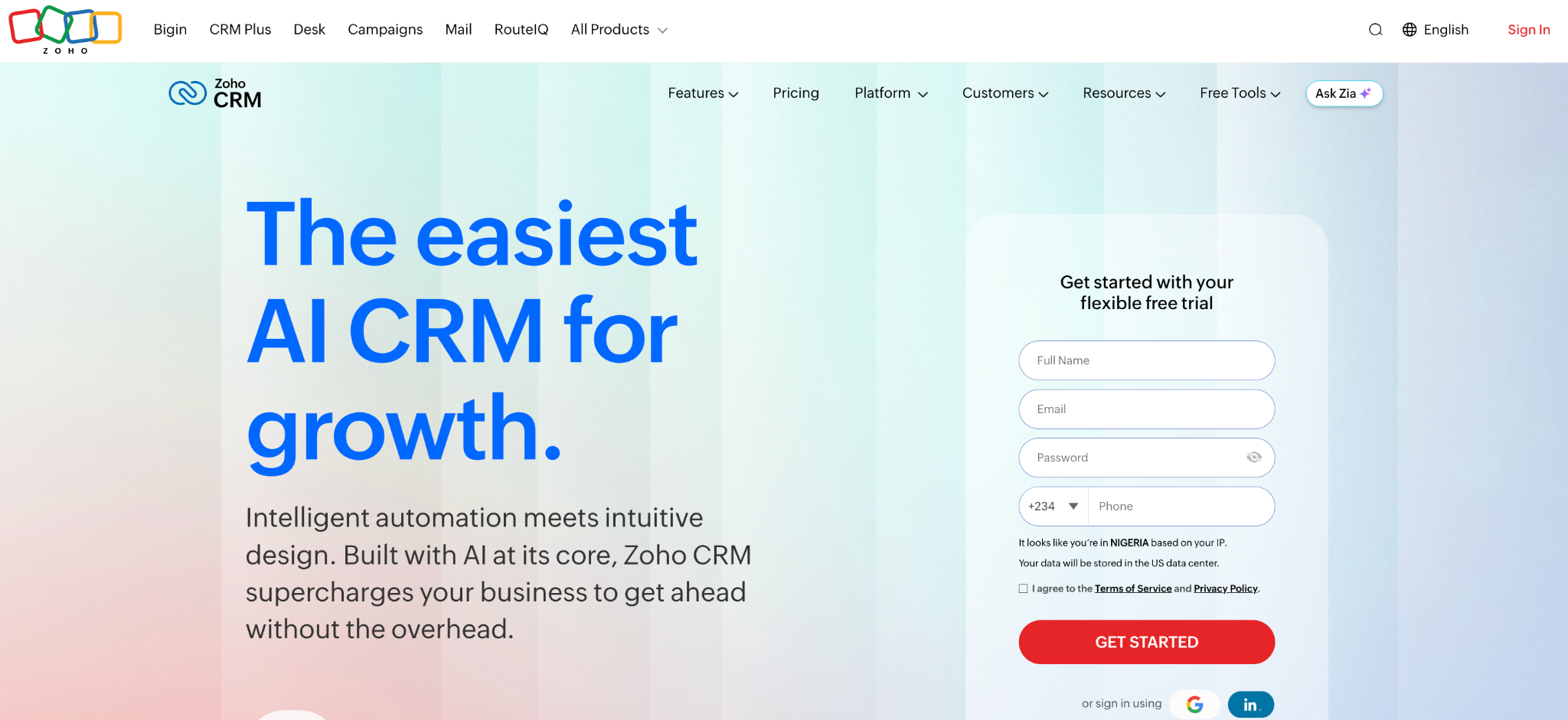
What it does: Zoho CRM is a long-established CRM with customer portal functionality available on higher tiers.
Best for: SMBs that want an established CRM with portal capability at a meaningfully lower price than HubSpot or Salesforce.
Zoho CRM has been around for over 20 years and offers one of the lowest-priced CRMs with portal capability. The portal feature is included in the Enterprise tier at $50/user/month on monthly billing. Clients can view their data, log in securely, and self-serve common requests.
Key features
- Customer portal in Enterprise: Branded login where clients view their account, tickets, and project status.
- Workflow automation: Trigger emails, tasks, and updates when portal users take actions.
- Built-in reporting: Dashboards showing portal usage, login activity, and customer engagement.
Pros
- Established product with 20+ years of development and a large customer base.
- Portal is more affordable than HubSpot’s at the equivalent feature tier.
- Deep integration with the rest of Zoho’s product suite (Books, Desk, Projects).
Cons
- Portal feature requires Enterprise tier, not available on lower-priced plans.
- Interface can feel busy and dated compared to newer competitors.
What users say

“What I like best about Zoho CRM is its user-friendly interface, customization options, and wide range of features for managing customer relationships, sales, and support in one place.” Suraj B, G2

“It's quite a lot of features, so sometimes it takes a long time to navigate to where I need to go.” Kristina Y, G2
Pricing
Standard at $20/user/month, Professional at $35/user/month, Enterprise at $50/user/month (includes portal). Monthly billing rates. See Zoho CRM’s pricing page for details.
Bottom line
I’d recommend Zoho CRM to budget-conscious SMBs who want an established CRM with portal capability and don’t mind a busier interface. If you want a more modern feel, SuiteDash or Zite will look better to your clients.
4. Zite: best for teams building a fully custom CRM and client portal
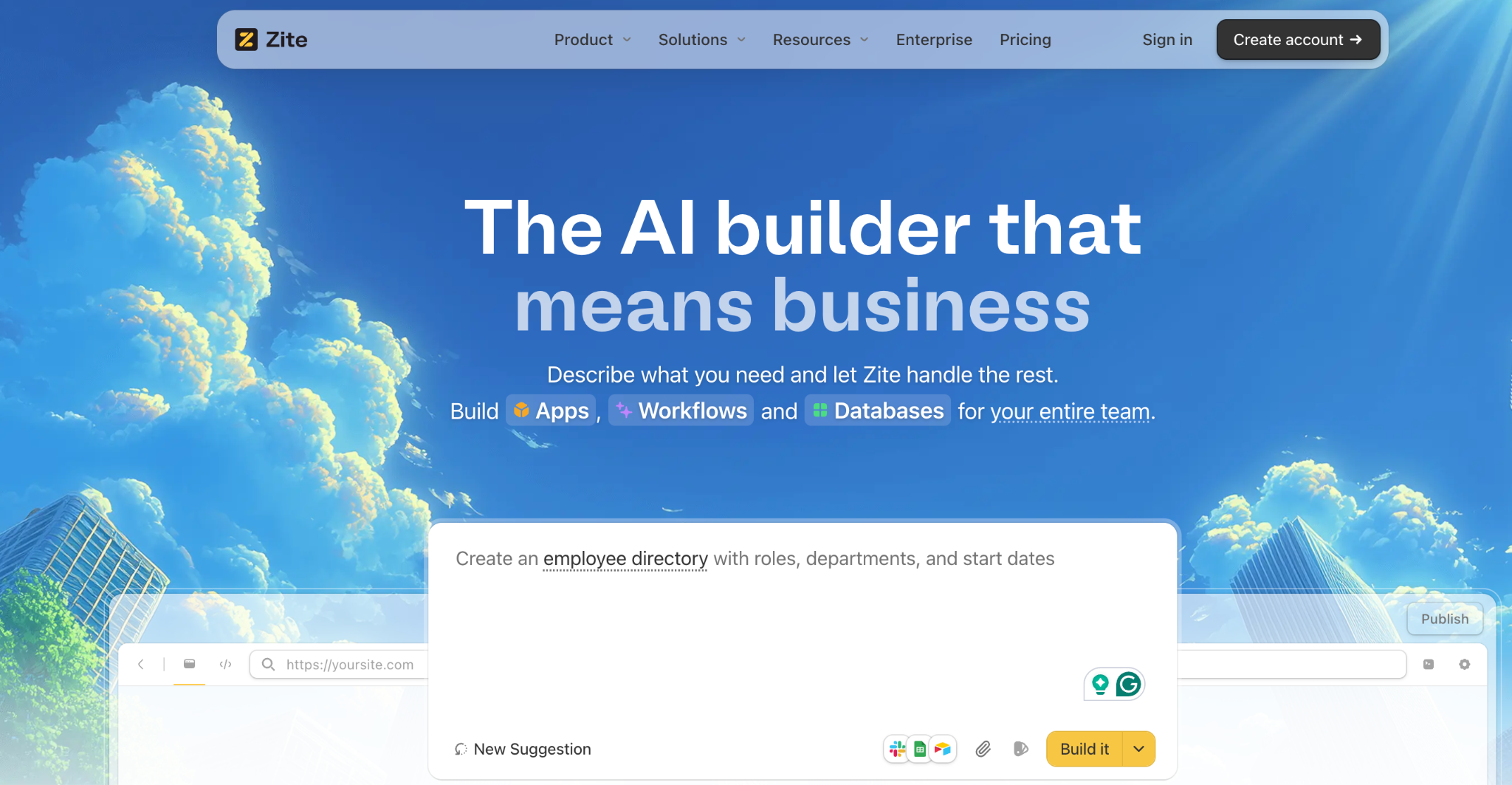
What it does: Zite is an AI-powered no-code app builder that generates custom CRMs, client portals, and business apps from a plain-language prompt, with a built-in database, role-based access, and flat pricing.
Best for: Teams whose CRM workflow doesn’t fit off-the-shelf tools and who want a fully tailored system with a client-facing portal without hiring a developer.
Where SuiteDash and HubSpot give you a fixed CRM with a fixed portal layout, Zite builds the CRM and portal from scratch based on what you describe. The AI generates the tables, fields, and workflow logic, so you can see exactly how the system works and adjust the layout and data directly.
The $19/month Pro pricing with unlimited users and no per-seat fees makes it stand out in a category where per-seat costs add up.
Key features
- AI prompt-to-CRM generation: Describe your sales pipeline, contacts, and client portal needs, and Zite builds the system.
- Real built-in database: Linked records and AI Fields for enrichment, in tables that feel as easy as a spreadsheet. Zite also integrates with existing data in Google Sheets and Airtable, so the CRM can build on the spreadsheets you already have.
- Role-based portals: External clients log in with their own credentials and see only their own data.
- White-label branding: Custom domains and brand matching, with Zite branding removed on paid plans, so the portal looks like yours.
Pros
- Non-technical teams can build a custom CRM and portal without developer skills.
- The visual workflow editor shows AI-generated logic as a flowchart you can inspect and follow.
- Flat pricing with unlimited users; no per-seat math as your team or client list grows.
Cons
- Not a pre-built CRM; you describe what you want, and Zite builds it (more setup than buying SuiteDash).
- Smaller template library than established CRMs, so you’ll often start from scratch.
What users say

“Unbelievably impressed by Zite. I made a whole website last night in about an hour, and the result is as good as anything I’ve ever had a web designer build for any of my companies that cost thousands of dollars.” Verified User, Reddit

“More flexibility on pricing tiers for teams with variable submission volumes would be welcome.” Alvaro H, G2
Pricing
Free plan (50 AI credits per month, unlimited users). Pro at $19/month. Business at $69/month. All plans include unlimited users and unlimited apps. See Zite’s pricing page for details.
Compare Zite directly at Airtable, Lovable, Base44, or Replit.
Bottom line
I’d recommend Zite to teams whose CRM workflow doesn’t match off-the-shelf tools and want a fully custom system with a built-in client portal. If your workflow is standard, an established CRM will get you started faster.
5. Softr: best for adding a portal on top of existing CRM data
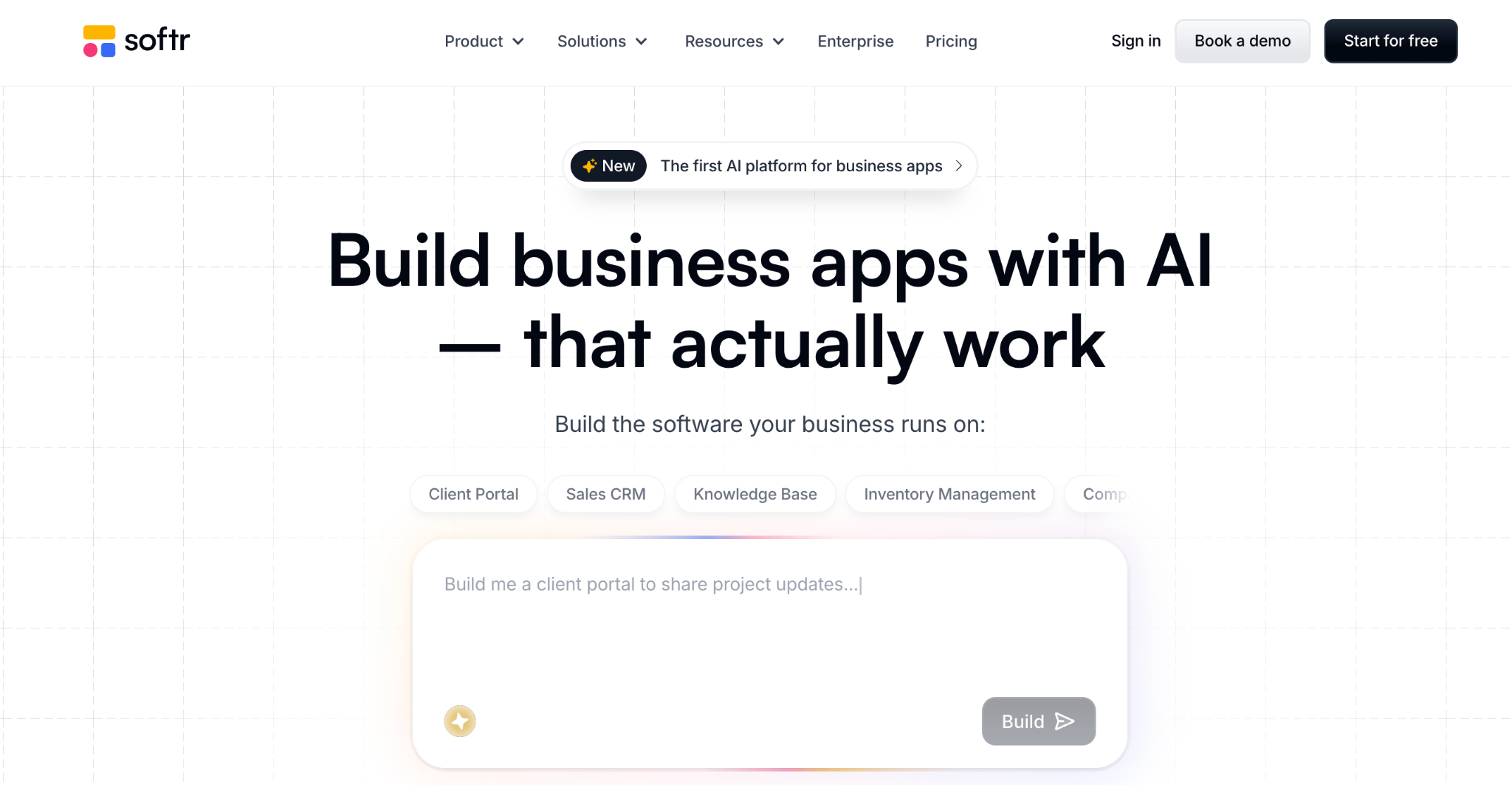
What it does: Softr builds branded client portals, dashboards, and internal tools on top of existing data sources like Airtable, Google Sheets, and HubSpot.
Best for: Teams who already have their CRM data in Airtable or Sheets and want to layer a client-facing portal on top.
Softr is purpose-built for portal building rather than CRM functionality. The CRM piece comes from whichever data source you connect to. The strength is taking existing data and turning it into a polished, branded portal in hours rather than weeks.
Key features
- Pre-built portal templates: Start from a client portal template and customize the design and content.
- Airtable, Sheets, and HubSpot integration: Connect your existing CRM data, and Softr handles the portal layer.
- User authentication and roles: External users log in to see only their own records.
Pros
- Fastest setup of any tool on this list; your portal can be live in a few hours if your data is ready.
- Strong design templates that look professional without designer involvement.
- Works on top of your existing CRM, not replacing it.
Cons
- Not a CRM on its own; you need Airtable, Sheets, or another data source underneath.
- Pricing climbs quickly as your client (end-user) count exceeds the entry plan limits.
What users say

“I love Softr's no-code software because of how easy it is to use tools to manage our mission-driven job board.” Jasmine W, G2

“After the initial AI application setup, it can be a bit fiddly to work through refining design features.” Verified User, G2
Pricing
Free plan (5 internal users, 100 external app users). Basic at $59/month. Professional at $167/month. Business at $323/month. See Softr’s pricing page for details.
Bottom line
I’d recommend Softr to teams whose CRM data already lives in Airtable or Sheets and want to add a polished client portal layer on top. If you want a full CRM in a single tool, Softr alone won’t do it.
6. Salesforce Experience Cloud: best for enterprise customer communities
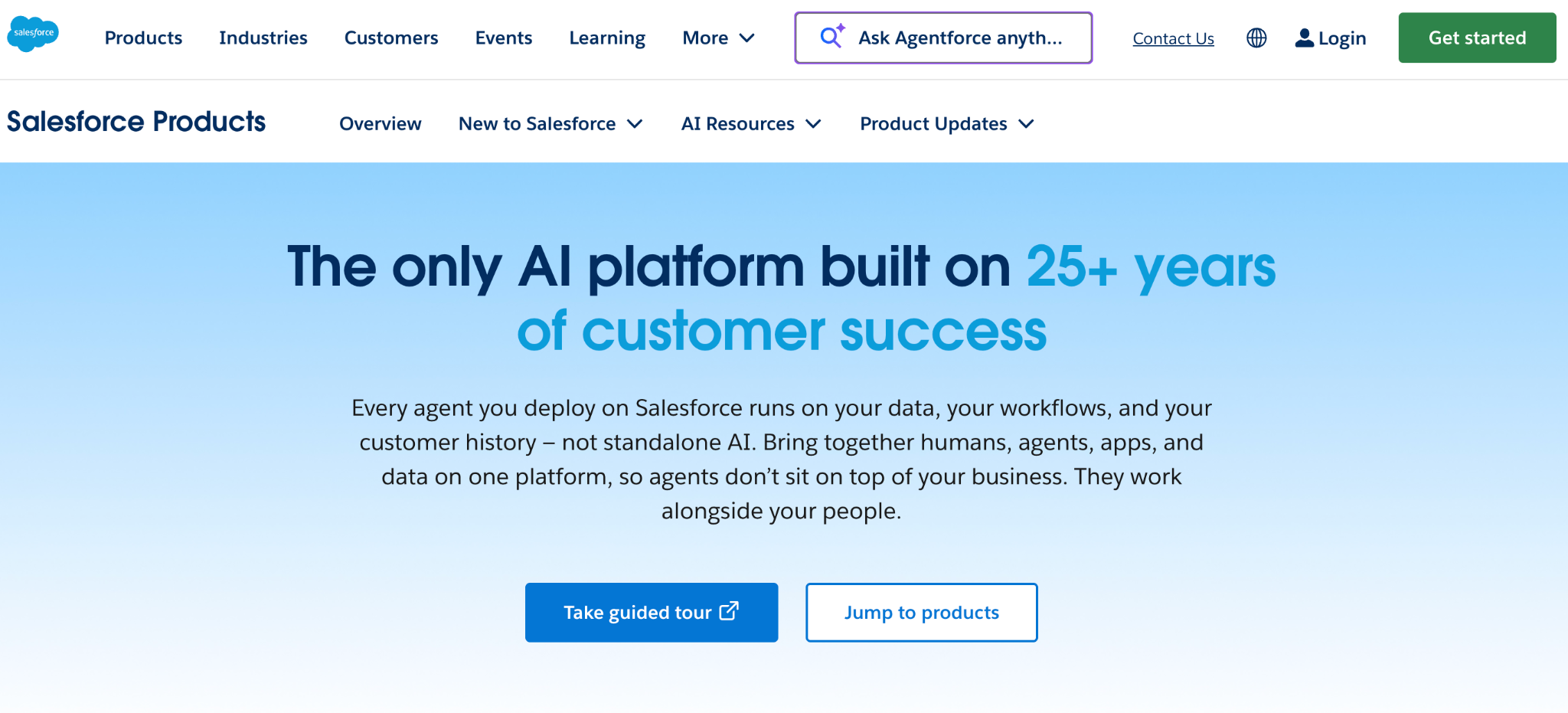
What it does: Salesforce Experience Cloud builds branded customer, partner, and employee communities on top of Salesforce CRM data with advanced personalization and identity features.
Best for: Large organizations that need customer or partner portals tied to Salesforce CRM data with advanced governance.
Experience Cloud is the enterprise standard for CRM-integrated portals, used by companies including Domino’s and L’Oréal. The trade-off is complexity and price; pricing is member-based, custom-quoted, and typically requires implementation help.
Key features
- Member-based pricing tied to Salesforce CRM: Each portal user has access controlled at the record level.
- Advanced personalization: Show different content, products, and workflows to different segments.
- Identity and SSO: SAML, OAuth, and social login options for enterprise identity requirements.
Pros
- Most mature enterprise portal product used by major brands and global organizations.
- Deep integration with Salesforce CRM, marketing, and service products.
- Strong governance, compliance, and identity features for enterprise IT.
Cons
- Implementation is complex and typically requires partner help or in-house Salesforce expertise.
- Member-based pricing and custom contracts make costs hard to predict without a sales call.
What users say
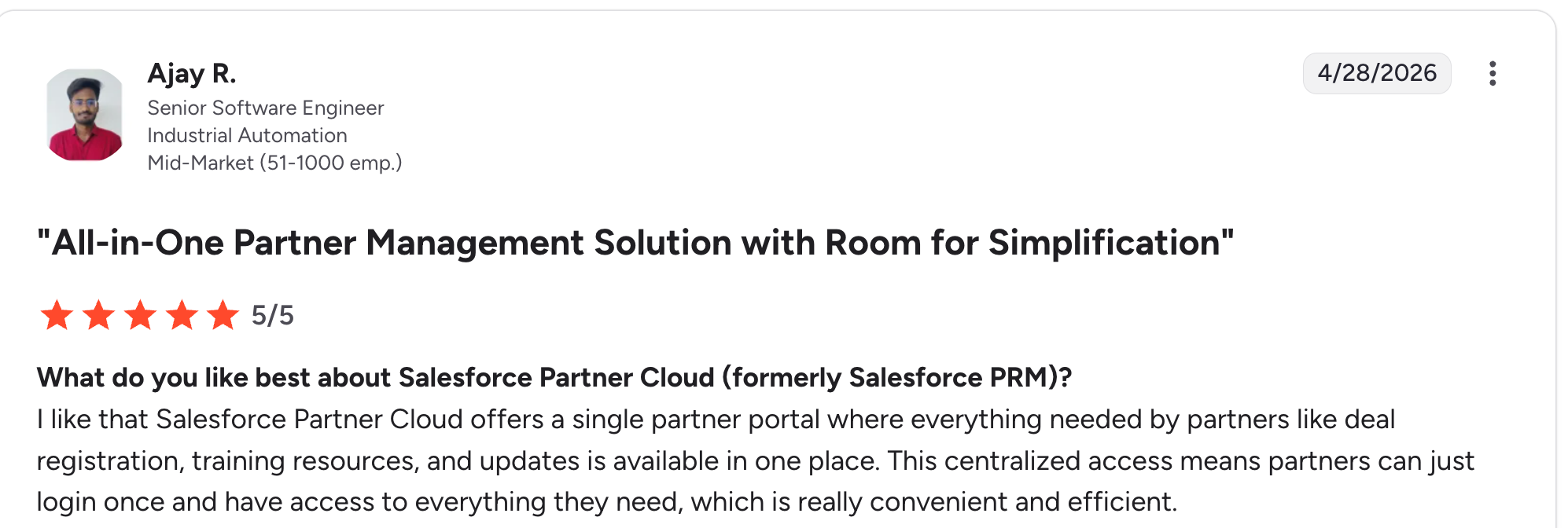
“I like that Salesforce Partner Cloud offers a single partner portal where everything needed by partners like deal registration, training resources, and updates is available in one place.” Ajay R, G2

“One downside is that initial setup and customization can feel a bit complex, especially when defining partner roles and access levels.” Adarsh D, G2
Pricing
Experience Cloud is member-based pricing and custom-quoted by Salesforce. Rates run from about $5/member/month (Customer Community license) up to $35/member/month (External Apps license), plus an underlying Salesforce license that sits beneath the member fee.
Most buyers end up with a custom quote that bundles implementation costs. See Salesforce's pricing page for details.
Bottom line
I’d recommend Salesforce Experience Cloud to large enterprise teams already running Salesforce CRM with the budget and implementation capacity. If you’re under 100 employees, almost anything else on this list will be faster and cheaper.
7. Insightly: best for project-based service businesses
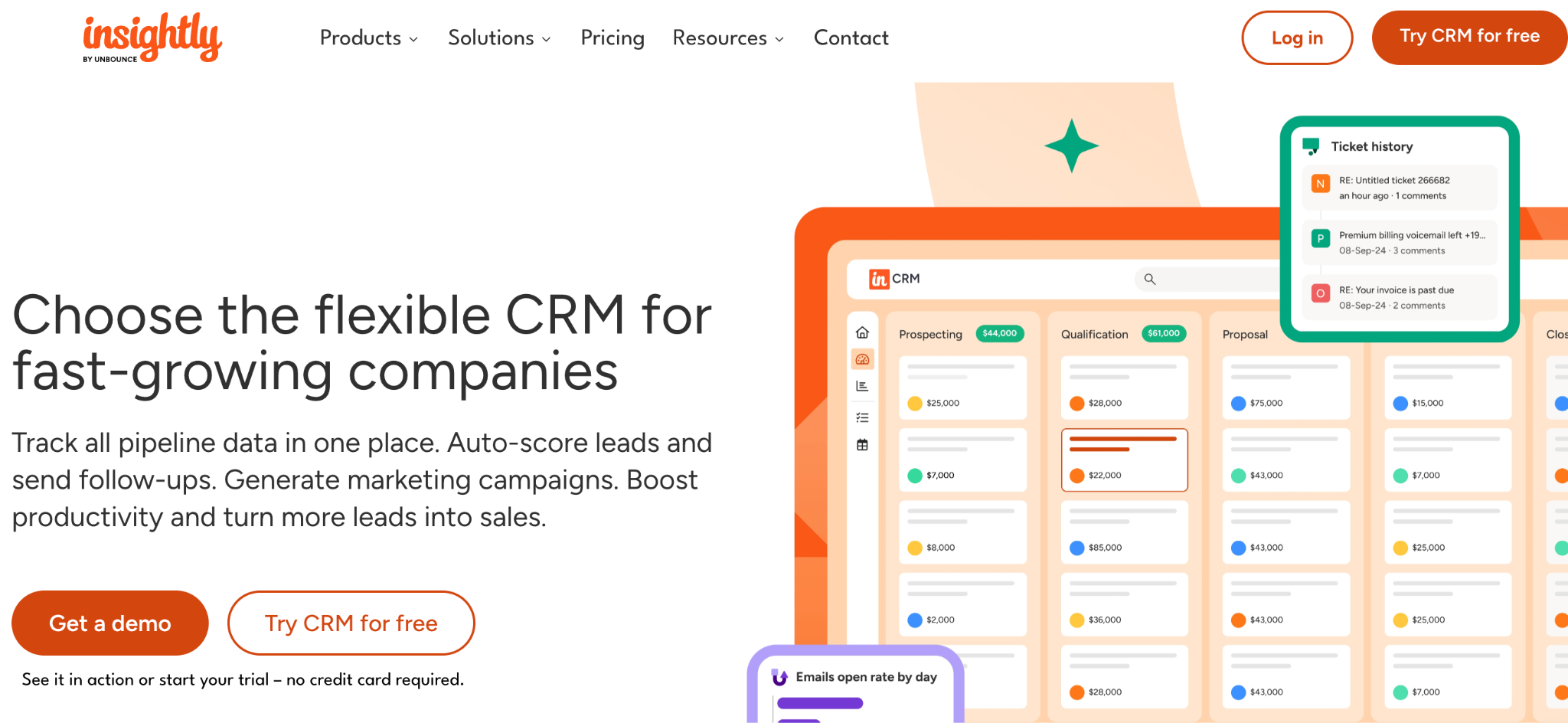
What it does: Insightly is a CRM with built-in project management, plus client portals that let clients view project status, milestones, and shared files.
Best for: Project-driven service businesses (agencies, consultants, professional services) that manage clients through projects rather than sales pipelines.
Insightly stands out because its CRM and project management are tightly integrated as first-class features. The client portal extends to project visibility, which makes it a better fit for businesses where projects are the unit of client engagement.
Key features
- Linked CRM and project records: Every project ties back to a CRM contact and shows shared data in the portal.
- Customer portals: Clients log in to view project status, milestones, and access shared files.
- Pipeline and milestone tracking: Visualize sales pipelines and project milestones in the same tool.
Pros
- Project-centric approach fits service businesses better than sales-pipeline-only CRMs.
- The client portal includes project visibility, not just account data.
- Built-in reporting on both sales and project performance.
Cons
- Per-user pricing climbs faster than flat-rate tools as your team grows.
- Interface is functional but not as modern as newer tools like SuiteDash.
What users say

“What I like best about Insightly CRM is how simple and easy it is to use.” Oliver B, G2

“Although you can run it from a phone, the screen is crowded, and it's challenging to do more than record meeting notes via voice-to-text.” Daniel O, G2
Pricing
Plus at $29/user/month, Professional at $49/user/month, and Enterprise at $99/user/month, all billed annually (monthly billing typically runs higher). Customer portals are available on the Professional and Enterprise tiers. See Insightly's pricing page for details.
Bottom line
I'd recommend Insightly to project-based service businesses that want CRM and a project portal in one tool. The per-user pricing climbs quickly past about 10 reps, so it fits smaller teams best.
Which CRM client portal tool should you choose?
Each tool wins for a different type of business. Here’s how to narrow the seven down.
Choose SuiteDash if you:
- Run an agency or service business that wants one tool replacing CRM, portal, billing, and project management.
- Need flat pricing with unlimited users and white-labeling at the entry tier.
- Are willing to invest time in setup for a fully branded experience.
Choose HubSpot Service Hub if you:
- Already use HubSpot CRM for sales and want a native customer portal.
- Can absorb the Professional tier price ($100/seat/month) for portal access.
- Need a support-focused portal with ticketing and knowledge base.
Choose Zite if you:
- Have a CRM workflow that doesn’t fit off-the-shelf tools and want a fully custom system.
- Want AI to generate the CRM and portal from a description rather than configuring an existing tool.
- Prefer flat pricing with unlimited users over per-seat models.
Choose Softr if you:
- Already have CRM data in Airtable, Google Sheets, or HubSpot and need a portal layer on top.
- Want the fastest setup of any option on this list.
- Don’t need the CRM and portal to be the same tool.
Skip this category entirely if:
- Your business is purely transactional, with no recurring client relationships that need a portal.
- You’re a solo freelancer with fewer than 5 clients, where the operational overhead outweighs the benefit.
Final verdict
For most service businesses, SuiteDash is the best out-of-the-box fit because it covers CRM, portal, billing, and scheduling in a single branded tool with flat pricing. HubSpot Service Hub wins when you’re already in the HubSpot ecosystem and have the budget for the Professional tier.
For teams whose CRM workflow doesn’t match what’s available off-the-shelf, Zite generates a fully custom CRM and client portal from a prompt. The AI builds the database, workflows, and role-based access, and the $19/month Pro pricing scales without per-seat costs.
Start building with Zite if your CRM workflow needs something the off-the-shelf tools can’t match.
Frequently asked questions
What is the best CRM with client portal functionality?
The best CRM with client portal functionality depends on your business model. For agencies, SuiteDash is the strongest all-in-one option at a flat $19/month. For HubSpot users, Service Hub Professional adds a native portal at $100/seat/month.
Does HubSpot have a client portal?
Yes, HubSpot has a customer portal, but it’s locked behind Service Hub Professional at $100/seat/month on monthly billing. The cheaper Starter tier ($20/seat/month) doesn’t include portal access.
Can I build my own CRM client portal?
Yes, you can build your own CRM client portal using an AI app builder. Zite generates a custom CRM and client portal from a plain-language prompt, with a built-in database, workflows, and role-based access.
What’s the difference between a CRM and a client portal?
A CRM manages your internal sales pipeline, contacts, and customer data, while a client portal is the external interface where clients log in to access their account, projects, or invoices. Tools like SuiteDash and HubSpot combine both.
What is the cheapest CRM with a client portal?
The cheapest CRM with a client portal is SuiteDash at $19/month with no per-seat fees. Zite matches that price for a custom-built CRM and portal. Zoho CRM’s portal requires the Enterprise tier at $50/user/month.
Do I need a CRM if I just need a client portal?
You don’t need a full CRM if you only need a client portal for file sharing and project updates. Standalone portal tools like Softr or builders like Zite can give you a branded client portal without the CRM layer. Most service businesses eventually want both.

