


After testing more than a dozen customer portal tools in 2026, these 9 stood out across pre-built SaaS, builder-assembled solutions on your own data, and fully custom, AI-built portals.
9 best customer portals: quick comparison
The prices below show the lowest monthly plan that includes the customer portal feature. Some tools include it in the starting plan; others gate it to a higher tier.
How I researched and tested these customer portal tools
I signed up for free trials where available, walked through onboarding with a real-world use case in mind (agency client portal, SaaS support portal, professional services portal), and gathered user feedback from G2, Capterra, and Reddit. Here's how I tested each tool and what I looked for:
- Out-of-box vs custom: Whether the portal works the moment you sign up or requires significant setup.
- White-label depth: How fully you can rebrand the portal so clients see your business.
- Use case fit: Which industry or business type each tool actually serves well.
- Pricing model: Flat-rate, per-user, per-member, or custom contracts and how predictably costs scale.
- Integrations: How smoothly each tool connects with payment processors, CRMs, and data sources.
1. SuiteDash: best for an all-in-one CRM with white-labeled customer portal
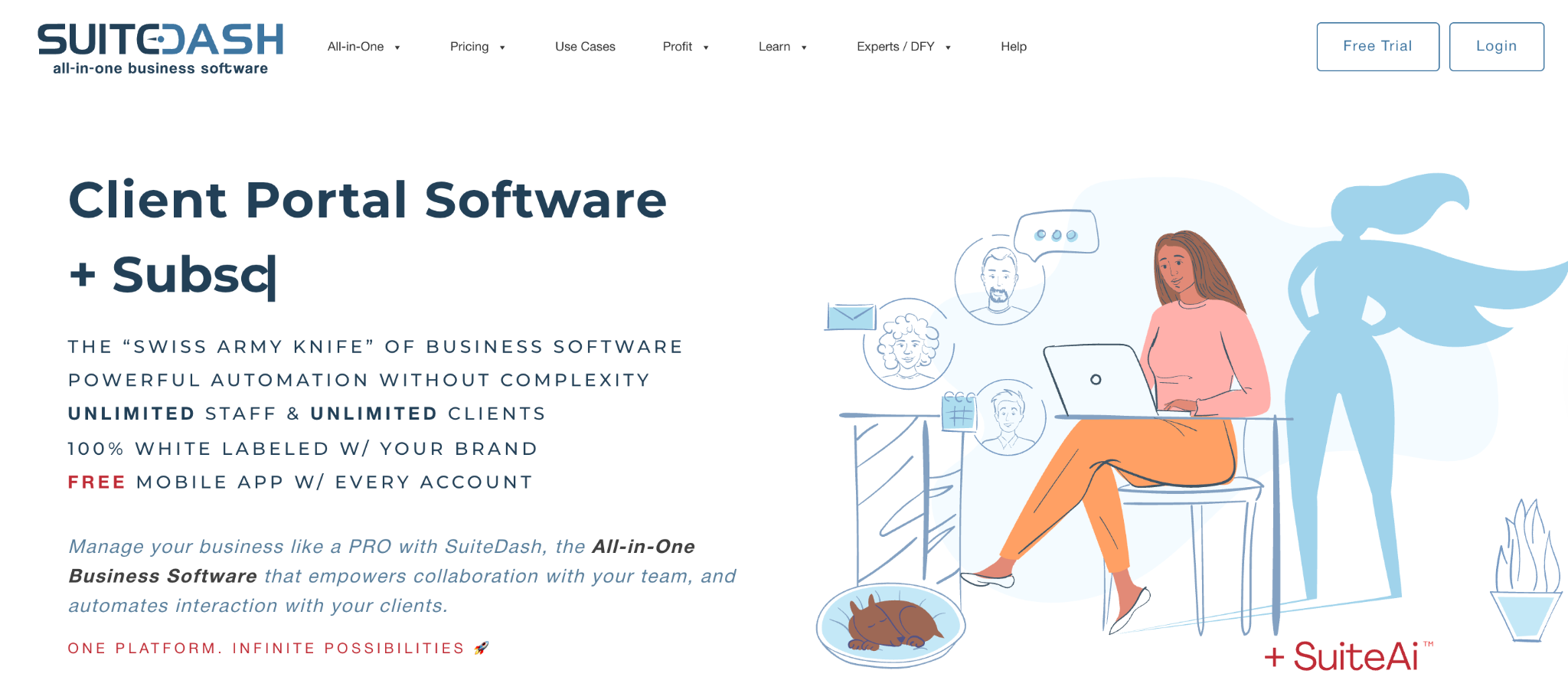
What it does: SuiteDash combines CRM, customer portals, project management, invoicing, scheduling, and file sharing into one white-labeled tool.
Best for: Agencies, consultants, and service-based businesses that want clients to log into a fully branded portal covering the entire engagement.
SuiteDash is the most direct purpose-built option for a customer portal with CRM. The starting plan at $19/month with unlimited users and no per-seat fees is unusual in this category. White-label features, including custom domains, are available on the Start plan.
Key features
- CRM Circles for client segmentation: Group contacts and personalize what each segment sees.
- White-label everything: Custom domain, logo, and branded login from the lowest-paid tier.
- Integrated billing and proposals: Invoices, estimates, and contracts inside the same tool clients log into.
Pros
- Flat pricing with unlimited users removes per-seat cost anxiety.
- All-in-one approach replaces 6+ separate tools.
- White-labeling and custom domain from the $19/month entry plan.
Cons
- Setup takes real time; the all-in-one approach means more to configure upfront.
- Power-Up add-ons can double your monthly bill beyond the headline price.
What users say
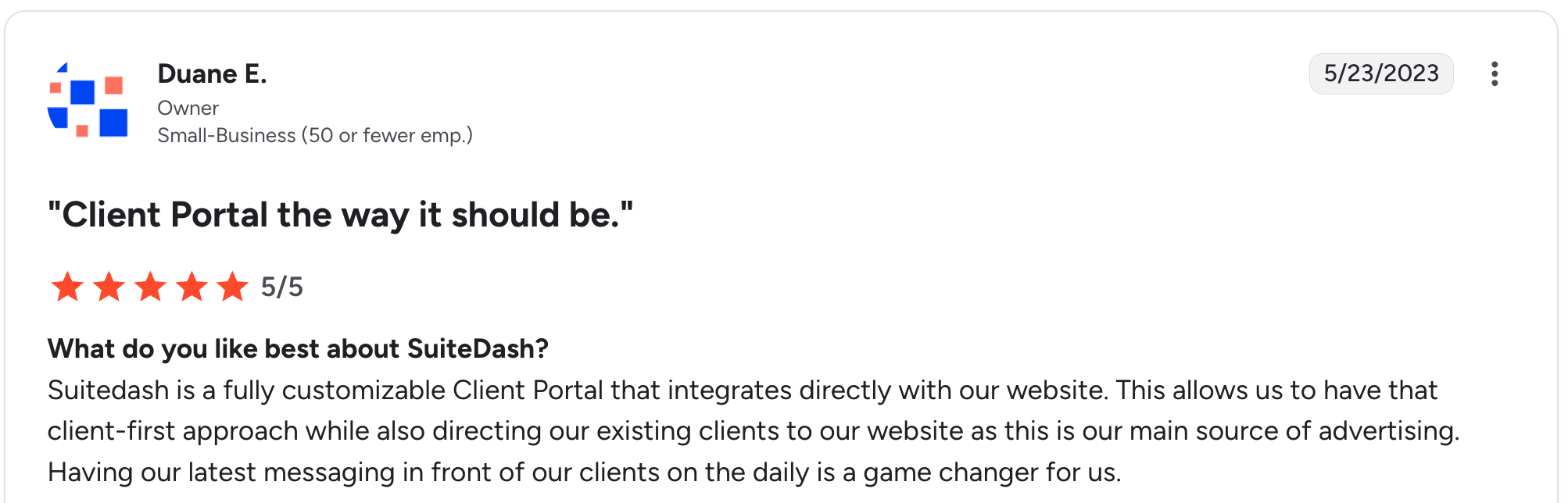
“SuiteDash is a fully customizable Client Portal that integrates directly with our website.” Duane E, G2

“My only real drawback with the platform is the lack of support for multiple currencies, especially the South African Rand.” Roberto P, G2
Pricing
Start at $19/month, Thrive at $49/month, Pinnacle at $99/month. All tiers include unlimited users. See SuiteDash’s pricing page for details.
Bottom line
I’d recommend SuiteDash to agencies that want one tool instead of six and can invest time upfront in setup.
2. Clinked: best for secure document collaboration portals

What it does: Clinked is a white-label client portal focused on secure file sharing, collaboration, and document workflows for regulated industries.
Best for: Mid-to-large professional services firms in regulated industries (legal, accounting, finance) that need audit-grade security and detailed permissions.
Clinked is the option most often picked when document security matters more than building speed. The portal is mature and well-tested, with strong audit logs, granular permissions, and document watermarking.
Key features
- Bank-grade security: SOC 2 and ISO 27001 certified, plus audit trails and document watermarking.
- Granular permission controls: Per-user, per-folder, per-document permissions with full audit logs.
- White-label mobile app: Available on the Enterprise tier for a fully branded mobile experience.
Pros
- Strong security and audit features required by legal, financial, and accounting firms.
- Mature product with active development.
- Q&A module and document watermarking are purpose-built for high-stakes sharing.
Cons
- Member-tier pricing climbs quickly past 25 users. Standard at $299/month and Premium at $599/month land well above most portal tools.
- Features like role-based permissions and NDAs are gated behind higher tiers.
What users say
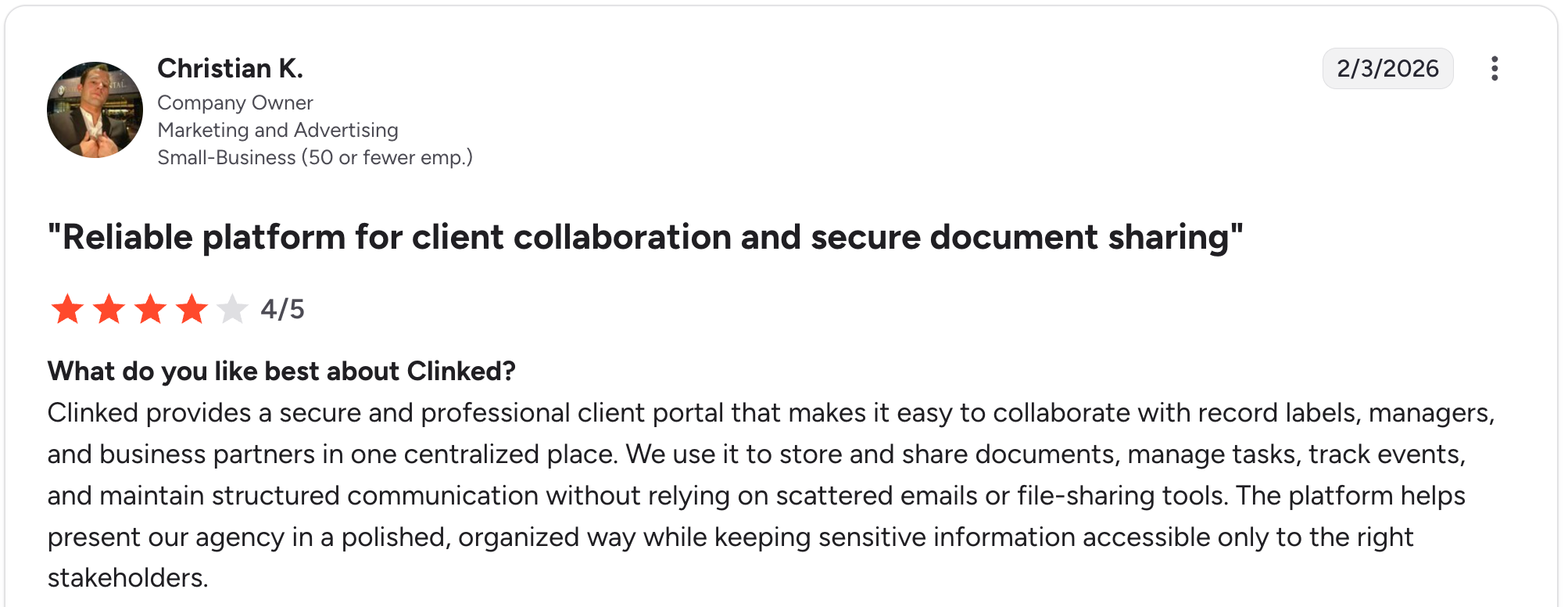
“Clinked provides a secure and professional client portal that makes it easy to collaborate with record labels, managers, and business partners in one centralized place.” Christian K, G2

“Sometimes the buffering speeds when opening documents are very slow. The in-app search function in Notes also needs refinement.” Verified User, G2
Pricing
Start Up at $11/user/month for up to 25 users. Standard at $299/month (100 members), Premium at $599/month (250 members, watermarking). Enterprise and VDR are contact-sales only. See Clinked's pricing page for details.
Bottom line
Clinked fits professional services firms in regulated industries that need audit-grade security. For small agencies, almost anything else on this list will be a better fit.
3. HoneyBook: best for creative service business client portals
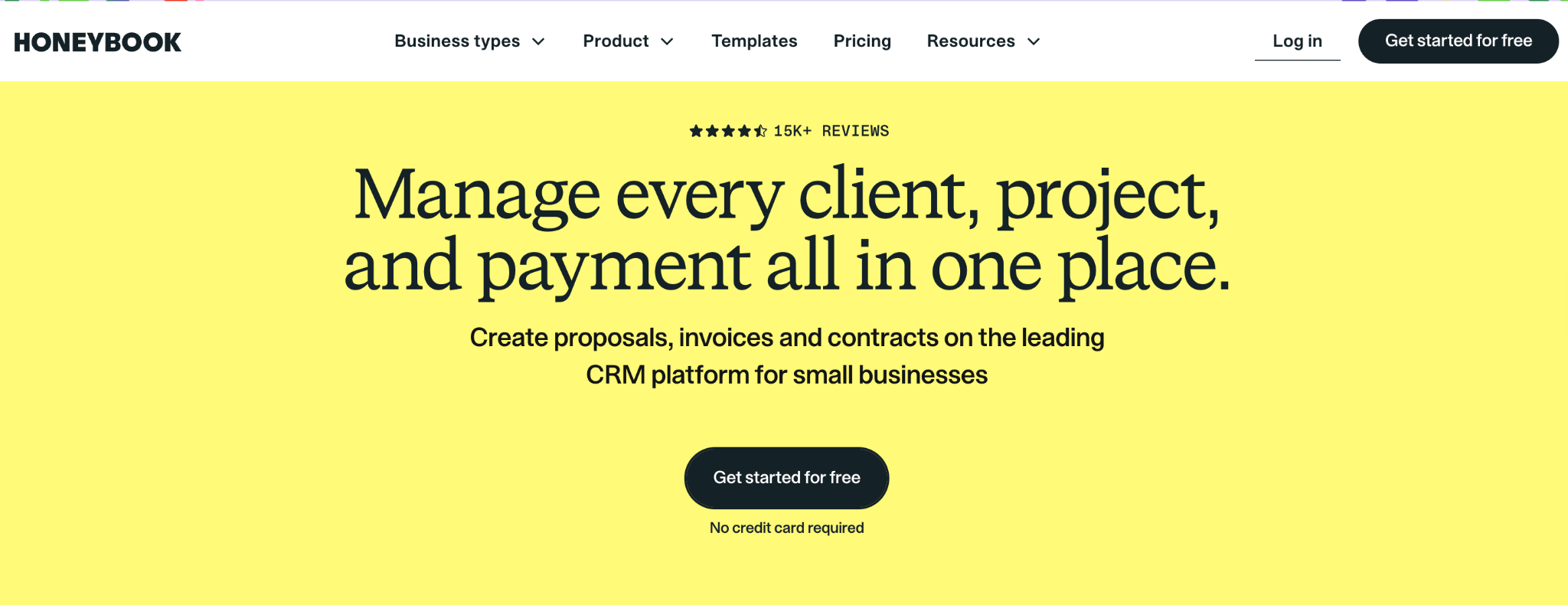
What it does: HoneyBook is a client portal and CRM built for creative freelancers and service businesses, combining proposal management, contract management, invoicing, and a branded client portal.
Best for: Creative service businesses (photographers, designers, event planners, coaches) that want a polished client experience from inquiry to payment.
HoneyBook stands out because the portal experience is well-designed. Clients receive an inquiry form, view a proposal, sign a contract, pay an invoice, and access project details through one branded portal.
Key features
- Interactive proposals: Clients can review, sign, and pay for a proposal from a single document in the portal.
- Branded client experience: Custom colors, fonts, and logos throughout the proposal-to-payment flow.
- AI assistance: Generates email drafts, project summaries, and meeting notes alongside the portal.
Pros
- Best-in-class proposal-to-payment client experience for creative freelancers.
- All-in-one workflow connects inquiry, proposal, contract, invoice, and payment.
- Strong template library specifically built for service business workflows.
Cons
- The Starter plan ($36/month) is built for solo users and does not support team collaboration.
- A 2025 price increase (Starter rose from $19 to $36, roughly an 89% increase) made the tool less budget-friendly.
What users say
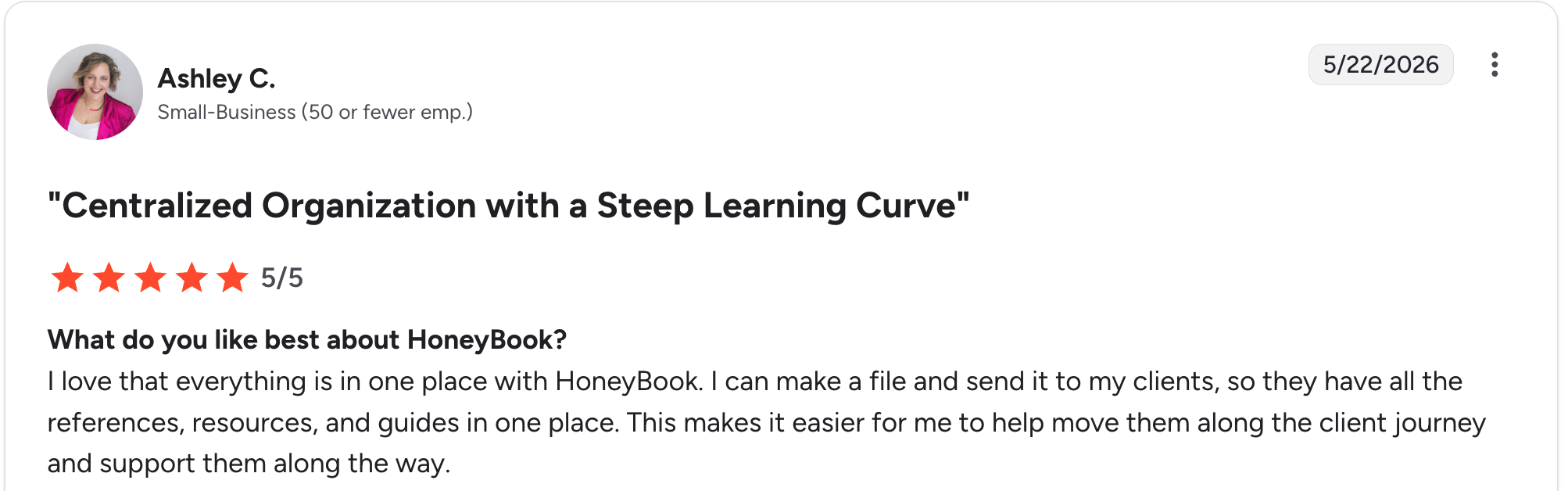
“I love that everything is in one place with HoneyBook. I can make a file and send it to my clients, so they have all the references, resources, and guides in one place.” Ashley C, G2

“One thing I think should be updated pretty quickly is the option to generate a quote without payment terms. Sometimes it's just a quote that the customer wants.” Royal L, G2
Pricing
Starter $36/month, Essentials $59/month, Premium $129/month. All monthly billing. See HoneyBook’s pricing page for details.
Bottom line
HoneyBook is a strong pick for creative service businesses that book 5+ clients per month and want a polished proposal-to-payment portal.
4. Zite: best for custom AI-built customer portals
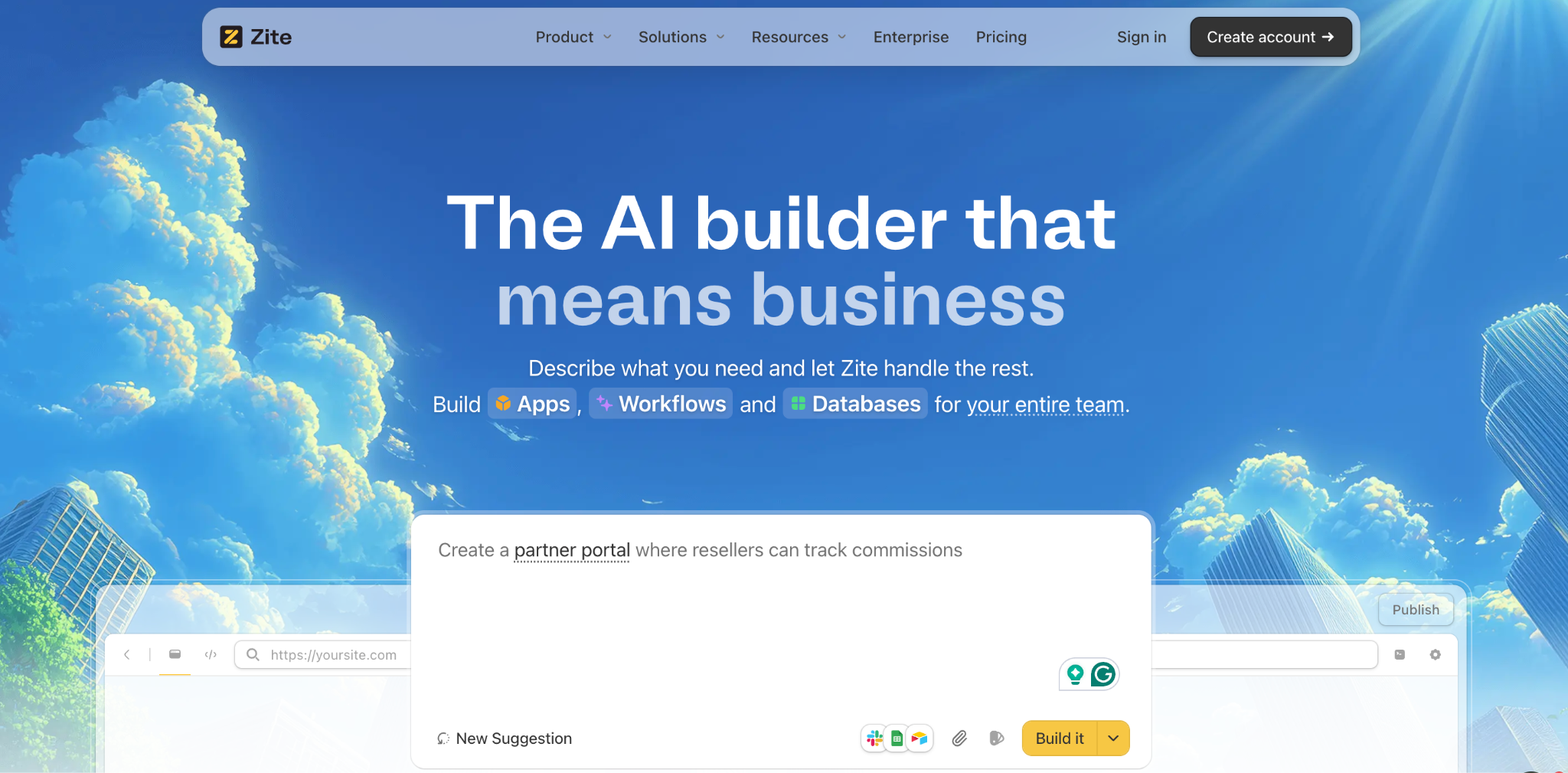
What it does: Zite is an AI-powered no-code app builder that generates custom customer portals from a plain-language prompt, with a built-in database, role-based access, and flat pricing.
Best for: Teams whose customer portal needs don’t match an off-the-shelf tool and who want a fully tailored portal generated from their workflow description.
Where SuiteDash, Clinked, and HoneyBook give you a pre-built portal you customize, Zite builds the portal structure from scratch based on what you describe. The AI generates the tables, fields, and workflow logic, so you can see exactly how the portal works and adjust the layout and data directly.
Key features
- AI prompt-to-portal generation: Describe what your clients will do, and Zite builds the database, UI, and workflow logic in one pass.
- Built-in database with linked records: Customers, projects, files, and interactions connected through real relational links. Zite also connects to existing data in Google Sheets and Airtable, so a portal can run on the spreadsheet you already have.
- Role-based portals: External clients log in with branded credentials and see only their account’s data.
Pros
- Non-technical teams can build a custom customer portal without developer skills.
- Visual workflow editor shows AI-generated logic as a flowchart you can inspect and follow.
- No per-seat or per-member fees, with unlimited users; client count doesn't change the bill.
Cons
- Not pre-built for any specific industry, so you describe what you want rather than picking templates.
- Newer product, so the community and template library are smaller than established tools.
What users say

“Unbelievably impressed by Zite. I made a whole website last night in about an hour, and the result is as good as anything I’ve ever had a web designer build for any of my companies that cost thousands of dollars.” Verified User, Reddit

“More flexibility on pricing tiers for teams with variable submission volumes would be welcome, and slightly richer reporting/analytics on the submissions side would help spot patterns without exporting data elsewhere.” Alvaro H, G2
Pricing
Free (limited AI credits, unlimited users, unlimited apps); Pro $19/month flat (100 credits/month, 100K database records); Business $69/month flat (200 credits/month, 250K records). See Zite’s pricing page for details.
See agency use cases at Zite for agencies, templates in the Zite marketplace, or compare Zite vs. Airtable.
Bottom line
I’d recommend Zite to teams whose portal needs don’t match off-the-shelf tools and who want a fully custom system at flat pricing.
5. Softr: best for portals built on Airtable or Sheets data
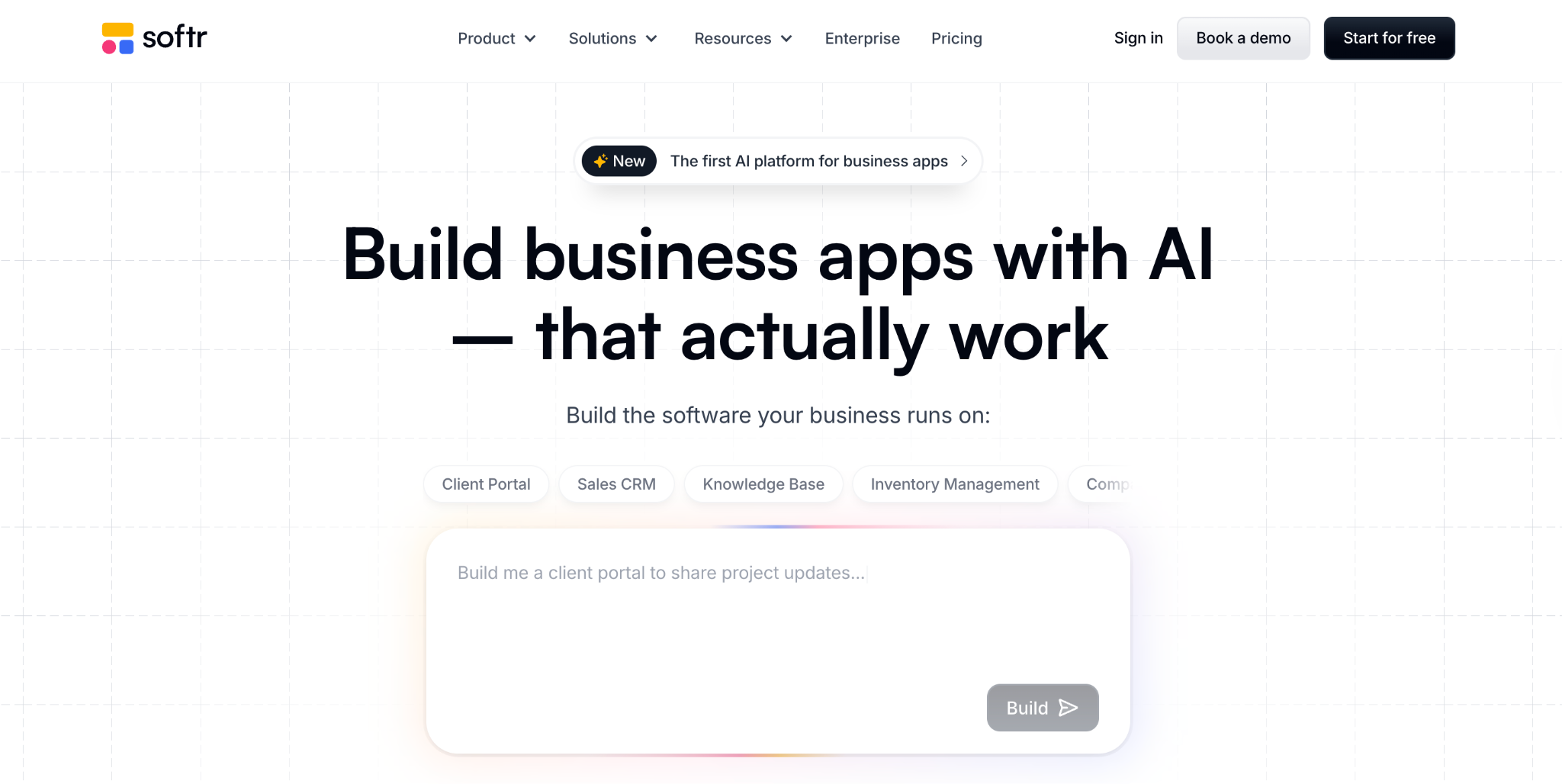
What it does: Softr builds branded client portals on top of existing data sources like Airtable, Google Sheets, and HubSpot Service Hub.
Best for: Teams that already store client data in Airtable or Sheets and want to layer a polished portal on top.
Softr is purpose-built for portal building rather than CRM functionality. The strength is taking existing data and turning it into a polished, branded portal in hours rather than weeks.
Key features
- Pre-built portal templates: Start with a client portal template and customize it.
- Airtable, Sheets, and HubSpot Service Hub integration: Connect existing client data, and Softr handles the portal layer.
- User authentication and roles: External users log in to see only their own records.
Pros
- Fastest setup of any tool on this list if your data is already in Airtable or Sheets.
- Strong design templates that look professional without designer involvement.
- Works on top of your existing data source rather than replacing it.
Cons
- Not a CRM on its own; you need Airtable, Sheets, or another data source underneath.
- Pricing increases as your client count exceeds entry plan limits.
What users say
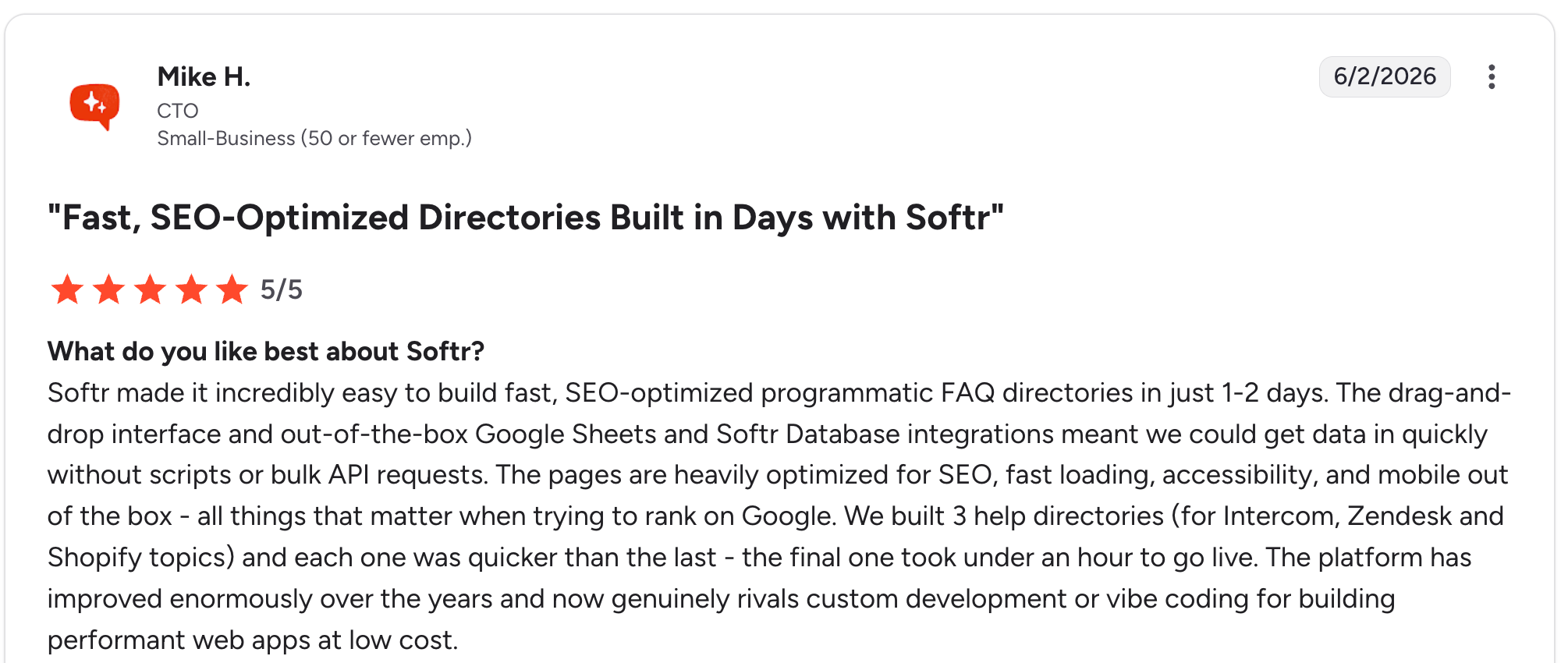
“Softr made it incredibly easy to build fast, SEO-optimized programmatic FAQ directories in just 1-2 days.” Mike H, G2

“The only thing that I would consider is more integrations. Potentially having the AI credits more visible so you don't use them all in one go, or you have a constant view of it.” Max M, G2
Pricing
Free (5 AI credits/month); Basic $59/month; Professional $167/month; Business $323/month; Enterprise custom. See Softr’s pricing page for details.
Bottom line
Softr earns its place when your data already lives in Airtable or Sheets, and you want a polished portal layer on top.
6. HubSpot Service Hub: best for SaaS customer support portals
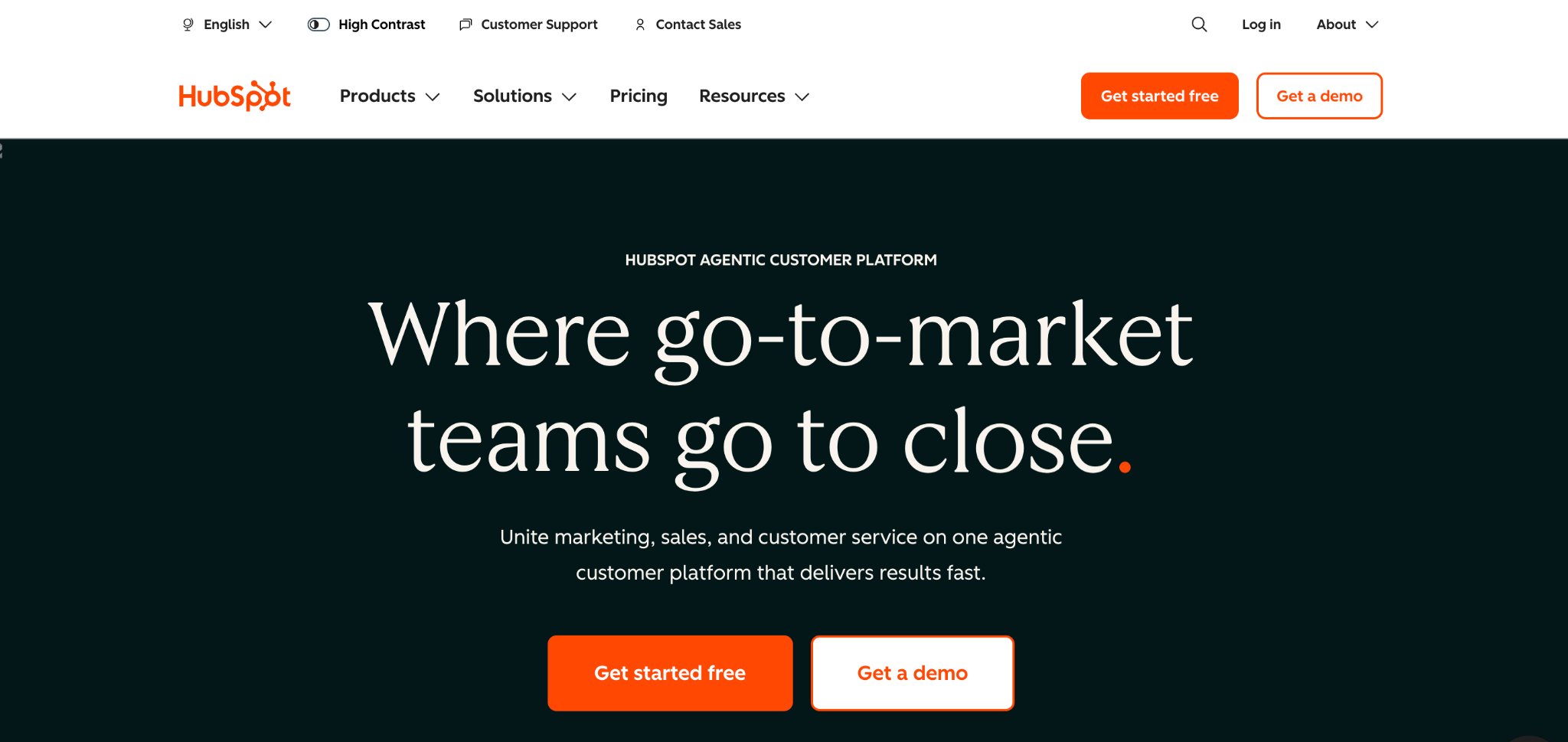
What it does: HubSpot Service Hub adds a customer portal, ticketing, knowledge base, and SLA management to HubSpot’s CRM.
Best for: SaaS and B2B companies already using HubSpot CRM that want a native customer portal for support tickets and self-service.
The customer portal is locked behind the Service Hub Professional tier at $100/seat/month on a monthly billing plan. The cheaper Starter tier ($20/seat/month) doesn’t include the portal.
Key features
- Native customer portal: Customers log in to view ticket history, status updates, and SLA progress.
- Knowledge base: Self-service articles that reduce ticket volume.
- Ticket SLAs and routing: Automatic routing to the right rep.
Pros
- Native integration with HubSpot’s CRM data.
- Strong ticketing and knowledge base features are integrated with the portal.
- The Free Service Hub tier exists (without a portal) for testing.
Cons
- Portal requires the Professional tier at $100/seat/month, which is expensive for small teams.
- Portal is support-focused (tickets, knowledge) rather than full client engagement.
What users say
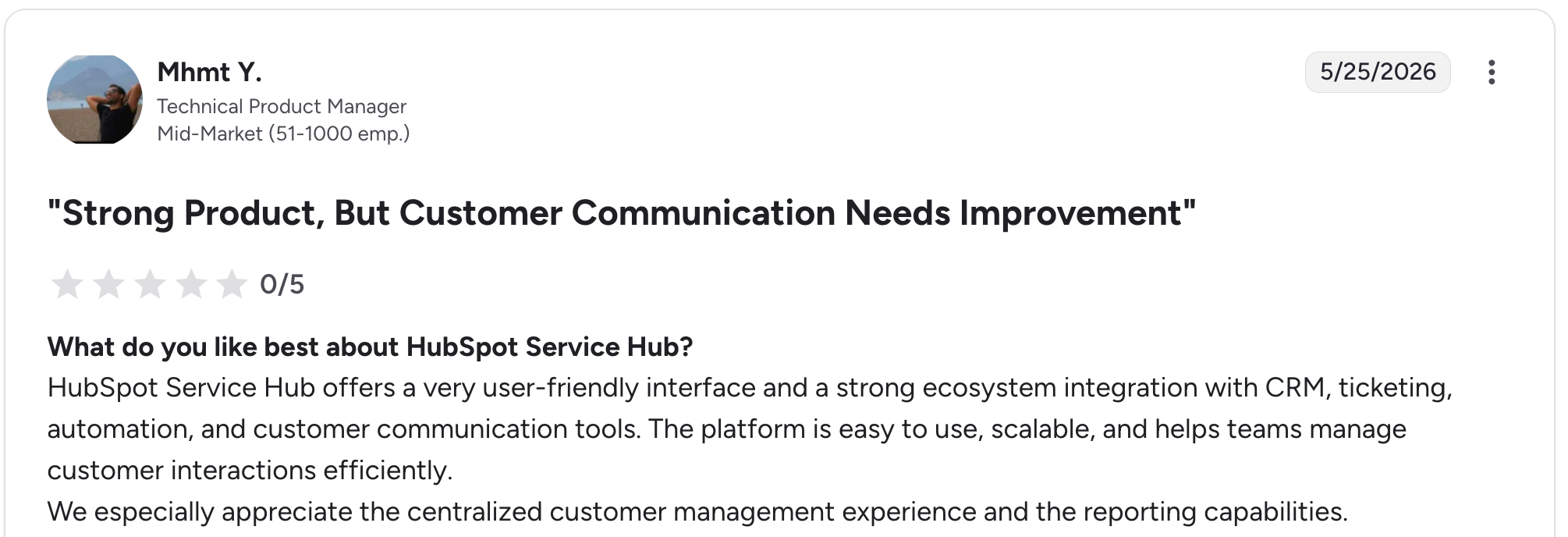
“HubSpot Service Hub offers a very user-friendly interface and a strong ecosystem integration with CRM, ticketing, automation, and customer communication tools.” Mhmt Y, G2

“Further integration is always an area to be improved.” Jacob B, G2
Pricing
Free for 2 users. Starter $20/seat/month (no portal). Professional $100/seat/month (includes portal). Enterprise $150/seat/month. See the HubSpot Service Hub pricing page for details.
Bottom line
I’d recommend HubSpot Service Hub to teams already using HubSpot CRM who can absorb the Professional tier price.
7. Moxo: best for financial services and consulting client portals
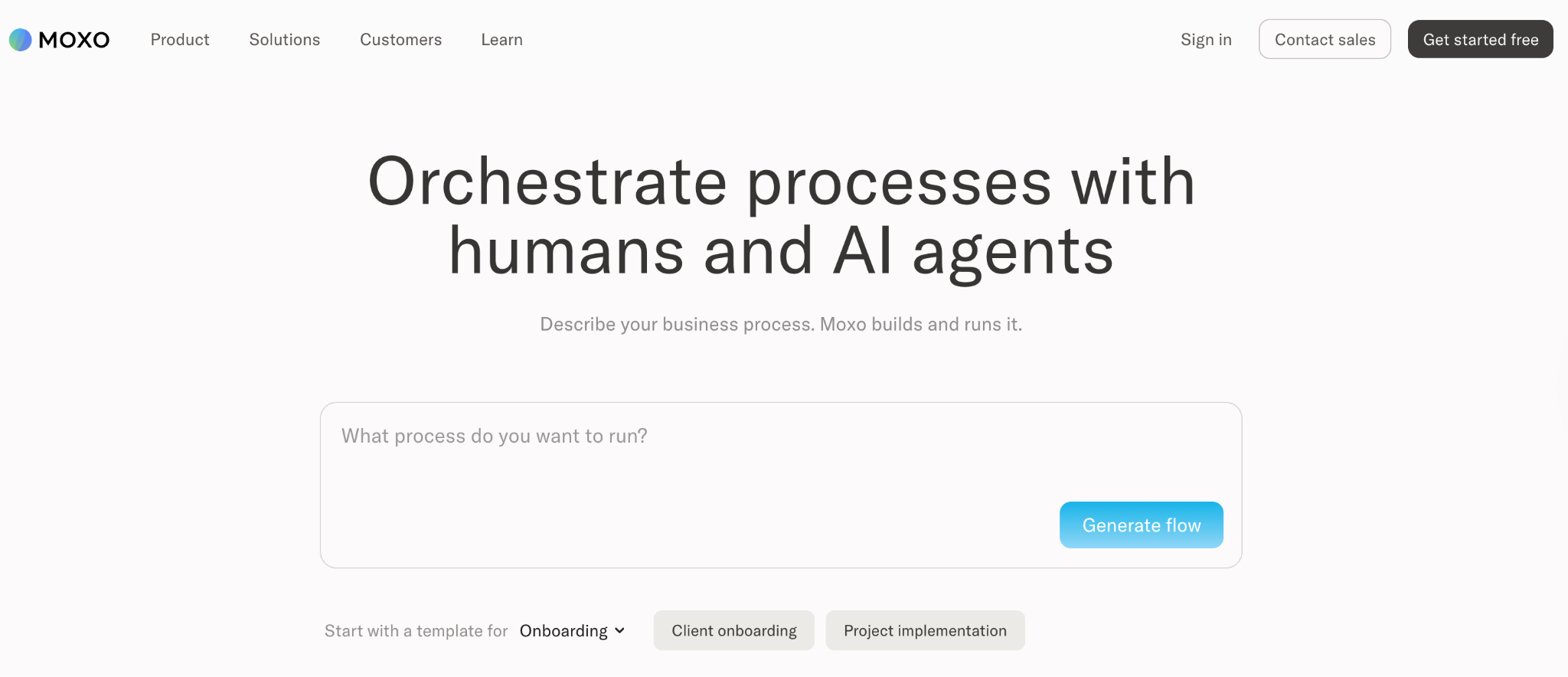
What it does: Moxo is a client interaction portal built around structured workflows for document collection, approvals, e-signatures, and ongoing communication.
Best for: Mid-to-large firms in financial services, accounting, and consulting that handle structured, multi-step client workflows.
Moxo’s strength is workflow structure. While general portals let you share files, Moxo provides a portal in which each client interaction follows a predefined process (intake, review, approval, completion).
Key features
- Workflow builder with approval steps: Reusable client workflows with built-in approval gates.
- Moxo AI: AI assistance for workflow creation, document summarization, and client communication.
- Mobile-first client experience: Clients interact with the portal primarily on mobile devices.
Pros
- Strong workflow structure for repeatable client processes.
- Built-in e-signatures, approvals, and document requests reduce tool sprawl.
- Mature product used by Citibank, Standard Chartered, and other financial institutions.
Cons
- The $99/month business plan is steep for small teams testing the workflow approach.
- Best fit is structured workflows; less useful for ad-hoc client communication.
What users say
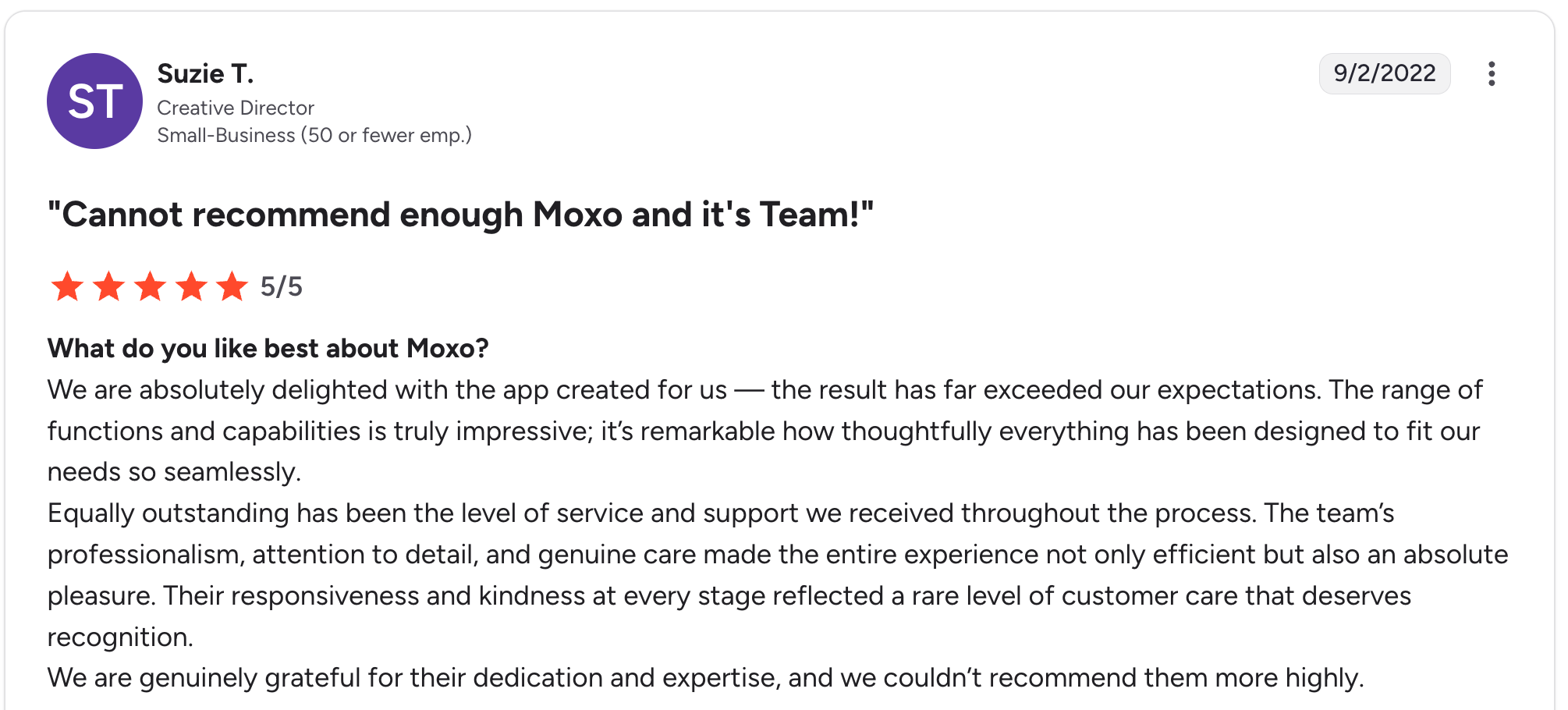
“We are absolutely delighted with the app created for us — the result has far exceeded our expectations.” Suzie T, G2

“There have been a few times when I wished the product offered some unique features and functions that could better support our team.” Verified User, G2
Pricing
Free (2 flows, 500 AI credits); Business $99/month (10 flows, 2,000 AI credits); Pro $499/month (45 flows, 10,000 AI credits); Enterprise custom. See Moxo’s pricing page for details.
Bottom line
Moxo works best for financial services or consulting firms with structured client workflows where approvals and document collection matter.
8. Salesforce Experience Cloud: best for enterprise customer communities
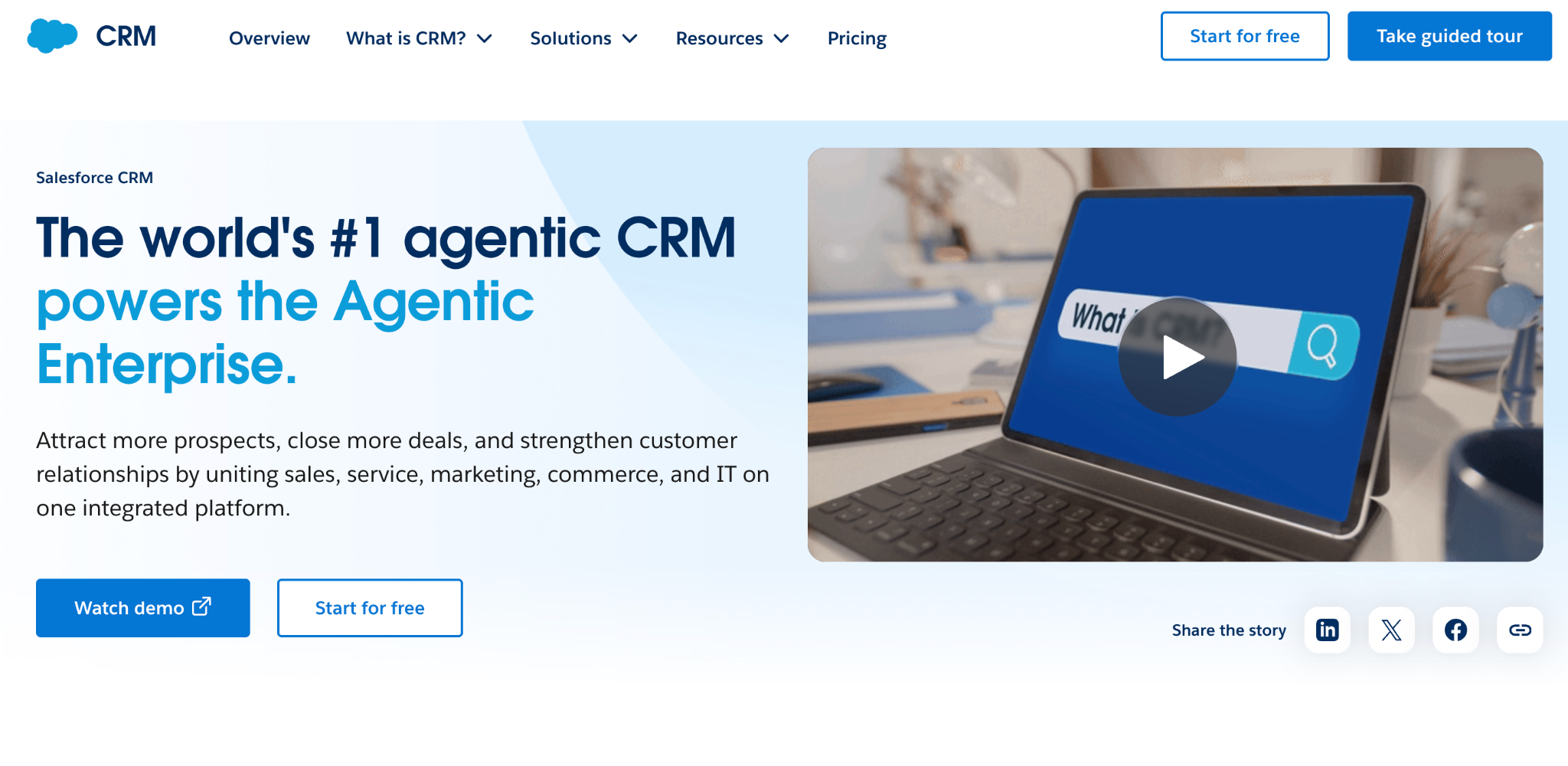
What it does: Salesforce Experience Cloud builds branded customer, partner, and employee communities on top of Salesforce CRM data.
Best for: Large organizations that need customer or partner portals tied to Salesforce CRM data with advanced governance.
Experience Cloud is the enterprise standard for CRM-tied portals, used by companies including Domino's and L'Oréal. The trade-off is complexity and price.
Key features
- Member-based pricing: Each portal user has access controlled at the record level.
- Advanced personalization: Show different content to different segments.
- Identity and SSO: SAML, OAuth, and social login options.
Pros
- Most mature enterprise portal product, used by global brands.
- Deep Salesforce CRM, marketing, and service integration.
- Strong governance, compliance, and identity features.
Cons
- Implementation is complex and typically requires partner help.
- Member-based pricing and custom contracts make costs hard to predict.
What users say
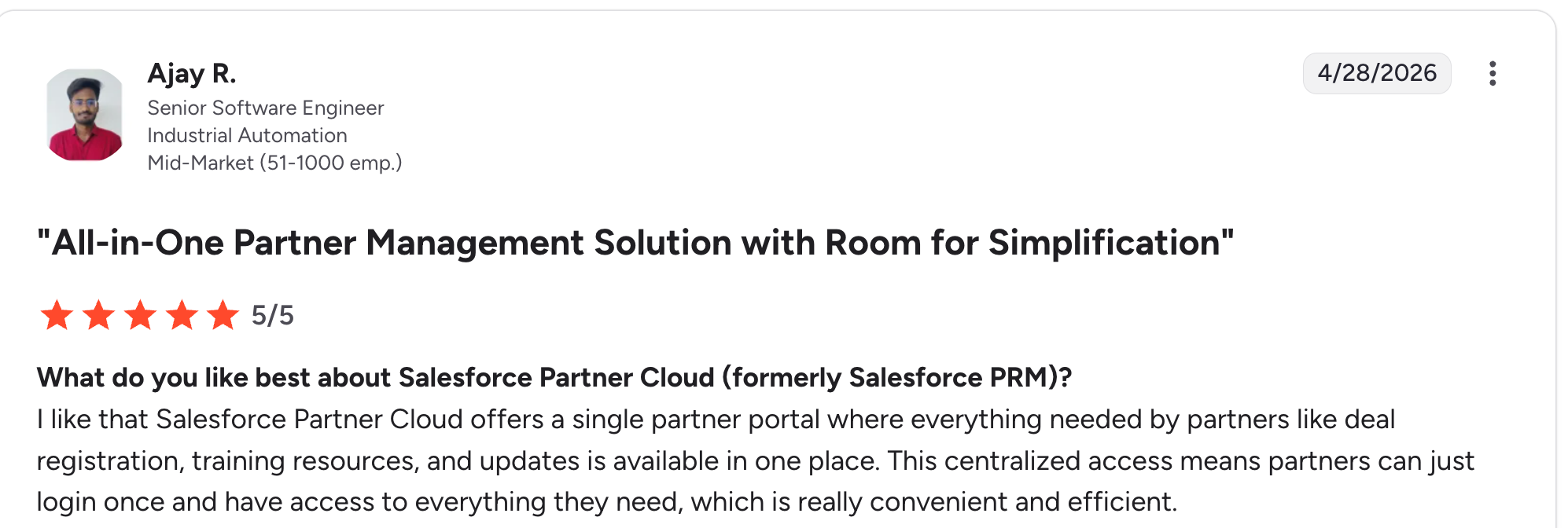
“I like that Salesforce Partner Cloud offers a single partner portal where everything needed by partners like deal registration, training resources, and updates is available in one place.” Ajay R, G2

“One downside is that initial setup and customization can feel a bit complex, especially when defining partner roles and access levels.” Adarsh D, G2
Pricing
Experience Cloud bills per portal member (every external login) plus an underlying Salesforce CRM license that shapes total cost. Rates aren't posted publicly; quotes come through sales. See Salesforce's pricing page for details.
Bottom line
Experience Cloud is the right call for large enterprise teams already on Salesforce. For organizations with fewer than 100 employees, almost everything else on this list will be faster and cheaper.
9. FuseBase: best for AI-powered client portals with built-in knowledge management
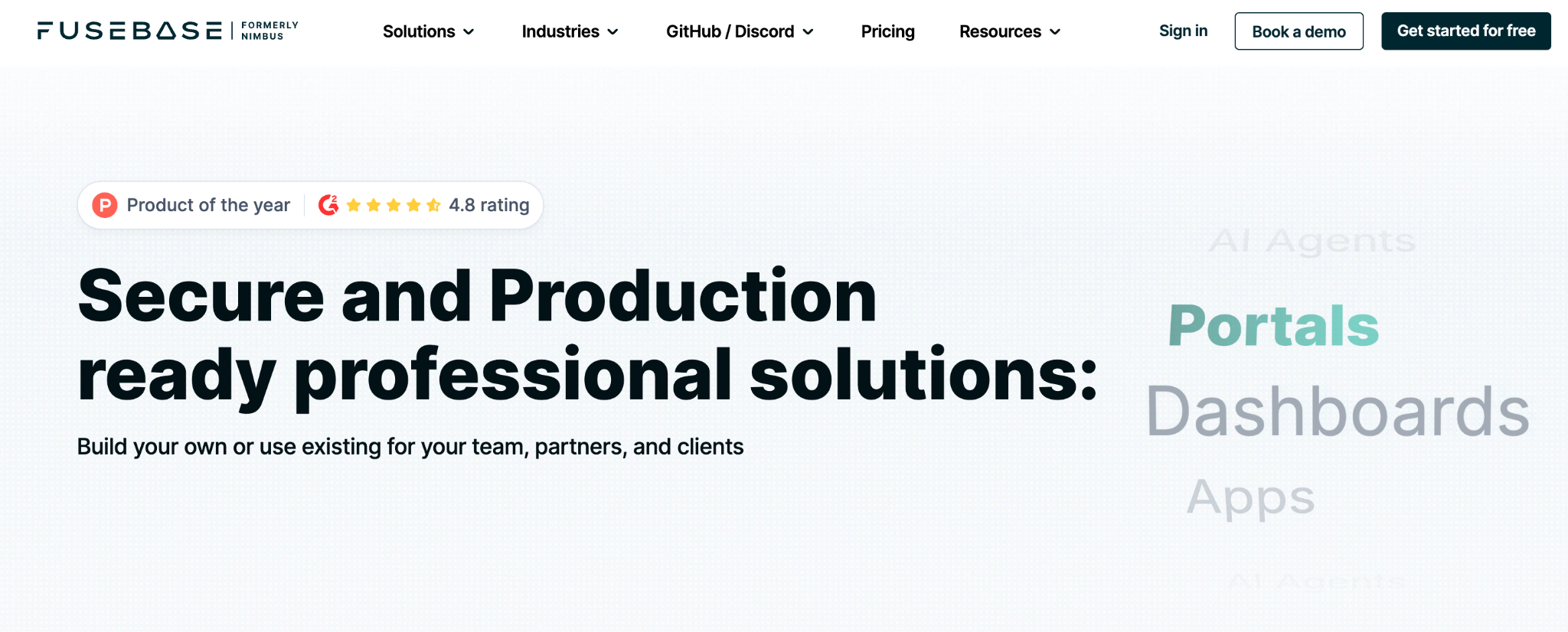
What it does: FuseBase combines branded client portals with AI agents, a built-in knowledge base, and document workflows, designed for solo consultants and small service agencies.
Best for: Solo consultants and small service businesses that want a single AI-powered platform covering client portals, knowledge management, and document collaboration.
FuseBase takes an AI-native approach to client portals, layering AI agents and a knowledge base onto branded portal experiences. The platform doesn't require clients to create accounts; they access portals via secure links, which removes the friction that plagues other tools.
The trade-off is that the knowledge-management depth can feel like overkill for teams just needing a simple portal.
Key features
- AI agents: automate follow-ups, meeting summaries, and workflow tasks across portals.
- Branded client portals: white-label with custom domain on the Advanced tier and above.
- No client logins required: clients access portals via secure links.
Pros
- All-in-one platform knowledge base, client portal, AI agents, and document management.
- Fast setup for non-technical teams can launch portals in minutes.
- Frictionless client access secure links remove the account-creation barrier.
Cons
- Frequent updates can introduce bugs that users have flagged in recent reviews.
- Performance lags behind faster competitors on the list.
What users say
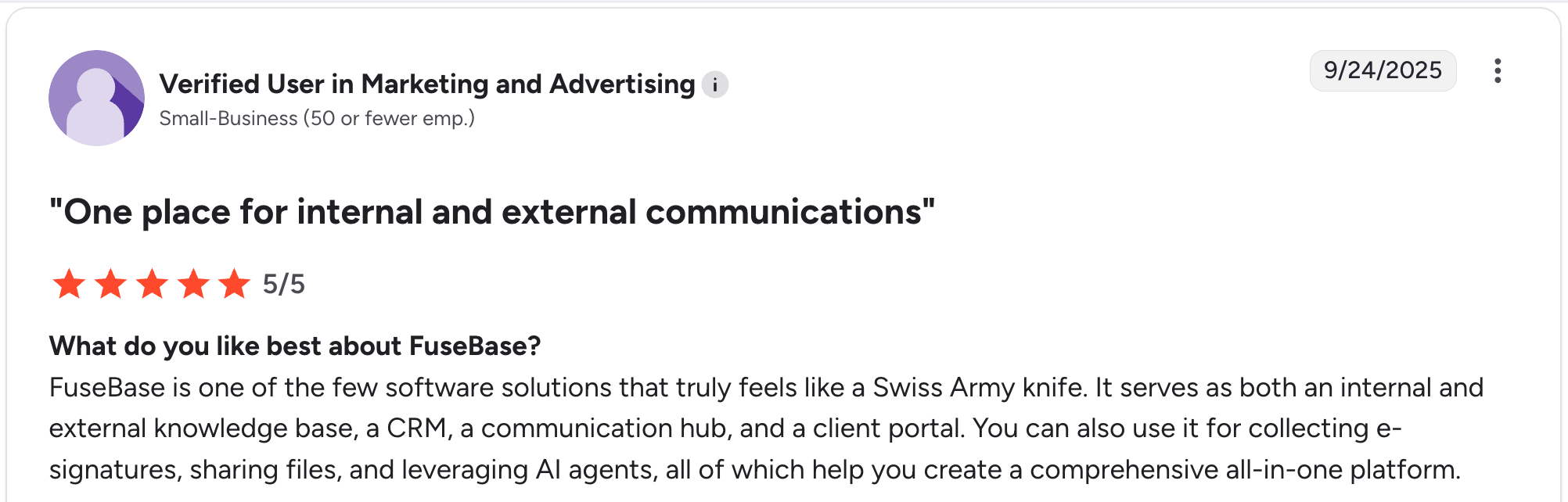
“FuseBase is one of the few software solutions that truly feels like a Swiss Army knife.” Verified User, G2

“The only real limitation I've run into is search. It works well within a workspace, but my team works across several workspaces, so we'd love to have a global search.” Verified User, G2
Pricing
Free plan available; Solo at $39/month (1 client portal); Essentials at $99/month; Advanced at $399/month with white-label; and Unlimited at custom pricing. See FuseBase's pricing page for details.
Bottom line
FuseBase is designed for solo consultants and small service agencies that want AI-powered client portals integrated with a built-in knowledge base. For teams needing a simple portal without the AI and knowledge-management depth, lighter tools on this list will be a better fit.
Which customer portal should you choose?
Each tool fits a different business profile. Here’s how to narrow the nine down.
Choose SuiteDash if you:
- Run an agency or service business and want a single tool that covers CRM, portal, billing, and project management.
- Need flat pricing with unlimited users and white-labeling at the entry tier.
- Are willing to invest time in setup for a fully branded experience.
Choose Clinked if you:
- Operate in a regulated industry where compliance matters more than building speed.
- Need document watermarking, audit logs, and detailed permissions.
- Can absorb member-tier pricing ($299/month and up) once your team passes the 25-user Start Up cap.
Choose HoneyBook if you:
- Run a creative service business (photography, design, events, coaching).
- Want a polished proposal-to-payment client experience.
- Book 5+ clients per month and value design quality.
Choose Zite if you:
- Have a customer portal need that doesn’t fit off-the-shelf tools.
- Want AI to build the portal from a description rather than configuring an existing tool.
- Prefer flat pricing that doesn’t change as your client count grows.
Choose Softr if you:
- Have your data already in Airtable, Google Sheets, or another supported source.
- Want a polished portal layer without rebuilding your data foundation.
- Are comfortable trading raw configurability for fast setup.
Choose HubSpot Service Hub if you:
- Already use HubSpot CRM and want native portal integration.
- Need support-focused features (ticketing, knowledge base) more than full client engagement.
- Can absorb the $100/seat/month Professional tier price.
Choose Moxo if you:
- Run a financial services, consulting, or compliance-heavy firm.
- Have repeatable client workflows that need structured approvals and document collection.
- Don't need ad hoc messaging or a flexible workspace structure.
Choose Salesforce Experience Cloud if you:
- Run a large organization already using Salesforce CRM.
- Need advanced governance, compliance, and identity management.
- Have implementation budget and partner support for setup.
Choose FuseBase if you:
- Run as a solo consultant or a small service agency, wanting one platform for portals and a knowledge base.
- Want AI agents handling routine follow-ups and meeting summaries.
- Prefer clients to access portals without creating accounts.
Skip this category entirely if:
- You only need a shared folder (Google Drive will do).
- You have fewer than 3 clients, and your existing email flow works fine.
- You need vertical-specific integrations; only industry-specific tools handle them.
Final verdict
For most service businesses, SuiteDash is the best out-of-the-box fit at a flat $19/month because it covers CRM, portal, billing, and scheduling in a single branded tool. For regulated industries, Clinked wins on audit-grade security.
For teams whose portal needs don’t match what’s available off-the-shelf, Zite generates a fully custom customer portal from a prompt. The $19/month Pro pricing with no per-seat fees scales without per-user costs.
Start building with Zite if your customer portal needs something the off-the-shelf tools can’t match.
Frequently asked questions
What is a customer portal?
A customer portal is a secure web-based space where your customers log in to access their account information, files, invoices, or project updates. It carries your branding so clients feel like they’re inside your business.
What are good examples of customer portals?
Good examples of customer portals include SuiteDash for agencies, Clinked for regulated industries, HoneyBook for creative businesses, and Zite for custom AI-built portals.
How much does a customer portal cost?
Customer portal pricing ranges from $19/month (SuiteDash, Zite) to $599/month or more for premium tiers (Clinked Premium, Moxo Pro). Most service businesses land between $19 and $200 per month.
Can I build my own customer portal?
Yes, you can build your own customer portal without coding. Zite generates a custom portal from a prompt, Softr layers a portal on top of Airtable data, and FuseBase offers deeper configuration on multiple data sources.
What features should a customer portal include?
A customer portal should include secure login, role-based access, a clear dashboard, file sharing or document storage, and a way to communicate or submit requests. Advanced features include automated workflows, payments, and e-signatures.
What’s the difference between a customer portal and a client portal?
The main difference is context: customer portals are common in SaaS and B2B for self-service, while client portals are more common in service businesses managing ongoing projects. In practice, the two terms often overlap.

