


I tested nine free AI app builders to see which ones publish a working app without ever hitting a paywall. Here's where each free tier wins, where it caps out, and which free AI app builder fits your project.
9 best free AI app builders: quick comparison
The full breakdown is below, but here’s the at-a-glance view so you can skip to the tool that fits your project.
How I tested these free AI app builders
I built the same sample app in each tool, an internal client request tracker, to see how each one handles a real business use case from prompt to working app. Where the free tier had hard limits, I noted what you can actually ship before hitting them.
The criteria I weighed for every tool:
- AI quality: How well the tool understood my prompt and generated something usable on the first try.
- Free-tier limits: What you can actually publish on the free plan, including custom domain support and project caps.
- Output type: Whether the tool produces a hosted web app, mobile app, exportable code, or a design prototype.
- Editability: How easily a non-developer can adjust the app after generation, beyond re-prompting.
- Database and data handling: Whether the tool includes a data layer or expects you to bring your own.
This approach helped me see which free AI app builders publish a real working app on the free tier, and which ones are demos with a paywall hiding the useful features.
1. Lovable: best for solo founders building web app MVPs

What it does: Generates full-stack web apps from natural-language prompts using React, TypeScript, Tailwind, and Supabase under the hood.
Best for: Solo founders, product managers, and non-engineers who want to ship a web app MVP quickly.
Lovable is the tool that brought prompt-to-app generation into the mainstream for non-developers. You describe an app, and Lovable builds it. The output is a working React app with a Supabase backend, which means real database functionality from the first prompt.
When I tested it, the generated UI was clean, and the code was reasonably modern, though the free-tier limits were hit quickly.
Key features
- Prompt-to-app generation: Describe what you want, and Lovable builds a working app with auth, database, and UI in one pass.
- Supabase backend included: Real database, real auth, real API routes generated automatically.
- GitHub integration: Sync your project to GitHub for version control and code-level edits.
- Unlimited collaborators: Even the free plan allows team members to work on your projects.
Pros
- Generated apps look polished and professional, not template-driven.
- A real backend with Supabase lets you build apps that store and query data from the first prompt.
- The code is exportable via GitHub if you want to leave the tool.
Cons
- The free plan caps you at 5 daily credits (30 per month), enough for a small demo but not a full MVP.
- Free-tier projects are public, meaning anyone with the URL can see them.
- No custom domain on the free plan. Your app lives on a lovable.app subdomain.
- Each prompt costs credits, and complex changes burn through them fast.
What users say
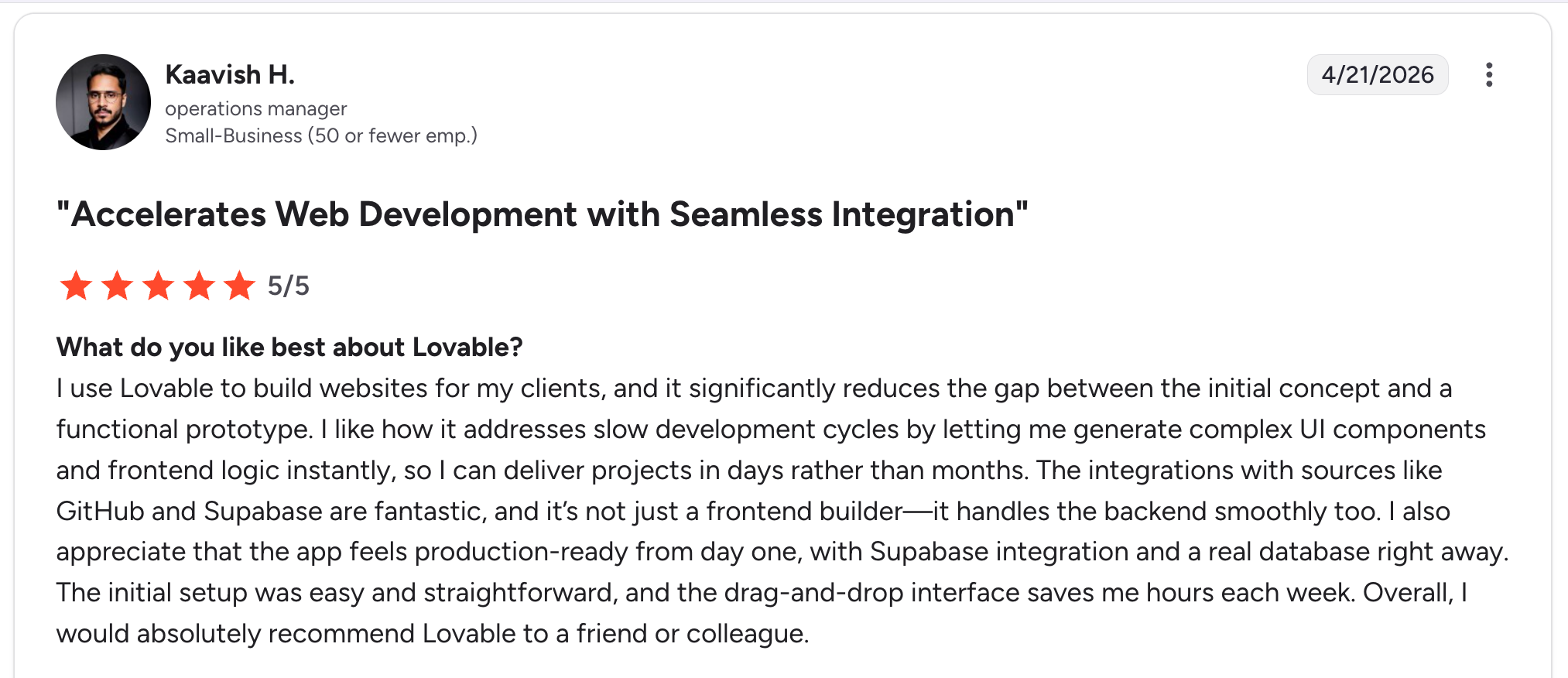
“I like how it addresses slow development cycles by letting me generate complex UI components and frontend logic instantly, so I can deliver projects in days rather than months.” Kaavish H, G2

“The main drawback is that the pricing and credit model can take some getting used to, especially if my usage grows quickly or my prompts become more complex.” Himanshu J, G2
Pricing
- Free: 5 daily credits (30 per month), public projects, unlimited collaborators.
- Pro: $25/month for 100 monthly credits, plus 5 daily bonus credits and private projects.
- Business: $50/month with SSO and team features.
- Enterprise: Custom pricing.
See Lovable’s pricing page for details.
Bottom line
Lovable is the right pick if you’re a solo builder shipping a web app MVP, and you can live with public projects until you’re ready to upgrade. The credit system can be a real cost trap if your project requires many iterations.
2. Bolt.new: best for full-stack web app prototyping
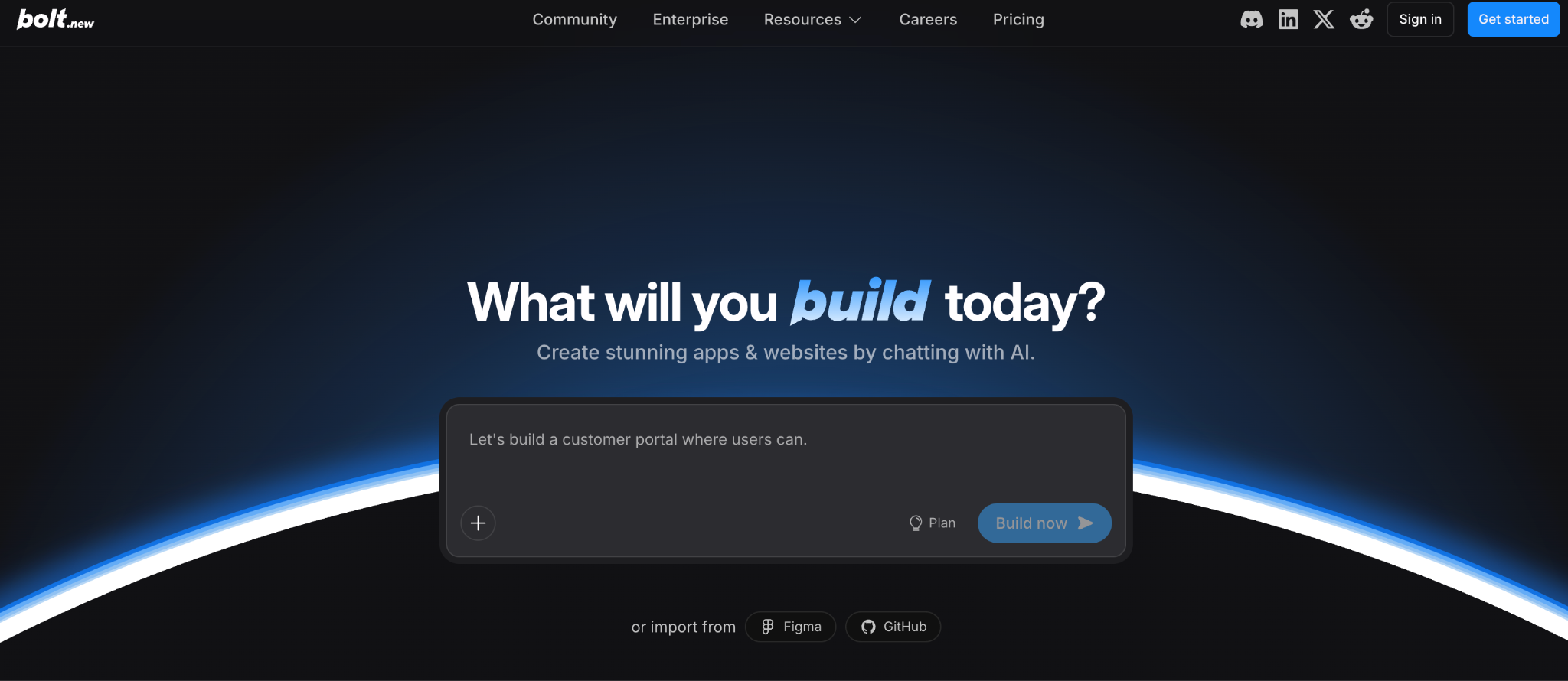
What it does: Browser-based AI app builder that generates and runs full-stack web apps in a live development environment.
Best for: Builders who want a working app to iterate on inside the browser, with no local setup.
Bolt.new runs StackBlitz WebContainers under the hood, which means the app runs live in your browser as it’s being built. I found this useful for fast iteration. The token-based pricing gives Bolt’s free tier more headroom than Lovable for larger projects.
Key features
- Browser-based development: No local setup, everything runs in the browser, including the dev server.
- Token-based generation: Pay-as-you-build instead of credit-per-message.
- GitHub and Figma imports: Start from existing repos or designs.
- Supabase integration: Built-in backend support for database and auth.
- One-click deployment: Deploy to Netlify or Cloudflare from inside Bolt.
Pros
- Token allowance on the free tier (1M tokens/month with a 300K daily cap) lets you build meaningful projects.
- Live preview as the AI builds the app, which makes iteration faster.
- Strong code quality for a prompt-based tool, with modern React and TypeScript output.
Cons
- Token usage scales with project size, so larger projects burn tokens fast even on simple changes.
- The 300K daily cap on free can stop you mid-build if you’re iterating heavily.
- Less polished UI out of the box compared to Lovable. You’ll likely spend more time on visual cleanup.
What users say
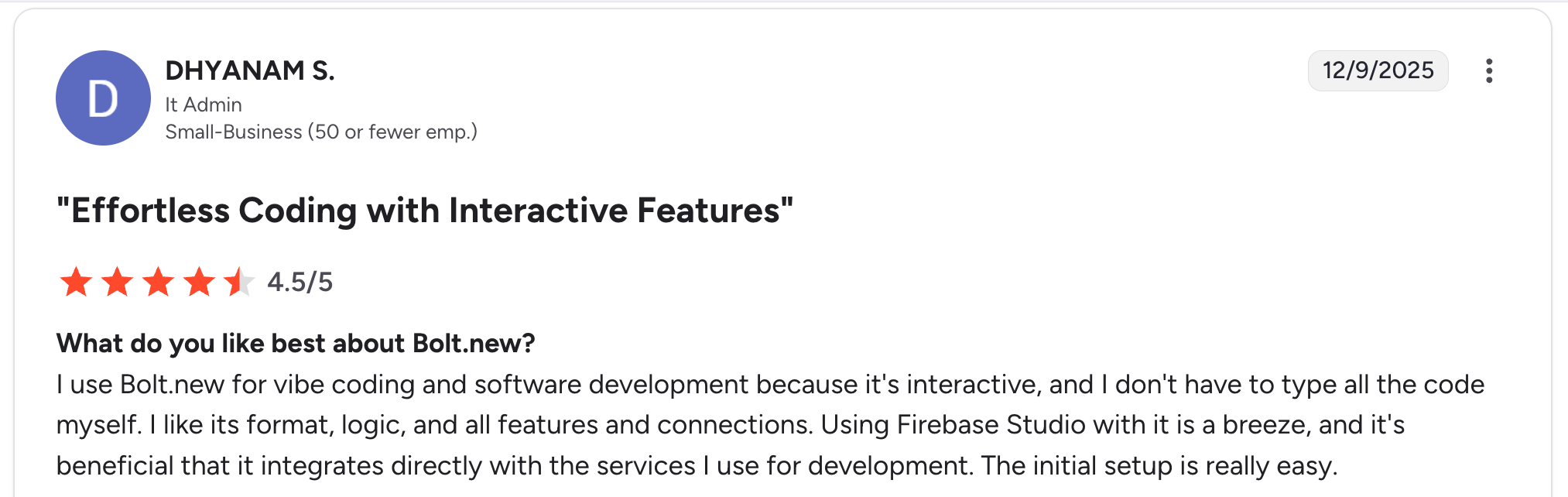
“I use Bolt.new for vibe coding and software development because it's interactive, and I don't have to type all the code myself.” Dhyanam S, G2

“The context window gets a little out of control sometimes, so you are burning credits when your project is being built.” Matt B, G2
Pricing
- Free: 1M tokens per month with a 300K daily limit.
- Pro: $25/month for 10M tokens with no daily cap.
- Teams: $30 per user per month.
- Enterprise: Custom pricing.
See Bolt’s pricing page for details.
Bottom line
Bolt.new is the strongest free-tier option if you’re prototyping web apps and you want to see the build happen live. If you’re a team, the per-user Teams pricing adds up faster than Lovable’s flat fee.
3. Zite: best for non-technical teams building business apps

What it does: AI-powered no-code builder that generates business apps, dashboards, portals, and CRMs from plain-language prompts, with a visible database and visual workflow editor.
Best for: Operations teams, support managers, and SMB owners building apps, dashboards, and client-facing portals without writing code.
Every other tool here generates code you can't see. Zite generates an app you can use. The database, logic, and screens are all laid out visually, so you can review what the AI built and change it yourself.
When something is off, you are not stuck re-prompting a black box and hoping it gets fixed. You build with confidence because you can verify what is built.
That difference showed up when I tested it with my client request tracker prompt. The AI generated a working app with a clean database structure, and the workflow showed exactly what happens when a new request comes in. The visual workflow editor was the part that stood out, since most other tools generate logic you can't easily inspect after the fact.
Key features
- AI-generated apps from prompts: Describe what you want, and Zite builds a working app with a database, UI, and workflows.
- Visual workflow editor: AI-generated app logic shown as a flowchart you can inspect, understand, and troubleshoot.
- Built-in database: Tables and fields with a spreadsheet feel but real database behavior underneath, including linked records and AI Fields.
- Role-based permissions: Publish internally for your team by default; give each external user their own login with controlled access.
- Unlimited users and apps on every plan: No per-seat pricing as your team or client list grows.
- Native integrations: Airtable, Google Sheets, Slack, and OpenAI.
Pros
- Visible app logic. When something breaks, you can trace exactly what happened instead of re-prompting and hoping.
- Built-in database means you don’t need to set up Supabase or another data layer separately.
- Unlimited users on the free plan is a real differentiator. Lovable and Bolt meter you on daily credits or tokens; Zite gives you unlimited users and apps and doesn't gate collaborators.
- The spreadsheet-like database is approachable for non-technical builders yet scales to real-world business use.
Cons
- The free plan gives 50 credits/month (capped at 10 messages/day), enough to build one solid app but not for extended iteration.
- No code export. Apps stay hosted on Zite.
- Newer product, so the template library and community are still growing compared to Lovable and Bolt.
What users say
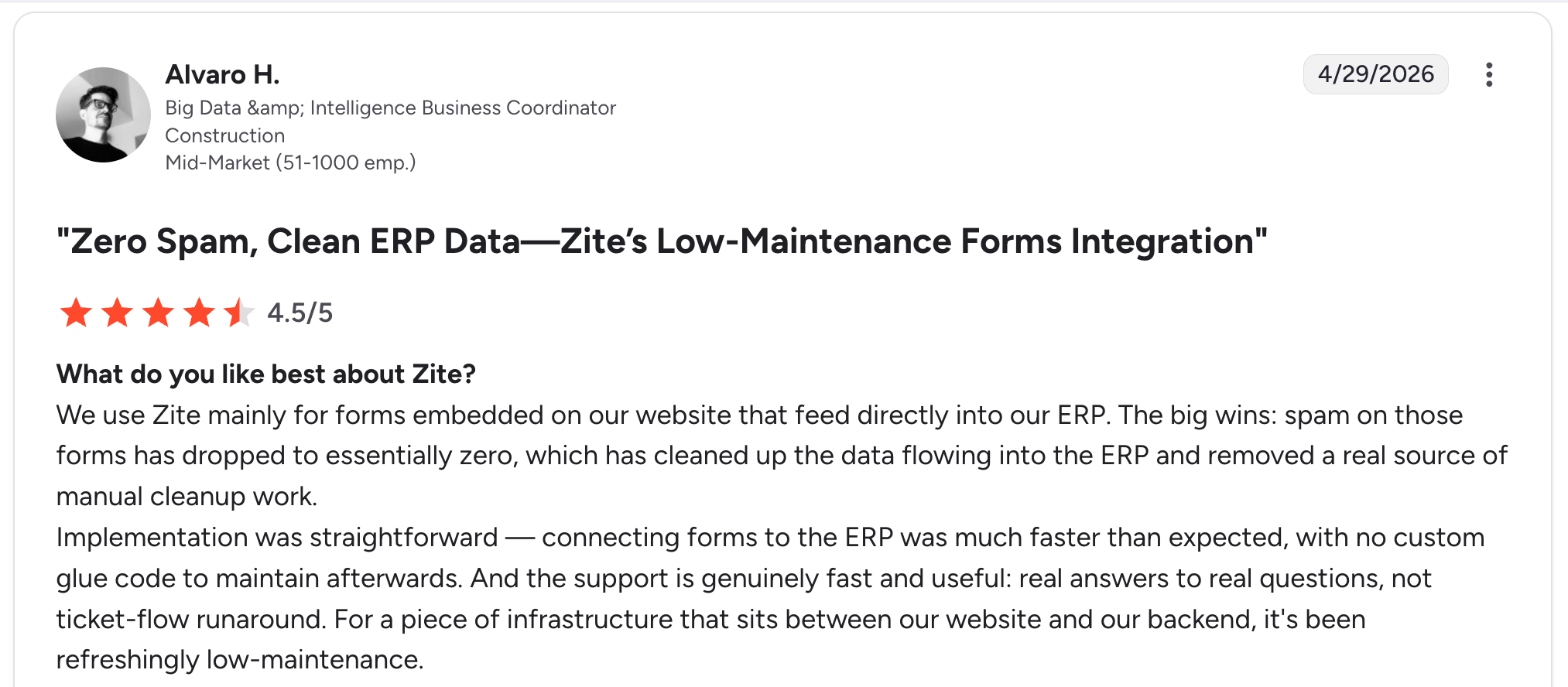
“Implementation was straightforward — connecting forms to the ERP was much faster than expected, with no custom glue code to maintain afterward.” Alvaro H, G2

“It does not sync with GitHub like v0 or Lovable.” Reddit user
Pricing
- Free: 50 credits/month (10 messages/day max), unlimited users, unlimited apps, basic features.
- Pro: $19/month with 100 credits, 1 custom domain, and the option to remove Zite branding.
- Business: $69/month with higher credits, a larger database, advanced AI models, and white-label email sending.
- Enterprise: Custom pricing.
See Zite’s pricing page for details.
You can also compare Zite directly against Lovable, Base44, and Replit, or against Airtable for a database-first take on the same problem.
Bottom line
I’d pick Zite over Lovable or Bolt if I were building an app I'd need to maintain, edit, and share with a team. The visual workflows and visible database mean a non-technical owner can actually run the app after launch. If you’re prototyping a consumer web app to pitch investors, Lovable’s polish is hard to beat.
4. Base44: best for AI-built apps that publish to mobile

What it does: AI app builder that generates web apps and supports direct publishing to the Apple App Store and Google Play.
Best for: Builders who want an AI-generated app that they can also ship as a native mobile app.
Base44 added direct mobile publishing in February 2026, which puts it ahead of Lovable and Bolt for builders who need an app on the App Store or Google Play rather than just a browser URL.
Key features
- Web and mobile output: Generate browser apps and submit them to mobile app stores from within Base44.
- Built-in hosting: Apps are live immediately after generation, with no separate deployment step.
- AI credit system: Free plan includes credits for AI generation and message iteration.
- Drag-and-drop edits: Adjust the generated app visually without re-prompting.
Pros
- Direct mobile publishing is a meaningful differentiator. Most AI builders are web-only.
- Built-in hosting removes the deployment step that trips up non-technical users.
- The AI handles minor mistakes reasonably well through iterative prompting.
Cons
- Apps that run dynamically generated code at runtime can fall under Apple's Guideline 2.5.2, which restricts apps from executing code that changes features or functionality after review.
- Free-tier credits run out fast for complex builds.
- AI sometimes makes mistakes that require correction, which costs credits.
What users say
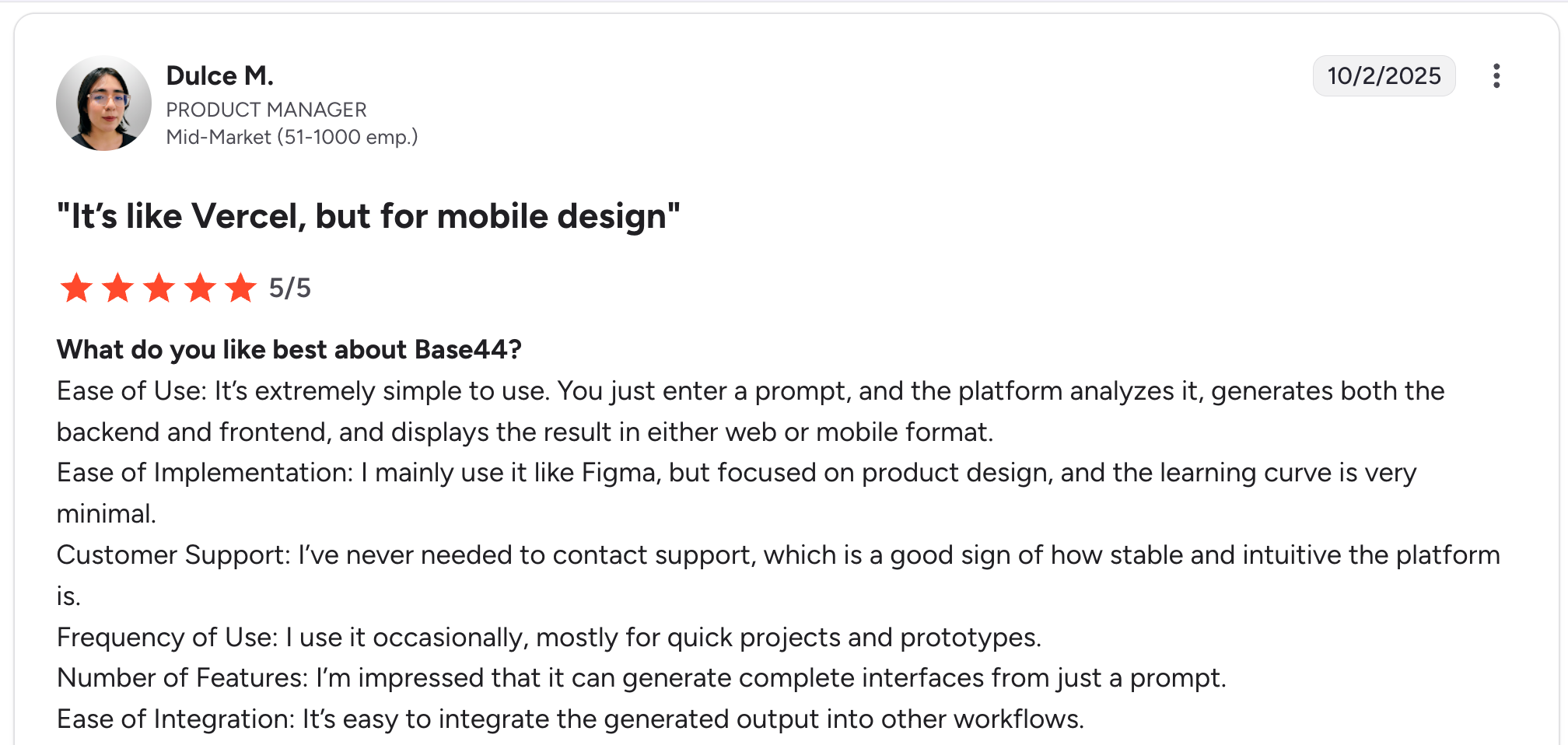
“It’s extremely simple to use. You just enter a prompt, and the platform analyzes it, generates both the backend and frontend, and displays the result in either web or mobile format.” Dulce M, G2

“I think it can still improve in some aspects of usability.” Asesor C, G2
Pricing
- Free: 25 message credits per month, daily prompt cap.
- Starter: $20/month for 100 message credits, unlimited apps, and in-app code editing.
- Builder: $50/month for custom domains, GitHub integration, and backend functions.
- Pro: $100/month for larger credit pools and beta feature access.
- Elite: $200/month for maximum capacity and premium support.
See Base44’s pricing page for details.
Bottom line
Base44 is the right pick if you specifically need a mobile app that the AI can build and publish. For web-only projects, Lovable and Bolt generate cleaner output. For business apps, Zite gives you more control over the app logic after generation.
5. v0 by Vercel: best for designers turning prompts into React UI

What it does: Generates React, Tailwind, and shadcn/ui components from natural-language prompts. More focused on UI generation than full-stack apps.
Best for: Designers and front-end developers who want to generate React components and small apps quickly.
v0 is narrower in scope than Lovable or Bolt. It’s optimized for React UI generation rather than full-stack apps with backends. The output quality is excellent for components and landing pages, which makes sense given Vercel’s design-focused roots.
Key features
- React and shadcn/ui output: Generated code uses modern, popular component libraries.
- Live preview: See the component as it’s being generated.
- Vercel deployment: One-click deploy to Vercel’s hosting.
- Component library: Browse and start from existing community components.
Pros
- Best-in-class UI output. Components look polished and use modern design patterns.
- Deep Vercel integration makes deployment trivial.
- Excellent for designers who don’t want to learn full app architecture.
Cons
- Limited backend functionality. v0 builds front-end and components, not full apps with databases and auth.
- The free tier has daily message limits that fill up quickly for iterative work.
- Best for React projects. If you don’t want React, look elsewhere.
What users say
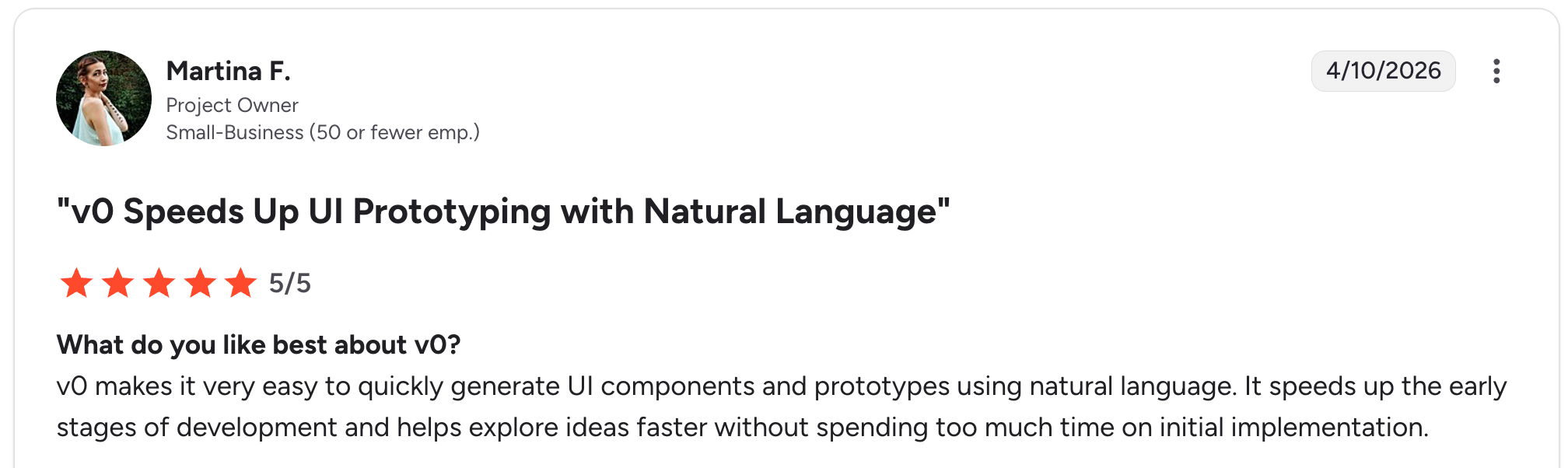
“v0 makes it very easy to quickly generate UI components and prototypes using natural language. It speeds up the early stages of development and helps explore ideas faster without spending too much time on initial implementation.” Martina F, G2
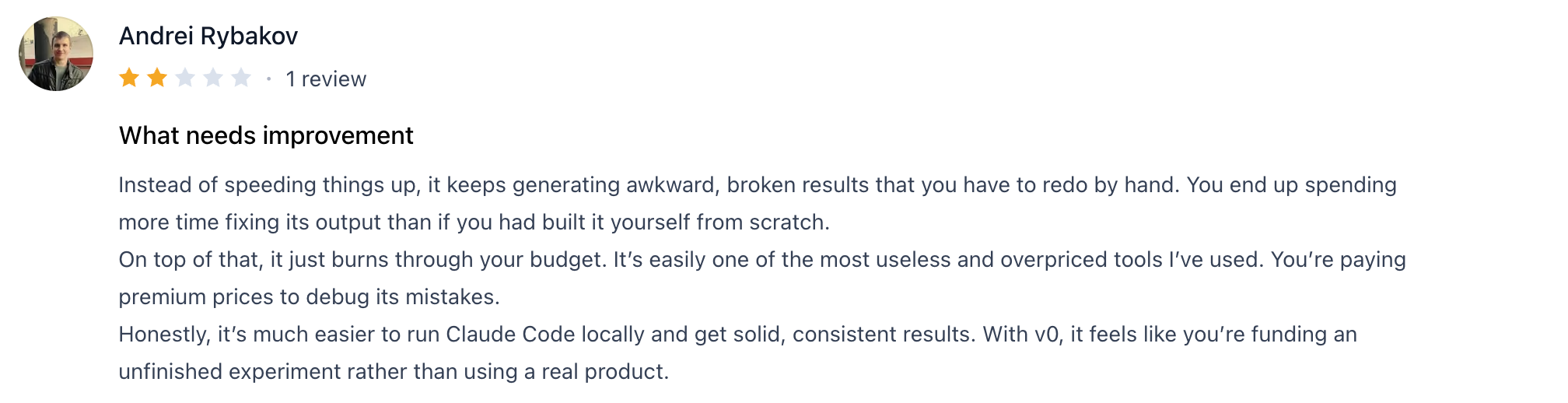
“Instead of speeding things up, it keeps generating awkward, broken results that you have to redo by hand. You end up spending more time fixing its output than if you had built it yourself from scratch.” Andrei Rybakov, Product Hunt
Pricing
- Free: Daily message limits, basic generation.
- Team: at $30/user/month.
- Business: at $100/user/month.
- Team and Enterprise: Higher tiers available.
See v0’s pricing page for details.
Bottom line
v0 is the right choice if you need React UI fast and you don’t mind handling the backend separately. If you want a full app from one prompt, Lovable or Bolt covers more ground.
6. Replit Agent: best for builders who want code-level control

What it does: AI agent inside Replit’s online IDE that generates and edits apps based on natural-language prompts, with full code visibility.
Best for: Builders who want AI to scaffold an app while still reading, editing, and owning the code.
Replit Agent sits closer to “AI coding assistant” than pure no-code, which makes it a strong pick for users who are comfortable seeing code. The Agent generates a working app, and you can edit either through prompts or directly in the code editor.
Key features
- Full code access: Generated apps live in a Replit project where you can edit code directly.
- Multi-language support: Build apps in Python, Node, Go, and more.
- Built-in database (ReplDB): Simple key-value storage with no setup.
- One-click deployment: Apps run on Replit’s hosting immediately.
- Collaborative editing: Multiple users can edit a project simultaneously.
Pros
- Code is yours to inspect and modify. Less “black box” than pure prompt-based tools.
- Multi-language support is rare among AI app builders. Most are React-only.
- Strong free tier for learning and small projects.
Cons
- Replit-generated apps that execute dynamic code can fall under Apple's Guideline 2.5.2, which limits mobile use cases.
- Free-tier compute is limited, and apps may sleep when not in use.
- The Agent is less consistent than Lovable or Bolt in UI quality.
What users say
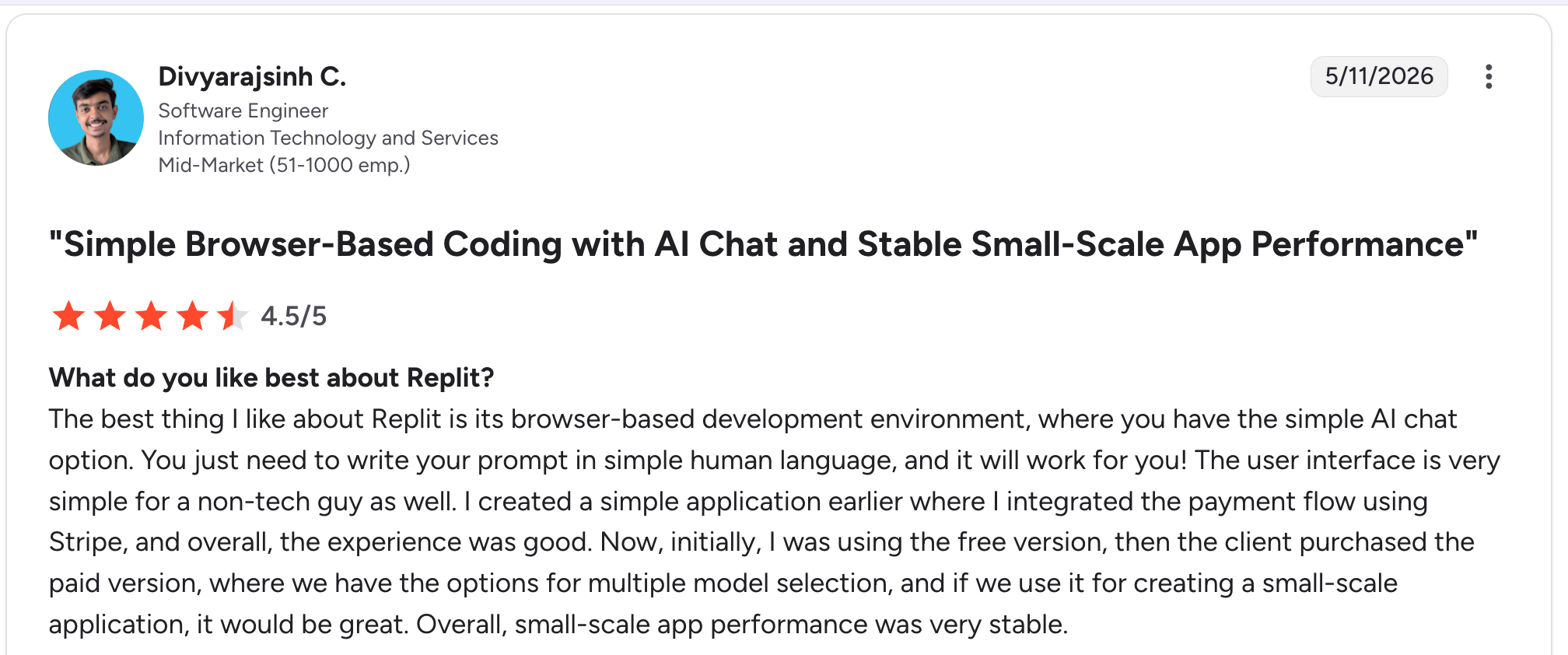
“The best thing I like about Replit is its browser-based development environment, where you have the simple AI chat option.” Divyarajsinh C, G2

“Sometimes the agent output is not the best, and it is hard to specify certain tasks since the agent will get stuck, which slows down development time, and I find errors in the app I need to fix later.” Adam E, G2
Pricing
- Free: Starter plan with daily Agent credits and limited compute.
- Core: $20/month for more compute and Agent usage.
- Teams and Enterprise: Higher tiers available.
See Replit’s pricing page for details.
Bottom line
Replit Agent is the right pick if you want AI generation plus code ownership. If you’re strictly non-technical and don’t want to see code at all, Lovable or Zite are easier paths.
7. Figma Make: best for designers already working in Figma

What it does: AI-powered tool inside Figma that turns prompts, designs, or screenshots into interactive web app prototypes.
Best for: Designers and product teams who already use Figma and want to turn designs into working apps.
Figma Make is Figma’s answer to the AI app builder trend, and it’s strongest when you’re already in Figma’s design workflow. You can hand it a screenshot or a Figma frame, and it generates a working prototype. The integration with the broader Figma ecosystem is the main draw.
Key features
- Design-to-app generation: Turn Figma frames or screenshots into interactive prototypes.
- Native Figma integration: Works inside the Figma file alongside your design work.
- Prompt-based iteration: Refine the generated app with natural-language edits.
- Shareable previews: Send a working prototype link to teammates or clients.
Pros
- The Figma integration is useful if you’re already designing there.
- Turning a screenshot or design into a working app is faster than rebuilding from a prompt.
- The free tier is functional for design teams who want to validate ideas.
Cons
- More prototype-focused than production-app focused. Output is best for testing ideas.
- Limited backend functionality. Like v0, it focuses on the front-end.
- Strongest when you’re already a Figma user. Less compelling as a standalone tool.
What users say

“The value isn’t in prompts to prototypes, it’s from taking a single screen and making it a whole workable prototype. The other vibe code tools aren’t great at this.” Reddit User

“Figma keeps promising that Make will become core to their product family, but still—six months after Config—not a single new feature.” Reddit user
Pricing
- Free: Included with Figma's Starter plan (free, limited access).
- Professional: $20/seat/month (full seat) on monthly billing, with 3,000 AI credits per month.
- Organization and Enterprise: Higher tiers are billed annually.
See Figma’s pricing page for details.
Bottom line
Figma Make is the right pick if you’re already designing in Figma and you want to turn concepts into working prototypes. If you need a production app, look at Lovable, Bolt, or Zite.
8. Glide: best for spreadsheet-powered business apps
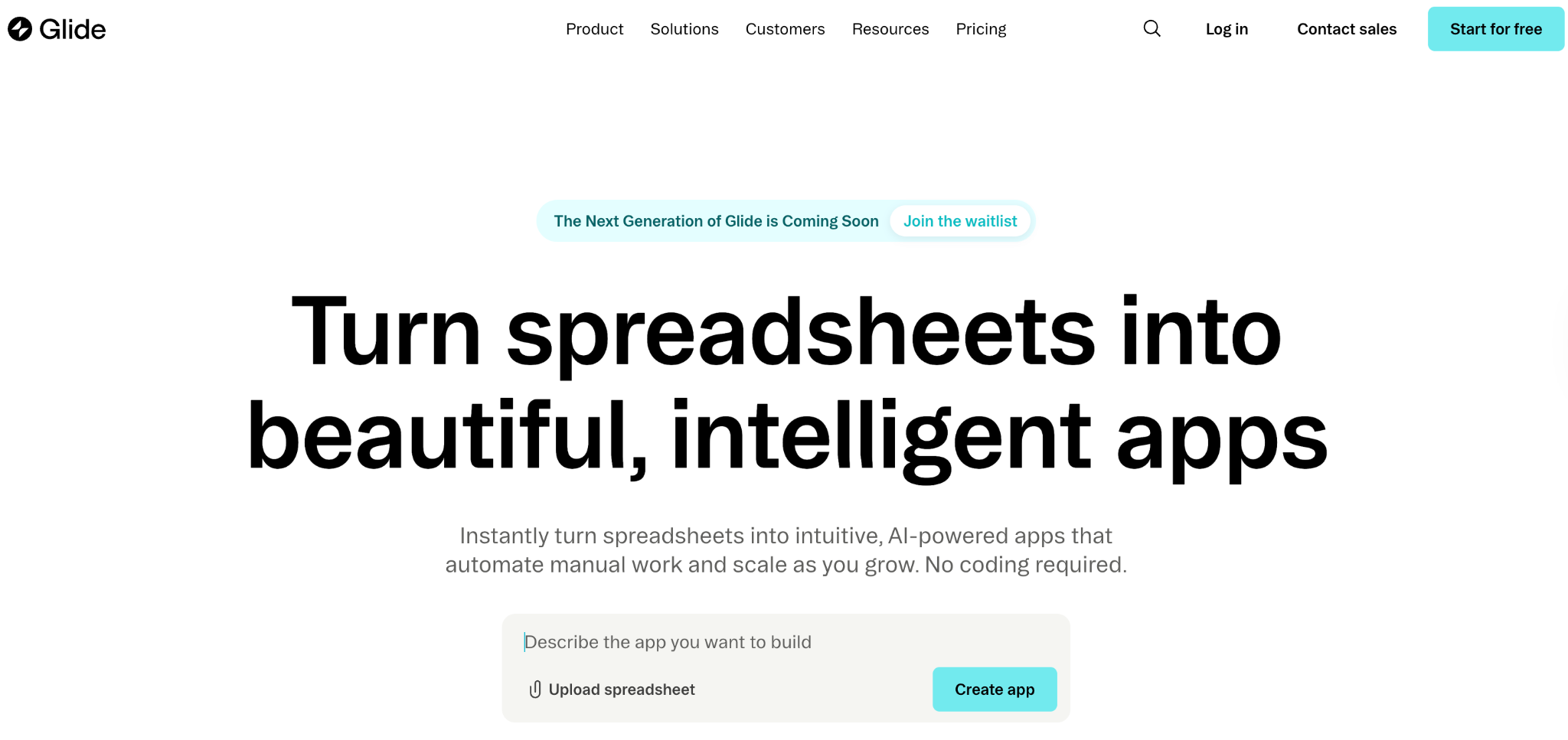
What it does: No-code app builder that turns spreadsheets into mobile and web apps, with AI generation features added.
Best for: Business teams who already keep data in Google Sheets or Airtable and want to turn that into a usable app.
Glide has been around longer than the new wave of AI app builders, and it’s added AI generation to its existing no-code foundation. The spreadsheet-to-app model is its strength. If your data already lives in a sheet, Glide is the fastest path to a working app.
Key features
- Spreadsheet-to-app: Connect a Google Sheet or Airtable, and Glide builds an app on top.
- AI generation: Describe what you want, and Glide generates an app structure.
- Mobile-first design: Generated apps work on both web and mobile.
- Built-in authentication: Email-based user login with per-user data filtering.
Pros
- Strongest fit if your data already lives in a spreadsheet. No data setup needed.
- Mature product with a stable feature set and an active community.
- Mobile-first design works well for field teams or customer-facing apps.
Cons
- The AI generation is less central to Glide than to Lovable or Bolt. It’s a feature, not the core product.
- The free tier is limited to 3 apps and basic features.
- Customization beyond the templated design is harder than in code-based tools.
What users say
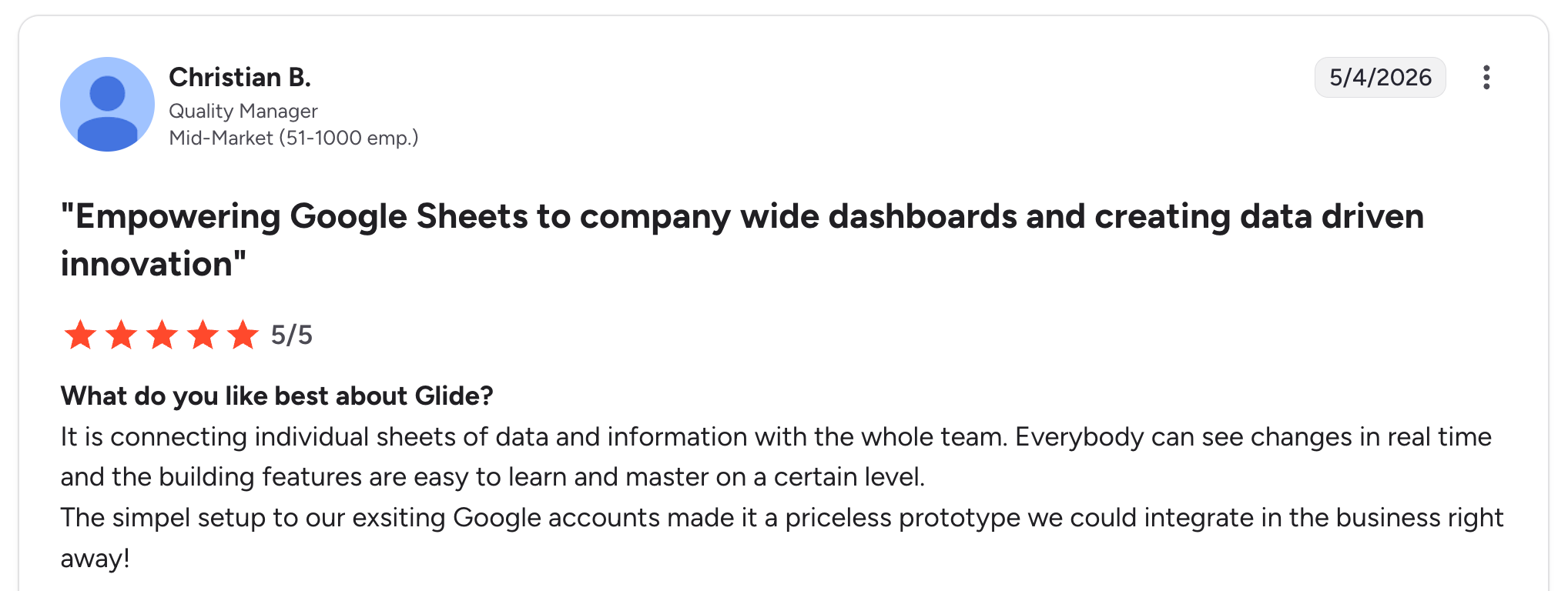
“The simple setup to our existing Google accounts made it a priceless prototype we could integrate into the business right away!” Christian B, G2

“Advanced customization limitations can sometimes hinder certain complex projects (for example, very specific business rules or less common third-party APIs).” Johan I, G2
Pricing
- Free: 3 published apps, up to 25,000 rows per app.
- Explorer: $25/month with 25,000 rows and more apps.
- Maker: $60/month with 25,000 rows and a custom domain.
- Business: $249/month with 100,000 rows and more apps.
See Glide’s pricing page for details.
Bottom line
Glide is the right pick if your business already runs on spreadsheets and you want an app on top of them. For AI-first builds that start from a prompt, Lovable or Zite are better fits.
9. Bubble: best for complex web apps with AI assistance
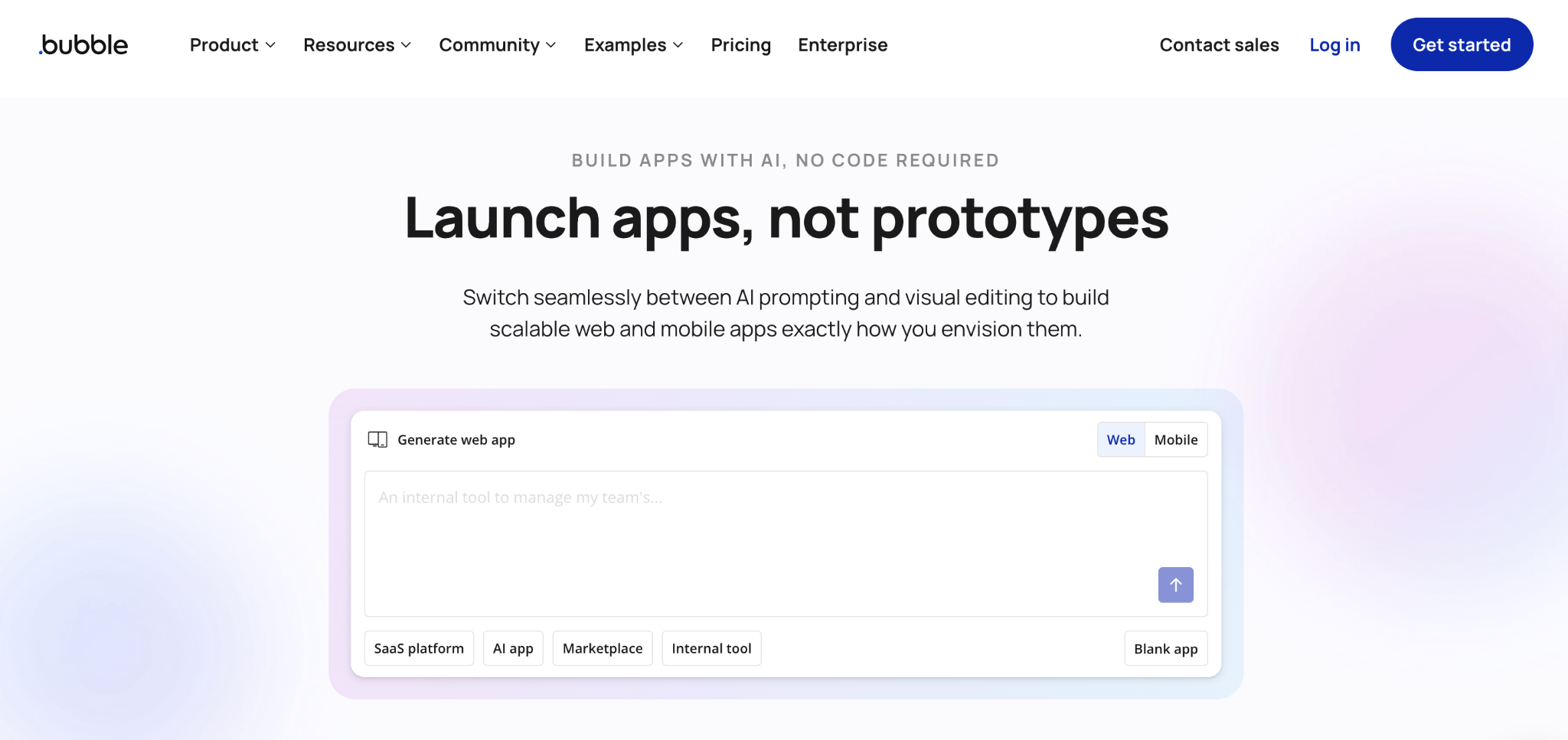
What it does: Established a no-code web app builder that added AI generation features to its existing visual programming environment.
Best for: Builders working on more complex web apps who want AI to help, not replace, the visual builder.
Bubble is the established no-code web app builder, and its AI features sit alongside the existing visual programming tools. The strength here is depth. Bubble handles complex multi-user logic, payment flows, and advanced workflows that newer AI tools haven't yet matched.
The tradeoff: the learning curve is the steepest of any tool on this list.
Key features
- Visual app editor: Build complex apps without code through a visual programming interface.
- AI assistance: Generate elements, workflows, and database structures from prompts.
- Built-in database: Native data layer with relationships and access rules.
- Workflow engine: Build complex multi-step logic visually.
- Plugin ecosystem: Third-party plugins for payments, APIs, and integrations.
Pros
- Most capable of the tools on this list for complex web apps with real business logic.
- Mature ecosystem with plugins, templates, and community resources.
- The free tier is usable for learning and small projects.
Cons
- Steepest learning curve of any tool on this list, even with AI help.
- Free tier apps are limited to a Bubble subdomain and have visible Bubble branding.
- The AI features are less central than in Lovable, Bolt, or Zite. You still need to learn Bubble’s editor.
What users say
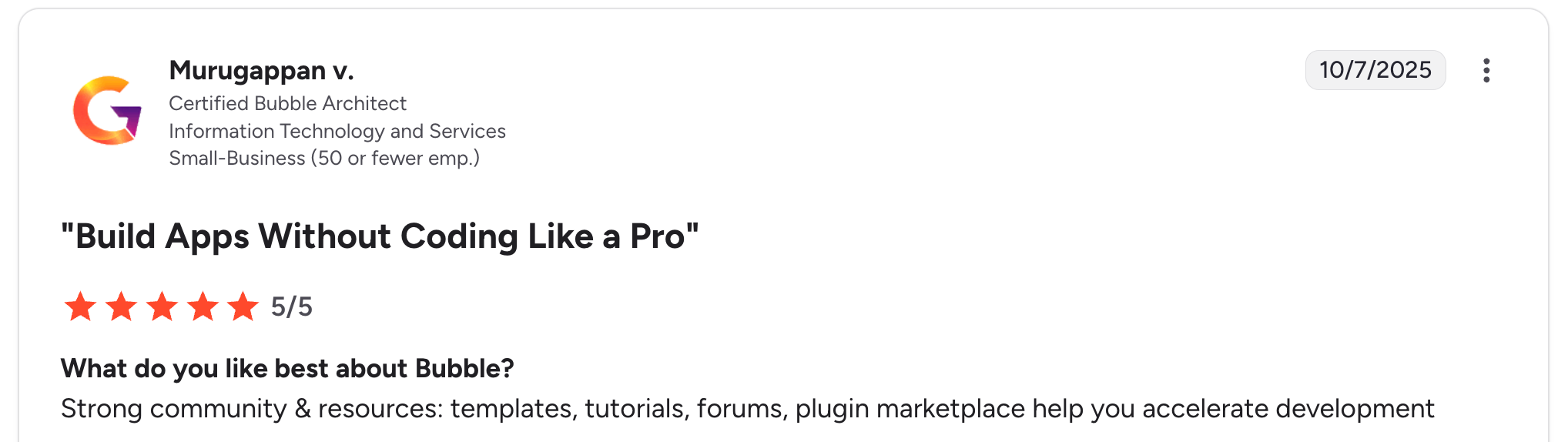
“Strong community & resources: templates, tutorials, forums, plugin marketplace help you accelerate development.” Murugappan V, G2

“It sometimes appears 'unstable,' and you'll spend a while trying to work out what is wrong with how you're trying to do something, when the answer is 'refresh the page' to make something work.” Verified User, G2
Pricing
- Free: Development version, 1 app editor, 50K workload units per month.
- Starter: $32/month with live app, custom domain, recurring workflows, and 175K workload units.
- Growth: $134/month with 2 app editors, premium version control, and 250K workload units.
- Team: $399/month with 5 app editors and 500K workload units.
- Enterprise: Custom pricing.
See Bubble’s pricing page for details.
Bottom line
Bubble is the right pick if you have time to invest and you’re building a complex web app that the simpler AI tools can’t handle. For fast prototypes or first MVPs, Lovable or Bolt get you there with less effort.
Which free AI app builder should you choose?
The right tool depends on what you’re building and how much you want to see and control the output.
Choose Lovable if you:
- Are a solo founder shipping a web app MVP.
- Want polished UI with minimal cleanup.
- Can live with public projects on the free plan until you’re ready to upgrade.
Choose Bolt.new if you:
- Want to see the app built live in your browser.
- Are working on a larger project where Lovable’s daily credit cap would be a problem.
- Prefer token-based pricing over credit-per-message.
Choose Zite if you:
- Are a non-technical team building a business app, dashboard, or portal.
- Want to inspect the workflow logic visually after the AI builds the app.
- Need unlimited users and apps without per-seat pricing.
Choose Base44 if you:
- Need a mobile app, not a web app.
- Want one tool to handle both web and App Store publishing.
Choose v0 if you:
- Are a designer or front-end builder generating React UI.
- Plan to handle the backend separately, or don’t need one.
Choose Replit Agent if you:
- Want AI generation plus full code access and ownership.
- Are comfortable dropping into code to refine what the AI built.
Choose Figma Make if you:
- Already work in Figma and want to turn designs into prototypes.
- Are validating ideas, not shipping production apps.
Choose Glide if you:
- Already keep your data in Google Sheets or Airtable.
- Want a mobile-first app on top of existing data.
Choose Bubble if you:
- Are building a more complex web app with real business logic.
- Have time to learn a deeper tool and want the capability over speed.
Skip free AI app builders entirely if:
- You’re shipping a production app with sensitive data, and you haven’t reviewed the tool’s compliance and security setup.
- You need full code ownership, and a development team is already in place. Use a traditional code editor with AI assistance instead.
Final verdict
If you're shipping a web app MVP and want the fastest path to a polished result, Lovable is the strongest default choice despite the credit limits. For business apps where a non-technical team needs to manage what gets built, Zite gives you the visible workflows and access controls the prompt-only tools can't match.
GitHub's 2025 Octoverse report found that nearly 80% of new developers on GitHub use Copilot in their first week, a sign that AI is now the default starting point for building software. Test the free tiers and pick the one that fits your project now.
Ready to build your own app?
If you’re looking for a free AI app builder that gives you visible workflows, a built-in database, role-based permissions, and unlimited users on every plan, Zite is built for exactly that use case. The free plan includes enough AI credits to build and publish a complete business app.
What you get on the free plan:
- AI-generated apps from plain-language prompts.
- A spreadsheet-like database with linked records and AI Fields.
- Visual workflows you can inspect and troubleshoot.
- Role-based permissions for internal and external users.
- Unlimited users and unlimited apps.
Start building with Zite for free and have your first AI-built app live in a single session.
Frequently Asked Questions
What is the best free AI app builder for non-technical users?
The best free AI app builder for non-technical users is Zite for business apps, because it generates the app, database, and workflows from a prompt and shows the logic visually. For consumer web apps, Lovable is the strongest free option.
Can I publish an app to mobile app stores from a free AI app builder?
Yes, you can publish an app to mobile app stores from some free AI app builders, with Base44 being the most direct option in 2026. Be aware that Apple's Guideline 2.5.2 restricts apps from executing dynamic code at runtime, which can affect mobile publishing for some app builders.
Is the free plan on AI app builders actually free or just a trial?
The free plan on most AI app builders is a permanent free tier, not a time-limited trial, but the usage limits are real. Lovable gives you 5 daily credits, Bolt gives you 1M tokens a month, and Zite gives you 50 credits a month (10 messages a day) with unlimited users and apps.
Do free AI app builders include hosting?
Yes, most free AI app builders include hosting on the free tier, though usually on a subdomain owned by the tool. Custom domains almost always require a paid plan, which is the most common reason builders upgrade.
How do I move my app off a free AI app builder if I need to?
How you move your app off a free AI app builder depends on the tool. Lovable, Bolt, and Replit let you export code through GitHub. Zite, Glide, and Bubble apps stay hosted on the original tool, so leaving means rebuilding.

