


Google Sheets works until your team starts running real operations on it. These are the best Google Sheets alternatives that let you link records, control who sees what, and automate the repetitive stuff without writing code.
Why teams outgrow Google Sheets
Google Sheets handles simple lists, budgets, and quick calculations well. But when teams start managing clients, projects, invoices, or inventory, the cracks show up fast.
There’s no way to link related records without fragile formulas or manual copy-paste. A client record can’t connect to their invoices, projects, and contacts in any structured way.
You end up with duplicate data across tabs, broken references, and no single source of truth. Performance drops as data grows, and Google Sheets caps the number of cells per spreadsheet at 10 million.
Most teams hit slowdowns well before that when formulas, filters, and cross-references pile up. You can only give people view or edit access to the whole sheet. There's no way to hide specific rows or fields from certain people.
7 Best Google Sheets alternatives at a glance
1. Airtable: best for structured data with multiple views
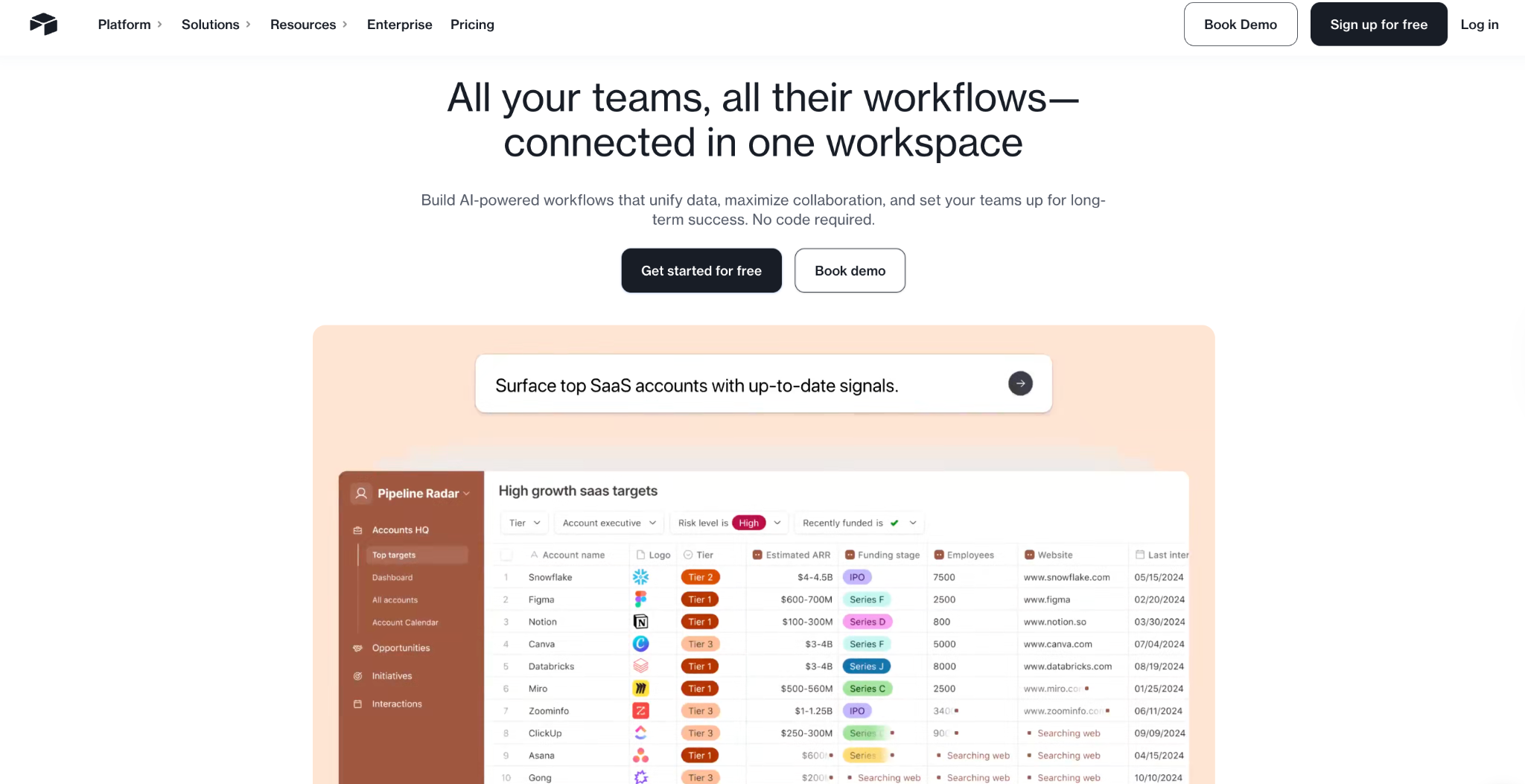
Airtable gives you the feel of a spreadsheet, but with the ability to link related records, switch between views, and run light automations. It is the most popular Google Sheets alternative for teams that want more structure without writing code.
You can switch between grid, kanban, calendar, gallery, and timeline views on the same data set. Linked records let you connect related tables without the formula chains Google Sheets requires.
Airtable’s automation builder supports multi-step workflows using triggers and actions, and the platform integrates with over 1,000 third-party apps. It’s rated 4.6/5 on G2 and is especially popular with marketing, product, and operations teams.
Where Airtable falls short. Pricing escalates quickly as you add users. The free plan caps at 1,000 records per base, which most teams outgrow fast. The Team plan is $24/user/month, and advanced features like sync, interface designer, and expanded automations require higher tiers. Offline access is limited, and performance slows as the number of bases grows.
Pros
- Familiar spreadsheet interface with linked records across tables.
- Five view types for the same data set.
- Strong automation builder and 1,000+ integrations.
- Large template library and active community.
Cons
- Per-user pricing adds up quickly for larger teams.
- Free plan record limits are restrictive for real use.
- Performance slows as bases grow.
- Limited offline support.
Pricing
Free plan with 1,000 records per base. Team starts at $24/user/month. Business is $54/user/month with advanced features.
Bottom line
Choose Airtable when you need a visual database with linked records that non-technical users can learn quickly. Be prepared for per-user pricing that scales faster than expected.
2. Microsoft Excel: Best for complex analysis and financial modeling
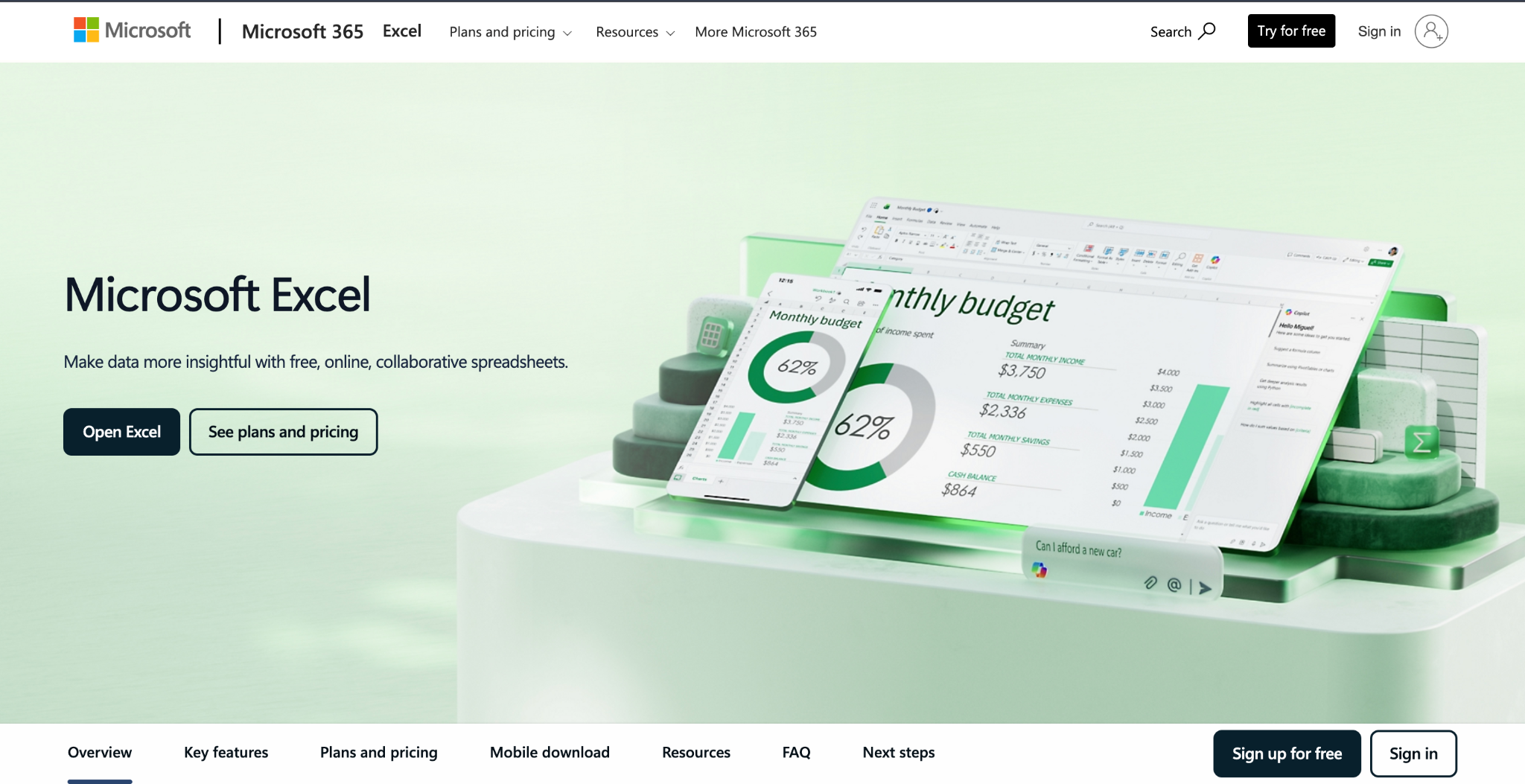
Microsoft Excel is still the most powerful spreadsheet for heavy calculations, financial modeling, and analysis. If your Sheets frustration is about formula power and performance, not data structure, Excel is the natural upgrade
Excel handles large data sets faster than Google Sheets and gives you stronger charting and pivot table options. It supports macros and VBA scripting for automating repetitive tasks.
The addition of Copilot brings AI assistance for formula suggestions, data analysis, and visualization. Power Query lets you pull and transform data from external sources without manual imports.
Where Excel falls short. Excel is still a spreadsheet, not a database. You can’t link records across tables, set role-based permissions on specific rows, or build workflows that trigger actions when data changes.
The learning curve for advanced features is steep, and per-user pricing in Microsoft 365 can add up for larger teams.
Pros
- Unmatched formula power, pivot tables, and data analysis tools.
- Handles large data sets with better performance than Google Sheets.
- VBA macros and Power Query for automation and data transformation.
- AI Copilot for formula suggestions and data insights.
Cons
- Still a spreadsheet with no relational data structure.
- No built-in workflow automation or app-building capability.
- Steep learning curve for advanced features.
- Collaboration in the desktop version is less fluid than cloud-native tools.
Pricing
Excel Online is free with a Microsoft account. For individuals, Microsoft 365 Personal is $9.99/month or $99.99/year, and Microsoft 365 Family is $12.99/month or $129.99/year for up to 6 people.
Bottom line
Choose Excel when you need raw analytical power, and your work revolves around financial models, complex formulas, or large data analysis. If your real problem is structured, linked data with permissions and automation, a database tool will serve you better.
3. Zite: Best for teams that want Airtable's structure with full apps on top
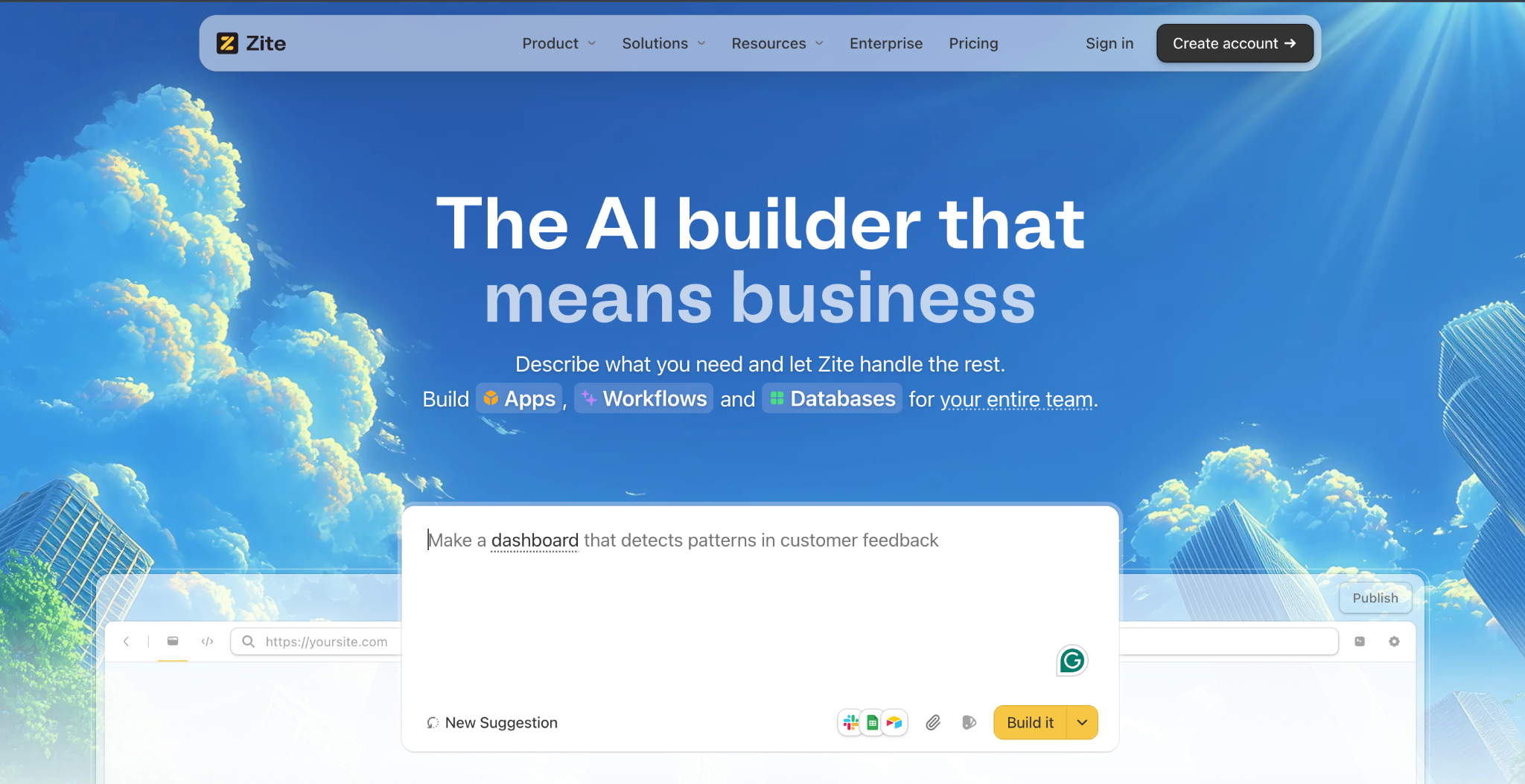
Zite sits in the same category as Airtable on this list: a real database with tables, fields, linked records, and multiple views. But two things separate it from Airtable for teams moving off Sheets.
The first is pricing. Every Zite plan includes unlimited users, including the free plan, and the free plan supports 5,000 records, compared to Airtable's 1,000.
The second is what you can build on top of the database. Airtable's Interface Designer gives you a fixed set of building blocks for dashboards and record pages. Zite generates full apps with whatever interface you describe, so the interface layer is not limited to a preset list of layouts.
The database feels like a spreadsheet but works like a database. Tables, fields, and linked records all behave the way you'd expect, and the whole thing scales to millions of rows. AI generates the structure from your description, so you're not configuring anything manually.
Beyond storing data, the database can act on it. AI Fields read records, tag them by category, and pull supporting context from the web, so the table stops being a passive list. Math still belongs in formula fields.
Visual workflows let you inspect the logic. When you describe a process like “route new client submissions to the account manager based on region,” Zite generates the workflow and displays it as a visual flowchart.
You can inspect every branch, trace what happens at each step, and troubleshoot anything that looks off without reading code. Workflows can be triggered by user actions like form submissions and button clicks, on a schedule, or by external webhooks.
Permissions and publishing give you control. Apps are internal-only by default. Roles and permissions let you control who sees what, and when the use case calls for it, you can publish to the web for clients or partners.
Zite connects natively to Airtable, Google Sheets, Slack, and OpenAI. If your data already lives in Google Sheets or Airtable, you can build on top of what you have without migrating.
Pros
- Describe what you want and get a working app with a database in minutes.
- Built-in database with AI-generated tables, fields, formulas, and linked records.
- Visual workflows let you inspect and troubleshoot AI-generated logic without code.
- Unlimited users and apps on all plans, including the free tier. No per-seat pricing.
- Built-in authentication, hosting, and permissions on every plan.
Cons
- Newer platform, so the ecosystem and template library are still growing.
- AI credits are limited on free and lower-tier plans, though visual edits and error fixes don’t count against your credits.
- No native mobile app export.
- No code export. Apps must stay hosted on Zite.
Pricing
Free plan with unlimited users and apps. Pro starts at $19/month. Business is $69/month. Single sign-on and audit logs are available on higher tiers.
Bottom line
Pick Zite when your team has outgrown Google Sheets, and you do not want to trade per-cell limits for per-seat fees. Unlimited users on every plan, plus a real database and app you can see and control, make it practical for teams of any size.
For deeper comparisons: Zite vs. Airtable, Zite vs. Lovable, Zite vs. Base44, and Zite vs. Replit.
4. Smartsheet: Best for enterprise project and portfolio management
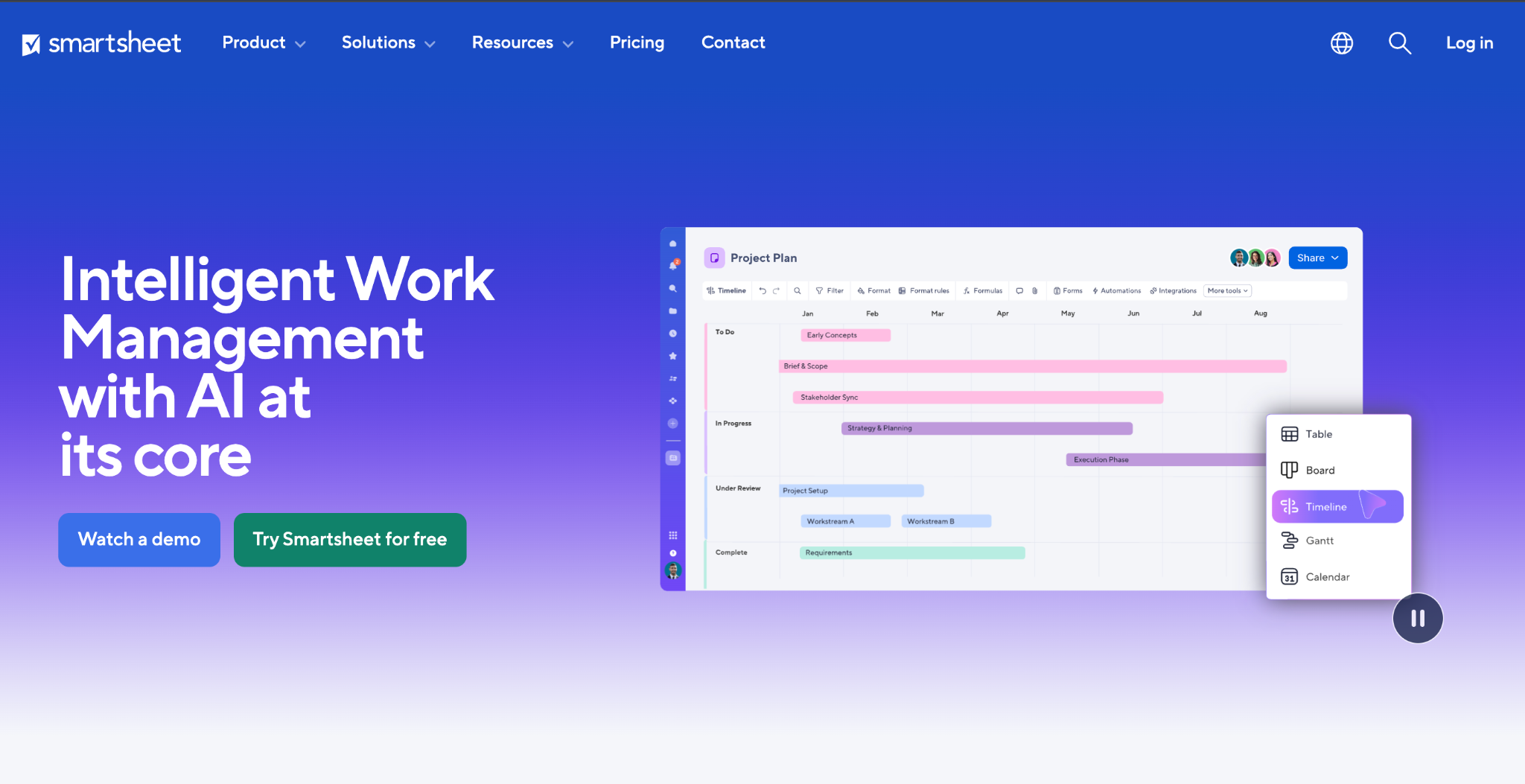
Smartsheet adds project management features on top of a familiar spreadsheet layout. Operations teams use it to track timelines and assign tasks. It's especially useful when multiple people across departments need to see who's working on what.
The platform offers Gantt charts, resource management, automated approval workflows, and a Control Center to standardize processes across business units. WorkApps lets you build simple internal portals with no-code interfaces.
Smartsheet integrates with Salesforce, Jira, Microsoft Teams, and Slack. The platform claims over 900,000 organizations as customers.
Where Smartsheet falls short. Smartsheet is powerful for project tracking, but it’s not a true database. Relational data modeling is limited, and premium features require expensive add-ons. The interface can feel cluttered for teams that just need clean data management without the project management overhead.
Pros
- Strong Gantt charts, timelines, and resource management.
- WorkApps for building simple internal portals.
- Control Center for standardizing workflows across departments.
- Deep integrations with enterprise tools.
Cons
- Not a true database with linked tables.
- Premium features require expensive add-ons.
- Interface can feel overwhelming for simple use cases.
- Per-user pricing scales steeply at enterprise tiers.
Pricing
Free plan with limited features. Pro starts at $12/member/month. Business is $24/member/month. Enterprise pricing is custom.
Bottom line
Choose Smartsheet when your primary need is project and portfolio management with stakeholder visibility. If you need linked tables or a custom app on top of your data, Airtable or Zite will be a better fit.
5. Notion: Best for combining Docs, databases, and wikis
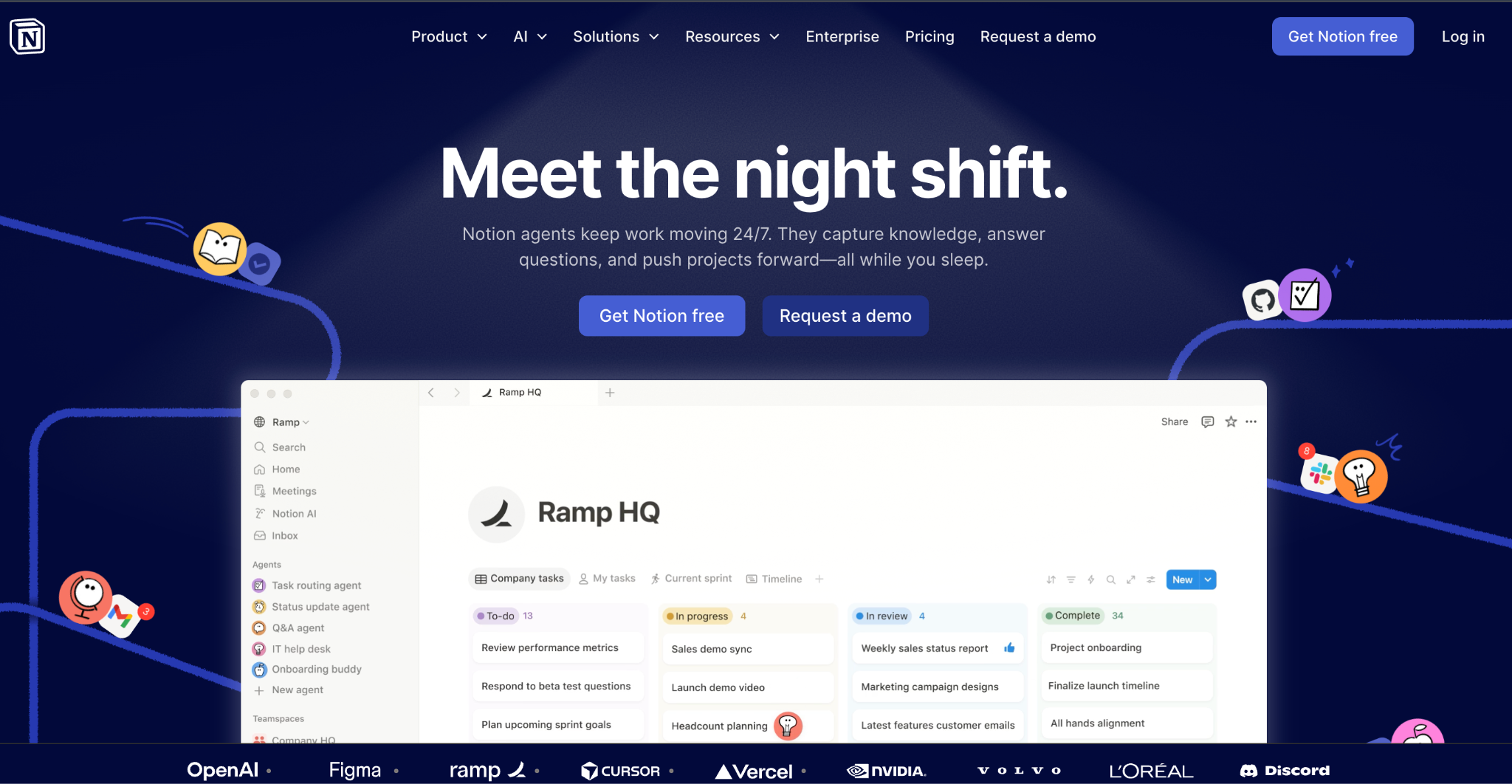
Notion blends documents, databases, and project management into a single workspace. It’s a Google Sheets alternative for teams that want their knowledge base, meeting notes, task lists, and data tables all in one place.
Databases in Notion support linked records, multiple views, rollups, and formulas. Notion AI can summarize content, draft text, and answer questions about your workspace data.
The platform is popular with product teams, startups, and knowledge-heavy organizations that value having everything in a single tool.
Where Notion falls short. Notion’s databases are flexible but not as powerful as dedicated database tools for large or complex data sets. There’s no built-in workflow automation that triggers actions across external systems. Permissions are workspace-level rather than record-level, which limits what you can do with sensitive data.
Pros
- Docs, databases, and wikis in one workspace.
- Multiple database views and relational linking.
- Notion AI for writing, summarizing, and searching.
- Clean, flexible interface that adapts to different workflows.
Cons
- Database performance degrades with large data sets.
- No built-in workflow automation for external triggers.
- Permissions are workspace-level, not record-level.
- Offline mode is limited and unreliable.
Pricing
Free plan for individuals. Plus is $12/user/month. Business is $24/user/month. Enterprise pricing is custom.
Bottom line
Choose Notion when your team needs a unified workspace for documentation and lightweight data management. If your data requires real relational structure, granular permissions, or automated workflows, a dedicated database tool will serve you better.
6. Baserow: Best open-source database with a spreadsheet interface
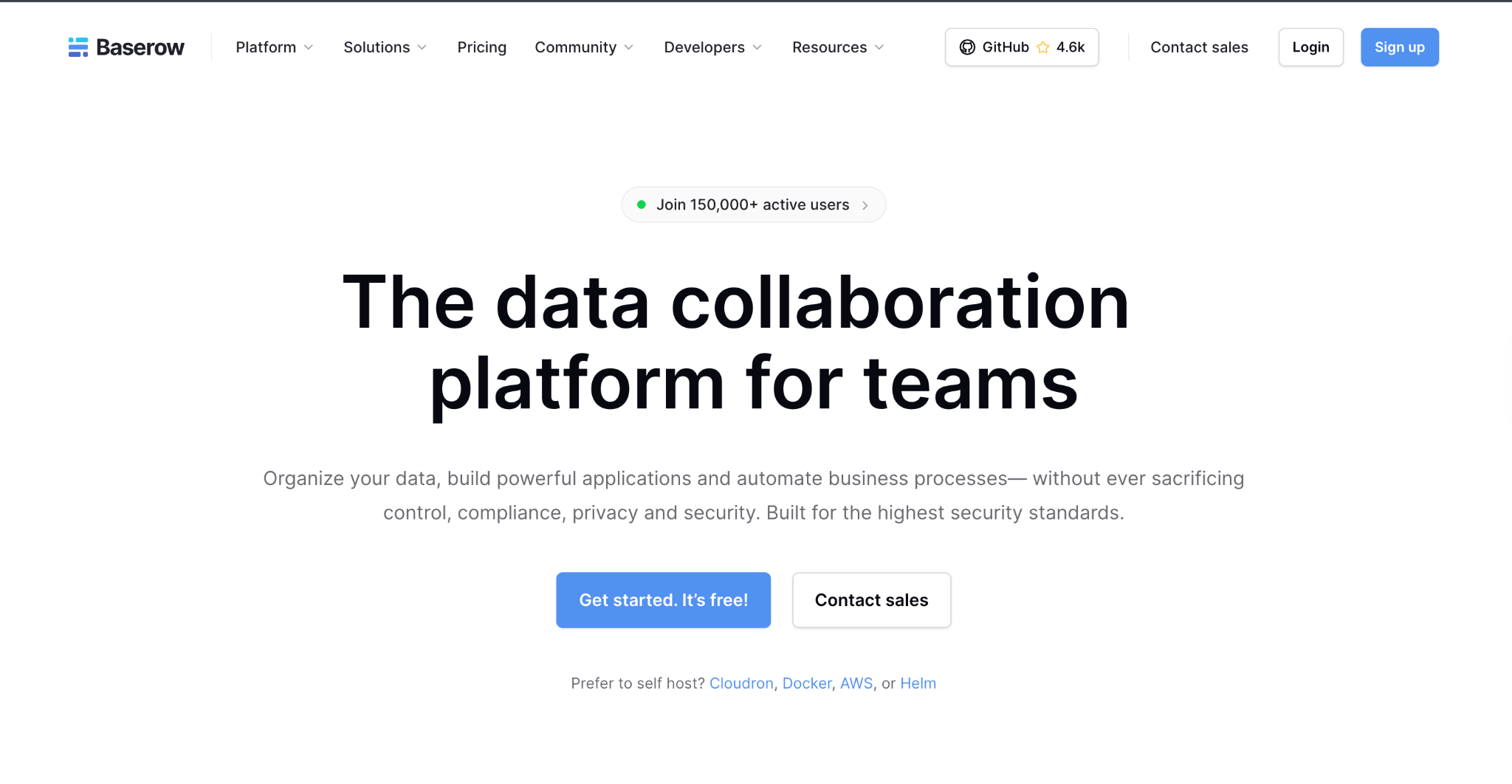
Baserow is an open-source database platform that looks and feels like a spreadsheet but works as a real database with connected tables underneath. It is the strongest Google Sheets alternative for teams that want full data control through self-hosting.
Baserow organizes data into tables with field types, linked records, and multiple views. The platform meets GDPR and SOC 2 Type II standards, which matters if your industry has strict data rules.
Self-hosting means your data never leaves your infrastructure, and the open-source community edition is free forever.
Where Baserow falls short. Self-hosting adds real overhead. You’ll need server resources, maintenance time, and someone comfortable managing infrastructure. The cloud-hosted version has usage limits on the free plan. There’s no built-in app layer, so you’ll need separate tools to build a client portal or custom interface on top of your data.
Pros
- Open-source with full self-hosting control.
- Database with linked records and a familiar spreadsheet interface.
- Integrates easily with other tools.
- GDPR and SOC 2 Type II compliant.
Cons
- Self-hosting requires infrastructure management.
- No built-in app-building layer.
- Smaller ecosystem and community compared to Airtable.
- Advanced features gated behind paid plans.
Pricing
Free open-source community edition for self-hosting. Cloud-free plan with limited records. Premium starts at $12/user/month. Advanced is $22/user/month. Enterprise pricing is custom.
Bottom line
Choose Baserow when data sovereignty and self-hosting are priorities. If you also need an app layer on top of your database, consider pairing it with another tool or evaluating a platform like Zite that builds the database and app together.
7. Coda: Best for teams that want Docs, tables, and automations in one
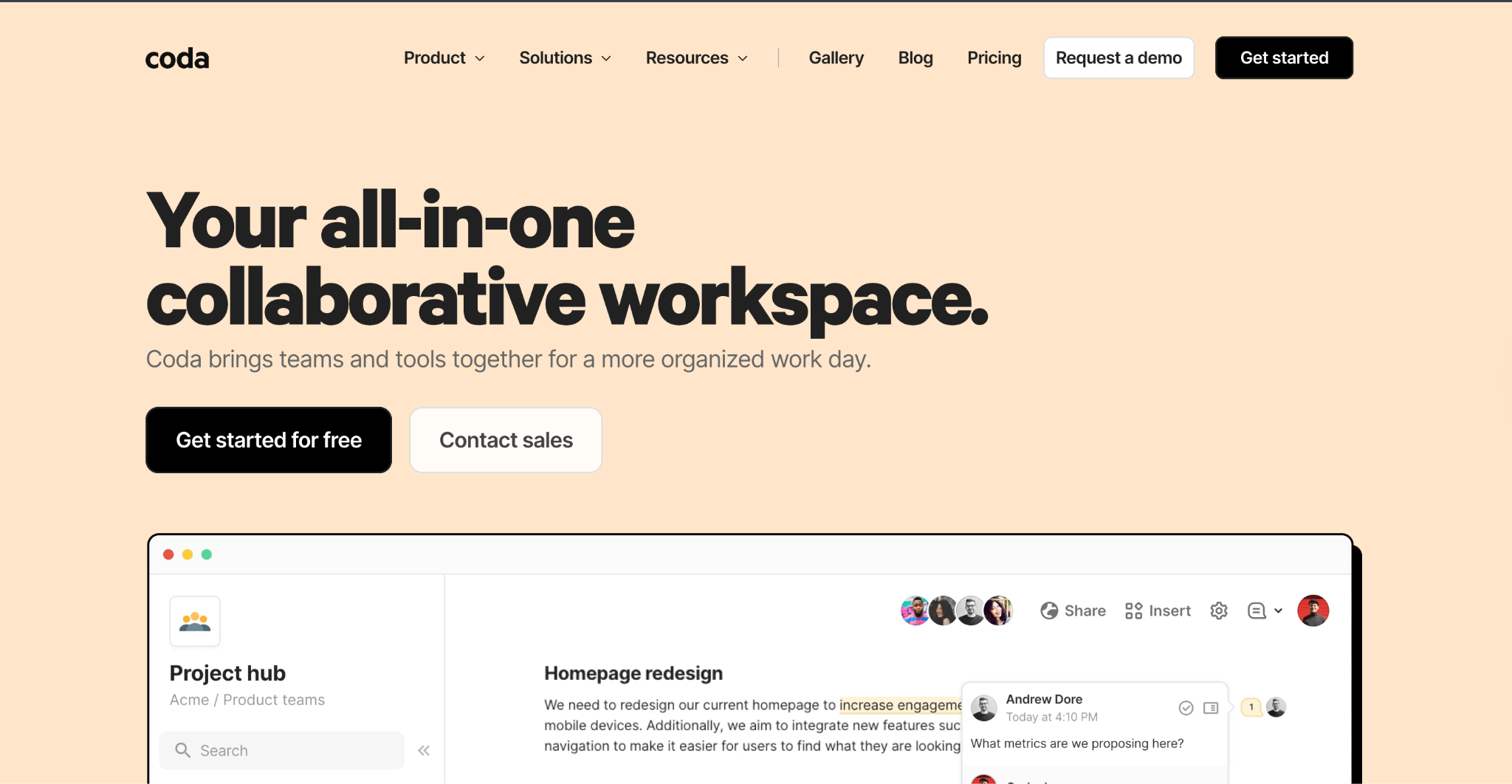
Coda is a doc-database hybrid that replaces spreadsheets with a more interactive experience. It combines rich text documents, relational tables, buttons, automations, and integrations into a single workspace.
Tables in Coda support formulas, linked records, conditional formatting, and multiple views. Automations let you set up rules that trigger actions when data changes.
Coda integrates with Slack, Google Calendar, Jira, and Zapier. The platform includes an AI assistant that summarizes, writes, and answers questions about your data.
Where Coda falls short. The learning curve is steeper than traditional spreadsheets. New users often struggle with building “docs that do things” compared to working in a straightforward spreadsheet. Performance can slow with larger docs, and per-user pricing makes it expensive for bigger teams.
Pros
- Documents, tables, and automations in a single workspace.
- Flexible enough to replace multiple tools.
- Built-in automation rules that trigger on data changes.
- AI assistant for writing and data analysis.
Cons
- Steeper learning curve than traditional spreadsheets.
- Performance slows with complex, large docs.
- Per-user pricing limits scaling for larger teams.
- Not a true standalone database for heavy data use.
Pricing
Free plan with limited features. Pro is $12/user/month. Team is $36/user/month. Enterprise pricing is custom.
Bottom line
Choose Coda when your team wants to combine documentation and structured data in one place with built-in automations. If you need a standalone database with serious scale or a client-facing app, a dedicated tool will serve you better.
Which Google Sheets alternative should you choose?
The right pick depends on what’s actually broken about Google Sheets for your team.
If your data needs connected tables and multiple views, Airtable is the most established choice. Per-user pricing scales fast, but the ecosystem is unmatched.
If your problem is formula power and analytical depth, Microsoft Excel remains the strongest option for complex calculations.
If you want a real database with an app on top of it that you can see, control, and share without writing code, Zite is worth evaluating. Unlimited users on every plan make it practical regardless of team size.
If your primary need is enterprise project management with timelines and dependencies, Smartsheet wraps that around a familiar spreadsheet feel.
If you want docs, databases, and wikis in one workspace, Notion keeps everything together. Coda does something similar, with more built-in automation.
If data control and self-hosting matter most, Baserow gives you an open-source database you can run on your own infrastructure.
Ready to try Zite?
Zite is the only option on this list with unlimited users on every plan, plus a real database and an app you can see and control without writing code. The free plan includes everything you need to start.
Frequently asked questions
What is the best Google Sheets alternative for business databases?
The best Google Sheets alternative for business databases depends on your needs. Airtable is the most popular for structured data with multiple views. Zite is a strong option for teams that want a database and app without code. Baserow is the best open-source option.
Can I move my Google Sheets data to another tool?
Yes, most Google Sheets alternatives support importing data directly. Airtable, Notion, Coda, and Smartsheet all accept CSV or Google Sheets imports. Zite connects to Google Sheets natively, so you can build on top of existing data without migrating.
What is the difference between a spreadsheet and a database?
The main difference is that a spreadsheet is a flat grid where each cell stands alone, while a database uses structured tables that link together. Spreadsheets work for quick math and simple lists. Databases hold up when you need connected records, role-based access, and consistent data types.
Is Airtable better than Google Sheets?
Yes, Airtable is better than Google Sheets when you need to link records across tables, add basic automation, and switch between views such as grid, kanban, and calendar. Google Sheets is still better for quick calculations and lightweight collaboration, where structure doesn't matter as much.
Are there free Google Sheets alternatives?
Yes, several Google Sheets alternatives offer free plans. Zite includes unlimited users and apps, plus a built-in database, on its free plan. Airtable supports 1,000 records per base for free. Baserow's open-source edition is free for self-hosting.

