


After spending months building apps with Lovable and watching my credits vanish while fixing AI-generated bugs, I tested 10 Lovable alternatives to find tools that deliver more value for business teams in 2026.
Best Lovable alternatives: At a glance
If you like Lovable’s AI app generation but need better design, no-code features, and deeper control, use this table to quickly spot the alternative that matches your use case and budget:
- Zite: Best for production-grade business software
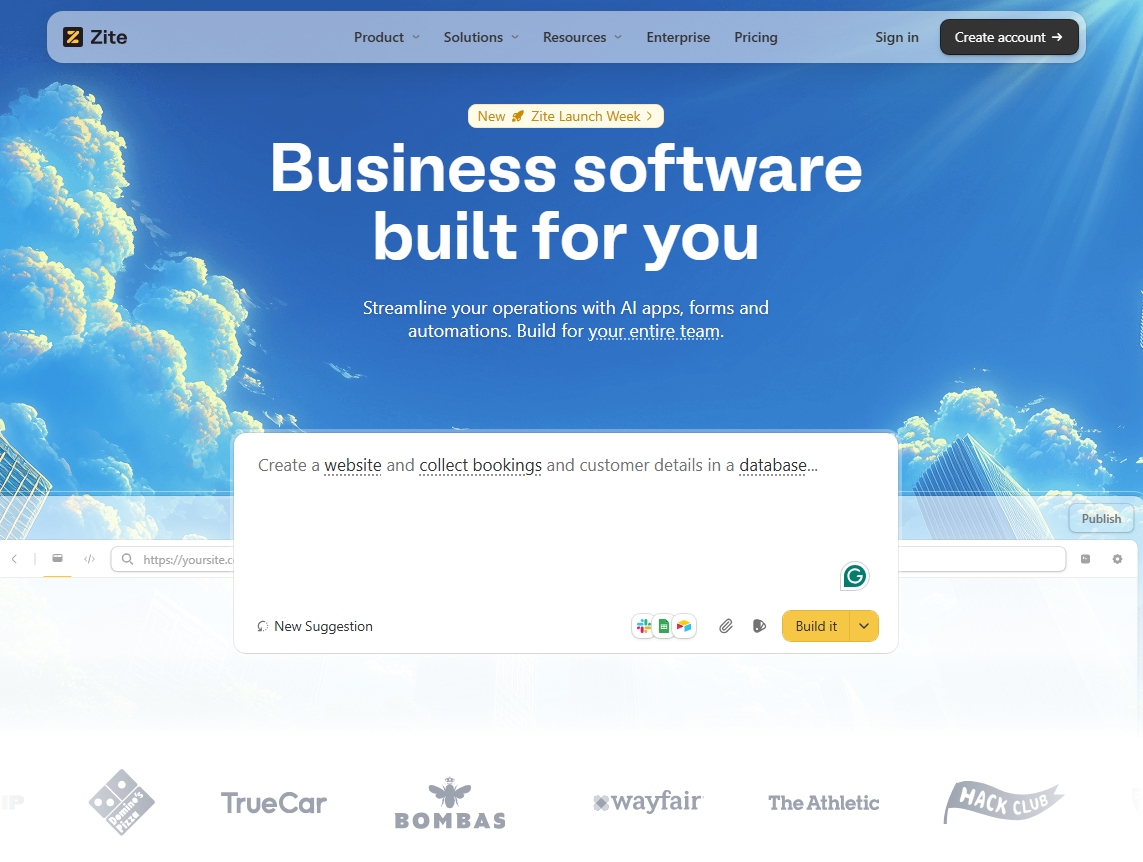
What does it do? Zite is an AI-powered no-code platform that builds business software like dashboards, intake forms, CRMs, and client portals from plain English descriptions.
Who is it for? Ops teams, support teams, SMBs, and anyone who needs business software without coding.
I tested it by describing a client portal with a user login and a dashboard. Zite generated the whole app in a few minutes, complete with authentication and tables for the database.
What really stood out was how easy it was to use. Instead of constantly re-prompting or digging through code, you can restyle the UI directly on the page using the visual edit tool. Best of all, these visual tweaks don’t use any credits; they’re completely free.
Unlike Lovable, your backend logic appears as visual workflows. You can view how it works in the flowchart-style interface and inspect past runs to debug it. If you need to update the logic, just describe your changes in plain English.
The built-in database covers most business use cases you’d normally use an SQL database for, but with a spreadsheet-like interface. You can see and edit your data without writing queries. You can connect to Airtable or Google Sheets if you want, but the Zite database can handle most of your use cases. You don’t need to set up an external data source.
Where it beats Lovable
- Visual workflows and editing: View and inspect your app’s logic in a flowchart interface. Make UI edits directly on the page and update the spreadsheet-like database without having to write SQL.
- Built-in database: Lovable relies on an external service called Supabase for its database and user authentication. Zite comes with a user-friendly built-in database that auto-generates your schema. You can edit it visually and manage data like a spreadsheet.
- Specifically built for production-ready business apps: Lovable is a generalist tool, but Zite is laser-focused on business apps with features to match. It comes with business-specific templates you can tweak, role-based access controls, SSO, secure hosting, and audit logs. It’s also SOC 2 Type II compliant.
Pros
- Unlimited users on all plans, including the free plan.
- Built-in database that non-technical users can actually edit.
- Doesn’t consume credits to fix AI errors.
Cons
- Not designed for consumer-facing mobile apps or SaaS MVPs.
- Zite hosts your apps for you (no code export), but this also means you don’t have to manage infrastructure.
Pricing
Zite has a free plan that comes with 50 credits, and paid plans start at $19/month for 100 credits billed monthly.
Bottom line
Zite is the best choice for teams building business software without writing code. You can build, debug, and maintain apps without ever touching code, and the unlimited users mean costs don't climb as your team grows.
- v0 by Vercel: Best for design-forward React apps
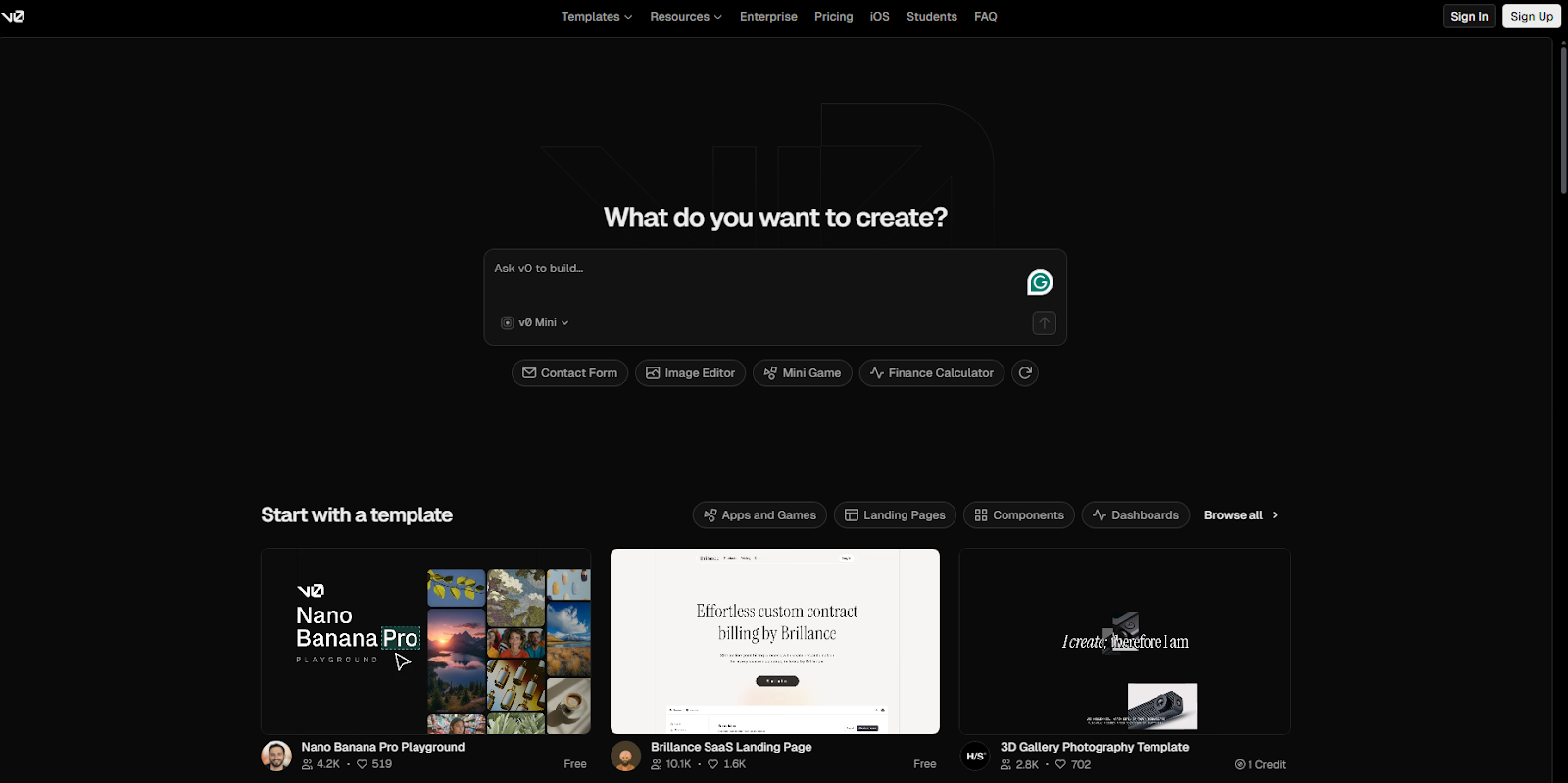
What does it do? v0 generates high-quality React components with Tailwind CSS from text prompts or image uploads.
Who is it for? Frontend developers and designers who need accessible UI components and websites fast.
v0 is Vercel's AI assistant for frontend scaffolding, and it's genuinely impressive at building beautiful UIs.
I tested it by describing a dashboard layout with a sidebar, header, and card grid. The code quality was noticeably cleaner than what Lovable produces, using shadcn/ui components that are accessible and production-ready out of the box.
I also uploaded a Figma screenshot of a login page, and v0 generated working React code that matched the design almost perfectly.
Deployment is easy if you're already in the Vercel ecosystem. One click and your app is live.
Where it beats Lovable
- Code quality: v0 outputs production-grade React with shadcn/ui components and proper accessibility. Lovable's generated code often needs cleanup before it's ready for production.
- Image-to-code capabilities: Upload a Figma design or screenshot and get working code.
- Vercel deployment: If you're in the Vercel ecosystem, v0 integrates perfectly. One-click deployment with automatic CI/CD, preview URLs, and edge hosting.
Pros
- Outputs clean, accessible code using shadcn/ui
- Image-to-code actually works well
- Vercel deployment
Cons
- Not the best for apps with complex backends
- Locked into the Vercel ecosystem for the best experience
Pricing
The free plan gets you $5 credits/month. Paid plans start at $20/month for $20 worth of credits and $2 of free daily credits on login.
Bottom line
If you want to jumpstart beautiful React UIs, v0 can save you hours. Just keep in mind it’s not built for complex or backend-heavy apps.
- Cursor: Best for developers who want full code control
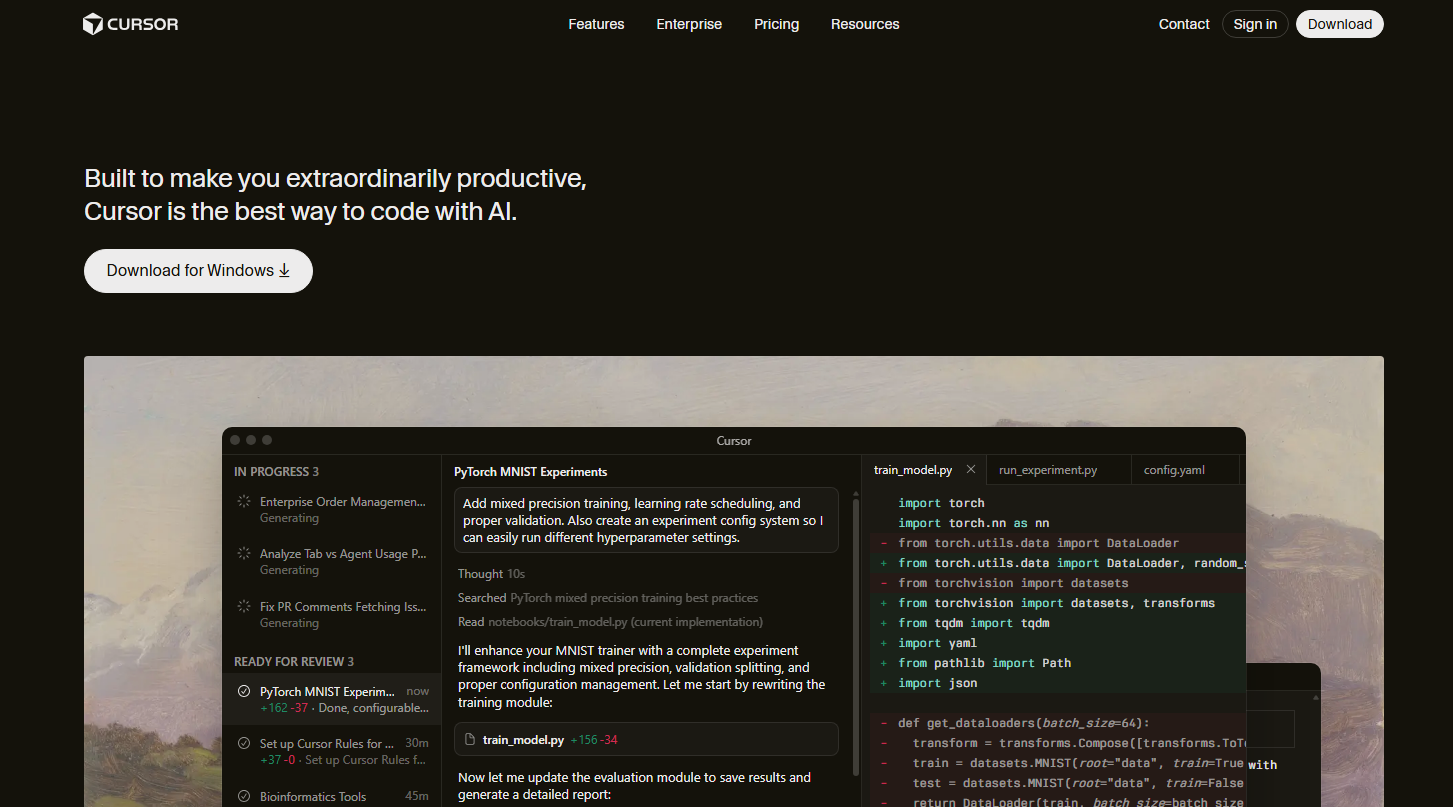
What does it do? Cursor is an AI-native code editor that uses large language models to understand your whole codebase, then helps you generate new code, rewrite existing code, and debug by asking questions.
Who is it for? Professional developers who want AI assistance without giving up control over their code.
Cursor doesn’t build apps from prompts. Its main goal is to make you a faster developer.
I've been using it daily for about three months. It understands my entire project, not just the file I'm looking at, so when I ask it to refactor something, it knows about dependencies, related files, and existing patterns.
The multi-file editing is what sold me.
I asked Cursor to update my API handling logic across 12 files, and it showed me a clear diff view of every change before applying anything. That level of visibility is something Lovable can't match.
Background agents are a cool feature that lets you spin off tasks while you keep working. I used it to write tests for a module while I continued building features.
Where it beats Lovable
- Full codebase awareness: Cursor understands your entire project structure, dependencies, and patterns. Lovable works prompt-by-prompt without deep project context.
- Complete code ownership: Export your code anytime, use any framework, deploy anywhere. No platform lock-in. Lovable generates code you can export, but Cursor lets you work in your own environment from the start.
- Multi-file refactoring with diffs: See exactly what changes before they happen. Lovable makes changes, and you hope they work. Cursor shows you a clear diff view and lets you approve or reject each modification.
Pros
- Familiar VS Code interface with all your existing extensions
- Multi-file refactoring with clear diff views
- Background agents for parallel task execution
- Full code ownership with no platform lock-in
Cons
- Requires coding knowledge
- Some users report paying for AI mistakes when debugging
Pricing
Paid plans start at $20/month for unlimited tab completions. The free plan supports limited agent requests and completions.
Bottom line
Cursor is the best option for developers who want AI assistance for autocompleting and refactoring code as they write code.
- Bolt.new: Best for browser-based full-stack development
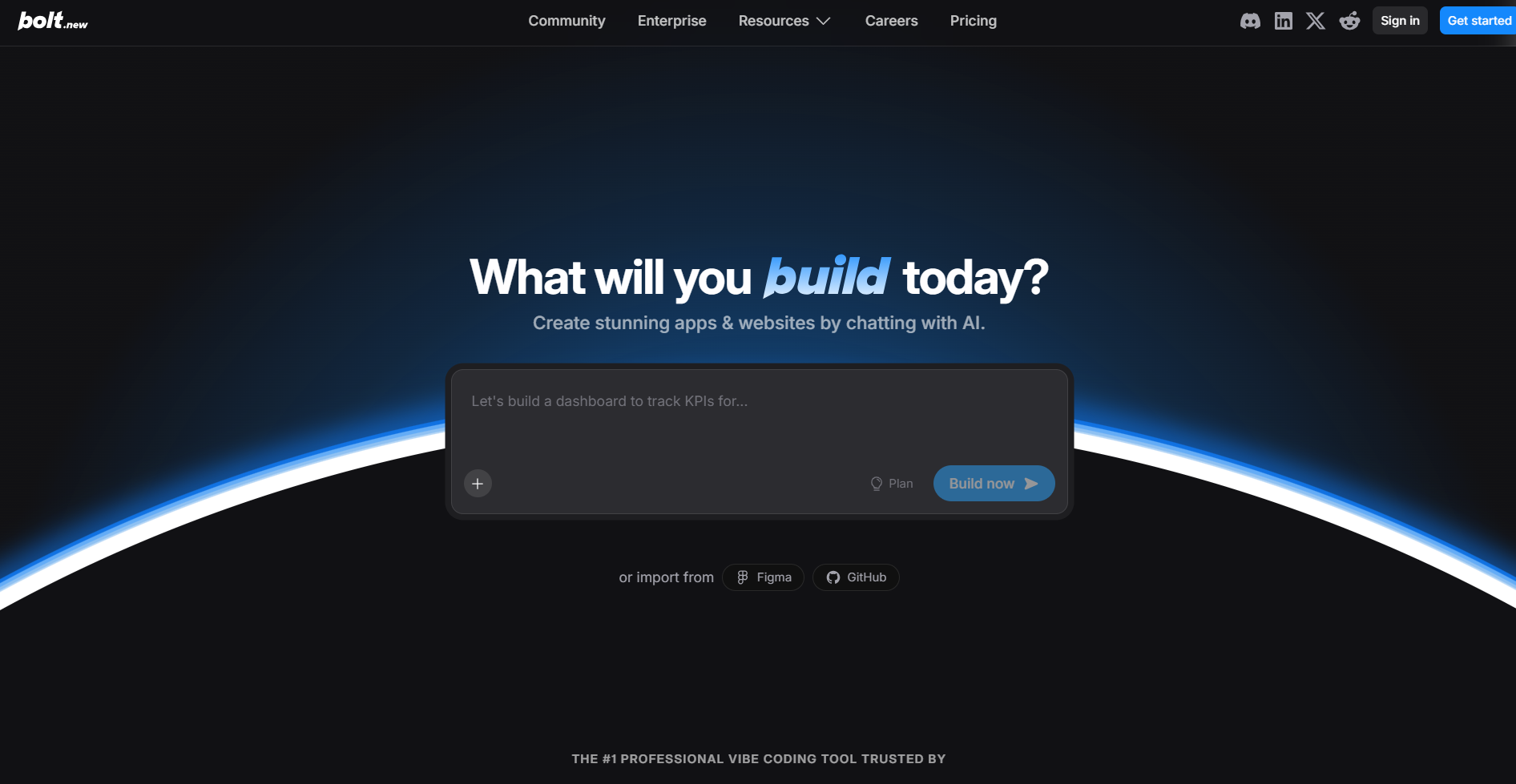
What does it do? Bolt runs a full Node.js development environment in your browser using WebContainers technology.
Who is it for? Developers who want to build full-stack apps without any local setup.
Bolt's big selling point is zero friction. No installs, no configuration, just describe what you want and start building. And unlike most builders, it supports web and mobile apps.
I tested it by prompting for a task management app with user authentication and a database. Bolt generated the whole thing, frontend and backend, running directly in my browser. I could edit the code, see live previews, and deploy to Netlify with one click.
The Discussion Mode is very helpful.
Before making any changes, you can brainstorm with the AI about architecture, design decisions, or implementation approaches. It's like having a senior developer to bounce ideas off before committing to code.
The problem that comes up a lot in user reviews is token consumption. Bolt uses token-based pricing, but it's difficult to tell how much your request will consume. For quick prototypes and demos, Bolt is fantastic. For complex production apps, proceed with caution. It can get expensive.
Where it beats Lovable
- Full backend in the browser: Bolt runs actual Node.js, installs npm packages, and executes backend code directly in your browser. Lovable generates code but relies on external services for backend execution.
- Framework flexibility: Build with Next.js, Svelte, Vue, Remix, Astro, or whatever you prefer. Lovable is more opinionated about its stack.
Pros
- Zero local setup required
- Full backend support with Node.js, databases, and APIs
- Discussion Mode for brainstorming before building
- One-click deployment to Netlify
Cons
- Token consumption can spiral on complex projects
Pricing
Paid plans start from $25/month for 10M tokens, and the free tier comes with 300k tokens/day (up to 1M/month).
Bottom line
Bolt works well for quick prototypes and demos with zero setup. However, beware that costs can spiral when debugging AI-generated code.
- Bubble: Best for complex custom applications
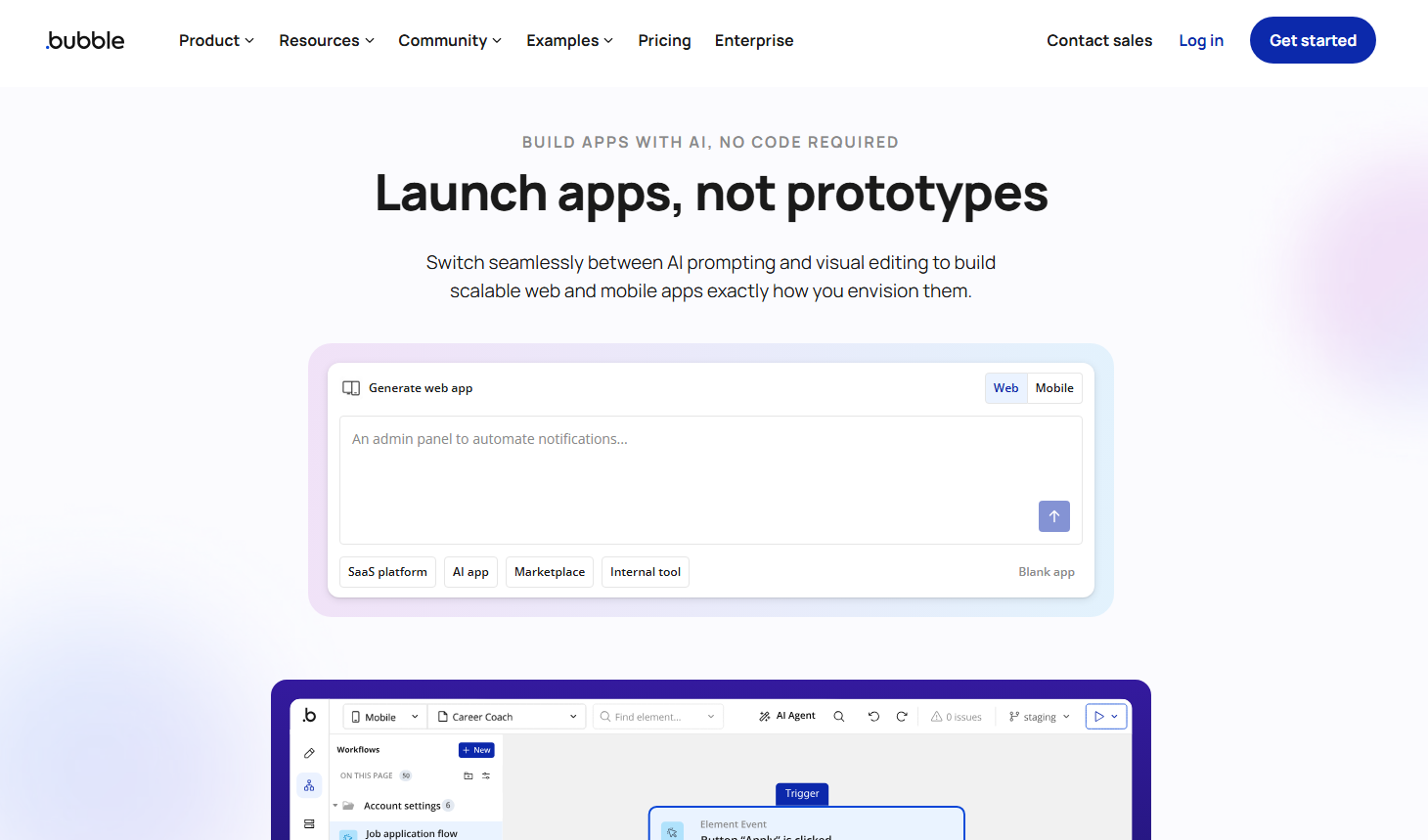
What does it do? Bubble is a visual programming platform for building fully functional web and mobile applications without code.
Who is it for? Founders, startups, and businesses building complex apps that need to scale.
Bubble isn't a quick prototyping tool. It's a serious platform for building production-ready applications.
I tested it by recreating a marketplace concept with user profiles, listings, payments, and messaging. Bubble handled all of it through its visual editor, including the database design, user authentication, and payment integration with Stripe.
It also has a native mobile builder. You can build iOS and Android apps from the same project, push to app stores, and access device features like camera and location. No other no-code tool I tested offers this level of mobile capability.
The learning curve is high. Bubble's interface complexity can be overwhelming at first. I spent a solid week just understanding how workflows, states, and data types interact. But once it clicks, you can build nearly anything.
Usage-based pricing (Workload Units) adds another layer of complexity. Predicting costs requires understanding how your app consumes server resources, which isn't intuitive for beginners.
Where it beats Lovable
- Native mobile apps: Build and deploy to iOS and Android app stores. Lovable only generates web applications.
- Visual programming depth: Bubble gives you granular control over every workflow, state, and data relationship. Lovable's AI makes decisions for you, which is faster but less flexible.
- Complex logic handling: Build multi-step workflows, conditional branching, and sophisticated business logic visually. Lovable struggles with complex application logic.
Pros
- Build anything from marketplaces to SaaS products
- Native mobile app support for iOS and Android
- Mature ecosystem with 1,000+ plugins
- Large community and extensive documentation
Cons
- Steep learning curve compared to AI-first tools
- Workload Unit pricing is hard to predict
- Not the fastest option for simple prototypes
Pricing
Web and mobile plans start at $69/month. It also has a free tier for testing.
Bottom line
Bubble is worth the learning curve if you're building complex web apps like marketplaces, SaaS products, or native mobile apps. It’s not the fastest option for simple prototypes.
- Replit: Best for collaborative coding
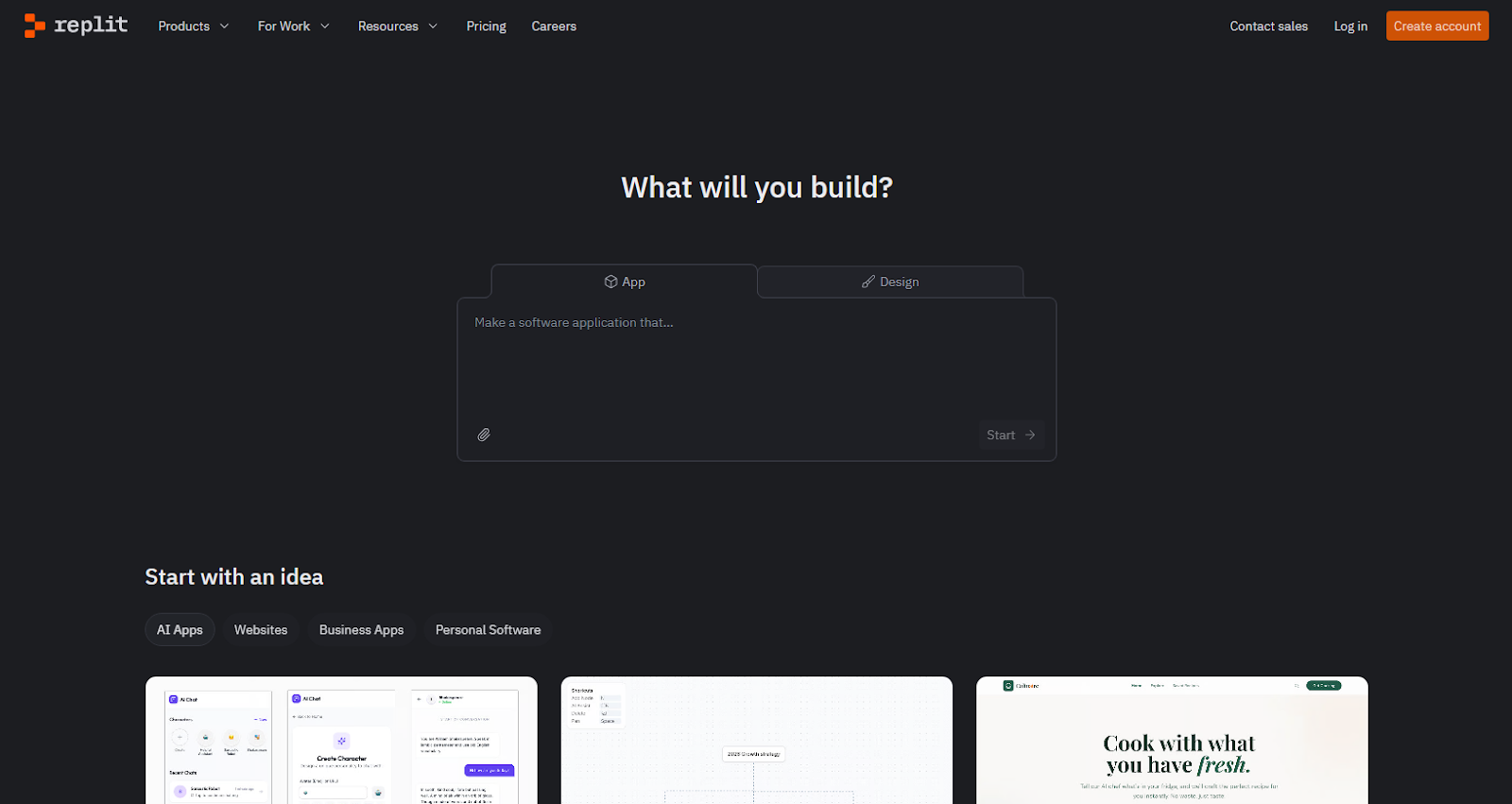
What does it do? Replit is a browser-based IDE with AI coding assistance, built-in hosting, and real-time collaboration.
Who is it for? Developers, students, and teams who want to code, collaborate, and deploy from anywhere.
Replit went all-in on AI in 2025 with Replit Agent, and it transformed the platform.
I tested Agent by describing a simple CRM app. It handled code generation, database setup, authentication, and deployment automatically.
It supports multiplayer editing really well. You can collaborate with a colleague in real-time and edit the same files.
Design Mode lets you create interactive designs in minutes, then convert them to working code. It's particularly useful for non-designers who need to visualize ideas before building.
The credit system is the main frustration.
Heavy users report spending hundreds of dollars on top of their base plan, especially when using Agent frequently. Credits cover AI usage, deployments, databases, and bandwidth, so it's hard to predict what you'll actually spend.
Where it beats Lovable
- Real-time multiplayer coding: Collaborate with teammates in the same file simultaneously. The new Pro plan supports up to 15 builders.
- Built-in database and auth: No need to configure Supabase or external services like Lovable requires.
- Multiple apps support: Build apps for web and mobile, data visualizations, 3D games, or automations
Pros
- Full development environment in your browser
- Real-time multiplayer coding
- Built-in database, auth, and hosting
- Agent can build complete apps from descriptions
Cons
- Heavy AI usage burns through the monthly allowance quickly
Pricing
Replit has a free limited plan, and paid plans start at $25/month, billed monthly, for $25 in credits.
Bottom line
Replit excels for teams who want to code together in real-time with AI assistance. Monitor your usage carefully. Credits deplete faster than you'd expect with heavy Agent use.
- Claude Code: Best for terminal-based coding
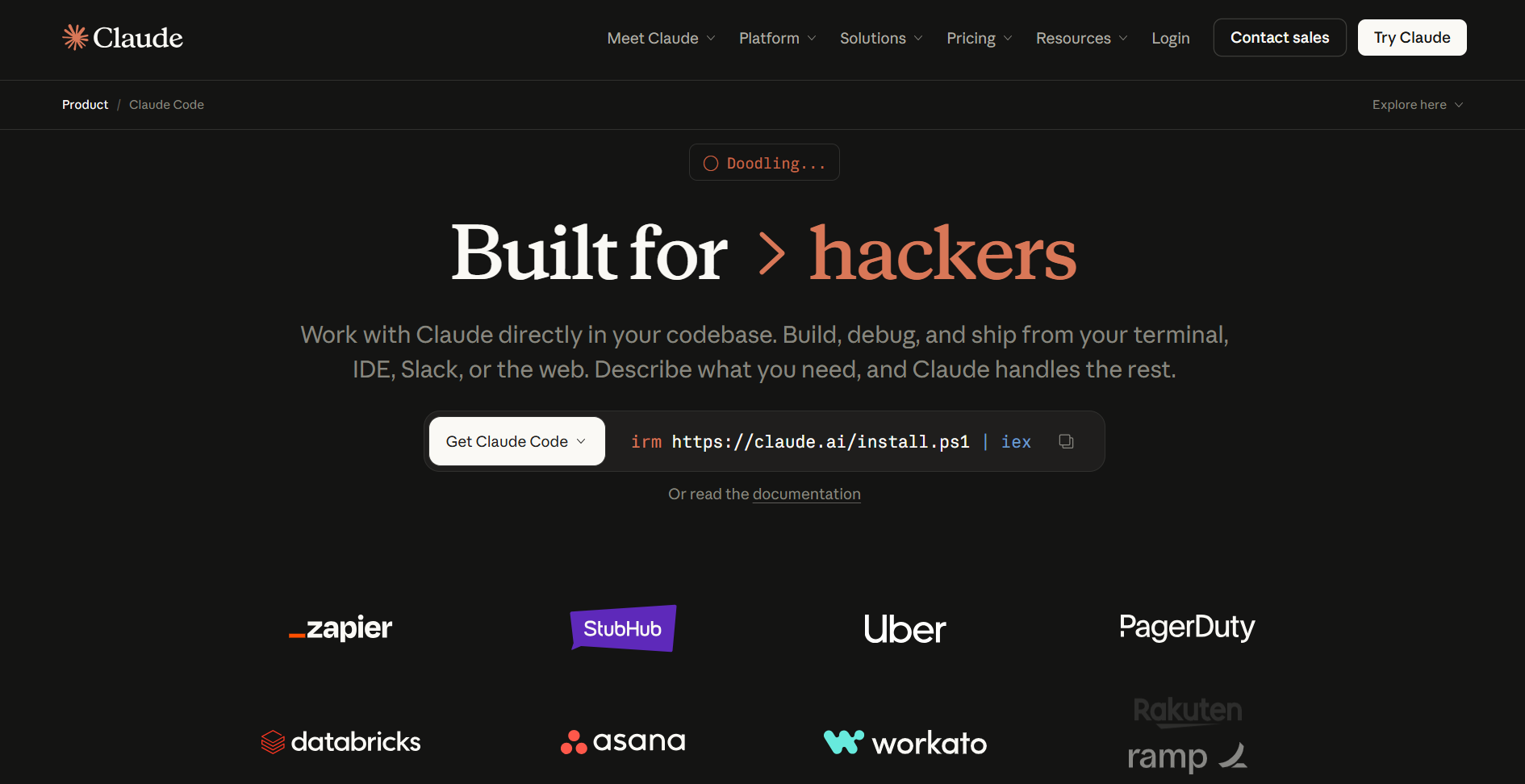
What does it do? Claude Code is Anthropic's terminal-based coding assistant that can read codebases, make multi-file edits, run tests, and push to GitHub.
Who is it for? Professional developers working on complex, enterprise-scale projects.
Claude Code is what I use when a project gets too complex for prompt-to-app tools.
It operates directly in your terminal, reads your entire codebase, and can execute multi-step workflows autonomously. I used it to refactor a legacy API across multiple services, and it handled the coordination between files, tests, and documentation without constant hand-holding.
The extended coding sessions are impressive. Claude Code can work autonomously for a long time, testing its own output and fixing issues as it goes.
This isn't a tool for non-technical users. You need to understand code to use Claude Code effectively. But for developers who do, it's remarkably capable.
Where it beats Lovable
- Enterprise-scale codebase handling: Claude Code reads and reasons over entire codebases that would overwhelm Lovable's context window.
- Terminal-native workflow: Works in your existing development environment with Git, testing frameworks, and deployment tools. No browser-based limitations.
- Multi-service coordination: Refactor across multiple services, update tests, and maintain documentation coherently. Lovable works file-by-file without understanding the system architecture.
Pros
- Handles enterprise-scale codebases that overwhelm other tools
- Works in your existing terminal and Git workflow
- Extended autonomous coding sessions
Cons
- Requires technical knowledge to use effectively
- Not available on the free Claude tier
Pricing
Available with Claude Pro at $20/month.
Bottom line
Claude Code is the strongest option for professional developers working on large, complex codebases who prefer terminal-based assistance.
- GitHub Copilot: Best for code completion in your existing IDE
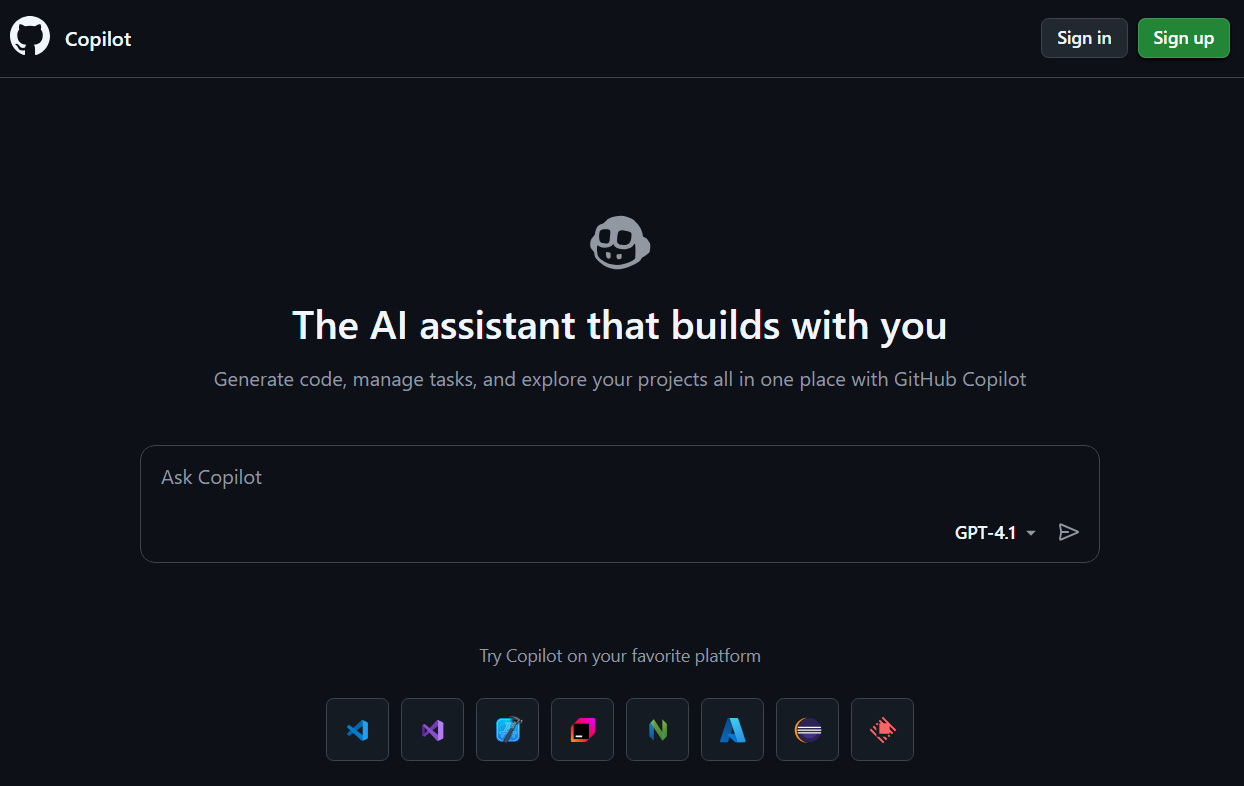
What does it do? GitHub Copilot suggests code as you type, directly in your IDE.
Who is it for? Developers who want AI assistance without changing their workflow.
Copilot is the lowest-friction AI coding tool available. It helps you write code faster by suggesting code based on context. Copilot understands what you're building, references your existing code patterns, and suggests completions that actually fit.
The recently added Copilot Chat lets you ask questions about your codebase, explain complex functions, or generate tests. It's not as powerful as Claude Code for complex tasks, but it handles quick queries well.
At $10/month for individuals, it's the cheapest paid option on this list. And unlike credit-based tools, you get unlimited completions.
Where it beats Lovable
- Works in your existing workflow: Copilot runs inside VS Code, JetBrains, Neovim, or whatever IDE you already use. No context switching to a browser-based tool.
- Any language, any framework: Works with virtually every programming language and framework. Lovable is limited to specific stacks.
- Lowest learning curve: Start typing, and suggestions appear. No prompt engineering required.
Pros
- Works in VS Code, JetBrains, Neovim, and more
- Context-aware suggestions based on your codebase
- Flat-rate pricing with unlimited completions
- Lowest learning curve of any AI coding tool
Cons
- Assists with coding rather than generating complete apps
- Less powerful for complex, multi-file tasks
Pricing
GitHub Copilot costs $10/month for individuals and $19/user/month for businesses.
Bottom line
Copilot is perfect if you want AI assistance without changing your code editor. It works with your existing development environment.
- Webflow: Best for marketing sites and CMS
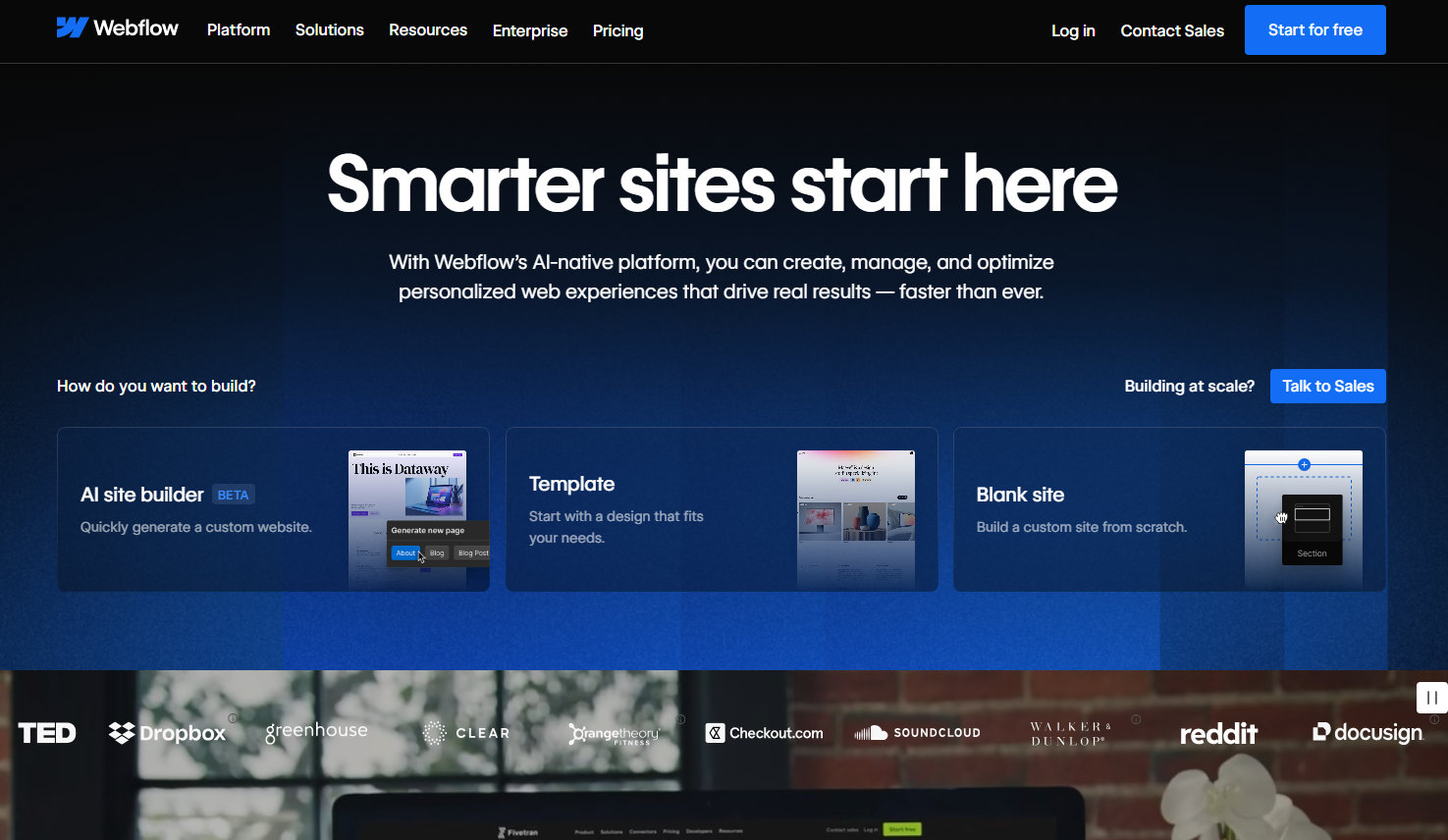
What does it do? Webflow is a visual web design platform that outputs clean, production-ready code with built-in CMS and hosting.
Who is it for? Designers, marketers, and agencies building professional websites without code.
Webflow isn't an AI-first tool, but it's added enough AI features to warrant inclusion. The AI assistant can scaffold layouts from your description, but Webflow is still primarily a visual design tool rather than an AI-first app builder.
The visual editor gives you direct control over every element. You can adjust spacing pixel by pixel, create custom animations, and build responsive layouts that actually look good on all devices.
The CMS is powerful and easy to use. You can build blogs, portfolios, and product catalogs that clients can update themselves without touching code or calling you.
The learning curve for the visual editor is high. It takes a few projects to really understand how Webflow thinks about layout and styling. Some people even hire Webflow developers.
Where it beats Lovable
- Pixel-perfect design control: Adjust every margin, padding, font weight, and animation exactly how you want. Lovable generates designs that are "good enough" but hard to fine-tune.
- Built-in CMS: Create content structures, let clients update their own content, and build dynamic pages. Lovable doesn't have native content management.
- SEO tools: Structured data, meta tags, sitemaps, and performance optimization built in. Lovable generates apps but leaves SEO to you.
Pros
- Professional-grade design control
- Built-in CMS for content management
- SEO tools and structured data support
- Clean code output that performs well
Cons
- Not suited for complex web applications
- Learning curve for the visual editor
- Can get expensive for multiple sites
Pricing
Webflow has a free tier that supports only 2 pages. Basic site plans start at $18/month.
Bottom line
Webflow wins for marketing sites, landing pages, and content-driven websites where design matters.
- Retool: Best for self-hosting internal tools
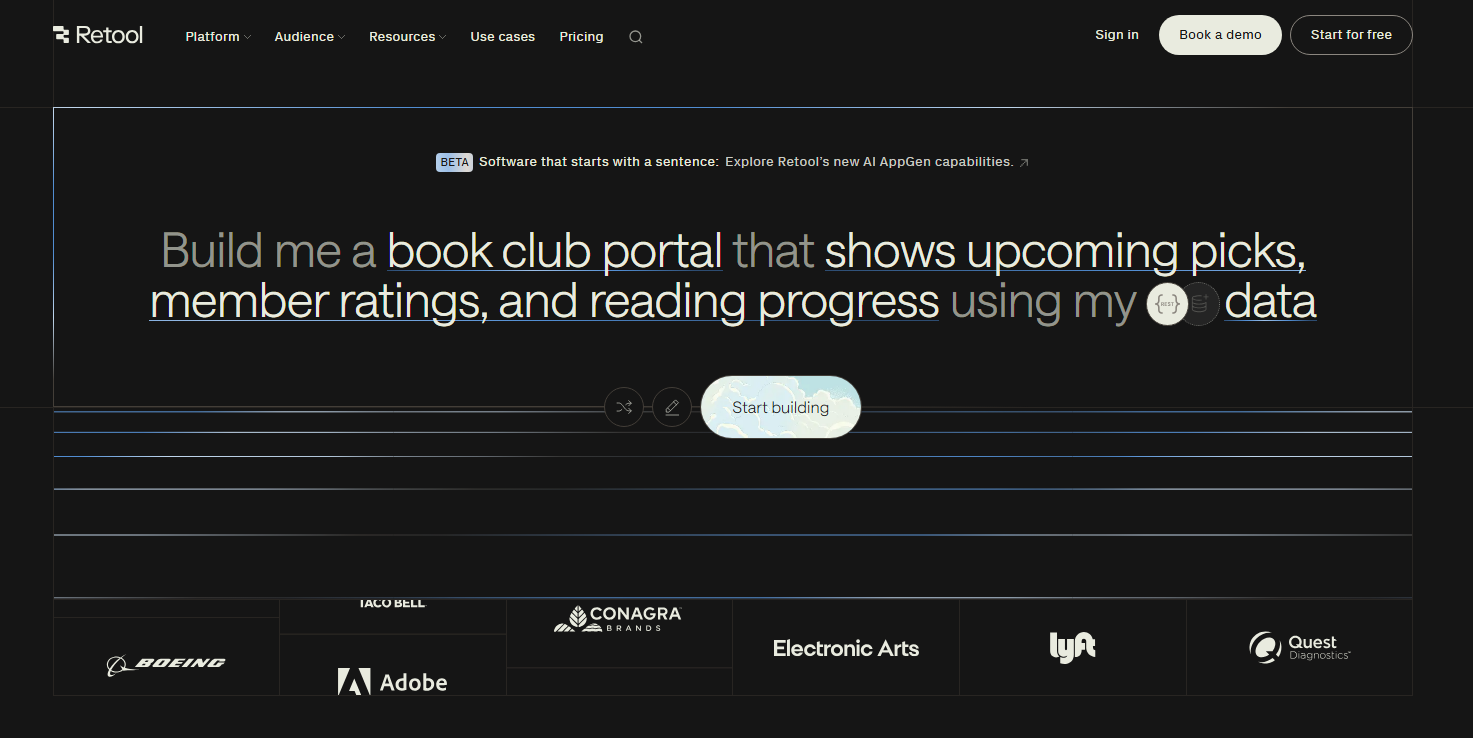
What does it do? Retool lets you build internal tools by connecting directly to databases, APIs, and third-party services.
Who is it for? Enterprise teams building admin panels, dashboards, and internal apps that need deep data integration.
I tested Retool by building an admin dashboard that pulled from PostgreSQL, displayed customer data, and let support staff update records directly. The AI builder sped up the entire process by generating the app. However, I also had the option to edit the app visually or write code.
The per-user pricing is the main drawback. At $7/month per internal user in the Team plan and $18/month per internal user for Business, costs add up fast if you have lots of users accessing your tools. This is the opposite approach from Zite's unlimited users model.
Where it beats Lovable
- Direct database connections: Query PostgreSQL, MySQL, MongoDB, and dozens of other databases directly. Lovable requires you to build API layers or use Supabase exclusively.
- Pre-built enterprise components: Tables, forms, charts, and admin widgets designed specifically for internal tools. Lovable generates a generic UI that needs customization.
- Granular permissions: Role-based access controls, row-level security, and audit logging. Lovable has basic auth but lacks enterprise-grade access management.
- Self-hosting option: Deploy on your own infrastructure for compliance requirements. Lovable is cloud-only.
Pros
- Direct database connections (PostgreSQL, MySQL, MongoDB, etc.)
- Pre-built components designed for internal tools
- Granular permissions and access controls
- Self-hosting option for enterprises
Cons
- Per-user pricing gets expensive at scale
- SSO is locked behind the Enterprise tier
- Steeper learning curve than AI-first tools
Pricing
Retool is free for up to 5 users. Paid plans start at $12/month per builder and $7/month per internal user.
Bottom line
Retool is the choice for enterprises building internal tools that need direct database connections and self-hosting.
How I tested these Lovable alternatives
I didn't just open each app, generate a quick demo, and move on. I used each tool like I actually would in my daily work by building real projects and tracking actual costs.
Here's what I focused on:
- Speed to working app: How quickly can you go from idea to something you can actually use or show to stakeholders?
- Output quality: Is the generated app maintainable? Could I deploy it to production?
- Pricing predictability: Can you estimate costs before building, or do you get surprised at the end of the month?
- Full-stack capabilities: Does it handle backend, database, authentication, and deployment, or just frontend?
- Editing experience: How painful is it to make changes after the initial generation?
Which Lovable alternative should you choose?
Always pick the tool that fits your use case, whether that's business apps, prototypes, or consumer apps.
Here are some guidelines:
- Choose Zite if you're building business software and don’t want to touch code at any stage of the development process. You can build, debug, and maintain the app with prompts or by making direct changes visually. It’s genuinely no-code.
- Choose v0 if you have a design and want to create prototypes that match.
- Choose Cursor, GitHub Copilot, or Claude Code if you're a developer who wants AI assistance while maintaining full code control.
- Choose Bolt.new if you want full-stack development for both mobile and web in the browser with zero setup.
- Choose Bubble if you're building complex web and mobile apps that need to scale with your users.
- Choose Retool if you want to self-host your builder for security or compliance reasons.
- Stick with Lovable if you're building quick prototypes where speed matters more than long-term maintainability.
Is Zite the best Lovable alternative?
Yes, Zite is the best Lovable alternative if you're building business applications for production. Its no-code approach and visual workflows make it a top choice for non-technical users and teams needing real business software.
Unlike Lovable, you don’t have to dig into code to fix any issues. You can make direct changes to your UI and the database. And since the workflows are visual, you can see how your app logic works and where it’s failing, then reprompt to make the changes.
For consumer apps, SaaS MVPs, or anything where you need to code custom logic, look at Replit or Bubble instead. Zite is best for business software.
Ready to build your first app with Zite? Try Zite for free.
Frequently asked questions
Is there a free version of Lovable?
Yes, there’s a free version of Lovable that offers 5 daily credits (up to 30/month). This is enough to build a simple app and make a few rounds of changes.
Which Lovable alternative is best for non-technical users?
Zite is the best Lovable alternative for non-technical users. You describe what you want in plain language, and Zite builds the complete app. You can edit it with more prompts or adjust the UI with the visual edit tool. It also comes with a no-code database that’s easy to use. You can view and edit data directly without writing queries.
Which Lovable alternatives support mobile apps?
Bubble, Bolt, and Replit are Lovable alternatives that support mobile apps. If you want to code, you can also use Cursor or Claude Code.
Is Lovable worth paying for?
Lovable is worth paying for if your goal is to validate an idea quickly, but it’s not ideal if you plan to run a complex production app on it long term.

