


Lovable is genuinely good at getting an idea off the ground fast. But credit limits and apps that stop working the moment things get complex mean it's not the right fit for everyone. I tested 7 alternatives across different use cases to see what actually works well in 2026.
7 Best Lovable.dev Alternatives: Quick Comparison
How I Researched and Tested These Tools
I spent time building real projects on each platform, not just reading landing pages. For tools with a free plan or trial, I signed up and built something from scratch. Pricing came directly from each official pricing page, not third-party review sites.
- Features: How well each tool handles the core tasks it claims to cover, from prompt-to-app generation to code export and deployment.
- Usability: Whether the interface gets out of the way or creates friction at every step.
- Integrations: How easily each tool connects to the services a real team already uses.
- Pricing: What you actually pay once you start building, not just the headline number on the pricing page.
- Use Cases: How each tool performs for the specific scenarios its target audience cares about, prototyping, internal tools, production SaaS, or existing codebases.
That is what separates the tools that look good in a demo from the ones that hold up once the project gets serious.
1. Zite: Best for Non-Technical Teams Building Custom Apps
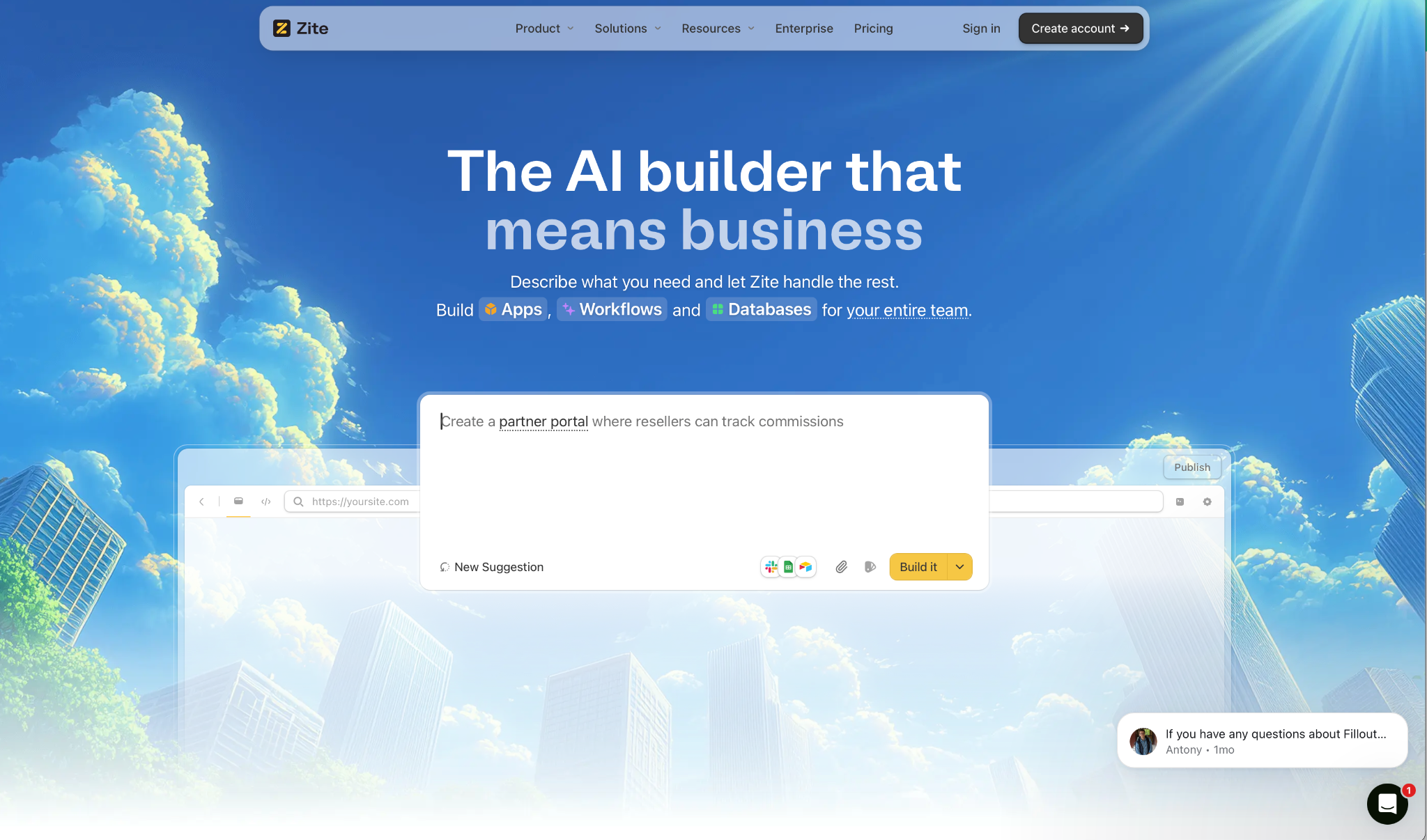
What it does: Zite turns a plain English description into a working app with a database, logic, and hosting included. Unlike most AI builders, everything it creates is visible and editable, so you can follow the logic, inspect the data, and adjust what was built without guessing.
Best for: Operations, client-facing, and internal teams building dashboards, CRMs, and portals who need to understand and control what they build, not just generate it and hope it holds.
I put it to the test by setting up a client portal. One prompt gave me pages, forms, and a working database table. No external services to connect, no configuration screens to get through first.
What stuck with me was the visual workflow view. The logic behind your app shows up as a flowchart you can actually read. When something broke, I was able to trace and fix the issues without touching code.
That visibility matters especially when you are deploying to a whole team. And on that note, Zite charges no per-user fees on any plan. The cost stays the same whether five people use it or fifty.
Key Features
- Full visibility by default: Every page, workflow, and permission is visible and editable from day one. No black boxes, no locked logic, no waiting on a developer to explain what the app does.
- Prompt-to-app generation: Describe what you need, and Zite builds the pages, forms, tables, and fields your app needs.
- Built-in database: Tables and fields are generated automatically and handle millions of records without external setup. You can inspect exactly what is stored and how it connects to the rest of your app. AI Fields let you enrich records and pull in live data from the web directly inside the database, without leaving the platform.
- Auth and hosting included: Apps are internal by default. When you need external access, magic link and Google login are built in. SSO is available on Enterprise plans. Zite is SOC 2 Type II certified.
- No-code workflows: Describe the logic you need and Zite generates the workflow for you. Each step shows up as a flowchart you can follow, adjust, and troubleshoot without reading code.
- Integrations with existing tools and data: Connect to the systems your team already uses (e.g. Airtable, Google Sheets, Slack, and OpenAI) and build on top of data you already have. The workflow view lets you trace exactly how that data moves and confirm it is behaving as expected.
- Template marketplace: Start from a pre-built CRM, dashboard, or portal. Connect your data and adjust from there. For client-facing apps, Zite can extract your branding and domain automatically so published apps feel like yours from day one.
Pros
✅ No per-user fees on any plan
✅ Workflow editor your whole team can read and fix, not just developers
✅ Database, auth, and hosting built in with nothing extra to set up
✅ Connects to existing tools and data, with full visibility into how that data moves through your app
Cons
❌ No code export. Your app stays on Zite's infrastructure
❌ AI credits are limited on free and lower-tier plans
❌ Web apps only, no native mobile export, and not designed for consumer apps like social platforms or games
What Users Say
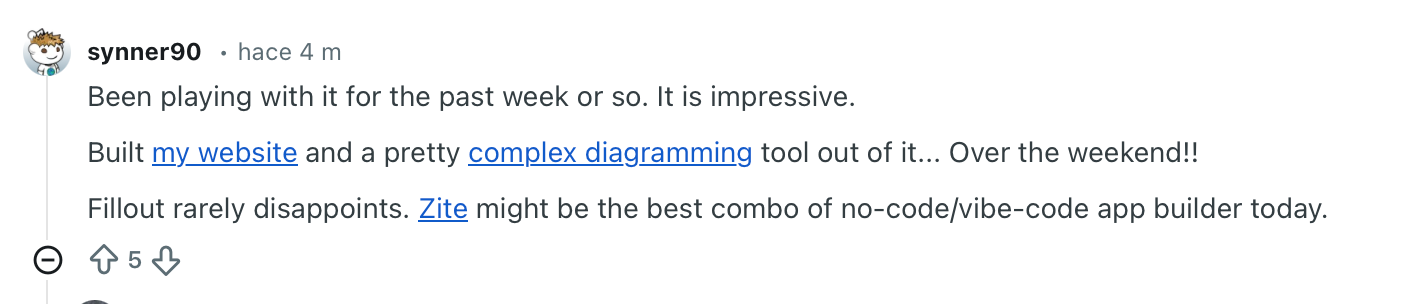
"Zite might be the best combo of no-code/vibe-code app builder today." — Verified User, Reddit
Pricing
Free plan includes unlimited apps and users, with no per-seat fees ever. Paid plans start from $19/month.
Bottom Line
If your team needs to build real workflows, dashboards, or client-facing apps and still be able to understand, adjust, and trust what was built, Zite is the strongest pick in this list. If you need to own the code or export to a native mobile app, pick something else.
2. Bolt.new: Best for Rapid Full-Stack Prototyping
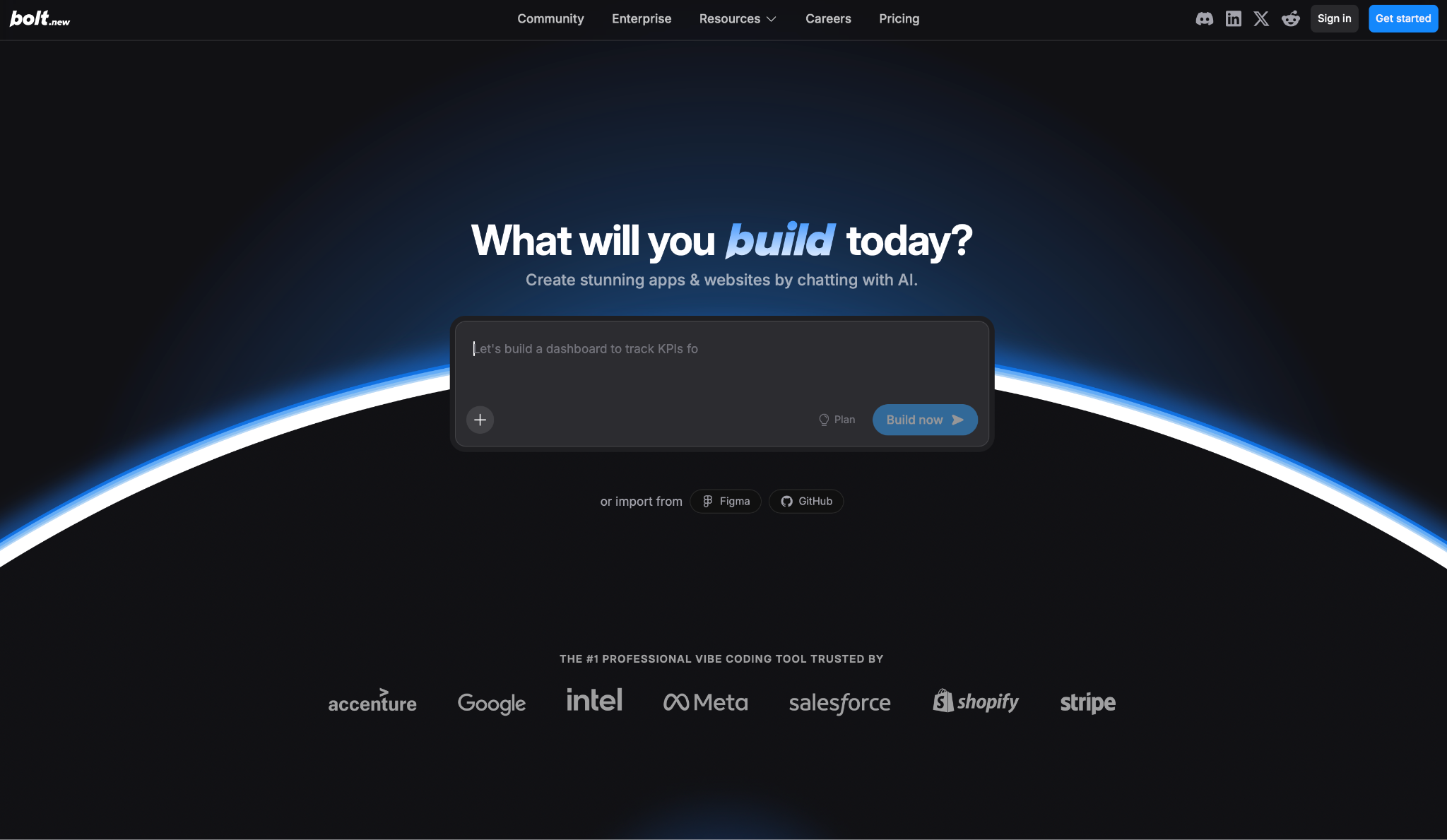
What it does: Bolt generates a complete app from a single description. Frontend, backend, and database, all inside the browser.
Best for: Product managers, solo founders, and non-technical builders who need a working prototype fast and don't want to touch a terminal.
I described a project management tool in plain English and had a clickable app in minutes, no local setup required. For a first demo or an early investor build, nothing in this list gets you there quicker. But Bolt is built for that first version, not the tenth.
The catch shows up the moment you start iterating. Credits climb when you fix errors or make changes, and the agent sometimes rewrites files you didn't ask it to touch. What was working breaks, and fixing it costs more.
Key Features
- Complete app generation in the browser: One description builds the entire app with no local setup needed.
- Bolt Cloud hosting and database: Deployment, unlimited databases, and user auth are included with no external services to connect.
- Credit rollover on paid plans: Unused credits carry over to the next month on Pro and Teams.
- Large project handling: Bolt manages bigger projects without losing track of the structure mid-session.
- Brand design system support: Build with reusable components and shared design tokens across projects.
Pros
✅ Fastest path from prompt to clickable prototype in this list
✅ Full-stack output with deployment and database included from day one
✅ Credit rollover on Pro and Teams adds some budget flexibility
Cons
❌ Costs spike fast the moment you start fixing errors or making changes
❌ The agent sometimes rewrites files unprompted, introducing bugs that weren't there before
❌ Moving generated code into a standard Git repo requires manual work
What Users Say
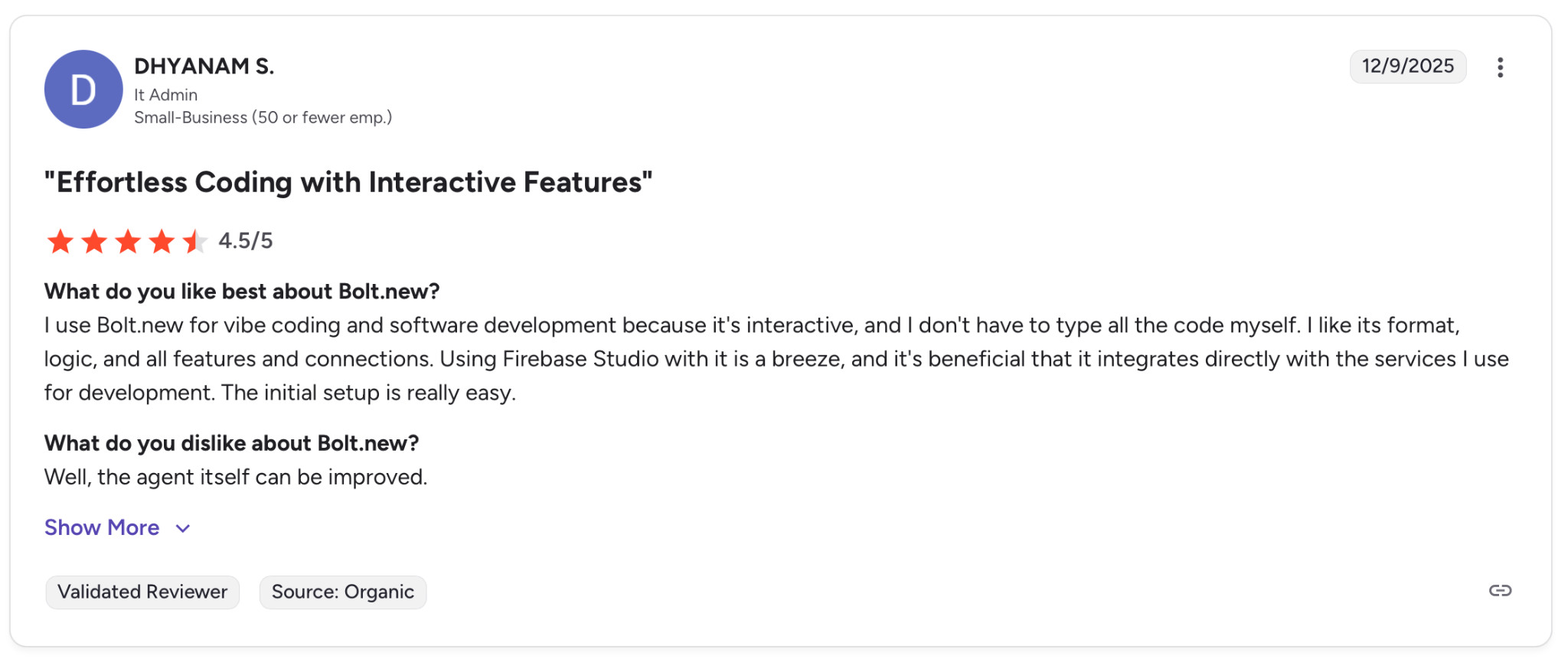
"I like its format, logic, and all features and connections." — Dhyanam S. G2
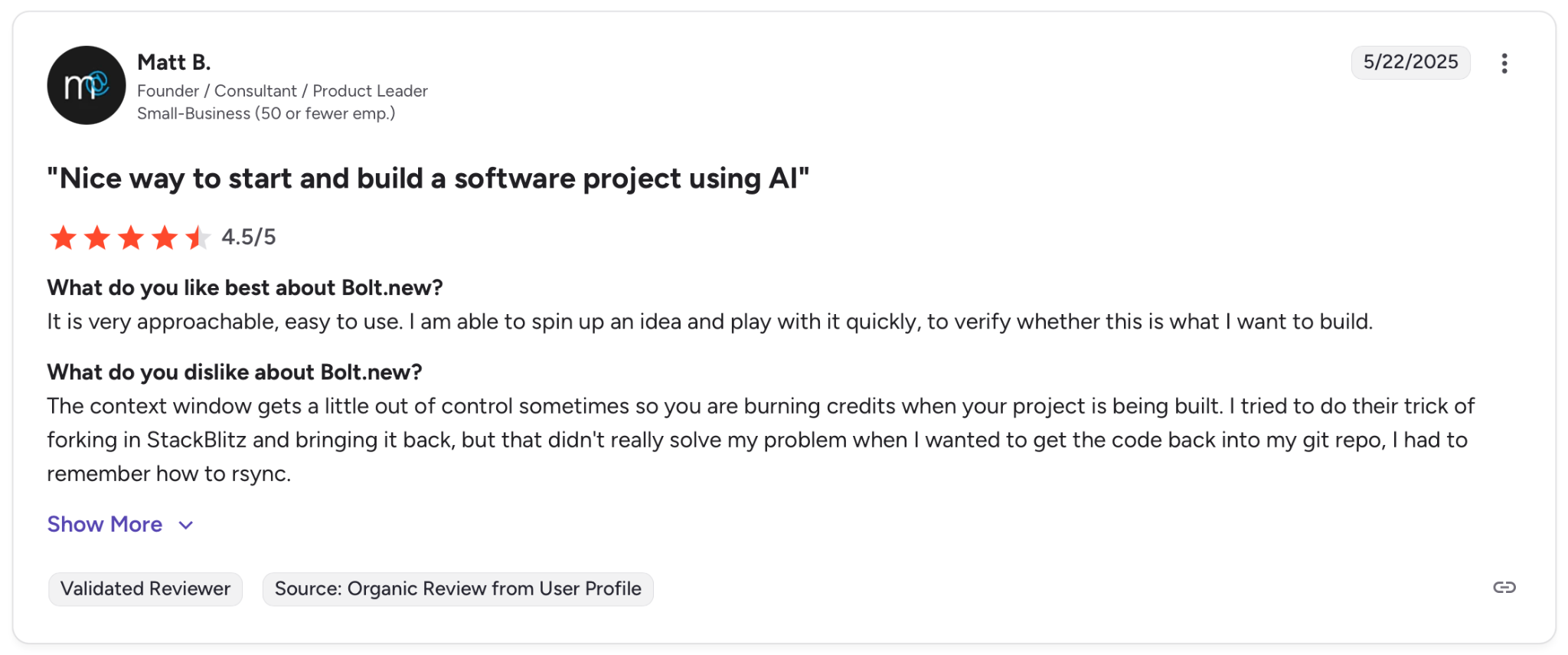
"The context window gets a little out of control sometimes so you are burning credits when your project is being built." — Matt B. G2
Pricing
There is a free plan with 1M tokens per month. Paid plans start at $25/month and go up to $30/member for Teams.
Bottom Line
Bolt works when you need something clickable and shareable by the end of the day. If the project grows and you start iterating heavily, the token costs and agent reliability become real problems.
3. Replit: Best for Developers Who Want a Full Cloud IDE
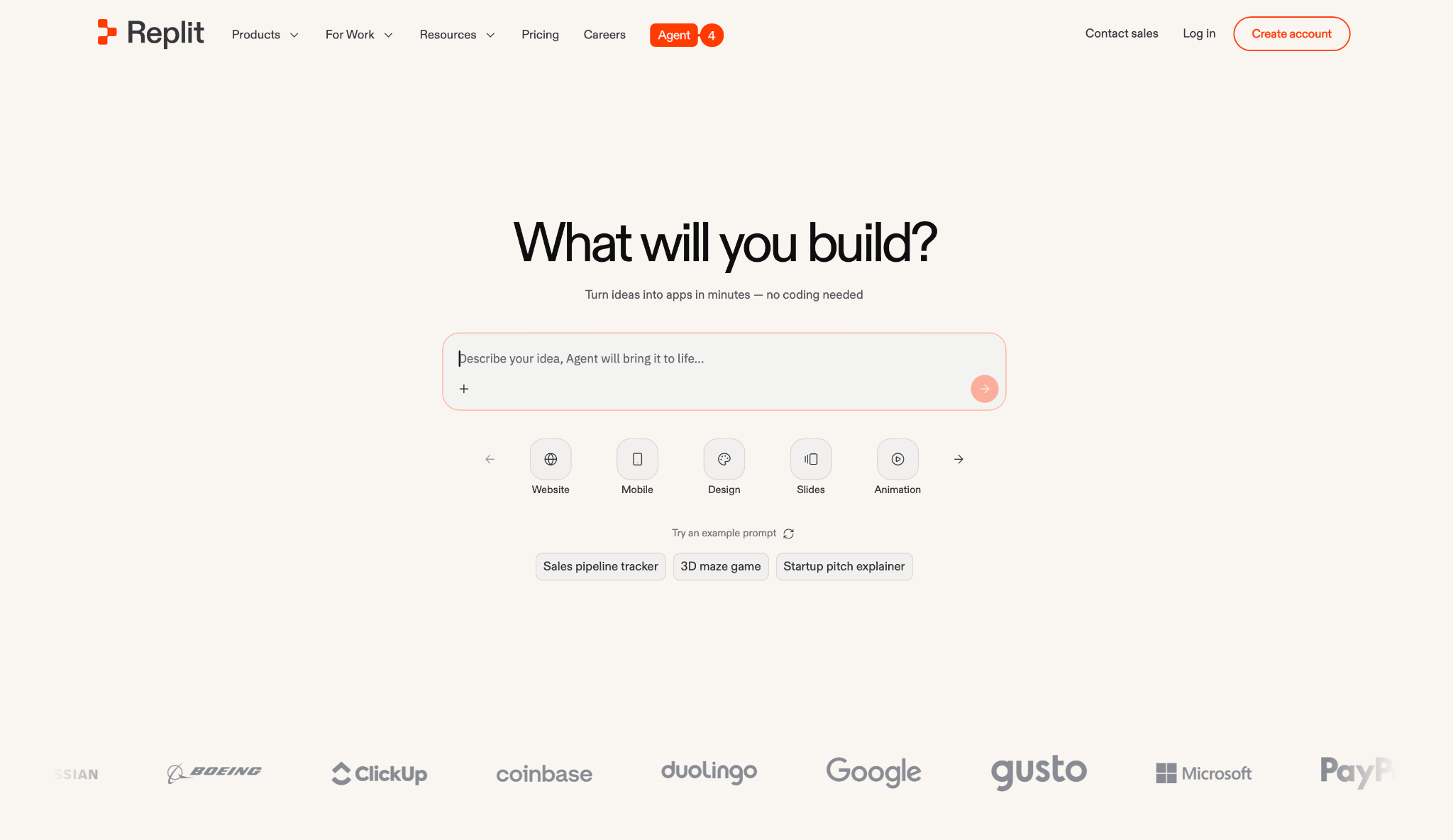
What it does: Replit is a cloud IDE with AI built in. Write, test, and ship full-stack apps from the browser, with auth, database, and hosting already there.
Best for: Technical teams who want a complete development environment without managing local setup or external infrastructure.
I rebuilt an existing project inside Replit. Describe what you need, and the Agent sets up the structure, writes the logic, and deploys it without leaving the browser.
Where it gets complicated is the billing. Each Agent action costs credits, whether the result is useful or not. One debugging session on a mid-size project burned through a noticeable chunk of the monthly allowance. You have to watch the meter constantly, which breaks the flow.
That said, if you are building with a team, the shared workspace helps spread that cost across more output. Multiple developers work on the same project with real-time visibility, which makes the billing easier to justify.
Key Features
- Agent for full-stack generation: Describe your app and the Agent writes the code, sets up the structure, and deploys it without leaving the browser.
- Built-in infrastructure: Auth, database, hosting, and monitoring included with no external services to configure.
- 100+ integrations: Connect to OpenAI, Stripe, Google Workspace, and other services directly from the workspace.
- Team collaboration: Shared environments with roles, kanban-style task views, and real-time coordination across your team.
- Credit rollover on Core and Pro: Unused allowance carries over each month, giving some buffer for heavier usage periods.
Pros
✅ Complete cloud IDE with AI, hosting, and database in one place
✅ Real-time team collaboration built into the workspace
✅ Enterprise plan includes SSO, SOC 2, and single-tenant environments
Cons
❌ Each Agent action pulls from your balance even when it returns broken or unhelpful results ❌ The Agent loses track of context on larger projects, forcing you to re-explain and burn more allowance
❌ Costs can spike with no warning if you skip monitoring usage at each checkpoint
What Users Say
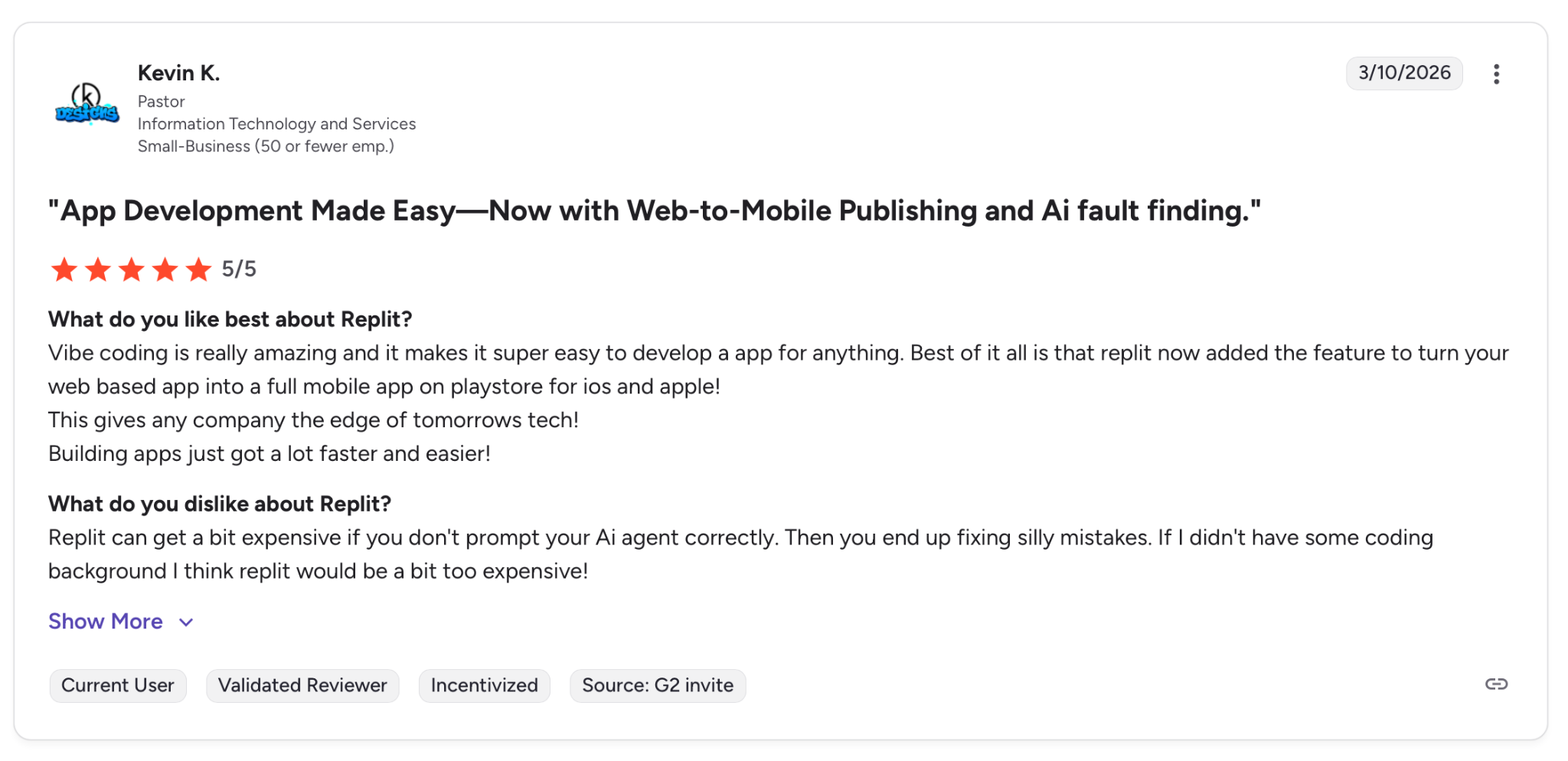
"Vibe coding is really amazing and it makes it super easy to develop an app for anything." — Kevin K. G2
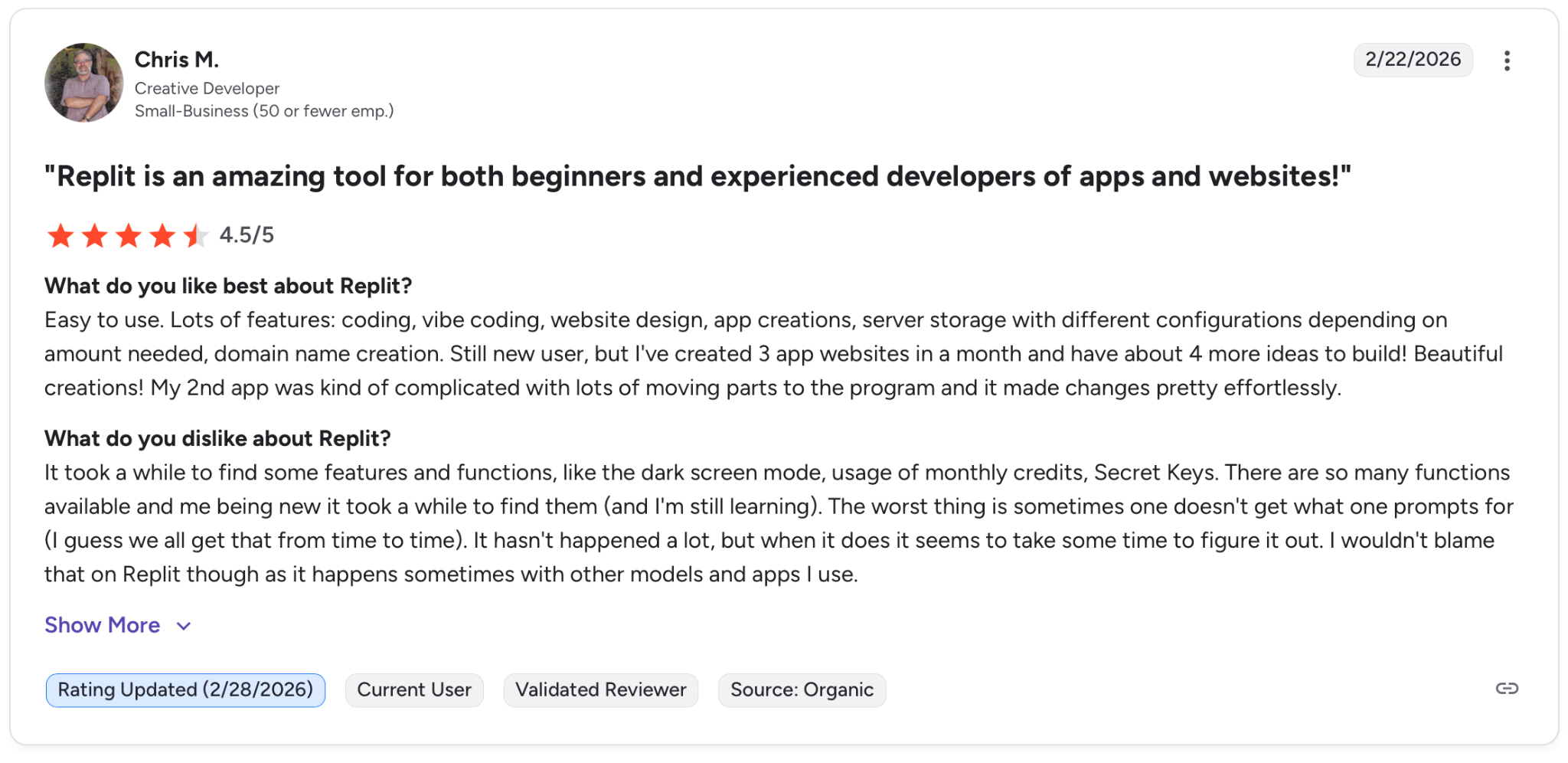
"It took a while to find some features and functions, like the dark screen mode, usage of monthly credits, and Secret Keys." — Chris M. G2
Pricing
There is a free Starter plan to test the platform. Paid plans start at $20/month and go up to $100/month for Pro. Enterprise on request.
Bottom Line
Replit works for technical teams that want a full development environment in the cloud. If you are non-technical or on a tight budget, the credit system will frustrate you before the project is finished.
4. v0 by Vercel: Best for React and Next.js UI Scaffolding
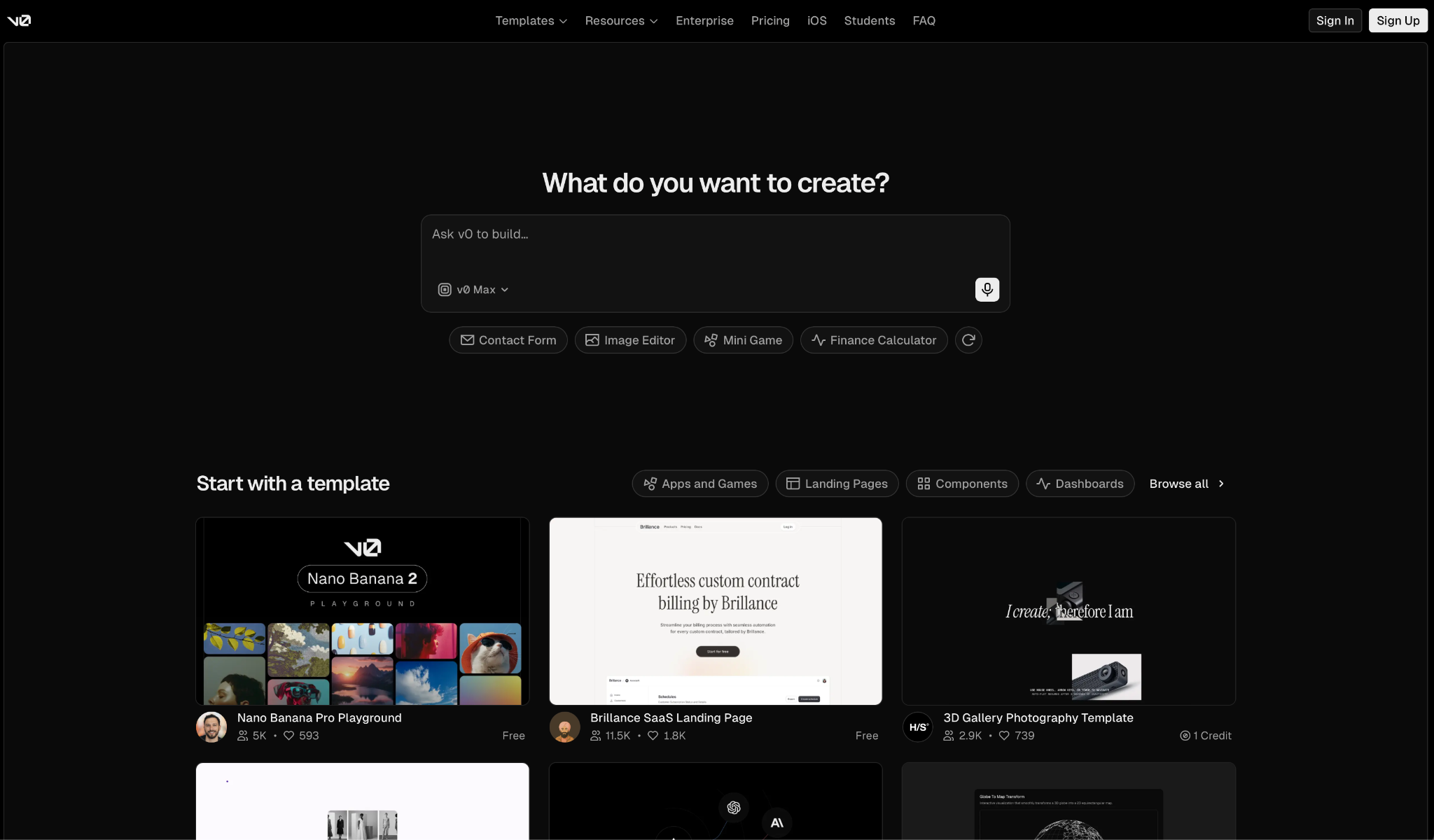
What it does: v0 turns a prompt into a deployed web app. Interface, logic, and everything in between, published to Vercel in seconds.
Best for: Founders, designers, and developers already working in the Next.js ecosystem who need something to live quickly.
I described a dashboard and had a working app deployed in under five minutes. The code came out in React and Tailwind, ready to drop into an existing project or keep building inside v0.
That handoff is where v0 earns its place. What it generates is usable in a real codebase, sync to GitHub, and continue in your own editor without rewriting anything.
The limits show up when your app needs more than basic data operations. The more complex the app, the messier things get, and the free tier cuts you off at seven messages a day.
Key Features
- Prompt to deployed app: One description generates frontend, backend, and logic, published to Vercel in seconds.
- GitHub sync and code export: Connect your repo and push generated code directly. Continue in any editor without starting over.
- Design Mode: Fine-tune layouts, styles, and components visually with a live preview running alongside.
- Vercel deployment built in: One-click publishing with native domain support and CI/CD already configured.
- Agentic API and database connections: The AI handles integration planning and connects to external services without manual setup for standard APIs.
Pros
✅ Generated code is solid enough to use in a real project
✅ GitHub sync means you are never locked into the platform
✅ Deployed to a live URL in under five minutes
Cons
❌ Things get unreliable the moment your app needs more than basic operations
❌ Context drops in longer sessions, forcing you to repeat instructions
❌ Free tier cuts off at seven messages a day, which runs out faster than you expect
What Users Say
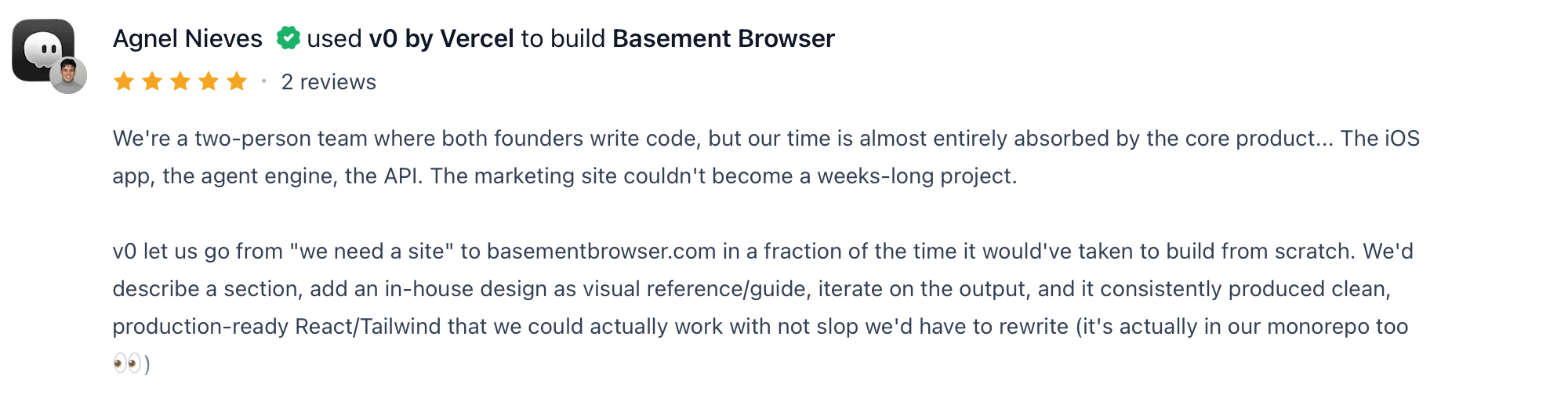
"v0 let us go from ‘we need a site’ to basementbrowser.com in a fraction of the time it would've taken to build from scratch." — Agnel Nieves, Product Hunt
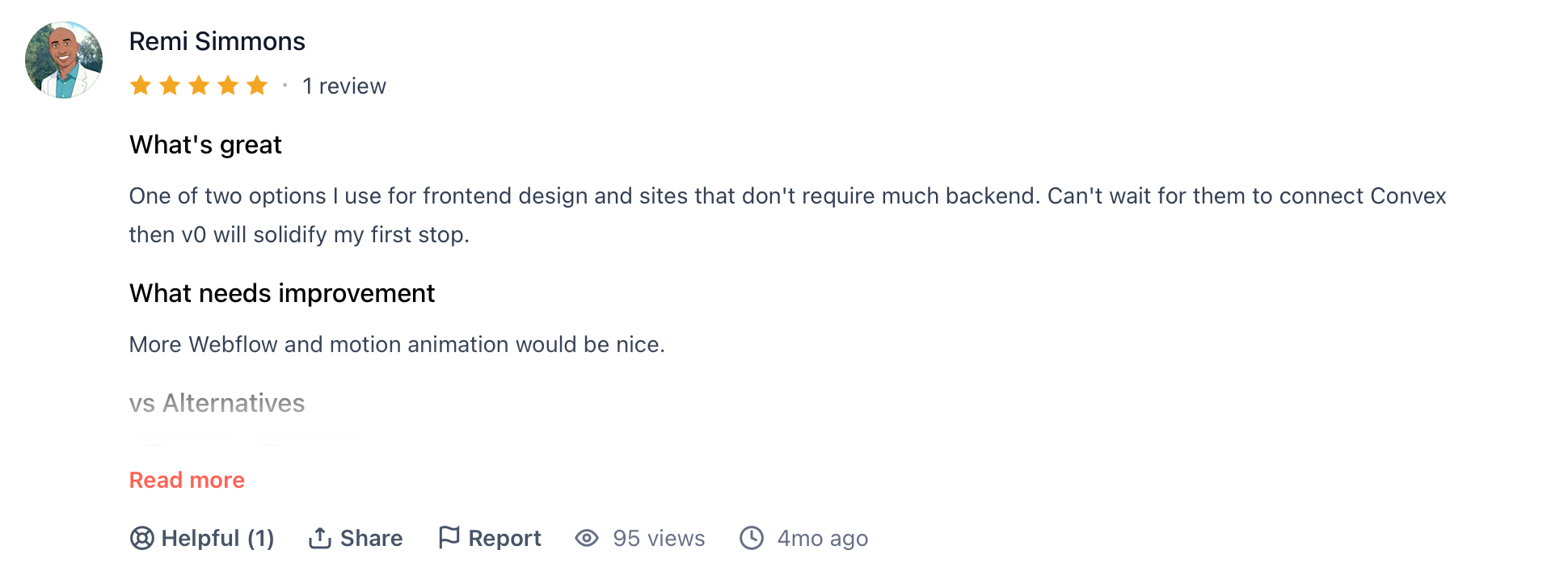
"More Webflow and motion animation would be nice." — Remi Simmons, Product Hunt
Pricing
There is a free plan with $5 in monthly credits. Paid plans start at $20/month and go up to $30/user for Team. Enterprise on request.
Bottom Line
v0 is the right pick if you live in the Next.js ecosystem and want exportable code without the setup. If you need solid backend logic or you are non-technical, you will hit a wall sooner than you want.
5. Bubble: Best for Complex No-Code SaaS Apps
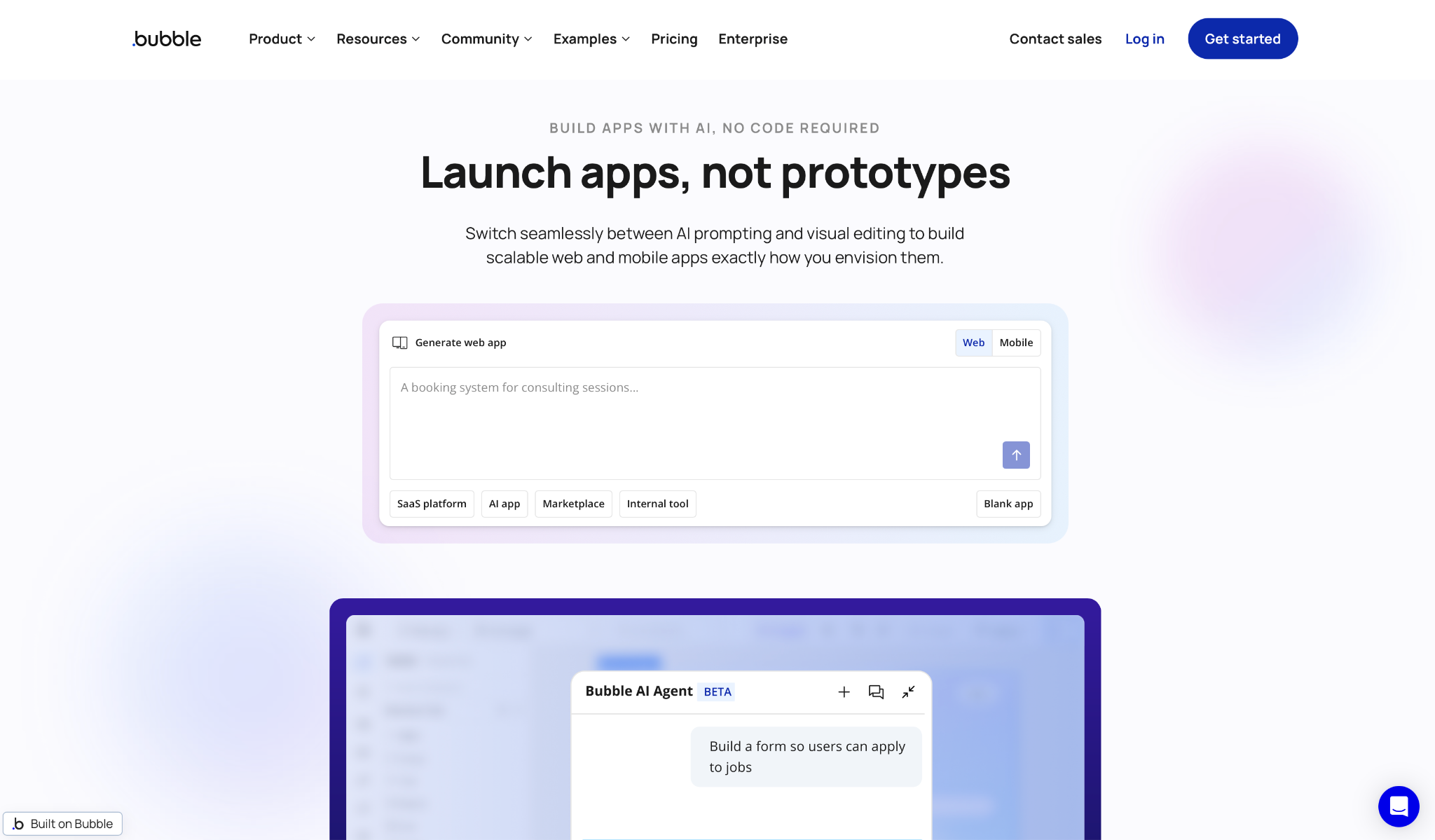
What it does: Bubble builds full web apps without code. Pages, logic, and data, all managed through a drag-and-drop editor.
Best for: Founders and product teams who need a production-grade SaaS app and are willing to invest time learning the platform.
I built a multi-step onboarding flow to test it. The editor gives you genuine control over layout, logic, and data in a way most AI builders don't. Nothing gets generated and left unexplained. Every rule, every condition, and every database operation is visible and editable.
That depth comes with a cost. Most users take weeks before they feel comfortable, and nested logic gets hard to debug fast.
The WU billing adds another layer of unpredictability. Traffic spikes consume units faster than the dashboard suggests, and some users report hitting upgrade warnings at surprisingly low load.
Key Features
- Full-stack editor without code: Design pages, define logic, and manage your database entirely through the builder. Nothing requires a developer.
- Built-in database with privacy rules: Create data types, set relationships, and lock down access by role or user condition without touching SQL.
- Workflow engine: Every user action triggers a configurable chain of operations, API calls, and notifications.
- API Connector and plugin library: Connect Stripe, Google Maps, and hundreds of other services through native integrations or community plugins.
- AWS infrastructure with environment control: Development, staging, and production environments with scalable infrastructure on higher plans.
Pros
✅ Full control over every layer of your app in one place
✅ Large community with tutorials, templates, and agencies for hire
✅ AWS deployment with versioning and environment management on paid plans
Cons
❌ Takes most users weeks to get comfortable with the platform
❌ WU billing is hard to predict and can spike unexpectedly under moderate load
❌ File storage is locked to Bubble's own system with no easy path to S3 or similar
What Users Say
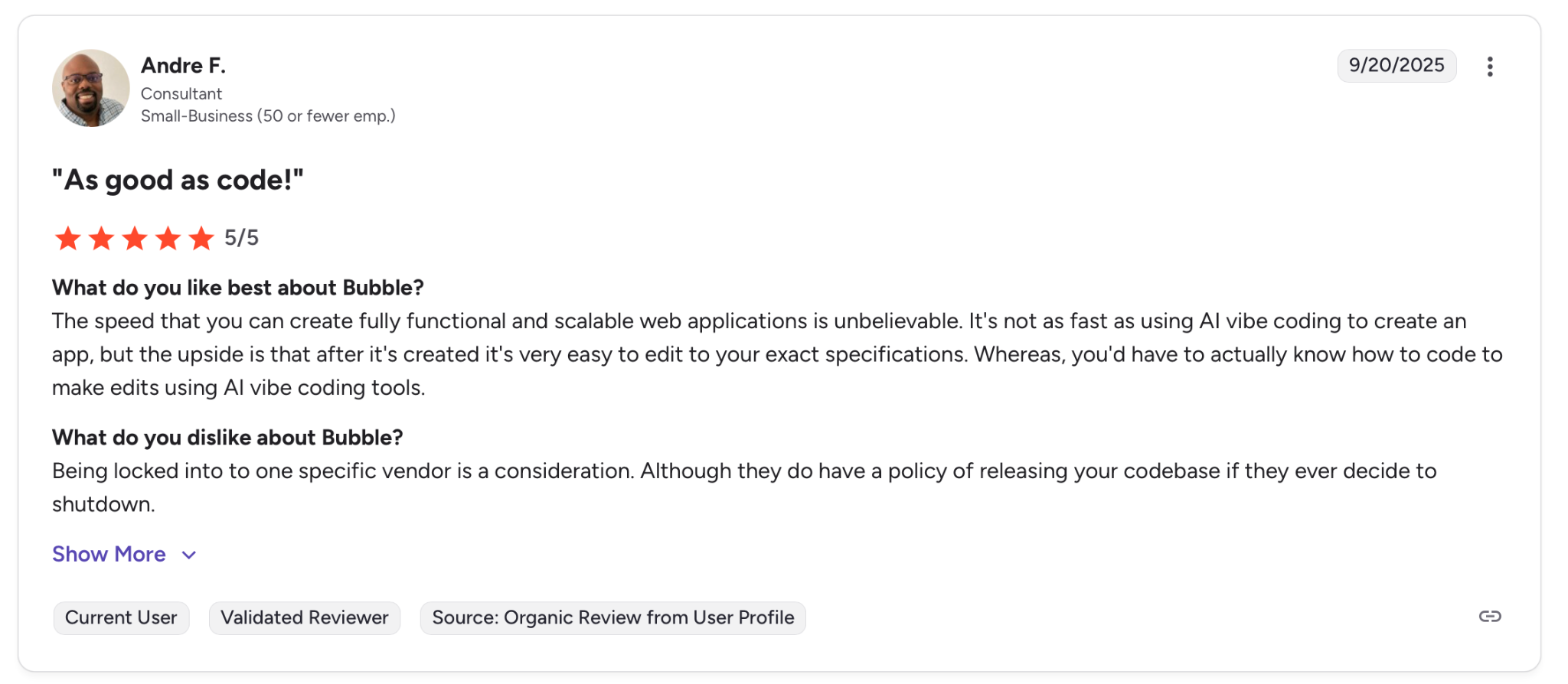
"The speed that you can create fully functional and scalable web applications is unbelievable." — Andre F. G2
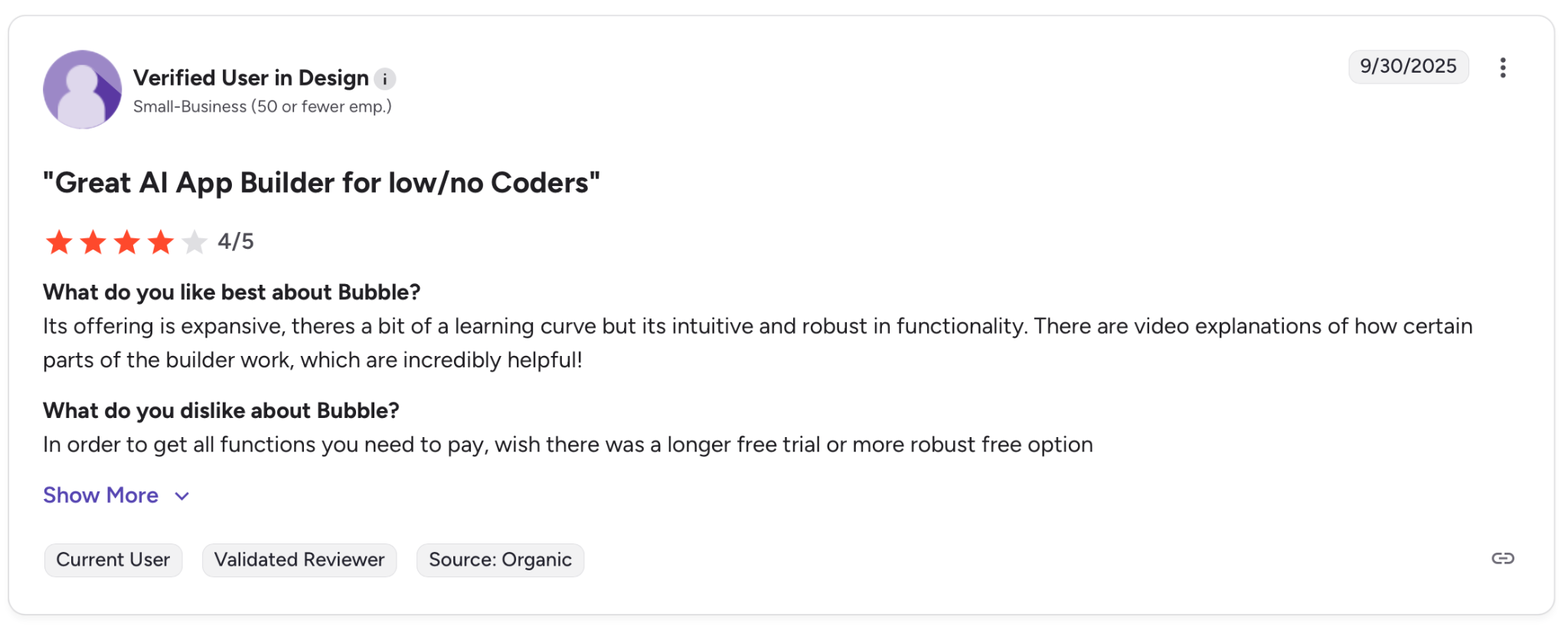
"In order to get all the functions you need to pay, [I] wish there was a longer free trial or [a] more robust free option." — Verified User, G2
Pricing
The free plan is for prototyping only. Paid plans start from $32/month to $399/month for Team.
Bottom Line
Bubble is the strongest no-code option for complex SaaS apps if you are willing to learn it. If you need something built this week or want AI to do most of the work, it will slow you down.
6. Cursor: Best for Developers Working in Existing Projects
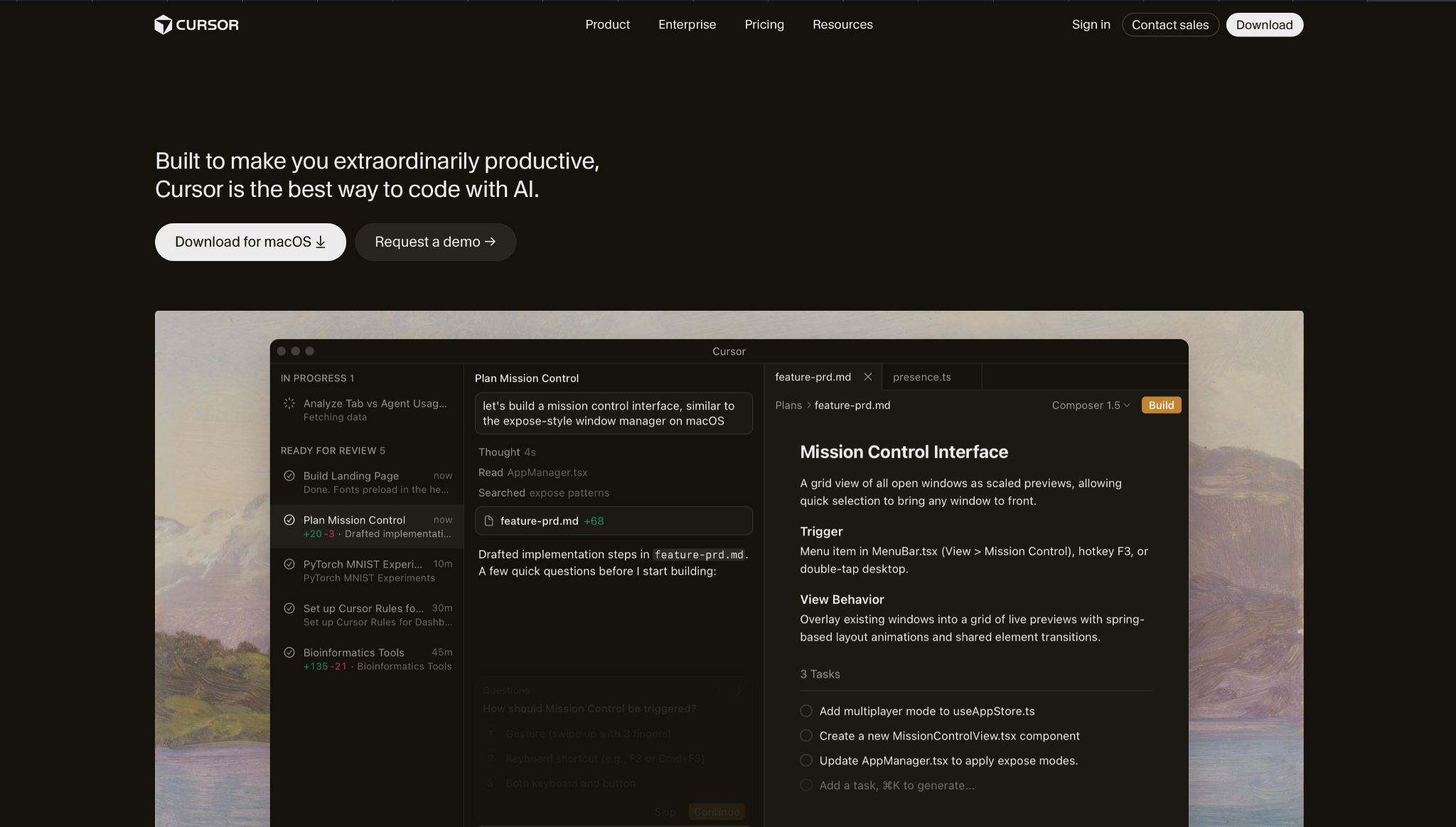
What it does: Cursor is a VS Code-based editor with AI built in. It reads your entire project and helps you write, clean up, and ship faster.
Best for: Developers and engineering teams who already write code and want AI to handle the repetitive parts without switching tools.
I imported an existing project and asked it to clean up a messy module. Cursor indexed the full repo, understood the dependencies, and made changes across multiple files without breaking anything adjacent. That cross-file awareness is what separates it from a basic autocomplete tool.
The Tab model is worth calling out separately. It predicts multi-line edits and moves the cursor to the right place. After a few hours, working without it feels slow.
Where it costs you is in heavy use. Running tasks continuously on large repos with top-tier models adds up fast, and the AI occasionally times out on involved cleanup before finishing.
Key Features
- Autonomous task execution: Describe what you need, and Cursor writes the code, runs tests, and prepares a review. You approve or reject the result.
- Tab autocomplete: A specialized model predicts your next edit across multiple lines with the context of your full project.
- Full repo indexing: Cursor reads and understands your entire project, including legacy files and cross-service dependencies.
- GitHub, Slack, and terminal integration: Reviews PRs in GitHub, sends updates in Slack, and runs commands directly in the terminal.
- Multi-model support: Switch between OpenAI, Claude, Gemini, and Cursor's own models depending on the task and budget.
Pros
✅ Cross-file awareness makes cleaning up and fixing code significantly faster
✅ Tab model predicts edits with enough accuracy to change how you write day to day
✅ Works inside your existing Git workflow without changing how your team ships
Cons
❌ Continuous use with top-tier models gets expensive fast
❌ Can time out on complex cleanup tasks in large projects before finishing
❌ Less reliable on native mobile and embedded C++ projects where context is harder to manage
What Users Say
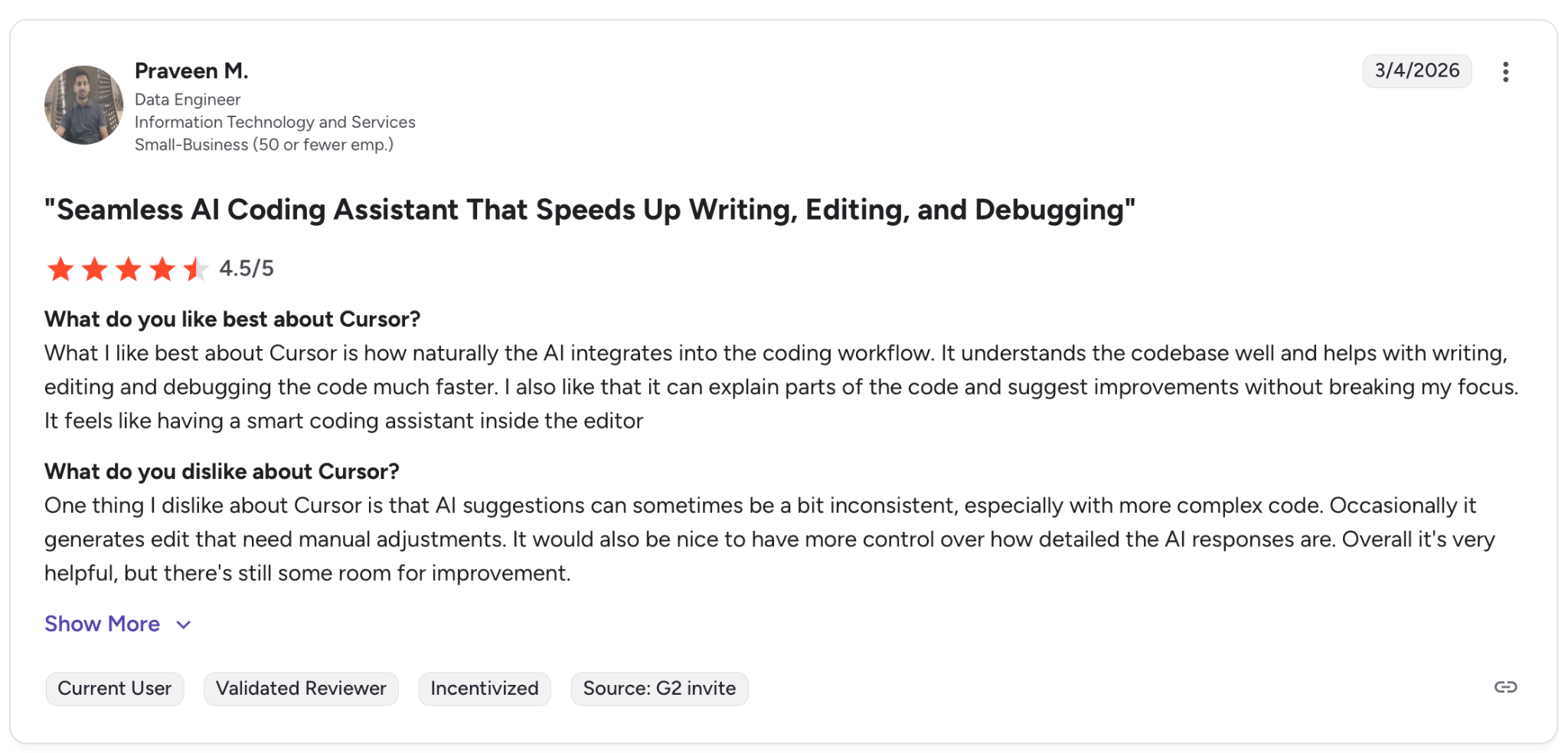
"What I like best about Cursor is how naturally the AI integrates into the coding workflow." — Praveem M., G2
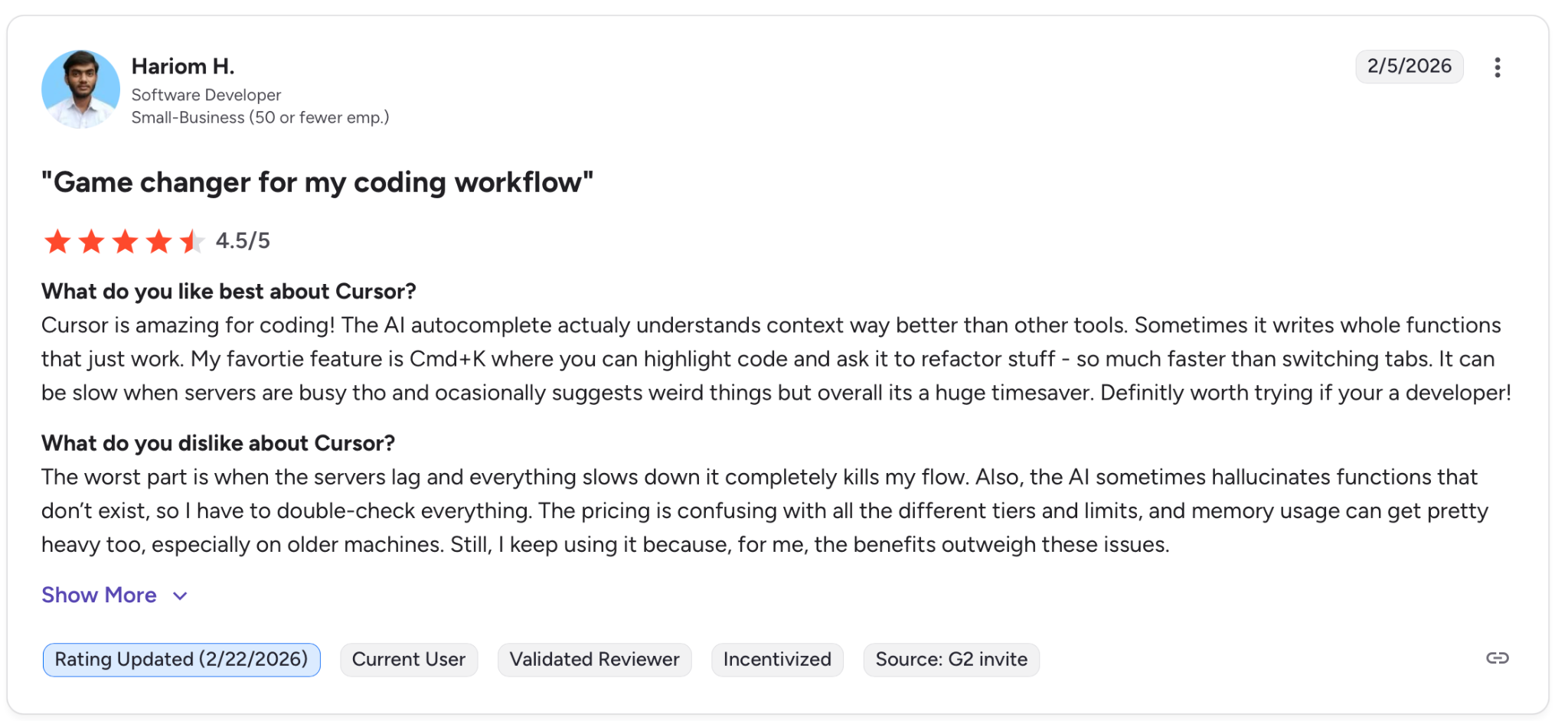
"The worst part is when the servers lag, and everything slows down; it completely kills my flow." — Hariom H., G2
Pricing
There is a free Hobby plan to evaluate the tool. Paid plans start at $20/month and go up to $200/month for Ultra. Teams at $40/user per month. Enterprise on request.
Bottom Line
Cursor is the right tool if you already write code and want AI to handle the parts that slow you down. If you are non-technical or need a finished app without touching a repo, it is the wrong starting point.
7. Builder.io: Best for Teams With an Existing Design System
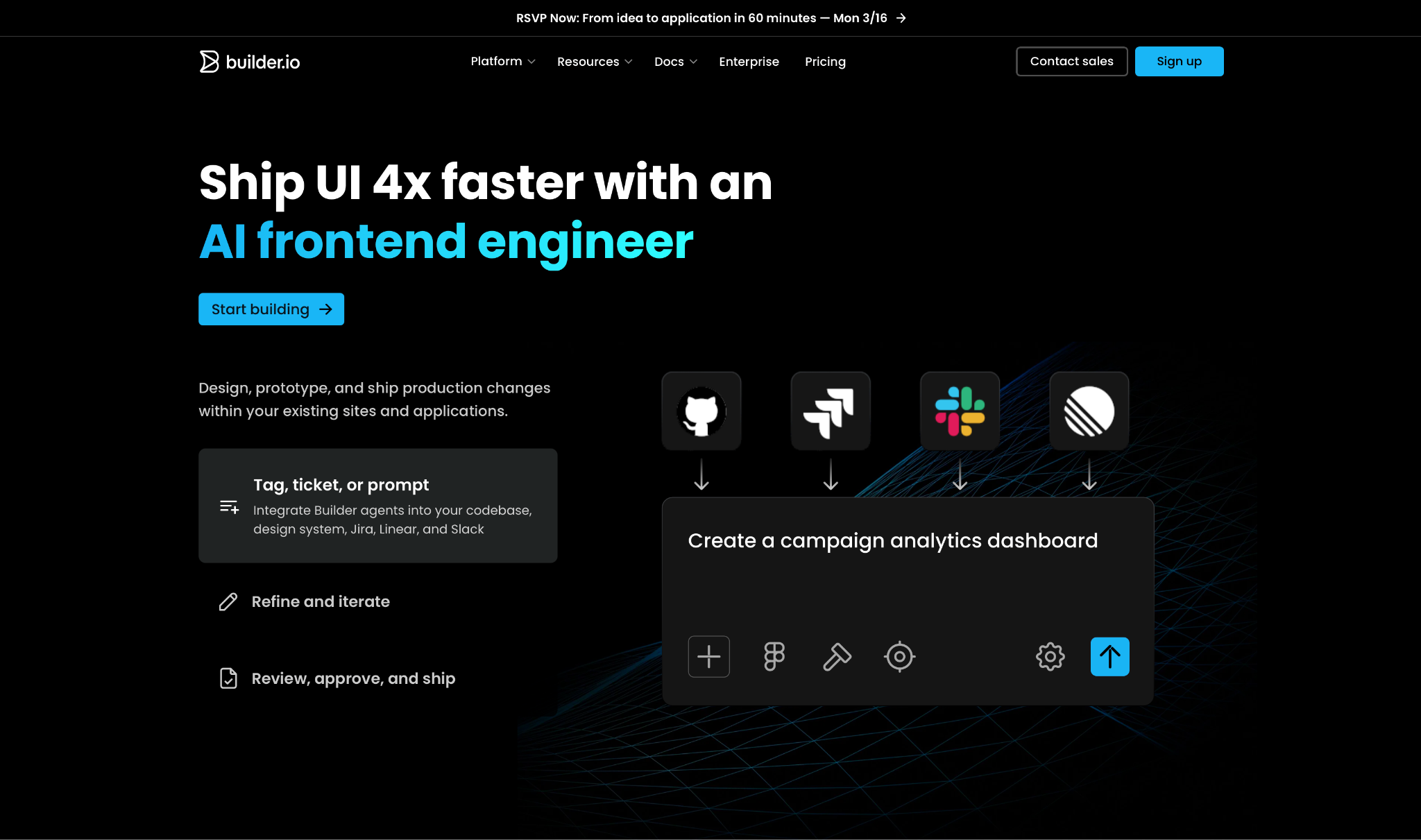
What it does: Builder.io plugs into your existing project and builds interface changes using your own components, styles, and team standards.
Best for: Product, design, and engineering teams that want to ship interface changes without routing everything through a developer sprint.
I connected it to a Next.js project and had a marketing page editable by a non-developer the same day. The editor maps directly to your real components, so what gets published stays inside the design system without manual cleanup.
Developers set up the building blocks once. After that, the rest of the team builds with them without touching code or opening a ticket. That handoff is what Builder.io is built around.
Where it slows you down is the initial setup. Connecting Builder to a monorepo or custom build toolchain takes real work. Documentation has gaps, and the AI struggles with anything more complex than standard interface changes.
Key Features
- AI frontend engineer: Generates UI reusing your React, Vue, or Angular components while matching your team's coding standards.
- Figma to production code: Converts Figma designs into functional code compatible with your current design system.
- Visual editor and headless CMS: Lets content teams create and publish via a drag-and-drop editor connected directly to your project.
- GitHub, GitLab, and Figma integration: Changes stay in your repo and CI/CD pipeline. Nothing lives outside your established workflow.
- A/B testing and personalization built in: Run experiments and serve targeted content from the same editor without separate tooling.
Pros
✅ Content and design teams ship UI changes without consuming engineering time
✅ Generated code uses your own building blocks and respects your design system
✅ A/B testing, personalization, and analytics included without extra tools
Cons
❌ Connecting to monorepos or custom build toolchains requires significant setup work
❌ AI struggles with complex business logic beyond standard UI generation
❌ Heavy pages with many Builder elements can load slower than hand-coded equivalents
What Users Say
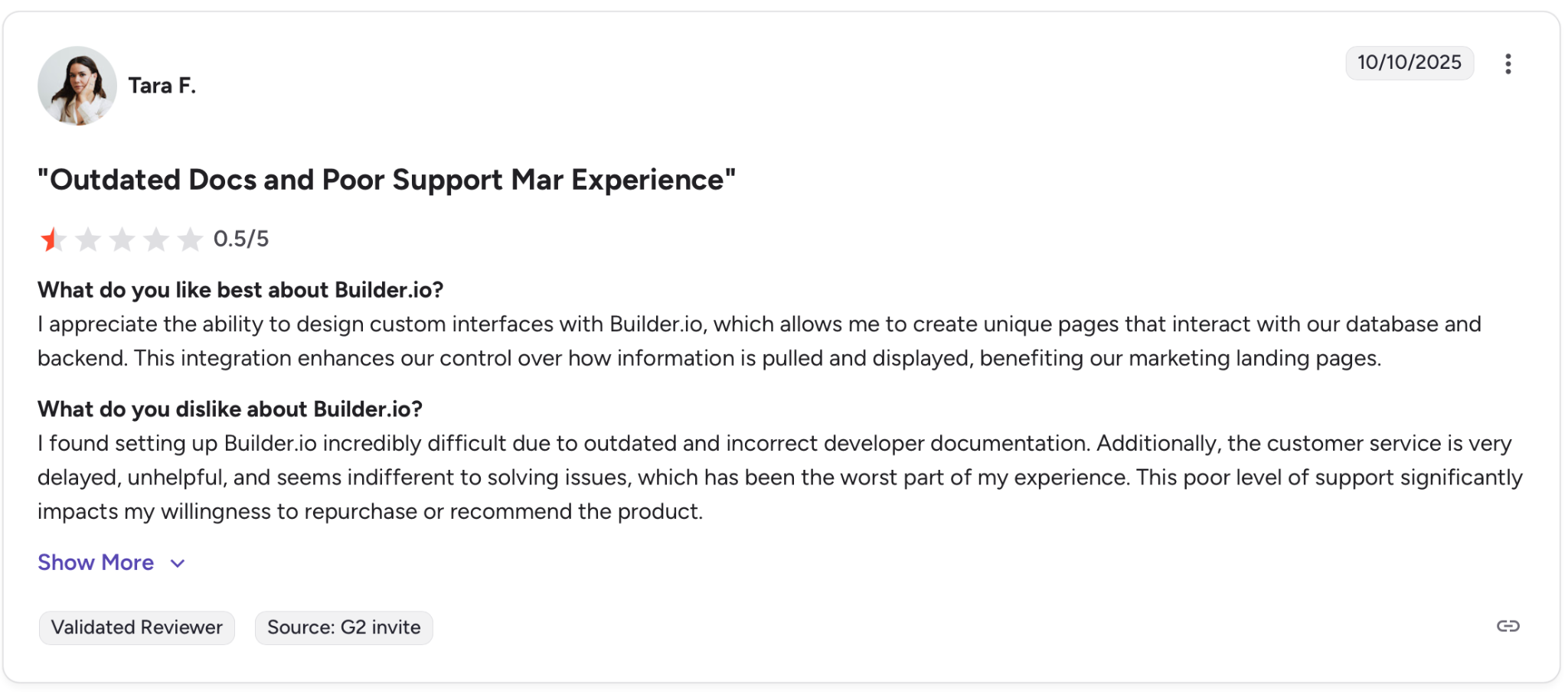
"I appreciate the ability to design custom interfaces with Builder.io, which allows me to create unique pages..." — Tara F. G2
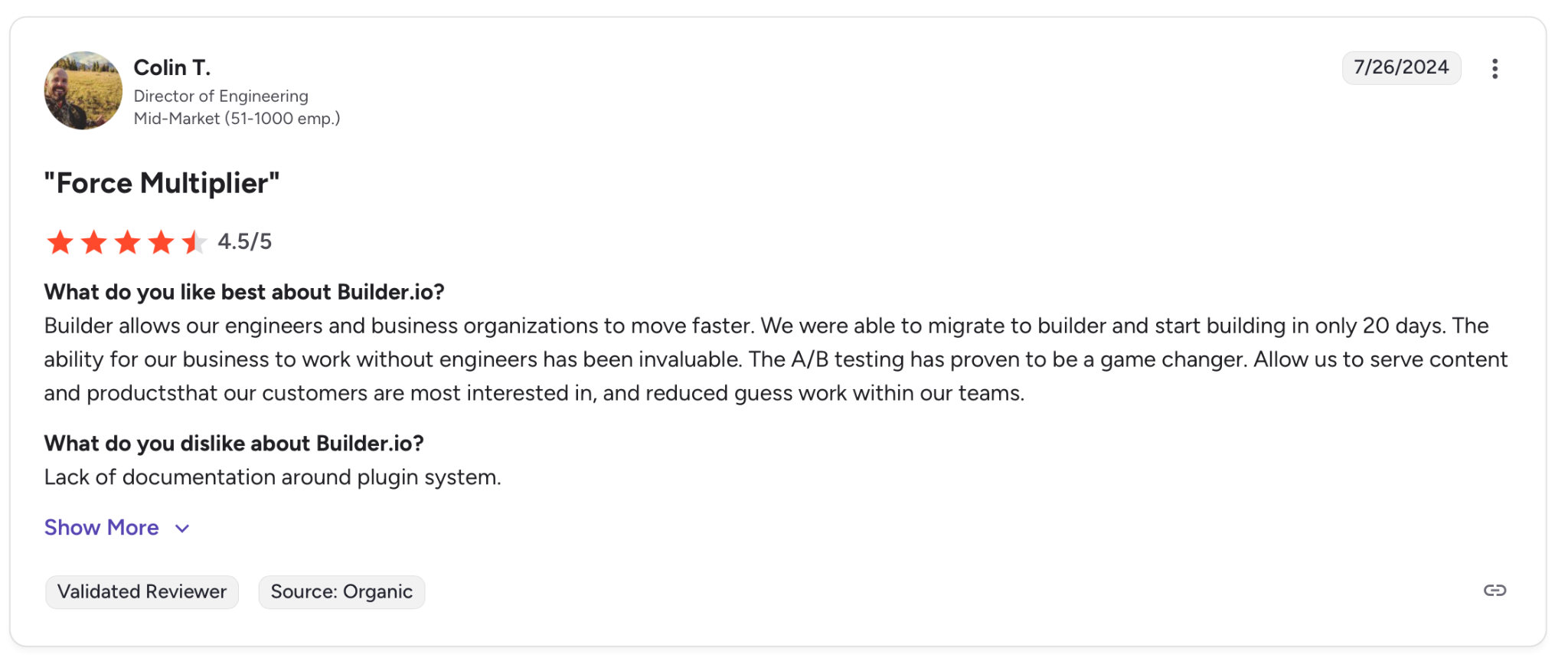
"Lack of documentation around plugin system." — Colin T. G2
Pricing
There is a free plan for up to 10 users. Paid plans start at $30/user per month. Enterprise on request.
Bottom Line
Builder.io makes sense when you have an established codebase and want content teams to own pages without breaking anything. If you are starting from scratch or need a standalone app builder, it is the wrong tool.
Which Lovable.dev Alternative Should You Choose?
No single tool wins across the board. The right pick depends on what you are building and how technical your team is.
- Choose Zite if your team needs to build, understand, and maintain real business software without a developer. The visual workflows and built-in database mean you can inspect and adjust what the AI created, not just accept it. No per-user fees keep costs flat as usage grows.
- Choose Bolt.new if you want something clickable and shareable by the end of the day. First demos and investor prototypes where shipping fast matters more than iterating heavily afterward.
- Choose Replit if you want a full development environment in the browser and your team works by output, not by seat. Best when collaboration needs to be built into the workspace from day one.
- Choose v0 by Vercel if you already work in the Next.js ecosystem and want clean, exportable React code without the setup. Skip it if your app needs anything more complex than basic data operations.
- Choose Bubble if you are willing to invest weeks learning the platform in exchange for full visual control over a production-grade SaaS app.
- Choose Cursor if you already write code and want AI to handle the parts that slow you down. The Tab model and cross-file awareness change how fast you move through a repository file.
- Choose Builder.io if you have an established codebase and want content and design teams to ship pages without consuming engineering time.
Skip this category entirely if you are working on a native mobile app, a game, or anything requiring AI model training on your own data. None of these tools are built for those starting points.
Final Verdict
Lovable is a solid starting point if you need a first version fast. Where it gets harder is cost, reliability, and maintainability as the project grows and iterations pick up.
For non-technical teams who need to build something real and still be able to trust it, Zite is the strongest pick. The visual workflow editor and built-in database mean you are not just accepting what the AI generated. You can follow the logic, check the data, and fix what needs fixing without involving a developer or starting over.
For developers, Cursor wins on existing codebases and Bolt.new wins on speed. Bubble remains the most capable no-code option for complex SaaS, but only if you have weeks to invest in learning it.
Most people overthink the choice. Pick the tool that matches where you are today, not the one that covers every scenario you might need in a year.
Frequently Asked Questions
What Is the Best Lovable.dev Alternative for Non-Technical Users?
Zite is the best Lovable alternative for non-technical users. Describe what you need, and it builds the app for you, with auth, database, and hosting already included. There are no per-user fees, and the visual workflow view is readable and fixable by anyone on the team, no code required.
What is the Closest Alternative to Lovable.dev for Developers?
Bolt.new is the closest alternative to Lovable.dev for developers. It generates full-stack apps from a single prompt in the browser, with more code visibility and better Git integration than Lovable.
Why Do Users Look for Lovable.dev Alternatives?
Users look for Lovable.dev alternatives because the platform is built for prototypes, not production. Credits run out quickly when things break, the app logic struggles beyond basic operations, and what gets generated rarely holds up once real users arrive.
Is There a Free Alternative to Lovable.dev?
Yes. Bolt.new, Replit, v0, Bubble, Cursor, and Zite all offer free plans. Zite's free tier includes unlimited apps and users. None are built for heavy iteration, but all are enough to evaluate before paying.

