


Most no-code app builders treat the database as an afterthought. The right no-code app builder with a database makes both layers first-class from day one, and after testing more than a dozen tools, these 11 are the ones that delivered.
11 best no-code app builders with database: quick comparison
At a glance: 11 tools, monthly-billed pricing, ranked by use case. Detailed reviews follow below.
Pricing correct as of June 2026. All prices are for monthly billing. Verify with vendor.
How I tested these no-code app builders with a database
I spent about 4 weeks across these 11 tools, building the same internal employee directory app in each one to compare how they handled the database, the app layer, and the connection between them.
- Database setup: How fast you go from zero to a working table with linked records, formulas, and views.
- App building: Whether the app layer feels like a first-class product or an afterthought.
- Visual workflows and logic: How each tool handles approvals, notifications, and conditional flows.
- Roles and access: How teams handle who sees what, especially when external users are involved.
- Pricing transparency: Whether the published price reflects what you actually pay.
1. Bubble: best for complex custom web applications

What it does: Bubble is a visual programming tool for building fully custom web apps without code, including the frontend, backend, database, and workflows.
Best for: Founders and product teams building complex apps like marketplaces, SaaS products, or custom CRMs.
Bubble is the most powerful tool on this list, but power comes with a steep learning curve. I rebuilt the directory app in about 6 hours, mostly because I spent the first 2 hours understanding the workflow tab.
Key features
- Visual editor for full web apps: Build the frontend, backend, database, and workflows in one tool.
- Built-in database: One of the most capable databases on this list.
- Workflow logic: Conditional flows for form submissions, scheduled tasks, and more.
- Plugin ecosystem: Thousands of community-built plugins.
- Native mobile via React Native: Publish to iOS and Android from the same project.
Pros
- Powerful enough to build apps that rival custom-coded products.
- The database and workflows handle the real business logic.
- Plugin marketplace covers most integration needs.
Cons
- Steep learning curve. Most users hire a Bubble developer to finish their app.
- Workload Unit pricing means costs can spike unpredictably.
- No code export, so you’re locked into Bubble for hosting.
What users say
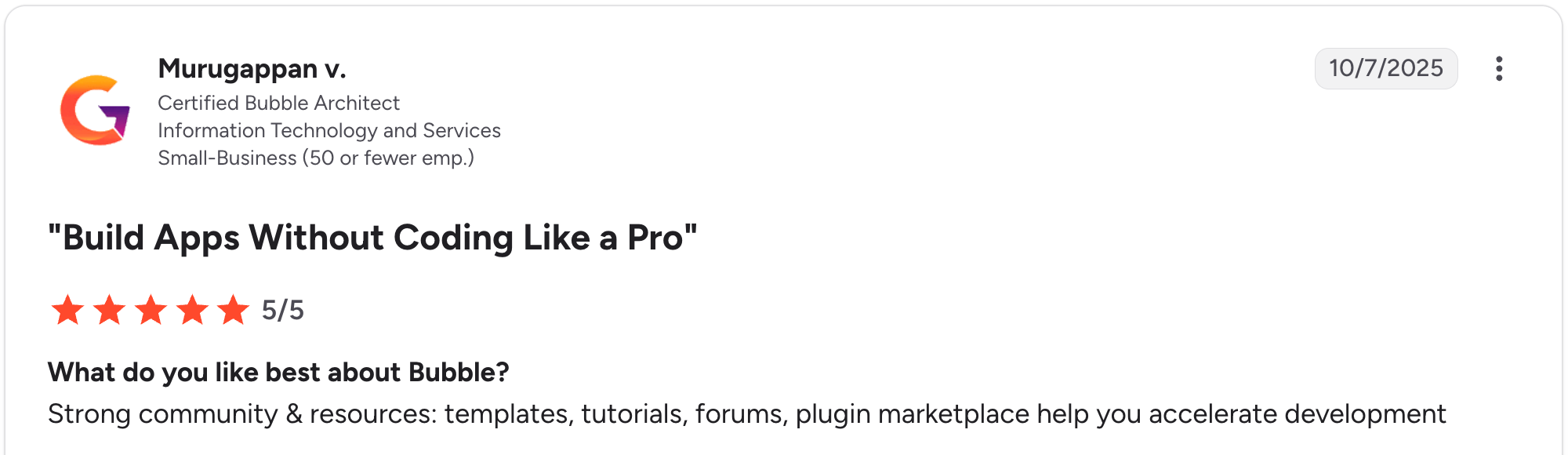
“Strong community & resources: templates, tutorials, forums, plugin marketplace help you accelerate development.” Murugappan V, G2

“Basic features like chat stream seem like a challenge for Bubble's team to have an official plugin for.” Nouman J, G2
Pricing
Free (testing only); Web Starter $32/month; Web+Mobile $69/month; Growth $134/month ($249 combined); Team $399/month ($649 combined). See Bubble’s pricing page.
Bottom line
I’d recommend Bubble to teams building complex web apps with deep custom logic. For fast builds or non-technical teams, the learning curve will slow you down.
2. Airtable: best for database-first teams with light app needs
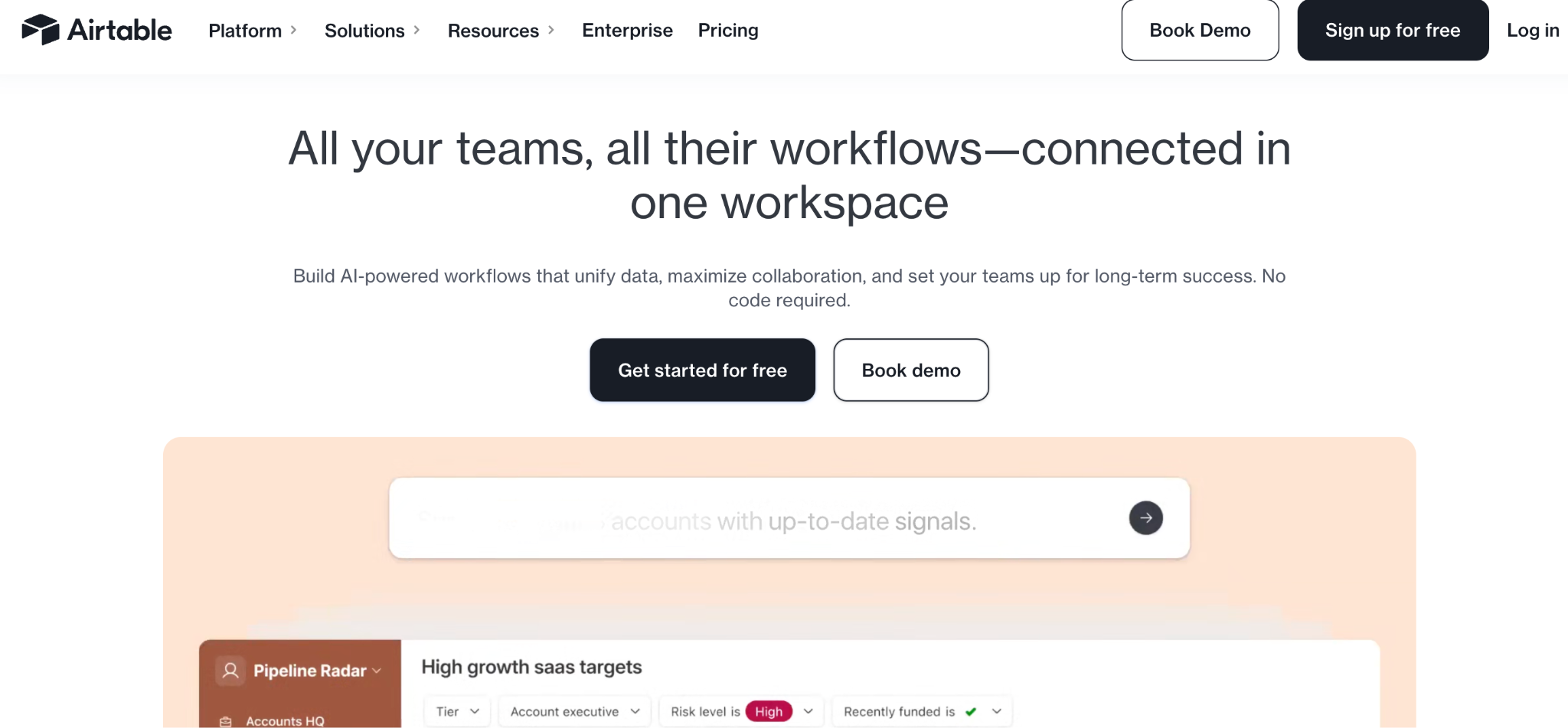
What it does: Airtable is a database tool with a spreadsheet-style interface, plus an Interface Designer that turns those databases into custom views and lightweight apps.
Best for: Teams that already think in spreadsheets and need a structured database first, with apps built on top.
Airtable nails the database half of “no-code app builder with database,” but the app layer feels secondary. The Interface Designer is good for dashboards; less good for client-facing apps. See how Zite compares to Airtable for the app-building side.
Key features
- Spreadsheet-style database: Familiar grid view, plus calendar, Kanban, Gantt, and timeline views.
- Linked records and formulas: Real relational database underneath the spreadsheet feel.
- Interface Designer: Build custom dashboards and views on top of your data.
- AI features (Omni): Conversational app builder that creates tables, interfaces, and automations.
Pros
- Best-in-class database experience for spreadsheet-trained teams.
- Huge template library and active community.
- Strong integrations across business tools.
Cons
- Per-user pricing scales fast with team size.
- Interface Designer is limited compared to dedicated app builders.
- Record limits on lower tiers (50,000 per base on the Team plan) push teams to higher plans.
What users say
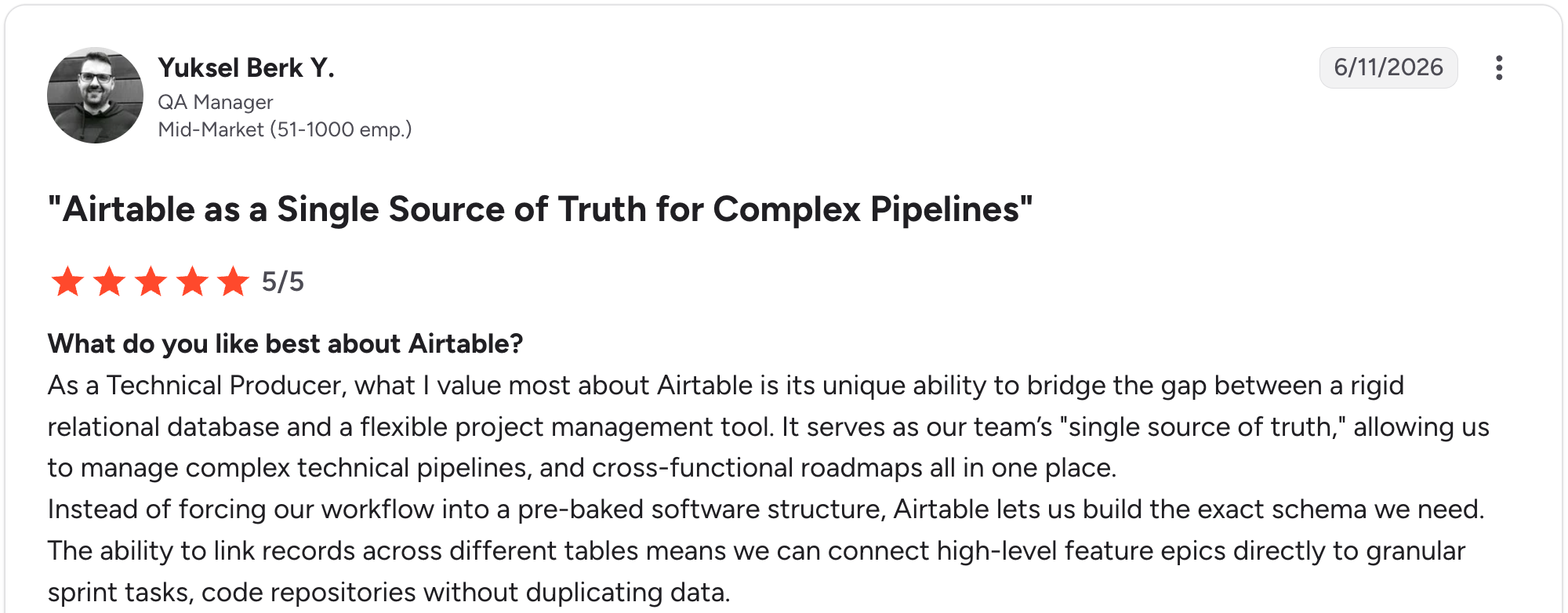
“What I value most about Airtable is its unique ability to bridge the gap between a rigid relational database and a flexible project management tool.” Yuksel Y, G2

“One thing I dislike about Airtable is that some of the more advanced features can feel a bit limited unless you upgrade to a higher-priced plan.” Muhammad O, G2
Pricing
Free (1,000 records per base); Team $24/user/month (50,000 records); Business $54/user/month (125,000 records); Enterprise custom. See Airtable’s pricing page.
Bottom line
Airtable wins for teams who think in spreadsheets and want a light app layer on top. For true client-facing apps, the Interface Designer will feel limiting.
3. Glide: best for mobile-friendly apps from existing data
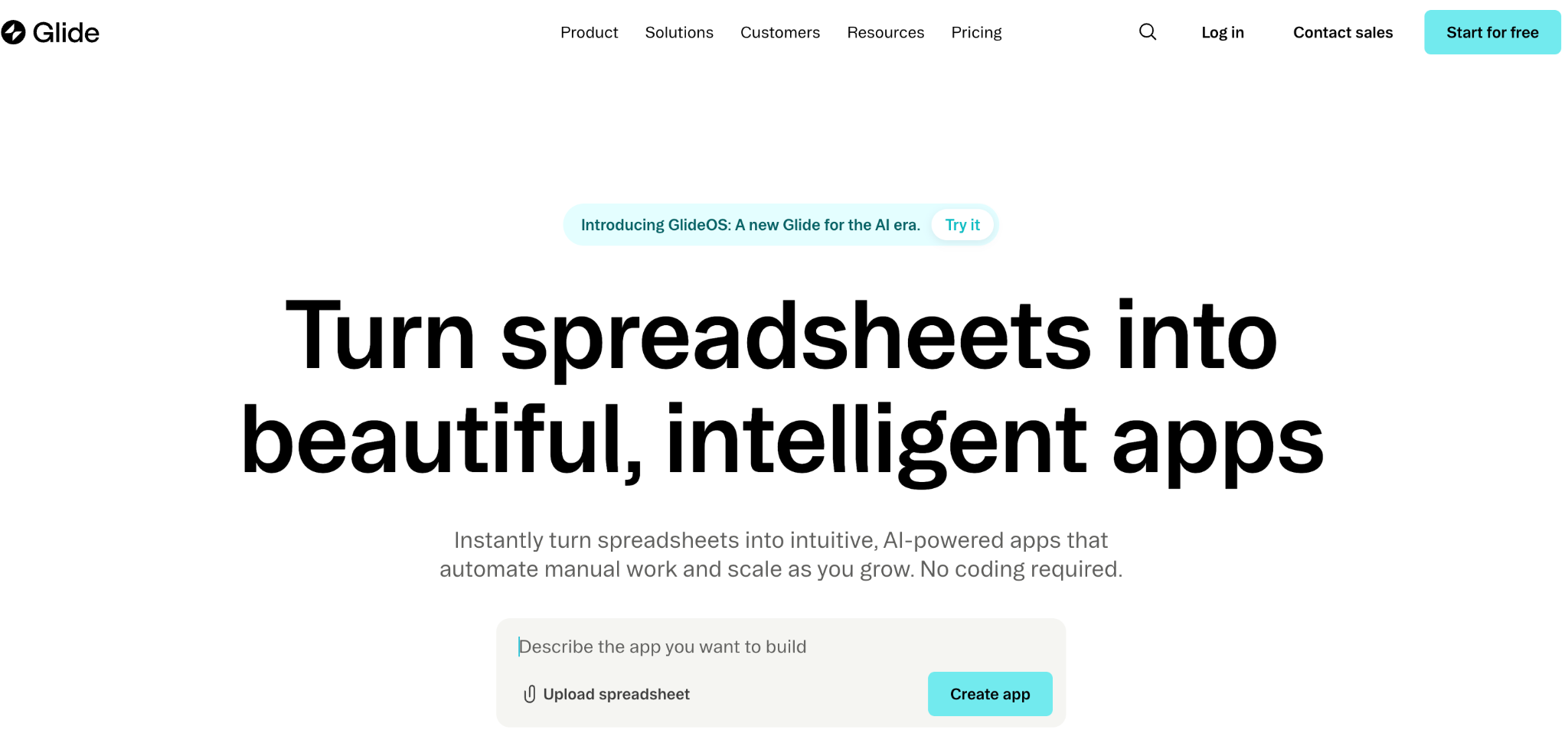
What it does: Glide turns spreadsheets and lightweight databases into mobile-friendly apps with a clean drag-and-drop interface.
Best for: Solo builders and small teams who want to ship a working mobile-style app fast from existing data.
Glide shines at speed. I built a mobile-friendly version of the directory app in under an hour using a Google Sheet. See Zite vs. Glide on pricing for the full breakdown.
Key features
- Spreadsheet-to-app workflow: Connect a Google Sheet or Airtable, and Glide builds an app shell automatically.
- Glide Tables: Native database that can hold up to 10 million rows.
- AI features: Image recognition, text generation, and document processing built in.
Pros
- Fastest tool on this list for going from spreadsheet to working app.
- Clean mobile-friendly designs out of the box.
- Generous personal-user allowance on the Explorer plan.
Cons
- Per-user pricing for Business ($6/user beyond the 30 included users).
- Work email logins require Business tier ($249/month minimum).
- Update-based billing means heavy data sync usage can add overage charges.
What users say
“Glide brilliantly removes the single biggest barrier to app creation: writing code.” Heths F, G2

“The fixed structure of apps and the different components are quickly limiting the designs of apps.” Christian B, G2
Pricing
Free (drafts only); Explorer $25/month (1 app, 100 personal users); Maker $60/month (3 apps, unlimited personal users); Business $249/month (30 users + $6/additional). See Glide’s pricing page.
Bottom line
Pick Glide if you need to ship something fast from existing spreadsheet data and don't expect more than 30 users on the app.
4. Zite: best for non-technical teams building business apps with AI
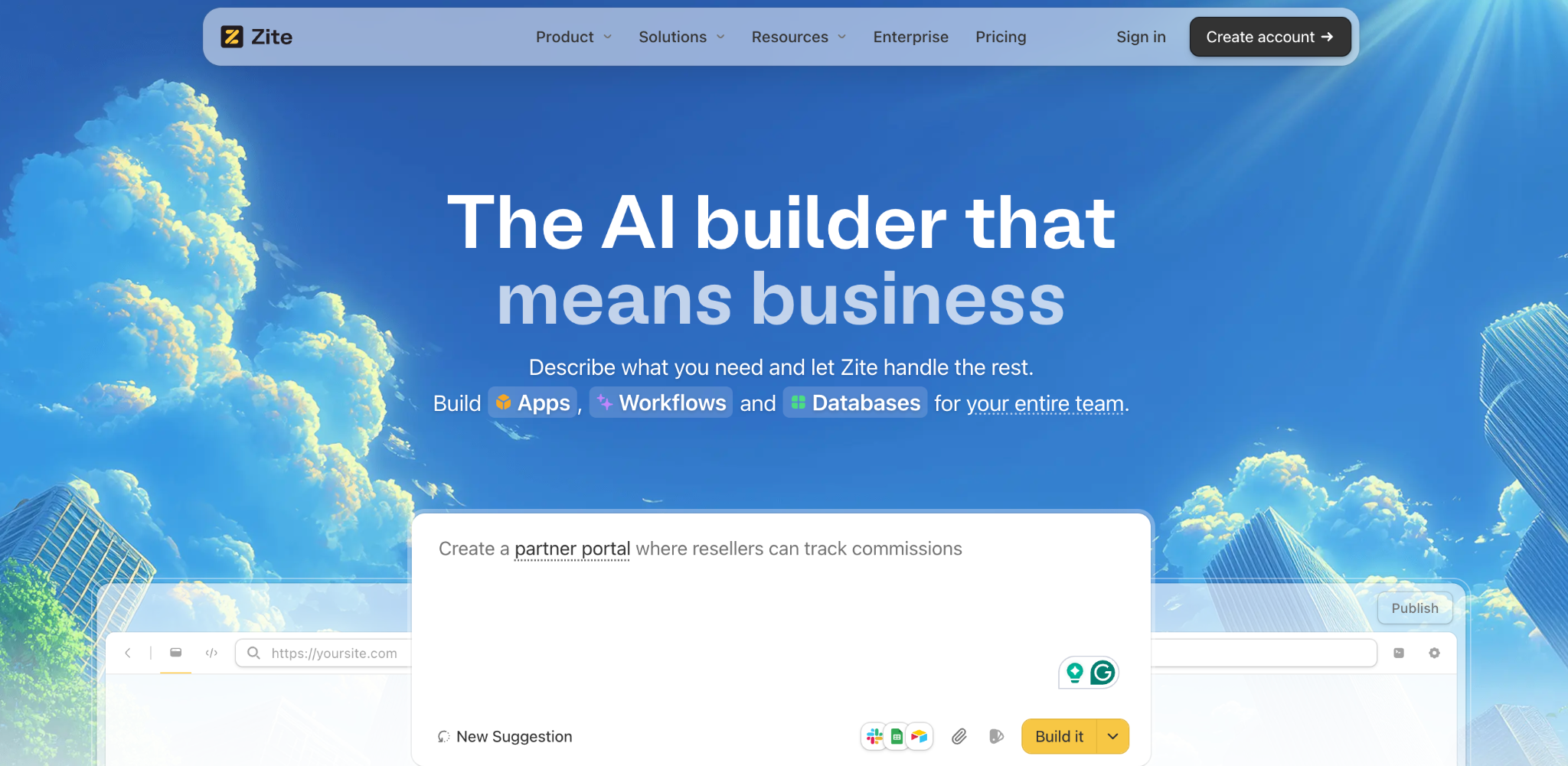
What it does: Zite is an AI-powered no-code app builder that generates a working business app, its database, and its workflow logic from a plain-language description.
Best for: Ops teams, support managers, and SMB owners who want to build internal tools, CRMs, dashboards, client portals, and other customer-facing apps without learning to build first.
I started with a prompt: 'Build an internal directory app for a 50-person company.' Zite generated the database, app layout, and access rules in one pass, with the app, database, and logic visible from the start, so I was not stuck learning a builder first.
Key features
- AI app generation: Describe what you want, get a working app with a database underneath.
- Built-in database with tables and fields: Real tables, linked records, AI fields, and formulas you can inspect. The data layer stays approachable rather than feeling like a database admin.
- Visual workflows: App logic shown as a flowchart you can trace and troubleshoot.
- Role-based permissions: Internal apps by default, with role-based access for external users.
- Unlimited users on every tier: No per-seat pricing.
Pros
- One prompt produces the app, database, and workflow logic together, and you can adjust the layout and interface visually while the workflow logic stays visible to trace. Workflow changes happen by prompting, not by dragging steps around.
- Visible database with tables, fields, linked records, and AI fields.
- Unlimited users on every plan, including the free tier.
Cons
- Newer product, so the marketplace and template library are still growing.
- AI credits are limited on the free and lower-tier plans.
- No native mobile app export. Apps run as responsive web apps.
What users say

“Unbelievably impressed by [Zite]. I made a whole website last night in about an hour, and the result is as good as anything.” Verified User, Reddit

“More flexibility on pricing tiers for teams with variable submission volumes would be welcome.” Alvaro H, G2
Pricing
Free (limited AI credits, unlimited users); Pro $19/month (100 credits/month, 100K records); Business $69/month (200 credits/month, 250K records). See Zite’s pricing page.
Bottom line
I’d recommend Zite to non-technical teams who want real business apps without having to learn a builder. For native mobile or consumer apps, look elsewhere.
Start building with Zite to test the free tier with your own use case.
5. Softr: best for client portals on top of Airtable data
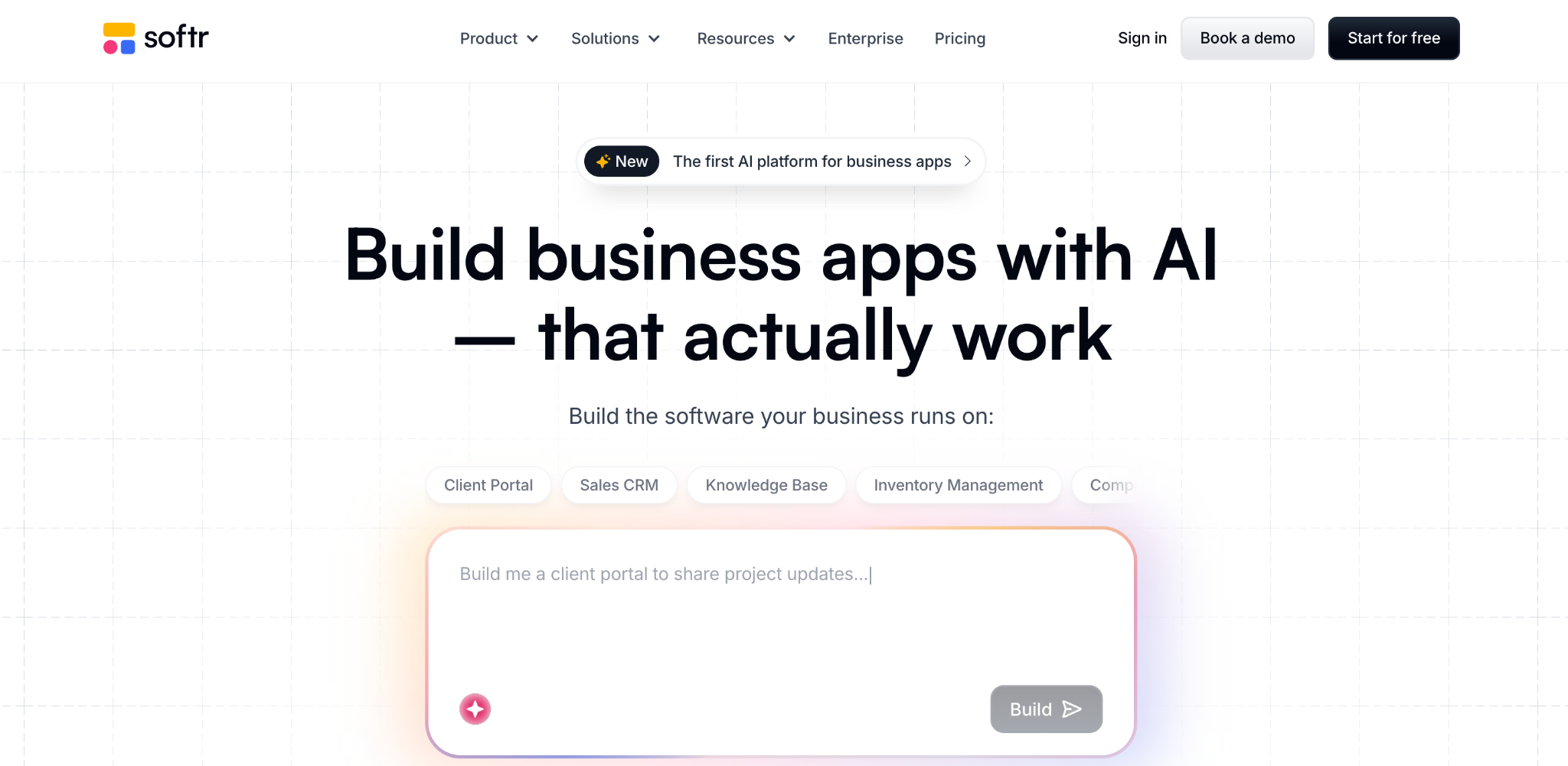
What it does: Softr turns Airtable, Google Sheets, or its own database into client portals and web apps with user authentication.
Best for: Agencies and operations teams who already use Airtable and want a polished client portal on top.
Softr leans into the client portal use case harder than any other tool here. I built a client-facing portal connected to an Airtable base in about 2 hours.
Key features
- Pre-built portal blocks: Lists, tables, forms, login flows, and member directories.
- Multiple data sources: Airtable, Google Sheets, SQL databases, and Softr’s own database.
- User authentication and roles: Built-in login and role-based access.
Pros
- Fastest path to a polished client portal connected to existing data.
- Strong template library across portal use cases.
Cons
- Outgrows quickly for complex systems with deep workflow needs.
- Tied to external databases means your data lives in two places.
- User limits on lower tiers push agencies to higher plans.
What users say
“Softr made it incredibly easy to build fast, SEO-optimized programmatic FAQ directories in just 1-2 days.” Mike H, G2
“It can be difficult to manage newer versions of app blocks - especially when it requires recreating aspects of blocks that are critical for regular operation of our job board.” Jasmine W, G2
Pricing
Free (1 app, 5 AI credits/month); Basic $59/month; Professional $167/month; Business $323/month. See Softr’s pricing page.
Bottom line
Softr fits agencies that want a polished client portal on top of Airtable data. For complex workflows, you'll outgrow it.
6. Adalo: best for mobile-first apps with built-in database

What it does: Adalo builds native iOS, Android, and web apps with a built-in database and AI-powered building.
Best for: Founders who want to publish a real native mobile app to the App Store or Google Play.
Adalo is the strongest pick if you specifically need a native mobile app. The AI builder (Ada) generates a working app from a description, and the built-in database means no external backend setup.
Key features
- Native mobile publishing: Build once, publish to iOS App Store and Google Play.
- AI builder (Ada): Generates full app foundations from a description.
- Built-in database: No external DB setup; Adalo hosts the data.
Pros
- Real native mobile apps, not web wrappers.
- Unlimited database records on paid plans.
- AI building (Ada) generates a working app skeleton in minutes rather than hours of manual layout work.
Cons
- Pricing tiers jump from $45 to $65 to $200/month, with limited middle options.
- Customization depth is less than Bubble for complex logic.
What users say
“Ease of use. Almost no knowledge of coding is needed.” Frederick A, G2

“The Pricing from Adalo is a bit challenging in terms of not having a lot of options.” Dirk E, G2
Pricing
Free (prototyping); Starter $45/month (1 app); Professional $65/month (2 apps); Team $200/month (5 apps). See Adalo’s pricing page.
Bottom line
Adalo is the call when you specifically need a native mobile app with a database. For web-only or internal tools, look elsewhere.
7. Baserow: best for teams that want full data ownership
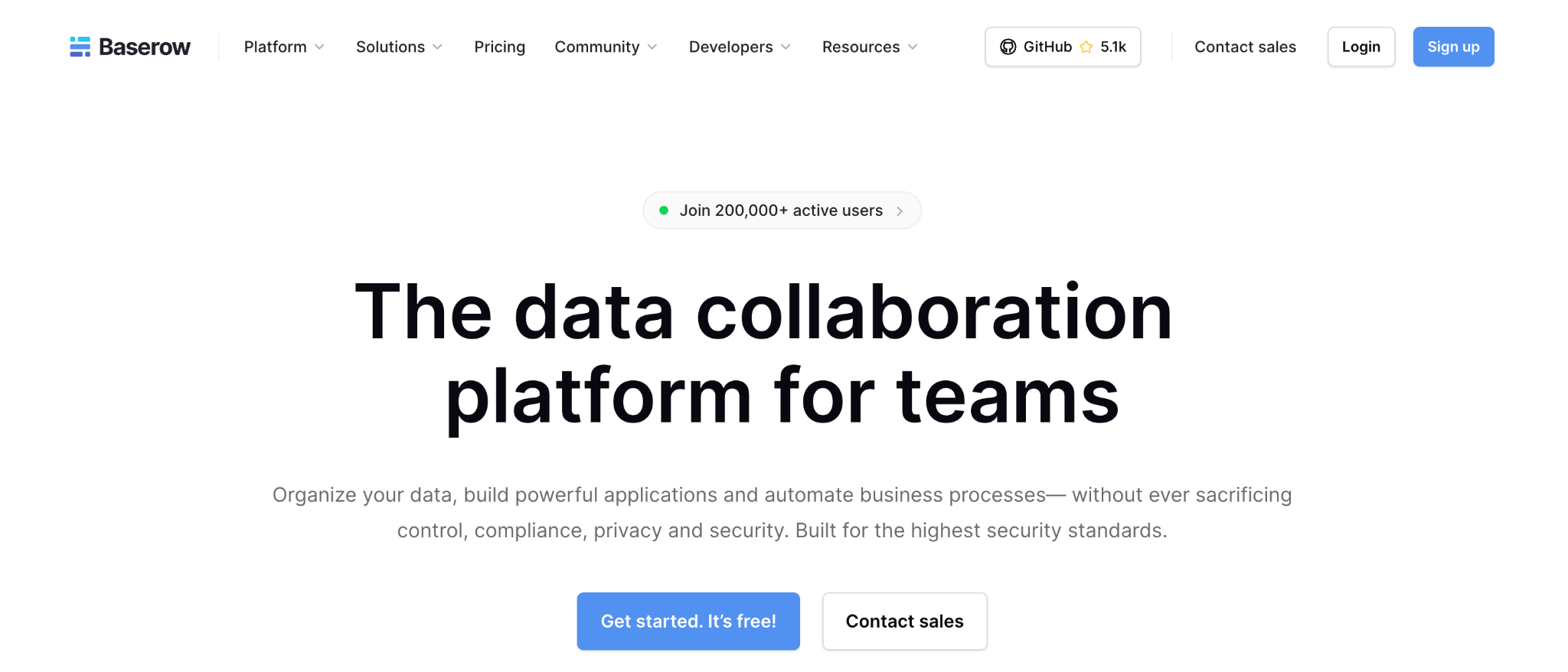
What it does: Baserow is an open-source no-code database and application builder that can run on Baserow’s cloud or be self-hosted.
Best for: Teams in regulated industries or with strict data governance needs that require self-hosting.
Baserow’s open-source angle makes it stand out. Most tools on this list run only in the vendor’s cloud. Baserow lets you deploy on your own servers using Docker, AWS, or Kubernetes.
Key features
- Open-source self-hosting: Run Baserow on your own servers via Docker, AWS, or Kubernetes.
- Spreadsheet-style database: Familiar interface with grid, kanban, calendar, and gallery views.
- AI assistant (Kuma): Helps create databases and workflows using natural language.
Pros
- Open source with a free self-hosted plan (no row or user limits).
- Cost-effective compared to per-user proprietary tools.
- Strong API and integration ecosystem (n8n, Make, Zapier, Pipedream).
Cons
- Application builder is newer and still maturing.
- Self-hosting requires technical setup, including server management and updates.
- Cloud plan storage and row limits are reached faster than competitors.
What users say
“Its familiar spreadsheet-looking user interface and integration with other no-code applications, particularly for us- Make & n8n- were appealing.” Mark G, G2

“Even though Baserow is generally very efficient, certain limitations appear as soon as the needs become more advanced.” Sabri S, G2
Pricing
Free (3,000 rows, unlimited databases); Premium $12/user/month (50,000 rows, 20GB); Advanced $22/user/month (250,000 rows, role-based permissions); Self-Hosted free. See Baserow’s pricing page.
Bottom line
Baserow earns its place in regulated industries where the self-hosting overhead is justified.
8. Budibase: best for IT teams running self-hosted internal tools
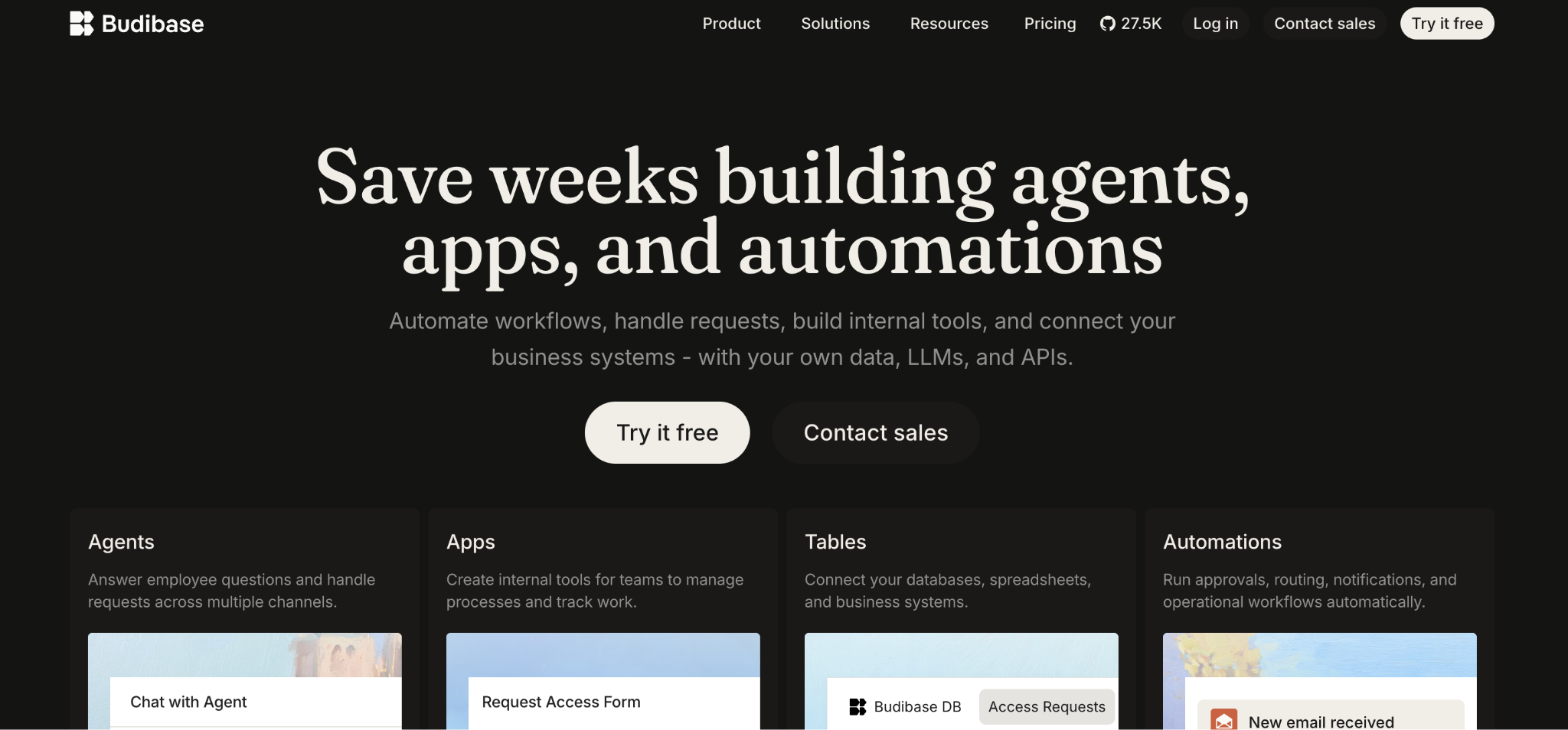
What it does: Budibase is an open-source low-code tool for building internal business apps, with strong support for connecting to existing SQL databases.
Best for: IT teams and developers who need to self-host internal tools and connect them to existing databases.
Budibase sits closer to Retool than to Airtable. It’s built for IT teams who connect a UI to existing PostgreSQL, MySQL, or REST API backends. I had a working internal CRUD interface in about 90 minutes.
Key features
- Connect to external SQL databases: PostgreSQL, MySQL, MongoDB, and REST APIs.
- Built-in database (BudibaseDB): Native option for teams without an existing database.
- Self-hosting via Docker or Kubernetes: Run Budibase entirely within your infrastructure.
Pros
- Strong fit for IT teams that already have backend databases.
- Self-hosting gives total control over data and infrastructure.
- Open source with an active community.
Cons
- Steeper learning curve than spreadsheet-style tools.
- Visual customization lags dedicated front-end builders, especially for animations and detailed component styling.
- Action-based pricing means costs scale with usage.
What users say
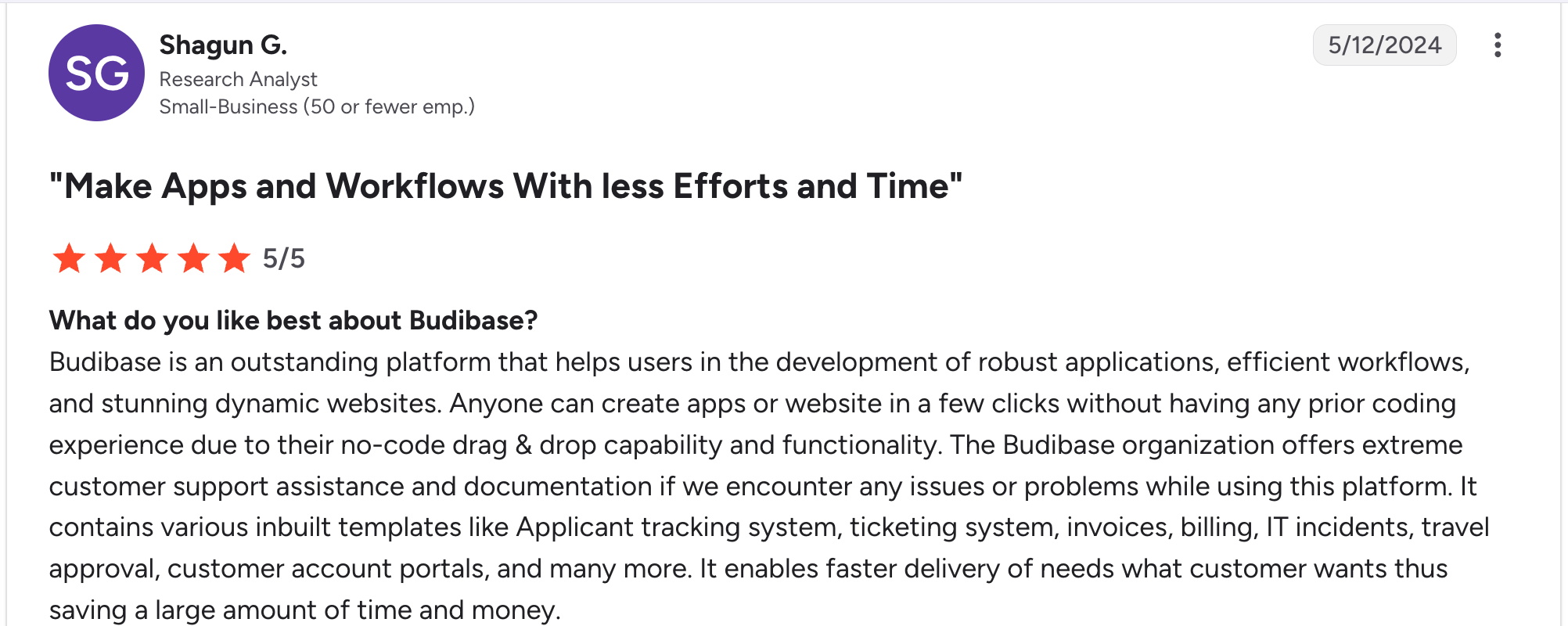
“Budibase is an outstanding platform that helps users in the development of robust applications, efficient workflows, and stunning dynamic websites.” Shagun G, G2

“Budibase’s pricing scheme is quite expensive compared to other no-code platform solutions.” Naman G, G2
Pricing
Free self-hosted; Pro $23/month (5K actions); Premium $59/month (20K actions); Business $359/month (250K actions). See Budibase’s pricing page.
Bottom line
Budibase suits IT teams building internal tools on top of existing SQL databases with self-hosting.
9. AppSheet: best for Google Workspace shops

What it does: AppSheet is Google’s no-code app builder that turns Google Sheets, Excel files, and databases into mobile and web apps.
Best for: Organizations on Google Workspace, particularly those in field operations such as inspections, approvals, and data collection.
AppSheet is the easiest pick for Google Workspace shops. The integration with Sheets is tight, and Workspace customers often get AppSheet Core included in their plans.
Key features
- Tight Google Workspace integration: Sheets, Drive, Gmail, and Calendar all connect natively.
- Mobile-first apps: Strong offline mode, barcode scanning, location, and signatures.
- Gemini AI features: AI-powered app suggestions and automation.
Pros
- Free or near-free for Google Workspace customers.
- Excellent for field workflows (inspections, forms, location-based apps).
- Strong governance and admin controls.
Cons
- Limited UI customization compared to dedicated app builders.
- Per-user pricing makes large deployments of external users expensive.
- Steeper learning curve for expressions and formulas, which use a custom syntax close to Excel but different in places.
What users say
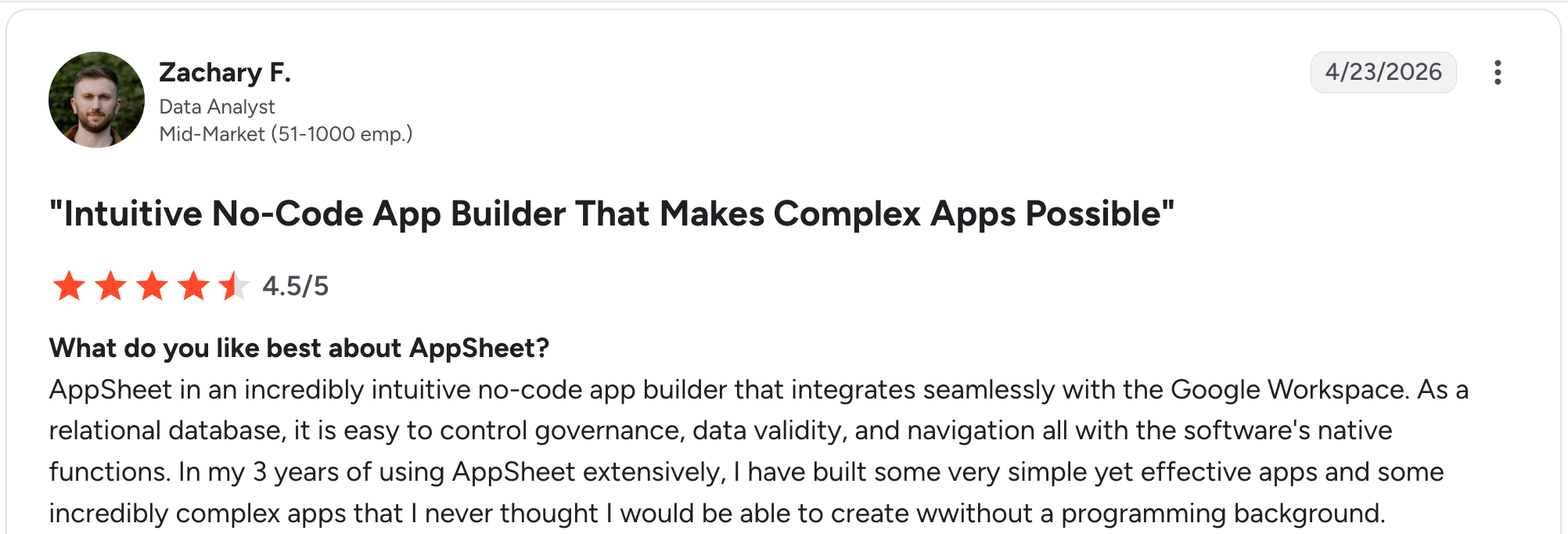
“AppSheet is an incredibly intuitive no-code app builder that integrates seamlessly with the Google Workspace.” Zachary F, G2

“What I dislike about web apps developed through AppSheet is that they can feel slow - sometimes very slow - especially when the data size is large.” Amit G, G2
Pricing
Free (10 test users); Starter $5/user/month; Core $10/user/month; Enterprise Plus $20/user/month. See AppSheet’s pricing page.
Bottom line
I’d recommend AppSheet to Google Workspace shops with field operations or data collection needs.
10. Knack: best for relational apps with many end users

What it does: Knack is a no-code app builder focused on relational databases and apps with unlimited users at every tier.
Best for: Nonprofits, education, and small businesses building apps with large end-user bases.
Knack's pricing model stands out. Most tools charge per user; Knack charges per app and per record count. Building the directory app in Knack took about 2 hours, with the relational fields (Departments → Employees → Projects) clicking together more naturally than in Airtable's linked-record model.
Key features
- No per-user pricing: Pay by app and record count, not per user.
- Relational database: Linked tables, formulas, and roll-ups for real business logic.
- Customer-facing portals: Built-in user authentication and role-based access.
Pros
- Predictable pricing as your user count grows.
- Strong relational database for apps with multiple linked tables.
- Long track record (since around 2010) and a mature feature set.
Cons
- Interface design is functional rather than modern. Knack's UI patterns feel closer to 2015 than 2026.
- Storage limits on lower tiers can push teams to higher plans.
- Learning curve for advanced features like formulas and roll-ups.
What users say
“I can do just about anything my users or I can think of. Knack fits perfectly for our database needs.” Daniel R, G2

“Knack's only shortcoming is the lack of some native integrations into pre-existing tables, such as Sales and Products for Shopify as an example, but the API is easy to use, so we've solved that problem.” Nic M, G2
Pricing
Starter $59/month (20,000 records, 3 apps); Pro $130/month (unlimited apps, 50,000 records); Corporate $300/month (125,000+ records, SSO). See Knack’s pricing page.
Bottom line
I’d recommend Knack to nonprofits and small businesses with large user bases where per-user pricing would be prohibitive.
11. Caspio: best for compliance-heavy industries

What it does: Caspio builds data-driven applications with strong compliance options for regulated industries.
Best for: Healthcare, education, and government organizations that need compliance certifications and per-app pricing.
Caspio sits at the enterprise end. The pricing is per-app (not per-user), which makes it predictable for large deployments. The compliance editions make it viable where data governance is non-negotiable.
Key features
- Per-app pricing: No per-user charges, predictable for large external user bases.
- Compliance editions: FERPA, SOC 2 Type II, and healthcare-specific certifications.
- Flexible deployment: Embed apps in your existing website, CMS, or portal.
Pros
- Per-app pricing wins for apps with hundreds of end users.
- Strong compliance story for regulated industries.
- Embeddable apps work well for adding functionality to existing websites.
Cons
- Higher entry price ($300/month) than most tools on this list.
- Compliance editions add $500/month, raising the effective entry to $800/month.
- UI design options feel dated next to Glide, Adalo, or Softr.
What users say

“I’ve been using Caspio since 2021, and my apps have been super solid, running smoothly from day one without any kind of problems.” Mara Cecilia M, G2

“The improvement can be in more applicable 2FA schemes for bridge developments.” Juan Pablo B, G2
Pricing
Team $300/month (50 DataPages, 15,000 records); Business $600/month; Enterprise custom; Compliance Edition +$500/month. See Caspio’s pricing page.
Bottom line
I’d recommend Caspio to healthcare, education, and government organizations that need compliance-ready apps.
Which no-code app builder with a database should you choose?
The best pick depends on what you’re building and who’s building it.
Choose Bubble if you:
- Are building a complex web app like a marketplace or SaaS product.
- Have time to learn a powerful but technical tool.
- Need deep custom logic that the AI builders can't generate.
Choose Airtable if you:
- Already think in spreadsheets and need a strong database first.
- Want a lightweight app layer on top of structured data.
Choose Glide if you:
- Need to ship a mobile-friendly app fast from existing spreadsheet data.
- Have a small user base (under 30 work email users).
Choose Zite if you:
- Are non-technical and want AI to generate the app, database, and access rules from a prompt.
- Need a real database visible alongside the app.
- Want unlimited users without per-seat pricing.
Choose Softr if you:
- Already use Airtable and want a polished client portal on top.
- Need user authentication and role-based access built in.
Choose Adalo if you:
- Specifically need a native iOS and Android app.
- Want an AI-assisted building for the initial skeleton.
Choose Baserow or Budibase if you:
- Need self-hosting for data sovereignty or compliance.
- Are okay with the technical overhead.
Choose AppSheet if you:
- Are on Google Workspace and want AppSheet bundled with your plan.
- Are building field operations apps (inspections, data collection, approvals).
- Have a smaller user base or use cases that fit within Workspace licenses.
Choose Knack if you:
- Are a nonprofit or small business with many end users.
- Need predictable pricing that doesn't scale with user count.
Choose Caspio if you:
- Are in healthcare, education, or government and need compliance certifications.
Features to check before committing
- Database depth: Real tables with linked records (Zite, Bubble, Airtable, Knack), spreadsheet-style editing (Zite, Glide, AppSheet), or external DB connectivity (Budibase, Baserow).
- AI generation: AI builds the app from a prompt (Zite, Adalo, Airtable Omni) vs. visual builders, where you assemble manually (Bubble, Softr, Knack).
- Role-based access: Built in from day one (Zite, Softr, Knack, Caspio) vs. added as a feature (Airtable, Glide).
- Pricing model: Per-user (Airtable, AppSheet, Baserow), per-app (Knack, Caspio), or unlimited users (Zite, Adalo).
- Self-hosting: Open source (Baserow, Budibase) vs. cloud-only (the rest).
Final verdict
For most non-technical teams building business apps, Zite combines the app builder and the database more cleanly than anything else I tested. The AI generates both layers from a single prompt, the database stays visible and editable, and pricing doesn't scale with your team size.
For complex web apps, Bubble is the more powerful pick. For database-first work, Airtable still leads. For niches: Softr for Airtable portals, Adalo for native mobile, Caspio for compliance, and Baserow or Budibase for self-hosted needs.
Start building with Zite to get your first app and database live today.
Frequently asked questions
What is a no-code app builder with database?
A no-code app builder with database is a tool that lets non-technical users create custom business apps along with the data storage layer those apps need, without writing code. The best tools combine the app layer and the database into a single product, so you don't end up patching two separate systems.
Which no-code app builder has the best database?
Bubble and Knack offer the most comprehensive relational database features. Airtable leads on spreadsheet-style usability. Zite stands out for AI-generated databases that users can inspect and edit visually.
Can I build a no-code app with a database for free?
Yes, several no-code app builders offer free tiers. Zite, Bubble, Glide, Softr, Airtable, AppSheet, Baserow, and Adalo all have free tiers with usage limits. Free tiers work well for prototyping, but most teams hit walls (record caps, AI credits, user limits) within the first month of real use.
What’s the difference between a no-code app builder and a no-code database?
A no-code database stores and organizes data; a no-code app builder creates the user interfaces, workflows, and logic that sit on top of that data. Airtable and Baserow are database-first; Bubble and Knack are app-first. Tools like Zite, Caspio, and Knack combine both layers.
Do no-code app builders work for production apps?
Yes, most no-code app builders with database support are built for production use. Tools like Zite, Bubble, Knack, Caspio, and AppSheet handle authentication, hosting, security, and scaling.
Which no-code app builder is best for non-technical teams?
For non-technical teams, Zite is the strongest pick because it generates the app and database together from a prompt, then keeps both visible and editable. Glide and Adalo are also friendly options.

