


I tested dozens of no-code business process automation tools that use AI to build, map, and manage workflows. Here are the 7 worth evaluating in 2026, and how to pick the right one for your team.
7 best no-code business process automation tools: quick comparison
How I researched and tested these automation tools
Scenarios I tested:
- Customer onboarding: capturing new accounts and routing them through setup steps.
- Approval routing: moving requests through managers, finance, or legal for sign-off.
- Cross-system record syncing: keeping contacts, deals, and tickets aligned between tools.
- Exception alerting: catching failed actions and surfacing them to the right owner.
I also looked at each platform across the following areas:
- Features: How well each tool handles branching logic, recovery from errors, and multi-step automation.
- Usability: Whether it feels fast, intuitive, and easy to hand off to non-technical team members.
- Integrations: How smoothly it connects with other tools in a typical ops workflow.
- Pricing: The real value you get from free tiers versus paid plans, including hidden task or operation limits.
- Visibility: Whether non-technical users can inspect what the automation does and trace a failure.
This hands-on approach helped me see which no-code business process automation tools hold up in daily use, not just on a features page.
What to look for when choosing a no-code AI workflow tool
Choose a platform based on the job you need done, not on marketing claims. Prioritize these capabilities:
- Visibility of logic. Can non-technical users inspect the steps the automation runs and trace a failed case? Tools that hide logic create risk.
- Clear data trails. Does the tool make it easy to see where a value came from and how a number was calculated? This matters when you need to answer questions about the data later.
- Integrations and connectors. Rich connectors reduce glue work. Check whether the tool supports webhooks, calling external services, or processing spreadsheet data.
- AI assistance for building workflows. Good AI features propose steps, suggest mappings, or draft queries, but the output must be reviewable.
- Security and access control. Look for role-based permissions and safe ways to share automations between teammates and departments.
- Handling of failures. When an automation handles money, customer data, or approvals, it needs to recover from errors, alert the right person, and keep running cleanly.
1. Zite: best when the automation ships with the app people use
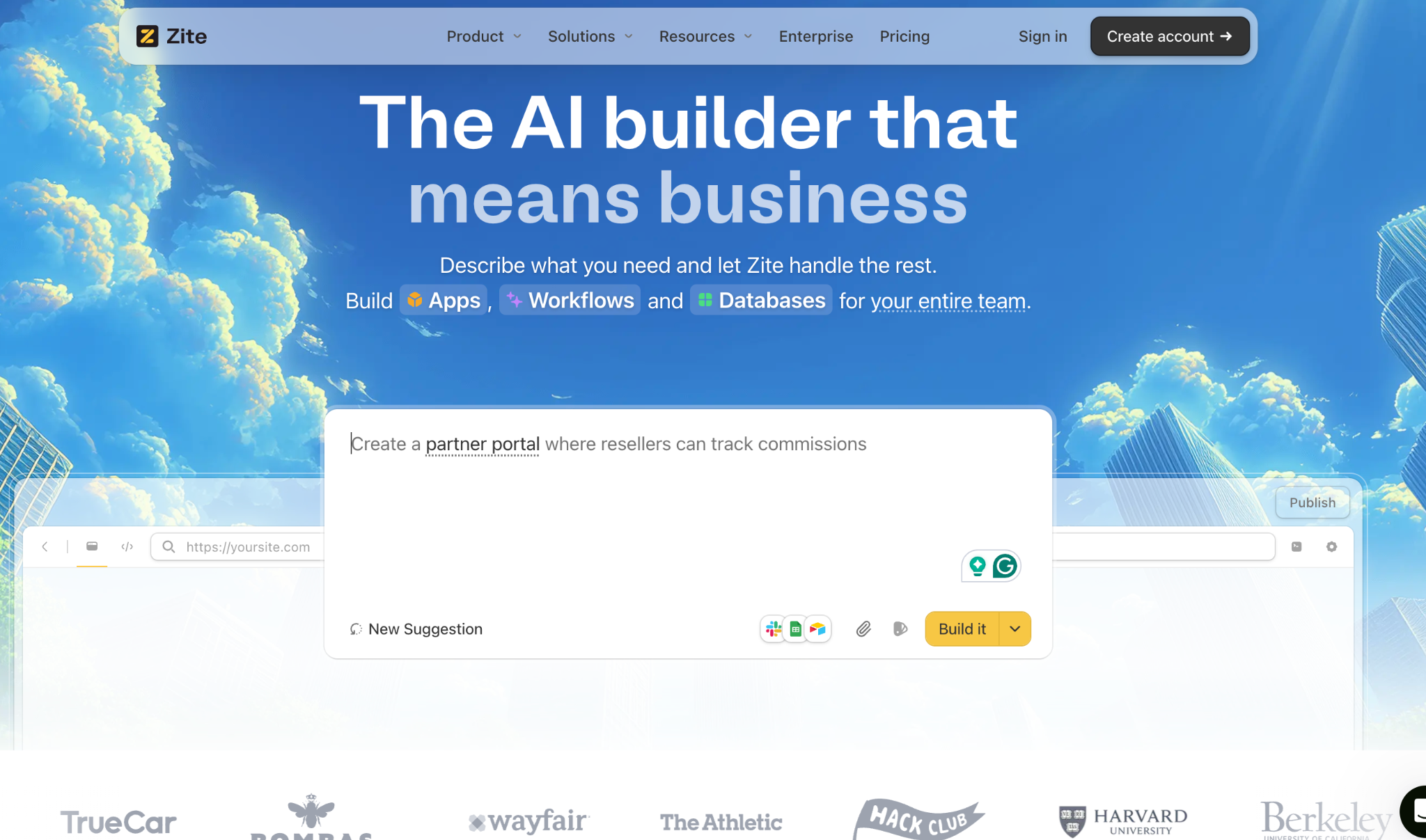
What it does: Zite uses AI to generate a full app around your automation. The portal, dashboard, or form, along with the workflow logic and the database underneath, all come from a single prompt.
The spreadsheet-like built-in database lets teams work directly with both their data and the underlying logic in one place. Editing data feels as simple as a spreadsheet, with the flexibility and structure of a database built in.
Best for: Ops teams and mid-size companies whose workflows need a portal, dashboard, or form people interact with, not just a background process that runs silently.
Key features
- Apps generated around the automation. Zite builds the portal, dashboard, or form that people running the process actually click through, alongside the workflow logic and database underneath, all from a single prompt.
- Built-in database with AI Fields. The database auto-generates tables and fields from your prompts. AI Fields can enrich records, reason about data, and pull useful context from the web.
- Permissions and publishing control. Apps default to internal access for your team. You can control who sees what through roles and permissions. When the use case calls for it, you can publish to the web for external users like clients or partners.
- Branding kit. Enter your website URL, and Zite automatically generates an app that matches your company’s colors, logo, and visual style.
- Native integrations. Connects to tools like Airtable, Google Sheets, Slack, Stripe, and email.
Pros:
- Strong fit when automations run inside a larger app, portal, or dashboard rather than as a background process. Most automation tools stop at the workflow; Zite ships the interface around it, too.
- No per-seat pricing. Every plan (including free) supports unlimited users and apps.
- Visibility into AI-generated logic. The flowchart view lets you trace what happened in a workflow run without reading code.
Cons:
- Newer platform, so the ecosystem and template library are still growing compared to older tools.
- AI credits are limited on free and lower-tier plans.
- No code export. Apps stay hosted on Zite’s infrastructure.
What users say

"Unbelievably impressed by Zite." - Reddit user
"It does not sync with GitHub like v0 or Lovable." - Reddit user
Pricing
Zite has a free plan with unlimited apps and users. Paid plans start at $19/month. No per-seat pricing on any tier.
Bottom line
Choose Zite when the automation needs to ship with the app people use. Most automation tools run silently in the background. Zite builds the workflow plus the portal, dashboard, or form around it, all wired to the same database.
2. Zapier: best for fast, wide-reach integrations
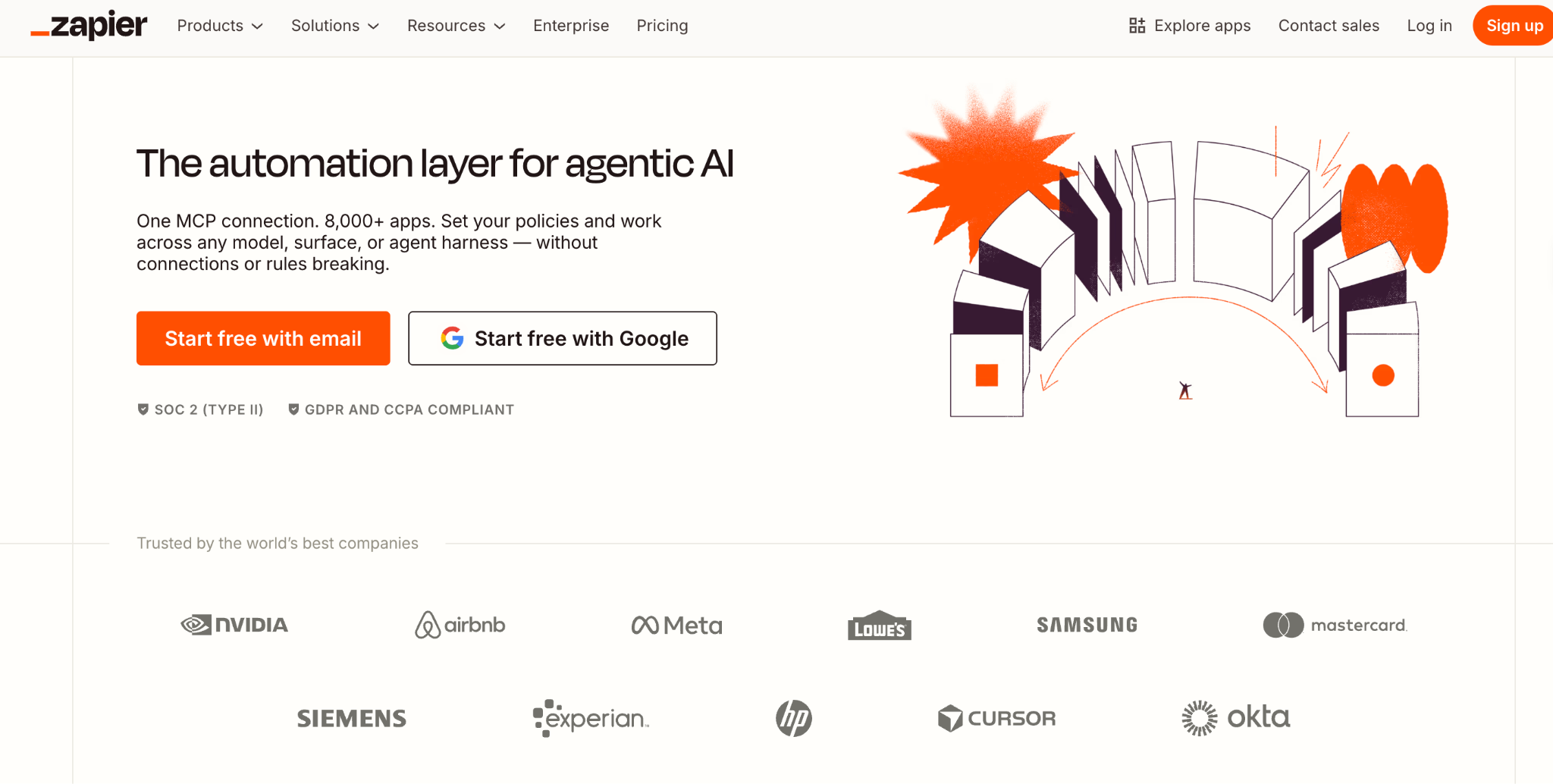
What it does: Zapier connects thousands of apps and lets users create simple triggers and actions. Recent updates added AI steps for parsing text and building basic rules.
Best for: Non-technical teams that need quick automations across many cloud apps.
Key features
- 8,000+ app integrations with a user-friendly trigger-action model.
- Shared Zaps and folders for team collaboration.
- AI-based parsing helpers for extracting structured data from text.
Pros:
- Low barrier to entry and quick ROI on repetitive tasks.
- Excellent community and template marketplace for common workflows.
Cons:
- Pricing scales fast. Each action counts as a task, and costs add up with multi-step workflows.
- Limited visibility into execution logic compared with tools that expose a full workflow model.
What users say
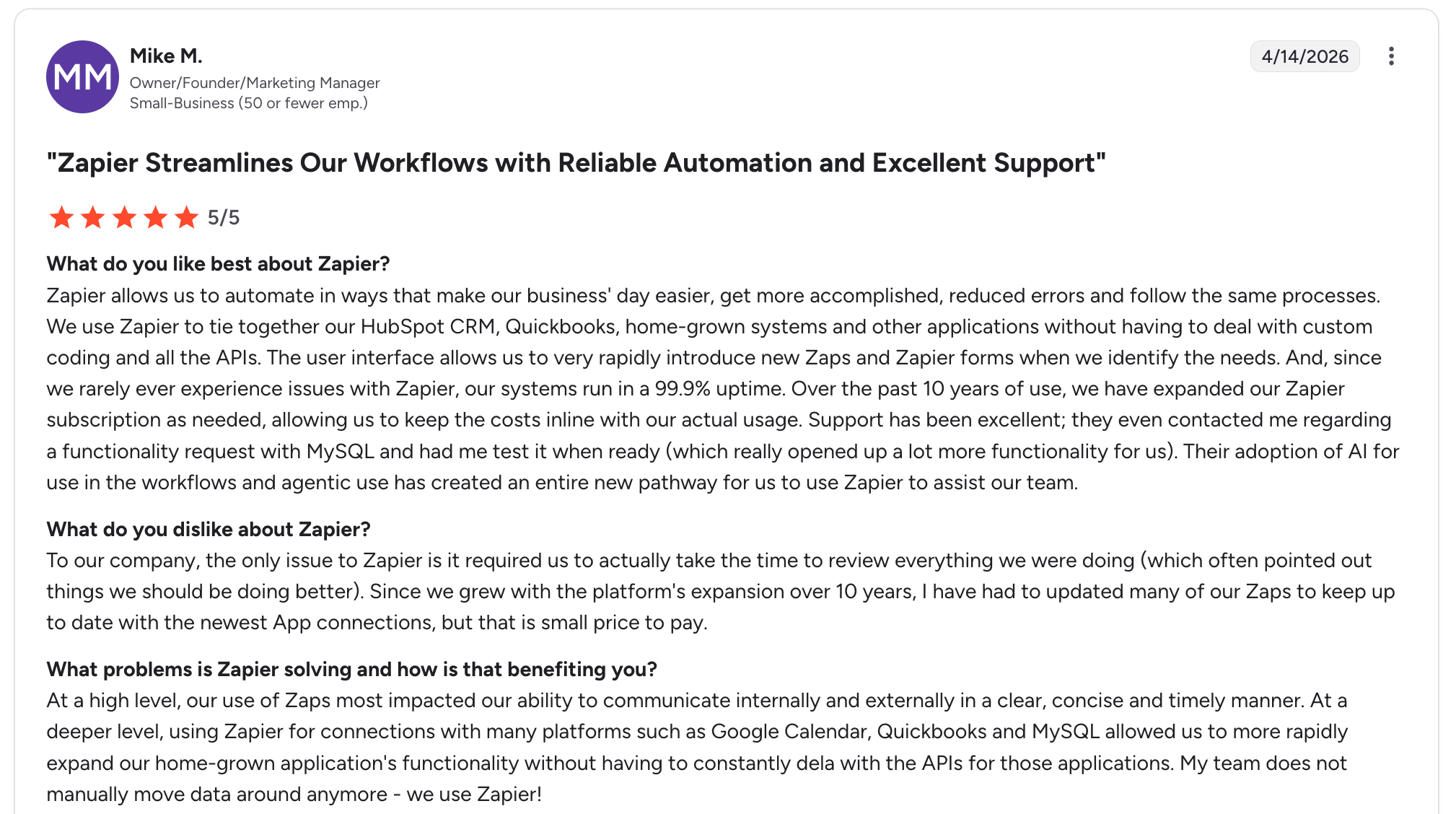
"We use Zapier to tie together our HubSpot CRM, QuickBooks, and other applications without having to deal with custom coding." - Mike M.
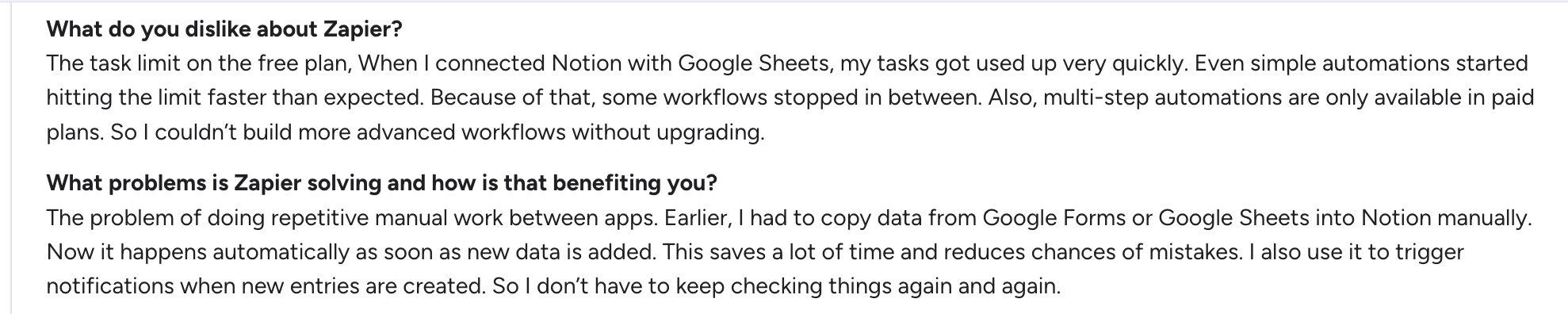
"When I connected Notion with Google Sheets, my tasks got used up very quickly. Even simple automations started hitting the limit faster than expected. Because of that, some workflows stopped in between." - Priyanshu J.
Pricing
Zapier has a free plan with 100 tasks per month. Paid plans start at $29.99/month for the Professional tier, billed monthly, with 750 tasks.
All prices from the official Zapier pricing page.
Bottom line
Use Zapier to automate workflows across SaaS apps and reduce manual copy-and-paste. For anything needing complex data logic or traceability, consider a different option.
3. Make: best for complex multi-step transformations
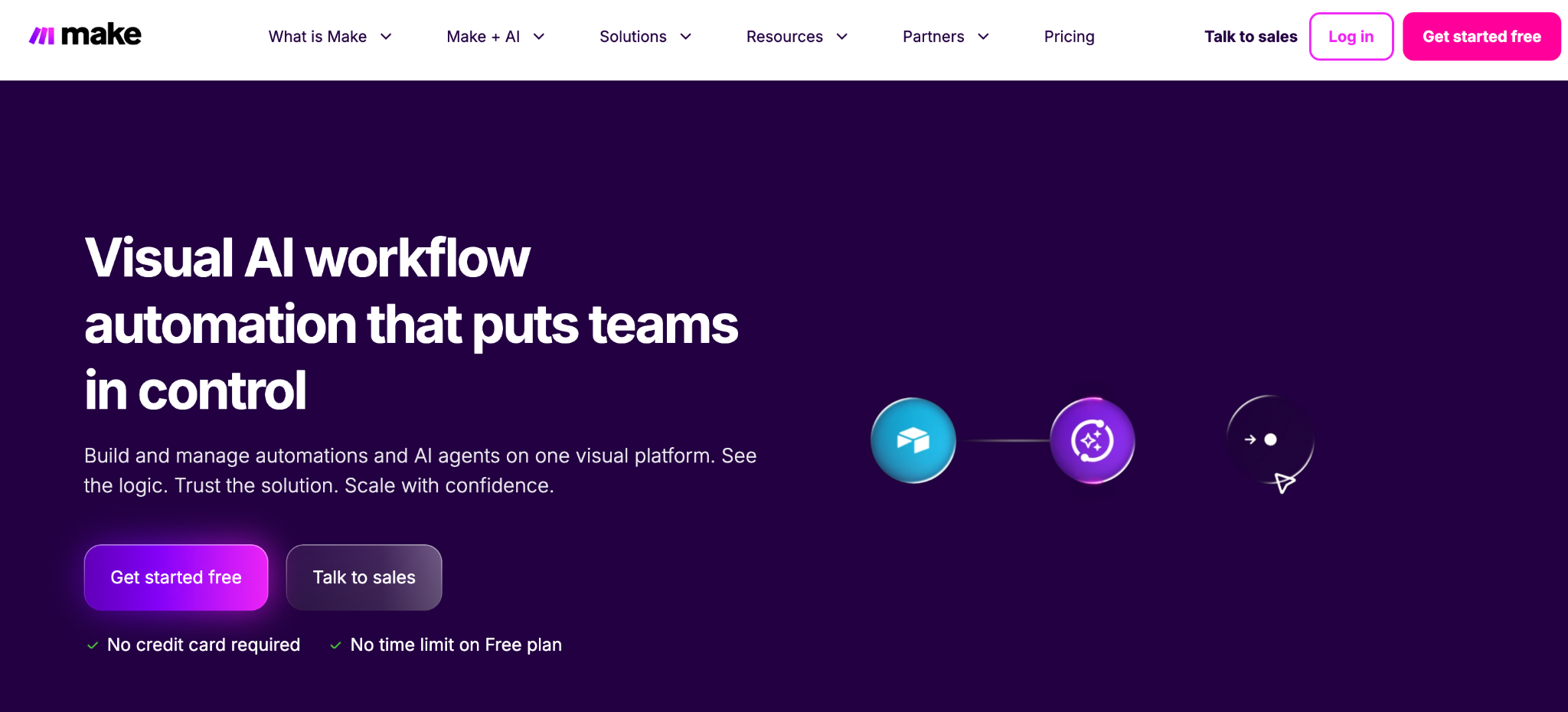
What it does: Make presents a visual canvas where users connect modules into scenarios. It excels at reshaping data as it flows through a workflow and handling complex branching paths.
Best for: Power users who need flexible data transformation without writing code.
Key features
- Data mapping tools. Detailed mapping and array handling for reshaping data between apps.
- Built-in scheduling. Runs scenarios on a schedule, with error handling and version history.
- HTTP requests. Custom calls for integrations that are not native to the platform.
Pros:
- Far more powerful for complex scenarios than simple trigger-action tools.
- Transparent execution path for each run, which helps with troubleshooting.
Cons:
- Visual scenarios can get dense. Teams need good naming and comments to stay organized.
- Learning curve for advanced features. Setting up routers or mapping arrays can feel tricky at first.
What users say
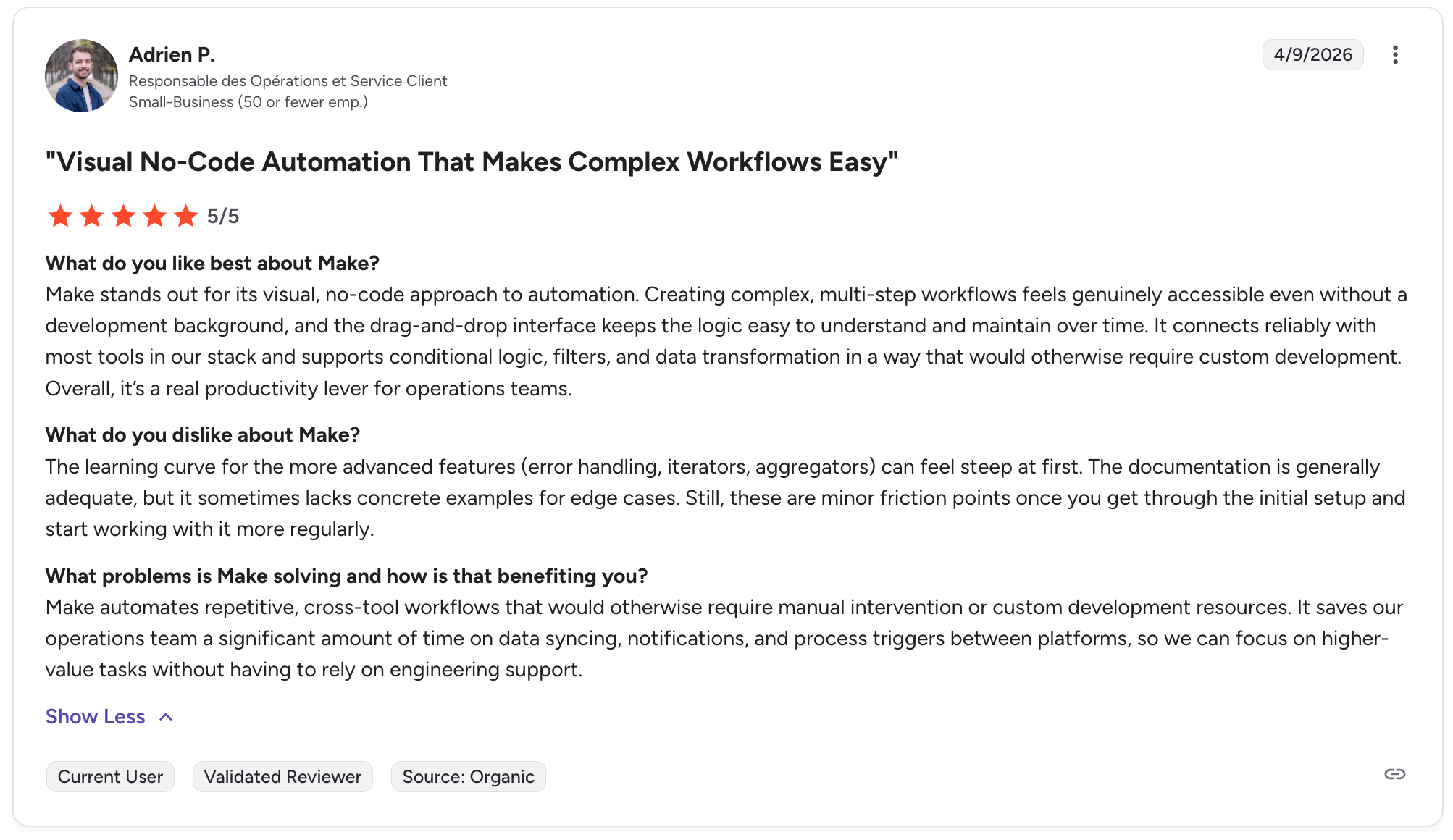
"Creating complex, multi-step workflows feels genuinely accessible even without a development background." - Adrien P.

"The main downside is that as workflows become more advanced, they can be harder to maintain if you don’t structure them well from the start." - Himanshu J.
Pricing
Make has a free plan with 1,000 credits per month. Paid plans start at $16/month for the Core tier, billed monthly, with 10,000 credits. See the official Make pricing page for current details.
Bottom line
Pick Make when your workflow needs careful data reshaping or complex branching that has to run reliably.
4. Unito: best for two-way syncs across tools
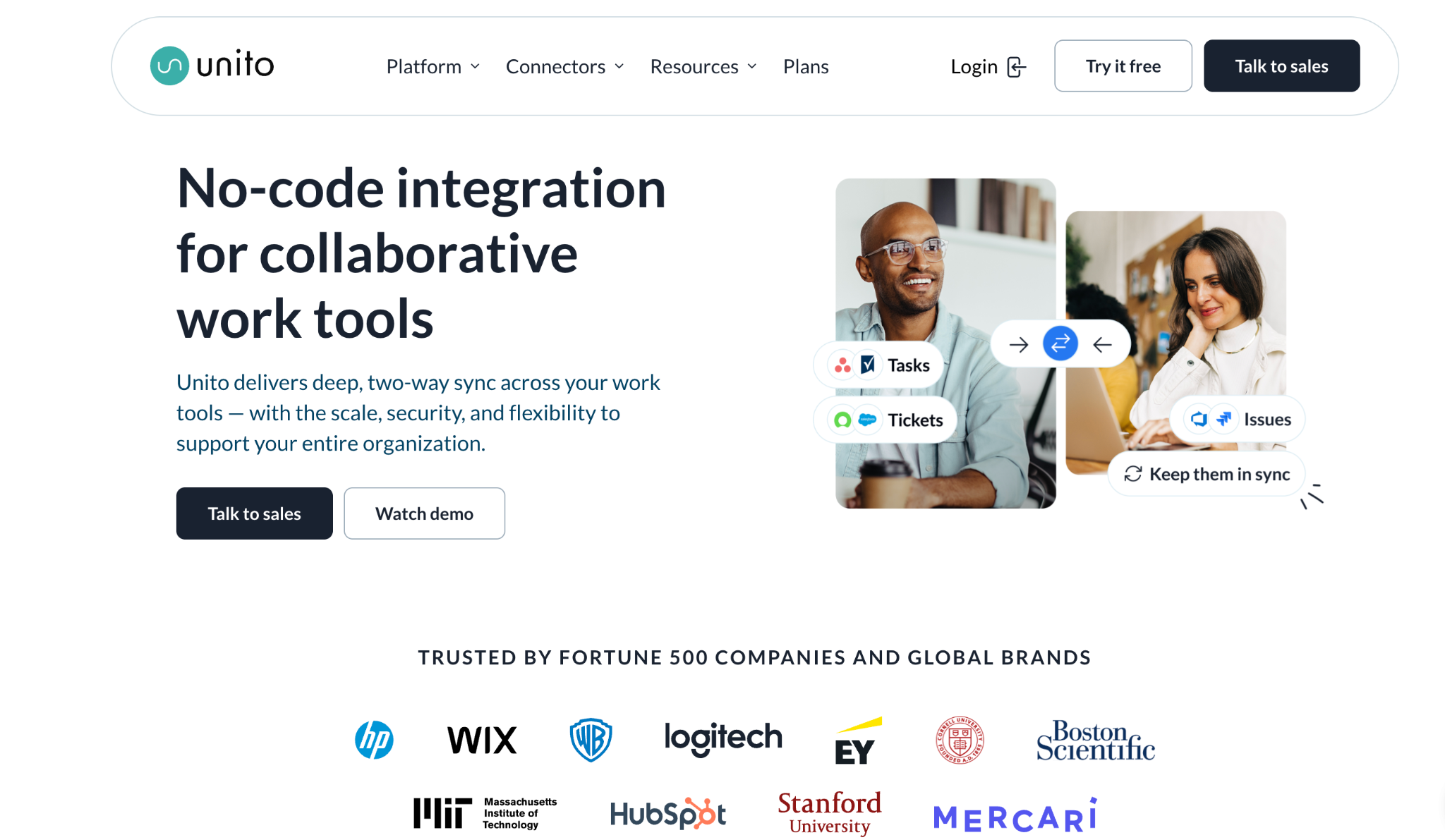
What it does: Unito focuses on preserving context while syncing records between tools, letting teams keep work in their preferred app while keeping a single source of truth.
Best for: Cross-functional teams that must keep tasks, issues, and records synced across specialized tools.
Key features
- Field-level mapping and conflict resolution.
- Two-way syncs that preserve comments, tags, and custom fields.
- Mapping templates for common workflows.
Pros:
- Solves the hard problem of keeping multiple tools aligned without manual handoffs.
- Reduces duplicate work and communication friction across teams.
Cons:
- Syncs can be tricky with complex data structures. Careful mapping is needed.
- Not a general-purpose automation builder for orchestration beyond syncs.
What users say
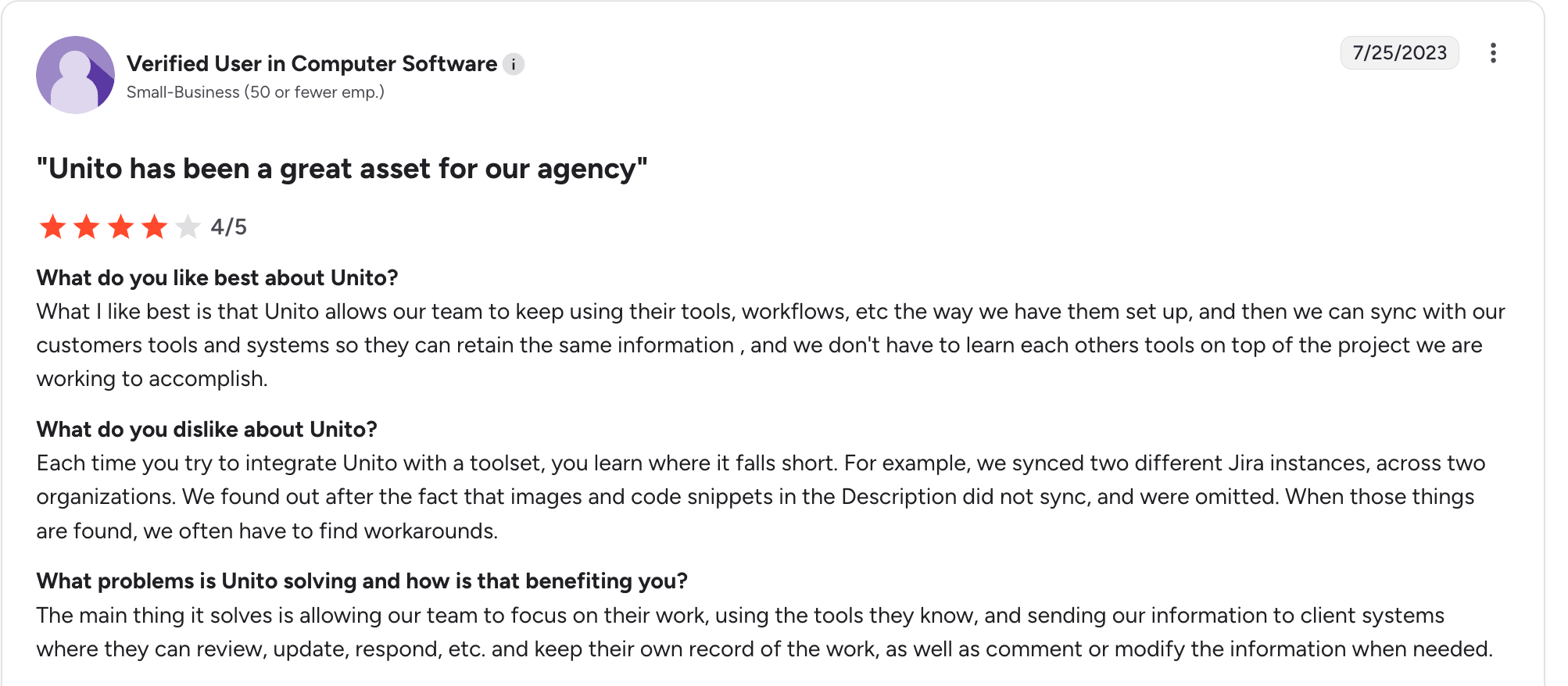
"What I like best is that Unito allows our team to keep using their tools, workflows, etc the way we have them set up, and then we can sync with our customers' tools and systems so they can retain the same information, and we don't have to learn each other’s tools on top of the project we are working to accomplish." - Verified User.

"The only thing missing for us is a way to update all our Unito flows at once if we want to make any changes. The customer support has been super and helped us create a powerful card syncing network." - Sandra O.
Pricing
Unito offers a free trial with limited syncs. Paid plans include Basic and Pro tiers. See pricing options and features in-app, or visit the official Unito pricing page for current details.
Bottom line
Use Unito when the core need is keeping systems aligned rather than orchestrating broader processes.
5. n8n: best for self-hosted automation and full ownership
What it does: n8n is an open-source automation platform. It supports a visual editor and a large number of nodes, while allowing self-hosted setups for teams that require full control.
Best for: Teams that need ownership, on-prem execution, and deep customization.
Key features
- Open-source code and extensible node model.
- Self-hosting for compliance or latency reasons.
- Flexible error handling and custom code nodes when needed.
Pros:
- Avoid vendor lock-in and keep control over data and execution.
- Strong community and frequent contributions.
Cons:
- Self-hosting adds operational burden. You need to manage server upkeep, updates, and monitoring.
- No AI workflow generation out of the box, although LLM integrations are common.
What users say
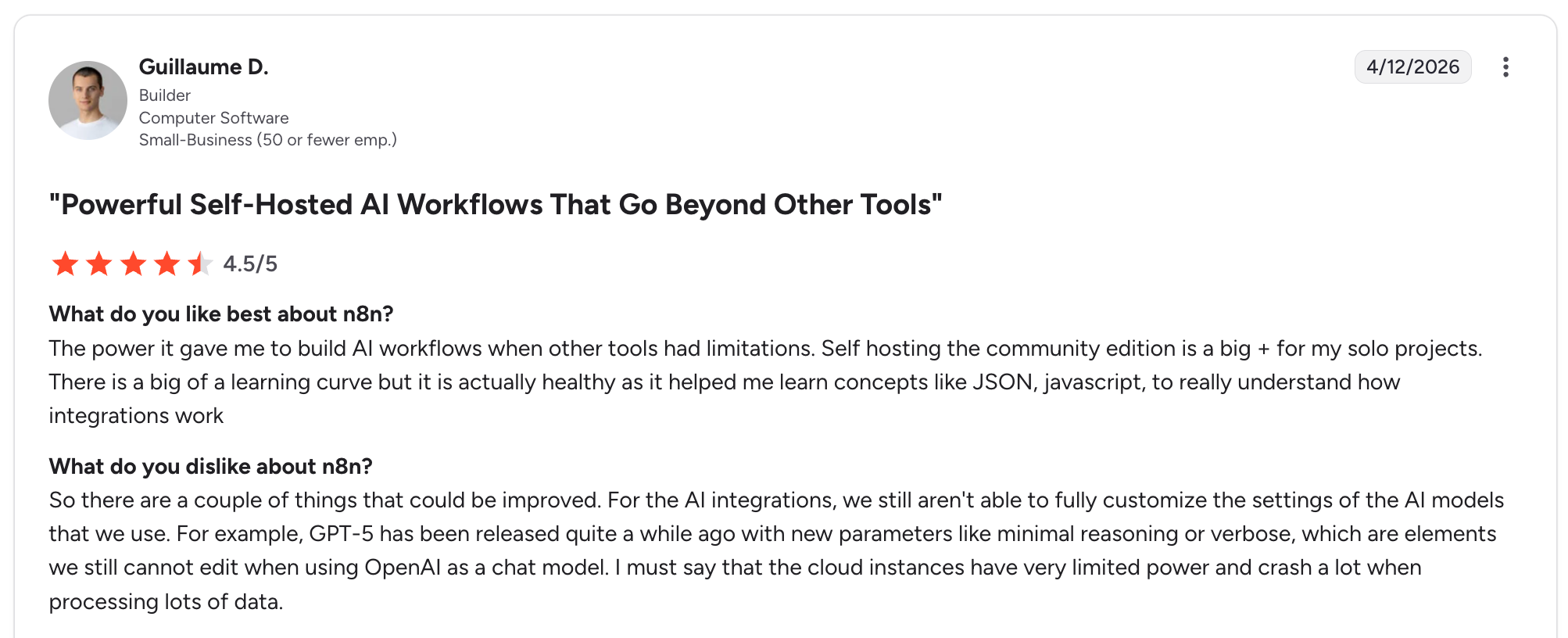
Asked what he liked best about n8n: "The power it gave me to build AI workflows when other tools had limitations. Self-hosting the community edition is a big plus for my solo projects." - Guillaume D., Builder

"Some popular apps don’t have built-in nodes, so integrations can require extra setup. Performance can lag with very complex or data-heavy workflows, particularly if the instance isn’t optimized, but the flexibility, control, and cost-effectiveness tend to outweigh these challenges for someone focused on AI automation and custom solutions." Jubilee O.
Pricing
Self-hosted: free and open-source. n8n Cloud: starts at approximately $20/month (billed annually). Check the official n8n pricing page for current details.
Bottom line
Choose n8n when ownership and customization outweigh convenience.
6. Airtable Automations: best when the database drives the process
What it does: Airtable combines a flexible table database with native automations. It’s best when records and the workflow live together.
Best for: Small teams or operations groups that want records and automations on a single surface.
Key features
- Triggers based on record changes, scheduled runs, and webhooks.
- Formula fields that calculate values from other fields automatically, like a spreadsheet.
- View-based permissions and simple automation templates.
Pros:
- Low friction to build record-driven automations.
- Great for prototyping end-to-end flows without adding external tools.
Cons:
- Scale limits and record thresholds can surface for heavy workloads.
- Per-seat pricing adds up for larger teams. Not suited for large, orchestrated workflows with stringent SLAs.
What users say
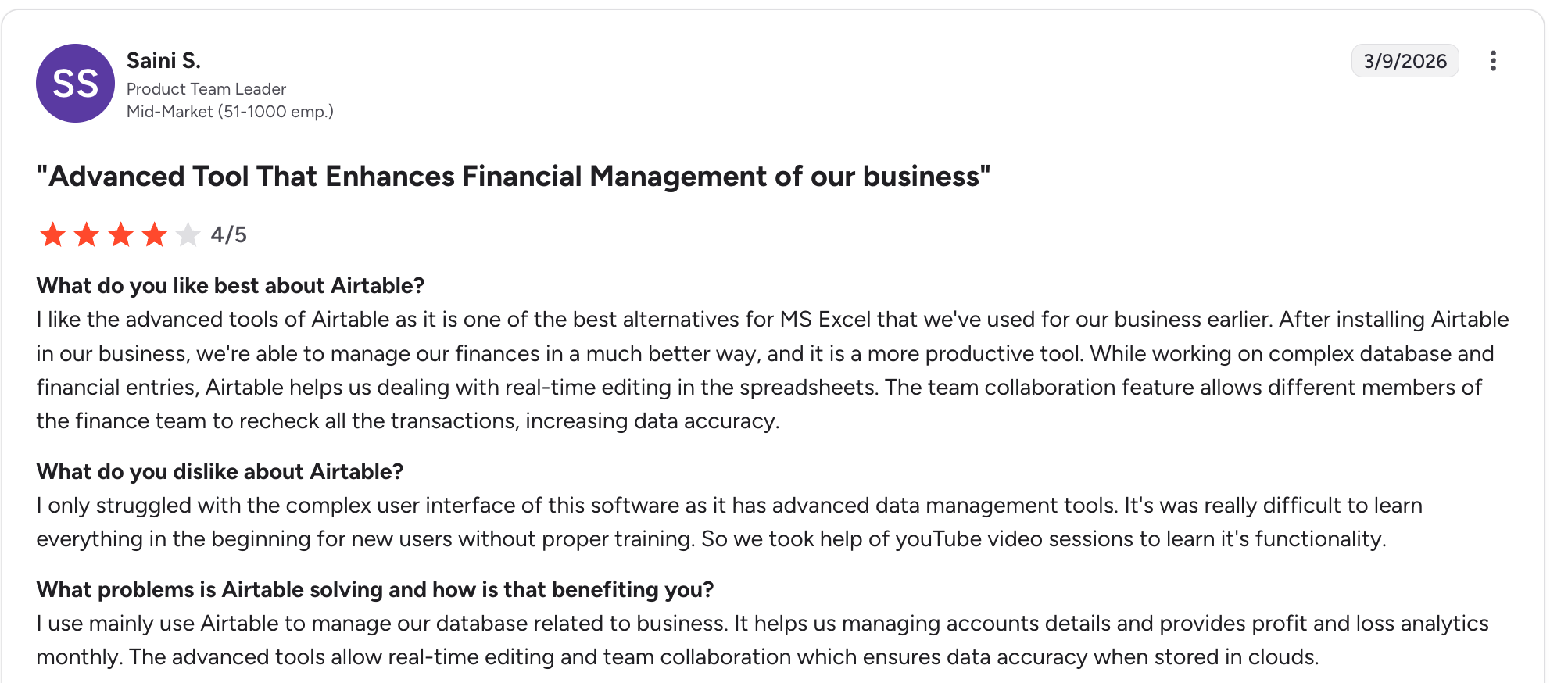
“[Airtable] is one of the best alternatives for MS Excel that we've used for our business." - Saini S.

"I find it difficult to get data out. So oftentimes it feels very primitive, such as when cutting and pasting into a Word doc or another format, in order to be able to share data. It's definitely the output of information that is the most challenging part." - Gary B.
Pricing
- Free: limited records and automations.
- Team: $20/seat/month (annual).
- Business: $45/seat/month (annual).
- Enterprise: custom pricing.
All prices from the official Airtable pricing page. Note the per-seat pricing model, which contrasts with tools like Zite that charge no per-seat fees.
Bottom line
Use Airtable Automations when the table is the system of record and the automation is record-centric. For more complex workflows or user-facing apps on top of the data, consider a platform that pairs both.
7. Parabola: best for heavy data pipelines without code
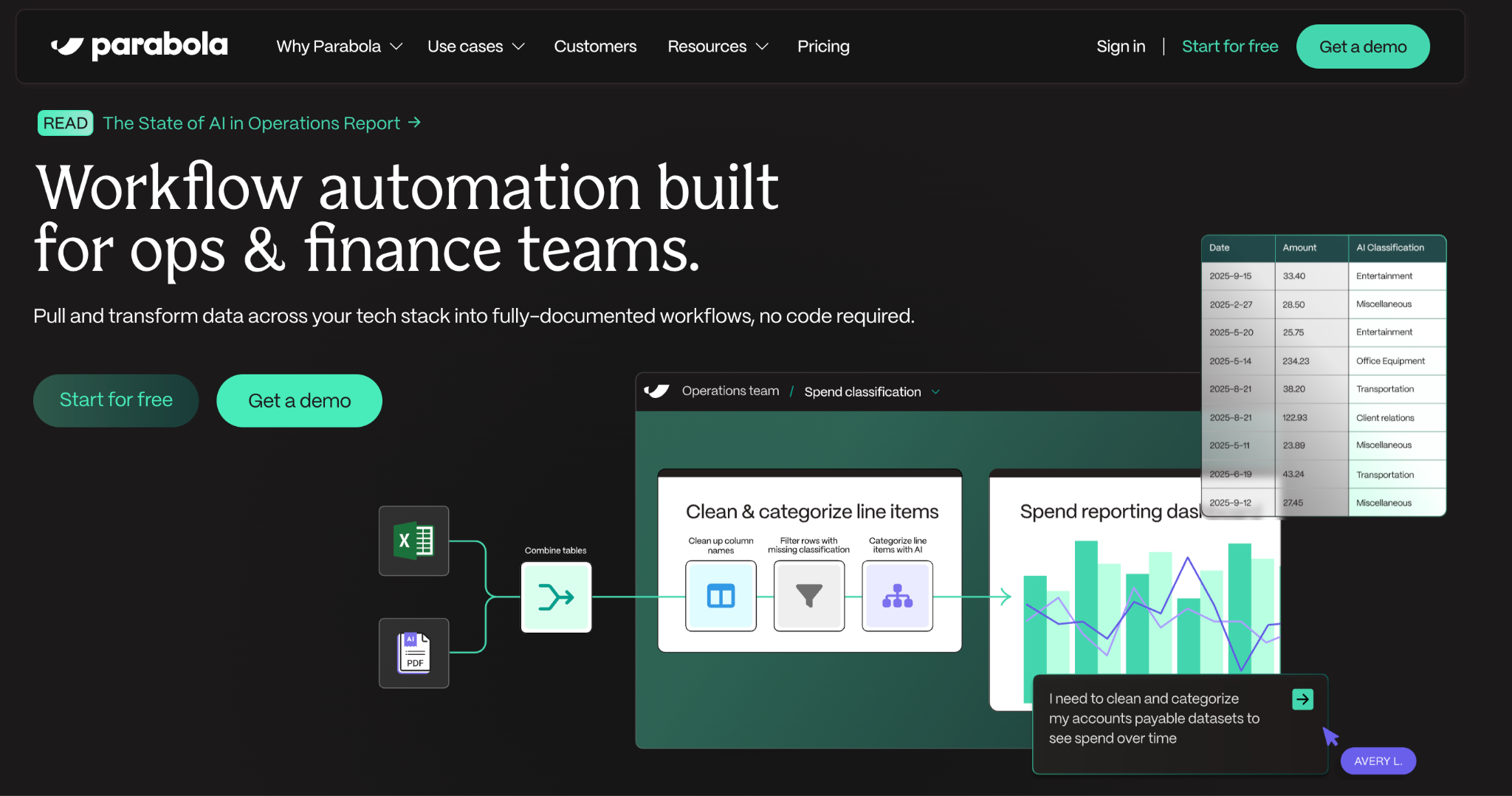
What it does: Parabola provides a drag-and-drop pipeline builder for ingesting, transforming, and exporting data. It focuses on batch processing rather than event-driven orchestration.
Best for: Revenue ops and finance teams that need scheduled data cleanups, joins, and exports.
Key features
- Visual transforms. Joins, filters, and connector steps for shaping data between sources.
- Scheduled flows. Runs on a timer, with connectors to spreadsheets and databases.
- Sampling and preview. Check results before running a flow against the full dataset.
Pros:
- Powerful for non-developers doing ETL-like tasks.
- Good for cleaning marketing and sales data before downstream processing.
Cons:
- Not designed for event-driven automation or long-running stateful workflows.
- Less suited for real-time approvals and ticket routing.
What users say
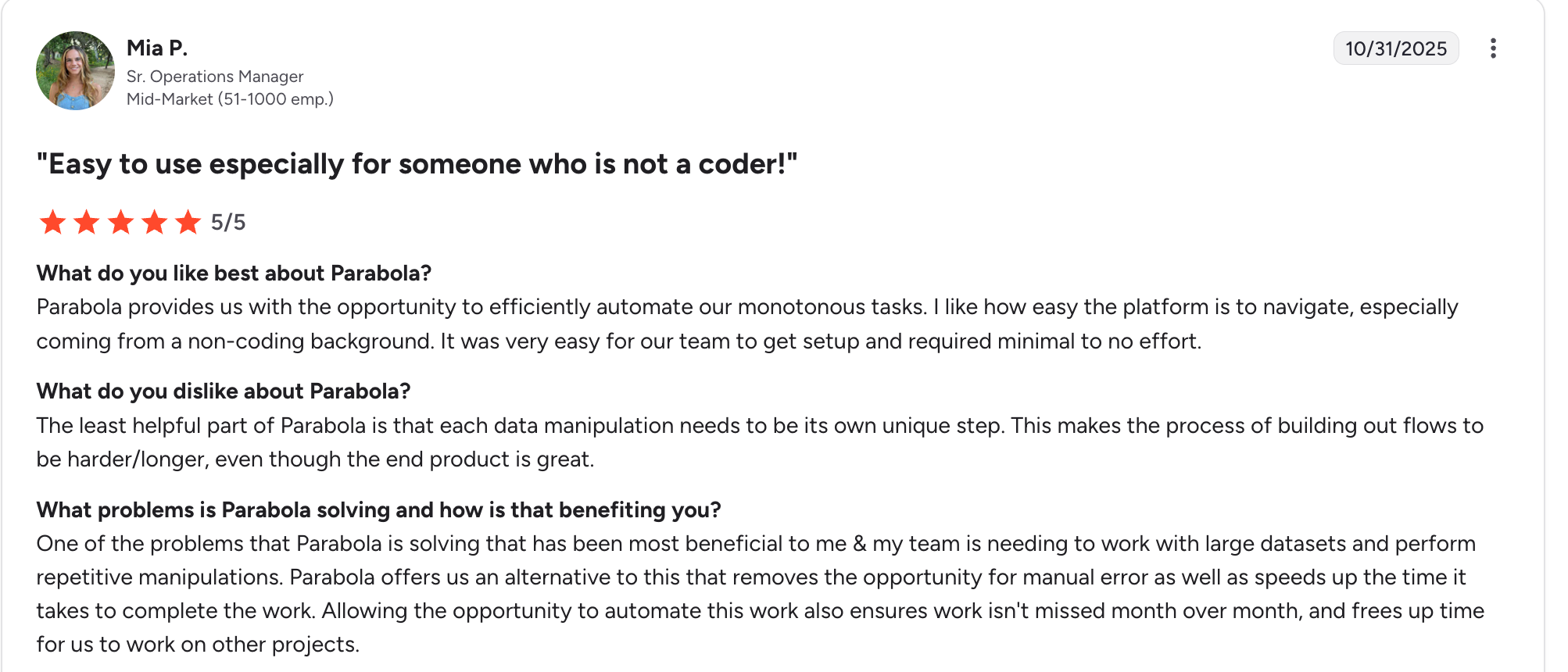
"I like how easy the platform is to navigate, especially coming from a non-coding background. It was very easy for our team to get set up." Mia P.
"It is difficult for Parabola to gather large amounts of data over a long stretch of time from Shopify. This can cause some automated reports to fail if we don't remember to change the dates we are pulling data from." -Colby T.
Pricing
Free plan available with limited steps and runs. Paid plans start at $20/month. Check the official Parabola pricing page for current details.
Bottom line
Pick Parabola for repeatable, batch-oriented data work where no-code transforms save engineering time.
Which no-code automation tool should you choose?
No tool fits every scenario. Here’s how to narrow it down.
Choose Zite if you:
- Need automation that lives inside a visible app, portal, or dashboard.
- Want to inspect AI-generated workflow logic without reading code.
- Need a built-in database with your automation, not a separate tool.
Choose Zapier if you:
- Need to connect dozens of cloud apps quickly with minimal setup.
- Run simple, low-volume trigger-action workflows.
Choose Make if you:
- Need complex branching, data transforms, or heavy conditional logic.
- Want lower per-operation costs than Zapier at scale.
Choose Unito if you:
- Need two-way syncs between project management, CRM, or support tools.
Choose n8n if you:
- Require self-hosting, full ownership, or deep customization.
Choose Airtable Automations if you:
- Already live in Airtable and need record-driven triggers.
Choose Parabola if you:
- Run batch data pipelines (CSVs, joins, scheduled exports).
Skip this category entirely if:
- You only need a one-time data migration (use a script or a consultant).
- Your workflows require real-time, sub-second execution (look at event-driven architecture).
Common mistakes to avoid when automating processes
- Automating without owning the data model. Map the fields and lineage before building.
- Skipping error strategy. Add retries, alerts for failures, and human-in-the-loop steps for exceptions.
- Treating AI suggestions as final. AI helps draft logic, but every AI-generated workflow needs a review step for edge cases.
- Failing to set clear ownership. Each automation needs an owner for upkeep and change control.
- Ignoring governance. Add role-based approvals and an audit record for any automation touching critical data.
Operational tips for successful automation
- Keep automations small and focused. Smaller flows are easier to test, monitor, and fix.
- Add a test mode that runs with sample data, separate from production.
- Store computed metrics in materialized tables for performance and easier debugging.
- Document the acceptance criteria for each automation. That becomes the test plan.
- Build a recovery playbook for long-running failures, including how to replay missed events.
According to Gartner, the low-code development technologies market is projected to reach $58.2 billion by 2029, growing at roughly 14% annually. That growth is driven by teams adopting no-code automation to reduce reliance on engineering for routine workflows.
Final verdict
No single no-code AI automation tool fits every situation. For quick cross-app glue, Zapier is still the fastest path. When data transforms and complex branches matter, Make is the more capable visual builder.
Where traceability and control are non-negotiable, pick a platform that shows you what the AI built. That means visible workflows, an inspectable database, and permissions that give teams confidence before anything goes live. That’s the difference between automations that last and automations that break the first time someone asks, “What does this do?”
Ready to try Zite?
If you’re curious how Zite handles workflow automation, the simplest way is to try it yourself. The free plan includes unlimited apps and users, no credit card required.
Frequently asked questions
What is no-code business process automation?
No-code business process automation is creating workflow logic, data rules, and app-like automations without writing code. Teams typically use visual editors and connectors, with AI augmenting the process by suggesting steps, drafting mappings, or proposing queries.
Can AI fully design a workflow for me?
No, AI cannot fully design a workflow for you. AI can suggest drafts and starting steps, but human review and adjustments are always needed before using the automation. The best tools show the generated logic visually so you can adjust it before going live.
How do I judge the risk of an automation?
You judge the risk of an automation by assessing data sensitivity, frequency, and business impact. High-impact automations need explicit approvals, retries, and a human fallback for exceptions.
Do these tools replace engineers?
No, no-code automation tools do not replace engineers. They reduce manual work on routine workflows, but engineering expertise is still needed for complex or highly customized systems where reliability, security, or custom data handling matter.
What is the best no-code automation tool for small teams?
The best no-code automation tool for small teams is Zapier or Airtable Automations for fast starting points. If the automation needs to sit inside a user-facing app with a database and permissions, Zite covers that in one platform with no per-seat pricing.

