


Chasing clients across email and Slack for files and approvals wastes hours every week. A no-code client portal fixes that: each client gets one secure login for their files, projects, and invoices, with no developer required.
I built the same test portal in seven of the most popular builders to see which ones hold up for real client work. Here's how they ranked and how to pick the right one for your setup.
What is a no-code client portal?
A no-code client portal is a secure, login-protected space where your clients access their files, project updates, invoices, and messages with your team, built without writing code.
The no-code part matters because most service businesses and ops teams don't have a developer on staff. Traditional portal development costs tens of thousands of dollars and takes months. A no-code client portal ships in hours for $19 to $300 per month.
Common use cases include:
- Agency client dashboards showing campaign performance and deliverables.
- Consulting project rooms with document sharing and milestone tracking.
- Service business portals for invoicing, file access, and appointment scheduling.
- Support portals where customers submit tickets and track status.
What you’ll need before starting
The seven tools below are built on different foundations, so the right pick depends on which of these matters most to you. Weigh each tool on these six things:
- Setup speed: How fast you go from sign-up to a working portal.
- Access control: Whether each client sees only their own data, and how logins work.
- Branding and custom domain: Whether you can put your logo, colors, and domain on the portal.
- Workflows and automation: Whether the portal can trigger actions, not just display data.
- Database: Whether the tool builds the data layer for you, connects to what you already keep, or expects it in Airtable.
- Pricing model: Per-seat pricing climbs as you add clients; per-app pricing stays predictable.
Best no-code client portal builders: quick comparison
How the 7 builders compare at a glance:
All prices are monthly-billed headline rates from each tool's official pricing page, current as of June 2026.
How I compared these no-code client portal builders
I built the same test portal in each tool: a client login showing projects, files, and invoices, with role-based access so each client sees only their own records.
I judged each on five things:
- Setup speed: How fast a non-technical user gets to a working portal.
- Access control: Real per-client data isolation and login options.
- Branding: Custom domain, logo, and whether builder branding is removable.
- Workflows: Whether the portal acts on data, not just shows it.
- Pricing: What you actually pay as your client list grows.
This hands-on approach surfaced which tools hold up for real client work and which look good in a demo but stall once you add clients.
1. Softr: best if your data already lives in Airtable
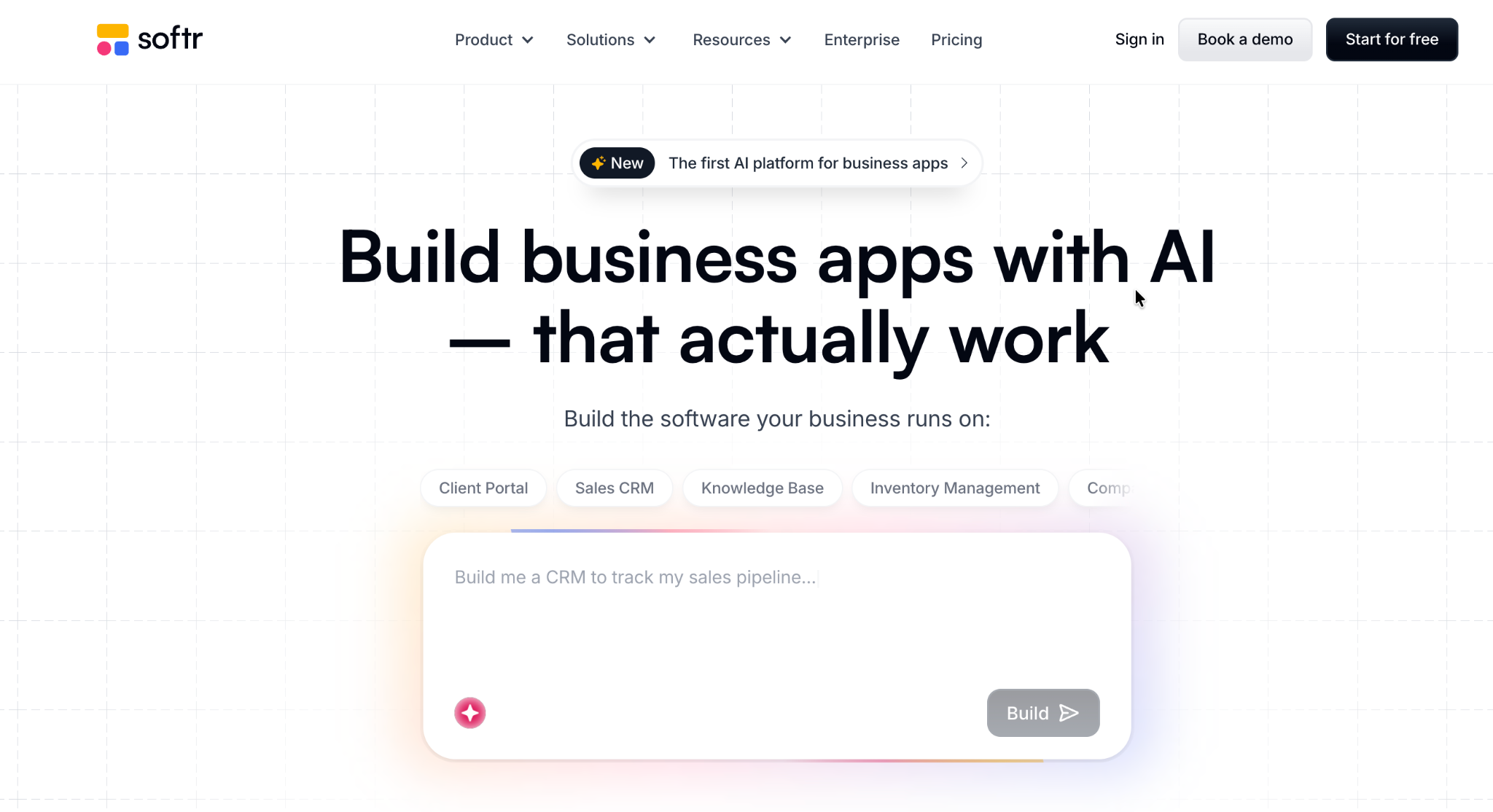
What it does: Softr turns data from Airtable or Google Sheets into a polished, branded client portal without rebuilding your database.
Best for: Teams that already store client data in Airtable and want a clean front end on top of it.
Softr is the most popular pick for Airtable-based portals, and it shows in the templates and polish. You connect a base, choose what each client role sees, and Softr generates a portal with logins, lists, and detail pages.
Key features
- Airtable and Sheets sync: Live two-way connection so portal data stays current with your base.
- Role-based access: Custom user groups (on Professional) control what each client sees.
- Pre-built portal templates: Client, partner, and membership templates to start from.
- AI app generation: Describe what you need, and Softr drafts a starting point to edit visually.
Pros
- The strongest client-portal template library here, so most builds start from something close.
- Two-way Airtable sync keeps portal data up to date without manual exports.
- The free plan is usable for building and demoing a portal.
Cons
- Per-user limits drive cost; Basic caps at 20 app users.
- Custom user groups (real role-based access) are locked behind the $167/month tier.
- Each additional custom domain costs $13-$15/month on top of the plan.
What users say
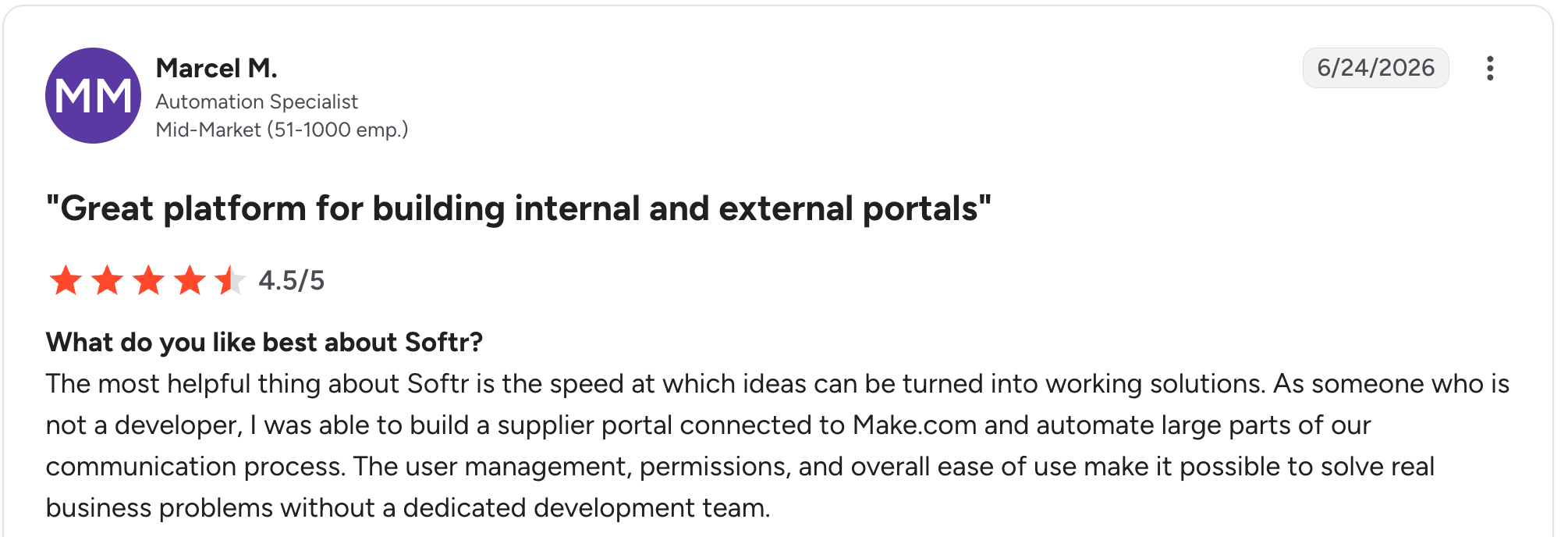
"The most helpful thing about Softr is the speed at which ideas can be turned into working solutions." Marcel M, G2

"The main challenge we encountered was with data management when using Google Sheets as our initial data source - it became clunky for our content team to update and manage at scale." Mike H, G2
Pricing
Softr pricing is monthly: a free plan, then Basic at $59/month, Professional at $167/month, and Business at $323/month. Custom user groups require Professional. Verify current rates on Softr's pricing page.
Bottom line
I'd recommend Softr if your client data already lives in Airtable and you want the cleanest, fastest front-end on top of it. If you need many client logins, watch the per-user limits.
2. SuiteDash: best all-in-one (CRM, billing, and portal)
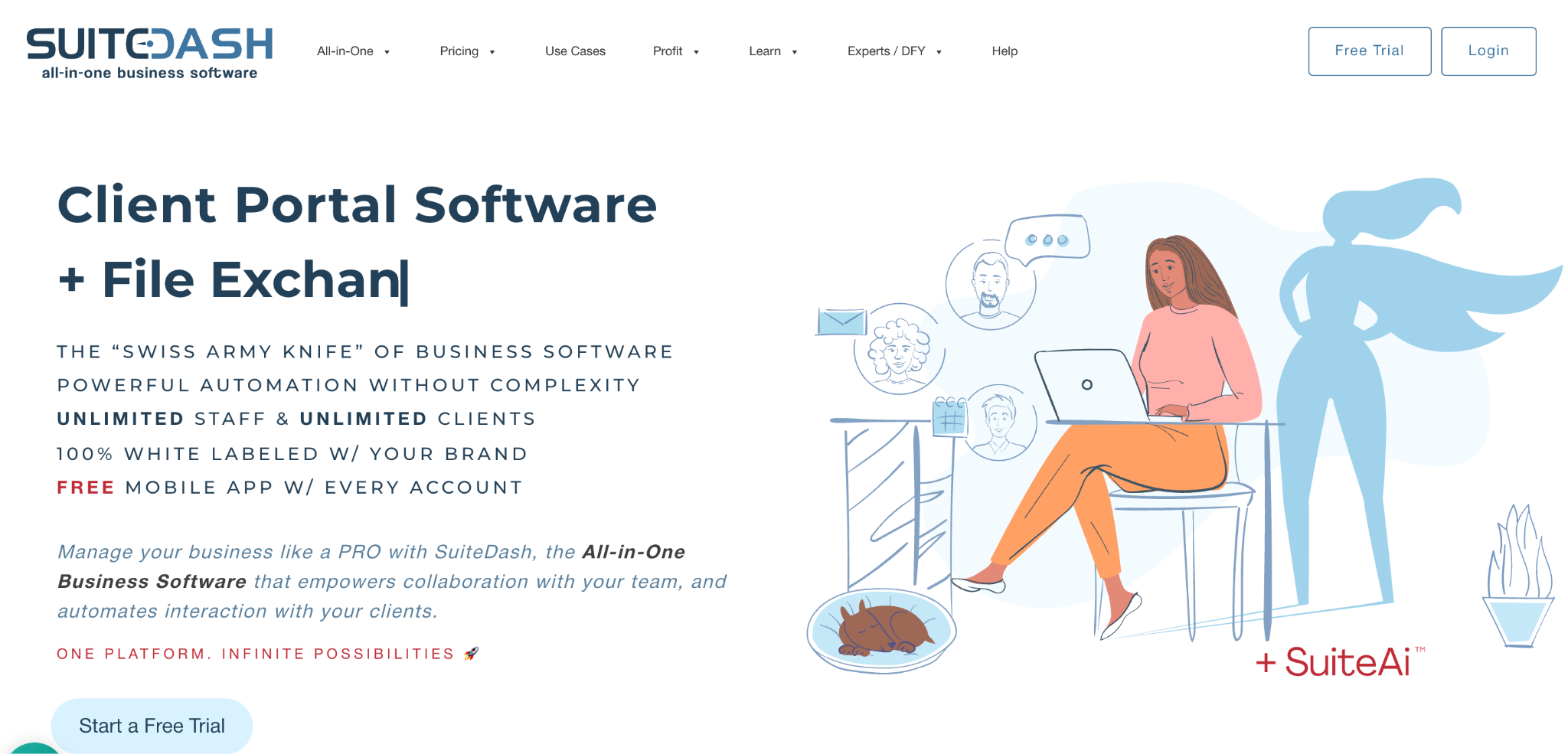
What it does: SuiteDash bundles CRM, invoicing, scheduling, file sharing, and a white-label client portal into one workspace with unlimited users.
Best for: Service businesses that want one tool to run client management end-to-end, not just a portal.
SuiteDash is the choice when the portal is part of a larger client operation. Instead of stitching together a portal for a separate CRM and billing tool, you get it all in one login. The trade-off is breadth over speed.
Key features
- Unlimited clients and staff: One per-workspace rate, no per-seat fees on any plan.
- Extreme white-label: Your branding on the portal, login screen, and a branded mobile app.
- Built-in billing: Invoicing, subscriptions, proposals, and e-signatures via Stripe.
- Magic Link login: Clients log in without having to manage passwords.
Pros
- Replaces five or more tools for one monthly rate, with unlimited clients and staff.
- White-label branding extends to a custom mobile app.
- 14-day full-featured trial with no credit card required.
Cons
- Broad scope means a real setup investment of two to four weeks.
- Reviewers consistently cite a learning curve on roles and automations.
- Power-Ups add to the monthly cost beyond the headline price.
What users say
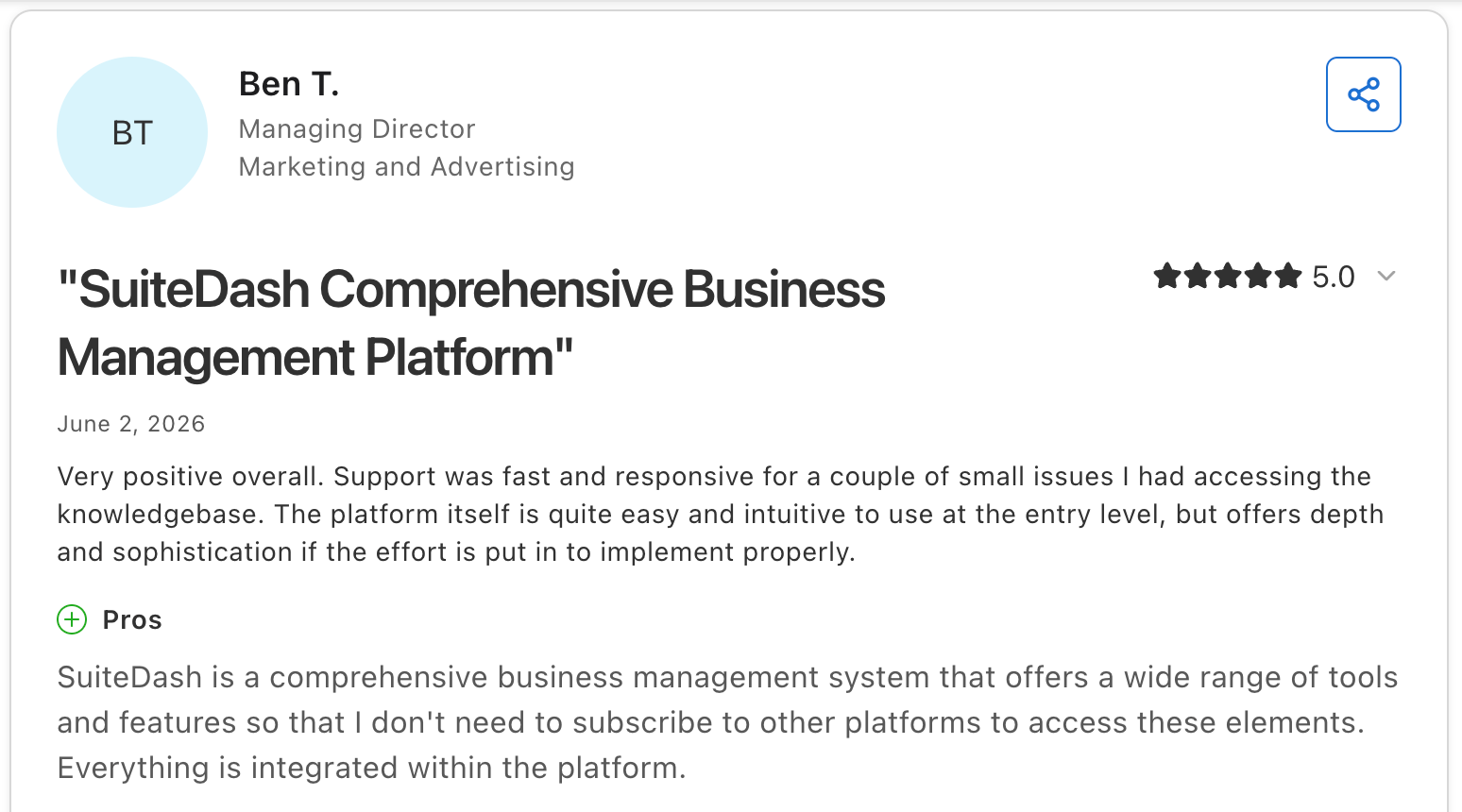
"SuiteDash is a comprehensive business management system that offers a wide range of tools and features so that I don't need to subscribe to other platforms to access these elements." Ben T, Capterra

"Steep initial learning curve: Lots of features mean setup and configuration took significant time." Nagur B. Capterra
Pricing
SuiteDash pricing is monthly: Start at $19/month, Thrive at $49/month, and Pinnacle at $99/month, all with unlimited users. A 14-day trial is included. Verify current rates on SuiteDash's pricing page.
Bottom line
I'd recommend SuiteDash if you want a single system for CRM, billing, and the portal, and you're willing to invest in setup. If you only need a portal, it's more than you need.
3. Zite: best for building a custom portal fast from a prompt
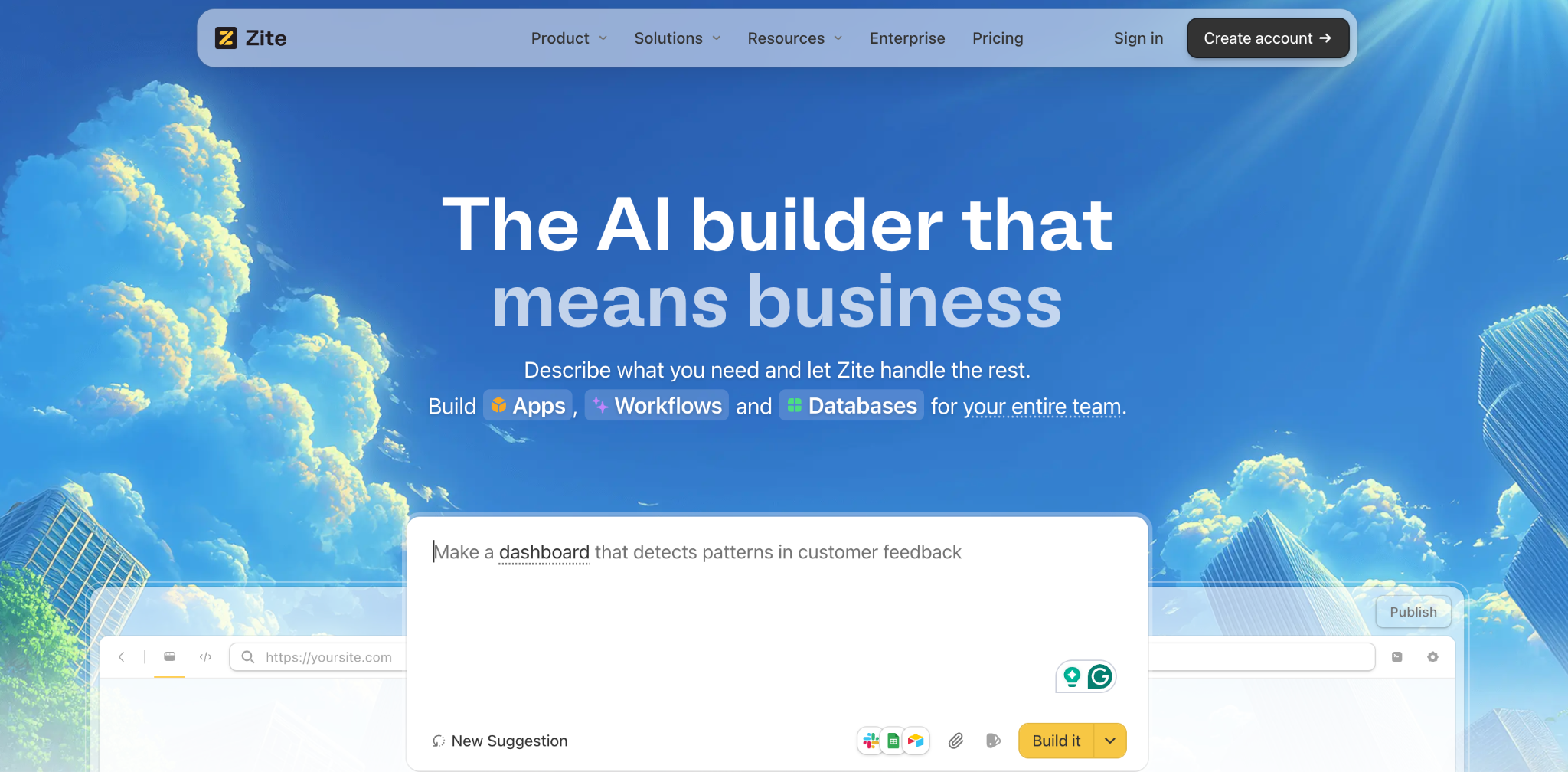
What it does: Zite is an AI no-code app builder that generates a complete client portal, including the database, role-based access, and workflows, from a plain-language prompt.
Best for: Teams who want a custom portal tailored to their exact workflow without assembling it from separate tools.
Zite stands out for how much it generates in one pass. You describe the portal you need, and Zite produces the tables, UI, access rules, and workflow logic. I built a working agency portal from one prompt, then refined the branding.
Key features
- One-prompt generation: Describe the portal, and Zite builds the database, UI, access, and workflows in one pass.
- A real relational database: Linked records and structured tables that scale with your client list, in a spreadsheet-style view you can read and edit without SQL.
- Role-based access generated with the app: Each client, staff member, and admin gets their own view, so clients see only their own records from the first build.
- Connects to existing data: Import from a spreadsheet or connect Airtable and Google Sheets, so records you already keep carry into the portal.
- Visual workflows: Portal logic shows as a flowchart you can inspect and follow, so you see exactly how the portal works, and you adjust it by describing what you want.
- White-label branding: Custom domain and Zite branding removed on Pro, so clients see your business.
- Magic Link and Google login: Passwordless and Google sign-in, with SSO on higher plans.
Pros
- Generates the most of any tool here from a single prompt, including the data model and access rules.
- Role-based access from the first build, so per-client isolation is set up rather than configured after.
- No per-seat pricing. Unlimited users on every plan, including free, so the bill stays the same as your client list grows.
- The database sits next to the portal, so you can audit data without leaving the builder.
Cons
- As a newer AI-native tool, the template library is smaller than those of Softr and Knack.
- The community and third-party resources are still growing.
- Heavily custom portals still need manual refinement after the first generation.
What users say
"Implementation was straightforward — connecting forms to the ERP was much faster than expected, with no custom glue code to maintain afterward." Alvaro H, G2

"It does not sync with GitHub like v0 or Lovable." Verified user, Reddit
Pricing
Zite pricing is monthly. A free plan with unlimited users, Pro $19/month, and Business $69/month. Unlimited users on every plan means the bill stays the same whether you have 5 clients or 500. Verify current rates on Zite's pricing page.
Bottom line
I'd recommend Zite if you want a custom portal generated from a prompt without assembling separate tools, at pricing that doesn't grow with your client list. If you want a large template library to start from, Softr is further along.
4. Knack: best for database-heavy portals
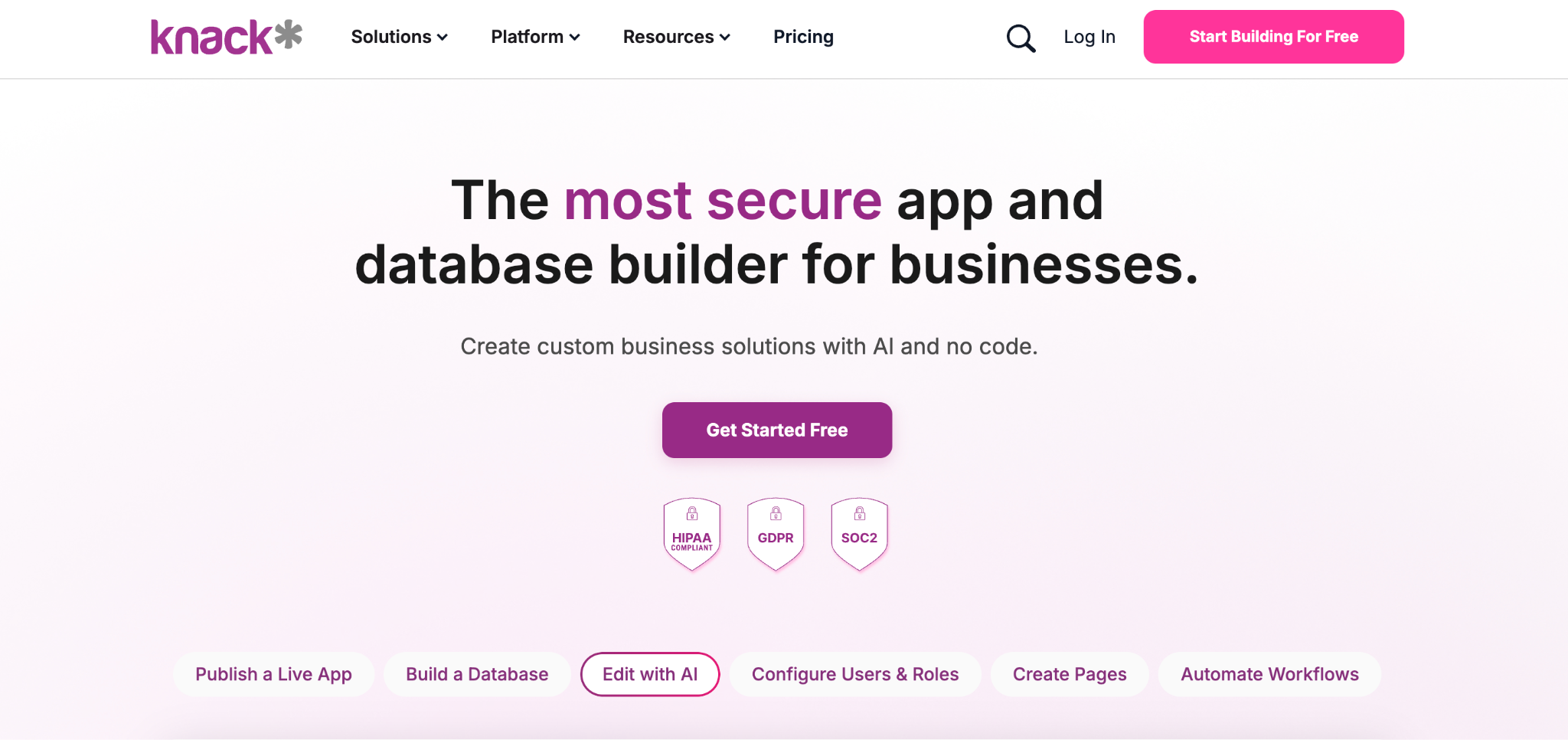
What it does: Knack builds custom database-driven apps and client portals with a visual relational database, role-based access, and no per-user fees.
Best for: Teams whose portal is more of a record-heavy app than a simple file-sharing space.
Knack has been in the no-code space for over a decade, and it shows in the depth of its data model. You build the relational database visually, then create pages and role-based views on top. Its no-per-user pricing makes it a favorite for portals with large client bases.
Key features
- Visual relational database: Build objects, fields, and connections without SQL.
- Role-based access built in: Native user roles and granular permissions, not an add-on.
- No per-user pricing: One per-plan cost regardless of how many clients log in.
- HIPAA edition: A separate Knack Health offering for healthcare portals handling PHI.
Pros
- Strong relational data model with role-based access included.
- No per-user fees, even with large client bases.
- HIPAA-ready healthcare edition available.
Cons
- Record-based pricing draws recurring criticism from reviewers.
- Front-end design control is limited compared to consumer-facing app builders.
- Removing "powered by Knack" branding requires the Pro tier.
What users say
"It's a great tool to get a project up and running very quickly, but it can support a lot more detailed interaction with Flows and the API." Cary K, Capterra

"There is no log that keeps track of changes made in the database builder." Martin S, Capterra
Pricing
Knack pricing is monthly: Starter $59/month, Pro $130/month, and Corporate $300/month. A 14-day trial is included. Verify current rates on Knack's pricing page.
Bottom line
I'd recommend Knack if your portal is a record-heavy app with many linked tables and roles, and you want no per-user fees. If you need a polished consumer-facing design, look elsewhere.
5. Noloco: best for agencies running client delivery
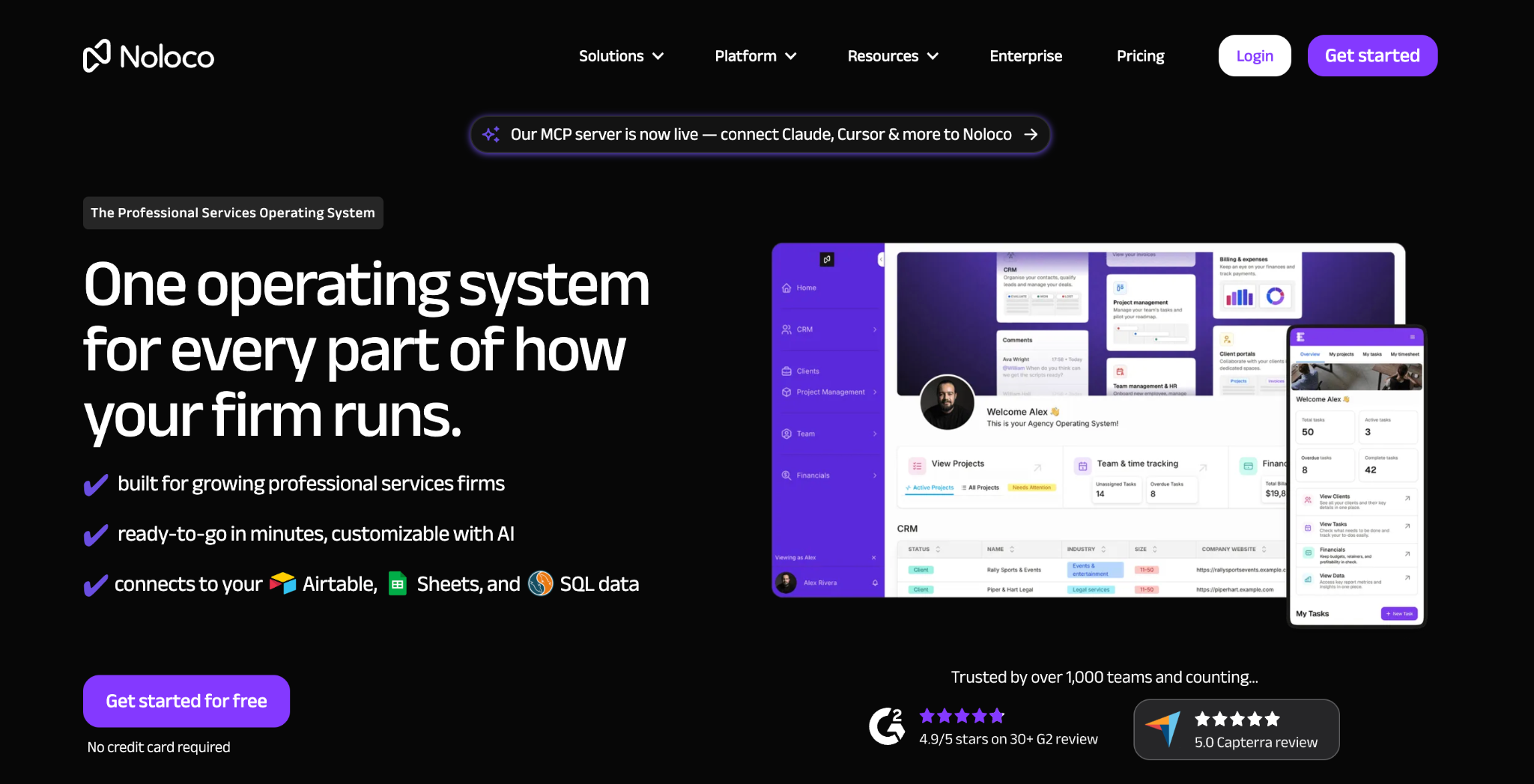
What it does: Noloco builds client and internal portals on top of existing data (Airtable, Sheets, Supabase, or its own database), with a focus on agency client delivery.
Best for: Agencies that want a single platform for client portals and internal team tools.
Noloco sits close to Softr but leans more toward internal-plus-client operations. It connects to your existing data or its own database, deploys with security built in, and reviewers praise the speed to a production-ready app with strong security defaults.
Key features
- Connects to existing data: Airtable, Sheets, Supabase, SmartSuite, or Noloco's own database.
- Built-in security: Role-based permissions and access controls deploy with the app.
- Client and internal portals: Run team tools and client portals on the same shared data.
- AI-powered workflows: Automations, live comments, and customizable dashboards.
Pros
- Fast to a production-ready, secure app.
- Runs both client and internal portals on the same data.
- Free Forever plan plus a 14-day trial on paid plans.
Cons
- Pricing tiers jump steeply from $149 to $319.
- Each app is capped on database rows, so very large datasets can hit the ceiling.
- Some reviewers report sync issues and mid-contract row-limit changes.
What users say
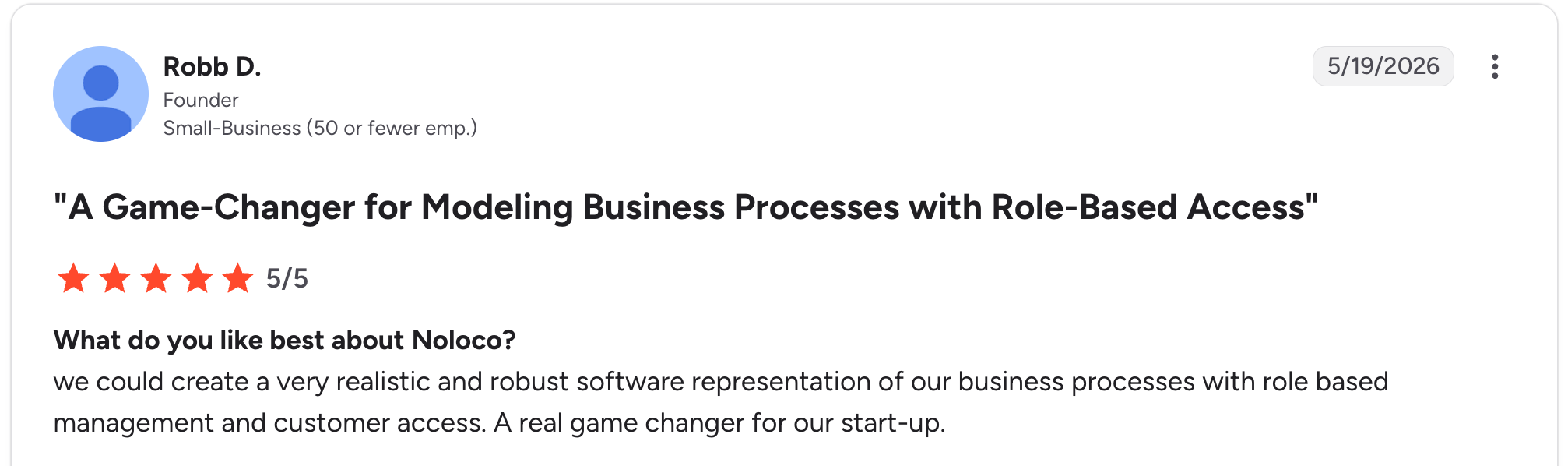
"We could create a very realistic and robust software representation of our business processes with role-based management and customer access." Robb D, G2

"We've run into occasional feature gaps or limitations." Ben H, G2
Pricing
Noloco pricing is monthly: Free Forever, Pro $149/month, and Business $319/month. Verify current rates on Noloco's pricing page.
Bottom line
I'd recommend Noloco if you're an agency running both client portals and internal tools on shared data. If you're on a tight budget, the steep tier jumps may push you to Softr.
6. Adalo: best for a native mobile app
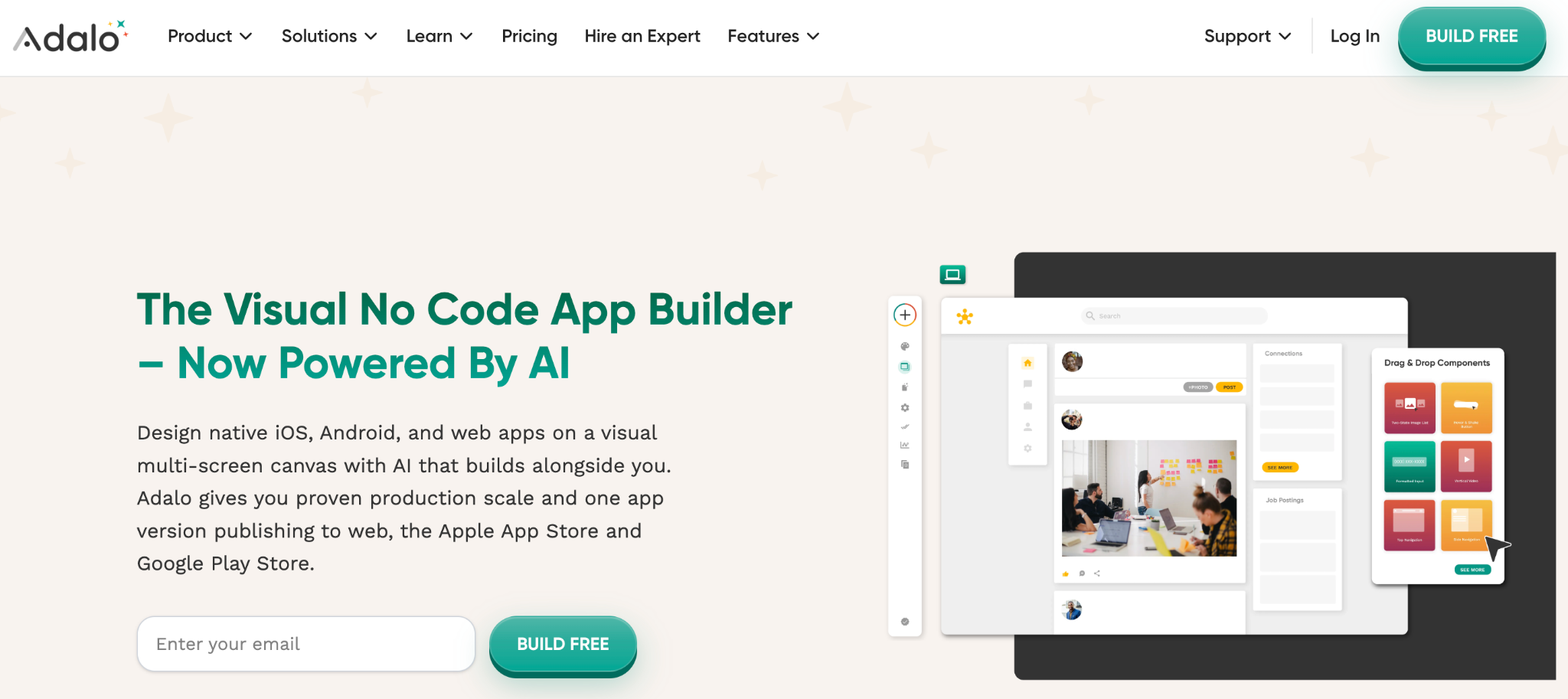
What it does: Adalo builds database-driven apps and publishes true native iOS and Android apps to the App Store and Google Play, alongside web.
Best for: Teams whose clients expect a real mobile app to download, not just a mobile-friendly web portal.
Adalo is the pick when "portal" really means "app my clients install." Its visual builder is often described as easy to learn, and the same project can be published to the web, iOS, and Android. Newer AI features generate an app foundation from a description.
Key features
- Native app publishing: One project ships to the App Store, Google Play, and the web.
- Built-in database: Visual relational database with unlimited records on every paid plan.
- AI app generation: Magic Start builds an app foundation from a description.
- External data: Connect Airtable, Xano, or custom APIs on higher tiers.
Pros
- The only tool here that publishes true native mobile apps to both app stores.
- Beginner-friendly visual builder.
- Free tier to learn on before paying.
Cons
- A mobile-first focus makes it less suitable for data-heavy admin portals.
- App-store publishing adds Apple and Google developer fees and review steps.
- Complex data apps push the limits of what they're built for.
What users say
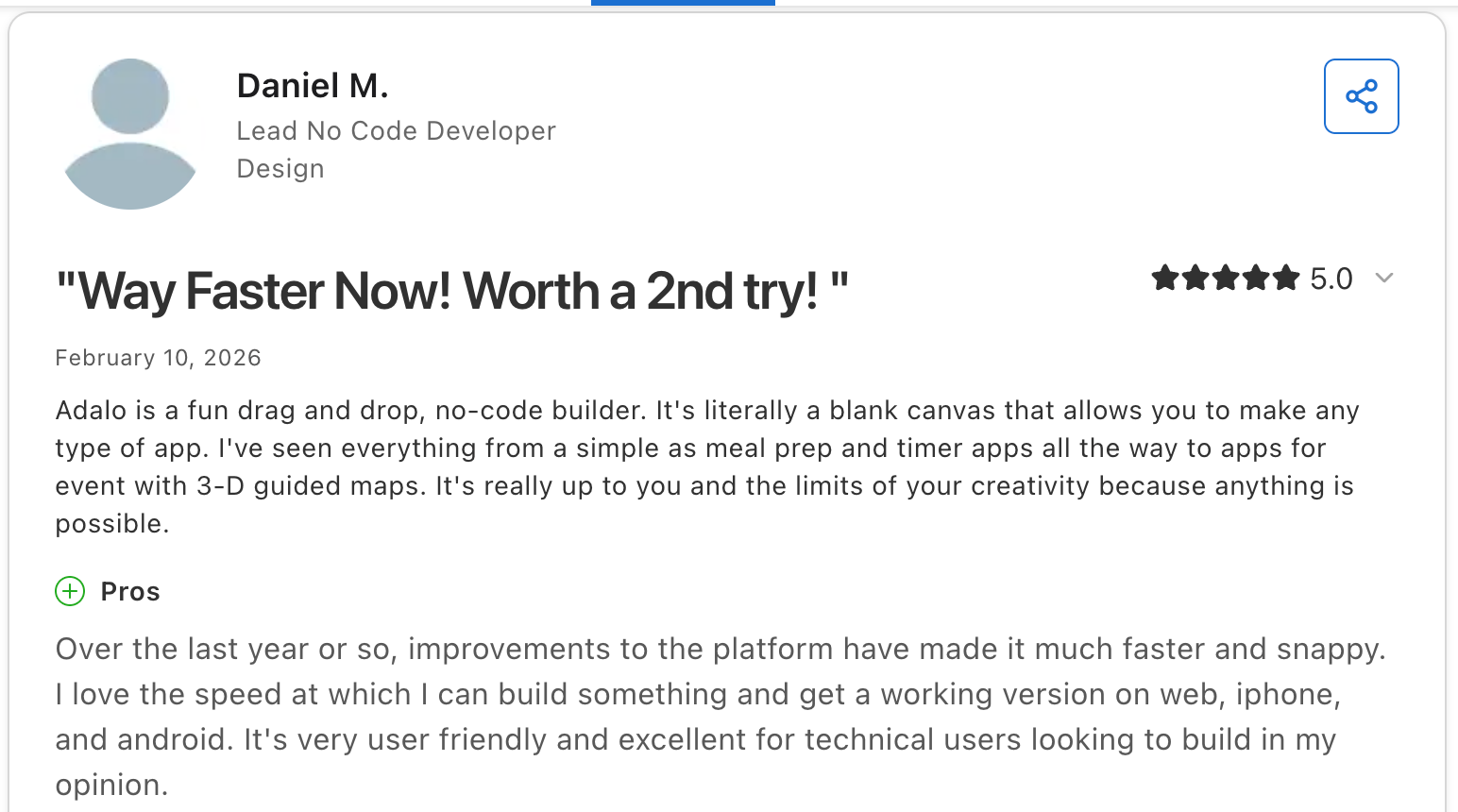
"I love the speed at which I can build something and get a working version on the web, iPhone, and Android." Daniel M, Capterra
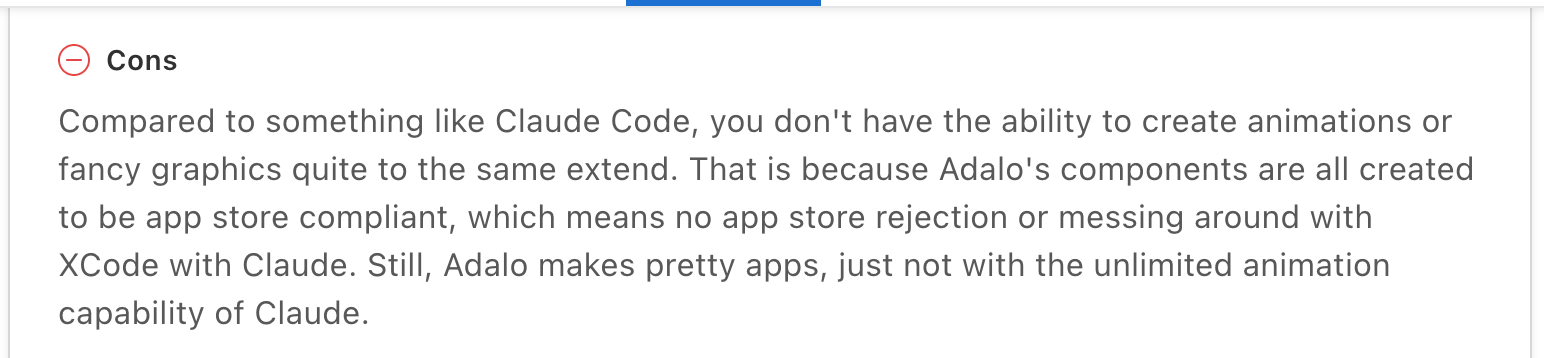
"Compared to something like Claude Code, you don't have the ability to create animations or fancy graphics quite to the same extent." James K, Capterra
Pricing
Adalo pricing is monthly: a free plan to learn on, then Starter at $45/month (app store publishing, custom domain, no Adalo branding), Professional at $65/month, and Team at $200/month (white labeling, 5 published apps, 10 editors). Verify current rates on Adalo's pricing page.
Bottom line
I'd recommend Adalo if your clients expect a downloadable native app. If your portal is data-heavy and web-based, a portal-first tool will serve you better.
7. Caspio: best for compliance (HIPAA, FERPA)
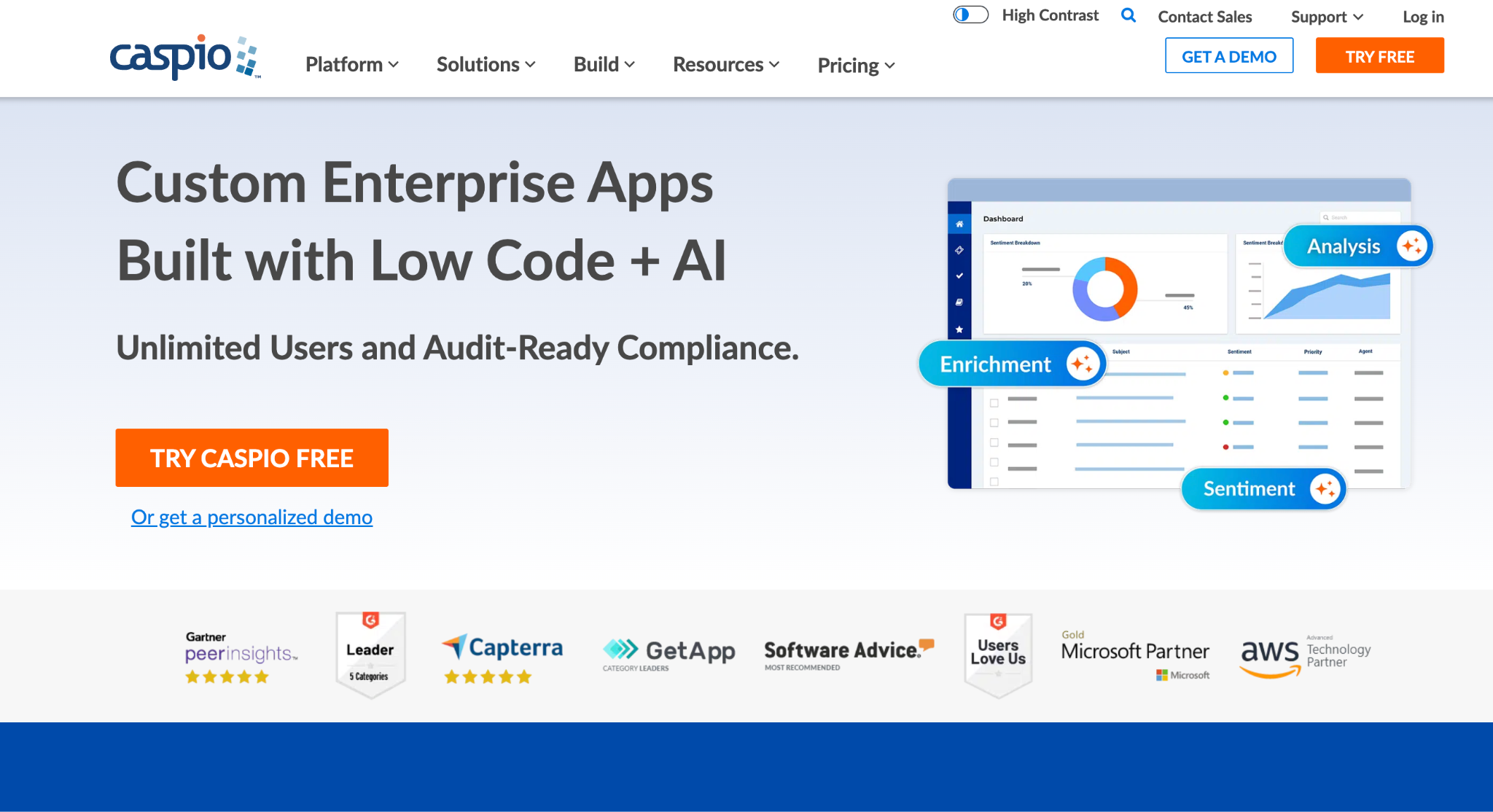
What it does: Caspio is a low-code platform for building database apps and portals with enterprise security and compliance editions for HIPAA, FERPA, and SOC 2.
Best for: Healthcare, education, and government teams that need a portal meeting specific regulatory requirements.
Caspio is the choice when compliance is non-negotiable. It runs on AWS and SQL Server, offers unlimited app users across all plans, and includes compliance editions with BAAs, encryption at rest, and audit trails.
Key features
- Compliance editions: HIPAA, FERPA, and SOC 2 Type II options with signed BAAs.
- Unlimited app users: Every plan allows unlimited end users; you pay for capacity, not seats.
- Enterprise infrastructure: AWS and SQL Server hosting with private cloud options.
- AI app assistant: Natural-language help with database design and app planning.
Pros
- Genuine compliance support (HIPAA, FERPA, SOC 2) that few no-code tools offer.
- Unlimited app users on every tier.
- Enterprise-grade AWS and SQL Server infrastructure.
Cons
- The most expensive and steep-learning option here.
- Compliance editions roughly double the headline price.
- Reviewers cite cost increases shortly before renewal.
What users say
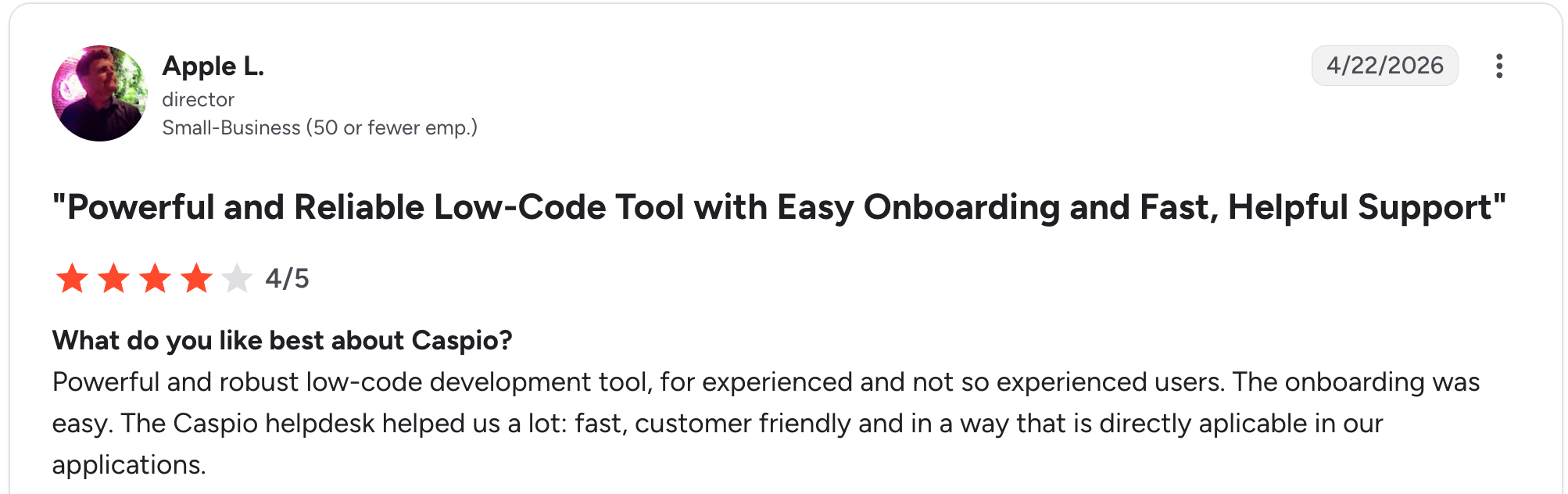
"A powerful and robust low-code development tool, for experienced and not-so-experienced users. The onboarding was easy." Apple L, G2

"I guess the part that would have assisted me most would have been to understand indexing in terms of our needs." Floraland F, G2
Pricing
Caspio pricing is monthly, with no permanent free tier. Team plans around $300/month, and Business at around $600/month. The HIPAA/Compliance Edition adds about $500/month, so a compliant portal starts near $800/month. Verify on Caspio's pricing page.
Bottom line
I'd recommend Caspio if you're in a regulated industry and need genuine HIPAA or FERPA support. If you don't need compliance certifications, it's heavier and pricier than you need.
Which no-code client portal builder should you choose?
The right pick comes down to where your data lives and what the portal needs to do.
Choose Softr if you:
- Already keep client data in Airtable or Google Sheets.
- Want the strongest template library to start from.
- Need a polished portal fast without heavy automation.
Choose SuiteDash if you:
- Want CRM, billing, and the portal in one system.
- Have unlimited clients to onboard and want no per-seat fees.
- Can invest two to four weeks in setup.
Choose Zite if you:
- Want a custom portal generated from a prompt, not assembled from parts.
- Need the database, access rules, and workflows built together.
- Want pricing that doesn't grow with your client list.
Choose Knack if you:
- Need a record-heavy database app with many linked tables and roles.
- Have large client bases and want no per-user fees.
Choose Noloco if you:
- Run both client portals and internal team tools on the same data.
- Want strong security defaults built into every app.
Choose Adalo if you:
- Need a true native mobile app that your clients can download from the app stores.
- Want a beginner-friendly builder for a mobile-first portal.
Choose Caspio if you:
- Work in healthcare, education, or government and need HIPAA or FERPA support.
- Have many external users and want per-capacity, not per-seat, pricing.
Skip these and hire a developer if you:
- Need pixel-level custom design or complex logic beyond no-code limits.
- Have highly specific security requirements that no template covers.
How to build a no-code client portal (the fast path)
The steps below are the same across tools, and an AI builder like Zite collapses the first few into a single prompt. Follow these steps:
- Map what clients actually do: List the two or three actions clients take most (view invoices, upload files, check status). Portals that get used are built around real actions.
- Set up the data: Database tools build the tables; connectors read your existing Airtable or Sheets; AI builders generate the tables from your description.
- Configure logins and access: Add client logins (Magic Link or Google login is easiest) and set roles so each client sees only their own records. Test this isolation before launch.
- Build the client views: Add the dashboard, file area, and invoice list that clients see. Keep it to the core actions; a portal that shows everything shows nothing.
- Brand it: Add your logo, colors, and custom domain so the portal reads as yours. On most tools, removing builder branding requires a paid tier.
- Test, then roll out: Have two or three clients try the core actions before full launch. Watch where they hesitate, then fix those spots first.
Final verdict
There's no single best no-code client portal builder, only the best fit for your starting point. For most teams without a developer, an AI builder like Zite is the fastest way to a custom portal: it generates the database, access, and workflows from one prompt at predictable pricing.
But if your data already lives in Airtable, Softr is faster to stand up, and if you need one system for your whole client operation, SuiteDash earns the pick. Choose where your data lives and what the portal needs to do.
Start building with Zite to generate your client portal from a single prompt.
Frequently asked questions
What is the best no-code client portal builder?
The best no-code client portal builder depends on your starting point. Softr leads for Airtable-based portals, SuiteDash for all-in-one client management, Zite for generating a custom portal from a prompt, and Caspio for compliance-grade portals.
How much does a no-code client portal cost?
A no-code client portal costs $19 to $300 per month, depending on the tool. SuiteDash and Zite start at $19/month; Softr and Knack at $59/month; Adalo at $45/month; and Caspio at $300/month. Per-seat tools cost more as your client list grows.
Do I need technical skills to build a no-code client portal?
No, you do not need technical skills to build a no-code client portal. These tools handle the database, logins, and hosting. The skills that matter are understanding your clients' workflows and their needs from the portal.
Can clients log in with their own accounts?
Yes, every tool here gives each client their own login that shows only their own data. Zite supports passwordless Magic Link logins and Google logins, with SSO on higher plans. Per-client data isolation is the core feature to test before launch.
Which no-code client portal builder is fastest to set up?
AI builders are faster because they generate the portal from a description. Zite produces the database, access rules, and views from a single prompt, while Softr and Noloco are the quickest if your data already lives in Airtable.
Can a no-code client portal be HIPAA compliant?
Yes, some can. Caspio offers a HIPAA/Compliance Edition with signed BAAs, and Knack offers a HIPAA-ready healthcare edition. Confirm each vendor's current compliance terms directly before storing protected health information.

