


Real estate teams cobble together listings in Sheets, leads in a CRM, and client communication across email and chat, which can get overwhelming. That’s why I tested a dozen no-code app builders that promise to put everything in one place. These are the 7 I’d recommend in 2026.
7 best real estate app builders: quick comparison
Pricing correct as of June 2026. All prices are for monthly billing. Verify with the vendor.
How I researched and tested these real estate app builders
I signed up for free tiers where available, walked through onboarding with a real estate use case in mind (property listings, lead tracking, client portals), and gathered user feedback from G2, Capterra, and Reddit threads where real estate operators were comparing tools.
Here's how I tested each tool and what I looked for:
- Real estate fit: Whether the tool ships with templates, components, or features useful for real estate (property cards, listing maps, client records).
- Mobile capability: Most real estate workflows happen on phones (open houses, showings, on-the-go updates), so mobile is non-negotiable.
- Ease of use: Most real estate agents and brokers are not technical, so the builder needs to be approachable without training.
- Pricing predictability: Real estate margins vary, so per-user or workload-based pricing that climbs unpredictably is a real problem.
- Customization: Every brokerage has its own workflow. A tool that locks you into a fixed template won’t fit.
1. Glide: best for spreadsheet-driven property listings and agent CRMs

What it does: Glide turns Google Sheets, Airtable, or Glide’s own database into mobile-friendly apps in minutes, with strong defaults for list-and-detail views that suit property listings naturally.
Best for: Real estate teams whose data already lives in spreadsheets and who want a mobile app for agents to view listings, log leads, or track showings.
Glide is the fastest path to a real estate app if your property data is already in a spreadsheet. The default templates for inventory and CRM apps map cleanly to property listings and lead tracking.
Key features
- Spreadsheet-to-app conversion: Connect a Google Sheet with your property data and Glide generates a working app structure in minutes.
- AI Tables: Glide’s database includes AI columns that can enrich property records (e.g., auto-summarize listings and classify leads by intent).
- Per-user sign-in: Agents and admins log in with their own accounts to see role-specific views.
Pros
- Fastest setup of any tool on this list if your data is already in Sheets or Airtable.
- Strong mobile UX without a separate mobile development effort.
- Business users (agents, brokers) can build without IT help.
Cons
- Per-user and per-update pricing climb fast as your team and listing count grow.
- Limited deep customization compared to general-purpose app builders for unique workflows.
What users say

“Glide allows you to design functional business applications in record time, without needing to code.” Johan I, G2

“The fixed structure of apps and the different components are quickly limiting the designs of apps.” Christian B, G2
Pricing
Free (1 editor, 25K rows); Explorer $25/month (1 app, 100 personal users); Maker $60/month (3 apps, unlimited personal users); Business $249/month (unlimited apps, 30 users + $6/additional user). See Glide’s pricing page for details.
Bottom line
Glide is the right call for real estate teams who already have data in spreadsheets and want a mobile app that lets agents view listings or log leads. The Explorer plan at $25/month covers 1 app and 100 users, which is ideal for most small brokerages. Larger teams will hit the $249/month Business tier quickly.
2. Adalo: best for native mobile real estate apps published to app stores

What it does: Adalo builds true native iOS and Android apps using a visual drag-and-drop builder, with direct publishing to the App Store and Google Play.
Best for: Real estate businesses that need a native mobile app discoverable in the App Store and Google Play.
Adalo stands out because it publishes actual native apps to both app stores, not progressive web app wrappers. For real estate companies that want to be findable when buyers search “[city] real estate” in the App Store, this is the right starting point.
Key features
- Native iOS and Android publishing: Compile to native code and submit to both app stores from a single Adalo project.
- Built-in relational database: Property records linked to agents, owners, and viewings without configuring external data sources.
- AI builder (Ada): Describe an app, and Adalo’s AI generates a starting point you refine visually.
Pros
- True native app publishing to both major app stores from one codebase.
- Unlimited database records on paid plans with no usage-based charges.
- Custom branding (logos, fonts, colors) included from the Starter tier.
Cons
- Setup takes longer than spreadsheet-driven tools like Glide.
- Custom integrations and API access require the Professional tier ($65/month) or higher.
What users say
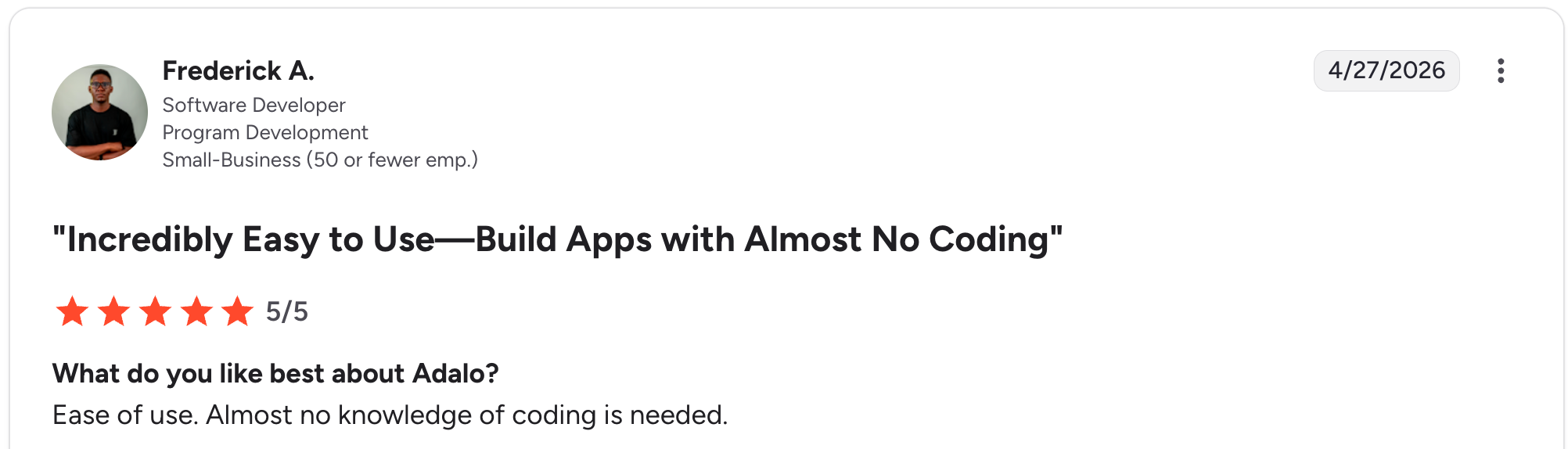
“Ease of use. Almost no knowledge of coding is needed.” Frederick A, G2

“The Pricing from Adalo is a bit challenging in terms of not a lot of options.” Dirk E, G2
Pricing
Free (1 app, 500 records, Adalo branding); Starter $45/month (1 published app, removes branding); Professional $65/month (2 apps, 5 editors, custom integrations); Team $200/month (5 apps, 10 editors, priority support). See Adalo’s pricing page for details.
Bottom line
Pick Adalo when you need a discoverable native iOS and Android app in the App Store. If you don’t need native publishing, Glide is faster, and Zite is cheaper.
3. Bubble: best for complex real estate marketplaces and SaaS platforms
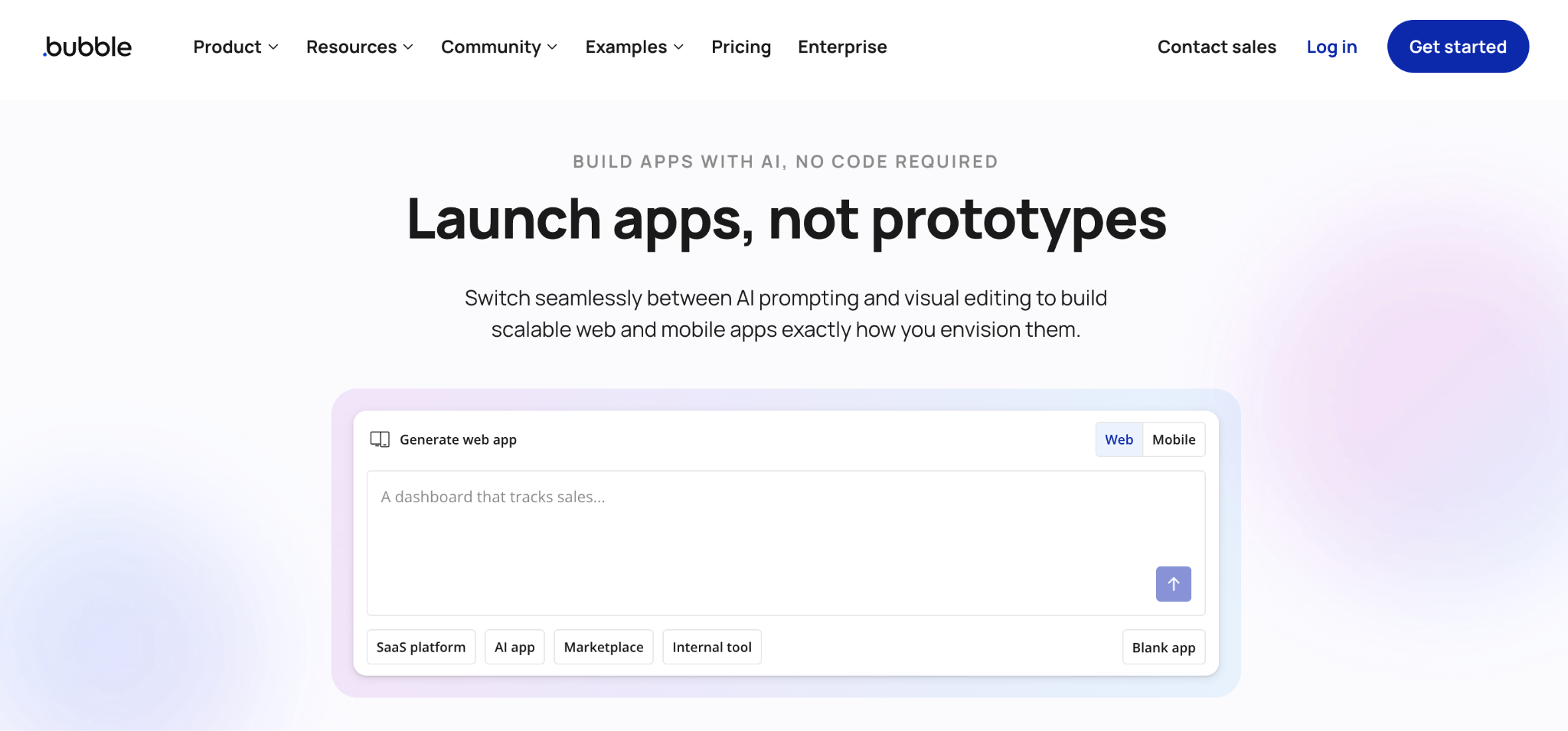
What it does: Bubble is a deep visual programming tool for building web applications, including marketplaces, SaaS platforms, and complex multi-user systems.
Best for: Real estate businesses building a marketplace, multi-sided platform, or full SaaS product.
Bubble is among the most powerful tools on this list, but it also has the steepest learning curve. Real estate marketplaces (such as Airbnb-style platforms or property investment SaaS products) are often built on Bubble because it is among the most flexible no-code platforms.
Key features
- Visual workflow editor: Build complex multi-step workflows for property transactions, agent commissions, and buyer-seller matching.
- Database with relationships: Model property records with linked owners, agents, transactions, and documents.
- Native mobile alongside web: Build iOS, Android, and web from a single linked Bubble project (combined plans start at $69/month).
Pros
- Most flexible no-code tool for building real estate marketplaces and complex platforms.
- Large community and template library with real estate-specific starters.
- Supports payments, authentication, and external integrations as first-class features.
Cons
- Steeper learning curve than other tools on this list; expect weeks to become productive.
- Workload-unit pricing creates unpredictable costs as your real estate app is used.
What users say
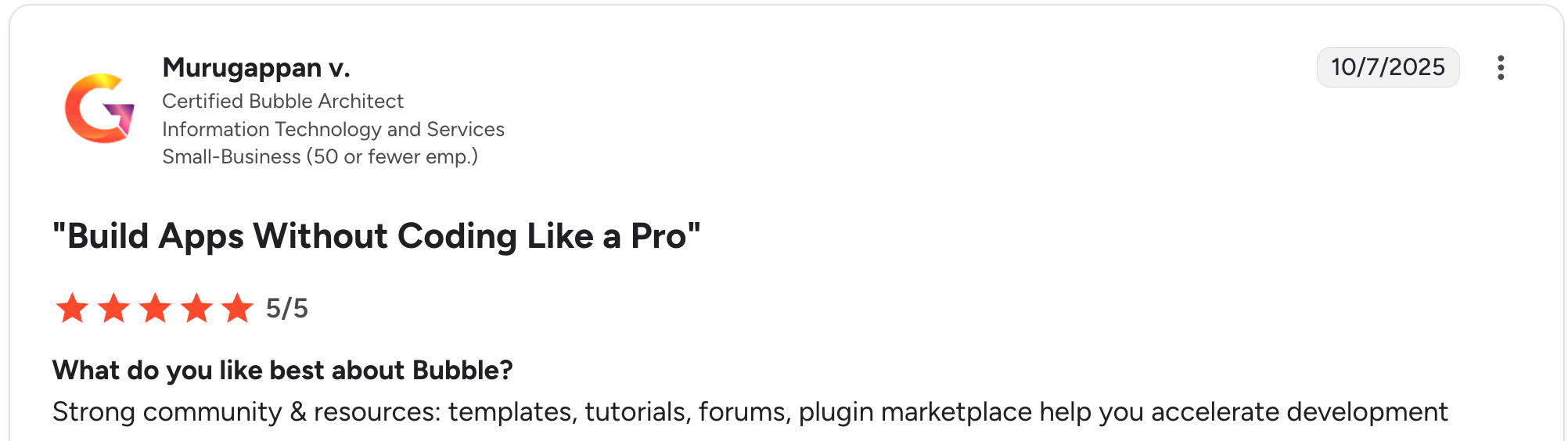
“Strong community & resources: templates, tutorials, forums, plugin marketplace help you accelerate development.” Murugappan V, G2

“In order to get all functions, you need to pay; wish there was a longer free trial or more robust free option.” Verified User, G2
Pricing
Free (testing only); Starter web $32/month ($69/month for web+mobile combined); Growth $134/month ($249/month combined); Team $399/month ($649/month combined). See Bubble’s pricing page for details.
Bottom line
I’d recommend Bubble to real estate founders building a marketplace or SaaS platform with the time and budget to invest in learning the tool. For internal CRMs or property listing apps, simpler tools will ship faster.
4. Zite: best for custom real estate CRMs and client portals
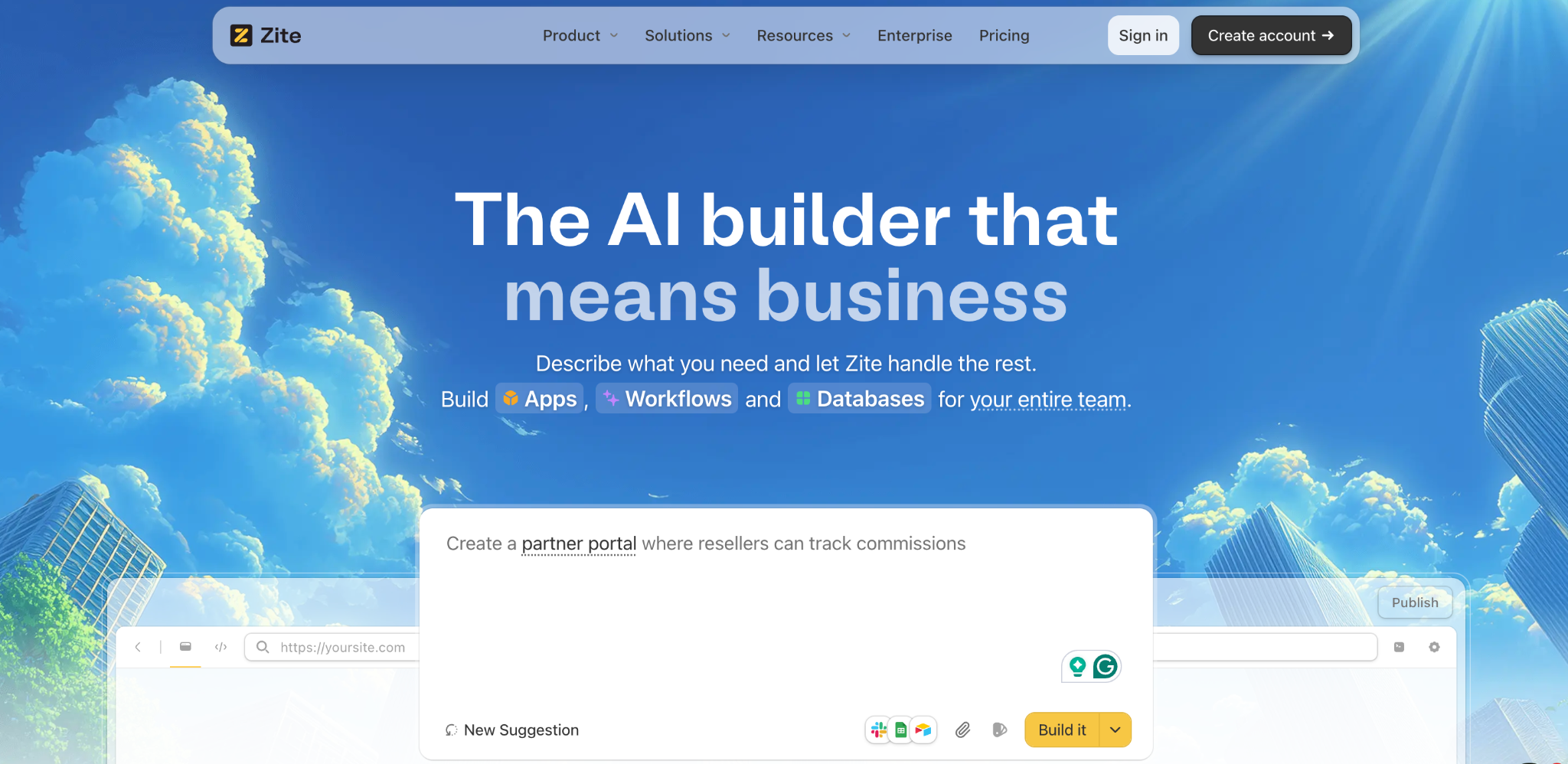
What it does: Zite is an AI-powered no-code app builder that generates custom CRMs, client portals, and business apps from a plain-language prompt, with a built-in database, role-based access, and flat pricing.
Best for: Real estate teams that want a custom CRM, transaction portal, or client-facing app tailored to their workflow without having to learn a builder interface.
Where Glide gives you a spreadsheet-to-app shortcut, and Adalo gives you a native mobile builder, Zite generates a custom app from a plain-language prompt, whether you start from a description or bring your existing property data.
For real estate use cases (a custom CRM tracking property pipelines, agent commissions, and buyer activity), this is the fastest way to get something that fits how your brokerage actually works.
Key features
- AI prompt-to-CRM generation: Describe your real estate workflow, and Zite builds the database, tables, and UI in one pass.
- Built-in database with linked records: Properties, agents, owners, and transactions are connected through real relational links. The database feels like a spreadsheet, and you can import your existing property data or build directly on top of Google Sheets and Airtable, so you are not starting from a blank slate.
- Role-based client portals: Buyers and sellers log in with branded credentials and see only their own transactions.
Pros
- Non-technical agents can build a custom CRM and portal without developer skills.
- Visual workflow editor shows AI-generated logic as a flowchart you can troubleshoot.
- Single-rate pricing with unlimited users; agent count doesn't affect the bill.
Cons
- Newer platform, so the community and template library are smaller than long-established tools like Bubble.
- Not available as a native mobile app on the App Store, though agents can add it to their phone's home screen for an app-like experience without downloading it from the App Store.
What users say

“I made a whole website last night in about an hour, and the result rivals what designers charge thousands for.” Verified User, Reddit

“More flexibility on pricing tiers for teams with variable submission volumes would be welcome, and slightly richer reporting/analytics on the submissions side would help spot patterns without exporting data elsewhere.” Alvaro H, G2
Pricing
Free (limited AI credits, unlimited users, unlimited apps); Pro $19/month flat (100 credits/month, 100K database records); Business $69/month flat (200 credits/month, 250K database records). See Zite’s pricing page for details.
Bottom line
I’d recommend Zite to real estate teams whose workflows don’t align with off-the-shelf CRMs and who want a custom system with a built-in client portal. If you need a native mobile app for the App Store, Adalo is a better fit.
5. Lovable: best for AI-built full-stack real estate web apps

What it does: Lovable turns natural-language prompts into full-stack web applications, including frontend, backend, database, and authentication, with one-click deployment.
Best for: Real estate founders building a web app or SaaS product who want AI to generate the full stack from a description, including code they can export and own.
Lovable is more developer-leaning than Zite or Adalo, but the AI does serious work. The output is a real codebase you can export to GitHub and keep building. When something breaks, you're back in the code, where Zite keeps the logic visible and fixable.
Key features
- Full-stack AI generation: One prompt produces the frontend UI, backend logic, database, and authentication.
- Code export to GitHub: You own the codebase and can continue development outside Lovable.
- Supabase integration: Built-in database backed by Supabase, with payment processing through Stripe.
Pros
- Fastest AI generation of a full-stack web app in this category.
- Code export means you’re not locked in if you outgrow Lovable.
- Generous free tier (5 daily credits, up to 30/month) for testing real estate concepts.
Cons
- Credit-based pricing means that complex real estate workflows can burn through credits quickly.
- More developer-leaning than Zite or Glide; non-technical users will find it steeper.
What users say
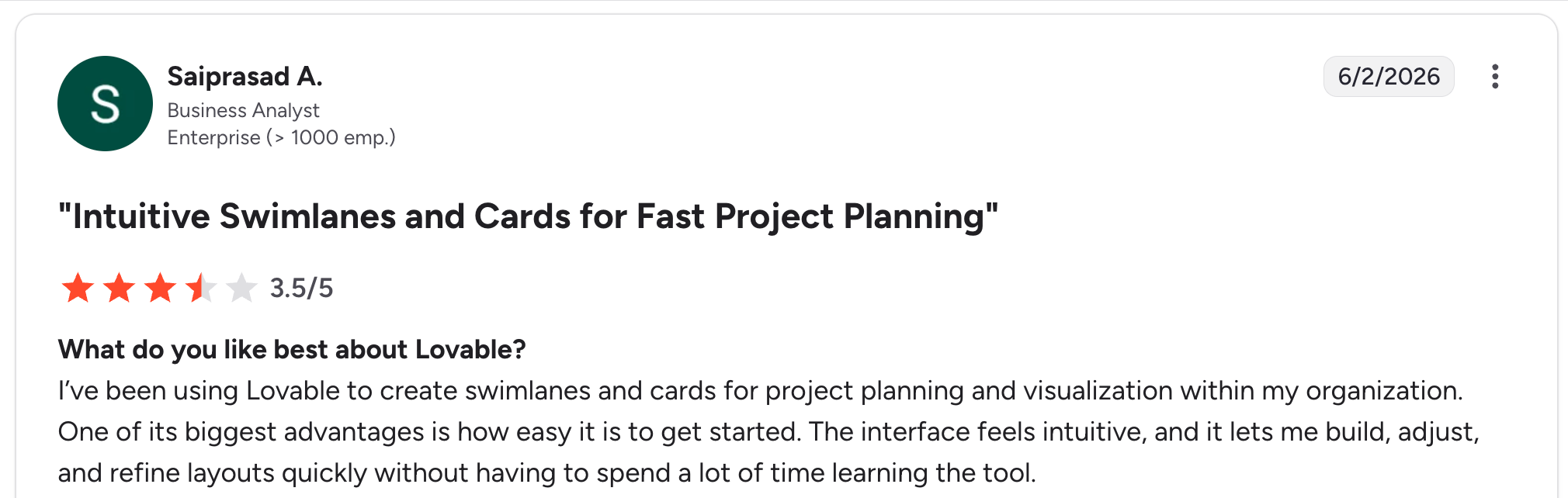
“I’ve been using Lovable to create swimlanes and cards for project planning and visualization within my organization. One of its biggest advantages is how easy it is to get started.” Saiprasad A, G2

“The output depends on how clearly the prompt is written, so it sometimes takes a few iterations to get the exact result.” Yardan S, G2
Pricing
Free (5 daily credits, 30/month max, public projects); Pro $25/month (100 monthly credits, private projects); Business $50/month (SSO); Enterprise custom. See Lovable’s pricing page for details.
Bottom line
Lovable suits real estate founders building a web product who want full-stack AI generation and code ownership. If you need a non-technical agent CRM, Glide will be friendlier.
6. Shoutem: best for branded real estate mobile apps from pre-built templates
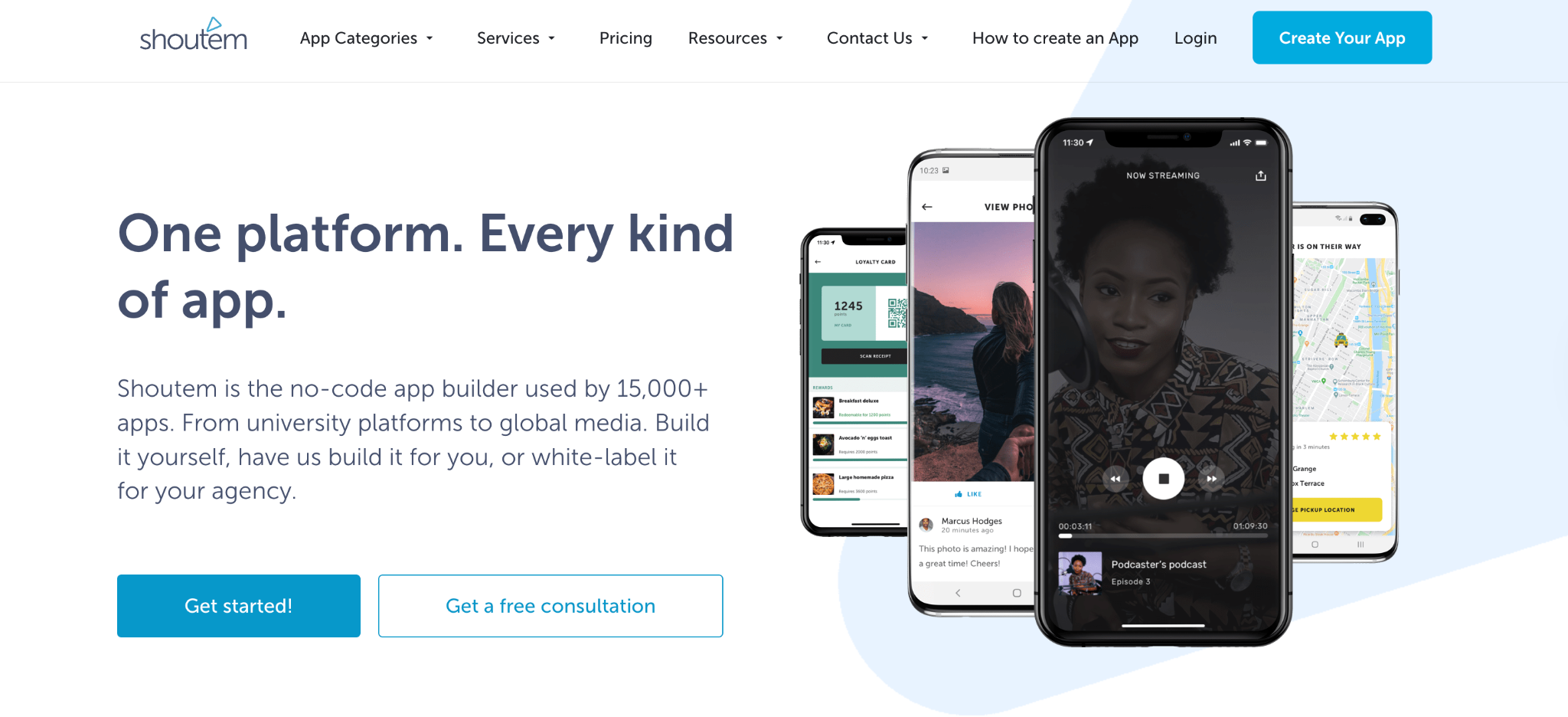
What it does: Shoutem is a no-code mobile app builder with template-based starting points for various business types, including real estate, with publishing to iOS and Android handled by Shoutem’s team.
Best for: Real estate brokerages that want a branded mobile app starting from a pre-built real estate template.
Shoutem starts you off with a real estate template (property listings, agent profiles, contact forms, map integration), and you customize it from there. The trade-off is less flexibility for unusual workflows.
Key features
- Real estate template: Pre-built starter with property listings, agent profiles, and contact forms.
- App store publishing handled: Shoutem’s team manages the submission process.
- Built-in CMS: Update property listings from a web dashboard, push to the live app.
Pros
- A pre-built real estate template means a faster path to a launchable app.
- App store publishing handled for you (rare in the no-code category).
- Mature product with multiple years of mobile app development experience.
Cons
- Less flexibility for custom workflows than general-purpose app builders.
- The $59/month entry plan is Android-only. iOS publishing starts at $99/month Standard.
What users say

“Easy enough to design for custom, affordable mobile app solutions. Drag and drop interface means that even someone with zero technical skills can get a custom app up and running in relatively short order.” Lars D, G2

“Lack of communication, frequent changes.” Nikki R, G2
Pricing
Android $59/month (Android publishing only); Standard $99/month (adds iOS publishing, analytics, notifications); Professional $179/month (advanced extensions, 10GB space). See Shoutem’s pricing page for details.
Bottom line
I’d recommend Shoutem to real estate brokerages that want a mobile app built on a template rather than from scratch. If your workflow doesn't match the template, Adalo offers more flexibility.
7. Softr: best for client portals and property listing directories on existing data

What it does: Softr turns Airtable or Google Sheets data into branded client portals and property listing directories without code, with built-in templates for real estate use cases.
Best for: Real estate teams whose listings, leads, or contacts already live in Airtable or Sheets and who want a polished portal or directory layer without rebuilding the data foundation.
Softr sits between spreadsheet-driven simplicity and full app-builder complexity. The platform reads from your existing Airtable/Sheets data and layers a polished portal interface on top, with property templates, listing pages, agent directories, and client-facing portals as standard building blocks.
Key features
- Airtable and Sheets integration: read directly from your existing data without migration.
- Real estate templates: property listing directories, agent portals, and client-facing dashboards as starting points.
- Role-based access: show different listings, leads, or documents to brokers, agents, and clients.
Pros
- Fast setup if your property data already lives in Airtable or Sheets.
- Polished design for professional templates that look agency-built without designer involvement.
- Flat per-plan pricing based on app-users, not per-seat editor count.
Cons
- Requires an existing data source, not a standalone CRM; you need Airtable, Sheets, or another supported backend.
- Limited deep customization for unusual workflows compared to general-purpose app builders.
What users say

“Softr made it incredibly easy to build fast, SEO-optimized programmatic FAQ directories in just 1-2 days.” Mike H, G2

“I look forward to additional features in the future, such as letting users use AI to generate text as they fill out a form.” Noah R, G2
Pricing
Free ($0, 5 AI credits); Basic at $59/month; Professional at $167/month; Business at $323/month, all billed monthly. See Softr's pricing page for details.
Bottom line
Softr earns its place when your property data already lives in Airtable or Sheets, and you want a polished portal or directory layer on top. For teams without an existing data source, Glide handles spreadsheet setup faster, while Zite generates the entire system from a description.
Which real estate app builder should you choose?
Each tool fits a different real estate business profile. Here’s how to narrow the seven down.
Choose Glide if you:
- Already have your property and agent data in Google Sheets or Airtable.
- Need a mobile app for agents to view listings and log leads on the go.
- Can work within the Explorer plan’s 1-app limit or absorb $249/month for Business.
Choose Adalo if you:
- Need a native iOS and Android app discoverable in the App Store.
- Want unlimited database records without usage-based charges.
- Have time to design the app structure from scratch.
Choose Zite if you:
- Want a custom real estate CRM and client portal tailored to your specific workflow.
- Are non-technical and want AI to build the app from a description.
- Want flat pricing that doesn’t change as your agent count grows.
Choose Bubble if you:
- Are building a real estate marketplace, SaaS platform, or multi-sided product.
- Have time and budget to invest in learning a deeper tool.
- Need maximum flexibility and complex workflow modeling.
Choose Lovable if you:
- Want full-stack code ownership and the ability to export to GitHub.
- Are building a web product (not native mobile) and have technical chops on the team.
- Need real backend logic (Supabase, Stripe) rather than a no-code abstraction.
Choose Shoutem if you:
- Want a branded mobile app starting from a real estate template rather than building from scratch.
- Don't want to handle App Store and Google Play submission yourself.
- Can absorb the $99/month Standard tier for iOS publishing.
Choose Softr if you:
- Already have property or client data in Airtable or Google Sheets.
- Want a polished portal or listing directory layer on top of existing data.
- Prefer flat per-plan pricing based on app-users rather than per-seat editor counts.
Skip this category entirely if:
- You only need a simple website with property listings (Webflow or Squarespace will be faster and cheaper).
- Your team is fewer than 3 agents, and you’re managing everything through a shared spreadsheet that works.
- You need MLS integration or advanced real estate-specific features that no-code can’t deliver; look at vertical CRMs like Follow Up Boss or kvCORE.
Final verdict
For most real estate teams, Zite is the strongest fit when you want a custom CRM and client portal built around your actual workflow with flat pricing. For App Store-published native apps, Adalo is the cleaner choice. For pure spreadsheet-to-app builds, Glide is the fastest path.
For more comparisons, see Zite with Airtable, Base44, or Replit.
Start building with Zite if your real estate workflow needs a custom CRM and client portal.
Frequently asked questions
What is the best app builder for real estate agents?
The best app builder for real estate agents depends on your starting point. For spreadsheet data, Glide is the fastest. For custom CRMs and portals, Zite generates the system from a prompt. For native mobile apps, Adalo handles publishing.
Can I build a real estate app without coding?
Yes, you can build a real estate app without coding using any of the no-code or AI app builders on this list. Tools like Zite generate full apps from a description, while Glide and Adalo use visual drag-and-drop builders.
How much does it cost to build a real estate app?
A real estate app built with no-code tools costs $19 to $249 per month, depending on the tool and tier. Zite starts at $19/month with no per-seat fees. Custom-coded real estate apps from agencies typically cost $30,000 to $100,000 one-time, which is why most teams now start with no-code.
What features should a real estate app have?
A real estate app should have property listings with photos, a search and filter system, agent profiles with contact options, lead capture forms, and a backend CRM. Advanced features include map integration, mortgage calculators, and document e-signature.
Can Zite build a real estate app?
Yes, Zite is well-suited for building real estate CRMs, agent portals, and client-facing apps. The AI generates a property and lead management structure from a description, with role-based access for agents, brokers, and clients.
What about MLS integration for real estate apps?
MLS integration requires an IDX feed, RETS connection, or local MLS API, which adds complexity. Zite and Bubble support custom connections for MLS data. Glide and Adalo work well when MLS integration isn't required. If MLS integration is critical, a vertical CRM like kvCORE may be a better fit.

