


Replit is impressive for quick demos, but building complex apps can get expensive and unpredictable once you start iterating. I tested many Replit alternatives to see which ones work better for building real apps and workflows in 2026.
8 best Replit alternatives: At a glance
Each alternative has unique strengths compared to Replit. I'd start with Zite for business software, Lovable for quick prototypes, or Cursor if you want to code.
Here's how the top alternatives compare:
1. Zite: Best for custom business software
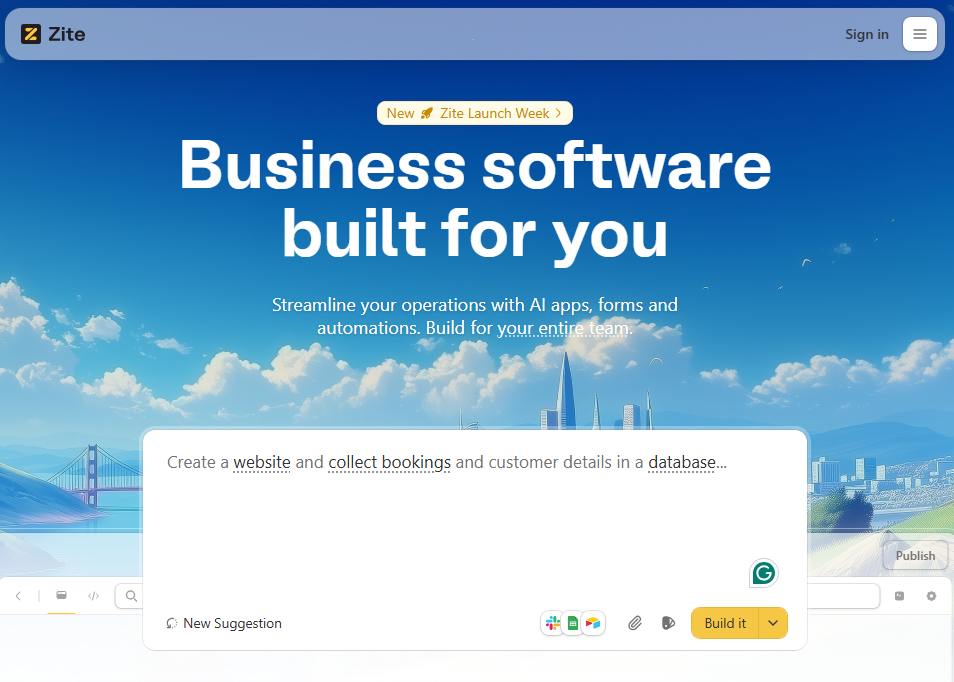
What it does: Zite is an AI no-code platform that specializes in building production business software like portals, dashboards, inventory systems, and admin tools from plain English prompts.
Who it’s for: Non-technical teams who need to build business apps like portals, dashboards, internal tools, and client-facing apps without depending on engineers.
Replit tries to be everything. You can build web apps, mobile apps, games, and agents. Zite is laser-focused on business software that's ready for production the moment you ship it.
When I tested the platform, I appreciated the visual workflow option. Backend logic appears as interactive flowcharts, closer to Zapier or n8n than a black box of generated code. When functionality broke, I could click into a step, inspect the run history, and see exactly where data stopped flowing instead of digging through AI-generated code.
With Replit, when the AI generates broken code and can't fix it, non-technical users are completely stuck. It's a code problem they can't solve. With Zite, you can inspect the workflow, look at the data, and see exactly where data stopped flowing. That visibility is often the difference between shipping the app and giving up halfway through.
Where it beats Replit
- Visual editing for frontend and backend: Zite shows backend logic as flowcharts, and you can edit the UI directly with the edit tool. Non-technical teammates can understand and adjust apps without touching code or constantly re-prompting.
- Production features are included by default: Zite comes with role-based access control, secure hosting, and user authentication. For teams with advanced requirements, higher tiers add features like SSO and audit logs.
- Built-in database: Zite’s no-code database that auto-generates your schema. No separate external database setup needed. All your data stays securely inside Zite, and you never have to touch SQL or set up external storage.
Pros
- Multi-source data connections, including Airtable and Google Sheets
- Non-technical teammates can maintain apps without prompting or writing code
- More affordable than Replit
Cons
- No code export. Apps live on Zite's infrastructure
- Built for business tools, not consumer apps like social media apps or games
Pricing
The free plan includes 50 AI credits with unlimited apps and users. Paid plans start at $19/month for 100 credits plus custom domains.
Bottom line
Zite makes sense when you're building business software that non-technical teammates need to own and maintain long-term.
2. Cursor: Best for developers who want control
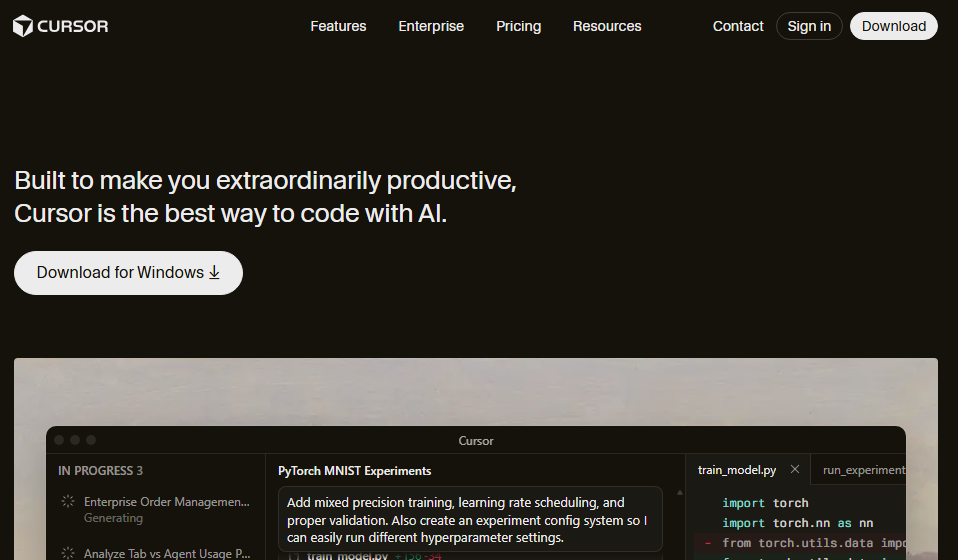
What it does: Cursor is a code editor with AI built in. It helps you write, change, and understand code faster, using a familiar VS Code-style interface plus chat and autocomplete.
Who it’s for: Developers and engineering teams who are comfortable working with code but want AI to help with implementation, refactoring, and documentation inside their normal workflow.
I imported my Replit project into Cursor to see how the workflows compared. The most noticeable change is how well it understood the project. The AI can answer questions about the app’s architecture, suggest changes across multiple files, and make direct edits.
Inline completions and quick edits feel like working with a smart pair‑programmer embedded inside your editor.
Where it beats Replit
- Codebase aware: Cursor indexes your entire codebase so the AI can explain unfamiliar files, suggest changes across files, and maintain your code style and patterns consistently.
- Model switching mid-project: You can choose between different AI models. Match the model to your task and your budget.
- Fits existing workflows: It works with your current Git repos, branches, reviews, and CI/CD. You’re not forced into a new hosted environment.
Pros
- Full IDE features, including debugging tools, the terminal, and extensions
- Learns your codebase patterns over time
- Works with any language or framework
Cons
- Requires coding knowledge. No prompt-to-app magic
- You handle hosting and deployment separately
Pricing
It has a free tier that supports limited requests. Paid plans start at $20/month for unlimited code completions.
Bottom line
Cursor is a strong choice if your main goal is to keep full control of your code and tech stack while using AI to speed up everyday development work.
3. Lovable: Best for code ownership
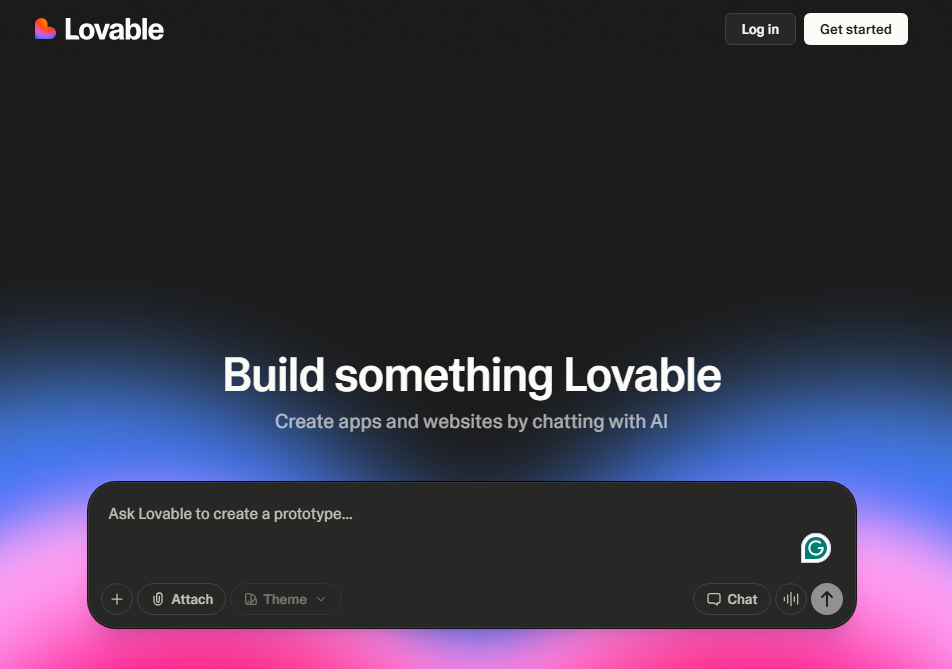
What it does: Lovable is an AI app builder that turns prompts (or images and Figma designs) into full-stack web apps.
Who it's for: Solo founders, small teams, and technical-ish builders who want to spin up SaaS-style apps or landing pages quickly, then refine them in a normal dev workflow.
When testing Lovable, I built a simple personal recipe manager to see how far a single prompt could go. One prompt generated a multi-page app with login, a Supabase-backed recipes table, forms to add and edit recipes, and a searchable list view in under 10 minutes. It felt ideal for quickly turning a personal or side-project idea into a real app that can later grow into a product.
Where it beats Replit
- Great for design-led apps: You can start from templates or import Figma-style designs, and Lovable does a decent job mapping them to responsive components.
- Supabase for portable data: Lovable connects to Supabase for auth and database. If you leave the platform, your data layer comes with you. Replit's database is convenient, but migration requires rebuilding.
- Easy deployment: Hosting and preview are handled for you. However, you can switch to Vercel, Netlify, or your own stack if you export the code outside the platform.
Pros
- Full code access via GitHub export, so you are not locked into the platform long term.
- Real-time collaboration for team projects
- Hosted preview environment for testing
Cons
- Heavy iteration can burn through credits quickly and make costs harder to predict
- Generated code often needs cleanup for production
Pricing
Free plan includes 30 credits/month (max 5 daily). Paid plans start at $25/month.
Bottom line
Lovable fits when you want to develop an MVP or prototype fast but plan to eventually own and extend the code in GitHub and a traditional hosting stack.
4. Dyad: Best for local-first development
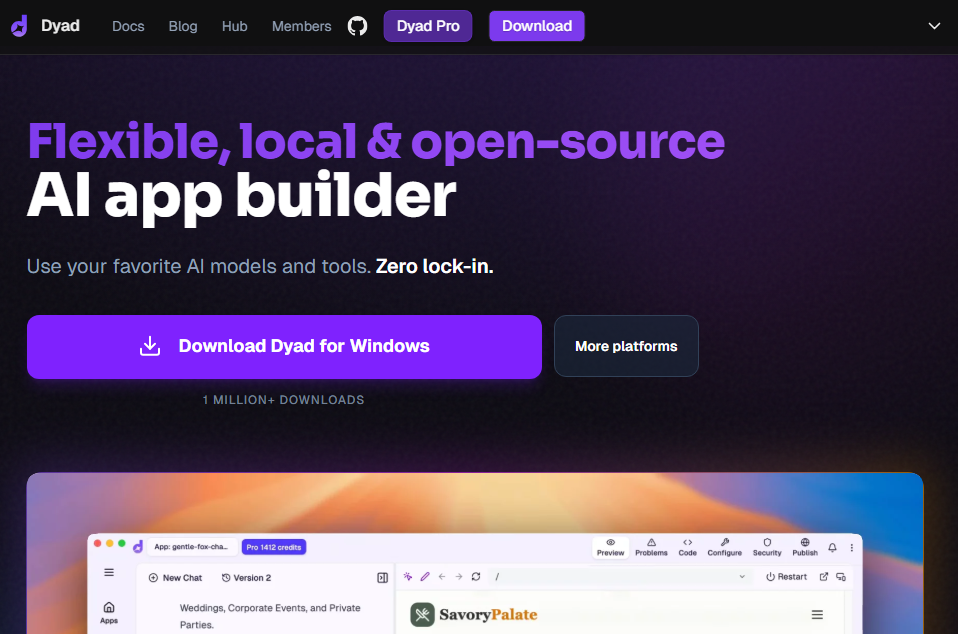
What it does: Dyad is an open-source AI app builder that runs on your own machine. It builds full-stack web apps using your choice of AI models.
Who it’s for: Developers and power users who want to use local AI models for privacy and control.
I tested Dyad by building an internal tool while completely offline. It generated a working React app using a local LLM called Ollama. Replit requires constant internet connectivity and stores everything in its cloud.
Why it beats Replit
- Local-first and private: Dyad runs entirely on your laptop or desktop, so source code and prompts stay on your machine unless you choose to connect to a tool in the cloud.
- Bring your own AI: Use local open-source models for free, or connect OpenAI, Claude, or Gemini with your own API keys.
- Zero subscription option: Run Dyad with local models and pay nothing. Ever. Replit's free tier limits you to a handful of daily credits.
Pros
- Prompts don’t have to leave your machine
- No usage limits with local models
- Easy to move between Dyad and other tools, since code is exportable.
Cons
- Requires technical setup and local compute resources
- No fully managed hosting
Pricing
Free with local models or your own API keys. Paid plans at $20/month if you want bundled AI credits.
Bottom line
Dyad makes sense if you like the idea of building with prompts, but want the builder to run locally, with your own AI models.
5. n8n: Best for automation and AI agents
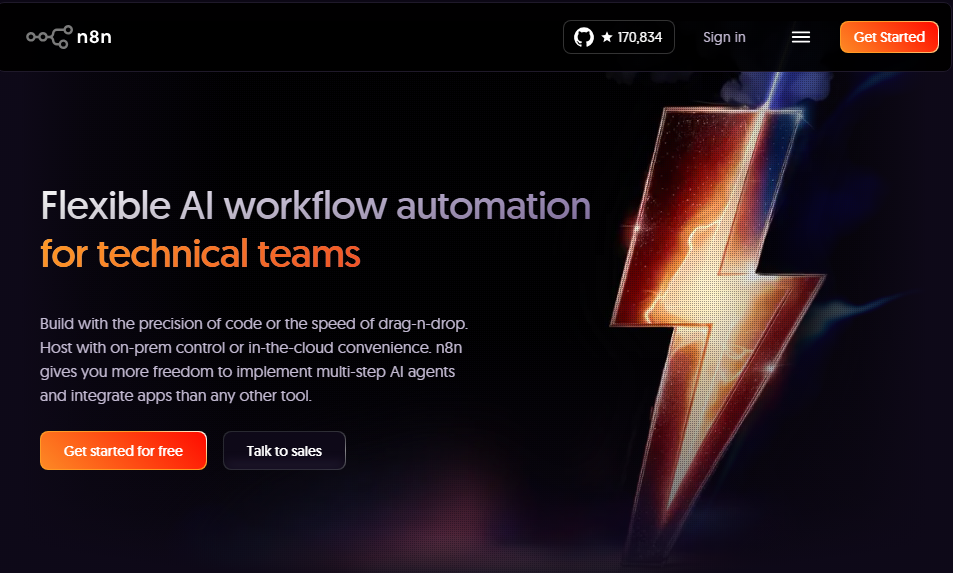
What it does: n8n is a visual automation tool for connecting apps, APIs, and AI models. You build workflows by linking steps together on a canvas instead of writing custom code.
Who it’s for: Teams that already use tools like CRMs or helpdesks and want to automate work between them rather than build new apps.
To test n8n, I rebuilt an automation bot I had previously made with Replit. Everything happens on a visual canvas. I started with a trigger for form submissions, then added steps to call an AI model and send the response into a CRM.
Each step shows what data goes in and what comes out, so it’s easy to understand the workflow at a glance. As you add more steps, though, the canvas can get cluttered.
Where it beats Replit
- Visual workflow automation: n8n’s canvas is built for multi-step flows with branches, loops, and error handling. You drag nodes, connect them, and see sample output at each step.
- Huge integration and API range: It has hundreds of native nodes and thousands of templates. You can also call any REST API for custom connections.
- Multi-step AI tasks: AI actions are just another step. You can chain multiple AI tasks inside one flow.
Pros
- Free and open source for self-hosted deployments
- AI agent nodes for autonomous multi-step tasks
- Optional JavaScript or Python support when you need custom logic
Cons
- Not for building user interfaces or apps
- Self-hosting requires server management skills
Pricing
Self-hosted community edition is free. Cloud plans start at $24/month for 2,500 workflow executions.
Bottom line
Use n8n when your main goal is automation or AI-driven workflows between tools. Skip it if you need to build user-facing applications.
6. Glide: Best for spreadsheet-based apps
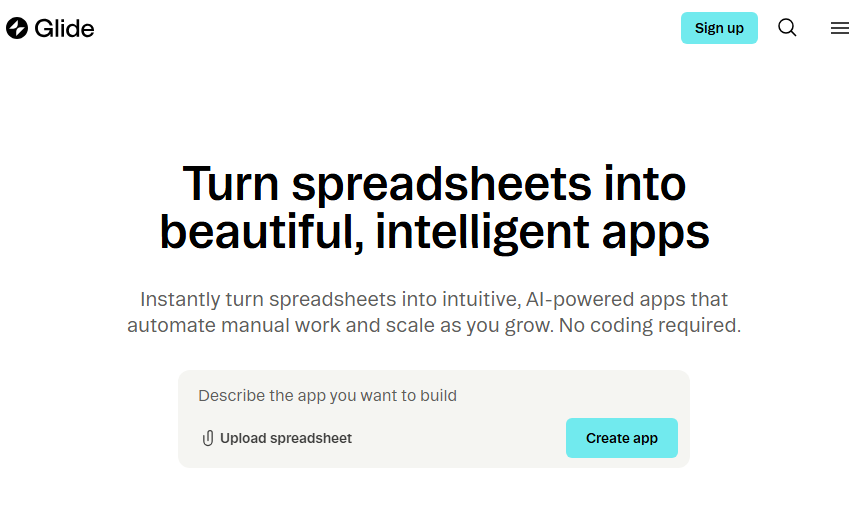
What it does: Glide is a no-code platform that turns spreadsheets and databases into mobile- and web-ready business apps.
Who it’s for: Ops teams, consultants, and SMBs who live in Google Sheets/Airtable and want cleaner internal tools, CRMs, or client portals without hiring developers.
I connected a Google Sheet with 500 rows of inventory data. Glide generated a searchable, filterable app. Most of the build work happens through configuration. You choose which fields appear on each screen, define basic actions like “add,” “edit,” or “delete,” and adjust visibility rules with simple conditions.
Where it beats Replit
- Instant apps from existing data: Point Glide at a spreadsheet and get a working app immediately.
- Real-time bidirectional sync: Edit the spreadsheet, see changes in the app instantly. Edit the app, see changes in the spreadsheet.
- Built-in AI for data tasks: Glide AI handles computed columns, text summarization, and image recognition. These features cost extra Replit credits every time they run.
Pros
- Zero migration needed if data lives in spreadsheets
- SOC 2 and GDPR compliant on business plans
- Workflow automation triggered by data changes
Cons
- Can't publish native mobile apps to stores
- Anything beyond simple CRUD apps hits walls quickly since you’re configuring prebuilt components.
Pricing
Glide offers a free plan for testing. Paid plans start at $25 per month for 1 app.
Bottom line
Glide wins when your data already exists in spreadsheets, but it doesn’t work well for apps that need highly custom layouts or more complex logic than its prebuilt components allow.
7. Bubble: Best for complex web and mobile apps
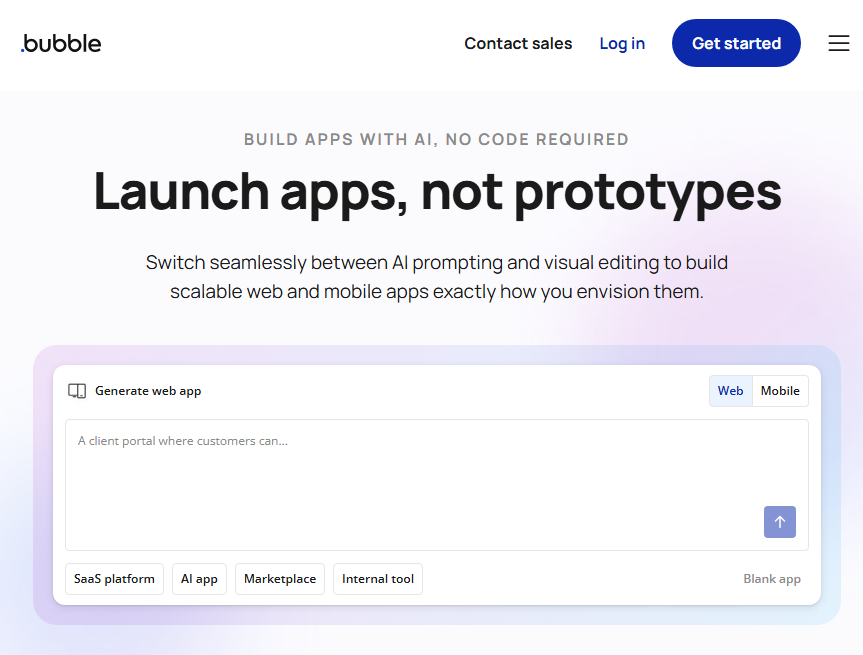
What it does: Bubble is a no-code app builder for creating fully custom web applications. You design pages visually, define workflows, and manage data inside Bubble’s own environment.
Who it’s for: Teams or solo builders who want production-grade web or mobile apps and are willing to spend time learning how Bubble works.
When I tested Bubble, the experience felt much closer to traditional no-code tools than newer AI app builders. I could use AI to generate a starting point, but after that, I had to edit the app manually in the visual builder. There’s no back-and-forth conversation to refine the app. You have to adjust layouts and connect workflows and integrations with the visual editor.
It's slower than Replit for simple prototypes but far more capable for production SaaS. Companies run real businesses on Bubble. The platform handles traffic spikes, database growth, and user scaling.
Where it beats Replit
- Visual editor with deep control: Bubble’s page designer, workflow builder, and style system give non-developers detailed control over layout, logic, and behavior.
- Large plugin ecosystem: Thousands of plugins cover payments, email, SMS, analytics, and external APIs. Most features are added through configuration instead of custom code.
- Built-in database and privacy rules: You define data types and relationships directly in Bubble and lock them down with field-level privacy rules, which is more approachable than building a backend from scratch.
Pros
- Large ecosystem of agencies, templates, and learning resources
- UI, database, workflows, and hosting in one platform
- Supports both web and native mobile apps
Cons
- Steep learning curve for non-technical users
- Many teams end up hiring Bubble developers
Pricing
Paid plans for web and mobile apps start at $69/month.
Bottom line
Bubble is a strong Replit alternative if you want to develop a complex SaaS web app without writing code. However, you’ll need to invest time to learn it or money to hire developers.
8. GitHub Copilot: Best for AI-assisted coding in your existing IDE
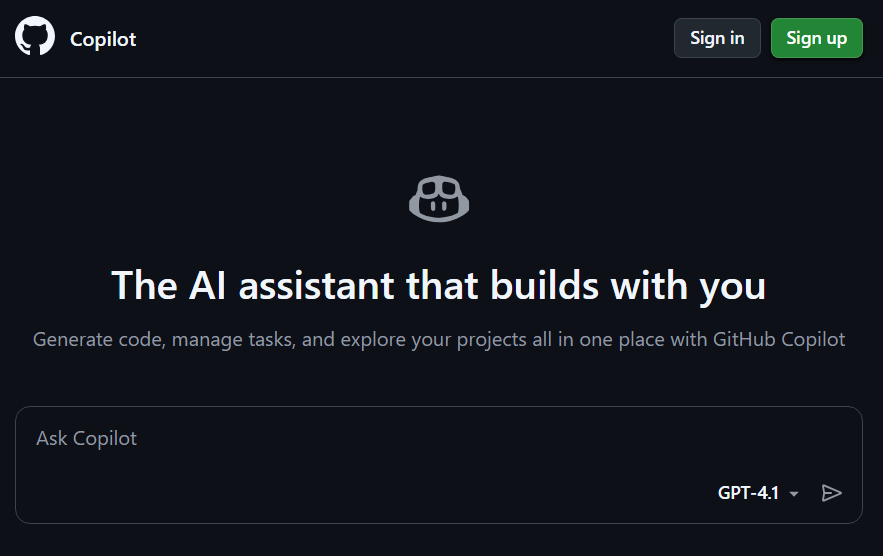
What it does: GitHub Copilot adds AI assistance to code editors like VS Code, JetBrains, or Neovim. It suggests code as you type, completes functions, and helps generate code across programming languages and frameworks.
Who it’s for: Developers who already write code and want AI help without changing their tools or workflow.
When I code from scratch, I use Copilot to speed up the process. As I type, it fills in functions, suggests loops, and guesses what I’m trying to do next. For repetitive code, it saves a lot of time. It’s different from Cursor because you don’t have to install another code editor.
Where it beats Replit
- Fits your existing workflow: Copilot runs inside the IDE you already use. No new platform to learn, no project migration, and no cloud-only restrictions.
- Language-agnostic: Copilot works across most popular languages and frameworks without changing how you build.
- Great at small, frequent tasks: It excels at in-line completions, quick edits, refactors, and explanations, which make up most of day-to-day development but are tedious to do manually.
Pros
- Works alongside other tools rather than replacing them
- Features for team management and compliance in business and enterprise plans
- Speeds up day-to-day coding tasks
Cons
- Assists with coding rather than building complete apps
- You still handle deployment
Pricing
Copilot costs $10 per month for individuals and $19/user/month for business plans.
Bottom line
Copilot makes sense when you want AI help without abandoning your current coding setup.
Why I looked for Replit alternatives
Replit's Agent speed and ability to execute long builds impressed me. However, I had to look for an alternative because:
- Effort-based pricing spiraled out of control: Replit AI Agent bundles complex tasks into expensive checkpoints. I watched my credits drain during debugging loops where the Agent kept regenerating the same broken code.
- Agent reliability varies: Some sessions produce clean, working code. Others ignore instructions entirely.
- It has gaps for production business apps: There’s no opinionated, business-ready layer for roles, audits, and workflows, the way you get in specialized tools.
How I tested these alternatives
I built the same practical apps on each platform, then compared the build experience and available features to what I got using Replit.
What I looked for:
- Iteration speed: How easy it was to change or fix things after the initial build.
- Cost predictability: Could I finish a project without budget anxiety?
- Output quality: How much cleanup did the generated result need?
- Production readiness: How well the tool supported access control and authentication.
- Data handling: If the platform included a built-in database or required external storage.
Which alternative should you choose?
Pick the tool that matches what you’re building and how hands-on you want to be technically.
Below are my recommendations:
- Choose Zite if: You’re building internal tools, client portals, or dashboards and want a platform designed specifically for business software.
- Choose Cursor or Copilot if: You’re a developer who wants AI speed without giving up code ownership or working inside your IDE.
- Choose Dyad if: Privacy requirements or offline use rule out cloud-based builders.
- Choose n8n if: You’re building automation workflows or AI agents rather than user-facing applications.
- Choose Bubble if: You’re building a complex SaaS app and are willing to invest weeks learning the platform or hiring Bubble expertise.
- Stick with Replit if: You’re prototyping ideas and can tolerate unpredictable costs during iteration.
My final verdict
Replit still works for quick prototypes, but the alternatives on this list do some jobs better.
If you’re building internal tools, client portals, or operational apps for real teams, consider Zite. It comes with all the features you need to ship to real users, including a built-in relational database, user logins with role-based access, and auditability. It’s also SOC 2 Type II compliant.
Tools like Cursor and Copilot work best when you already code and just want to move faster. N8n is a great alternative for automated workflows, and Bubble for consumer web apps.
Ready to ship business apps with Zite?
Create your next app in Zite and see how far you get from a single prompt. The free plan includes unlimited apps, unlimited users, and enough credits to build and test.
Frequently asked questions
Can I export my Replit project to another platform?
Yes, you can export your code (frontend and backend) from the platform, but the deployment infrastructure and database are tied to the platform. You’ll have to rebuild them when you migrate.
Which Replit alternative works best for non-technical users?
Zite works best for non-technical users. Zite builds apps from plain English descriptions and supports visual edits.
Do any of these alternatives build native mobile apps?
Bubble creates native iOS and Android apps you can publish directly to app stores. You can also use Cursor to write native mobile apps from scratch using frameworks like React Native or Swift, but this requires full developer involvement.

