


Retool charges per user, requires SQL for most workflows, and locks non-technical teams behind an engineering queue. I tested 7 Retool alternatives that let ops, product, and support teams build the apps, portals, and dashboards they need without writing code.
Quick Summary
- Retool is powerful but built for developers. If your team lacks SQL skills or dedicated engineering support, most of Retool’s value goes unused.
- Several tools now let ops, product, and support teams build and manage their own apps without writing code or waiting on engineering.
- The right pick depends on your data setup. Teams on Airtable, Google Sheets, or starting from scratch each have different best-fit tools.
- Pricing models vary wildly. Some charge per user, some per workload, and some offer unlimited users on every plan. That difference compounds fast at scale.
7 Best Retool Alternatives at a Glance
Pricing reflects standard monthly billing as of 2026. Always confirm with the vendor before buying.
How I Tested These Tools
I signed up for free plans or trials on each platform and ran through a consistent set of tasks. For each tool, I connected a live data source, built a read/write screen, set up role-based access, and attempted to complete a core action, such as approving a request or assigning a task.
What I evaluated:
- How fast someone without a technical background could build and ship a working app.
- Whether the platform offered real access control (roles, permissions, publishing options).
- Pricing transparency and how costs scale as more people use the app.
- Integrations with tools teams already rely on (Airtable, Google Sheets, Slack, Stripe).
I also pulled real user feedback from G2, Capterra, and Reddit to cross-check my own experience against what longer-term users report.
1. Zite: Best for Teams Who Want a Tool Anyone Can Use
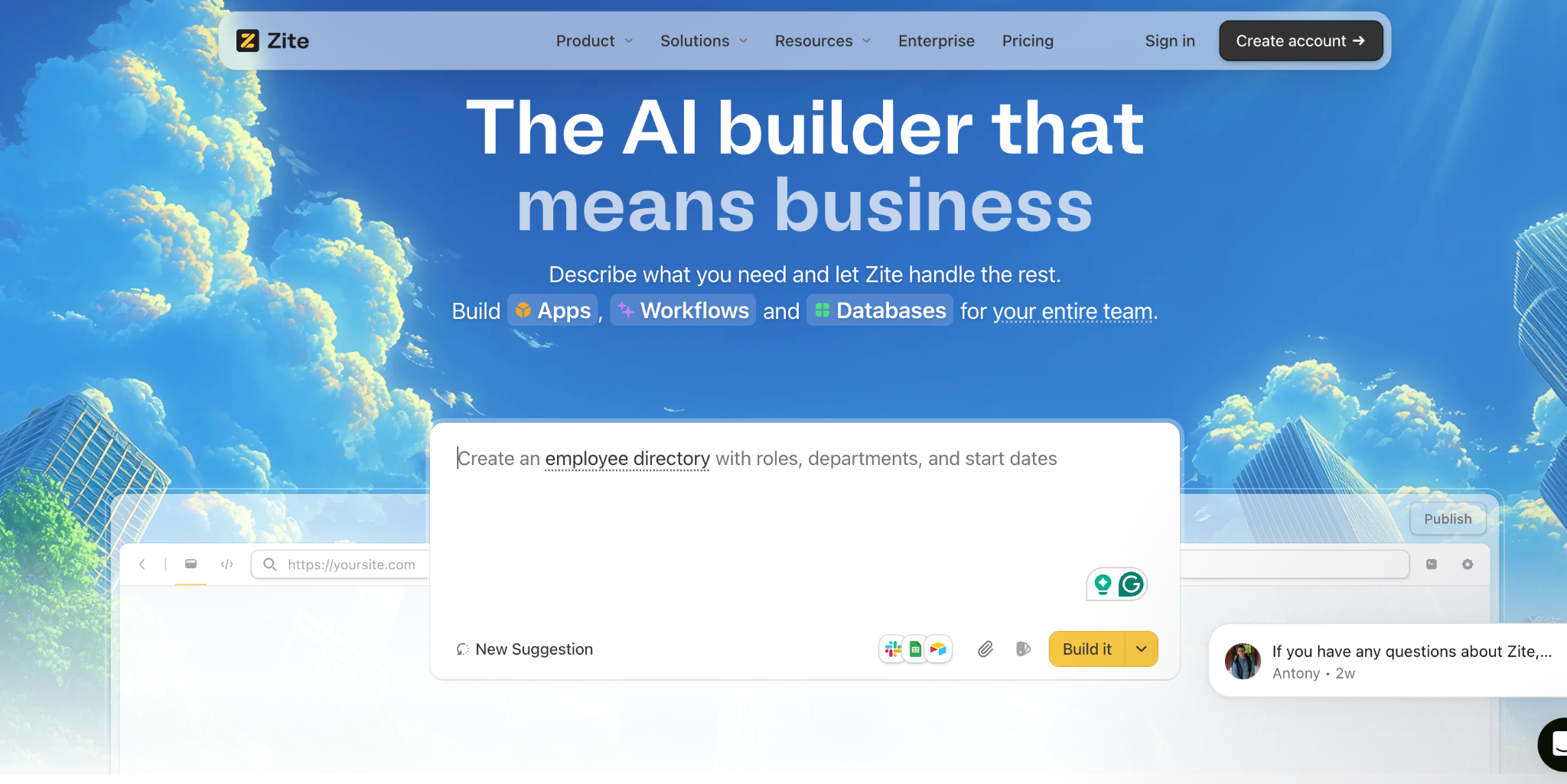
Zite, built by the team behind Fillout, is an AI-powered no-code platform where you describe what you want to build and get a working app, complete with a built-in database, app logic, authentication, and hosting. The reason it stands out among Retool alternatives is that it's genuinely simple to use.
Why that matters for Retool alternatives. Retool's biggest complaint among non-technical teams is the learning curve. There's a builder UI with thousands of settings, query logic that needs to be wired up, and SQL skills required for most useful workflows.
Zite removes all of that. You describe what you need in plain language, the working app is ready in minutes, and anyone on the team can pick it up from day one. There's no builder to learn and no developer onboarding required.
Zite isn't limited to internal tools. This is the biggest practical difference from Retool. The same platform builds internal apps for your team, client portals for outside users, customer-facing dashboards, and full public websites. You don't have to pick a platform for internal use and another for everything else.
The built-in database is a standout. Zite's database looks and feels like a spreadsheet (tables, fields, linked records), but it's a real database underneath that scales to millions of rows.
AI generates the tables and fields from your description, and newer AI Fields can enrich records, run calculations, and pull context from the web. Most competing no-code tools require you to bring your own database from Airtable or Google Sheets. Zite builds the database and the app together, so there's no stitching required.
Publishing and access control. You can publish apps internally, share them with specific users, or push them fully to the web for customer-facing use cases. Roles and permissions decide what each person sees, so the same app can serve internal admins, external clients, and public visitors with different views and controls.
This flexibility means you can start small (an internal ops tool for five people) and expand to external users later without rebuilding.
Integrations keep expanding. Zite connects natively to Airtable, Google Sheets, Slack, and OpenAI out of the box. Newer integrations include email sending, Google Maps, and Stripe payments, which make apps more than just data displays.
The branding kit is worth noting as well. Input your company's website URL, and Zite extracts your brand colors and styling, so the generated app matches your look from the start.
What users say
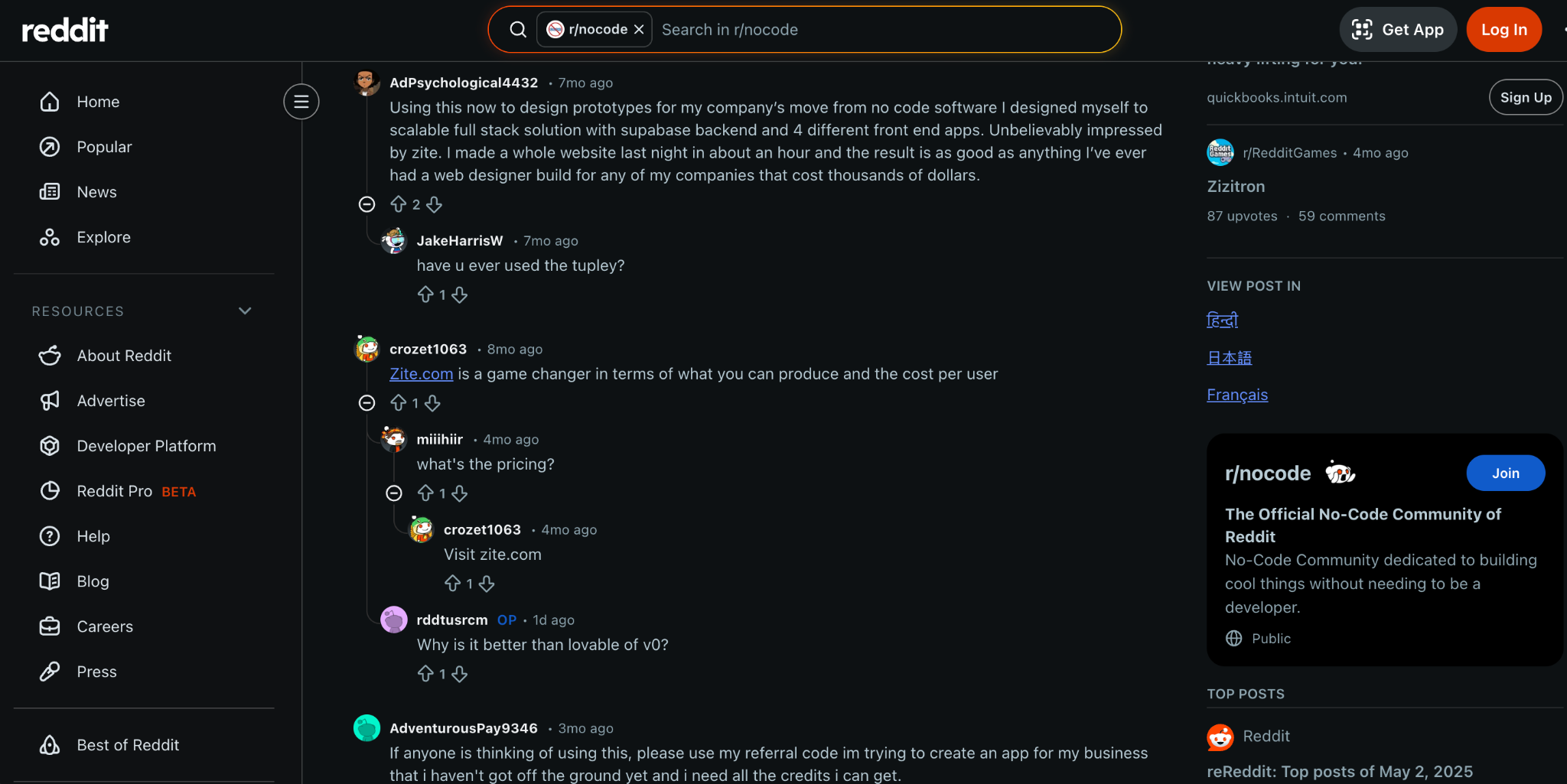
One Reddit user said they were "unbelievably impressed" after building a full website in about an hour, calling the result as good as anything a web designer had built for their company. Another user described Zite as "a game changer in terms of what you can produce and the cost per user."
Pros
- Genuinely simple to use. No builder UI to learn, no SQL, no developer onboarding.
- Builds internal tools, client portals, customer-facing apps, and public sites on one platform.
- Visual workflows let you inspect, understand, and troubleshoot AI-generated logic without code.
- Built-in database with AI-generated tables, fields, formulas, and linked records.
- Unlimited users and apps on all plans, including the free tier. No per-seat pricing.
Cons
- Newer platform, so the template library is still growing compared to Airtable or Bubble.
- AI credits are limited on free and lower-tier plans, though visual edits and error fixes don't count against credits.
- No native mobile app export.
- No code export (apps must stay hosted on Zite).
Pricing
Zite has a free plan with unlimited users and apps. There is no per-seat pricing on any tier. Paid plans start at $19/month (billed monthly) and include more AI credits, database records, and custom domains.
SSO is available on higher-tier plans. SOC 2 Type II is a company-level compliance point, not an individual app feature.
Bottom line
Pick Zite when you want a tool the whole team can actually use, and you don't want to be boxed into "internal-only" as Retool does.
The combination of plain-language app generation, visible workflows, a built-in database, and the ability to publish anywhere from internal-only to fully public makes it the strongest fit for teams moving off Retool. For comparisons with specific competitors, see Zite vs. Airtable, Lovable, Base44, and Replit.
2. Softr: Best for Airtable-Backed Portals and Membership Sites
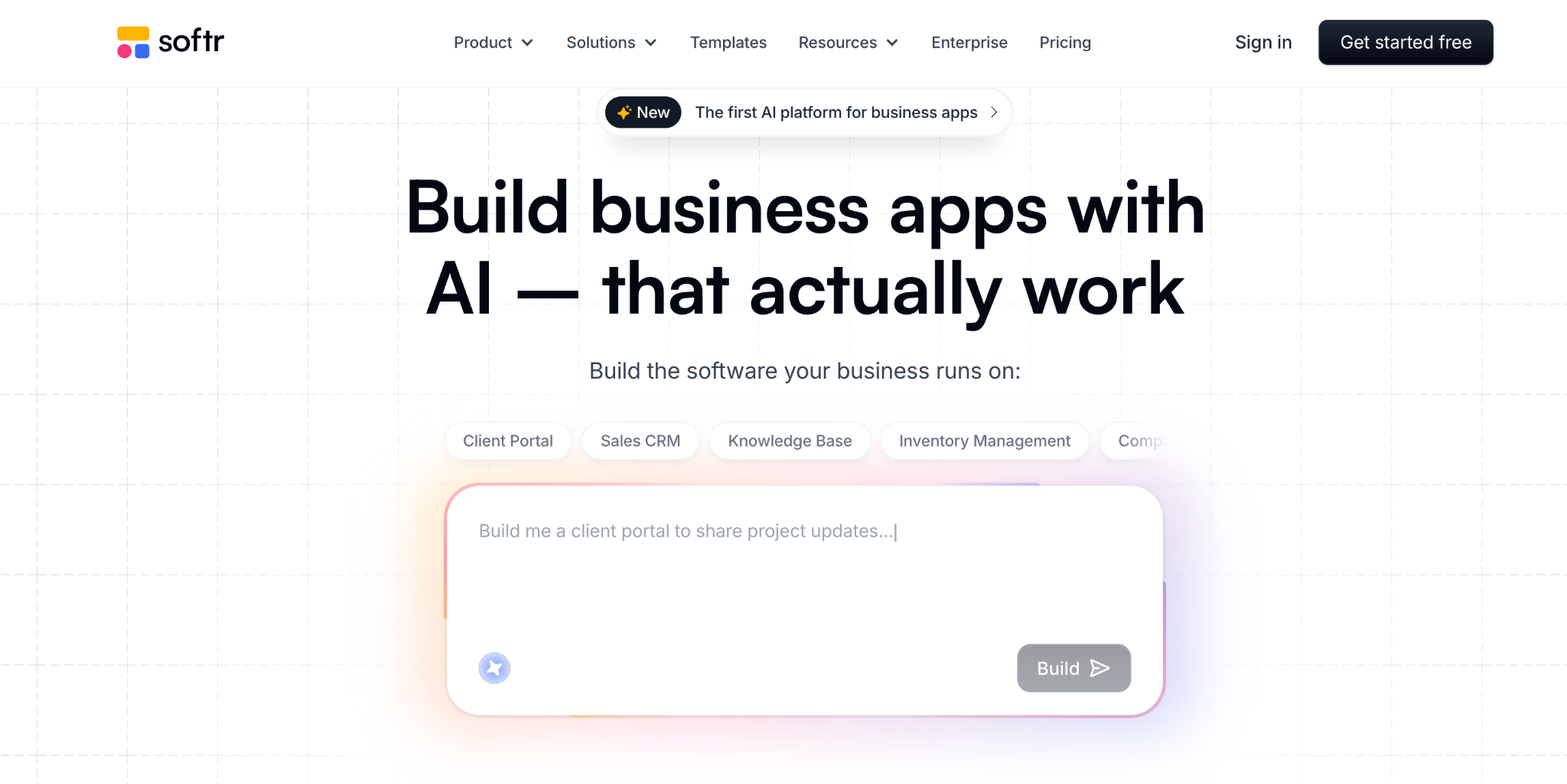
Softr maps your Airtable tables directly to pages, lists, and gated member areas. If your team already stores data in Airtable and needs a clean portal for clients or partners, Softr is one of the fastest paths from spreadsheet to live product.
Where Softr wins. Softr uses a block-based drag-and-drop editor that reviewers consistently describe as easy to learn. It connects natively to Airtable, Google Sheets, HubSpot, and SmartSuite, and supports 15+ data sources and automation tools like Make, Zapier, and n8n.
Built-in user authentication lets you set up login systems and define user roles, which is useful for client portals where data privacy matters.
Where Softr falls short. Softr's AI app generator provides a starting point, but you can't iterate on the conversation after the initial generation. You're back to manual drag-and-drop from there. Feature gating is aggressive. API calls, CSV exports, and charts all require the Professional plan ($167/month billed monthly).
Per-user pricing kicks in once you exceed the included user count on each tier, and SQL database connections are locked behind the Business plan at $323/month, billed monthly. Several reviewers on Capterra noted that the pricing for the paid plan felt steep.
Mobile responsiveness can also require manual adjustments, as the automatic optimization does not always work perfectly across devices.
What users say
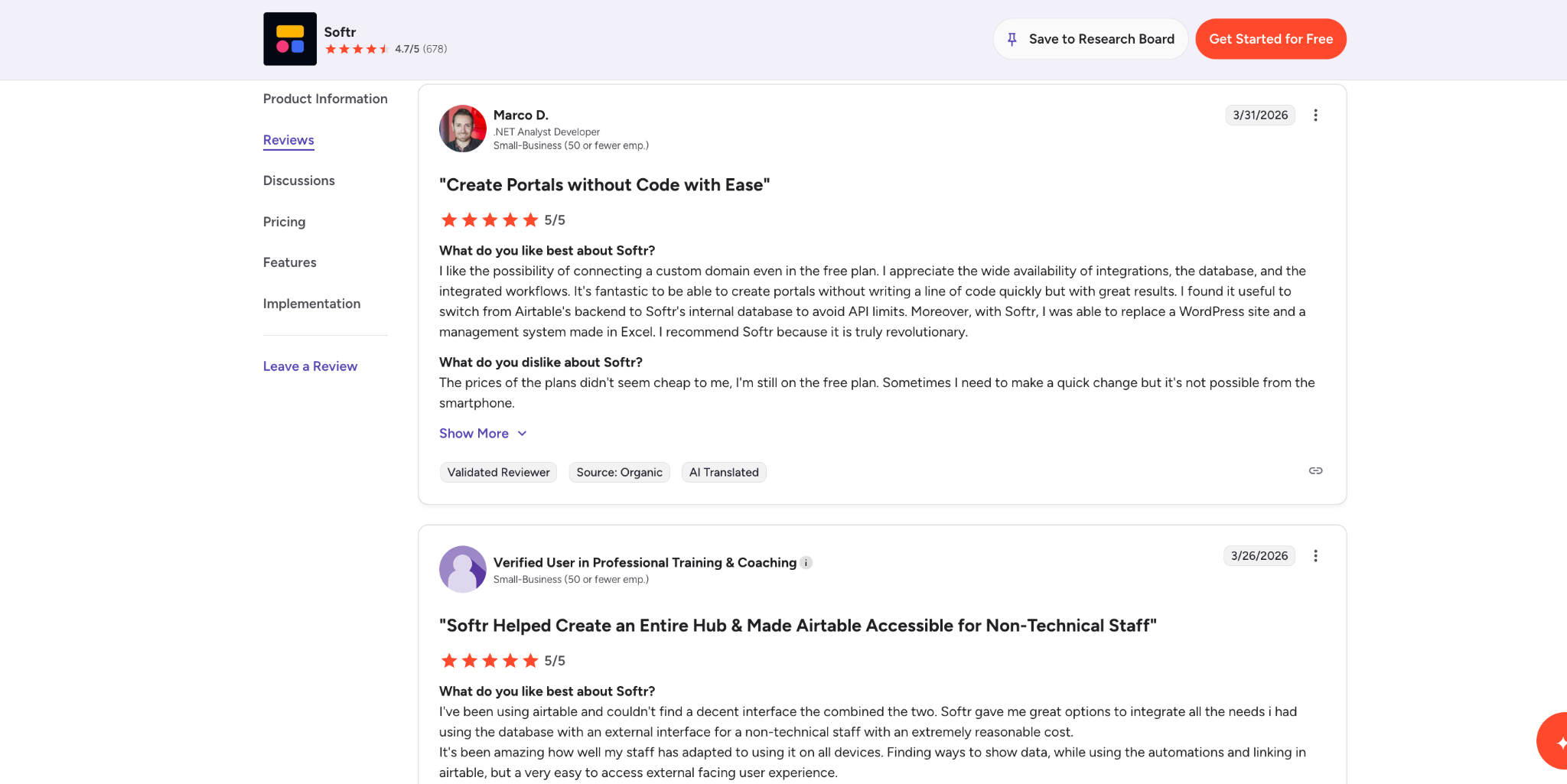
“I like the possibility of connecting a custom domain even in the free plan. I appreciate the wide availability of integrations, the database, and the integrated workflows.” (G2 reviewer)
Pros
- Fastest route from Airtable data to a live client portal or dashboard.
- Block-based drag-and-drop builder with minimal learning curve.
- Stripe integration for memberships and payments.
Cons
- Per-user pricing compounds quickly on portals with more than 100 users.
- AI generation is one-shot only. No conversational iteration.
- API calls and charts require the Professional plan at $167/month (billed monthly).
Pricing
Softr has a free plan with one published app and 10 users. The Basic plan starts at $59/month (billed monthly).
The Professional plan is $167/month (billed monthly), which is where most teams start for serious use since it includes unlimited apps, 100 users, and branding removal. The Business plan runs $323/month (billed monthly) for up to 500 users with SSO.
Bottom line
Choose Softr when Airtable is already your system of record, and you need a portal quickly. For anything requiring multi-step workflows, a built-in database, or unlimited users, look at Zite or Bubble instead.
3. Glide: Best for Spreadsheet-Driven Mobile-First Apps
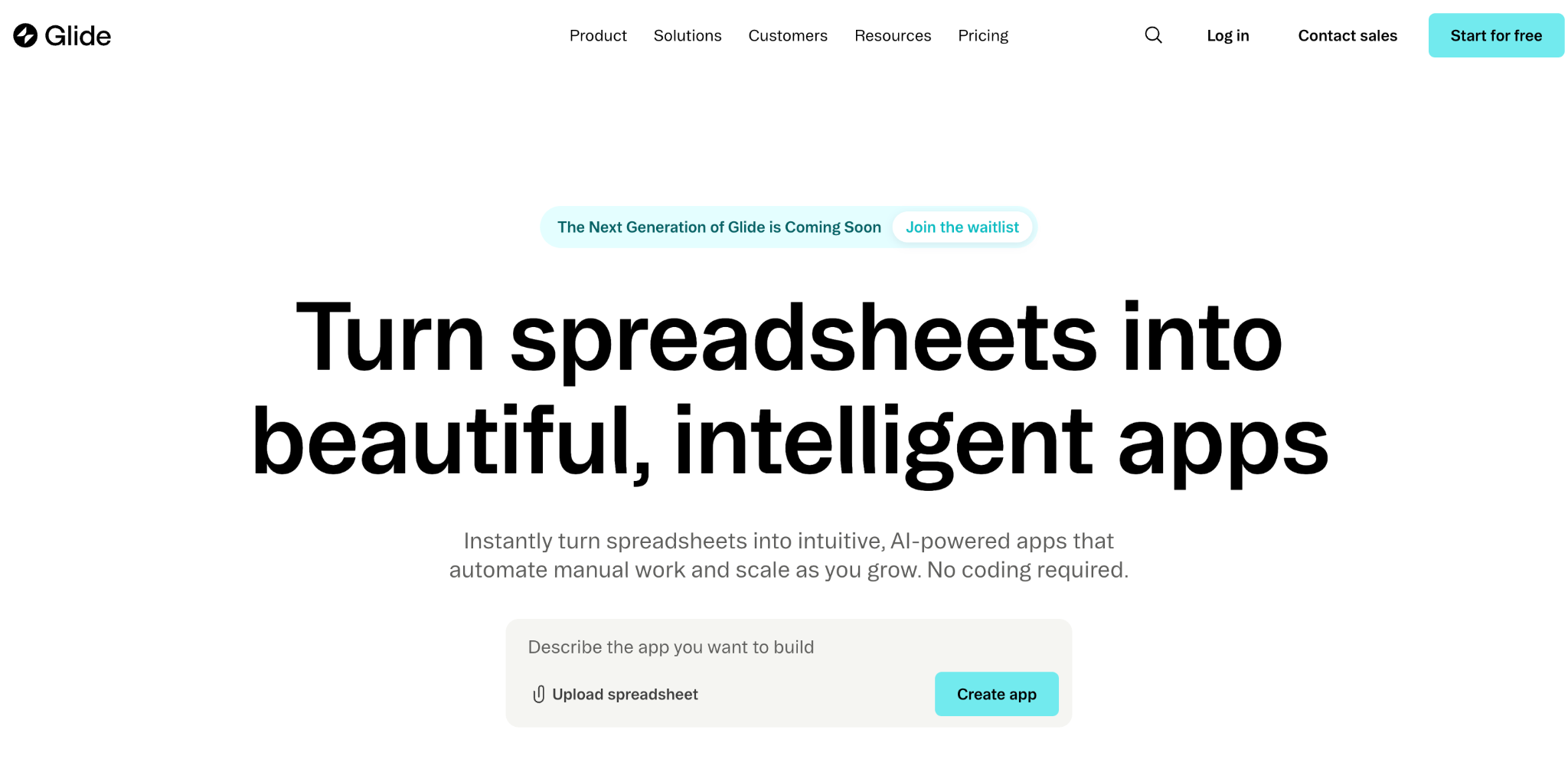
Glide turns Google Sheets into mobile-friendly apps with a visual editor and a library of prebuilt components. The spreadsheet-as-database model means anyone who understands rows and columns can build a functioning app. I had a basic inventory tracker running from a Google Sheet in about 40 minutes.
Where Glide wins. Glide turns spreadsheets into working apps using a drag-and-drop visual editor with a live preview that updates as you make changes. The component library includes charts, forms, maps, signature fields, and 40+ prebuilt elements.
Computed columns and table relationships give it more power than a raw spreadsheet. Glide is rated 4.7/5 on G2 across 802 reviews and 4.7/5 on Capterra across 96 reviews. One G2 reviewer described it as allowing them to "rapidly develop proof of concept applications that instantly turn into real life."
Where Glide gets expensive. The Business plan ($249/month billed monthly) includes 30 users, and each additional user costs around $5-6/month. For a customer-facing app with 500 users, costs climb well beyond the base plan.
Glide builds Progressive Web Apps, not native mobile apps, which means no App Store or Play Store publishing without third-party wrappers. Apps can also feel slower than native ones since they run in the browser.
What users say
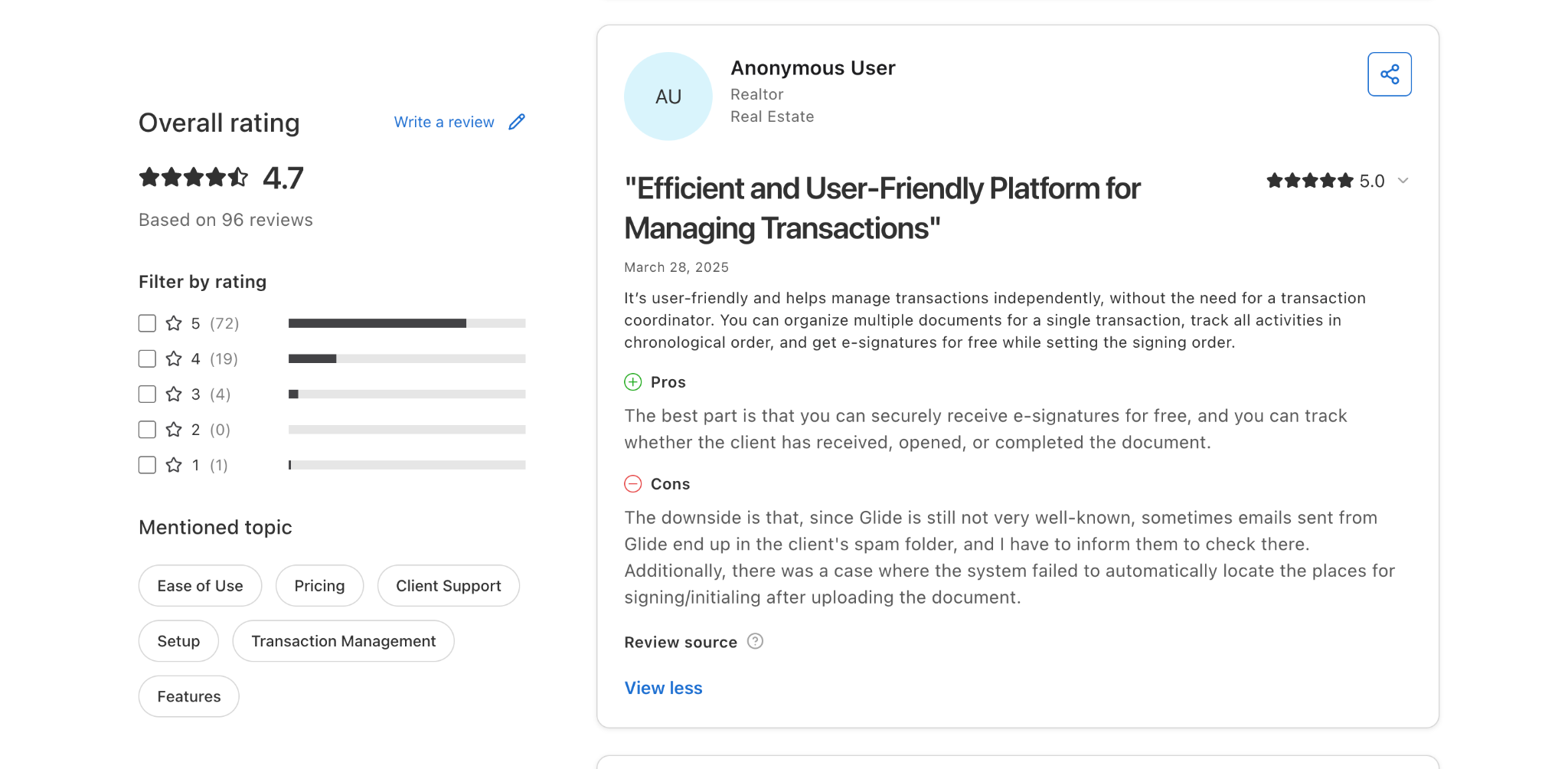
“It’s user-friendly and helps manage transactions independently, without the need for a transaction coordinator. You can organize multiple documents for a single transaction, track all activities in chronological order, and get e-signatures for free while setting the signing order.” (Capterra reviewer)
Pros
- Extremely fast for field tools, light CRMs, and inventory trackers.
- Familiar spreadsheet model that non-technical users already understand.
- Strong component library with 40+ prebuilt elements.
Cons
- Per-user pricing on Business plans makes scaling expensive for larger teams.
- Data source restrictions gate common integrations behind higher tiers.
- Limited design customization compared to full web app builders.
- Builds Progressive Web Apps, not native mobile apps.
Pricing
Glide’s free plan lets you build unlimited drafts but not publish. For the individual plan, the Explorer plan starts at $25/month (billed monthly), and the Maker plan is $60/month (billed monthly). For Businesses, it starts at $249/month (billed monthly) with 30 included users and additional users at $5-6/month each.
Bottom line
Use Glide when your data lives in Google Sheets, and you need a working, mobile-friendly app fast. For apps with more than a few dozen users or complex relational data, the costs add up quickly, and you’ll likely outgrow the platform.
4. Stacker: Best for Operations Teams Exposing Airtable Records Safely
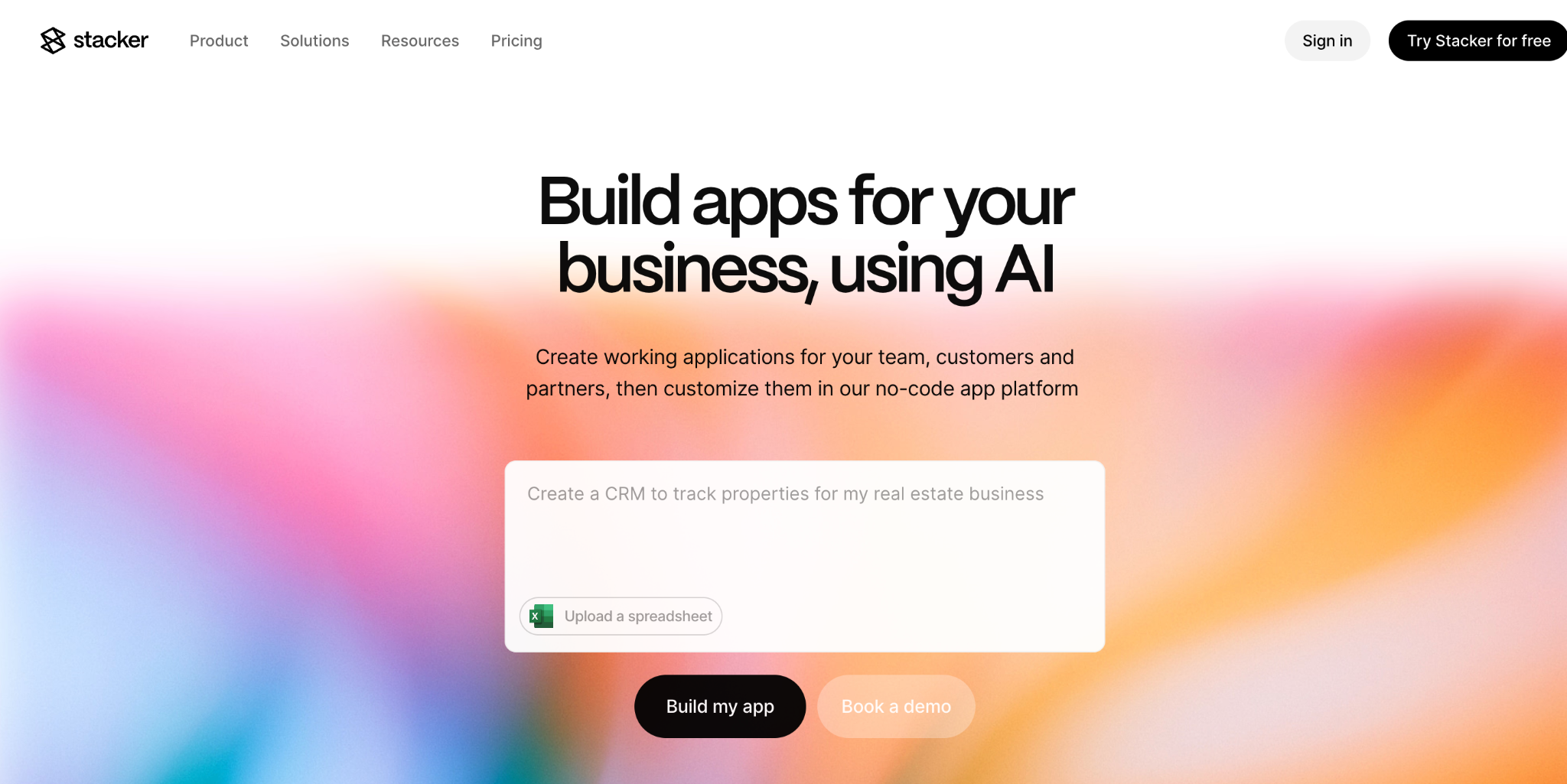
Stacker connects to Airtable, Google Sheets, Salesforce, and 60+ other data sources, then lets you build portals with granular permission controls. The main use case is controlled access. Letting contractors, clients, or partners interact with specific records without giving them full access to your database.
Where Stacker wins. Stacker connects to Airtable, Google Sheets, Salesforce, and claims 6,000+ app connections via Zapier and Make.
Role-based permissions are first-class. You can map data views to user roles so each person only sees the records they are supposed to.
Capterra reviewers highlight this as a standout, with one noting Stacker was the only viable option for sharing Airtable data with clients in a user-friendly way that includes appropriate access restrictions. The platform is rated 4.6/5 on Capterra across 45 reviews.
Where Stacker costs more than expected. There is no free plan. Stacker offers only a 30-day trial, and paid plans start at $12/month, scaling up to $249/month. Multiple Capterra reviewers flagged pricing as the platform's biggest drawback, with one noting it can be very expensive when you are starting out with relatively few users.
Scaling across multiple clients means managing separate app instances manually, and one reviewer described this as a critical gap, noting there is no templating or version control for rolling out changes across instances.
What users say
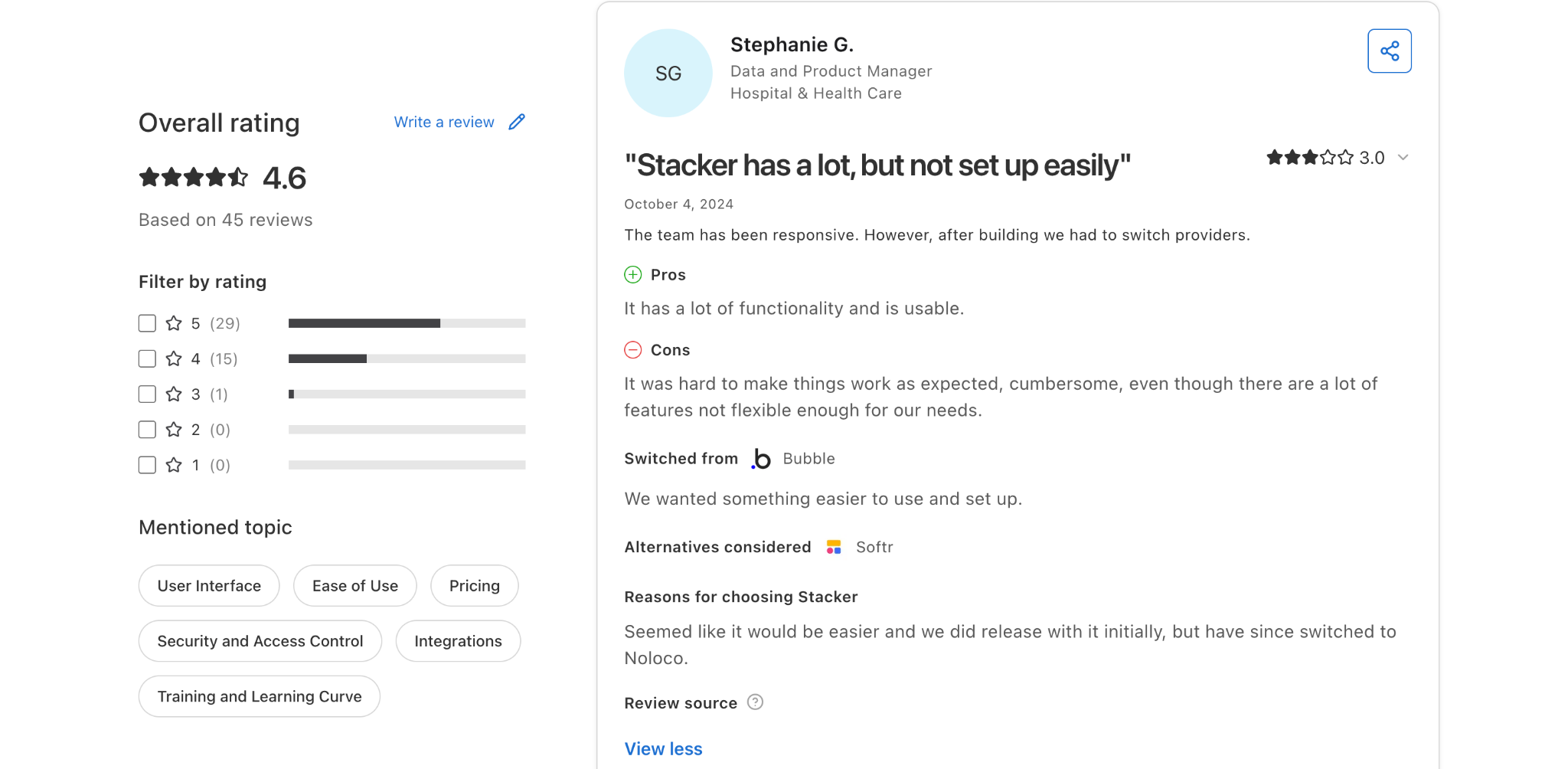
“The team has been responsive. However, after building, we had to switch providers. It was hard to make things work as expected…” (Capterra review)
Pros
- Strong role-based access control for exposing data to external users.
- 60+ data source connectors, including Salesforce and QuickBooks.
- AI app builder generates working prototypes from descriptions in minutes.
Cons
- No free plan. Starts at $12/month.
- No real-time sync between Stacker and Airtable (this came up repeatedly in user reviews).
- Scaling across multiple clients means managing separate instances manually.
- Limited CSS and styling options.
Pricing
Stacker offers a 30-day free trial. Paid plans range from $12/month to $249/month (billed monthly) depending on features, user counts, and data connectors.
Bottom line
Pick Stacker when you need controlled portals for contractors, partners, or clients, and your data already lives in Airtable or Salesforce. For teams that need a built-in database, unlimited users, or more flexible app logic, Zite or Bubble will be a better fit.
5. Bubble: Best for Non-Technical Teams That Need Full App Logic
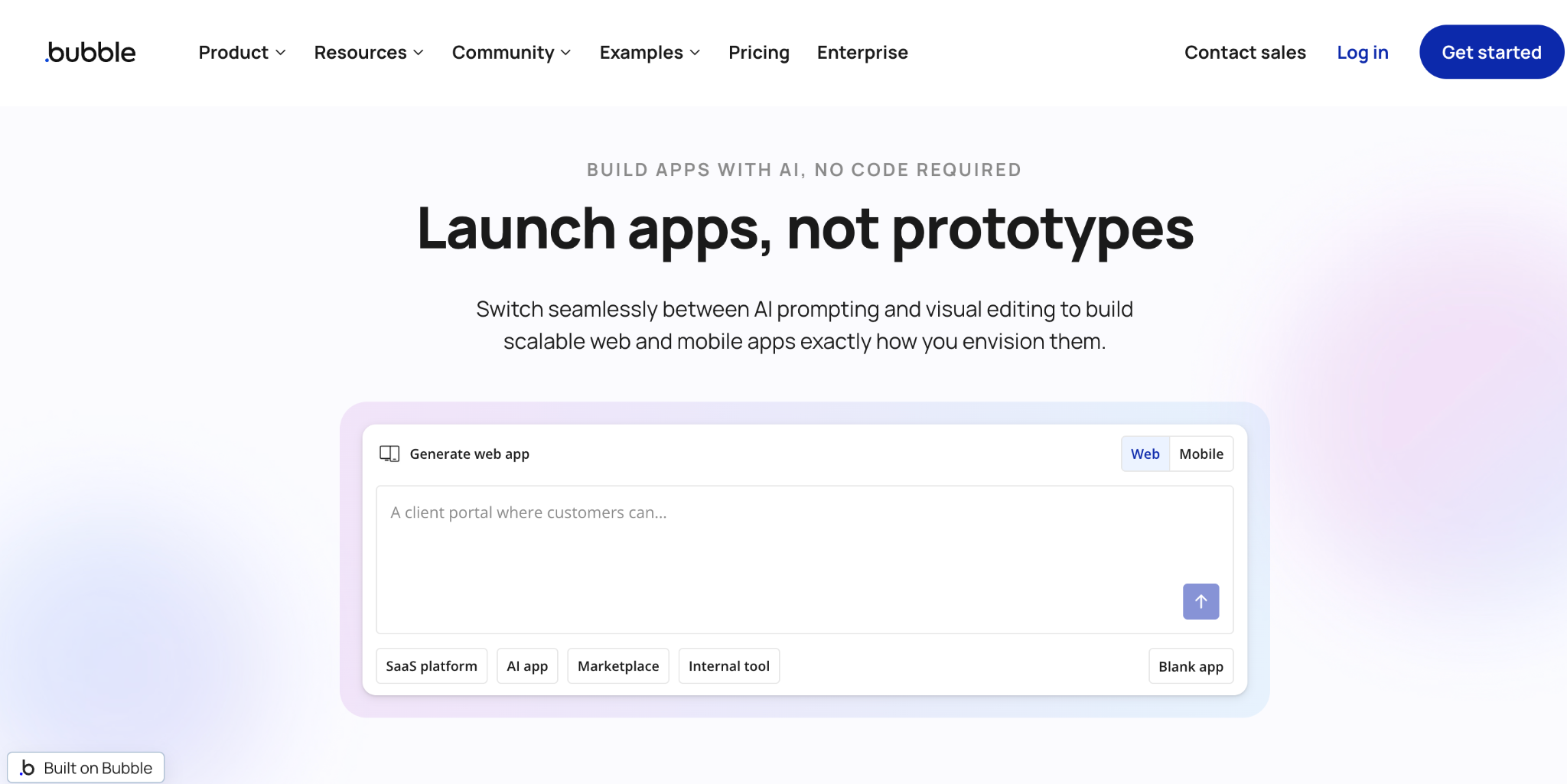
Bubble is a visual web app platform with its own database, a workflow engine for conditional logic, and a flexible UI editor. It’s the closest thing to coding without code. I tested Bubble for an internal approval workflow, and the depth of control over conditional actions, user states, and data relationships was noticeably stronger than the other tools on this list.
Where Bubble wins. Bubble is a visual web app platform with its own relational database, a workflow engine for conditional logic, and a flexible UI editor. If your workflow involves branching conditions (for example, routing a request to finance when it exceeds a threshold and the requester is in a specific role), Bubble handles that natively.
The platform now supports native iOS and Android builds through dedicated mobile plans. An ecosystem of 3,000+ free plugins and 2,400+ paid plugins means you can extend functionality without custom development. Bubble is rated 4.6/5 on Capterra across 2,222 reviews and 4.4/5 on G2 across 166 reviews. Over 3 million apps have been built on the platform.
Where Bubble gets complex. The learning curve is significant. Independent analysis estimates it takes 3 months to learn the basics and 6–12 months for proficiency, which is steeper than simpler tools like Glide or Softr. Most teams end up hiring Bubble consultants at $40-125/hour, with typical agency projects running $20,000–$100,000+.
What users say
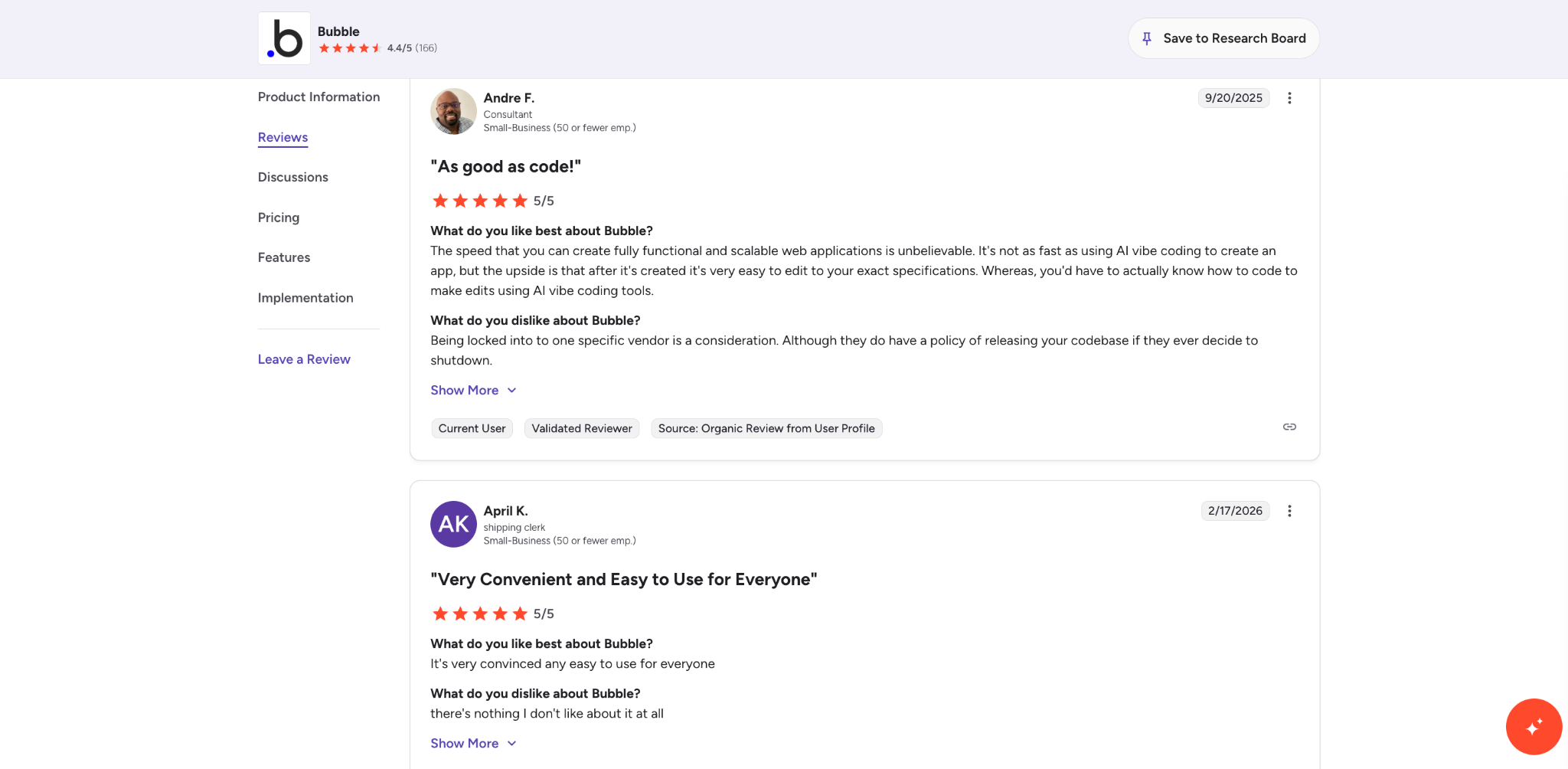
“The speed that you can create fully functional and scalable web applications is unbelievable. It's not as fast as using AI vibe coding to create an app, but the upside is that after it's created it's very easy to edit to your exact specifications.” (Capterra review)
Pros
- Full conditional logic, workflows, and a visual database. The most powerful no-code builder for complex apps.
- Native mobile app support (iOS and Android) on paid mobile plans.
- Large plugin marketplace and active community.
- Extensive customization of UI, logic, and data structure.
Cons
- Steep learning curve. Expect weeks of onboarding, not hours.
- Workload Unit pricing makes costs hard to predict as usage grows.
- Performance tuning is an ongoing requirement for larger apps.
Pricing
Bubble’s free plan works for prototyping, but can’t deploy a live app. The Starter plan is $32/month for web only. Growth is $134/month. Team is $399/month.
Mobile plans start at $49/month, and combined Web + Mobile plans start at $69/month. All Bubble prices listed here are billed monthly.
Bottom line
Choose Bubble when your internal tool needs conditional logic, branching workflows, and a custom database structure that simpler builders can’t handle. Be prepared to invest in learning the platform, and budget for workload costs that scale with usage.
6. Airtable Interfaces: Best for Lightweight Dashboards Inside Airtable
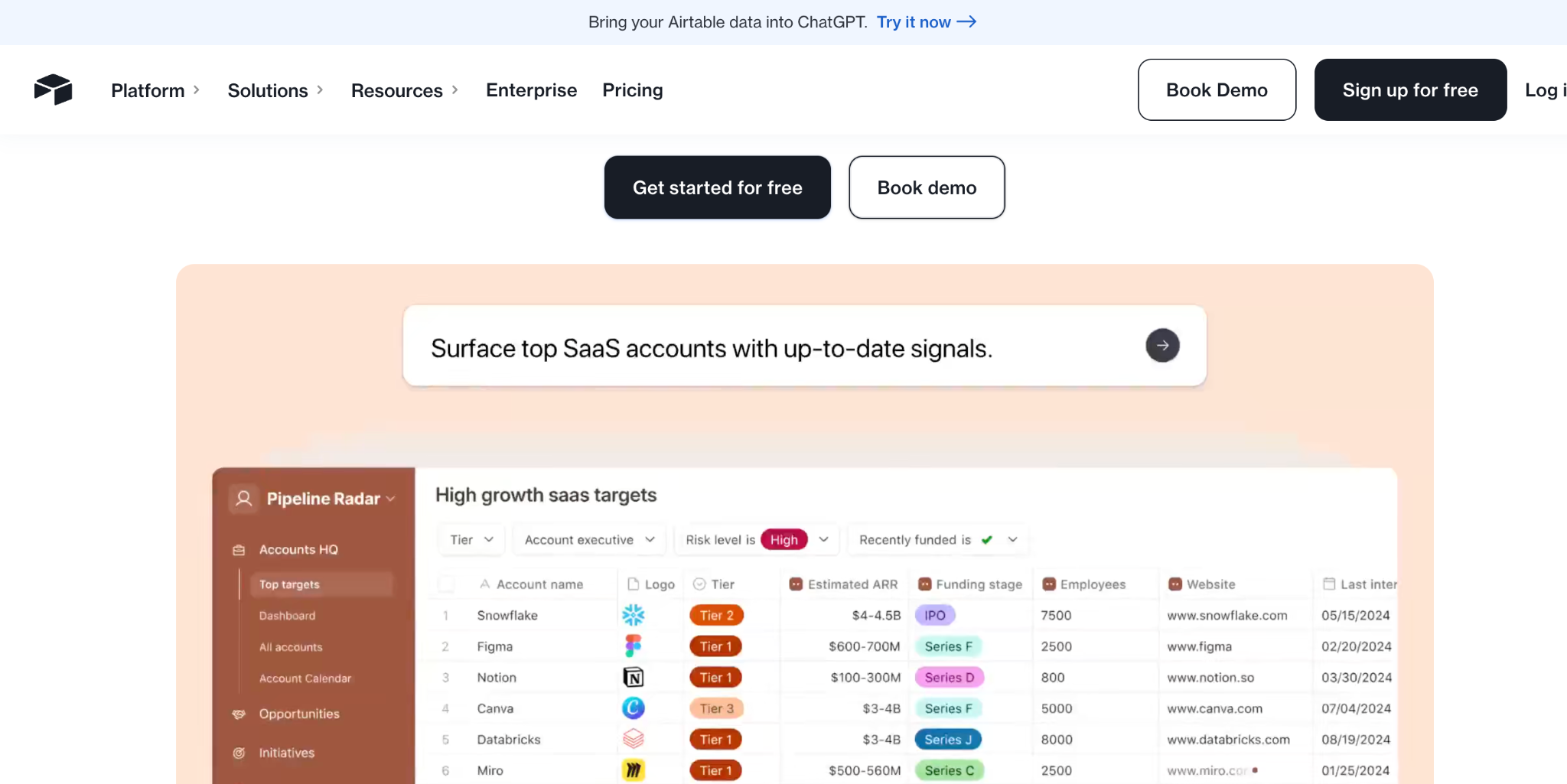
Airtable Interfaces are native dashboards, forms, and views that sit directly inside your Airtable workspace. There’s no separate tool to set up, no data syncing to manage, and no additional hosting to pay for. If your team already runs on Airtable and just needs a cleaner way to view and interact with records, Interfaces are the fastest option.
Where Interfaces win. Setup takes minutes. I added a dashboard view to an existing Airtable base in about 10 minutes, with charts, filtered lists, and form inputs all pulling from the same data.
Permissions inherit from the Airtable workspace, so there’s no separate access control system to configure. For teams that don’t need a full standalone app, this avoids the overhead of a third-party builder entirely.
Where Interfaces fall short. You can’t build a client-facing portal, add custom branding, or handle anything beyond basic read/write interactions. There’s no member login system, no external publishing, and limited design flexibility.
Interfaces are a view layer inside Airtable, not an app builder. If your needs grow beyond dashboards and forms, you’ll eventually need a dedicated platform.
What users say
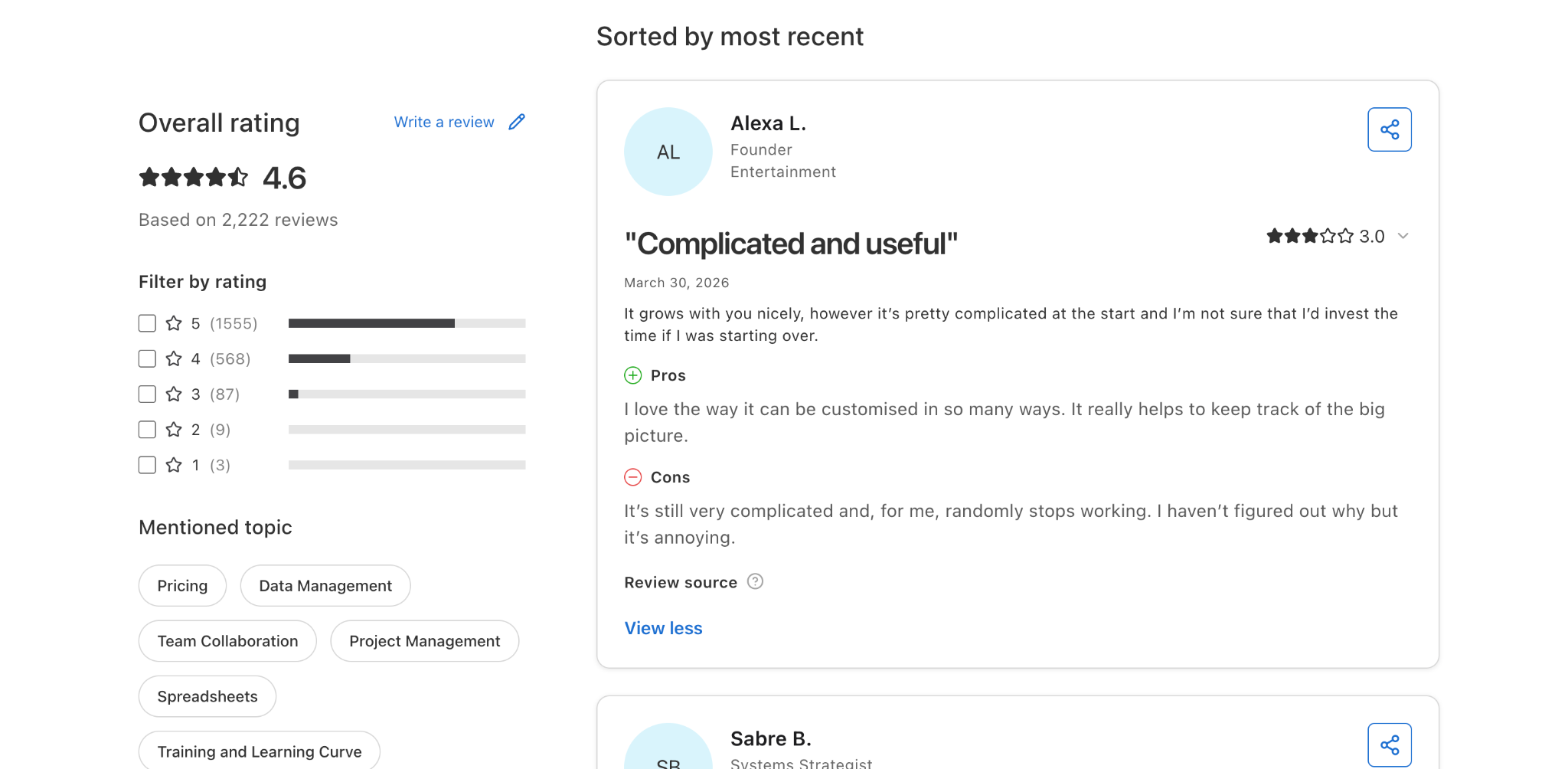
“It grows with you nicely, however it’s pretty complicated at the start and I’m not sure that I’d invest the time if I was starting over.” (Capterra review)
Pros
- Zero additional cost if you’re already paying for Airtable.
- Real-time data with no sync lag or third-party connector issues.
- Fast to set up. Useful for quick internal dashboards and data entry views.
Cons
- No external publishing, member portals, or custom branding.
- Limited design and layout options.
- No conditional workflows or multi-step logic.
- Dependent on Airtable’s own pricing, which can get expensive at scale.
Pricing
Airtable Interfaces are included with Airtable plans. Airtable’s free plan includes basic Interfaces.
Paid plans (Team at $24/user/month, Business at $54/user/month, both billed monthly) unlock more records, automation runs, and Interface features. This is per-user pricing.
Bottom line
Use Airtable Interfaces when you need a quick dashboard or form view, and your entire workflow already lives in Airtable. For anything beyond lightweight internal views, move to a dedicated app builder.
7. Appsmith: Best for Teams With Technical Admins Who Want Control
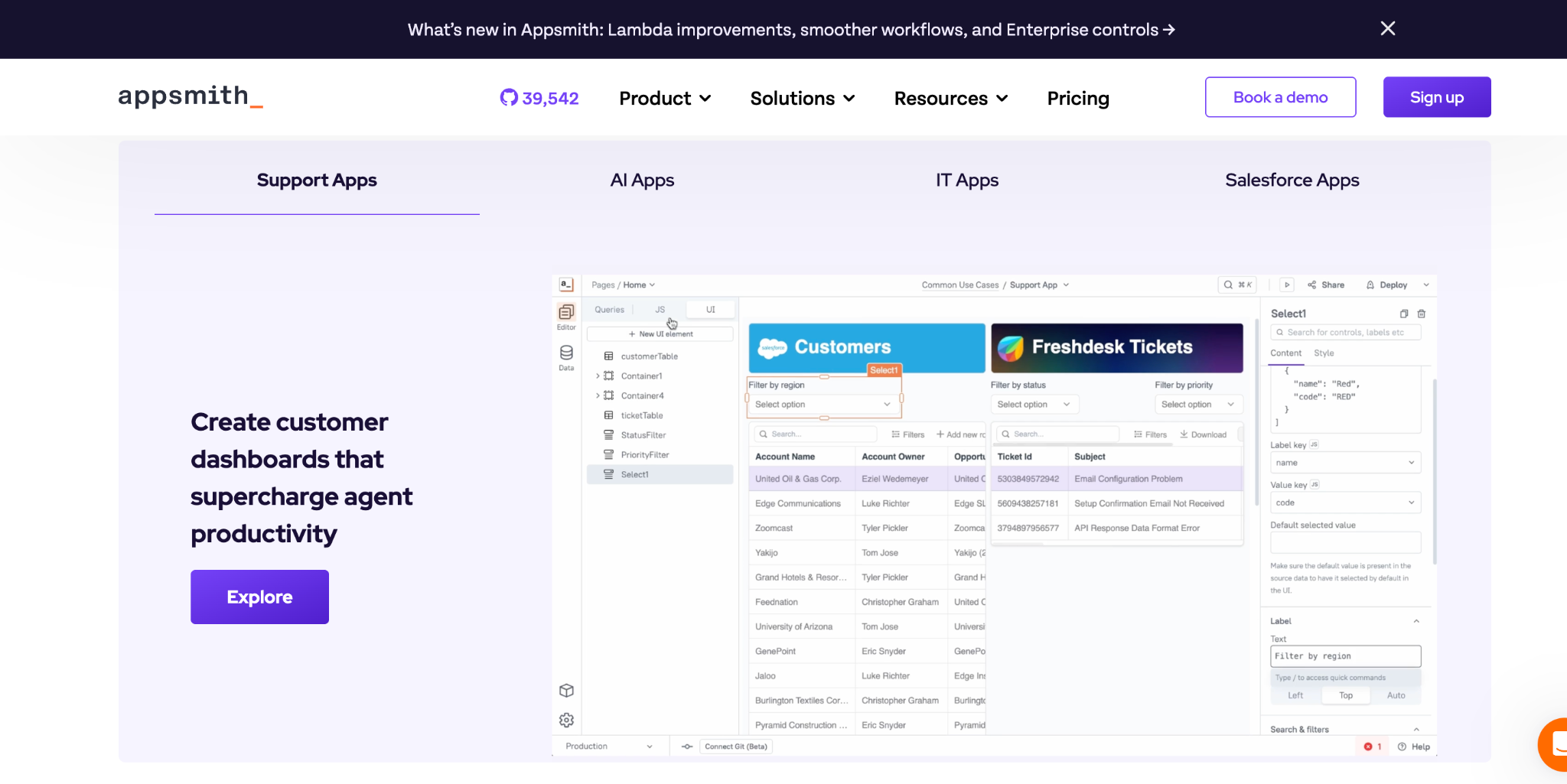
Appsmith is an open-source platform for building internal tools. It connects natively to SQL databases, REST APIs, and GraphQL endpoints, and supports self-hosting for full operational control. It’s the most developer-friendly tool on this list, and the closest to Retool in terms of technical capability.
Where Appsmith wins. The open-source community edition is free forever with unlimited apps. Self-hosting means your data never leaves your infrastructure, which matters for teams in regulated industries or with strict data residency requirements.
Appsmith connects natively to PostgreSQL, MySQL, MongoDB, REST APIs, and GraphQL. The visual builder lets developers drag and drop UI widgets and bind them to data queries.
Where Appsmith still needs a developer. Despite the visual builder, Appsmith expects familiarity with SQL, APIs, and basic JavaScript. One Capterra reviewer noted it still requires some knowledge of JavaScript for more advanced functions. Self-hosting adds real overhead.
Appsmith recommends at least 2 vCPUs and 4GB RAM for self-hosting, which runs about $42/month on a provider like DigitalOcean before you factor in maintenance and backups.
If you need SSO, audit logs, or granular role-based access, the Business plan adds $15/user/month on top of those hosting costs. The only cloud-hosted option beyond the free tier (capped at 5 users) is the Enterprise plan at $2,500/month.
What users say
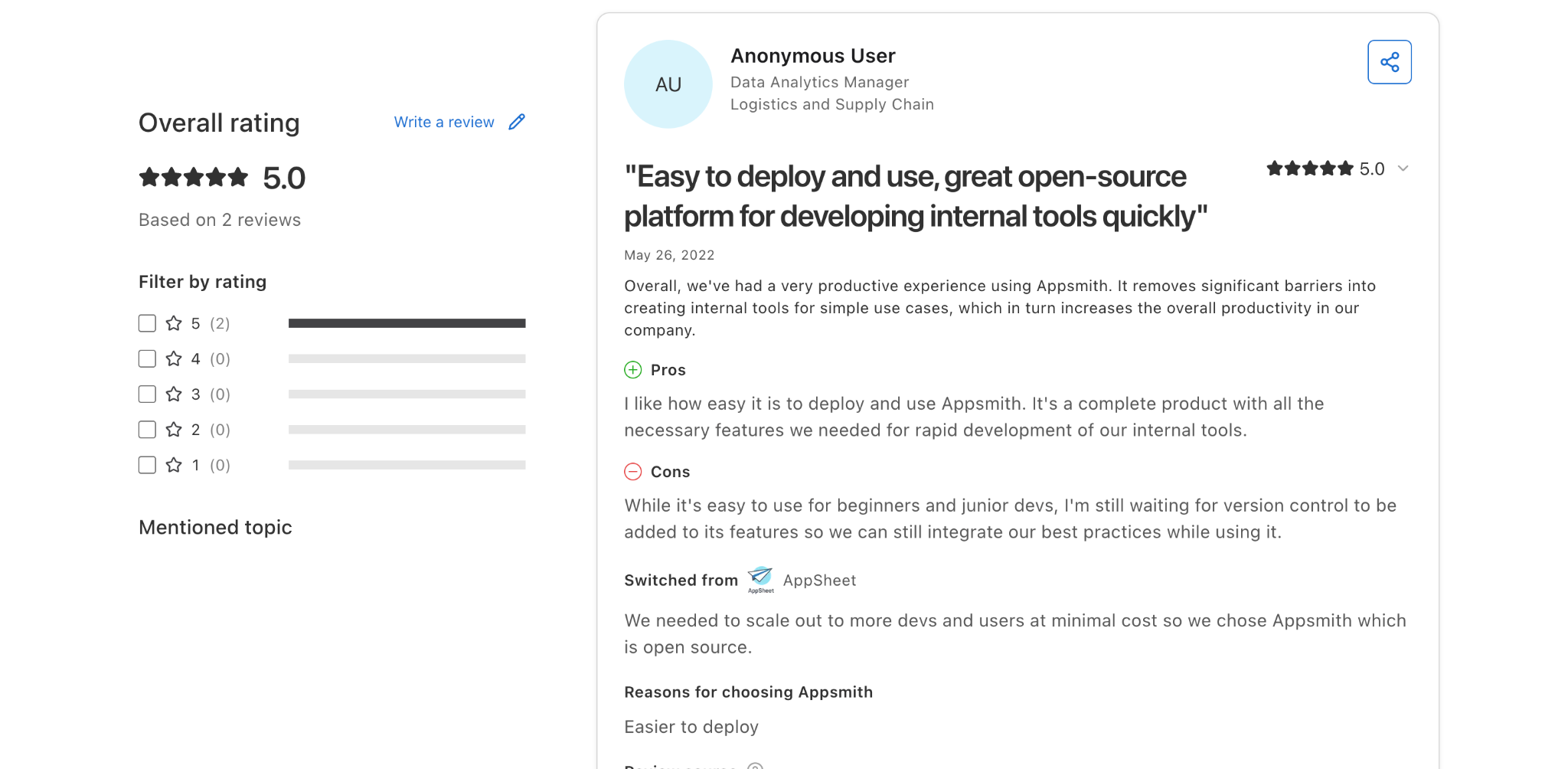
“Overall, we've had a very productive experience using Appsmith. It removes significant barriers to creating internal tools for simple use cases, which in turn increases the overall productivity in our company.” (Capterra review)
Pros
- Open-source community edition with unlimited users and apps, genuinely free.
- Self-hosting for full data control and no vendor lock-in.
- Native connectors for SQL, REST, and GraphQL.
- Git-based version control for app development.
Cons
- Requires technical skills (SQL, API knowledge, basic JavaScript). Not designed for non-technical users.
- Self-hosting adds infrastructure costs and maintenance burden.
- SSO, audit logs, and role-based access require the Business plan ($40/month+ billed monthly) on top of hosting.
- Steeper onboarding than pure no-code tools.
Pricing
The open-source community edition is free forever for self-hosted deployments. The Business plan starts at $15/user/month (usage-based, self-hosted, billed monthly) and adds workflow automation, branding removal, and reusable components.
Enterprise pricing starts around $2,500/month for organizations with 100+ users and includes SAML SSO, SCIM provisioning, and dedicated support. Verify current pricing on Appsmith's website, as plans may have changed.
Bottom line
Choose Appsmith when your team includes a technical admin who can manage the setup, and you want the cost savings and data control of self-hosting. For teams without that technical resource, the other tools on this list will be more practical.
Which Tool Should You Choose?
The right pick depends on three things. Where your data lives, how complex your workflow is, and whether you have a technical person available to help maintain it.
If you want one platform for internal apps, client portals, and external sites, Zite is the strongest option. You describe what you need, the AI generates the app with a built-in database and visible workflows, and the same platform handles internal tools, customer-facing apps, and public-facing sites.
Anyone on the team can use it without a learning curve, and unlimited users on all plans make it practical for teams of any size.
If your data already lives in Airtable, Softr and Stacker both offer fast paths to portals and dashboards. Softr is better for client-facing portals with membership controls. Stacker is better when you need granular role-based access for contractors or partners.
If your data lives in Google Sheets, Glide converts it into a working mobile-friendly app faster than anything else I tested. The per-user pricing limits scale, though.
If your workflow involves complex conditional logic, Bubble gives you the most power. Expect a learning curve and variable costs, but the depth of control is unmatched in the no-code space.
If you just need a dashboard and already use Airtable, Interfaces get the job done without adding another tool.
If you have a developer or technical admin on the team, Appsmith offers open-source flexibility and self-hosting control at the lowest possible cost.
If audit logs, multi-database transactions, or engineering governance are requirements, Retool is still the right tool. It was built for developers, and that's where it's strongest. These alternatives are for the teams where engineering support isn't available or practical for every app request.
Final Verdict
The days when Retool was the only credible option for non-technical app building are over. Teams now have platforms that let them build, ship, and maintain real business apps without depending on engineering queues or being limited to internal-only tools, as Retool does.
The strongest picks from my testing were Zite for teams that want one platform for both internal and external apps (with a built-in database, visible workflows, and no learning curve), Softr for Airtable-backed portals, and Bubble for complex custom logic. The right tool depends on your data, your team's technical comfort level, and where your apps will need to go beyond the first build.
Start with a single workflow. Build it. Test it with real users. Then decide whether you need more power or if the tool you picked gets the job done.
Ready to try Zite?
If you're looking for a Retool alternative you can start using today, the simplest way is to try it yourself. The free plan includes unlimited apps and users, no credit card required.
Frequently Asked Questions
What is the best Retool alternative for non-technical teams?
The best Retool alternative for non-technical teams is Zite. It generates working apps from plain-language descriptions, includes a built-in database, and displays app logic as visual workflows you can inspect without code. Softr is a strong second choice if your data already lives in Airtable.
Can non-technical teams get audit logs and SSO without Retool?
Yes, several Retool alternatives offer SSO and audit logs on paid plans. Zite includes built-in authentication and permissions on all plans, with SSO on higher tiers. Softr, Bubble, and Appsmith also offer enterprise-grade access controls on their paid plans.
How long does it take to build an internal app without Retool?
Building an internal app without Retool can take as little as 30 minutes for a simple workflow or a few days for a more complex one. During testing, Zite, Softr, and Glide all produced working apps in under an hour.
Is Retool worth it for small teams?
Retool is worth it for small teams with SQL skills, but usually not for teams without developers. The free plan supports up to 5 users, and the Team plan starts at $12/builder/month + $7/user/month, billed monthly.
For non-technical teams, the learning curve and per-user pricing make alternatives like Zite ($19/month, billed monthly) more practical.
What is the cheapest Retool alternative?
Zite and Appsmith both offer genuinely free plans with unlimited users. Zite’s free plan is the most accessible for non-technical teams since it includes AI app generation, a built-in database, and hosting. Appsmith’s free community edition requires self-hosting and technical setup but gives full control over infrastructure.

