


If you're considering Softr for a client portal or internal tool, it's important to understand what it does well and where it falls short. This Softr review covers what I learned after weeks of testing, along with the pros and cons most users consistently mention.
Quick verdict
Softr is a great option for building client portals and internal tools from existing databases like Airtable. However, if you need deep customization, complex logic, or functionality approaching a full-fledged product rather than a portal-style interface, it becomes limiting.
Best for: Agencies, consultants, and ops teams who need lightweight interfaces on top of existing data without touching code.
What is Softr?
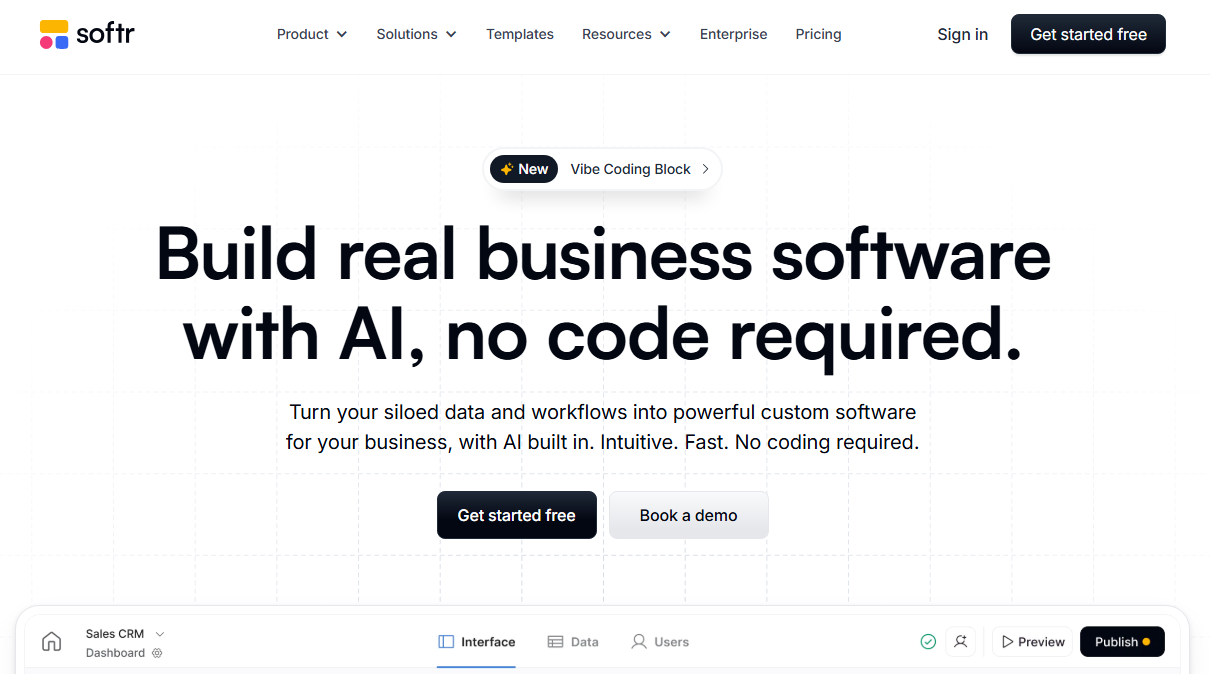
Softr is a no-code platform for building client portals and internal tools that use data from Airtable, Google Sheets, and other sources.
It now bills itself as an AI app builder for business operations, so you can generate an app with AI or assemble it from ready-made blocks in a drag-and-drop editor.
Softr is built for ops teams, small businesses, and agencies that want to give clients a branded portal for accessing data.
Key features of Softr
Below are Softr's main features:
- Drag-and-drop builder with 100+ pre-built templates for portals, directories, CRMs, and dashboards.
- Pre-built integrations including Airtable, Google Sheets, Notion, HubSpot, Supabase, and REST APIs.
- User authentication and role-based access, with SOC 2 Type II compliance, GDPR support, 2FA, SSO, and SCIM.
- AI Co-Builder that can generate and modify interfaces, databases, permissions, and workflows from text prompts.
- Vibe Coding Block for building and modifying custom UI blocks.
- Built-in Softr database and workflows for users who don't want to manage external tools.
- AI Agents and MCP support for automating tasks and building with tools like Claude and ChatGPT.
- Custom domains, white-labeling, and mobile-responsive design.
Limitations of Softr
Some of the downsides of Softr include:
- No native mobile app publishing (Apple App Store/Google Play).
- Limited design freedom compared to tools like Webflow or AI-native builders.
- Performance can slow down if you're working with huge Airtable databases. Switching to its built-in database often solves this.
- The AI still hands complex logic back to you. Softr's docs say conditional form branching has to be set up by hand, and complex multi-step automations may need manual adjustments.
Softr reviews: What users are saying
I combed through reviews on G2, Capterra, Trustpilot, Product Hunt, and Reddit to see what actual users think.
Here's what stood out:
Pros
- Incredibly easy to learn: Users consistently call Softr one of the simplest no-code platforms available. One reviewer on G2 likes how "easy to use, transfer data into it, and navigate the interface."
- Airtable integration: Users love that they can spin up branded interfaces on top of Airtable data. They don't have to use the native Interfaces which have limited features. Airtable remains the backend where all the data lives, and Softr becomes the layer users interact with.
- Customer support is responsive: Multiple reviewers highlighted the support team. The founders are also active in online communities and respond directly to feedback.
- All-in-one builder: Users like that they can build apps without using multiple tools, like an external database or authentication providers. It comes with built-in database and user management features.
Cons
- Limited customization and design flexibility: Because Softr is block-based, you're somewhat constrained by the layouts and styles it offers. You can tweak things, but you can't fully customize every detail of the design.
- Pricing issues: Softr's pricing plans gate some integrations behind higher tiers. For example, connecting to SQL requires the Business plan, and custom code and API calls require Pro or higher.
My personal take on Softr
To test Softr, I built a client portal for sharing legal documents. I had the option to build from scratch in the visual builder, use a template, or generate with AI. I chose AI.
The AI generator asked for a prompt, then had me pick a theme and accent colors. It gave me a basic layout to start from, but at the time it didn't hook anything up to my data or backend logic.
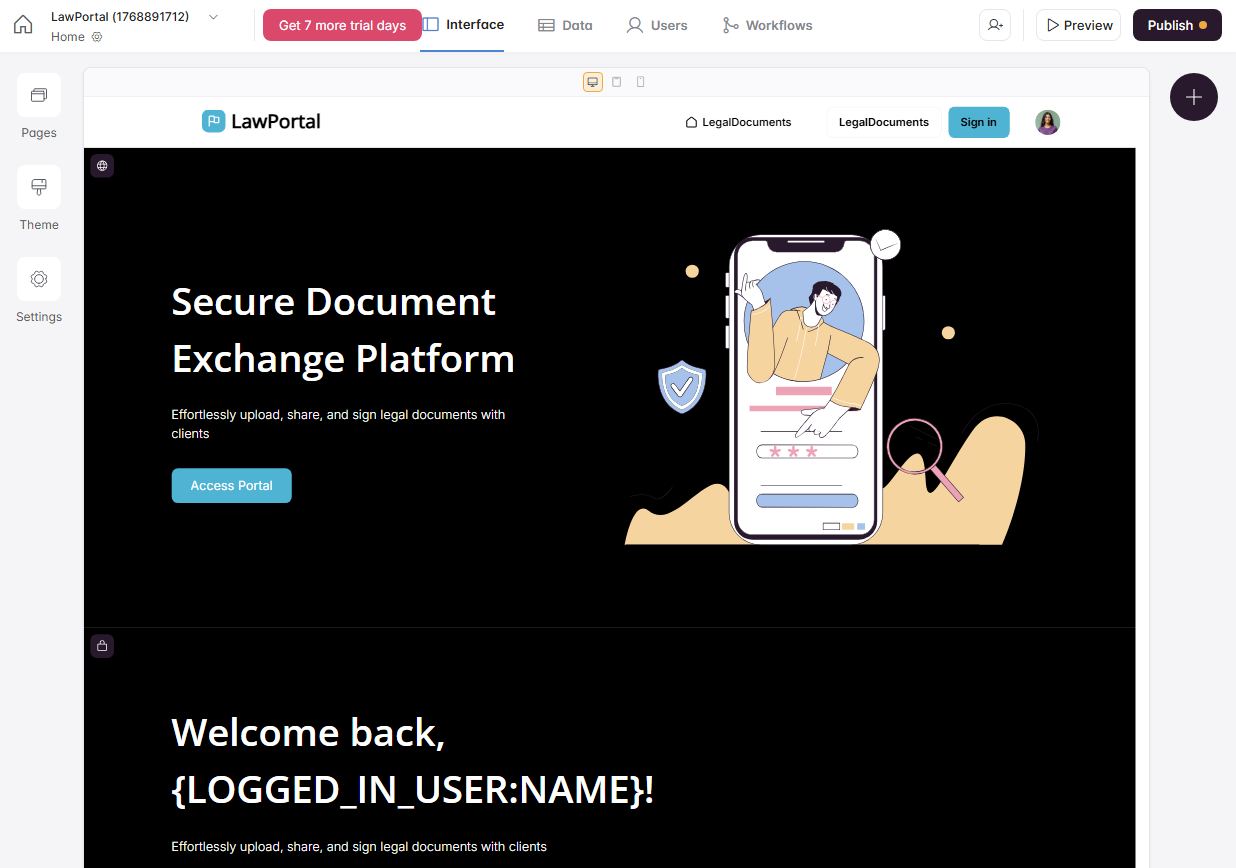
Softr has since expanded its AI Co-Builder. According to Softr's docs, it now sets up the tables, pages, and user groups for a new app, and you can keep chatting with it in the editor to add blocks, build pages, or fix mistakes.
The limits show up with logic. Form branching still has to be configured by hand, and complex multi-step automations may need manual adjustments. Custom UI goes through the Vibe Coding Block, which generates individual components rather than full pages.
What really frustrated me was how rigid the design is. The pre-built blocks look clean, but they're so tightly defined that meaningful customization is hard. That lines up with what many reviewers mention about Softr's limited flexibility.
Is Softr right for you?
Softr is a great fit if you want a quick, no-code way to stand up simple, data-driven portals and internal tools, but it's not ideal for complex apps.
Who will love it:
- Agencies and consultants who need to spin up branded client portals quickly without hiring developers.
- Ops teams tired of managing permissions in messy Airtable bases or Notion docs, who want a cleaner front-end layer.
- Non-technical founders validating an MVP for internal tools, directories, or simple CRMs.
- Teams already using Airtable who want to give clients or partners controlled access to specific data.
Who should skip it:
- Teams that want AI to handle complex logic. Softr's AI Co-Builder takes follow-up edits, but branching logic and multi-step automations still need manual setup.
- Founders building consumer-facing apps since it's primarily an internal tool builder.
- Anyone requiring native mobile apps for app store distribution.
If Softr's design constraints or limited AI capabilities are dealbreakers for you, some tools take a fundamentally different approach to building internal apps.
Spreadsheet-first teams often end up weighing Glide vs Softr, while teams that want AI to build the whole app, logic included, tend to look at Zite.
The best Softr alternative: Zite
I rebuilt the same legal client portal in Zite, but this time, I was able to get to a usable, on-brand version faster. The AI handled more of the layout, logic, and data setup for me. Instead of hitting design limits or fighting rigid blocks, most of the work happened through prompts and direct visual edits.
You can modify the app with follow-up prompts and keep iterating until it matches your needs, then open the visual workflow editor to see exactly what the AI built and trace how each step runs.
Zite also comes with user authentication, access control, and secure hosting on every plan, with granular permissions on the Team plan and SSO for app users on Enterprise. Plus, it's SOC 2 Type II compliant. The apps you generate are ready for production use.
Key advantages over Softr:
- AI builds complete apps with custom UIs, workflows, and backend logic based on your instructions.
- Visual backend workflows you can inspect to understand how the app works without reading code.
- Visual app editing option for making direct changes to the UI.
- Built-in database with spreadsheet interface auto-generates your schema. Edit and update data visually without writing queries.
- More flexible UI generation and customization that's not limited to pre-built block templates.
- Unlimited users and editors on all plans, even on free. There's no per-seat pricing. Softr caps app users on every plan and charges extra for each additional builder.
- Unlimited custom domains are included with Zite's Business plan at $89/month.
Final verdict
If you need a fast, beginner-friendly way to build simple client portals on top of your data, Softr gets the job done. But if you're building complex production-ready business apps and not just portals, Zite is a much better fit.
It's free to get started. No credit card required.
Frequently asked questions
Is Softr free to use?
Yes, Softr offers a free plan with unlimited apps, up to 5 app users, and 5,000 database records. It's enough to test the platform, but you'll need a paid plan for custom domains, more users, and security features like two-factor authentication.
Can I build mobile apps with Softr?
No. Softr creates web apps and Progressive Web Apps (PWAs) only, and the installable PWA starts on the Business plan. You cannot publish native apps to the Apple App Store or Google Play Store.
Does Softr work without Airtable?
Yes, Softr works without Airtable and supports more data sources. It has integrations for Google Sheets, Notion, HubSpot, PostgreSQL, MySQL, and its own native Softr database.
What are the best Softr alternatives?
Zite is the best Softr alternative for teams who need production-ready internal tools, not just interfaces on top of existing data. It offers conversational AI building, a built-in database, and no per-seat pricing.

