> ## Documentation Index
> Fetch the complete documentation index at: https://zite.com/llms.txt
> Use this file to discover all available pages before exploring further.
# Starting with a template
> Use pre-made Zite templates as a starting point for your new app.
## Choose template
On the [Zite Marketplace](https://www.zite.com/marketplace), click your preferred template. It will redirect to a full page containing its description and additional features that come with it like databases for example. Click `Use template`.
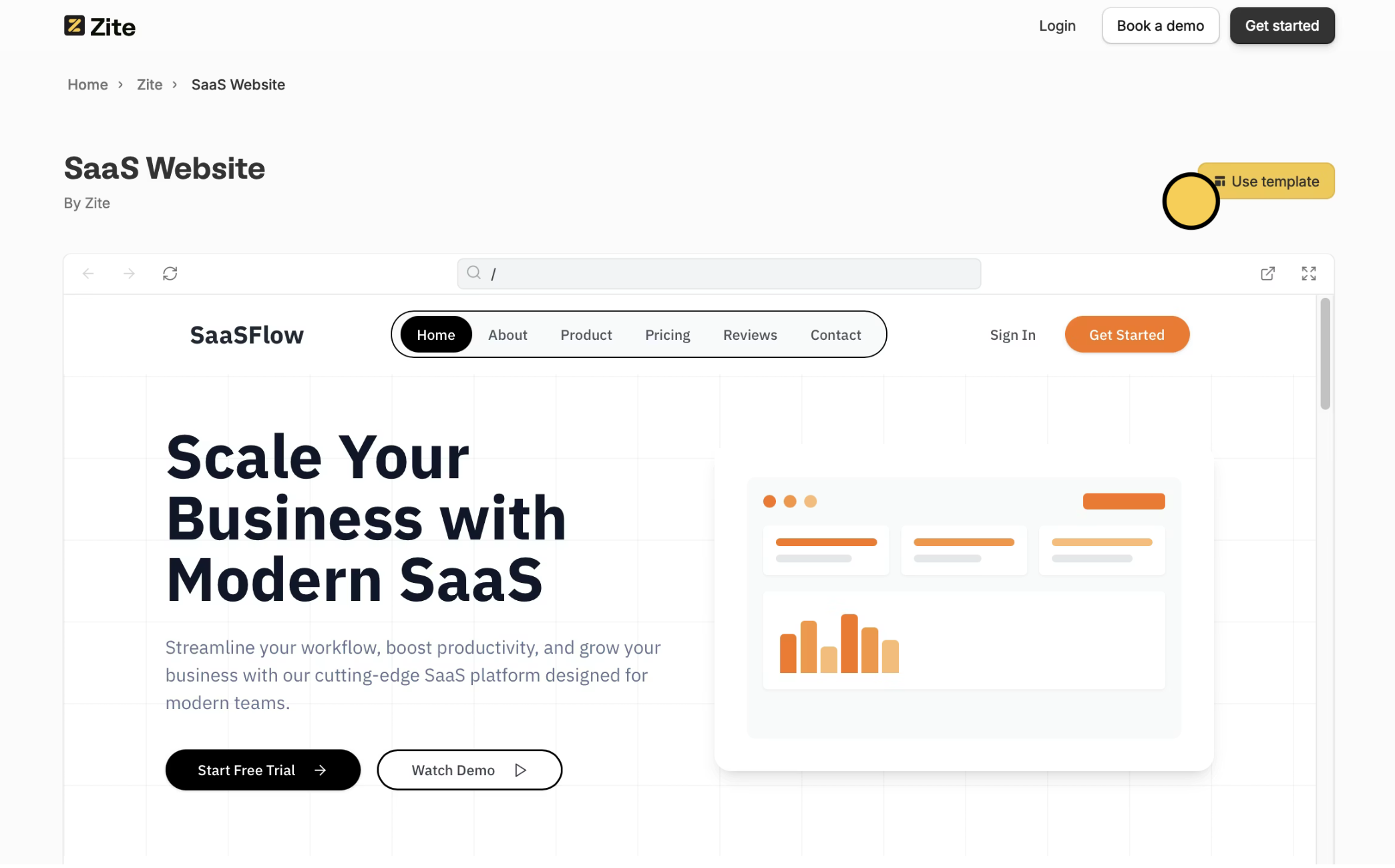 That's it! You can now use this template and make changes as you see fit.
## Make your own template
If you're looking to publish your app as a template, check out [this guide](/help/platform/features/marketplace/create-templates).
That's it! You can now use this template and make changes as you see fit.
## Make your own template
If you're looking to publish your app as a template, check out [this guide](/help/platform/features/marketplace/create-templates).
Related topics