

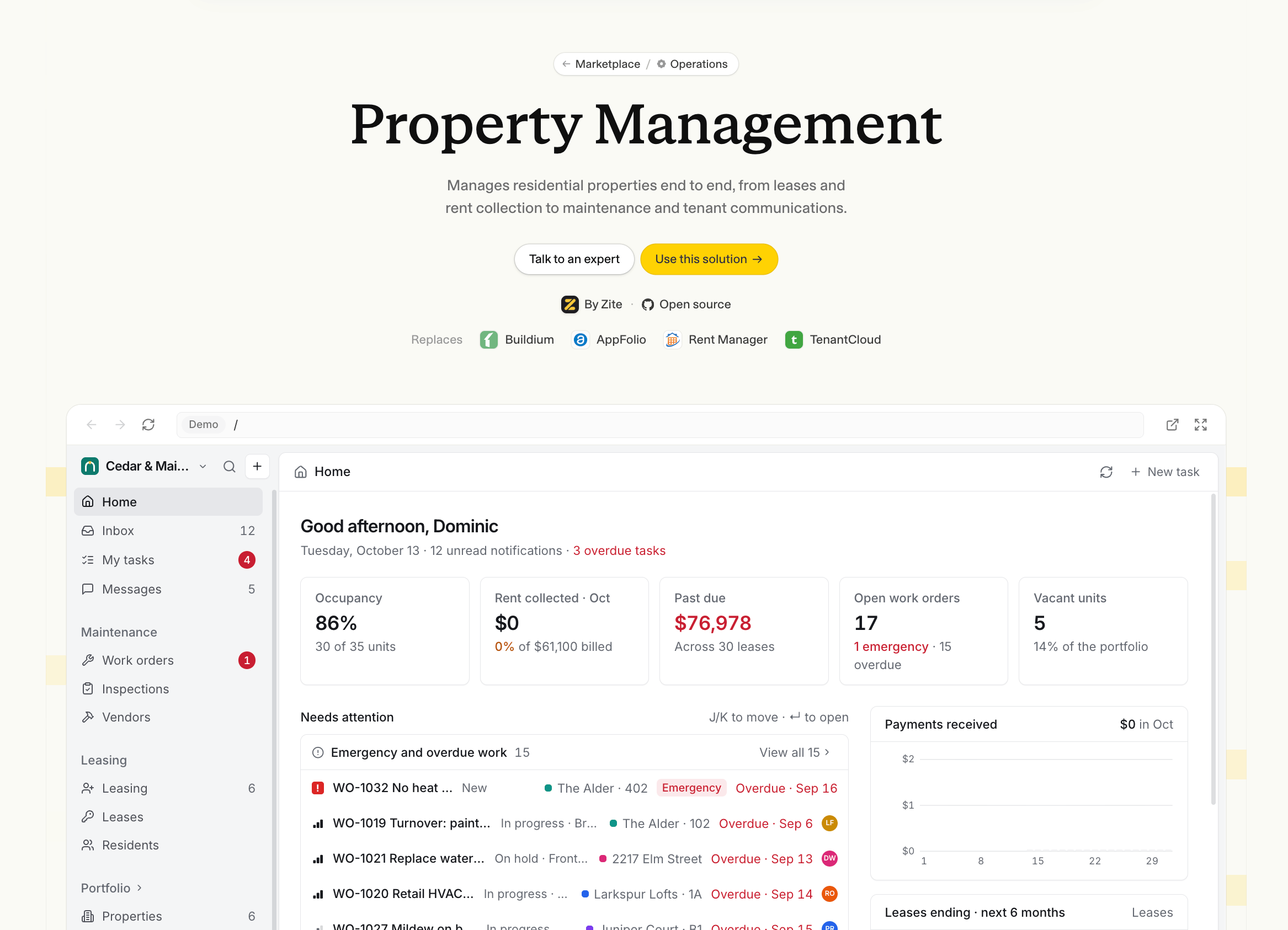
Start with a solution
1
Choose a solution
Browse the marketplace, search for what you want to build, or choose a category.Open a solution to explore its apps, preview how they work, and see the included database and integrations. Click Use this solution, then sign in or create a Zite account if needed.
2
Create your workspace
Enter a workspace name, or keep the solution’s name, then click Create workspace.Zite copies the solution into a new workspace and opens it when it’s ready. Some solutions include sample data to help you explore the apps; others start with empty tables.
3
Make it your own
Follow the getting-started checklist in your new workspace. Start with Apply your branding, then work through the solution’s setup steps. You can skip steps you don’t need.Tell Zite what you want to change in plain words. Connect your own accounts for any integrations you plan to use, since the creator’s connected accounts aren’t copied.
4
Test and publish
Test your apps with your own information and check who should have access.Use Publish your apps in the checklist when you’re ready. Your copied apps aren’t published automatically when you create the workspace.
Starting a solution is free. Your workspace is subject to your Zite plan’s limits.
Share your own solution
Package a workspace you’ve built so other teams can start their own copy.1
Create a creator profile
An account admin can open Settings, select Marketplace, and click Create profile.This profile identifies your organization as the creator of your solutions.
2
Add your workspace
Open your workspace menu and choose Add to marketplace. Review what you’re sharing, then follow the steps to add the solution’s name, description, cover image, and categories.Review the included apps and choose whether to include sample records. Only include information you want other people to copy.
3
Help people get started
Add checklist steps to guide people through setting up their copy. Each step can include instructions for Zite to help them customize the solution.Click Create when you’re ready. You can manage your solutions and creator profile in Settings → Marketplace.
To have your solution featured, or get help with the marketplace, contact support@zite.com.