Overview
Multi-chat lets you create separate chat threads inside a Zite app or database. Each chat has its own context, so you can keep different tasks, features, fixes, or experiments separate.
Use multi-chat when you want Zite to focus on the current task without carrying forward every message from an earlier conversation.
In a long chat, the context window moves forward as the conversation grows. Recent messages stay in context, while older messages can fall out of the active window or be summarized through compaction.
Manage chats
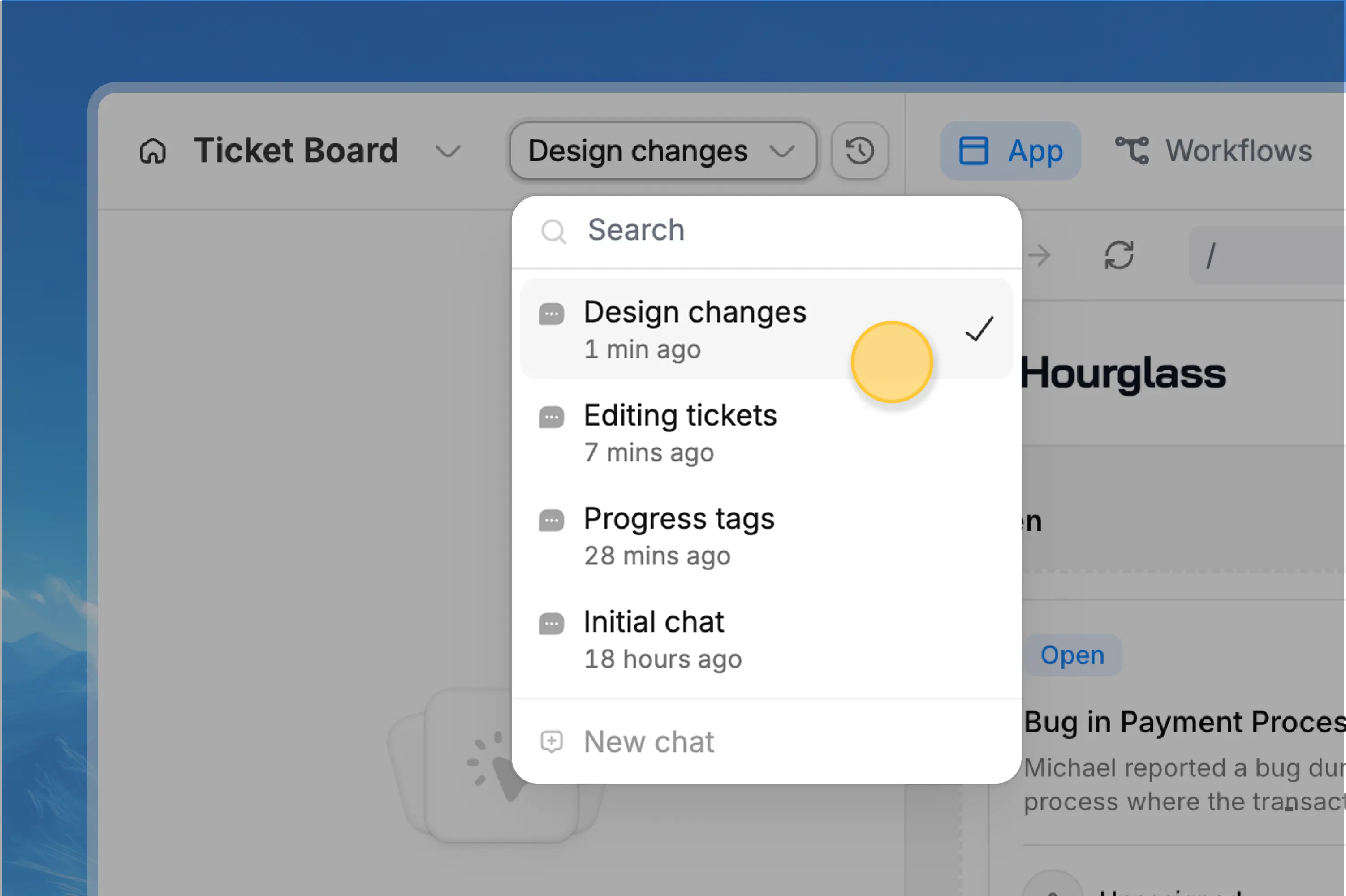
There is no limit to the number of new chats you can create in an app or database. Use the chat popover to switch between existing chats or start a new one.
The search bar at the top of the popover searches chat titles, which helps you find earlier work by name.
To rename a chat, hover over the chat row and click the pencil icon.
Chats cannot be archived or deleted. To reset context, start a new chat.
Why use a new chat
Starting a new chat gives you more control over context.
This is especially useful when you move from one feature to another, finish a long troubleshooting session, or want to explore a new direction without older messages affecting the result.
When to create a new chat
When to keep using the same chat
Keep using the same chat when the next request depends on the previous conversation.
For example, stay in the same chat if Zite just made a change and you want to refine it, fix something from the same build, or ask a follow-up question about the same task.
Auto-compaction
Zite automatically compacts long chats when they reach around 90% of chat usage. This helps keep the conversation usable when the context gets large.
Multi-chat does not replace auto-compaction. If you keep working in a long chat, auto-compaction will still happen when needed.
The difference is control: multi-chat lets you decide when to start fresh instead of waiting for compaction to happen automatically.
If you are about to start a new feature or unrelated fix, create a new chat first. If you are still refining the same change, stay in the current chat.
Related topics