

Start an improvement pass
- Open the app you want to improve.
- Click the
+button beside the prompt box. - Select Improve my app.
- Choose Review agent, Design agent, or Accessibility agent.
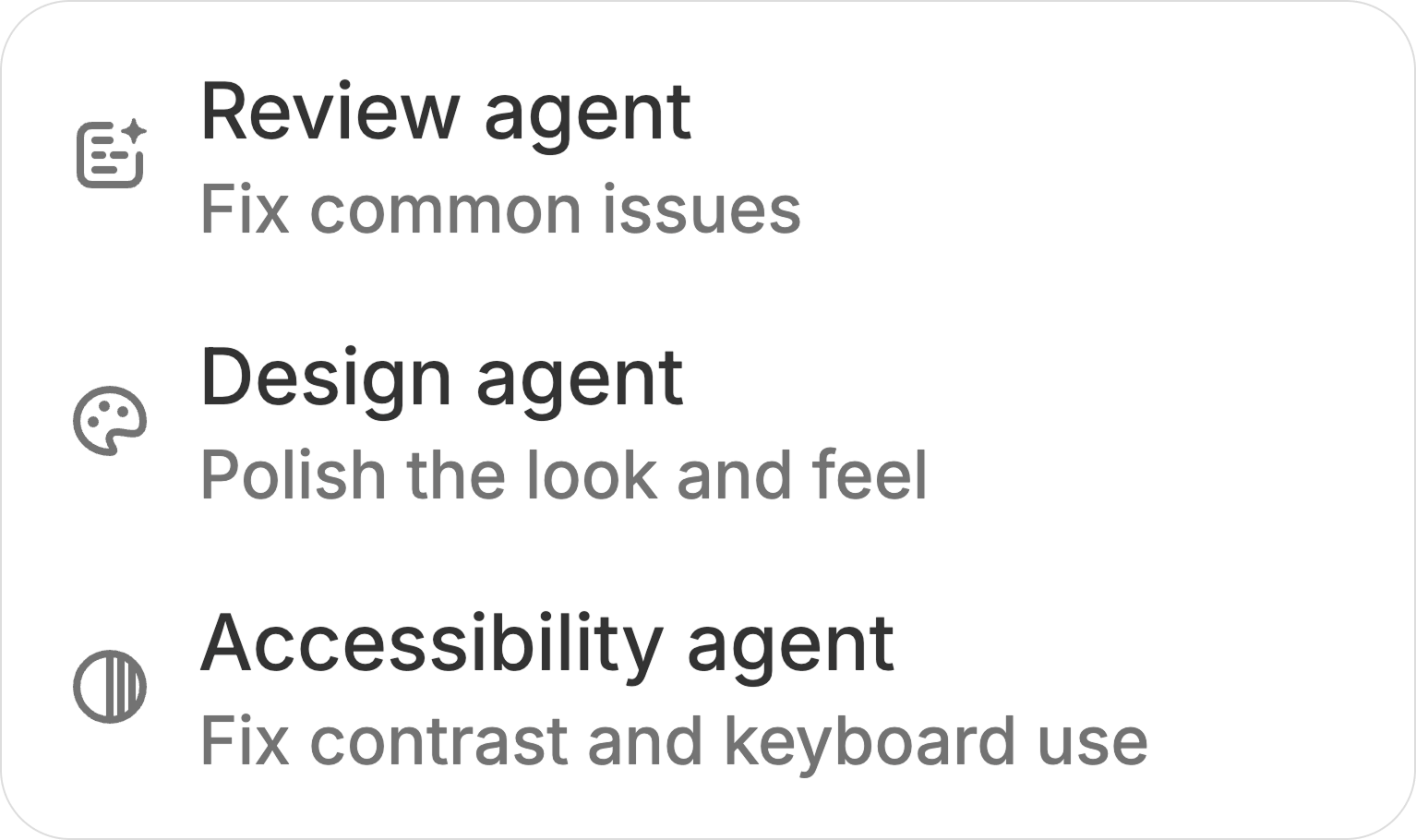
Review agent
Review agent reads the app’s code and checks each concern before making a change. It focuses on problems that can make a generated app feel incomplete or fail in normal use, including:- Buttons, links, tabs, and navigation that do not work
- Filters, forms, endpoints, or integrations wired incorrectly
- Missing loading and empty states
- Authentication logic that does not match the app’s access mode
- Components that bypass the shared Zite design system
- Placeholder content, unclear actions, and obvious visual inconsistencies
Design agent
Design agent explores the running app like a user. It captures the screens it reviews and reads the code when needed to confirm how the interface is implemented. The pass looks for:- Inconsistent colors or one-off values instead of the app’s theme tokens
- Uneven spacing, sizing, alignment, and visual hierarchy
- Overflowing text, badges, tabs, cards, tables, and lists
- Inconsistent controls that should use shared components
- Missing or unresponsive loading states
- UI patterns that feel unfinished or behave inconsistently across screens
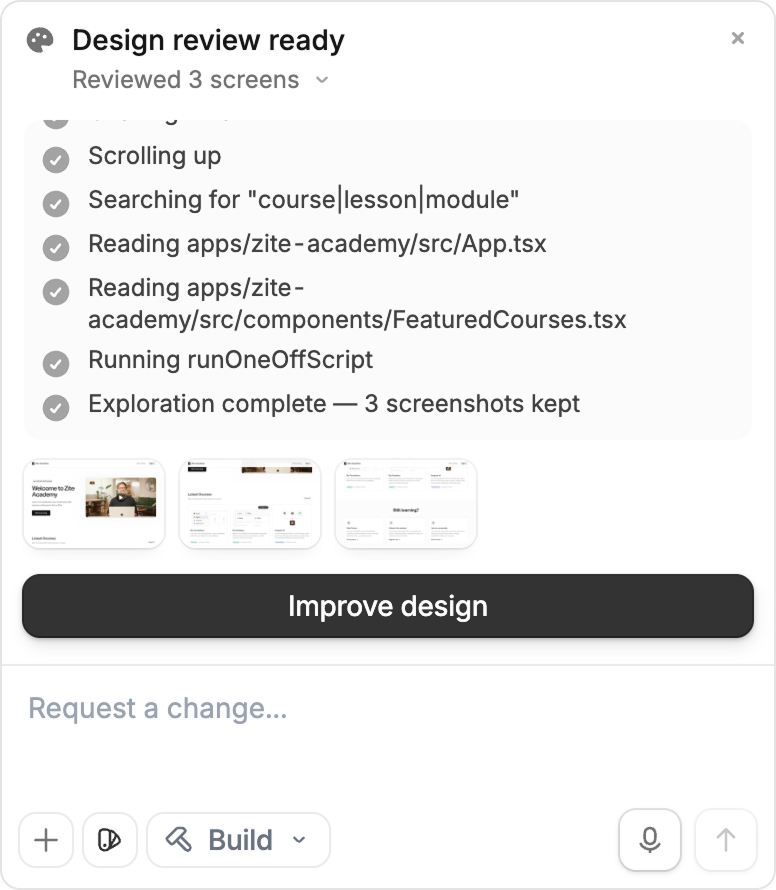
Make sure the main pages and core interactions exist before running Design agent. It is best at polishing a working app rather than defining an unfinished product.
Accessibility agent
Accessibility agent reviews the app against WCAG 2.1 AA and fixes issues it can verify in the code. It checks details that are easy to miss during a visual review:- Text contrast across the surfaces the app actually renders
- Badges, status pills, placeholders, and disabled states
- Focus-ring visibility when navigating with a keyboard
- Keyboard access for interactive controls
- Hand-built buttons, dropdowns, dialogs, tables, and other elements that lack native semantics
@project/components/ui, which already provide accessible behavior through shadcn and Radix primitives. It avoids adding redundant ARIA when native HTML or an existing primitive already carries the correct semantics.
Accessibility changes should preserve the design. For example, the agent raises contrast by adjusting the relevant theme token rather than restyling the entire screen.