

Overview
When you ask Zite to build something, you are working with Zite’s AI agent. Zite uses AI models (LLMs) to power that agent, then gives it the context and tools it needs to create and update your project. The agent can create the parts of a connected business system, including:- Zite apps and pages
- Shared databases, tables, fields, and relationships
- Forms for collecting or updating information
- Workflows, permissions, and integrations
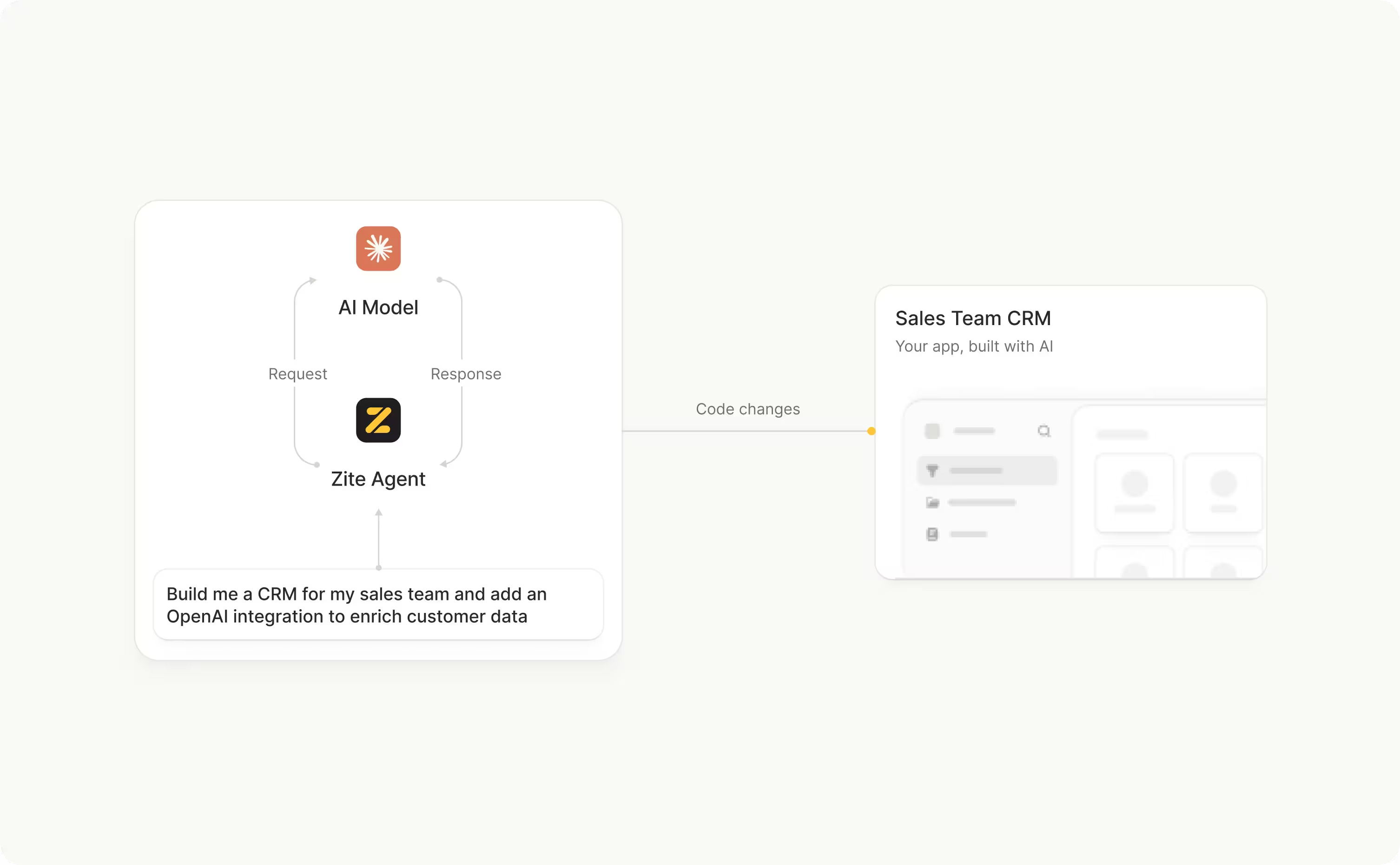
Zite is not a direct chat window with an LLM. Zite combines LLMs with Zite’s app-building tools, product rules, and your project’s context so the agent can make changes inside Zite.
What happens when you send a request?
The exact process depends on your request, but an AI build usually follows this pattern:1
Understand the goal
The agent interprets what you want to achieve, who the app is for, and any constraints you included. A request such as “create a client onboarding portal” gives the agent a goal; details about the users, records, and workflow make the goal clearer.
2
Gather relevant context
The agent looks at the parts of your project that matter to the request, such as existing pages, app logic, workflows, database tables, fields, permissions, and attached references. It uses this context to understand what already exists before deciding what to change.
3
Plan the changes
The agent works out which app elements, data structures, and workflow steps are needed. For larger changes, use Plan mode to review the proposed direction before the app is built.
4
Use Zite's building tools
The agent creates or updates the relevant pages, components, forms, tables, fields, workflows, and permissions using Zite’s tools. It is working with the structure of your Zite project rather than only producing a block of code in a chat response.
5
Report the result
Zite summarizes the work so you can review and test it. AI can make mistakes, so check the result against your requirements, especially when the request changes data, permissions, or business-critical workflows.
What is context?
Context is the information the agent can use to understand your request. It can include:- Your current prompt
- Relevant messages and decisions from the chat
- Zite’s system prompt, which defines how the agent should work within Zite
- The structure of your app, including pages, components, workflows, and generated logic
- Your database tables, fields, relationships, and permissions
- Relevant integrations and the actions available through them
- Files, screenshots, mockups, or other references you attach
- The mode and model you selected
Why AI work uses credits
When a credit-consuming Zite AI feature runs, Zite sends information to an LLM and receives work back. Zite incurs a cost from the LLM provider for that AI processing, including the work needed to understand your request, inspect context, reason about a solution, and produce actions. That cost is incurred even when the final result is not what you expected. For example, an AI request can use credits if:- The app has an error after the changes are applied
- The agent misunderstands part of your request
- The build stops partway through
- You decide to undo the changes
- The result needs another request to correct it