


AI workflow automation tools connect your apps and run tasks automatically, now with AI that decides inside the workflow, a step beyond moving data between apps.
The market splits into two camps: connector-first tools that glue your SaaS apps together, and AI-agent tools that reason and act on their own.
I spent about a month putting these tools through real jobs: a lead-capture flow from form to CRM to Slack, an AI email classifier, and an agent that drafts replies. This guide ranks them by who each one fits, with monthly pricing and where each wins or struggles in 2026.
One distinction decides your pick, so it's worth naming up front. Most of these automate work between apps you already have, while a couple build or become the app itself. I've flagged which is which.
9 best AI workflow automation tools: TL;DR
Here's the shortlist, with what each one does best:
- Zapier: Best for connecting the most apps with the least effort.
- Make: Best for visual, branching workflows at a lower cost.
- n8n: Best for technical teams that want self-hosting and control.
- Gumloop: Best for data-heavy AI workflows on a visual canvas.
- Workato: Best for governed, enterprise-grade approval workflows.
- Zite: Best for building the app your workflows run inside.
- Relevance AI: Best for a coordinated team of AI agents.
- Lindy: Best for prebuilt AI employees for ops and support.
- Activepieces: Best open-source option with free self-hosting.
How I researched and tested these AI workflow automation tools
I spent about four weeks running three real workflows in each tool: a lead-capture flow from form to CRM to Slack alert, an AI email classifier that routes support tickets, and an AI agent that drafts and sends replies.
I also tried two tools that didn't make the list: Pipedream, excellent for developers who want code steps but too technical for most, and Power Automate, strong in Microsoft shops and clunky elsewhere.
I scored each on five things:
- Integrations: How many apps it connects and how deep those connections go.
- AI capability: Whether AI calls out as a step, or reasons and decides inside the workflow.
- Ease of use: How far a non-technical person gets before needing code or a developer.
- Pricing model: Whether cost is per task, per execution, or per credit, and how it scales.
- Control and hosting: Whether you can self-host and own your data, or run only in the cloud.
This hands-on approach separated the connector-first tools from the AI-agent tools, and both from the builder you use when the app itself doesn't exist yet.
9 best AI workflow automation tools: quick comparison
All prices below are monthly-billed rates, checked against each vendor's pricing page in July 2026.
1. Zapier: Best for connecting the most apps
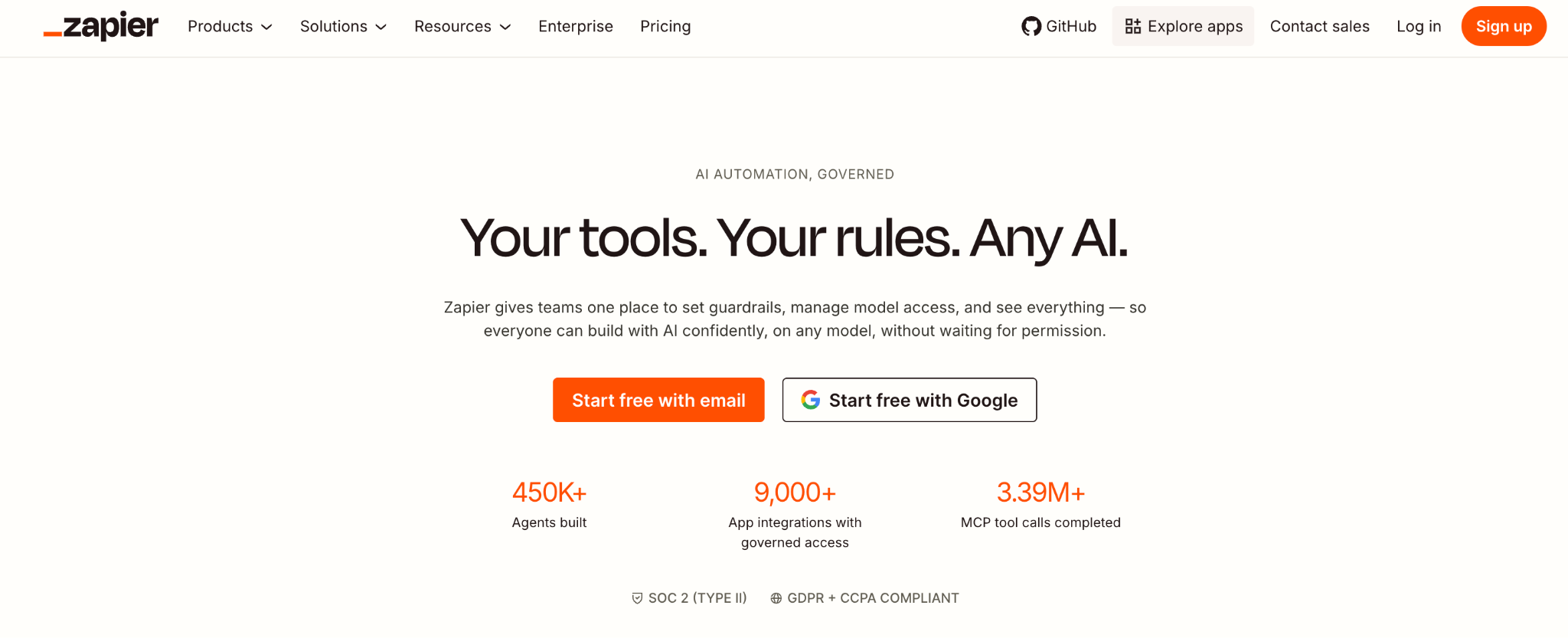
What it does: Zapier is the most widely used automation tool, connecting 9,000-plus apps through no-code Zaps, now with AI agents and a copilot that builds workflows from a description.
Best for: Non-technical teams that want to connect the apps they already use, fast.
Zapier is the default for a reason. It has the widest app catalog and the gentlest learning curve. I connected a form to a CRM with a Slack alert in minutes. In 2026, it added Zapier Agents for autonomous tasks and an AI Copilot to make automations.
The catch is cost. Task-based billing climbs fast in heavy-volume months, and Zapier moves data between apps better than it makes judgment calls.
Key features
- 9,000+ app connectors: The widest integration catalog here.
- AI Copilot: Builds Zaps from a plain-language description.
- Zapier Agents: Autonomous AI that acts across your connected apps.
Pros
- Largest app catalog by far.
- Approachable for non-technical users.
- Reliable for lightweight, event-driven tasks.
Cons
- Task-based pricing climbs with volume.
- Limited complex logic on lower tiers.
- Better as a connector than an AI reasoning engine.
What users say
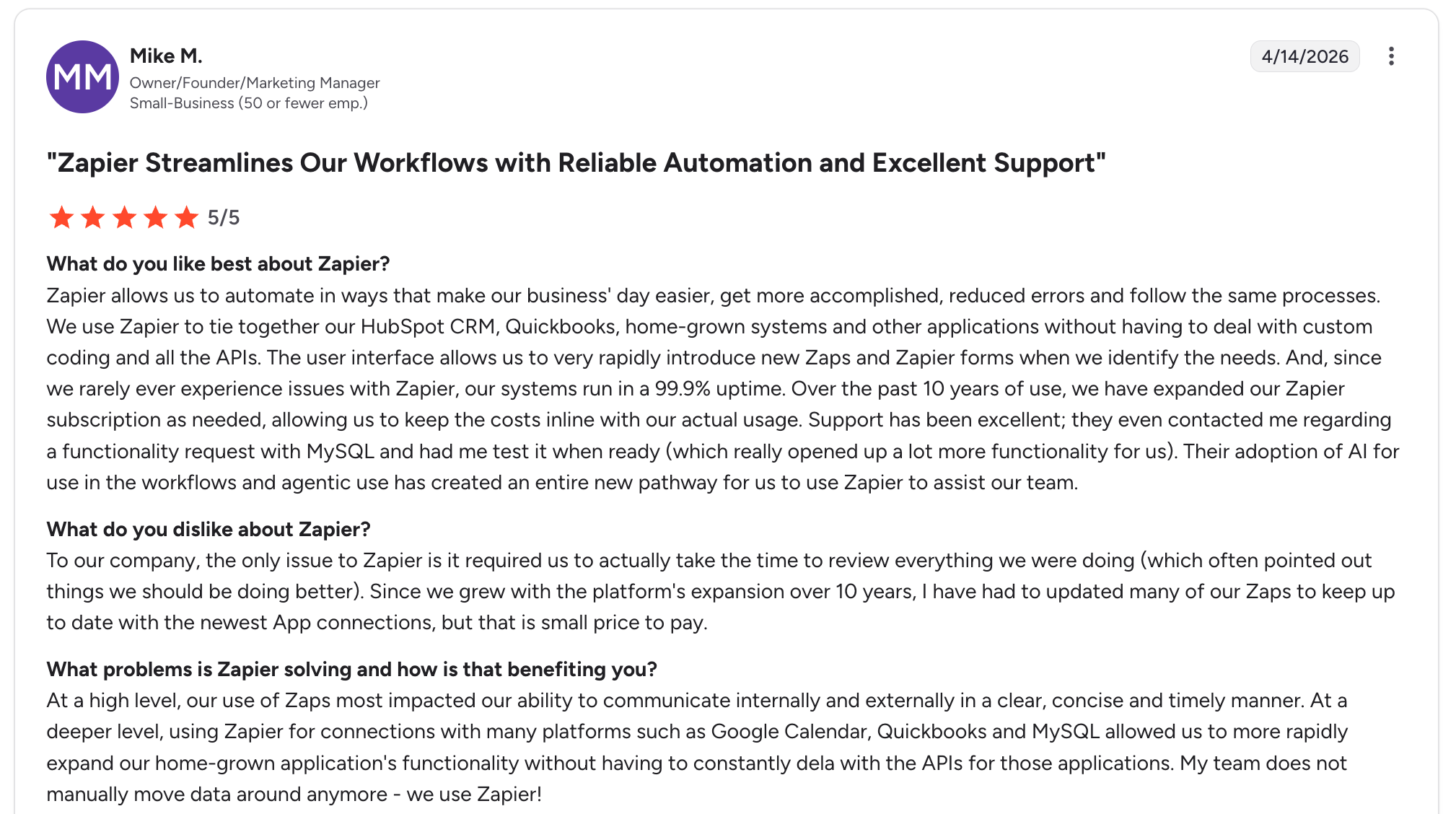
"We use Zapier to tie together our HubSpot CRM, QuickBooks, and other applications without having to deal with custom coding." Mike M, G2
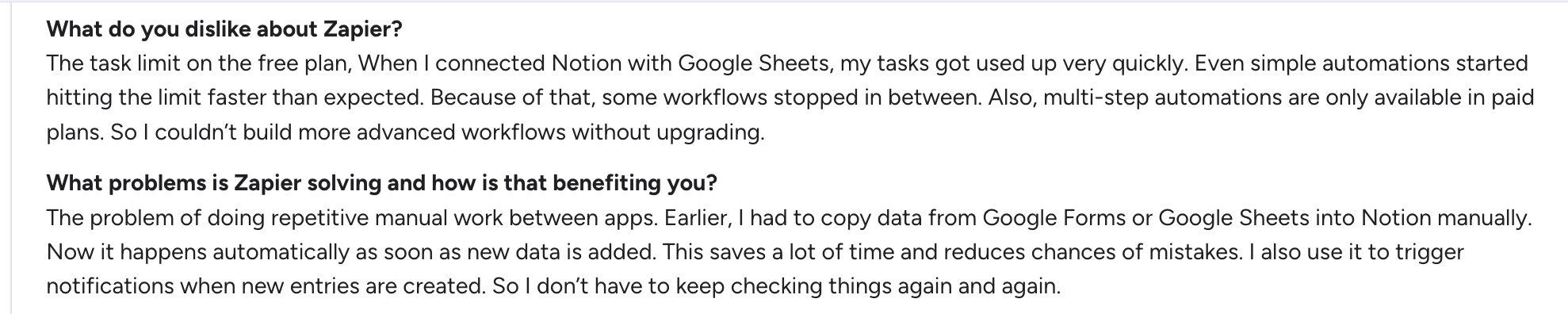
"When I connected Notion with Google Sheets, my tasks got used up very quickly. Even simple automations started hitting the limit faster than expected. Because of that, some workflows stopped in between." Priyanshu J, G2
Pricing
Zapier is free for 100 tasks a month. Professional runs $29.99 a month, or $19.99 when billed annually, with Team and Enterprise priced higher and billed per task. See the Zapier pricing page.
Bottom line
Zapier is the pick when you want to connect many apps with minimal effort. If you need heavier logic or lower costs at scale, Make is the stronger choice.
2. Make: Best for visual, branching workflows
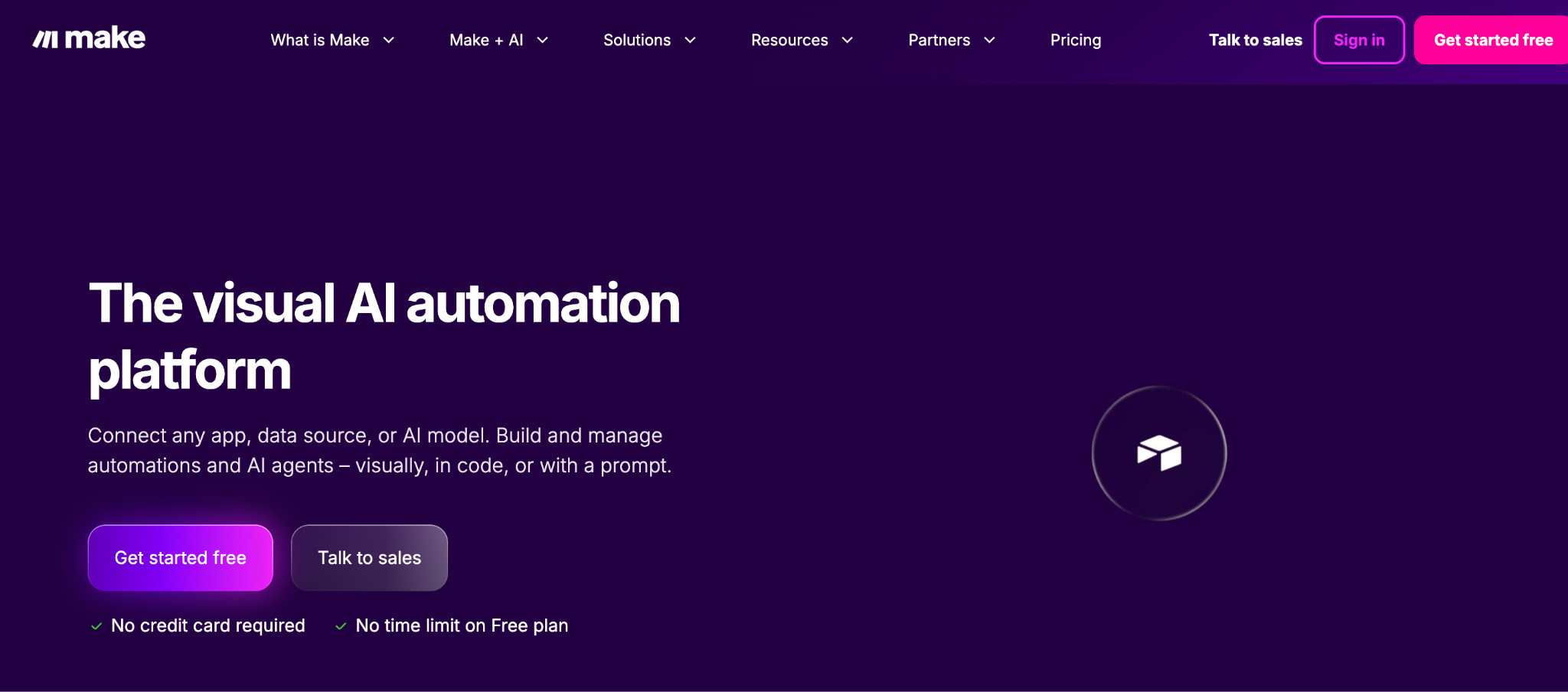
What it does: Make is a visual automation tool with a drag-and-drop canvas, supporting 3,000-plus apps and deep branching logic at a lower cost than Zapier.
Best for: Teams that want more powerful workflows without hiring a developer.
Make gives you more logic per dollar than Zapier, with 10,000 operations on its entry tier (an operation is one module run, roughly one action inside a workflow). The visual canvas handles branching, iterators, and data transforms well, and in 2026, it added its Maia AI assistant and AI Agents.
The friction is the steeper setup, so the perceived ease can mislead beginners who expect Zapier-level simplicity.
Key features
- Visual scenario builder: Drag-and-drop canvas with deep branching.
- 3,000+ apps: Broad integration coverage.
- Maia AI and Agents: AI assistant and autonomous task execution.
Pros
- More logic and value than Zapier at scale.
- Strong branching and data handling.
- Generous operation limits for the price.
Cons
- Steeper setup than Zapier.
- Limited role-based access control.
- Can mislead beginners with its perceived ease.
What users say
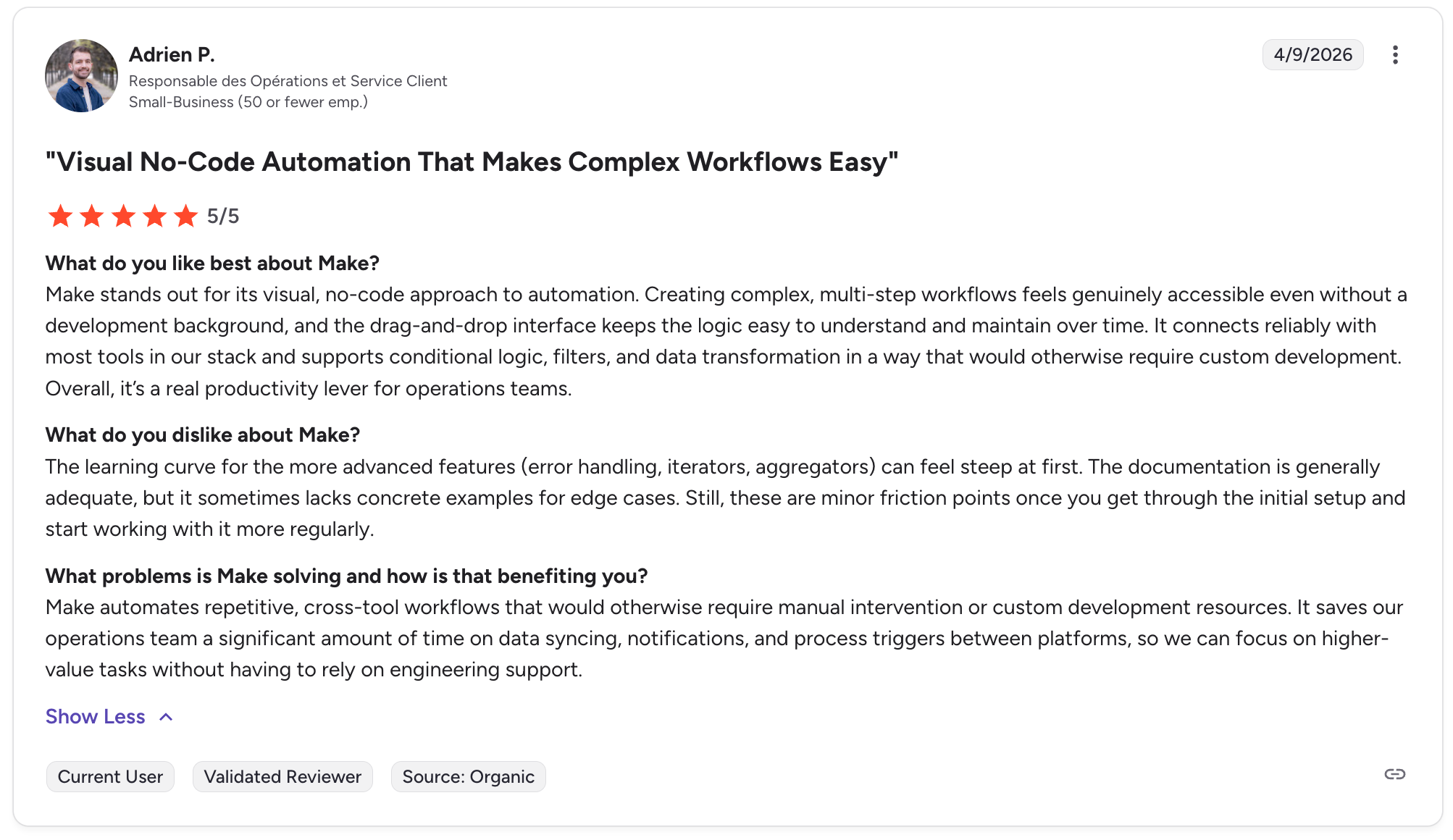
"Creating complex, multi-step workflows feels genuinely accessible even without a development background." Adrien P, G2

"The main downside is that as workflows become more advanced, they can be harder to maintain if you don’t structure them well from the start." Himanshu J, G2
Pricing
Make is free to start. The Core plan costs $16 a month and includes 10,000 operations. Pro steps up to $28 a month, and Teams costs $51 a month for larger teams, with custom Enterprise pricing above that. Billing is per operation, where one operation is a single module run. See the Make pricing page.
Bottom line
Make is the choice for powerful visual workflows at a fair price. If you want the simplest possible setup, Zapier is easier to get started with.
3. n8n: Best for technical teams that want self-hosting
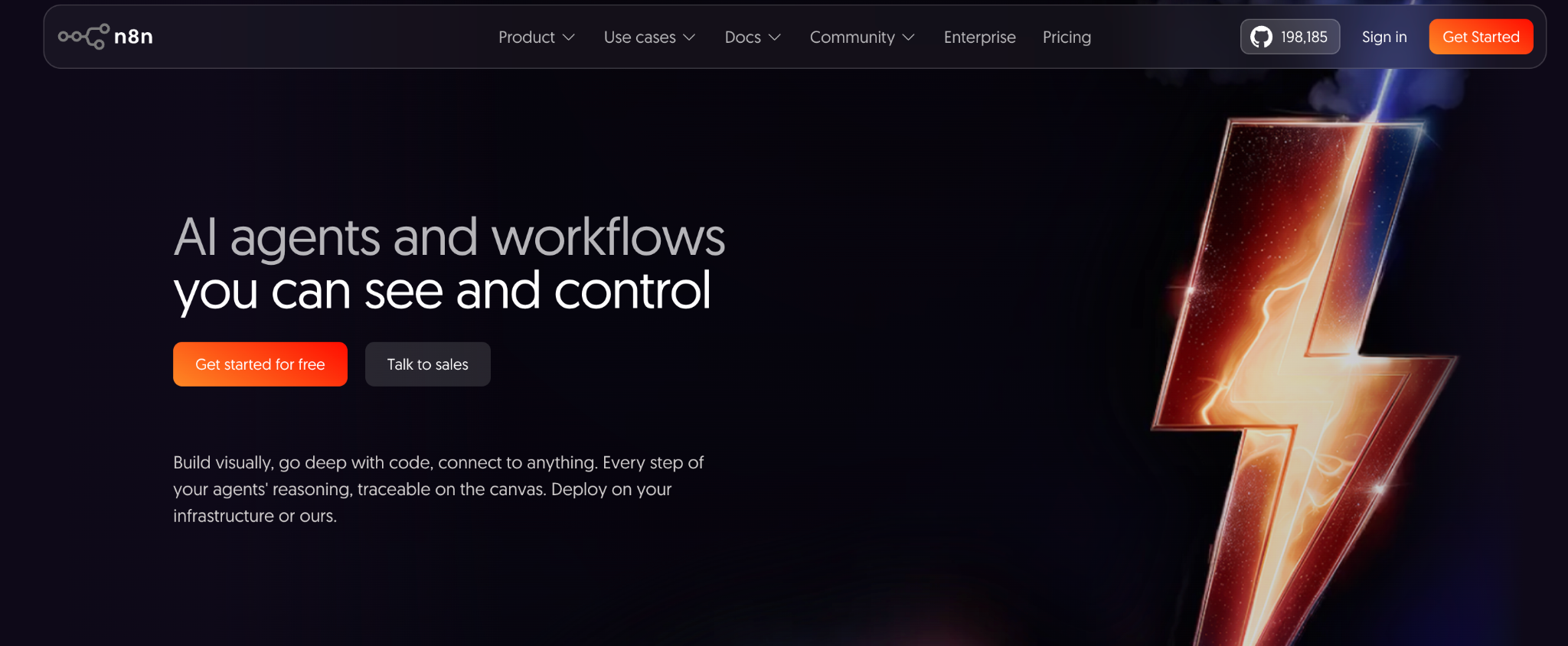
What it does: n8n is an open-source automation tool you can self-host, with deep AI capabilities and full control over your data and infrastructure.
Best for: Developer teams and regulated industries that want maximum control and data ownership.
n8n is the technical pick, and the only major tool here with full self-hosting, so your data never leaves your servers. The 2026 release added native LangChain, 70-plus AI nodes, and persistent agent memory.
Its AI agent node lets the model decide the next step, not just run as a step. The catch is a steep learning curve that non-technical users struggle with.
Key features
- Full self-hosting: Run it on your own servers with full data ownership.
- 70+ AI nodes: Native LangChain and multi-agent orchestration.
- AI agent node: Hands the model control of the flow, so it can branch and retry on its own.
Pros
- Only major tool with full self-hosting of your data.
- Deepest technical AI capability on this list.
- Budget-friendly, with a free self-hosted option.
Cons
- Steep learning curve for non-technical users.
- Self-hosting needs technical resources to run.
- Fair-code license restricts reselling it as a service.
What users say
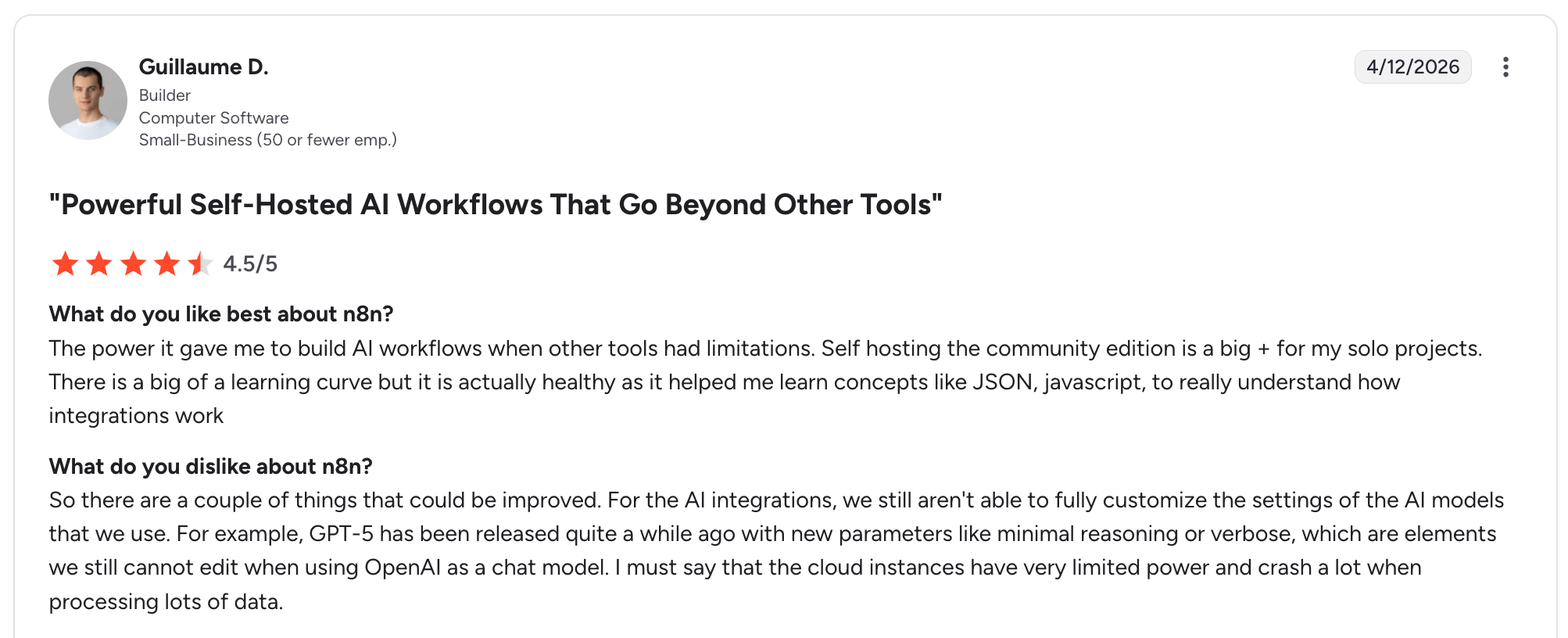
"The power it gave me to build AI workflows when other tools had limitations. Self-hosting the community edition is a big plus for my solo projects." - Guillaume D, G2

"Some popular apps don’t have built-in nodes, so integrations can require extra setup." Jubilee O, G2
Pricing
n8n is free to self-host on the community edition. On the cloud, the Starter plan costs $24 a month and includes 2,500 executions. Pro moves up to $60 a month, and the Business plan costs $800 a month for higher volumes, with custom Enterprise pricing. Billing is per execution, which works out cheaper than per-task billing at volume. See the n8n pricing page
Bottom line
n8n is the pick for technical teams that want control and self-hosting. For non-technical users, Zapier or Make will be far less painful.
4. Gumloop: Best for data-heavy AI workflows
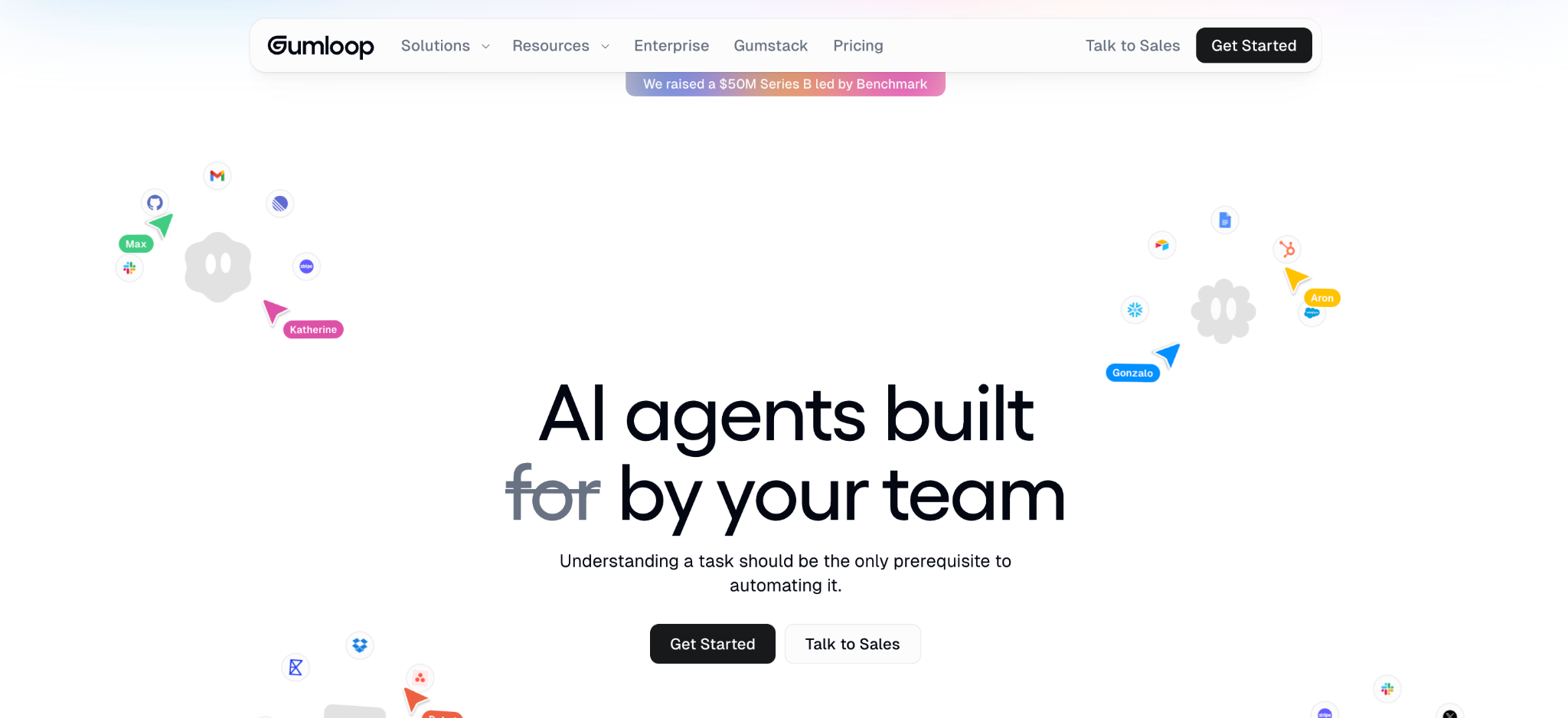
What it does: Gumloop is an AI workflow tool with a visual canvas built for data-heavy jobs like scraping, enrichment, and research.
Best for: Teams running data-intensive AI workflows like lead enrichment or content operations.
Gumloop shines for node-based AI workflows where data is the point. It handles scraping, enrichment, and research well on a visual canvas.
Watch the credits: every AI call and node spends them, so a busy month is hard to forecast, and reviewers say workflows get harder to manage as they scale.
Key features
- Visual AI canvas: Node-based workflows for data jobs.
- Scraping and enrichment: Built for research and lead data.
- AI model choice: Standard and advanced AI calls per node.
Pros
- Strong for data-heavy AI workflows.
- Flexible visual canvas for prototyping.
- 14-day free trial to test.
Cons
- Credit-based pricing is hard to predict.
- Workflows get harder to manage at scale.
- Moderate learning curve for complex flows.
What users say
“The support team was honestly great. I was super frustrated at the beginning after spending hours without successful outcomes and troubleshooting on my own.” Karim L, G2

“I just want more integrations, and I know their enterprise has it already.” Sean G, G2
Pricing
Gumloop offers a 14-day free trial, then Pro runs $37 a month with 20,000-plus credits, and a custom Enterprise plan, billed by credit. See the Gumloop pricing page.
Bottom line
Gumloop is the pick for data-heavy AI workflows on a visual canvas. If credit-based costs worry you, a per-execution tool like n8n is more predictable.
5. Workato: Best for governed, enterprise-grade approval workflows
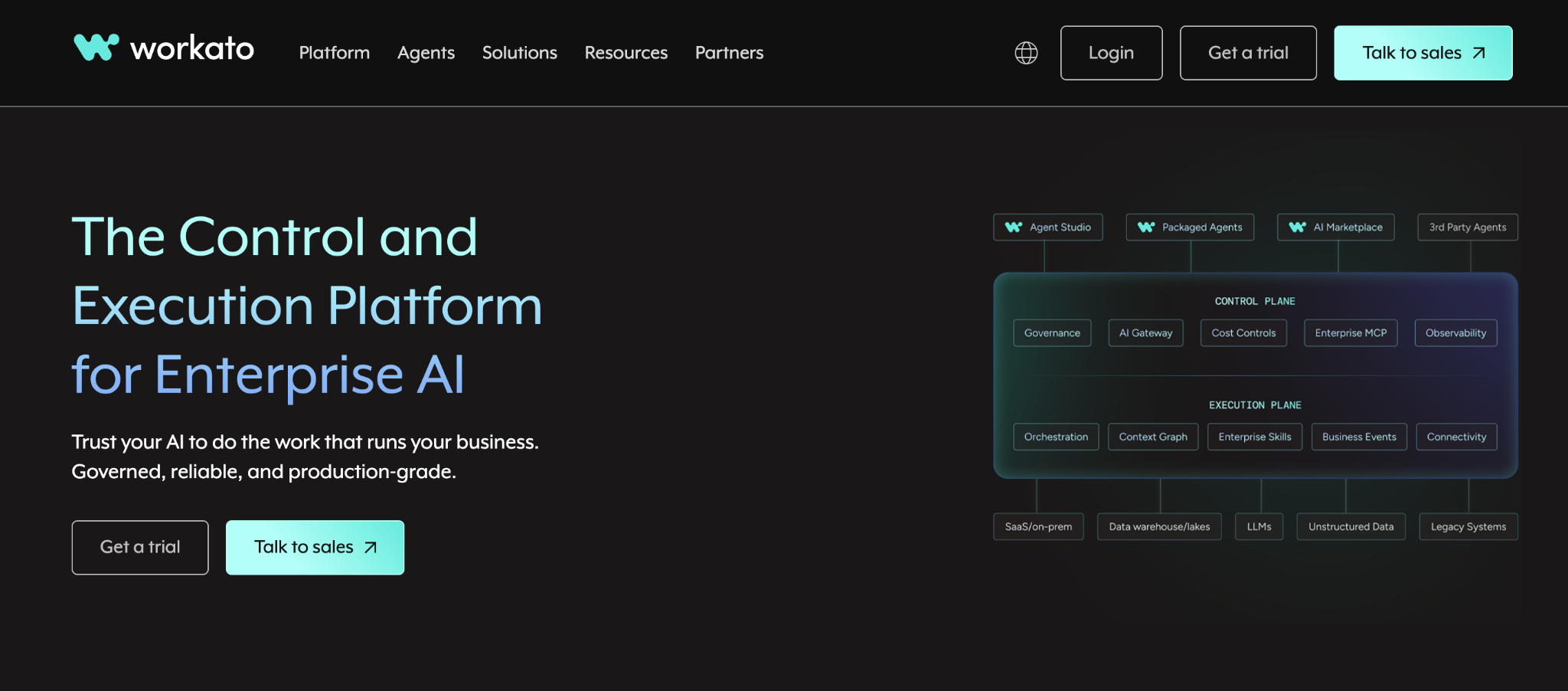
What it does: Workato is an enterprise automation platform built around recipe-based workflows, with governance, audit trails, and human-approval steps as core features rather than add-ons.
Best for: Larger teams and regulated industries that need approval steps with real governance behind them.
Workato treats human approval as an enterprise control, paired with role-based access, audit logs, and isolated dev, test, and production environments. Recipes let a person approve requests inside chat tools before an action runs.
The barrier is cost, since Workato is quote-based and enterprise-priced, starting well above the mid-market tools on this list.
Key features
- Approval flows with governance: Human approval paired with audit logs and role-based access.
- Thousands of connectors: Deep integration across enterprise systems.
- Environment isolation: Separate dev, test, and production for regulated work.
Pros
- Best-in-class governance for approval-based workflows.
- A Gartner iPaaS Leader for eight consecutive years.
- Cross-departmental reach across IT, HR, finance, and sales.
Cons
- Enterprise pricing that overshoots most mid-market teams.
- Quote-based, annual contracts add friction to getting started.
- Overkill when your workflows are straightforward.
What users say
“The development effort required to build an automation or integration in Workato is much lower compared to other iPaaS tools.” Karthi C, G2

“The Workato Go platform should improve the process for adding data sources.” Venkatesh M, G2
Pricing
Workato is quote-based and enterprise-priced, starting around $10,000 a year for core platform access and scaling past $100,000 for large deployments. There's no self-serve tier. See the Workato pricing page.
Bottom line
Workato is the pick when approval workflows need enterprise governance. If you want human approval without an enterprise contract, a lighter tool or a simple approval step in Zapier will fit better.
6. Zite: Best for building the app your workflows run inside
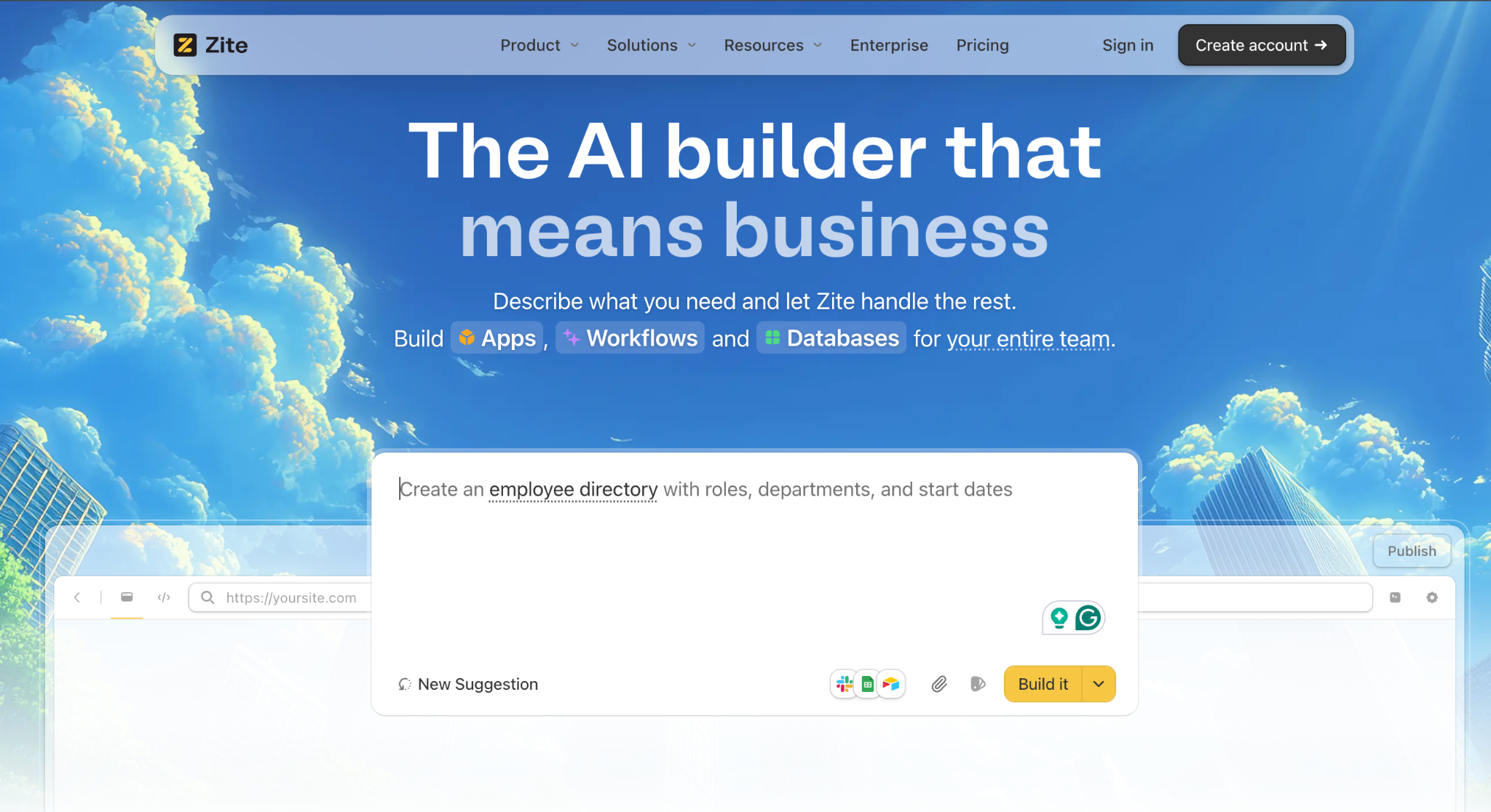
What it does: Zite is an AI-powered no-code app builder that generates a custom app, its database, and the visual workflows inside it from a plain-language description.
Best for: Teams that need to build the app a workflow runs in, not just automate between existing apps.
Zite builds the app itself when it doesn't exist yet. That means a portal, a tracker, or an internal tool with its own database and visual workflows.
It also connects directly to Slack, Gmail, Outlook, Teams, Google Sheets, Airtable, Notion, HubSpot, Stripe, and OpenAI, and a webhook lets any other system push data in. That's a smaller list than a dedicated connector tool, but it covers what most internal apps and portals need.
You can then connect an automation tool, such as Zapier, to it for anything outside that list. Teams like Bombas and Domino's build business apps this way.
Key features
- AI app generation: Describe the app and Zite builds the screens, database, and logic.
- Visual workflows inside the app: Approvals, notifications, and status changes laid out visually so the team can see and adjust them. A workflow can also start on its own, not only when someone clicks something. It can start when a webhook sends data in, after a set delay, or on a schedule if you're on Business or above.
- Visible database with tables and fields: Your data lives in a spreadsheet-style database, editable without SQL.
Pros
- Builds the app and its workflows together, from a prompt.
- No per-seat pricing, unlimited users on every plan. Usage is metered by workflow runs instead, 5,000/month on Pro.
- Visual workflows a non-developer can follow and adjust.
Cons
- Not a standalone automation tool, with a smaller connector catalog than Zapier or Make.
- Newer product, so the template library is still growing.
- No App Store or Google Play apps, though apps run in a mobile browser and users can add them to their phone's home screen.
What users say

“Unbelievably impressed by [Zite]. I made a whole website last night in about an hour, and the result is as good as anything.” Verified User, Reddit

“More flexibility on pricing tiers for teams with variable submission volumes would be welcome.” Alvaro H, G2
Pricing
Zite is free with unlimited users and 50 AI credits. Pro runs $19 a month, and Business runs $69 a month, both with unlimited users. See the Zite pricing page.
Bottom line
Zite is the pick when you need to build the app a workflow lives in, then connect an automation tool to it. If you only need to automate between apps you already have, Zapier or Make is the right tool. See the best no-code app builders with a database for more.
7. Relevance AI: Best for a coordinated team of AI agents
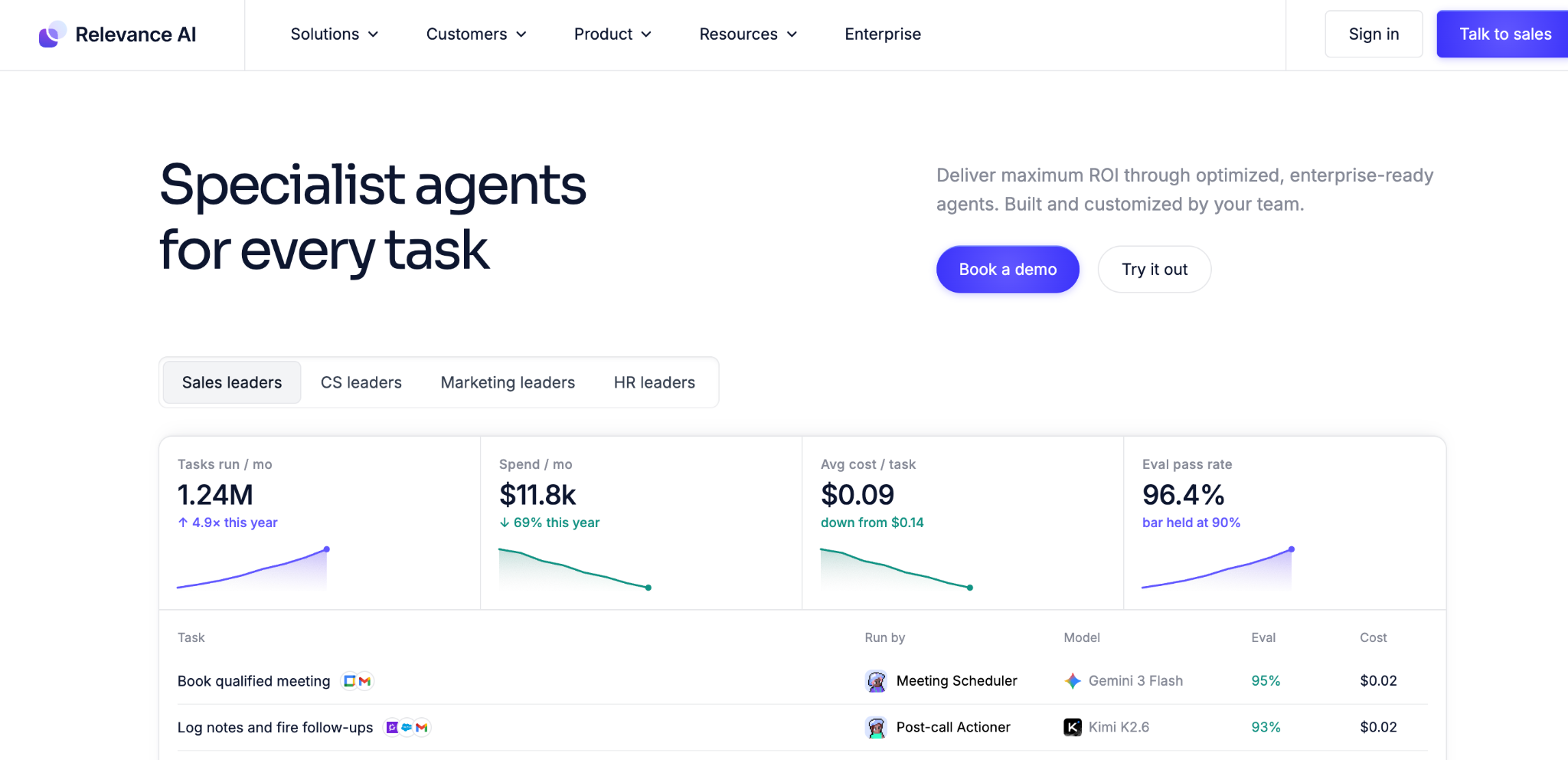
What it does: Relevance AI is an AI-native tool built around an AI workforce, where multiple agents each own a role and coordinate toward a goal.
Best for: Sales and ops teams that want a team of AI agents rather than one linear workflow.
Relevance AI is built for multi-agent work: research, enrichment, outreach, and qualification handled by several agents that collaborate. It shines when the work is too varied for a single agent or workflow.
The barrier is that it benefits from some technical knowledge for custom agent design, and it has moved upmarket to enterprise pricing.
Key features
- Multi-agent workforce: Several agents, each owning a role.
- Custom tools: Agents call tools you define toward a goal.
- AI-native design: Built for reasoning, not just connecting apps.
Pros
- Strong for coordinated multi-agent work.
- A good fit for sales and revenue operations.
- Unlimited agents and users on the enterprise plan.
Cons
- Benefits from technical knowledge for custom design.
- Enterprise-only pricing, with no published self-serve tier.
- More than teams needing simple automation require.
What users say
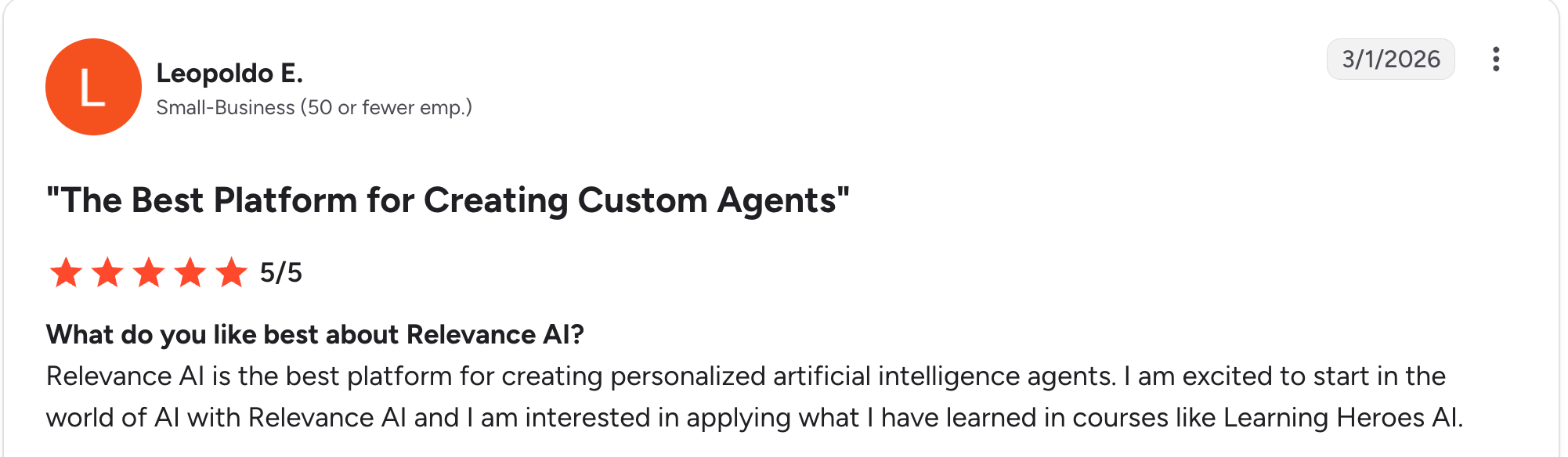
“Relevance AI is the best platform for creating personalized artificial intelligence agents.” Leopoldo E, G2

“I would like more governance controls and admin configuration controls for the administration team.” Mike Y, G2
Pricing
Relevance AI is now quote-based, with an Enterprise plan for teams scaling an AI workforce and no self-serve tier published. Contact them for a current figure. See the Relevance AI pricing page.
Bottom line
Relevance AI is the pick for a coordinated team of AI agents on varied work. For simple app-to-app automation, Zapier or Make is simpler and cheaper.
8. Lindy: Best for prebuilt AI employees
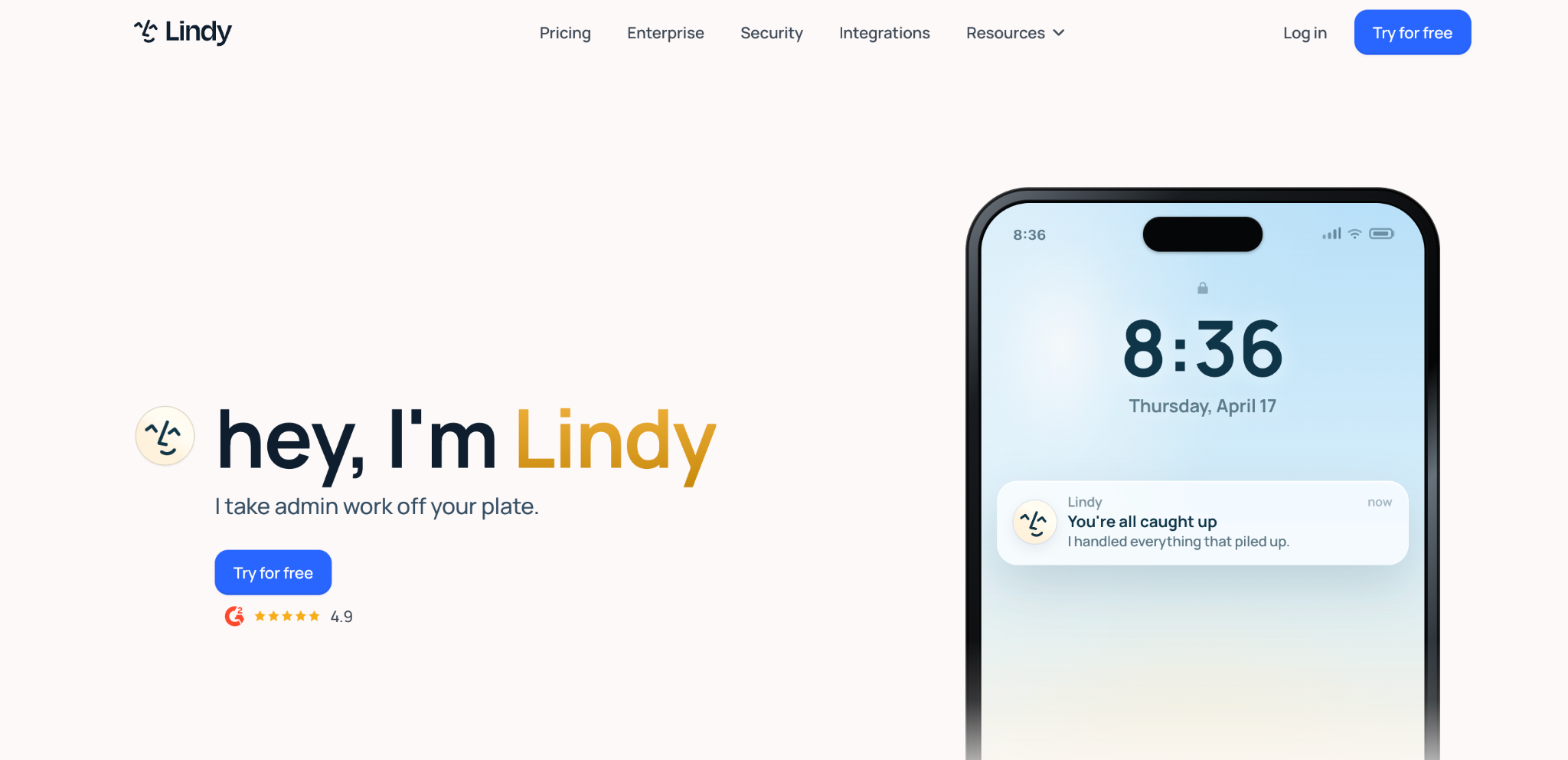
What it does: Lindy is an AI workflow tool that markets prebuilt AI employees for recurring ops like email triage, meeting notes, scheduling, and CRM updates.
Best for: Ops and support teams that want working AI automations without building from a blank canvas.
Lindy is the fastest path to a working AI assistant for common business tasks. You pick a role like Executive Assistant, connect your tools, and it watches for triggers and acts. It's strongest when your needs map to common workflows.
The limit is that it hides most internal logic, so deep customization is hard, and task-based pricing scales with use.
Key features
- Prebuilt AI employees: Ready-made roles for ops and support.
- Trigger-based action: Watches your apps and acts on events.
- Feedback iteration: Adjust outputs with plain-language feedback.
Pros
- Fast path to working AI automations.
- A strong fit for common ops and support tasks.
- No blank-canvas building required.
Cons
- Hides most internal logic, limiting deep customization.
- Task-based pricing scales with use.
- Best only when needs map to common workflows.
What users say
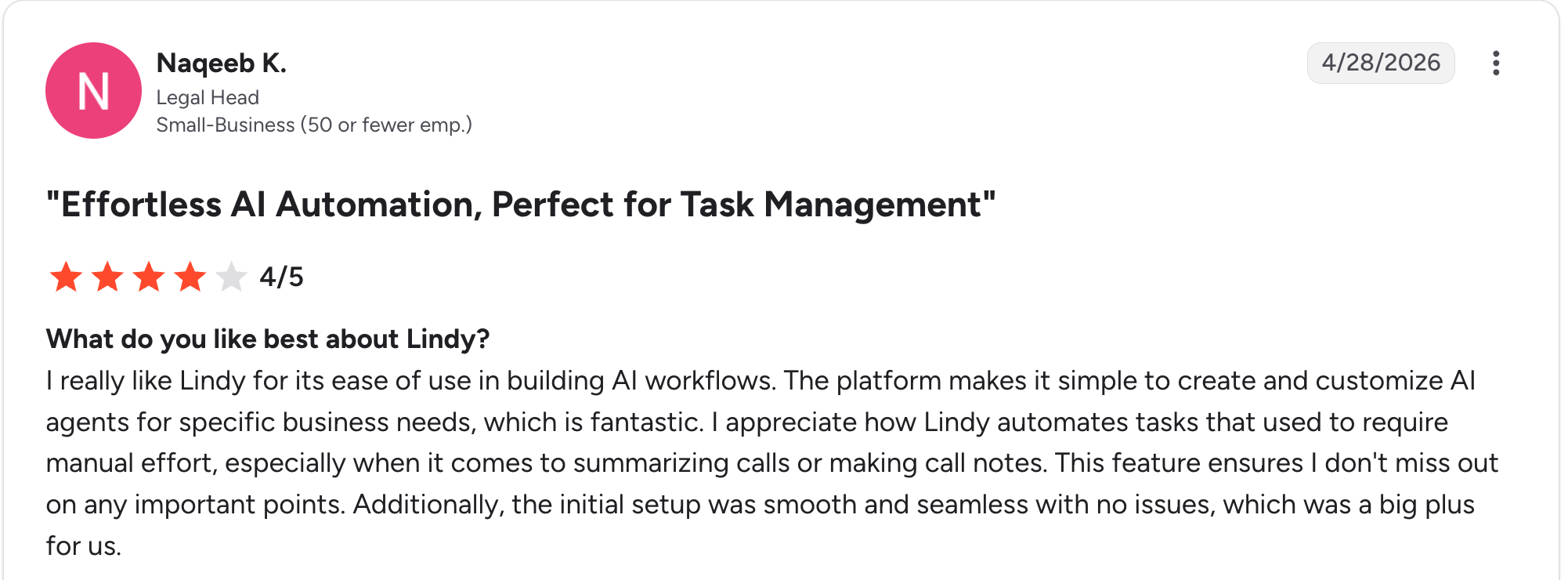
“The platform makes it simple to create and customize AI agents for specific business needs, which is fantastic.” Naqeeb K, G2

“I'd really love to see the native integration catalog grow even more.” Osmar G, G2
Pricing
Lindy offers a 7-day free trial rather than a permanent free plan. The Plus plan costs $29.99/user/month, the Pro plan costs $99.99/user/month, and the Max plan costs $199.99/user/month, with custom Enterprise pricing. Plans are billed by usage, so heavier automation moves you up the tiers. See the Lindy pricing page.
Bottom line
Lindy is the pick for ops teams wanting prebuilt AI employees for common work. For custom multi-agent systems, Relevance AI gives you more control.
9. Activepieces: Best open-source option with free self-hosting
What it does: Activepieces is an open-source automation tool under the MIT license, with free self-hosting, AI workflow support, and built-in MCP for connecting models to tools.
Best for: Teams that want free, open-source self-hosting without execution limits.
Activepieces is the strongest open-source option for teams that want to self-host free, modify the code, and use it commercially without license fees. It ships MCP support out of the box, so connecting models to business tools needs no custom code.
The limit is a smaller community than n8n's, so you'll find fewer templates and tutorials.
Key features
- MIT open-source: Self-host, modify, and use commercially free.
- Free self-hosting: No execution limits when self-hosted.
- Built-in MCP: Connect models to tools without custom code.
Pros
- Truly free and open-source under MIT.
- No execution limits when self-hosted.
- MCP support built in out of the box.
Cons
- Smaller community than n8n.
- Fewer templates and tutorials to lean on.
- Self-hosting needs technical resources to run.
What users say
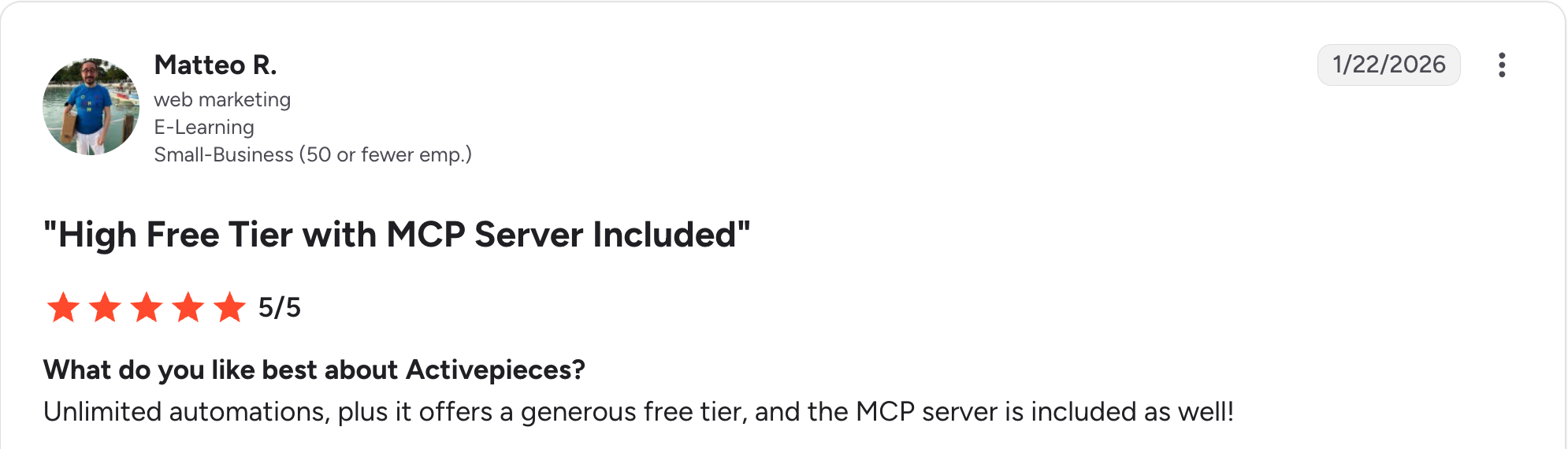
“Unlimited automations, plus it offers a generous free tier, and the MCP server is included as well.” Matteo R, G2

“I wish there was a way to integrate front-end stuff. When I say front-end stuff, I mean visual pieces, or ways to visualize data.” Ross L, G2
Pricing
Activepieces is free and unlimited when self-hosted under the MIT license. In the cloud, the Free plan is $0 and includes unlimited flows and API access. Paid plans start at $20 a month for Plus, which adds up to 5 users, and Team costs $200 a month for up to 25 users, with a custom Ultimate plan above that. See the Activepieces pricing page.
Bottom line
Activepieces is the pick for free, open-source self-hosting with MCP built in. For the largest open-source community, n8n has more templates and support.
Which AI workflow automation tool should you choose?
The right tool comes down to connecting apps, running AI agents, or building the app itself.
Choose Zapier if you want to connect the apps you already use with the widest integration catalog.
Choose Make if you want visual, branching workflows at a lower cost than Zapier.
Choose n8n if you want open-source self-hosting, data ownership, and the deepest technical control.
Choose Activepieces if you want free, open-source self-hosting under an MIT license with MCP built in.
Choose Gumloop if you run data-heavy AI workflows like scraping, enrichment, or research.
Choose Relevance AI if you want a coordinated team of AI agents rather than one linear workflow.
Choose Lindy if you want prebuilt AI employees for common ops and support tasks.
Choose Workato if you need human-approval steps backed by enterprise governance.
Choose Zite if you need to build the app a workflow runs in, with its own database and workflows, or want to connect an automation tool to a custom app you own.
Skip these tools if you only need a one-off task a spreadsheet or a single script handles.
Final verdict
For most teams, Zapier is the strongest AI workflow automation tool, since it connects the most apps with the least effort and its 2026 agents add real AI. Make wins on value and logic, n8n on control and self-hosting, and the agent tools on autonomous work.
If your real need is a custom app for the workflow to run in, not just automation between existing apps, Zite fits there, building the app and its workflows together.
The choice is really about what you're automating, whether you're wiring up apps, running agents, or building the tool itself.
Start building with Zite for free and build a custom app with built-in workflows today.
Frequently asked questions
What are AI workflow automation tools?
AI workflow automation tools connect your apps and run tasks automatically, with AI that decides inside the workflow. Tools like Zapier and Make connect apps, while agents like Relevance AI and Lindy reason and act.
Some, like Zite, build the app a workflow runs in. Those workflows also run on their own, not only when someone clicks something. A workflow can start when a webhook sends data in, after a set delay, or on a schedule if you're on Business or above.
What is the best AI workflow automation tool?
The best AI workflow automation tool is Zapier for connecting the most apps, Make for visual workflows at lower cost, and n8n for self-hosting. For a team of AI agents, Relevance AI leads. To build the app itself, Zite is the fit.
How much do AI workflow automation tools cost?
AI workflow automation tools range from free self-hosted to about $40 a month for entry paid plans. Watch the model: Zapier bills per task, n8n per execution, Gumloop per credit. Zite at $19 a month includes unlimited users.
Can AI workflow automation tools build apps?
Most AI workflow automation tools do not build apps; they connect apps you already have and run tasks between them. Building the app itself, with its own database and workflows, is a no-code app builder's job. Zite builds the app and its workflows from a description.
Which AI workflow automation tool is best for non-technical teams?
The best AI workflow automation tools for non-technical teams are Zapier for app connections and Lindy for prebuilt AI employees. If a non-technical team needs a custom app rather than automation between apps, Zite builds one from a description.

