


After a month of putting internal tool builders through their paces against Appsmith, these 9 came out on top as the best Appsmith alternatives for 2026.
9 best Appsmith alternatives: at a glance
Pricing correct as of August 2026. Verify with vendor.
Why look for Appsmith alternatives?
Appsmith is an open-source builder for internal tools. Teams use it for dashboards, admin panels, and simple apps that read and update records. It holds a 4.6 out of 5 rating on G2 based on 66 reviews, so the frustrations below stem from a generally well-liked tool, not a weak one.
You self-host it, connect a database, drag widgets onto a canvas, and write JavaScript for the logic. Here are the reasons people still look elsewhere:
- It feels more like code than low-code: Every table needs column configuration, every form needs field mapping, and every button needs a JavaScript binding, so low-code ends up feeling like plenty of code.
- Self-hosting is real operational work: The free tier is free, but you host it, patch it, and keep it running, which costs DevOps time and infrastructure, which a managed tool skips.
- The component library and UI feel dated: Reviewers note fewer native connectors than Retool offers and a less polished set of widgets, so good-looking interfaces take more effort.
- Built for internal tools only: Appsmith targets admin panels and dashboards behind a login, so a customer-facing app or public portal points you to a different kind of tool.
TL;DR: Which Appsmith alternative should you choose?
Not sure where to start? Match your choice to how technical your team is and where your app needs to run:
- Choose ToolJet if you want an open-source, self-hostable Appsmith replacement with AI app generation and support for both Python and JavaScript.
- Choose Retool if you have the budget and want the most polished builder with the widest connector library.
- Choose Zite if you'd rather describe the app and have the database, screens, and logic built for you.
- Stick with Appsmith if you need open-source self-hosting across all tiers and your team is comfortable with JavaScript. That combination is its real strength.
Below are the nine best Appsmith alternatives, with what each does, where it fits, and how it is priced.
1. ToolJet: best for open-source with AI building
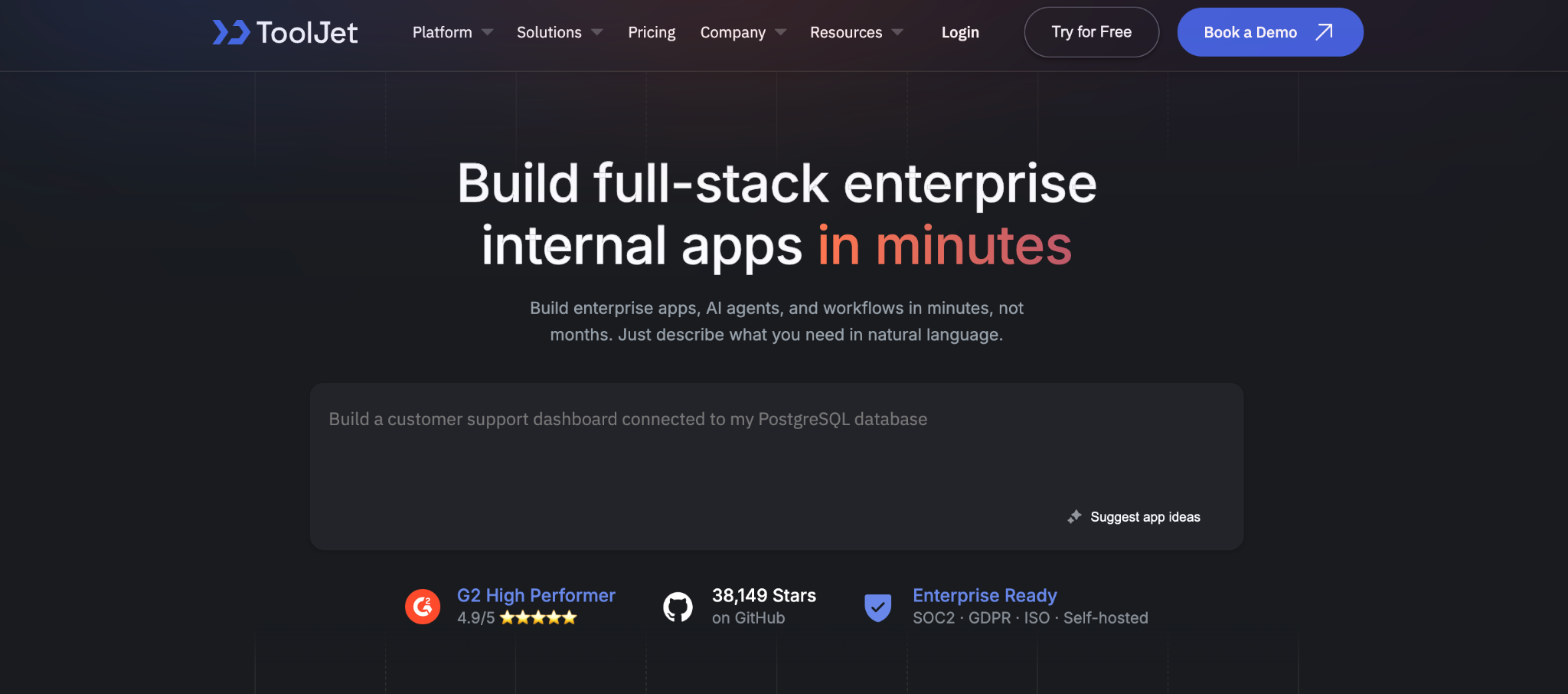
ToolJet is the closest open-source Appsmith replacement with AI app generation. It offers the same drag-and-drop internal tool building, self-hosting, and database connectors, plus a natural-language builder and support for both JavaScript and Python.
For teams that want Appsmith’s open-source model with a gentler learning curve, ToolJet is the most direct swap.
Key features
- Open-source and self-hostable: run it on your own infrastructure, like Appsmith.
- AI app generation: build a working app from a natural-language description.
- JavaScript and Python: write logic in either, including data-science workflows.
Pros
- Direct open-source swap for Appsmith.
- AI generation speeds up the first build.
- Python support that Appsmith lacks.
Cons
- Smaller widget library than Retool.
- Technical comfort is still expected for real builds.
- Self-hosting overhead matches Appsmith’s.
Best for
- Open-source with AI building.
- Developers on Appsmith who want Python.
- Self-hosting teams with DevOps resources.
Pricing
ToolJet is free to self-host as open-source; Pro is $99/month per builder (monthly billing), and Team is $249/month per builder (monthly billing); Enterprise starts at $3,000/month. See ToolJet pricing for the full breakdown.
2. Retool: best for enterprise polish and connectors
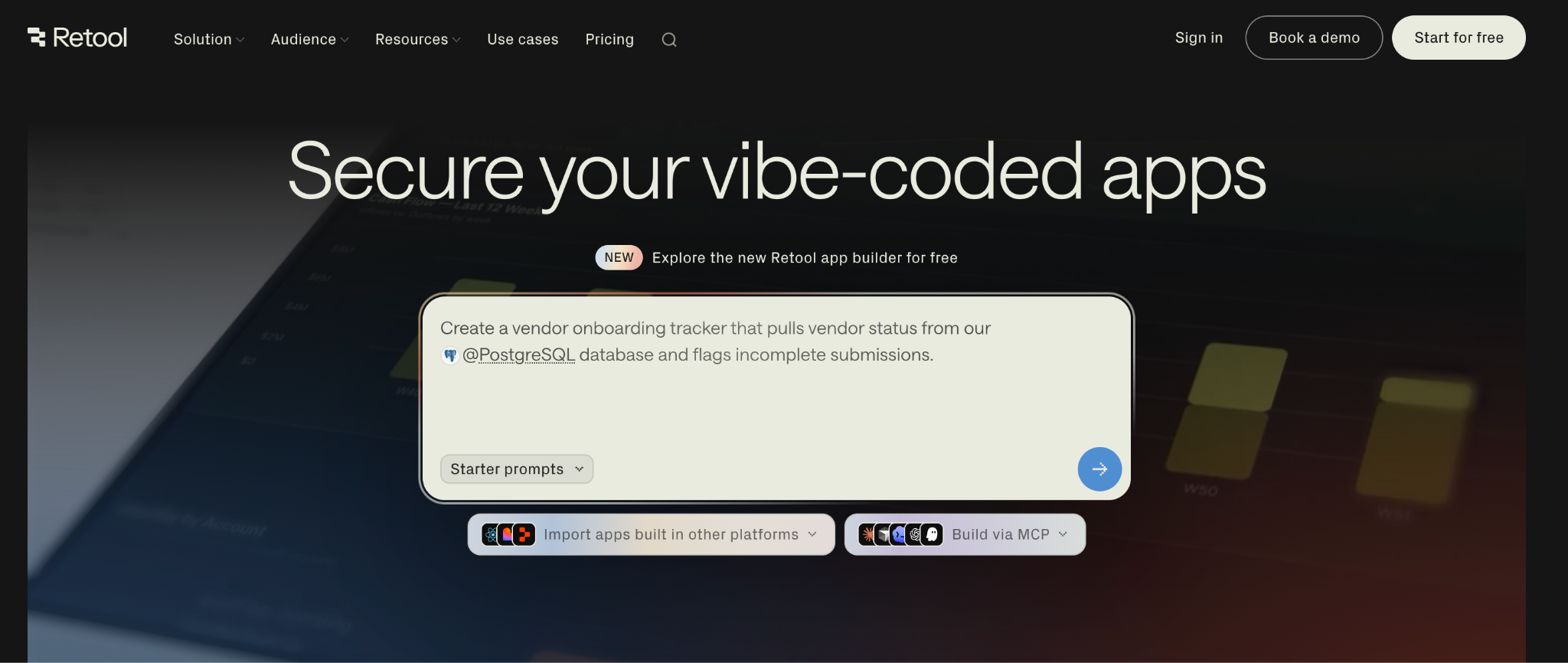
Retool is the tool Appsmith was modeled after, with more polish and connectors. It is a mature, closed-source, internal-tool builder with one of the widest native connector libraries here, a large component library, and a full code editor.
The tradeoff is cost. Retool charges for both developers and end users, so it gets expensive at scale, though the polish and integrations are the widest here. It holds a 4.6 out of 5 rating on G2 from over 359 reviews, the largest review base of any tool here. See the Retool reviews breakdown for testing notes.
Key features
- Broad connector library: the widest native integration set on this list.
- Full code editor: inject JavaScript and SQL almost anywhere.
- Mature ecosystem: large template library and community.
Pros
- Most polished builder with the widest connector library.
- Strong for engineering teams comfortable with code.
- Free tier supports up to 5 users.
Cons
- Per-user pricing climbs fast at scale.
- Closed-source, so no self-hosting on lower tiers.
- Two-part pricing charges per builder and per internal user.
Best for
- Engineering teams building business-critical tools.
- Budget for premium tooling.
- Widest integration set on this list.
Pricing
Retool is free for up to 5 users; Team is $12 per builder plus $7 per internal user; and Business is $65 per builder plus $18 per internal user (monthly billing). Enterprise is custom. See Retool pricing for the full breakdown.
3. Budibase: best for self-hosted simple data apps
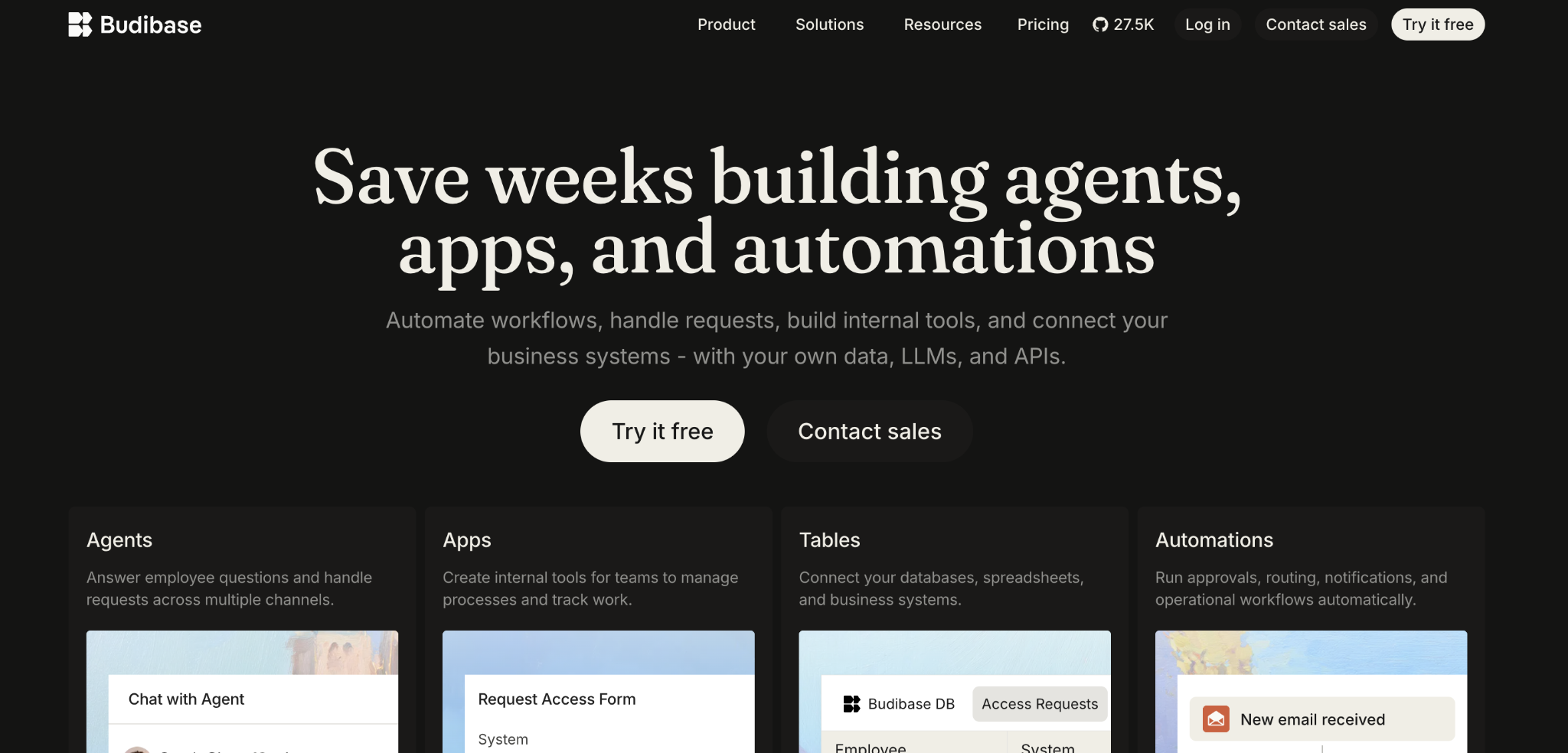
Budibase is an open-source builder that turns your existing data into working forms and tables. It is self-hostable like Appsmith, with a visual builder, a built-in database, and Cloud plans priced by action volume that keep costs predictable as you grow.
It leans more toward no-code than Appsmith does, so Budibase is adopted more quickly by non-technical builders, though developers find its code options limited. It holds a 4.5 out of 5 rating on G2 based on 67+ reviews.
Key features
- Open-source self-hosting: run it on your own servers, free.
- Screens built from your data: point Budibase at a table and it generates the forms and lists for you.
- Action-based pricing: Cloud plans scale by monthly action volume, so end users do not each incur a seat fee.
Pros
- Free self-hosting, like Appsmith.
- Faster for non-technical users than Appsmith.
- Cost-effective for large user counts.
Cons
- Limited code options frustrate developers.
- No Git or CI/CD support.
- No native mobile or app store publishing.
Best for
- IT teams building simple internal apps.
- Self-hosting teams that want less code than Appsmith.
- Large user bases where per-seat pricing hurts.
Pricing
Budibase is free to self-host as open-source; Cloud plans are Pro $23/month, Premium $59/month, and Business $359/month (monthly billing). Enterprise is custom. See Budibase pricing for the full breakdown.
4. Superblocks: best for governance at scale
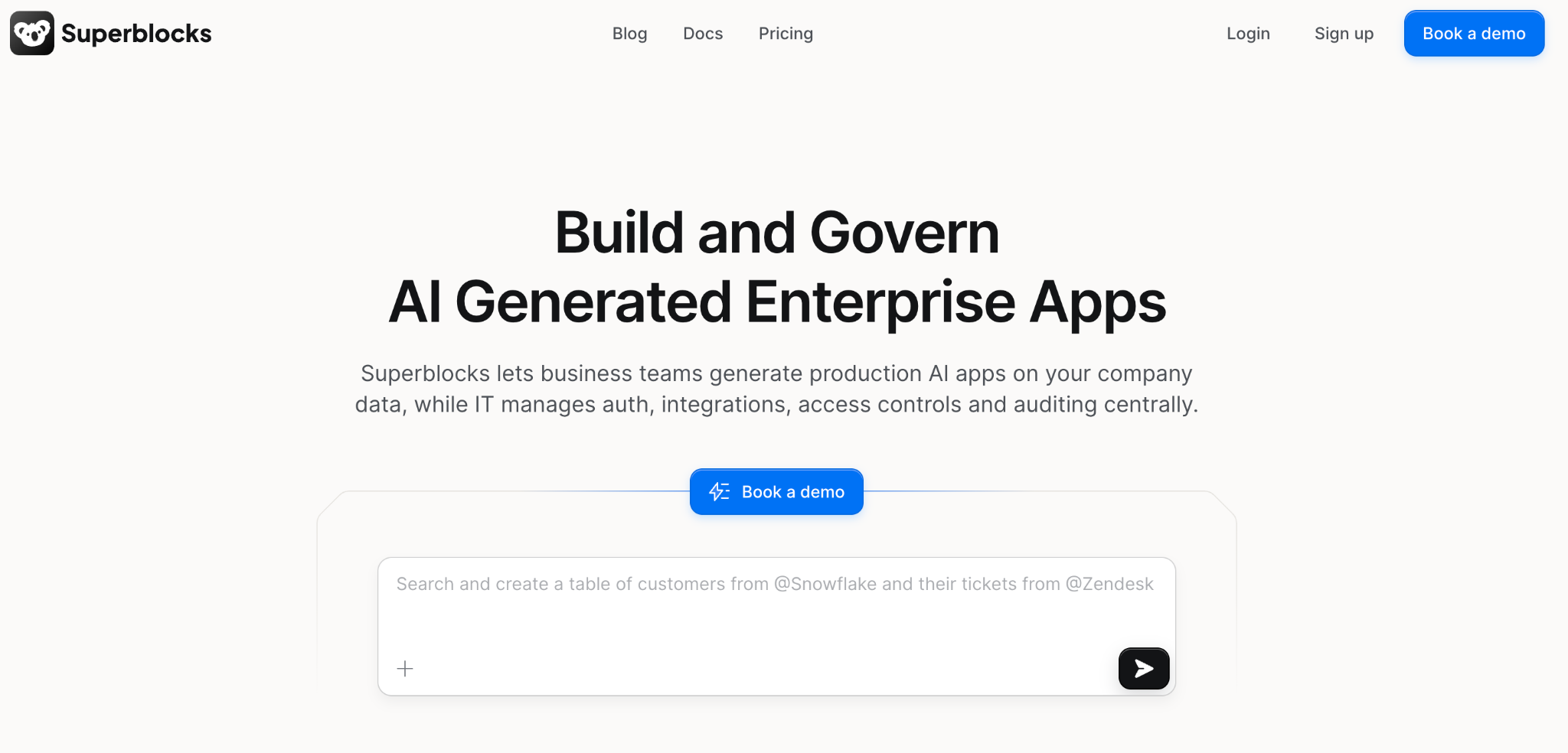
Superblocks is built for engineering teams that need governance at scale. It covers the same internal-tool building as Appsmith but puts security, permissions, deployment, and observability first.
It fits organizations that want to standardize how internal software is built across many teams, so it suits central platform groups more than a single team shipping a single tool. Superblocks pairs AI-driven building with real code and holds the highest G2 rating in this roundup at 4.7 out of 5, though based on a smaller base of 190-plus reviews.
Key features
- Governance and observability: central control over how tools are built and deployed.
- Runs inside your own network: data is processed within your private cloud, not on an outside server.
- AI-assisted building: generate and extend apps with AI plus real code.
Pros
- Strong governance and security controls.
- Queries run inside your own network, so your data never leaves it.
- Standardizes building across teams.
Cons
- Engineering-focused, built for developers over non-technical users.
- Higher entry cost than open-source options.
Best for
- Enterprises standardizing internal software.
- Engineering teams that need governance.
- Security-sensitive organizations.
Pricing
Superblocks offers a free trial, then the Teams plan at $125 per AI Builder per month (billed monthly). Enterprise is custom. See Superblocks pricing for the full breakdown.
5. Zite: best for AI-built apps with a built-in database
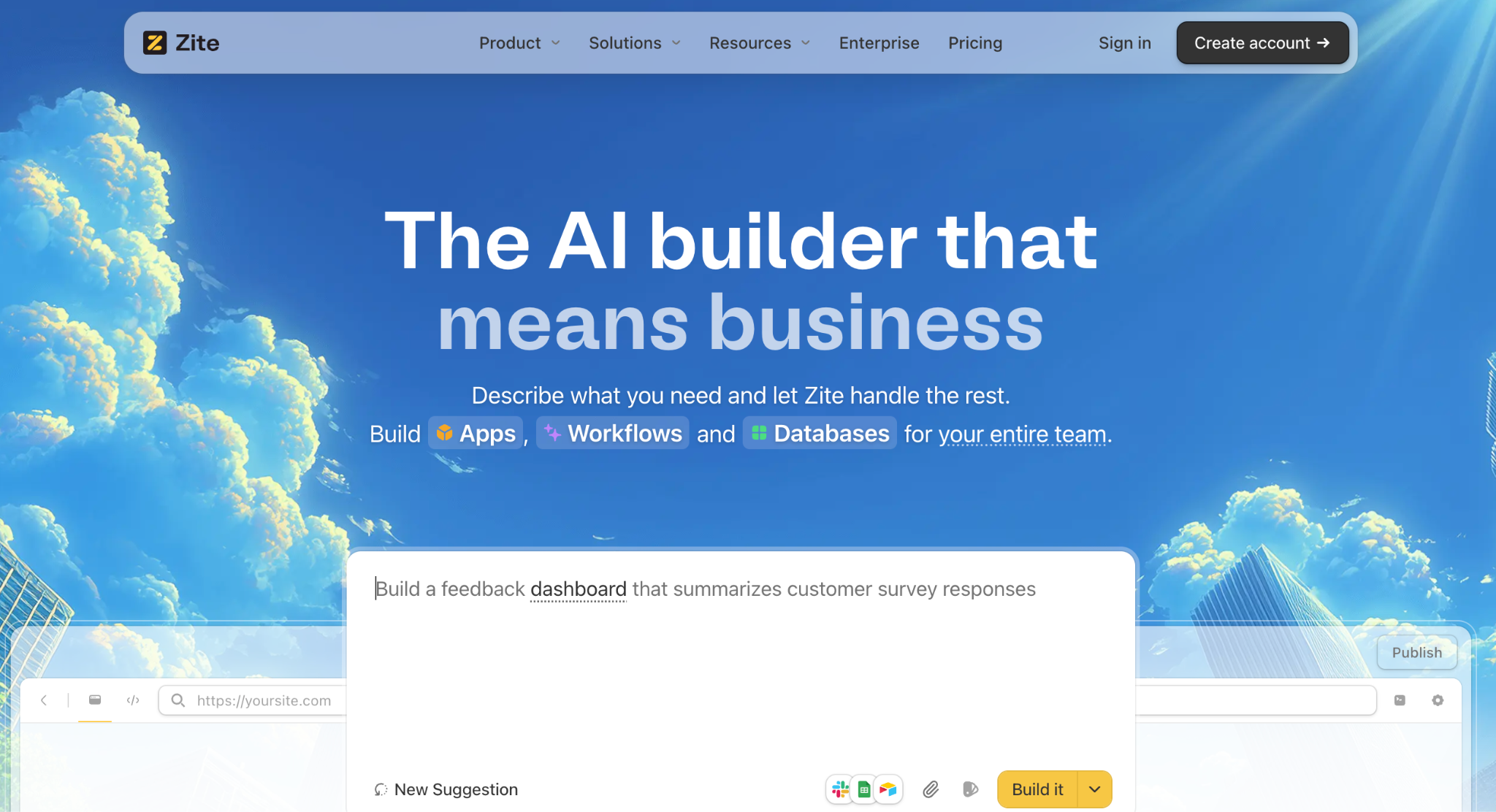
Zite builds the app, the database, and the logic from one prompt. Where Appsmith asks you to configure widgets and write JavaScript, it generates a working app you can edit without code.
Zite fits teams whose main complaint is that Appsmith feels like coding. It can start from a prompt or build on the data you already have, connecting to Airtable, Google Sheets, and other tools your team runs on, so you are not starting from scratch.
Customers like Bombas and Domino's build apps on Zite, from internal trackers to client-facing portals.
Key features
- AI generation from a prompt: describe the app, and Zite builds the tables, screens, and workflow logic in one pass.
- Visible database with tables and fields: your data sits in a spreadsheet-style view you can read and edit without code.
- Visual workflows: the logic behind notifications and status changes is shown as a flowchart you can read and trace, while workflow changes are triggered by prompts.
- Role-based access: set what each person sees from the start.
Pros
- Builds from one prompt. Describe the app, and Zite generates the tables, screens, and logic, with no widget config or JavaScript.
- Nothing hidden to fix. The database and workflow logic stay on screen, and you can click any element in the app to change it, so someone non-technical can spot a problem and correct it without touching code.
- Unlimited users on every tier, so cost does not climb with team size.
Cons
- Not open-source or self-hostable, unlike Appsmith.
- Not built for developer-controlled tooling. Teams that want to write and own code are a better fit.
- Limited AI credits on the free and lower tiers.
Best for
- Teams that want the app built for them from a description, database included.
- Ops and support teams building internal trackers and client-facing portals.
- Self-editing teams who maintain the app later without code.
Pricing
Zite is free with limited credits and unlimited users; Pro is $19/month, and Business is $69/month, both billed monthly with unlimited users. See Zite pricing for the full breakdown.
6. Airtable: best for teams already in Airtable
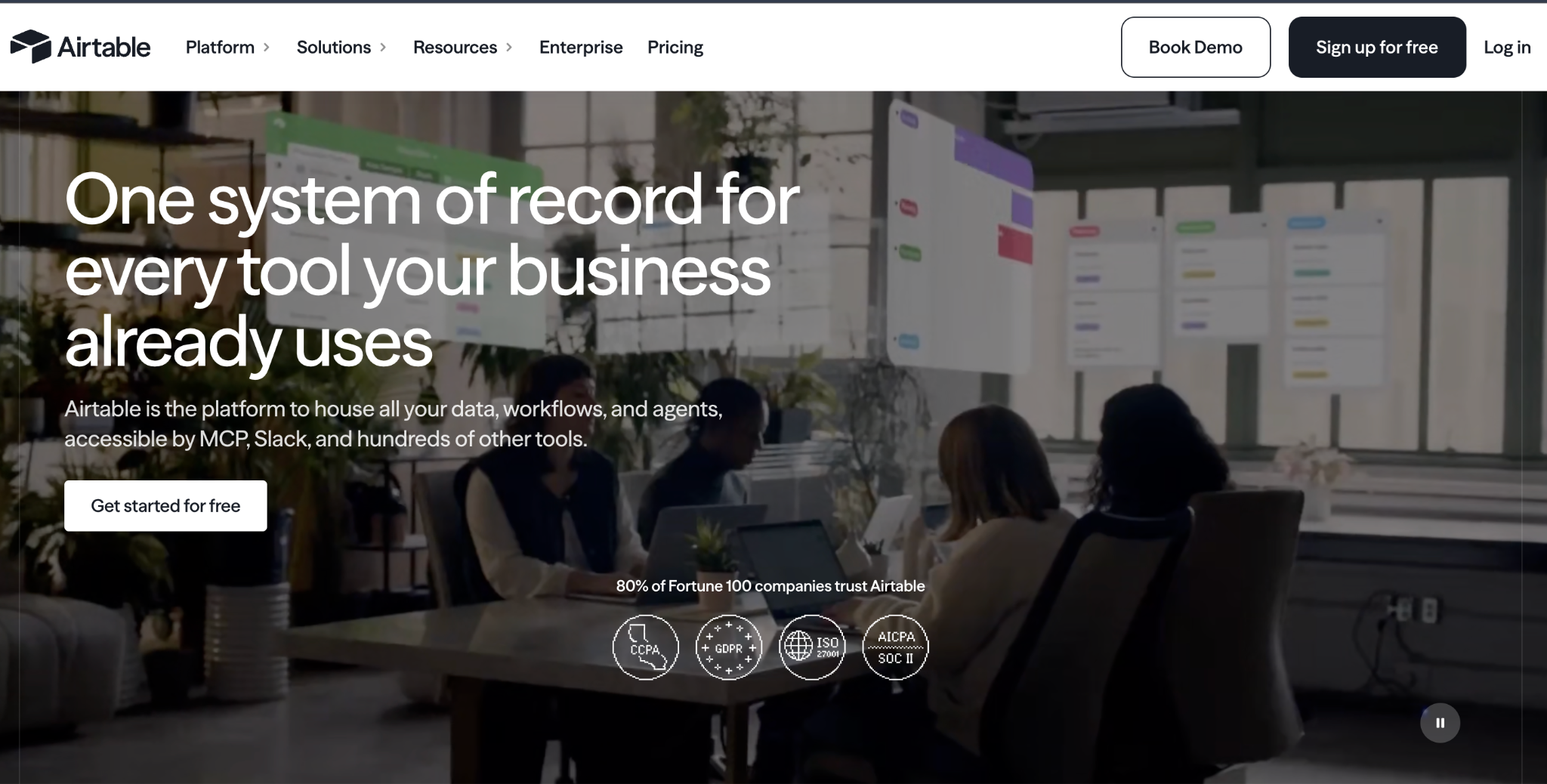
Airtable pairs a shared database with app-like interfaces and an AI builder called Omni. For teams whose internal tool is mostly a view on structured data, it can replace an Appsmith build with less setup.
Airtable leads with its shared database. Omni generates tables, interfaces, and automations from a prompt, and the interfaces sit as views over the same base.
Key features
- Shared database: real-time collaboration on structured data.
- Omni AI: generate tables, interfaces, and automations from prompts.
- Interfaces: app-like views built on top of your data.
Pros
- Best-in-class database for shared, structured data.
- AI on your data with Omni building on familiar tables.
- Huge template library and integrations.
Cons
- Interfaces are views, not full apps, so complex logic and standalone workflows are limited.
- Per-user pricing climbs as the team grows.
- Record limits on some operations can surprise teams.
Best for
- Airtable-native teams already running operations there.
- Data-heavy tools that live close to the source.
- AI on existing data without moving it.
Pricing
Airtable is free, then Team at $24/user/month and Business at $54/user/month (monthly billing). See Airtable pricing for the full breakdown.
7. Glide: best for apps from a spreadsheet
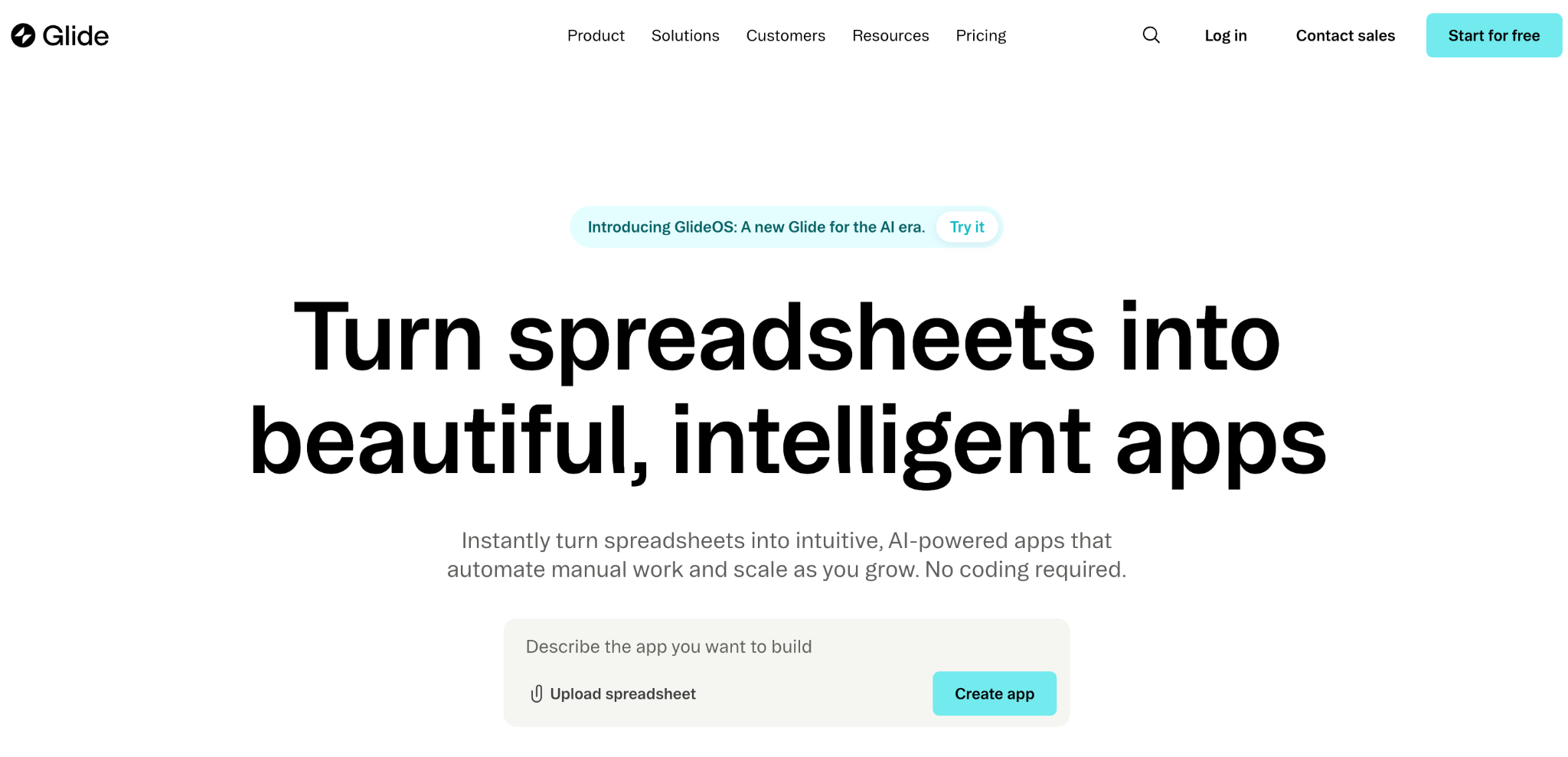
Glide turns a spreadsheet into a mobile-friendly app fast. It connects to Google Sheets, Excel, or Airtable and builds a clean app without the widget configuration that Appsmith requires.
Glide is the quickest way to turn a sheet you already have into a phone-friendly app, with none of the widget configuration that Appsmith requires. See our Glide pricing breakdown.
Key features
- Spreadsheet-to-app: connect a sheet and Glide builds the app shell.
- Glide Tables: a built-in database for teams without a spreadsheet.
- Templates and components: hundreds of drag-and-drop starting points.
Pros
- Fastest path from spreadsheet to app here.
- Clean, mobile-friendly design out of the box.
- Approachable for non-technical users.
Cons
- Per-user pricing on Business adds up.
- Limited logic beyond viewing data.
- No native apps, only web apps you can add to your phone's home screen.
Best for
- Solo builders and small teams.
- Mobile-first apps driven by data.
- Spreadsheet teams with data already in sheets.
Pricing
Glide is free, then Explorer at $25/month and Maker at $60/month for individuals, with a Business plan at $249/month for teams (monthly billing). See Glide’s pricing site for the full breakdown.
8. Bubble: best for custom customer-facing apps
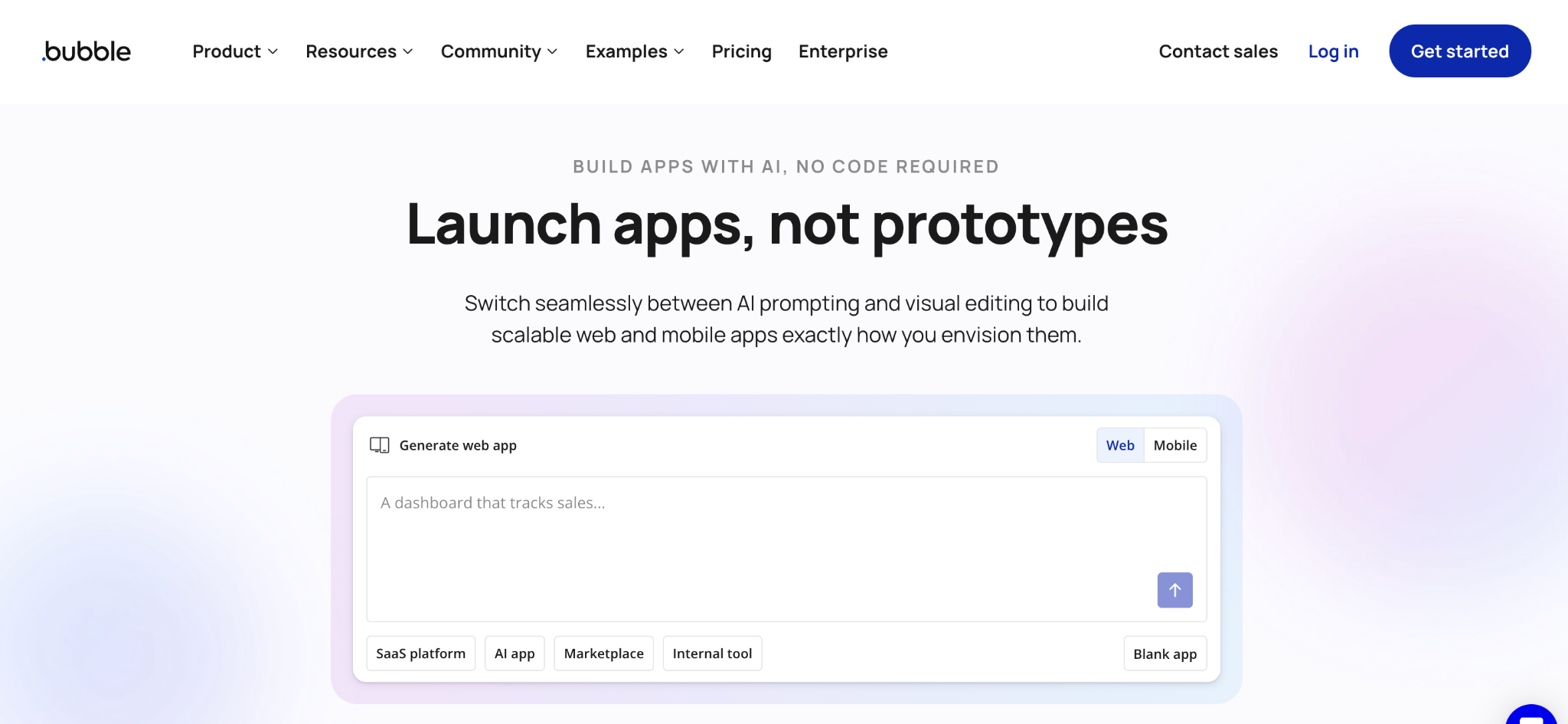
Bubble builds custom customer-facing web apps, which Appsmith is not designed for. Where Appsmith stops at internal tools, it handles front-end design, user accounts, payments, and logic in one place.
It is the pick when your app needs to reach both customers and staff. Bubble carries a steeper learning curve than the internal tool builders here.
Key features
- Full web app builder: front end, database, and workflows together.
- Customer-facing features: user accounts, payments, and public pages.
- Plugin library: thousands of add-ons for integrations.
Pros
- Customer-facing apps that Appsmith cannot build.
- Native payments and user accounts.
- Large marketplace of plugins.
Cons
- Steep learning curve for non-technical users.
- Workload pricing can climb with usage.
- No code export, so you stay on Bubble for hosting.
Best for
- Founders building customer-facing products.
- Payments and accounts baked in.
- Projects beyond internal tools.
Pricing
Bubble is free, then Starter at $69/month, Growth at $249/month, and Team at $649/month on the Web and Mobile plan (monthly billing). See Bubble pricing for the full breakdown.
9. Softr: best for client portals on Airtable
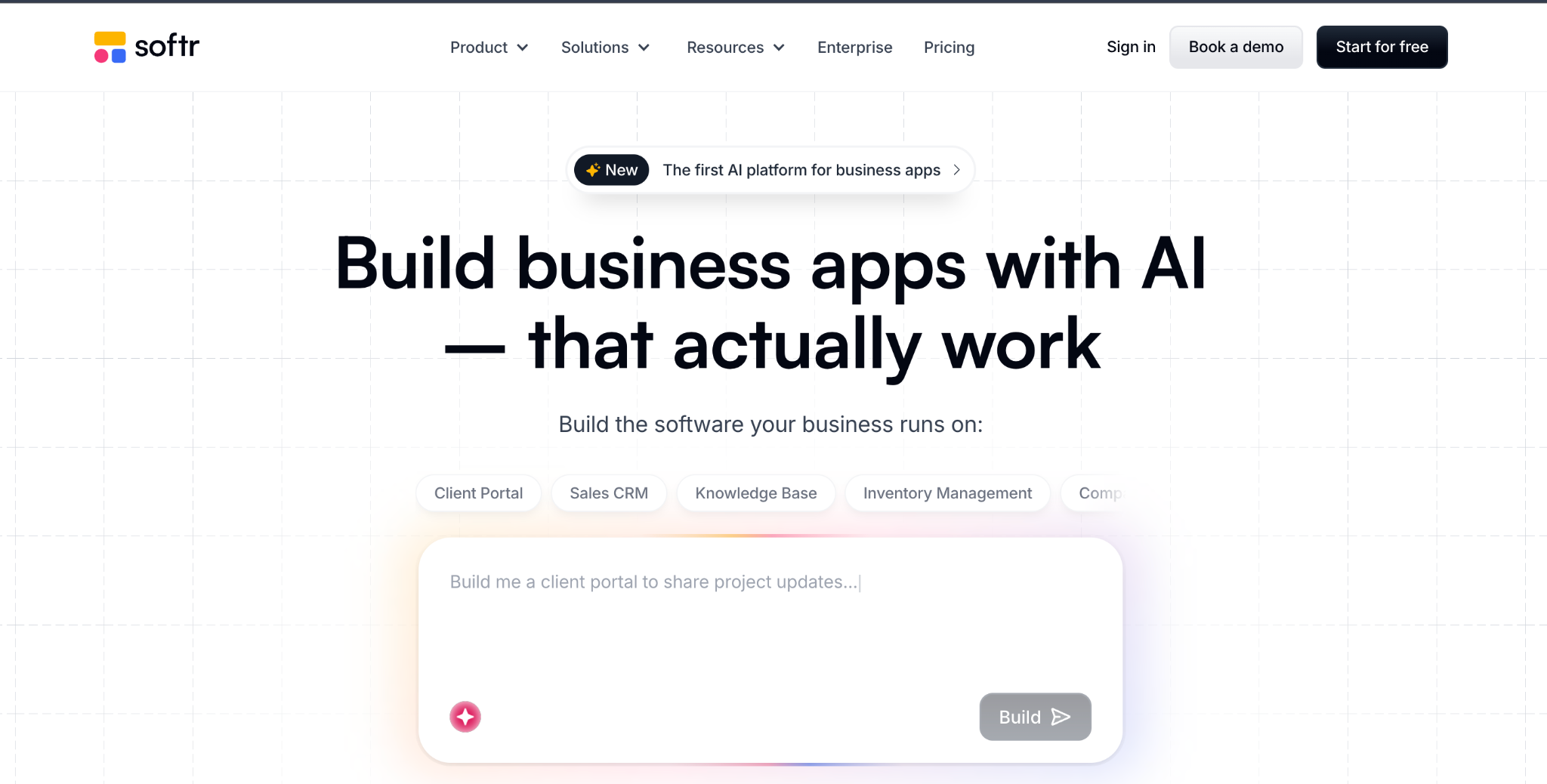
Softr turns Airtable or Google Sheets into client portals and internal tools. Where Appsmith targets internal admin panels, it is strongest at polished, client-facing portals on top of existing data.
Softr has a strong template library, and apps look presentable out of the box, which suits teams that want a portal without having to build the UI from scratch.
Key features
- Pre-built blocks: lists, tables, forms, and login flows out of the box.
- Multiple data sources: Airtable, Google Sheets, SQL, or its own database.
- AI App Builder: generates a starting app and database from a description.
Pros
- Fast portal setup on existing data.
- Strong template library for portals.
- Client-facing fit-out of the box.
Cons
- Per-tier caps on users and apps push teams to higher plans.
- Limited logic once apps need complex workflows.
- Built-in database has record caps by plan, so the largest datasets still run better on Airtable or Sheets behind it.
Best for
- Client portals built by teams.
- Agencies serving multiple clients.
- Non-technical builders who want polish quickly.
Pricing
Softr is free, then Basic at $59/month, Professional at $167/month, and Business at $323/month (all billed monthly). See Softr pricing for the full breakdown.
How to evaluate Appsmith alternatives
The right pick comes down to your team, your data, and what you are building. Weigh these five factors before you commit:
- How technical your team is: Developers get more from ToolJet, Retool, and Superblocks. Non-technical teams are better served by Zite, Glide, or Softr, which skip JavaScript.
- Whether you need self-hosting: ToolJet and Budibase are open-source and self-hostable like Appsmith. Zite, Glide, and Airtable are managed only.
- Build versus generate: Zite and ToolJet generate a working app from a description, while Retool, Budibase, and Superblocks expect you to assemble it from components.
- Internal versus customer-facing: Most tools here build internal apps. Bubble and Softr handle customer-facing apps and portals.
- How pricing scales: Retool and Airtable charge per user, so cost climbs with team size. Zite’s unlimited-user rate and Budibase’s action-based Cloud plans stay steadier.
Stop configuring widgets when you could describe the app
The most common reason teams leave Appsmith is the realization that low-code still means writing code, from mapping every field to binding every button and styling every table by hand.
For a developer who wants that control, Appsmith and ToolJet are the right home.
For a non-technical team, there is a faster path. Zite lets you describe the app in plain language and generate the database, screens, and workflow logic all at once. The data reads like a spreadsheet, and the logic reads like a flowchart, so you edit both without touching code. For a broader look, see the best no-code app builders with a database.
Start building with Zite for free and build your first app today.
Frequently asked questions
What is the best Appsmith alternative?
The best Appsmith alternative for most teams is ToolJet, the closest open-source match with AI building. Non-technical teams do better with Zite, and engineering teams that need the widest connector library and a large component set should look at Retool.
Is there a free Appsmith alternative?
Yes, several Appsmith alternatives have free tiers. ToolJet and Budibase are open-source and free to self-host, like Appsmith. Zite, Glide, Bubble, Airtable, and Softr all offer free managed plans with usage limits.
What is the best open-source Appsmith alternative?
The best open-source Appsmith alternatives are ToolJet and Budibase. Both are self-hostable and free to run on your own infrastructure. ToolJet is the closer match for developers who want code flexibility and AI generation, while Budibase leans more toward no-code.
Why do people move away from Appsmith?
People move away from Appsmith mainly because low-code still feels like coding, self-hosting is real operational work, and the UI and connector set trail Retool. Teams that want to build without JavaScript often switch to a no-code or AI builder like Zite.
Can a non-technical person use an Appsmith alternative?
Yes, several Appsmith alternatives are built for non-technical users. Zite, Glide, and Softr let you build without writing code, replacing widget configuration and JavaScript with AI generation, spreadsheets, or pre-built blocks.
Which Appsmith alternative is best for customer-facing apps?
For customer-facing apps, the best Appsmith alternatives are Bubble for full custom products with payments and user accounts, Softr for client portals, and Zite if you want one app that serves both your team and your customers, built by describing it, with sign-in built in.

