


I dug through Appsmith reviews on G2, Reddit, and Product Hunt, then tested the builder myself. Here is the honest breakdown of where it wins, where it frustrates, and who it fits in 2026.
Quick verdict
Appsmith is an open-source internal-tool builder that developers rate 4.6 out of 5 on G2 for speed, data connections, and the low cost of self-hosting the free core. It falls short on mobile responsiveness, performance with large datasets, and the learning curve for non-technical users.
It suits engineering and technical ops teams that can self-host and write JavaScript. Non-technical teams tend to hit the learning curve hard.
What is Appsmith?
Appsmith is an open-source, low-code tool for building internal software like dashboards, admin panels, and simple data apps. You connect to a database or API, drag widgets onto a canvas, and write JavaScript for the logic.
It is built for developers and technical teams who want to build internal software faster without writing every line of frontend code. It solves the problem of engineering teams having to rebuild the same admin panels and dashboards repeatedly.
Features
Appsmith covers the core internal-tool building blocks. The list below shows what it includes and where the limits are:
- Drag-and-drop UI builder: A library of pre-built widgets (tables, forms, charts) you arrange on a canvas, with customization limited compared to hand-coding a frontend.
- Native data connectors: Connect to PostgreSQL, MySQL, MongoDB, REST and GraphQL APIs, Google Sheets, and LLMs like OpenAI and Anthropic. Setup is well-reviewed.
- JavaScript logic: Write custom logic almost anywhere, which is powerful for developers and a barrier for non-developers.
- Git version control: Connect GitHub or GitLab to track changes on the free tier, which most competitors gate behind paid plans.
- Self-hosting: Run it on your own infrastructure under an Apache 2.0 license. Setup takes technical skill.
- Known limitations: Limited mobile responsiveness, performance dips on large datasets, and pre-built templates that may ship with errors.
Appsmith reviews: what real users are saying
I pulled reviews from G2 (4.6 out of 5 across 65+ reviews), Product Hunt, and Reddit. The sentiment splits cleanly between what developers love and what everyone bumps into.
Pros
- Open-source and cost-effective. Users repeatedly pick Appsmith to scale to more developers at minimal cost, since the core is free and self-hostable. One G2 reviewer chose it specifically to add devs and users without per-seat costs.
- Fast development. Reviewers report building working apps in hours or days. One AWS Marketplace reviewer built a personal finance app on the free plan, connected to Supabase from day one.
- Strong data and API integrations. Users describe connecting to PostgreSQL, Supabase, REST APIs, and LLMs as intuitive and hassle-free. Product Hunt reviewers repeatedly highlight the ease of connecting to APIs and databases.
- Git version control on the free tier. Developers value keeping their app portable, and reviewers cite Git sync and self-hosting as reasons the app is not locked into any tool.
Cons
- Steep learning curve and JavaScript requirement. The most common critique is that Appsmith sits firmly in low-code territory and expects real coding. Reviewers warn that a non-technical user expecting a build-in-minutes experience gets frustrated within an hour, since fixing anything means reading error logs and JavaScript.
- Weak mobile responsiveness. Users on G2 describe getting a layout to fit mobile as manual, tedious work, resizing UI blocks one by one, and several call it the most disappointing part of the experience.
- Performance lags on large datasets. G2 reviewers note that the builder can slow down or become buggy with large amounts of data or many widgets, which limits its usefulness for larger production apps.
- Templates ship with errors. One hands-on reviewer opened a pro template and immediately found eight errors, then had to dig into the JavaScript to fix broken data bindings.
Users appreciate Appsmith's speed and open-source control, and many flag the learning curve and the mobile experience as real barriers for non-developers.
What users say
These verified reviews show the split between what developers value and how business users experience the tool.
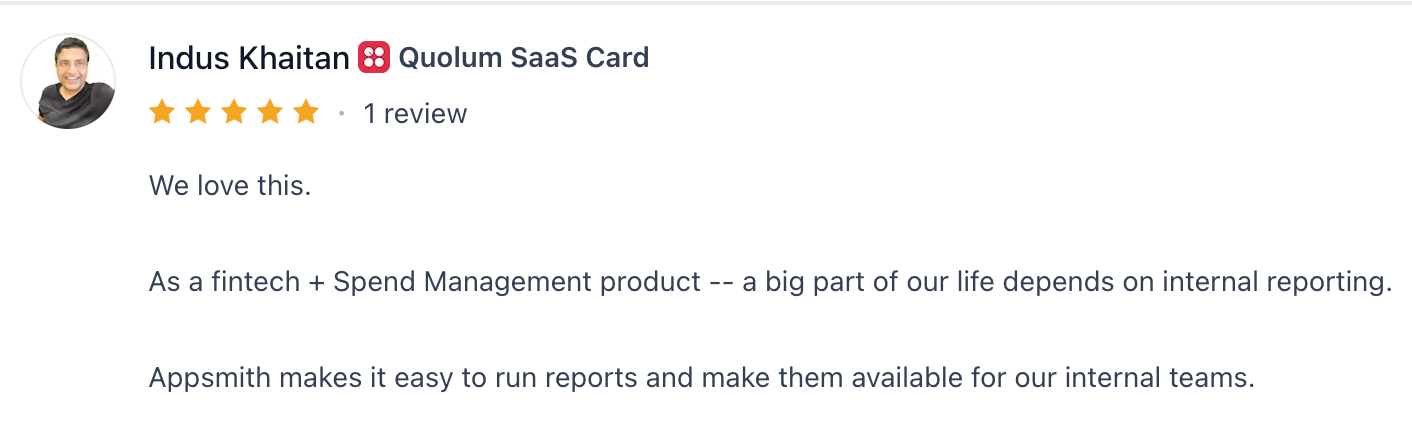
“Appsmith makes it easy to run reports and make them available for our internal teams.”
Indus Khaitan, Product Hunt
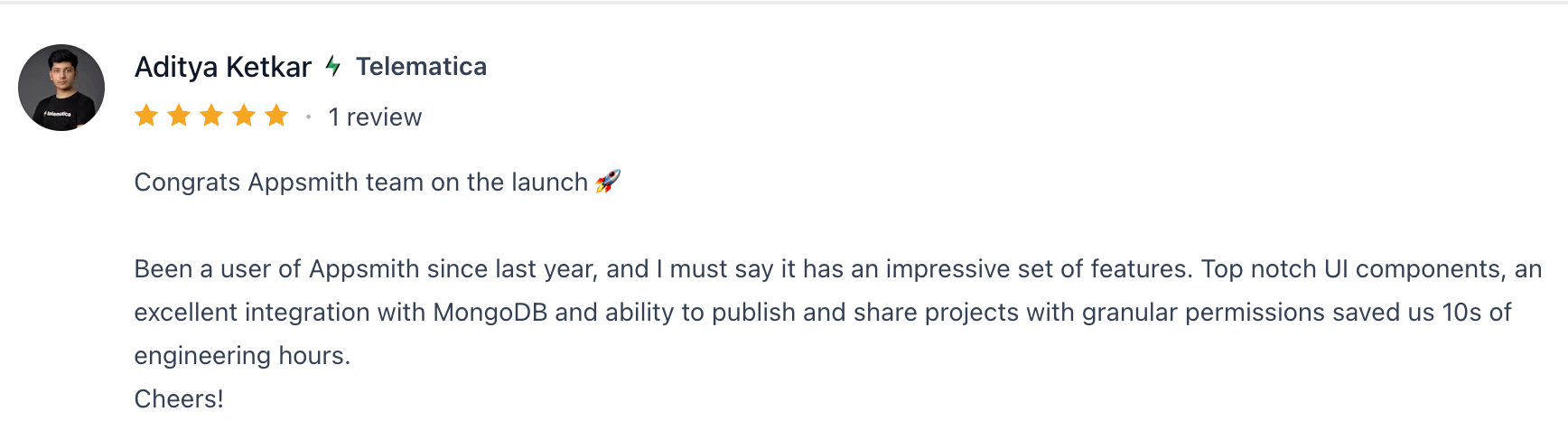
“Top-notch UI components, an excellent integration with MongoDB, and the ability to publish and share projects with granular permissions saved us 10s of engineering hours.”
Aditya Ketkar, Product Hunt
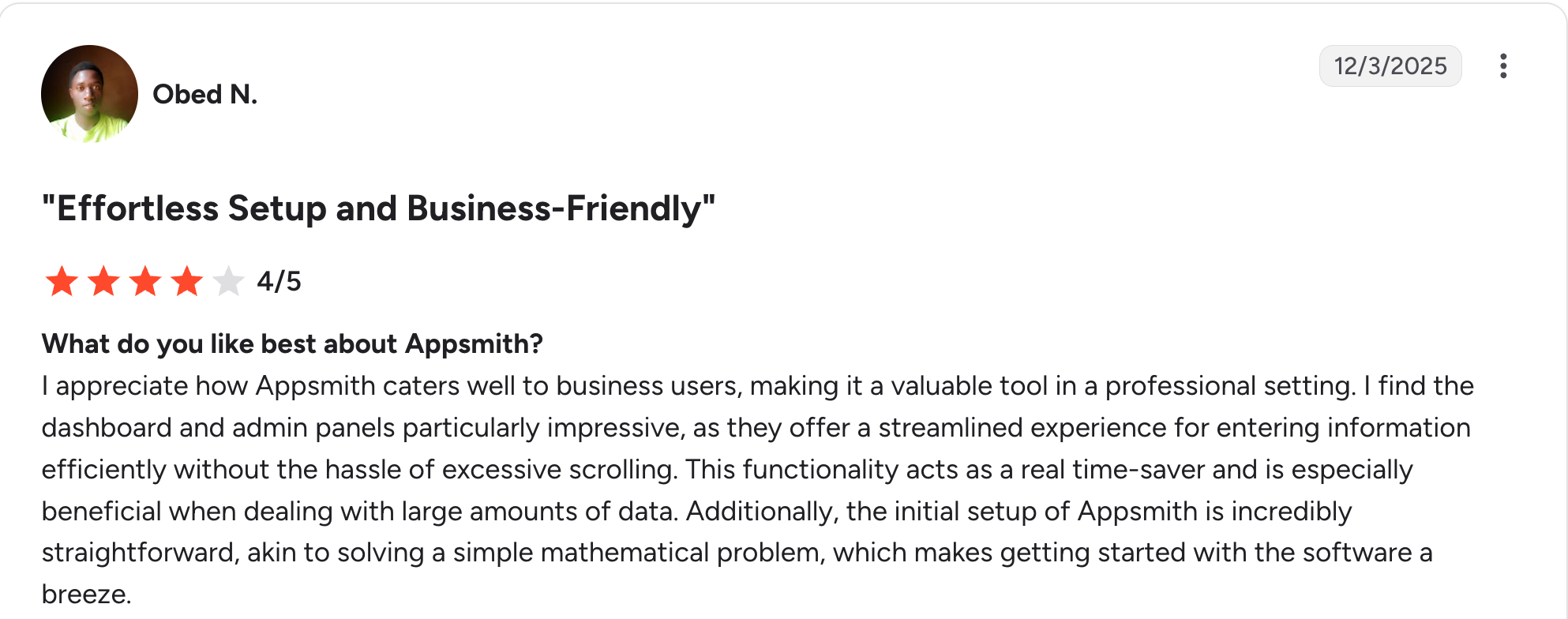
“Appsmith caters well to business users [....] the dashboard and admin panels [are] particularly impressive, [offering] a streamlined experience [...] without the hassle of excessive scrolling.”
Obed N, G2
The critiques echo the same themes reviewers raise elsewhere.

“UI customization is limited (compared to pure frontend code) [....] Large datasets can slow down widgets if not optimized [....] Requires backend queries for complex logic.”
Varun S, G2

“I was unable to upload a PDF to an OpenAI model despite the model having the capability to do so.” Adam M, G2
My personal take on Appsmith
I tested Appsmith by connecting to a Postgres database and building a small internal dashboard. Here is what stood out.
The speed at which things clicked impressed me. The data connection was smooth, the query wrappers made sense, and Git version control on the free tier felt like a real advantage over other builders. A developer gets code-level control over queries, widgets, and logic.
The friction matched the reviews. The moment I wanted something beyond a standard widget, I was writing JavaScript. A pre-built template I opened came with errors I had to fix before it would run, and getting the layout to work on mobile took manual resizing that dragged on.
My take lines up with the consensus. Appsmith is excellent for developers who want control and self-hosting, and a poor fit for a non-technical person who expects to skip the code. The rating is high because the people rating it are mostly developers.
Is Appsmith right for you?
The short answer: Appsmith is right for you if you have developers who can write JavaScript and want open-source control, and wrong for you if your team needs to build without touching code.
Who will love Appsmith
- Developers who want to build internal tools without writing every line of frontend code.
- Technical teams that self-host and want open-source control with no vendor lock-in.
- Cost-conscious teams that can self-host, since the open-source core is free to run yourself. The managed Business plan is $15 per user per month, so the price climbs with team size.
Who should avoid Appsmith?
- Non-technical teams who would rather skip JavaScript and fixing broken templates.
- Teams that need polished mobile apps, since responsiveness takes heavy manual work.
- Small teams that want Appsmith on dedicated servers, since dedicated hosting costs extra on top of the $2,500 a month Enterprise plan. Everyone on a cheaper plan runs on Appsmith's shared cloud.
The best Appsmith alternative: Zite
If Appsmith’s learning curve and JavaScript requirement are the dealbreakers, Zite is the alternative built for non-technical teams.
Where Appsmith asks you to configure widgets and write JavaScript, Zite generates the app, the database, and the logic from a plain-language description. You describe what you want, and it builds a working app you can edit without code.
Four advantages stand out. Each targets a specific Appsmith pain point:
- Visible database with tables and fields: where Appsmith expects you to wire up a database and write queries, Zite gives you a spreadsheet-style database with linked records and AI fields, editable without SQL.
- Visual workflows you can read: Appsmith’s logic lives in JavaScript. Zite shows the logic as a flowchart you can read and trace, and you change the workflow by prompting, so a non-developer can fix what breaks.
- Fully hosted, unlimited users: A team of 20 on Appsmith Business runs about $300 a month at $15 per user, and self-hosting the free edition trades that bill for the engineering time to set it up and maintain it. Zite is $19/month for Pro, with unlimited users and hosting included, so the cost doesn't increase as more people use the app.
- Works on a phone without layout work: where getting an Appsmith app to fit mobile means resizing blocks one at a time, Zite apps work in mobile browsers as-built, and you can set yours up so people can add it to their phone's home screen with your own name and icon.
It's a website on the home screen rather than an App Store download. Push notifications and offline use aren't yet supported. For reviewers who spent time resizing Appsmith layouts by hand, that work largely disappears. See Zite mobile settings.
Start building with Zite for free and launch your first app today.
Final verdict
For a developer who wants open-source control, can write JavaScript, and can self-host the free core, Appsmith is a strong, low-cost choice. For a non-technical team that wants to build a business app without touching code, Zite is the better fit.
Frequently asked questions
Is Appsmith worth it in 2026?
Yes, Appsmith is worth it in 2026 if you are a developer or part of a technical team building internal tools and are comfortable with JavaScript and self-hosting. Its open-source model, fast development, and Git version control earn it 4.6 out of 5 on G2. Non-technical teams tend to struggle with the learning curve.
What are the main complaints in Appsmith reviews?
The main complaints in Appsmith reviews are the steep learning curve, the JavaScript requirement that blocks non-developers, weak mobile responsiveness that needs manual layout work, performance lags on large datasets, and pre-built templates that sometimes ship with errors.
How much does Appsmith cost?
Appsmith is free on the Community tier for up to 5 cloud users or unlimited self-hosted users. Business is $15 per user per month for up to 99 users, billed monthly; Enterprise starts at $2,500 per month for 100 users, billed annually. See Appsmith pricing for details.
What is the best Appsmith alternative for non-technical teams?
The best Appsmith alternative for non-technical teams is Zite, which generates the app, database, and workflow logic from a plain-language description. It keeps the database and logic visible and editable without code, with unlimited users at $19 a month.
Is Appsmith truly open-source?
Yes, Appsmith’s core is open source under the Apache 2.0 license, so you can self-host it, inspect the code, and modify it without paying a license fee. Commercial features such as audit logs and custom roles are available on the Business plan, while SAML/OIDC SSO and SCIM are gated behind the Enterprise plan.

