


The best client dashboard tools for agencies pull your client data into one branded view, so you stop rebuilding reports by hand every month.
Most connect to ad platforms and analytics to generate marketing reports automatically. A few let you build a custom dashboard on your own project and deliverable data.
I spent about a month putting these tools through real agency work: marketing reports pulling from Google Ads and GA4, a client-facing project portal, and a KPI dashboard for internal reviews. The 11 below earned their place, ranked by who each one fits, with monthly pricing.
I've flagged which is which throughout, so you can tell the automatic reporters from the custom builders at a glance.
11 best client dashboard tools for agencies: TL;DR
Here's the shortlist, with what each one does best:
- AgencyAnalytics: Best all-in-one for marketing agencies managing many clients.
- Swydo: Best value for white-label marketing reports.
- Databox: Best for real-time KPI dashboards and AI analysis.
- Whatagraph: Best for polished, design-led cross-channel reports.
- DashThis: Best for small teams wanting quick automated dashboards.
- Zite: Best for building a custom client portal on your own data.
- Data Studio: Best free option for Google-based data.
- Microsoft Power BI: Best for deep business intelligence.
- TapClicks: Best for large agencies and enterprise reporting.
- Cyfe: Best for simple all-in-one dashboards on a budget.
- Klipfolio: Best for custom metric-based dashboards.
How I researched and tested these client dashboard tools
I spent about a month running three real agency scenarios in each tool. A marketing report pulling Google Ads, Meta, and GA4 data, a client-facing portal showing project status, and an internal KPI dashboard for team reviews.
I also tried two tools that didn't make the list: Google Sheets, which is free but manual, and Metabase, which is strong for technical teams and too heavy for client reporting.
I scored each on five things:
- Data connections: How well it pulls from the ad, analytics, and business sources agencies use.
- White-label and branding: Whether client-facing dashboards carry your agency's brand instead of the vendor's.
- Automation: Whether reports refresh and send on a schedule without manual work.
- Client access: Whether clients get their own login to a live dashboard and how access is controlled.
- Pricing model: Whether the cost stays reasonable as your client count grows, since per-client models add up.
This hands-on approach showed how each tool handles the jobs agencies actually bill for, from a monthly ad report to a live client portal.
11 best client dashboard tools for agencies: quick comparison
All prices below are monthly-billed rates, checked against each vendor's pricing page in July 2026.
1. AgencyAnalytics: Best all-in-one for marketing agencies
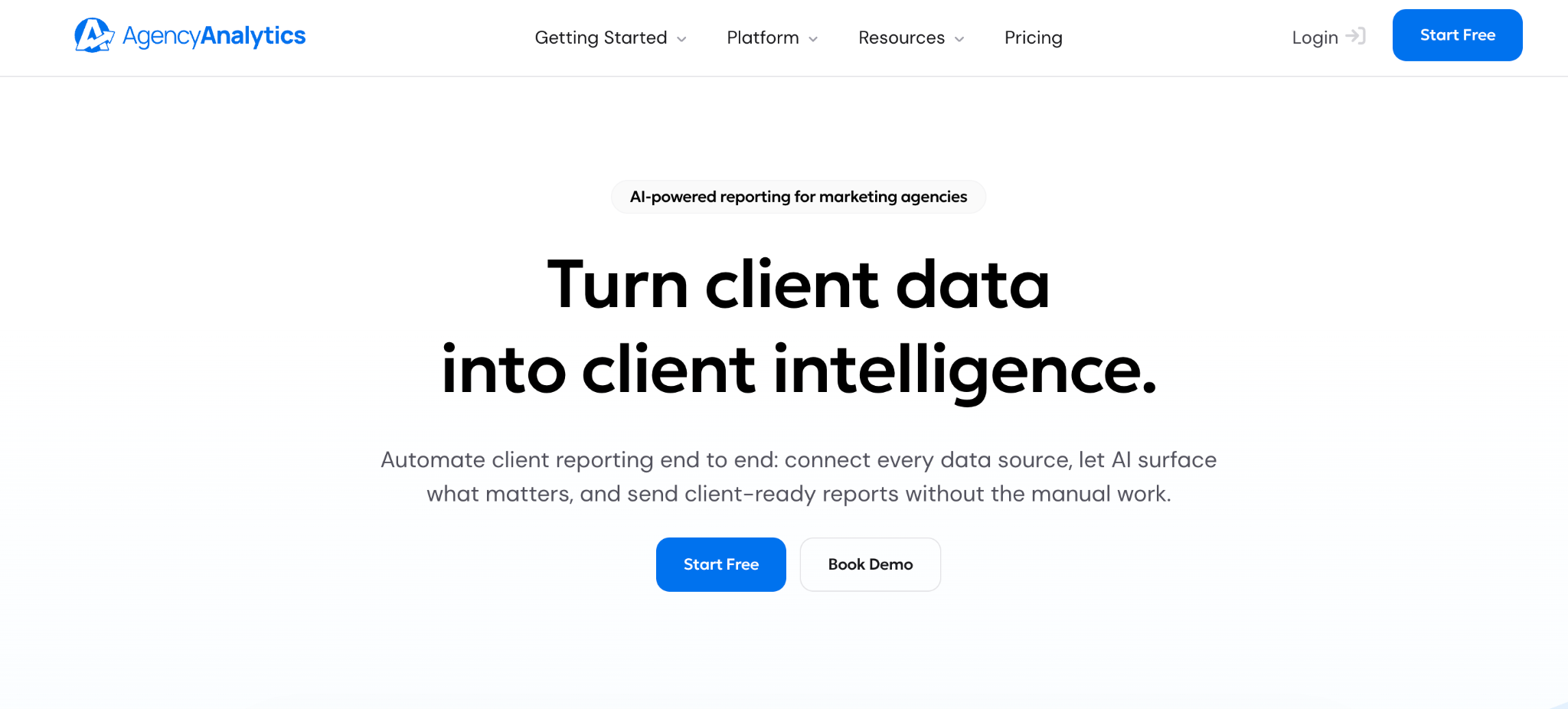
What it does: AgencyAnalytics is a reporting tool built for agencies, with white-label dashboards, more than 85 integrations, and per-client reporting from one interface.
Best for: Full-service marketing agencies managing many clients across SEO, paid, and social.
AgencyAnalytics is the reference tool for agency reporting, and it earns that. Setup is fast, the dashboards are client-ready out of the box, and it ships with built-in SEO tools like a rank tracker.
It holds 4.7 on G2 across more than 458 reviews. The catch is per-client pricing that climbs with your roster.
Key features
- White-label dashboards: Client-facing reports carry your brand instead of the vendor's.
- 85+ integrations: Pulls SEO, paid, social, and analytics data into one view.
- Built-in SEO tools: Rank tracking and backlink monitoring without a separate tool.
Pros
- Fast setup with client-ready dashboards.
- Broad integration library for marketing data.
- 4.7 on G2 across more than 458 reviews.
Cons
- Per-client pricing climbs once you pass 20 to 30 clients.
- Rank-tracker add-on stacks on top for SEO-heavy teams.
- Features have migrated upward to pricier tiers over time.
What users say
“I like the ability to showcase many different features to my clients. We use it to track SEO features, social media, and Google Analytics.” Dan T, G2

“I can't see the exact same numbers in the native platform analytics, making it hard to explain to customers why the numbers sometimes differ from their own platforms.” Aiki A, G2
Pricing
AgencyAnalytics runs on one rate per client, at about $25 per client per month, billed monthly. Every feature and unlimited data sources are included, with no clients bundled into a base fee. See the AgencyAnalytics pricing page.
Bottom line
AgencyAnalytics is the safe pick for a marketing agency that wants one tool for client reporting. If per-client pricing worries you at scale, Swydo's per-source model is worth a look.
2. Swydo: Best value for white-label marketing reports
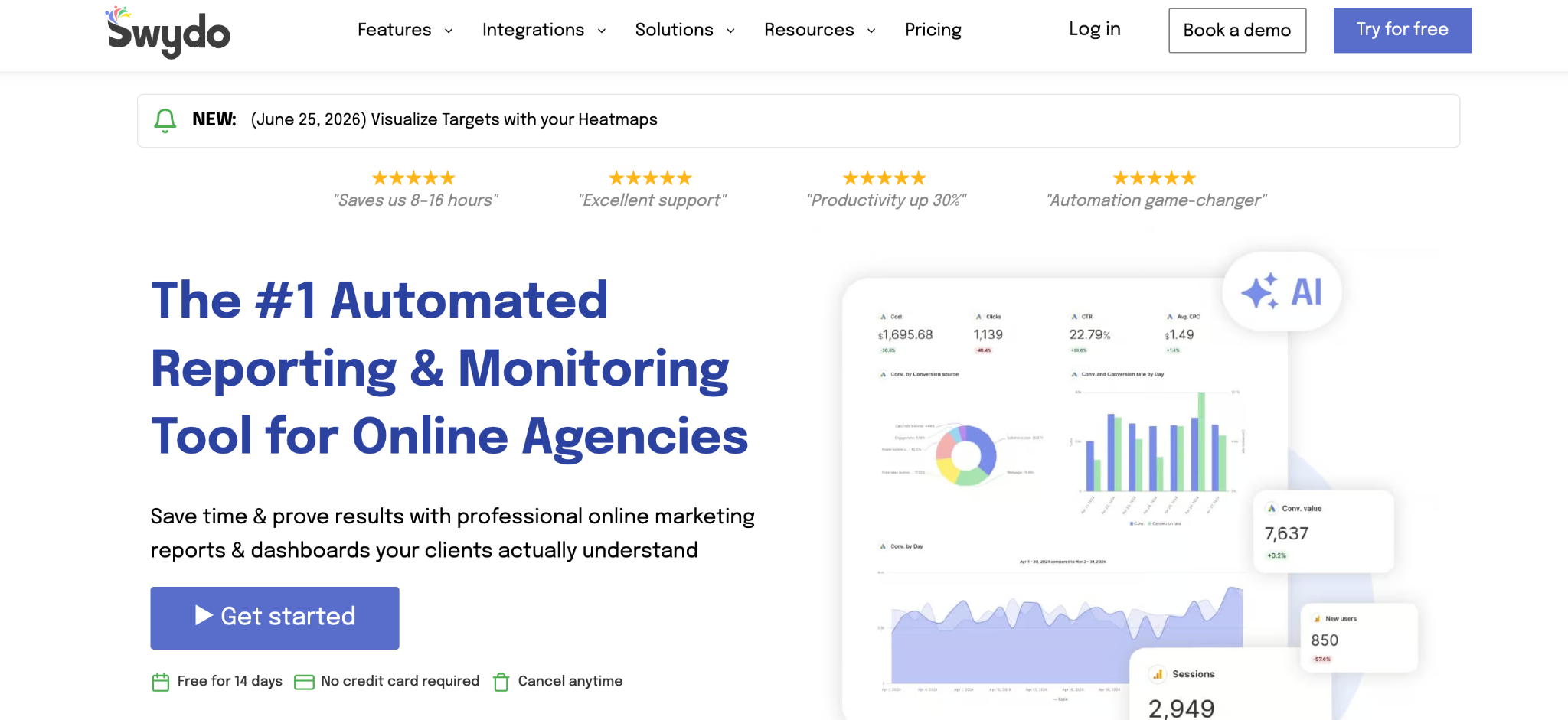
What it does: Swydo is a white-label reporting tool that builds automated marketing dashboards, priced by data source rather than per client.
Best for: Small and mid-size agencies that want white-label reports without per-client costs.
Swydo does the core reporting job well at a lower, more predictable price. Its base plan includes unlimited clients and users, charging by data source instead, which suits agencies with many small clients.
The reports are clean rather than flashy, and every feature sits on every plan.
Key features
- Unlimited clients and users: Priced by data source instead of per client.
- Automated reporting: Scheduled reports and dashboards that refresh on their own.
- KPI monitoring: Daily goal tracking alongside the reports.
Pros
- Predictable pricing with unlimited clients and users.
- Every feature sits on every plan.
- Fast to set up for standard marketing reports.
Cons
- Functional report design that trails the premium tools.
- Fewer integrations than AgencyAnalytics offers.
- Data-source pricing adds up for multi-channel clients.
What users say
“I like the ease of combining multiple channels and sources into a structured format with Swydo.” Martijn V, G2

“It would be nice if the graphs were a little better visually - that's it.” Kevin S, G2
Pricing
Swydo starts at $69 a month for 10 data sources, with unlimited clients, users, and reports. Extra sources cost $4.50 each up to 100, then less as you scale. See the Swydo pricing page.
Bottom line
Swydo is the value pick for agencies with many clients who want predictable costs. If you need polished, design-led reports, Whatagraph does that better.
3. Databox: Best for real-time KPI dashboards and AI analysis
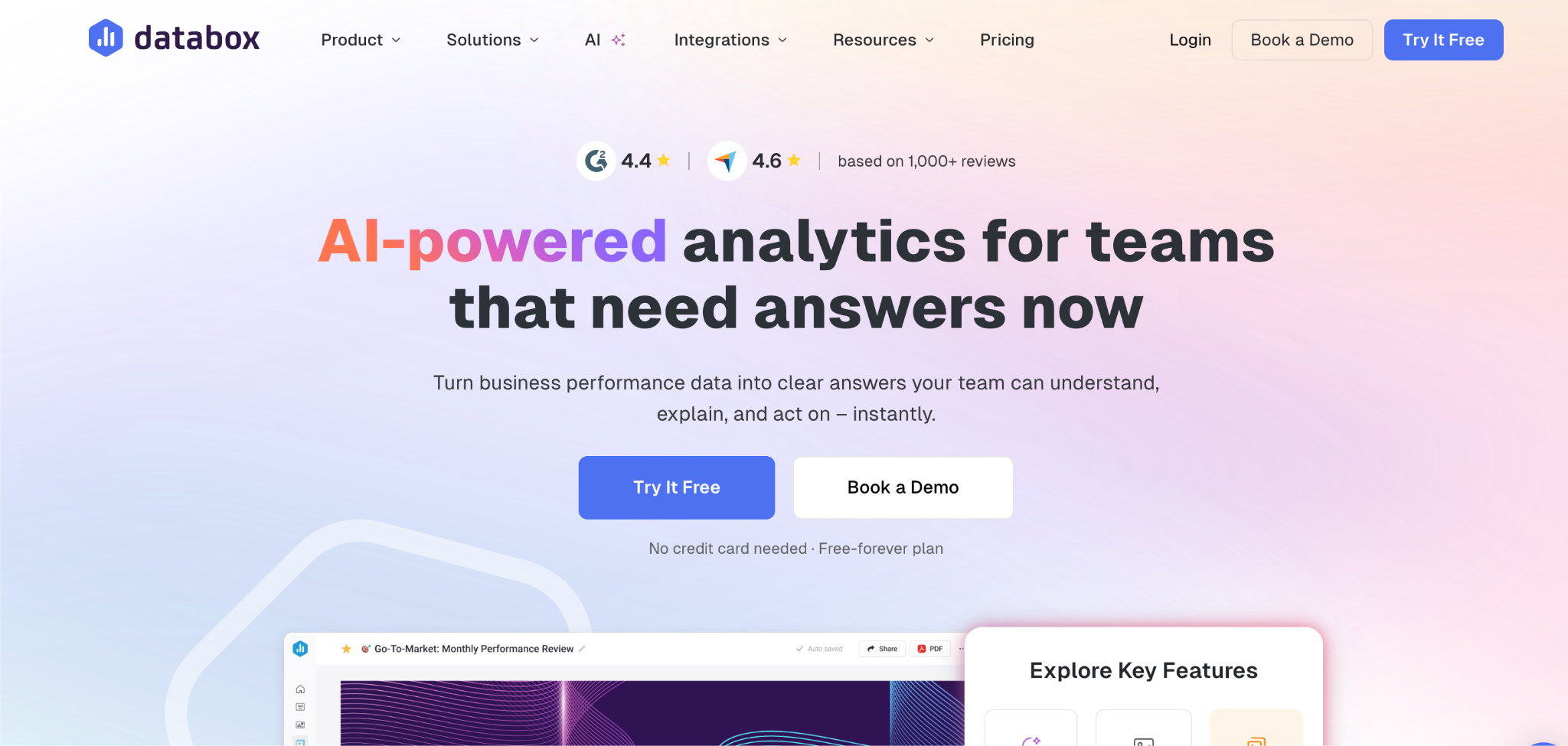
What it does: Databox is a KPI dashboard tool that pulls metrics into real-time boards, with AI analysis and the best mobile experience in the category.
Best for: Agencies and teams that want live KPI monitoring more than static monthly reports.
Databox shines for real-time dashboards you check often, rather than end-of-month reports alone. Its AI Analyst and performance summaries add genuine insight.
It also ships an MCP server that connects your metrics to Claude or ChatGPT, and unlimited users on every paid team plan.
Key features
- Real-time KPI boards: Live metrics that update as data changes.
- AI analysis: An AI analyst and performance summaries that surface what moved.
- Best mobile experience: Full mobile apps, including Apple Watch support.
Pros
- Real-time KPI monitoring that updates as data changes.
- Genuine AI analysis that names what moved and why.
- Unlimited users on paid team and agency plans.
Cons
- White-labeling sits on the top agency tier or costs extra and trails what AgencyAnalytics offers.
- Only 3 data sources are included in the lower tiers, so per-source charges stack quickly.
- The interface takes time to learn, with a steeper setup than the template-first reporters.
What users say
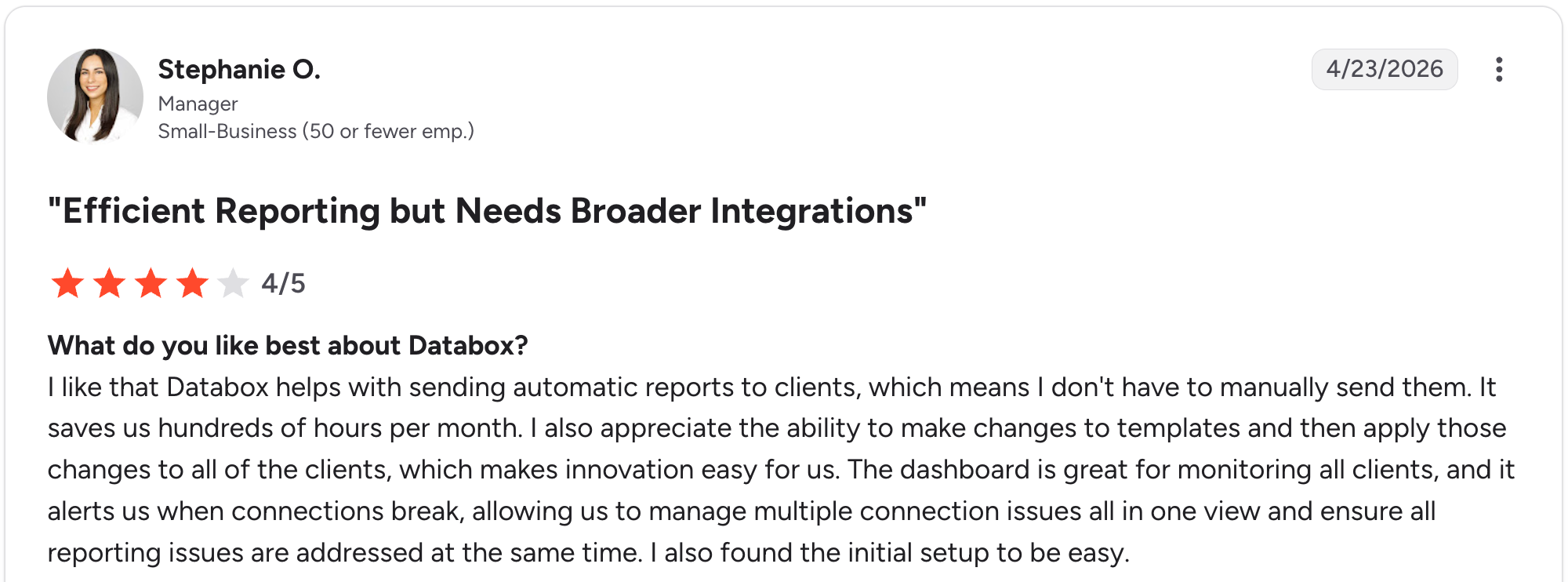
“I like that Databox helps with sending automatic reports to clients, which means I don't have to manually send them.” Stephanie O, G2

“While it has the major business integrations and connections, it needs more connections to work in certain industries.” Nancy S, G2
Pricing
Databox splits into business and agency tracks. The agency track starts at $99 a month for 5 client accounts, then $199 for unlimited clients, $499 for Growth, and $999 for Premium.
A free plan is still available with 3 data sources and one user. Additional sources cost $3 a month each on the agency track. See the Databox pricing page.
Bottom line
Reach for Databox when your team lives in real-time KPIs and wants AI analysis. For classic white-label monthly reports, AgencyAnalytics or Swydo is a better fit.
4. Whatagraph: Best for polished, design-led reports
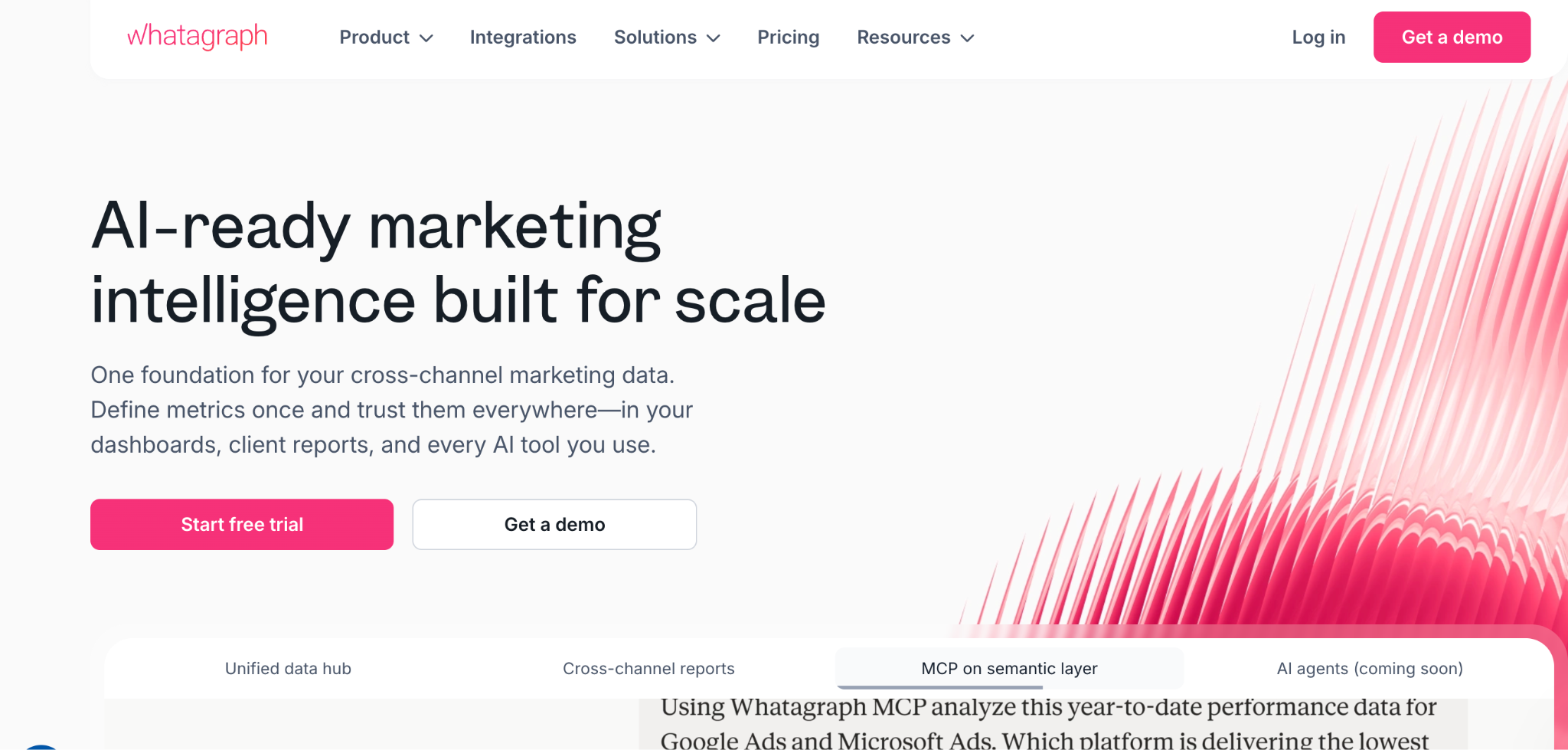
What it does: Whatagraph is a reporting tool built around polished visual design, blending cross-channel data into presentation-ready reports.
Best for: Agencies where report design and client presentation are a core part of the pitch.
Whatagraph produces the best-looking reports in the category, with cross-channel blending across roughly 55 native integrations and an AI layer for summaries and chat.
It was restructured in 2026 into two plans, both billed annually, which puts it well above the mid-market tools on cost.
Key features
- Design-led reports: Presentation-ready output with little manual design work.
- Cross-channel blending: Combines many sources into one view.
- AI report features: Summaries, themes, and in-report chat.
Pros
- Best visual report design in the category.
- Cross-channel blending across roughly 55 native integrations.
- White-label reports and a dedicated success manager on Max.
Cons
- Priced far above the mid-market tools here.
- Annual billing only, with no month-to-month option.
- Built for scale past what most agencies carry.
What users say
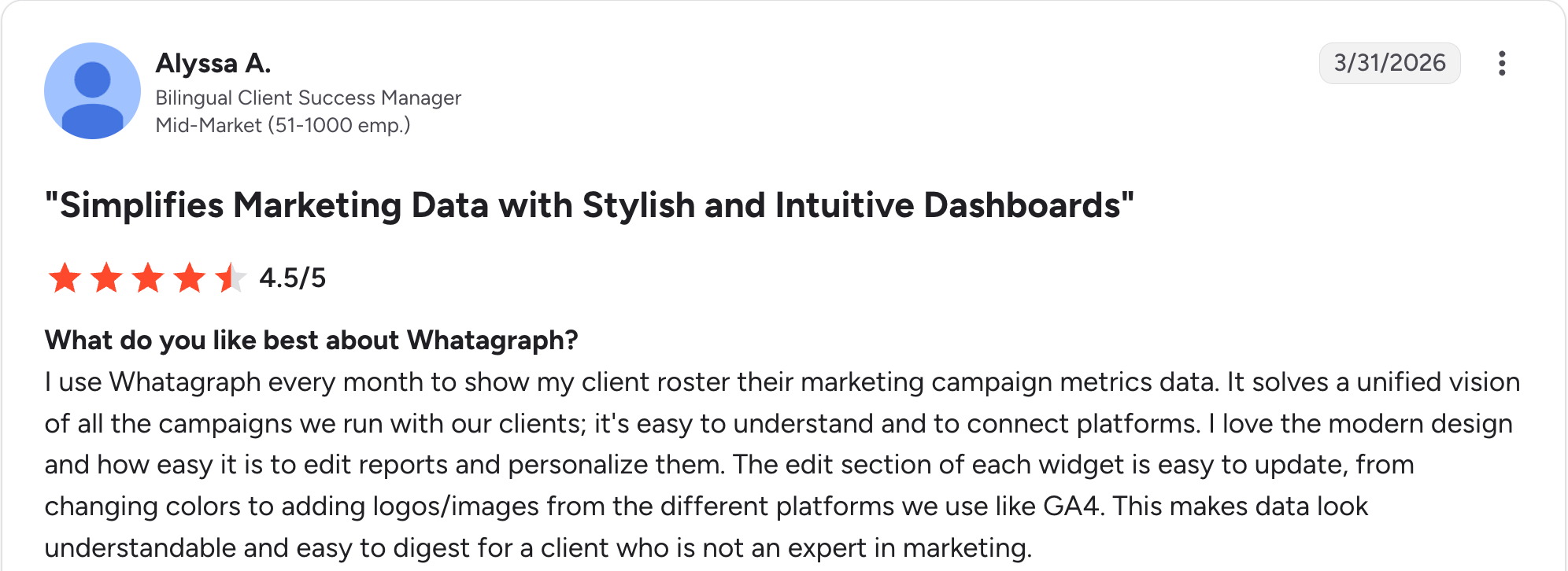
“I use Whatagraph every month to show my client roster their marketing campaign metrics data.” Alyssa A, G2

“If two people are editing a report at the same time, the widgets can glitch or break, which is frustrating on tight deadlines.” Bruhith I, G2
Pricing
Whatagraph now runs two plans only. Max costs from $812 a month, billed annually, with 50+ source credits, and Prime is custom-priced with 100+ credits.
Worth flagging for budgeting: Whatagraph offers no monthly billing, so the entry commitment is a full year. See the Whatagraph pricing page.
Bottom line
Whatagraph is the choice when report design wins and keeps clients. If budget matters more than polish, Swydo or DashThis deliver the core job for far less.
5. DashThis: Best for small teams wanting quick dashboards

What it does: DashThis is an automated dashboard tool that builds client reports fast, priced by the number of dashboards.
Best for: Small teams and solo operators who want polished dashboards without complexity.
DashThis keeps things simple. Connect your sources, pick a template, and a working dashboard comes together quickly.
All features are included in every plan, and pricing scales by dashboard count. It's less deep than the all-in-one tools, which is the point for a small team.
Key features
- Preset templates: A fast path to a working dashboard.
- All features included: No feature gating across plans.
- Automated delivery: Scheduled reports without manual work.
Pros
- Fast, simple setup for small teams.
- All features on every plan, with no gating.
- Clean, presentable dashboards straight from the templates.
Cons
- Less depth than the all-in-one tools.
- Dashboard-count pricing limits heavy users.
- Fewer advanced analytics features than bigger tools.
What users say
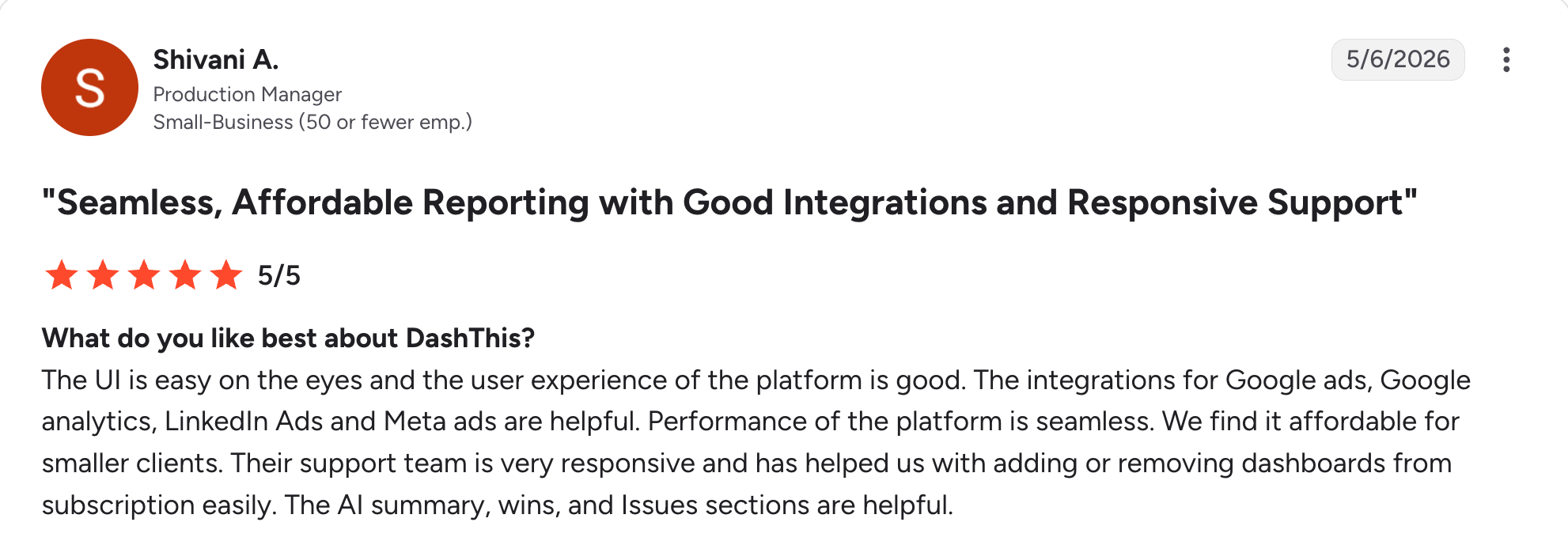
“The UI is easy on the eyes, and the user experience of the platform is good.” Shivani A, G2

“I think it would be better if I could copy large sections at a time instead of copying each individual metric, especially historical data metrics.” Amna A, G2
Pricing
DashThis starts at $54 a month for 3 dashboards and 15 data sources on Individual, then $164, $324, and $499 as dashboard and source counts rise. Paying yearly drops Individual to $44. See the DashThis pricing page.
Bottom line
DashThis wins for a small team that wants dashboards fast. Growing agencies with many clients will outgrow the dashboard-count pricing.
6. Zite: Best for building a custom client portal on your own data
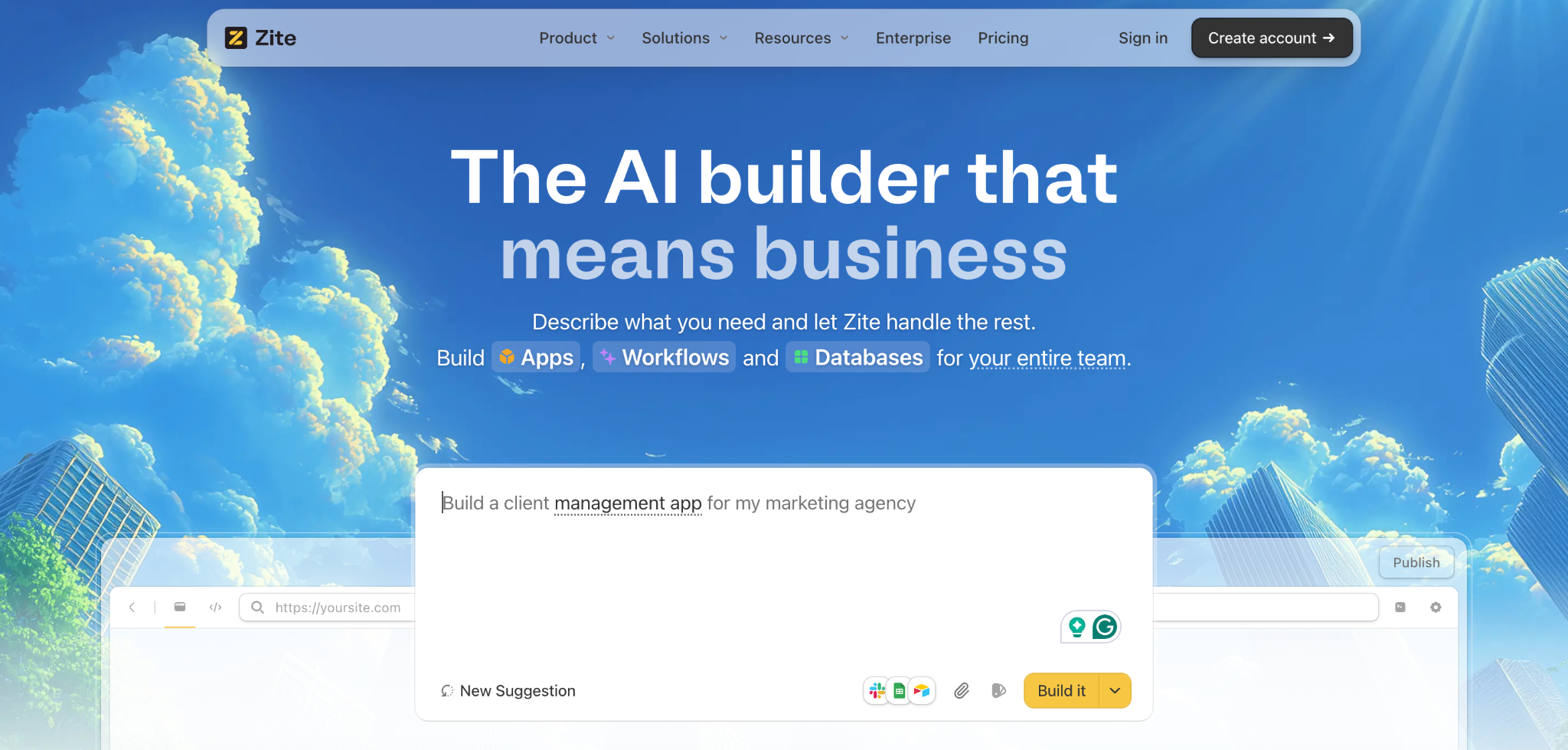
What it does: Zite is an AI-powered no-code app builder that generates a custom client dashboard, its database, and the logic from a plain-language description.
Best for: Agencies that want a client-facing dashboard on their own project, deliverable, or status data.
Zite does a different job from the rest of this list. The marketing-reporting tools pull ad metrics for you, while Zite builds a custom dashboard on the data you run the agency on, covering project status, deliverables, approvals, and invoices, plus whatever you connect from elsewhere.
You describe the dashboard, and it generates both the app and the database, with each client seeing only their own records. Connect Google Sheets, Airtable, or HubSpot directly, or let a webhook push updates in from another system as they happen, so the dashboard stays current without a manual import.
Key features
- AI dashboard generation: Describe what you want, and Zite generates the layout, workflow logic, and a real database of tables and linked records you edit without SQL.
- Data connections: Pull in data from Google Sheets, Airtable, and HubSpot, or let a webhook push updates in as they happen, so nothing needs a manual import.
- Notifications that fire on their own: A status change can email the client or message your team in Slack, and updates can run on a schedule, with the logic laid out as a flowchart you can open and trace.
- Access and pricing: Role-based views give each client their own records, with unlimited users on every tier and no per-seat creep.
Pros
- Custom dashboard built on the data you run the agency on, connected or typed in.
- Unlimited users, so cost stays flat as clients grow.
- Per-client access built into every portal.
Cons
- No automatic ad metrics, unlike the reporting tools here.
- Newer product so the template library is still growing.
- No App Store or Google Play apps, though dashboards run in a mobile browser and clients can add them to their phone's home screen.
What users say

“Zite is a good option if you want the UX of a vibe coding tool with the benefits of traditional no-code.” Verified User, Reddit

“More flexibility on pricing tiers for teams with variable submission volumes would be welcome.” Alvaro H, G2
Pricing
Zite is free to start, with unlimited users on every plan. Pro is $19/month, and Business is $69/month, both with unlimited users. See the Zite pricing page.
Bottom line
Zite fits when you need a custom client portal built around how the agency actually runs, not a marketing metrics feed. If you need to pull Google Ads and GA4 metrics automatically, a reporting tool like AgencyAnalytics is the right call.
7. Data Studio: Best free option for Google-based data
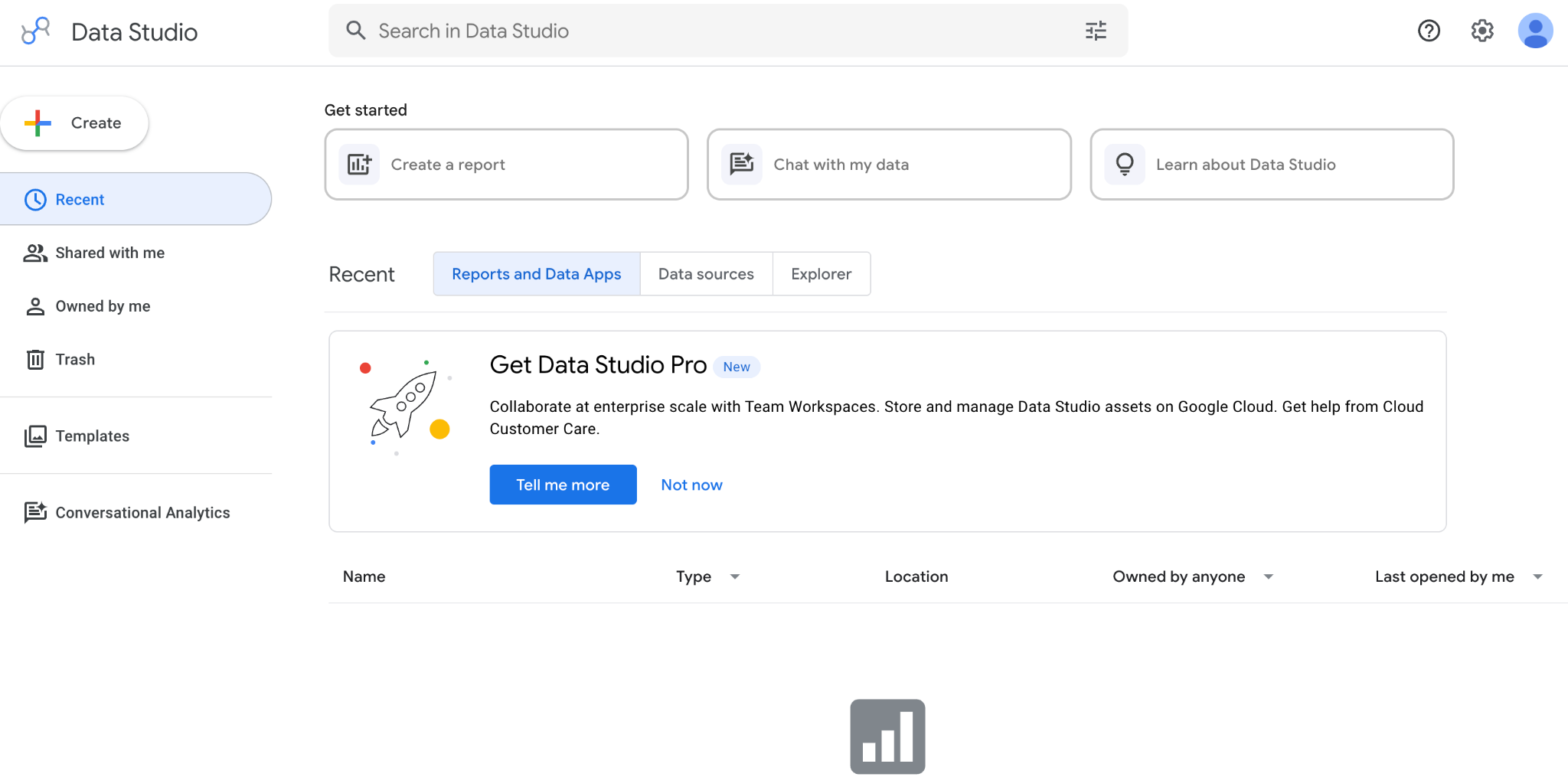
What it does: Data Studio is Google's free reporting tool, connecting Google Analytics, Google Ads, Sheets, and third-party sources into custom reports.
Best for: Agencies on a budget whose client data sits mostly in Google tools.
Note the name. Google renamed Looker Studio back to Data Studio in April 2026, reversing its 2022 rebrand to separate this tool from the enterprise Looker platform. Existing reports and links carry over automatically.
It's free and powerful for Google data, which is why so many agencies start here. The tradeoff is effort, since getting client-ready takes real setup and non-Google sources often need paid connectors.
Key features
- Free to use: No license cost for the core tool.
- Deep Google integration: Native GA4, Google Ads, and Sheets connections.
- Custom reports: Flexible layout and visualization.
Pros
- Free for the core tool.
- Strong for Google data across GA4, Ads, and Sheets.
- Flexible report layouts you control fully.
Cons
- Real setup effort before it looks client-ready.
- Non-Google sources often need paid connectors.
- No white-label portal built into the tool.
What users say
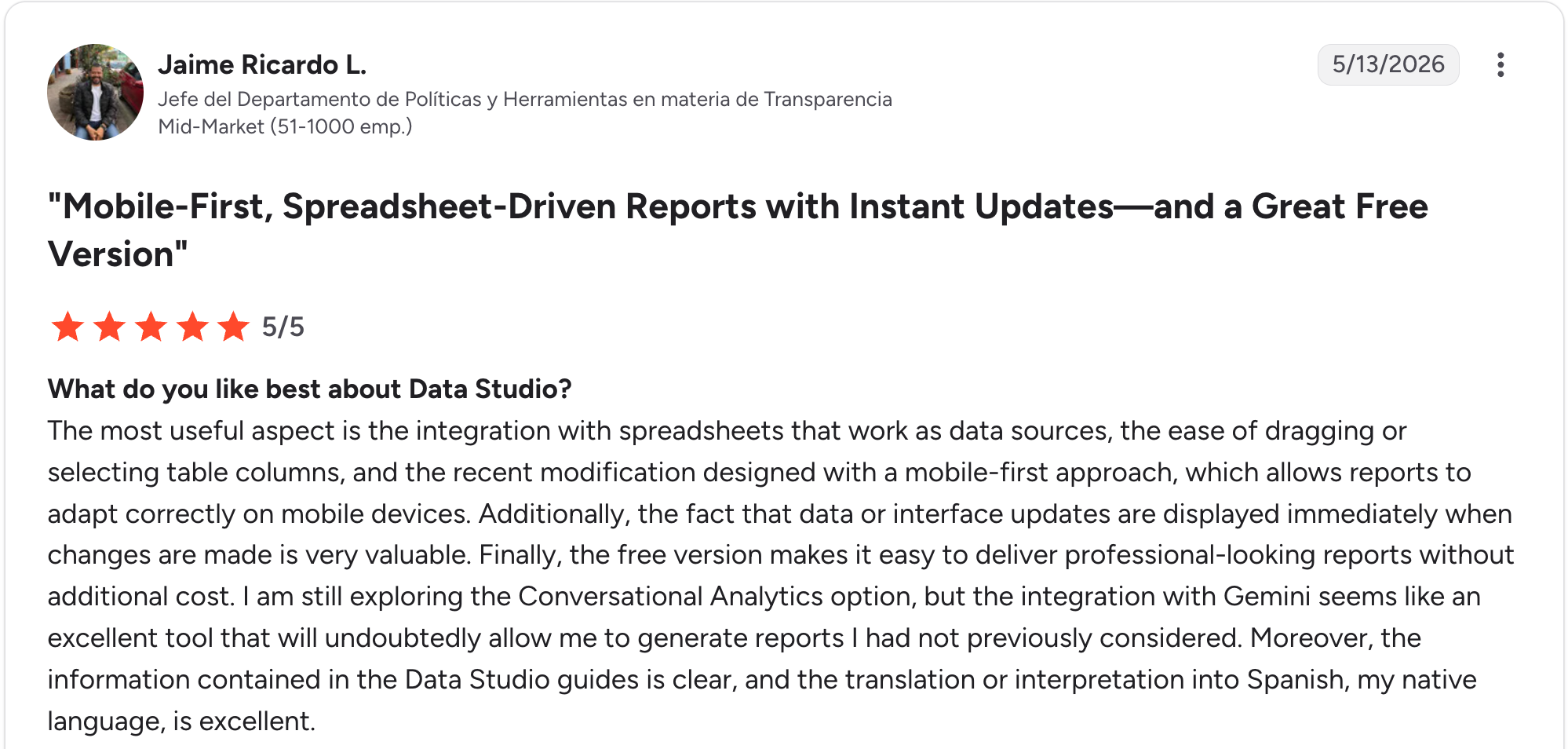
“The most useful aspect is the integration with spreadsheets that work as data sources, the ease of dragging or selecting table columns, and the recent modification designed with a mobile‑first approach, which allows reports to adapt correctly on mobile devices.” Jaime Ricardo L, G2

“A few things could be better in [Looker Studio]. Performance can slow down with a larger dataset or complex dashboards, which affects the overall experience.” Raja B, G2
Pricing
Data Studio is free for the core tool, with Data Studio Pro adding team features and support at $9 per user per project per month. Third-party connectors for non-Google sources add their own cost. See the Data Studio pricing site.
Bottom line
Data Studio is the choice when your client data already lives in Google tools, and the budget is tight. If you need a client-ready, white-labeled portal out of the box, a dedicated reporter like Swydo saves the setup work.
8. Microsoft Power BI: Best for deep business intelligence
What it does: Microsoft Power BI is a business-intelligence tool for building deep data models and dashboards from many sources.
Best for: Agencies with data-heavy reporting needs and someone comfortable with BI tooling.
Power BI goes deeper than any agency-reporting tool on data modeling. It connects to almost any source and handles large datasets well.
The tradeoff is the learning curve, since it rewards a technical user over a marketer.
Key features
- Deep data modeling: Complex relationships and calculations.
- Broad connectors: Connects to most databases and services.
- Strong visualizations: A wide library of chart types.
Pros
- Deepest modeling of any tool on this list.
- Handles large datasets without slowing down.
- Affordable per-user pricing at $14 a month.
Cons
- Steep learning curve for non-technical users.
- Built for internal BI rather than client reporting.
- Clunkier client sharing than the agency tools here.
What users say
“Can easily connect to data sources like lists, SQL servers, as well as Excel /CSV stored in SharePoint, then build semantic models which can also be further used to build reports using a wide variety of prebuilt charts.” Ashutha K, G2

“The data load time for large datasets is pretty long.” Swati J, G2
Pricing
Power BI runs $14 per user per month for Pro and $24 for Premium Per User. Microsoft raised both rates in April 2025, so older sources quoting $10 are out of date. See the Power BI pricing page.
Bottom line
Go with Power BI if your workload is data-heavy and you have a technical user. For marketers who want client reports without BI complexity, an agency tool fits better.
9. TapClicks: Best for large agencies and enterprise reporting
What it does: TapClicks is an enterprise marketing-reporting tool that blends paid, SEO, analytics, and offline data into one reporting view per client.
Best for: Large agencies and media companies with high client volume and complex data.
TapClicks is built for scale. It connects a wide range of sources, offers uncapped dashboard sharing without per-user fees, and includes a report scheduler and presentation studio.
A small agency will find it heavy, and pricing is quote-based, which suits larger operations.
Key features
- Wide data blending: Paid, SEO, analytics, and offline sources in one view.
- Uncapped sharing: Share dashboards without per-user fees.
- Report scheduler: Automated delivery and a presentation studio.
Pros
- Built for high client volume across large rosters.
- Uncapped sharing without per-user fees.
- Broad data blending across paid, SEO, and offline sources.
Cons
- More than small agencies need in both scope and cost.
- Quote-based pricing makes budgeting harder.
- Steeper setup than mid-market tools.
What users say
“The dashboards are really great for our clients, and there's a lot of flexibility in the metrics we see.” Juli L, G2

“Some of the visualization options are limited.” Chelsea R, G2
Pricing
TapClicks is quote-based, tailored to your data and scale. Third-party listings put the entry point in the hundreds of dollars a month, so contact them for a current figure. See the TapClicks pricing page.
Bottom line
TapClicks earns its place at large agencies with high client volume. Smaller teams will find it heavier and pricier than they need.
10. Cyfe: Best for simple all-in-one dashboards on a budget
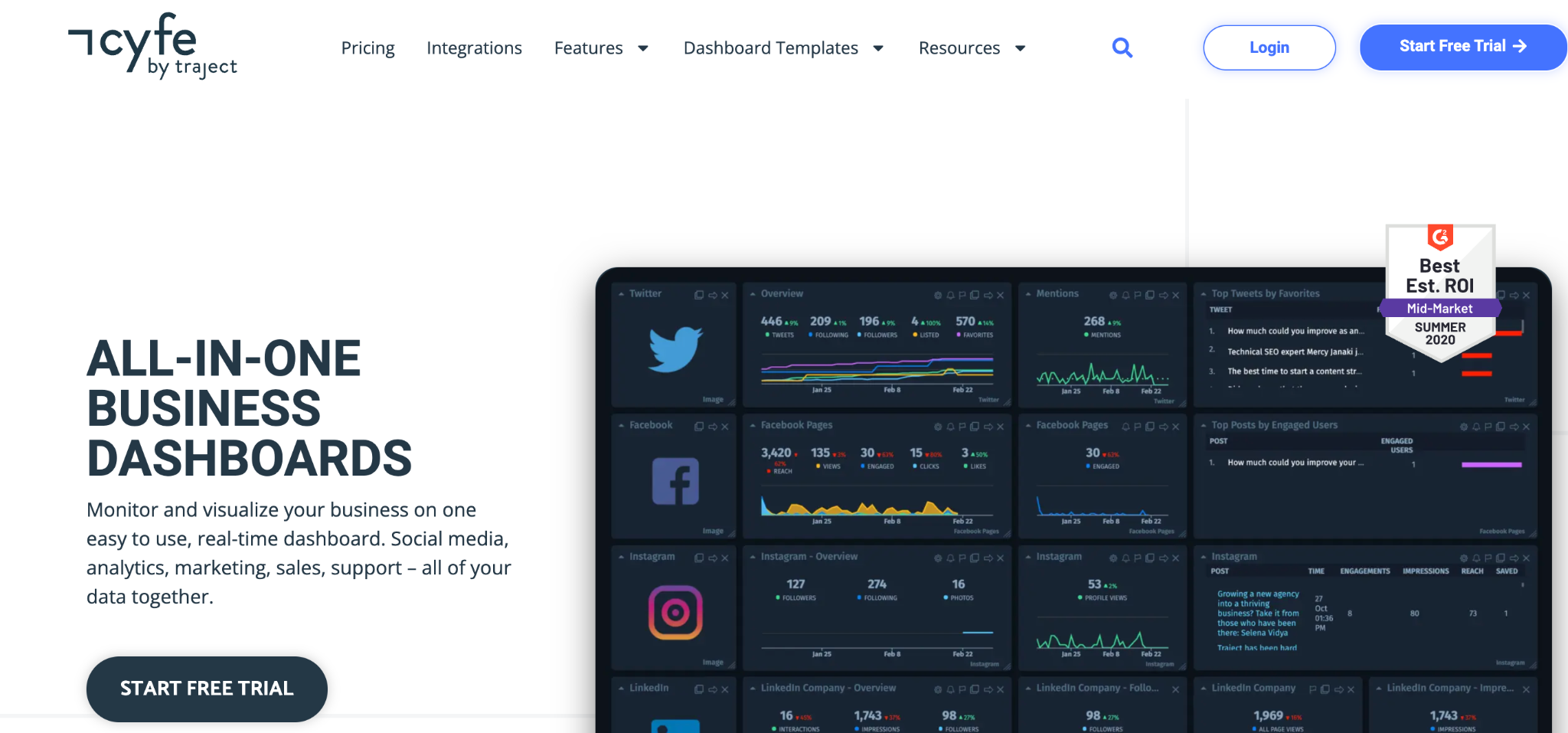
What it does: Cyfe is an affordable all-in-one dashboard tool that brings many data sources into a single view.
Best for: Small agencies and teams that want simple dashboards without a big spend.
Cyfe is the budget all-in-one option. It pulls from many sources into pre-built widgets and costs far less than the premium tools.
The tradeoff is depth and polish, which trail the specialist reporters. Reviewers also note that development has slowed noticeably, with few new integrations appearing.
Key features
- Pre-built widgets: Fast dashboards from many sources.
- All-in-one view: Marketing, sales, and business data together.
- Affordable pricing: A low entry point for small teams.
Pros
- Low cost for an all-in-one tool.
- Wide widget range across many sources.
- Simple to set up with pre-built widgets.
Cons
- Less polish than the premium reporters.
- Development has slowed with few new integrations appearing.
- White-label is limited on the lower tiers.
What users say
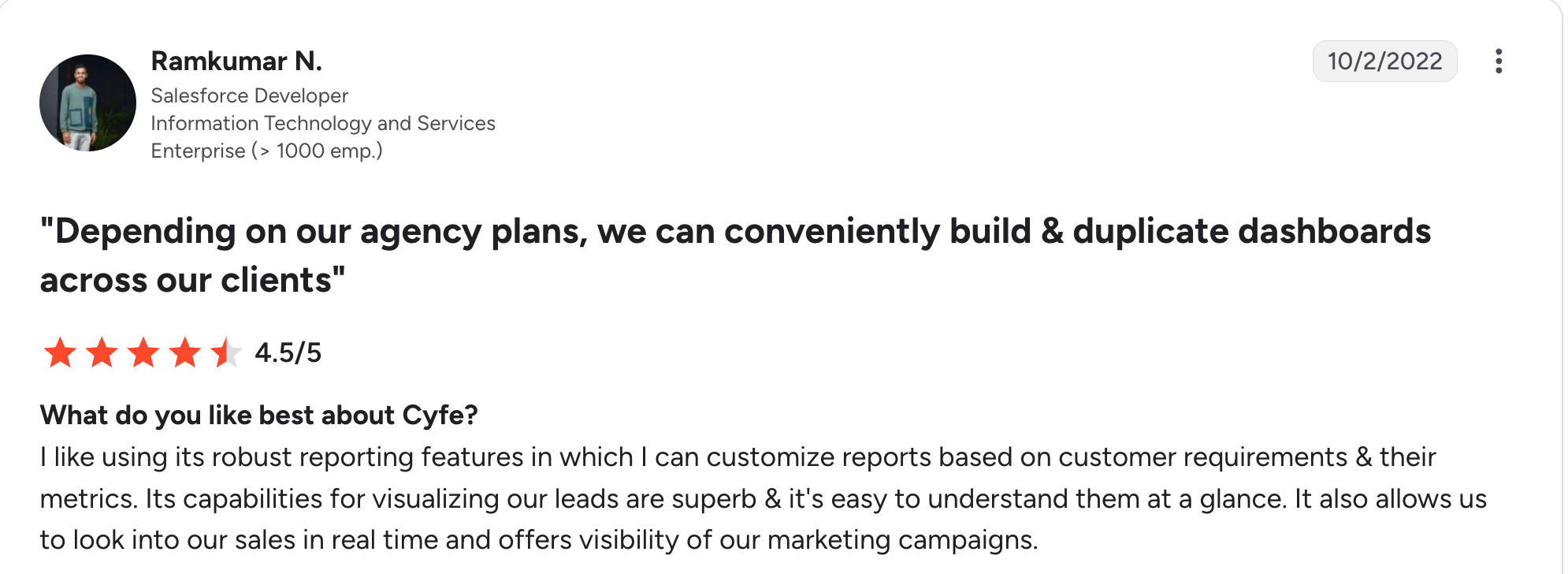
“I like using its robust reporting features in which I can customize reports based on customer requirements & their metrics.” Ramkumar N, G2

“A lot of the Widgets they offer list different data they can grab. Majority are incorrect.” Jason J, G2
Pricing
Cyfe starts at $29 a month for 2 dashboards and one user, then $39, $65, and $119 as dashboards and seats rise. Every plan includes all features, with unlimited users on Premier. See the Cyfe pricing page.
Bottom line
Cyfe suits a small agency that wants affordable dashboards. For client-ready white-label reports, a specialist like Swydo does it better.
11. Klipfolio: Best for custom metric-based dashboards
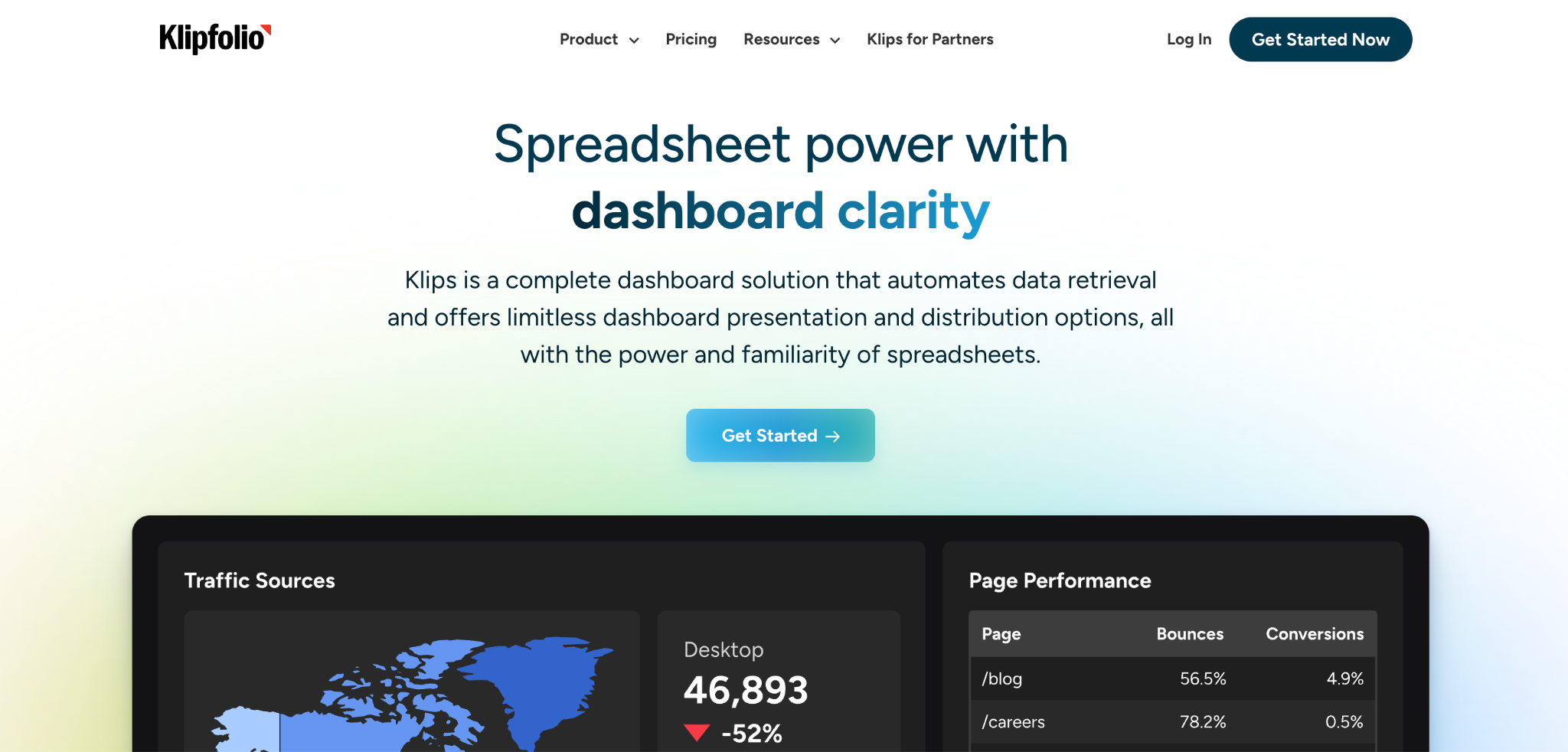
What it does: Klipfolio is a dashboard tool for building custom metric-based views, with fine control over how data is combined and displayed.
Best for: Data-minded agencies that want to build custom metrics rather than use preset reports.
Klipfolio sits between an agency reporter and a BI tool. You build custom metrics and combine data sources with real control, which suits teams that want precision over templates.
The tradeoff is setup effort, since that flexibility means more configuration than a template-first tool.
Key features
- Custom metrics: Build and combine metrics with fine control.
- Many data sources: Connect and blend more than 130 integrations.
- Unlimited users: Every tier includes unlimited users, with dashboards as the constraint.
Pros
- Strong custom-metric building with fine control.
- Flexible data combination across sources.
- Unlimited users on every plan.
Cons
- More setup effort than template-first tools.
- Dashboard and client caps push you up tiers quickly.
- Priced well above the mid-market reporters.
What users say

“Seeing all of the pertinent data at a glance is really helpful.” Martin S, G2

“It doesn't have as many chart options as Power BI or Data Studio.” Verified User, G2
Pricing
Klipfolio splits into business and agency tracks. The agency track starts at $180 a month for 5 dashboards and 5 clients, then $270, $490, and $1,025 as those caps rise. See the Klipfolio pricing page.
Bottom line
Klipfolio is built for data-minded agencies that want custom metrics. For quick client-ready reports, a template-first tool is faster and cheaper.
Which client dashboard tool should you choose?
The right tool comes down to whether you need marketing-metric reports or a custom dashboard on how the agency runs, and how many clients you serve.
Choose AgencyAnalytics if you:
- Run a full-service marketing agency with many clients.
- Want an all-in-one reporter with built-in SEO tools.
Choose Swydo or DashThis if you:
- Want white-label marketing reports at a predictable price.
- Are a small or mid-size team prioritizing value.
Choose Databox or Whatagraph if you:
- Need real-time KPIs and AI analysis, which is Databox.
- Want the most polished report design, which is Whatagraph.
Choose Zite if you:
- Want a custom client portal on your own project and deliverable data.
- Need each client to log in and see only their own records.
- Want unlimited users without per-client pricing.
Choose Data Studio, Power BI, or Klipfolio if you:
- Want a free Google-native tool.
- Need deep BI modeling (Power BI) or custom metrics (Klipfolio).
Choose TapClicks or Cyfe if you:
- Run a large agency needing enterprise scale, which is TapClicks.
- Want simple all-in-one dashboards on a budget, which is Cyfe.
Skip a dedicated tool if you:
- Have one or two clients and a spreadsheet still works.
Final verdict
For most marketing agencies, AgencyAnalytics is the strongest all-around client dashboard tool, since it combines white-label reporting, broad integrations, and built-in SEO in one place.
Swydo wins on value, Databox on real-time KPIs, and Whatagraph on design if the budget stretches to annual billing.
If your goal is a custom client portal built around how the agency runs rather than marketing metrics, Zite is the better fit, since it builds the dashboard and database together with per-client access.
Match the tool to the job, and let your data decide: metrics that live in ad platforms point to a reporter, while project and deliverable data you own points to a builder. For the portal side of that, see this guide to building a custom client portal.
Start building with Zite for free and build a custom client dashboard today.
Frequently asked questions
What is the best client dashboard tool for agencies?
The best client dashboard tool for agencies is AgencyAnalytics for all-in-one reporting, Swydo for value, and Databox for real-time KPIs. For a custom client portal, Zite is the strongest pick.
How much do client dashboard tools cost?
Client dashboard tools cost anywhere from free to over $800 a month. Reporters run from $29 to past $800 at the design-led end, per-client models climb as you grow, and Zite at $19 includes unlimited users.
What is the difference between a client dashboard and a client report?
The difference between a client dashboard and a client report is live access versus a scheduled snapshot. Clients log into a dashboard anytime, while a report arrives as a PDF or email.
Do client dashboard tools offer white-label options?
Yes, most client dashboard tools for agencies offer white-label options, so dashboards carry your brand instead of the vendor's. Check the scope first, since some gate custom domains behind higher tiers.
Can I build a custom client dashboard without coding?
Yes, you can build a custom client dashboard without coding using a builder like Zite, which generates the dashboard, database, and access rules from a description.

