


Most business app builders promise to replace your developer. But few hold up once a real team starts using them. I tested the most used platforms for custom apps, internal tools, client portals, and dashboards to see which ones are actually worth it in 2026.
5 Best Business App Builders: Quick Comparison
How I Researched and Tested These Business App Builders
For each tool, I signed up and kept going until I hit a wall or had something deployable. Testing covered five weeks across three project types: an internal ops tool, a client portal, and a data dashboard. I evaluated each tool on five criteria:
- Features: How well the platform handles the core tasks it claims to cover, from app generation to workflow logic and data management.
- Usability: Whether the interface gets out of the way or adds friction at each step.
- Integrations: How easily it connects to the services a business already runs on.
- Pricing: What you actually pay once the project grows, not just the entry plan.
- Use Cases: How it performs across those three project types, and where it runs out of runway.
1. Zite: Best App Builder for Teams That Need to Own What They Build
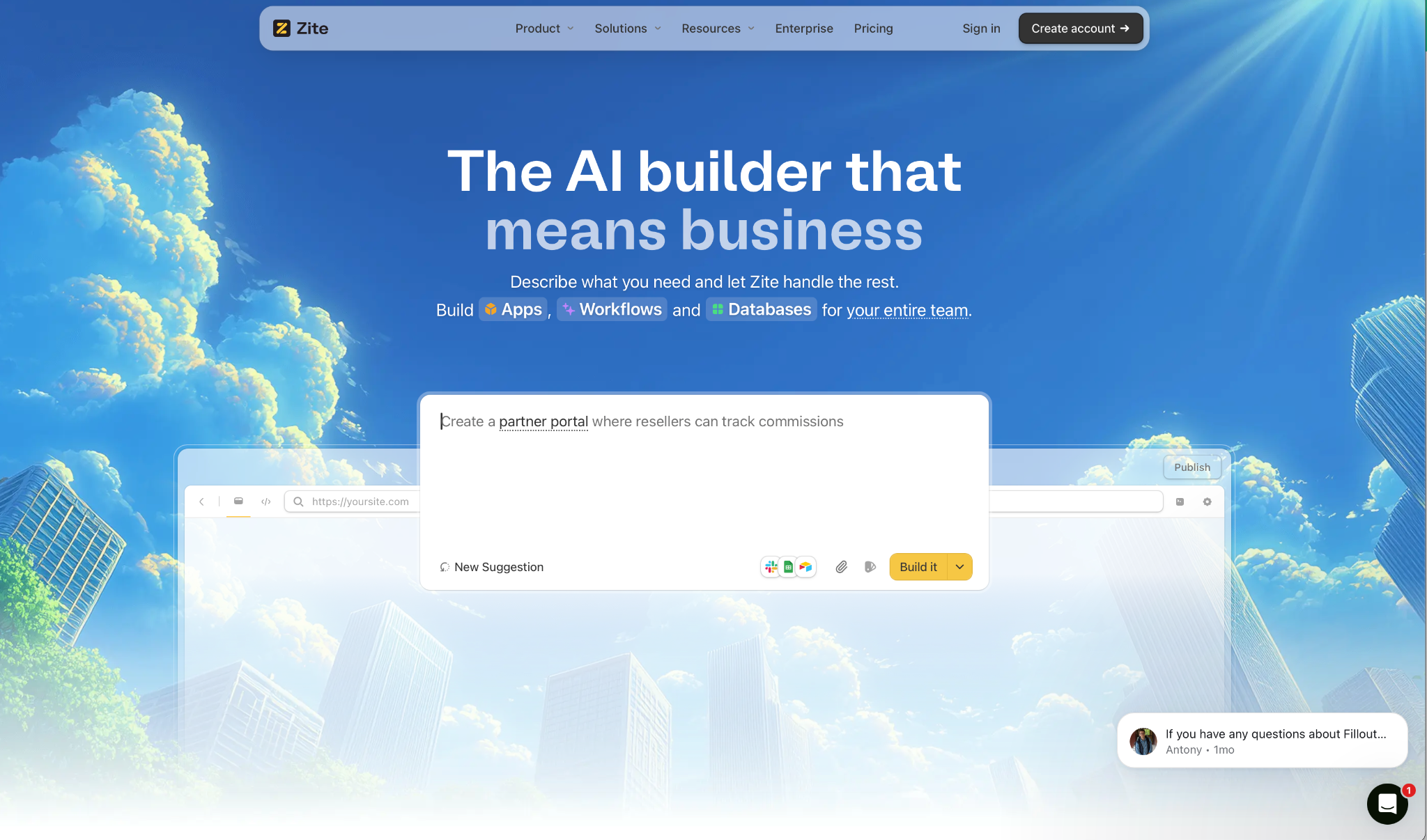
What it does: Zite builds business apps from a plain English description. Database, login, and hosting included from the start.
Best for: Ops, support, and marketing teams that need real software without a developer on call.
I built a client portal to test it. One prompt and I had pages, forms, and a working database set up. No external services, no setup screens, no waiting. That speed is real, but it is not the most important part.
What sets Zite apart is what happens after the app exists. The backend logic shows up as a flowchart your whole team can read and follow. When something broke during testing, I clicked the step, saw exactly what went wrong, and fixed it in seconds.
Most AI builders leave you re-prompting and guessing. Zite lets you build and ship with confidence because you can always see and understand how the app works, not just that it works.
Key Features
- Full visibility by default: Every page, workflow, and permission is visible and editable from day one. No black boxes, no locked logic, no waiting on a developer to explain what the app does.
- Prompt-to-app generation: Describe what you need, and Zite builds the pages, forms, and database tables and fields for you.
- Built-in database: Auto-generates your tables and fields and scales to tens of millions of records. AI Fields let you enrich records and pull in external data without leaving the platform. No external setup.
- Auth and hosting included: Apps are internal by default. When you need external access, magic link and Google login are built in. SSO is available on Enterprise plans. Zite is SOC 2 Type II certified.
- AI-generated workflows: Describe the logic you need and Zite builds the automations for you. Every workflow is then visible as a flowchart you can inspect, trace, and troubleshoot without touching code.
- Template marketplace: Clone a pre-built CRM, dashboard, or tracker, connect your data, and ship.
Pros
✅ No per-user fees on any plan, including free
✅ Workflow viewer that your whole team can read and fix without a developer
✅ Database, auth, and hosting included with nothing to configure separately
Cons
❌ No code export. Your app stays on Zite's infrastructure
❌ AI credits on lower plans run out faster than expected if you iterate heavily
❌ Web apps only. Not designed for consumer apps, social platforms, or native mobile export
What Users Say
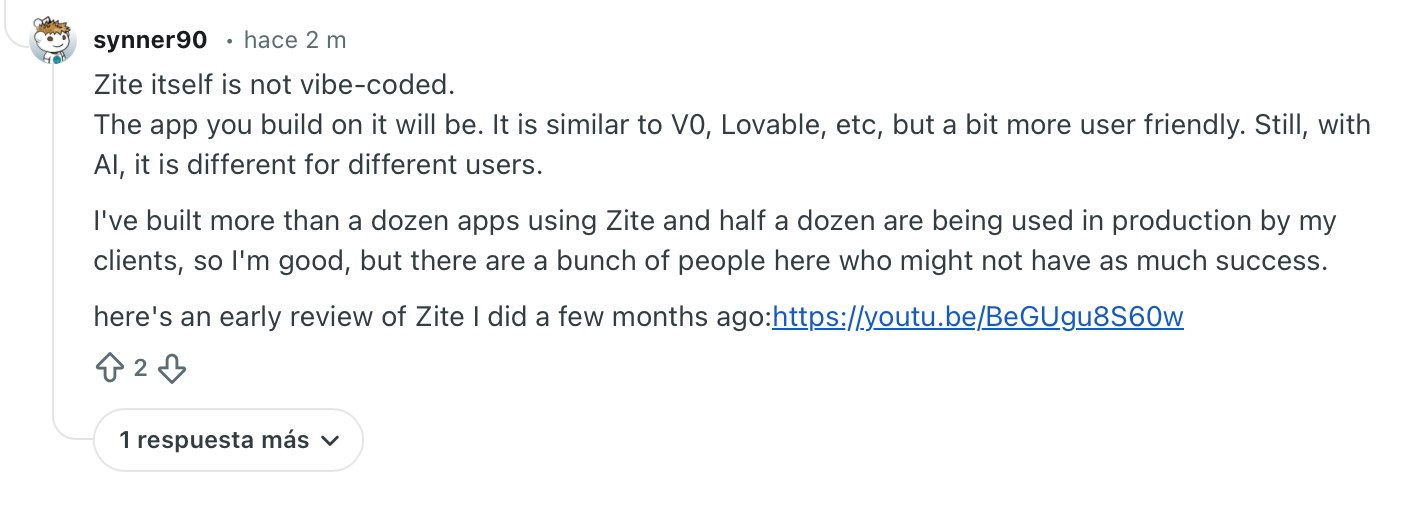
"The app you build on it will be. It is similar to V0, Lovable, etc, but a bit more user-friendly. Still, with AI, it is different for different users." — Verified User, Reddit
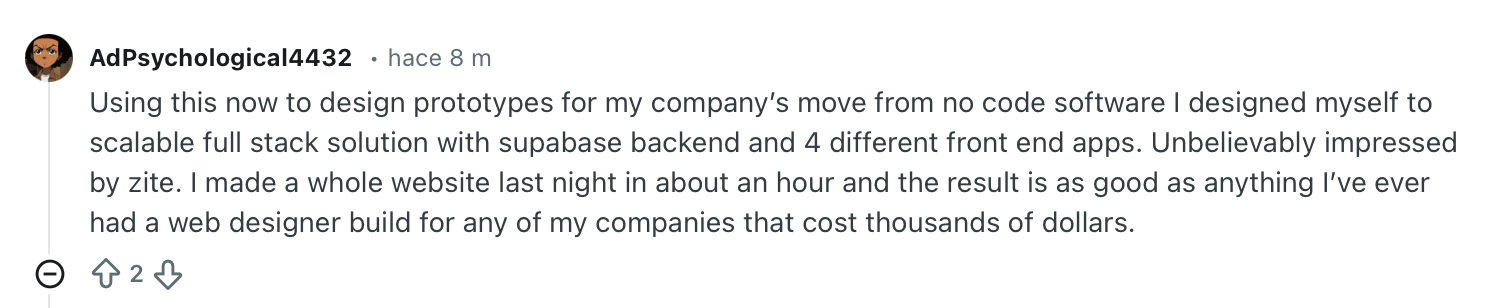
"Unbelievably impressed by Zite. I made a whole website last night in about an hour and the result is as good as anything I’ve ever had." — Verified User, Reddit
Pricing
Free forever. Pro starts at $19/month, Business at $69/month. Team and Enterprise on request.
Bottom Line
If your team needs to build and own business software without a developer, Zite is the strongest option at this price point. It works equally well on top of the data your business already has, and keeps the logic visible so anyone on the team can follow it. If you need to export the code or go consumer-facing, look elsewhere.
2. Glide: Best for Teams That Already Live in Spreadsheets
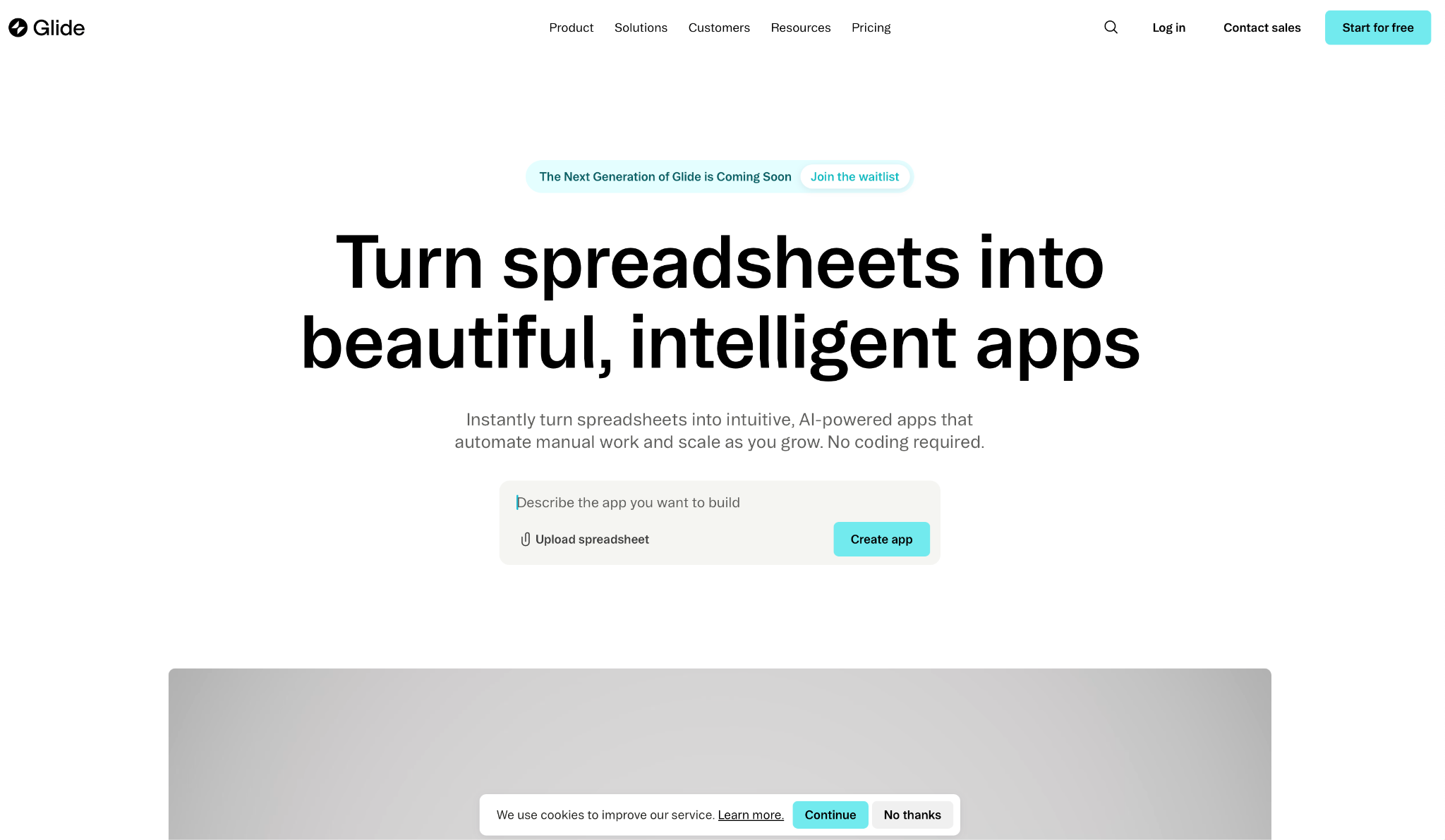
What it does: Glide turns Google Sheets, Excel, and Airtable data into web apps and dashboards. No coding required.
Best for: Operations and logistics teams that manage data in spreadsheets and need a working app without rebuilding their data layer.
I connected a Google Sheet and had a functional inventory tracker in under an hour. The interface maps your columns to UI components automatically, so there is very little standing between your data and something usable.
That speed comes from not having to migrate anything. Your spreadsheet stays where it is. Glide puts an interface on top, and the workflow editor handles submissions, notifications, and button logic from there.
Key Features
- Spreadsheet-to-app conversion: Connect Google Sheets, Excel, or Airtable, and Glide builds the UI around your data structure.
- Visual workflow editor: Define what happens when a user submits a form or clicks a button. Notifications, API calls, and background tasks, all visual.
- Glide AI: Adds data transformations directly to your workflows. Audio to text, image to text, and AI-generated fields are built into the platform.
- API connectivity: Call API and Glide API connect to HubSpot, Stripe, SQL databases, and external services without custom development.
- Big Tables: Handles up to 10 million rows for apps that outgrow standard spreadsheet limits.
Pros
✅ Fastest way to put an interface on top of data your team already manages
✅ Workflow editor covers the automations most operations teams need day to day
✅ Glide AI data transformations are built in, not sold as a separate add-on
Cons
❌ PWA only. No native iOS or Android apps, which limits device feature access
❌ Update-based pricing gets expensive if you do not monitor usage closely
❌ Custom UI styling hits a wall quickly compared to more flexible builders
What Users Say
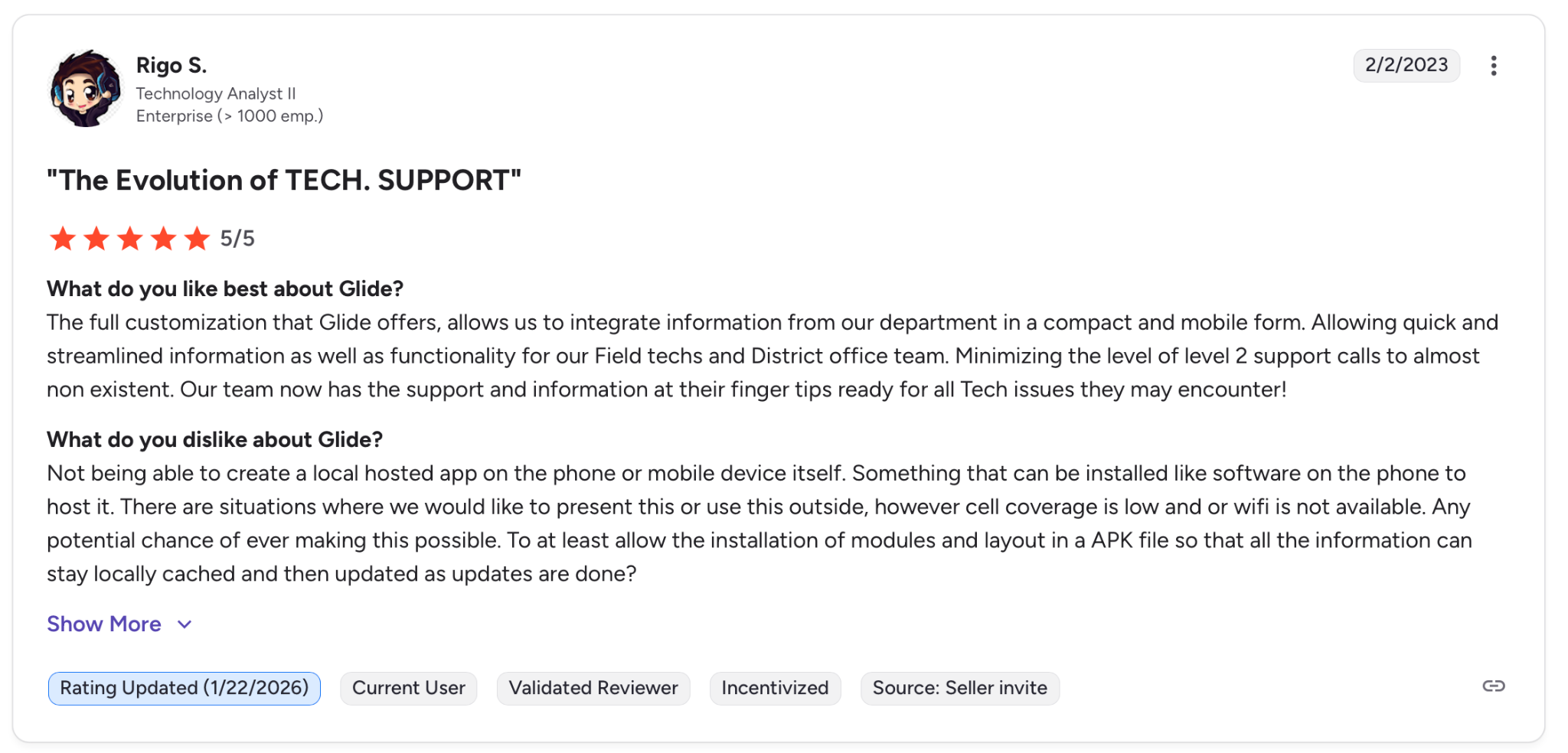
"The full customization that Glide offers allows us to integrate information from our department in a compact and mobile form." — Rigo S. G2
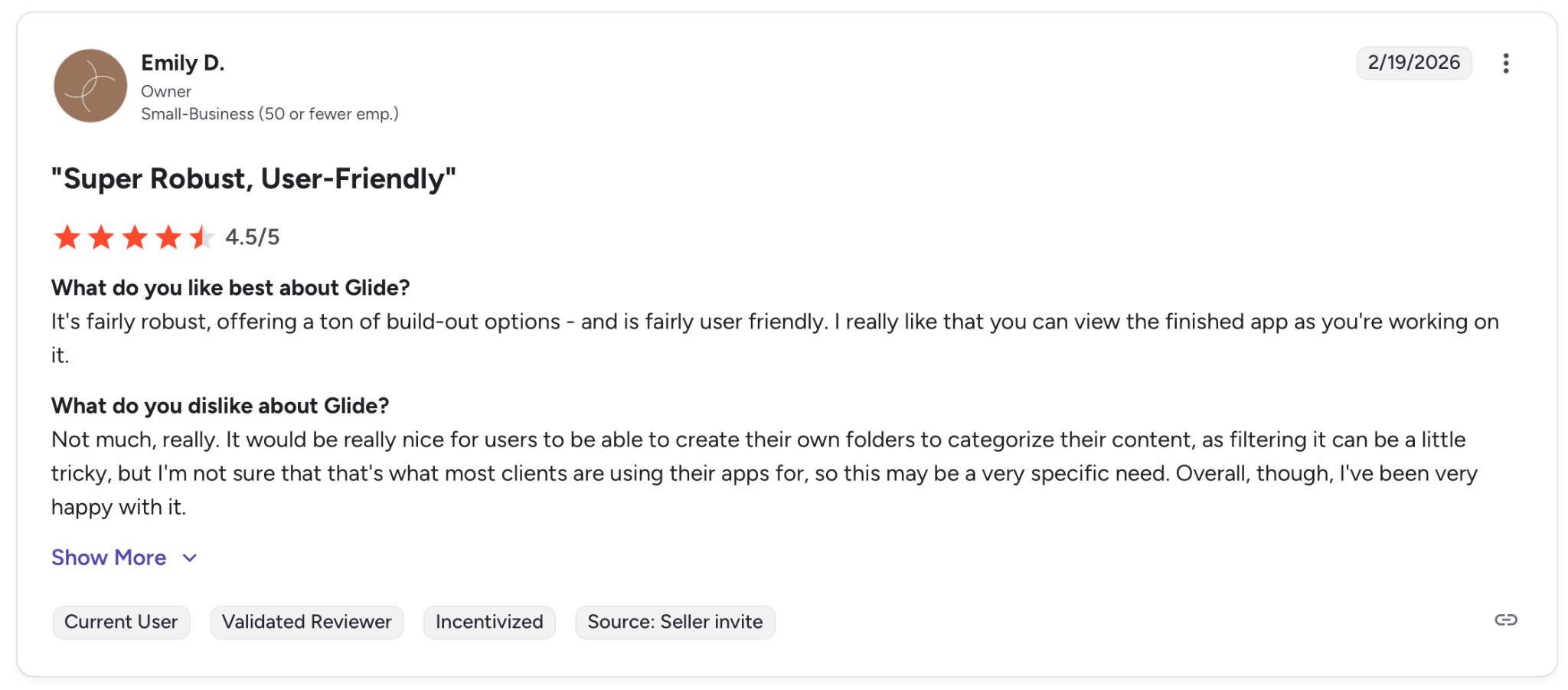
"It would be really nice for users to be able to create their own folders to categorize their content, as filtering it can be a little tricky." — Emily D. G2
Pricing
There is a free plan for personal projects. Paid plans start at $19/month and go up to $199/month for Business. Enterprise on request.
Bottom Line
If your data already lives in a spreadsheet and you need an app on top of it this week, Glide is the fastest path there. If you need native mobile features or predictable costs at scale, the pricing model will catch you off guard.
3. Retool: Best for Developer Teams Building Internal Tools
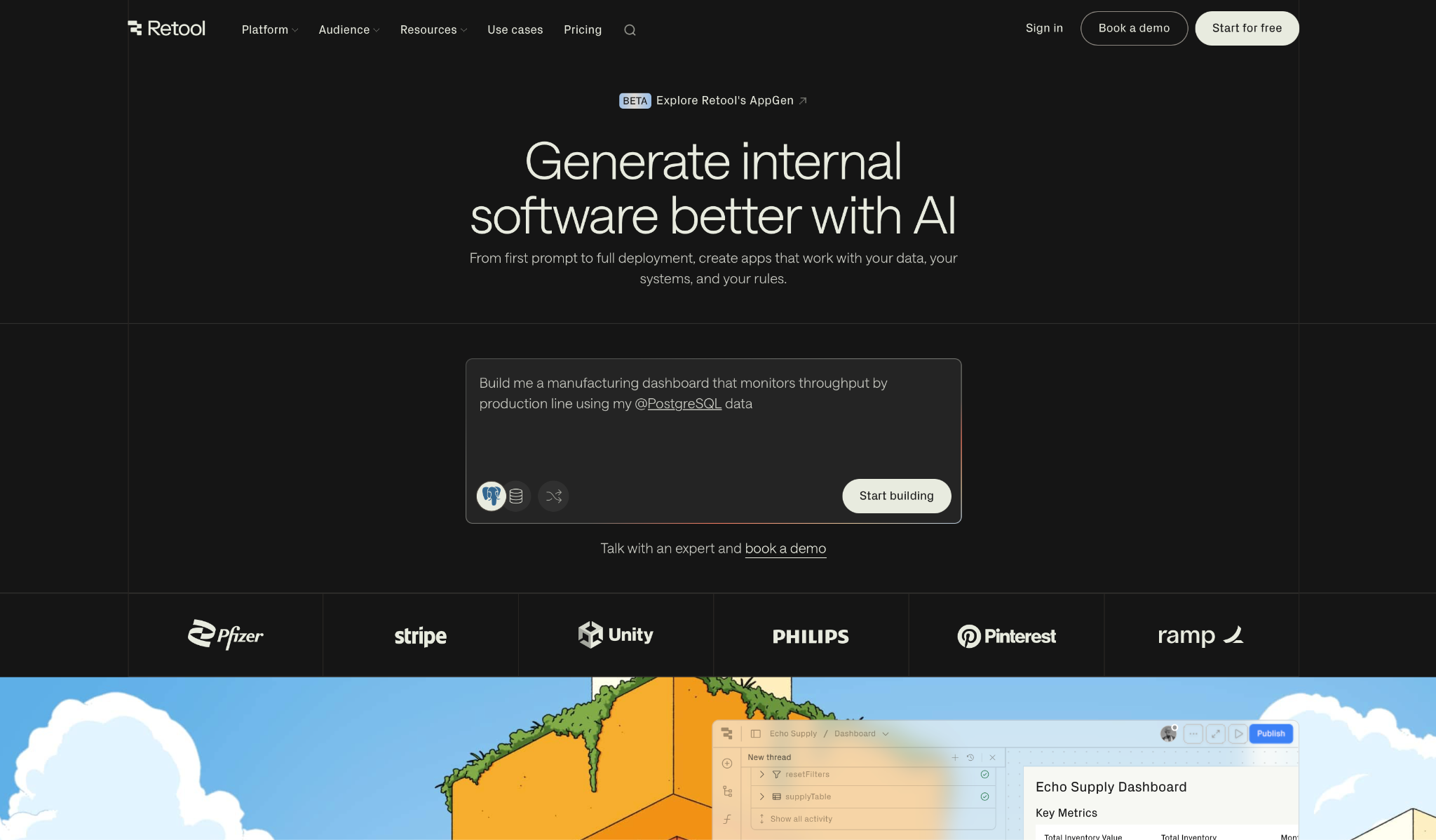
What it does: Retool lets engineering teams build internal admin panels, dashboards, and automations on top of their existing databases and APIs. It is built for business operations, not consumer-facing or mobile apps.
Best for: Dev teams and technical ops that need internal tooling fast and want to keep SQL, JavaScript, and version control in the process.
I put together an admin panel connected to a PostgreSQL database. Drag a table component onto the canvas, point it at a query, and the data shows up. For a developer, the learning curve is almost flat.
The difference from no-code tools is how much control stays in your hands. You write real SQL, handle API responses in JavaScript, and manage staging and production environments like any other codebase.
Key Features
- Low-code visual editor: Over 100 pre-built UI components, each wired directly to queries and event-driven logic.
- Automation editor: Multi-step processes that run on a schedule, respond to API calls, or execute conditional logic in the background.
- Universal data connectivity: Connects to SQL, NoSQL, REST, GraphQL, and SaaS APIs through a query builder with full code access.
- AI Agents: LLM-powered workers that tackle ticket triage, data analysis, reporting, and multi-step operations without custom scripts.
- Enterprise security: SSO, RBAC, audit logs, Git integration, and self-hosted deployment for organizations with compliance requirements.
Pros
✅ Real SQL and JavaScript support throughout, not a simplified abstraction
✅ Staging and production environments included without extra configuration
✅ AI Agents cover repetitive ops work without writing automation scripts from scratch
Cons
❌ Per-builder, per-user pricing adds up fast as headcount grows
❌ Long automations with multiple API calls are prone to timeouts
❌ Non-technical teammates cannot own or maintain what gets built here
What Users Say
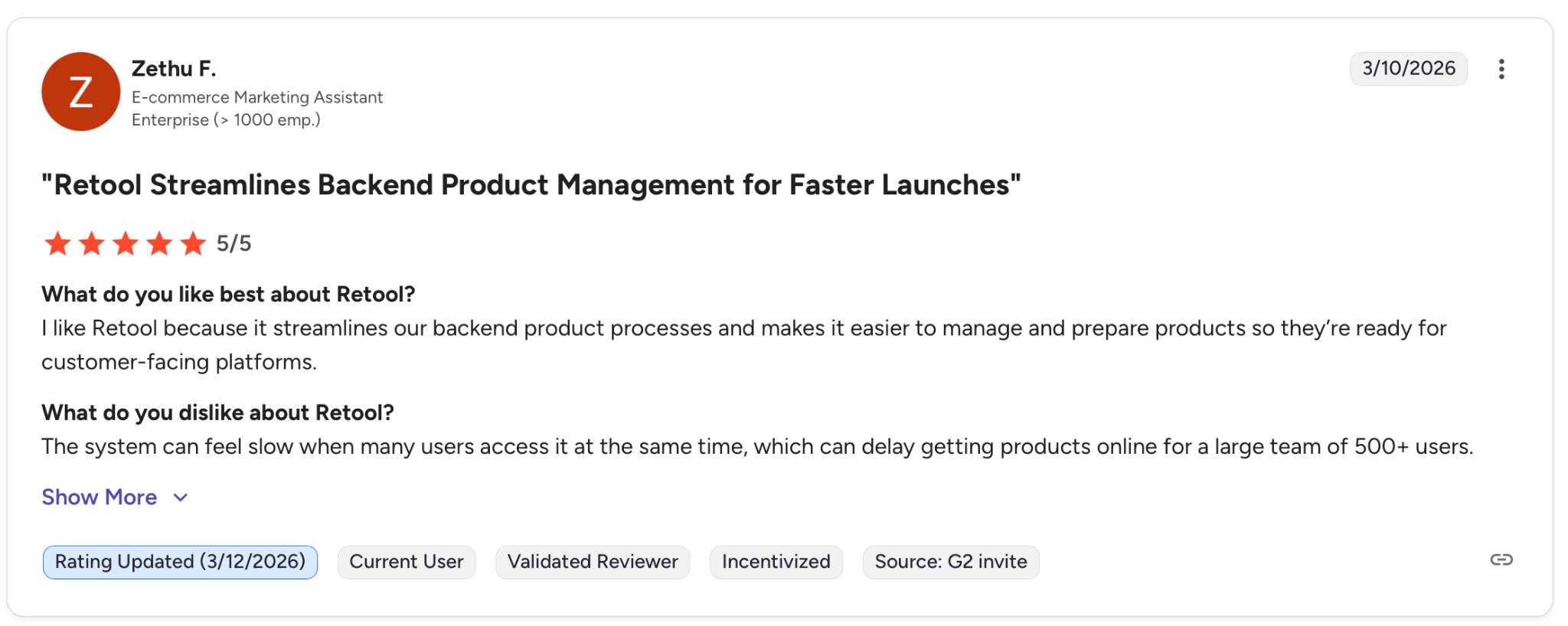
"I like Retool because it streamlines our backend product processes and makes it easier to manage and prepare products so they’re ready for customer-facing platforms." — Zethu F. G2
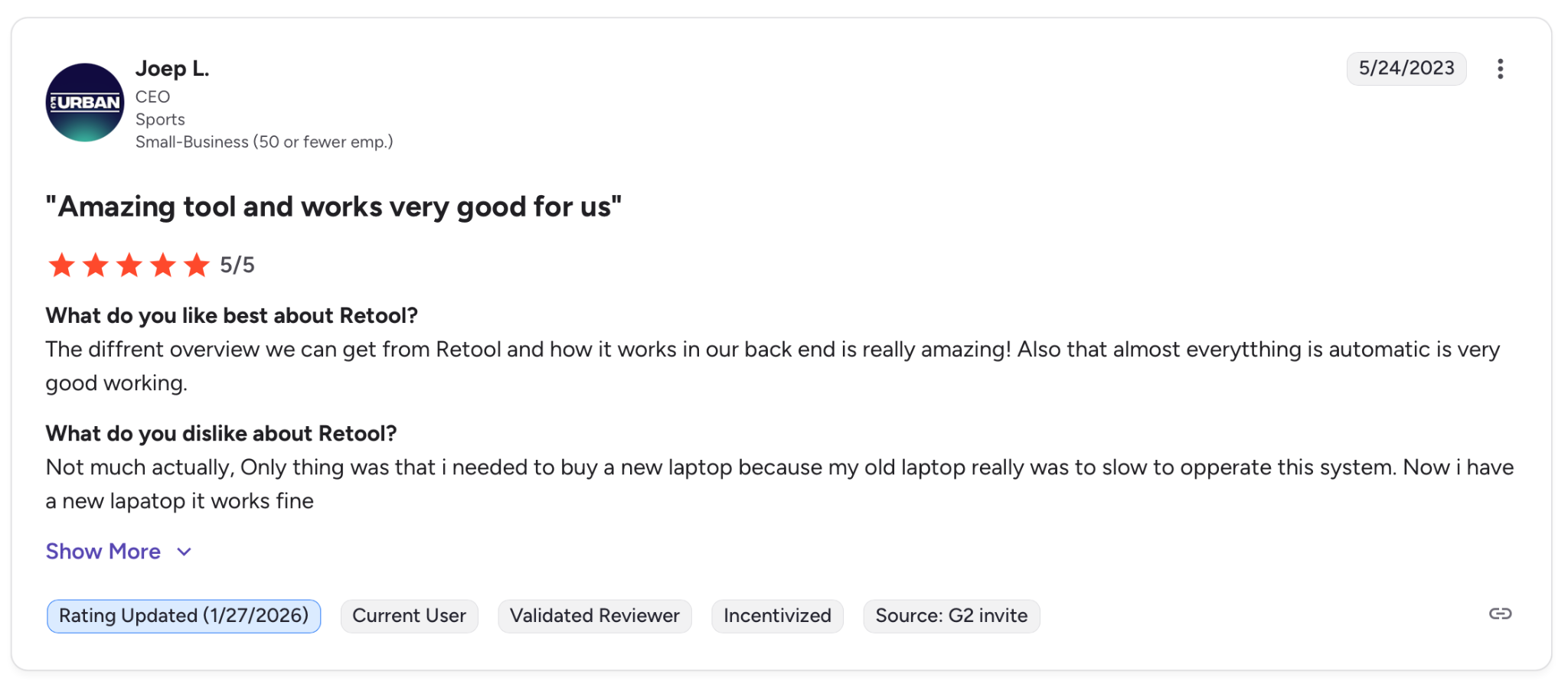
"The only thing was that I needed to buy a new laptop because my old laptop really was too slow to operate this system." — Joep L. G2
Pricing
Free for up to five builders. Paid plans are priced per builder, starting at $9/month. Enterprise on request.
Bottom Line
If your team writes code and needs internal tooling fast, Retool gets you there without rebuilding your stack. If nobody on your team is technical, it will sit unused.
4. Bubble: Best for Founders Building Complex Web Apps
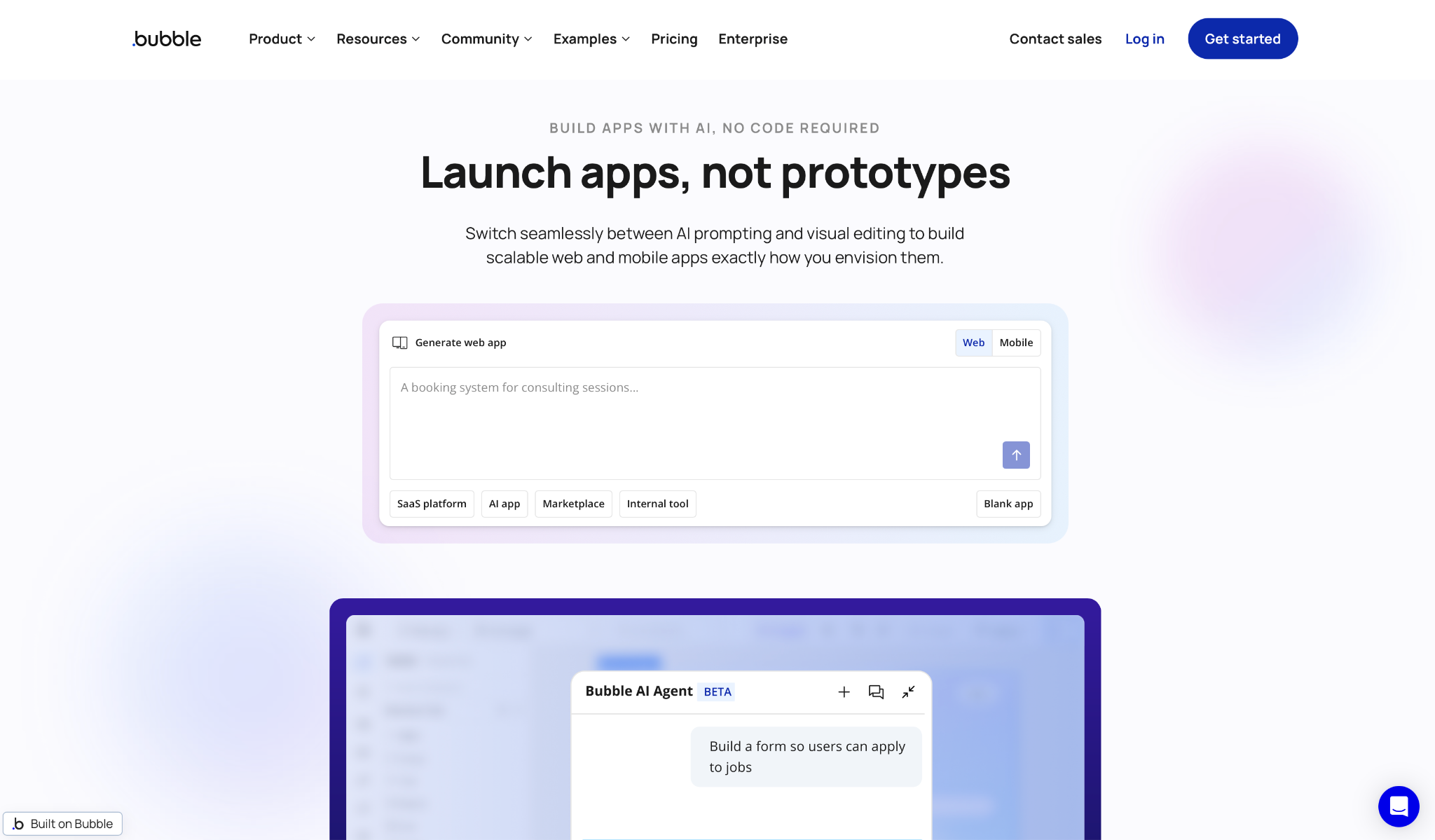
What it does: Bubble lets you design, build, and launch full web and mobile apps through a drag-and-drop editor, with database, logic, and hosting included.
Best for: Founders and product teams that need a production-grade SaaS app and are willing to invest time learning the platform.
I built a multi-step onboarding flow to test it. Every page, database field, and workflow condition is visible and editable in the same editor. Nothing gets generated and left unexplained.
That transparency is what makes Bubble different. You are not working around the tool to get what you need. Most users take weeks to get comfortable, and deeply nested logic becomes difficult to untangle as the app grows.
Key Features
- Full-stack drag-and-drop editor: Design pages, configure backend logic, and manage your database in one interface without touching code.
- Workflows and privacy rules: Set what happens on every user action and lock down data access by role without writing a query.
- Built-in relational database: Create data types, set relationships, and control access conditions directly from the editor.
- API Connector and plugins: Connect Stripe, Google Maps, and hundreds of other services through native integrations or community-built plugins.
- Managed hosting on AWS: Deployment, SSL, and custom domains handled across all paid plans.
Pros
✅ Full control over UI, backend, and data structure in a single editor
✅ Large community with tutorials, templates, and agencies available for hire
✅ Plugin ecosystem covers payments, analytics, chat, and the most common integrations
Cons
❌ Workload Unit billing is hard to predict and can spike under moderate traffic
❌ Pages with many elements or nested workflows slow down noticeably
❌ No clean path to migrate your app out if you ever need to leave the platform
What Users Say
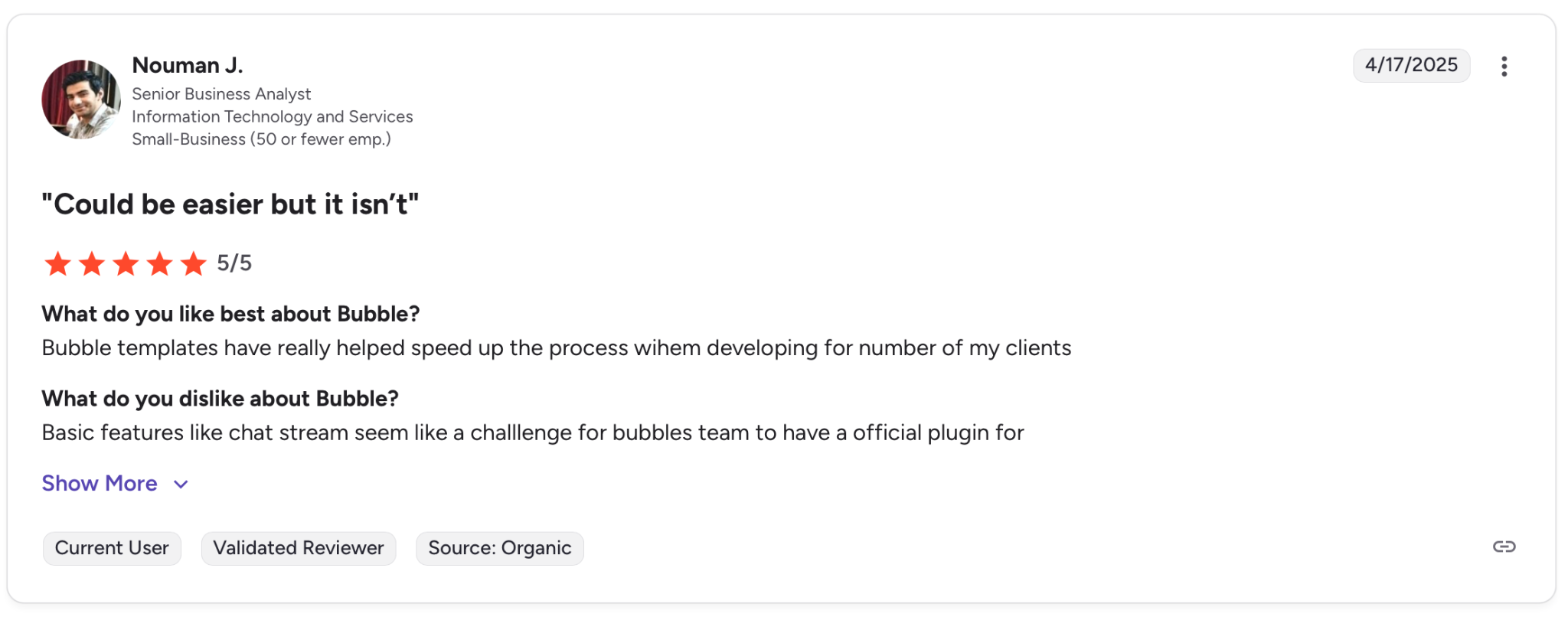
"Bubble templates have really helped speed up the process when developing for a number of my clients." — Nouman J. G2
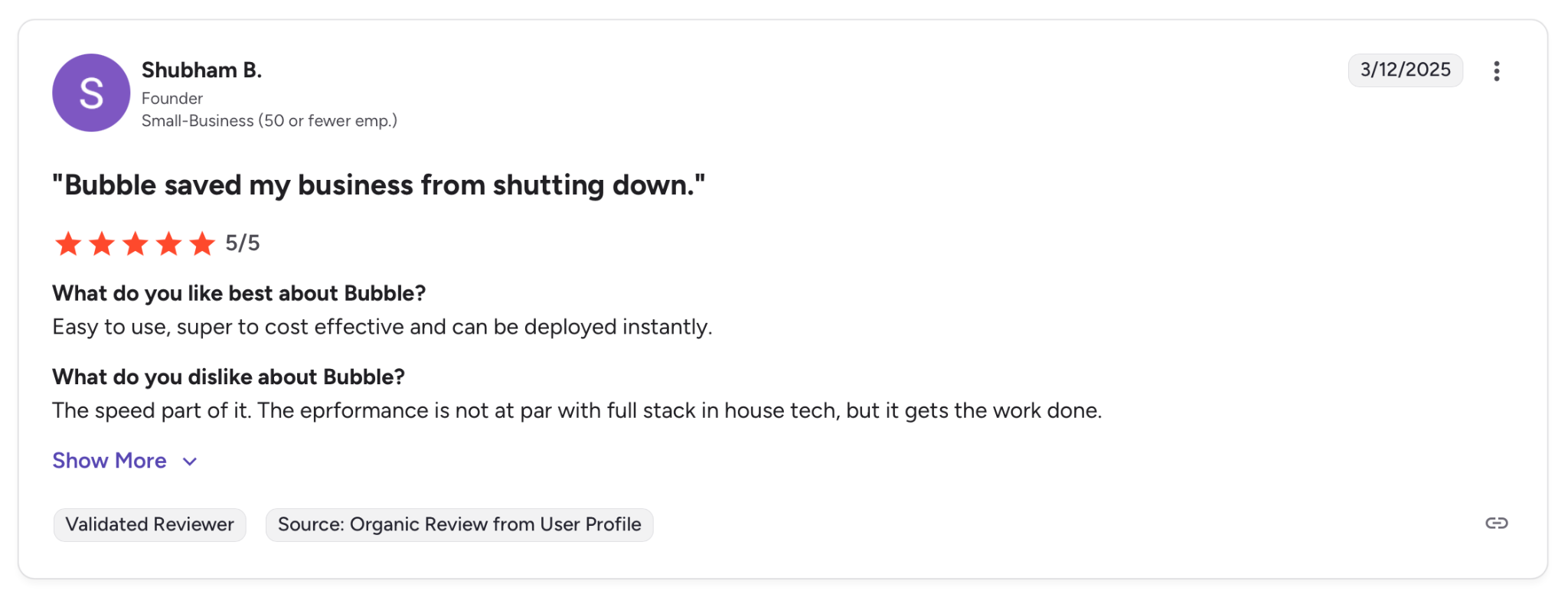
"The speed part of it. The performance is not at par with full-stack in-house tech, but it gets the work done." — Shubham B., G2
Pricing
Free plan available for prototyping. Web plans start at $29/month for Starter, $119/month for Growth, and $349/month for Team. Enterprise on request.
Bottom Line
If you are willing to spend a few weeks learning it, Bubble gives you more control over a web app than anything else on this list. If you need something running this week, the learning curve will slow you down.
5. Softr: Best for Building Client Portals on Existing Data
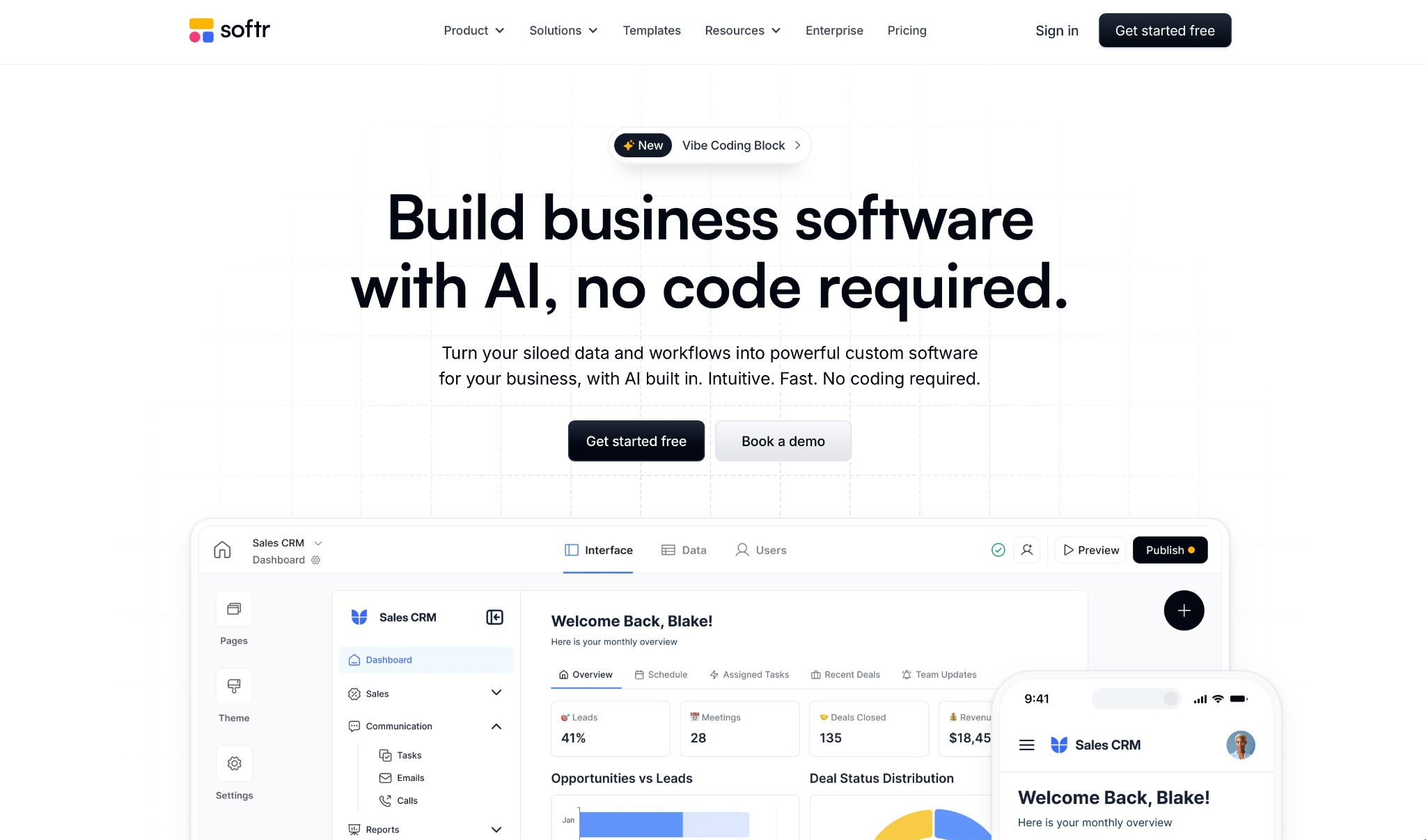
What it does: Softr turns Airtable, Google Sheets, Notion, HubSpot, and SQL into client portals, internal tools, and dashboards without writing code.
Best for: Operations and agency teams that already manage records in Airtable or Sheets and need a polished frontend on top quickly.
I connected an Airtable base and had a working client portal in under two hours. The block editor maps your records to tables, forms, and lists automatically, and the permission system lets you control exactly what each group sees.
What sets Softr apart is how little setup stands between you and something usable. Authentication, access rules, and sync come ready out of the box, but your app is only as stable as your source. Rename a field in Airtable, and you will spend time fixing broken connections.
Key Features
- Multi-source connectivity: Connect to Airtable, Google Sheets, Notion, HubSpot, or SQL, and everything stays in sync automatically.
- Pre-built block editor: Drag tables, lists, calendars, and forms onto pages with a responsive layout included by default.
- Softr Databases: Built-in relational database with linked records and no external infrastructure required.
- Workflow automation: Automate multi-step processes through native integrations with Zapier, Make, and n8n.
- Authentication and permissions: Password, Google, magic link, and SSO login with granular access control by group.
Pros
✅ Fastest way to put a polished interface on top of Airtable or Sheets records
✅ Authentication, groups, and access rules ready without extra configuration
✅ Block editor produces responsive layouts without any design experience needed
Cons
❌ Renaming or restructuring fields in your source can break the app and require manual fixes
❌ Pages with many blocks and large record sets slow down noticeably
❌ Advanced UI patterns like nested modals still need custom CSS to work properly
What Users Say
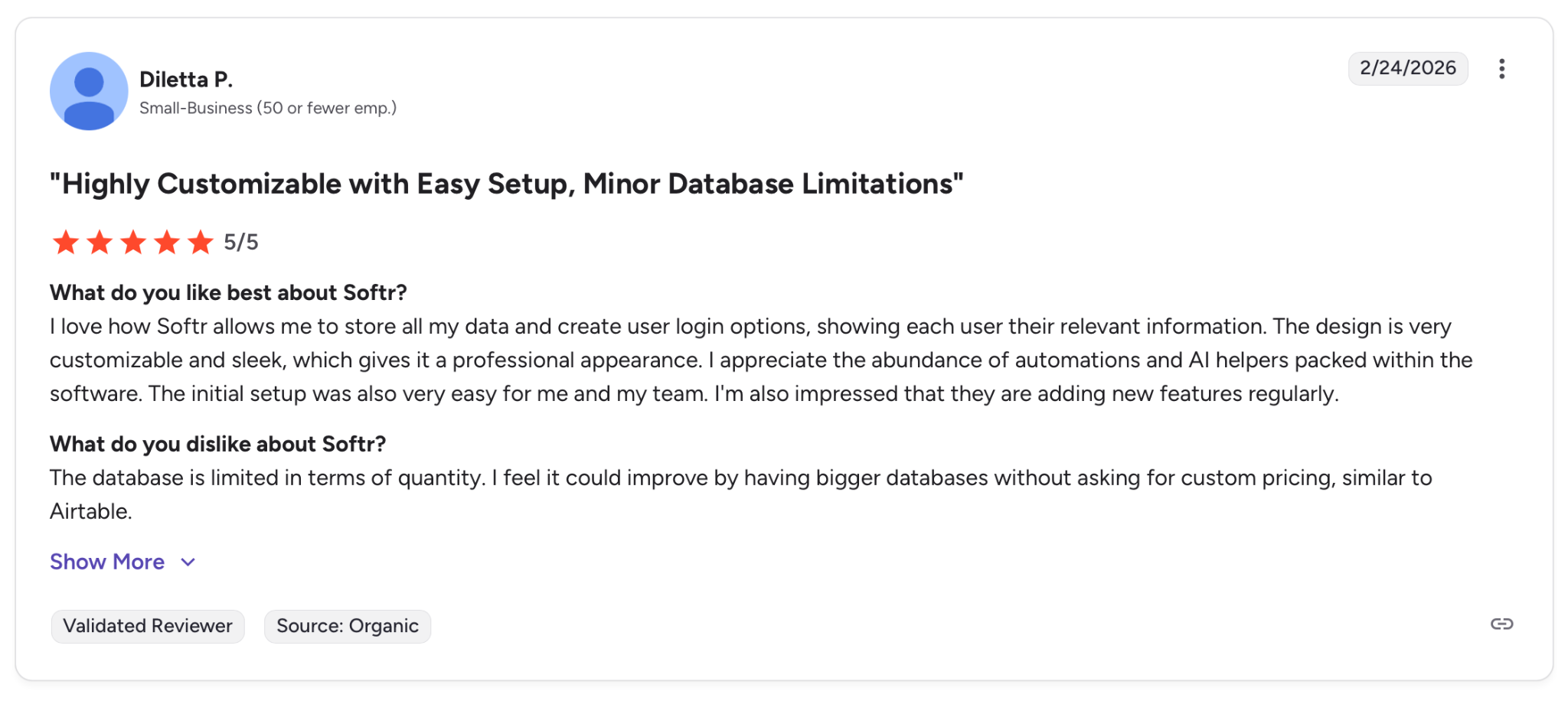
"I love how Softr allows me to store all my data and create user login options, showing each user their relevant information." — Diletta P. G2
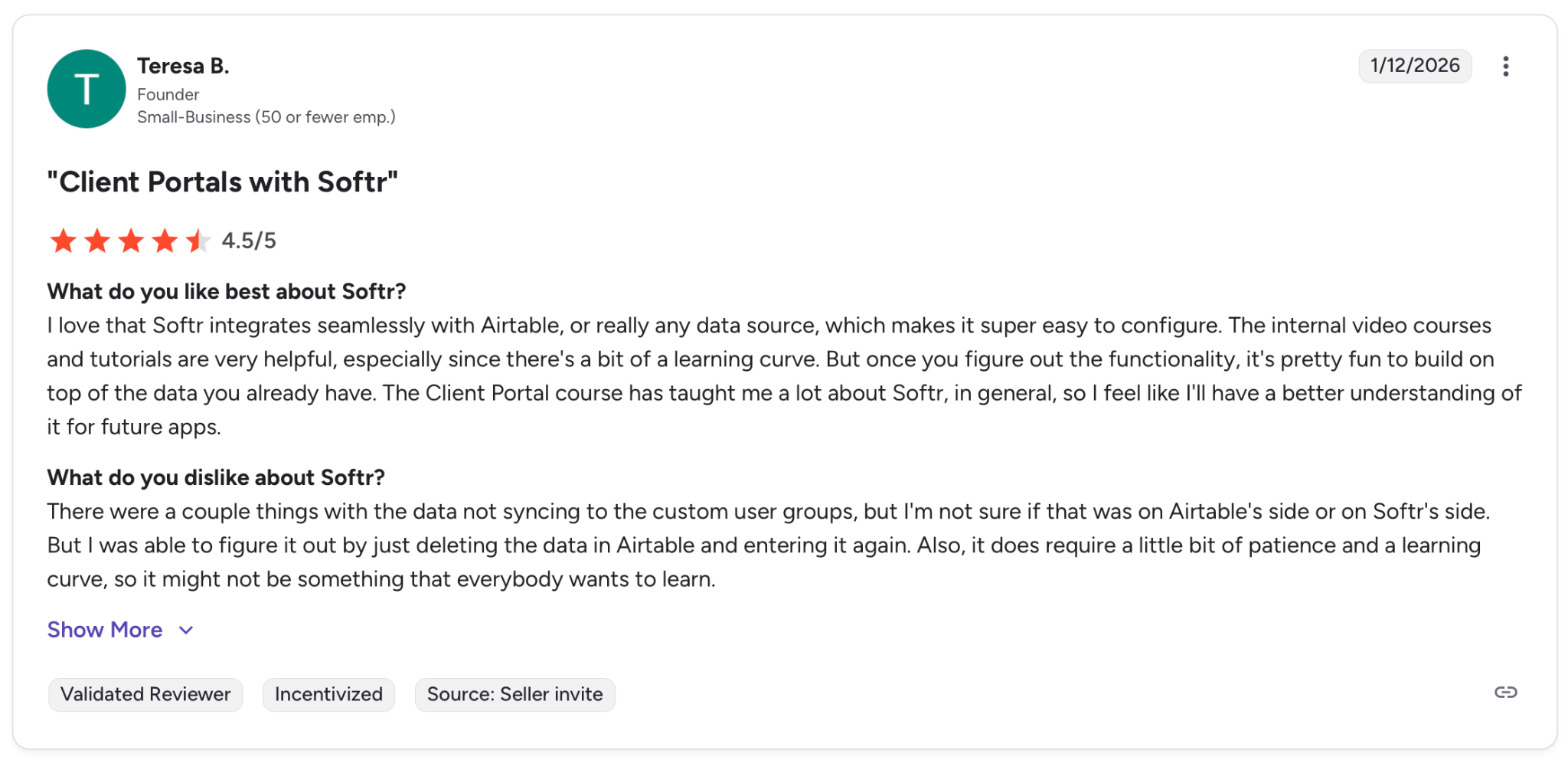
"There were a couple things with the data not syncing to the custom user groups, but I'm not sure if that was on Airtable's side or on Softr's side." — Teresa B. G2
Pricing
Free plan for up to 10 users. Basic starts at $49/month, Professional at $139/month, and Business at $269/month. Enterprise on request.
Bottom Line
If your records live in Airtable or Sheets and you need a client portal this week, Softr gets you there faster than anything else here. If your structure changes often or you need advanced UI, you will hit friction quickly.
Which Business App Builder Should You Choose?
No single tool wins across the board. The right pick comes down to where your data lives and how technical your team is.
- Choose Zite if your team needs to build something quickly and still be able to understand and maintain it afterward. No per-user fees keep costs flat as usage grows.
- Choose Glide if your data already lives in Google Sheets or Excel and you need an app on top of it this week. If that structure changes often, expect friction.
- Choose Retool if everyone building can write code and needs internal tooling without rebuilding the stack. Nobody technical on the team means it will sit unused.
- Choose Bubble if you are willing to spend a few weeks learning the platform in exchange for full control over a production-grade web app.
- Go with Softr if your records live in Airtable and you need a client-facing interface quickly. Frequent database changes will cost you time every time.
Skip this category entirely if you need a native mobile app for the App Store or Google Play. None of these tools are built for that.
Final Verdict
Most teams spend more time picking a platform than actually building on it. If you are not technical, the real risk is not just building the app. It is ending up with something nobody on your team can understand or fix.
Zite is the only tool on this list that solves both problems: you get a working app fast, and the logic stays visible and readable once it is built. That is what it means to build and ship with confidence. Glide and Softr get you there faster if the data is already organized, but both depend on that structure staying stable.
Retool is the right move for engineering teams that want speed without losing control. Bubble is the most capable tool on this list, and also the slowest to learn. Pick it only if the complexity of what you are building genuinely demands it.
Ready to see how it works? The free plan includes unlimited apps and users, no credit card required.
Frequently Asked Questions
Can No-Code Business Apps Scale for Serious Use?
Yes, modern no-code platforms are production-ready for most business applications. Tools like Zite and Glide support enterprise-level usage, but highly custom logic or regulated industries may still require developer involvement.
What Is the Best Business App Builder in 2026?
Zite is the best business app builder for non-technical teams in 2026. It generates full apps from a plain English description with database, authentication, and hosting included, and charges no per-user fees on any plan.
What Is the Difference Between a No-Code and a Low-Code App Builder?
The main difference between no-code and low-code builders is how much coding knowledge they require. No-code tools like Zite, Glide, and Softr let anyone build through prompts or visual editors. Low-code tools like Retool give developers access to SQL and JavaScript for more control, but require technical skills to use effectively.
Can You Build a Business App Without a Developer?
Yes, you can build a production-ready business app without a developer using tools like Zite, Glide, or Bubble. The main limitation is that highly complex logic or custom integrations may still require developer input at some point.

