


A client portal template is a pre-built starting point for a secure space where clients log in to see their own files, updates, and requests. You skip the blank canvas.
The best ones run on a real database, not a shared page you copy for every client. I've set up portals from templates and built them from scratch across a dozen client setups, and these are the 7 worth cloning in 2026.
7 client portal templates: TL;DR
Here's the shortlist, starting with the closest match to a classic client portal:
- Partner Portal: Best for giving external partners their own branded space.
- Employee Onboarding Hub: Best for a new-hire portal with tasks and documents.
- Student Portal: Best for schools giving students their own dashboard.
- Legal Intake: Best for law firms collecting client details securely. It ships as a bankruptcy intake you adapt to your own practice area.
- Public Records Search App: Best for letting outside users look up records themselves.
- Permit Portal: Best for agencies taking applications from the public.
- Vendor Management Portal: Best for onboarding and managing suppliers.
What to look for in a client portal template
A template is worth using when it handles the hard parts of client work for you. Check these five things before you build on one:
- Per-client data isolation: Can each client see only their own records? This is the most important test, and the one page-based templates most often fail.
- Role-based permissions: Can you set different access for admins, staff, and clients without manual workarounds?
- A real database underneath: Does the template run on a database with tables and fields, or a page you copy for each client?
- User limits: How many external users does the plan allow before costs climb?
- Branding: Can you add your logo and colors so it looks like your business?
Each template below is a Zite template, so it clones onto a real database with role-based access from the start. That covers the isolation problem that trips up page-based templates.
You can customize any of them after cloning. All seven live on the Zite Portals marketplace.
1. Partner Portal
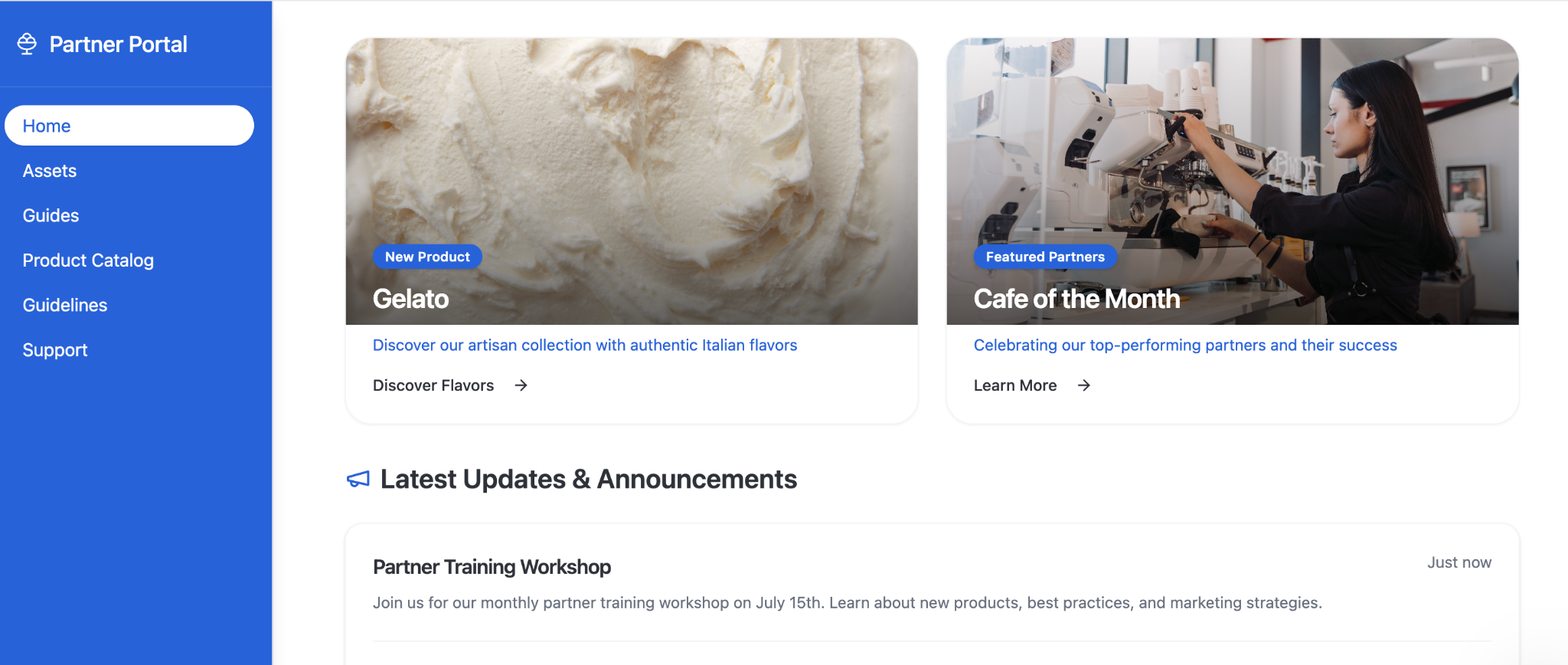
Best for: Companies giving channel partners, resellers, or affiliates their own branded space to work in.
The Partner Portal is the closest match to a classic client portal. Each partner logs in to see their own deals, documents, and updates, and you manage everyone from one place behind the scenes.
Deals stay tied to the partner who owns them, so there's no separate page to maintain as your partner list grows.
2. Employee Onboarding Hub
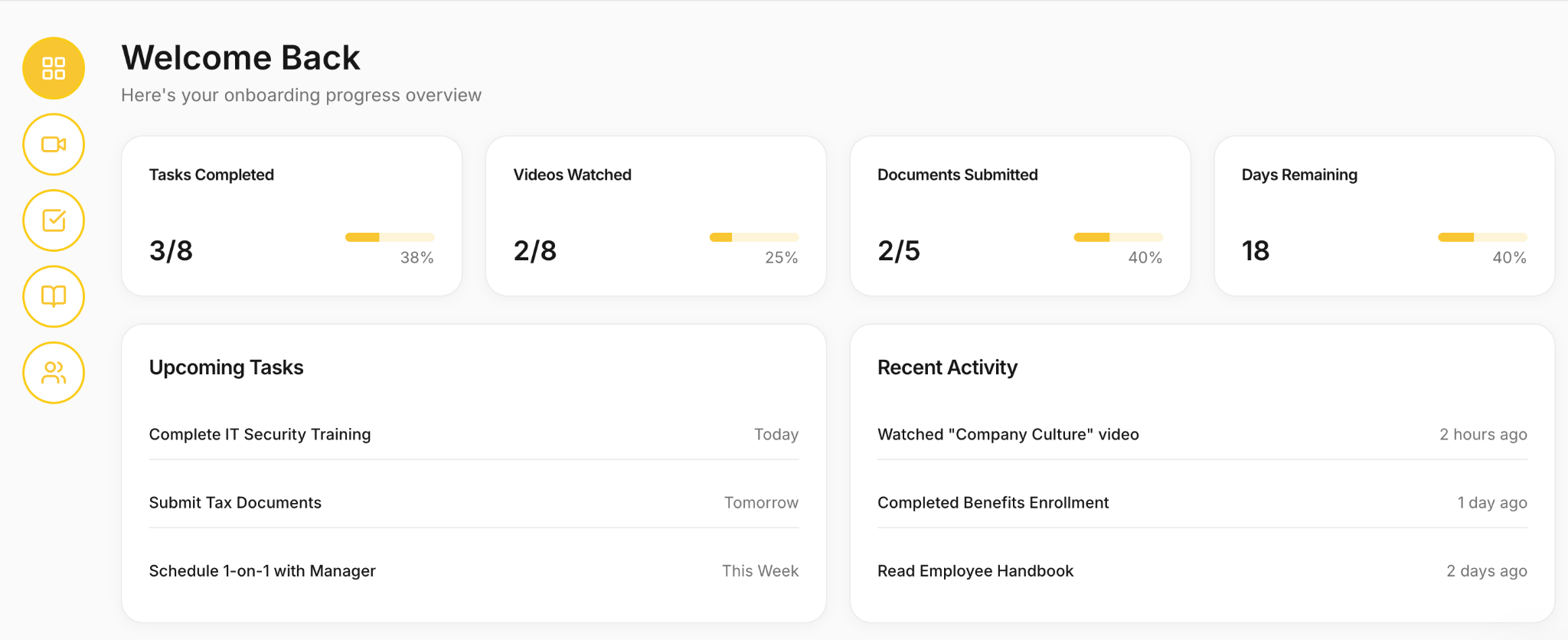
Best for: HR and ops teams giving new hires a single place for tasks, documents, and training.
The Employee Onboarding Hub is one of the most-cloned templates on the marketplace, since onboarding is a shared pain point across almost every team.
This one is aimed at your own staff rather than outside clients. Each new hire logs in to work through tasks, sign documents, and find training resources, while HR manages every hire from one view.
3. Student Portal
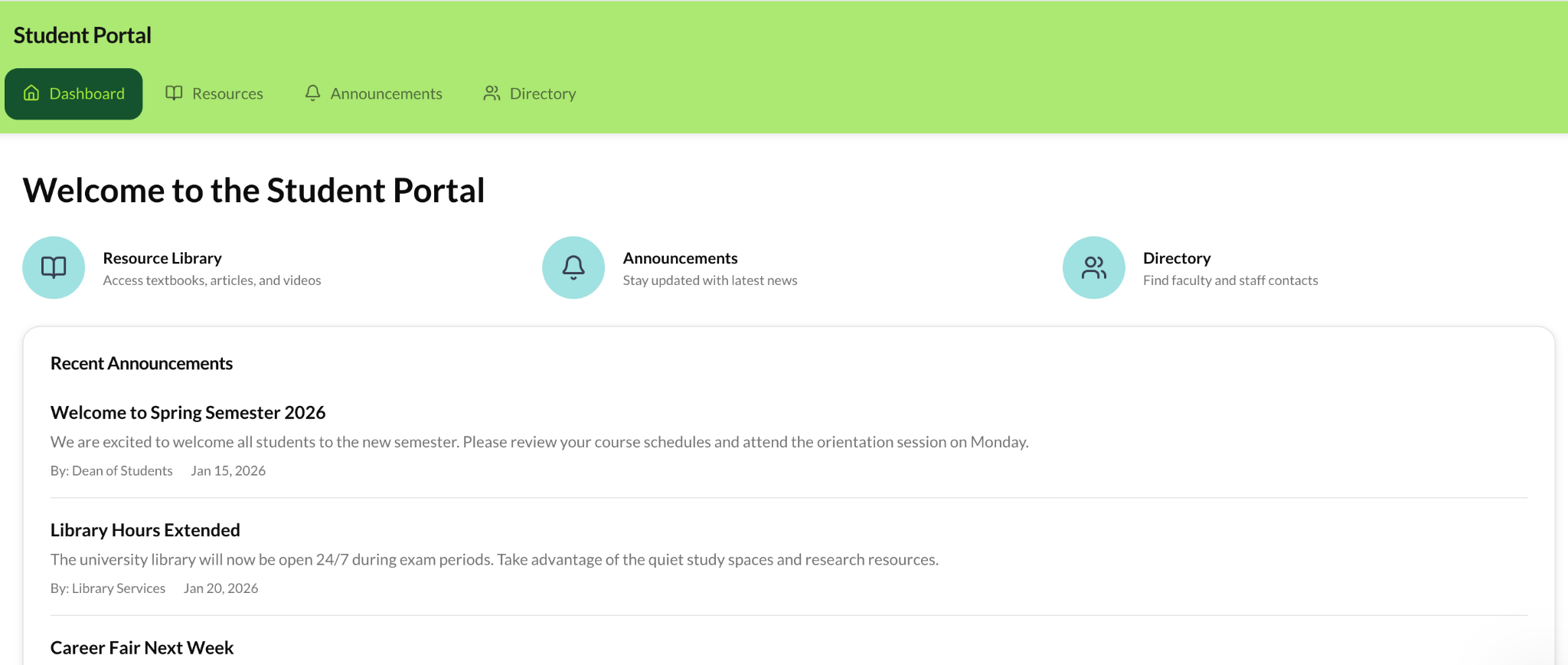
Best for: Schools, training providers, and course creators giving students their own dashboard.
The Student Portal gives each student a login to see their own progress, materials, and updates. It works as a client portal for education, where students are the external users.
Each student sees only their own grades and materials, while staff see every student. Adapt the fields to track the courses, milestones, or resources your program uses.
4. Legal Intake
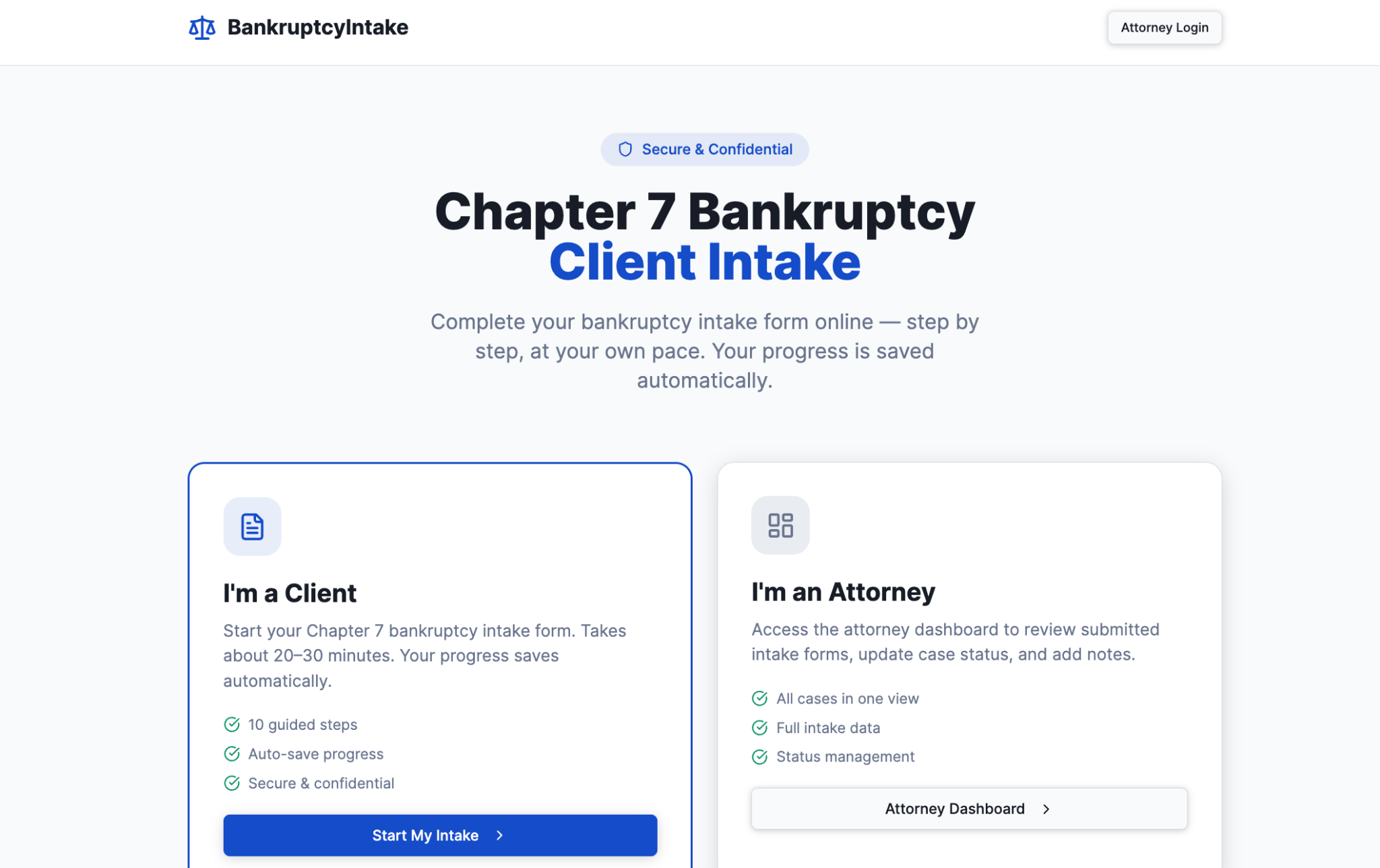
Best for: Law firms and legal teams collecting client information securely when a new case opens.
The Legal Intake template provides clients with a structured way to submit details and documents, eliminating back-and-forth email. The template creates a separate record for each new case as soon as a client submits the form.
Zite built this template for bankruptcy intake, so swap the intake fields for the ones your own practice area needs. It suits firms that want a professional, secure first impression.
5. Public Records Search App
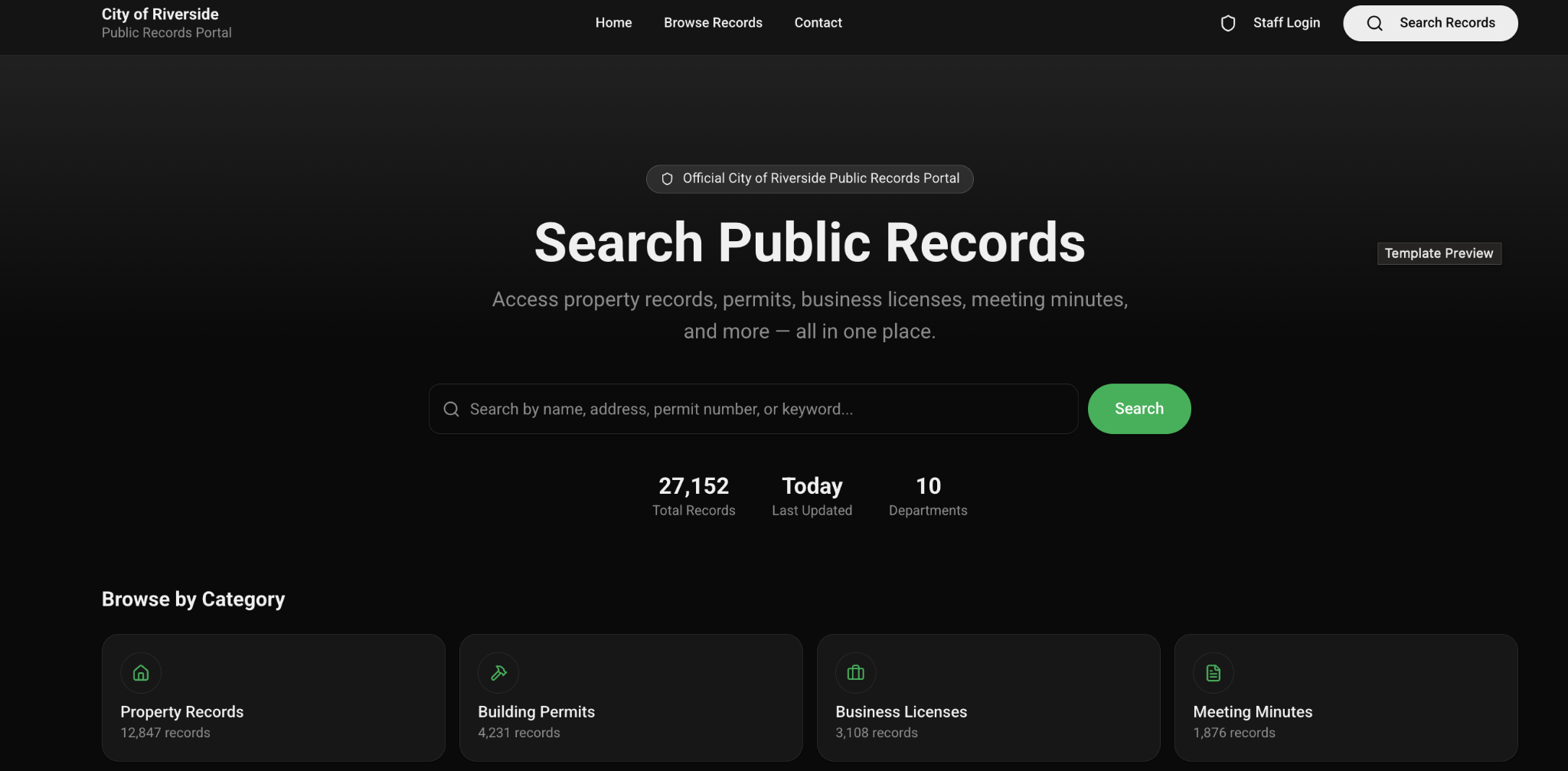
Best for: Agencies and organizations letting outside users look up records on their own.
The Public Records Search App gives the public a self-service way to search and view records, cutting the lookup requests your team handles by hand.
This one is built around lookup rather than submission. You control which records stay visible and searchable, so outside users find what they need and nothing else.
6. Permit Portal
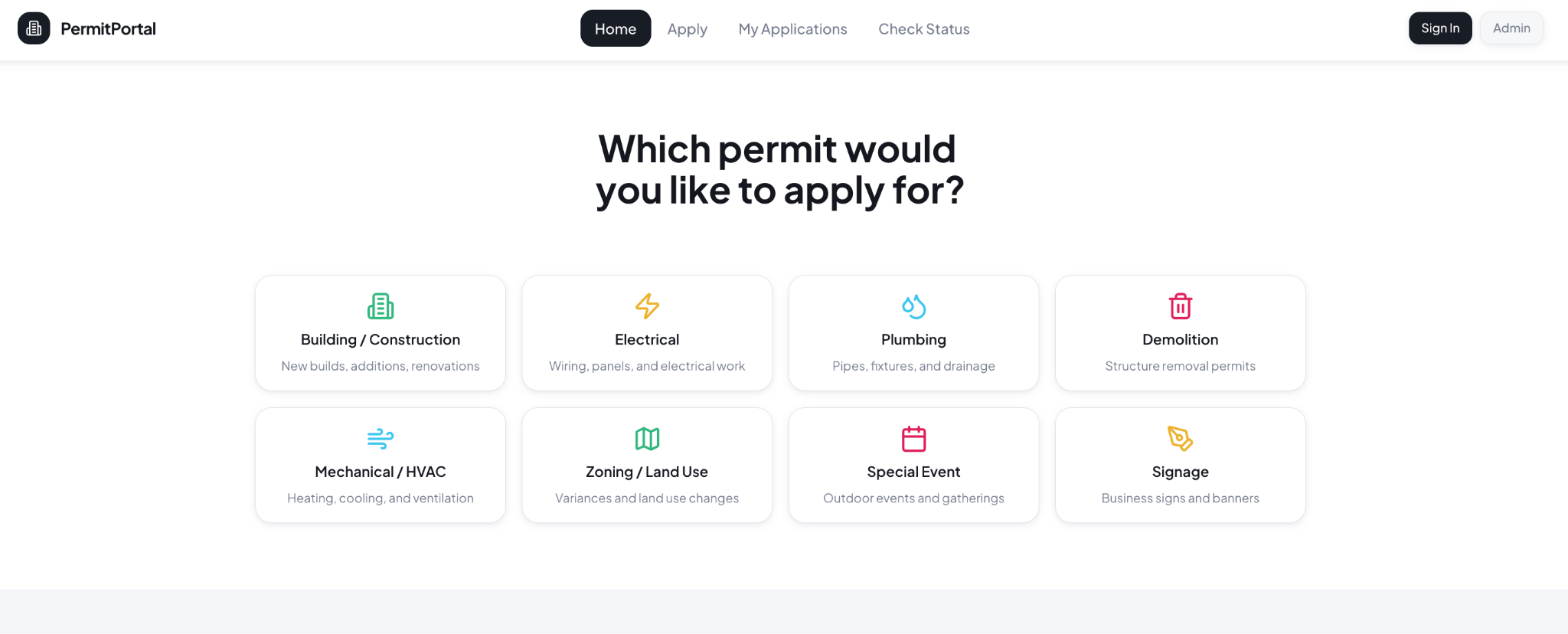
Best for: Government agencies and organizations taking applications from the public.
The Permit Portal lets outside applicants submit requests, upload documents, and track status without calling your office. It replaces the paper forms and email chains most offices still use for this.
An applicant tracks their own permit without seeing anyone else's file, while staff reviews the queue from one place. It suits any team taking structured applications from a large external audience.
7. Vendor Management Portal
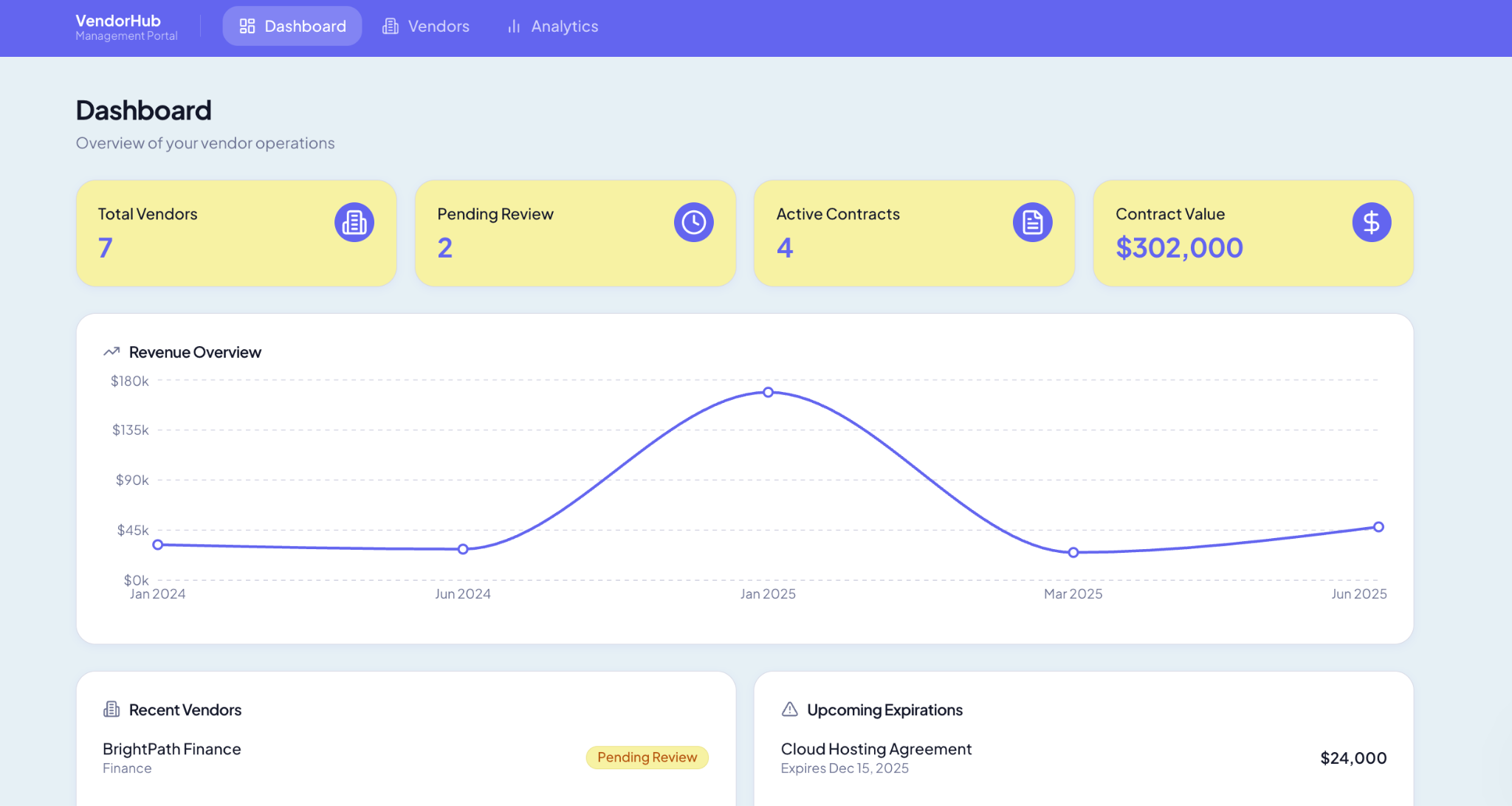
Best for: Operations and procurement teams onboarding and managing suppliers in one place.
The Vendor Management Portal gives each vendor a login to share their details, drop in contracts, and see where onboarding stands. Vendor onboarding turns from an email chain into a structured intake.
The template handles the records and permissions for you, so each supplier's paperwork sits in its own record rather than a shared inbox. It suits teams juggling many suppliers who need a repeatable process.
Where else to find client portal templates
Zite is one source among several. Two others come up often, with monthly pricing:
- Notion: Many free community templates, strong for documents and structure. Access control is the limit, since one template often shows every client the same database. Notion runs $12/user a month on Plus, per Notion pricing.
- Softr: Purpose-built for portals, with real user groups. Softr now has its own built-in database, and it still connects to Airtable, Notion, or Google Sheets when your data already lives there. Softr Basic runs $59 a month, per Softr pricing.
The difference sits in what's underneath. Notion's page-based templates make per-client isolation hard because you copy a page for each client. Softr is built for putting a portal on top of data you already keep somewhere else, so it fits teams whose records live in Airtable. Zite builds the portal and the database together, so the app, the data, and the client logins sit in one place from day one.
How to customize a client portal template in 6 steps
Six steps turn a template into a portal your clients can log into:
- Clone the template: Pick the portal template closest to your use case and clone it into your account.
- Adjust the database: Edit the tables and fields to match the data you track.
- Set role-based access: Confirm each client or user sees only their own records.
- Add your branding: Apply your logo and colors so it feels like your business.
- Share it to the web, then add a login: A cloned app starts internal, so only your own team can open it. Sharing it on the web on its own lets anyone with the link in, so do both in one sitting.
Turn on Share to web, then open Users, pick Authentication, and click Add login. Under Who can sign up, leave it on Invite only, which is the default. Hit Publish to make the change live. That is what turns an internal app into a portal only your clients can reach.
- Invite a pilot client: Invite one real client to the published portal, confirm they see only their own records, then roll out to the rest.
Pro tip: Start with the template closest to your use case, even when it isn't an exact match. Adapting a working portal is faster than starting from nothing.
Why these templates hold up as you grow
Page-based templates break down in predictable ways. Three problems show up as the client list grows:
- Shared visibility: Every client sees the same database unless you intervene.
- Guest caps: Free plans limit how many outside users can log in.
- Manual duplication: You copy a page by hand for each new client.
The templates above avoid all three because the data model does the isolation for you. Permissions keep each client's records separate from the moment you clone.
Zite also includes unlimited users on every plan, with a free tier and Pro at $19/month. Teams like Bombas and Domino's build business apps this way.
When none of the seven fits, you can describe the portal you want and build it from scratch. See this walkthrough on building a custom client portal.
Start building with Zite for free and clone a client portal template today.
Frequently asked questions
What is a client portal template?
A client portal template is a pre-built starting point for a client-facing portal, including the structure and often a sample database, which you customize rather than build from scratch. The best ones sit on a real database with role-based access.
What is the best client portal template?
The best client portal template depends on your use case. The Partner Portal is closest to a classic client portal, while law firms fit Legal Intake, schools fit the Student Portal, and procurement teams fit Vendor Management.
Are client portal templates free?
Many client portal templates are free to clone, including those on the Zite marketplace and Notion's community templates. The cost comes from the tool you build on, since Zite has a free plan with unlimited users, while page-based tools cap guest access.
Can I customize a client portal template?
Yes, you can customize a client portal template after cloning it. On Zite, you adjust the tables and fields, change the views, and set role-based access, all without code. Starting close to your use case saves setup work.
Do client portal templates keep each client's data separate?
Whether a template keeps client data separate depends on what it runs on. Page-based templates often show every client the same data, so isolation means copying a page per client. Templates on a real database keep it separate by default.

