


I tested all three tools in the Glide vs Softr debate, and added Zite to the mix. The sticker price looks similar, but user limits and feature gating change the real cost fast.
Glide vs Softr vs Zite: at a glance
Choose Glide if you want the fastest path from a Google Sheet to a working internal tool, and your user count will stay small.
Choose Softr if your data already lives in Airtable (or Google Sheets, or Xano) and you need a familiar portal interface on top of it.
Choose Zite if you need apps your team can understand, troubleshoot, and scale beyond a simple data display, with no per-user fees.
Meet the contenders
Glide: Fastest path from spreadsheet to working app
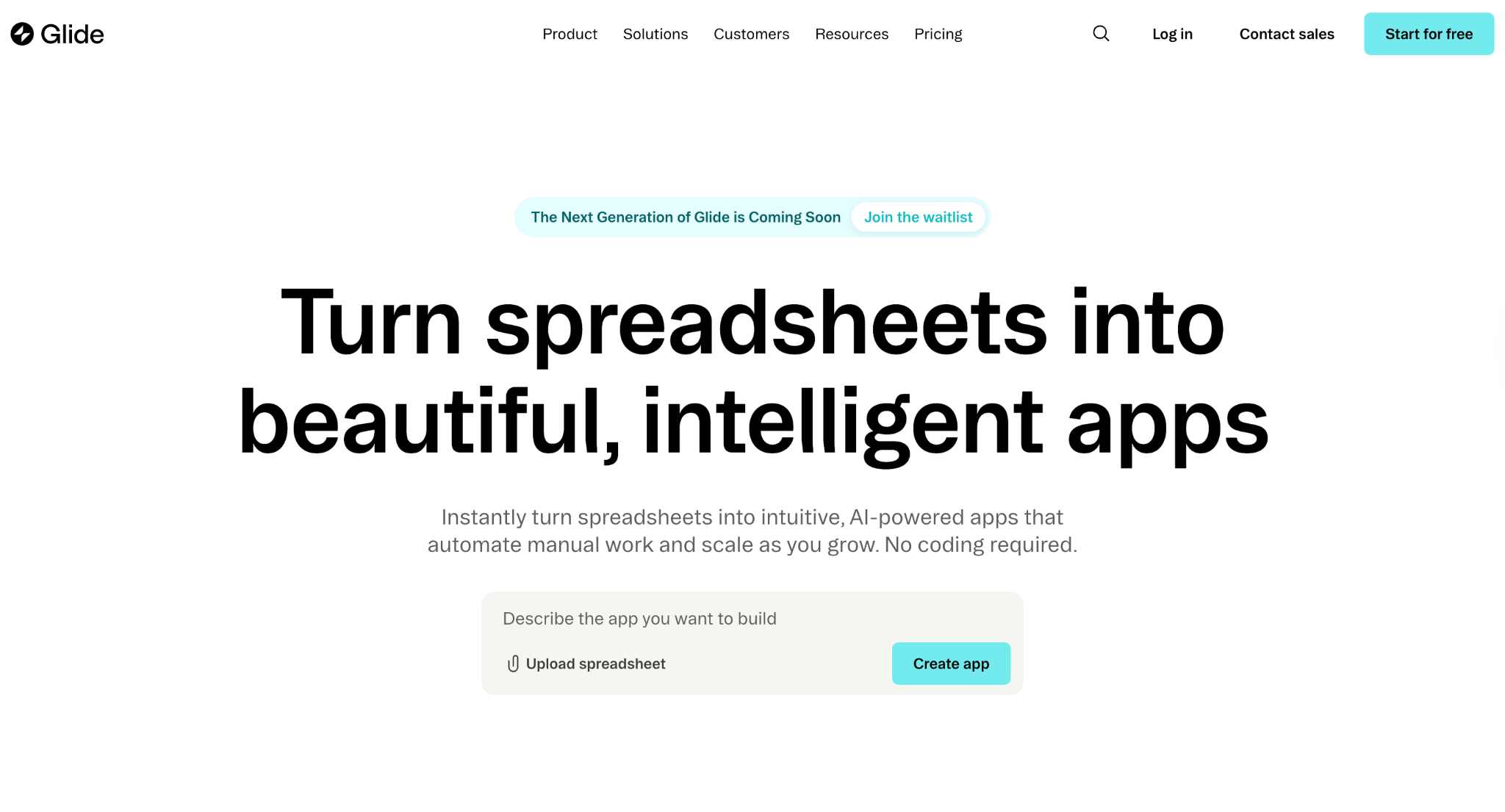
Glide turns data from Google Sheets, Airtable, and Excel into functional apps with a drag-and-drop visual builder. It is the fastest tool on this list for getting a working internal dashboard live.
I built a basic inventory tracker from a Google Sheet, and it was functional in about 90 minutes.
The trade-off is that Glide builds Progressive Web Apps (PWAs) rather than native mobile apps. Per-user pricing also adds up quickly.
The Business plan at $249/month includes only 30 users, with each additional user costing $6/month. Even the entry-level Explorer plan at $25/month has limits on data sources and published apps, pushing most teams toward higher tiers.
Glide has also launched GlideOS, a separate AI-first product with its own plans (from $25/month) and no migration path from the original platform, now called Glide Classic. The prices in this comparison are for Glide Classic.
Softr: Simple portal layer for Airtable teams
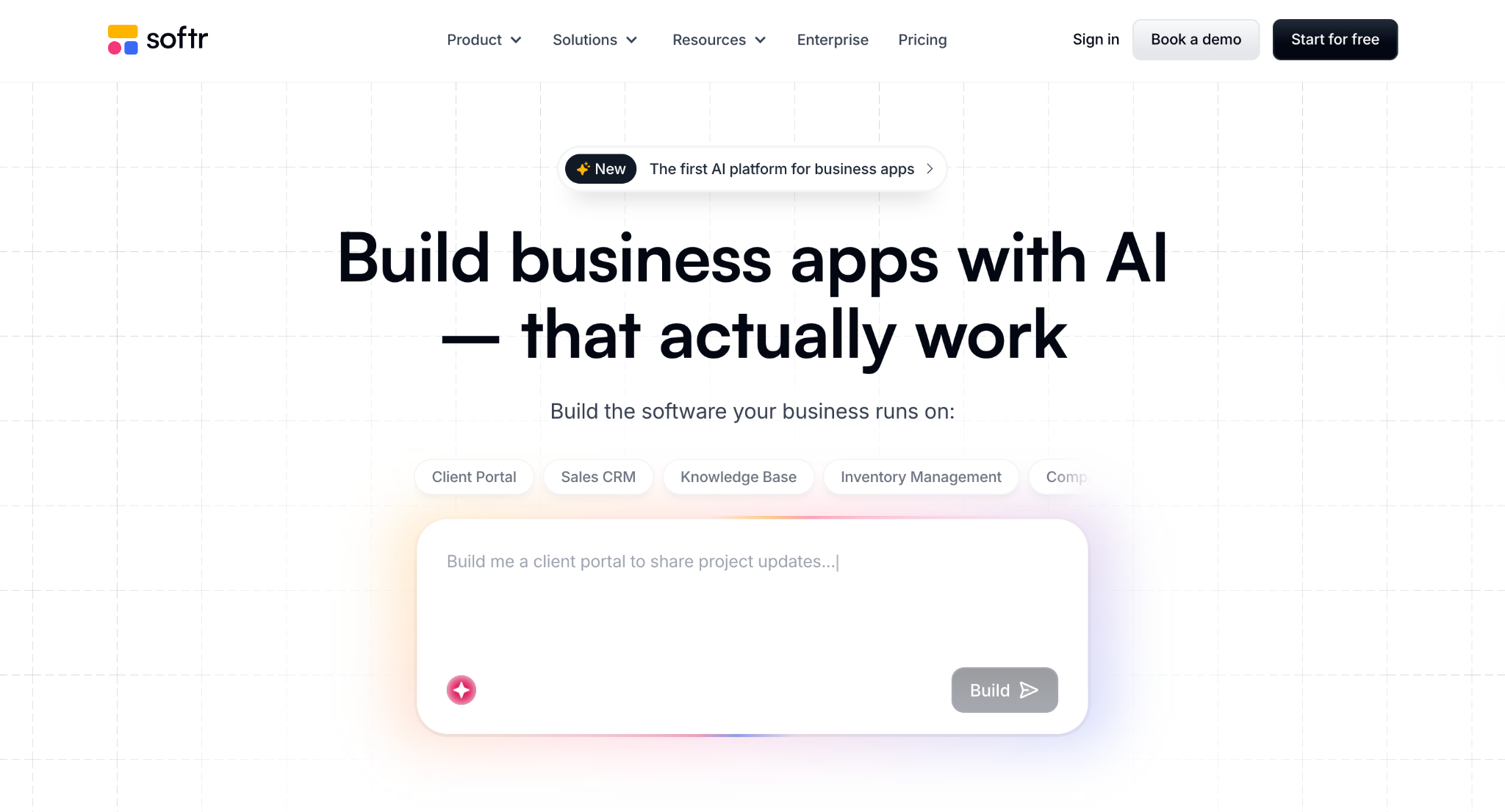
Softr is built around turning Airtable (and to a lesser extent, Google Sheets) into client-facing portals and internal tools. The drag-and-drop builder is clean, the templates are polished, and you can get a basic client portal published in an afternoon.
Softr used to require an external database, such as Airtable, for every project. That's changed. Softr Databases gives you a built-in relational database, though you can still connect to Airtable, Google Sheets, Xano, Supabase, BigQuery, and SQL if your data already lives elsewhere.
The trade-off is that Softr still works more like a portal and app layer. Features like API calls, CSV exports, and custom code are gated behind the Pro plan at $119/month, a big jump from Basic at $25/month.
Zite: Prompt-built apps non-technical teams can keep extending
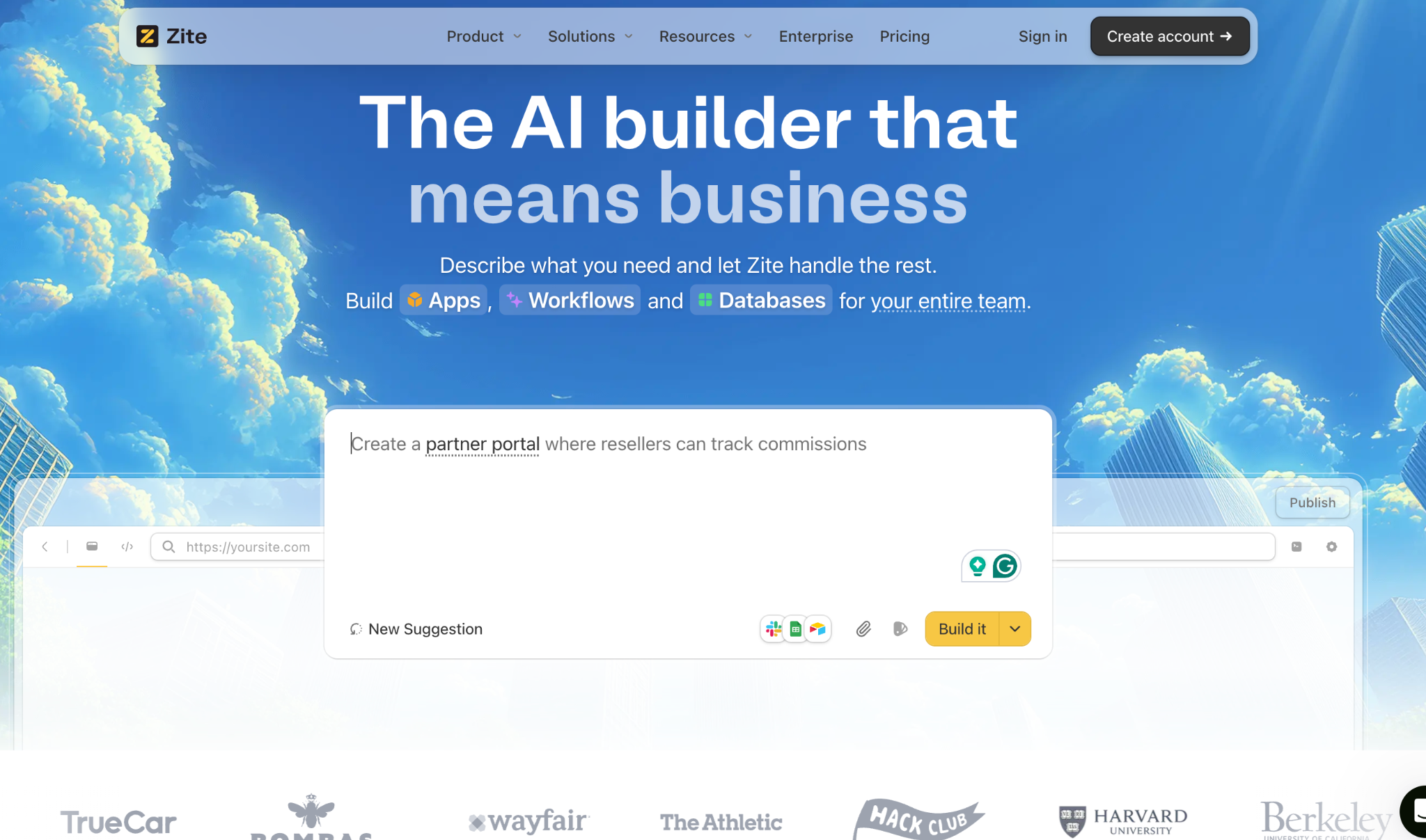
Zite generates a full app from a single prompt: the database, interface, and workflows all come from the same description. You're not assembling pages out of a fixed block library, so custom fields, layouts, permissions, and workflows get built to fit what you actually need.
Non-technical teams can also keep editing the app afterward. The database looks like a spreadsheet, pages are editable directly, and workflows are shown as visual flowcharts. Role-based permissions control who can access what.
That setup makes Zite practical for apps that grow over time. A client onboarding portal or internal request tracker can be extended six months later without a rebuild because the app, database, and logic all live in one place.
Zite connects to tools teams already use, including Airtable, Google Sheets, Notion, HubSpot, Slack, and OpenAI. At $25/month for Pro and $89/month for Business (billed monthly), with unlimited users on every plan, including the free one, it's the most predictable pricing of the three.
Glide vs Softr vs Zite: feature breakdown
App setup and speed
Glide is the fastest to get started. Connect a spreadsheet, pick components, and you have a working app in under two hours. The learning curve is close to zero for anyone who understands spreadsheets. The limitation is that Glide’s speed advantage fades once you need logic or workflows beyond basic data display.
Softr works best when your Airtable or Google Sheets data is already organized. But if you're starting fresh, Softr's AI Co-Builder can set up the database, pages, and permissions for you without ever touching Airtable.
Zite generates a working app from a prompt, including the database tables, interface, and workflow logic. Setup is fast, and you get a complete application rather than just a frontend. The trade-off is that AI generation uses credits, which are limited on free and lower-tier plans.
Winner: Glide. For simple internal tools where speed is the priority, Glide gets you from data to a working app faster than anything else.
Workflows and app logic
Glide supports basic actions and computed columns that work well for simple filtering, calculations, and conditional display. Workflows (automations triggered by data changes) are available on the Business plan. For anything beyond straightforward data logic, Glide’s capabilities plateau quickly.
Softr has added native workflows that can trigger on app actions, database changes, webhooks, and scheduled intervals. That closes the gap from when everything beyond basic actions required Zapier or Make. Zite still has the edge on troubleshooting, though.
Zite generates workflows from prompts, then displays them as a visual flowchart you can inspect, trace, and troubleshoot. If a form submission triggers an email notification and updates a record, you can see that entire chain and find where something broke.
The AI generates the logic, and the visual editor lets you review and fix it without manually dragging and dropping each step.
Winner: Zite. Seeing and understanding AI-generated app logic visually is a meaningful advantage over both Glide and Softr, especially for apps that grow more complex over time.
Database and data handling
Glide uses Glide Tables or connects to Google Sheets, Airtable, and Excel. Glide Tables avoid update consumption, but Google Sheets syncing uses monthly updates that deplete faster than expected.
Managing complex data relationships in Glide gets messy once you move past simple flat tables.
Softr added Softr Databases as its own built-in option, so you're no longer forced to run everything through Airtable. You can also still connect Google Sheets, SQL, and other sources if your data already lives elsewhere.
The trade-off is that Softr Databases sits inside Softr's own pricing tiers, with record limits and feature access tied to your plan level.
Zite has a built-in database that auto-generates the tables and fields your app needs from a single prompt. The interface looks like a spreadsheet but works like a real database.
Linked tables, formulas, and AI Fields are all built in. The AI Fields can read records, classify entries, and pull supporting context from the web.
The app and the database come from the same prompt, so there's nothing to stitch together. If your data already sits in Airtable, you can connect it as a source or move it across. Zite is a real alternative with everything in one place.
Winner: Zite. The gap here has narrowed since Softr added its own database. But Zite's advantage is that the app, database, and workflow logic all generate from the same prompt, and you can see how every piece connects afterward.
For non-technical teams, that visibility is what keeps things running smoothly as the app grows.
Client portal and access control
Glide offers user roles and conditional visibility, which work for internal tools where access needs are straightforward. For structured client portals with external login, onboarding flows, and granular data permissions, Glide requires workarounds that add complexity.
Softr was built specifically for client portals on Airtable. User authentication, role-based access, and member-only content areas are core features. If your portal is a straightforward data display for logged-in clients on top of an existing Airtable base, Softr handles it with the least friction.
Zite builds both internal and client-facing apps from the same platform. Role-based permissions control who sees what, and you can publish to your team privately or to the web with configurable login for clients and partners.
This flexibility means a project can start as an internal workflow and grow into a client-facing portal without a rebuild. The branding kit reads your website URL and automatically pulls your colors and styling, so portals match your brand from the first generation.
The limitation is that Zite’s template library for portal-specific layouts is still growing compared to Softr’s established collection.
Winner: Softr for simple Airtable-based portals. Softr's portal templates and authentication flow are the most polished for this specific use case.
Zite wins for portals that need workflows, a built-in database, or the flexibility to grow beyond basic data display, particularly when you do not want to depend on Airtable as a separate backend.
Pricing and scalability
Glide Classic is free for learning, but you cannot publish apps until you upgrade. Explorer starts at $25/month, billed monthly. The Business plan at $249/month (billed monthly) includes 30 users, and each additional user costs $6/month.
A 200-user internal tool runs about $1,270/month on that plan: $249 for the base plan plus $1,020 for 170 extra users. Data source access is also tiered: Google Sheets sync requires Maker, Airtable requires Business, and Excel requires Business.
Softr offers a free plan with unlimited apps and 5 app users. Basic starts at $25/month (billed monthly) with 10 app users. Most teams land on Pro at $119/month (billed monthly) because that tier removes Softr branding and unlocks custom code and API calls.
Extra app users on Pro start at $1/month each, and every extra builder costs $12/month. SQL databases are locked behind Business at $395/month.
Zite offers a free plan with unlimited users and unlimited apps. Paid plans start at $25/month, with no per-user fees across all tiers. This is a significant structural advantage for apps used by more than a handful of people.
As apps grow in complexity, you pay for AI credits (used when generating or changing significant parts of the app) and database storage, not for each person who logs in. Selective edits, like changing text or colors directly, don't use any credits, and there's no credit charge for people visiting your published apps.
Winner: Zite. No per-user pricing across any plan, including the free one, makes Zite the most predictable and scalable option. Both Glide and Softr get significantly more expensive as user counts grow.
Integrations and ecosystem
Zite has 30+ native integrations on every plan, including Airtable, Google Sheets, Notion, HubSpot, Stripe, Slack, Gmail, Google Calendar, OpenAI, and its own database. Email sending and Google Maps work as workflow actions triggered by user events.
The integration library is smaller than more established platforms, but the core business needs are covered.
Glide integrates with Google Sheets, Airtable, Excel, and various external services through its API and automations. The ecosystem is mature, with strong documentation and community support. The catch is that data source integrations are heavily tiered by plan.
Softr connects to Airtable, Google Sheets, HubSpot, SmartSuite, and Xano. It also supports Make and Zapier for outside automations. API calls and advanced connections require the Pro plan ($119/month) or higher, and SQL databases require Business.
Winner: Glide for spreadsheet-based integrations. If connecting to Google Sheets, Airtable, or Excel with solid community support is your top priority, Glide has the deepest ecosystem of the three.
Zite's integration list is shorter but covers the most common needs, and it's the better pick when you want those connections tied into visible workflows and a shared database.
What real users say
User feedback sourced from G2 and community forums.
Zite
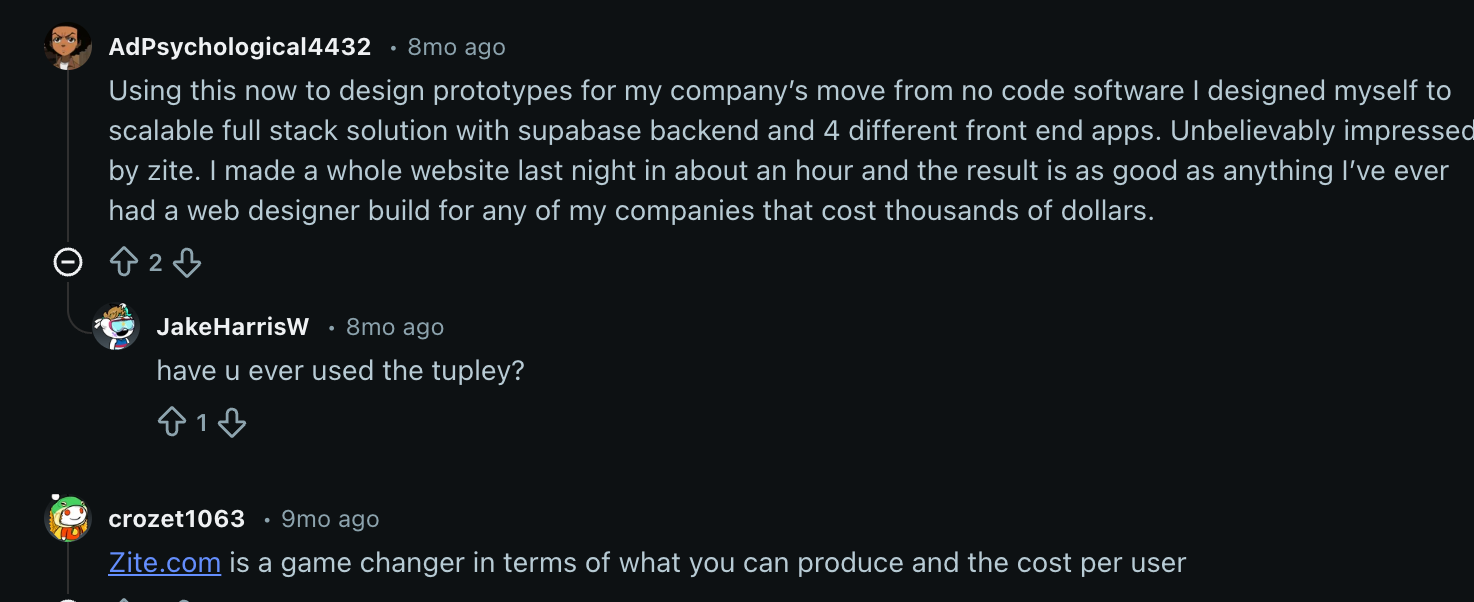
What users praise: One Reddit user built a full website in about an hour with Zite and said it was "as good as anything I've ever had a web designer build" for companies that paid thousands. Another user called Zite "a game changer in terms of what you can produce and the cost per user."
What users flag: One Reddit user pointed out that Zite doesn't sync with GitHub like v0 or Lovable, which limits developers who want to export and manage their code in an external repository.
Glide
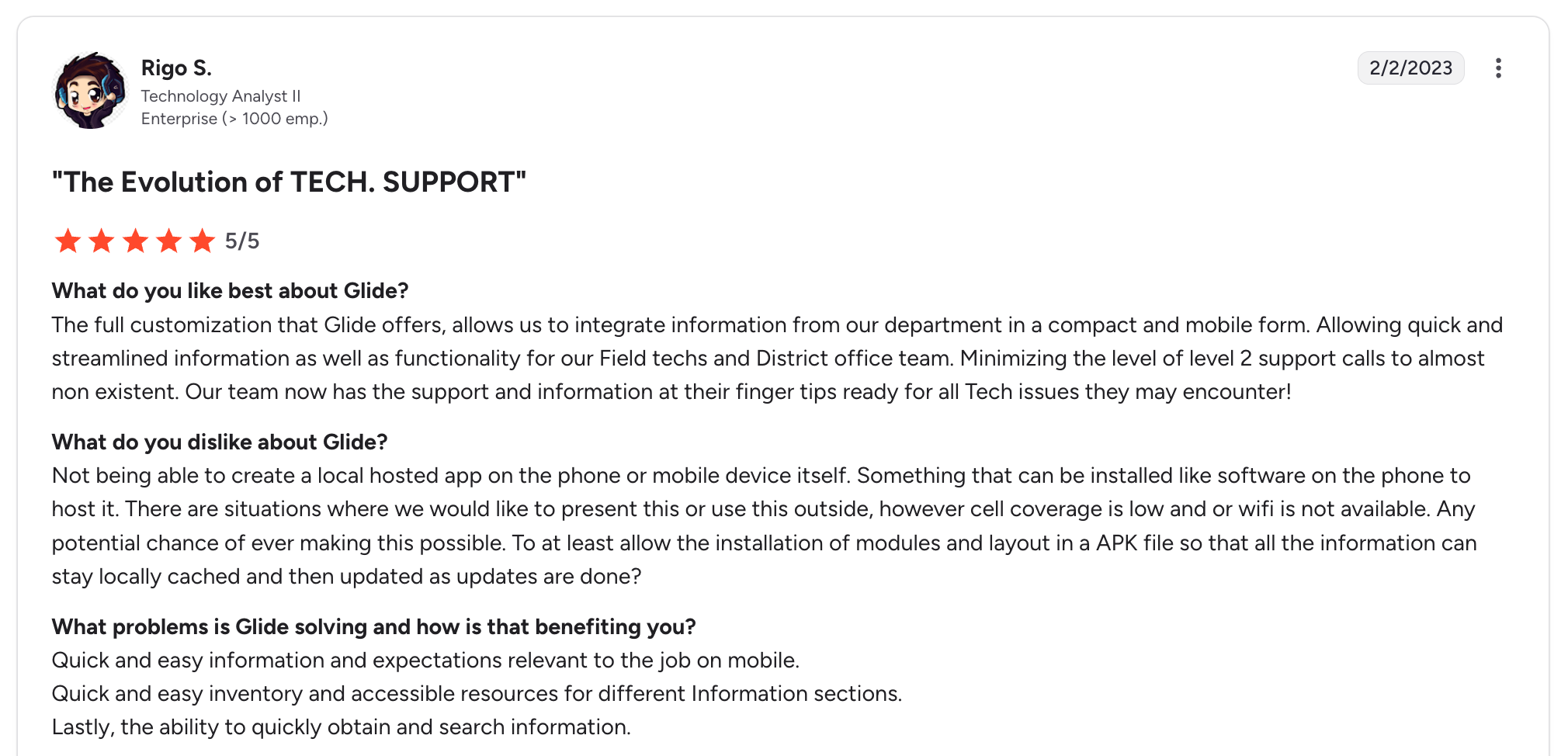
What users praise: Level 2 support calls dropped to "almost non-existent" after a Glide app put department info on field techs' and district office staff's phones. One enterprise technology analyst gave Glide 5/5 for that specific use case.
What users flag: Glide doesn't support locally hosted or offline apps, so low cell coverage or no wifi makes the app unusable. The same reviewer specifically asked for APK installation so data could be cached locally and updated when connectivity returns.
Softr
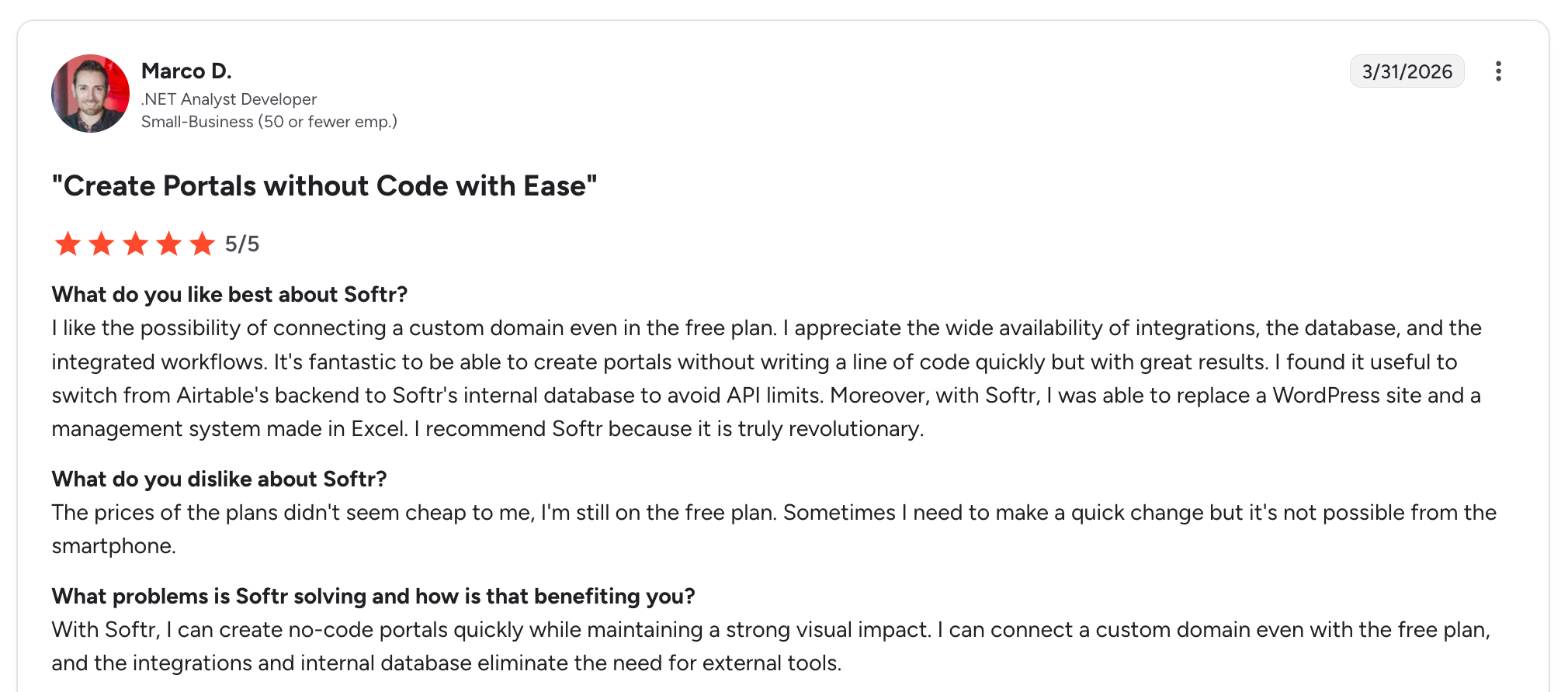
What users praise: Moving data from Airtable to Softr's own database lets one reviewer avoid Airtable's data access limits while replacing both a WordPress site and an Excel-based management system. That small-business developer gave Softr 5/5 for building portals without writing code.
What users flag: Paid plan pricing feels steep enough that the same reviewer stayed on the free plan. Quick edits from a smartphone also aren't possible, which slows down changes on the go.
Which Tool Should You Choose?
Each tool is built for a different scenario. The right choice depends on where your app needs to be six months from now, not just where it starts.
Choose Glide if you:
- Want the fastest possible path from an existing spreadsheet to a working internal tool.
- Are building simple dashboards, trackers, or data entry apps for a small, known group of internal users.
- Don’t need complex workflows or backend logic beyond filtering, computed columns, and basic actions.
- Are comfortable with per-user pricing because your app will stay under 30 users.
Choose Softr if you:
- Already have your data structured in Airtable and don’t plan to move it.
- Need a simple client portal with login, role-based content, and polished templates.
- Don’t expect the app to grow significantly in complexity beyond data display and basic actions.
- Are comfortable paying for Airtable and Softr as separate platforms with separate limits.
Choose Zite if you:
- Need custom apps like portals, CRMs, dashboards, or request trackers that non-technical people can build, understand, and troubleshoot on their own.
- Want to understand how app logic, data, and permissions work without reading code or relying on a developer.
- Are building for a team where the user count will grow, and per-seat pricing would become a problem.
- Want the database and app in one platform instead of stitching together Softr, Airtable, plus Zapier.
How Zite changes the comparison
Glide vs Softr is a close call for simple use cases. Both tools get you to a working app quickly, but both start showing limits once workflows or user counts exceed their preset limits.
But Zite takes a different route. Instead of assembling pages from a fixed block library, you describe the app, and Zite generates the database, interface, and workflows together. Whatever you need (custom fields, layouts, permissions, automations) gets built to fit what your team actually does.
Non-technical teams can keep editing afterward without a rebuild. The database reads like a spreadsheet, pages are editable directly, and workflows are visual.
Of the three, Zite fits teams that want fast initial builds, room to grow beyond block-based ceilings, and no per-seat costs as more people use the app.
Ready to Try Zite?
Zite's free plan includes unlimited apps and users, no credit card required. If per-user pricing, scattered workflow logic, or juggling separate databases is slowing your team down, it's worth seeing how Zite handles your use cases.
Frequently Asked Questions
Is Glide better than Softr for internal tools?
Glide is better than Softr for internal dashboards and simple data tools because it’s faster to set up from spreadsheets. Softr is better for client portals with login and role-based access on Airtable data.
What is the main difference between Glide, Softr, and Zite?
The main difference between Glide, Softr, and Zite is how they handle data and logic. Glide works best for turning spreadsheet data into simple internal tools. Softr fits teams that want portals on top of Softr Databases or connected sources like Airtable and Google Sheets.
Zite generates the app, database, and workflow logic together from a single prompt.
Is Zite better than Glide and Softr?
Yes, Zite is better than Glide and Softr when you need workflows, a built-in database, and apps that stay maintainable as they grow. Glide wins on pure speed for simple spreadsheet apps, and Softr is strongest for basic Airtable portals.
Which tool is best for building client portals?
The best tool for building client portals depends on where the data lives. Softr fits portals that pull from Airtable, Google Sheets, or Xano with standard login and role-based access. Zite fits portals that need workflows, a built-in database, and automatic brand styling, with no per-user pricing as the portal grows.
How much does Glide vs Softr vs Zite cost?
Glide, Softr, and Zite all offer free plans. Paid plans start at $25/month for Zite (Pro), $25/month for Glide Classic (Explorer), and $25/month for Softr (Basic), all billed monthly. The real difference shows up as user counts grow, because Glide and Softr charge for extra users and Zite doesn't.
Can I migrate from Softr or Glide to Zite?
Yes, you can migrate from Softr or Glide to Zite if your data lives in Airtable or Google Sheets, since Zite connects to both. The app's interface won't transfer, so plan to rebuild it while connecting your existing data or consolidating it into Zite's built-in database.

