


Most tools that call themselves customizable let you rename a field and change a color. Ask them to reshape how your data connects, or to show each client only their own records, and the list gets short fast.
I spent a month testing nine no-code CRM builders, building the same thing in each one. A contact database, a sales pipeline with stages, follow-up reminders, and a client-facing view where each client sees only their records.
Here are the tools that give you real structural control over your CRM, those that stop at surface tweaks, and what each costs per month in 2026.
9 best no-code CRM builders: TL;DR
- Airtable: best for a relational CRM database.
- monday CRM: best for a ready-made CRM with light customization.
- Zite: best for AI-built custom CRMs with a visible database.
- Knack: best for CRMs with large contact bases.
- Softr: best for client-facing CRM portals on Airtable.
- Zoho Creator: best for approval-heavy sales workflows.
- Caspio: best for compliance-heavy CRMs with unlimited users.
- Bubble: best for fully custom CRM web apps.
- Glide: best for mobile-friendly CRMs from a spreadsheet.
How I researched and tested these no-code CRM builders
I spent about four weeks building the same CRM in every tool. Contact records for leads and customers, a pipeline with stages (New, Contacted, Quote Sent, Won, Lost), follow-up reminders, and a client-facing view showing each client only their own records.
I also tried two tools that were missing from the list. HubSpot is a strong CRM, though you have to adapt to its structure to use it, and Streak is a Gmail-based pipeline that proved too narrow for a real build. I scored each tool on five things:
- Data structure: how well it holds relational CRM data, linked records, and custom fields.
- Pipeline and workflow: whether you can build sales stages, reminders, and automations without code.
- Client-facing access: whether you can give clients or reps a login that shows only their own records.
- Ease for non-technical users: how far a non-developer gets before hitting a wall.
- Pricing: whether the cost stays reasonable as contacts and users grow.
This hands-on approach separated the tools that let you shape a CRM around your process from the ones that only let you rename the fields on theirs.
Surface customization vs structural customization
One distinction decides which tool fits. Surface customization means renaming fields and changing colors. Almost every tool here does that well.
Structural customization means reshaping the data model, controlling who sees which records, and automating the steps in between. The list narrows fast on this one, and each entry below notes where it lands.
9 best no-code CRM builders: quick comparison
Here is how the nine stack up at a glance:
1. Airtable: best for a relational CRM database
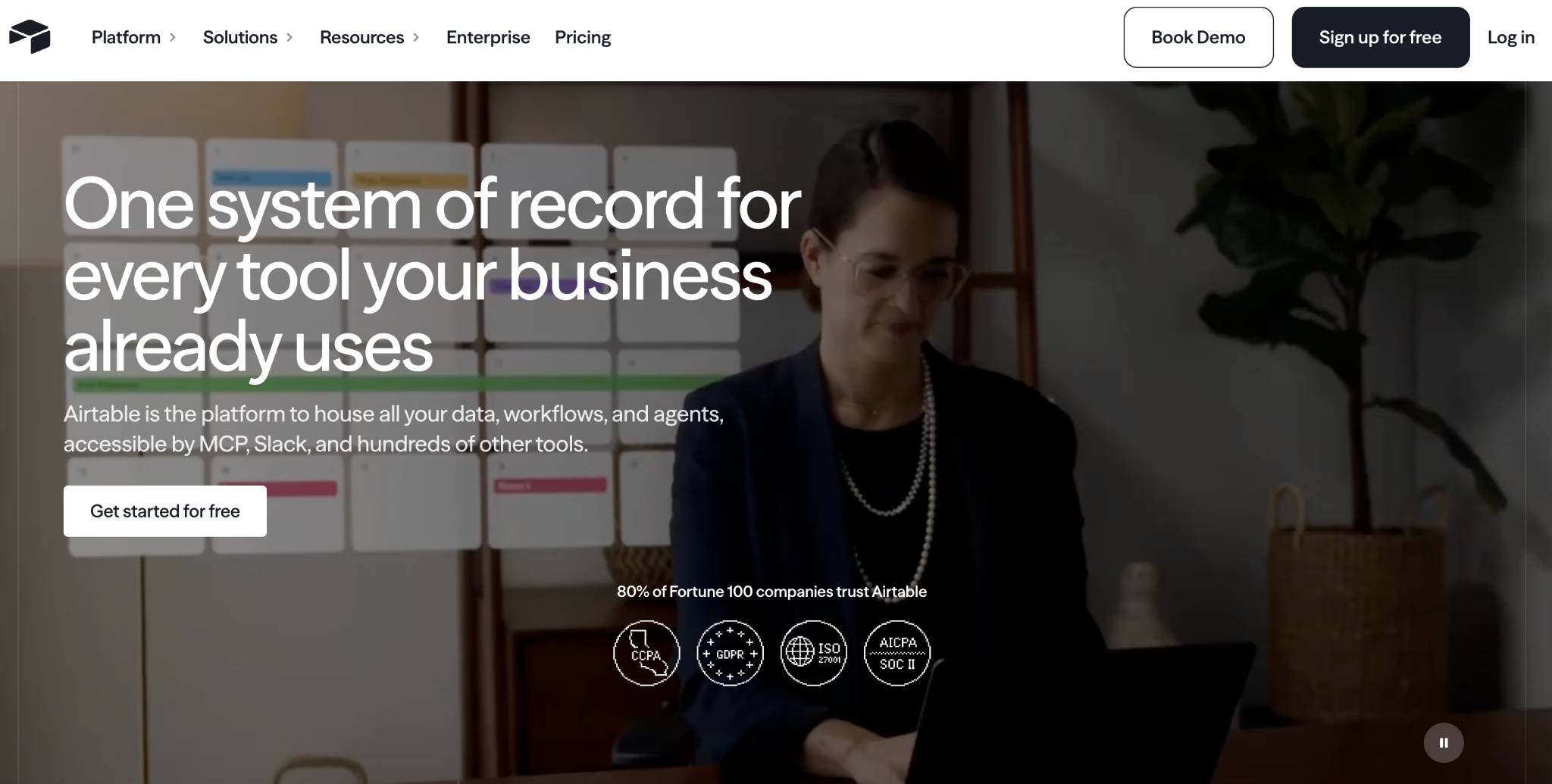
What it does: Airtable is a relational database with a spreadsheet-like interface, linked records, and views that hold CRM data cleanly without code.
Best for: teams that want a structured relational CRM database they work in internally.
Airtable holds CRM data well, with linked tables for contacts, deals, and companies, plus grid, kanban, and calendar views of the same pipeline.
Client-facing access is where it struggles. Sharing works at the workspace level, so giving someone a login that shows only their own records takes another tool on top. See how Zite compares to Airtable.
Key features
- Relational database: linked records for contacts, deals, and companies.
- Multiple views: grid, kanban, calendar, and gallery for the same pipeline.
- Omni AI: generate tables, views, and automations from prompts.
Pros
- Clean relational structure for CRM data.
- Multiple views of the same pipeline.
- Huge library of templates and integrations.
Cons
- Workspace-level sharing makes per-record client access hard.
- Per-user pricing climbs as the team grows.
- Record limits per base can surprise larger teams.
What users say
"As a Technical Producer, what I value most about Airtable is its unique ability to bridge the gap between a rigid relational database and a flexible project management tool." Yuksel Berk Y, G2

"In Airtable, I don't have enough for 50,000 rows, and the bigger the database, the slower it works." Vadim C, G2
Pricing
Airtable is free to start, then Team runs $24/user/month, and Business runs $54/user/month (monthly billing). See the full Airtable pricing.
Bottom line
Airtable is the choice for a clean, relational CRM database that your team works directly in. Client access is where it strains. If outside users need their own logins to see only their records, add a portal layer like Softr on top, or use Zite, which connects directly to Airtable and Google Sheets and builds client logins in.
2. monday CRM: best for a ready-made CRM with light customization
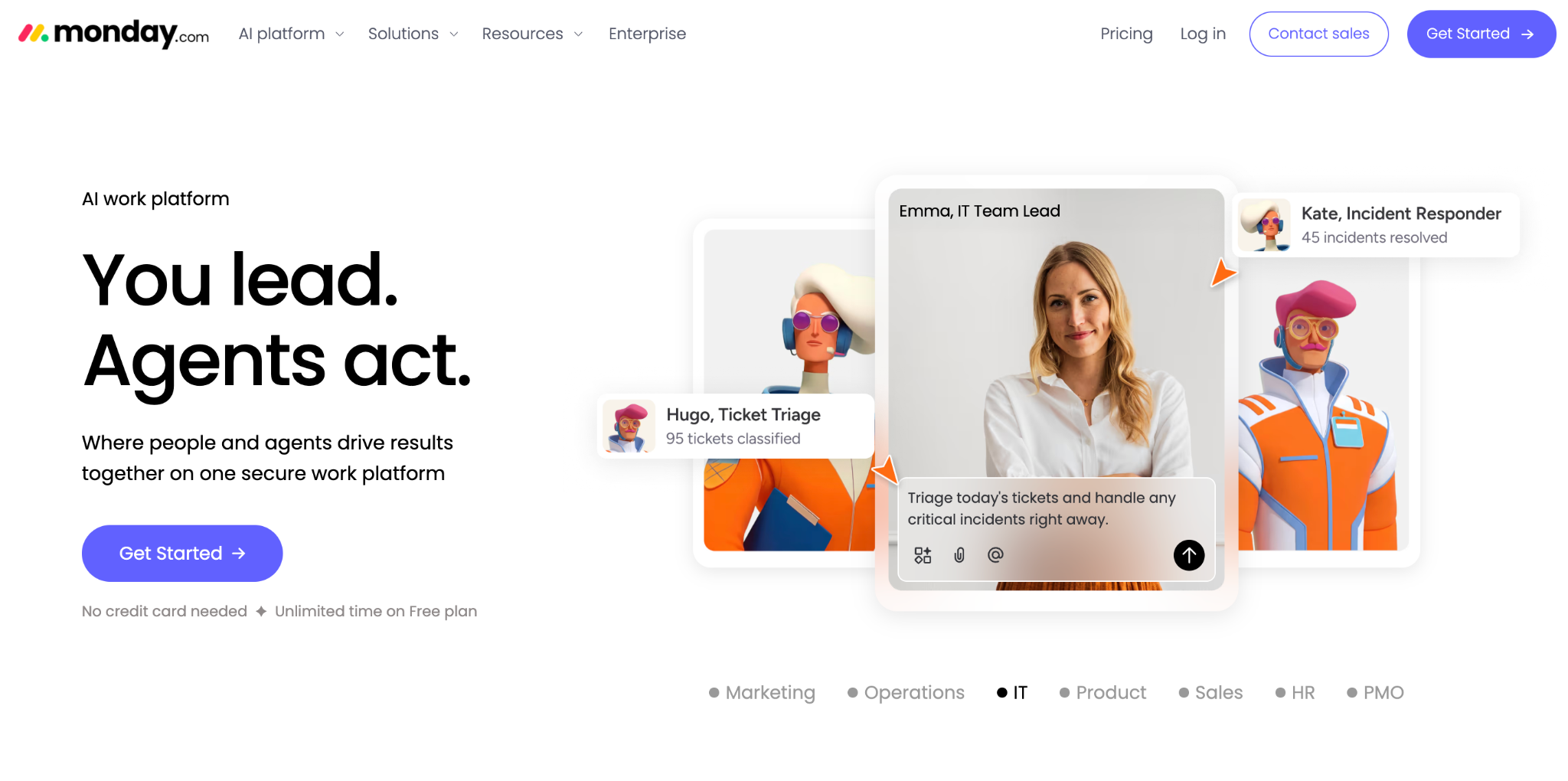
What it does: monday CRM is a ready-made no-code CRM with a visual pipeline builder, drag-and-drop automations, and role-based dashboards.
Best for: sales teams who want a working CRM on day one and need only light customization.
monday CRM gives you a functional CRM immediately. You customize with drag-and-drop stages, custom fields, and menu-based automations, and the interface is the most polished here.
The limit is depth. It offers surface customization, so reshaping the CRM around an unusual sales process runs into walls that a builder would clear.
Key features
- Visual pipeline builder: drag-and-drop stages, custom fields, and conditional logic.
- No-code automations: trigger-based workflows through menus.
- Role-based dashboards: distinct views for reps, managers, and execs.
Pros
- Working CRM out of the box.
- Easy drag-and-drop pipeline and automations.
- Polished, modern interface.
Cons
- Surface customization only, so the data model stays fixed.
- Per-seat pricing climbs with team size.
- Hard to reshape around an unusual process.
What users say
“What I like most about monday CRM is how customizable it is.” Karolina G, G2

“One thing I dislike is that the layout and setup can take some time to get used to at first.” Tamara R, G2
Pricing
monday CRM runs $18/seat/month for Basic, $25/seat/month for Standard, and $41/seat/month for Pro on monthly billing, with Ultimate on request. Plans start at three seats. See the full monday CRM pricing.
Bottom line
monday CRM is the choice when you want a working CRM today and only light changes. To shape the CRM around an unusual process, Zite gives you structural control.
3. Zite: best for AI-built custom CRMs
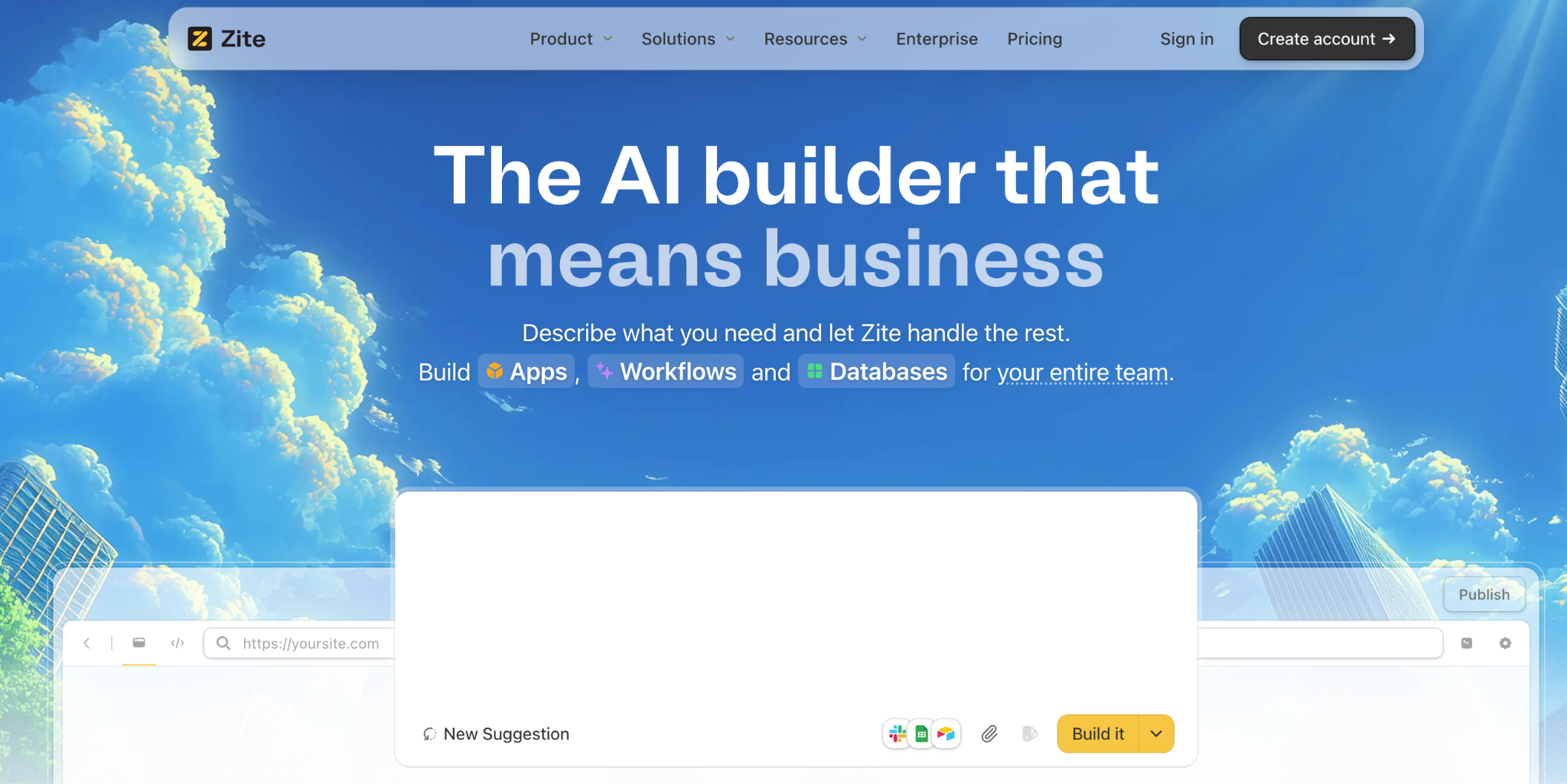
What it does: Zite is an AI-powered no-code app builder that generates a custom CRM, its database, and the workflow logic from a plain-language description of how you sell.
Best for: non-technical teams who want a CRM shaped around their exact sales process.
I described a CRM with leads, deals, pipeline stages, and follow-up reminders, and Zite generated the contact database, pipeline views, and reminder logic in about 20 minutes, most of it spent describing what I wanted rather than building it.
Zite gives you structural control. The data model and the access rules are yours to change. It also connects directly to Airtable and Google Sheets, so if your CRM data already sits in a spreadsheet, you can build on it without migrating first. Customers like Bombas and Domino's use Zite to build business apps this way.
Key features
- AI generation from a prompt: describe your sales process, and Zite builds the contacts, pipeline, and reminder logic together.
- Visible database with tables and fields: contacts, deals, and companies sit in a spreadsheet-style database with linked records, editable without code.
- Visual workflows: reminder and status logic are shown as a flowchart you can read and trace, and you change the logic by describing what you want.
- Role-based access: give reps, managers, and clients their own views of only the records they should see.
Pros
- Shape the CRM around your sales process from one description.
- Data and layout stay editable, and you change the workflow logic by describing what you want.
- Unlimited users on every tier, so cost stays steady as the team grows.
Cons
- Newer product, so the CRM template library is still growing.
- AI credits are limited on the free and lower tiers.
- Web apps only, with no native mobile export.
What users say

“Zite is a good option if you want the UX of a vibe coding tool with the benefits of traditional no-code.” Verified User, Reddit

“More flexibility on pricing tiers for teams with variable submission volumes would be welcome.” Alvaro H, G2
Pricing
Zite is free with limited credits and unlimited users; Pro runs $19/month, and Business runs $69/month, both with unlimited users (monthly billing). See the full Zite pricing.
Bottom line
Zite is the pick for a CRM built to your process that a non-technical team can keep running. For a native mobile CRM or a ready-made template that you barely change, Glide or monday fit better.
4. Knack: best for CRMs with large contact bases
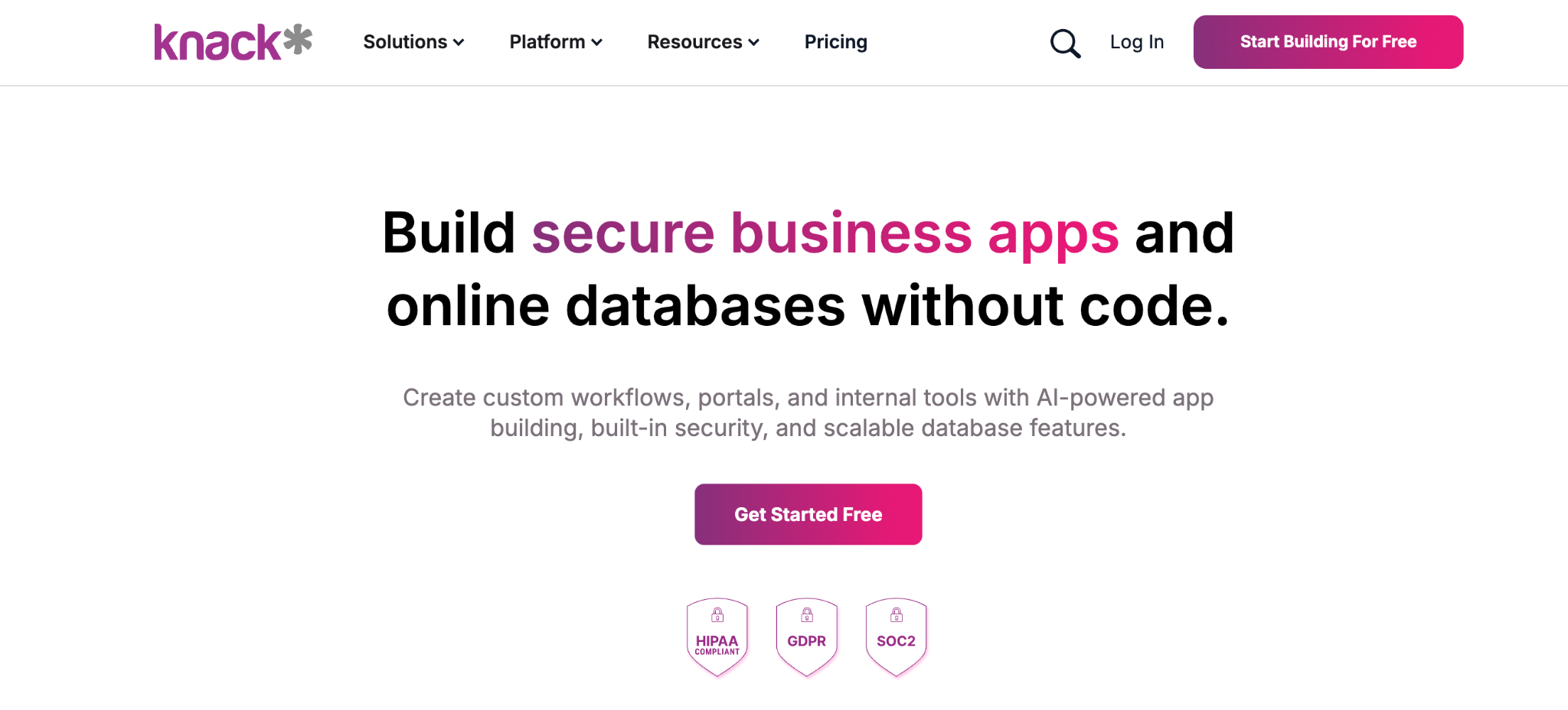
What it does: Knack is a no-code database app builder that charges per app and per record count, keeping large contact bases affordable.
Best for: teams building a CRM with hundreds or thousands of contacts or external users.
Knack has built database apps since 2010, and the pricing model is the differentiator for a CRM. Where per-user tools get expensive as you add reps or client logins, your user count grows without changing the bill.
It has real relational data and built-in user logins with role-based access, which puts it firmly in structural-control territory.
Key features
- No per-user pricing: billing is based on app and record counts, so adding reps costs nothing extra.
- Relational database: linked contacts, deals, and companies with formulas.
- Built-in user logins: role-based access for reps and client-facing CRMs.
Pros
- Predictable cost as contacts and users grow.
- Strong relational database for linked CRM data.
- Mature and stable after years on the market.
Cons
- The interface feels dated compared to newer tools.
- Record limits on lower tiers push you to higher plans.
- Learning curve for formulas and roll-ups.
What users say
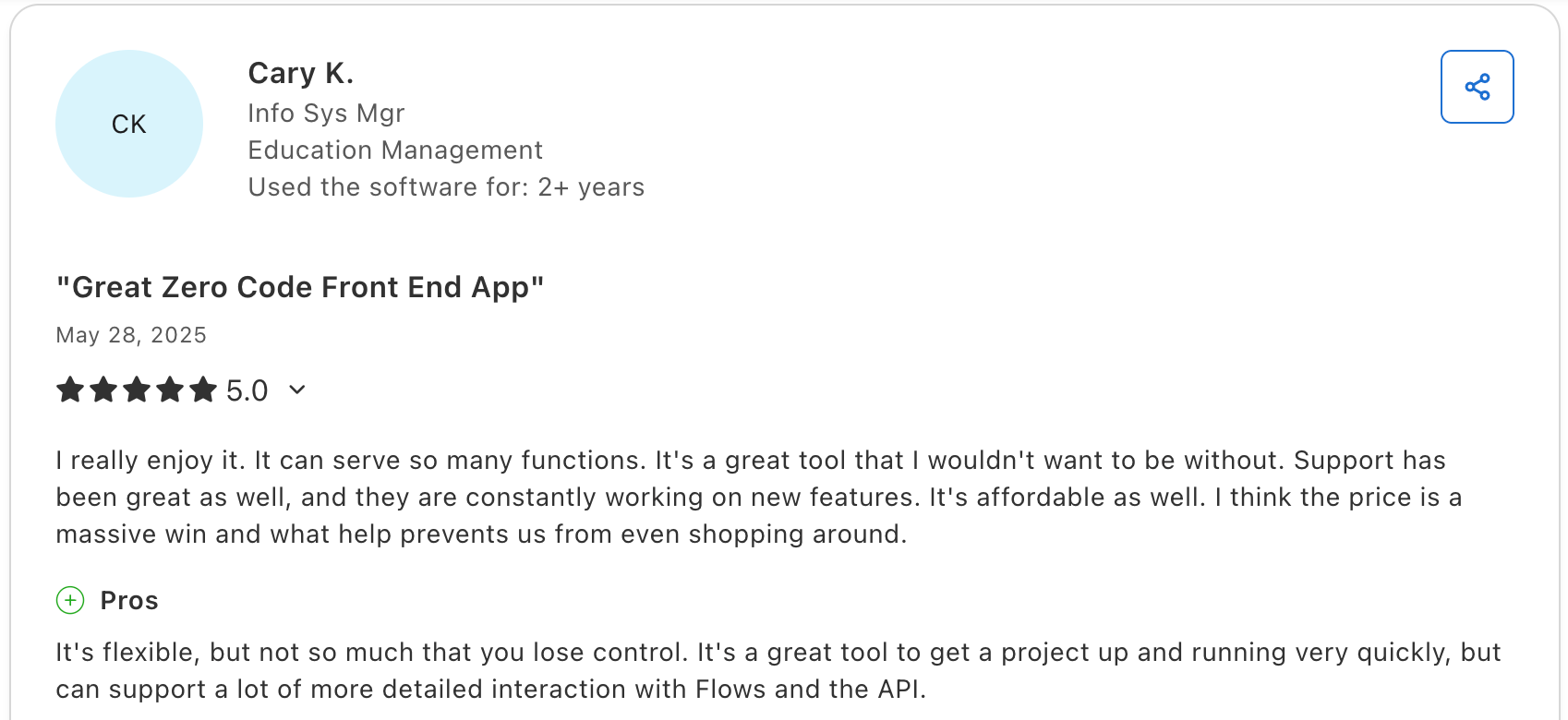
"It's a great tool to get a project up and running very quickly, but it can support a lot more detailed interaction with Flows and the API." Cary K, Capterra

"There is no log that keeps track of changes made in the database builder." Martin S, Capterra
Pricing
Knack runs $59/month for Starter, $130/month for Pro, and $300/month for Corporate (monthly billing). See the full Knack pricing.
Bottom line
Knack is the value pick for a CRM with a big contact base or many client logins, and its per-app pricing keeps that bill steady as you add reps and users.
5. Softr: best for client-facing CRM portals on Airtable
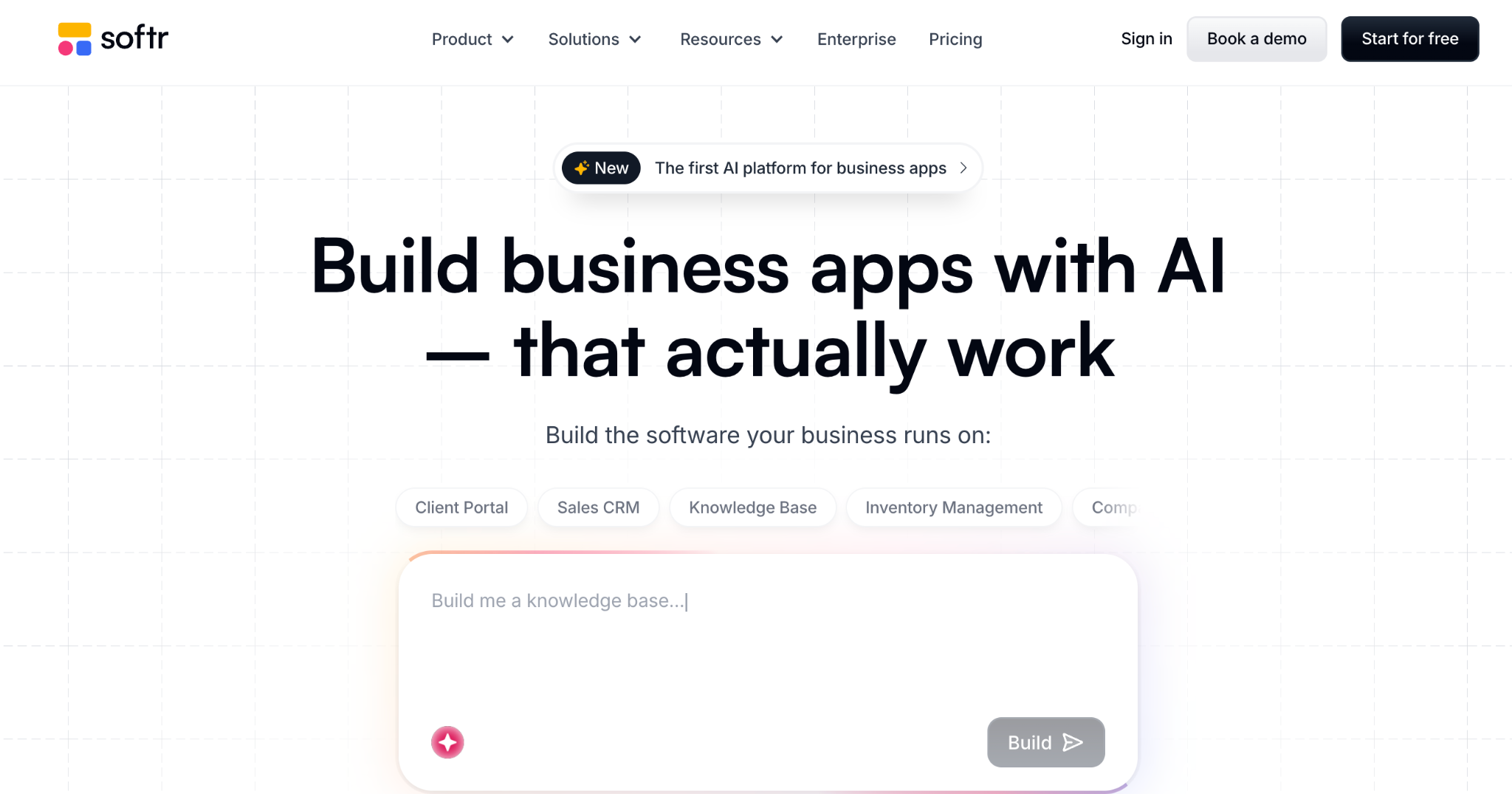
What it does: Softr turns Airtable or Google Sheets into client-facing CRM portals and internal sales tools, with authentication and role-based access.
Best for: teams whose CRM data lives in Airtable and want to give clients or reps a permission-controlled view.
Softr is the quickest way here to put a client-facing front end on CRM data that already lives in Airtable. Role-based access lets each rep or client see only their own records, which Airtable handles poorly by default. I built a client portal on a CRM base in about 90 minutes.
It works on connected Airtable or Google Sheets data, or on its own built-in database, whichever you prefer.
Key features
- Pre-built blocks: lists, pipelines, forms, and login flows out of the box.
- Role-based access: each client or rep sees only their own records.
- AI Co-Builder: generates a starting CRM app and database from a description.
Pros
- Strong client-facing access control.
- Polished portals without building the interface from scratch.
- Good fit for agencies serving multiple clients.
Cons
- Per-tier record caps on its built-in database, starting at 5,000 records on the free plan.
- Per-tier caps on users and apps push teams to higher plans.
- Gets limiting once the CRM needs complex workflow logic.
What users say
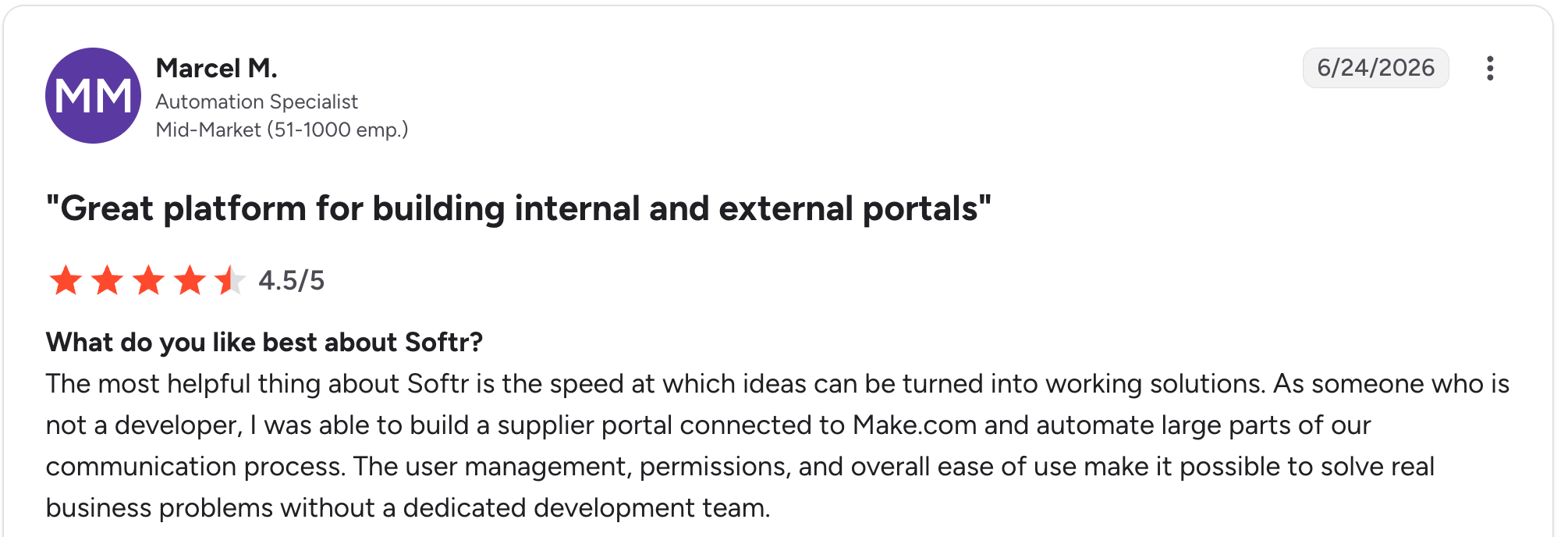
"The most helpful thing about Softr is the speed at which ideas can be turned into working solutions." Marcel M, G2

"The main challenge we encountered was with data management when using Google Sheets as our initial data source - it became clunky for our content team to update and manage at scale." Mike H, G2
Pricing
Softr is free to start, then Basic runs $59/month, Professional runs $167/month, and Business runs $323/month (monthly billing). See the full Softr pricing.
Bottom line
Softr is the fastest route to a client-facing CRM portal when your data is already in Airtable. To keep the database and the CRM in one tool, Zite covers both.
6. Zoho Creator: best for approval-heavy sales workflows
What it does: Zoho Creator is a no-code app builder with strong workflow logic, including its Blueprint feature for mapping sales approval stages.
Best for: sales teams whose process is approval-heavy, with steps, conditions, and handoffs between people.
Zoho Creator shines when your CRM is a process more than a contact list. The Blueprint feature maps each stage and assigns ownership, which suits deal approval and quote sign-off flows.
For deeper logic, it offers Deluge scripting, which edges toward the technical. It best fits teams already in the Zoho ecosystem.
Key features
- Blueprint workflows: map sales stages, owners, and conditions visually.
- Built-in automation: trigger notifications and actions as deals move.
- Role-based views: dashboards and access tailored to each rep.
Pros
- Strong workflow and approval logic.
- Affordable per-user pricing.
- Deep integration with other Zoho apps.
Cons
- Deluge scripting for complex logic edges toward technical.
- Best value only if you use the wider Zoho suite.
- Interface feels utilitarian.
What users say
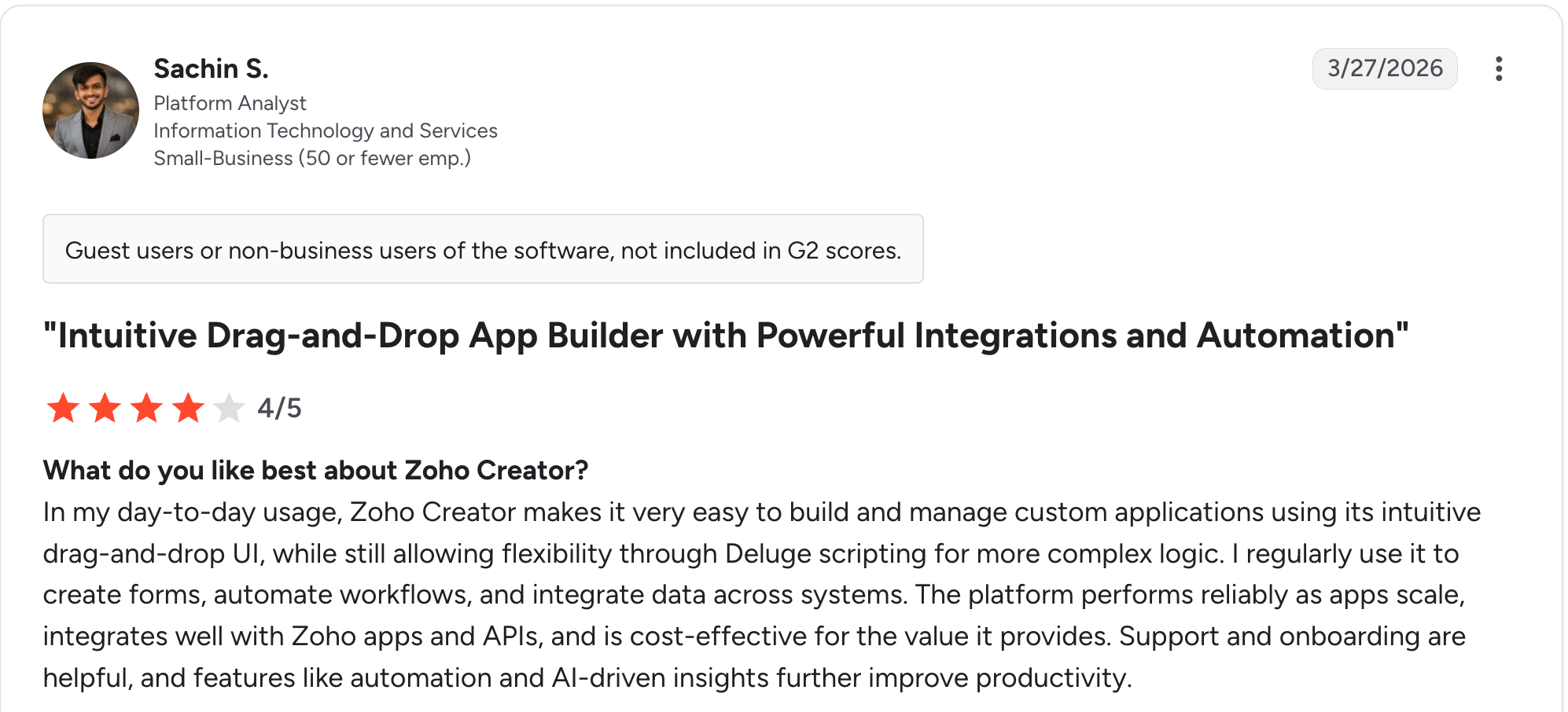
“In my day-to-day usage, Zoho Creator makes it very easy to build and manage custom applications using its intuitive drag-and-drop UI.” Sachin S, G2

“Facilitating connections between fields and reports without programming is challenging.” Eric G, G2
Pricing
Zoho Creator runs $12/user/month for Standard, $30/user/month for Professional, and $37/user/month for Enterprise (monthly billing), with a yearly-only Flex plan for custom needs. See the full Zoho Creator pricing.
Bottom line
Zoho Creator is the pick for approval-heavy sales processes, especially if you already run the Zoho suite and want the CRM to sit alongside your other tools.
7. Caspio: best for compliance-heavy CRMs with unlimited users
What it does: Caspio is a no-code app builder with a built-in cloud database, unlimited-user pricing, and compliance features for organizations with strict data requirements.
Best for: larger or regulated organizations building a CRM with many users and compliance obligations.
Caspio pairs an unlimited-user model with HIPAA, SOC 2 Type II, and FERPA compliance, making it well-suited for regulated industries. It has a relational database, role-based access, and workflow automation.
The tradeoff is the entry price and a steeper setup than the spreadsheet-first tools here.
Key features
- Built-in cloud database: relational structure for complex CRM data.
- Unlimited users: role-based access with no per-seat costs.
- Workflow automation: triggers, scheduled actions, and notifications.
Pros
- Unlimited users keep large deployments affordable.
- Strong compliance posture with HIPAA and SOC 2.
- Relational database for complex CRM logic.
Cons
- High entry price at $300/month for the Team plan.
- Steeper setup than spreadsheet-first tools.
- The interface feels enterprise-built for admins rather than end users.
What users say
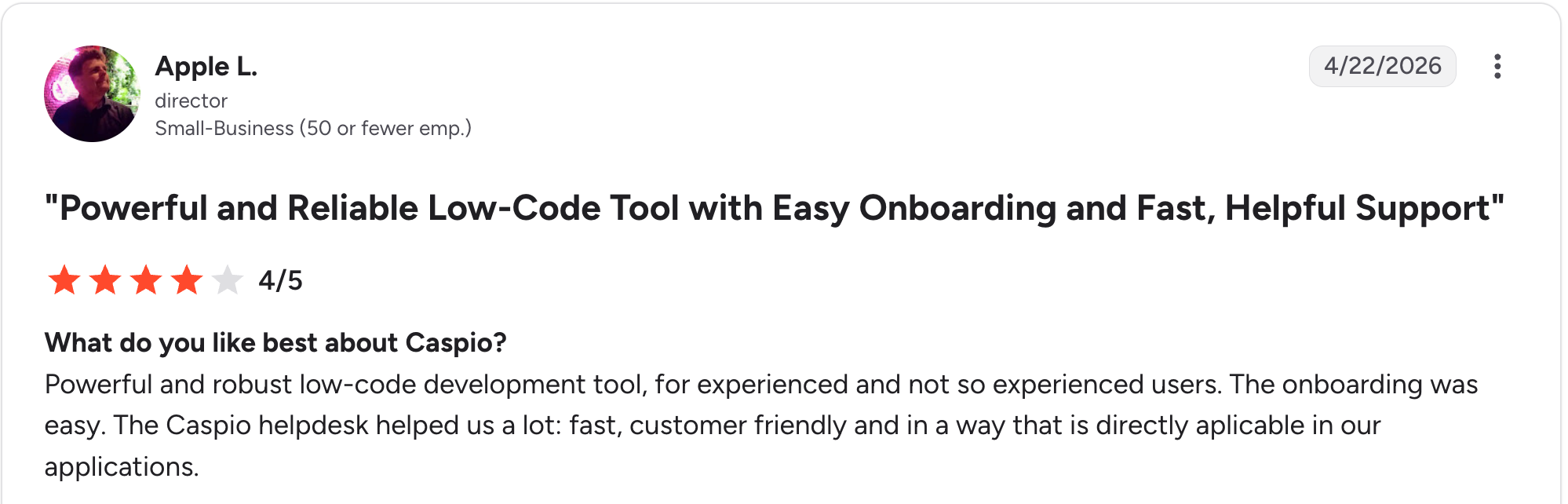
"Powerful and robust low-code development tool for experienced and not-so-experienced users." Apple L, G2

"Caspio allows inserting HTML code, but that code has no standard and is completely arbitrary." Benito A, G2
Pricing
Caspio runs $300/month for Team and $600/month for Business, both with unlimited users, with Enterprise on request (monthly billing, 10% off annually). See the full Caspio pricing.
Bottom line
Caspio is the pick for regulated organizations rolling a CRM out to many users. For a faster build at a lower entry price, Zite includes unlimited users at $19/month.
8. Bubble: best for fully custom CRM web apps
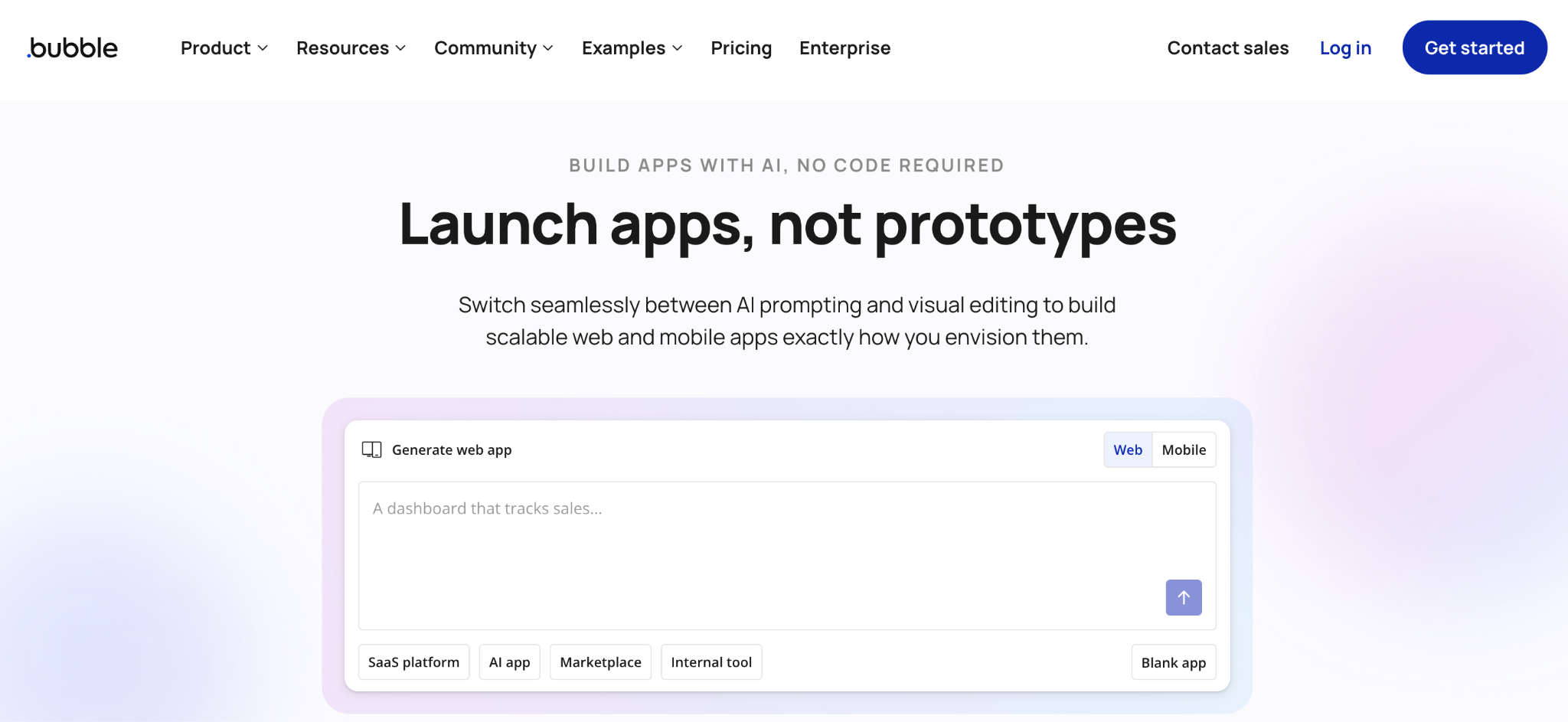
What it does: Bubble is a visual programming tool for building fully custom web apps without code, including a CRM with a built-in database and workflow logic.
Best for: founders and teams building a CRM with unusual logic or a customer-facing product around it.
Bubble can build a CRM without support from a template tool. When I tested it, the AI scaffolded a starting point, and I spent hours wiring the pipeline logic by hand.
The learning curve is the steepest here, so most non-technical teams need weeks or a Bubble developer to finish the job.
Key features
- Visual editor for full apps: the interface, database, and workflows in one tool.
- Built-in database: contacts, deals, and relationships in Bubble’s own data layer.
- Plugin library: thousands of plugins for payments and integrations.
Pros
- Enough power for a truly custom CRM.
- Built-in database and workflow logic.
- Large plugin marketplace.
Cons
- Steep learning curve, and many teams hire a developer.
- Workload-based pricing can climb with usage.
- No code export, so you stay on Bubble for hosting.
What users say
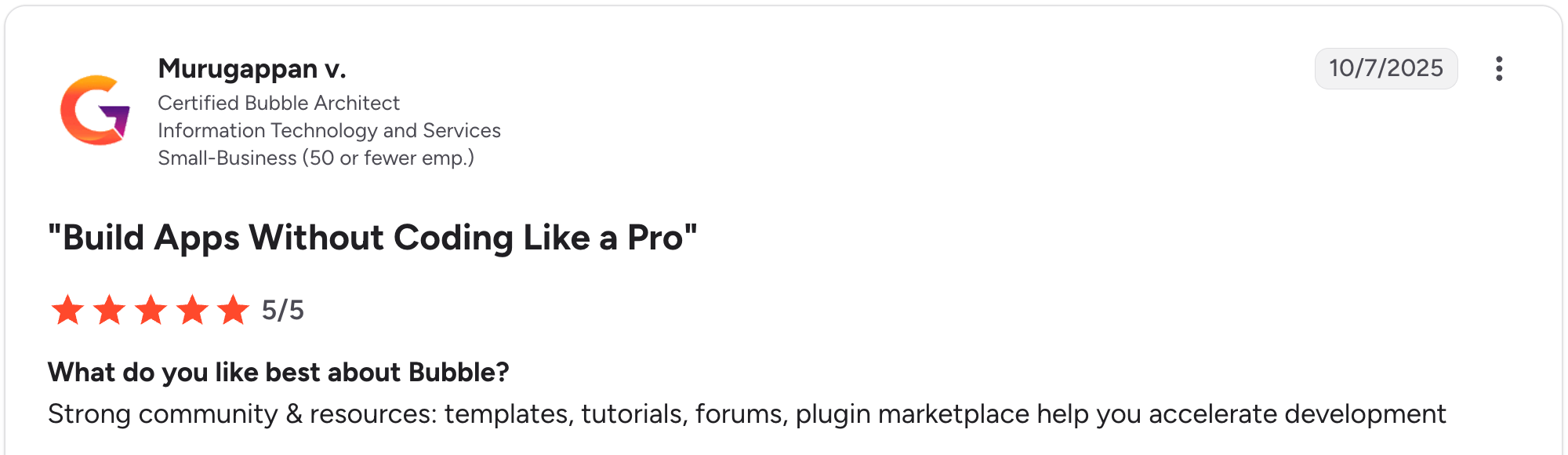
“Strong community & resources: templates, tutorials, forums, plugin marketplace help you accelerate development.” Murugappan V, G2

“Basic features like chat stream seem like a challenge for Bubble's team to have an official plugin for.” Nouman J, G2
Pricing
Bubble is free to start, then Starter runs $69/month, Growth runs $249/month, and Team runs $649/month on the Web and Mobile plan (monthly billing). See the full Bubble pricing.
Bottom line
Bubble is the choice for a fully custom CRM with unusual logic, when you have time to learn a deeper tool or budget for a developer. For a custom CRM that a non-technical team can build and keep running, Zite gets you there sooner.
9. Glide: best for mobile-friendly CRMs from a spreadsheet
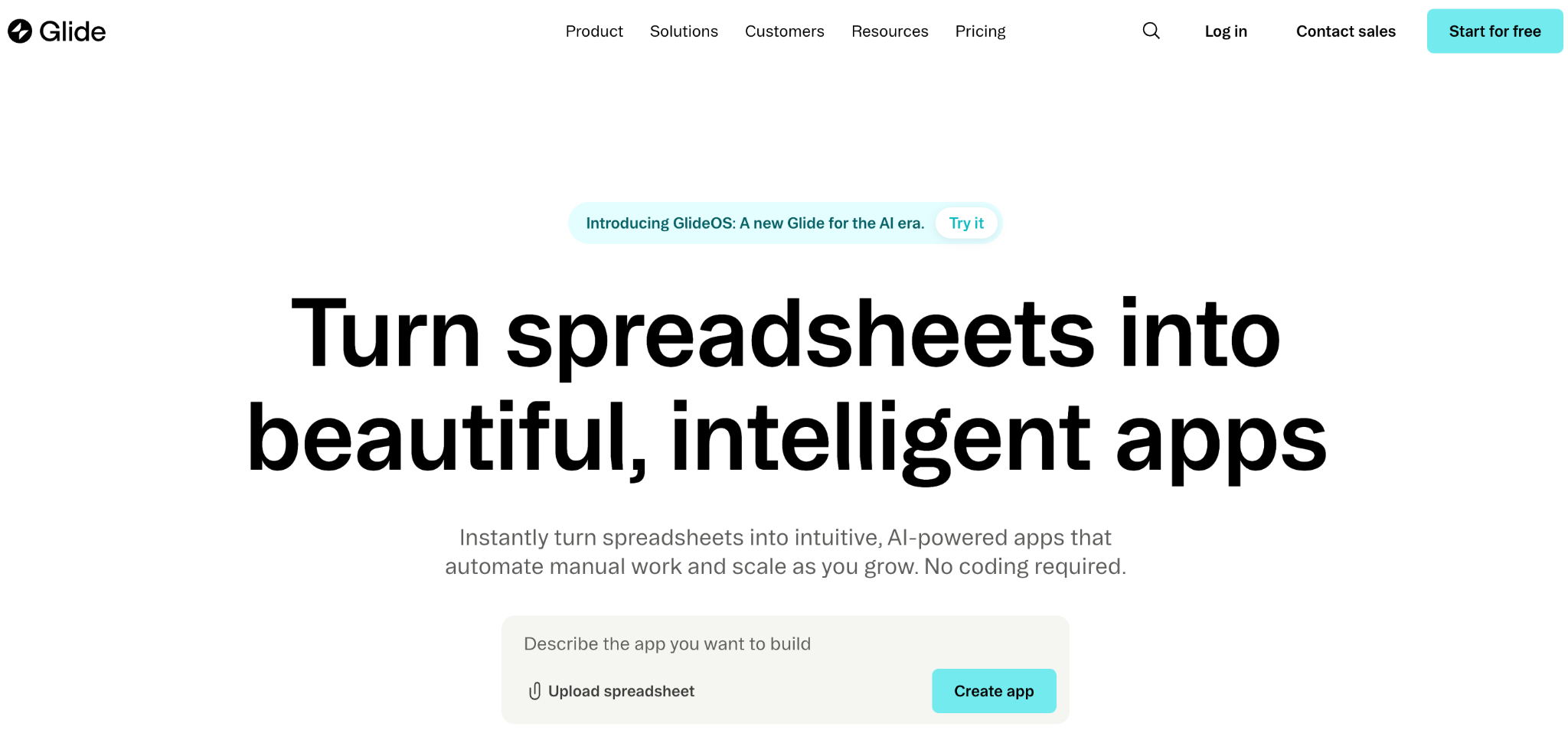
What it does: Glide turns Google Sheets, Excel, or Airtable into mobile-friendly CRM apps, with its own Glide Tables database for teams without a spreadsheet.
Best for: field sales teams and small businesses that want a clean CRM on a phone.
Glide is the fastest tool here for a mobile CRM. I built a mobile pipeline tracker from a Google Sheet in under an hour, and it looked polished on a phone.
Glide suits simple pipelines best. Larger teams and complex logic push you up the tiers quickly, and this Glide pricing guide breaks down where costs climb.
Key features
- Spreadsheet-to-app: connect a sheet and Glide builds the CRM shell.
- Glide Tables: a built-in database for teams without a spreadsheet.
- Templates and components: hundreds of drag-and-drop starting points.
Pros
- Fastest path from spreadsheet to CRM here.
- Clean, mobile-friendly design out of the box.
- Approachable for non-technical users.
Cons
- Update-based billing adds overage charges as apps grow.
- Customization limited beyond templates.
- No native apps, only web apps and PWAs.
What users say
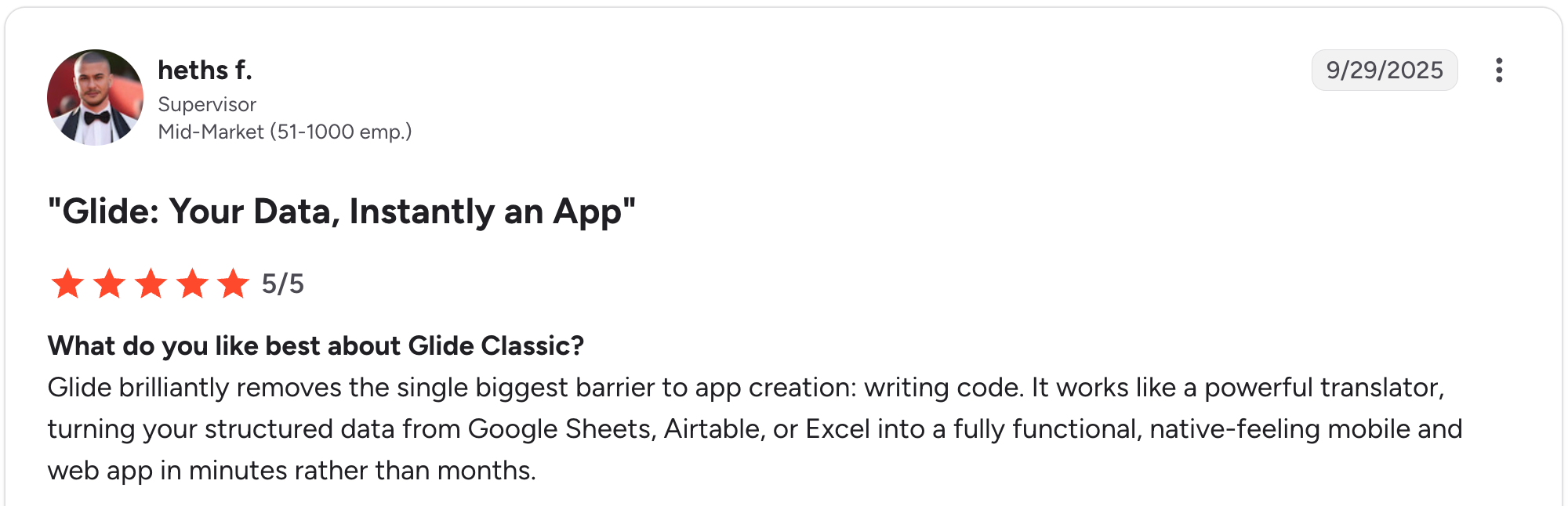
“Glide brilliantly removes the single biggest barrier to app creation: writing code.” Heths F, G2

“The fixed structure of apps and the different components are quickly limiting the designs of apps.” Christian B, G2
Pricing
Glide is free to start, then Explorer runs $25/month, and Maker runs $60/month for individuals, with Business at $249/month for teams (monthly billing). See the full Glide pricing.
Bottom line
Glide is the choice for a mobile-friendly CRM from spreadsheet data. It stays fast and clean as long as your pipeline logic does, and starts to strain once you need per-record client logins or complex automations.
Which no-code CRM builder should you choose?
The right tool comes down to how much you need to reshape the CRM, who uses it, and whether clients need their own logins. Here is the quickest way to match a builder to your situation:
- Choose Airtable if you want a clean relational CRM database that your team can work in directly and skip external client logins.
- Choose monday CRM if you want a working CRM on day one and need only light changes to stages and fields.
- Choose Zite if you want AI to build a CRM around your exact sales process, with the data editable and unlimited users included.
- Choose Knack if you are building a CRM with a large contact base or many client logins and want the bill to stay steady.
- Choose Softr if you already keep CRM data in Airtable and need client-facing portals with role-based access.
- Choose Zoho Creator if you have an approval-heavy sales process and already use the Zoho suite.
- Choose Caspio if you need compliance features like HIPAA and want unlimited users across a large deployment.
- Choose Bubble if you need a fully custom CRM with unusual logic and have time to learn a deeper tool.
- Choose Glide if you want a mobile-friendly CRM from spreadsheet data, and your pipeline logic stays simple.
- Skip a no-code CRM builder if you are happy adapting to a mature off-the-shelf CRM with a huge integration marketplace and have no interest in reshaping the tool.
For more depth, see the best no-code app builders with a database.
Final verdict
For teams building a CRM around their own sales process in 2026, Zite is the pick, since it generates the CRM, the database, and the logic together and keeps the data editable without code.
For a relational database your team works in directly, Airtable wins. For client portals on that data, Softr. For a ready-made CRM you barely change, monday.
The honest rule is simple. If you want to shape the CRM around how you sell, pick a builder that gives you structural control over the data model and the access rules.
Start building with Zite for free and build your first CRM today.
Frequently asked questions
What is a no-code CRM builder?
A no-code CRM builder is a tool for creating a customer relationship management system without writing code. You build with visual editors, drag-and-drop components, or AI prompts. Tools like Zite, Airtable, and Softr let non-technical teams shape a CRM around their own sales process.
What is the best no-code CRM builder?
The best no-code CRM builder depends on what you need. For an AI-built CRM shaped to your process, Zite leads. For a relational database, Airtable wins. For client portals, Softr; and for a ready-made CRM, monday.
Can I build my own CRM without coding?
Yes, you can build your own CRM without coding. Zite generates the contacts database, pipeline, and reminder logic from a description, while Airtable, Glide, and Bubble use visual editors to get you there.
How much does a no-code CRM builder cost?
No-code CRM builders range from free tiers to paid plans priced around $19 to $60 per month. Per-user tools like Airtable ($24/user) and monday ($18/seat) scale with team size, while Zite at $19/month includes unlimited users.
Is a no-code CRM better than Salesforce or HubSpot?
A no-code CRM builder wins when you want to shape the tool around your process and skip per-seat fees for features you never touch. Salesforce and HubSpot win on mature integrations and scale. For a custom fit, a builder like Zite is the stronger choice.
Can a no-code CRM give clients their own login?
Yes, some no-code CRM builders give clients their own login, showing only their records. Zite and Softr handle this with role-based access, and Knack and Caspio include built-in user logins. Airtable alone struggles here.

