


A no-code database lets you create, link, and manage structured data visually, without writing SQL or backend code. It gives you the reliability of a real database with the familiarity of a spreadsheet.
That means you can link records across tables, set field types, and control who sees what.
I spent about a month testing 9 no-code database tools, building the same thing in each: a linked contact-and-deals database, a table with role-based access, and an app on top of the data. This guide ranks them by who each one fits, with monthly pricing.
One distinction shapes the list, so it's worth naming up front. Some are database-first tools, and one leads by giving you the database plus an app builder around it. I've flagged which is which.
What is a no-code database?
A no-code database is a tool that lets you build and manage a structured, relational database through a visual interface instead of SQL. You create tables, define field types, and link records, all by clicking rather than coding.
What sets it apart from a spreadsheet is structure. Where a spreadsheet holds loose cells, a no-code database holds records with defined fields, relationships, permission controls, and multiple views, and that structure keeps the data reliable as it grows.
Why use a no-code database?
The short answer: A no-code database gives you prebuilt visual elements to build one that better matches your workflow, instead of forcing it into a rigid tool. You set up the fields, relationships, and views you need from prebuilt visual elements, without waiting on a developer.
The gains that matter most in daily use:
- A single source of truth: Linked records mean you update information once and it changes everywhere, instead of copying data across spreadsheet tabs.
- Structure that holds at scale: Field types, validation, and relationships keep data clean as it grows, whereas a spreadsheet gets fragile and slow.
- Control over who sees what: Role-based permissions let each person or client see only the records they should.
- Room to build on the data: Views, forms, dashboards, and, in some tools, a full app, all on the same records.
For a team drowning in spreadsheet tabs or paying for rigid off-the-shelf software, a no-code database is the middle ground that fits the way you work.
9 best no-code database tools: TL;DR
Here's the shortlist, with what each one does best:
- Zite: Best for a no-code database with an app builder around it.
- Airtable: Best all-around spreadsheet-database for teams.
- Baserow: Best open-source database with a simple interface.
- NocoDB: Best for a no-code interface on an existing SQL database.
- SeaTable: Best for a generous free tier and European data hosting.
- Stackby: Best budget Airtable alternative with API connectors.
- Glide: Best for polished mobile apps on your data.
- Knack: Best for database apps with large user bases.
- Softr: Best for a client-facing front end on your database.
How I researched and tested these no-code database tools
I spent about four weeks building the same three things in each tool. A linked contacts-and-deals database, a table with role-based access so each user saw only their own rows, and a simple app or view on top of the data.
I also tried two tools that didn't make the list: Google Sheets, free but not a real database, and Notion, great for docs but weak on relational data.
I scored each on five things:
- Relational data: How well it links records across tables and handles real relationships.
- Ease for non-technical users: Whether it feels familiar to a spreadsheet user while staying structured.
- Permissions: Whether you can control who views or edits which records.
- App and interface layer: Whether you can build views or an app on top, or just manage the data.
- Pricing: Whether cost stays reasonable as records and users grow, since per-user models add up.
This hands-on approach separated the database-first tools from the one that pairs a database with an app builder.
9 best no-code database tools: quick comparison
All prices below are monthly-billed rates, checked in August 2026.
1. Zite: Best for a no-code database with an app builder around it
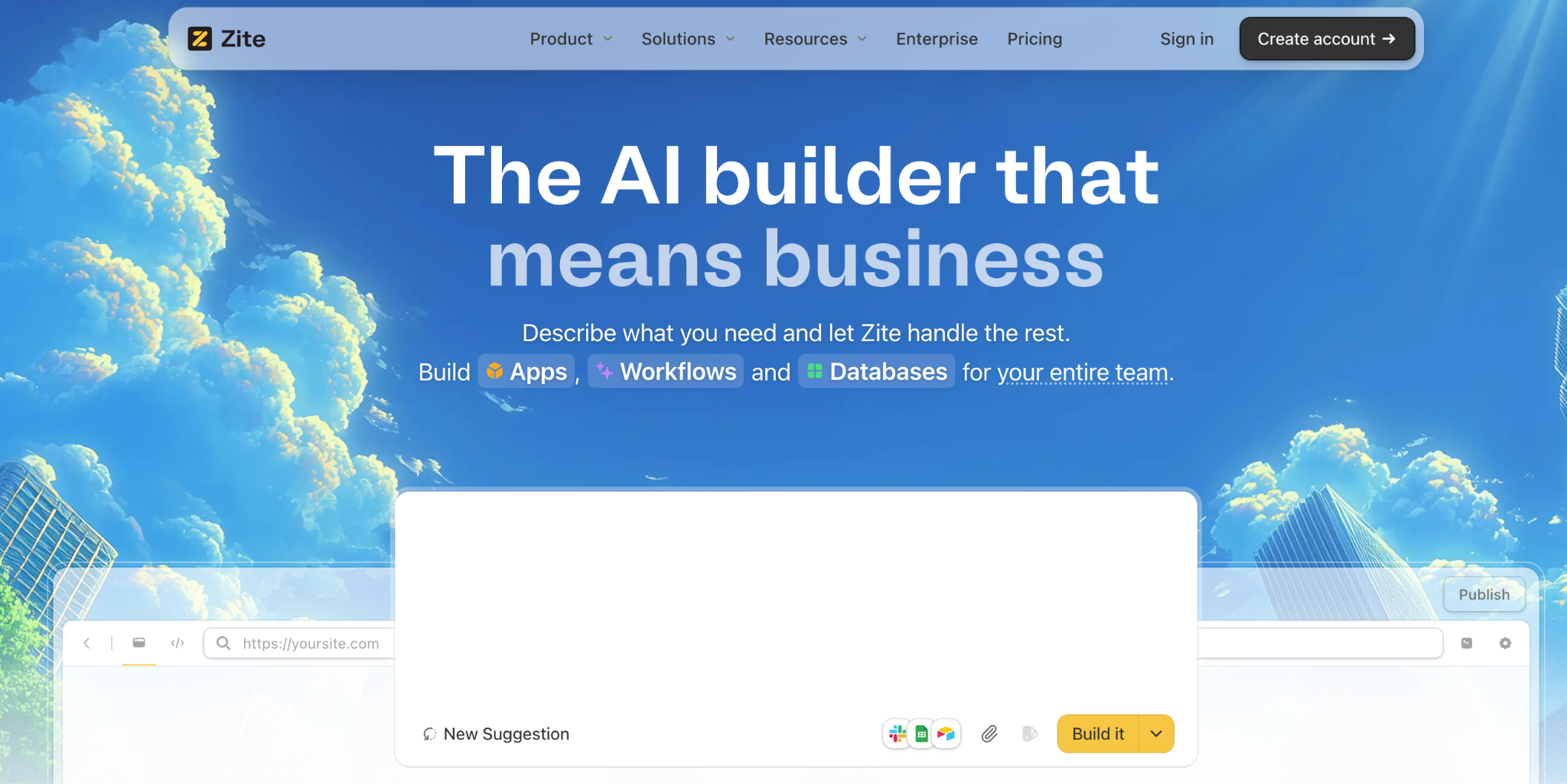
What it does: Zite is an AI-powered no-code tool that generates a database and an app around it from a plain-language description, with tables, fields, and linked records you edit like a spreadsheet.
Best for: Teams that want a no-code database and an app or portal on top, not just a place to store records.
Zite leads this list because one database powers everything you build on it. A workspace runs on a single Zite Database, and every internal app, client-facing app, and form reads and writes the same records, so updating one thing updates it everywhere.
The data sits in a spreadsheet-style view, editable without SQL, and it imports from Google Sheets, Airtable, or a CSV, so switching over doesn't mean retyping everything. Teams like Bombas and Domino's build business apps this way.
Key features
- AI-generated database: Describe your data and Zite builds the tables, fields, and links.
- AI Fields: Columns that summarize, categorize, or draft from your own data with no formula written. Because they sit on the same database the app is built from, one enriched field feeds every app and form in the workspace.
- Works with the data you have: Connects to and imports from Google Sheets, Airtable, and CSV, so switching over doesn't mean retyping.
- Spreadsheet-style editing: Manage records in a familiar grid, no SQL needed.
- App builder on top: Turn the database into a working app with views and workflows the team can see and adjust.
- Role-based access: Control who sees and edits which records from the start.
Pros
- Database and app builder in one tool.
- Unlimited users on every plan, with no per-seat costs.
- AI generates the data model from a description.
Cons
- Newer product, so the template library is still growing.
- AI credits are limited on the free and lower tiers.
- Web apps only, with no native mobile export.
What users say
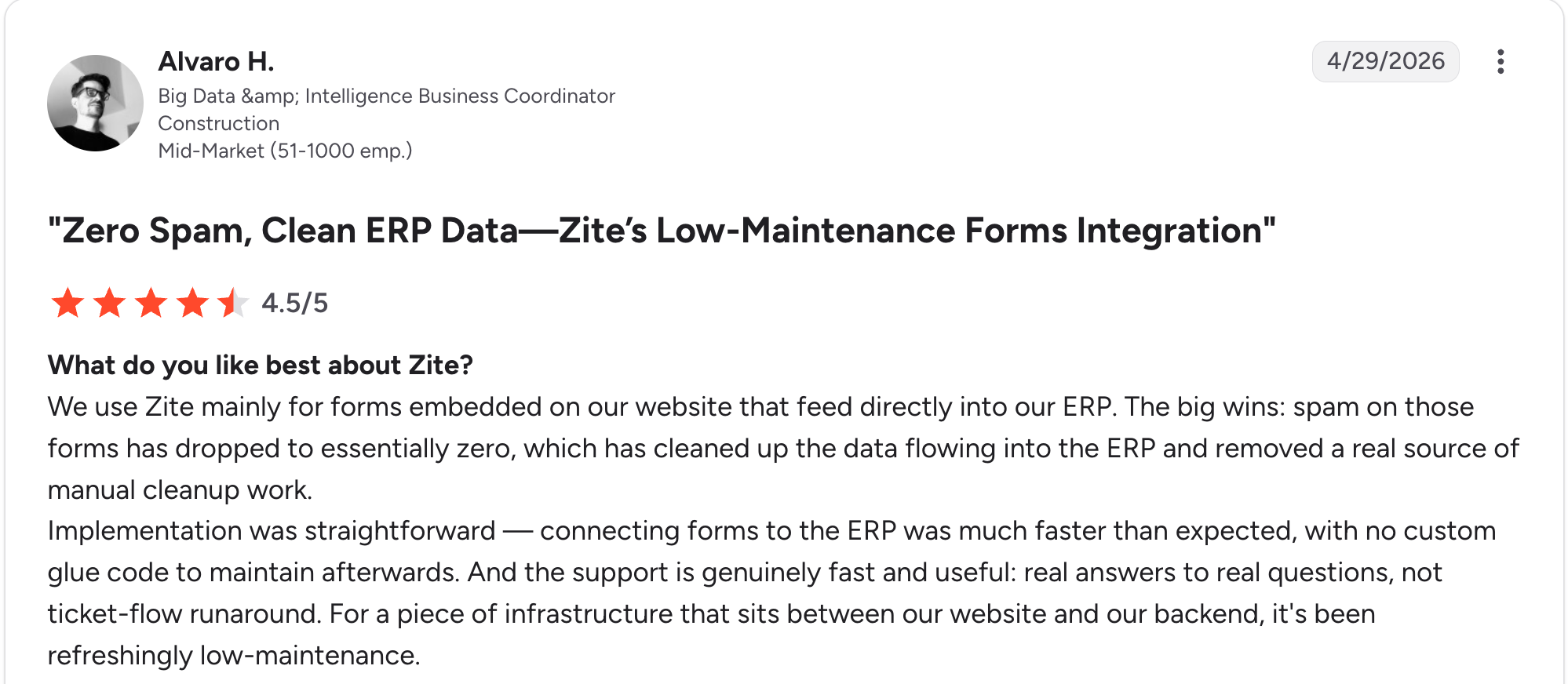
“Implementation was straightforward. Connecting forms to the ERP was much faster than expected, with no custom glue code to maintain afterward.” Alvaro H, G2

“I hate how the chat/plan feature eats into your daily limit of messages.” Verified User, Reddit
Pricing
Zite is free with unlimited users and 50 AI credits. Paid plans run $19 a month for Pro and $69 a month for Business, both with unlimited users. See the Zite pricing page.
Bottom line
Zite is the pick when you want a no-code database and an app on top without a second tool. If you only need to store and manage data, a database-first tool like Airtable or Baserow is lighter.
2. Airtable: Best all-around spreadsheet-database for teams
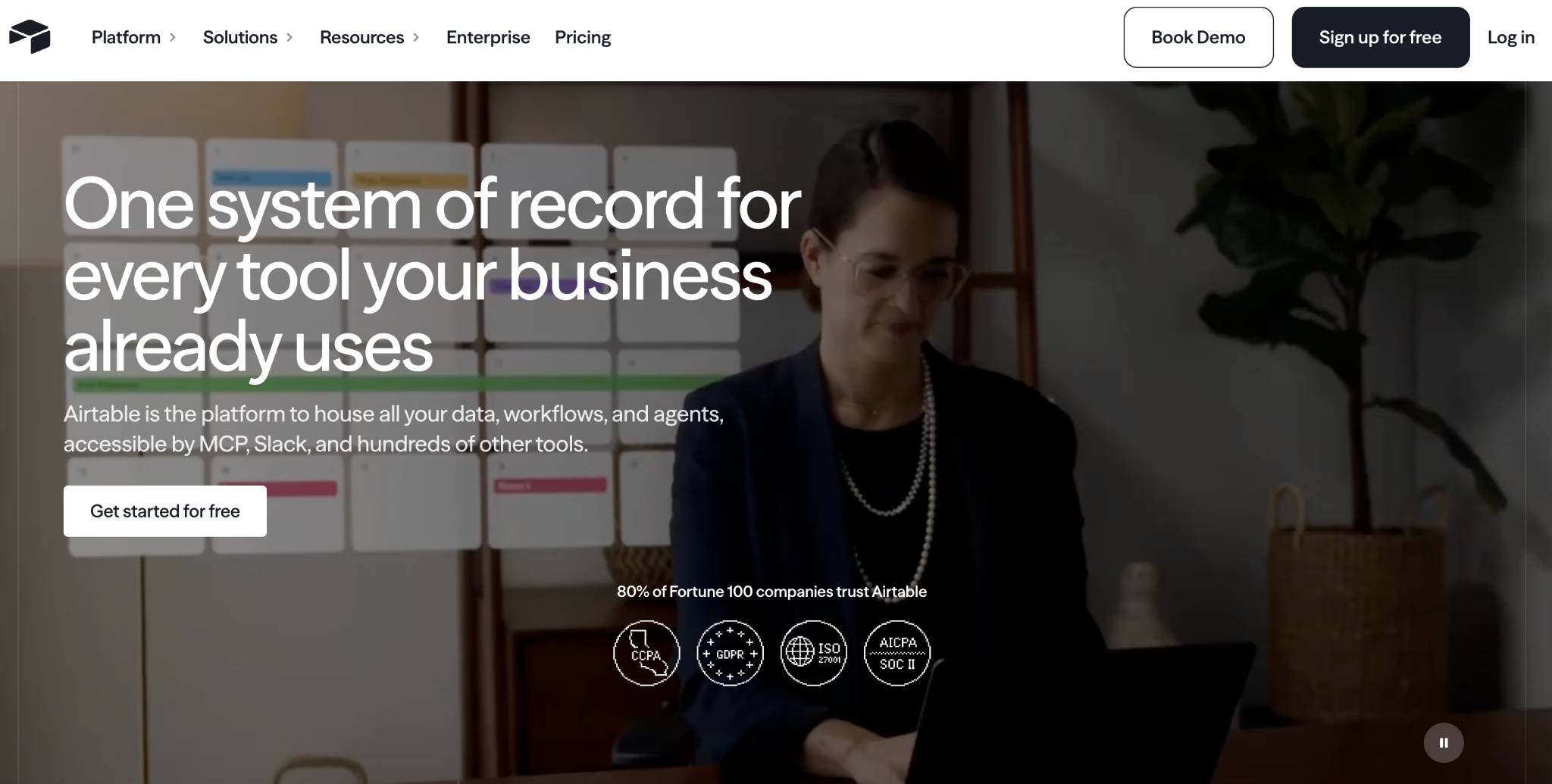
What it does: Airtable is a relational database with a spreadsheet-like interface, linked records, multiple views, and a large integration library.
Best for: Teams that want a flexible, well-supported database for project tracking, content, or CRM data.
Airtable is the reference no-code database, and it earns it. The relational model is strong, the grid, kanban, and calendar views are flexible, and the integration library is the largest here.
The trade-offs are per-user pricing that climbs and per-base record limits that catch larger teams off guard. See the Zite vs Airtable breakdown.
Key features
- Relational database: Linked records and rich field types.
- Multiple views: Grid, Kanban, Calendar, and Gallery.
- Large library: The biggest template and integration collection here.
Pros
- Best-known, best-supported no-code database.
- Flexible views and field types.
- Large integration and template library.
Cons
- Per-user pricing climbs as the team grows.
- Per-base record limits surprise larger teams.
- External per-record access is hard to control.
What users say
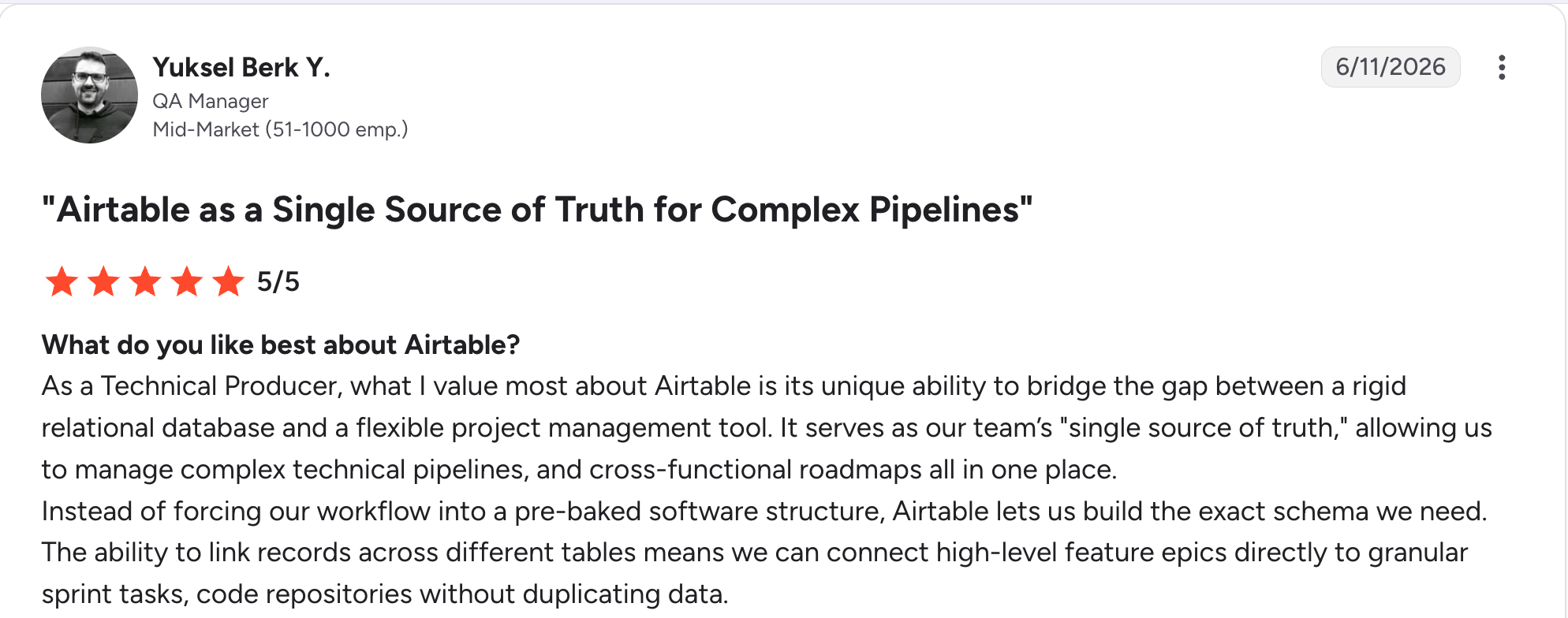
"As a Technical Producer, what I value most about Airtable is its unique ability to bridge the gap between a rigid relational database and a flexible project management tool." Yuksel Berk Y, G2

"In Airtable, I don't have enough for 50,000 rows, and the bigger the database, the slower it works." Vadim C, G2
Pricing
Airtable is free to start. Paid plans run $24 per user a month for Team and $54 per user a month for Business. See the Airtable pricing page.
Bottom line
Airtable is the safe all-around pick for a team database with the best library. If per-user costs or record limits worry you, Baserow or Stackby are worth a look.
3. Baserow: Best open-source database with a simple interface
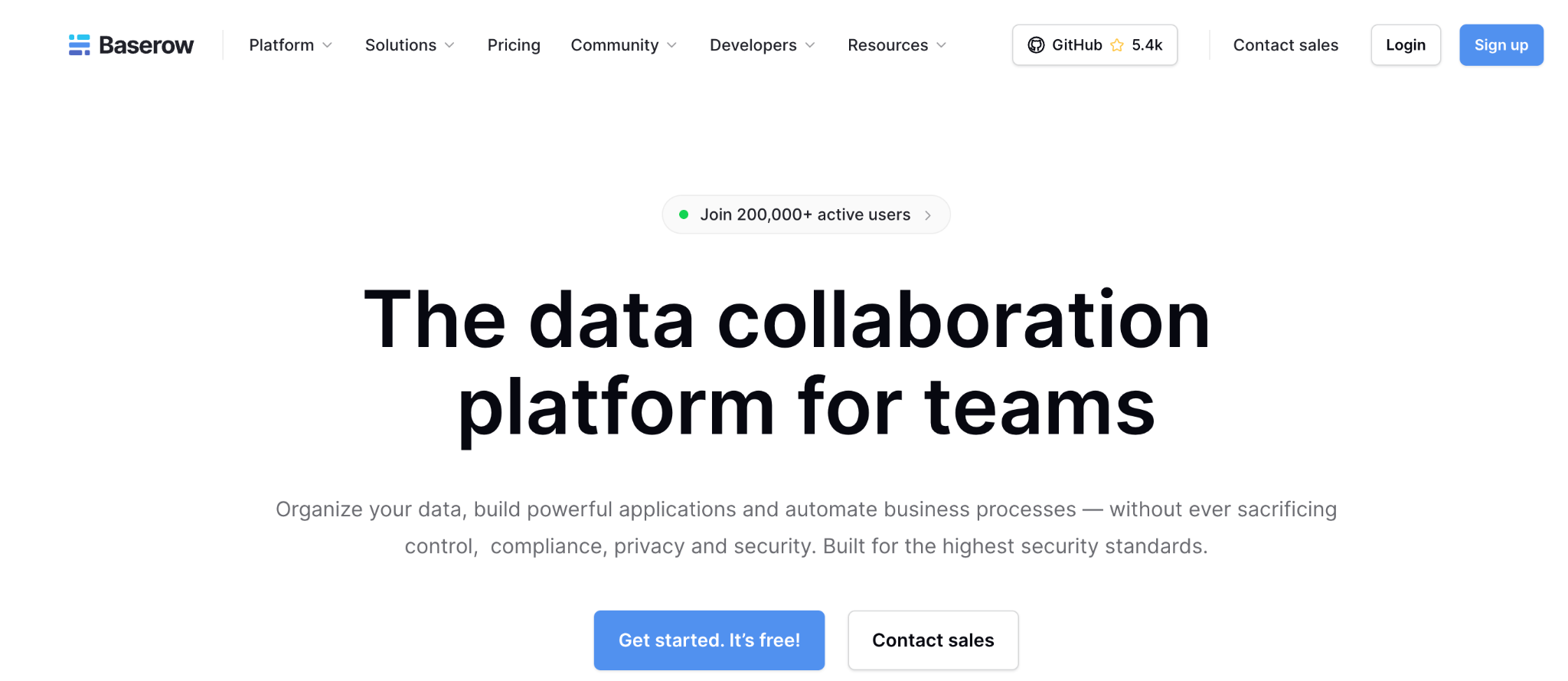
What it does: Baserow is an open-source no-code database with a clean spreadsheet-style interface, self-hostable for full data ownership.
Best for: Teams that want an Airtable-style database with open-source control and no vendor lock-in.
Baserow is the open-source Airtable alternative, and it nails the basics: a clean interface, real relational data, and an MIT-licensed open-source core.
Self-hosting lifts row and user limits and keeps data on your servers. It has a working trash bin with retention and a basic app builder for lightweight tools on top.
Key features
- Open-source and self-hostable: Run it on your servers, with unlimited rows and users.
- Spreadsheet-style database: Grid, Kanban, and form views with many field types.
- Data safety: Trash bin with retention, undo, and redo.
Pros
- Open-source with a genuine free self-hosted option.
- Clean, approachable interface.
- Data ownership and no vendor lock-in.
Cons
- Some views need a paid license or the cloud version.
- Self-hosting needs technical resources to run.
- The app-building layer is basic compared to dedicated tools.
What users say
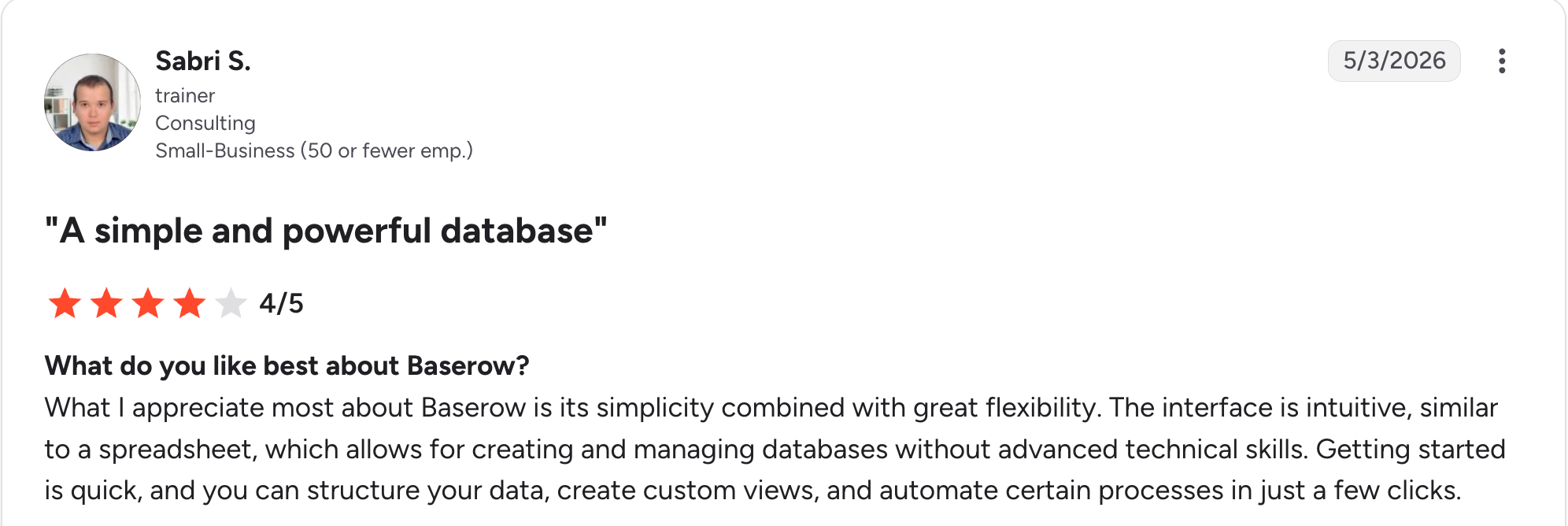
“What I appreciate most about Baserow is its simplicity combined with great flexibility.” Sabri S, G2

“Learning Curve: Some users might find the initial setup and navigation a bit tricky, especially if they're new to database management.” Louise M, G2
Pricing
Baserow is free to self-host with no row or user limits, and the cloud has a free tier too at 3,000 rows. Paid cloud plans run $12 per user a month for Premium and $22 per user a month for Advanced, with Enterprise at custom pricing. See the Baserow pricing page.
Bottom line
Baserow is the choice when open-source control and a clean interface matter. If you want a database and a full app builder in one place, Zite pairs the two.
4. NocoDB: Best for a no-code interface on your existing database
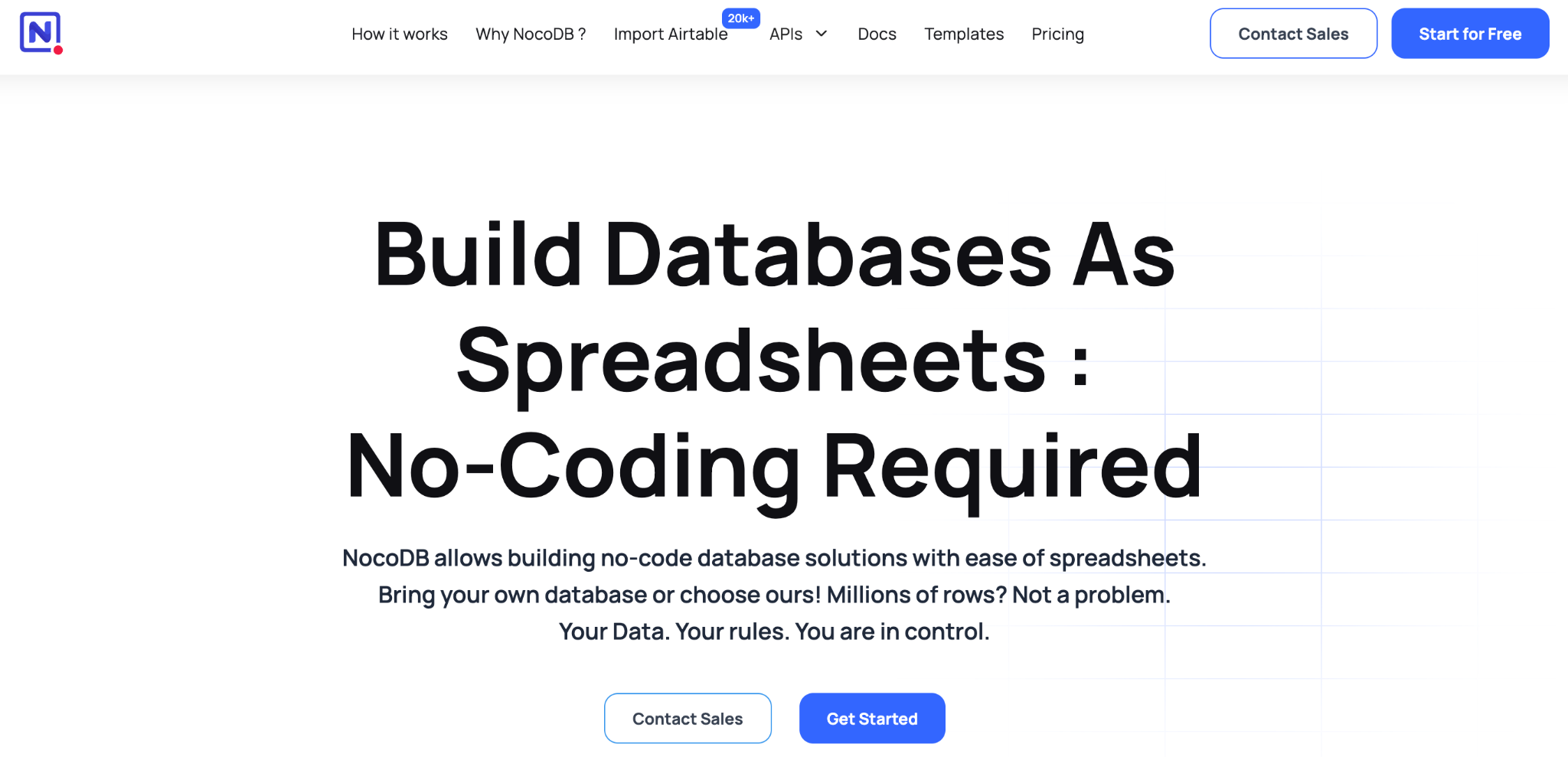
What it does: NocoDB is a no-code database that turns an existing MySQL or PostgreSQL database into a spreadsheet-style interface or gives you a fresh database to build from scratch. SQL Server is an Enterprise add-on.
Best for: Teams with a SQL database already in place who want a no-code UI on top, without moving the data.
NocoDB stands apart in two ways. It connects straight to a database you already run, so you point it at your production data and get a working grid in minutes, and its pricing caps at nine editor seats, so a 50-person team pays the same as a nine-person one.
It has real relational data, grid, kanban, gallery, and form views, and an open-source core you can self-host for free. The tradeoff is a more technical setup than the cloud-first tools, since the SQL-connection strength assumes you have a database to point it at.
Key features
- Connects to existing SQL: Put a no-code UI on MySQL or PostgreSQL without migrating data. SQL Server needs the Enterprise plan.
- Open-source and self-hostable: Run the free community edition on your own servers.
- Seat-capped pricing: Cloud plans bill the first nine editors only, then add users for free.
Pros
- Turns an existing database into a no-code app.
- Flat cost past nine editors as the team grows.
- Open-source core you can self-host for free.
Cons
- Setup leans technical, more than cloud-first tools.
- App-building layer is lighter than dedicated builders.
- Fewer templates than Airtable or Stackby.
What users say

"I love the flexibility and features of NocoDB." Alvaro Góis, Product Hunt

"Loads of features are behind a paywall, even if you're self-hosting." Verified User, Reddit
Pricing
NocoDB is free to self-host and free on a limited cloud tier. Cloud paid plans run $15 per seat a month for Plus, $30 per seat a month for Business, and $54 per seat a month for Scale, with Enterprise custom. See the NocoDB pricing page.
Bottom line
NocoDB is the pick when you already have a SQL database and want a no-code interface on it. If you want a database and an app built together from a description, Zite generates both.
5. SeaTable: Best for a free tier and European data hosting
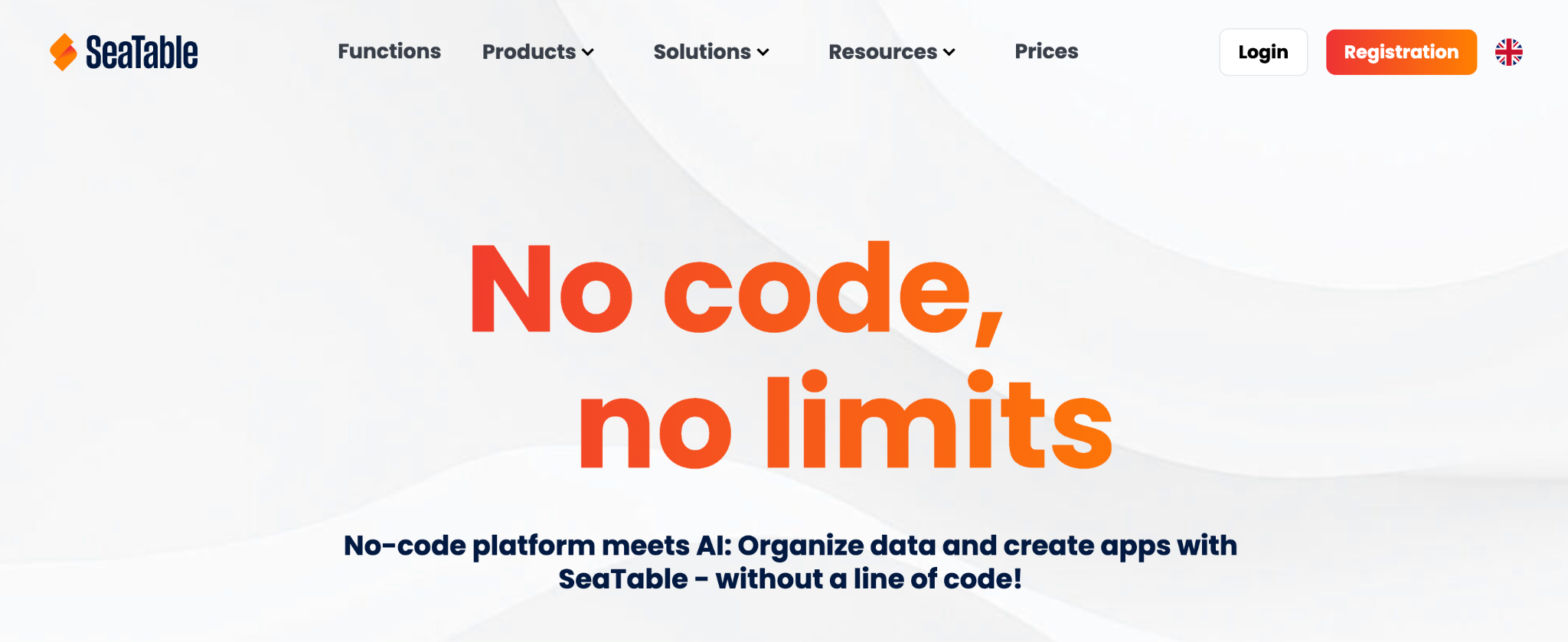
What it does: SeaTable is a no-code database with a spreadsheet interface, an app builder, and automations, hosted in German data centers or self-hosted on your own server for full data control.
Best for: Teams that want a generous free tier and GDPR-compliant hosting, especially in Europe.
SeaTable stands out on two fronts. Its free tier is one of the most generous here, covering up to 25 users, and all cloud data is processed in German data centers, which matters for teams with GDPR or data-residency requirements.
It has real relational tables, grid, kanban, gallery, and calendar views, an app builder, and Python and JavaScript scripting. The tradeoff is a steeper learning curve than lighter tools and pricing in euros rather than dollars for international teams.
Key features
- European data hosting: Cloud data is processed in German data centers for GDPR compliance.
- App builder and scripting: Build apps on the data, with Python and JavaScript support.
- Generous free tier: Up to 25 users at no cost.
Pros
- Free for up to 25 users, a rare allowance.
- GDPR-compliant hosting for European teams.
- Self-hosting available for full data control.
Cons
- Learning curve steeper than lighter tools.
- Priced in euros, less tidy for dollar budgets.
- Fewer integrations than Airtable's ecosystem.
What users say
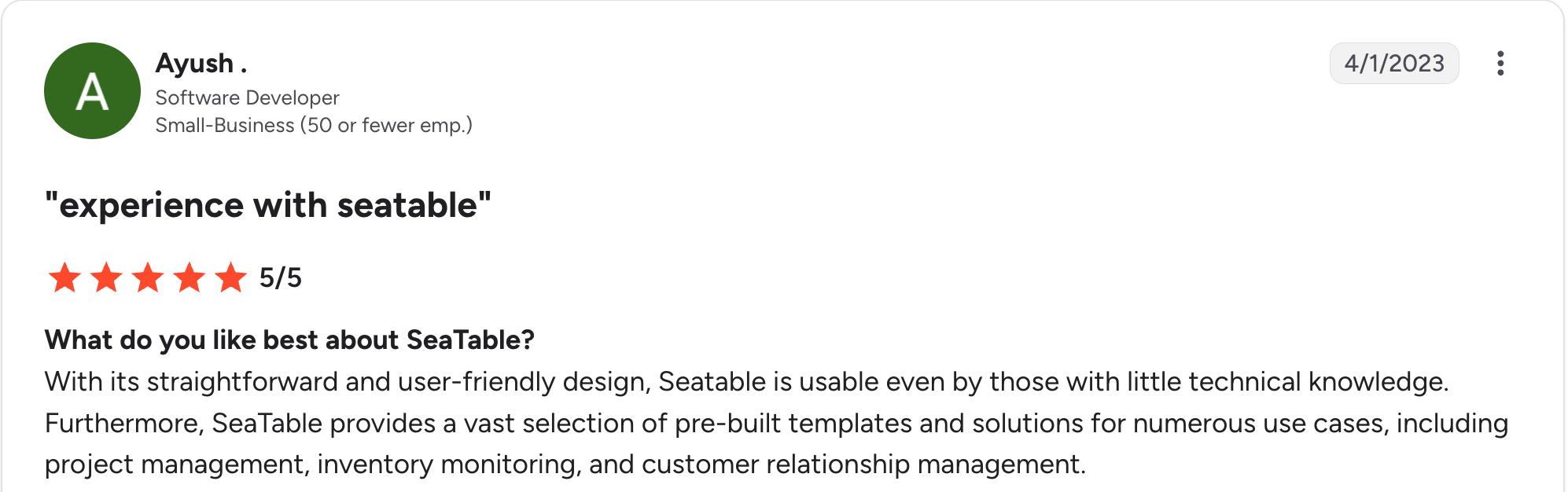
"With its straightforward and user-friendly design, SeaTable is usable even by those with little technical knowledge." Ayush, G2

"Payment roles can be more flexible for [different] users; [different] prices would be nice." Alexander A, G2
Pricing
SeaTable is free for up to 25 users (10,000 rows). Paid cloud plans run about EUR 9 per user a month for Plus and EUR 18 per user a month for Enterprise, with a custom Dedicated plan. See the SeaTable pricing page.
Bottom line
SeaTable is the pick for a generous free tier and European data hosting. If you want the database and an app generated together from a description, Zite builds both at once.
6. Stackby: Best budget Airtable alternative with API connectors
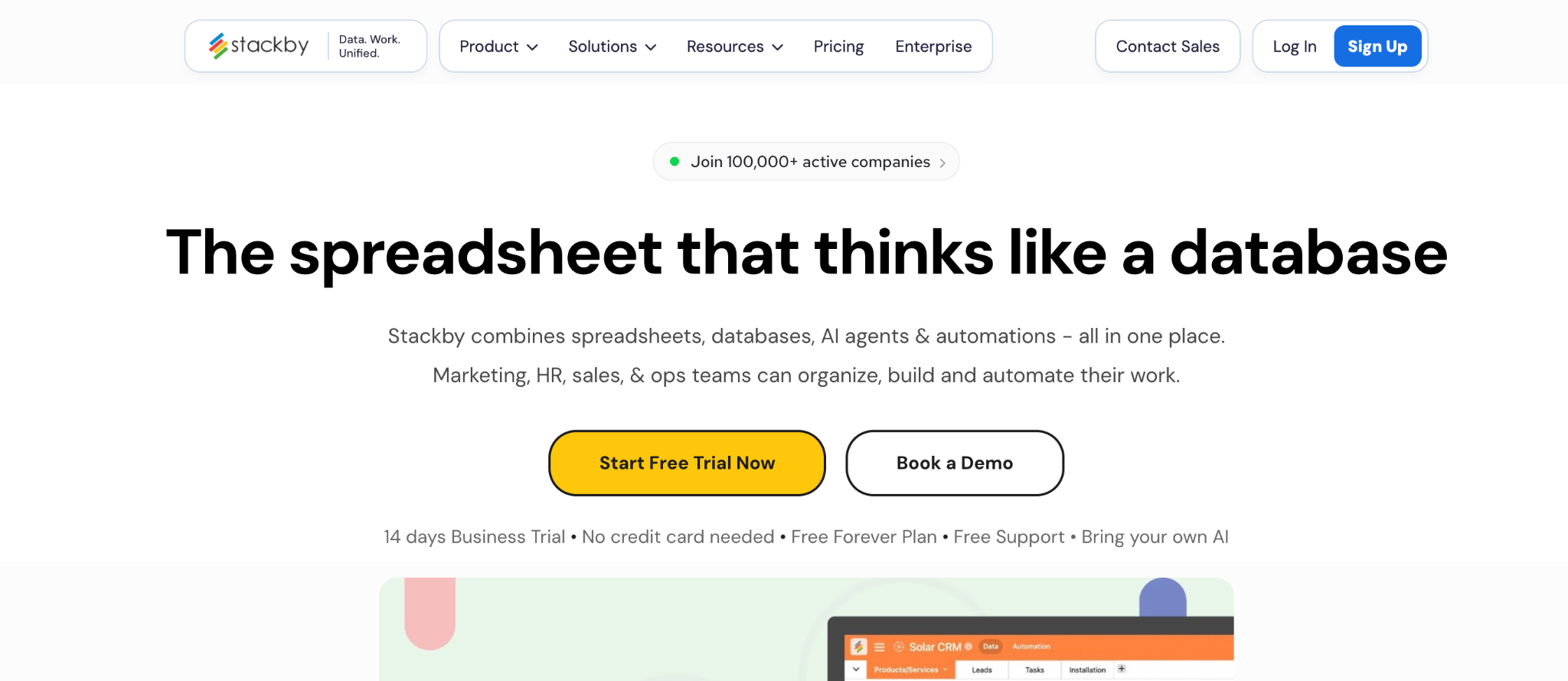
What it does: Stackby is a spreadsheet-style no-code database that pairs relational tables with API-powered columns, pulling live data from services like Google Analytics and social platforms into your records.
Best for: Small teams that want an Airtable-style database at a lower price, with built-in API connectors.
Stackby is the value pick against Airtable. It covers the core relational database job, adds 25-plus column types, and stands out with API columns that fetch live data straight into a cell.
It lands well below Airtable on price while covering the same relational core. The tradeoff is a smaller user base and a less polished interface.
Key features
- Spreadsheet-database: Relational tables with grid, kanban, calendar, and form views.
- API-powered columns: Pull live data from Google Analytics, social, and other services into records.
- 500+ templates: A large starting library across marketing, sales, and ops.
Pros
- Lower price than Airtable for similar core features.
- API columns that bring live data into the database.
- 500-plus templates to start building from.
Cons
- Smaller user base and community than Airtable.
- Interface feels less polished than newer tools.
- API reliability has drawn complaints from some users.
What users say
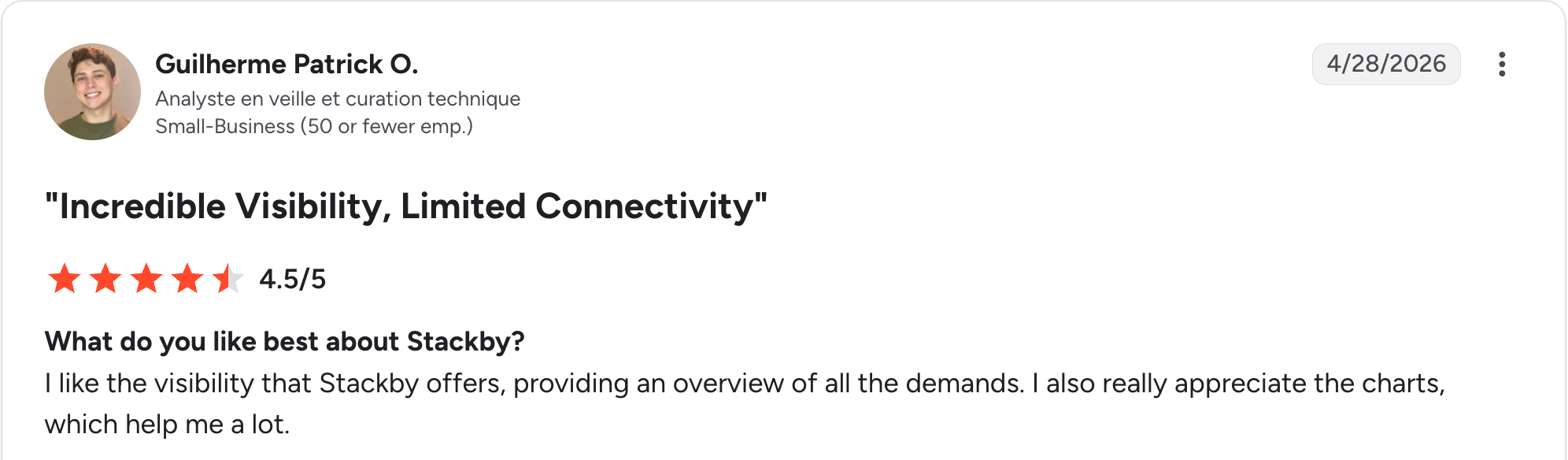
“I like the visibility that Stackby offers, providing an overview of all the demands. I also really appreciate the charts, which help me a lot.” Guilherme Patrick O, G2

“Since the beginning, I experienced many glitches and stability issues.” Kseniia L, G2
Pricing
Stackby is free for up to 5 users. Paid plans run $10/user/month for Economy, $18/user/month for Business, and $30/user/month for Pro, with Enterprise custom pricing. Annual billing runs sharply cheaper. See the Stackby pricing page.
Bottom line
Stackby is the pick for an Airtable-style database on a budget, especially if API columns matter. For the biggest library and integrations, Airtable is still ahead.
7. Glide: Best for polished mobile apps on your data
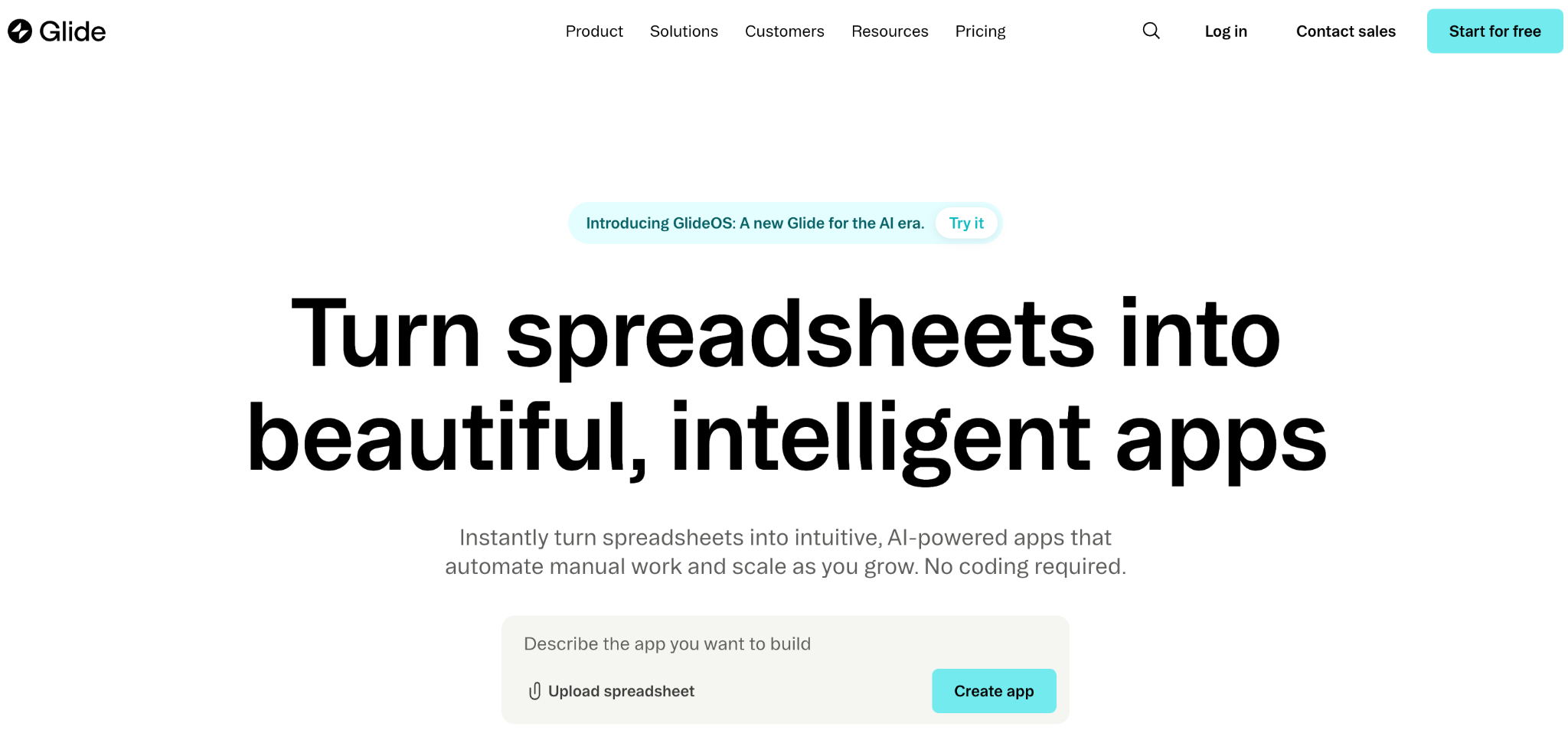
What it does: Glide turns a database or spreadsheet into a polished web and mobile app, with its own Glide Tables as the data layer or a connected source like Airtable or Google Sheets.
Best for: Teams that want a working app on top of their data more than a place to manage records.
Glide leans further toward the app than the database. Its own Glide Tables hold the data, and the builder turns that into a clean, mobile-friendly app fast, which suits internal tools and client-facing apps.
The tradeoff is pricing that scales with users and updates, and SQL data sources only on the top tier. It is a data-backed app builder more than a pure database.
Key features
- App from your data: Build a web and mobile app on Glide Tables or a connected source.
- Glide Tables: A built-in data layer with relations and computed columns.
- AI and workflows: Add AI columns and automated actions to the app.
Pros
- Fast, polished apps from a database or spreadsheet.
- Strong mobile experience out of the box.
- A built-in data layer with Glide Tables.
Cons
- Per-user and per-update pricing climbs at scale.
- SQL sources sit on the top tier only.
- More app builder than a pure database tool.
What users say
“Glide brilliantly removes the single biggest barrier to app creation: writing code.” Heths F, G2

“The fixed structure of apps and the different components are quickly limiting the designs of apps.” Christian B, G2
Pricing
Glide is free to build drafts. Paid plans run $25 a month for Explorer, $60 for Maker, and $249 for Business, with Enterprise custom. Annual billing saves about 20 percent. See the Glide pricing page.
Bottom line
Glide is the pick when the app matters more than the database, since it leads with the app screens and keeps the data in the background. If you want to see and edit the full database directly and still get an app on top, Zite puts the data front and center.
8. Knack: Best for database apps with large user bases
What it does: Knack is a no-code database app builder that charges by app and record count instead of per user, so large user bases stay affordable.
Best for: Teams building a database app with hundreds or thousands of users, where per-user pricing would hurt.
Knack, founded in 2010, has long built database apps, and its pricing model is the differentiator. Where per-user tools get expensive as users grow, Knack lets your user count expand without changing the bill.
It has real relational data and built-in user logins with role-based access, so it works for customer-facing database apps.
Key features
- No per-user pricing: Pay by app and record count.
- Relational database: Linked tables, formulas, and roll-ups.
- Built-in user logins: Role-based access for external users.
Pros
- Predictable cost as users grow.
- Strong relational database with roll-ups.
- Built-in logins for customer-facing apps.
Cons
- The interface feels dated compared to newer tools.
- Record limits on lower tiers.
- Learning curve for formulas and roll-ups.
What users say
"It's a great tool to get a project up and running very quickly, but it can support a lot more detailed interaction with Flows and the API." Cary K, Capterra

"There is no log that keeps track of changes made in the database builder." Martin S, Capterra
Pricing
Knack starts at $59 a month for Starter. Pro runs $130 a month and Corporate about $300. See the Knack pricing page.
Bottom line
Knack is the value pick for a database app with a big user base. For AI generation and a modern interface, Zite will feel more current.
9. Softr: Best for a client-facing front end on your database
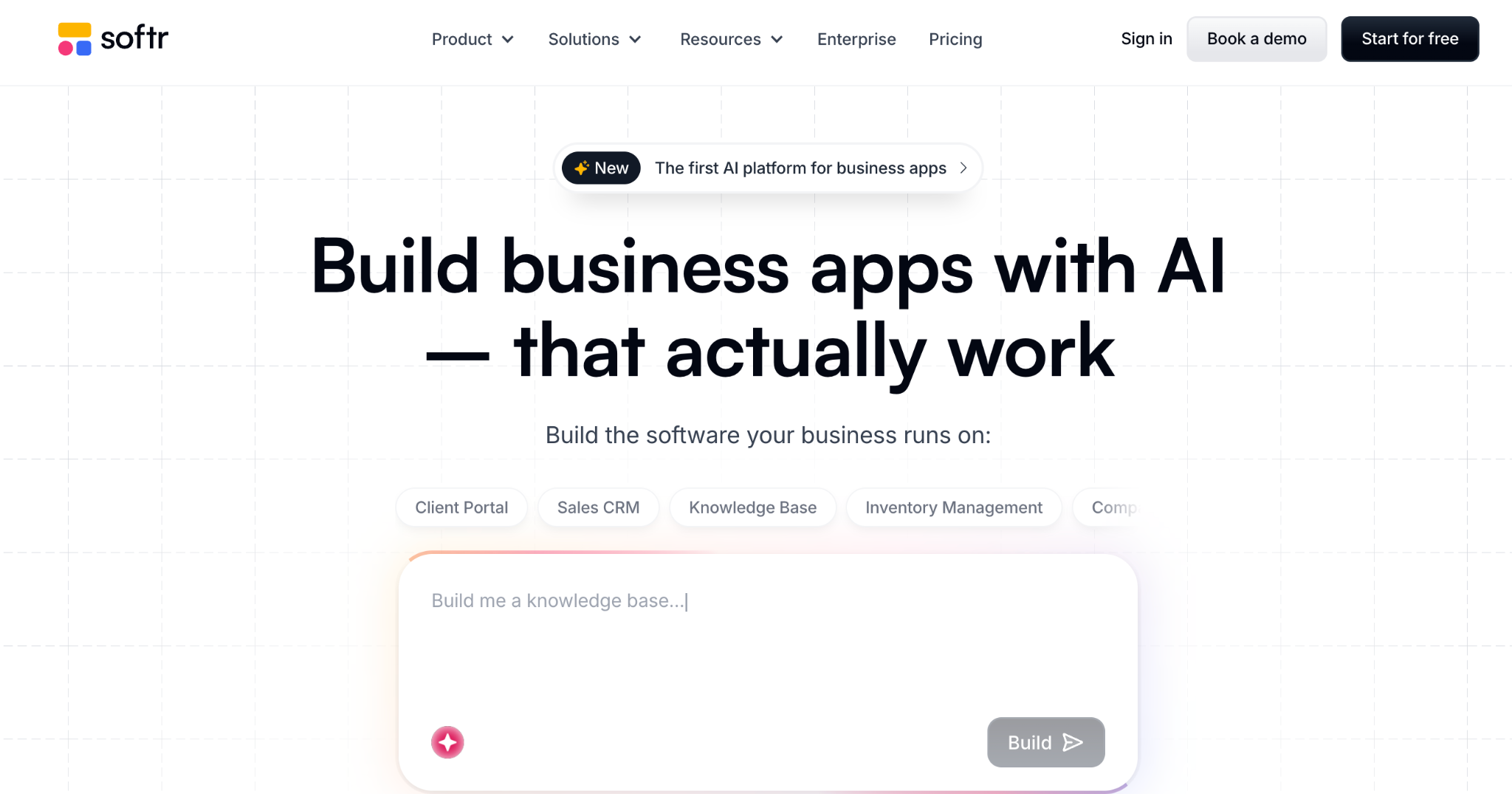
What it does: Softr turns Airtable, Google Sheets, or its own database into client-facing portals and apps, with authentication and role-based access.
Best for: Teams that have a database and want a polished front end or portal on top without building it from scratch.
Softr is the app layer on a database, which is why it rounds out this list. If your data lives in Airtable or its own database, Softr builds a client-facing portal fast, with role-based access so each user sees only their own records.
The tradeoff is that the database sits behind the app layer, so building the data model isn't the main event the way it is in Airtable or Baserow.
Key features
- Pre-built blocks: Lists, tables, forms, and login flows.
- Own or connected database: Its own database or Airtable and Sheets.
- Role-based access: Each user sees only their own records.
Pros
- Fast client-facing front end on your data.
- Strong template library to start from.
- Role-based access for external users.
Cons
- The database is secondary to the app layer, so deep relational modeling isn't the focus.
- Per-tier user and app limits push to higher plans.
- Less suited to raw data management than a database tool.
What users say
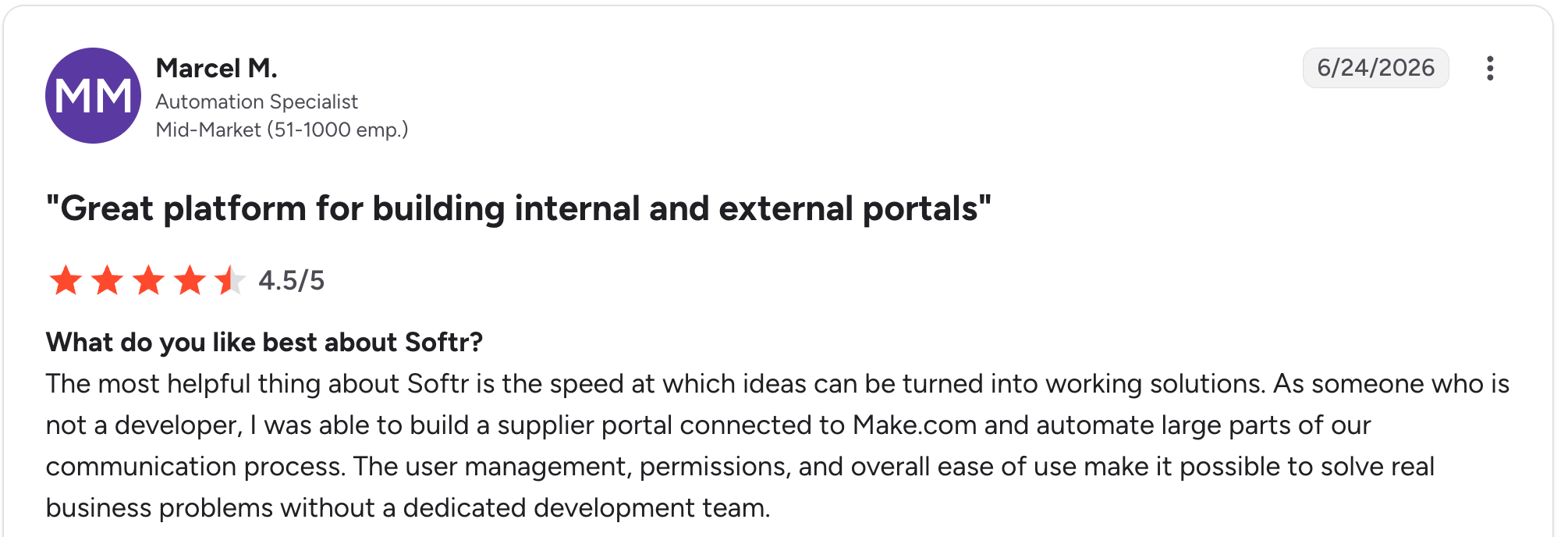
"The most helpful thing about Softr is the speed at which ideas can be turned into working solutions." Marcel M, G2

"The main challenge we encountered was with data management when using Google Sheets as our initial data source - it became clunky for our content team to update and manage at scale." Mike H, G2
Pricing
Softr is free to start, then Basic at $25 a month, Professional at $119 a month, and Business at $395 a month. See the Softr pricing page.
Bottom line
Softr is the pick for a client-facing front end when your data already lives elsewhere. If you want the database and the app in one tool, Zite covers both.
Which no-code database should you choose?
The right tool comes down to just a database, a database with an app on top, or a front end for data you already hold.
A few questions narrow it down fast:
- How complex is your data, and does it need linked relationships across tables?
- How many people use it, and do any need a login?
- Just organize records or build a portal on top of them?
- Already in a database, or starting fresh?
- Per-user cost limits as the team grows?
Your answers point to one of these:
Choose Zite if you:
- Want a database plus an app, not just a place to store records.
- Want the data model and views built from a plain-language description.
- Need unlimited users with no per-seat pricing.
Choose Airtable or Baserow if you:
- Want a spreadsheet-style database your team works in daily.
- Want the biggest library with Airtable, or open-source control with Baserow.
Choose NocoDB or SeaTable if you:
- Have a SQL database already and want a no-code interface on it.
- Want a generous free tier for up to 25 users or GDPR-compliant European hosting.
Choose Stackby or Glide if you:
- Want a lower price on an Airtable-style database.
- Want your data turned into a polished app.
Choose Knack or Softr if you:
- Have a large user base for a database app with Knack.
- Want a client-facing front end on existing data with Softr.
Skip a no-code database if you:
- Have a short list; a spreadsheet still handles fine.
For more, see this guide to the best no-code app builders with a database.
Where no-code databases are heading
The biggest change in this category is AI moving from a helper feature to how the database gets built. A year ago, AI in these tools meant a field capable of summarizing text. Now it can build the structure itself.
The shifts worth watching:
- Structure from a prompt: Describe the data you track, and the tool generates the tables, fields, and relationships, instead of you setting them up by hand.
- AI fields that reason: Columns that categorize, summarize, or draft from your data, no formula required.
- Reports and views on request: Ask for a view or a summary in plain language rather than building it manually.
This is where a tool like Zite already sits, since it treats AI generation as the starting point for the whole app and database. As the gap between describing a system and having a working one keeps closing, the tools built around that idea have a head start.
Final verdict
For most teams in 2026, the best no-code database depends on how far past storage you need to go. Airtable has the biggest template and integration library of anything on this list. Baserow is the best open-source pick.
Zite's database holds more records per plan than Airtable's free tier and doesn't charge per user, so it doesn't need to give ground on the database itself to win on the app builder too.
If you want the database and an app on top of it in one tool, Zite is the strongest pick, since it builds the data model and the app together, with the database editable like a spreadsheet and the app adjustable without code.
Pick a database-first tool when the job is only organizing data. Pick a database-plus-app tool like Zite when you need to build something on top of it.
Start building with Zite for free and build your first no-code database today.
Frequently asked questions
What is a no-code database?
A no-code database is a tool for building and managing structured, relational data without SQL, using a point-and-click interface. It replaces spreadsheet tabs and developer-built systems alike, and tools like Zite, Airtable, and Baserow put it within reach of non-technical teams.
What is the best no-code database?
The best no-code database depends on your needs. For a database with an app builder on top, Zite leads. For an all-around team database, Airtable; for open-source control, Baserow; for a budget Airtable alternative, Stackby; and for large user bases, Knack.
Is a no-code database better than a spreadsheet?
A no-code database is better than a spreadsheet for structured, growing, or shared data, since it links records across tables, sets field types, and controls permissions. A spreadsheet stores cells as loose elements that become fragile at scale. For a short, simple list, a spreadsheet is still fine.
How much does a no-code database cost?
Per-user tools like Airtable at $24 per user per month climb with team size, while flat-rate tools like Zite at $19 a month and Knack at $59 a month keep costs steadier as users grow. Watch record limits.
Can I build an app on a no-code database?
Yes, some no-code databases let you build an app on top of the data. Zite generates the database and the app together, Knack builds database apps with logins, and Softr adds a front end to a connected database. Airtable and Baserow focus more on the data.
What is the best open-source no-code database?
The best open-source no-code database is Baserow, which gives you a clean Airtable-style interface, real relational data, and an MIT-licensed open-source core. It is self-hostable for full data ownership, with a free self-hosted tier and no row limits.

