


I spent a month putting no-code app builders through their paces against Stacker. Here are the 9 best Stacker alternatives to consider in 2026.
9 best Stacker alternatives: at a glance
How the top Stacker alternatives compare at a glance:
Pricing correct as of June 2026. Verify with vendor.
Why look for Stacker alternatives?
Stacker now runs at stacker.ai as an AI-first product: you describe the portal, internal tool, or dashboard you need, and Stacker builds it from a conversation, with its own tables, connectors that sync in outside data, and worker agents that act on a schedule. (The original no-code tools, Classic and Astra, are still supported as separate products.) It does the job well, but there are real reasons teams look elsewhere.
Here are the main ones:
- Costs track agent activity and pause when credits run out: Stacker sells a single credit-based plan. You start free with $100 in credits; Standard runs $50/month for 250 credits, scaling in tiers above that (500 for $100, up to 10,000 for $2,000), with custom Enterprise pricing at the top.
Credits reset monthly, and agents pause when you run out, which is hard to plan around for a portal clients use every day.
- Hosted on the web: Stacker hosts your app at a stacker.ai web address, so if you specifically need a native iOS or Android app in the App Store or Google Play, you would look at a tool built for that.
- No migration path to the AI product: Stacker AI is a separate product with separate billing, and Stacker states you can't migrate an existing Classic or Astra app; you rebuild it. Your existing apps keep working, but moving to the AI product means starting over and paying for a second product.
- Connectors sync a copy, rather than editing your source live: Stacker brings Airtable and Sheets in through a sync alongside its own native tables. If you want an app that edits your existing Airtable in real time rather than working from a synced copy, that points you to other tools.
TL;DR: Which Stacker alternative should you choose?
Not sure where to start? Match your choice to where your data lives and how big your user base gets:
- Choose Airtable if your data already runs there and you want its own interfaces to replace the Stacker layer.
- Choose Softr if you want the fastest path to a polished client portal on an Airtable base. Note the per-tier user caps.
- Choose Knack if you need hundreds or thousands of end users on a portal without per-user fees.
- Choose Zite if you want flat, predictable pricing ($19 or $69 a month with unlimited users), a database that reads like a spreadsheet and connects to your existing Airtable or Sheets data, and the ability to edit any element directly without re-prompting.
- Stick with Stacker if you already run several apps on it, your data is in Airtable, and the credit-based pricing works for your team.
Below are the nine best Stacker alternatives, with what each does, where it fits, and how it is priced.
1. Airtable: best for teams already on Airtable
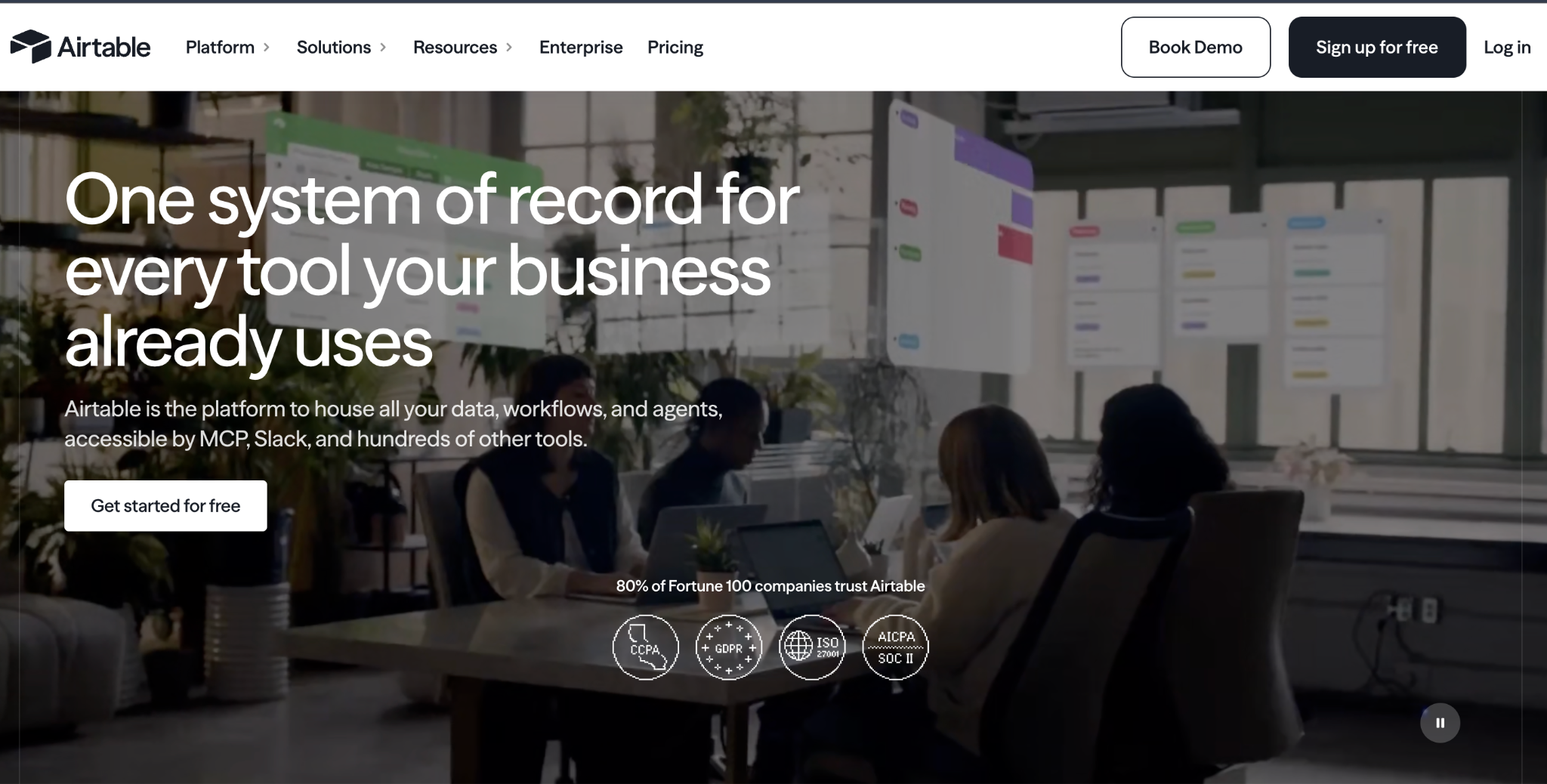
Airtable pairs a shared database with app-like interfaces and an AI builder called Omni. Many teams run Stacker as a front end for Airtable, so going straight to its own interfaces can remove a layer.
Airtable's edge is Omni. It generates tables, interfaces, and automations from a prompt, and those interfaces sit as dashboards over the same base your team already uses.
Key features
- Shared database: Real-time collaboration on structured data.
- Omni AI: Generates tables, interfaces, and automations from prompts.
- Interfaces: App-like views built on top of your data.
Pro
- Best-in-class database for shared, structured data.
- AI on your data because Omni builds on familiar tables.
- Huge library of templates and integrations.
Con
- Interface-only front end: you get dashboard-style views over your base, not a fully separate app layer.
- Per-user pricing climbs as the team grows.
- Record limits on some operations can surprise teams.
Best for
- Airtable-native teams that are already running operations there.
- Data-heavy apps that live close to the source.
- AI on existing data without moving it.
Pricing
Airtable is free, then Team at $24/user/month and Business at $54/user/month (monthly billing). See the Airtable pricing site.
2. Softr: best for Airtable-based client portals
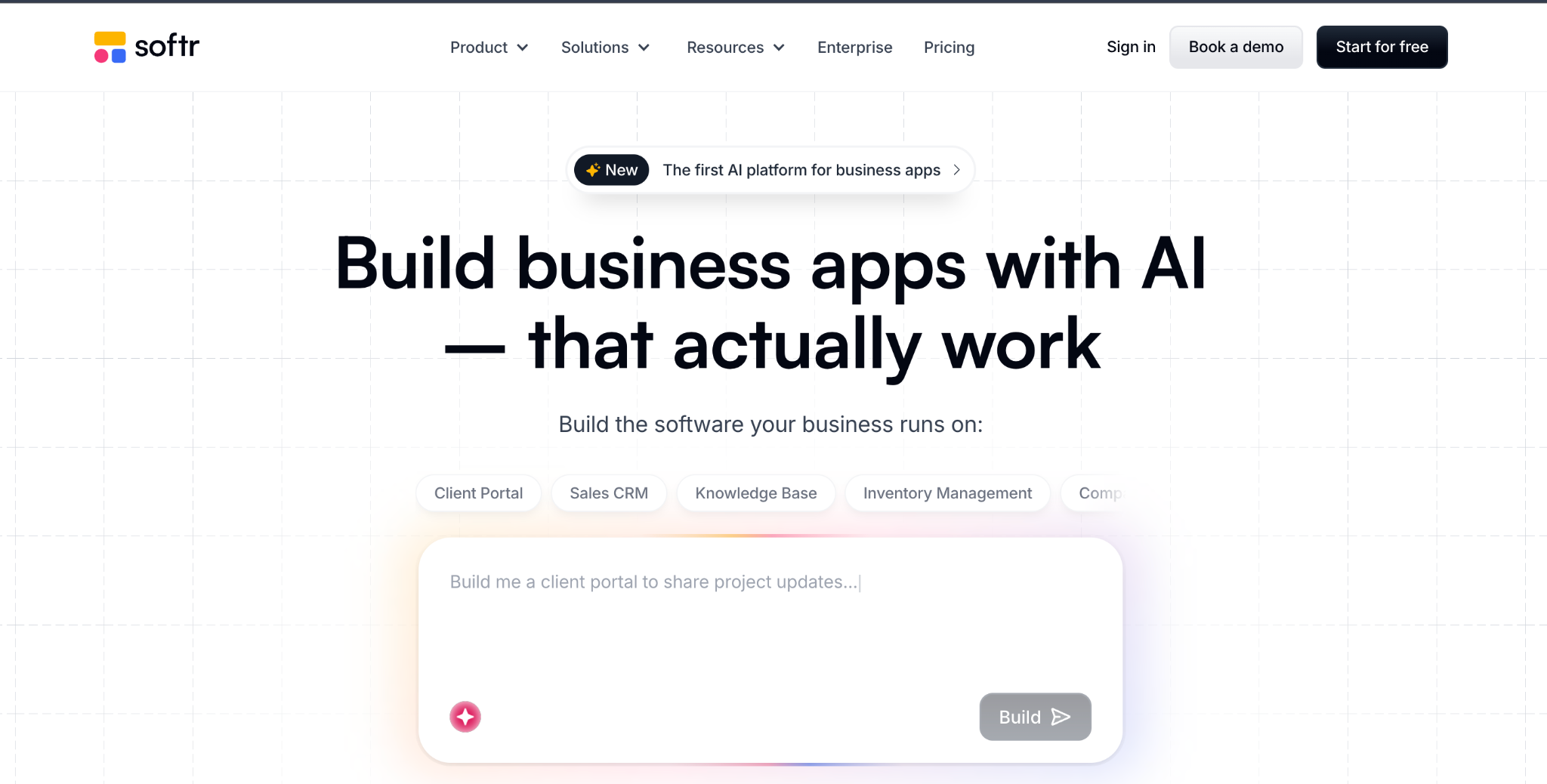
Softr turns Airtable, Google Sheets, or its own database into client portals and internal tools. It is the closest like-for-like Stacker swap for teams whose data already lives in Airtable.
Softr gets you live fast. Its template library is strong, and I built a client portal on an Airtable base in about 90 minutes.
Key features
- Pre-built blocks: Lists, tables, forms, and login flows that work out of the box.
- Multiple data sources: Airtable, Google Sheets, SQL, or Softr’s own database.
- AI App Builder: Generates a starter app and database from a description.
Pro
- Fast portal setup on Airtable data.
- Strong templates for portals and dashboards.
- Agency-friendly for teams serving multiple clients.
Con
- Per-tier caps on users and apps push growing teams to higher plans.
- Limited logic once apps need complex workflows.
- Airtable-dependent: Softr's strongest setups still lean on an outside Airtable base, so you manage the app and its data in two places.
Best for
- Airtable teams that already run data there.
- Client portals built by agencies.
- Non-technical builders who want polish quickly.
Pricing
Softr is free, then Basic at $59/month, Professional at $167/month, and Business at $323/month (all billed monthly). See the Softr pricing site.
3. Knack: best for large user bases
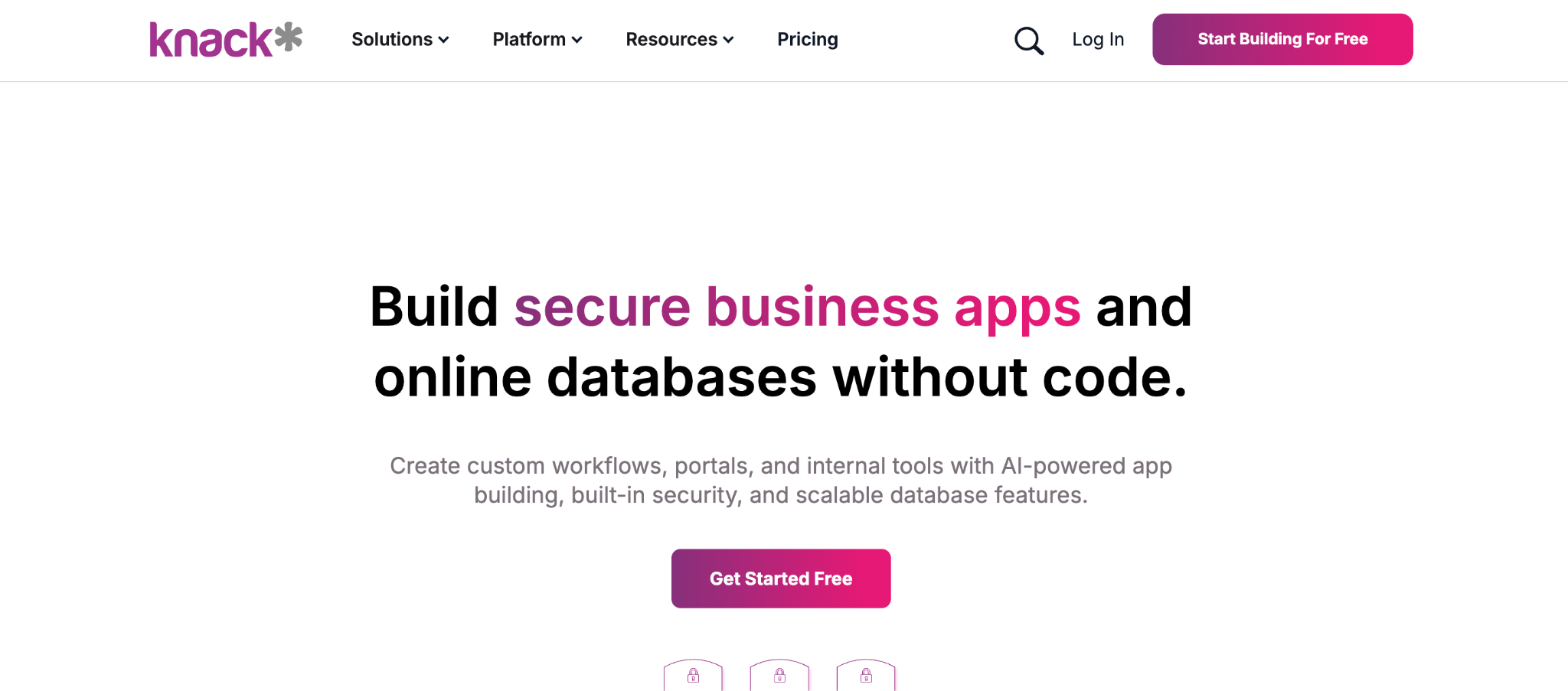
Knack prices by app and record count, so large user bases stay affordable. It is a no-code database app builder that has been around since 2010.
As your audience grows, Knack lets your user count climb without changing the bill. I ran a member portal for over 500 users at the same price.
Key features
- Usage-based pricing: Your bill tracks apps and records, so headcount stays out of it.
- Relational database: Linked tables, formulas, and roll-ups for real logic.
- Built-in user logins: Role-based access for customer-facing apps.
Pro
- Predictable cost as your user count grows.
- Strong relational database for linked data.
- Mature and stable after years on the market.
Con
- Dated interface next to newer tools.
- Record limits on lower tiers push you to higher plans.
- Learning curve for formulas and roll-ups.
Best for
- Membership orgs, such as nonprofits, schools, and associations, with many members.
- High-user apps with hundreds or thousands of end users.
- No per-user fees with a relational database.
Pricing
Knack starts at $59/month, Pro at $130/month, and Corporate at $300/month (all billed monthly). See Knack pricing site.
4. Zite: best for AI-built apps with a built-in database
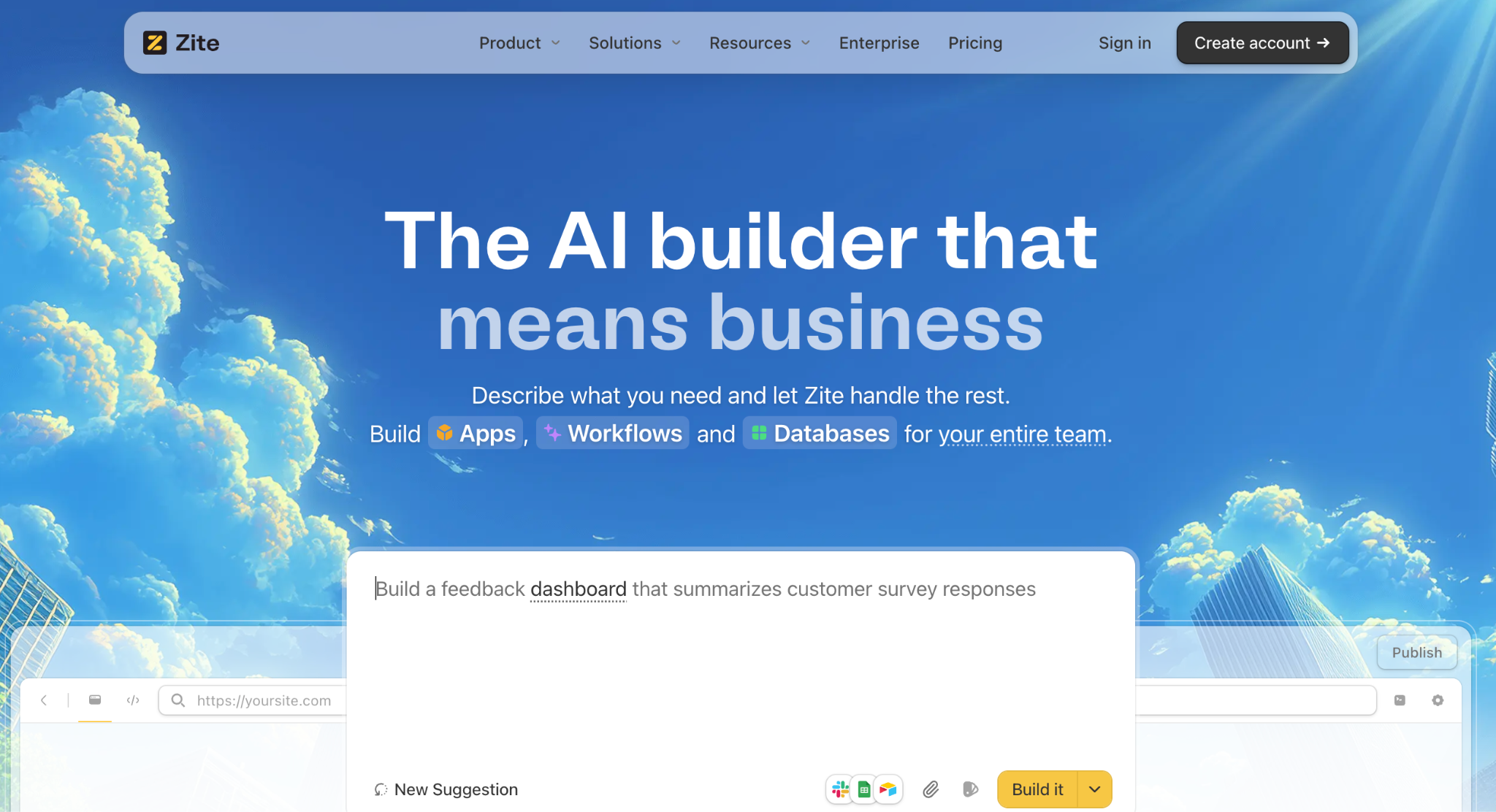
Zite builds the app, the database, and the workflow logic from one plain-language description. It is an AI-powered no-code app builder for teams that want a working app, portal, tracker, or internal tool, without wiring together a separate database and front end.
Where does Zite differ from Stacker? The pricing is flat, and every edit is direct.
Zite runs $19 or $69 a month with unlimited users, against a bill that scales with agent activity and pauses when credits run out, and you can change any element in a manual editor without spending a prompt on it. Customers like Bombas and Domino's use it to build apps.
Key features
- AI generation from a prompt: Describe the app, and Zite builds the tables, the screens, and the workflow logic in one pass.
- A real database that connects to your data: Linked records, formulas, and AI Fields that categorize, score, or summarize each row, in a view as easy to work with as a spreadsheet. Connect your existing Airtable or Google Sheets, and a Zite app can update Airtable in real time rather than working from a synced copy.
- Visual workflows: The logic behind confirmations, notifications, and status changes is shown as a flowchart you can read and trace, while workflow changes are triggered by prompts.
- Direct property editing: Click into any component and adjust typography, color, spacing, and text in a manual editor, no prompt required, so a small change costs nothing and doesn't wait on the AI.
- Role-based access: Set what clients, staff, and managers each see from the start.
Pro
- One description produces the app, the data, and the logic together.
- The data and the logic both stay in view, so you can find what broke and fix it.
- Unlimited users on every tier, so cost does not climb as your team grows.
Con
- Newer product, so the template library is still growing.
- Limited AI credits on the free and lower tiers.
- Web apps only, with no App Store publishing, though apps can be added to a phone's home screen for quick access.
Best for
- AI-built apps: teams that want AI to build the app, the data, and the logic in one place.
- Ops and support teams that are building portals, trackers, and internal tools.
- Non-technical teams who want to edit the app themselves later.
Pricing
Zite is free with limited credits and unlimited users; Pro is $19/month, and Business is $69/month, both with unlimited users. See how Zite compares to Airtable for app building.
5. Retool: best for developer-built internal tools
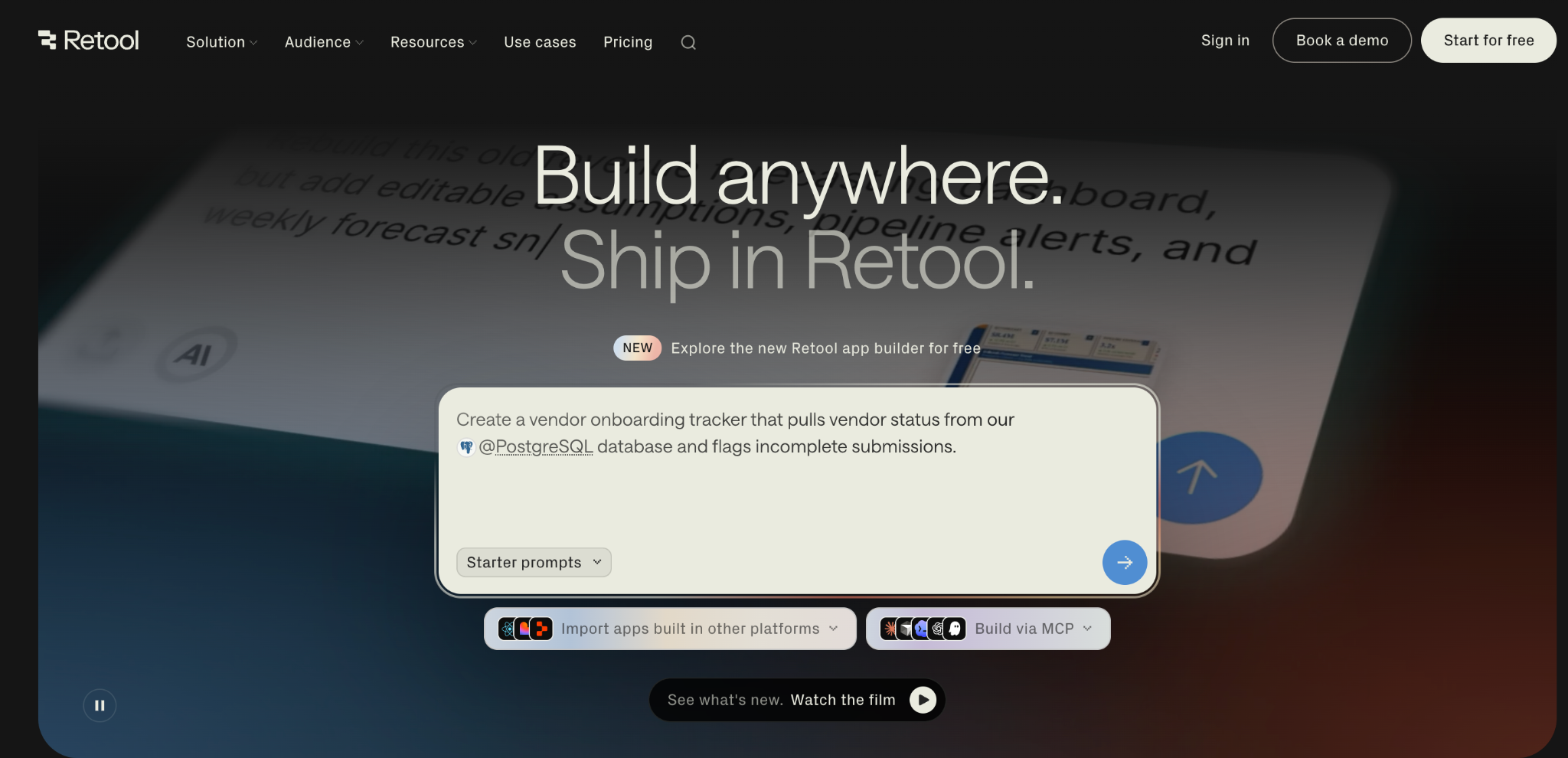
Retool builds internal tools quickly for teams with developers. It pairs a drag-and-drop editor with the option to drop into code, so it sits closer to the technical end than most tools here.
Retool is the pick when engineers are in the loop. You get deep integrations, custom JavaScript, and component-level control, but non-technical teammates will find it harder to pick up than a pure no-code builder.
Key features
- Drag-and-drop plus code: Build visually, then extend with JavaScript and SQL where you need to.
- Deep integrations: Connect databases, APIs, and services like Postgres, MongoDB, and Snowflake.
- Self-hosting option: Run Retool in your own infrastructure for data control.
Pro
- Fast internal tools for teams with engineers.
- Deep customization through code when the visual editor runs out.
- Self-hosting for teams with data-residency needs.
Con
- Per-user pricing splits builders and internal users, and costs climb as you scale.
- Technical barrier means you need coding know-how to get the most out of it.
- SSO is gated behind the Enterprise tier, which pushes security-conscious teams into custom pricing.
Best for
- Developer teams building internal tools quickly.
- Data-heavy admin panels and dashboards.
- Self-hosted setups for compliance or data control.
Pricing
Retool is free for up to 5 users, then Team at $12/builder/month and Business at $65/builder/month (monthly billing), with custom Enterprise pricing. Internal users are billed separately, at $7/month each on Team and $18/month each on Business. See the Retool pricing site.
You can also check our Retool pricing breakdown.
6. Quickbase: best for enterprise operations and workflows
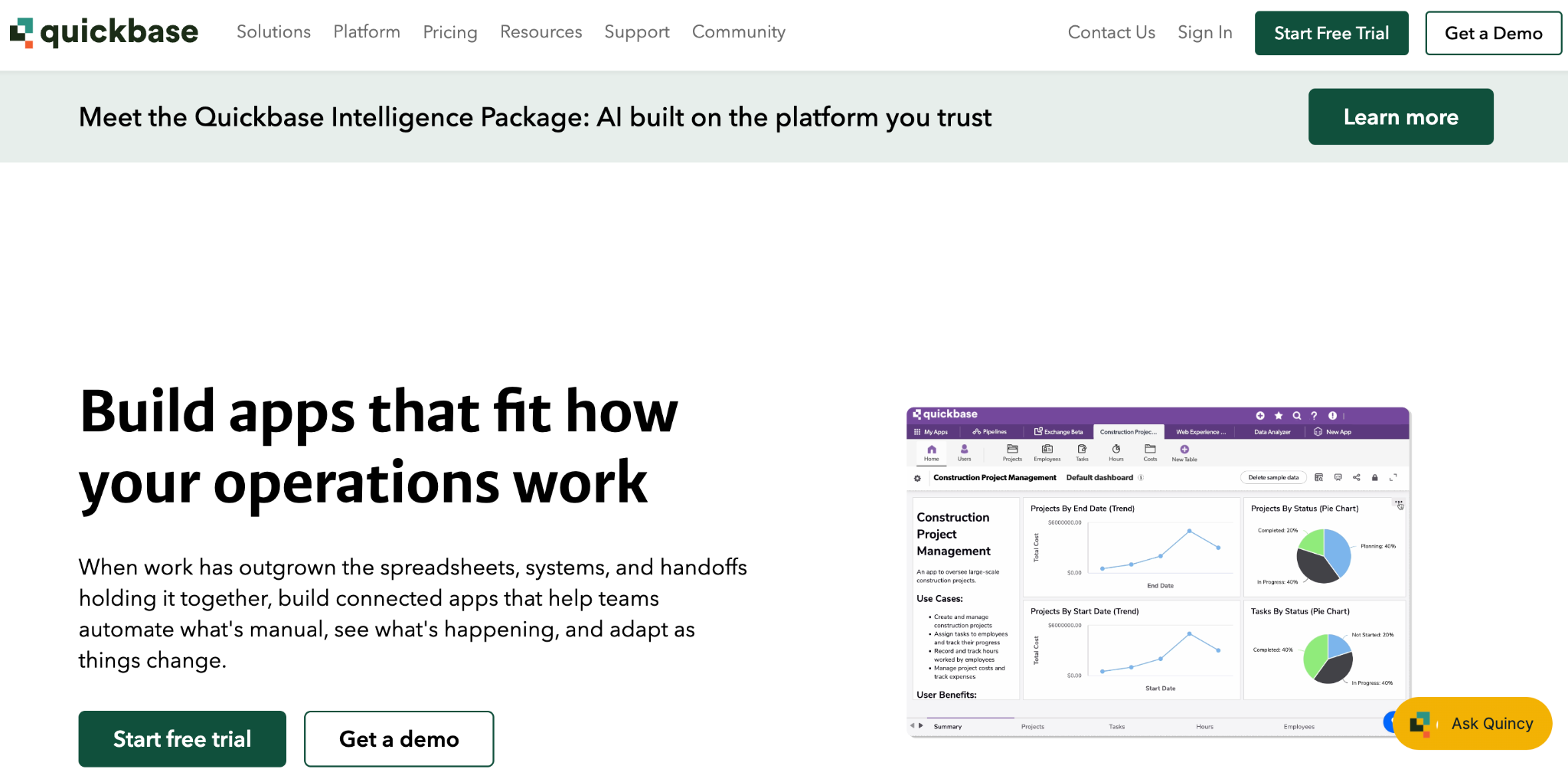
Quickbase is a no-code platform for operational apps at enterprise scale. Teams in construction, healthcare, and manufacturing use it to run complex, multi-department workflows on structured data.
Quickbase shines when the workflow is big and the compliance bar is high. It brings a relational database, granular governance, and audit controls, though the pricing and minimums make it a poor fit for small teams.
Key features
- Relational database: Structured tables and relationships for complex operational data.
- Workflow automation: Multi-step automations with conditional logic and notifications.
- Governance and compliance: Role-based access, audit logs, and HIPAA support on higher tiers.
Pro
- Handles complex workflows across departments.
- Strong governance for regulated industries.
- Scales to hundreds of users on a single platform.
Con
- Higher entry cost: the Team plan requires an unpublished platform minimum fee, which requires a custom quote.
- Annual billing only on published plans, with no true monthly-billed rate.
- Learning curve for setup and administration.
Best for
- Enterprise ops teams running complex, multi-department workflows.
- Regulated industries that need audit trails and compliance controls.
- Large user bases where the per-user minimums make sense.
Pricing
Quickbase does not offer a free plan, but it does offer a 30-day trial. Team is $35/user/month, and Business is $55/user/month, both billed annually, with custom Enterprise pricing. See the Quickbase pricing site.
7. Glide: best for mobile-friendly apps
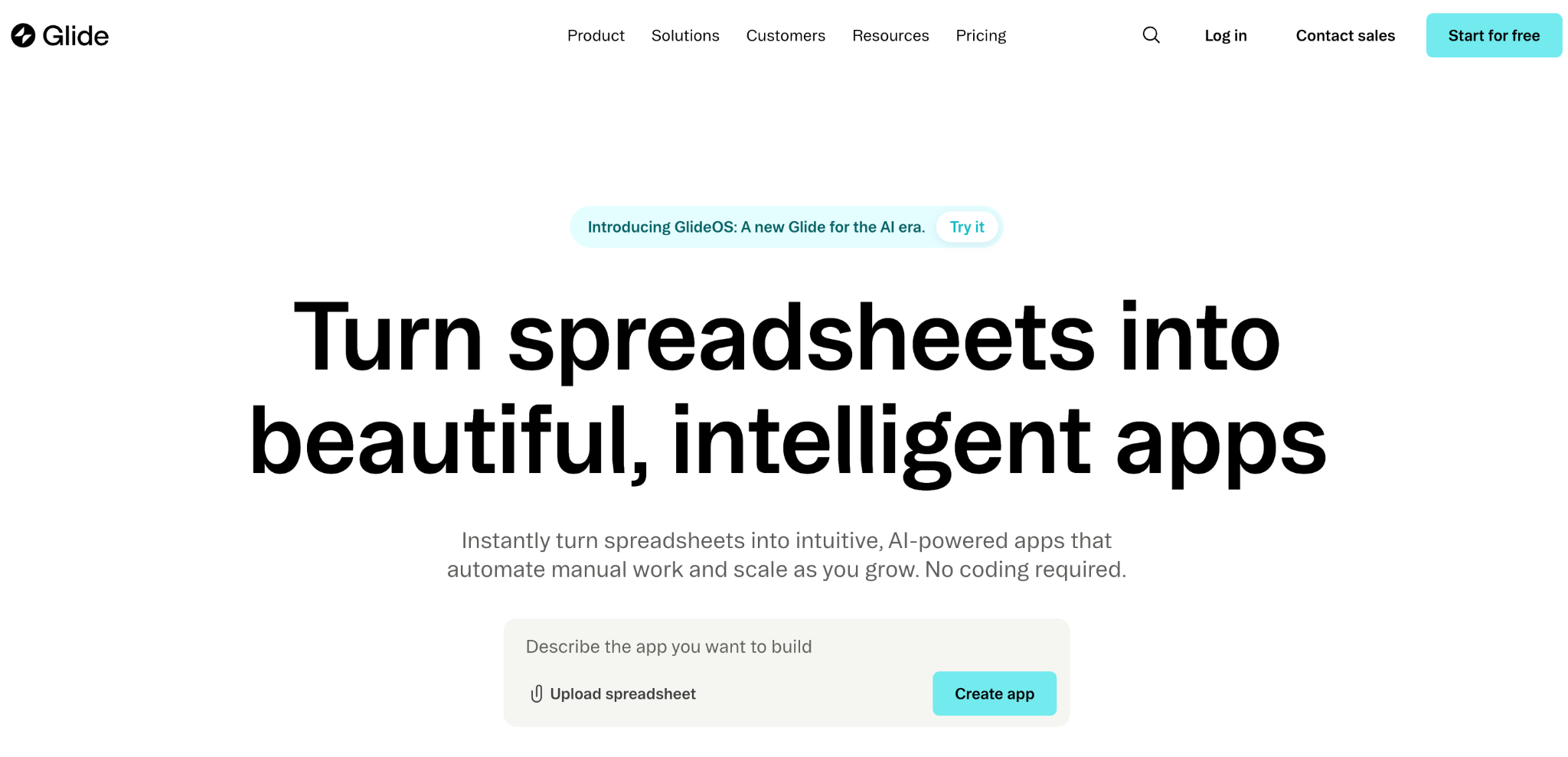
Glide turns a spreadsheet into a mobile-friendly app fast. It connects to Google Sheets, Excel, or Airtable and builds a clean app you can use on a phone.
How fast can you ship something usable? Glide is the quickest tool here for a simple data-driven app. The limits show up with larger teams and complex logic. See our Glide pricing.
Key features
- Spreadsheet-to-app: Connect a sheet and Glide builds the app shell.
- Glide Tables: A built-in database for teams without a spreadsheet.
- Templates and components: Hundreds of drag-and-drop starting points.
Pro
- Fastest path from spreadsheet to app here.
- Clean, mobile-friendly design out of the box.
- Generous limits on the free tier and low-cost Maker plan for smaller projects.
Con
- Per-user pricing on Business adds up.
- Work email logins require the Business tier.
- No native apps: builds web apps you can add to a phone's home screen, not App Store apps.
Best for
- Solo builders and small teams.
- Mobile-first apps driven by data.
- Spreadsheet teams with data already in sheets.
Pricing
Glide is free, then Explorer at $25/month and Maker at $60/month for individuals, with a Business plan at $249/month for teams (monthly billing). See the Glide pricing site.
8. Bubble: best for fully custom web apps
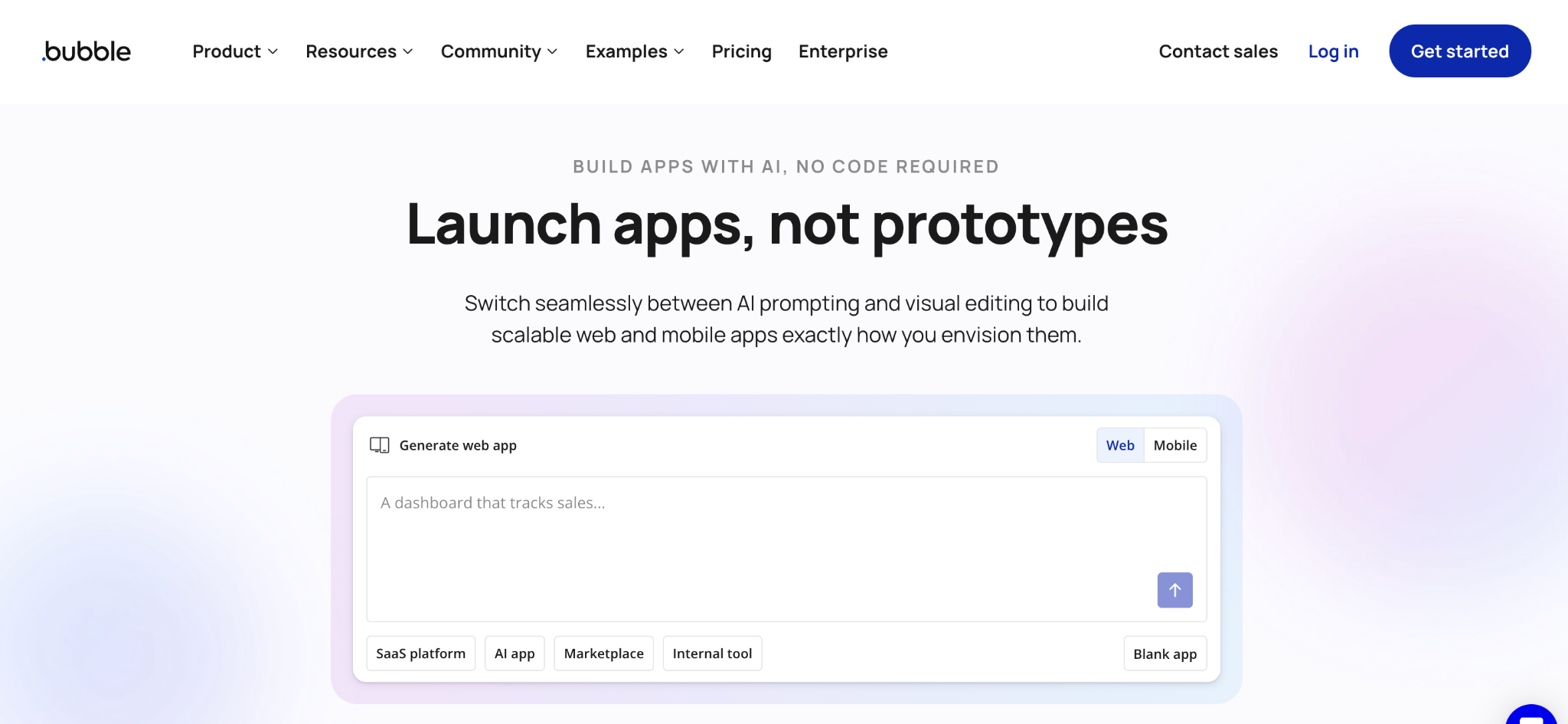
Bubble builds fully custom web apps without code. It is the most flexible tool here, with a built-in database, workflow logic, and a large plugin library.
Bubble gives you far more control than Stacker, with a steeper learning curve to match. Most non-technical teams need time or a Bubble developer to get going.
Key features
- Visual editor for full apps: The screens, the database, and the workflows all in one tool.
- Plugin library: Thousands of add-ons for payments and integrations.
- Custom logic: Conditional flows, scheduled tasks, and API connections.
Pro
- Builds almost anything you need in a web app.
- Built-in database and workflow logic.
- Large marketplace of plugins.
Con
- Steep learning curve for non-technical users.
- Workload pricing can climb with usage.
- No code export, so you stay on Bubble for hosting.
Best for
- Founders building custom web apps.
- Deep custom logic that simpler tools cannot handle.
- Outgrown projects that have moved beyond simpler builders.
Pricing
Bubble is free, then Starter at $69/month, Growth at $249/month, and Team at $649/month on the Web and Mobile plan (monthly billing). See the Bubble pricing site.
9. Adalo: best for native mobile apps
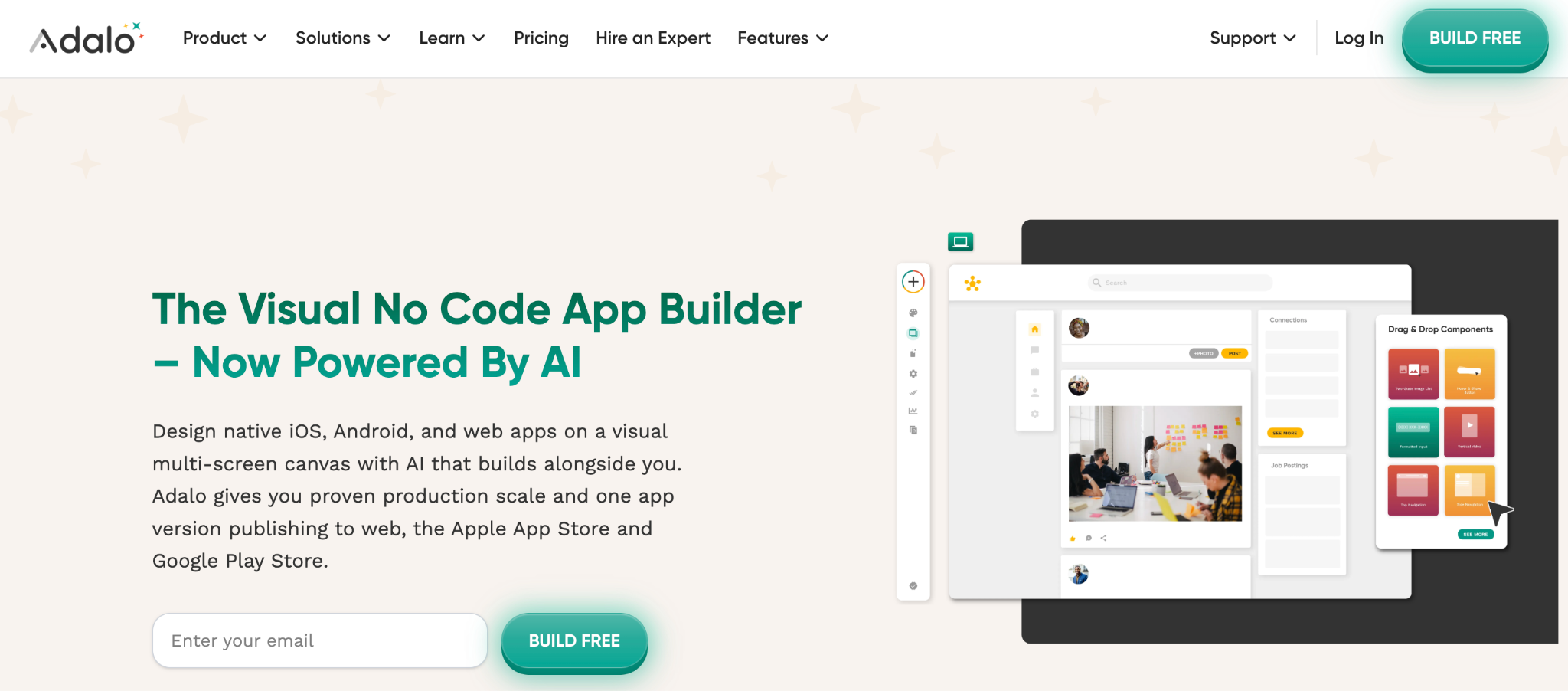
Adalo publishes native iOS and Android apps, which Stacker cannot. It is a no-code builder for database-driven apps that ship to the App Store, Google Play, and the web.
Leaving Stacker for App Store publishing? Adalo is the clearest fit for that goal. The AI builder generates a starting app from a description.
Key features
- Native mobile publishing: Build once, publish to iOS and Android.
- AI builder: Generates an app foundation from a description.
- Built-in database: Your data lives inside Adalo, with no separate database tool to connect.
Pro
- Real native apps that ship straight to the app stores.
- AI head start on the first version.
- Unlimited records on paid plans.
Con
- Weaker web version than dedicated web builders.
- Tier jumps in pricing between plans.
- Less custom logic than Bubble.
Best for
- App Store apps that need a real store presence.
- Mobile-first products built around a phone.
- AI-assisted setup for a fast first build.
Pricing
Adalo is free, then Starter at $45/month, Pro at $65/month, and Team at $200/month (all billed monthly). See Adalo pricing site.
How to evaluate Stacker alternatives
The right pick comes down to your data, your team, and what you are building. Weigh these six factors before you commit:
- Where your data lives: If your data is in Airtable, Softr, Airtable's own interfaces, or Zite, all work on top of it, and a Zite app can update that Airtable in real time. To keep the app and data in one tool, Zite, Knack, Quickbase, and Bubble each host both.
- Build versus generate: Zite and Adalo generate a working app from a description, while Glide, Softr, Bubble, and Retool expect you to assemble it from components.
- Technical bar: Zite, Softr, and Glide are built for non-technical users. Retool and Bubble reward technical teams, and Quickbase needs real setup and administration.
- User count and who pays: Airtable, Retool, and Quickbase charge per user, so the cost climbs with team size. Zite and Knack skip per-user fees and stay steadier as you grow.
- Web versus native mobile: Most tools here build web apps. Only Adalo publishes native apps to the App Store and Google Play.
- Depth of customization: Bubble and Retool offer the most control, while Glide and Softr offer the least, with Zite, Knack, and Quickbase in between.
Stop managing your app and its data in two places
Most Stacker alternatives price by the seat or, like Stacker itself, meter usage by agent activity, which pauses when credits run out. Zite is flat: $19 or $69 a month with unlimited users, and no per-action metering.
Zite generates the database, screens, and workflow logic from one description, connects to the Airtable or Sheets data you already have, and lets you edit any element directly without spending a prompt. The data reads like a spreadsheet, the logic reads like a flowchart, and both stay in full view as you work.
For a broader look, see the best no-code AI app builders.
Start building with Zite for free and build your first app today.
Frequently asked questions
What is the best Stacker alternative?
The best Stacker alternative depends on your data and what you are building. For teams already on Airtable, its own interfaces remove a layer.
For client portals, Softr leads, and for large user bases without per-user fees, Knack is the pick. For people who want the app generated for them, data included, at flat pricing, Zite is the strongest choice.
Why do people leave Stacker?
People leave Stacker primarily because of pricing and product structure. Its credits meter agent activity and reset monthly, so costs are hard to plan for, and its AI product is separate from the older Classic and Astra tools, with no migration path between them.
Is there a free Stacker alternative?
Yes, several Stacker alternatives have free tiers. Airtable, Softr, Glide, Zite, Bubble, Adalo, and Retool all offer free plans with usage limits that are well-suited to testing and building small apps. Knack and Quickbase are the exceptions, offering trials rather than free plans.
What is the cheapest Stacker alternative?
Zite is the cheapest flat-rate option at $19/month with unlimited users. Retool starts lower at $12/builder/month but charges per builder, so its cost rises as your team grows, while Zite's stays the same.
Can I move my app from Stacker to another tool?
Yes, you can move your app from Stacker to another tool, but by rebuilding rather than transferring. Your data in Airtable, Sheets, or a connected database stays put, and you recreate the screens, logic, and permissions in the new tool.
Which Stacker alternative is best for client portals?
For client portals, the best Stacker alternatives are Softr for portals on existing Airtable data, Knack for large user bases with no per-user fees, and Zite for AI-built portals with role-based access.
How much does Stacker cost?
Stacker now uses a single credit-based plan. You start free with $100 in credits, then the Standard plan runs $50/month for 250 credits, with tiers above that scaling to custom Enterprise pricing. Your team shares a single credit pool with no per-user fees; monthly credits reset each cycle, and agents pause when you run out.

