> ## Documentation Index
> Fetch the complete documentation index at: https://zite.com/llms.txt
> Use this file to discover all available pages before exploring further.
# Manage Zite app access
> Understand how Zite app access works — from internal team use to sharing publicly on the web.
## Overview
Every Zite app is **internal by default** — only members of your organization can access it. When you're ready, you can [share your app to the web](/help/platform/access/share-to-web) so people outside your organization can use it too.
**Who can access internal apps**
* **Admins** — always have full access to all apps in the organization
* **Invited collaborators** — organization members who have been specifically invited to the app
## Invite collaborators
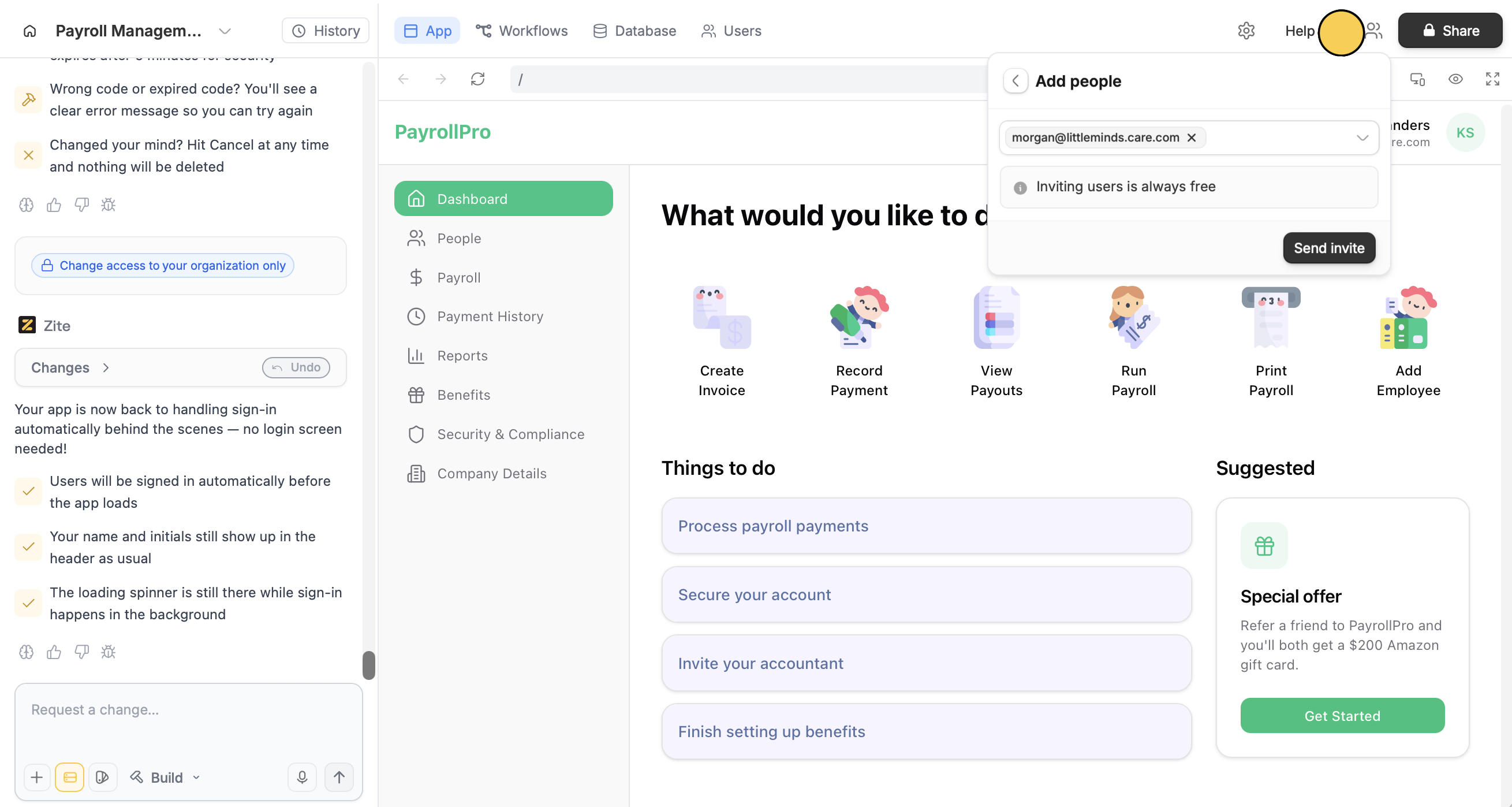
Click in the upper right section, and enter the email(/s) of the person you'd like to invite.
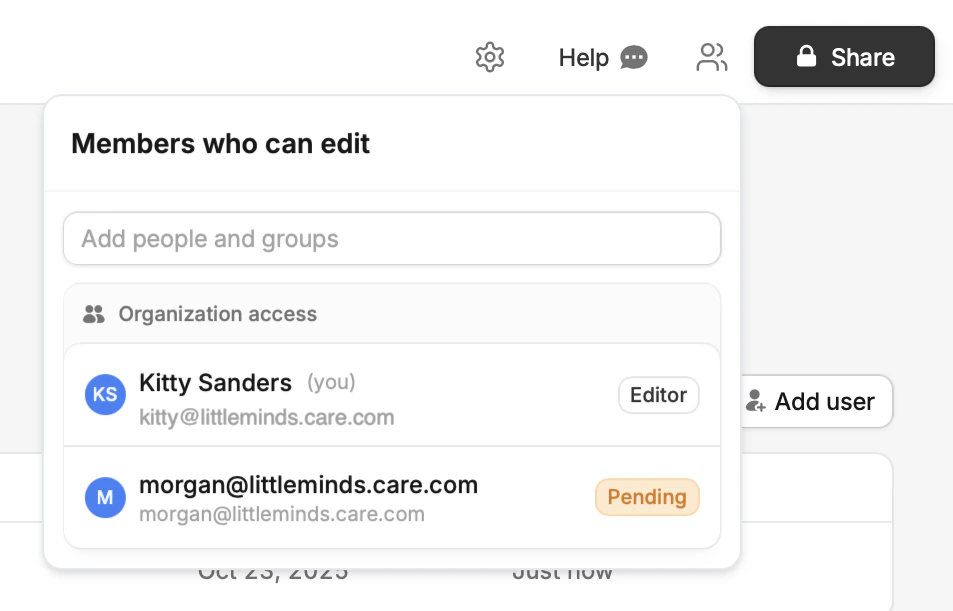
 You'll see the invites in the same popup. Pending invites expire after 2 weeks.
Related topics