> ## Documentation Index
> Fetch the complete documentation index at: https://zite.com/llms.txt
> Use this file to discover all available pages before exploring further.
# Restore older Zite app version
> View version history and mass-undo recent changes.
## Recover previous version
Click `History` to open the list of all changes made to your app.
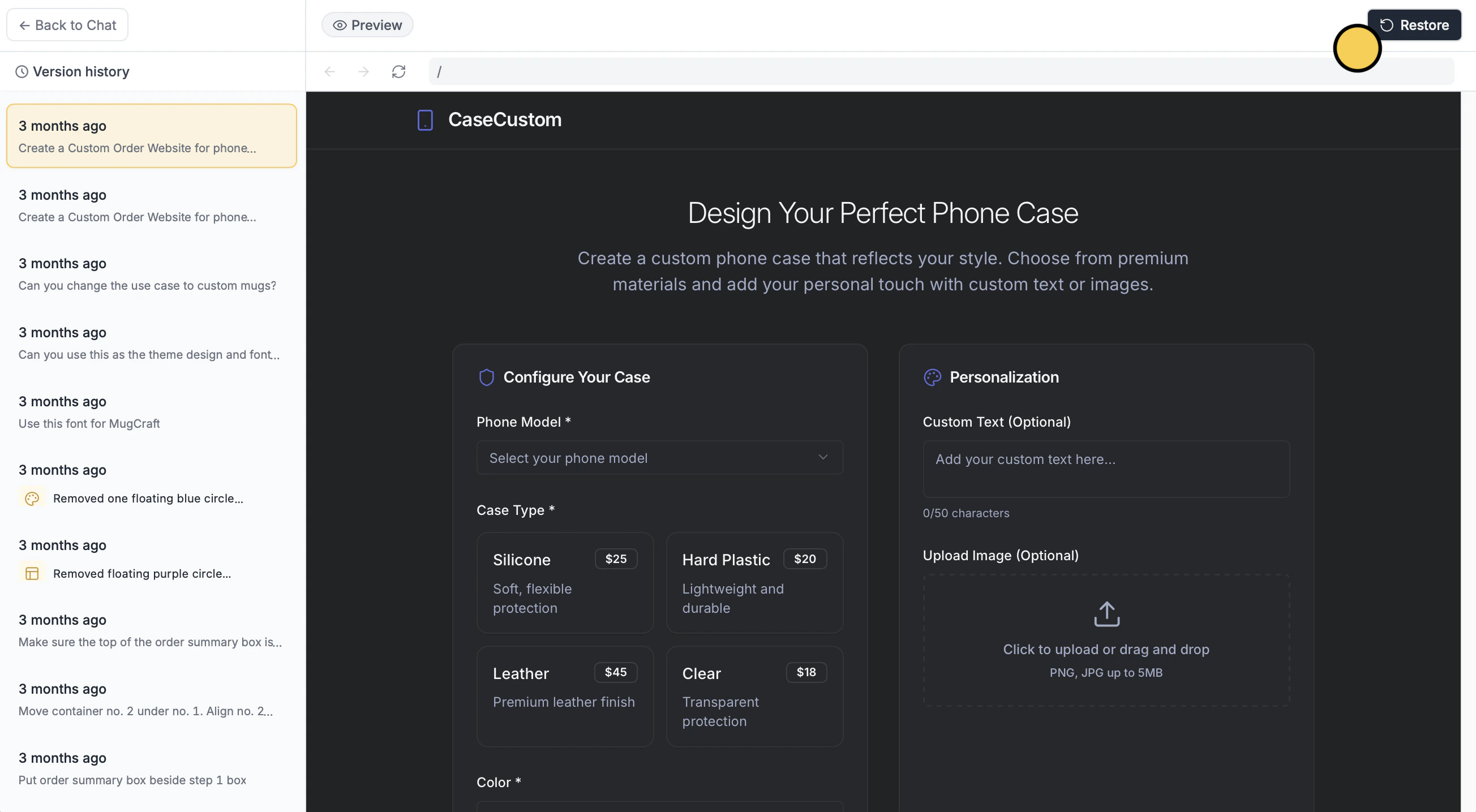
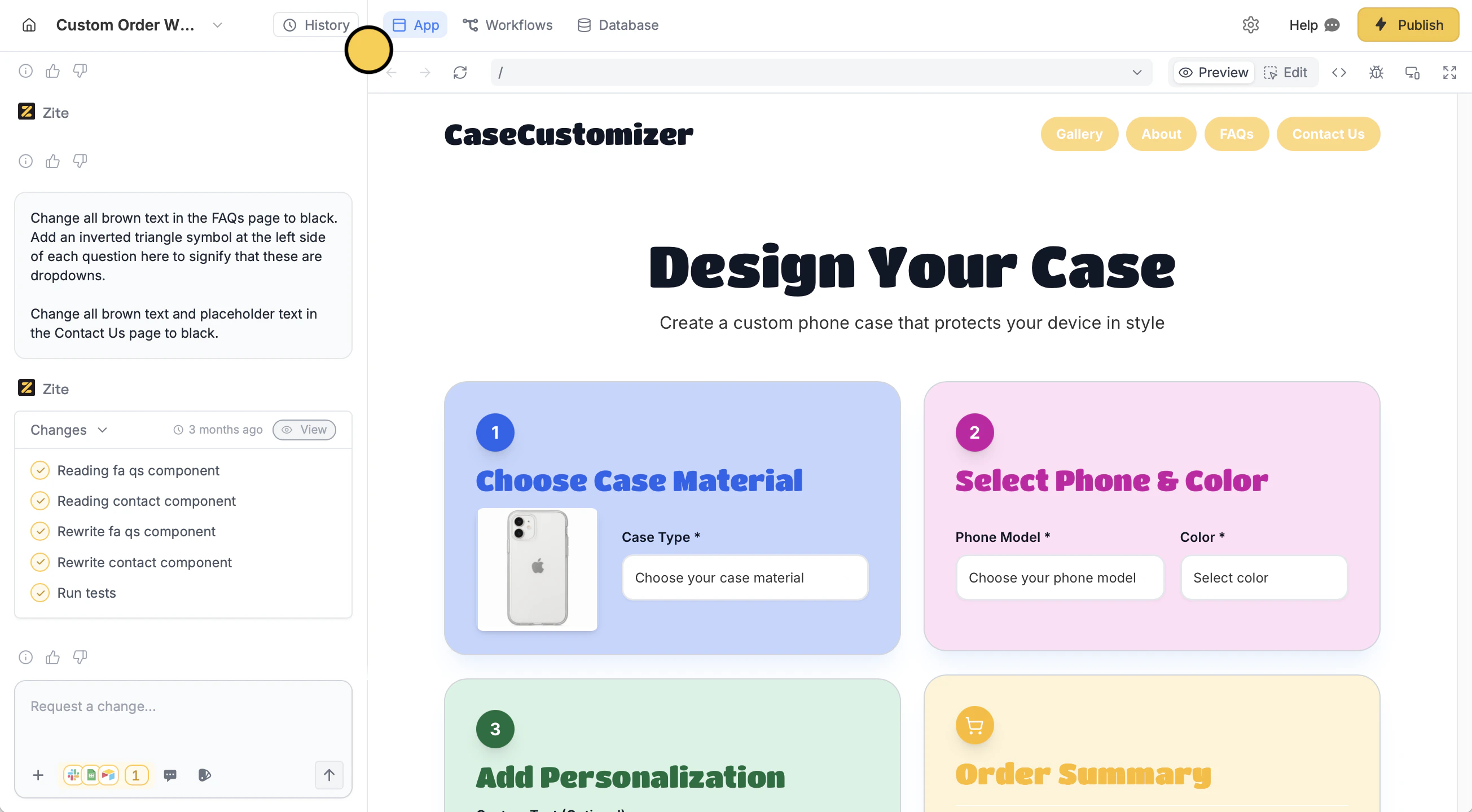 In the left sidebar, select the earlier version you prefer. Then, click `Restore`.
Restoring the previous version can’t be undone.
In the left sidebar, select the earlier version you prefer. Then, click `Restore`.
Restoring the previous version can’t be undone.
 You can undo a single change (instead of the whole version) via chat. Learn more [here](/help/platform/basics/selective-edits#undo-changes).
Click `Publish` in the upper right corner to [**share**](/help/platform/access/share-to-web) or [**embed**](/help/platform/basics/embedding) your app.
You can undo a single change (instead of the whole version) via chat. Learn more [here](/help/platform/basics/selective-edits#undo-changes).
Click `Publish` in the upper right corner to [**share**](/help/platform/access/share-to-web) or [**embed**](/help/platform/basics/embedding) your app.
Related topics