


After testing 20+ approval workflow tools across expense requests, content sign-offs, and purchase orders, here are the 11 best options that speed up approvals in 2026.
Best approval workflow software: TL;DR
If you want approvals tied to forms, look at Jotform or Formstack. For project-based approvals, use Wrike, Monday, or Hive. If you want client sign-offs without forcing them to log in, use Tallyfy. For custom approval apps, use Zite.
Here's how the top tools compare head-to-head:
1. Zite: Best for building apps that use custom approval workflows
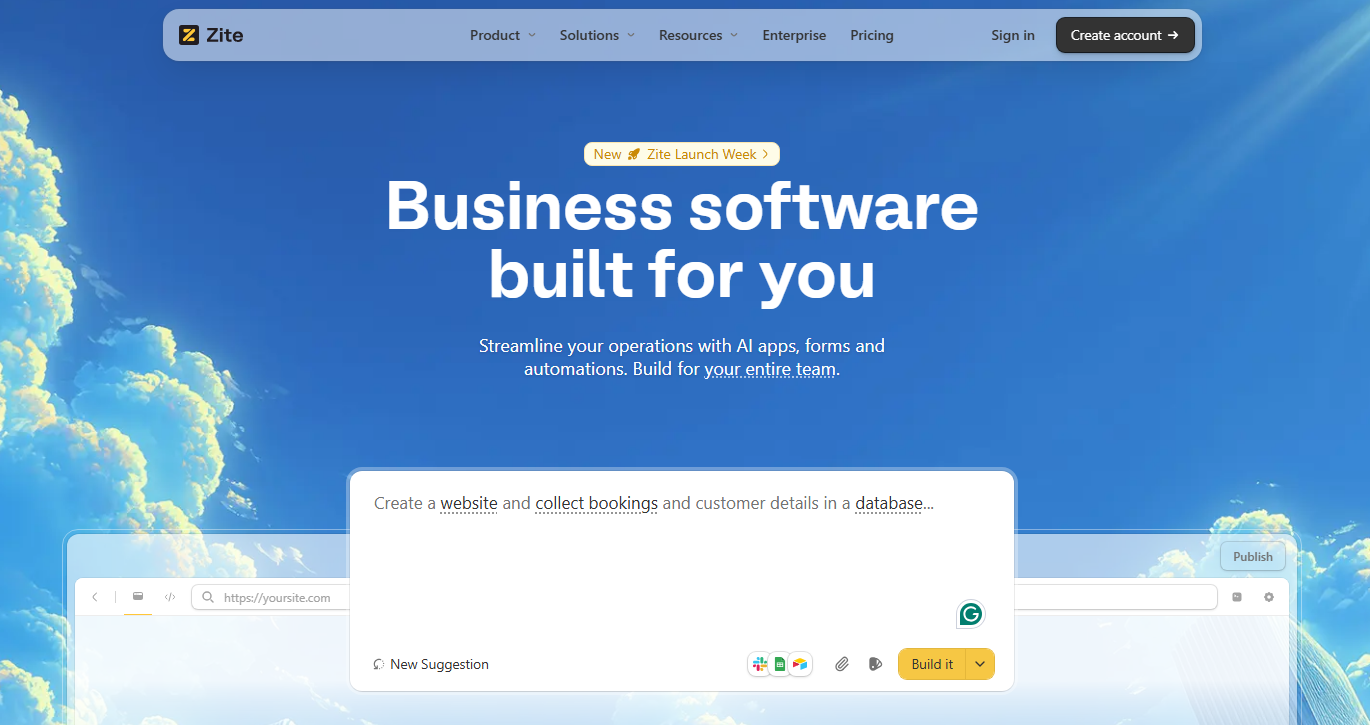
What it does: Zite lets you describe the approval flow you need in plain language and automatically builds a tailored app around it. In minutes, you get a working approval app with forms, approval logic, a database, and an interface.
Who it’s for: Non-technical teams that want to build their own approval apps without developers.
Zite stands out because it builds an entire app around your approval process. It creates the database that stores requests, the forms that capture them, the approval logic that routes them, and the interface where users interact with the workflow.
In my testing, I described a vendor portal with tiered approvals, based on contract value. Zite generated the apps and the conditional routing logic (contracts over $10K go to finance, under $10K to department heads for approval) in a few minutes.
What I liked most about Zite is that the approval logic shows up as a flowchart. You can see each step, which service it’s calling (like Slack or Airtable), and how data flows from one step to the next.
If the app stops working, you can replay a run, inspect inputs and outputs, and see exactly where it failed, then ask Zite to fix that step. You don’t have to dig through AI‑generated code, which is perfect for non-technical users.
Key features
- Approval workflows from plain English: You describe what you want (“add a manager approval step and send a Slack update”), and Zite generates the workflow for you instead of making you wire triggers and actions manually.
- Visual approval flows: The approval process is represented as a flowchart, so you can see each step, follow the path of a request, and troubleshoot without reading code.
- Authenticated approvals: If you publish externally or need client-facing access, you can add authentication so only logged-in users can trigger approvals. Your team members automatically have access to your apps since Zite defaults to internal publishing.
- Notifications and escalation: You can connect workflows to tools like Slack, so the right people get notified automatically. For example, when a client’s request needs attention.
- Workflow history: Zite logs every run’s inputs, outputs, and step‑by‑step traces. You can ask it to read these logs and suggest fixes when the app fails.
Pros
- Build approval apps through conversation in minutes
- The approval logic, UI, and the built-in database live in one app, so routing stays close to the data it updates
- Generates a visual flowchart of your approval process so you can actually verify routing works as expected without reading code
- Zite can read your execution logs and identify issues
- Unlimited users on every plan, no per-seat charges
Cons
- Zite hosts your apps for you. You can’t export code
- Newer platform, so the community and template library are still growing
Pricing
Zite has a free plan that supports unlimited users and apps. Paid plans start at $19/month, billed monthly.
Bottom line
Zite is the best choice for teams that want to build approvals that live within apps quickly without depending on developers.
2. Wrike: Best for enterprise approval automation at Scale
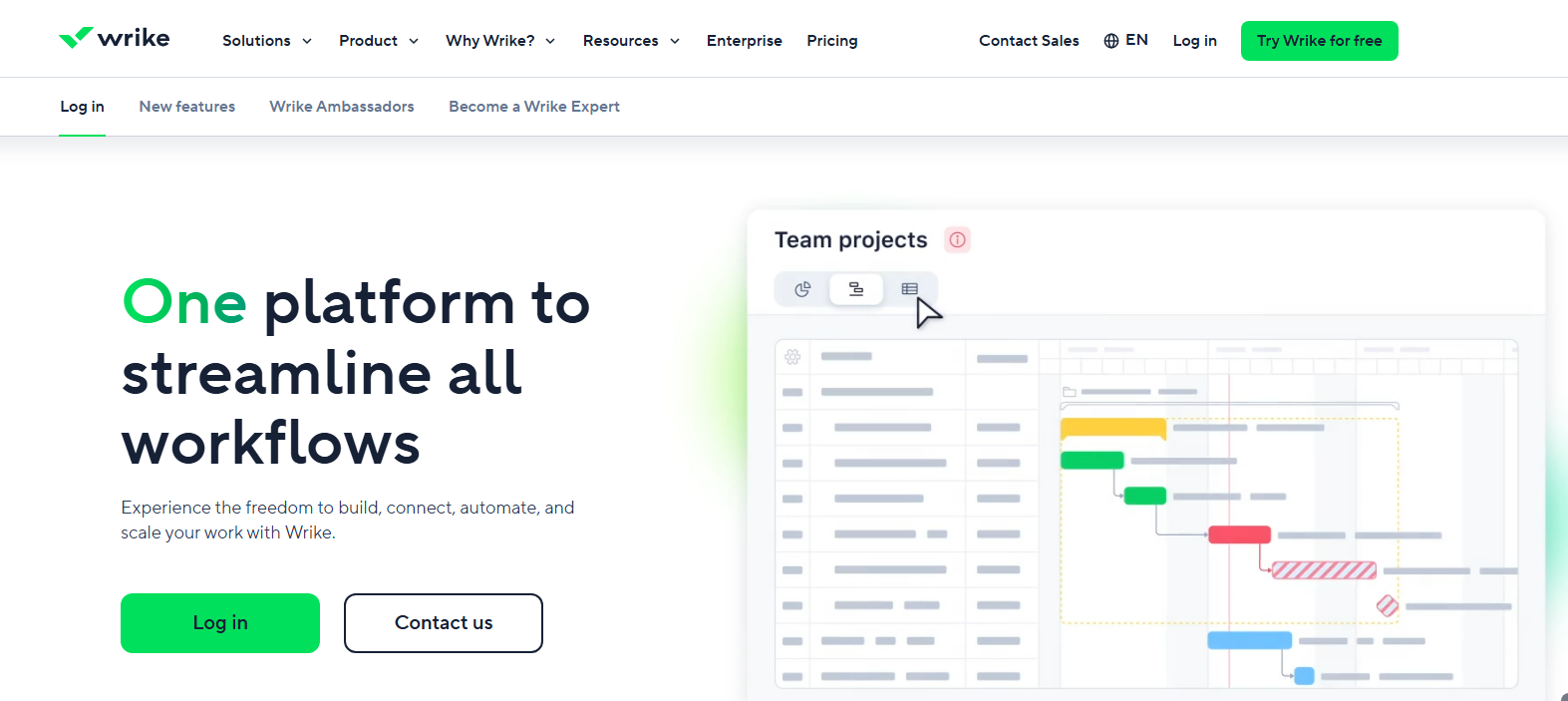
What it does: Wrike adds approval steps directly to your project tasks, so requests get routed to reviewers automatically as work progresses.
Who it’s for: Marketing teams, agencies, and enterprises managing high-volume creative approvals.
Wrike's philosophy is that approvals shouldn't live in a separate system. When a task hits "Ready for Review," the approval request fires automatically. Reviewers get notified, leave feedback on the file, and their decision moves the task forward or back.
I found the conditional approval feature particularly useful. You can add approval logic to request forms, and Wrike routes submissions to different approvers based on responses.
Setup took a while. It requires thinking through your project structure, custom statuses, and automation rules before building the approvals workflow.
Key features
- Multi-stage approval workflows: Supports both parallel approvals (multiple reviewers at once) and sequential approvals (one after the other), with automatic routing and approval tracking.
- Proofing with version comparison: Reviewers can mark up files directly inside Wrike, leave pinned feedback, and compare file versions side by side.
- Multiple project views: Track approval progress across list, Kanban board, Gantt chart, calendar, and workload views.
Pros
- Approvals integrated with project management
- Automatic audit trails
- Built-in proofing for visual content
- Conditional routing based on form responses
Cons
- Overwhelming for simple approval needs
- Past approvals are hard to locate in the UI
Pricing
Wrike has a free 14-day trial. Paid plans start at $10/user/month.
Bottom line
Wrike makes sense when approvals are one part of a larger project management need. If you're already tracking creative projects, the built-in approval system eliminates context-switching between tools.
3. Jotform Workflows: Best form-to-approval routing
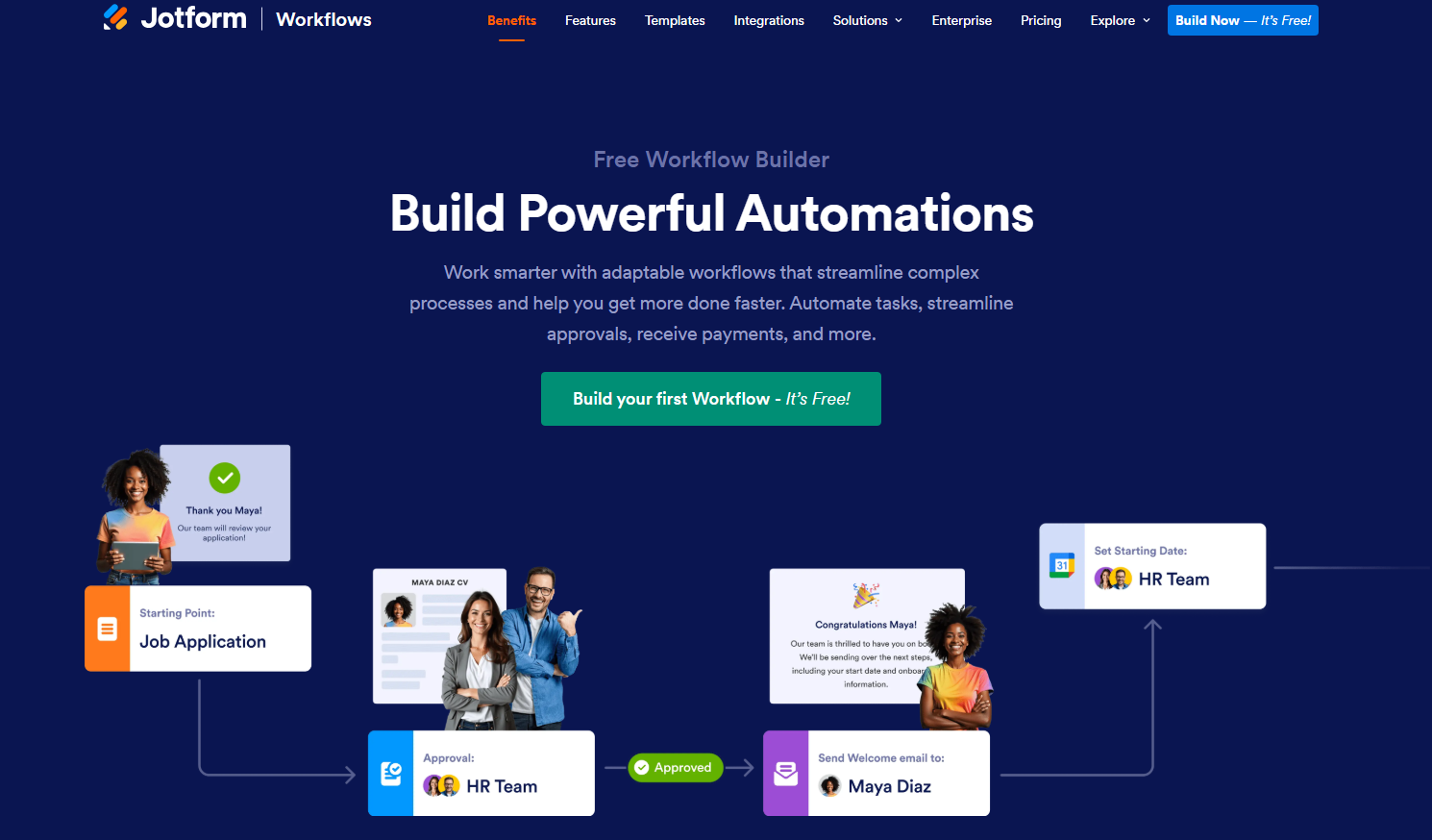
What it does: Jotform Workflows is a workflow builder that turns form submissions into automated approval processes with conditional logic and multi-step routing.
Who it’s for: HR teams, operations managers, and anyone whose approval process starts with data collection.
Jotform Workflows automates approvals when a user submits a form. It connects to multiple forms into a single workflow, so one submission can trigger follow-up forms or different approvals based on answers.
The workflow builder is drag and drop. You have to manually drag workflow components to the canvas. This takes some time, but you also get to see how the workflow works step by step.
Key features
- Group approvals: Set up approval flows where multiple people need to sign off, with configurable rules for how many approvals are required to proceed.
- Parallel processing: Run multiple approval paths simultaneously rather than forcing everything through a single linear sequence.
- Payment integration: Request and collect payments at any stage of your workflow. Useful for purchase approvals that need immediate payment processing.
Pros
- 200+ workflow templates
- Payment collection is built in
- Mobile app for approving on the go
Cons
- Form limits push you toward paid tiers quickly
- Form-first architecture limits complex workflows
Pricing
Jotform has a free plan that supports 5 forms and 100 submissions/month. Paid plans start at $39/month, billed monthly (visible when you sign in).
Bottom line
Jotform Workflows is the best choice when your approval process starts with data collection. Once approvals need to update app UIs or trigger additional workflows, you'll rely heavily on integration tools like Zapier.
4. Kissflow: Best for business process automation
What it does: Kissflow is a low-code platform for building enterprise workflow applications that can pass through several stages of approval before completion.
Who it’s for: Mid-size to large organizations that need to standardize approval workflows across departments.
Kissflow targets the gap between simple tools and full BPM platforms. The 45+ pre-installed applications provide starting points for workflows like leave requests, expense claims, and vendor approvals.
When I was testing, I customized one of the templates rather than starting from scratch. You can also use the AI feature to generate workflows from prompts.
The $2,500/month starting price, however, makes it a non-starter for smaller teams. There are cheaper and easier-to-use options.
Key features
- No-code workflow builder: Build custom approval flows and process automations visually with drag-and-drop.
- Reporting on workflow performance: Built-in reports track flow efficiency, cycle time, and lead time so you can see where approvals are getting stuck.
- Process templates: Customize ready-made templates for common workflows like expense claims, leave requests, purchase orders, and vendor approvals.
Pros
- Link multiple approval workflows together (e.g., purchase request → vendor approval → finance sign-off)
- AI helps non-technical teams build workflows from prompts
- Connects to most enterprise tools out of the box
Cons
- $2,500/month minimum spend
- No free plan to evaluate fit
Pricing
Kissflow’s Basic plan costs $2,500/month.
Bottom line
Kissflow makes sense for mid-size to large organizations that need to standardize approvals across multiple departments and have the budget to match.
5. Birdview PSA: Best for professional services organizations
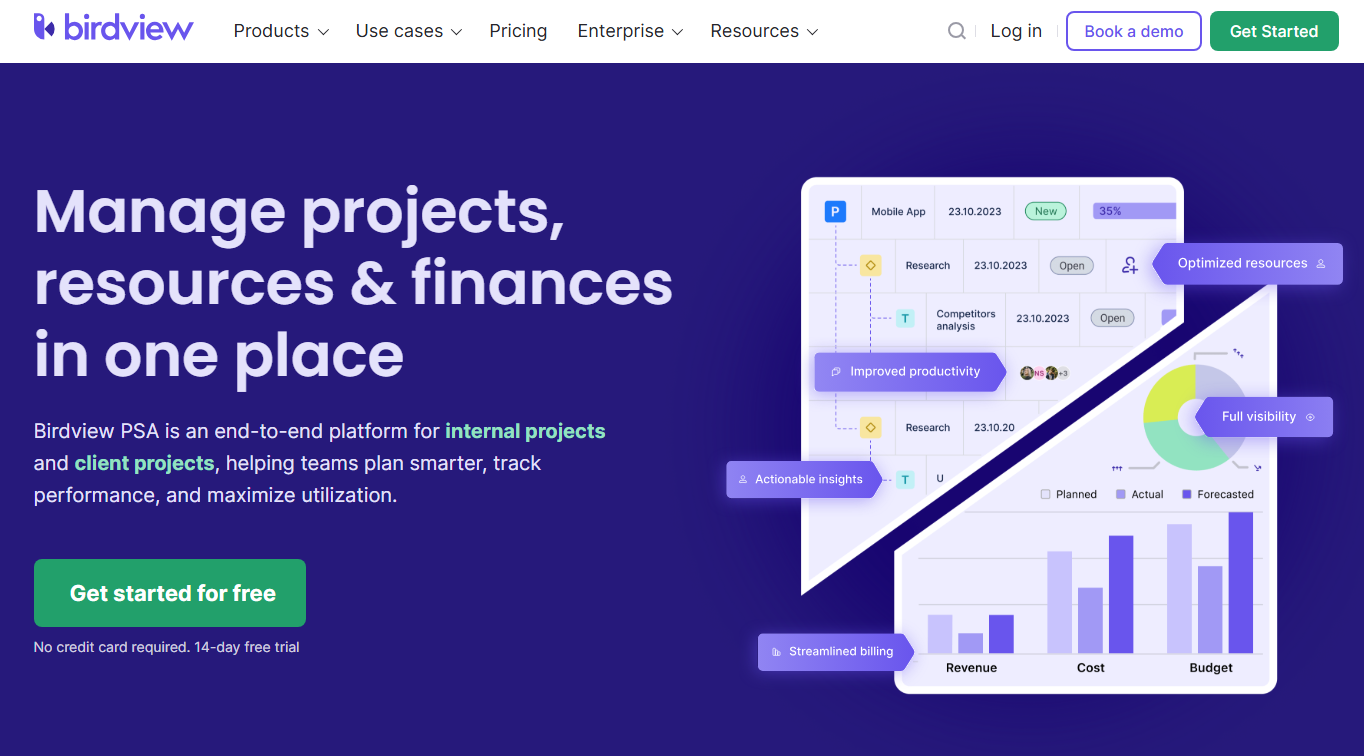
What it does: Birdview PSA is a professional services automation with approval workflows for expenses, time entries, and project deliverables.
Who it’s for: Consulting firms, agencies, and project-based businesses where approvals affect client billing.
Approval decisions in professional services have financial implications. Approving an expense or time entry isn't just administrative. It also affects project budgets and client invoices.
Birdview embeds approvals in that context. When I approved a test expense, the system automatically pulled from the correct project budget. Time approvals are also connected to billing rates. No need to reconcile approvals with invoices manually.
The flip side is that if you're not running a consulting firm or agency, all this billing-focused functionality just gets in the way.
Key features
- Expense approval workflows: Set up custom approval routing with thresholds. Expenses under $100 might auto-approve, while larger amounts require manager sign-off.
- Time log approvals: Review and approve billable hours before they hit client invoices. Lock time entries after approval to prevent changes.
- Adobe Creative Cloud integration: Attach images from Photoshop, Illustrator, or InDesign directly into tasks and request creative approvals.
Pros
- Approvals connect directly to billing and financial reporting
- Custom workflows align with service delivery methodology
- Adobe Creative Cloud integration for creative reviews
- Strong Jira integration for technical teams
Cons
- Steep learning curve for teams outside professional services
- Reporting dashboards could use more visualization options
Pricing
Paid plans start at $9/user/month, billed yearly, for up to 10 users for internal projects.
Bottom line
Birdview is the right choice for approvals that need to connect with project financials.
6. Tallyfy: Best for client-facing approval workflows
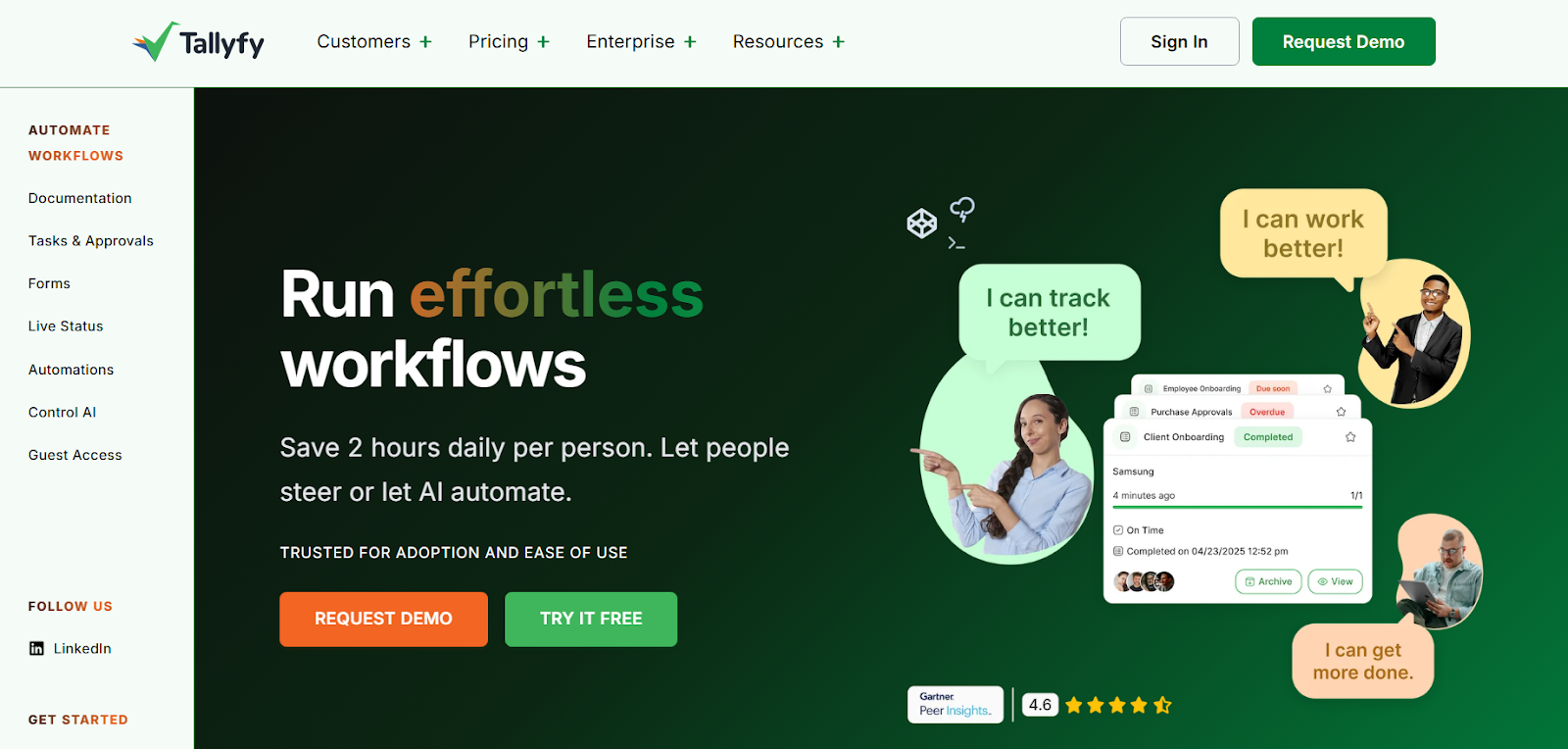
What it does: Tallyfy is a workflow automation platform designed for both internal processes and client-facing workflows.
Who it’s for: Agencies, professional services, and any team where external stakeholders are part of the approval chain.
External approvals are where most workflow tools fall apart. You either force clients to create accounts or fall back to email.
Tallyfy fixes this with permanent links. Send a client one link, and they can review and approve from their inbox. It tracks the approvals in the background, so you get a searchable history of who approved what and when.
I noticed that Tallyfy is very simple to use, but this simplicity also limits it if you need complex branching or deep integrations.
Key features
- No-login guest access: External approvers don't need accounts. They receive a permanent link and can complete tasks, upload documents, and provide approvals without signing up.
- If-this-then-that automation: Create conditional workflows using simple rules anyone can understand.
- AI-powered template creation: Upload existing process documents, and Tallyfy can generate workflow templates automatically.
Pros
- No-login external access eliminates friction
- Automatic reminders so you don't have to chase people
- Easy to build workflows with plain language rules
Cons
- All workflow templates must be built in-house. There’s no pre-built process library
- Basic reporting and analytics
Pricing
Tallyfy's pricing starts at $30/user/month for full seats (can create and edit templates) and $10/user/month for light seats (can only complete tasks).
Bottom line
Choose Tallyfy when external approvals are a key part of your workflow. The guest access approach speeds up clients' or external stakeholders' approvals.
7. Formstack: Best for document-heavy approval processes
What it does: Formstack handles the full cycle from collecting information with forms, routing for approval, generating documents, and collecting e-signatures.
Who it’s for: Teams in finance, HR, healthcare, or education where approvals need to produce signed documents.
Many approval workflows end with a signed document. The request is approved, a contract is generated, signatures are collected, and the record is archived.
Formstack connects these steps natively. Data collected in forms populates document templates. Approval triggers generation. Final approval collects digital signatures. Audit trail maintained throughout.
While it works okay, the UI and workflow builder feel more legacy in terms of how they look than a modern no‑code platform.
Key features
- Form-to-document automation: Data collected in forms automatically populates contracts, proposals, or agreements. Approved requests can generate final documents instantly.
- Workflow approvals with e-signatures: Route documents through approval chains, collect digital signatures at each stage, and maintain a complete audit trail.
- Salesforce-native option: Forms for Salesforce and Documents for Salesforce let you build forms and generate documents directly inside Salesforce.
Pros
- Great for regulated or enterprise use cases, with HIPAA‑friendly options and Salesforce integration as extra add-ons.
- No-code interface that non-technical teams can manage
- Built-in approvals on forms with email-based approve/deny
Cons
- Pricing is steep compared to other form tools
- Complex workflows require a learning investment
Pricing
Forms-only and document automation plans start at $99/month, billed monthly, while the bundle with all Formstack tools starts at $299/month.
Bottom line
Formstack is the right choice when your approvals need to flow from data collection through document generation to e-signatures in one pipeline. It handles the full cycle natively, but the legacy-feeling UI and pricing make it harder to justify for simpler approval needs.
8. monday: Best for cross-team approval visibility
What it does: monday lets you add approval steps to your project boards using status columns and automations.
Who it’s for: Teams already managing projects in monday and want approvals tied directly to their project tasks.
To build approvals, you begin with a board of items. I set up a campaign board, added status columns (Pending review, In review, Approved, Rejected), and created automations that notify reviewers when something's ready. Approvals become just another status change. The downside of this approach is that you can’t easily set up multi-step approvals.
Key features
- Status-based approvals: Approvals are just status changes on items you're already tracking.
- Forms that create tasks: External requests come in through forms and automatically land on your board for approval.
- Automations without code: Set up notifications and status changes that trigger automatically.
Pros
- Approvals live in the same boards as your tasks, with clear status columns and owners.
- Visual interface with a low learning curve
- Forms can turn external requests into items that automatically join your approval pipeline.
Cons
- Not great for deeply nested approval logic.
- Per-seat pricing scales expensively
Pricing
monday has a free plan for up to 2 users. Paid tiers are priced per seat and start at $14/seat/month, billed monthly.
Bottom line
monday works best when you're already managing projects there and want lightweight approvals without adding another tool to the stack.
9. Hive: Best for marketing and creative approvals
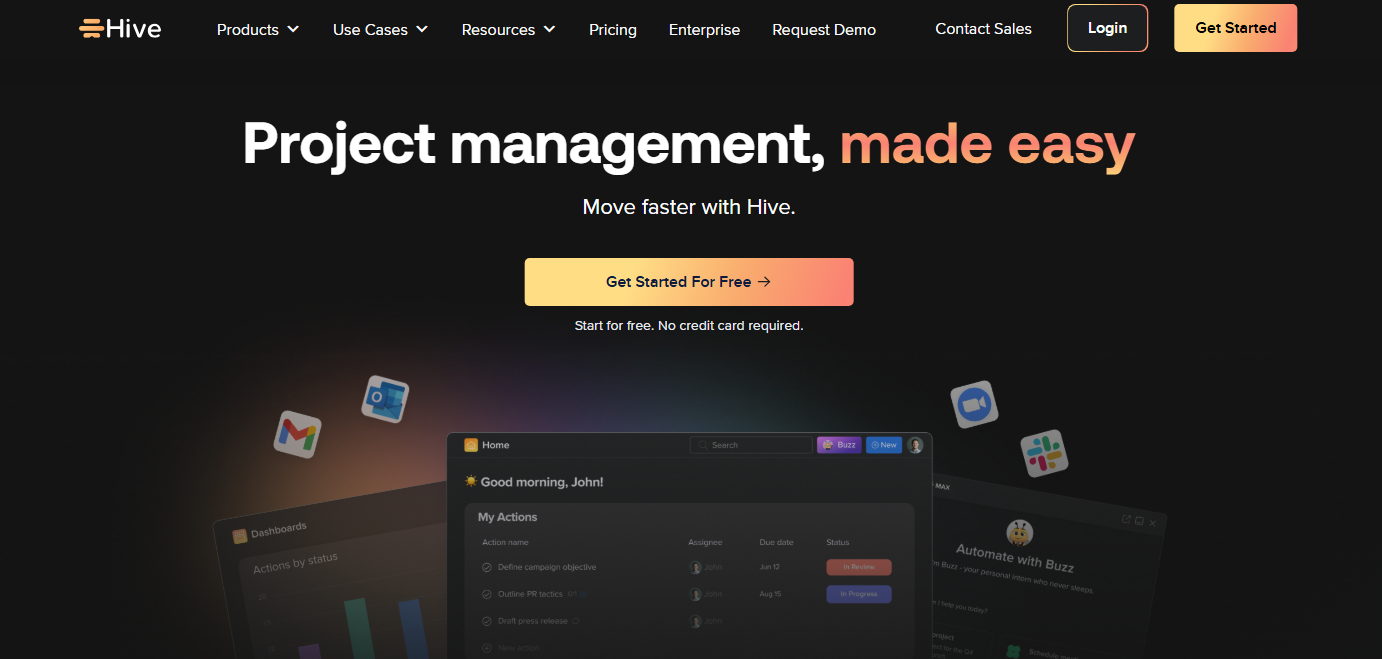
What it does: Hive is a project management tool with built‑in proofing and approvals for documents, images, and videos.
Who it’s for: Marketing teams, design agencies, and creative departments managing visual asset approvals.
Hive's proofing feature focuses on getting stakeholder feedback on visual content without the chaos of email attachments and version confusion. You can upload an asset and request approval from specific people.
I tested it with an image. Reviewers can pin comments to specific spots, add signatures, and compare versions side by side.
The catch is that proofing is an add‑on. I only had it on a 14‑day free trial. If you’re in a creative or marketing team that ships a lot of visual assets, it’s still worth considering despite the extra cost.
Key features
- Proofing for files: Attach images, PDFs, or videos as proofs, open them in a dedicated viewer, and leave pinned comments on specific regions.
- Integrated approvals on tasks: Request approvals directly from an action card, track who needs to approve, and see approval status and history without leaving the task.
- Multi‑stage approval flows: Set up sequential stages (e.g., marketing → brand → legal), assign approvers per stage, add due dates, and let Hive automatically move proofs through the stages.
- Version control and comparisons: Upload new versions of a file, compare them side‑by‑side, and keep a full version history tied to the same proof thread.
Pros
- Annotate directly on images and videos
- Built-in time tracking, which is useful for billing
- Multiple ways to view projects
- Approvals live on the same actions as your tasks
Cons
- Best for creative workflows, less suited for general business approvals
- Proofing and approvals are add-ons
Pricing
It has a free forever plan for up to 10 workspace members. Paid plans start at $7/month per user, billed monthly.
Bottom line
Hive works well for marketing teams that need to review and approve visual content.
10. Approveit: Best for approvals in messaging tools
What it does: Approveit is a dedicated approval workflow platform that can run approval workflows inside Slack or Microsoft Teams. You can approve requests without leaving chat.
Who it’s for: Best for finance and ops teams that live in chat and need structured approvals for spend, invoices, vendor onboarding, or policy exceptions without adding another separate portal
Instead of sending a PDF and hoping your manager responds, you create a request, and Approveit posts it to the right channel with Approve, Reject, and Ask a Question buttons. The decision gets logged and tied to that request permanently.
Approveit works great inside Slack or Microsoft Teams, but it doesn’t support other messaging platforms. So, if your team uses something else, you’ll need to rely on email instead, which might mean missing out on real-time visibility.
Key features
- In-chat approval actions: Approve, reject, or ask questions on requests directly inside Slack or Microsoft Teams. You can also add file attachments to requests in Slack.
- No-code workflow builder with AI: Build multi-step approval workflows visually without coding.
- Audit-ready reporting: Every approval action is logged with timestamps and approver details. You can export approval history in CSV or XLSX for compliance audits.
Pros
- Zero context-switching for Slack and Teams users
- Connects to accounting tools like Xero and QuickBooks
- Quick setup with a no-code builder
Cons
- It’s approval‑first, not a full project management platform or app builder
- No public pricing
Pricing
Pricing is custom and starts at $850/month. Contact sales for a quote.
Bottom line
Approveit is a great fit if your approvals already happen in Slack or Teams and you want to turn those chat pings into structured, auditable workflows.
11. ProcessMaker: Best for business process automation
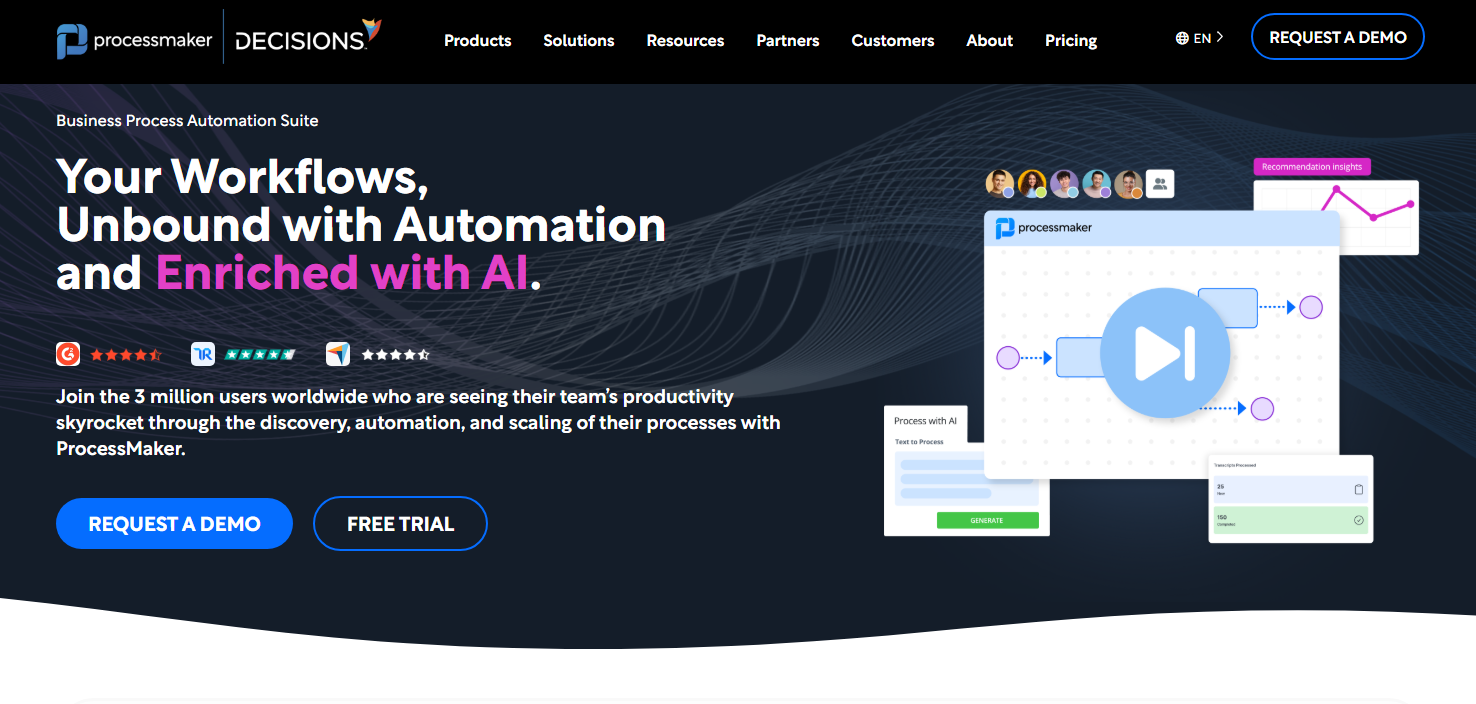
What it does: ProcessMaker is a low-code BPM platform for modeling approval workflows end-to-end.
Who it’s for: Enterprise organizations with complex, multi-department approval processes requiring formal process documentation.
ProcessMaker is the only tool on this list that supports BPMN notation, which is a standardized way to diagram business processes. This matters if auditors or compliance teams need to see exactly how your approval processes work.
I wasn’t familiar with this notation, so the learning curve was substantial. ProcessMaker assumes familiarity with process modeling concepts.
Key features
- Industry-standard process diagrams: Build workflows using BPMN notation for compliance and documentation.
- Low-code building: Create forms, integrations, and business rules without heavy coding.
- Enterprise connections: Integrates with SAP, Oracle, Salesforce, and other enterprise systems.
Pros
- Visual process designer that lets you lay out multi‑step approvals as flowcharts
- Meets compliance requirements for formal process documentation
- Can run on your own servers if needed
- SLAs, audit logs, and reporting out of the box
Cons
- Steep learning curve
- Takes a long time to implement
Pricing
ProcessMaker pricing starts at $3,000 per month, billed annually.
Bottom line
ProcessMaker is the right choice when your approval processes are complex and require formal process management. For simpler needs, other tools on this list will be faster to implement and easier to maintain.
How I tested these tools
To test these tools, I built approval workflows like expense routing, content sign-offs, and purchase requests, and ran them with realistic data.
What I looked for:
- Visibility during troubleshooting: Is there a transparent history of who approved what, and can I troubleshoot the workflow visually?
- Ecosystem fit: How well do approvals connect to business tools?
- Process depth: Do tools handle multi‑step, conditional routing, or just single approve and deny steps?
- Ease of use: How fast could I build the workflow? I looked for AI assistants and visual tools.
Choosing the right approval workflow software
The software you choose should match your use case. After testing all the above tools, here are my personal recommendations:
- Choose Zite if you want a custom approval app built in minutes with no per-seat pricing. Describe what you need, and Zite generates the database, forms, routing logic, and interface.
- Choose Wrike or Hive if you’re managing creative or marketing projects.
- Choose Jotform Workflows if you already use Jotform for forms, and your approvals start with form submissions.
- Choose Kissflow if you're standardizing approvals across a large organization and have the budget ($2,500/month minimum).
- Choose Tallyfy if you need clients or external approvals without creating accounts.
- Choose ProcessMaker if you need to diagram processes in BPMN notation for compliance purposes.
- Choose Formstack if you want to create forms and document automations directly within Salesforce.
- Choose Birdview if you run a consulting firm or agency and need approvals tied to project budgets and client billing.
- Choose Approveit if you want approvals without leaving Slack or Teams.
- Choose Monday if you already manage projects there and want approvals as status changes on your existing boards.
Build your workflows with Zite
Tell Zite the approval workflow you need, and it builds the steps, database, notifications, and the interface. It’s not a dedicated approval workflow system like Approveit, but if you’re looking to build apps with approval functionality, it can generate one in minutes.
The free plan supports unlimited users and apps. No credit card required.
Frequently asked questions
What is the best approval workflow software for businesses?
The best approval workflow software for most businesses is Zite because it helps teams build custom approval processes without coding.
Can I automate approval workflows without coding?
Yes, you can automate approval workflows without coding. Tools like Zite, Jotform, and Kissflow let you build approval chains using visual builders with conditional routing, notifications, and escalation rules.
What are approval workflows?
Approval workflows are step-by-step processes that send your requests to the right people for review and sign-off. For example, when you submit an expense claim, it might go to your manager first, then to finance.
What are some examples of approval workflows?
Examples of approval workflows include expense approvals, purchase requests, leave requests, and content publishing sign-offs. Each follows a defined sequence of submission to approval.

